

 See the flow
  Too Good To Go: Save Good Food
Top navigation bar with title, followed by an email input field, and the system keyboard at the bottom.
 See the flow
  Quinn - Audio Stories
The main content features a 'Welcome to Quinn' heading, followed by an email input field pre-filled with '[email protected]' and a checkmark icon indicating validation.
 See the flow
  EveryDollar: Budget Management
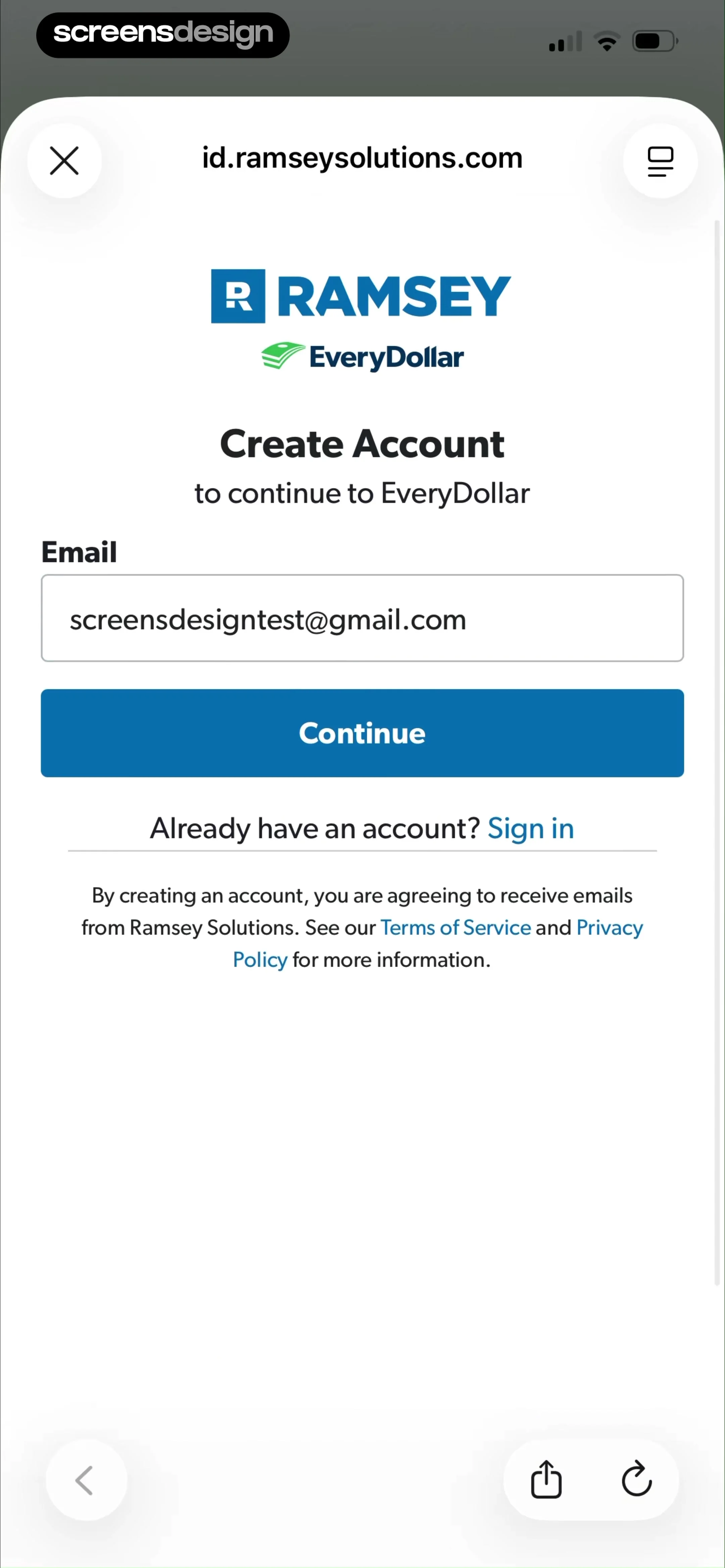
There is a single email input field currently populated with '[email protected]', followed by a prominent blue 'Continue' button.
 See the flow
  Deezer: Music Player, Podcast
This is a clean, minimalist email input screen for a user authentication or signup flow.
 See the flow
  Wikiloc - Trails of the World
This is a simple email input screen for user authentication or signup.
 See the flow
  Scanner App: Genius Scan
Below the header, there is a text input field for 'Email' with a descriptive subtext explaining that users can choose a recognizable name for the destination.
 See the flow
  ZARA
ZARAThe layout features a clean, minimalist aesthetic with a series of text input fields for Email, Name, Surname, Address, Flat/Unit/Floor, State/Province, Region, Post Code, and Mobile Phone.
 See the flow
  Refina: AI Plastic Surgery
The main form includes two input fields: one for email, pre-filled with '[email protected]', and one for a password with a visibility toggle icon.
 See the flow
  Good Food: Recipe Finder
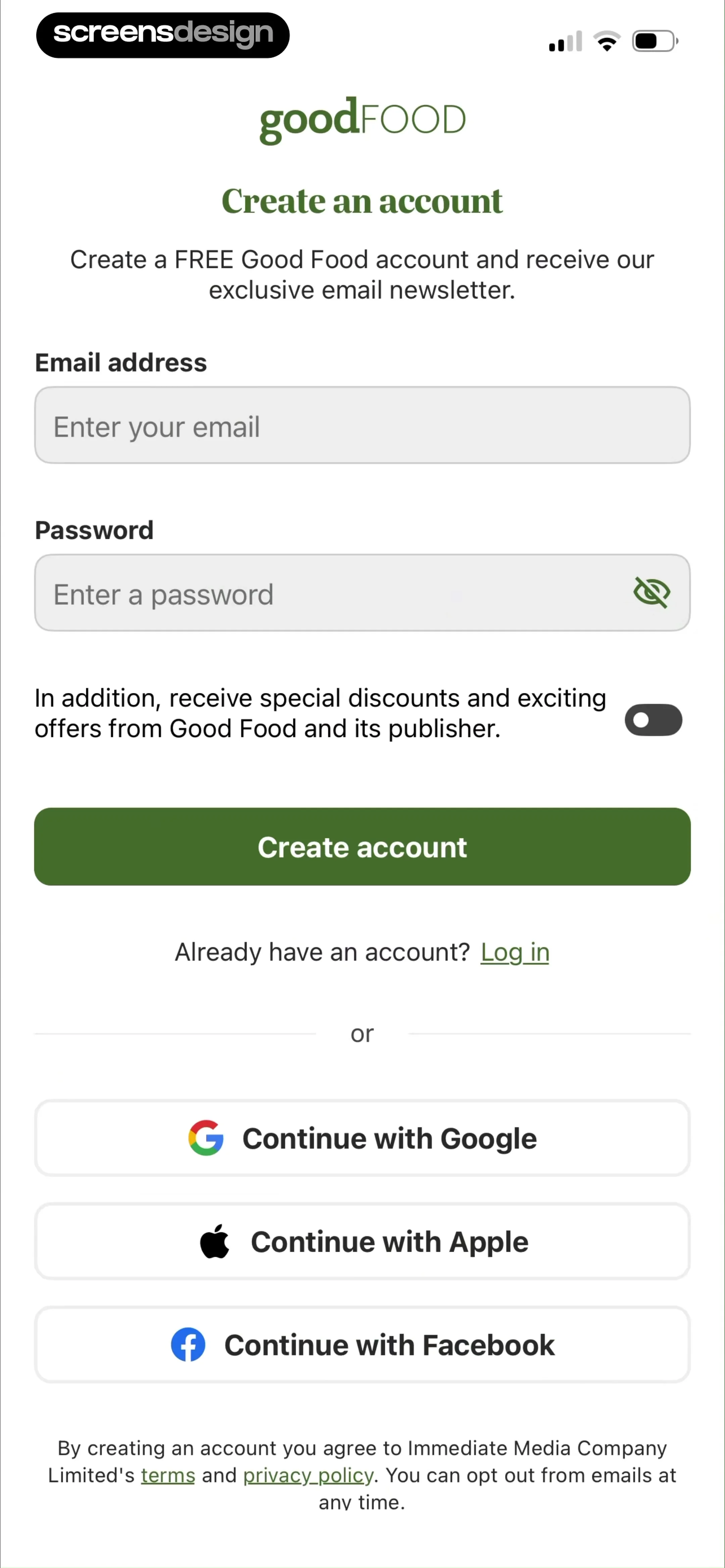
The form includes two primary input fields for 'Email address' and 'Password', with a toggle switch below for opting into marketing communications.
 See the flow ZARA
The layout is a vertical list of labeled input fields including Email, Name, Surname, Address, Flat/Unit/Floor, State/Province, City, Region, Post Code, and Mobile Phone.
 See the flow
  The Guardian - US & World News
The modal, titled 'Category', features a dropdown menu for selecting a report category, an optional text input field for providing a reason, an optional email input field, and a prominent blue 'Report' button.
 See the flow
  invideo AI: AI Video Generator
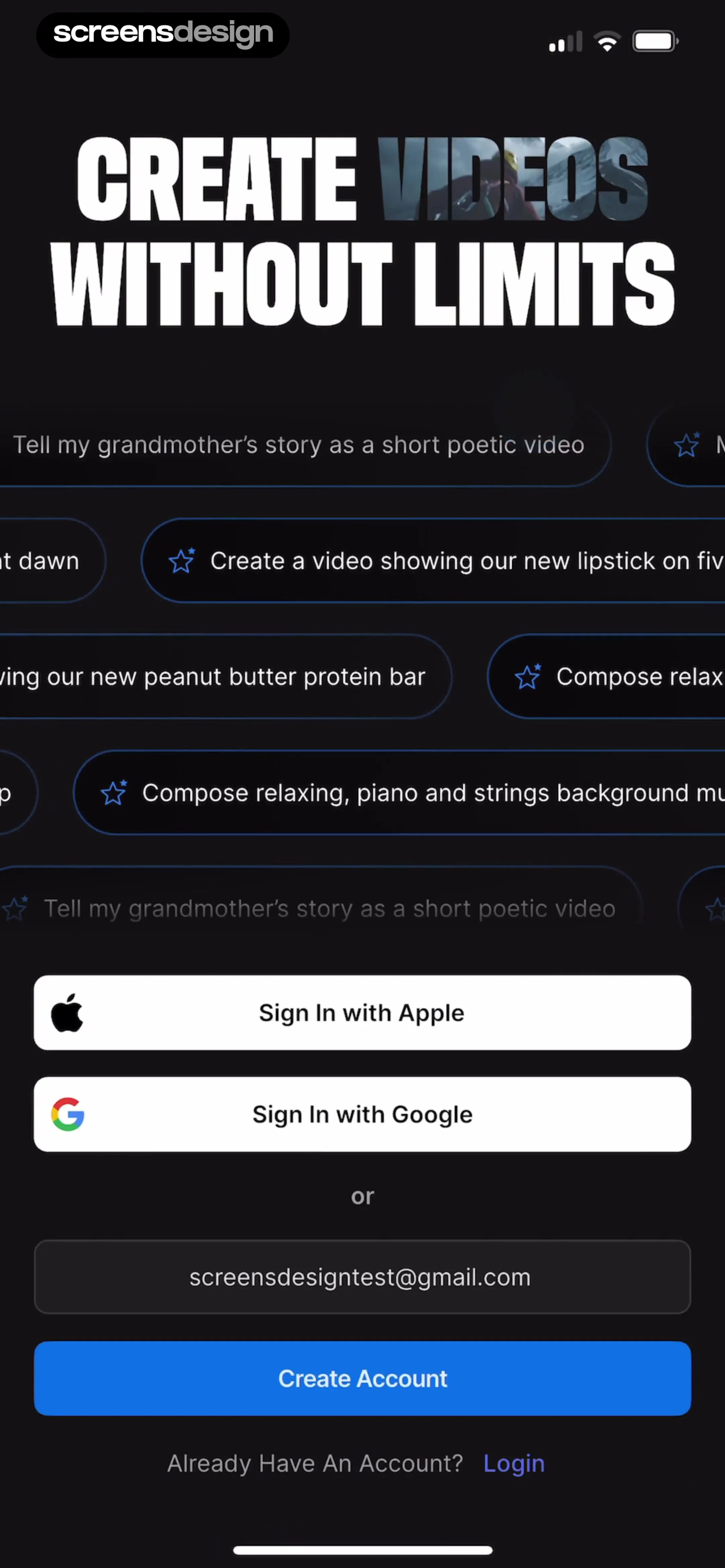
Headline at top, followed by a grid of prompt suggestions, then social sign-in buttons, an email input field, a primary action button, and a footer link.
 See the flow
  Windy.app — Wind, Tides, Radar
Below this, there are two input fields for email and password (the latter featuring a visibility toggle icon).
 See the flow
  ChatGPT
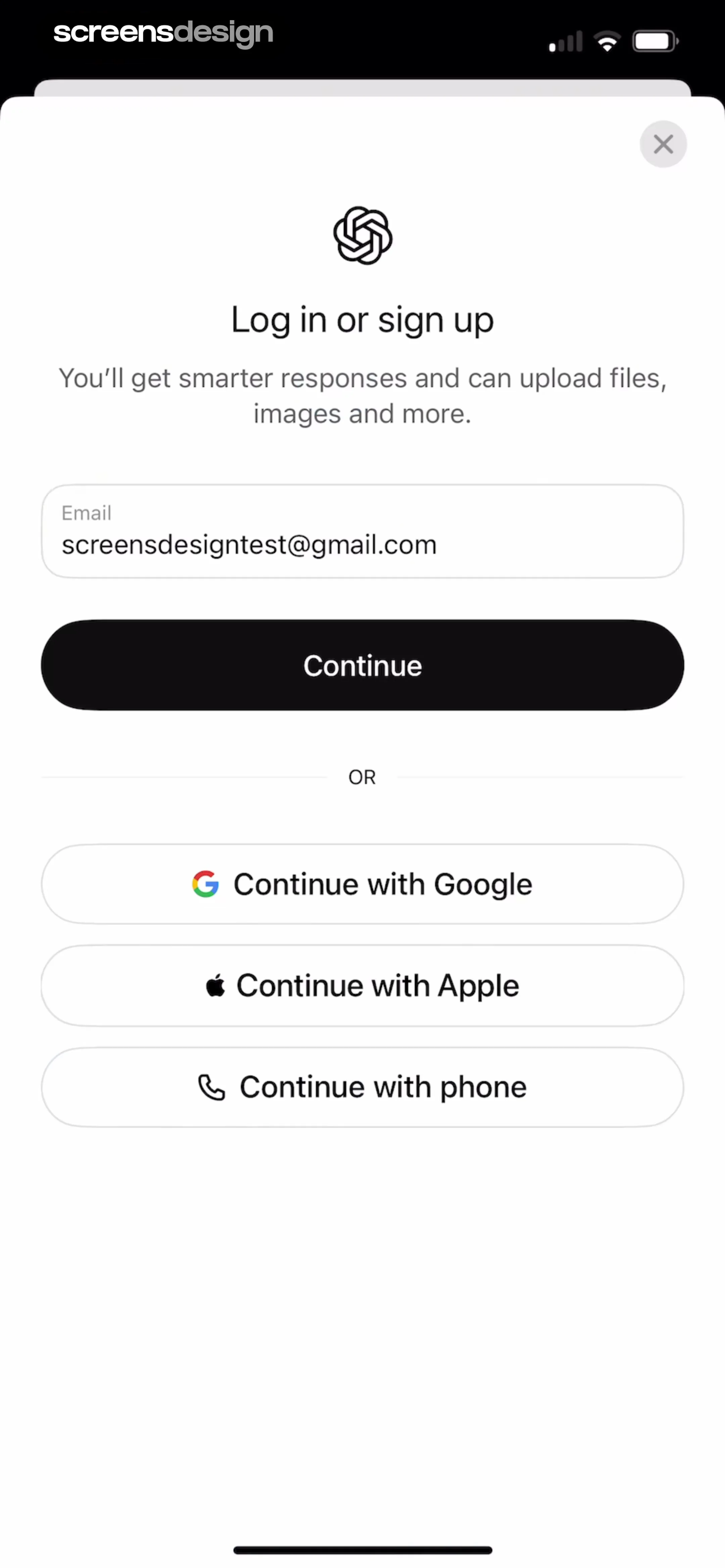
Below this, there is an email input field pre-filled with an email address, followed by a prominent black 'Continue' button.
 See the flow
  Gaia GPS: Mobile Trail Maps
The form includes input fields for 'Email' (pre-filled with '[email protected]') and 'Password' (masked with a visibility toggle icon).
 See the flow
  HelloBot - Astrology & Tarot
Below the title, there are two input fields: one for 'Email' (pre-filled with '[email protected]' and featuring a clear 'X' icon) and one for 'Password' (featuring a visibility toggle icon).
 See the flow
  Klook: Travel & Activities
Below this, there is an email input field pre-filled with '[email protected]', followed by a prominent orange 'Send verification code' button.
 See the flow
  bergfex: Hiking & Tracking
The form consists of two input fields: one for an email address (pre-filled with '[email protected]') and one for a password, which includes a visibility toggle icon.
 See the flow
  1.1.1.1: Faster Internet
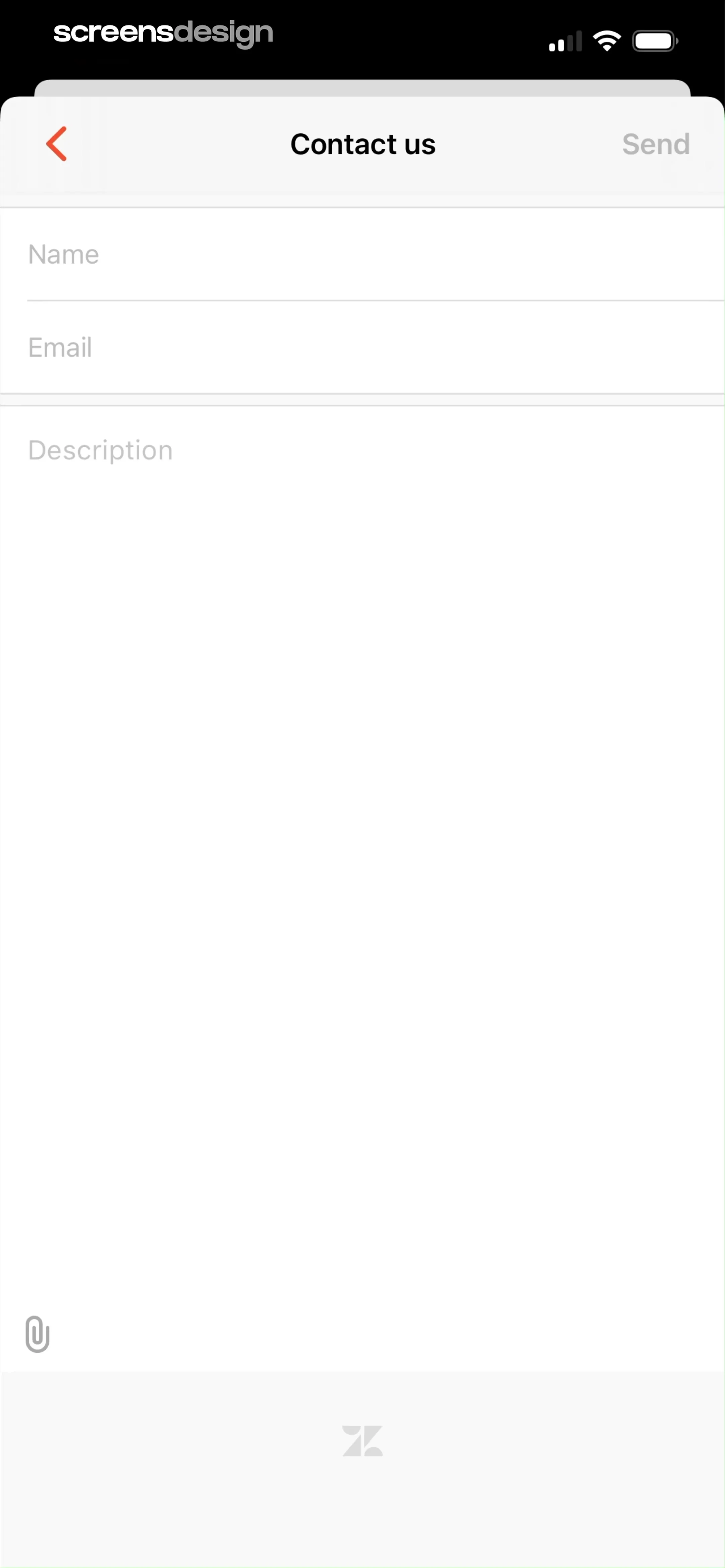
Below the header, there are three input fields: 'Name', 'Email', and a large 'Description' text area for the user's message.
 See the flow
  AI Song Generator: Mozart
A modal overlay centered on a settings screen with a top navigation bar and list items below.


