

 See the flow
  WeMoms - Pregnancy & Baby App
The “Password input” field appears at center.
 See the flow
  Fishbox - Smart Fishing App
The “Name” field appears at top middle.
 See the flow
  Debatium - Couple Game Convo
The “Add a player” field appears at bottom.
 See the flow
  Wallcraft – Wallpapers, live
The “Add 3 tags” field appears at middle lower.
 See the flow
  Sky Tonight - Stargazing Guide
The “Search” field appears at top.
 See the flow
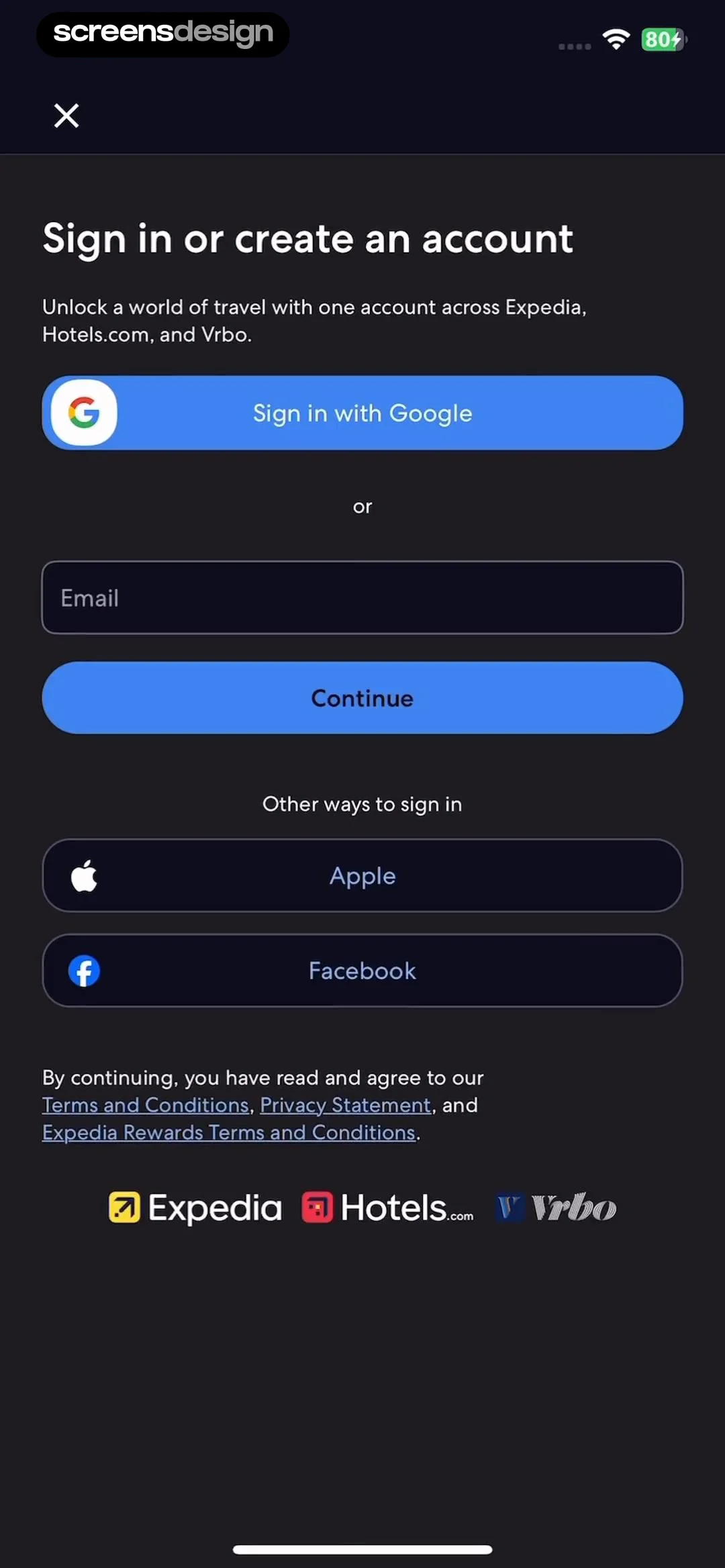
  Expedia: Hotels, Flights, Cars
The “Email” field appears at middle.
 See the flow
  Hotels.com: Book hotels & more
The “Email” field appears at middle.
 See the flow
  Rooms
RoomsThe “Color picker” field appears at bottom panel.
 See the flow
  Spoke Route Planner
The “Password input” field appears at center.
 See the flow
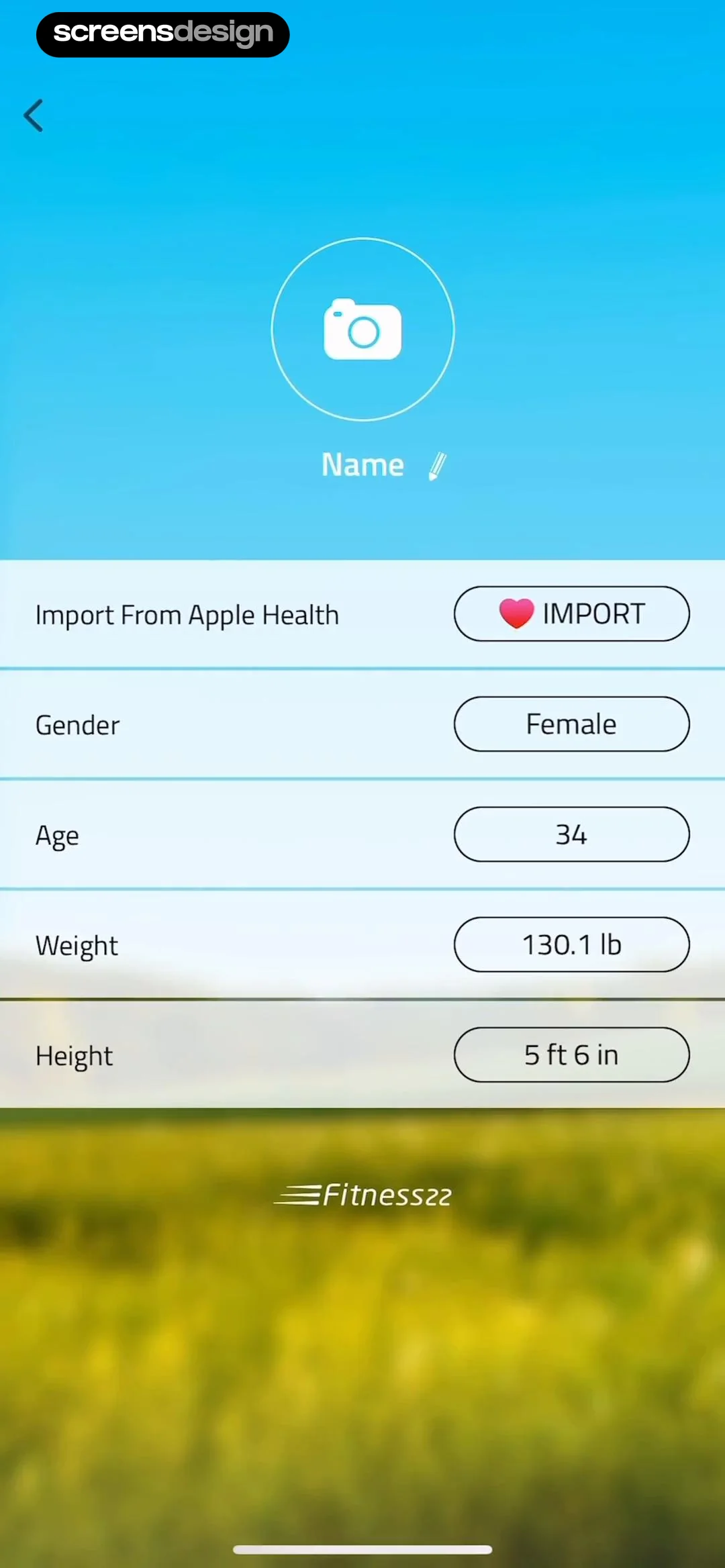
  10K Runner, Couch to 10K Run
The “Name” field appears at upper middle.
 See the flow
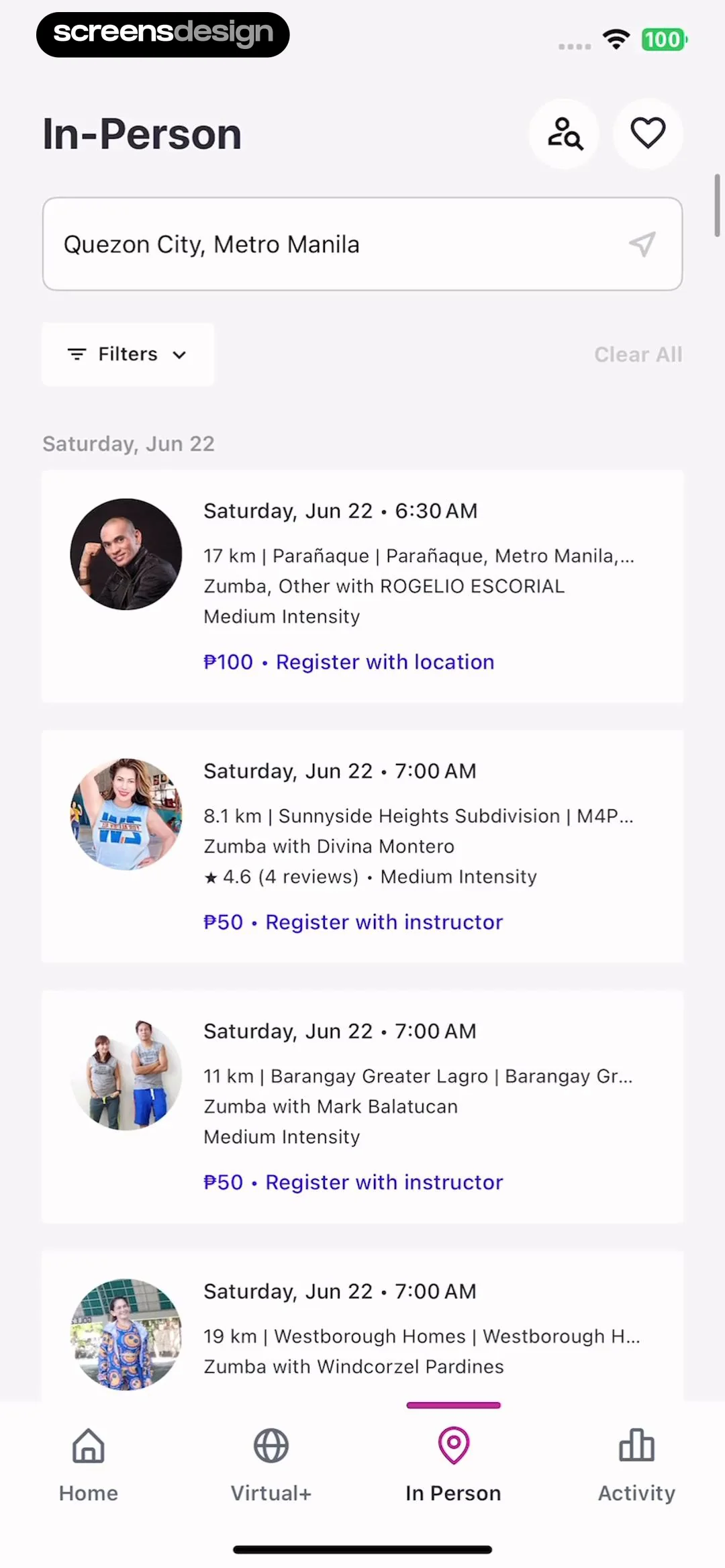
  Zumba - Dance Fitness Workout
The “Location Search” field appears at top center.
 See the flow
  ZEDGE™ Ringtones & Wallpapers
The screen is organized vertically with a header, instructional text, a six-digit code input field, a primary action button, a secondary link, and a numeric keypad at the bottom.
 See the flow
  Budget app - spending tracker
The “Enter name here” field appears at middle right.
 See the flow
  ScanAny-PDF Scanner App
The “agreement” field appears at center modal.
 See the flow
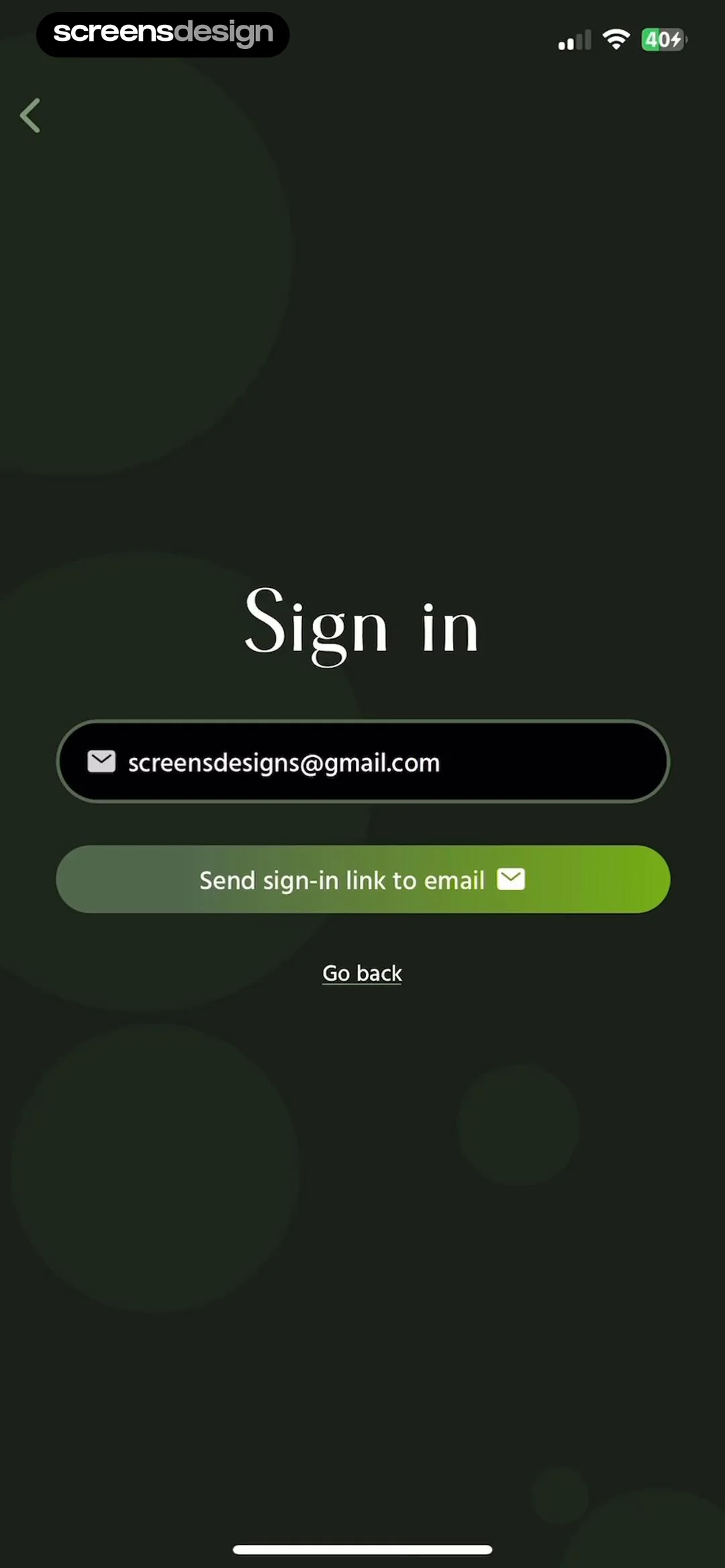
  Pick Up Limes
The “[email protected]” field appears at center.
 See the flow
  FLYP - Fashion Design Studio
The “Ask a question...” field appears at bottom.
 See the flow
  PDF Scanner AI: Scan Documents
The “Search” field appears at top middle.
 See the flow
  Tiny Scanner - PDF Scanner App
The “Password input” field appears at center.
 See the flow
  Equalizer - Volume Booster EQ
The “Search” field appears at top center.
 See the flow
  GoodNovel - Booktok, Stories
The “Password input” field appears at center.


