

 See the flow
  Too Good To Go: Save Good Food
Below this, an input field displays the user's email address ('[email protected]') with a clear-text 'x' icon on the right.
 See the flow
  Spoke Route Planner
The screen features a clean, minimal design with a large heading 'Your email address' at the top.
 See the flow
  Bible Chat: Daily Devotional
It features a clean, minimalist design with a centered prompt asking the user to provide their email address for follow-up communication.
 See the flow
  Rooms
RoomsThe main content area includes a bold heading 'Enter an email address' followed by a descriptive subtext explaining that a magic link will be sent to the user's email, eliminating the need for a password.
 See the flow Too Good To Go: Save Good Food
Below this, a label 'Email Address' sits above a text input field that currently contains the email '[email protected]'.
 See the flow
  WeMoms - Pregnancy & Baby App
At the top, there is a back navigation arrow and a centered heading asking 'What's your email address?'.
 See the flow
  GoodNovel - Booktok, Stories
Below this, there is a text input field labeled 'Email address' which currently contains the text '[email protected]'.
 See the flow
  Deezer: Music Player, Podcast
This is a clean, minimalist email input screen for a user authentication or signup flow.
 See the flow
  Vivino: Drink The Right Wine
The primary content is a prompt asking 'What's your email?' followed by a text input field pre-filled with the email address '[email protected]'.
 See the flow
  Wikiloc - Trails of the World
This is a simple email input screen for user authentication or signup.
 See the flow
  South China Morning Post: News
Below this is a single text input field currently populated with an email address ('[email protected]') and a prominent yellow 'NEXT' button.
 See the flow
  SubPilot: Cancel Subscriptions
A prominent input field with a mail icon allows the user to enter their email address, which is currently populated with '[email protected]'.
 See the flow
  Ascend: Bible Game
The modal is titled 'Email' and prompts the user to 'Update your email address'.
 See the flow South China Morning Post: News
Below this, the heading 'Confirm email' is displayed, followed by the instruction 'Welcome new user, please confirm your email address'.
 See the flow
  Meetup: Social Events & Groups
Top navigation bar followed by a vertical list of labeled input fields and a bottom-aligned primary action button.
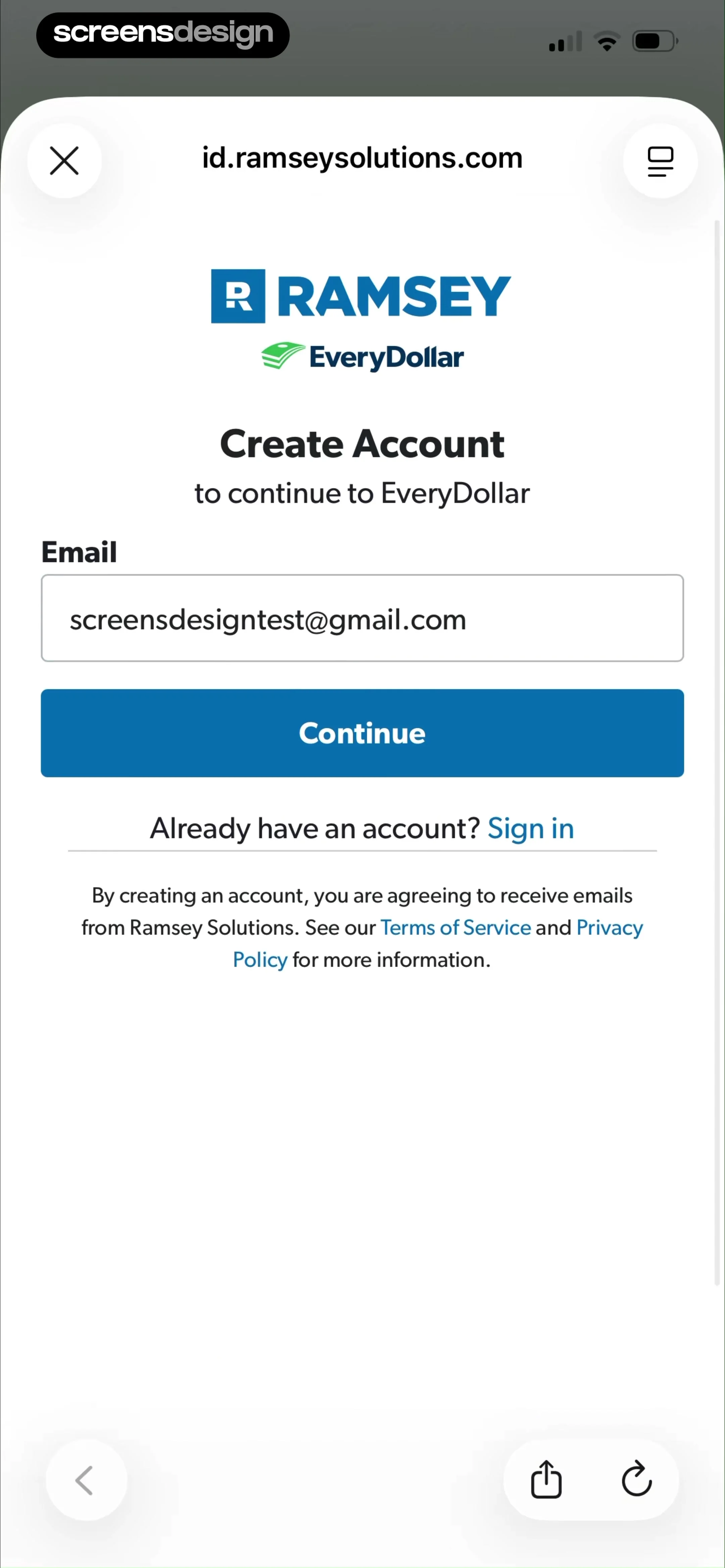 See the flow
  EveryDollar: Budget Management
There is a single email input field currently populated with '[email protected]', followed by a prominent blue 'Continue' button.
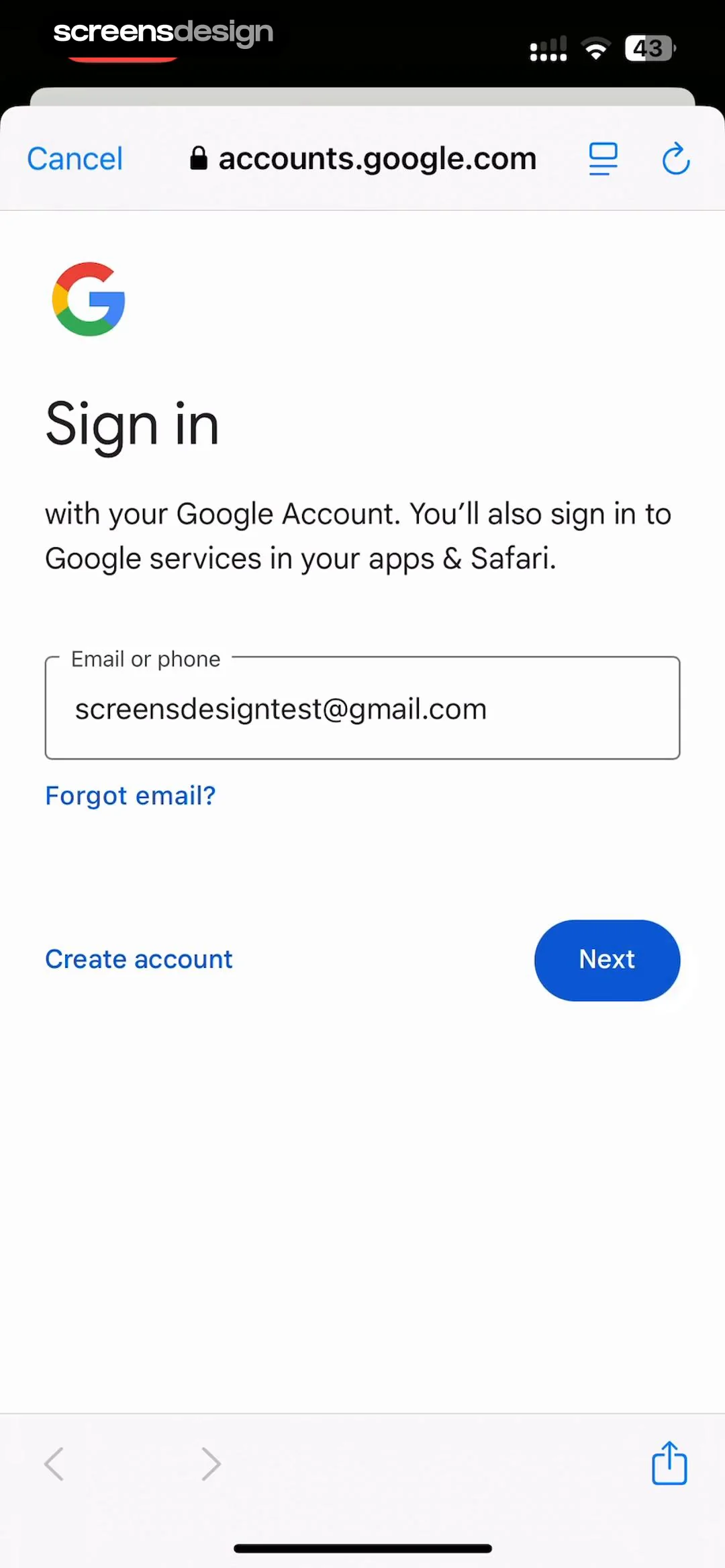 See the flow
  Google Gemini
A text input field is pre-filled with the email address '[email protected]'.
 See the flow
  Quinn - Audio Stories
The main content features a 'Welcome to Quinn' heading, followed by an email input field pre-filled with '[email protected]' and a checkmark icon indicating validation.
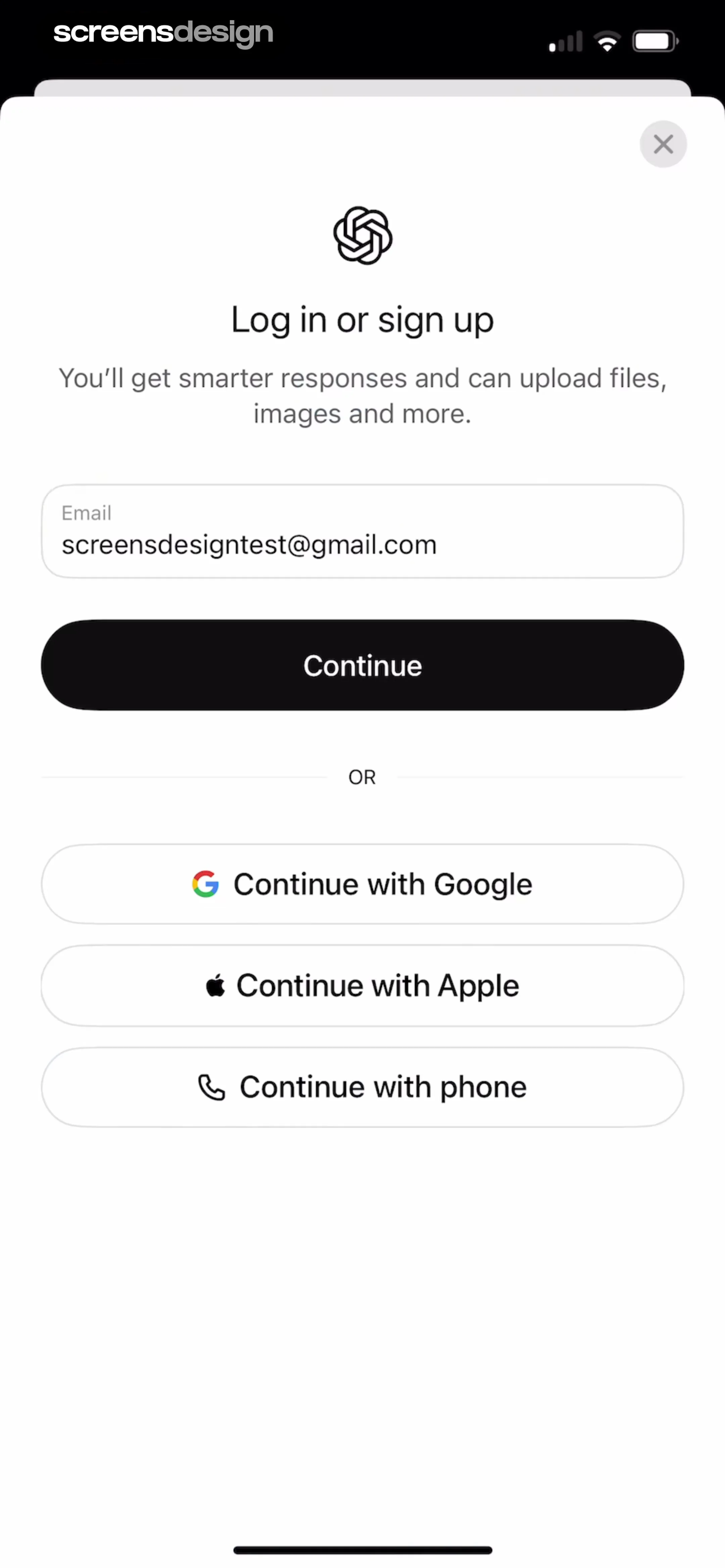 See the flow
  ChatGPT
Below this, there is an email input field pre-filled with an email address, followed by a prominent black 'Continue' button.
 See the flow
  AI Song Generator: Mozart
A modal overlay centered on a settings screen with a top navigation bar and list items below.

