Fitness onboarding research
13 Fitness App Onboarding Examples
Fitness onboarding earns attention when every question visibly changes the workout, schedule, or guidance that follows.
A fitness app usually needs context before it can recommend a safe, realistic starting point. The design problem is deciding which context matters now. Goals, current ability, weekly activity, available equipment, schedule, and constraints can all be relevant, but asking everything before the user experiences value creates a long form with no proof that the answers matter.
This review examines thirteen recorded screens from Zumba, Map My Run, 10K Runner, Numify, SunSafe, Pick Up Limes, and bergfex. Some examples sit beside conventional workouts but illustrate the same plan-design decisions: goal selection, capacity, routine construction, and the transition into action. They are interface evidence only, not proof of health outcomes, adherence, or conversion.
Use the app onboarding screens guide for the shared sequence principles. For nutrition-specific inputs and daily logs, compare the calorie tracker app design review.
01. Goal selection
Ask for the decision the plan can actually honor.
A goal is useful only when it changes content, pace, or measurement.
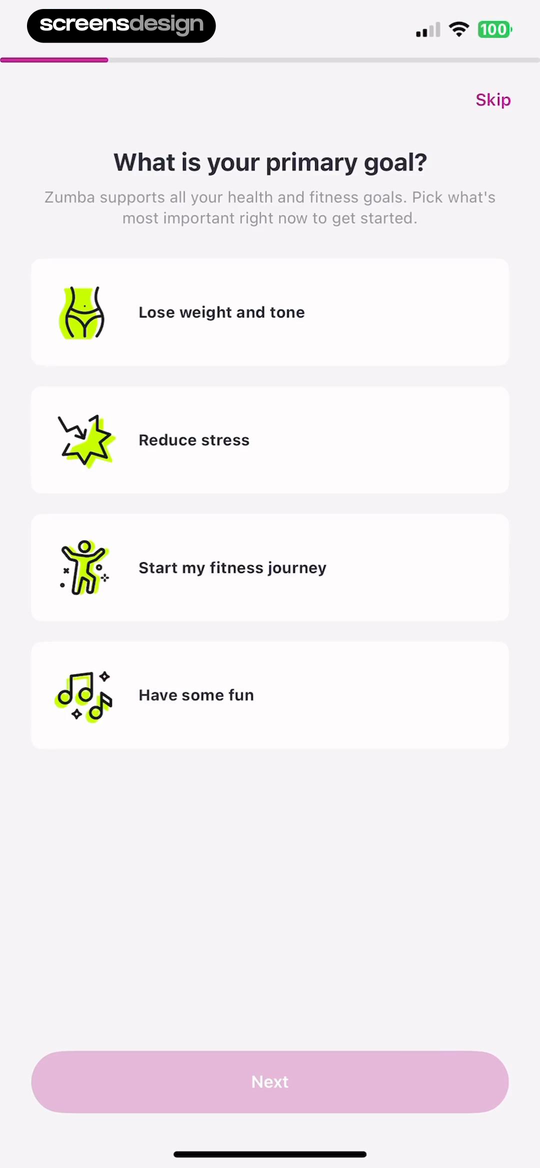
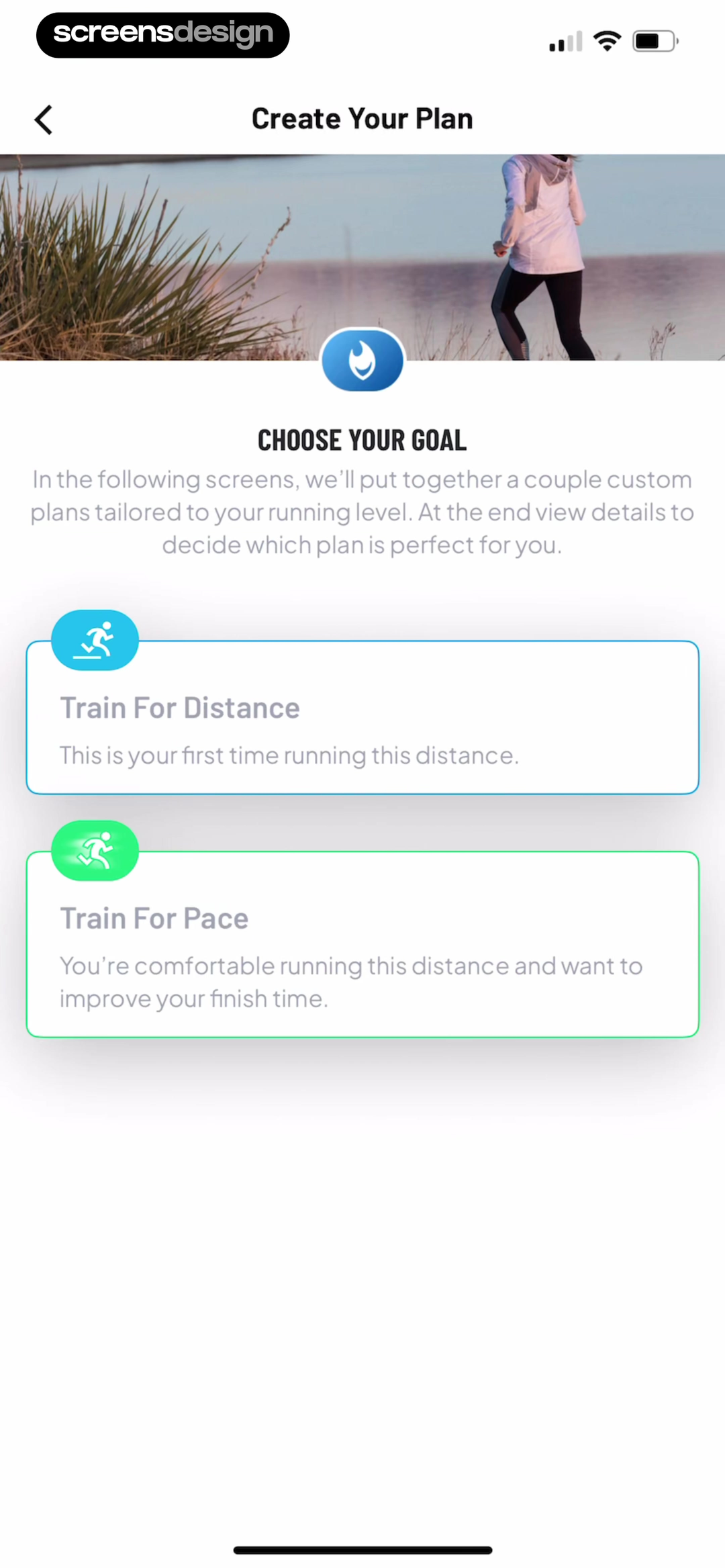
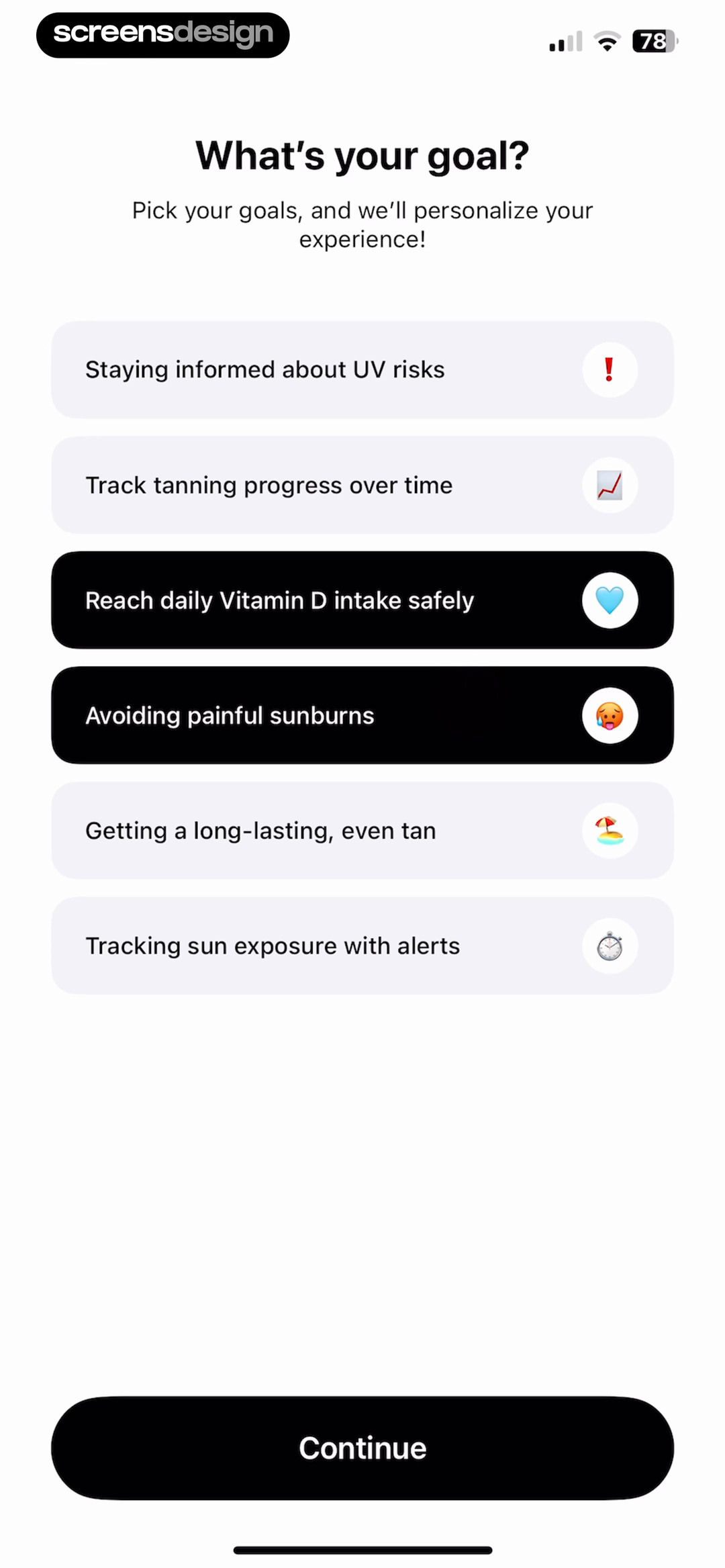
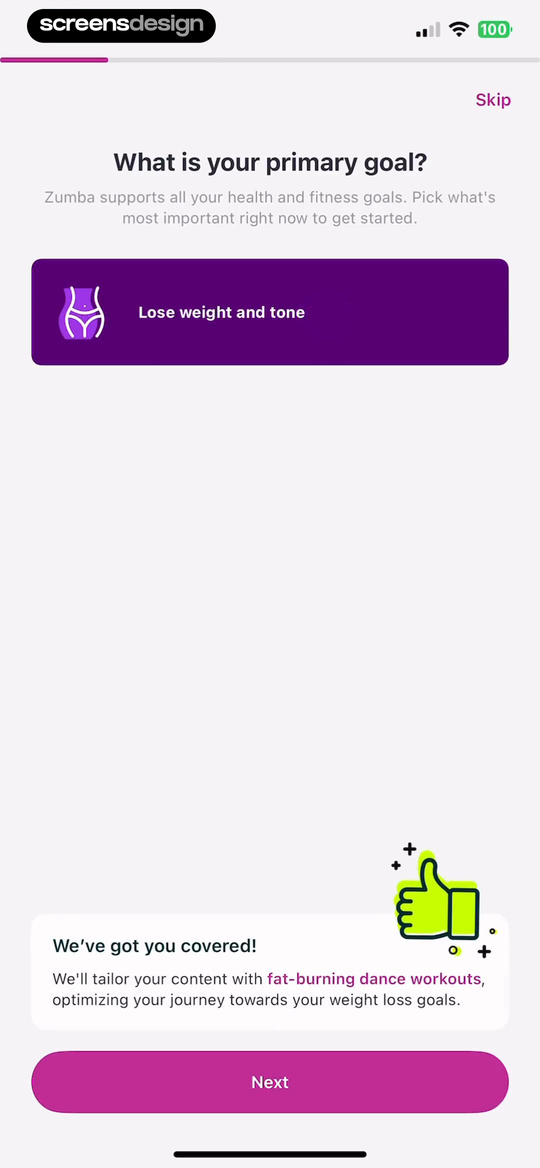
Zumba asks for one primary goal and immediately explains how a selected answer will tailor the workout mix. Map My Run distinguishes training for a new distance from improving pace at a familiar distance. SunSafe supports multiple goals because its routines can combine alerts, tracking, and exposure guidance. These interfaces use different selection models because the underlying plan logic differs.
Avoid broad options that all lead to the same recommendation. If lose weight, reduce stress, and have fun produce identical screens, the question creates false personalization. Either connect each answer to a visible change or remove the question. When a choice affects the plan, preview that consequence before moving on so users can correct a misunderstood label.
Health-related goals require careful language. Do not guarantee weight loss, recovery, or clinical benefit. Include a path for maintaining a habit, exploring the product, or starting gently. If the app is not a medical service, make that boundary clear where a user might otherwise interpret the plan as individualized medical advice.
02. Current capacity
Measure the starting point without making people perform expertise.
Current behavior is often more actionable than a self-assigned label such as beginner or advanced.
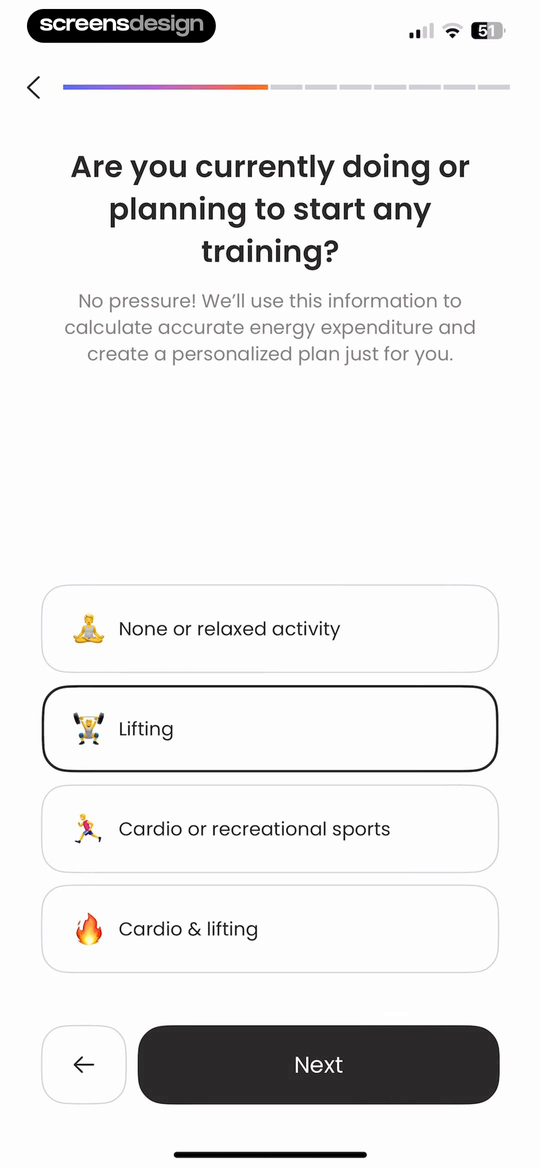
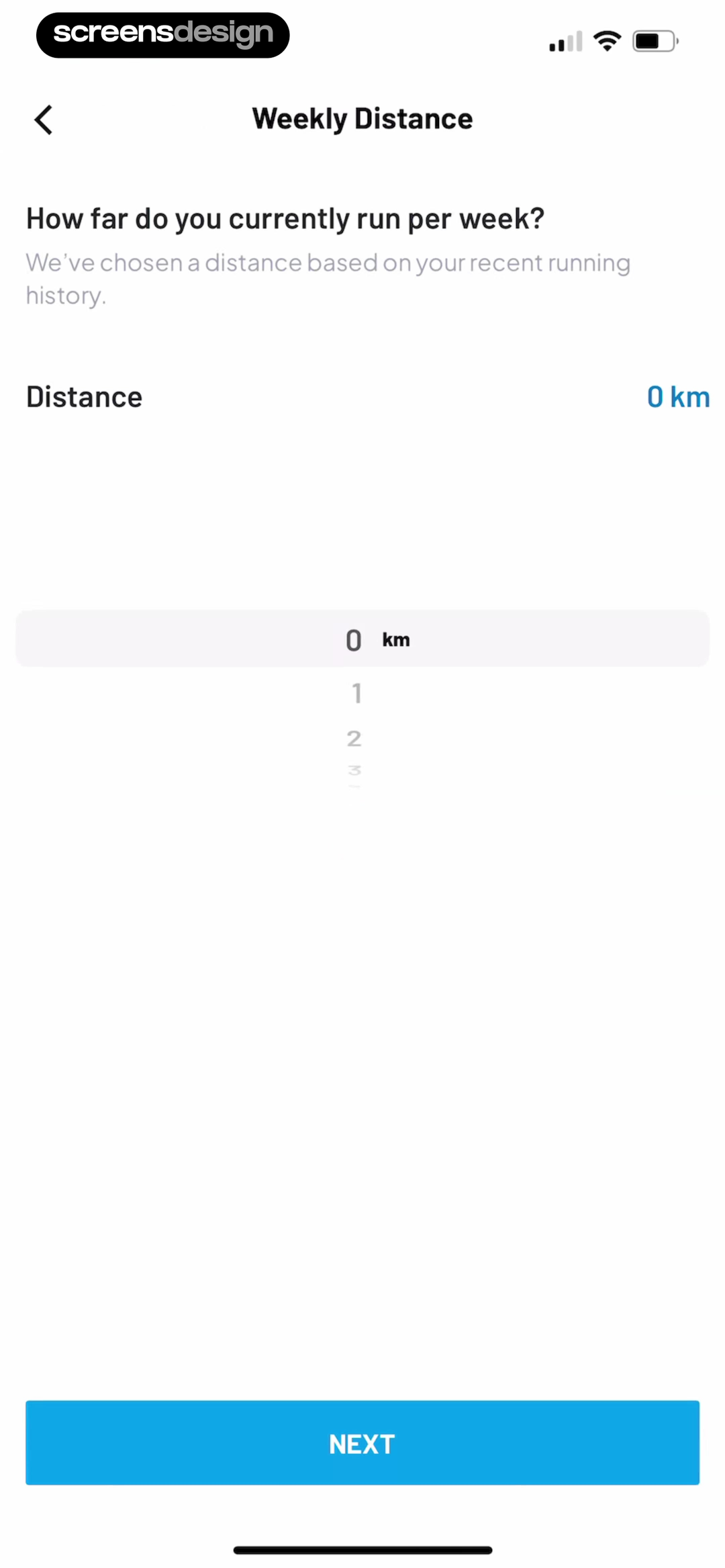
Numify asks whether the person currently trains and offers recognizable activity combinations. Map My Run asks for current weekly distance and explains that an existing value was chosen from recent running history. These questions give a plan a baseline. They also reveal an important distinction: inferred data should be editable, while self-reported data should not pretend to be precise.
Use examples, units, and time periods. How active are you is difficult to answer consistently; how many days did you train last week is easier. Provide an unsure or not currently training path. When an answer may expose an injury, pregnancy, eating disorder, or other sensitive condition, collect only what the product can handle responsibly and explain when professional guidance is appropriate.
Do not punish beginners with longer setup. A first session can establish capacity more reliably than a questionnaire. Consider offering a short assessment, then use observed completion, pace, and feedback to refine the plan. Always let a user reduce intensity without losing progress or being shamed by motivational copy.
03. Motivation and commitment
Make the commitment editable before making it motivational.
Encouragement should support a realistic choice, not push the largest target.
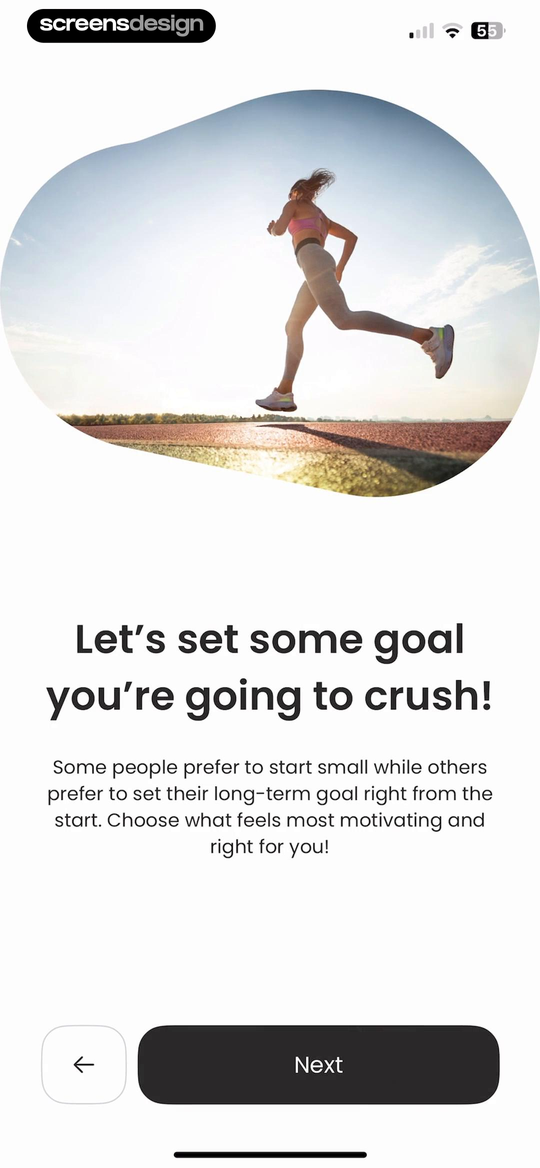
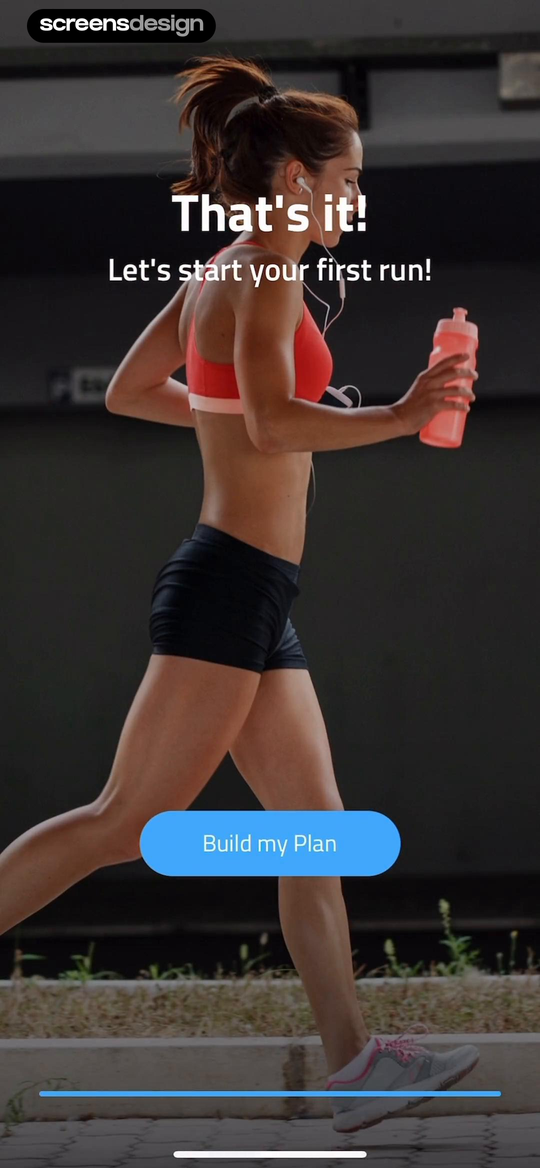
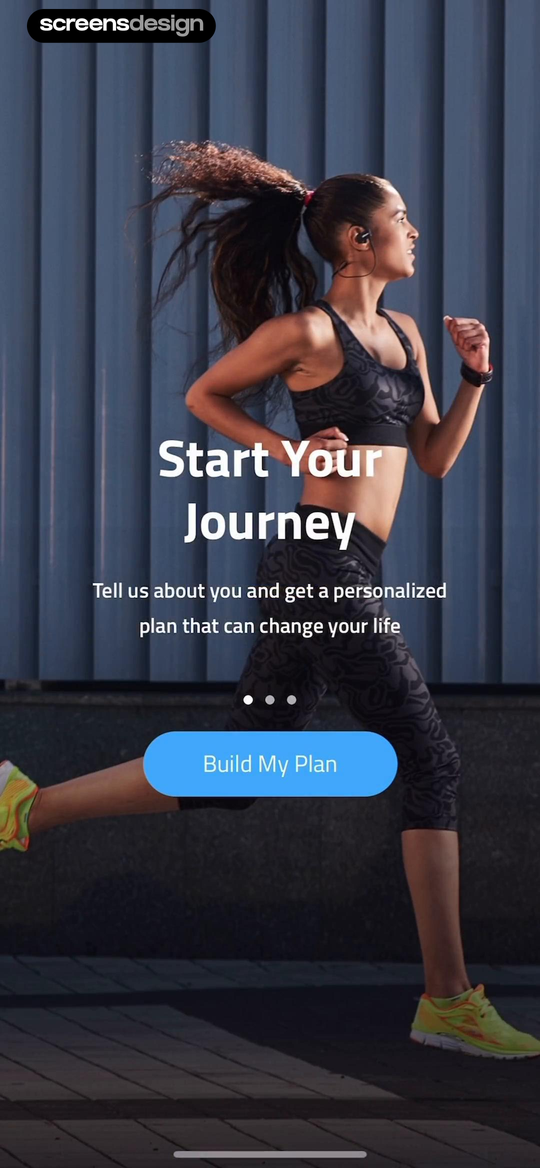
Numify introduces goal setting by acknowledging that some people prefer a smaller start and others prefer a long-term target. 10K Runner frames setup as building a plan, then ends with a direct first-run action. This sequence moves from intention to behavior without requiring a celebratory claim on every page.
Time commitment belongs beside the plan, not hidden in a settings menu. Show expected session duration, weekly frequency, rest, and the consequences of moving a day. Defaults should be conservative and adjustable. If reminders are part of the plan, ask after the schedule exists so the permission request can name a real time and purpose.
Motivational language is not a substitute for control. A person may miss sessions, pause a goal, or choose a lower intensity. Design these states before adding streaks. A progress system that only celebrates perfect compliance can make return feel like failure. Preserve completed work and offer a clear restart point.
04. Plan preview
Return the answers as a plan the user can inspect.
Personalization becomes credible when the output names specific sessions, durations, or content.
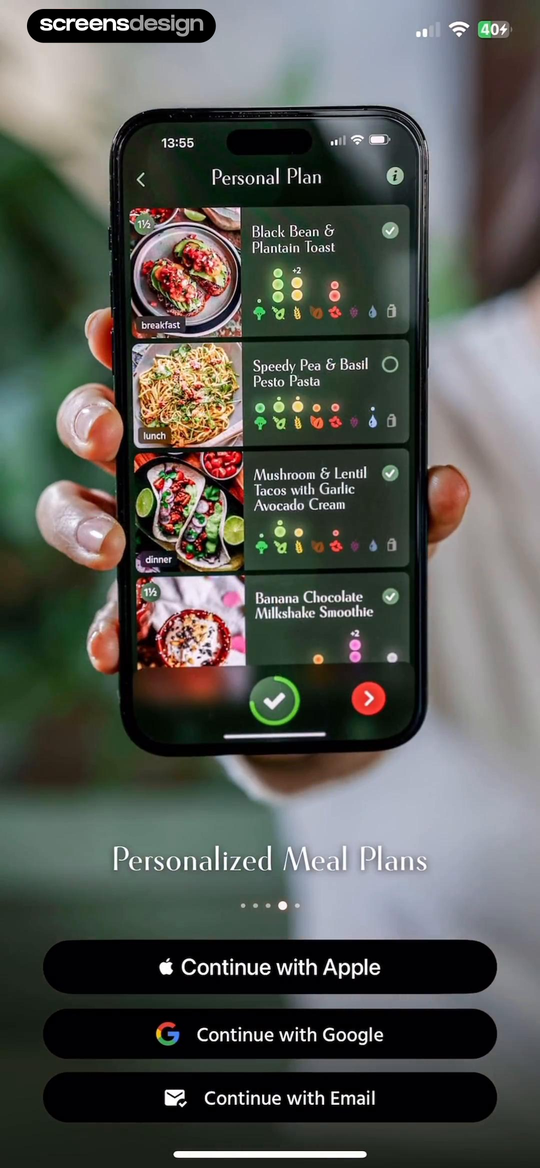
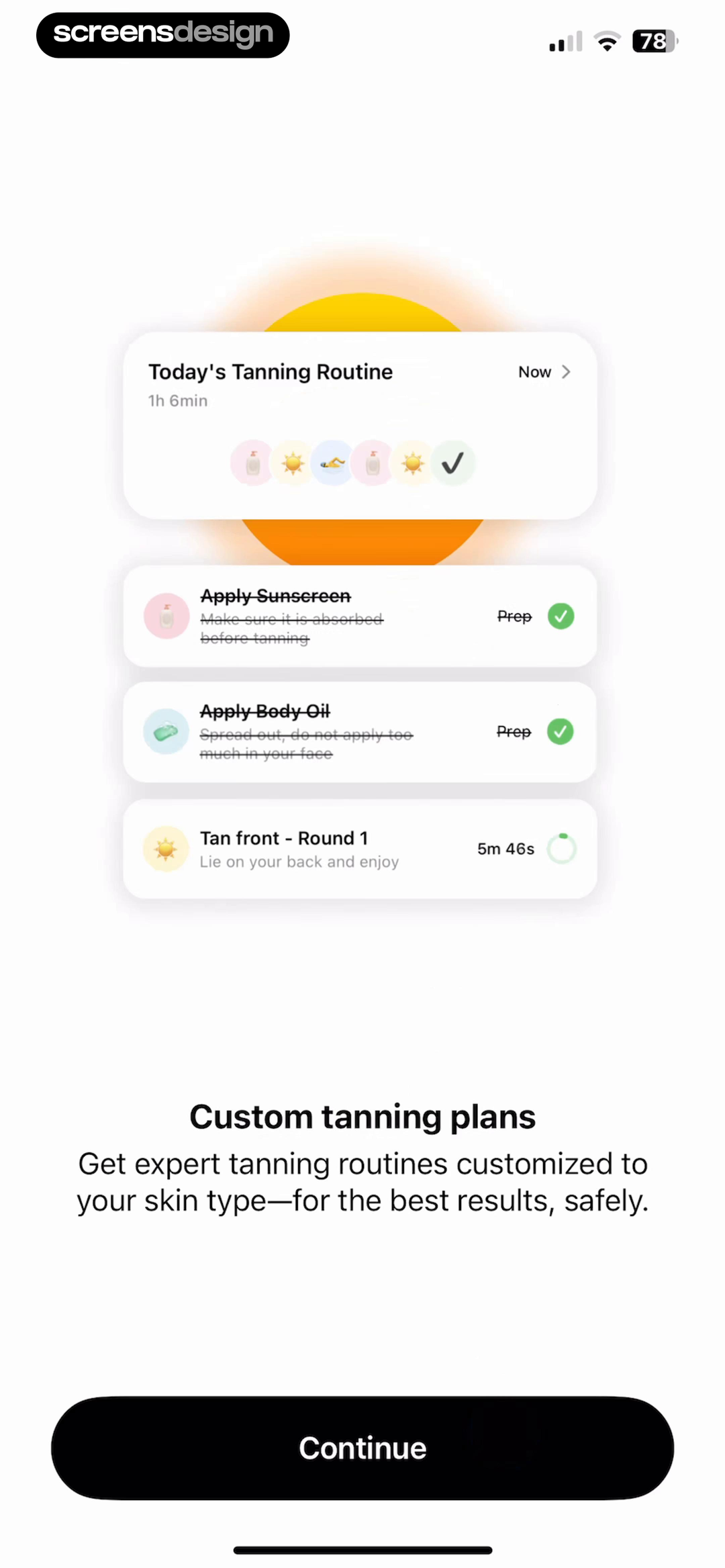
Zumba follows a selected goal with an explanation of the tailored content. Pick Up Limes shows a full day of meals and later demonstrates how a recipe fills a plan cell. SunSafe presents a timed routine with preparation steps. These outputs make the result of setup visible rather than ending on an abstract statement that a plan is ready.
A useful preview names the first week or first day, not only a projected long-term transformation. Show why the plan starts here, which inputs influenced it, and what can be changed. If the recommendation depends on incomplete information, identify the assumption. Let the user swap a session, alter equipment, or choose a shorter version before requiring an account or purchase.
When the full plan is paid, distinguish the preview from the entitlement. Do not collect a long questionnaire and then reveal that none of the result is available without payment. Show enough of the personalized structure to evaluate relevance, explain exactly what Pro unlocks, and preserve the answers if the user leaves.
05. First session
Let the user do a small piece of the real activity.
The first session should validate the plan and teach the controls at the same time.
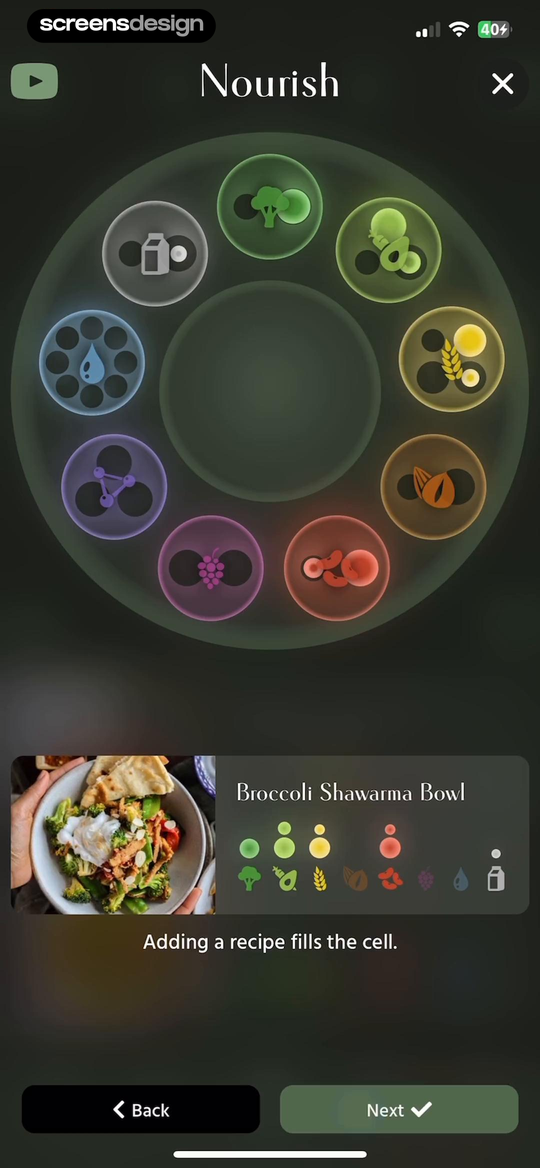
10K Runner keeps the activation step singular: start the first run. Pick Up Limes demonstrates the planning mechanic by filling one cell. bergfex moves from discovery to account creation, illustrating a common interruption point where teams should decide whether identity is necessary before exploration. The strongest path ends setup in the same interface the user will return to tomorrow.
Teach only the controls needed during the first activity. For a run that may mean start, pause, safety lock, audio cues, and finish. For a strength session it may mean set completion, rest timer, substitution, and difficulty feedback. Avoid showing a dense dashboard before these controls have meaning.
After completion, summarize what happened and offer one useful next action. Ask about difficulty or discomfort in language the recommendation system can interpret. Explain how the response will adjust future sessions. If the app suggests notifications, connect them to the schedule the user just accepted rather than asking for broad permission during the welcome sequence.

Review checklist
Test setup against a real first week.
Run onboarding with a beginner, experienced athlete, returning user, uncertain goal, denied health permission, and schedule change. Confirm that each path reaches a plan that can be inspected and edited. Review the same plan after a missed day, completed week, changed goal, and expired trial.
Measure questions by decision value. If removing an answer does not change the first recommendation or required safety boundary, defer it. Keep the final plan connected to the answers that created it, and make health claims reviewable by the appropriate domain experts before publication.
- Every setup question has a documented effect on the first plan.
- Goals use neutral language and do not promise health outcomes.
- Current capacity is expressed through behavior, units, and time periods.
- Users can choose unsure, not active yet, or a gentler starting point.
- The plan preview shows sessions, duration, progression, and editable assumptions.
- The first activity teaches only the controls needed in that moment.
- A missed session, reduced intensity, and plan pause all have respectful recovery states.
- Pro messaging names the paid capability and preserves answers when declined.
Questions and answers
Fitness app onboarding questions
What questions should a fitness app ask during onboarding?
Ask only for the goal, current capacity, constraints, equipment, or schedule needed to produce a safe and relevant first plan. Defer preferences that can be learned after the first activity.
How long should fitness onboarding be?
There is no universal screen count. Keep each question tied to a visible plan decision, show progress, support back navigation, and let users inspect value before adding optional profile detail.
How do fitness apps personalize onboarding?
They can use a selected goal, current behavior, experience, schedule, available equipment, and activity feedback to alter session type, duration, intensity, and progression. The result should show those changes.
When should a fitness app request Health access?
Request a specific data type when it can improve a visible task, explain read and write behavior separately, and provide a manual path if the user declines.
Where should a fitness app show a subscription offer?
Show it when the paid plan or capability is concrete. Preview the personalized structure, explain what remains free, and keep setup answers if the user does not subscribe.
How can I improve fitness app retention without dark patterns?
Make plans adjustable, support missed days, explain progress, send reminders for user-chosen schedules, and help people restart. Retention should come from a useful routine rather than forced streaks or obstructive cancellation.
Apps referenced in this page
Open the products behind the examples.






2,715 apps in the top charts.Ask them anything.
Search recorded fitness onboarding and plan-building screens, inspect what happens before the first session, and use ScreensDesign Pro to compare the exact goal, schedule, plan, or upgrade moment you are improving.