Travel planning UX
Articles
Original app design research built from recorded screens, complete flows, and practical product analysis.


Popular app teardown
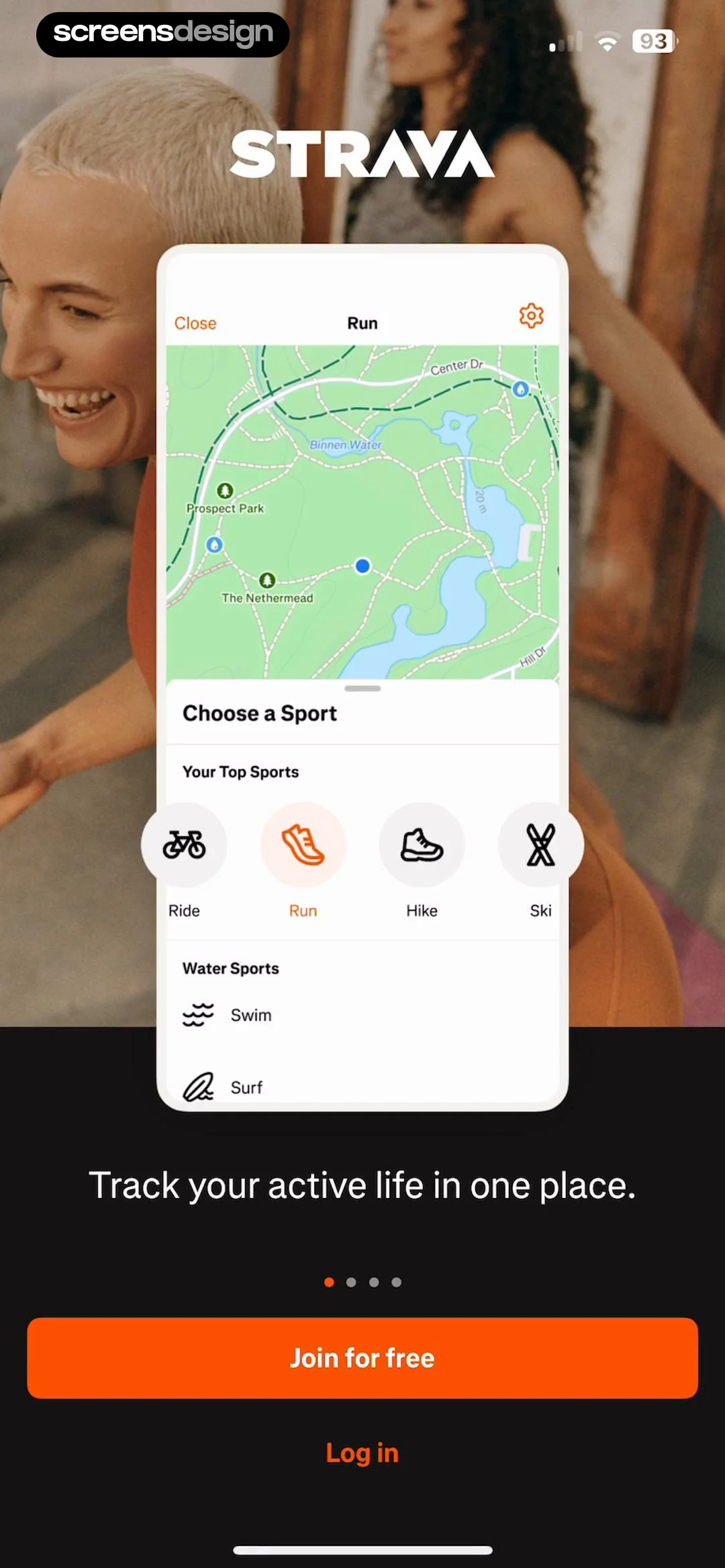
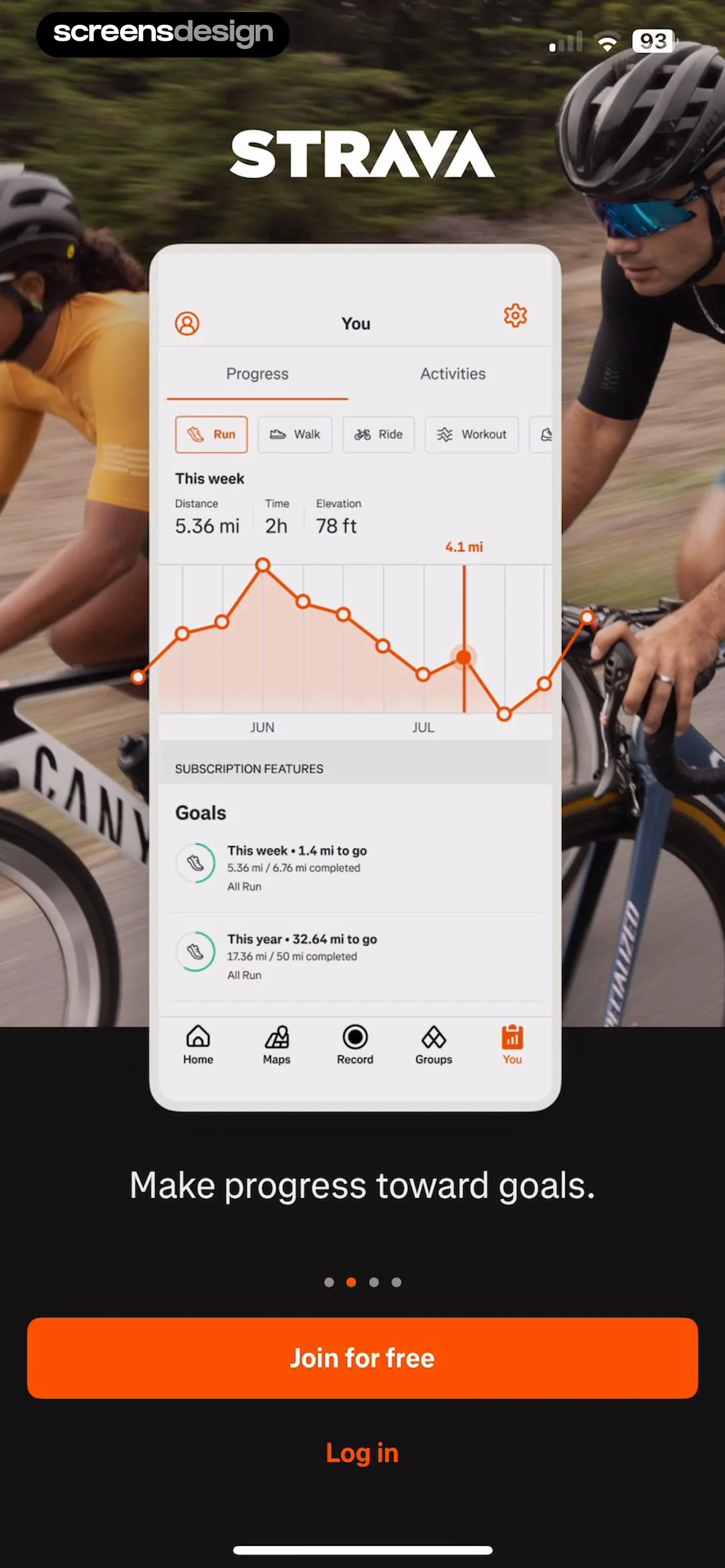
Strava Onboarding Design: 10 Recorded Screens Explained
Strava onboarding has to prepare two products at once: a reliable activity recorder and a social network built around those activities. Permission, privacy, sport context, and the first recording must remain coherent.September 8, 2026Read article
Plant care products
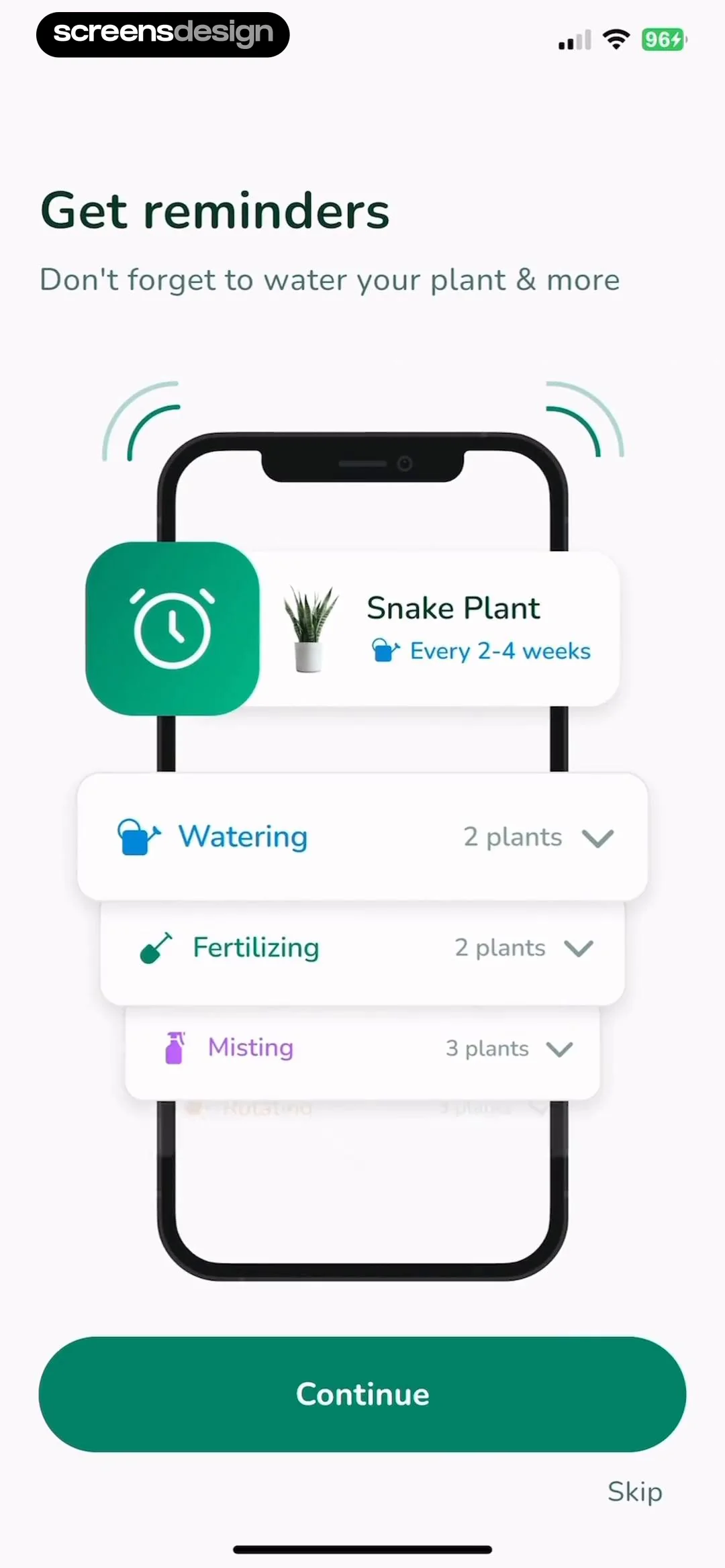
10 Plant Care App Onboarding Examples
Plant-care onboarding should help the user identify or add one real plant, then turn that object into a transparent care plan. Camera guidance, diagnosis confidence, reminders, and manual correction are central product states.September 8, 2026Read article

Cycle tracking UX
10 Period Tracker App Onboarding Examples
Period-tracker onboarding should collect only the history needed for an initial estimate, explain uncertainty, and let users choose which goals and sensitive data apply to them. Predictions must remain distinguishable from recorded facts.September 8, 2026Read article


First-screen copy
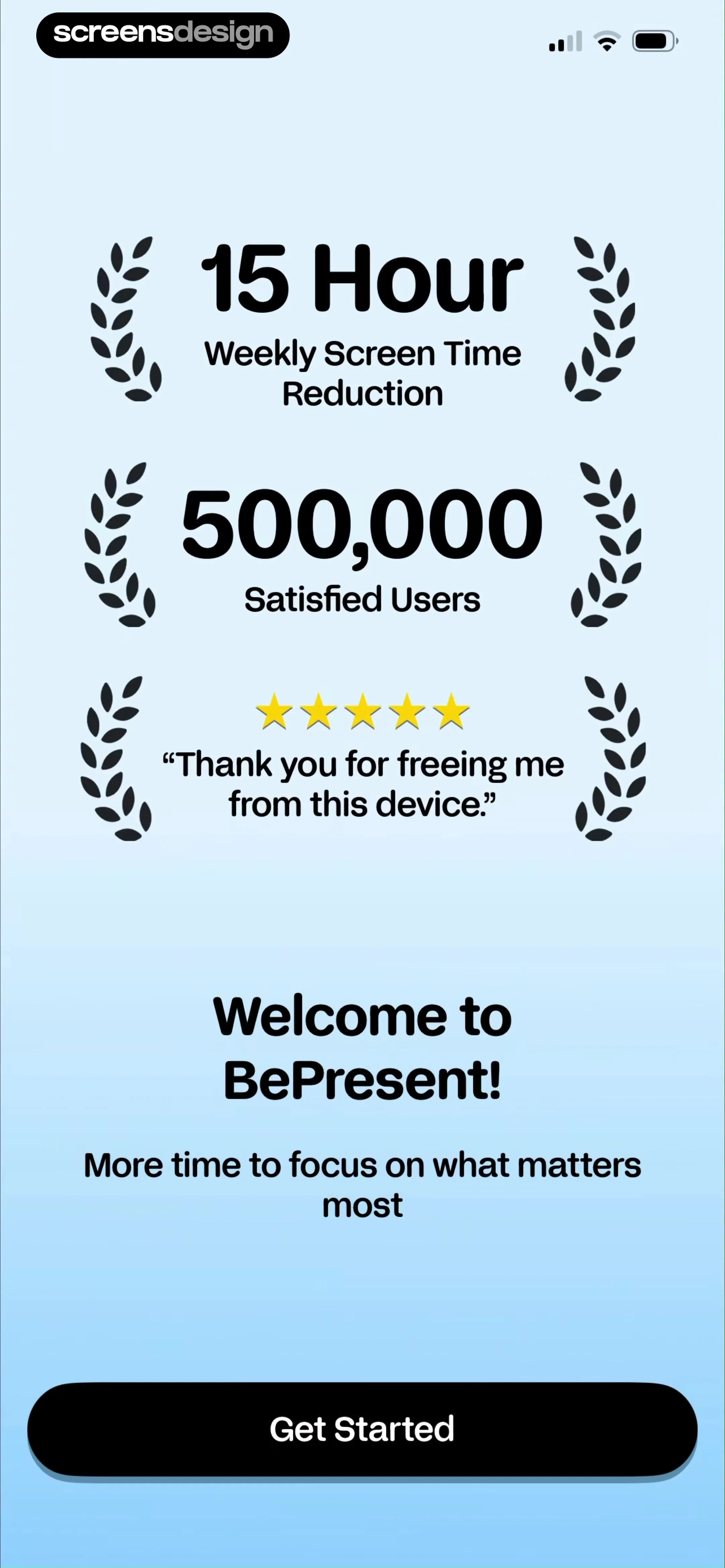
10 Mobile App Welcome Screen Copy Examples
Welcome copy should tell a new user what they can accomplish next, not celebrate that they installed the app. The headline names the outcome, the support line adds necessary context, and the primary action begins the experience.September 8, 2026Read article
Onboarding choice
10 Onboarding Skip Button Examples and UX Rules
A skip control should be visible, honest, and safe. It lets the person reach the product without pretending optional setup is mandatory, while preserving enough state for the app to continue sensibly.September 8, 2026Read article

Personalization inputs
10 Onboarding Goal Selection Screen Examples
A goal question earns its place when the answer visibly changes the plan, content, pace, or recommendations. The options should be understandable without product knowledge and broad enough to fit real motivations.September 8, 2026Read article


Product education
10 Mobile App Tutorial Carousel Examples
A tutorial carousel works when each card changes the user's mental model and the sequence ends in a real task. It should not be a slideshow of features that the product could reveal later in context.September 8, 2026Read article


Contextual onboarding
10 Mobile App Tooltip and Coach Mark Examples
A useful coach mark explains one unfamiliar action at the moment the action becomes possible. It points to a real control, keeps the surrounding interface readable, and disappears without trapping the user in a tour.September 8, 2026Read article


Paywall persuasion


