

 See the flow
  Ascend: Bible Game
The modal is titled 'Username' and prompts the user to 'Update your display name'.
 See the flow
  CraftBook: Crochet Made Easy
Below the image upload area, there is an input field for the user to 'Pick a community display name' with a '@' symbol prefix.
 See the flow
  bergfex: Hiking & Tracking
Below the header, there are three input fields for user profile information: 'Display Name' (pre-filled with 'Screensdesigntest'), 'First Name', and 'Last Name'.
 See the flow
  SmartNews: Now in Spanish
Below the header, there is an input field for 'Display Name*' currently populated with 'Clever Caracal', accompanied by a helper text explaining that the name can be real or made-up.
 See the flow
  Gaia GPS: Mobile Trail Maps
The main body includes a user avatar placeholder with an 'Upload Photo' button, followed by two text input fields for 'Display Name' and 'Username', each with descriptive helper text regarding uniqueness and change limits.
 See the flow
  WeMoms - Pregnancy & Baby App
At the top, there is a back navigation arrow and a centered heading asking 'What's your name?'.
 See the flow
  Particle: Personalized News
The screen prompts the user to enter their 'Full Name' in a large, bold font.
 See the flow
  invideo AI: AI Video Generator
A header with a back button and title, followed by three rows of labeled input fields with associated action buttons.
 See the flow
  AI Song Generator: Mozart
Below this, the heading 'Change your name' is displayed, followed by a subtext explaining that this name will appear on the user's profile and tracks.
 See the flow
  Wallcraft – Wallpapers, live
A centered modal titled 'Change username?' prompts the user to update their display name, featuring an input field pre-filled with the current username and two buttons: 'Cancel' and 'OK'.
 See the flow
  HelloBot - Astrology & Tarot
This is a simple profile editing screen in the HelloBot app where a user can update their display name.
 See the flow Gaia GPS: Mobile Trail Maps
Top navigation bar, centered logo, form fields stacked vertically, bottom consent checkbox, and browser navigation bar.
 See the flow
  Litres: Audio
Header with back button and profile image, followed by a form with input fields, a bio text area, privacy settings, and a bottom navigation bar.
 See the flow
  Useless - Screen Time Control
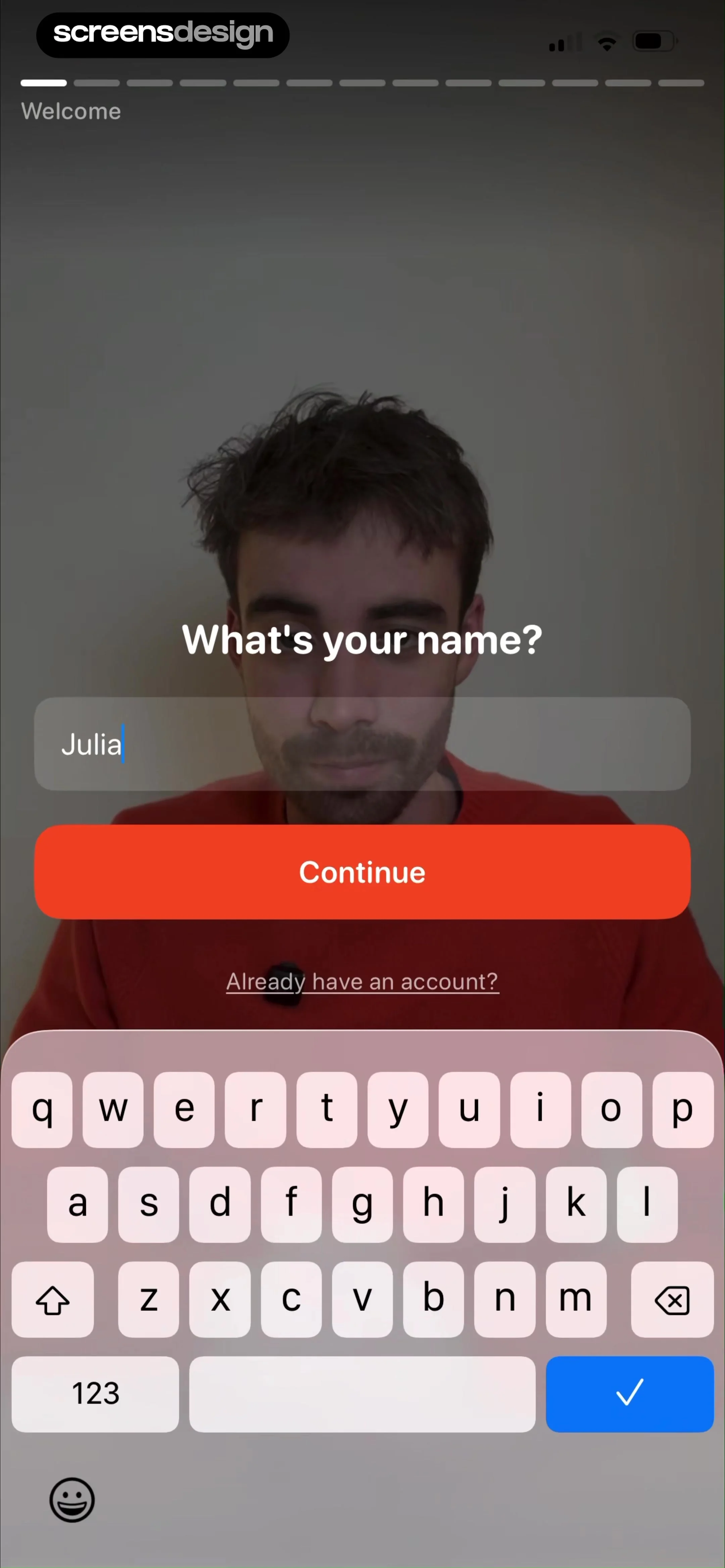
The central focus is a prompt asking 'What's your name?', accompanied by a text input field currently populated with the name 'Julia'.
 See the flow
  EveryDollar: Budget Management
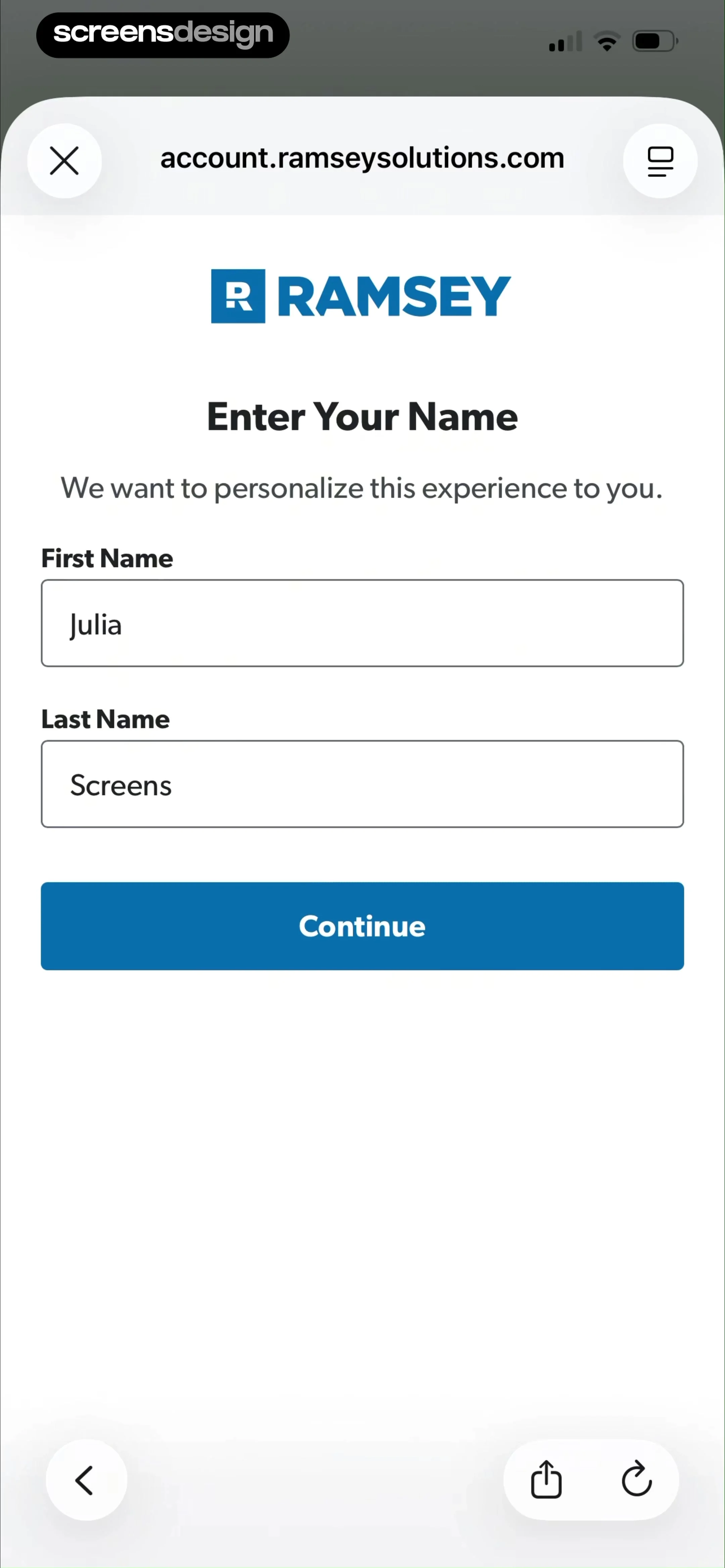
Below the logo, the heading 'Enter Your Name' is displayed, accompanied by a sub-heading explaining the purpose of the request.
 See the flow
  Pool, the screenshot app
Below this, the text 'Your Name' is displayed in a bold, dark serif font, followed by the instruction 'Enter your given name, so we know what to call you.' in a smaller, lighter font.
 See the flow
  VSCO: Photo & Video Editor
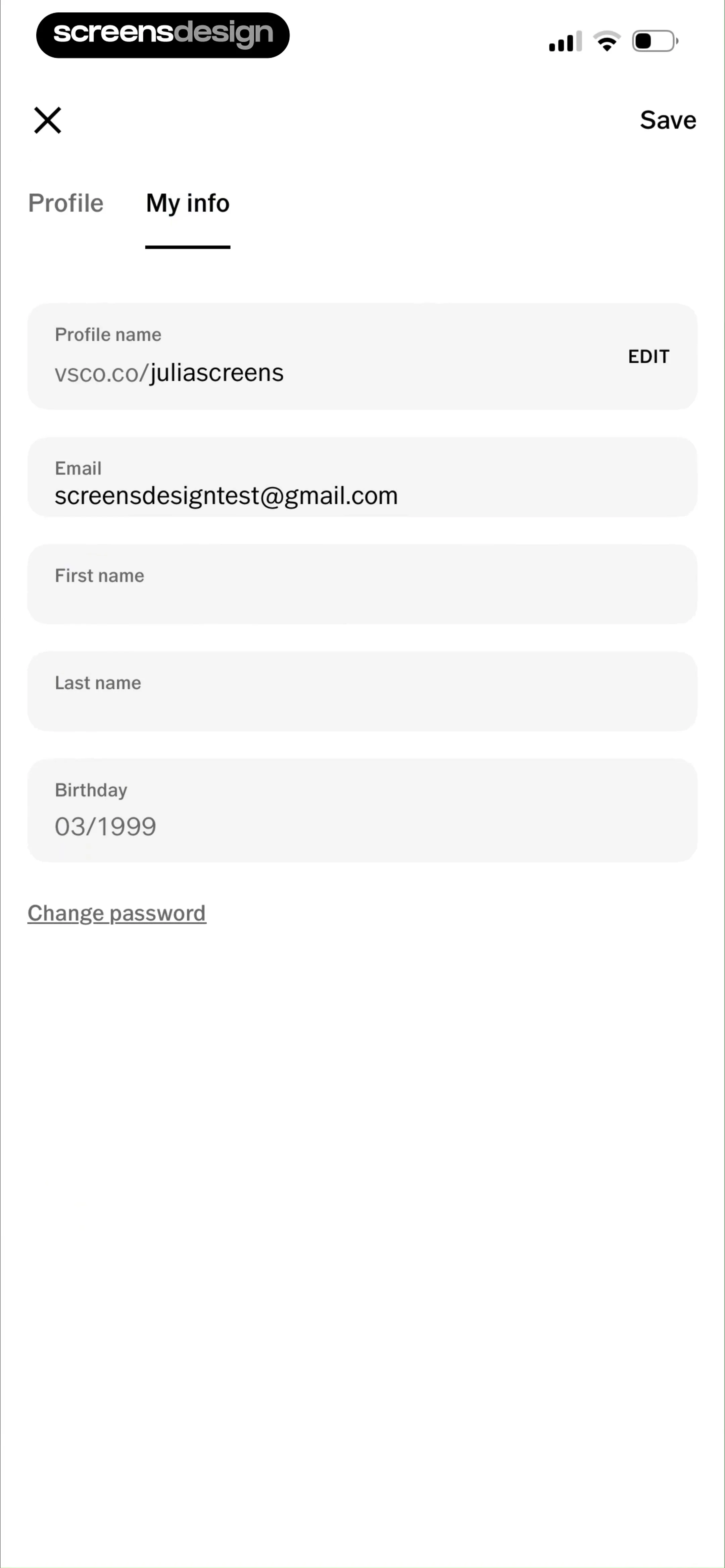
Top navigation bar followed by a tabbed sub-header, then a vertical list of input fields, and a bottom link.
 See the flow
  Fishbrain - Fishing App
The fields include 'Username' (juliascreens), 'Biography' (with a chevron indicating a drill-down), 'First name' (Julia), 'Last name' (Screens), 'Email' ([email protected]), and 'Country' (Philippines, with a chevron).
 See the flow
  Zalando – Online fashion
Top navigation bar, followed by a vertical list of input fields, a radio button selection group, and a large bottom action button, with a persistent bottom navigation bar.
 See the flow
  Blinq: Digital Business Card
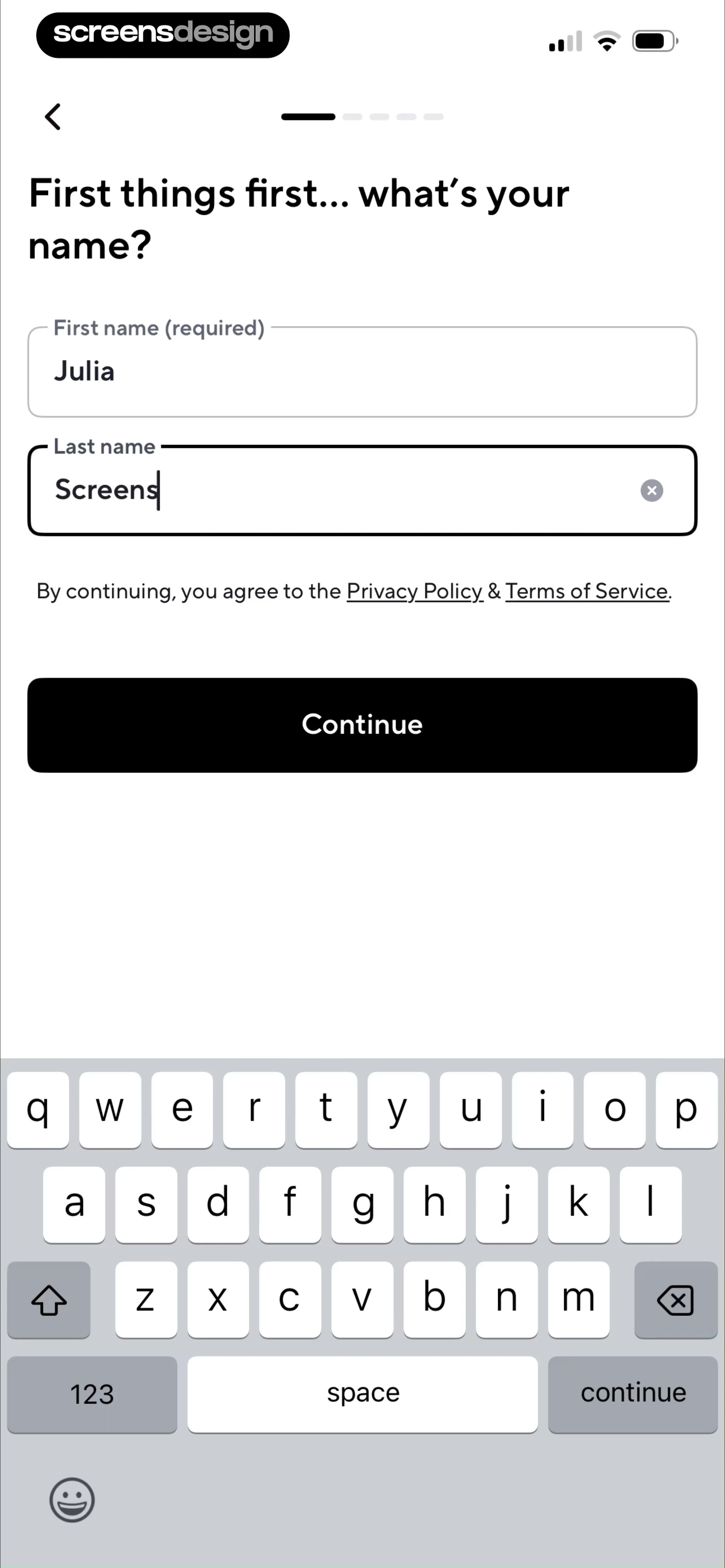
Below the heading are two text input fields: 'First name (required)' pre-filled with 'Julia' and 'Last name' currently being edited with the text 'Screens'.


