
 See the flow
  DAZN: Stream Live Sports
The modal contains two primary buttons: a white 'SEE WHAT'S ON' button to cancel the deletion and return to content, and a dark grey 'DELETE ACCOUNT' button to proceed with the deletion.
 See the flow
  Good Food: Recipe Finder
Top navigation bar with back button and title, followed by a block of informative text, and two stacked buttons at the bottom.
 See the flow
  TCG Card Scanner & Value-Foloy
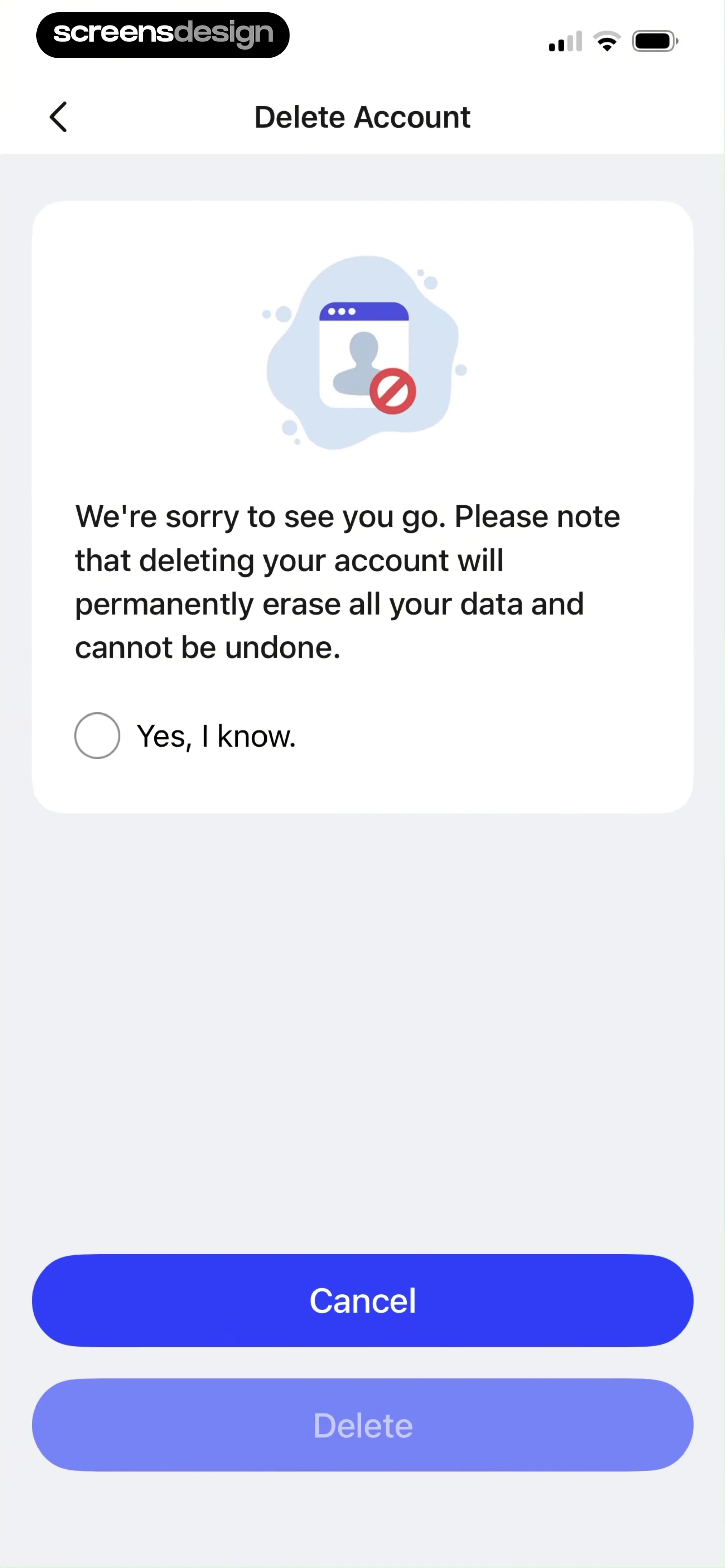
It features a top navigation bar with a back arrow and the title 'Delete Account'.
 See the flow
  SmartNews: Now in Spanish
This is a 'Delete account' confirmation screen in the SmartNews app.
 See the flow
  Litres: Audio
Header with back button, followed by three stacked input fields, a character counter, a large primary button, and a bottom navigation bar.
 See the flow
  SubPilot: Cancel Subscriptions
A 'Delete' button is present at the bottom, currently in a disabled state.
 See the flow
  Yik Yak
The modal features a bold title 'Confirm Account Deletion', followed by instructions to type the word 'delete' into a text input field and then tap the 'Delete Account' button.
 See the flow
  calimoto Motorcycle Navigation
This screen displays a 'Delete Account' confirmation modal overlaid on an 'Account' settings page.
 See the flow
  Claude by Anthropic
At the bottom, there is a 'Delete account' option with a trash icon.
 See the flow
  Windy.app — Wind, Tides, Radar
The central modal is a standard system-style alert with a title 'Delete account', a descriptive warning about data loss, and two primary action buttons: 'Delete account' in red text and 'Cancel' in blue text.
 See the flow
  Zalando – Online fashion
Further down, there is a section for 'DATA & ACCOUNT DELETION' with a tappable row labeled 'Request or delete data' that leads to a sub-menu.
 See the flow
  Map My Run GPS Running Tracker
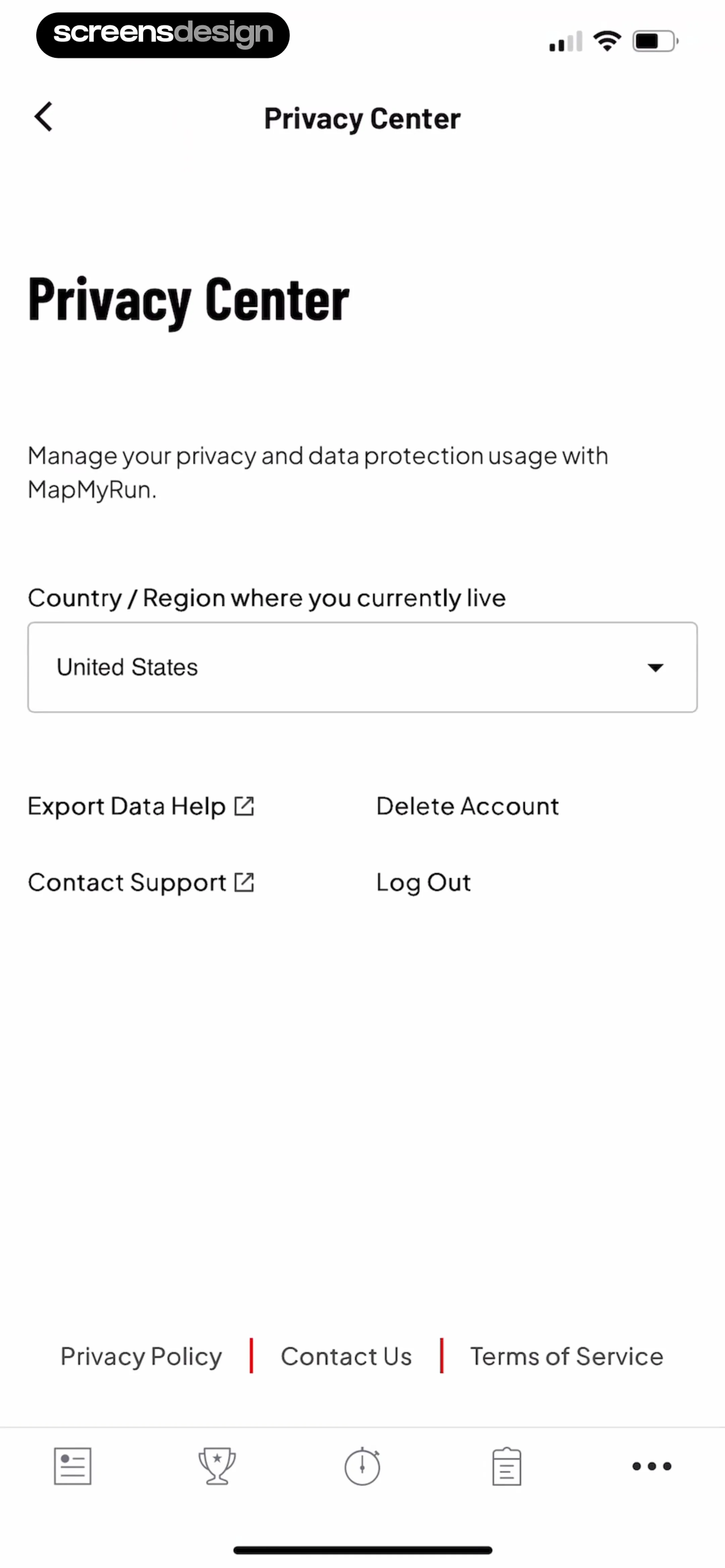
Below this, a grid of four text-based links provides options for 'Export Data Help', 'Delete Account', 'Contact Support', and 'Log Out'.
 See the flow
  Hypelist: Create & Share Lists
Below this, a single white card contains two list items: 'Log Out' (accompanied by an exit icon) and 'Delete Account' (accompanied by a trash can icon).
 See the flow
  Meetup: Social Events & Groups
Further down, there is a 'Log out' option in blue text, followed by a 'Delete account and personal information' option in red text, accompanied by a descriptive subtext explaining that the account will be permanently closed.
 See the flow
  Zutobi: Permit & Driving Prep
The modal warns the user that 'All your account data will be deleted' and that 'This action is permanent, your account can't be restored'.
 See the flow
  Gaia GPS: Mobile Trail Maps
Top navigation bar followed by grouped list items under section headers, ending with a bottom navigation bar.
 See the flow
  Plant Identifier, Care: Planty
Below this text is a 'Delete Account' button with a red 'Caution: Irreversible' warning label.
 See the flow
  Klook: Travel & Activities
This is a mobile screen from the Klook app titled 'Delete account'.
 See the flow
  Fishbrain - Fishing App
The modal contains two primary action buttons: 'Manage subscriptions' and 'Delete account', followed by a 'Cancel' button at the bottom of the screen.
 See the flow
  bergfex: Hiking & Tracking
This screen displays a 'Delete Account' confirmation modal overlaid on the 'My bergfex' profile settings page.


