

 See the flow
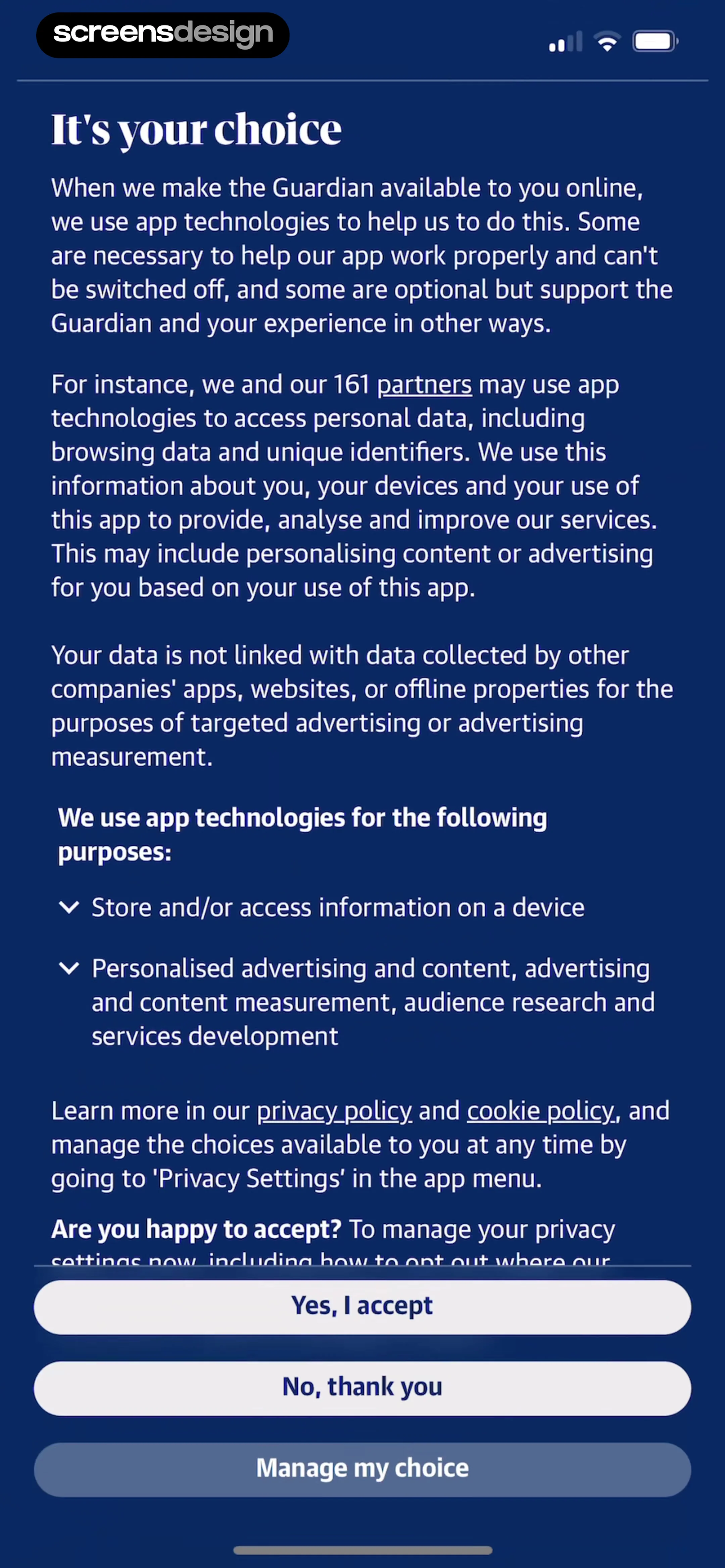
  The Guardian - US & World News
This is a privacy consent screen for The Guardian app, featuring a dark blue background with white text.
 See the flow
  Litres: Audio
Below the input fields, there is a privacy notice, a prominent 'Save changes' button, and a toggle switch labeled 'View information' which controls whether other users can see the profile photo and name.
 See the flow
  Calculator₊
This is a Privacy settings screen within the Calculator+ app.
 See the flow
  Hypelist: Create & Share Lists
This is a privacy settings screen in the Hypelist app.
 See the flow
  Wallcraft – Wallpapers, live
The overall aesthetic is clean, standard iOS system UI, focusing on user authentication and privacy preferences.
 See the flow
  Gaia GPS: Mobile Trail Maps
This screen displays the 'Privacy Settings' for the Gaia GPS app, serving as a central hub for managing profile and activity visibility across the Outside Network.
 See the flow
  WeMoms - Pregnancy & Baby App
Top navigation bar, photo selection area, text input field, privacy toggle, and system keyboard.
 See the flow
  Zalando – Online fashion
This screen is a settings or account management page within the Zalando app, specifically focused on 'Data & account deletion'.
 See the flow
  ChatGPT
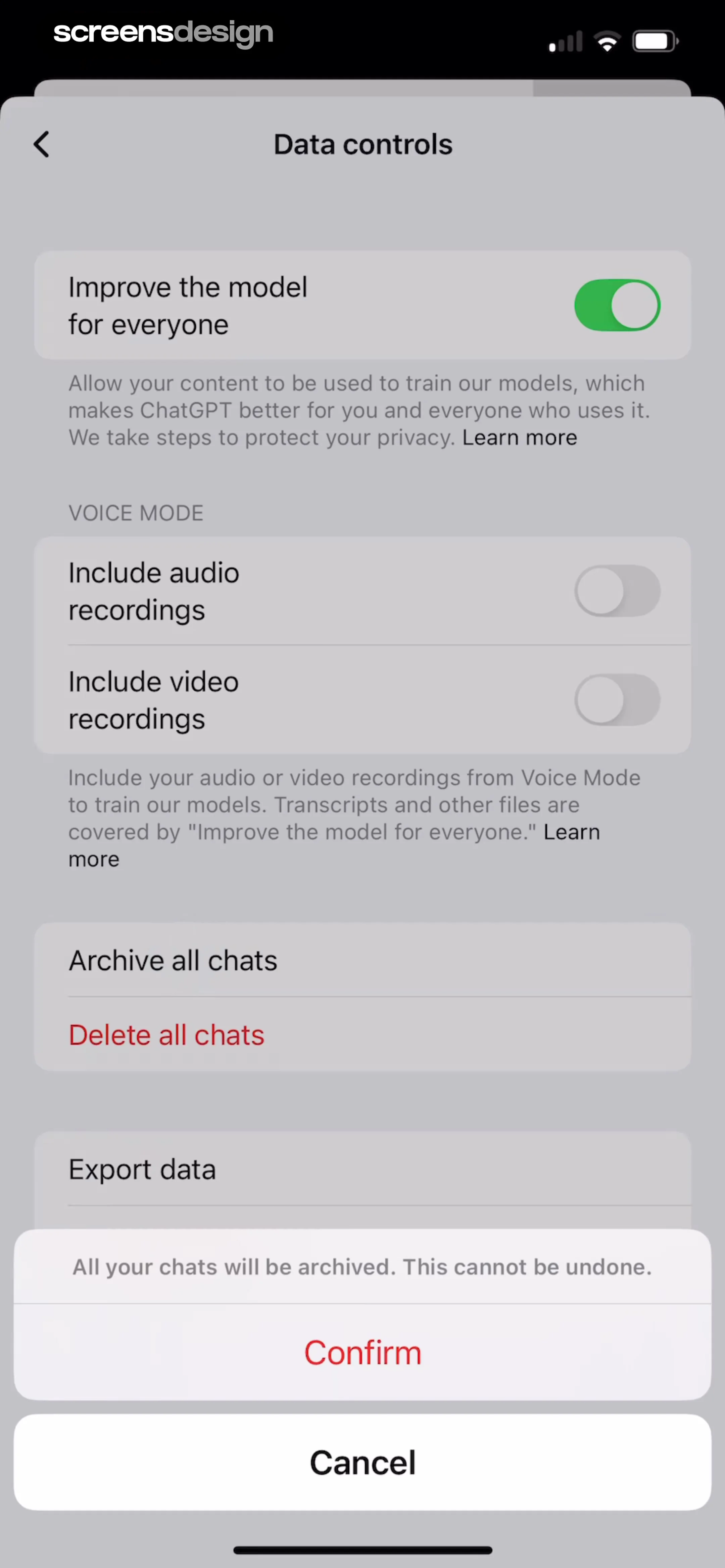
This screen displays the 'Data controls' settings page in the ChatGPT app, featuring a modal overlay for confirming an action.
 See the flow
  Pool, the screenshot app
This is a settings or profile management screen in the Pool app, featuring a clean, light-themed list of account and privacy options.
 See the flow
  Fishbrain - Fishing App
The interface is clean, white-themed, and utility-focused, facilitating structured data entry for fishing logs.
 See the flow
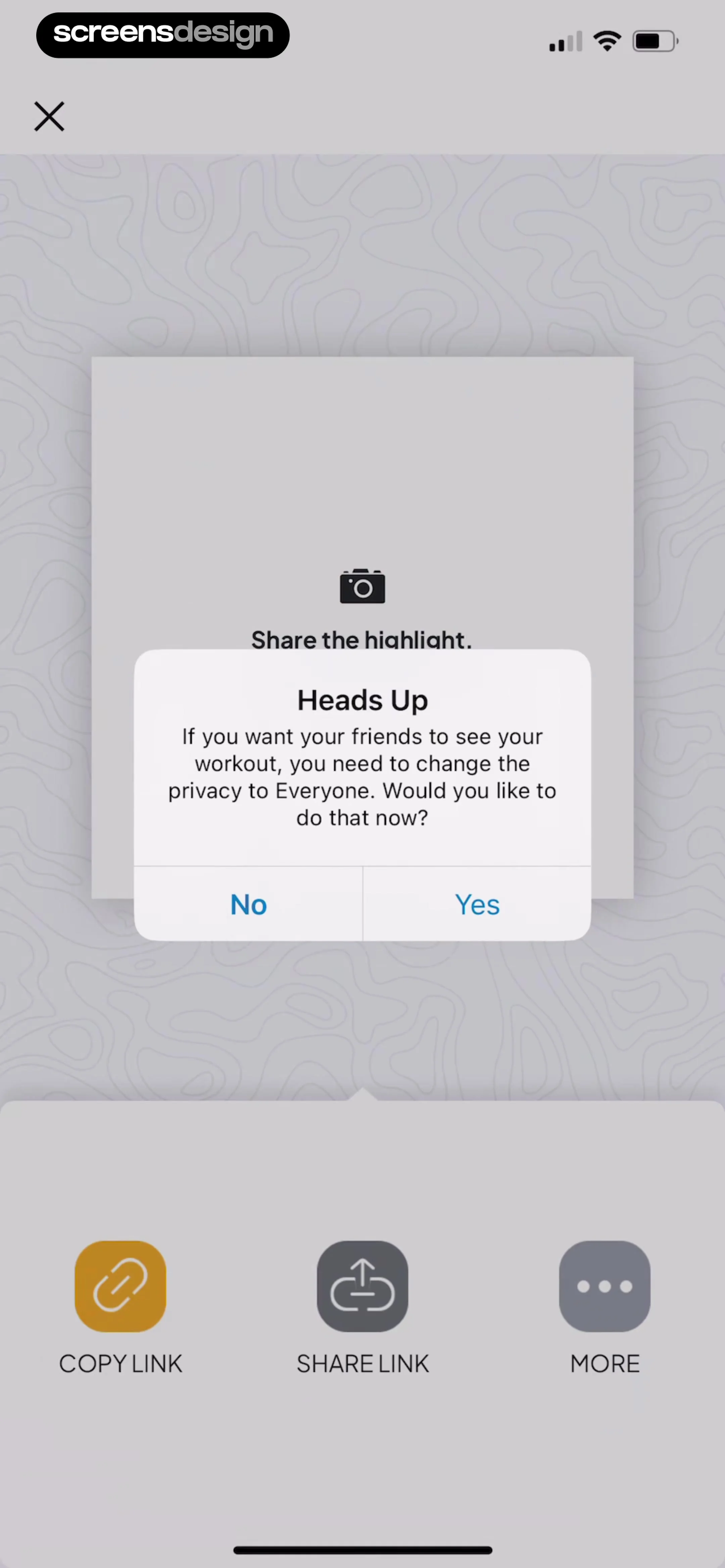
  Map My Run GPS Running Tracker
The primary content is a 'Heads Up' dialog box asking the user if they want to change their workout privacy settings to 'Everyone' so friends can see it, with 'No' and 'Yes' buttons.
 See the flow
  Quinn - Audio Stories
Header with navigation, central image and text fields, privacy toggle, and a list of added audio tracks, with a bottom navigation bar.
 See the flow
  DAZN: Stream Live Sports
This is a cookie consent and privacy preference management screen for the DAZN app.
 See the flow
  Meetup: Social Events & Groups
This screen is an 'Edit Profile' page in the Meetup app, featuring a clean, list-based layout for managing personal information and privacy settings.
 See the flow
  Wikiloc - Trails of the World
Further down, the user can view or manage 'Waypoints' (currently set to 0), enter a text description in a large multi-line input field, select a difficulty level, and set the privacy status (currently 'Public').
 See the flow
  Deezer: Music Player, Podcast
The layout is a vertical list organized into sections: 'CONTENT PREFERENCES', 'PRIVACY SETTINGS', and 'MORE'.
 See the flow
  Too Good To Go: Save Good Food
This screen is a cookie consent and data permission modal within the Too Good To Go app, specifically for the 'Sign up your store' flow.
 See the flow
  Useless - Screen Time Control
Top navigation bar followed by a profile image, two input fields in a card, and a privacy toggle in a separate card.
 See the flow
  v0
v0Below this, there is a list of three radio-style selection options for privacy settings: 'Private' (selected, with a black background), 'Unlisted', and 'Public', each with a brief description of the access level.

