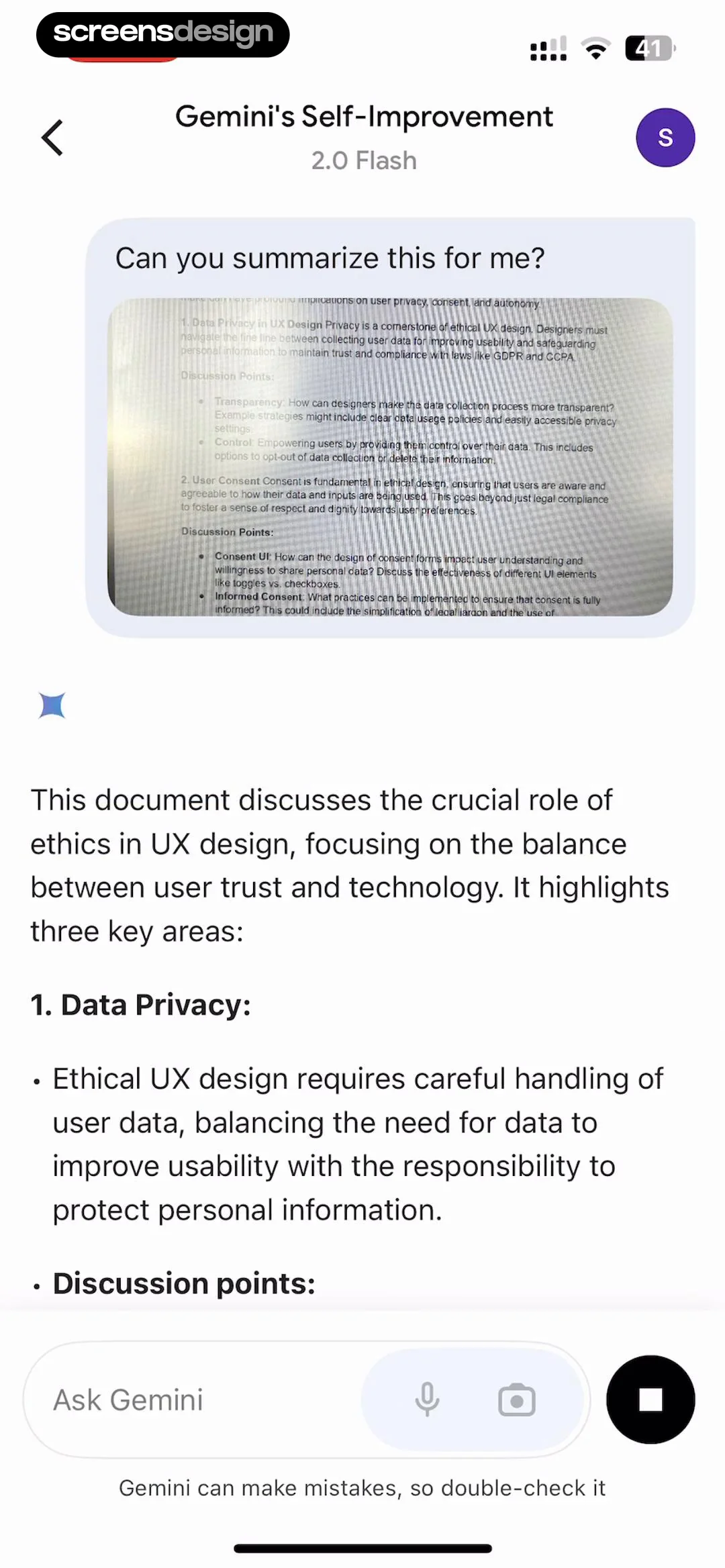
See the flow
  Blinq: Digital Business Card
Below the text input area, there is a character counter displaying '25/1000' and a small disclaimer text stating 'Notes are not visible to your contacts'.
 See the flow
  Filmit AI: AI Cinematic Video
Below this is a 'Script' input area where users can mention specific cast members using an '@' symbol, with a character count indicator (9/2000).
 See the flow
  Bible Chat: Daily Devotional
A large, multi-line text input field with the placeholder 'Describe here' occupies the center of the screen, with a character counter '0/200' below it.
 See the flow Filmit AI: AI Cinematic Video
A character counter (272/2000) is visible in the corner of the text box.
 See the flow
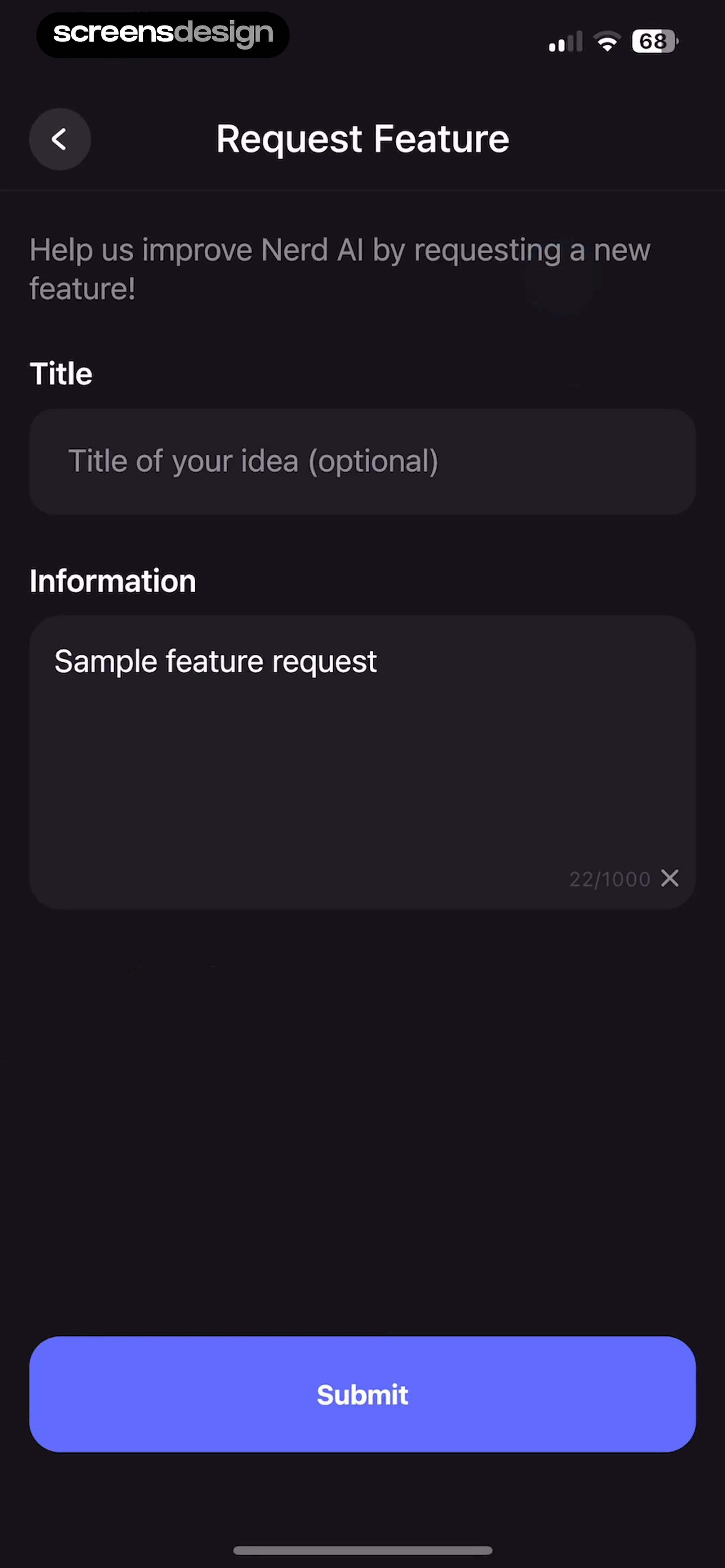
  Nerd AI - Math Problem Solver
Top navigation bar followed by instructional text, two input fields, and a bottom-aligned primary action button.
 See the flow
  calimoto Motorcycle Navigation
Below this, there is a text input field for the favorite's name, currently set to 'Upper Pine Kill Road 484', with a character count indicator '24/50'.
 See the flow
  Klook: Travel & Activities
The form includes a dropdown menu to 'Select feedback type', a large text area for 'Your feedback' with a character counter (0/1000), an 'Upload image' section with a plus icon button, and text input fields for 'Name' and 'Email'.
 See the flow
  Litres: Audio
There is an 'ABOUT YOURSELF' section with a large text area for a bio, showing a character count of '0/1000'.
 See the flow
  Widgetable: Besties & Couples
Below this, a text input field labeled 'How can we help you?' allows users to type their feedback, showing a character count of '17/500'.
 See the flow calimoto Motorcycle Navigation
Below this, there is a text input field containing the name 'Pops Sweet Shoppe' with a character count indicator '17/50'.
 See the flow Widgetable: Besties & Couples
Top navigation bar followed by three distinct input cards and a bottom submit button.
 See the flow
  Heyyyy: Stories that text back
Top navigation bar followed by a tabbed header, then a vertical list of profile input fields and selection buttons.
 See the flow
  GoPhoto:AI Photo & Video Maker
A large, multi-line text input field is provided, currently containing the text 'dancing banana' with a character counter showing '14/200'.
 See the flow
  Hypelist: Create & Share Lists
Top navigation, centered profile image, vertical list of labeled input fields, bottom fixed action button.
 See the flow Bible Chat: Daily Devotional
Below the input, a character counter shows '26/200'.
 See the flow
  Useless - Screen Time Control
Add a home screen widget' and a 0/100 character counter) and 'Description' (with placeholder 'Describe your idea in a few sentences' and a 0/500 character counter).
 See the flow Litres: Audio
The 'ABOUT YOURSELF' section features a large text area for a bio with a character counter (0/1000).
 See the flow Heyyyy: Stories that text back
A large, multi-line text input field with the placeholder 'Tell them about you...' occupies the middle section, with a character counter '0/500' in the bottom right corner.
 See the flow
  HelloBot - Astrology & Tarot
The input field includes a character counter showing '5 / 20' and a clear/delete icon (an 'x' in a circle) on the right side.
 See the flow
  Pick Up Limes
The form includes a 'Title' field with a text input box (placeholder: 'E.g., Summer Pasta Salad') and a character counter (0/40).