

 See the flow
  Yard AI: Backyard Design
At the bottom, there is a text input field with the placeholder 'What would you like to change?
 See the flow
  Google Gemini
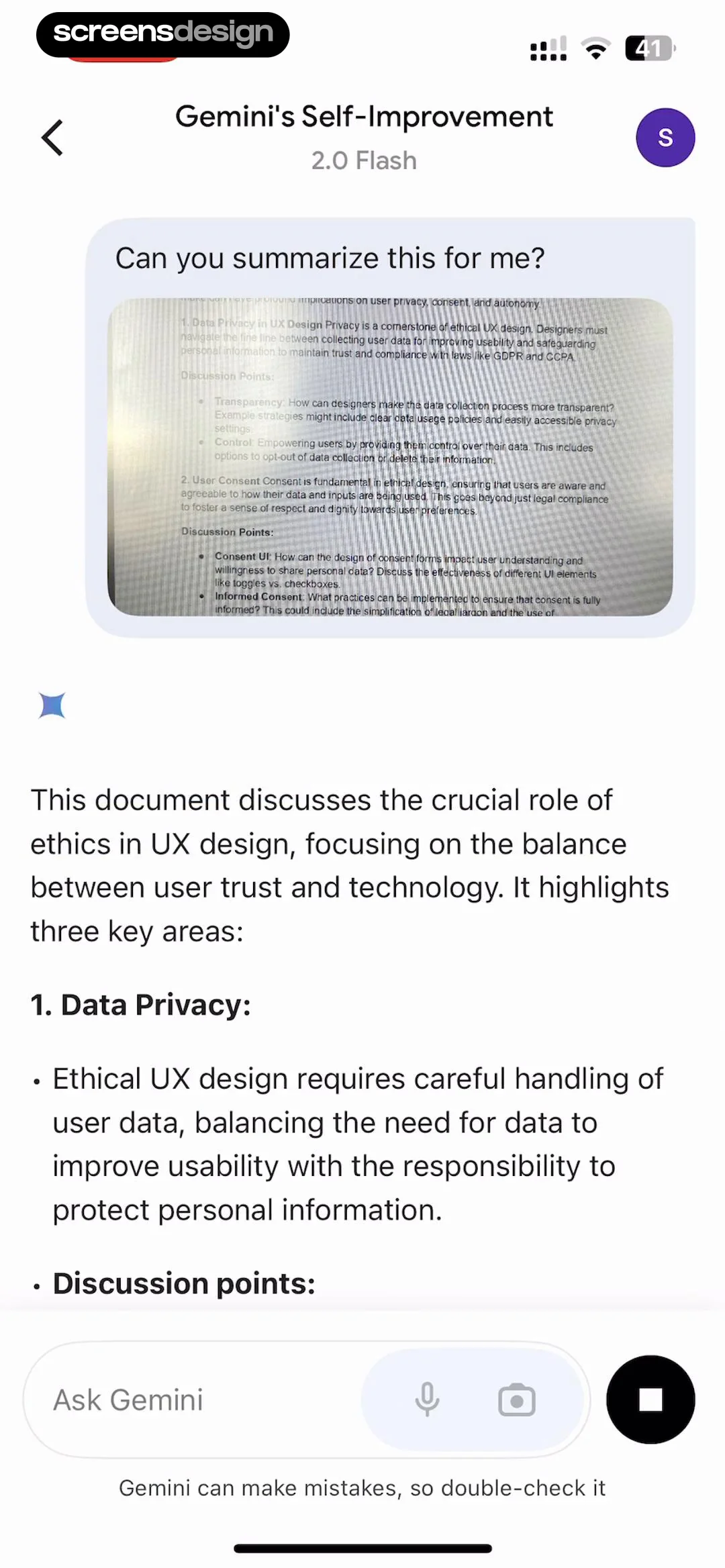
Below, a message bubble contains the user's prompt 'Can you summarize this for me?' alongside a preview of the uploaded document, which discusses data privacy and user consent in UX design.
 See the flow
  Bible Chat: Daily Devotional
In the middle of the screen, there is a black card containing a suggested prompt: 'How can I live out this Bible teaching in my daily walk with God?' with an arrow icon indicating it is an interactive suggestion.
 See the flow
  invideo AI: AI Video Generator
This screen is an AI video generation prompt interface for the invideo AI app.
 See the flow
  Claude by Anthropic
The center of the screen displays three suggested prompts in a bold, serif font: 'Prep for my job interview', 'Analyze my writing style', and 'Plan a trip to Joshua tree'.
 See the flow
  ThemeKit: Widget & Icon Themes
Below this, a text input field allows users to describe their desired image, currently populated with a prompt about a 'flower car with galaxy colors'.
 See the flow
  FLYP - Fashion Design Studio
The top section features a 'Try...' header followed by a list of suggested prompts like '8 bit arcade classics', 'Nautical', and 'Famous paintings'.
 See the flow
  AI Summary - Meeting Notes
Top status toast, note header, segmented control, main text body, AI summary prompt card, and bottom audio playback controls.
 See the flow
  Hypelist: Create & Share Lists
Top navigation bar, central logo and descriptive text, horizontal carousel of suggestion cards, and a bottom text input field.
 See the flow
  Nerd AI - Math Problem Solver
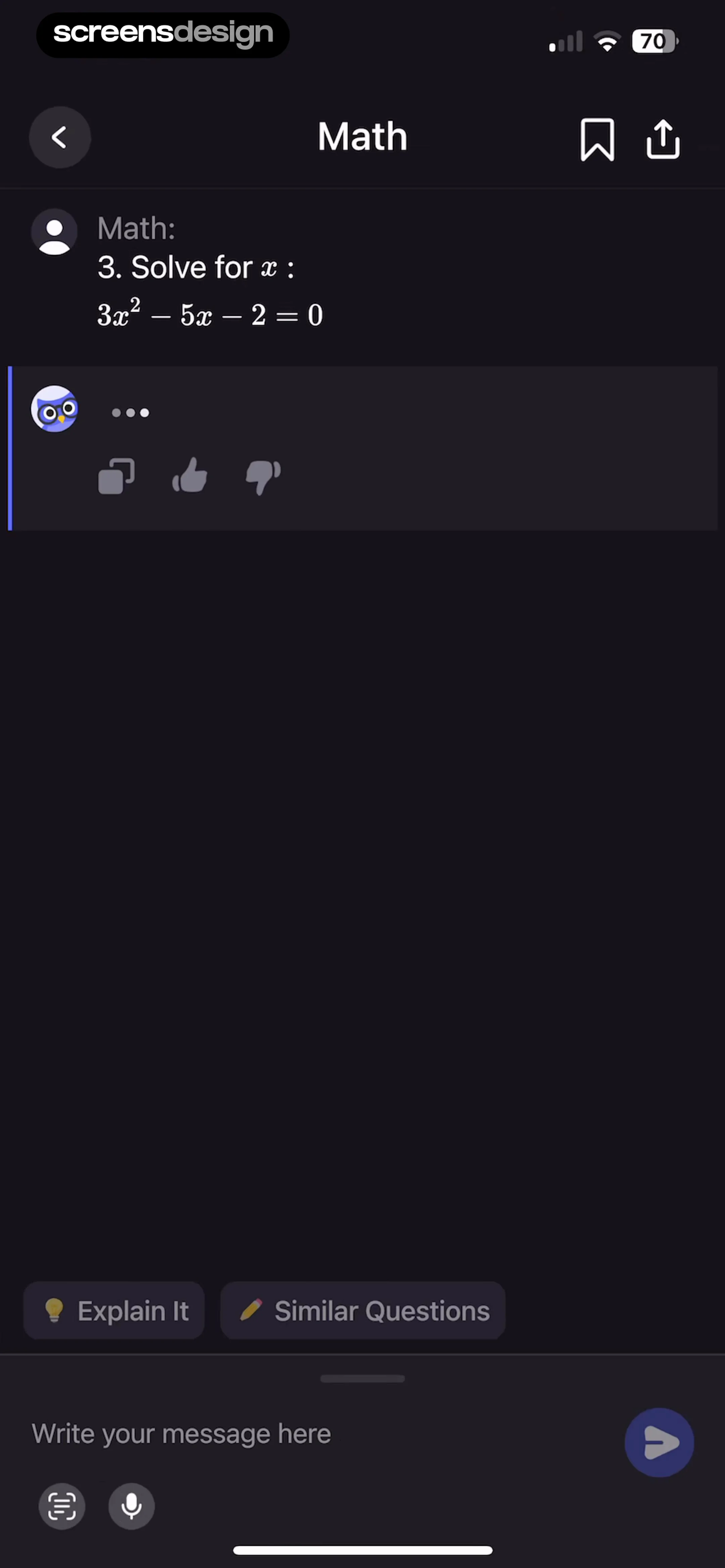
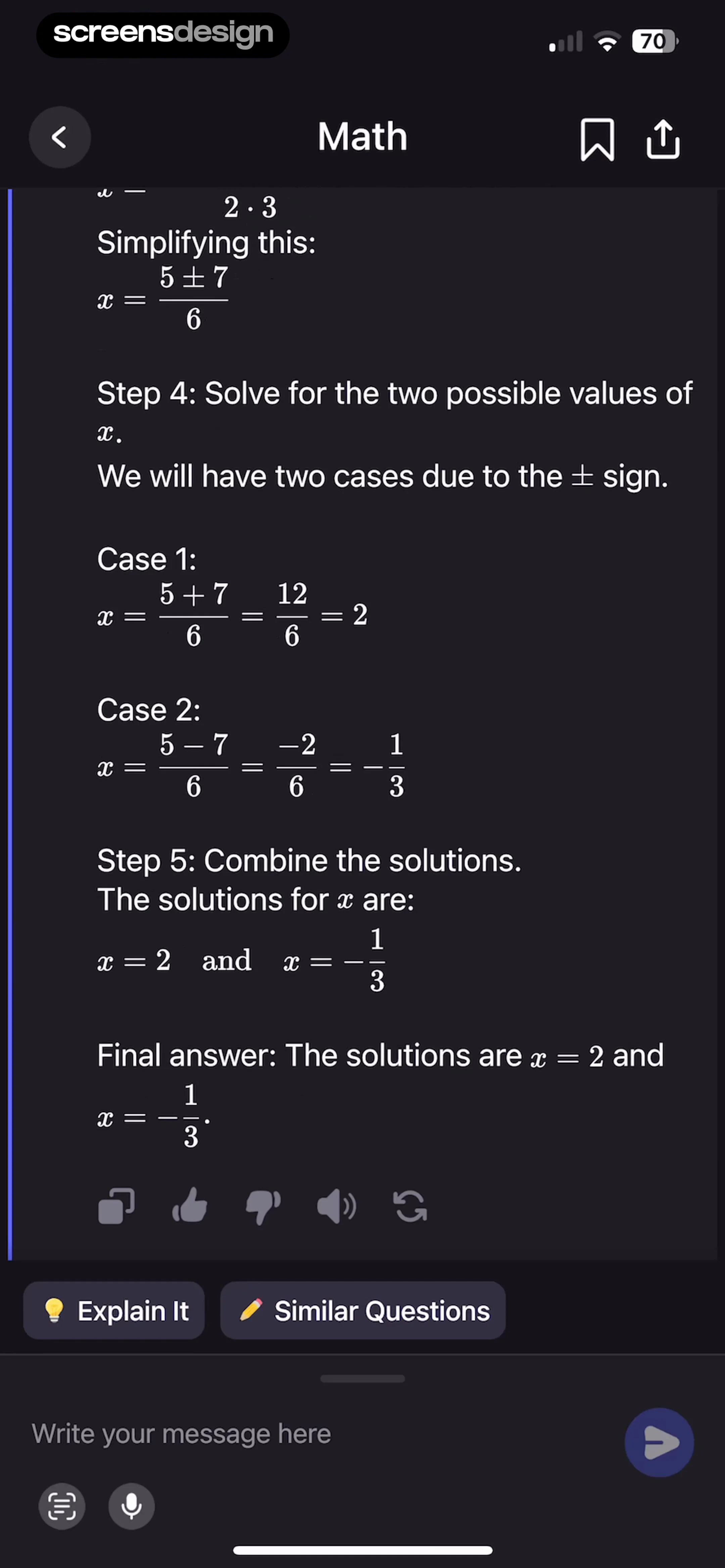
The bottom-most area features a text input field labeled 'Write your message here', with a send button, a camera/scanner icon, and a microphone icon for voice input.
 See the flow Yard AI: Backyard Design
A list of 'Suggested ideas' follows, featuring AI-driven prompts like 'Make it feel more luxurious with layered lighting' and 'Add a focal water feature', each marked with a sparkle icon.
 See the flow
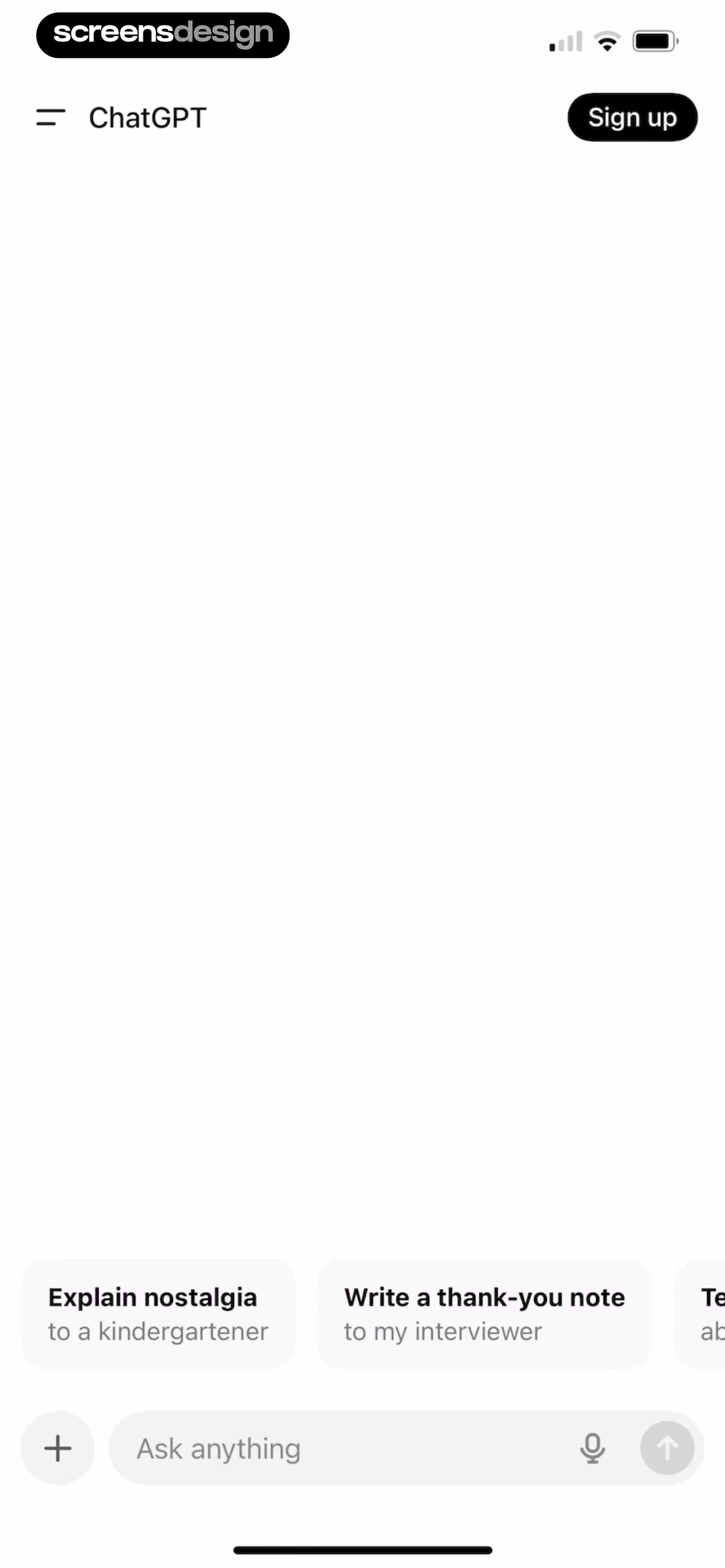
  ChatGPT
Below these cards is a persistent input area containing a plus icon button on the left, a text input field with the placeholder 'Ask anything', a microphone icon, and an upward-pointing arrow button for sending messages.
 See the flow Nerd AI - Math Problem Solver
Two suggestion chips labeled 'Explain It' and 'Similar Questions' appear above the input area.
 See the flow
  Tattoo AI - Tattoo Design
This screen is an AI-powered text input interface for the Tattoo.ai app, designed for users to describe their desired tattoo design.
 See the flow invideo AI: AI Video Generator
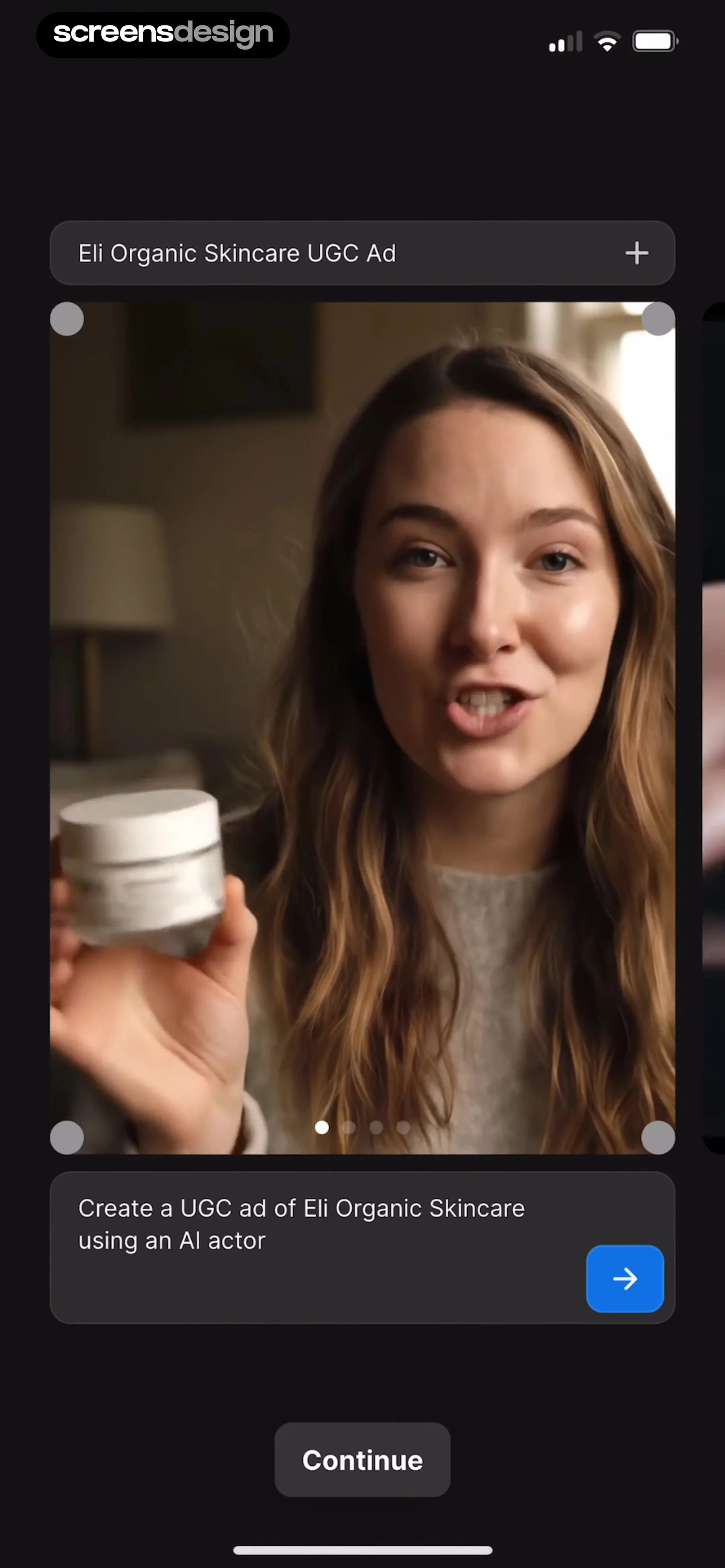
Below the video, a text prompt box reads 'Create a UGC ad of Eli Organic Skincare using an AI actor' accompanied by a blue arrow button for submission.
 See the flow
  Filmit AI: AI Cinematic Video
Below this, a 'Script' section provides a text input field for users to describe the desired scene, motion, mood, and camera style, with a character counter (0/2000).
 See the flow
  AI Song Generator: Mozart
This is the main music generation screen of the Mozart AI app, featuring a dark-themed interface with a central text input area for describing a song.
 See the flow ChatGPT
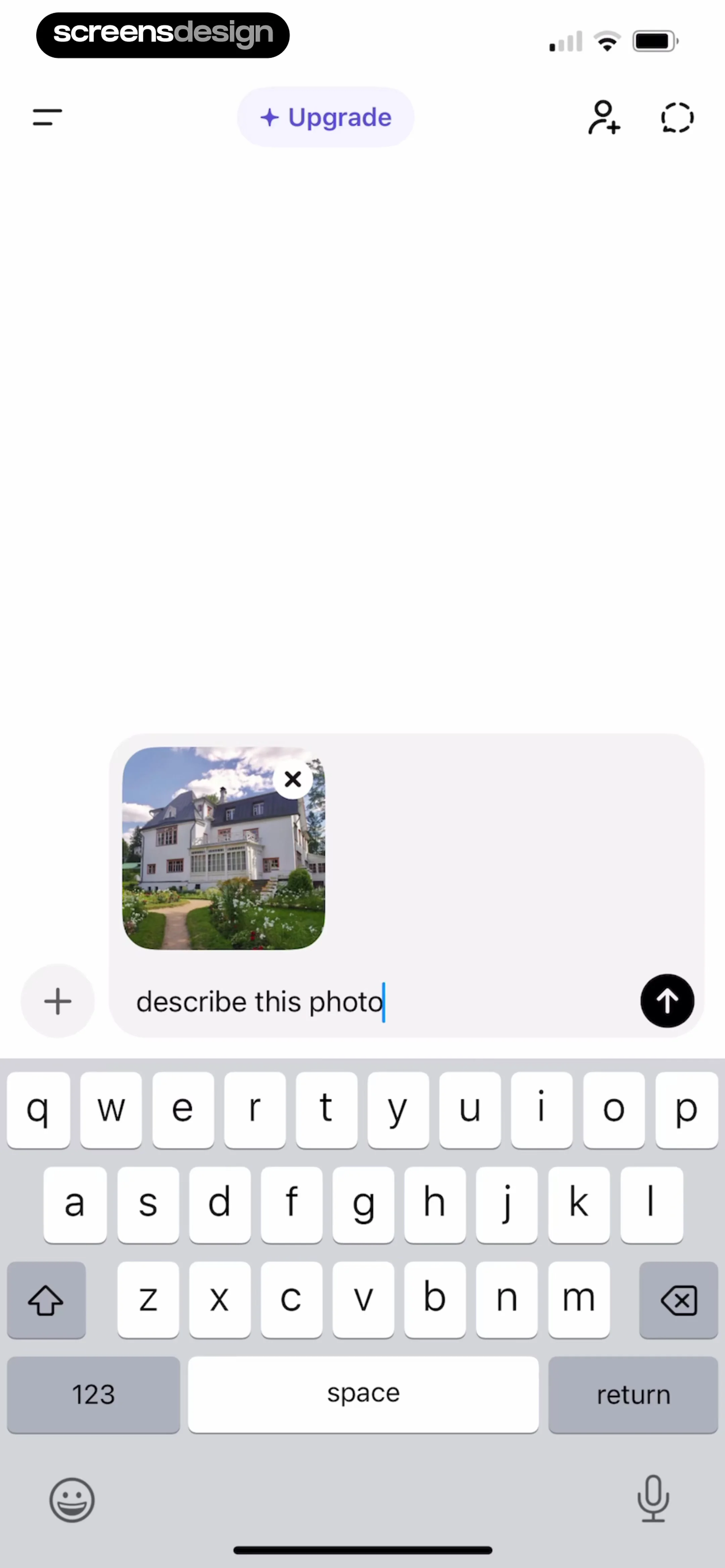
The main content area features a message input field containing the text 'describe this photo', accompanied by a thumbnail preview of a house with a garden.
 See the flow Yard AI: Backyard Design
At the bottom, a text input field currently contains the user's query 'Plants to add here', accompanied by a plus icon for attachments and a send button.
 See the flow invideo AI: AI Video Generator
This screen is an AI video generation prompt interface for creating an explainer video.


