 See the flow
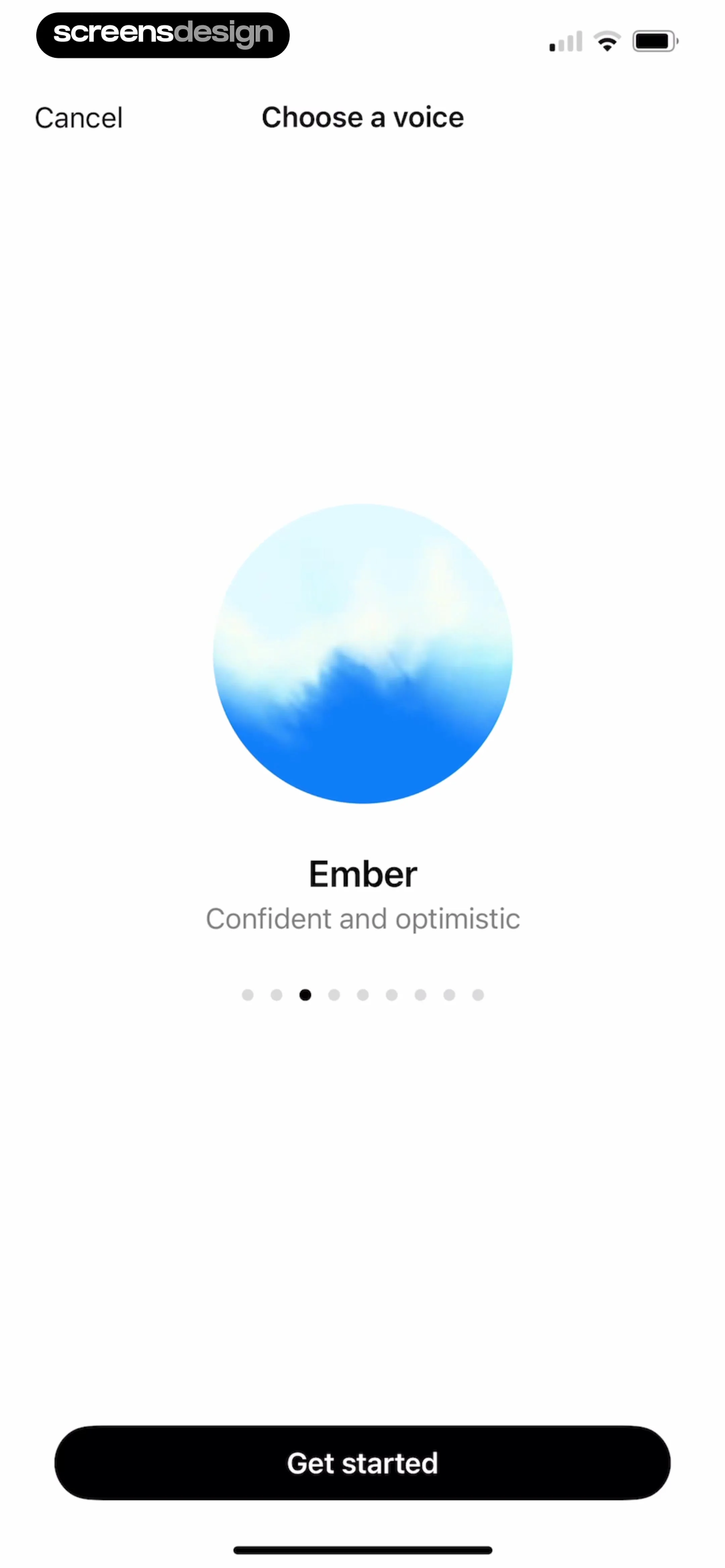
  ChatGPT
This screen is a voice selection interface for an AI assistant.
 See the flow
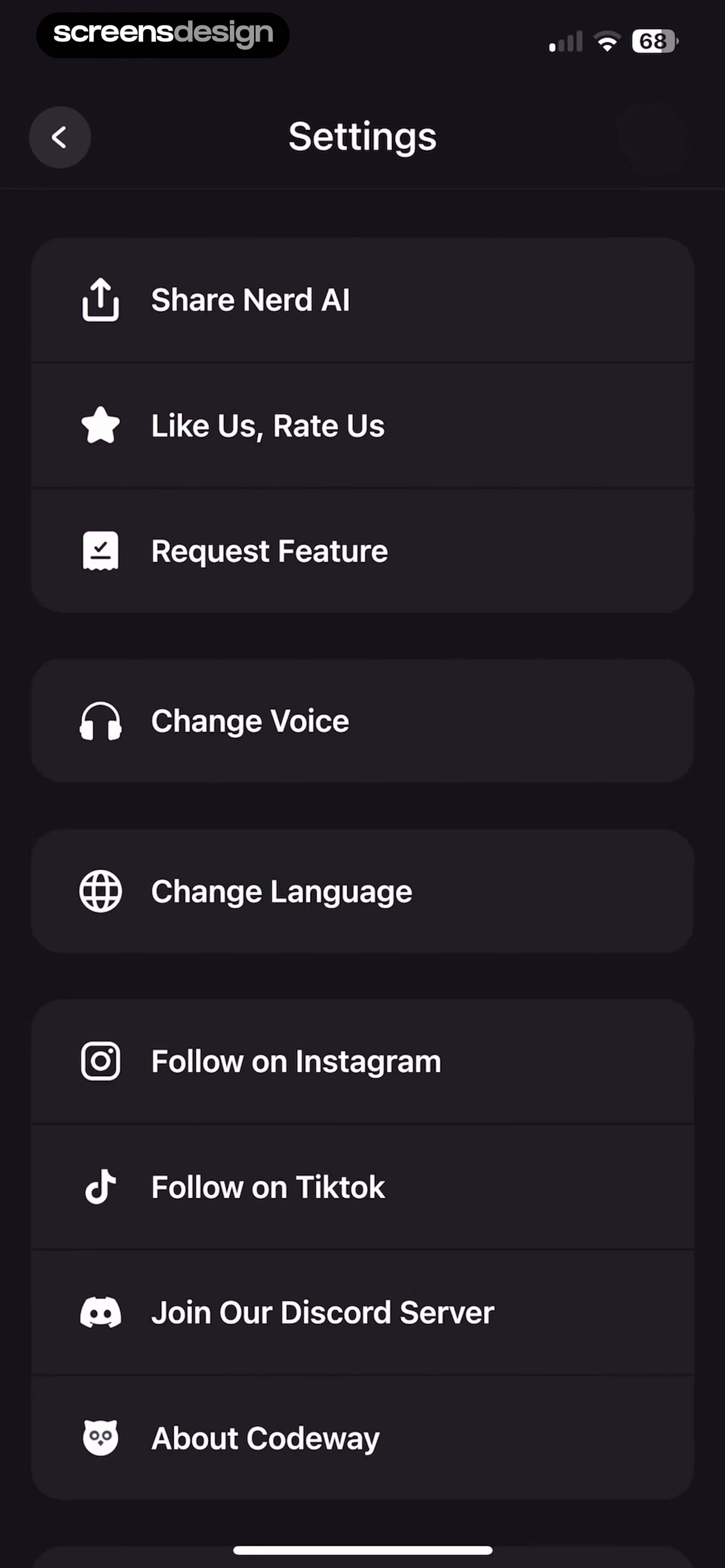
  Nerd AI - Math Problem Solver
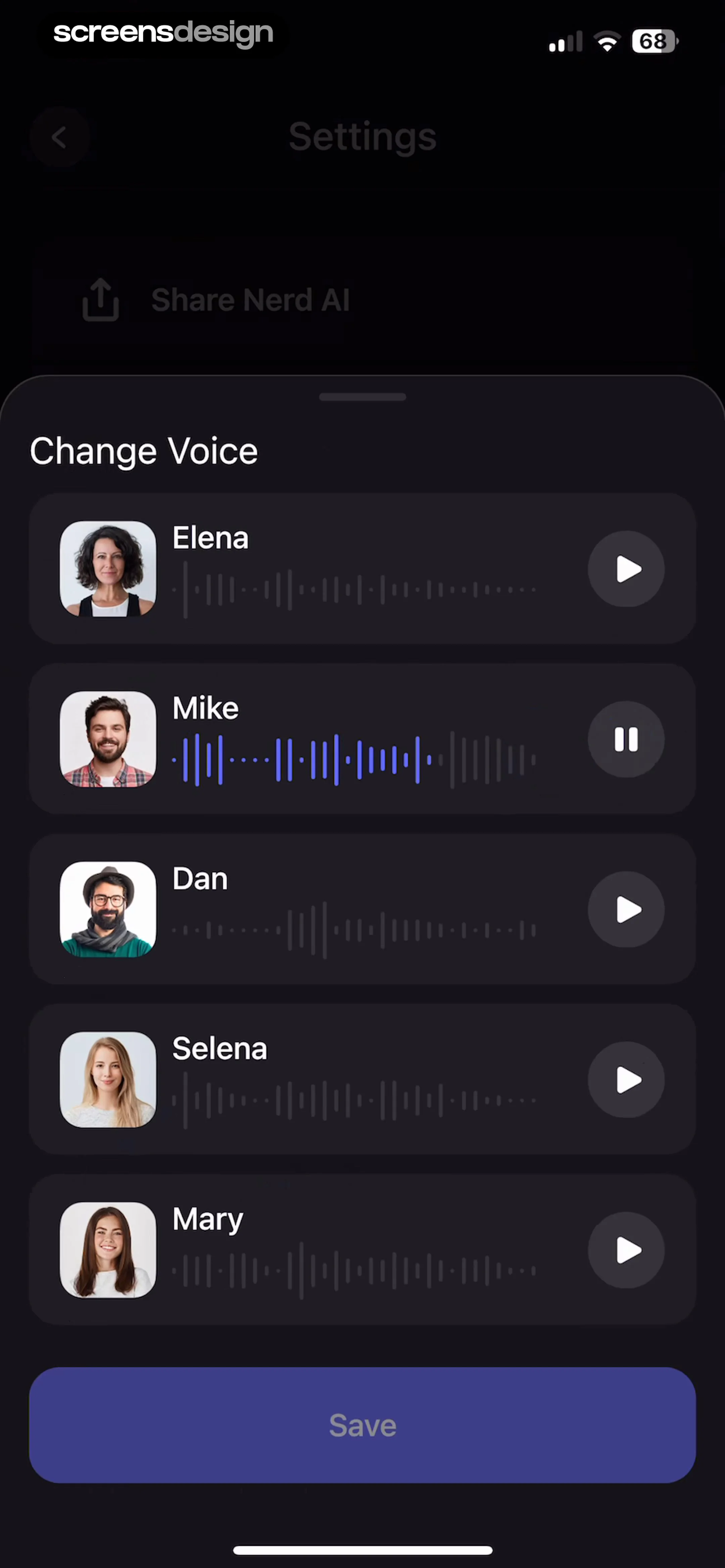
This screen displays a 'Change Voice' modal overlaying a dark-themed settings page.
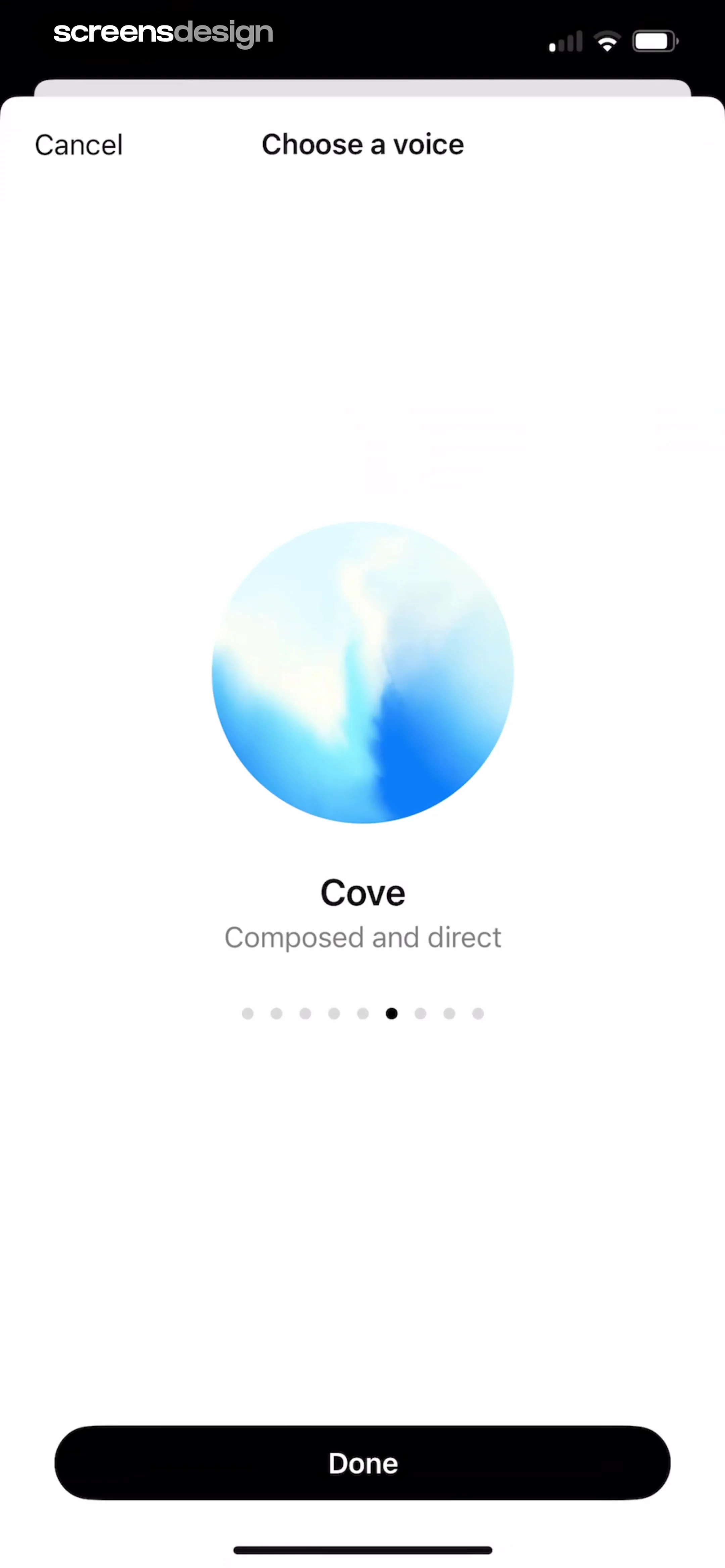 See the flow ChatGPT
This screen is a modal interface for selecting an AI voice assistant.
 See the flow
  South China Morning Post: News
At the bottom of the screen, a modal titled 'Select Voice' is overlaid, allowing the user to choose between two text-to-speech voices: 'Abby' (Female, United States) and 'Luca' (Male, United Kingdom).
 See the flow
  AI Summary - Meeting Notes
This screen is a voice selection modal for an AI-powered text-to-speech or voiceover feature.
 See the flow
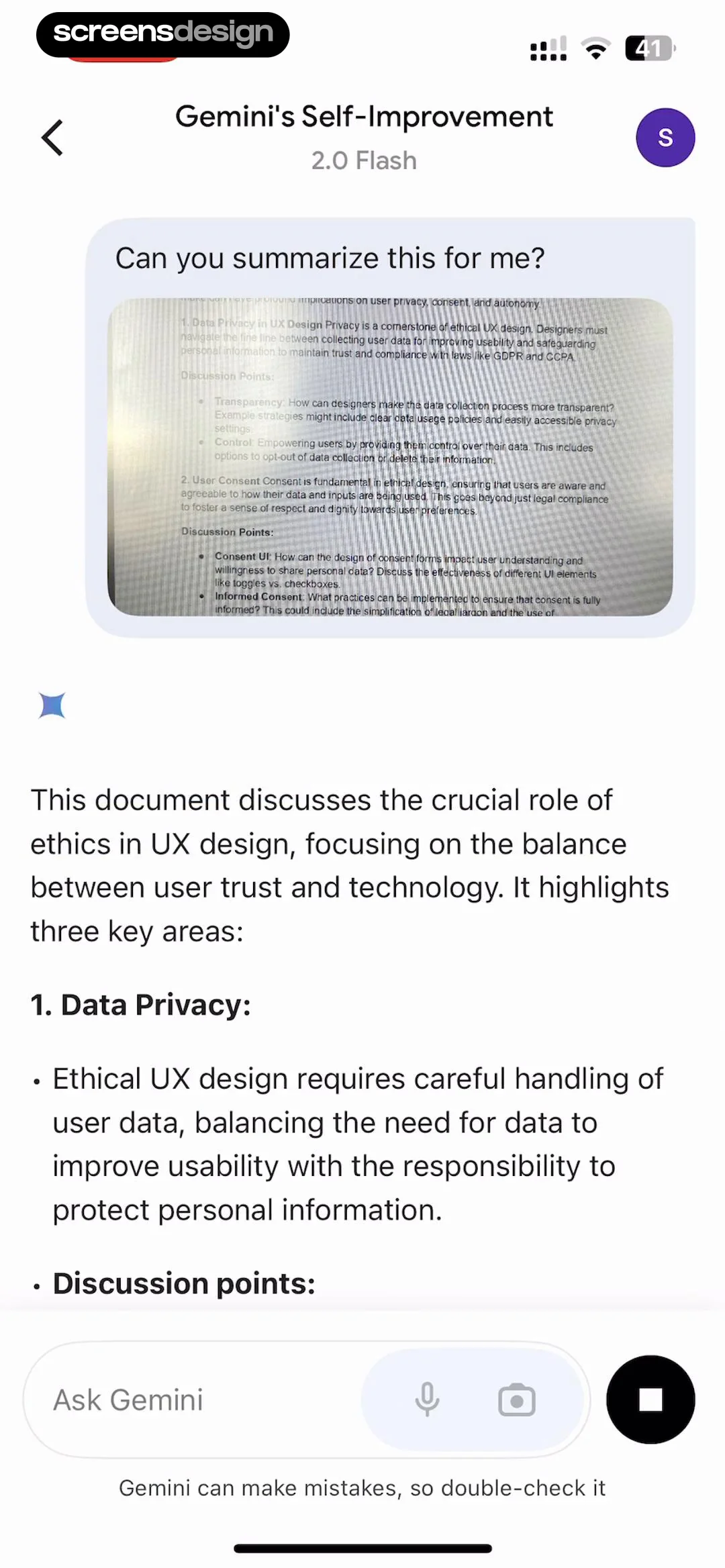
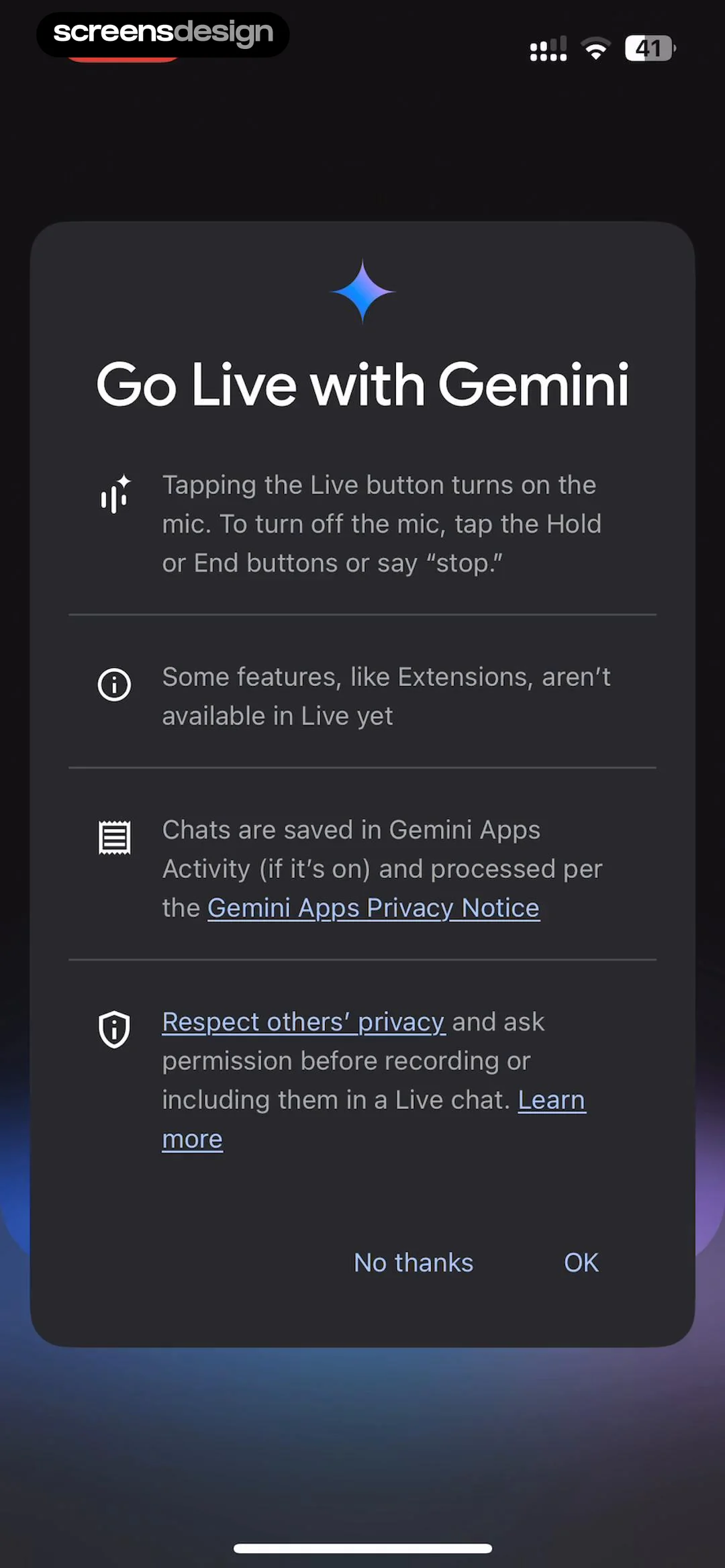
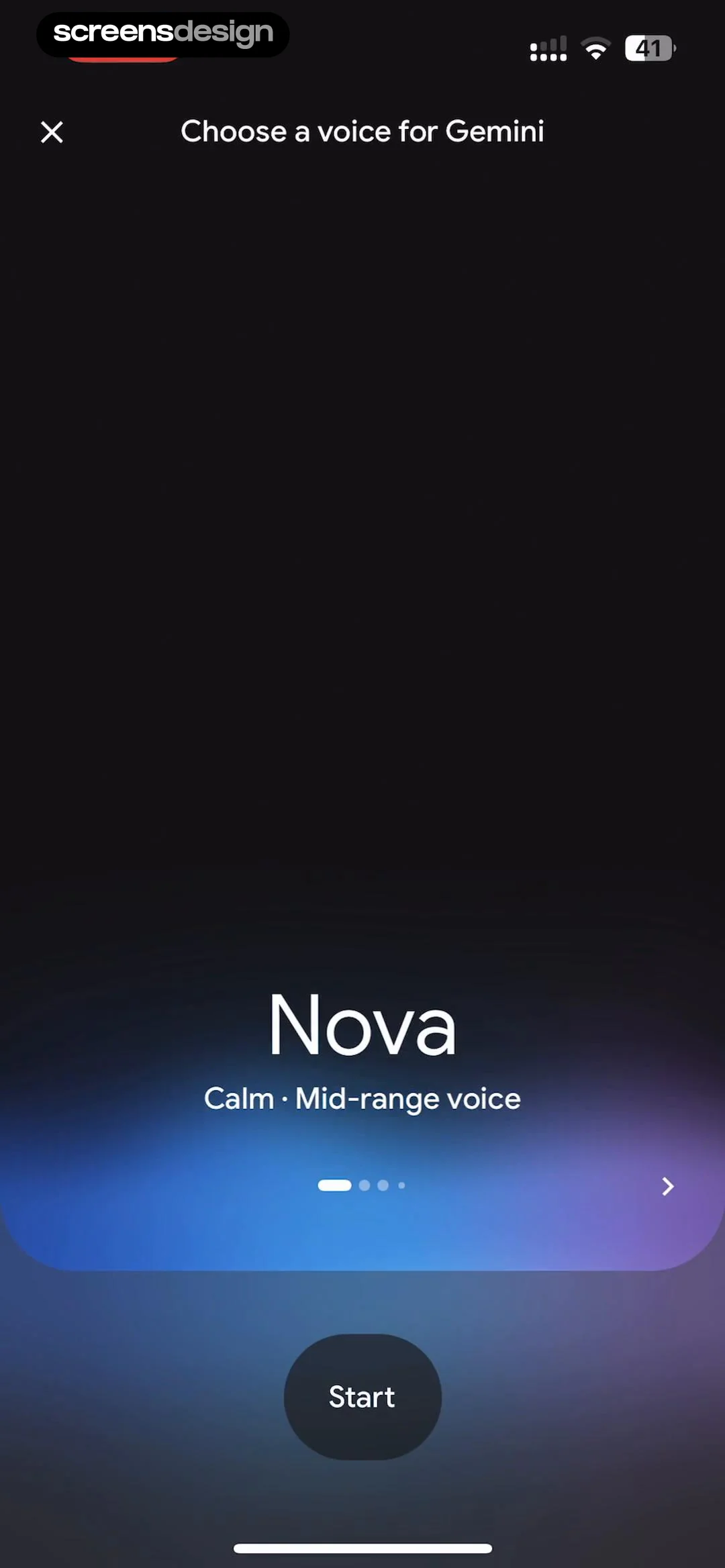
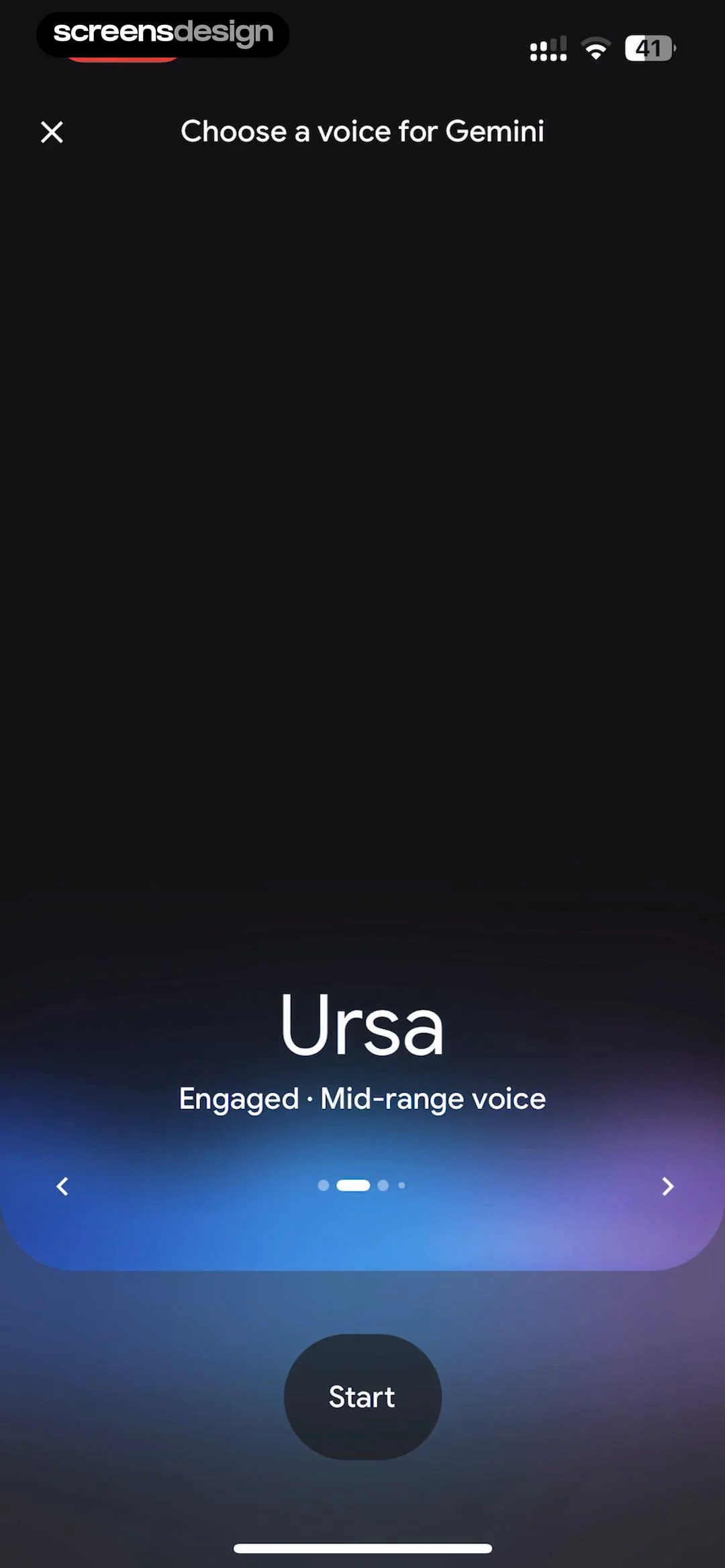
  Google Gemini
This screen is a voice selection interface for the Google Gemini AI assistant.
 See the flow
  AI Song Generator: Mozart
The bottom section contains three selectable cards: a blue 'My Voice' card with a plus icon for recording, and two portrait-based cards labeled 'Jane' and 'Jack' representing pre-made vocal profiles.
 See the flow AI Summary - Meeting Notes
This screen is a modal interface for selecting a voice for text-to-speech or audio generation features.
 See the flow Google Gemini
This screen is a voice selection interface for the Google Gemini AI assistant.
 See the flow
  invideo AI: AI Video Generator
This screen displays a modal overlay for selecting a narrator voice within an AI video generation app.
 See the flow invideo AI: AI Video Generator
This screen displays an AI video generation prompt interface with a modal overlay for selecting a voiceover gender.
 See the flow AI Song Generator: Mozart
This screen from the Mozart AI music app is a voice selection interface for AI music generation.
 See the flow
  calimoto Motorcycle Navigation
The 'Voice' section provides three sliders to adjust volume, speed, and pitch, along with a 'Choose voice' navigation link.
 See the flow calimoto Motorcycle Navigation
The voice section provides granular control over audio playback, including a volume slider, a speed slider (at 50%), a pitch slider (at 50%), and a 'Choose voice' navigation link.
 See the flow Nerd AI - Math Problem Solver
The second group contains 'Change Voice' and 'Change Language'.
 See the flow
  10K Runner, Couch to 10K Run
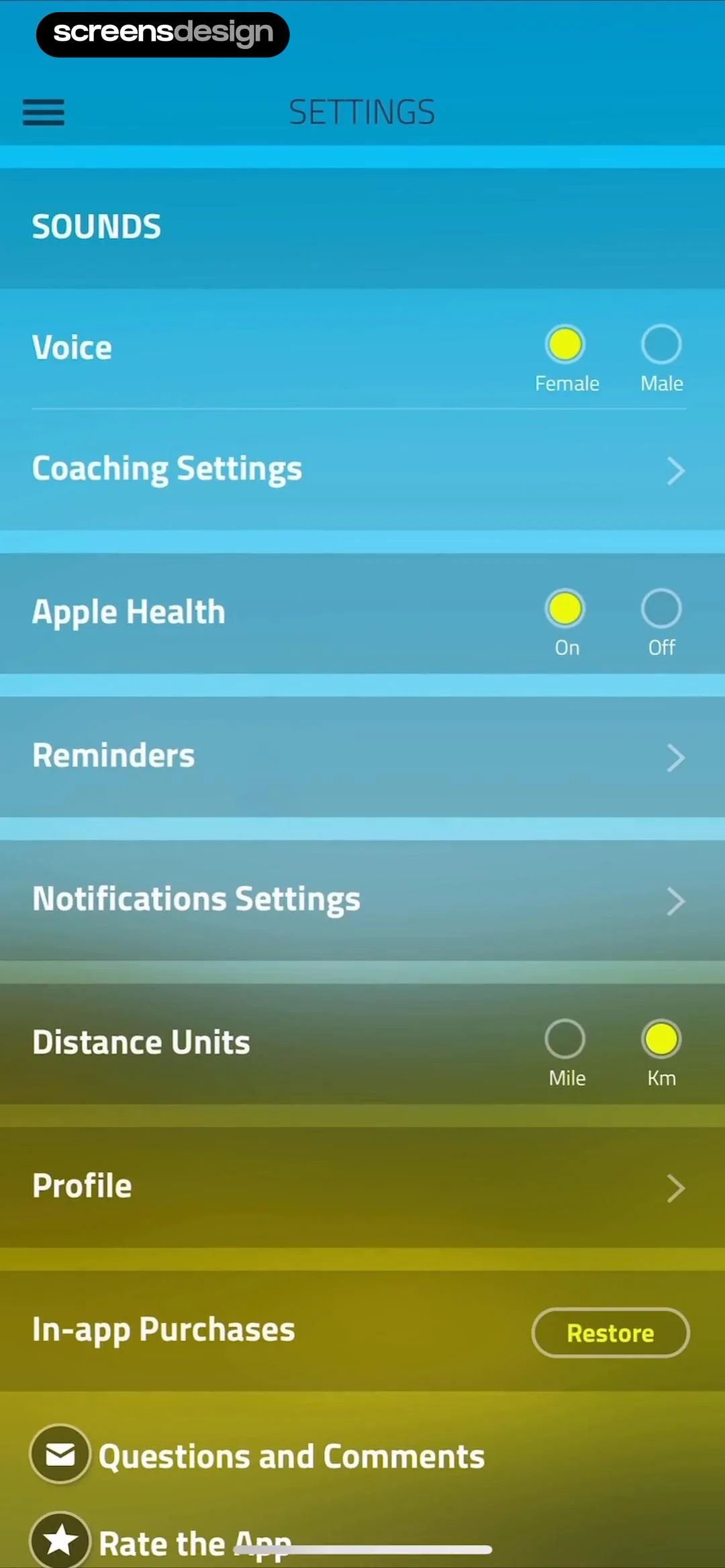
Interactive elements include toggle-style radio buttons for 'Voice' (Female/Male), 'Apple Health' (On/Off), and 'Distance Units' (Mile/Km), with active selections highlighted in yellow.
 See the flow
  Bible Chat: Daily Devotional
Top header with progress bar, central text content, and a bottom-aligned selection list modal.
 See the flow invideo AI: AI Video Generator
This screen displays a modal overlay for selecting a voice style within an AI video generation app.
 See the flow ChatGPT
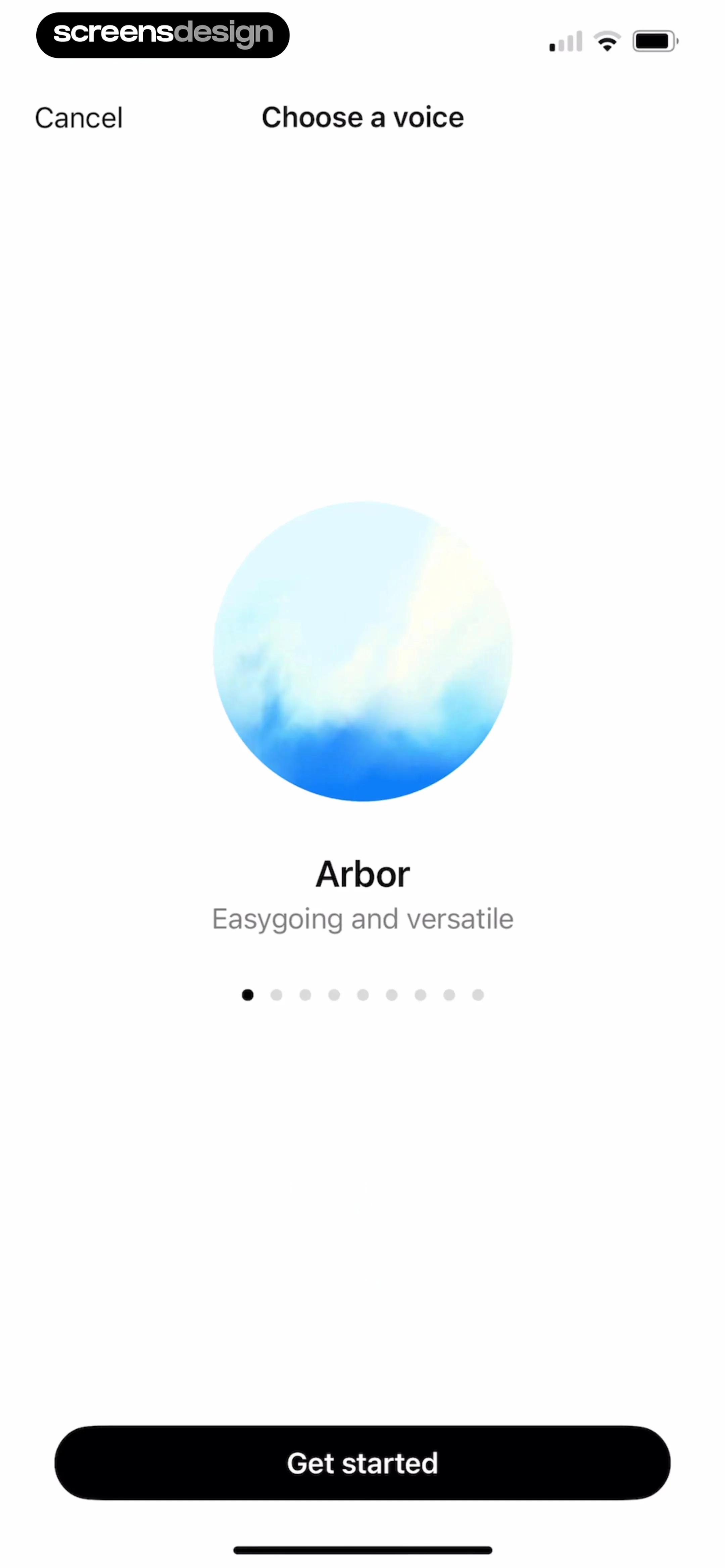
This is a voice selection screen in the ChatGPT app, featuring a clean, minimalist interface.
 See the flow AI Song Generator: Mozart
Header with credits and pro button, search input, voice selection tabs, list of voice cards, bottom primary action button, and bottom navigation bar.