
 See the flow
  Fishbox - Smart Fishing App
The “Hot spots toggle” control appears at middle list, first item.
 See the flow
  Noxogy Sleep Tracker
The “Time To Sleep toggle” control appears at top right.
 See the flow
  Wallcraft – Wallpapers, live
The “Disable all ads” control appears at top area.
 See the flow
  Spoke Route Planner
The “Save as default” control appears at bottom left.
 See the flow
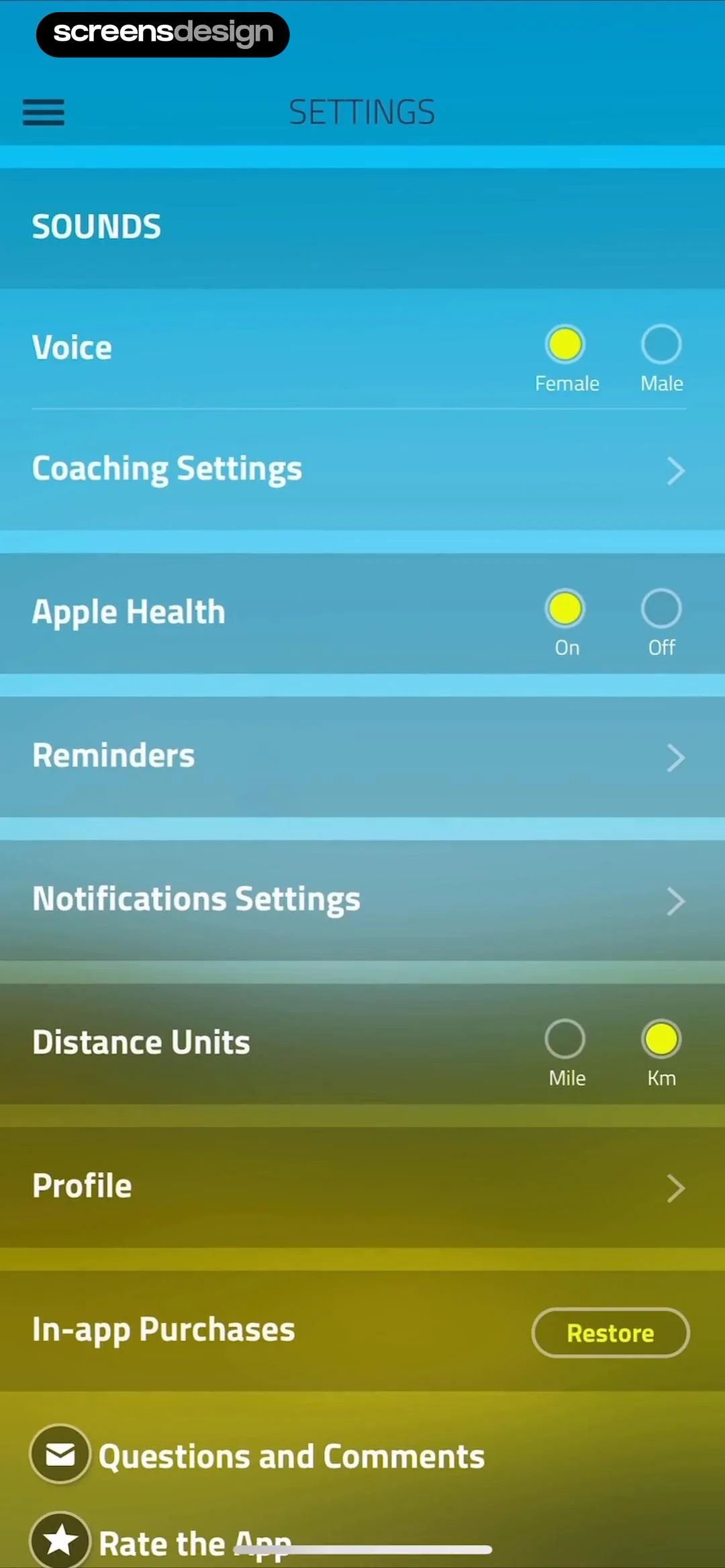
  10K Runner, Couch to 10K Run
The “Female” control appears at voice row.
 See the flow
  ZEDGE™ Ringtones & Wallpapers
The “Privacy Policy toggle” control appears at lower middle.
 See the flow
  WebNovel - Read Novels & Manga
The “Add to Reading” control appears at modal center.
 See the flow
  Budget app - spending tracker
The “Count in Asset” control appears at middle.
 See the flow
  Pick Up Limes
The “hide” control appears at calories row.
 See the flow
  CamScanning: AI Measure & Scan
The “Mode Toggle” control appears at bottom center.
 See the flow
  Everlook- Face & Body Editor
The “Touchshot” control appears at top menu.
 See the flow
  PDF Scanner AI: Scan Documents
The “Enable read protection” control appears at middle right.
 See the flow
  Tiny Scanner - PDF Scanner App
The “Password” control appears at top center.
 See the flow
  Equalizer - Volume Booster EQ
The “Gismart Music toggle” control appears at middle right of modal.
 See the flow
  Magic Tiles 3™: Piano Game
The “Music” control appears at fifth row.
 See the flow
  Weather Pro · Radar Alerts
The “Morning report toggle” control appears at lower middle.
 See the flow
  Contraction Timer & Counter 9m
The “Ask intensity” control appears at middle list.
 See the flow
  Premier League - Scores, News
The “Liverpool toggle” control appears at top right of list.
 See the flow
  WeMoms - Pregnancy & Baby App
The “Terms and Conditions toggle” control appears at middle.
 See the flow
  Scroll The Bible
The “Words of Jesus in Red” control appears at bottom.


