

 See the flow
  Transit • Subway & Bus Times
This screen is a modal overlay within the Transit app, prompting the user to save a specific address ('58 Carmine St') as 'Home'.
 See the flow
  HBX | Globally Curated Fashion
The top of the screen features a back button and a search bar for filtering locations.
 See the flow
  Map My Run GPS Running Tracker
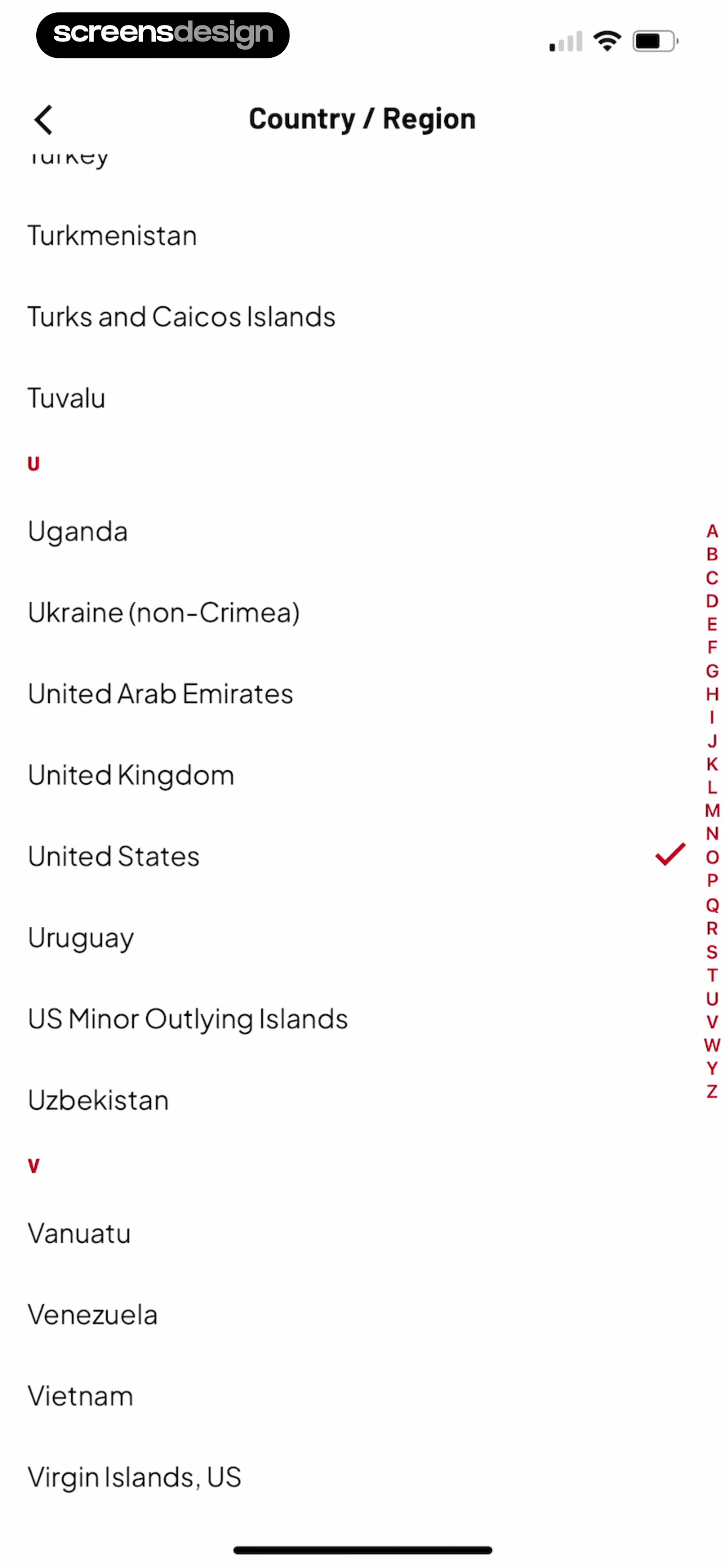
The overall design is minimal and functional, typical of a settings or profile configuration screen where a user selects their location.
 See the flow
  Fishbrain - Fishing App
The main section focuses on 'Location & privacy', featuring a map-based interface with a 'Select catch location' prompt and a 'Select water' button.
 See the flow
  Precip - Rain Totals & Gauge
At the top, a search bar with the placeholder 'Find a location' allows for manual input.
 See the flow
  SHEIN - Shopping Online
Below this, there are three selectable rows for 'Location', 'Language', and 'Currency', each displaying current selections (Italy, English, EUR €) and a chevron icon indicating they are interactive.
 See the flow
  Redfin: Buy, Sell & Rent Homes
Below this, two summary cards display the previously selected location ('San Francisco') and price range ('$550-$4K').
 See the flow
  Vrbo Vacation Rentals
This is a location search screen in the Vrbo app, featuring a dark-themed modal overlay.
 See the flow
  Plane Finder ⁃ Flight Tracker
Below the header, there is a white card containing a text field displaying the flight number 'AA2603' and a placeholder field for an 'Alert Label (Optional)'.
 See the flow
  Expedia: Hotels, Flights, Cars
The user can tap any of these locations to select it as their departure point for a flight search.
 See the flow
  calimoto Motorcycle Navigation
The overall aesthetic is a dark-themed, utility-focused interface designed for quick location selection within a navigation context.
 See the flow
  Hotels.com: Book hotels & more
This screen is a location selection interface within a travel booking app, featuring a dark-themed modal overlay.
 See the flow
  Gaia GPS: Mobile Trail Maps
The background shows a topographic map with a central red pin marker indicating the selected location.
 See the flow
  Meetup: Social Events & Groups
This screen is a registration or profile setup form within the Meetup app, focusing on password creation and location selection.
 See the flow
  Klook: Travel & Activities
Modal window with a header, search input, scrollable list of regions and city tags, and a fixed bottom action bar.
 See the flow
  Spoke Route Planner
This screen is a modal overlay within the Spoke Route Planner app, specifically focused on configuring the 'End' location settings for a delivery route.
 See the flow
  SunSafe: UV Index & Tanning
This is a location search modal screen for a weather-related application.
 See the flow
  Zumba - Dance Fitness Workout
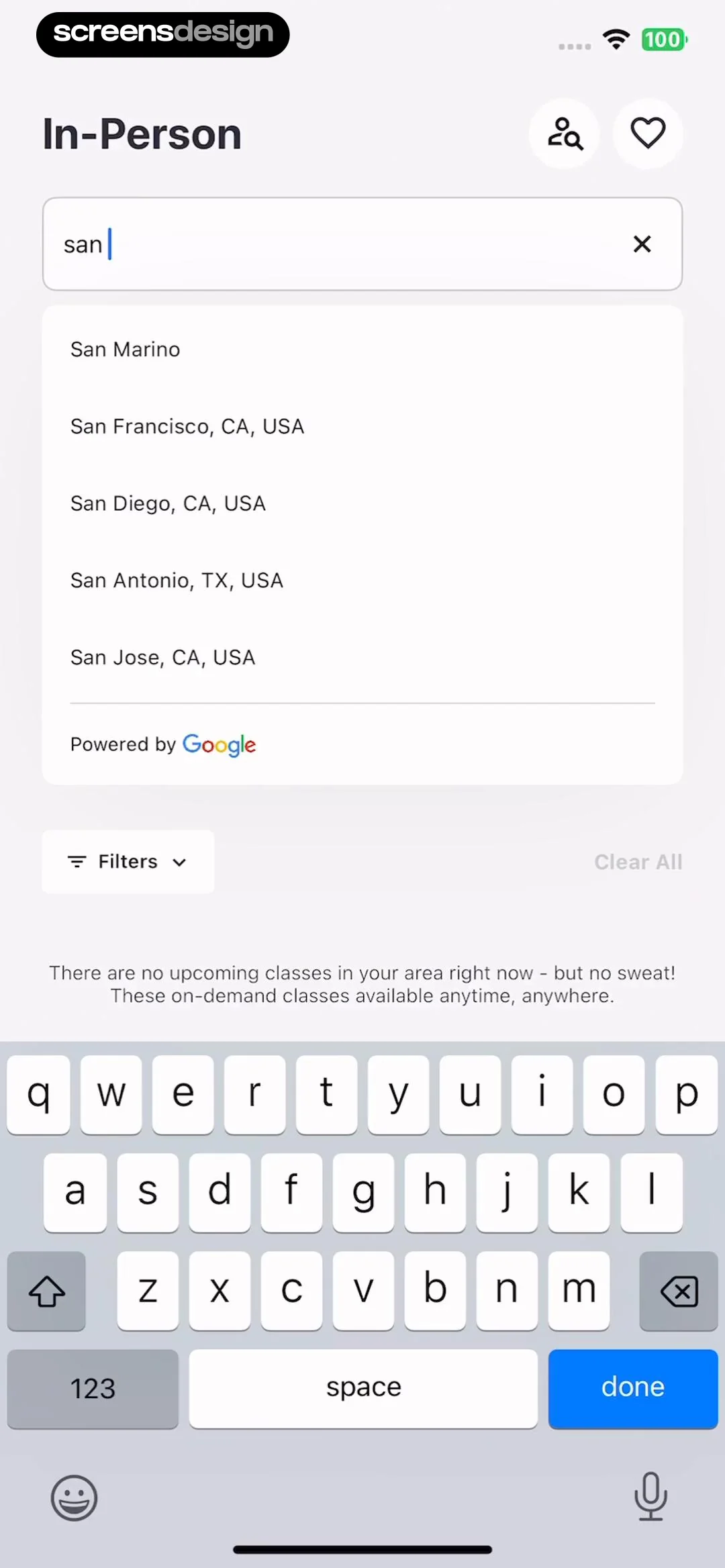
This screen is a location search interface for finding in-person Zumba classes.
 See the flow
  Widgetable: Besties & Couples
This screen displays a modal overlay for location selection within the Widgetable app, appearing over a background that shows a 'Kitty - Pet' widget configuration page.
 See the flow
  bergfex: Hiking & Tracking
The main body of the screen displays a scrollable list of location search results, each marked with a blue location pin icon.


