

 See the flow
  Klook: Travel & Activities
The 'Contact details' section includes input fields for first name, last name, country code, phone number, and an email address.
 See the flow
  Redfin: Buy, Sell & Rent Homes
Top navigation bar, header text, descriptive text, vertical stack of input fields, legal disclaimer text, and a large submit button.
 See the flow
  Windy.app — Wind, Tides, Radar
Contact information is presented in a list format, including a phone number, website URL, email address, and a physical address in Manila, Philippines.
 See the flow
  Too Good To Go: Save Good Food
The layout is a vertical list of labeled input fields organized into two main sections: 'CONTACT DETAILS' and 'DELIVERY ADDRESS'.
 See the flow Redfin: Buy, Sell & Rent Homes
This is a mobile form screen in the Redfin app used to collect user contact information and preferences for scheduling a home tour.
 See the flow
  ZARA
ZARAThis screen is a 'Personal Details' form within the Zara mobile application, designed for users to input or update their shipping and contact information.
 See the flow
  HBX | Globally Curated Fashion
The form is divided into two main sections: 'Contact Details' and 'Delivery Address'.
 See the flow
  Vivino: Drink The Right Wine
At the top, there is a contact information card featuring links to Instagram, Email, and Phone.
 See the flow
  Scanner App: Genius Scan
A green plus icon button labeled 'add phone' allows for additional contact details.
 See the flow
  Zalando – Online fashion
Below the contact details, there is a section titled 'Mostly interested in' with radio button options for 'Women's fashion' (currently selected), 'Men's fashion', and 'No preference'.
 See the flow
  Useless - Screen Time Control
This screen is a settings or profile configuration page for the Useless app, focused on managing phone and contact information.
 See the flow
  Quinn - Audio Stories
This screen is a settings or information page for the Quinn app, focusing on community standards and contact information.
 See the flow
  Blinq: Digital Business Card
The contact information section includes an email address, phone number, and website URL, each accompanied by a corresponding icon.
 See the flow
  VSCO: Photo & Video Editor
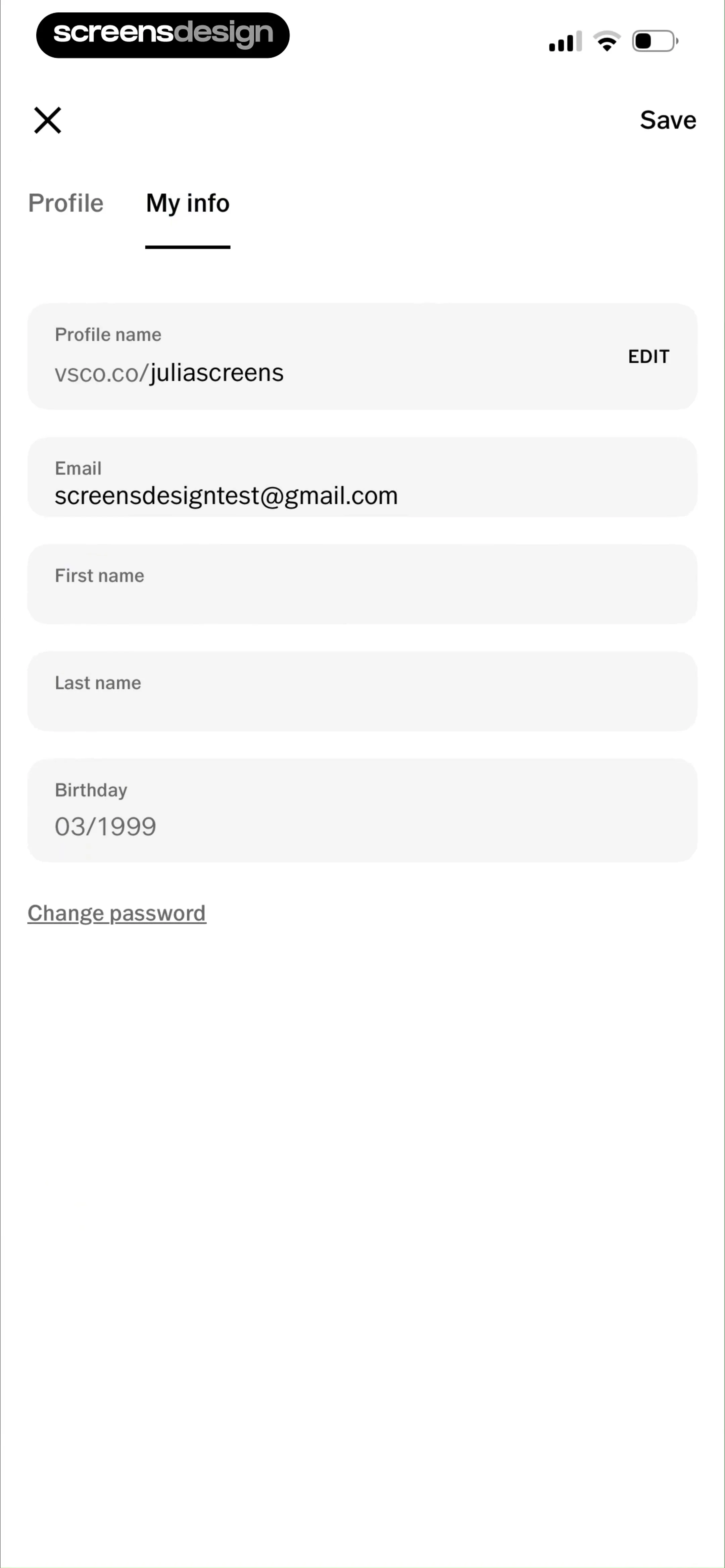
Top navigation bar followed by a tabbed sub-header, then a vertical list of input fields, and a bottom link.
 See the flow
  Fishbrain - Fishing App
Top navigation bar, followed by a large header area for a cover photo, then a vertical list of form fields, and a final action button at the bottom.
 See the flow Zalando – Online fashion
Top navigation bar with close button, followed by a horizontal progress stepper, then two main content cards for address details.
 See the flow
  Vrbo Vacation Rentals
A vertical stack of input fields starting with date and traveler selectors, followed by personal contact details, and ending with a message box and legal text.
 See the flow HBX | Globally Curated Fashion
Header with back button and title, followed by a scrollable list of form inputs, and a fixed bottom navigation bar.
 See the flow
  Expedia: Hotels, Flights, Cars
Top header with back button and name, followed by scrollable sections for profile details, and a fixed bottom navigation bar.
 See the flow Blinq: Digital Business Card
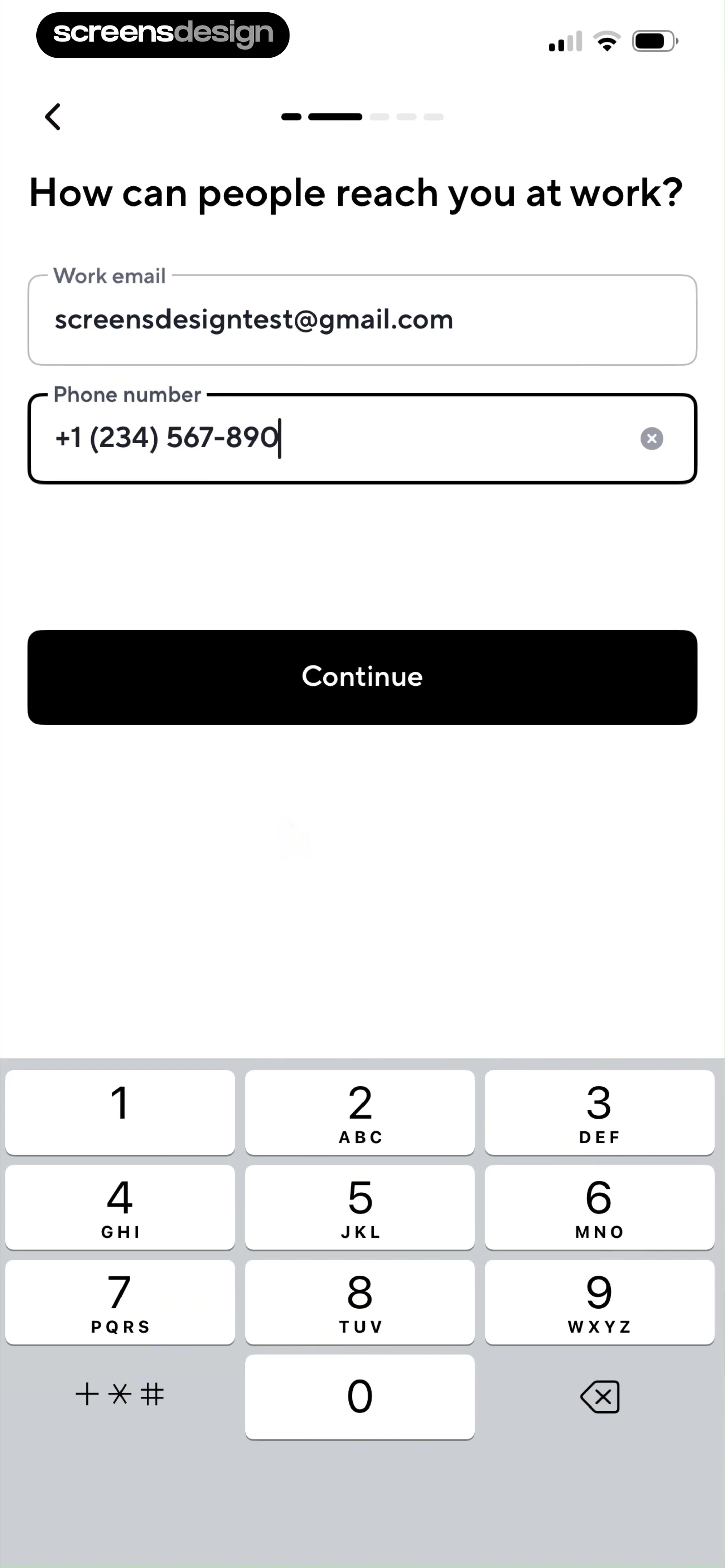
This screen is part of an onboarding flow for a digital business card app, specifically asking for contact information.


