

 See the flow
  Useless - Screen Time Control
Top header text, central image, central input field, bottom navigation/action buttons.
See the flow  Yik Yak
Header text at top, input field below, help link in middle, large CTA button, and system keyboard at bottom.
 See the flow
  ZARA
ZARAA standard iOS numeric keypad is visible at the bottom of the screen, allowing the user to input their phone number.
 See the flow
  Vrbo Vacation Rentals
Further down, there is a dropdown for 'Country code', a 'Phone number' field, and a large multi-line text area labeled 'Leave a message' with a character counter (0/1500).
 See the flow
  Premier League - Scores, News
Header with back button and title, followed by a vertical list of form fields, ending with a full-width action button at the bottom.
 See the flow ZARA
Below the phone field, there is a note stating that an SMS will be sent for verification, followed by a checkbox for opting into email newsletters.
 See the flow
  DAZN: Stream Live Sports
The modal includes a country code selector (Philippines +63), an input field for the phone number, a toggle switch to opt-in for SMS marketing, and a large 'Confirm' button.
 See the flow Vrbo Vacation Rentals
The form requires two inputs: 'Mobile phone number' and 'Last 4 digits of Social Security number or ITIN'.
 See the flow
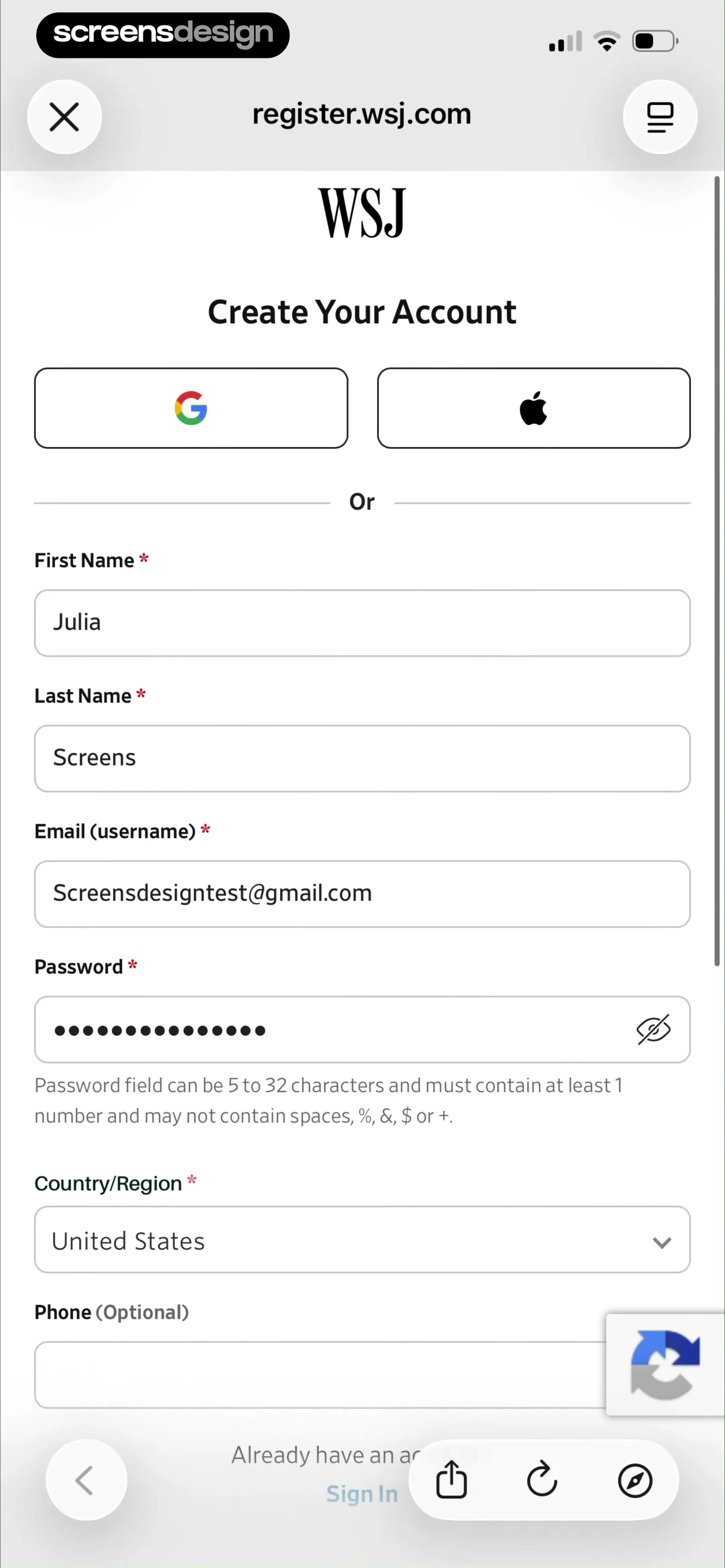
  The Wall Street Journal. News
An optional Phone field is also present.
 See the flow
  Redfin: Buy, Sell & Rent Homes
The form section, titled 'Tell Us About Yourself', includes an input field for a phone number.
 See the flow
  Zalando – Online fashion
Top navigation bar, followed by a vertical list of input fields, a radio button selection group, and a large bottom action button, with a persistent bottom navigation bar.
See the flow  Precious - Baby Photo Art
Below the text is a purple-gradient input field for the phone number, followed by a 'Continue' button with a right-pointing arrow.
 See the flow
  HBX | Globally Curated Fashion
Header with back button and title, followed by a scrollable list of form inputs, and a fixed bottom navigation bar.
 See the flow The Wall Street Journal. News
It features a password input field with a visibility toggle icon, a country/region dropdown selector, and an optional phone number input field.
 See the flow Redfin: Buy, Sell & Rent Homes
The form consists of four input fields: 'First name', 'Last name', 'Email' (pre-filled with '[email protected]'), and an optional 'Phone' field.
 See the flow Useless - Screen Time Control
The first card allows the user to input or update their phone number, featuring a country code selector (UK flag, +44), a text input field for the number, and a prominent red 'Save' button.
 See the flow
  Too Good To Go: Save Good Food
The screen features a clean, minimal layout with a back button in the top left, a title 'Your phone number', and two input fields: 'Country' (pre-filled with '+1') and 'Phone number' (with a blinking cursor indicating active input).
 See the flow
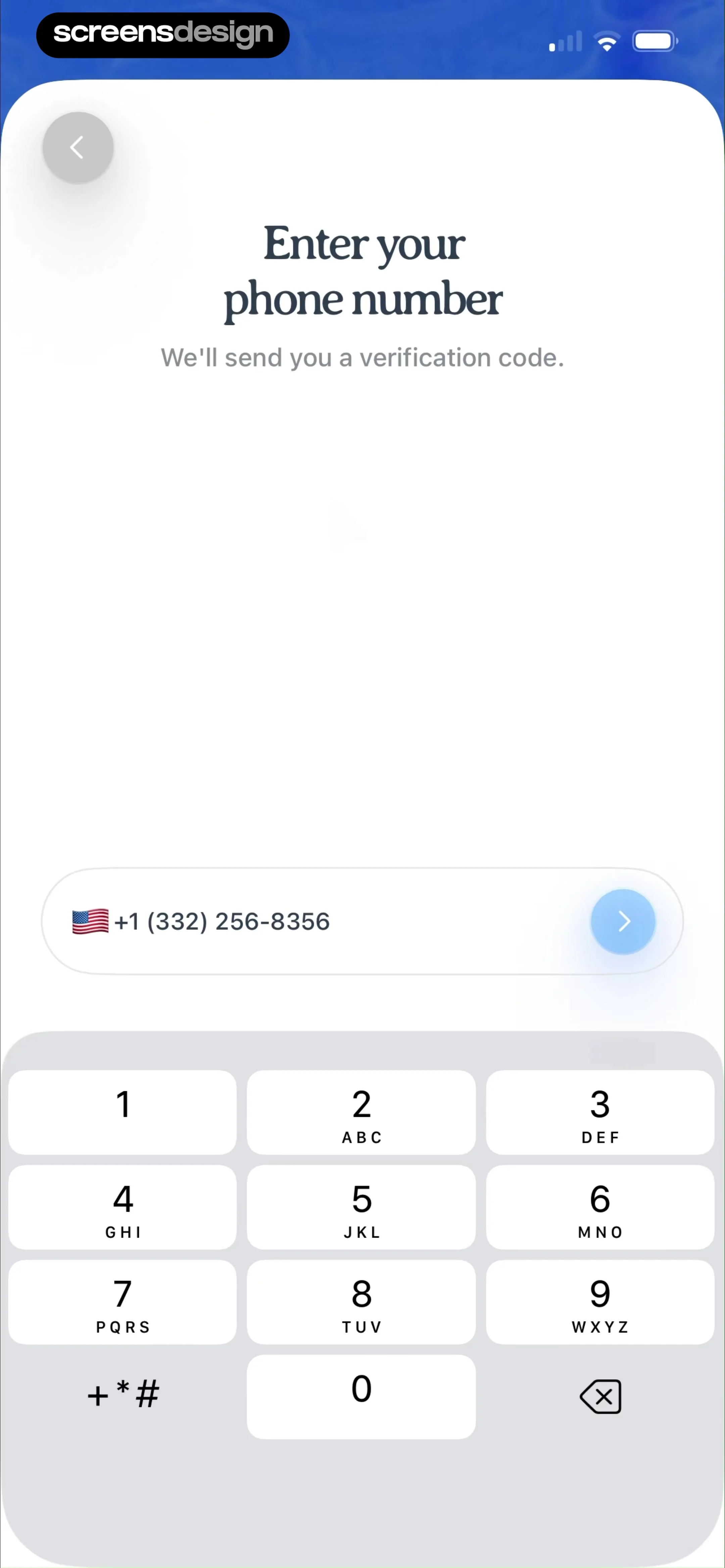
  Pool, the screenshot app
Top back button, centered header text, middle phone input field, bottom numeric keypad.
 See the flow Vrbo Vacation Rentals
Top close button, header text, sub-text, horizontal input row, primary button, and bottom link.
 See the flow
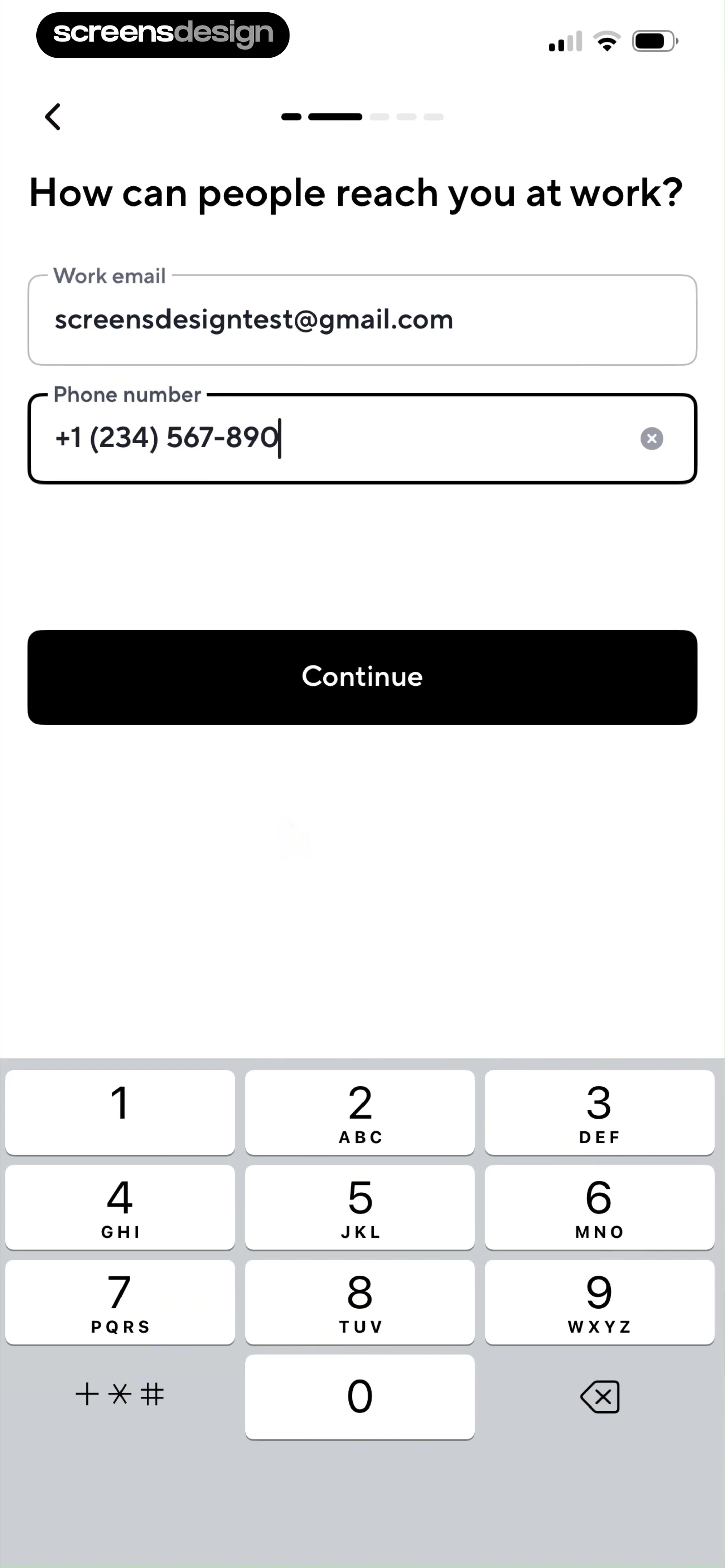
  Blinq: Digital Business Card
The phone number field includes a clear/delete icon.


