
 See the flow
  Fishbrain - Fishing App
At the bottom, there is a persistent input bar for commenting as 'juliascreens', featuring a plus icon and a send icon.
 See the flow
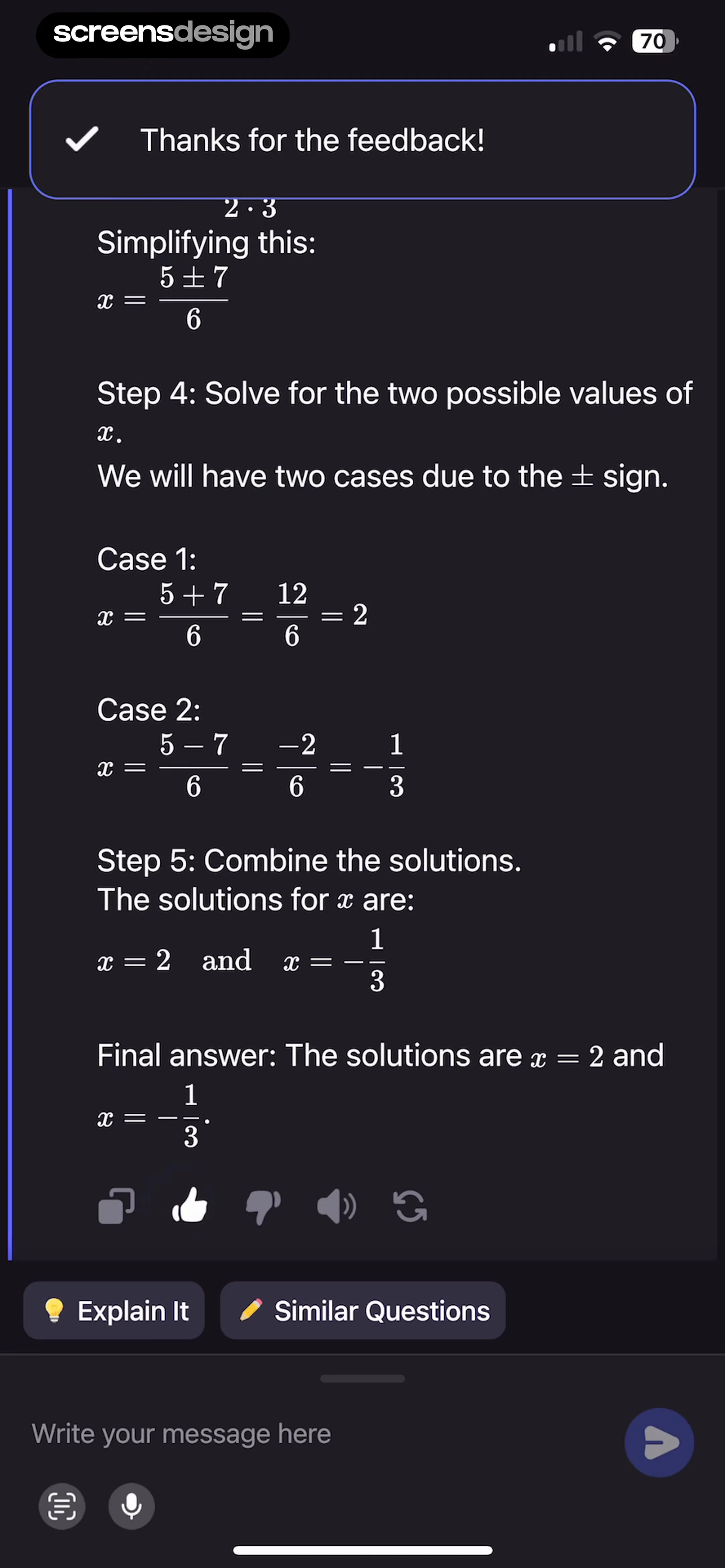
  Pick Up Limes
This screen displays a 'Discussion' section for a recipe or article within the Pick Up Limes app.
 See the flow
  VSCO: Photo & Video Editor
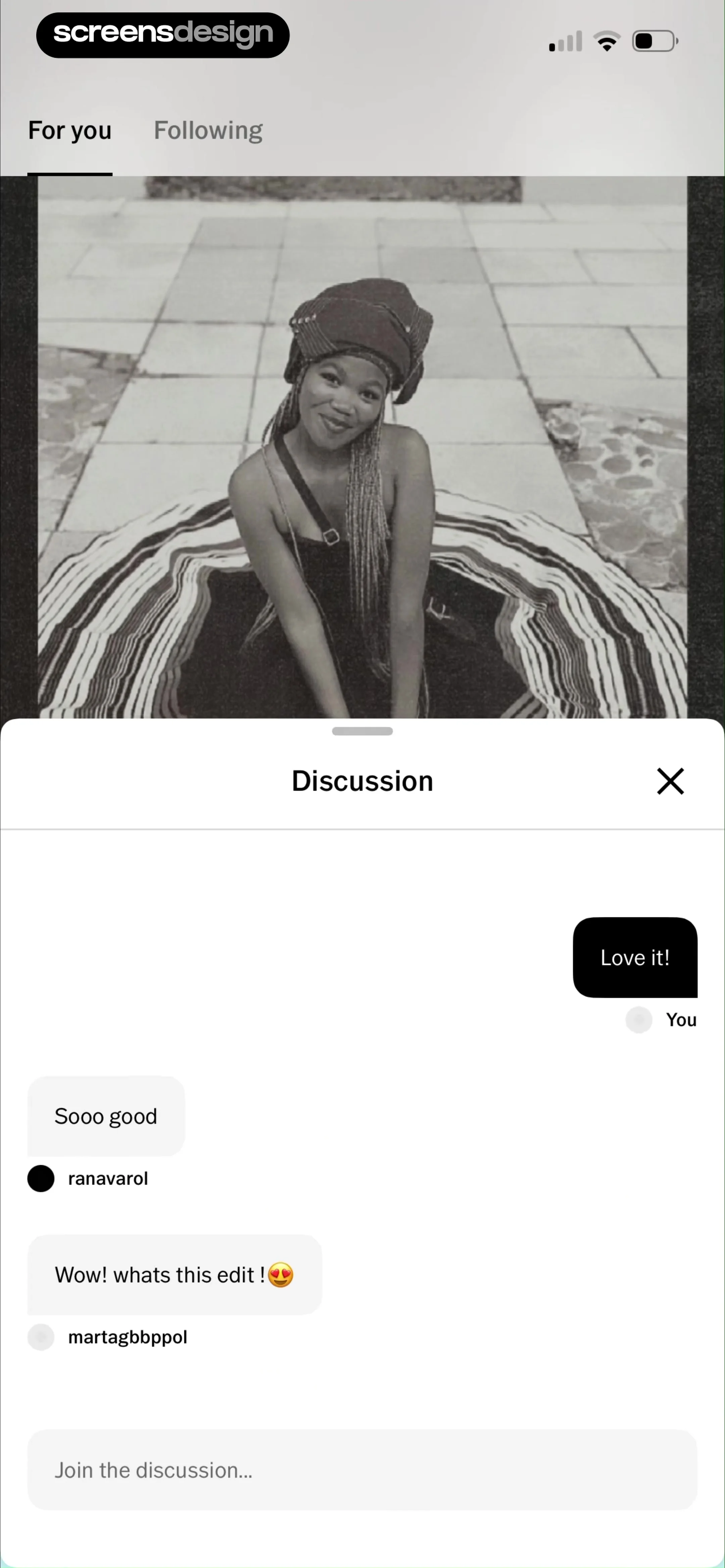
This screen displays a social discussion overlay within a photo-sharing app.
 See the flow
  Hypelist: Create & Share Lists
A 'Comments' section follows, showing user reviews in a horizontal scrollable card format, with a 'View all' link.
 See the flow
  Map My Run GPS Running Tracker
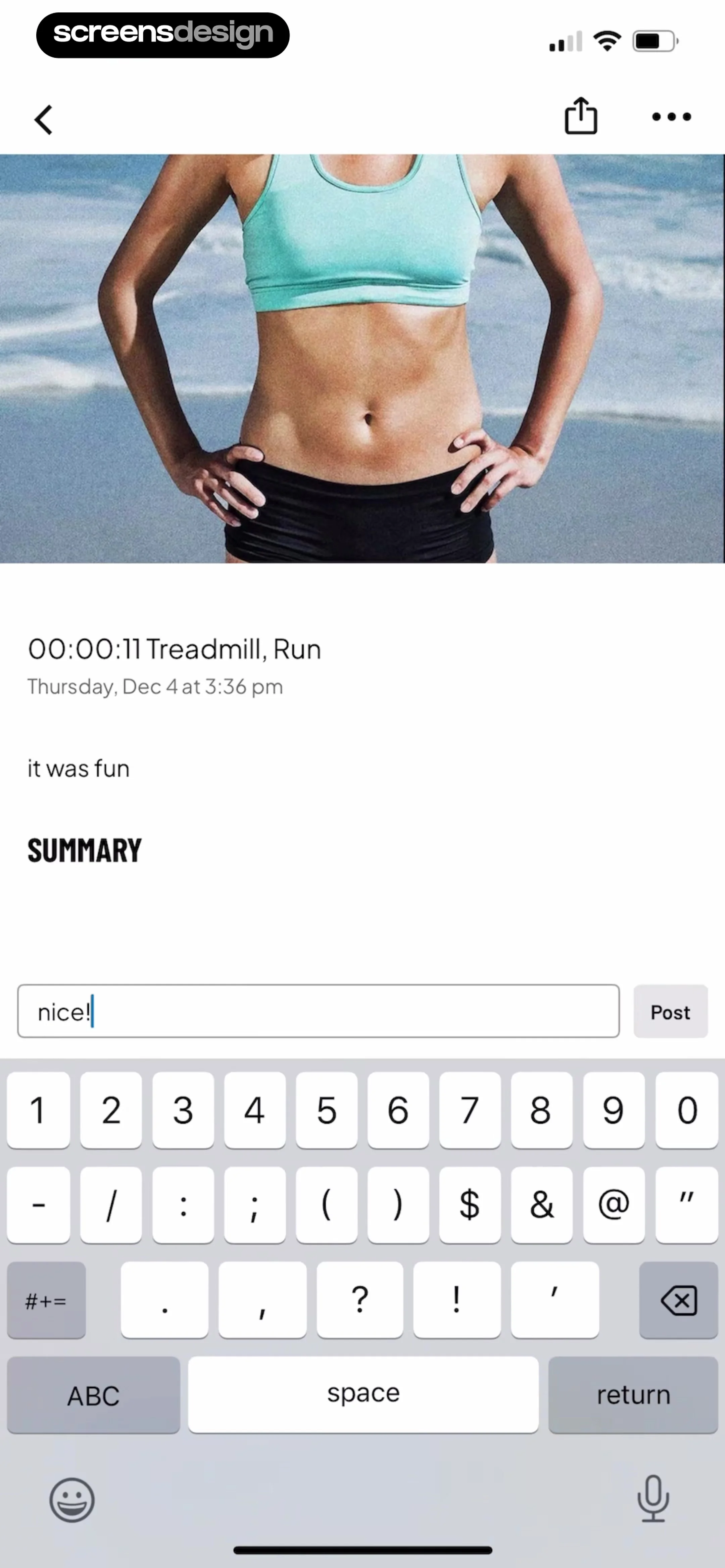
There is a user-entered comment 'it was fun' followed by a 'SUMMARY' header.
 See the flow
  Quinn - Audio Stories
This screen displays the comments section for an audio story titled 'Two Boyfriends (Part 2)'.
 See the flow
  Wikiloc - Trails of the World
This screen is a modal overlay for entering comments on a trail or post within the Wikiloc app.
 See the flow
  South China Morning Post: News
This screen displays the comments section for a news article within the South China Morning Post app.
 See the flow
  Vivino: Drink The Right Wine
This screen displays a user-generated comment or review interface within the Vivino app.
 See the flow
  Meetup: Social Events & Groups
This screen displays the comments section for an event or group within the Meetup app.
 See the flow
  GoodNovel - Booktok, Stories
The bottom section features a 'Comments' area with a user review, a 5-star rating, and a '10 Reviews' link.
 See the flow Fishbrain - Fishing App
Interaction buttons for 'Like', 'Comment', and 'Share' are positioned below the catch details.
 See the flow Quinn - Audio Stories
This screen displays a comments section for an audio story titled 'Two Boyfriends (Part 2)' in the Quinn app.
 See the flow Map My Run GPS Running Tracker
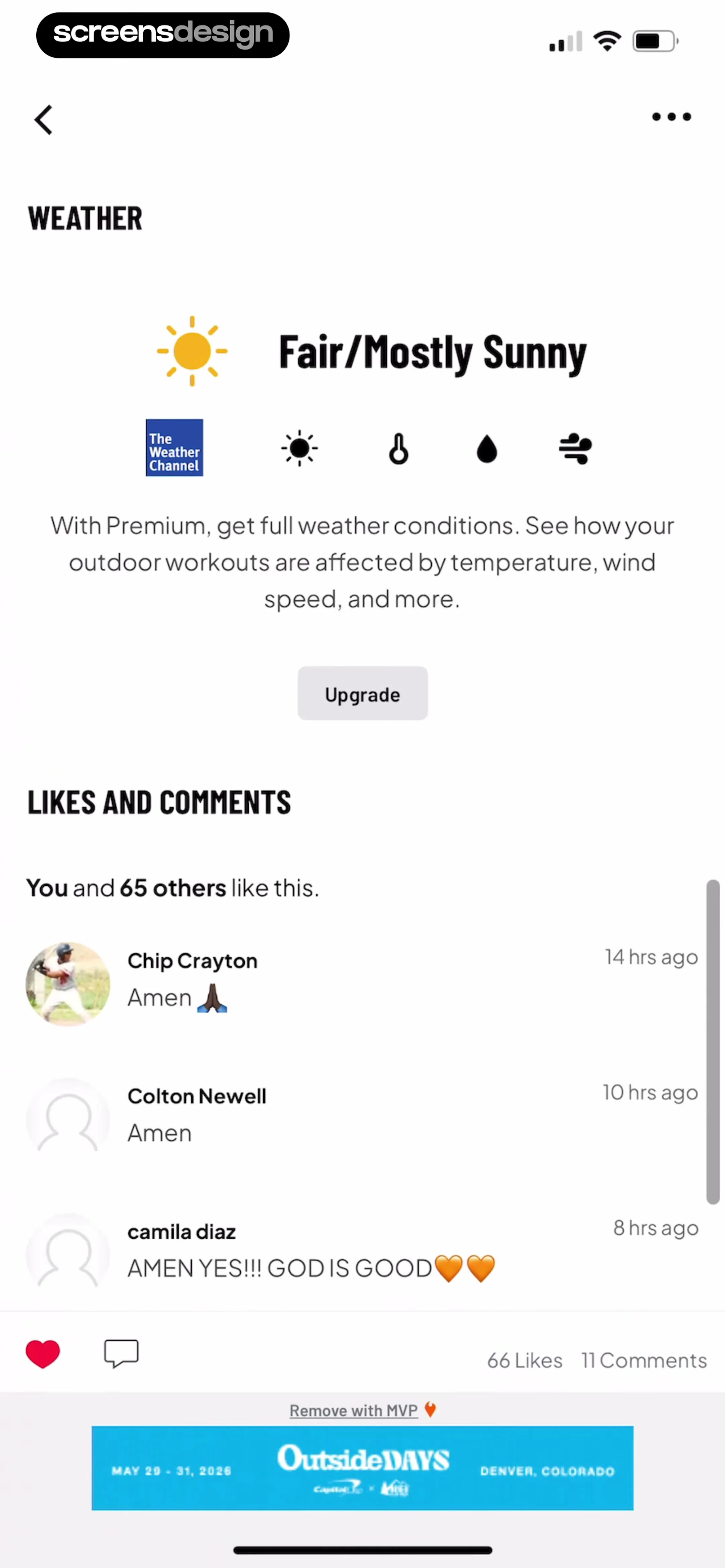
Below this, a 'Likes and Comments' section lists recent interactions, showing user avatars, names, timestamps, and comments.
 See the flow Pick Up Limes
The central modal displays a 'Thanks for your feedback' message with a prompt asking if the user wants to 'View your comment on the community page?'.
 See the flow Wikiloc - Trails of the World
This screen displays a modal overlay titled 'Comments' over a trail detail page in the Wikiloc app.
 See the flow South China Morning Post: News
The top navigation bar includes a 'Close' button, the URL 'comments.scmp.com', and a refresh icon.
 See the flow
  Yik Yak
Following the main post, there is a comment section with two visible comments: one from user #1 saying 'Woohoo!!' with 9 votes, and another from user #2 saying 'That's so pretty' with 5 votes.
 See the flow
  The Guardian - US & World News
This screen displays a user-generated comment section within The Guardian app.
 See the flow Fishbrain - Fishing App
Further down, there is a comment section showing a timestamp 'Now', a like count of '1', and two action buttons: an edit icon (pencil) and a delete icon (trash can).


