See the flow
  Hypelist: Create & Share Lists
The main content area is a list of contacts, each represented by a circular avatar placeholder and a name, accompanied by a black 'Invite' button.
 See the flow
  Wikiloc - Trails of the World
Below the header, there is a user profile picture with a small camera icon overlay in the top-right corner, indicating an option to change the photo.
 See the flow
  South China Morning Post: News
Each card includes the author's name and avatar, the publication date, a category tag (e.g., 'Education', 'China Opinion'), the article headline, a thumbnail image, and action buttons for removing the bookmark or sharing the article.
 See the flow
  ChatGPT
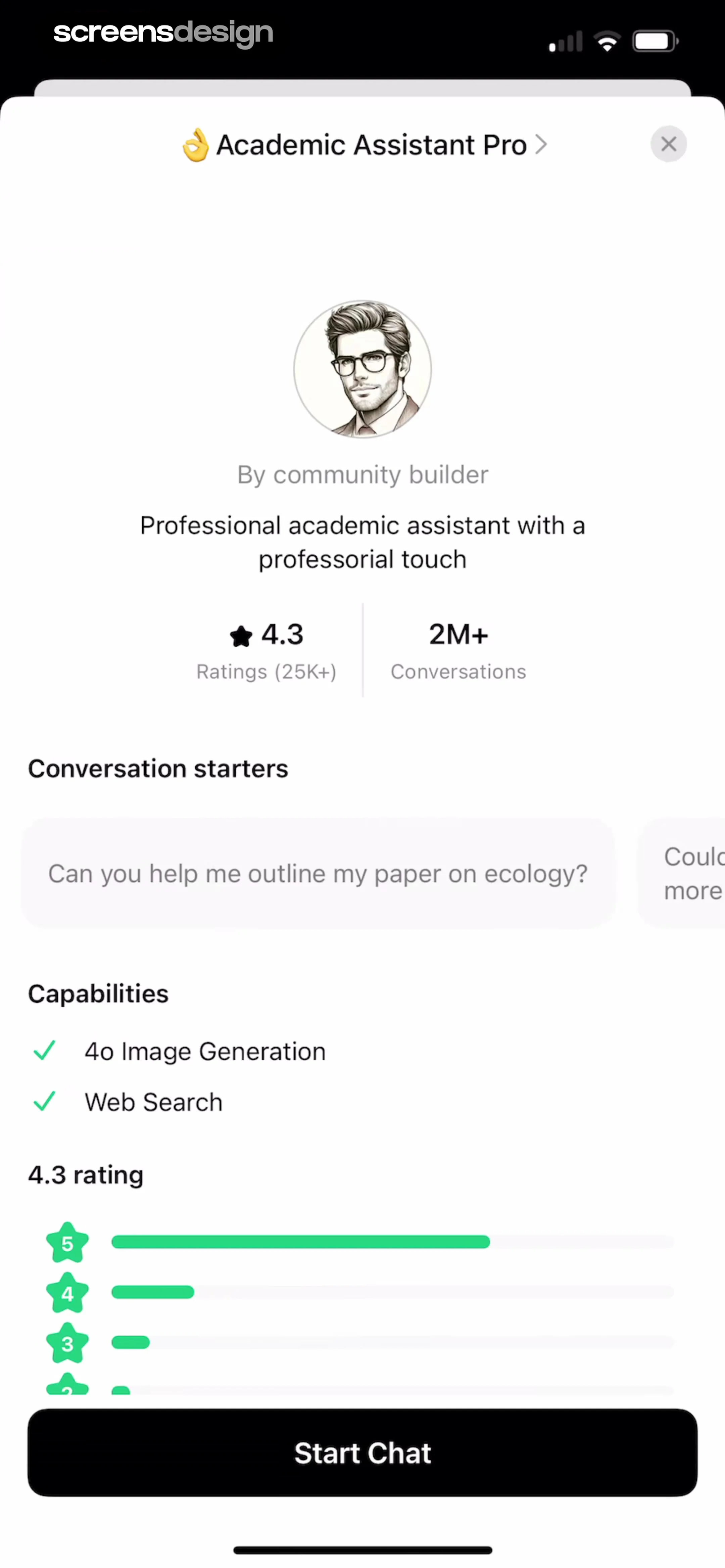
Below this, a circular avatar of a man with glasses is centered, followed by the creator's name ('community builder') and a short description of the bot's purpose.
 See the flow
  Meetup: Social Events & Groups
The screen includes attendee demographics ('18-35 yrs', '70% males') and a horizontal list of attendee avatars with a 'See all' link.
 See the flow
  VSCO: Photo & Video Editor
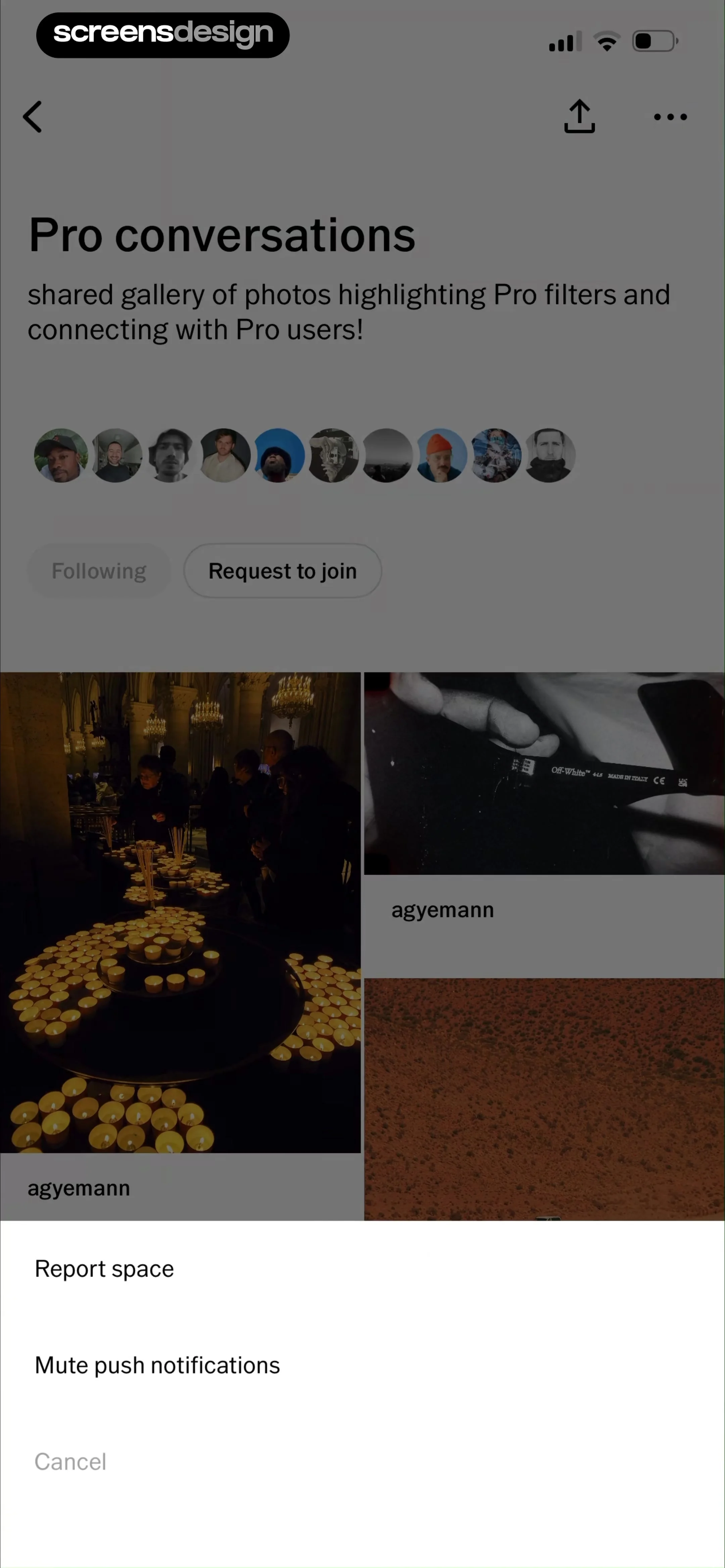
The top section includes a title, a brief description, a horizontal row of circular user avatars, and two action buttons: 'Following' and 'Request to join'.
 See the flow
  invideo AI: AI Video Generator
The top navigation includes a back button, a ghost-like logo, an 'Upgrade' button, and a user profile avatar.
 See the flow
  DAZN: Stream Live Sports
The top of the screen includes a search icon, a cast icon, an 'Upgrade' button, and a user profile avatar.
 See the flow
  Rooms
RoomsAt the top, there is a profile header with a circular avatar, the username 'thinhngg', a notification bell icon, and stats showing 11 rooms, 43,035 views, and 13,107 likes.
 See the flow
  SmartNews: Now in Spanish
This is the profile screen of the SmartNews app, featuring a user's avatar (initials 'CC') and display name 'Clever Caracal' at the top, with an 'Edit' button next to their location, 'Watertown'.
 See the flow
  HelloBot - Astrology & Tarot
Each contact has an avatar, a name, and a short status message.
 See the flow
  Google Gemini
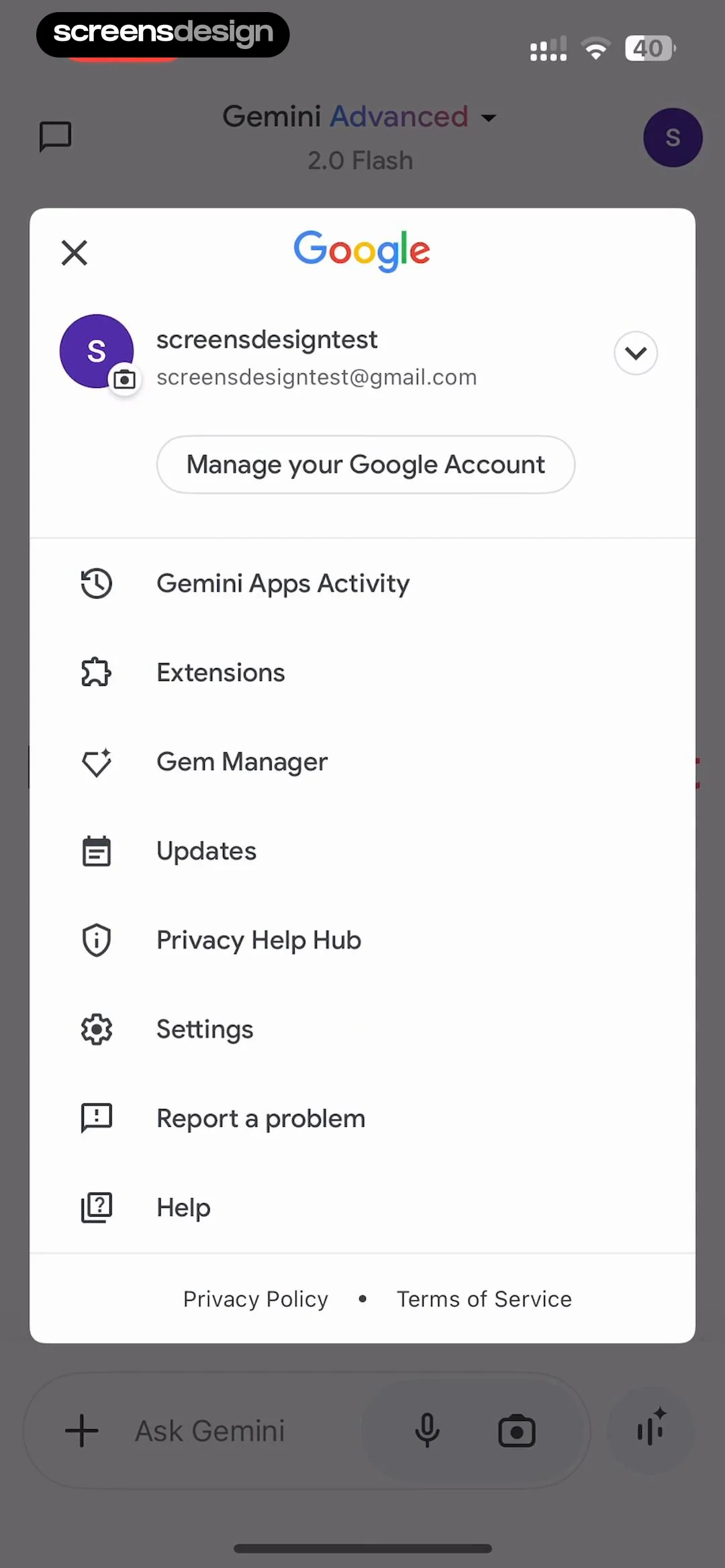
At the top, it shows the Google logo, followed by the user's profile information (avatar, name, and email) with a dropdown arrow.
 See the flow
  Precip - Rain Totals & Gauge
At the top, a user profile card displays an avatar, username, and email address, followed by options for organization and logging out.
 See the flow
  ZEDGE™ Ringtones & Wallpapers
It also displays the creator's name 'Jesus by R' with an avatar.
 See the flow
  Planner 5D: AI Home Design
The bottom of the screen features a text input field labeled 'Send message' with an avatar icon to the left, indicating the user's profile.
 See the flow
  Deezer: Music Player, Podcast
The main content area is a three-column grid of circular artist profile images, each labeled with the artist's name underneath.
 See the flow
  Yelp: Food, Services & Reviews
The main content area is a vertical list of discussion threads, each showing a title, a snippet of the post content, the author's avatar or a placeholder, the time elapsed since posting, and the category of the discussion.
 See the flow
  AI Song Generator: Mozart
At the top, a header displays 'Library' with a search icon and a user profile avatar.
 See the flow
  Quinn - Audio Stories
Small creator portraits appear beside author names above each audio entry.
 See the flow
  FLYP - Fashion Design Studio
Below this, there are two side-by-side cards for 'Logo' and 'Avatar' (marked as 'Required'), with a placeholder for a logo image and a default user icon for the avatar.