

 See the flow
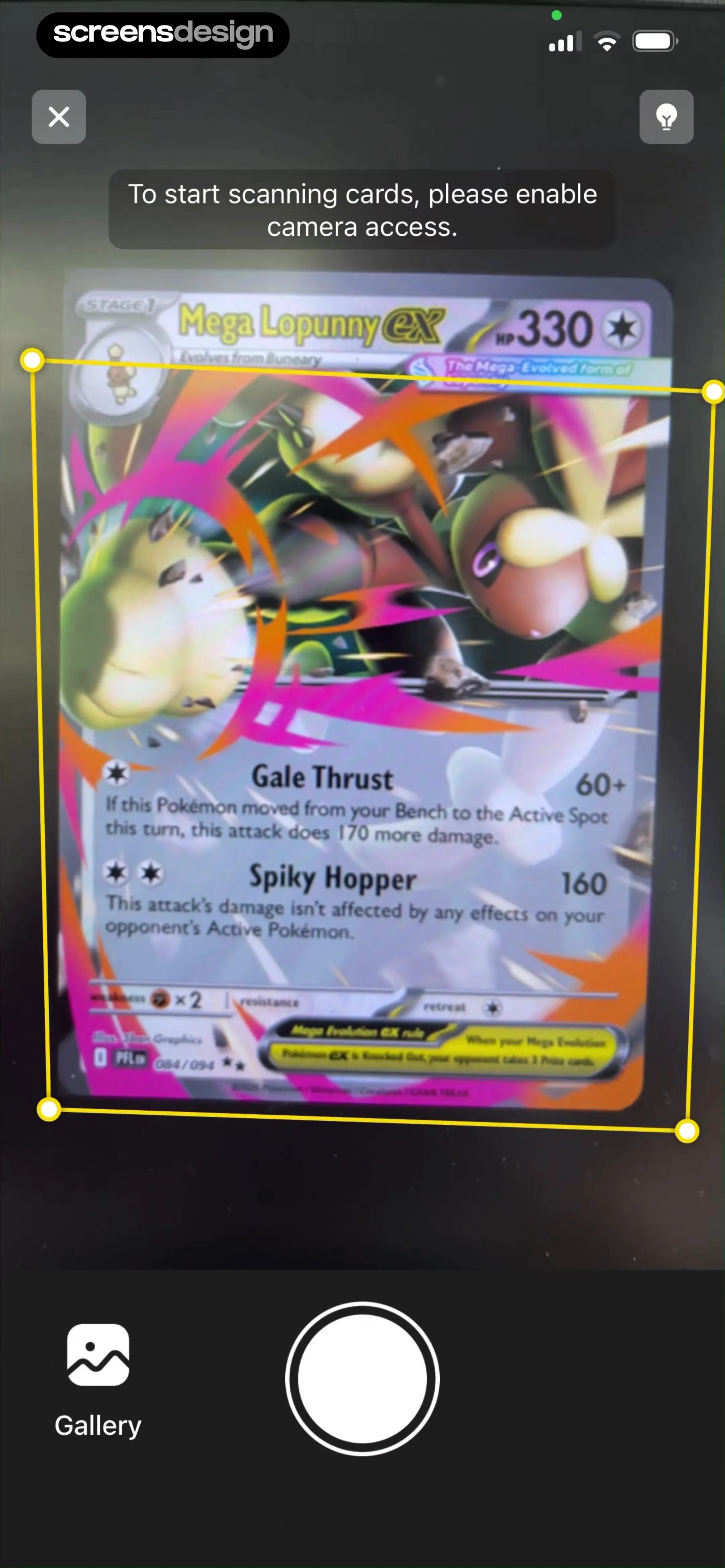
  TCG Card Scanner & Value-Foloy
At the top, a dark semi-transparent banner prompts the user to 'enable camera access' to begin scanning.
 See the flow
  ZARA
ZARAA centered iOS system alert modal asks for permission to access the camera, explaining that it is used to scan product barcodes, QR codes, and gift cards.
 See the flow
  Gaia GPS: Mobile Trail Maps
The modal, centered on the screen, features a camera icon with a hand gesture overlay, requesting access to the device camera to allow the user to add photos to their GPS track.
 See the flow
  Fishbrain - Fishing App
The screen features a clean, white background with a centered camera icon, the heading 'Allow camera access', and a descriptive subtext explaining that camera access is required to take a photo.
 See the flow
  Calculator₊
The modal features a camera icon with a small hand gesture overlay, indicating a request for camera access.
 See the flow
  Bible Chat: Daily Devotional
This screen is a system-level camera permission request overlay within the 'Bible Chat' app.
 See the flow
  Useless - Screen Time Control
A full-screen camera interface with a centered system permission modal.
 See the flow
  Planner 5D: AI Home Design
The modal asks for permission for 'Planner 5D' to access the device camera, explaining that it is needed for project previewing, furniture arrangement, uploading plans, and other special features.
 See the flow
  Blinq: Digital Business Card
This screen is a camera-based scanning interface for the Blinq digital business card app, currently displaying a system-level permission modal requesting access to the device's camera.
 See the flow
  bergfex: Hiking & Tracking
The modal, titled 'bergfex Touren would like to access the Camera', explains that the app wants to add photos to the user's activity.
 See the flow
  Hidden Camera Detector - Peek
The central modal, titled 'Peek would like to access the Camera', explains that the user needs to enable camera permissions to use the lens detection feature.
 See the flow
  SunSafe: UV Index & Tanning
This screen displays a system-level camera permission request modal overlaid on a camera interface.
 See the flow
  Plane Finder ⁃ Flight Tracker
The center of the screen features a standard iOS system alert modal titled 'Plane Finder Would Like to Access the Camera' with the subtext 'Camera is needed to display AR mode', accompanied by 'Don't Allow' and 'Allow' buttons.
 See the flow
  calimoto Motorcycle Navigation
Centered system permission modal over a camera viewfinder interface.
 See the flow
  Everlook- Face & Body Editor
The central modal is a standard iOS system alert requesting camera access, with the text 'Everlook Would Like to Access the Camera' and an explanation that it is required to take pictures for editing.
 See the flow
  Tattoo AI - Tattoo Design
The modal, titled 'Tattoo AI Would Like to Access the Camera', explains that the app requires camera access to generate and preview tattoo designs on the user's body in real-time.
 See the flow
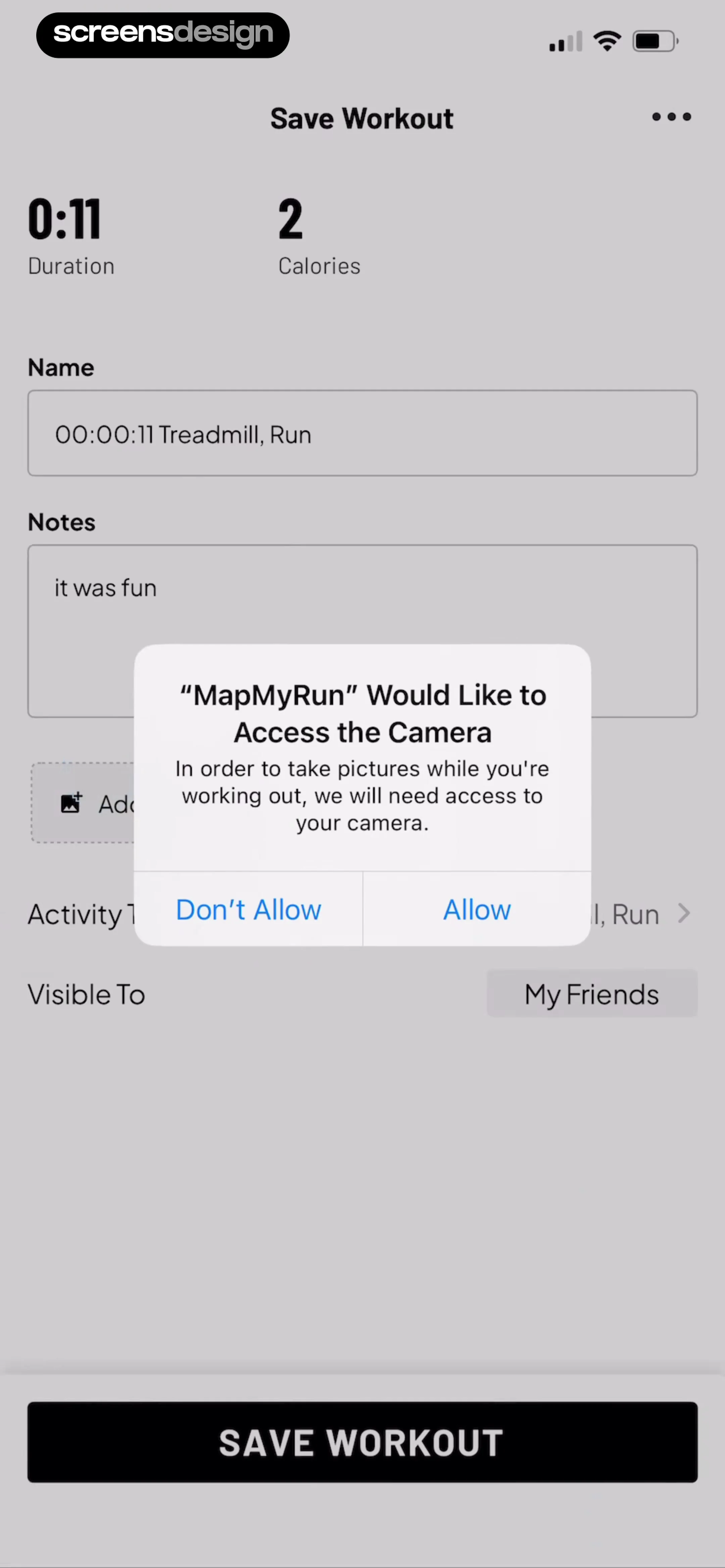
  Map My Run GPS Running Tracker
This screen is a 'Save Workout' form in the MapMyRun app, currently displaying a system-level permission modal requesting camera access.
 See the flow
  CamScanning: AI Measure & Scan
This screen displays a system-level camera permission request modal overlaid on top of the 'Count' feature interface of the CamScanning app.
 See the flow
  Wikiloc - Trails of the World
The modal asks for camera access, explaining that it is needed to take pictures for trails or profiles, with 'Don't Allow' and 'Allow' buttons.
 See the flow
  Vivino: Drink The Right Wine
This screen shows the Vivino app home feed with a system-level camera permission modal overlaying the content.


