

 See the flow
  Tiny Scanner - PDF Scanner App
This is the camera interface for a document scanning app, featuring a dark, minimalist design optimized for capturing images.
 See the flow
  ZARA
ZARAThis screen is a camera-based scanner interface within the Zara app, designed for scanning product barcodes or QR codes.
 See the flow
  Plant Identifier, Care: Planty
This screen is a camera-based diagnostic interface for a plant care app.
 See the flow
  Vivino: Drink The Right Wine
This screen shows the Vivino app's camera interface after a successful wine label scan.
 See the flow
  Calculator₊
This screen is a camera-based math solver interface within a calculator app.
 See the flow
  Tattoo AI - Tattoo Design
This screen is an AR camera interface for visualizing tattoo designs on a body.
 See the flow
  Calorie Counter by Numify
This screen is a camera-based interface for scanning nutrition labels within a calorie tracking app.
 See the flow
  Scanner App: Genius Scan
This screen represents the primary camera interface for a document scanning application.
 See the flow
  SunSafe: UV Index & Tanning
This is a camera interface screen within the SunSafe app, designed for taking a selfie.
 See the flow
  ScanAny-PDF Scanner App
This is the camera interface of a document scanning application.
 See the flow
  Blinq: Digital Business Card
The screen features a central viewfinder frame for scanning QR codes, with instructional text at the top reading 'Scan contact information' and 'Capture event badges or any contact info'.
 See the flow
  Spoke Route Planner
This screen is a camera-based address scanner interface within the Spoke Route Planner app.
 See the flow
  Gaia GPS: Mobile Trail Maps
At the bottom, there is a large white circular shutter button, flanked by a 'X' close button on the left and a camera flip/rotate icon on the right.
 See the flow
  Everlook- Face & Body Editor
This is a camera interface screen for a photo editing app, featuring a dark, semi-transparent overlay menu at the top with camera settings like Flash Lamp, 3s Delay, Night Mode, Facefocus, Touchshot, and Auto Save.
 See the flow
  Useless - Screen Time Control
This screen is a camera-based interface within the 'Useless' app, titled 'Escape Beast Mode'.
 See the flow
  PDF Scanner AI: Scan Documents
This screen displays a camera-based document scanning interface within a PDF scanner application.
 See the flow
  CamScanning: AI Measure & Scan
An expanded mode menu sits above a framed viewfinder, capture button, gallery action, and flash control.
 See the flow
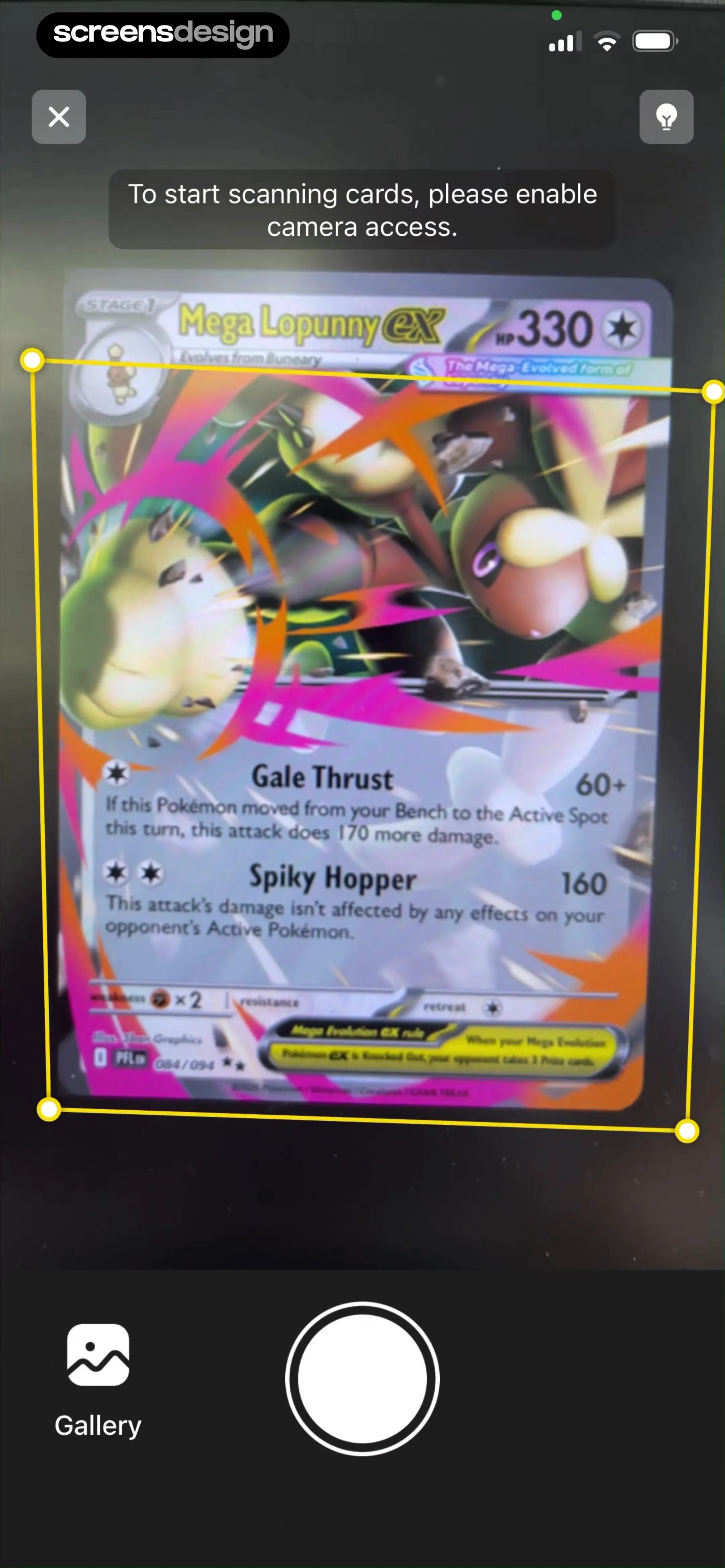
  TCG Card Scanner & Value-Foloy
A trading-card scanner shows framing corners and a shutter button beneath the card.
 See the flow Useless - Screen Time Control
The camera preview appears under an instruction to send a photo as evidence.
 See the flow Calculator₊
A math-scanning viewfinder frames an equation, with the shutter and torch controls below.


