

 See the flow
  WebNovel - Read Novels & Manga
This screen displays a user profile dashboard for a reading app, featuring a modal overlay that announces a level-up achievement.
 See the flow
  Ascend: Bible Game
The modal provides a list of four ways to earn in-game currency: completing lessons, maintaining a daily streak, hitting milestones, and acing quizzes, each accompanied by a relevant icon.
 See the flow
  Litres: Audio
At the bottom of the screen, there is a prominent blue 'Share' button for the user to export or share their reading achievement.
 See the flow
  Bible Chat: Daily Devotional
At the top, a user profile initial 'G' is displayed next to the plan title, with a streak counter (1) and a calendar icon.
 See the flow
  PDF Scanner AI: Scan Documents
Two files are currently selected, indicated by blue circular badges with the numbers '1' and '2', while one file remains unselected with an empty circular radio button.
 See the flow
  Tuner Pro: Guitar Tuner & Tab
An orange flame and the number 1 appear against a dark background.
 See the flow
  Hypelist: Create & Share Lists
This screen from the Hypelist app displays a 'Top Curator' gamification or achievement interface.
 See the flow
  10K Runner, Couch to 10K Run
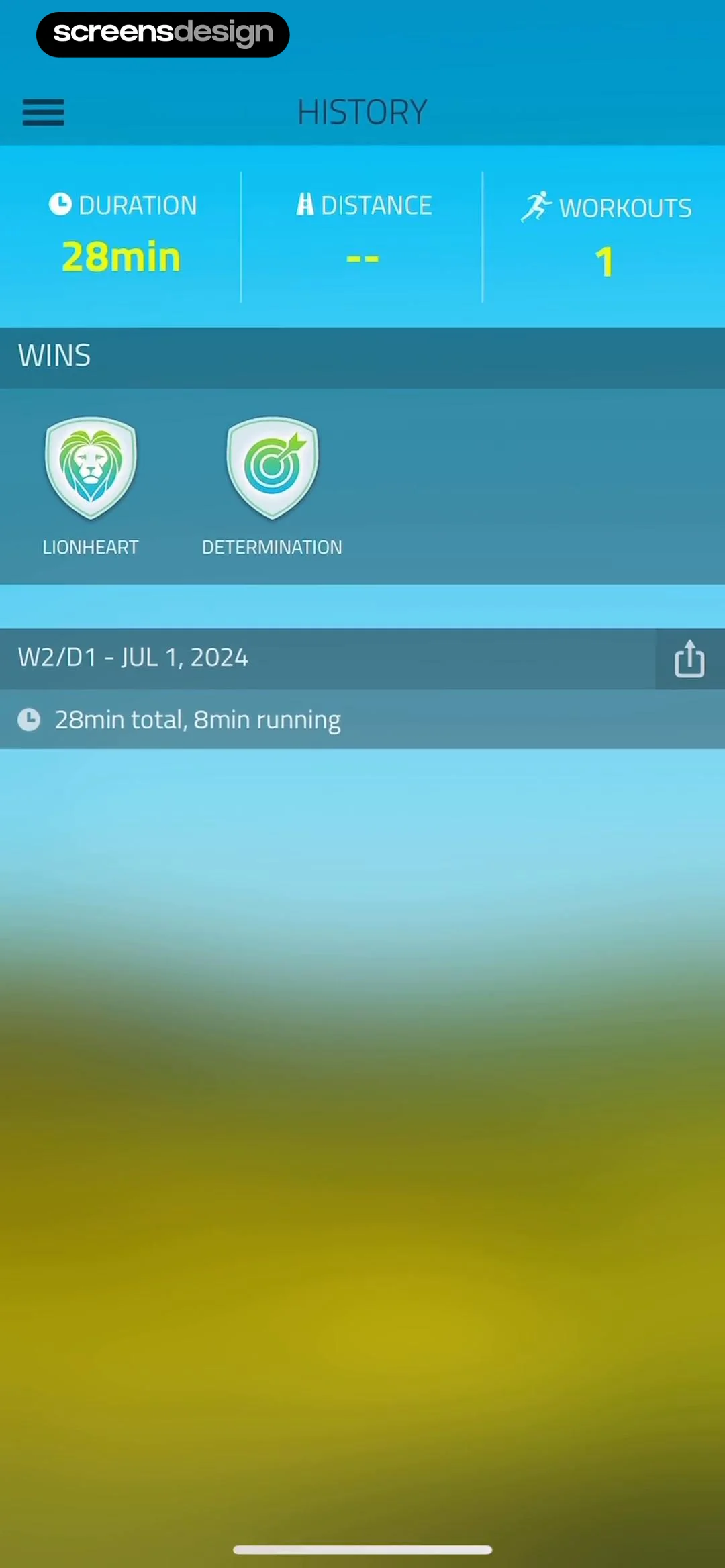
This screen displays the user's running history and achievements within the 10K Runner app.
 See the flow
  Scroll The Bible
The second card displays a '1 DAY STREAK' with a flame icon and a weekly progress tracker showing seven circular indicators, with the final one highlighted in orange to represent the current day's activity.
 See the flow
  The Wall Street Journal. News
This screen displays a 'Level Completed' summary for a crossword puzzle within The Wall Street Journal app.
 See the flow
  Premier League - Scores, News
This screen from the Premier League app provides an educational overview of the 'Rank Badges' system within the Fantasy football section.
 See the flow 10K Runner, Couch to 10K Run
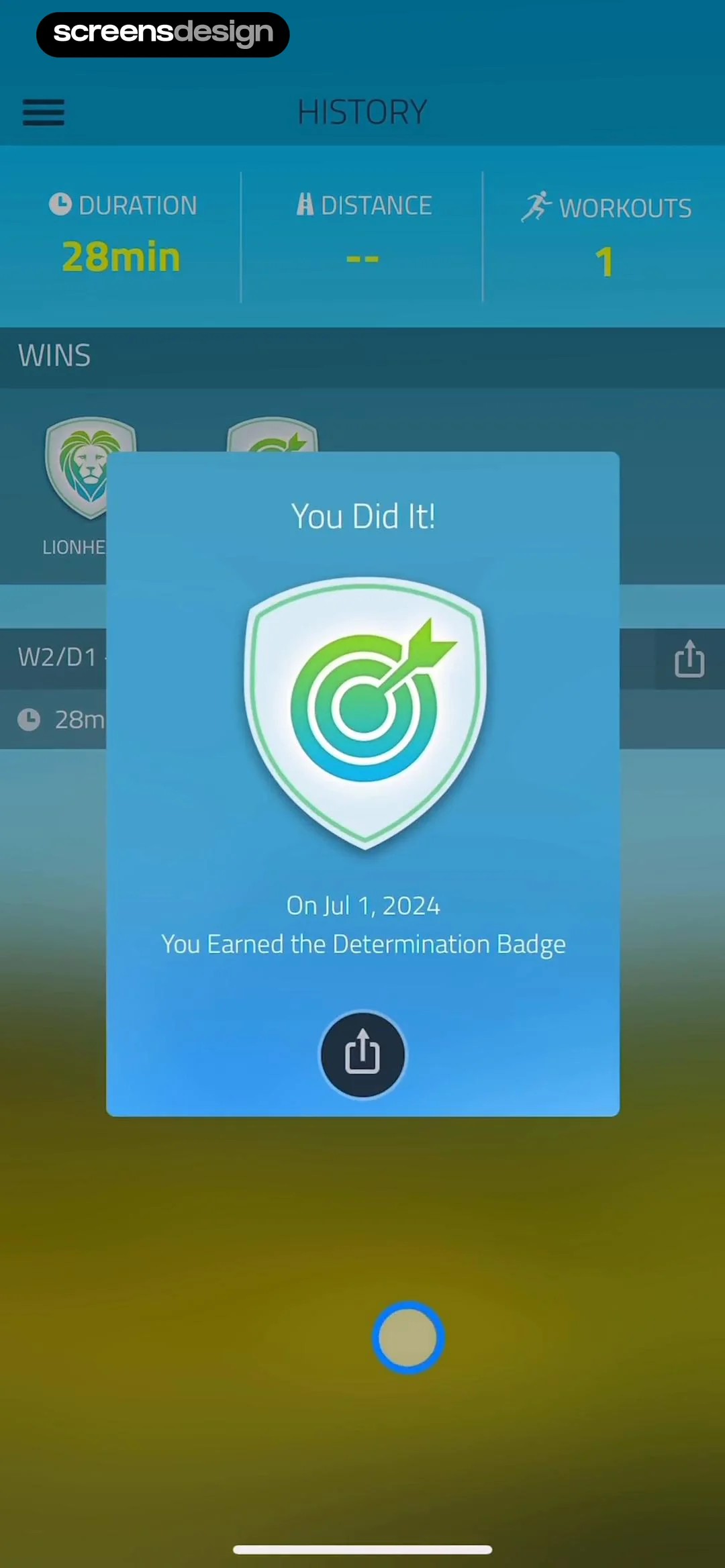
This screen displays a 'History' dashboard for a running app, overlaid with a modal congratulating the user on earning a badge.
 See the flow The Wall Street Journal. News
The screen displays a 'Level Completed!' message, the time taken (00:32), and a performance metric indicating the user is in the 'Top 6% of players'.
 See the flow Hypelist: Create & Share Lists
This screen displays a gamified 'Top Curator' achievement or progression interface within the Hypelist app.
 See the flow Bible Chat: Daily Devotional
This screen displays a daily habit streak tracker for a religious app.
 See the flow
  Vivino: Drink The Right Wine
This screen displays a gamified achievement modal overlaying a wine product page in the Vivino app.
 See the flow
  Fishbrain - Fishing App
The screen is a centered modal overlaying a festive background. It contains a header, a central image card with catch details, a text prompt, and a primary action button at the bottom.
 See the flow Tuner Pro: Guitar Tuner & Tab
At the top, a green label confirms 'Lesson 2 completed' followed by the title 'Play open strings in rhythm'.
 See the flow
  Map My Run GPS Running Tracker
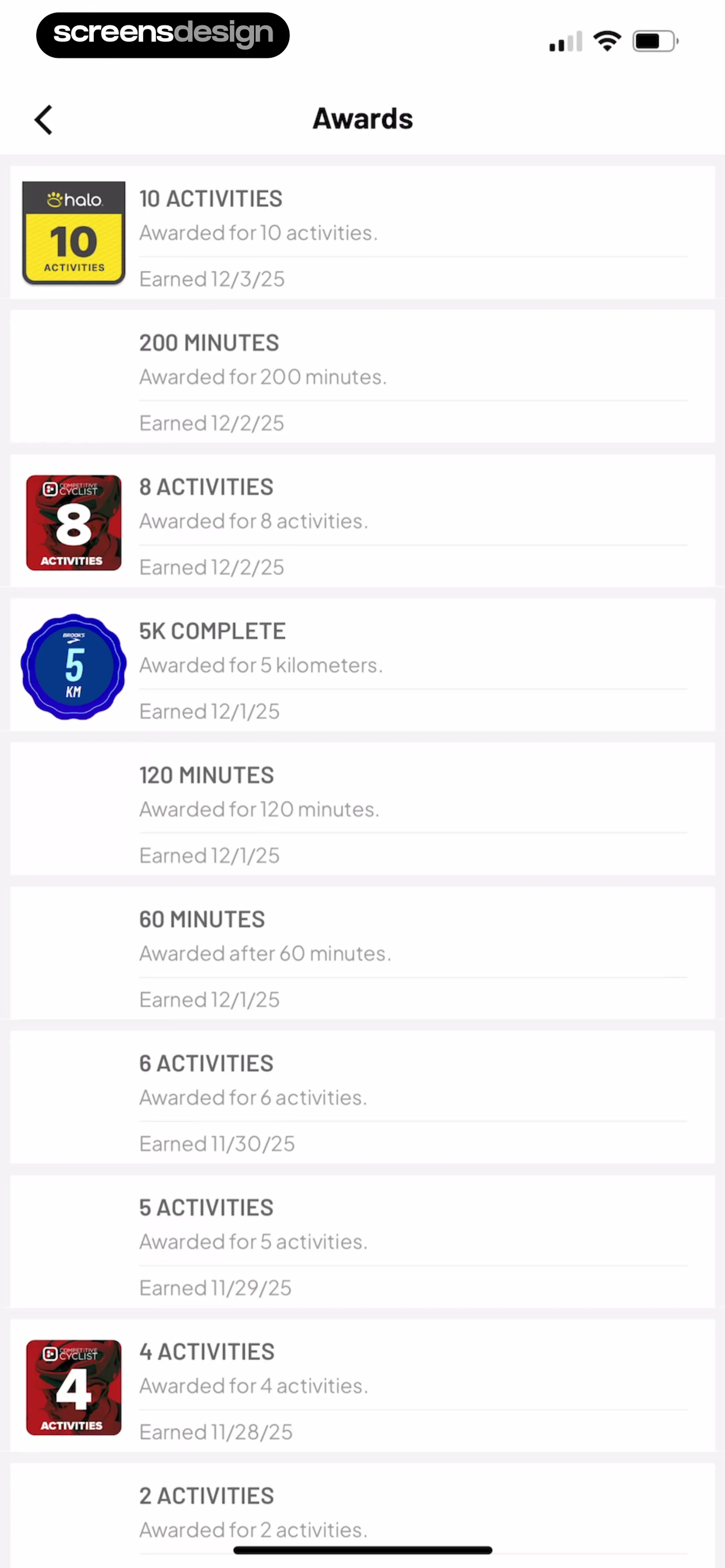
The layout is a vertical list of cards, each representing a specific achievement.
 See the flow Ascend: Bible Game
This screen is a modal overlay within the Ascend: Bible Game app, displaying a 'Badges' collection interface.


