

 See the flow
  HelloBot - Astrology & Tarot
One specific item, 'Heart 200', is highlighted with a 'Limited' badge and a promotional sub-text in Korean indicating a bonus offer, accompanied by a countdown timer showing '22 minutes, 59 seconds left'.
 See the flow
  Planner 5D: AI Home Design
The 'Tools' menu contains a list of options: 'Share', 'Collaborate', 'Export to CAD' (marked with a 'PRO' badge), 'Notes', and 'Settings'.
 See the flow
  Filmit AI: AI Cinematic Video
At the top, a hero section displays a cinematic video preview with a 'FREE' badge and a 'Try it' call-to-action button.
 See the flow
  HBX | Globally Curated Fashion
The bottom navigation bar includes icons for Home, Search, Wishlist, Bag (with a notification badge), and Account.
 See the flow
  VSCO: Photo & Video Editor
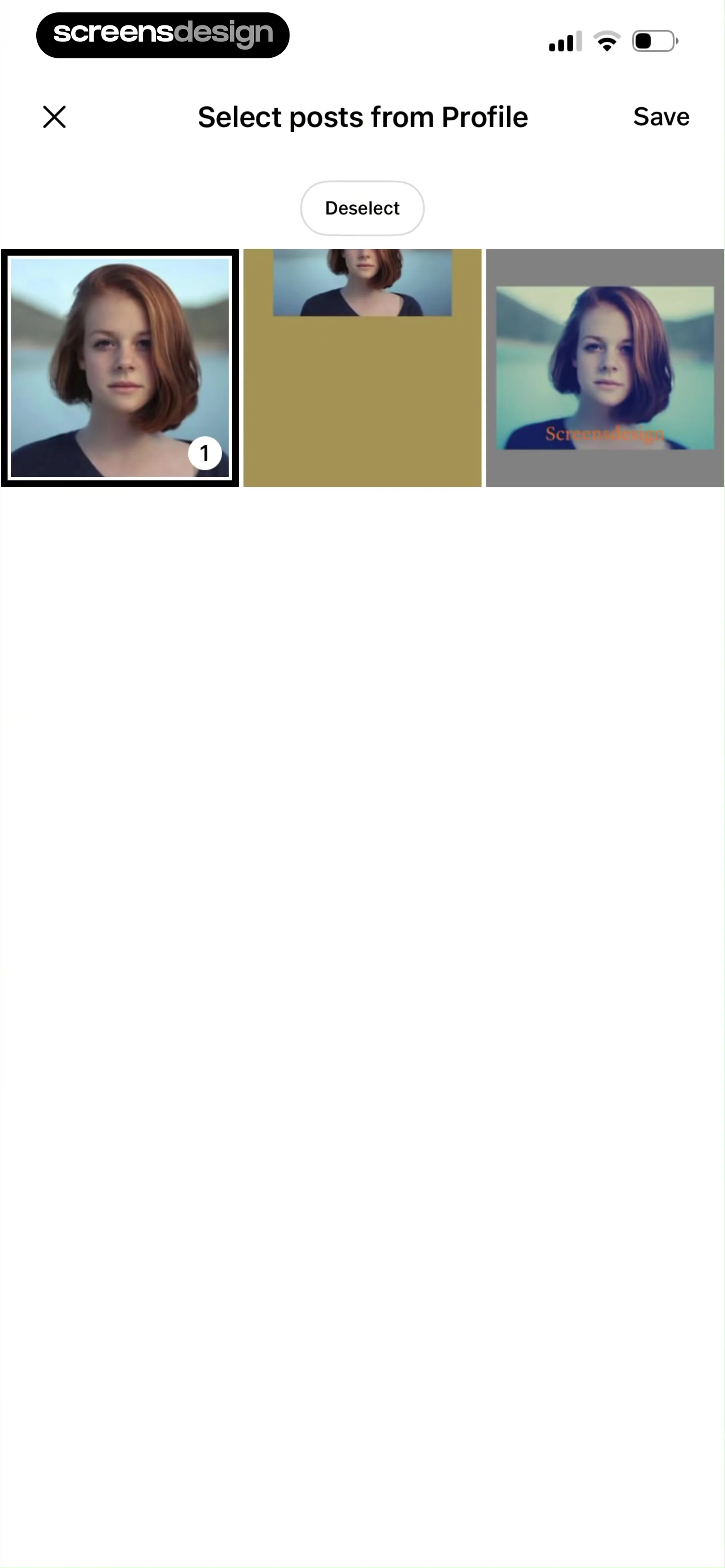
The first thumbnail is highlighted with a thick border and a '1' badge, indicating it is currently selected.
 See the flow
  Klook: Travel & Activities
Heart markers sit on the corners of saved activity thumbnails.
 See the flow
  Zalando – Online fashion
The bottom of the screen displays a persistent navigation bar with icons for home, search, wishlist (with a badge of 19), cart (with a badge of 4), and profile.
 See the flow
  invideo AI: AI Video Generator
Each project entry includes a version badge (e.g., 'v4.0', 'v3.0'), a title, status or duration information, a creation timestamp, and two action icons: a bookmark icon and a trash icon for deletion.
 See the flow
  Ascend: Bible Game
The top section features a card with a 'Daily Verse' badge, a Bible quote from Psalm 91:1, and an illustration of a bird-like character in a robe.
 See the flow
  CraftBook: Crochet Made Easy
Each card displays a high-quality photo of a finished crochet item, a bookmark icon for saving, and a premium badge (crown icon).
 See the flow
  Tattoo AI - Tattoo Design
A label identifies the placement guide as reviewed by Tattoo AI professionals.
 See the flow
  Fishbrain - Fishing App
Below the image, catch details are listed: '~1 oz' and '4 in', accompanied by a fish icon, a 'C&R' (Catch and Release) badge, and a chevron icon.
 See the flow
  Widgetable: Besties & Couples
The primary interactive area contains two large, pill-shaped buttons: 'Continue with Apple' and 'Continue with Google', with the latter highlighted by a green 'Current' badge.
 See the flow
  Expedia: Hotels, Flights, Cars
Below the image, the hotel name 'Novotel Ambassador Seoul Dongdaemun Hotels & Residences' is displayed, followed by an 'Excellent 8.8' rating badge and review count.
 See the flow
  Modyfy: AI Car Designer
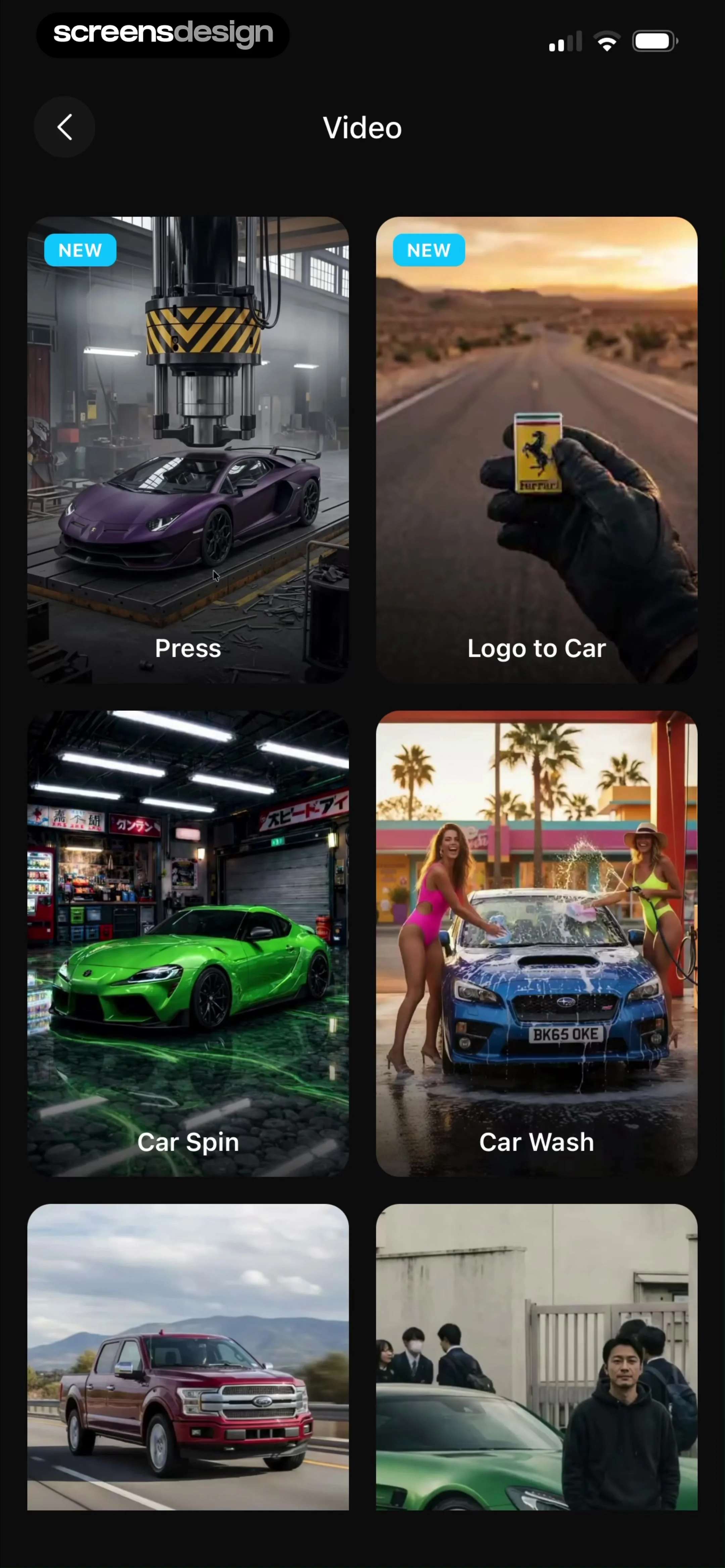
The cards include labels like 'Press', 'Logo to Car', 'Car Spin', and 'Car Wash', with some marked with a 'NEW' badge.
 See the flow
  Redfin: Buy, Sell & Rent Homes
The main body is an interactive satellite map displaying various property clusters with price tags (e.g., '3,975+', '4,617', '3,082+'), some marked with a 'DEAL' badge.
 See the flow
  Calorie Counter by Numify
A small servings label sits at the top-right corner of a food card.
 See the flow VSCO: Photo & Video Editor
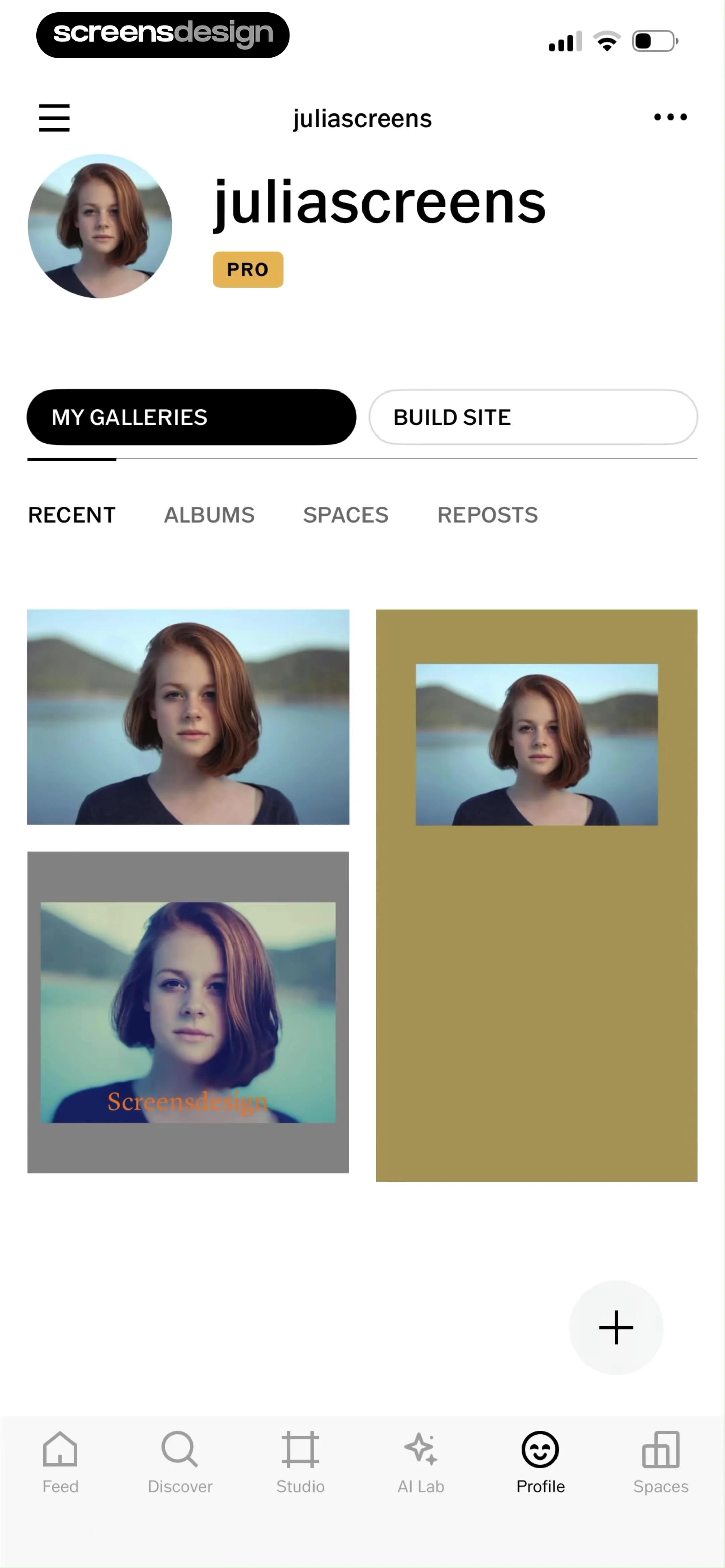
At the top, there is a circular profile picture, the username, and a 'PRO' badge.
 See the flow Zalando – Online fashion
A count badge remains visible on the bag icon while an item-added confirmation is open.
 See the flow
  Everlook- Face & Body Editor
A compact VIP badge appears at the top-left of the photo-editing preview.


