

 See the flow
  Calorie Counter by Numify
This is an onboarding screen for a calorie tracking app, asking the user to decide how to handle workout calories in their daily goal.
 See the flow
  EveryDollar: Budget Management
Top navigation bar with progress indicator, followed by a header, sub-header, a list of three selection cards, and a bottom primary action button.
 See the flow
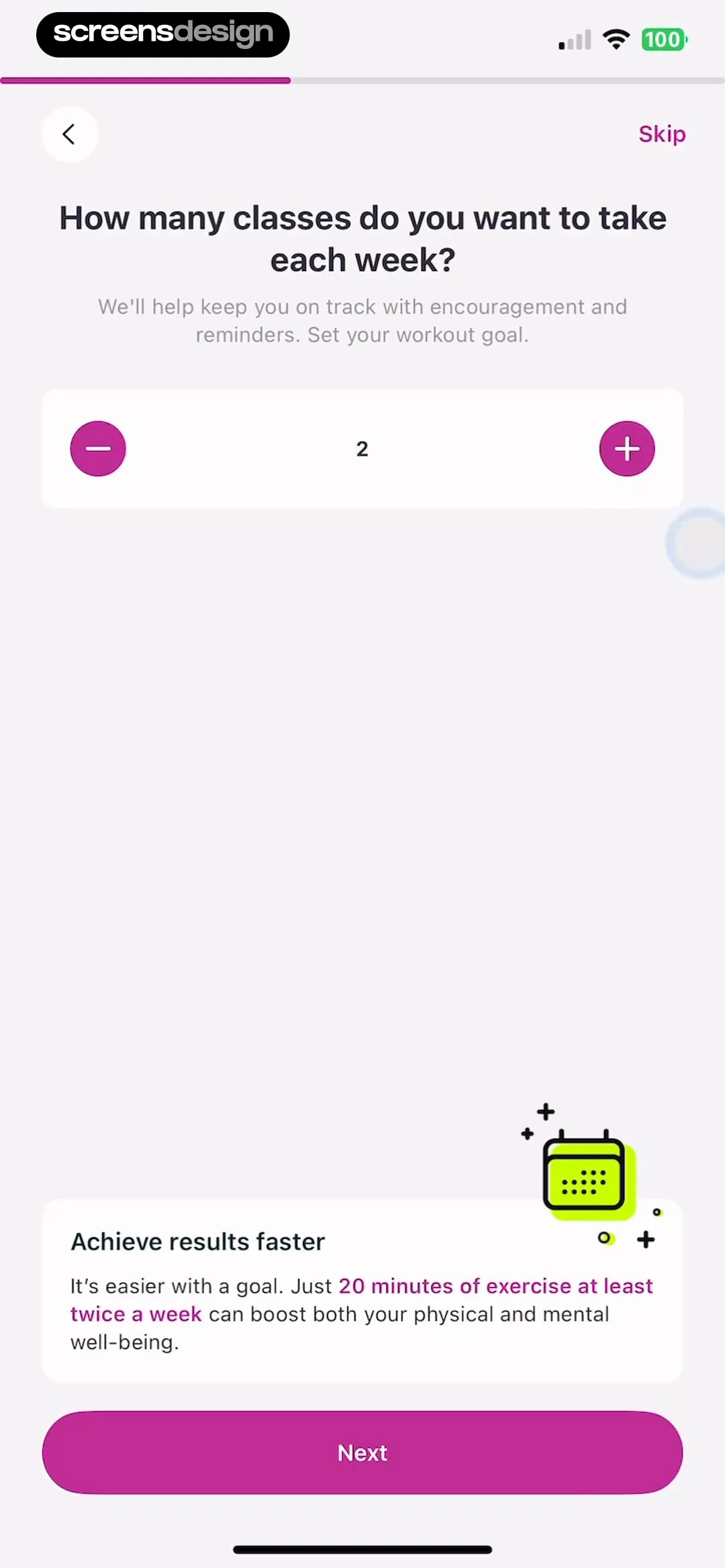
  Zumba - Dance Fitness Workout
Below this, a card titled 'Achieve results faster' provides motivational text about the benefits of setting a goal, accompanied by a small, stylized calendar icon.
 See the flow
  BuyBye - Budget Planner
This onboarding screen in the BuyBye app asks the user to select their top savings goals.
 See the flow
  SubPilot: Cancel Subscriptions
Top header, list of selectable goal cards, bottom primary button, and bottom navigation bar.
 See the flow
  SunSafe: UV Index & Tanning
The screen features a centered heading 'What's your goal?' followed by a sub-headline.
 See the flow
  Eppika: Read & Learn Languages
Below this, there is a list of four selectable goals represented by cards: 'Watch movies without subtitles', 'Read fluently', 'Reading and speaking fluently', and 'Confidently speaking with native speakers'.
 See the flow
  Tuner Pro: Guitar Tuner & Tab
This screen is an onboarding or goal-setting step for a learning-focused app.
 See the flow
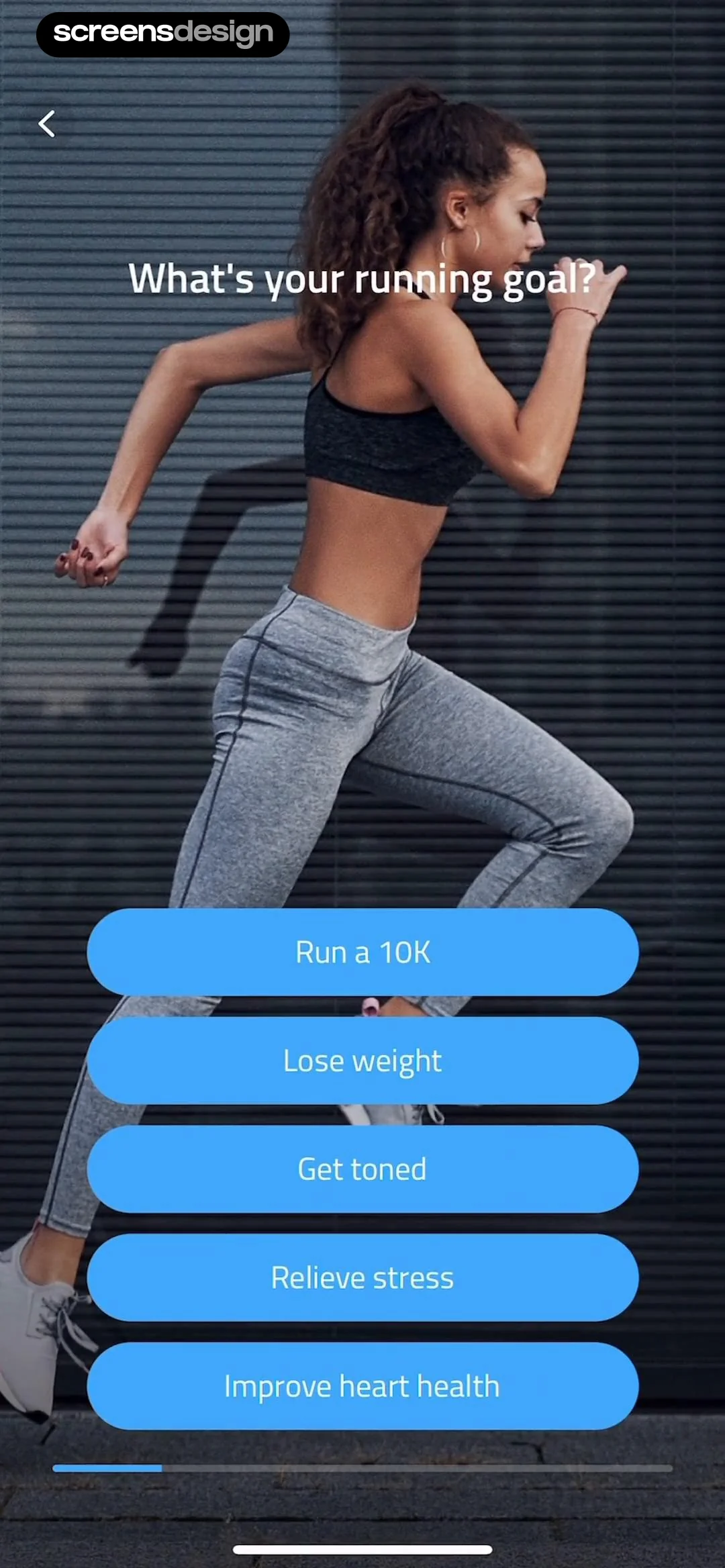
  10K Runner, Couch to 10K Run
This is an onboarding screen for a fitness app, specifically asking the user to select their primary running goal.
 See the flow
  Widgetable: Besties & Couples
Top illustration, followed by descriptive text, two input cards, and a bottom primary action button.
 See the flow Calorie Counter by Numify
This is an onboarding screen for a calorie tracking app where the user is prompted to set their weight goal.
 See the flow
  Litres: Audio
This screen is an onboarding or goal-setting step in the Litres: Audio app, asking the user to define their annual reading goal.
 See the flow
  Map My Run GPS Running Tracker
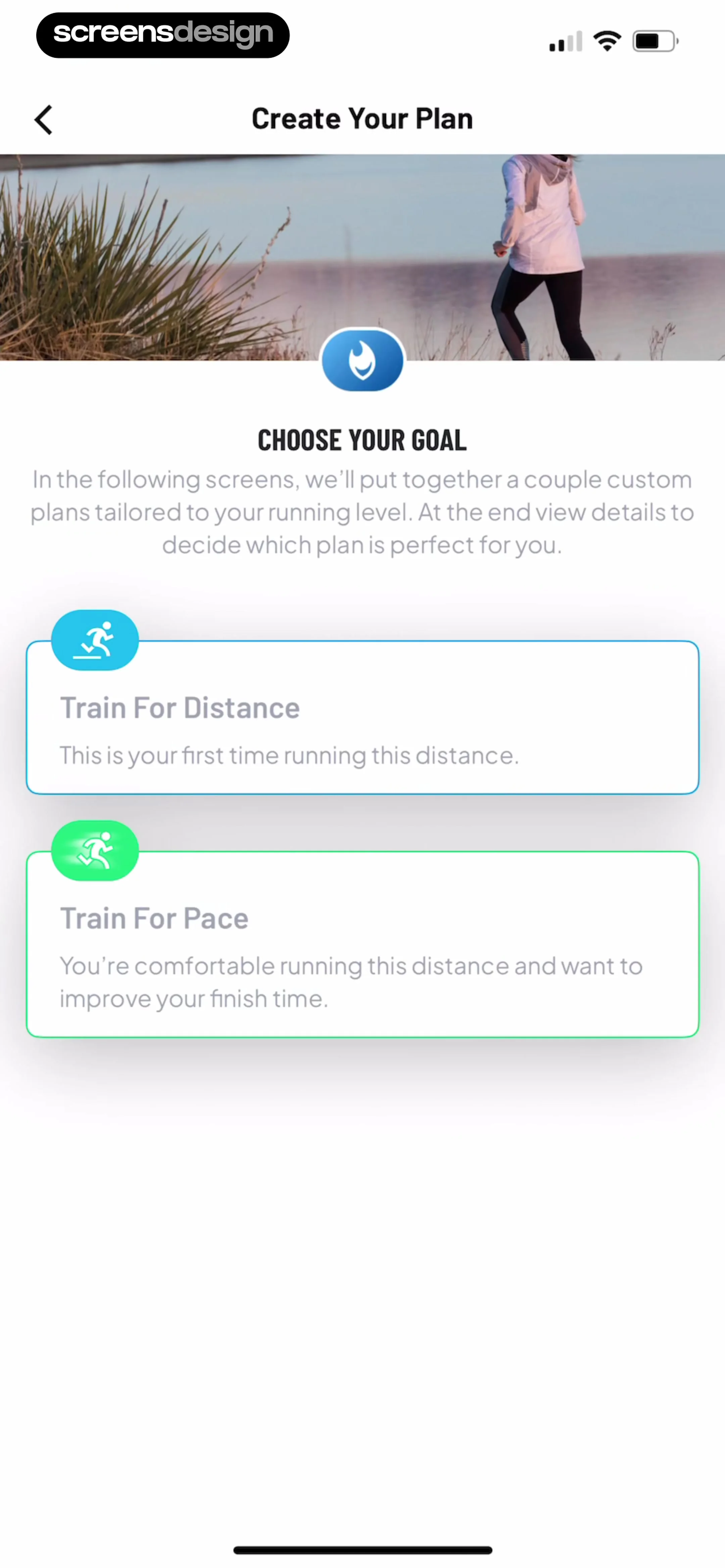
Below this, the text 'CHOOSE YOUR GOAL' is displayed, accompanied by a descriptive paragraph explaining that the app will generate custom plans based on the user's running level.
 See the flow
  Refina: AI Plastic Surgery
It features a progress bar at the top indicating 'Step 1 of 7 · Goal'.
 See the flow 10K Runner, Couch to 10K Run
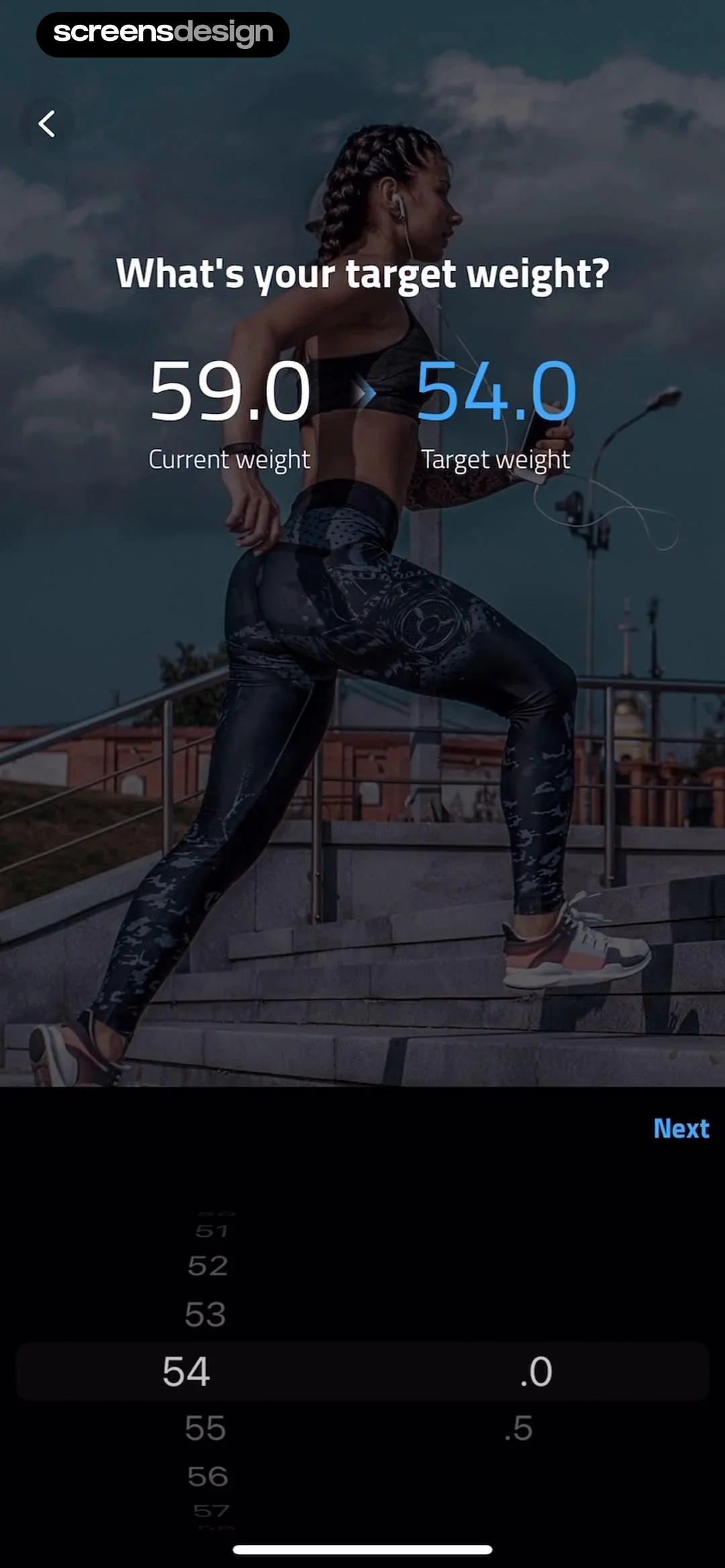
This screen is an onboarding step for a fitness app, asking the user to input their target weight.
 See the flow Zumba - Dance Fitness Workout
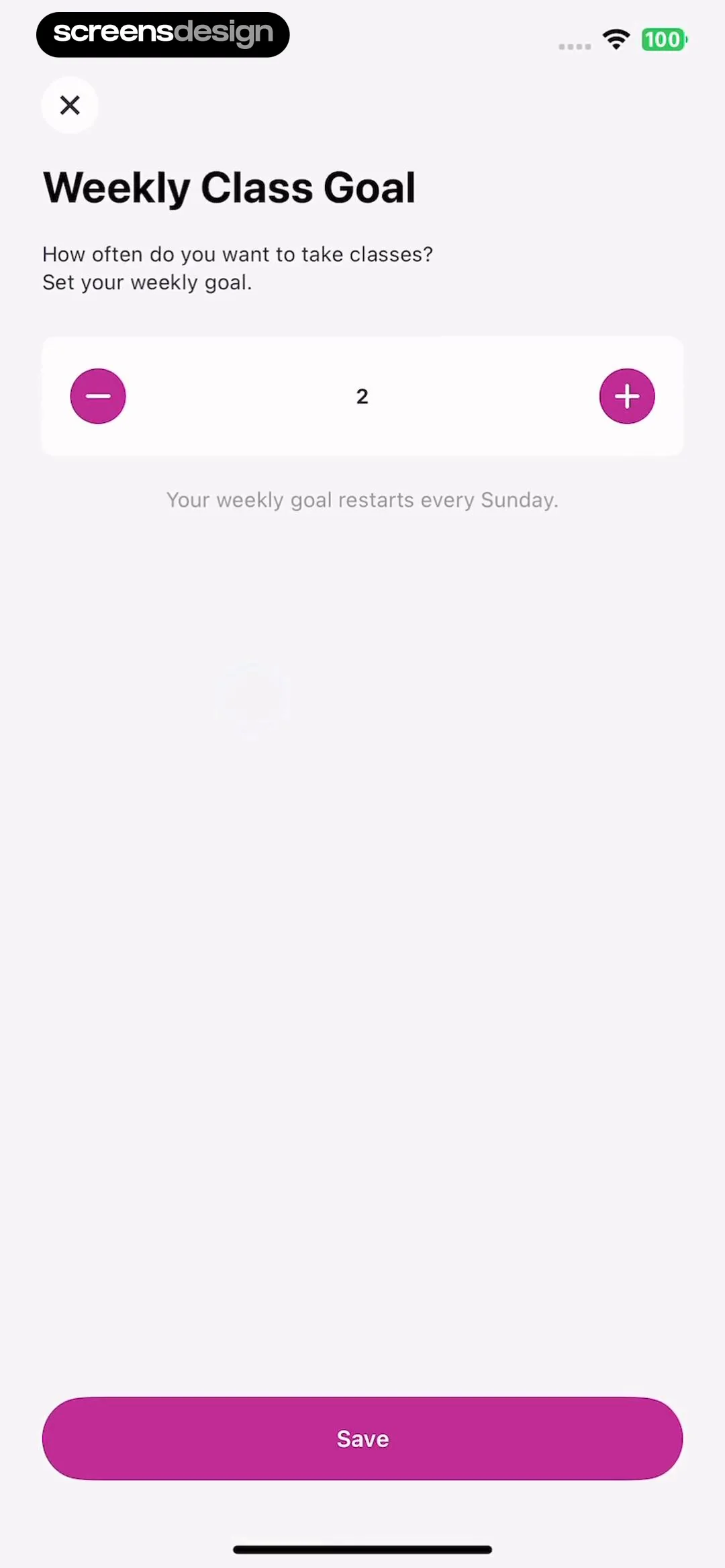
This screen is an onboarding or settings step for setting a 'Weekly Class Goal' in a fitness app.
 See the flow
  Ascend: Bible Game
This screen is an onboarding personalization step for the 'Ascend: Bible Game' app, asking the user to prioritize their spiritual goals.
 See the flow Calorie Counter by Numify
This is an onboarding screen for a calorie tracking app, asking the user to input their weight goal.
 See the flow
  Budget app - spending tracker
This screen is a modal form for creating a new 'Free Saving' goal in a personal finance app.
 See the flow Zumba - Dance Fitness Workout
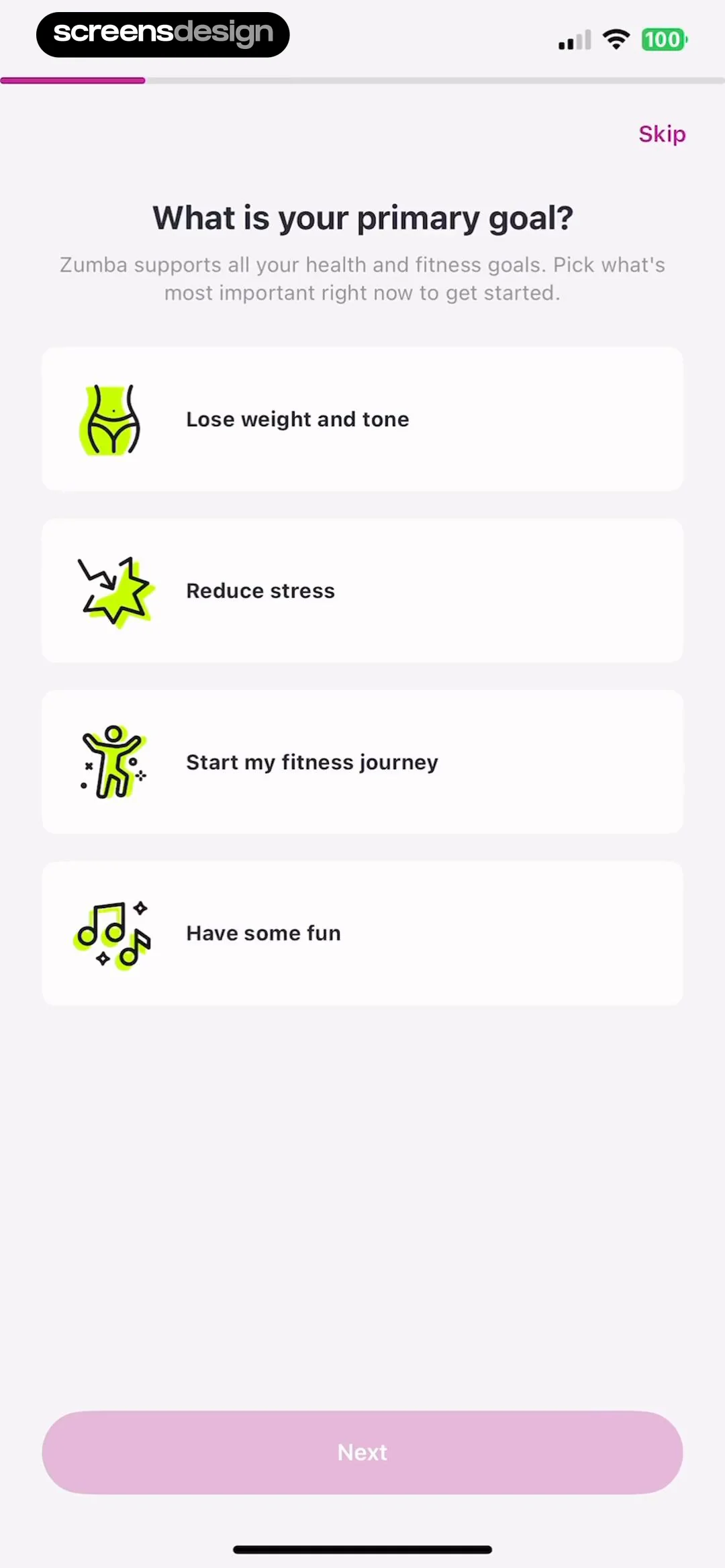
The screen features a clean, light-themed layout with a progress bar at the top, a 'Skip' button in the top right, and a central heading 'What is your primary goal?' followed by a descriptive subtext.


