 See the flow
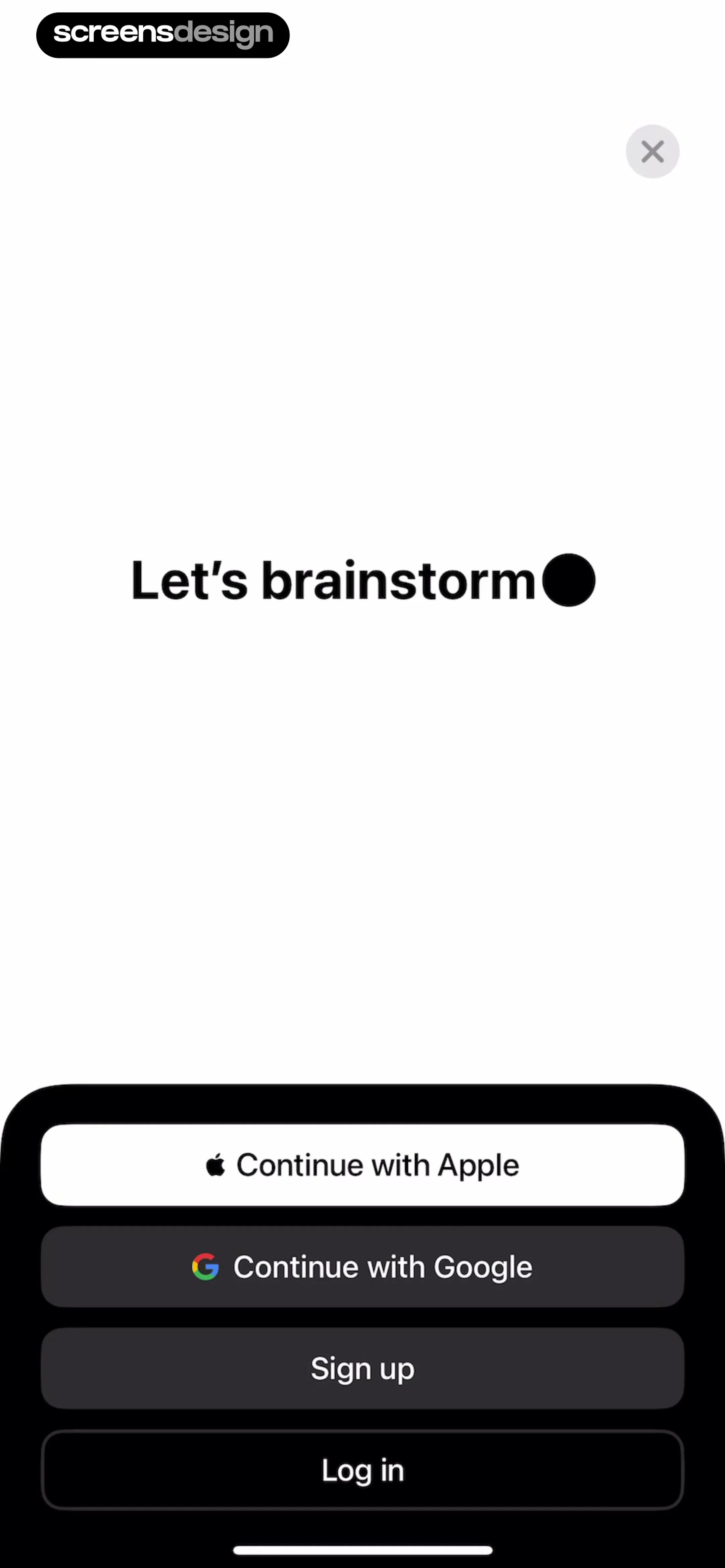
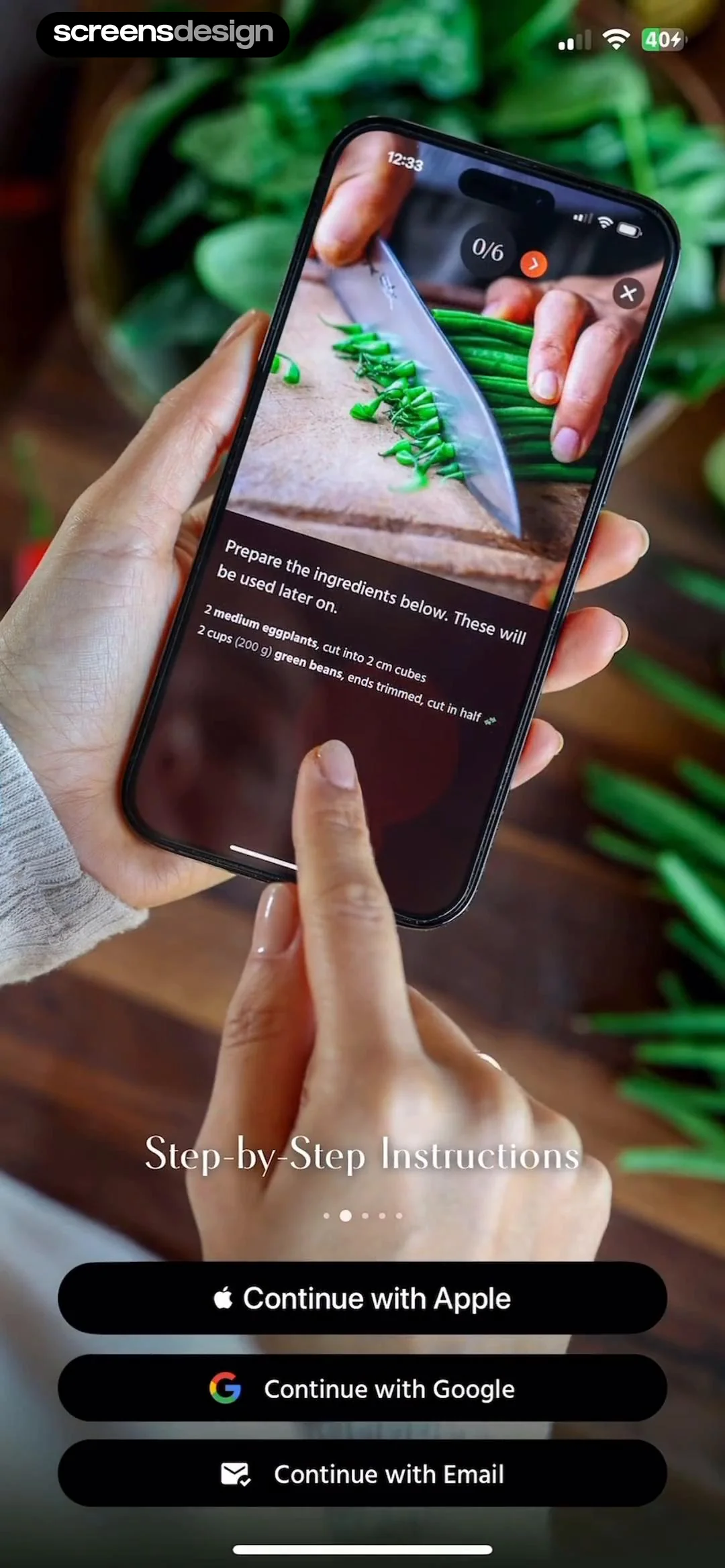
  Pick Up Limes
At the bottom of the screen, there are three prominent black, rounded-rectangle buttons for user authentication: 'Continue with Apple', 'Continue with Google', and 'Continue with Email', each featuring its respective brand icon.
 See the flow
  Particle: Personalized News
At the bottom, a prominent black 'Continue with Apple' button serves as the primary call to action.
 See the flow
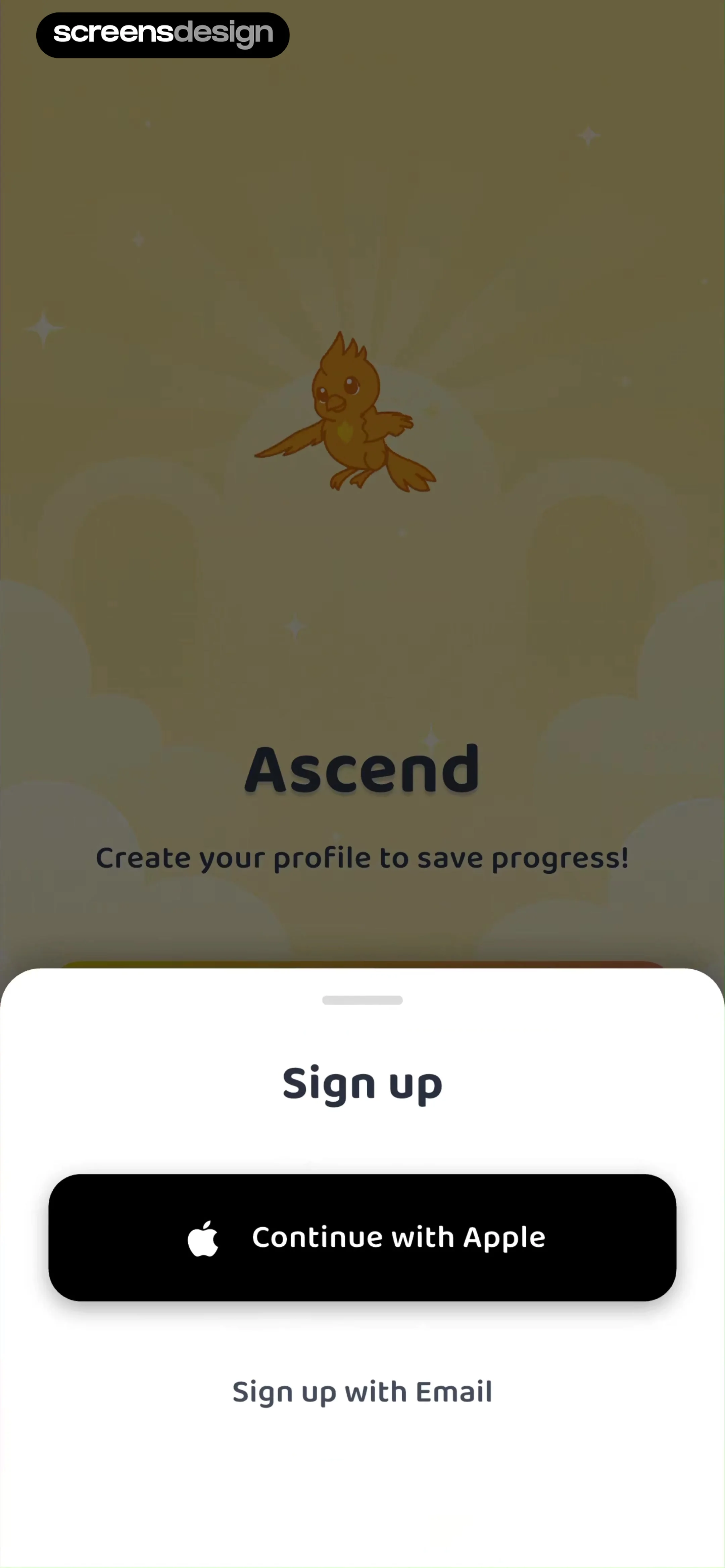
  Ascend: Bible Game
A white, rounded bottom sheet overlay occupies the lower half of the screen, containing a 'Sign up' header, a prominent black 'Continue with Apple' button with the Apple logo, and a secondary 'Sign up with Email' text link below it.
 See the flow
  GoodNovel - Booktok, Stories
Below this, there is a vertical stack of social sign-in buttons: Facebook, Google, and Apple, each with its respective icon.
 See the flow
  SnoreLab : Record Your Snoring
Further down, there are two secondary authentication buttons: 'Sign in with Apple' (with an Apple logo) and 'Sign in With Google' (with a Google logo), both styled with white backgrounds and black text.
 See the flow
  Widgetable: Besties & Couples
The background features a blurred, semi-transparent collage of various social widgets, including virtual pets, distance trackers, and status indicators.
 See the flow
  Klook: Travel & Activities
A divider separates this from social login options, which include Google, Facebook, and a phone/mobile icon.
 See the flow
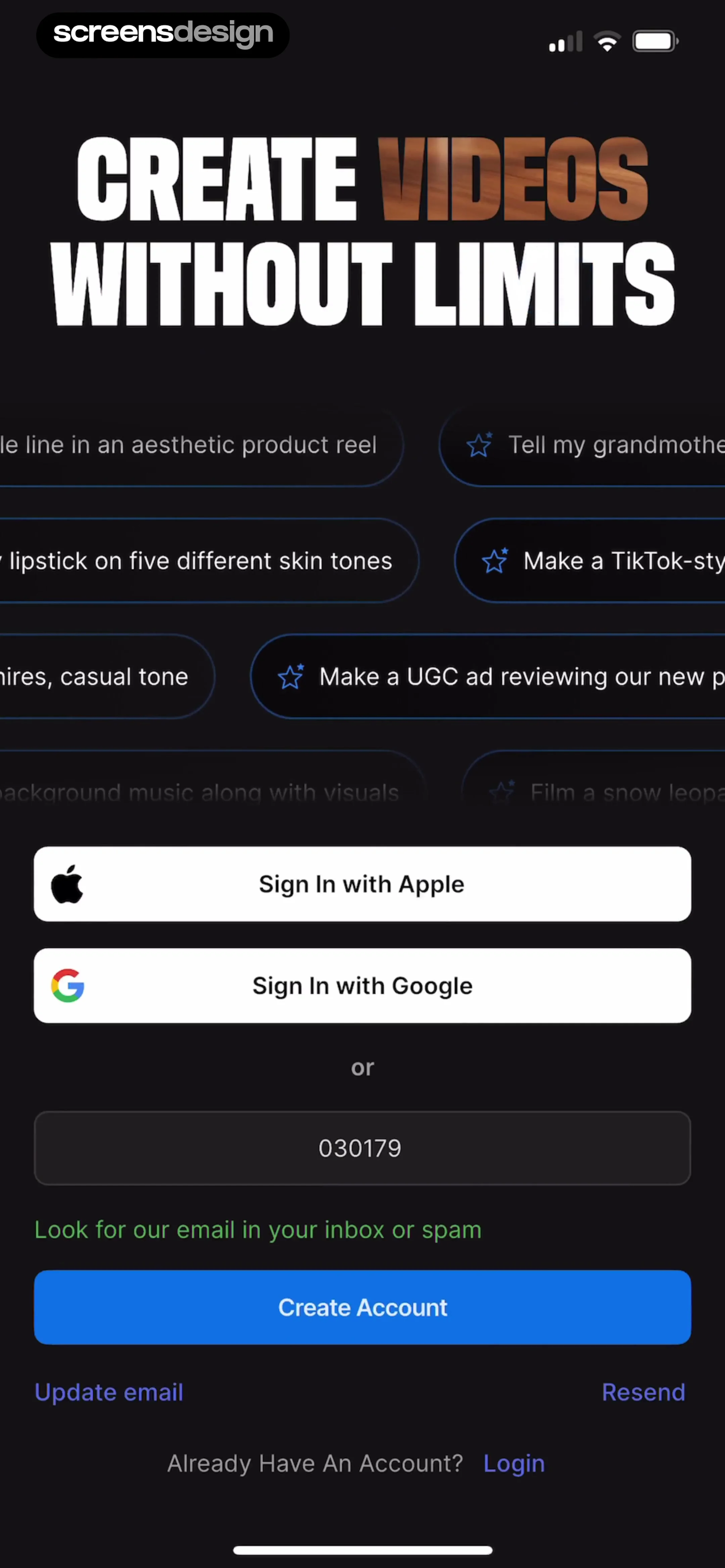
  invideo AI: AI Video Generator
The central part of the screen provides social sign-in options via Apple and Google.
 See the flow
  Rork
RorkCentered on the screen is a system-level modal dialog requesting permission to use 'google.com' for sign-in, with 'Cancel' and 'Continue' buttons.
 See the flow
  Too Good To Go: Save Good Food
Below the illustration, there are three prominent, rounded rectangular buttons for authentication: 'Continue with Apple' (black), 'Continue with Facebook' (blue), and 'Continue with email' (dark green).
 See the flow
  ZEDGE™ Ringtones & Wallpapers
The lower portion of the screen contains two primary login buttons: 'Continue with Google' and 'Continue with Apple', both featuring their respective brand icons.
 See the flow
  Blinq: Digital Business Card
Further down, the screen provides three social sign-in options: 'Continue with Google', 'Continue with Microsoft', and 'Continue with Apple', each represented by its respective brand logo.
 See the flow
  Pool, the screenshot app
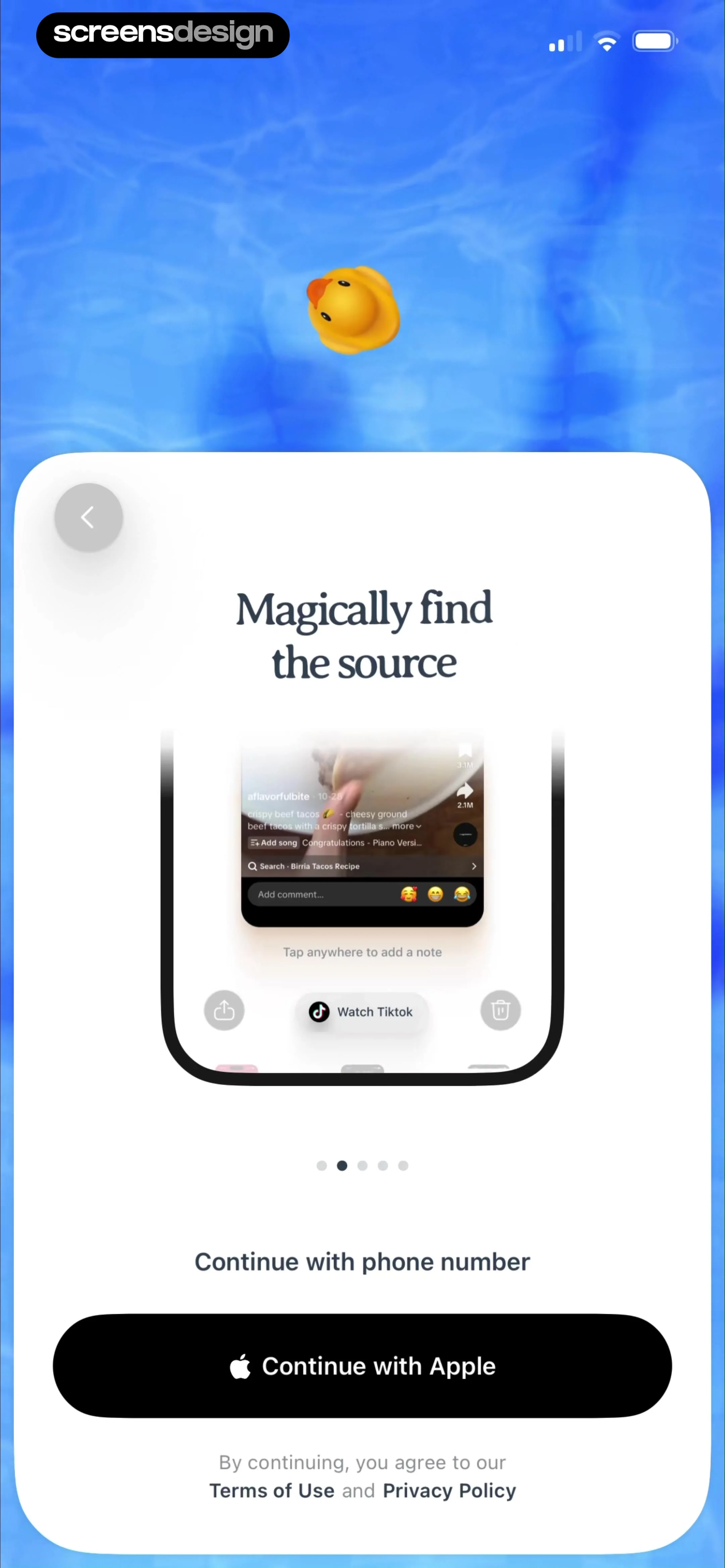
The bottom section provides primary authentication options: a 'Continue with phone number' text link and a prominent black 'Continue with Apple' button.
 See the flow
  Expedia: Hotels, Flights, Cars
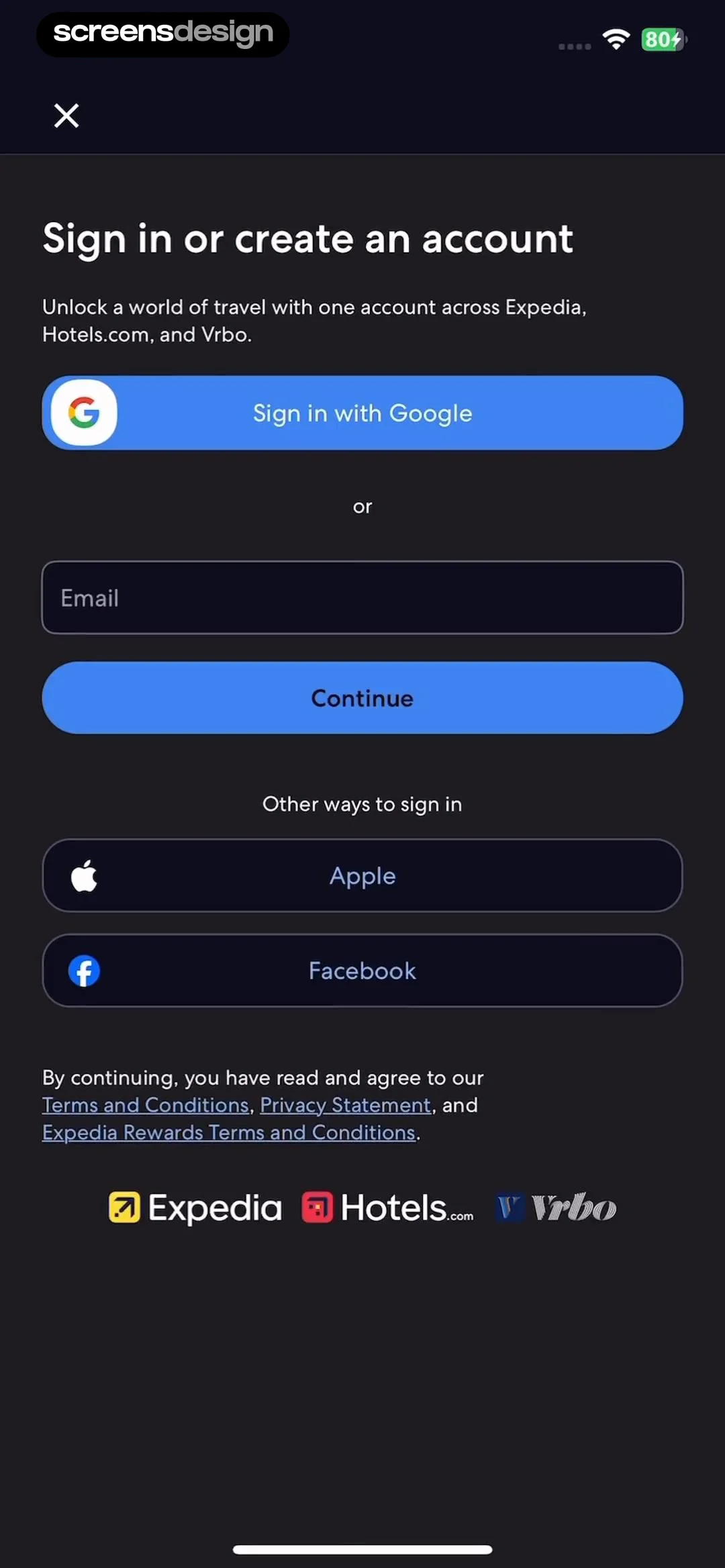
The primary action is a 'Sign in with Google' button, followed by an email input field and a 'Continue' button.
 See the flow
  HelloBot - Astrology & Tarot
The bottom half of the screen is dominated by a vertical stack of five distinct social and email login buttons, each featuring a brand-specific icon on the left.
 See the flow
  ChatGPT
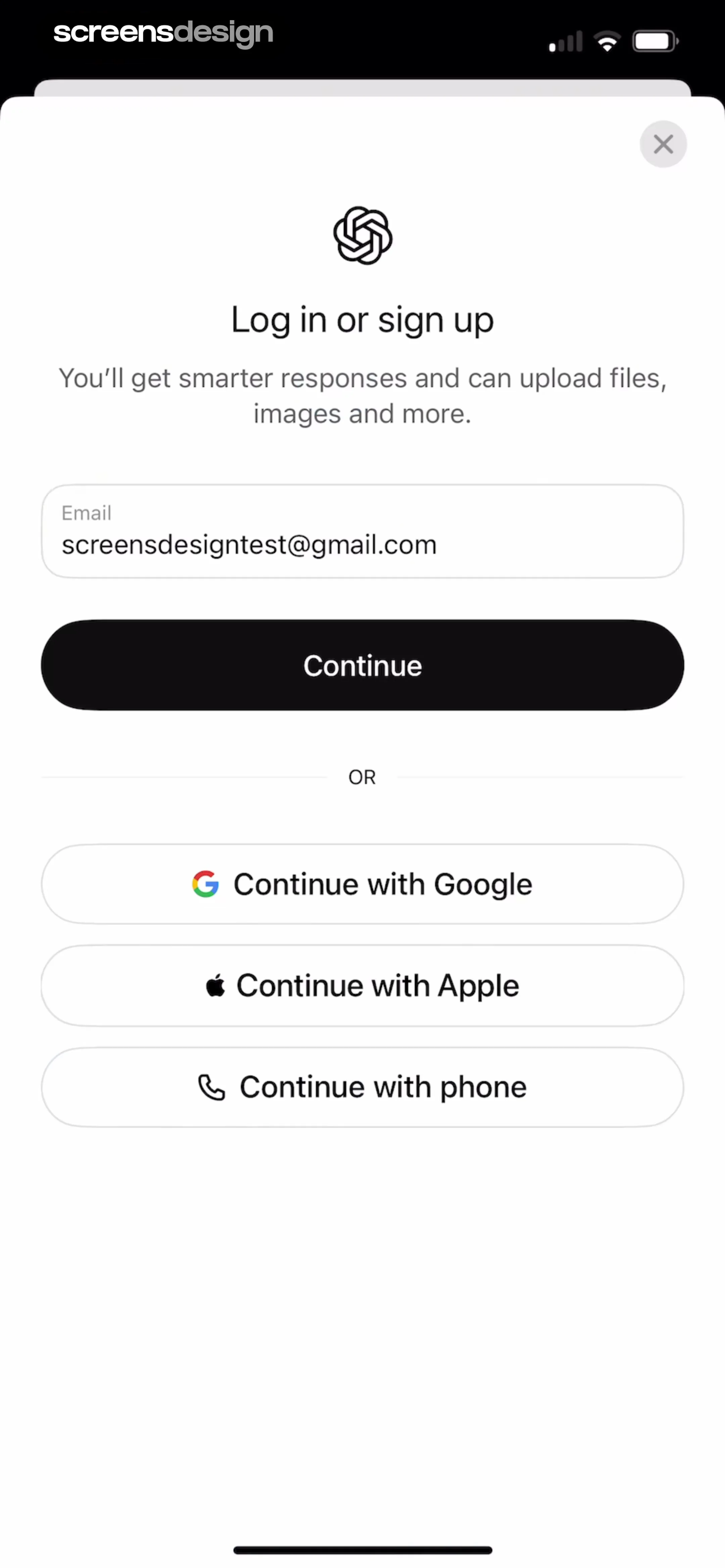
A divider labeled 'OR' separates the email login from three alternative social login options: 'Continue with Google', 'Continue with Apple', and 'Continue with phone'.
 See the flow
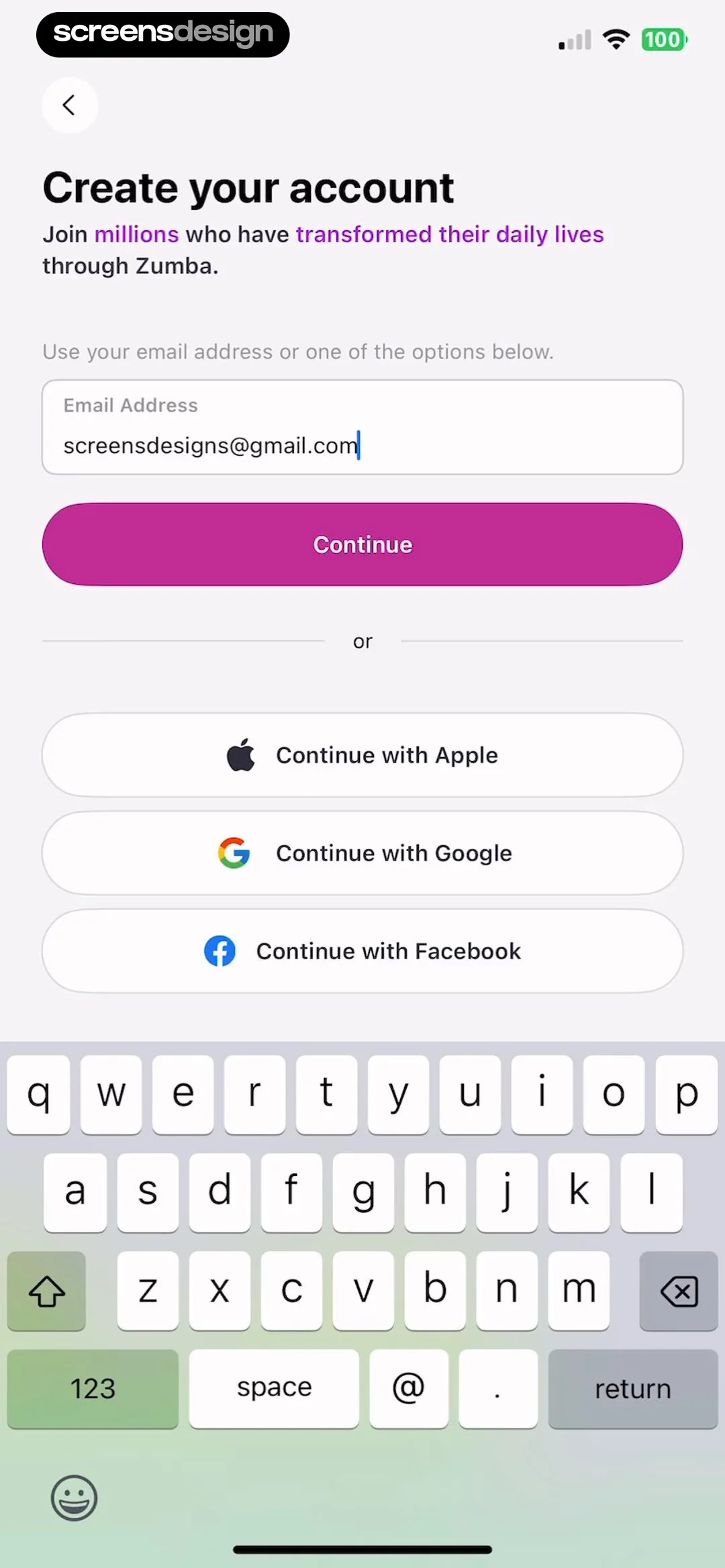
  Zumba - Dance Fitness Workout
A divider with the word 'or' separates the email input from three social sign-in options: 'Continue with Apple', 'Continue with Google', and 'Continue with Facebook', each represented by its respective brand icon.
 See the flow
  Quinn - Audio Stories
It features the 'quinn' logo at the top, followed by a primary pink 'Sign up with email' button, and three secondary social login buttons: 'Continue with Apple', 'Continue with Facebook', and 'Continue with Google'.
 See the flow
  bergfex: Hiking & Tracking
A separator with the word 'or' leads to three social login options: 'Register with Google', 'Register with Facebook', and 'Register with Apple', each represented by its respective brand icon.
 See the flow
  Claude by Anthropic
Below this, there are two prominent black buttons for social sign-in: 'Continue with Google' and 'Continue with Apple', each featuring their respective brand icons.