 See the flow
  Plane Finder ⁃ Flight Tracker
Navigation controls at the top include a close button and a share icon.
 See the flow
  Bible Chat: Daily Devotional
Hero image at the top with title, followed by a white content card containing plan details and a bottom sticky action button.
 See the flow
  Hypelist: Create & Share Lists
Top navigation bar, central list preview card, Instagram share button, horizontal contact list, and bottom row of social sharing icons.
 See the flow
  AI Summary - Meeting Notes
At the top, a navigation bar includes a back button, a custom app icon, a text formatting icon, a share button, and a menu ellipsis.
 See the flow
  Sky Tonight - Stargazing Guide
A bottom navigation bar includes a home icon and a share button.
 See the flow
  FLYP - Fashion Design Studio
At the top, there is a close button on the left and a share icon on the right.
 See the flow
  Expedia: Hotels, Flights, Cars
Below the title, there is a user avatar placeholder 'JS' and a 'Share your trip' button.
 See the flow
  Klook: Travel & Activities
At the top, there is a navigation bar with a back button, the title 'Flights', and a share icon.
 See the flow
  Tattoo AI - Tattoo Design
At the top, there is a 'Result' header, a close button on the left, and a 'Share' button on the right.
 See the flow
  Vrbo Vacation Rentals
The top section features a large, full-width image carousel showing a park scene in Atlanta, with navigation controls (back and share icons) overlaid at the top.
 See the flow
  Precious - Baby Photo Art
This screen is a share sheet overlay in the Precious baby photo app, appearing after a photo has been processed or edited.
 See the flow
  Flight Tracker +
The top portion features an interactive map showing the flight path over North America, with a weather icon and share button in the top right.
 See the flow
  Zalando – Online fashion
The top of the screen includes a share icon and a close (X) icon, indicating this is an interactive story-style interface.
 See the flow
  Planner 5D: AI Home Design
The UI is minimal, consisting of a black background with a top-left 'X' button to close the viewer and a top-right share icon.
 See the flow
  PDF Scanner AI: Scan Documents
The top navigation bar includes a 'Cancel' button on the left and a 'Share' button on the right.
 See the flow
  The Guardian - US & World News
The top navigation bar contains a back button, a bookmark icon, a share icon, and a text-size adjustment icon.
 See the flow
  The Wall Street Journal. News
A 'Share' button is prominently featured in the center.
 See the flow
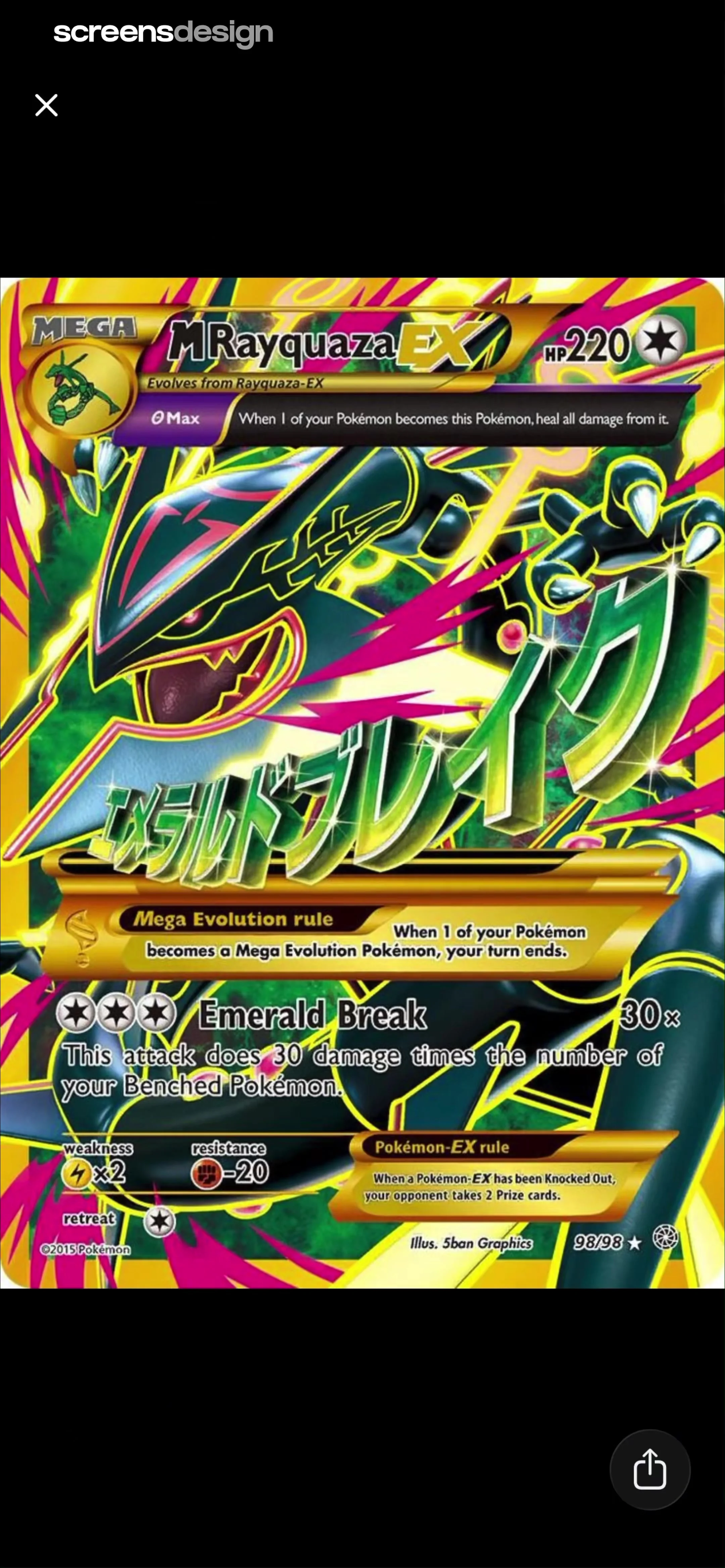
  TCG Card Scanner & Value-Foloy
At the top left, there is a white 'X' icon for closing the view, and at the bottom right, there is a share icon.
 See the flow
  IDAGIO Stream Classical Music
Header with title and radio button, followed by a sort/filter bar, then a vertical list of music recordings, and a bottom navigation bar.
 See the flow
  Blinq: Digital Business Card
A prominent 'Share' button is centered in the lower half of the screen.


