VSCO: Photo & Video Editor: Sharing and Saving Media
Step 1 · 7:06
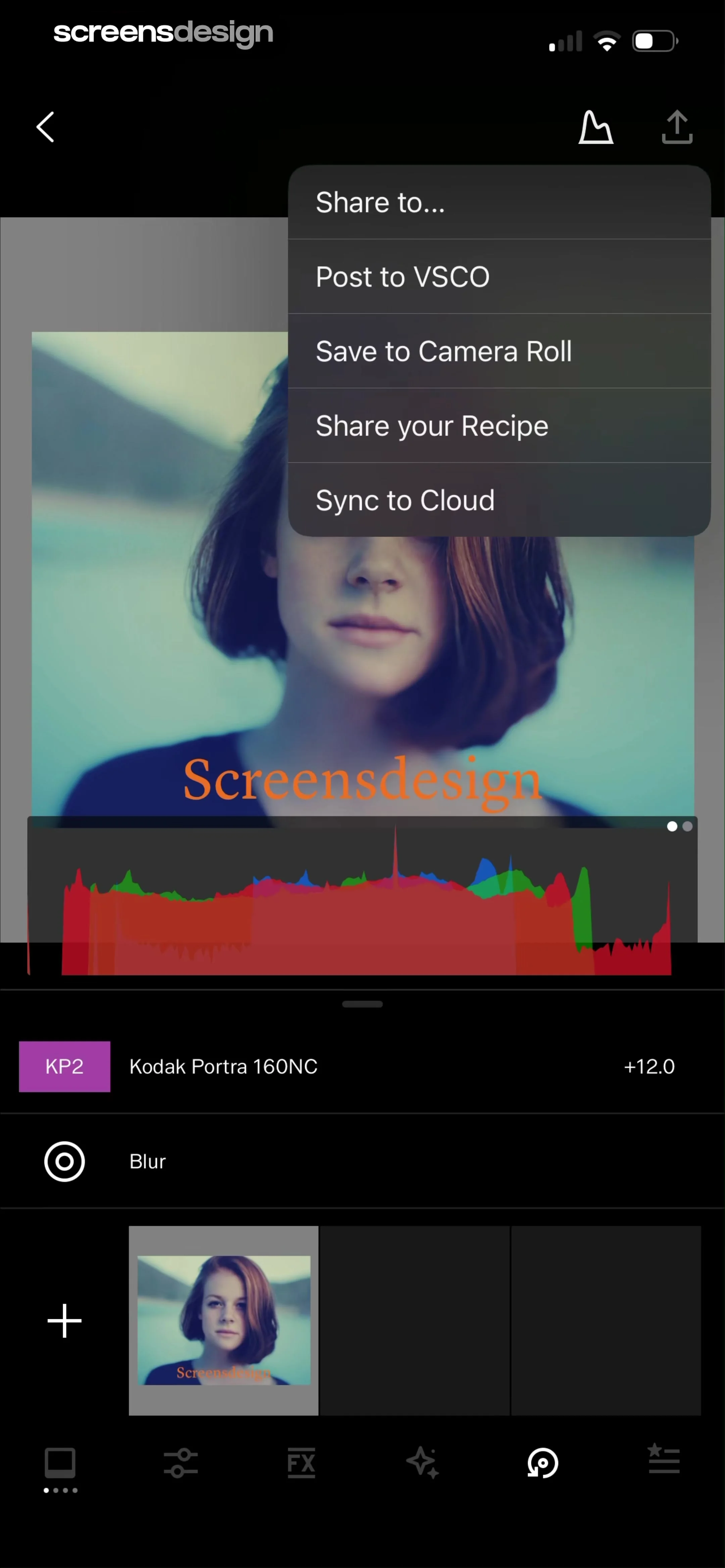 See the flow
  VSCO: Photo & Video Editor
Top navigation bar with share menu, central photo preview with histogram, middle list of applied edits, and bottom navigation bar.
Step 2 · 7:08
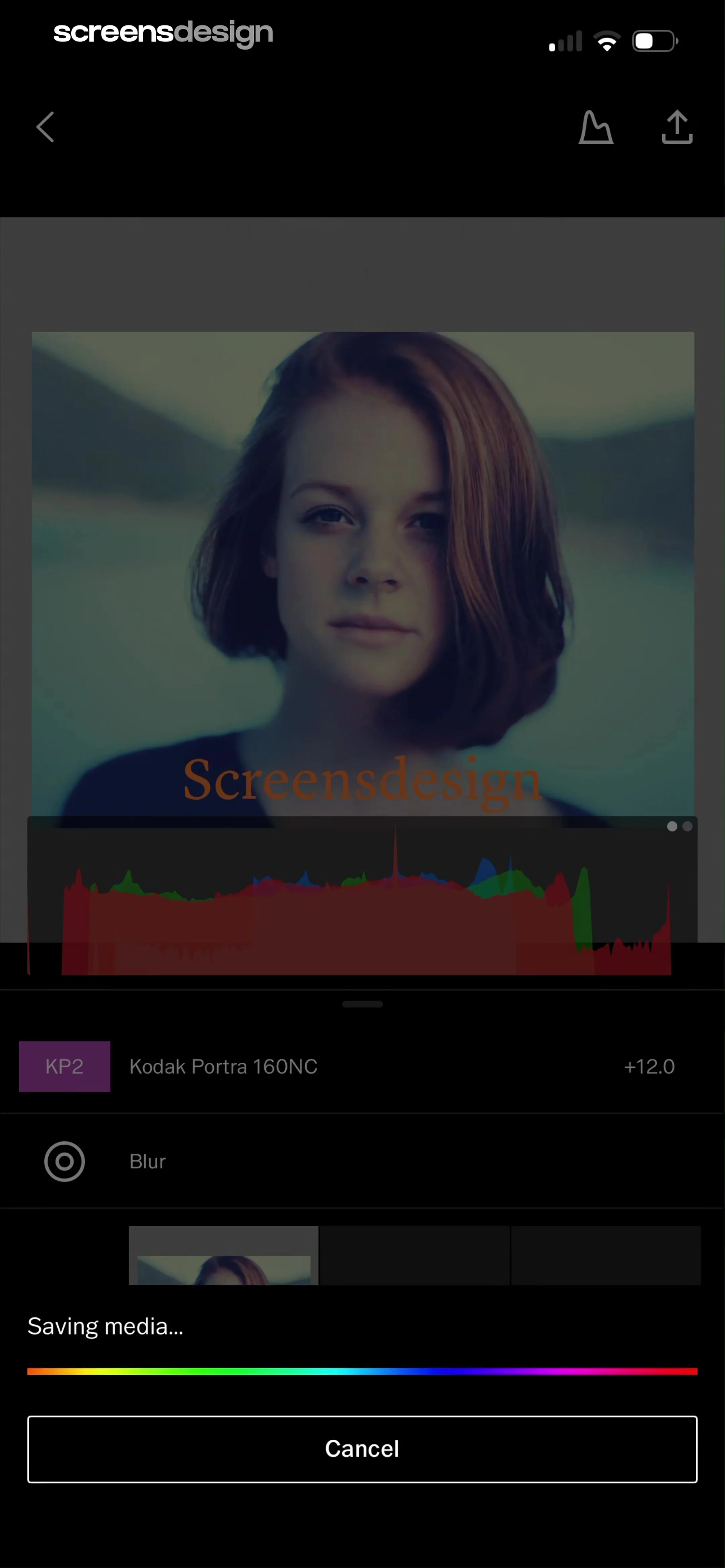 See the flow VSCO: Photo & Video Editor
Top navigation bar, central image preview with histogram, list of applied filters/adjustments, bottom progress indicator, and a final cancel button.
Step 3 · 7:12
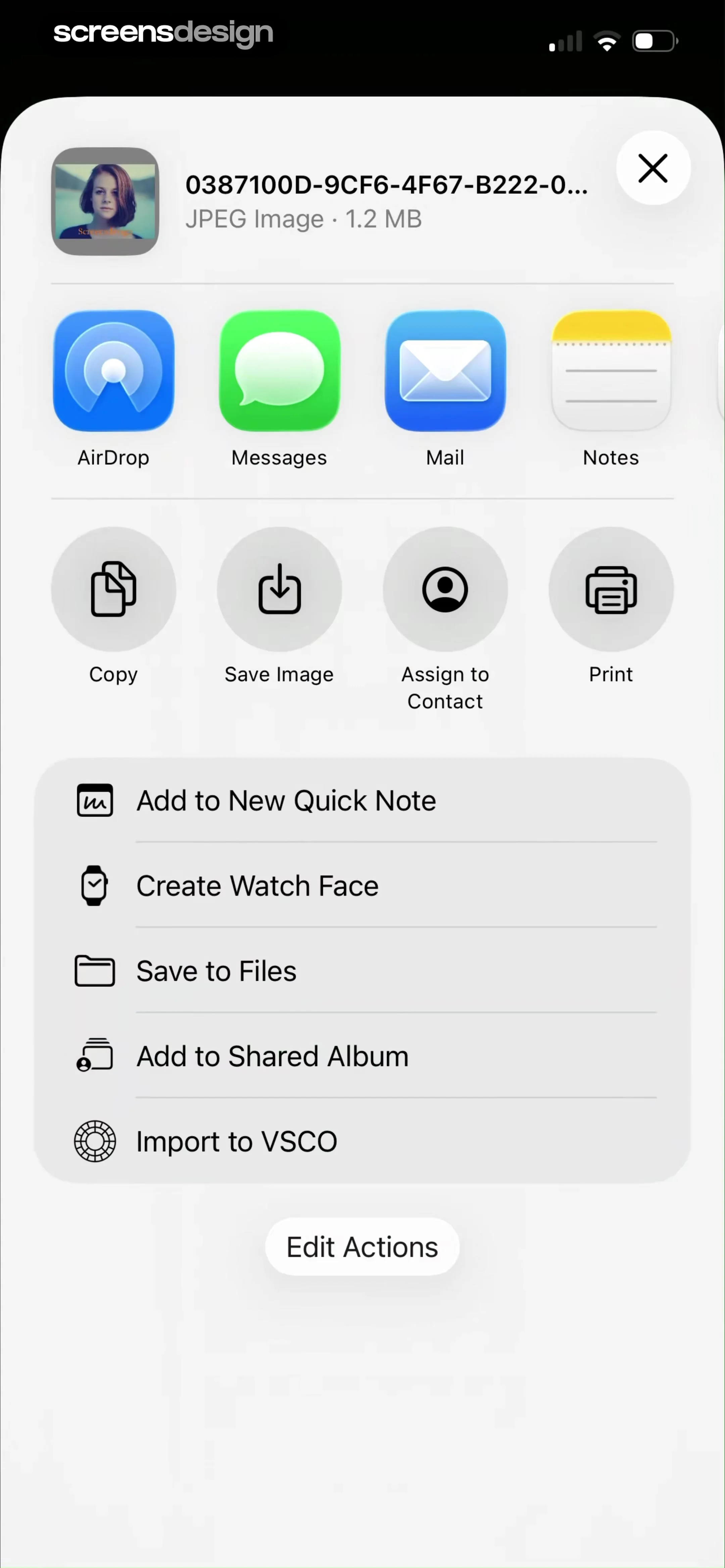 See the flow VSCO: Photo & Video Editor
Top header with file info, horizontal app sharing row, grid of action icons, vertical list of secondary actions, and a bottom edit button.
Step 4 · 7:22
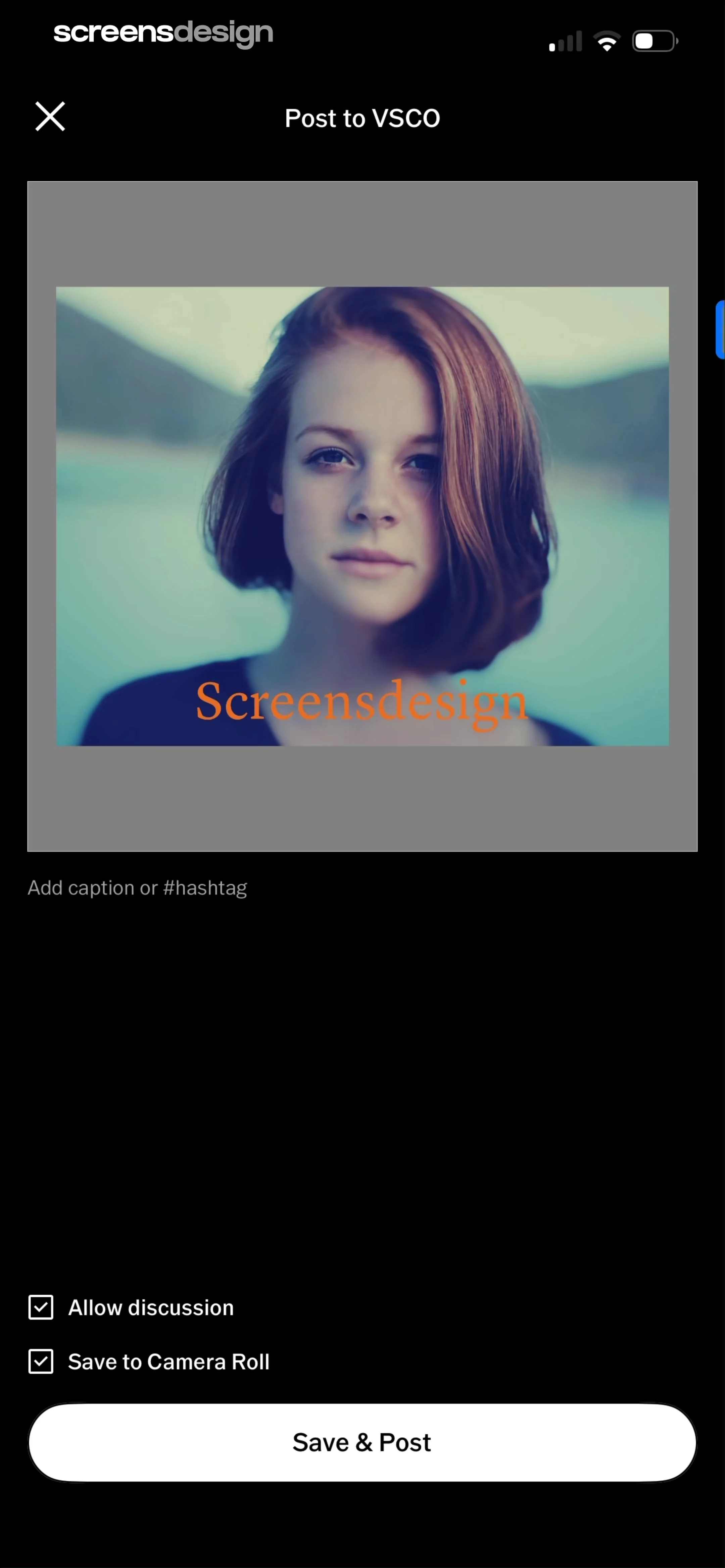 See the flow VSCO: Photo & Video Editor
Top navigation bar, central image preview, text input field, checkbox list, and a large bottom action button.
Step 5 · 7:31
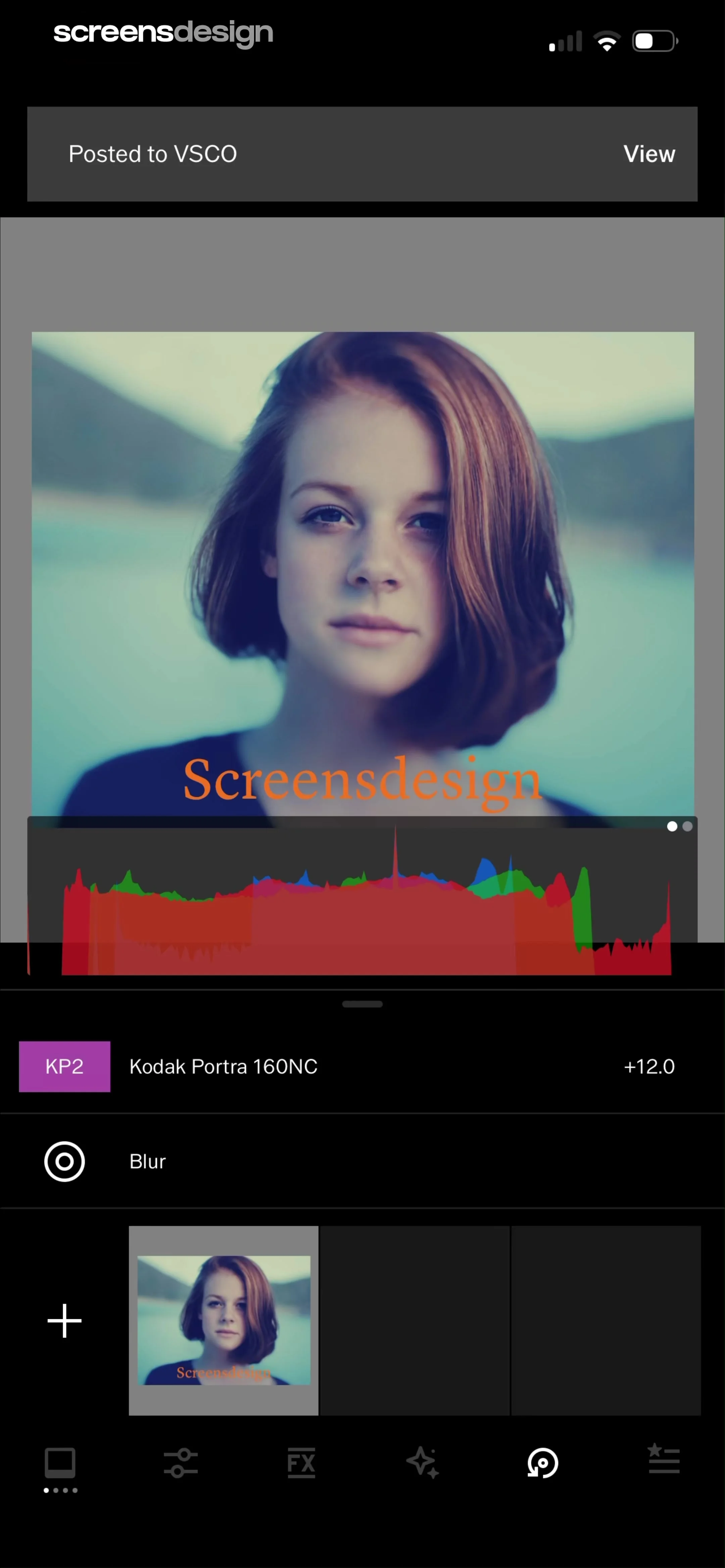 See the flow VSCO: Photo & Video Editor
Top notification banner, central image preview with histogram, middle list of applied edits, bottom filmstrip, and bottom navigation bar.