 See the flow
  FLYP - Fashion Design Studio
At the bottom, a text input field contains the typed word 'hi' and a clear/delete icon, positioned next to a send button represented by an upward-pointing arrow.
 See the flow
  Bible Chat: Daily Devotional
At the bottom, there is a text input field for the user to type questions, accompanied by a send icon.
 See the flow
  Useless - Screen Time Control
The bottom section features a 'Hide chat' toggle, a text input field currently containing the word 'Hey!', and a send button.
 See the flow
  Heyyyy: Stories that text back
At the bottom, there is a message input field with a plus icon on the left and a send button on the right.
 See the flow
  Planner 5D: AI Home Design
The bottom of the screen contains a text input field with a placeholder 'Send message', a send button, and a standard mobile keyboard overlay.
 See the flow
  VSCO: Photo & Video Editor
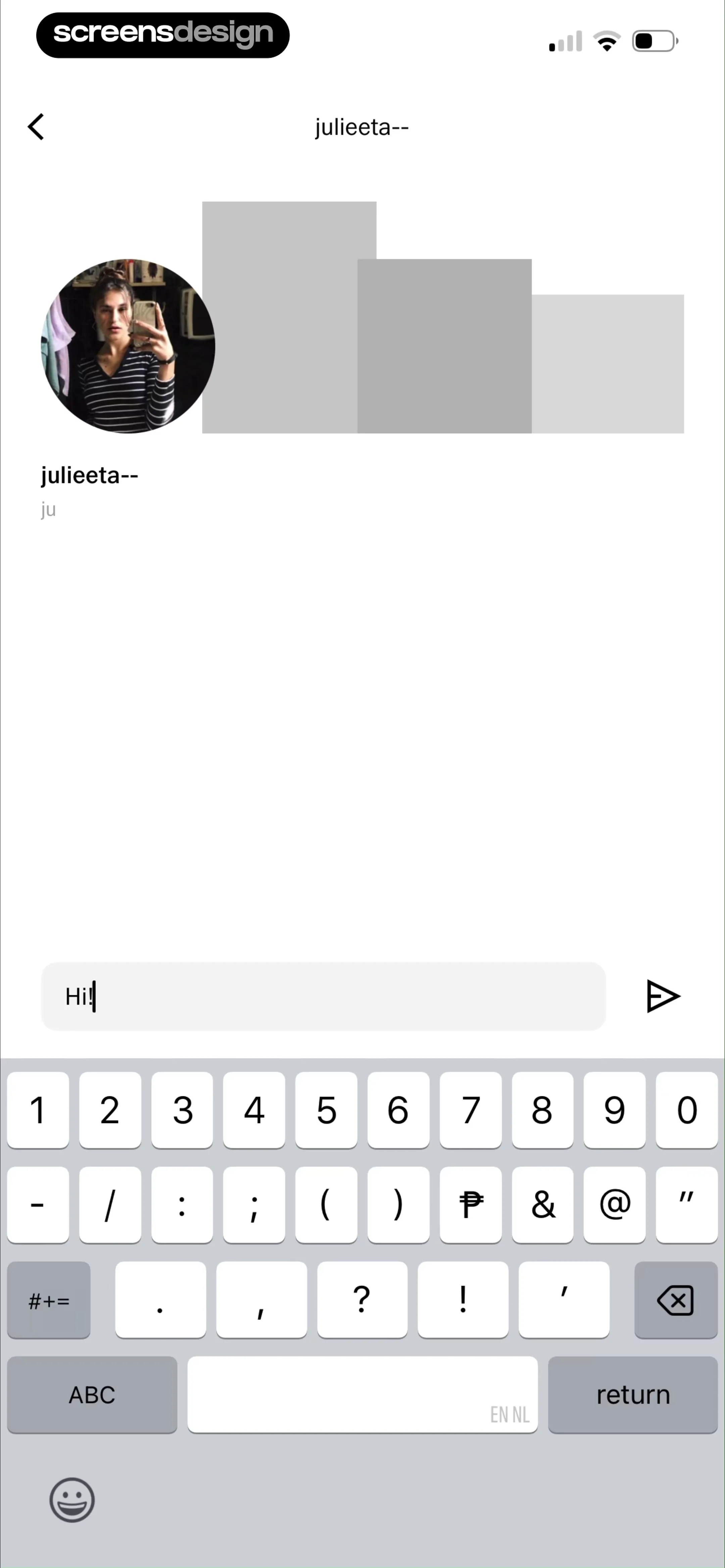
At the bottom, a text input field contains the typed message 'Hi!' and a send icon button.
 See the flow
  Hypelist: Create & Share Lists
To the left of the text bubble is a '+' button for adding attachments, and to the right is a green send button with an upward-pointing arrow.
 See the flow
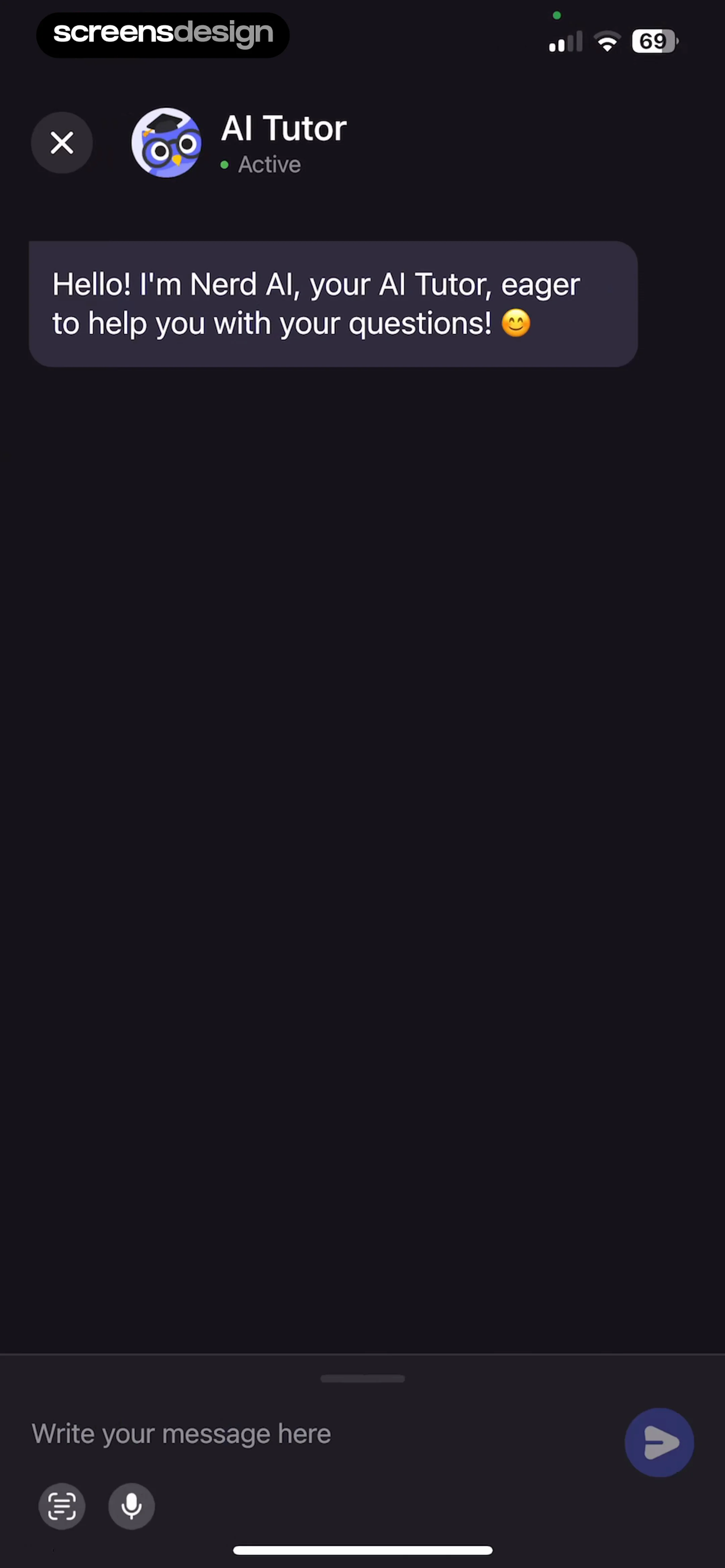
  Nerd AI - Math Problem Solver
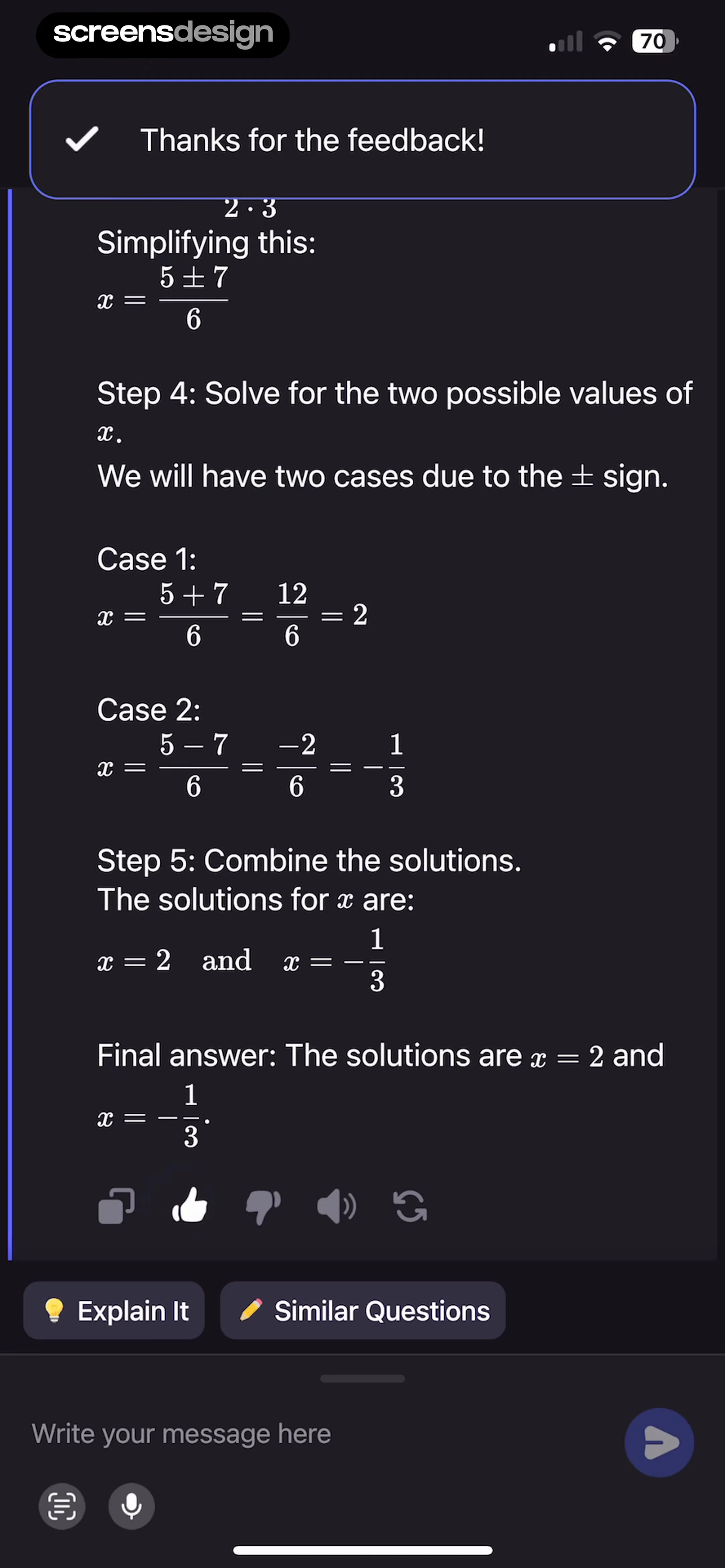
The bottom of the screen contains a message input field with placeholder text 'Write your message here', accompanied by a scanner icon, a microphone icon, and a send button.
 See the flow Planner 5D: AI Home Design
To the right of the input field is a green send button with an arrow icon.
 See the flow
  invideo AI: AI Video Generator
Below the input field, there is an 'AI twins' button and a blue arrow send button.
 See the flow
  Redfin: Buy, Sell & Rent Homes
At the bottom, there is a text input field labeled 'Message virtual assistant...' accompanied by two icon buttons (a person icon and a house icon) and a send button.
 See the flow
  HelloBot - Astrology & Tarot
A yellow send button with an upward arrow is positioned to the right of the input field.
 See the flow
  Yik Yak
The bottom portion of the screen contains a text input field with the placeholder 'Hey' and a send icon, followed by an active system keyboard for typing messages.
 See the flow
  Precip - Rain Totals & Gauge
At the bottom, a rounded text input field contains the user's typed message 'Hi!' and a blue circular send button with an upward arrow icon.
 See the flow
  Ascend: Bible Game
The UI includes a series of pill-shaped suggestion buttons at the bottom ('Bible basics', 'Help me pray', 'Daily de...') and a text input field with a plus icon and a send button.
 See the flow
  Yard AI: Backyard Design
At the bottom, a text input field currently contains the user's query 'Plants to add here', accompanied by a plus icon for attachments and a send button.
 See the flow Ascend: Bible Game
At the bottom, there is a message input field with a plus icon on the left and a send button on the right.
 See the flow Heyyyy: Stories that text back
yeah thats my fave!!', accompanied by a plus icon on the left and a send button on the right.
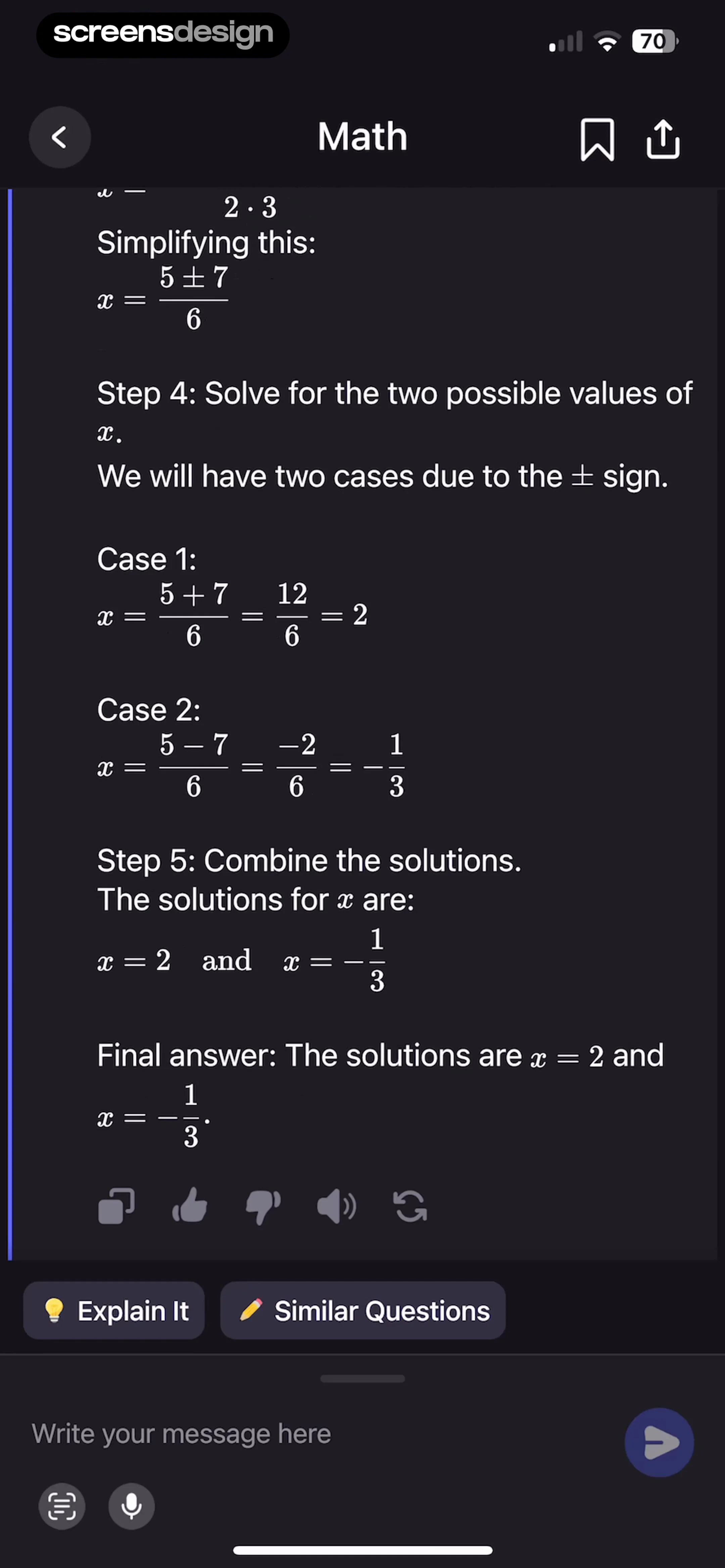 See the flow Nerd AI - Math Problem Solver
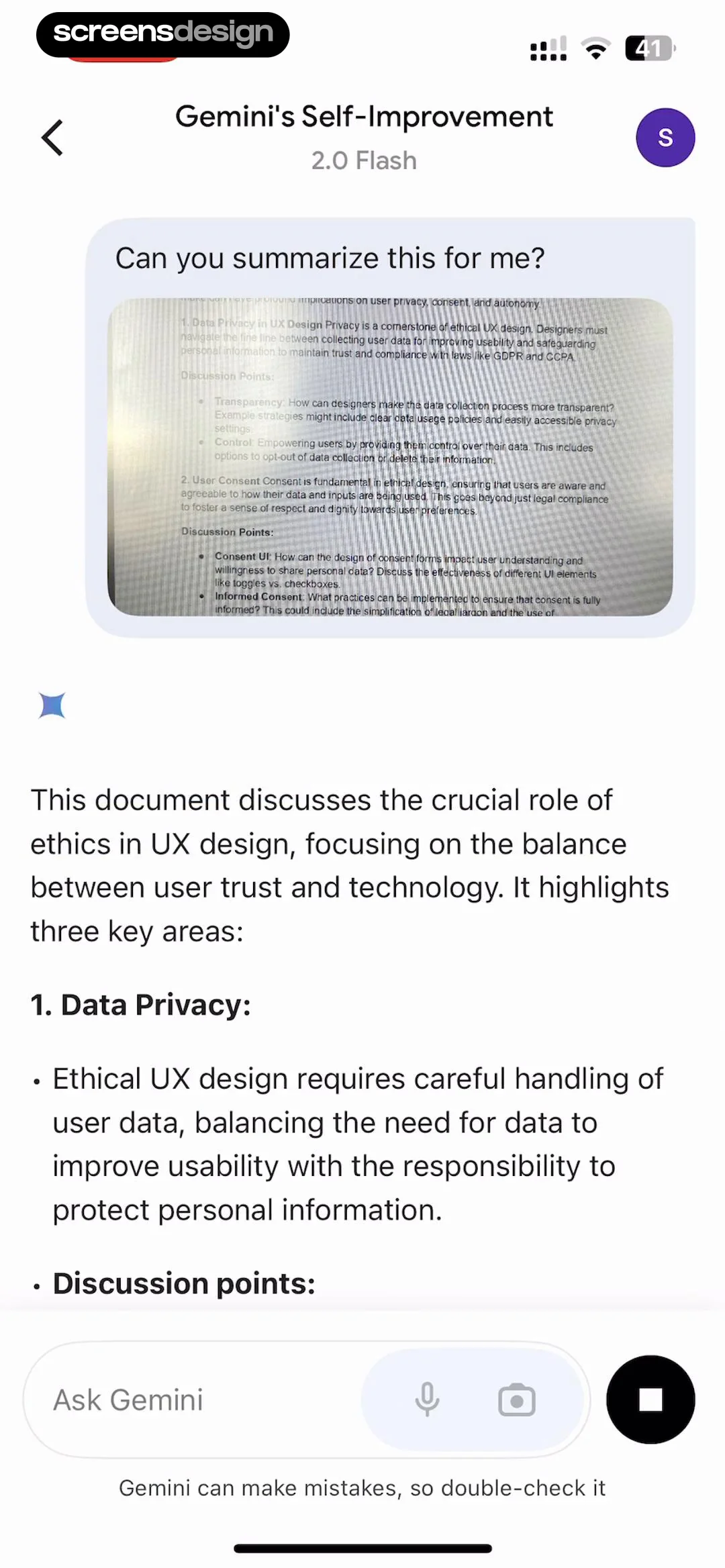
The bottom of the screen features a text input field with a send button, a camera icon, and a microphone icon for user interaction.
 See the flow
  Layout for Instagram・Inpreview
The bottom right corner contains a send button (paper plane icon) and an attachment icon to the left of it.