

 See the flow
  ZARA
ZARAA standard iOS numeric keypad is visible at the bottom of the screen, allowing the user to input their phone number.
 See the flow
  Calorie Counter by Numify
The bottom half of the screen is occupied by a standard numeric keypad for entering nutritional data.
 See the flow
  Budget app - spending tracker
The bottom half of the screen is a full numeric keypad with standard digits, a backspace key, mathematical operators, a currency toggle ('USD'), and a large yellow checkmark button to confirm the entry.
 See the flow
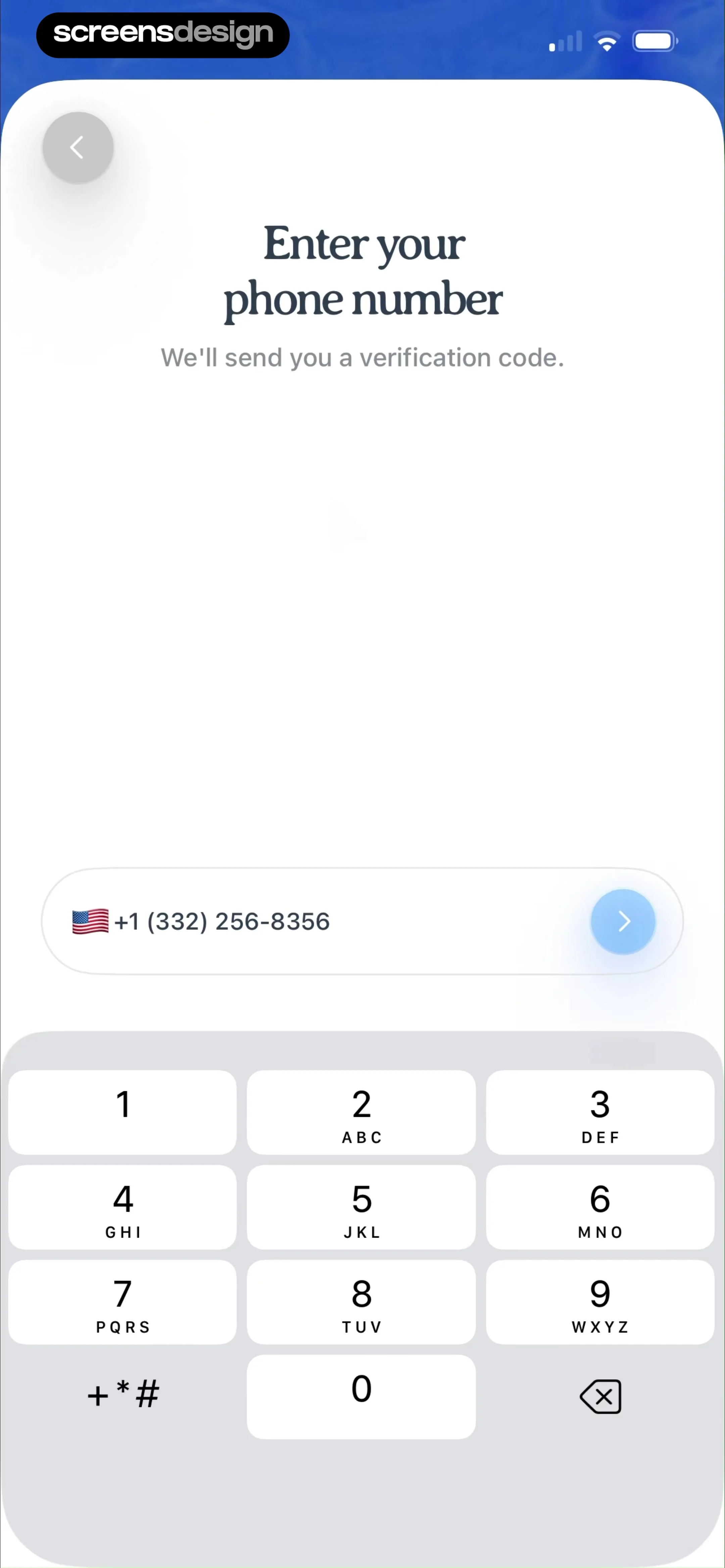
  Pool, the screenshot app
The bottom half of the screen is occupied by a standard numeric keypad with letters corresponding to each digit, plus a backspace icon button in the bottom-right corner.
 See the flow Budget app - spending tracker
At the bottom, a custom numeric keypad is displayed, allowing the user to input financial data directly.
 See the flow Calorie Counter by Numify
The bottom half of the screen is occupied by a standard numeric keypad for entering the weight value.
 See the flow
  The Wall Street Journal. News
The bottom half of the screen is occupied by a standard numeric keypad for data entry.
 See the flow
  Claude by Anthropic
The bottom half of the screen is occupied by a standard numeric keypad for entering the verification code, including a backspace button.
 See the flow
  Precious - Baby Photo Art
The bottom half of the screen is occupied by a standard numeric keypad for data entry.
 See the flow ZARA
A custom numeric keypad occupies the bottom half of the screen, providing a streamlined input experience for the user to enter their payment details.
 See the flow
  Litres: Audio
A prominent blue 'Save' button is positioned above a standard numeric keypad, which occupies the bottom half of the screen.
 See the flow
  Yik Yak
A prominent, rounded teal 'Send Code' button with a mailbox icon sits above a standard system numeric keypad.
 See the flow
  Hotels.com: Book hotels & more
The bottom half of the screen is occupied by a standard numeric keypad for entering the verification code.
 See the flow
  Blinq: Digital Business Card
The bottom half of the screen is occupied by a standard numeric keypad, which includes a suggestion bar at the top displaying 'From Gmail' and the code '304083' alongside a key icon.
 See the flow
  Deezer: Music Player, Podcast
The bottom half of the screen is occupied by a standard numeric keypad for inputting the age.
 See the flow
  ZEDGE™ Ringtones & Wallpapers
A standard numeric keypad is visible at the bottom of the screen for entering the verification code, including a backspace icon in the bottom right corner.
 See the flow
  Too Good To Go: Save Good Food
The bottom half of the screen is occupied by a standard numeric keypad for data entry.
 See the flow Pool, the screenshot app
The bottom half of the screen is occupied by a standard numeric keypad with letters associated with each number, and a backspace icon in the bottom right corner.
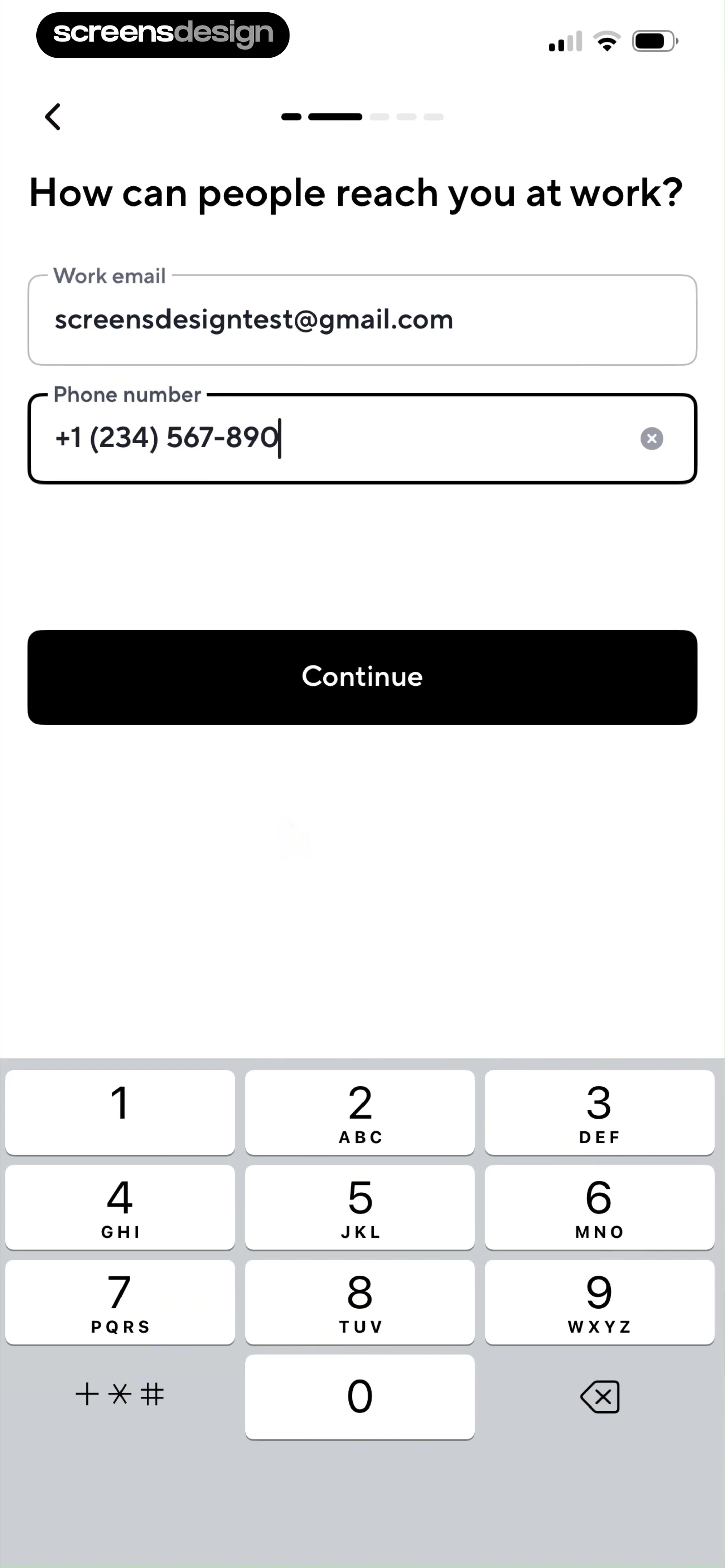 See the flow Blinq: Digital Business Card
The bottom half of the screen is occupied by a standard numeric keypad for entering the phone number.
 See the flow Too Good To Go: Save Good Food
The bottom half of the screen is occupied by a standard numeric keypad for data entry.

