
 See the flow
  Vivino: Drink The Right Wine
A single text input field is provided for the user to enter their password, which includes a 'Show' toggle button on the right side to reveal the characters.
 See the flow
  Meetup: Social Events & Groups
The password field includes a visibility toggle icon and a strength indicator bar below it, noting that at least 10 characters are required.
See the flow  Premier League - Scores, News
Below these, there is an 'or' separator, followed by an email address input field and a 'Create Password' input field with a 'Show' toggle.
 See the flow
  South China Morning Post: News
Below this, two password input fields are provided, each with a 'show' toggle to reveal the password.
 See the flow Meetup: Social Events & Groups
The screen is titled 'Finish signing up' and includes input fields for 'Your name', 'Email address', 'Password' (with a visibility toggle icon), and 'Location' (with a location pin icon).
 See the flow
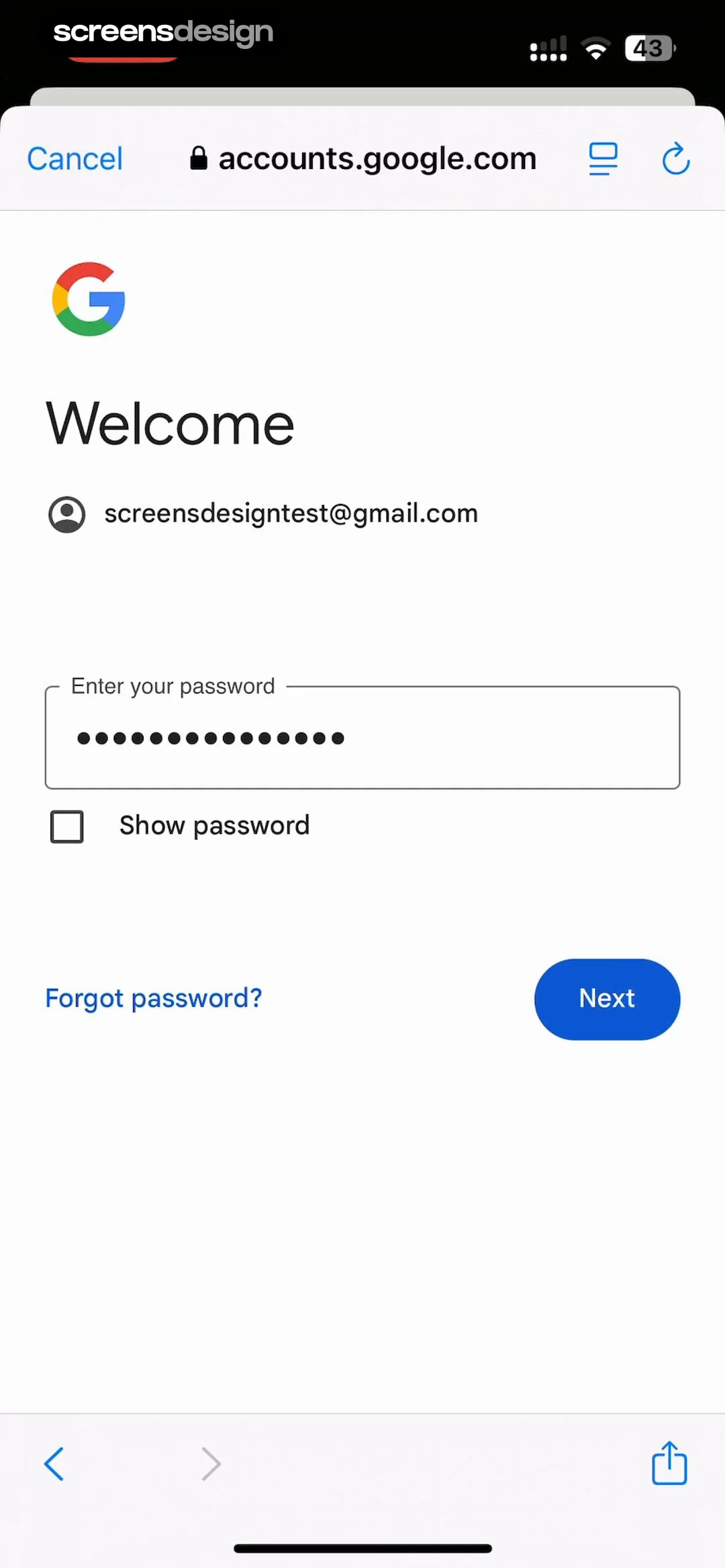
  Google Gemini
Top browser bar, centered Google logo, heading, email, password input, checkbox, bottom action buttons, bottom browser navigation.
 See the flow
  WeMoms - Pregnancy & Baby App
Below the heading is a single text input field for the user to enter their password, which includes a visibility toggle icon (eye) on the right side.
 See the flow
  Litres: Audio
Below this is a single text input field with a placeholder 'Password' and a visibility toggle icon (an eye) on the right side.
 See the flow
  Deezer: Music Player, Podcast
Top navigation bar, main heading, password input field, password requirements card, and a large bottom call-to-action button.
 See the flow
  calimoto Motorcycle Navigation
The form includes two input fields: 'USERNAME' (pre-filled with 'juliascreens') and 'PASSWORD' (with a visibility toggle icon).
 See the flow
  Gaia GPS: Mobile Trail Maps
A password strength indicator is shown as a green segmented bar labeled 'Strong'.
 See the flow
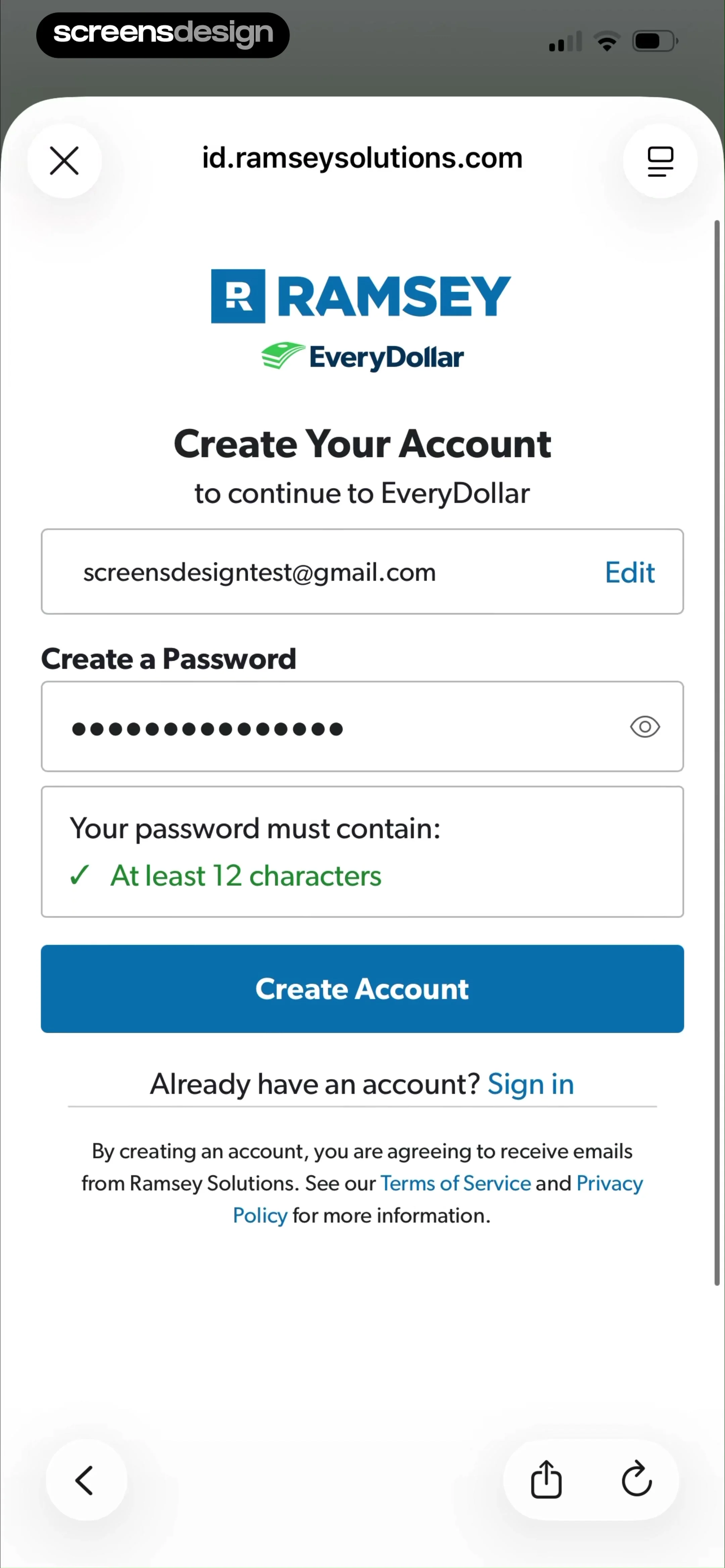
  EveryDollar: Budget Management
The form includes an email address field with an 'Edit' button, a password input field with a visibility toggle icon, and a validation box confirming the password requirement of 'At least 12 characters'.
 See the flow
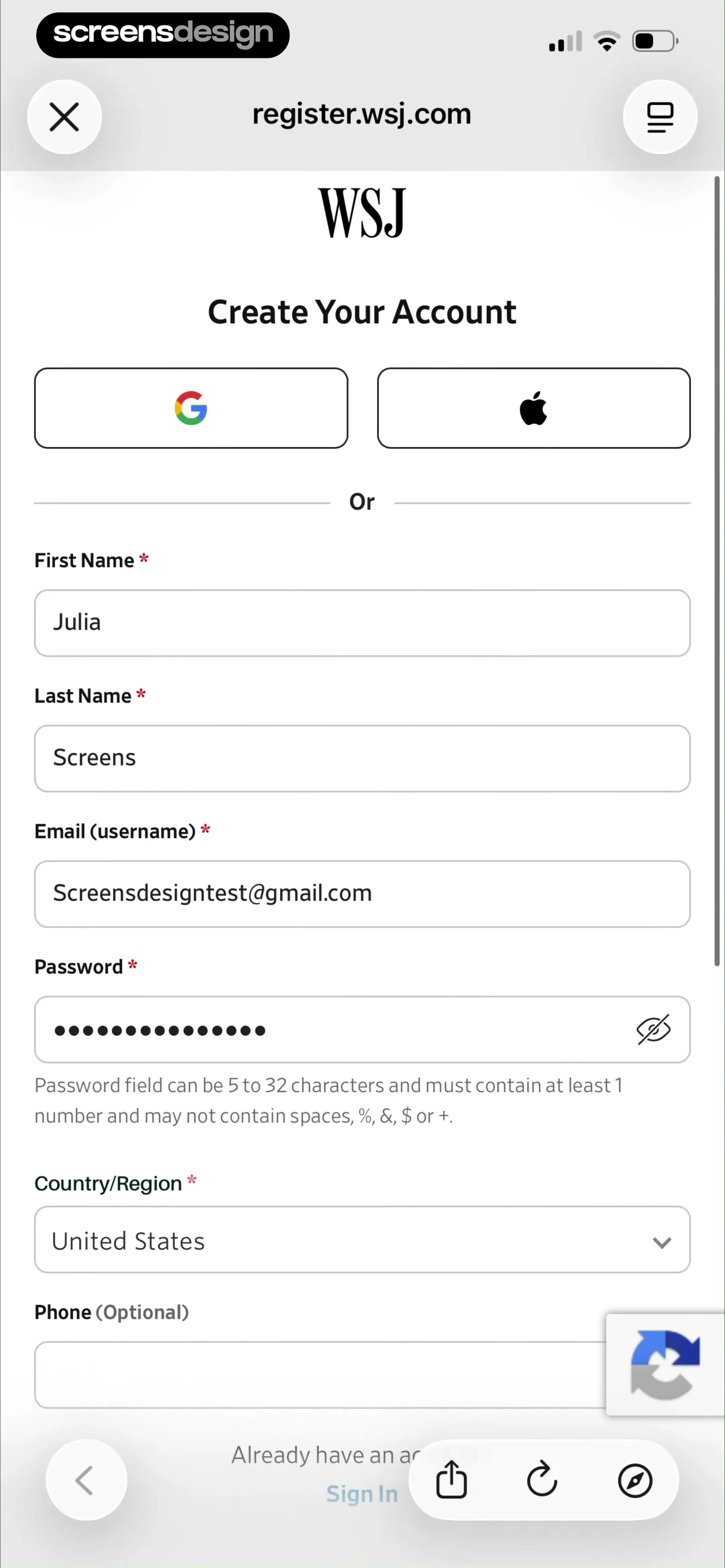
  The Wall Street Journal. News
Below this, a multi-field form requires personal information including First Name, Last Name, Email (username), Password (with a visibility toggle and specific complexity requirements), and a Country/Region dropdown.
 See the flow
  Expedia: Hotels, Flights, Cars
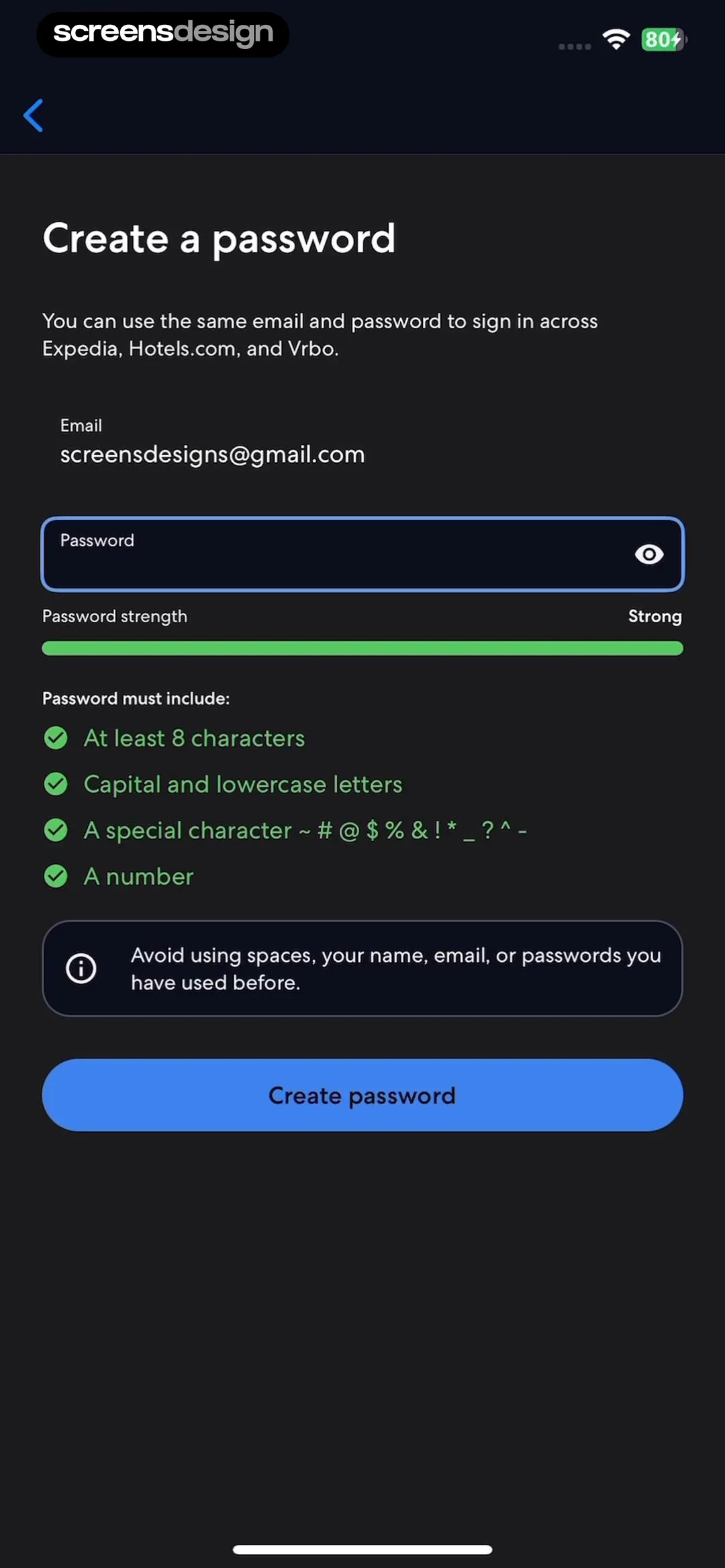
Below this, the user's email is displayed, followed by a password input field with a visibility toggle icon.
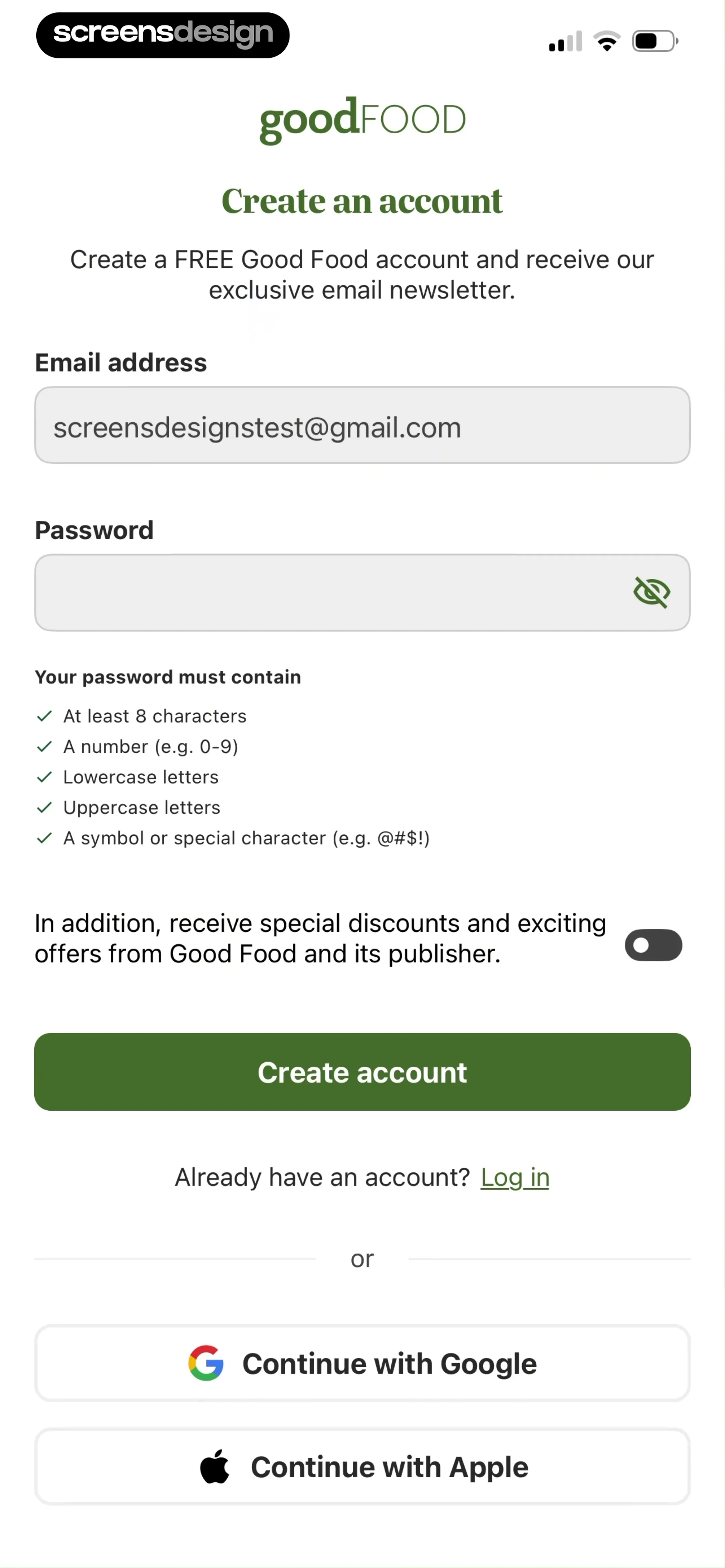
See the flow  Good Food: Recipe Finder
The form includes two primary input fields for 'Email address' (pre-filled with an example) and 'Password' (with a visibility toggle icon).
 See the flow
  Tiny Scanner - PDF Scanner App
The main form includes fields for email, password, and password confirmation, with password visibility toggle icons.
 See the flow
  Zalando – Online fashion
Top browser bar, header text, form fields, legal text, primary button, footer links, bottom navigation bar.
 See the flow
  Klook: Travel & Activities
Below this, there are two input fields: 'Set password' and 'Confirm new password', both with placeholder text 'Please enter' and a visibility toggle icon (eye with a slash) on the right side of each field.
 See the flow
  IDAGIO Stream Classical Music
Top navigation button, centered header, form fields, primary CTA button, separator, and secondary social login button.
 See the flow
  DAZN: Stream Live Sports
A 'Password' field includes a visibility toggle icon.


