

 See the flow
  Premier League - Scores, News
This screen is a password creation and account setup page for the Premier League app.
 See the flow
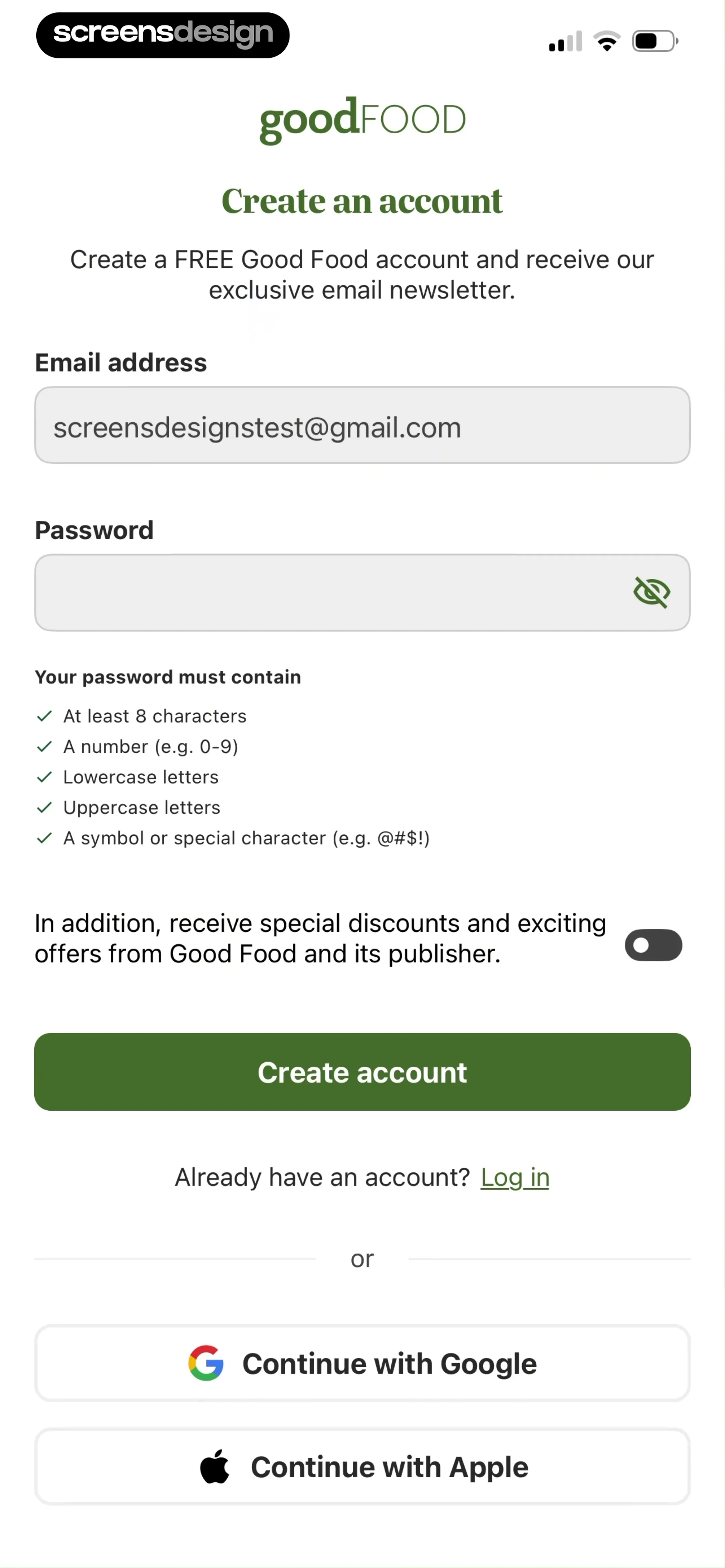
  Good Food: Recipe Finder
The form includes two primary input fields for 'Email address' (pre-filled with an example) and 'Password' (with a visibility toggle icon).
 See the flow
  Vivino: Drink The Right Wine
This is a mobile sign-up screen for the Vivino app, specifically the password creation step.
 See the flow
  DAZN: Stream Live Sports
The layout features a vertical form with input fields for 'First name', 'Last name', 'Email', and 'Password'.
 See the flow
  Tiny Scanner - PDF Scanner App
The main form includes fields for email, password, and password confirmation, with password visibility toggle icons.
 See the flow
  Gaia GPS: Mobile Trail Maps
The form includes input fields for 'Last Name', 'Email', and 'Password', with a password strength indicator showing 'Strong' in green.
 See the flow
  Zutobi: Permit & Driving Prep
A horizontal divider with the word 'OR' separates these social options from a traditional email and password input field.
 See the flow
  Meetup: Social Events & Groups
Below these, there is an 'OR' separator and a standard email/password input field.
 See the flow
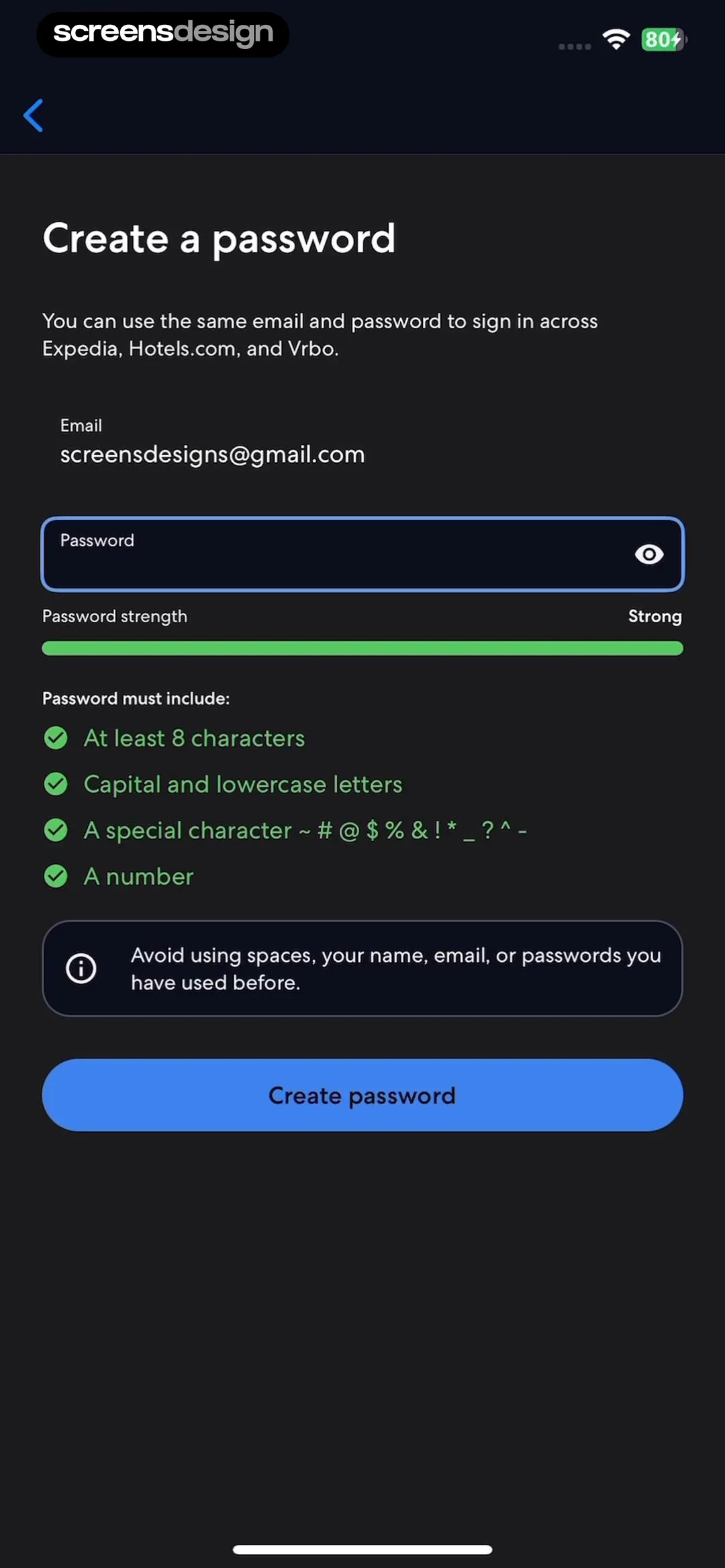
  Expedia: Hotels, Flights, Cars
The layout features a back button at the top left, followed by the title 'Create a password' and a descriptive subtext explaining that the credentials will work across Expedia, Hotels.com, and Vrbo.
 See the flow
  WeMoms - Pregnancy & Baby App
This is a password creation screen within a mobile app onboarding flow.
 See the flow
  Deezer: Music Player, Podcast
This is a password creation screen in a mobile app, featuring a clean, minimalist design.
 See the flow
  Ascend: Bible Game
Below the header are three input fields for name, email, and password, each with a corresponding icon (user, envelope, and lock).
 See the flow
  South China Morning Post: News
At the top, there is a logo icon followed by the heading 'Set up password'.
 See the flow
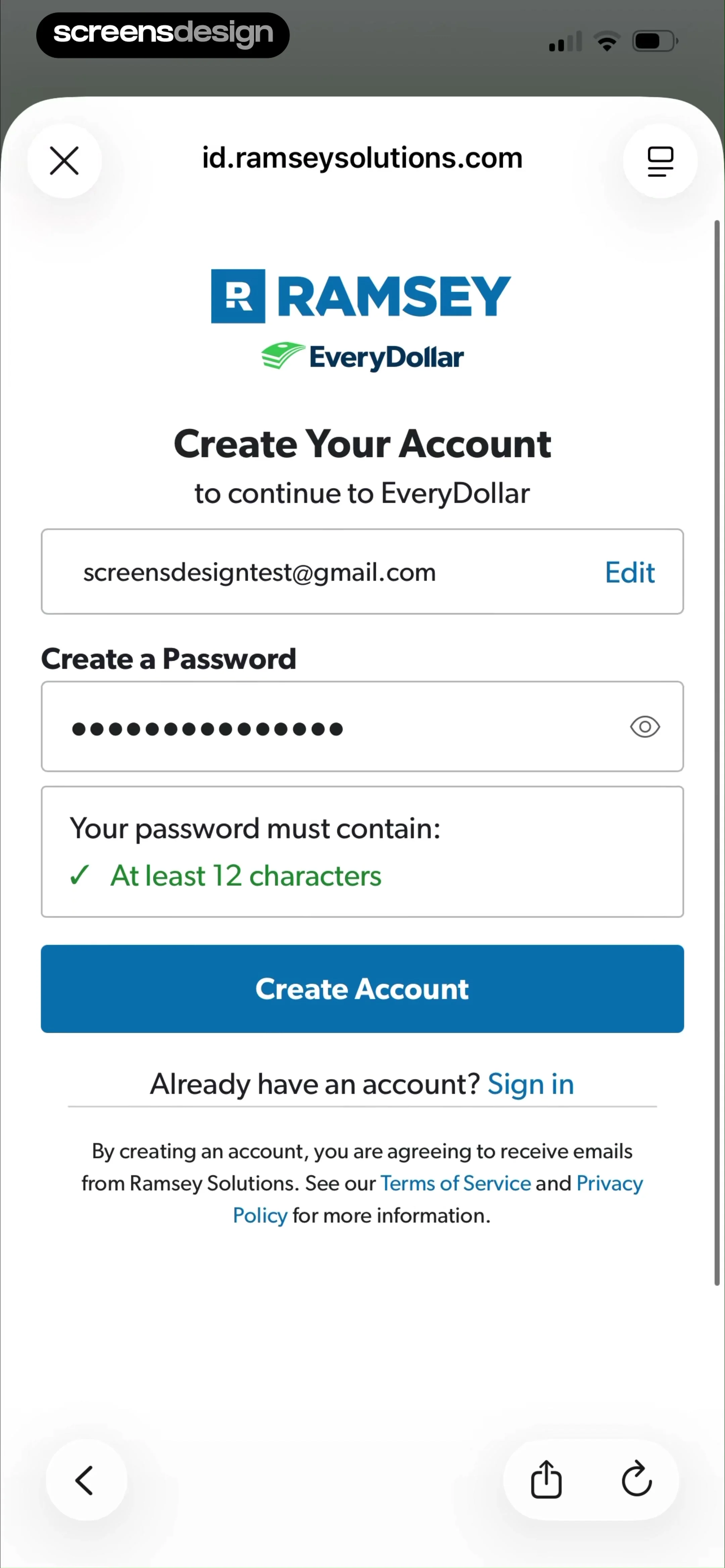
  EveryDollar: Budget Management
The form includes an email address field with an 'Edit' button, a password input field with a visibility toggle icon, and a validation box confirming the password requirement of 'At least 12 characters'.
 See the flow
  Transit • Subway & Bus Times
This screen displays a modal overlay on top of a password creation form in the Transit app.
 See the flow
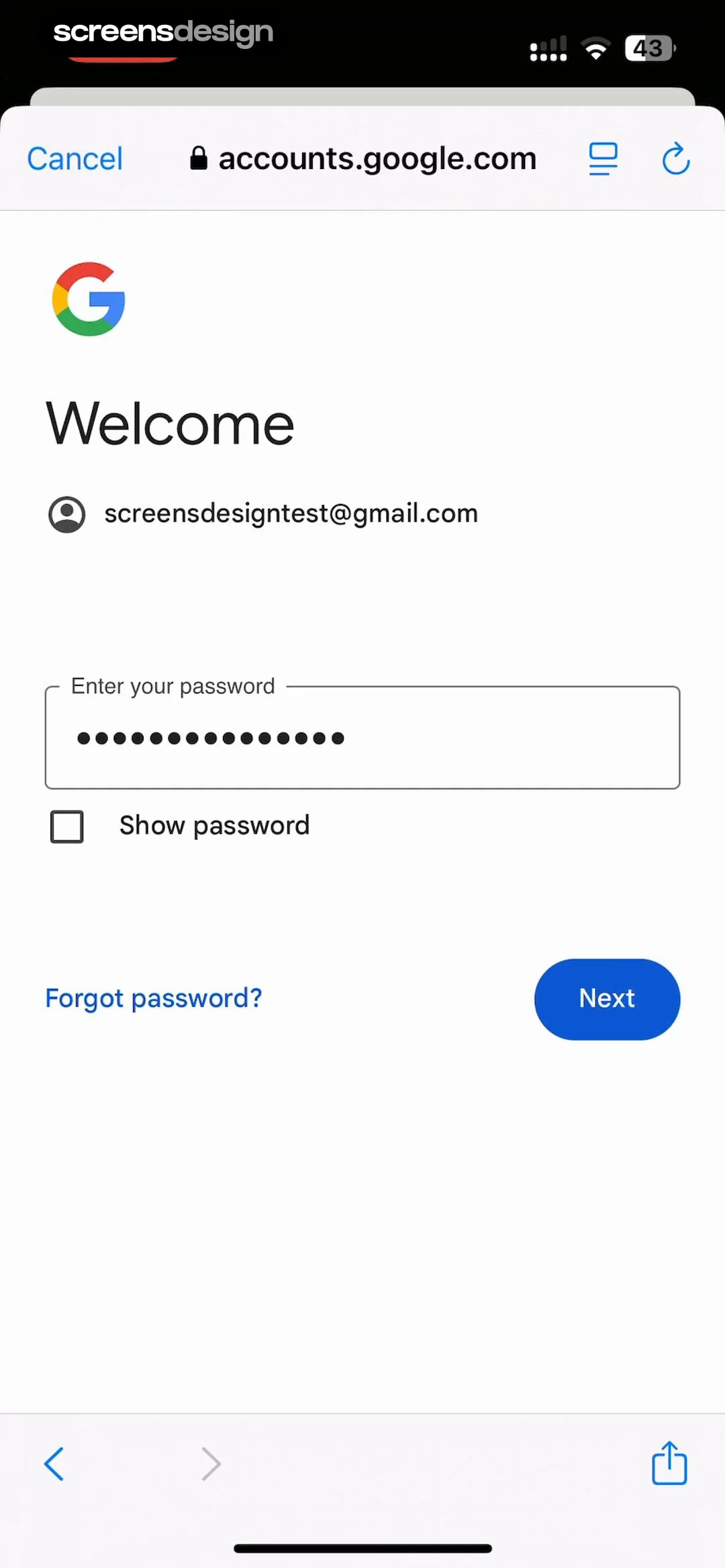
  Google Gemini
This is a standard Google account password entry screen displayed within a web-view interface.
 See the flow
  Scanner App: Genius Scan
Below the header, there is a card-style input section with fields for 'Email', 'Confirm email', and 'Password'.
 See the flow
  Tattoo AI - Tattoo Design
Below the header, there are three rounded input fields: the first is pre-filled with the name 'julia screens', the second with the email '[email protected]', and the third is an empty password field.
 See the flow
  calimoto Motorcycle Navigation
The form includes two input fields: 'USERNAME' (pre-filled with 'juliascreens') and 'PASSWORD' (with a visibility toggle icon).
 See the flow
  Litres: Audio
This is a password entry screen for a user authentication flow.

