

 See the flow
  Particle: Personalized News
The main content area displays a vertical list of search results, each featuring a source icon, source name, relative timestamp, article title, and author attribution.
 See the flow
  Windy.app — Wind, Tides, Radar
The interface features a dark theme with a list of categories, each containing segmented control buttons for selecting specific units or display modes.
 See the flow
  Too Good To Go: Save Good Food
The layout is a clean, vertical list organized into four distinct sections: 'SETTINGS', 'COMMUNITY', 'SUPPORT', and 'OTHER'.
 See the flow
  Vivino: Drink The Right Wine
This screen displays a search results page within the Vivino app, showing a list of wine products matching the query 'paros red dry'.
 See the flow
  WeMoms - Pregnancy & Baby App
Header banner followed by a vertical list of community posts, with a floating action button and a bottom navigation bar.
 See the flow
  Heyyyy: Stories that text back
The interface features a clean, light-themed list of active conversations with virtual characters.
 See the flow
  Budget app - spending tracker
Below this, a list of filter categories allows the user to refine results by Ledger, Category, Subcategory, Tag, Time Range, and Account, each with a chevron indicating a drill-down menu.
 See the flow
  Map My Run GPS Running Tracker
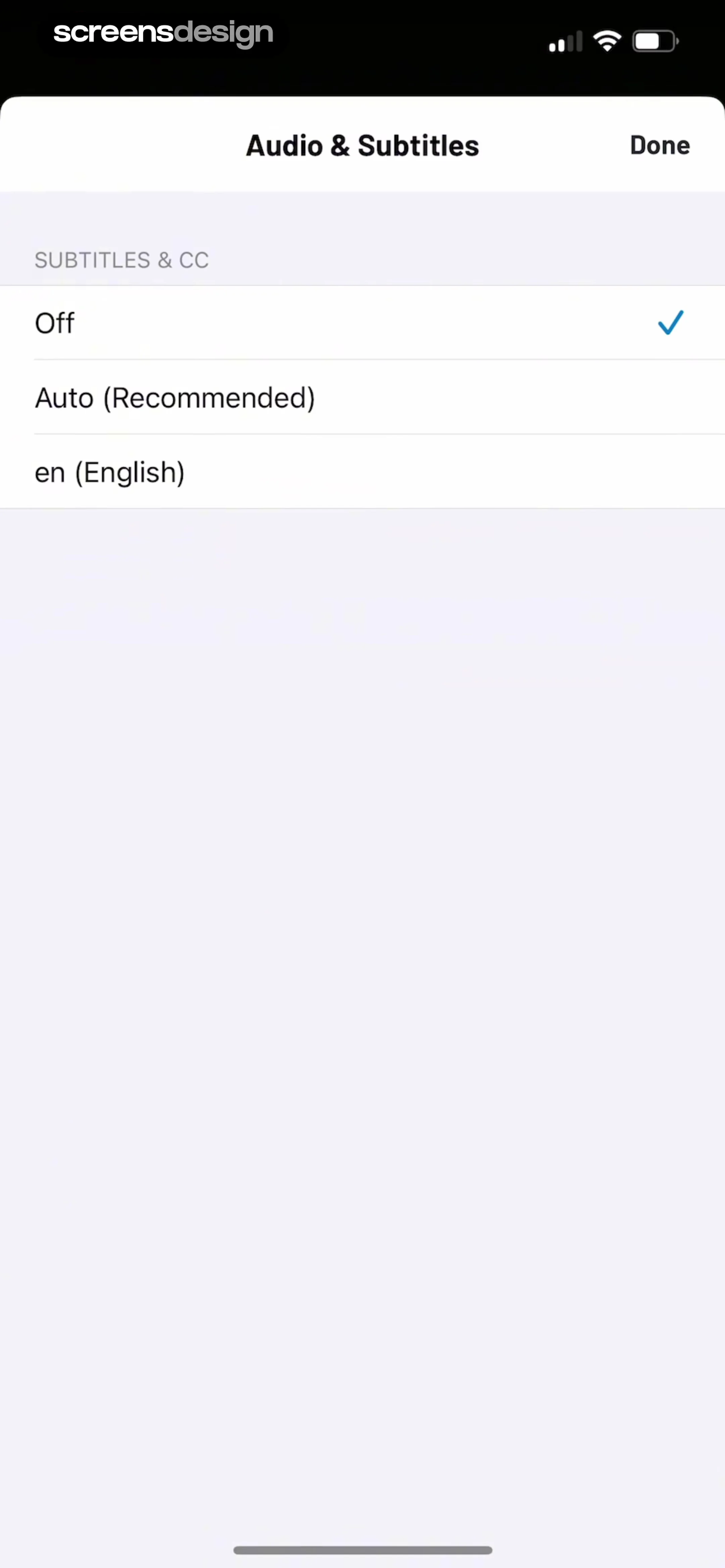
Below the header, a section titled 'SUBTITLES & CC' lists three selectable options: 'Off' (currently selected with a blue checkmark), 'Auto (Recommended)', and 'en (English)'.
 See the flow
  bergfex: Hiking & Tracking
Below this, a list of settings includes 'Track Style', 'Arrow Style' (set to 'Large'), 'Text Size' (set to 'Large'), 'Allow Rotation' (toggle enabled), 'Allow Tilting' (toggle enabled), and 'Statusbar' (set to 'Transparent').
 See the flow
  GoodNovel - Booktok, Stories
The main content area is a vertical list of ranked book entries, each showing a numbered rank, a book cover thumbnail, the book title, author name, a star rating, and a popularity flame icon with a numerical count.
 See the flow
  Useless - Screen Time Control
A modal window with a header containing a title and cancel button, followed by a search input field, and a list of search results below.
 See the flow
  invideo AI: AI Video Generator
Below this, a list displays current members, showing the user 'Julia' with the email 'screensdesigntest@gmail...' and the role 'Owner'.
 See the flow
  Redfin: Buy, Sell & Rent Homes
It features a clean, list-based layout organized into three main sections: 'FAVORITES', 'SAVED SEARCHES FOR SALE', and 'SAVED SEARCHES FOR RENT'.
 See the flow
  Gaia GPS: Mobile Trail Maps
The screen features a clean, list-based layout with a top navigation bar containing a back button labeled 'Settings' and a centered title 'Units'.
 See the flow
  Zalando – Online fashion
This screen displays the 'Favourites' section of the Zalando fashion app, organized into a list of saved items.
 See the flow
  Hypelist: Create & Share Lists
This is a search results screen in the Hypelist app, displaying content related to the query 'Places to visit'.
 See the flow
  SmartNews: Now in Spanish
This screen is the 'Local' news feed of the SmartNews app, characterized by a clean, list-based layout.
 See the flow
  Meetup: Social Events & Groups
Below the search bar, a list of search suggestions is displayed, including 'Hiking', 'Hiking with Your Dog', 'Wilderness Hiking', 'Backcountry', and 'Women's Hiking'.
 See the flow
  Vrbo Vacation Rentals
This screen displays a curated list of travel destinations categorized under the theme 'Family'.
 See the flow
  Quinn - Audio Stories
This screen displays the 'Your Feed' section of the Quinn audio storytelling app, featuring a vertical list of creator-led audio content cards.


