

 See the flow
  Redfin: Buy, Sell & Rent Homes
Users can edit the 'Home price' ($3,950,000) and 'Down payment' (20%) using pencil icons.
 See the flow
  PDF Scanner AI: Scan Documents
Below the card, there is an editable text field currently containing the text 'memo 1' followed by a pencil edit icon.
 See the flow
  Widgetable: Besties & Couples
Below the illustration, there is a control bar with three circular buttons: a minus sign, a large plus sign, and an edit icon.
 See the flow
  Hotels.com: Book hotels & more
The top section displays the destination, travel dates (Jul 29 - Jul 31), and guest/room configuration, with an edit icon.
 See the flow
  Blinq: Digital Business Card
At the bottom of the screen, there are two prominent buttons: an 'Edit design' button with a pencil icon and a solid black 'Continue' button.
 See the flow
  Zalando – Online fashion
A 'BILLING ADDRESS' section follows, featuring an edit icon and an informational note advising the user to enter the address associated with their payment method.
 See the flow
  WebNovel - Read Novels & Manga
There is a short bio section with a pencil icon, a join date, and a location indicator.
 See the flow
  Pick Up Limes
The main body contains a numbered list of five cooking steps, followed by a 'Show note' link and a prominent green 'Add personal note' button with a pencil icon.
 See the flow
  ScanAny-PDF Scanner App
At the top, a navigation bar shows a back button and the document title '2024060...CUMENT' with an edit icon.
 See the flow
  Voice Recorder-Audio Memos Арр
The main content area displays an error message stating that the text cannot be summarized due to a lack of discernible content, accompanied by copy and edit icons.
 See the flow
  Rooms
RoomsOn the right side, there is a vertical stack of action buttons including a three-dot menu, a camera icon, a pencil/edit icon, and a heart icon.
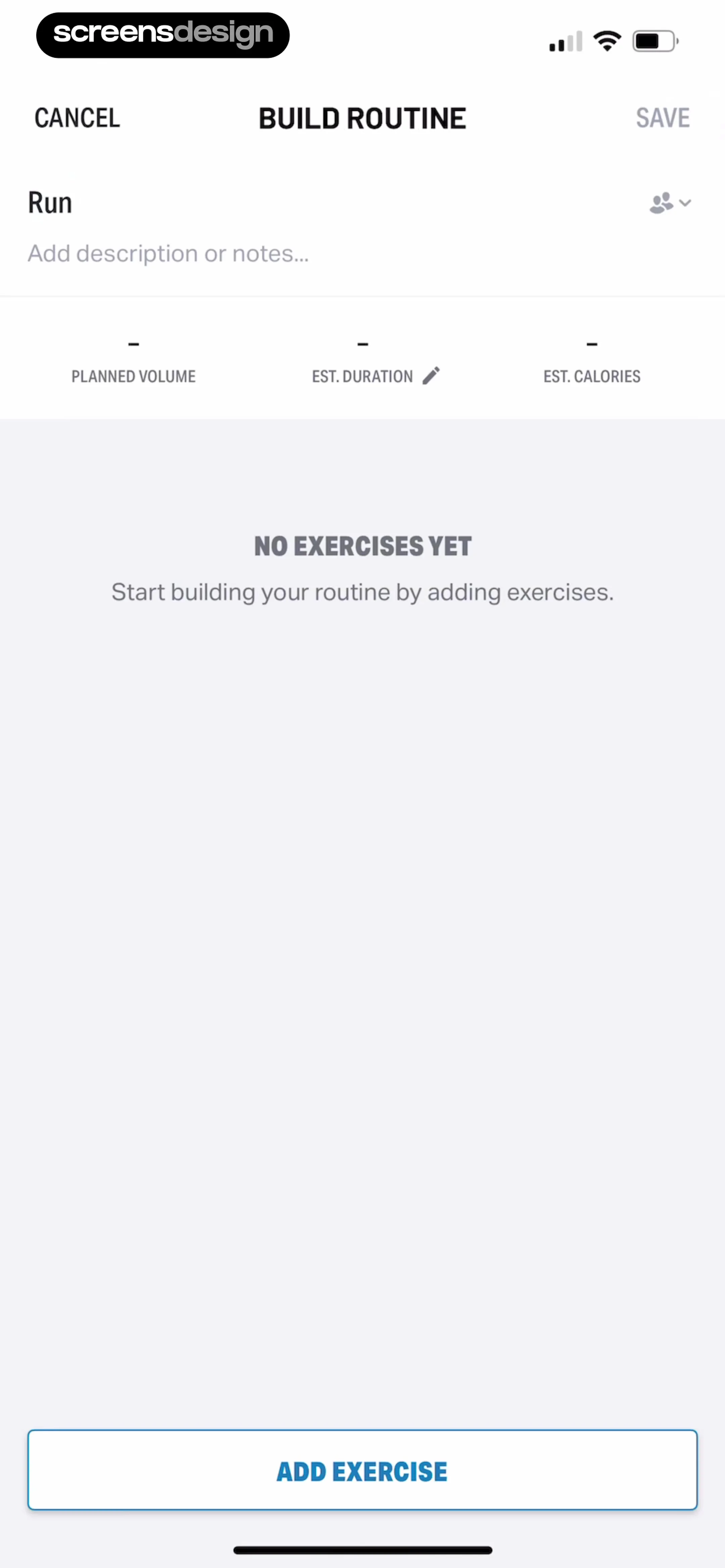 See the flow
  Map My Run GPS Running Tracker
DURATION' (with an edit icon), and 'EST.
 See the flow
  Litres: Audio
A 'Change goal' button with a pencil icon is provided to modify these settings.
 See the flow
  Scanner App: Genius Scan
At the top, there is a header containing a back button, the document title '2025-05-14 12:28' with an edit icon, a grid view icon, and a status indicator 'Never exported'.
 See the flow
  Flight Tracker +
Below a large 'Results' header, a blue summary card shows the route (JFK to LGW) and date (Oct 30) with an edit icon.
 See the flow
  Google Gemini
The items include 'Brainstormer' (lightbulb icon), 'Career guide' (briefcase icon), 'Coding partner' (code brackets icon), 'Learning coach' (book/chart icon), and 'Writing editor' (pencil icon).
 See the flow Hotels.com: Book hotels & more
Below this, a summary card shows the search criteria (Bali, Sep 1-Sep 7, 2 travelers, 1 room) with an edit button.
 See the flow
  Equalizer - Volume Booster EQ
Inside the modal, there are two primary action rows: 'Rename' with a pencil icon and 'Delete playlist' with a trash can icon, both presented as tappable list items.
 See the flow
  Yik Yak
Top app store banner, followed by profile header with avatar and post, and a bottom modal overlay.
 See the flow WebNovel - Read Novels & Manga
It features an 'Edit' button with a pencil icon, followed by a 'Sort by' section with radio-button style selection for 'Recent reading' (currently selected), 'Time updated', 'A to Z', and 'Time added'.


