
 See the flow
  Planner 5D: AI Home Design
Top bar with close button and 3D toggle, central canvas with grid, right-side vertical toolbar, bottom drawer for object selection.
 See the flow
  FLYP - Fashion Design Studio
Top navigation bar, central 3D viewport with main and secondary models, and a bottom control panel with a toolbar.
 See the flow
  Yard AI: Backyard Design
Top navigation bar, large hero image, two horizontal cards, list of suggested ideas, text input field, and a large bottom action button.
 See the flow
  invideo AI: AI Video Generator
Top input field, central video preview card, bottom prompt description card, and a final bottom action button.
 See the flow
  Tattoo AI - Tattoo Design
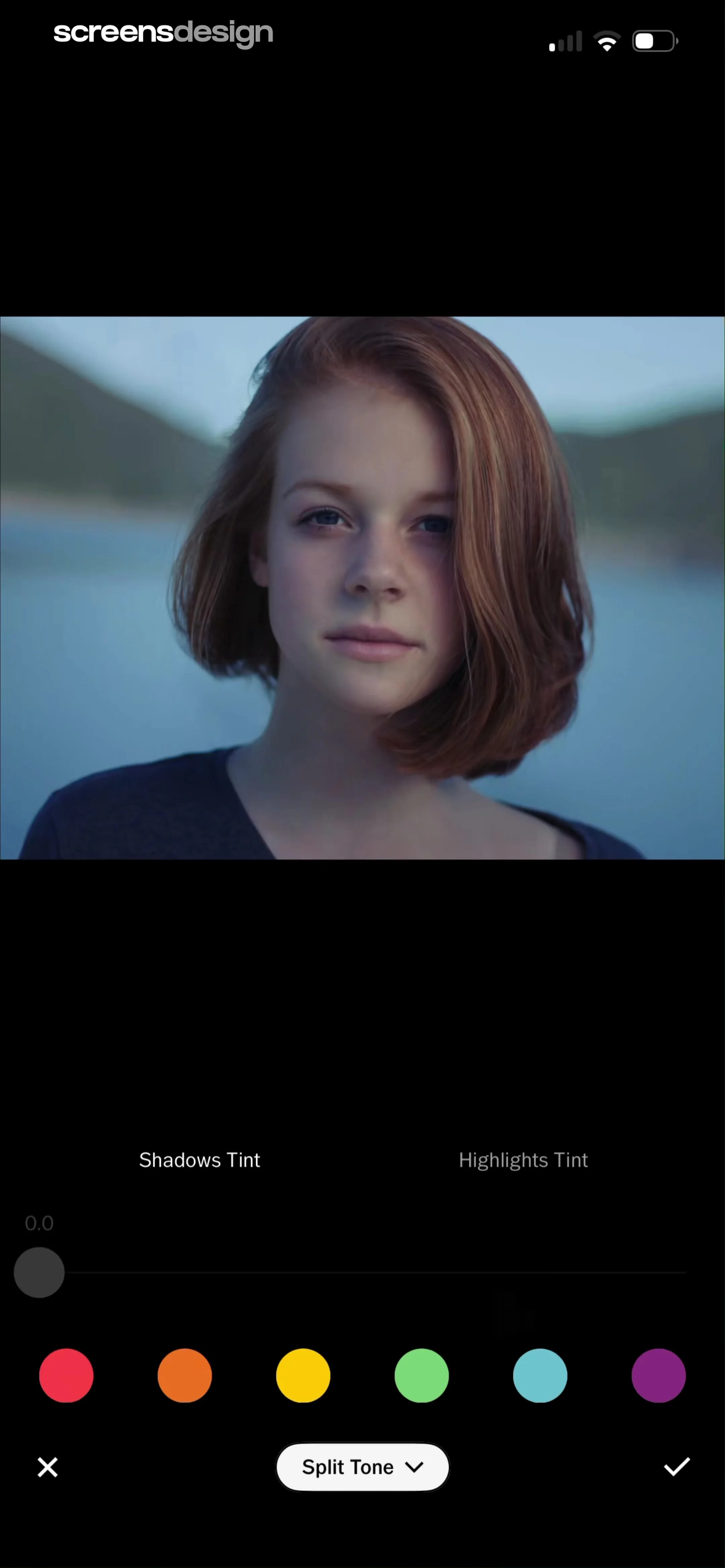
The screen features a large central image area with a crop overlay, and a bottom navigation bar containing action buttons.
 See the flow
  Everlook- Face & Body Editor
Top image preview area with overlay, middle adjustment toolbar with slider, bottom navigation bar with confirm/cancel actions.
 See the flow
  VSCO: Photo & Video Editor
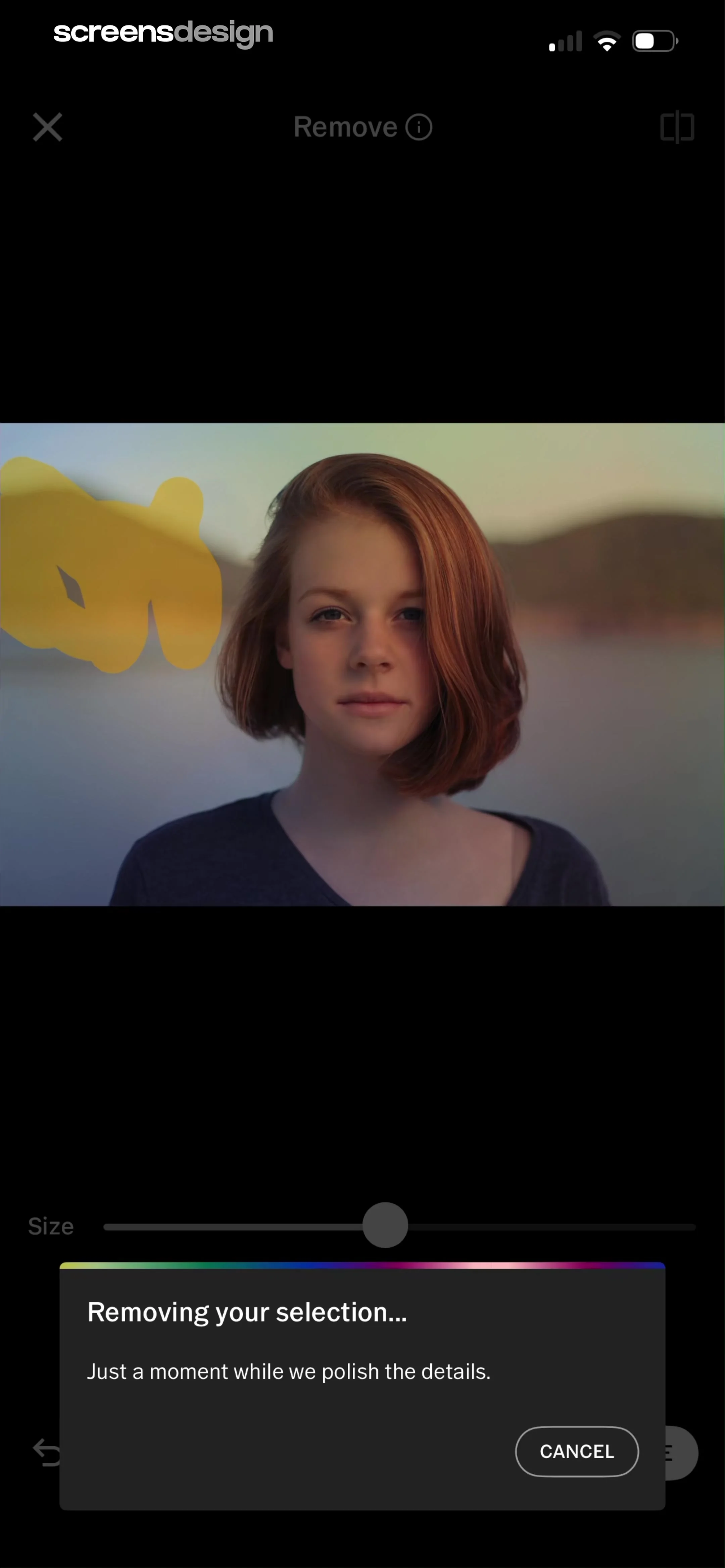
Top navigation bar, central image preview area with selection overlay, bottom brush size slider, and a centered modal overlay at the bottom.
 See the flow
  Blinq: Digital Business Card
Top navigation bar, followed by a color selection row, a card preview area, action buttons for image customization, and a bottom primary action button.
 See the flow
  Tiny Scanner - PDF Scanner App
Top navigation bar, document preview area with central modal overlay, bottom control panel with sliders and color options, and a bottom navigation bar.
 See the flow
  Wikiloc - Trails of the World
Map background with a large bottom sheet containing trail data and action buttons.
 See the flow
  Calculator₊
Top navigation bar, central drawing canvas with grid, floating stroke adjustment menu, and bottom tool selection bar.
 See the flow
  ThemeKit: Widget & Icon Themes
The screen features a full-page preview of a home screen layout with a bottom sheet modal overlaying the lower third.
 See the flow
  Nerd AI - Math Problem Solver
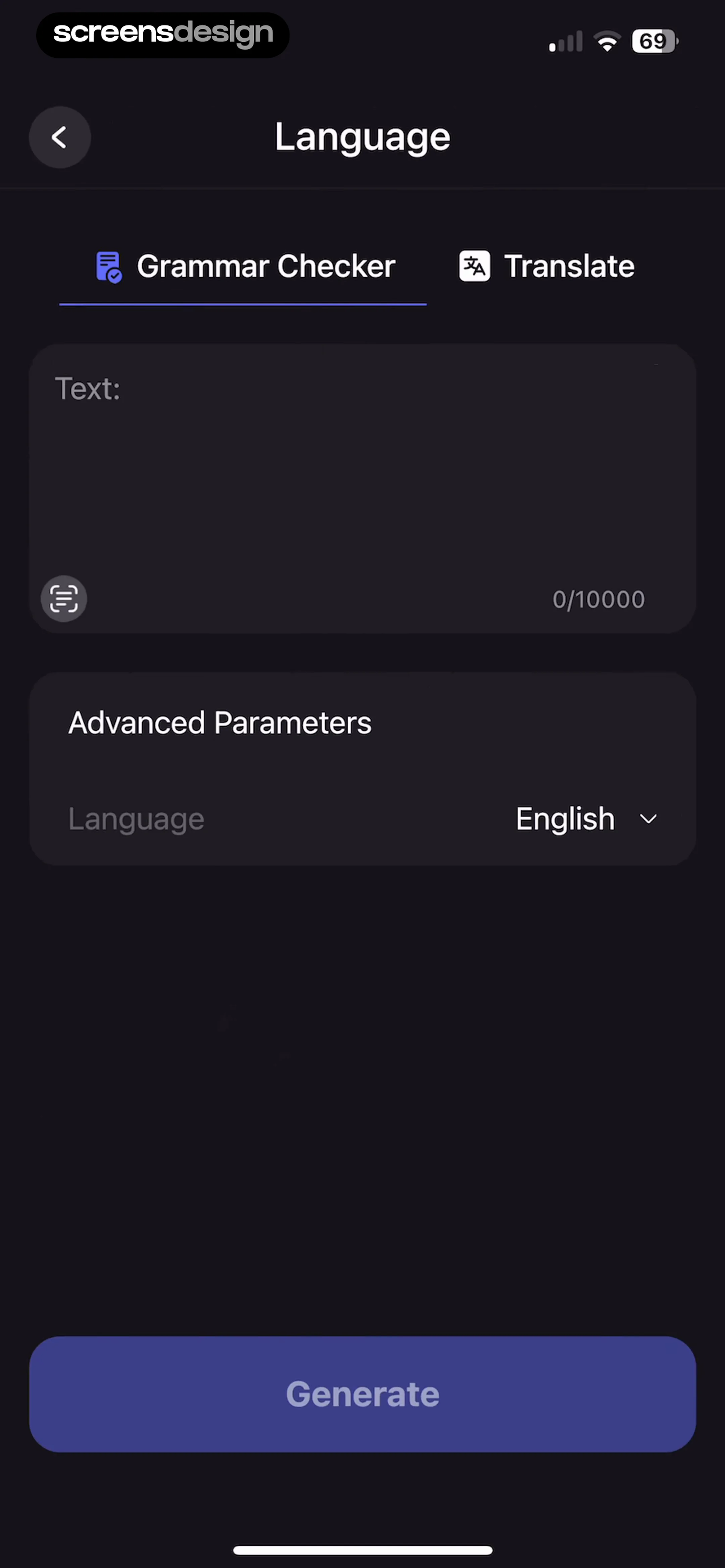
Top navigation bar, followed by a tabbed selector, a large text input area, an advanced parameters section with a dropdown, and a bottom primary action button.
 See the flow
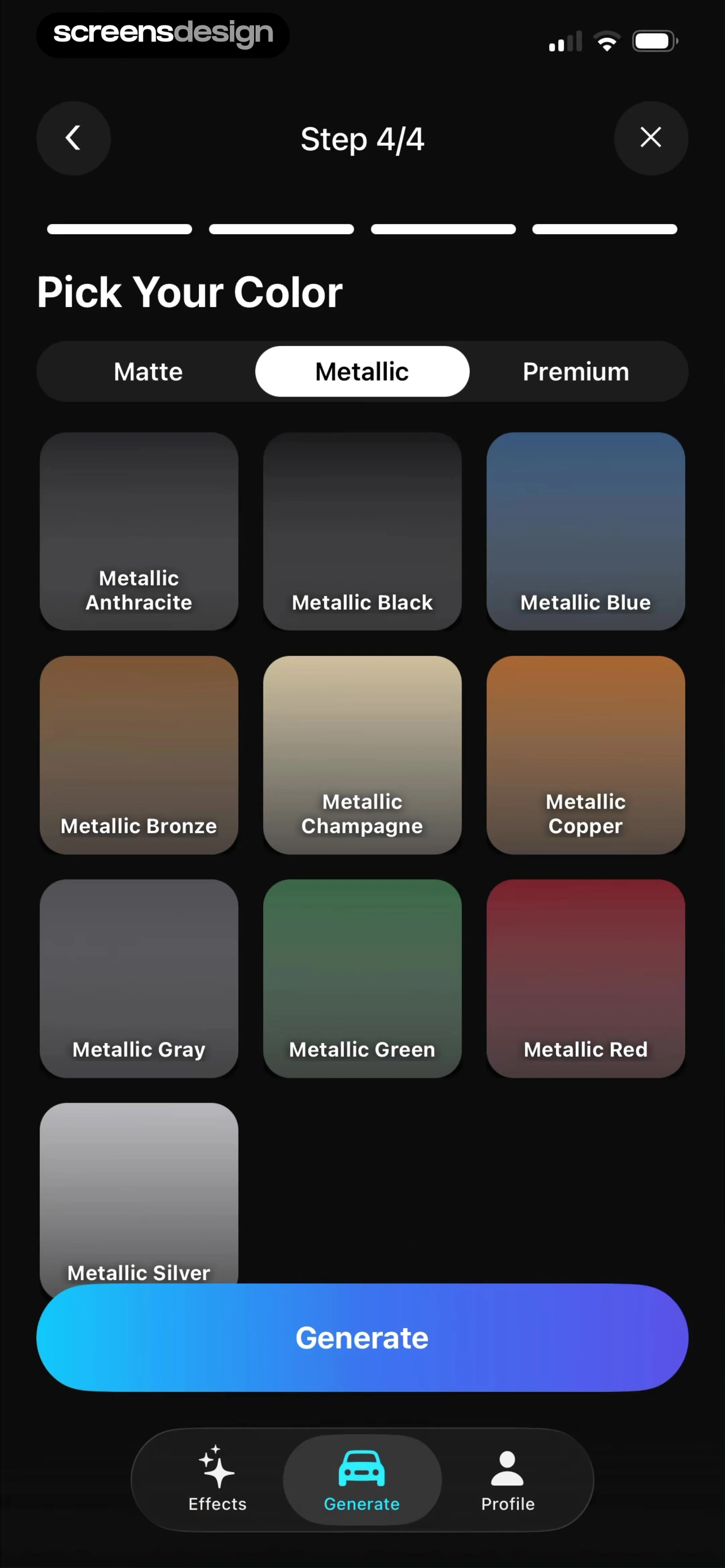
  Modyfy: AI Car Designer
Top navigation with progress, filter tabs, grid of color swatches, large bottom CTA button, and bottom navigation bar.
 See the flow
  ScanAny-PDF Scanner App
Top navigation bar, central document preview area, bottom filter carousel, and bottom action toolbar.
 See the flow
  Widgetable: Besties & Couples
Top navigation bar, large hero preview area, followed by vertical sections for pet selection, console selection, and feature toggles, ending with a bottom action button.
 See the flow
  PDF Scanner AI: Scan Documents
Top navigation bar, central document preview area, middle slider control, bottom toolbar, and a large bottom action button.
 See the flow
  Voice Recorder-Audio Memos Арр
Top header with file name, central waveform visualization, mid-section with Transcribe button and playback info, bottom control cluster with playback buttons and navigation bar.
 See the flow
  Budget app - spending tracker
Top header with Save button, followed by a settings form, then a list of categories grouped by Expense and Income, ending with an Add Category button.
 See the flow
  Calorie Counter by Numify
Top navigation bar with close button, followed by a re-scan call-to-action card, then two main sections for Name and Nutrition Facts containing multiple input fields.


