

 See the flow
  Scanner App: Genius Scan
This screen shows a document scanning interface in Genius Scan, where a user is adjusting the crop boundaries of a captured document.
 See the flow
  ScanAny-PDF Scanner App
Top navigation bar, central document preview area with interactive cropping frame, and a bottom control bar with selection tools and a primary action button.
 See the flow Scanner App: Genius Scan
This screen shows a document scanning interface in the Genius Scan app, where a user is adjusting the crop boundaries of a captured document.
 See the flow ScanAny-PDF Scanner App
The central area features a preview of a business ID card for 'Morgan Maxwell', which is enclosed in a blue-bordered cropping frame with circular handles at the corners and rectangular handles on the sides for manual adjustment.
 See the flow
  Layout for Instagram・Inpreview
Below this, the main area shows the full image with a white bounding box and corner handles for manual cropping.
 See the flow
  GoPhoto:AI Photo & Video Maker
The central area displays a portrait of a woman overlaid with a standard 3x3 grid for composition guidance, featuring white corner brackets to indicate the crop boundaries.
 See the flow
  PDF Scanner AI: Scan Documents
The main area displays a preview of a 'Confidentiality Agreement' document, overlaid with a blue rectangular cropping frame featuring circular handles at each corner for manual adjustment.
 See the flow
  Tiny Scanner - PDF Scanner App
The central area features a preview of a 'Confidentiality Agreement' document with a blue bounding box overlay, indicating active cropping or perspective adjustment handles at the corners and sides.
 See the flow
  VSCO: Photo & Video Editor
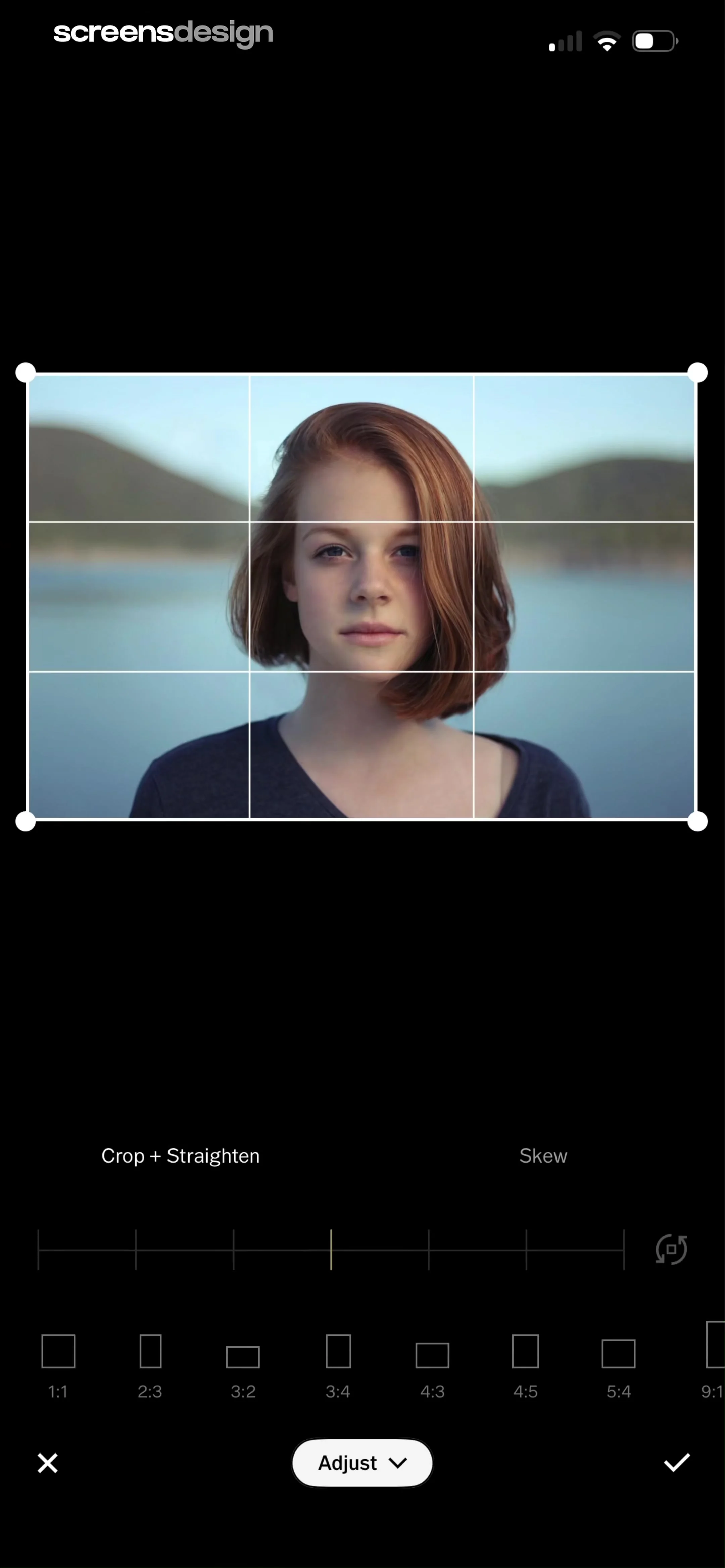
The central area displays a portrait of a woman overlaid with a 3x3 grid (rule of thirds) and white corner handles for manual cropping.
 See the flow GoPhoto:AI Photo & Video Maker
The central area displays a portrait of a man against a dark background, overlaid with a white cropping frame featuring a standard rule-of-thirds grid.
 See the flow
  calimoto Motorcycle Navigation
The central focus is a photograph of a blue Hot Wheels toy race car on a textured asphalt surface, framed by a white rectangular cropping tool with corner handles.
 See the flow
  Blinq: Digital Business Card
It features a central image of a woman wearing a mustard blazer, white shirt, and sunglasses, framed by a white rectangular crop tool with corner handles.
 See the flow
  Everlook- Face & Body Editor
The central area displays a portrait of a woman on a beach, overlaid with a white grid and cropping handles that allow the user to adjust the frame.
 See the flow GoPhoto:AI Photo & Video Maker
The central area displays a portrait of a woman overlaid with a standard 3x3 grid cropping tool, featuring white corner handles for adjustment.
 See the flow PDF Scanner AI: Scan Documents
The main area displays a scanned invoice document with a blue bounding box overlay featuring circular handles at the corners for manual cropping adjustments.
 See the flow Tiny Scanner - PDF Scanner App
The main background shows a preview of a scanned ID card with crop handles, indicating an active editing session.
See the flow  Nerd AI - Math Problem Solver
Top navigation bar, central image area with crop overlay, bottom action bar.
 See the flow
  CraftBook: Crochet Made Easy
The main area features a large, central photo of a crocheted cactus in a white pot being held in a hand, surrounded by a white cropping frame with corner handles.
 See the flow
  AI Song Generator: Mozart
Top header with title, central image area with cropping frame, bottom toolbar with action buttons.
 See the flow
  Planner 5D: AI Home Design
Top header with title and icon, central image area with crop overlay, bottom navigation with back and next buttons.


