See the flow
  Calculator₊
At the bottom, a horizontal toolbar features a set of drawing instruments including a pencil, a pen, a highlighter, an eraser, a ruler, and a color picker, providing a comprehensive suite for manual math notation and problem-solving.
 See the flow
  Rooms
RoomsBelow this, a large color palette grid occupies the lower half of the screen, allowing users to select colors for their voxel creations.
 See the flow
  PDF Scanner AI: Scan Documents
This is a color selection modal screen within a document scanning application.
 See the flow
  VSCO: Photo & Video Editor
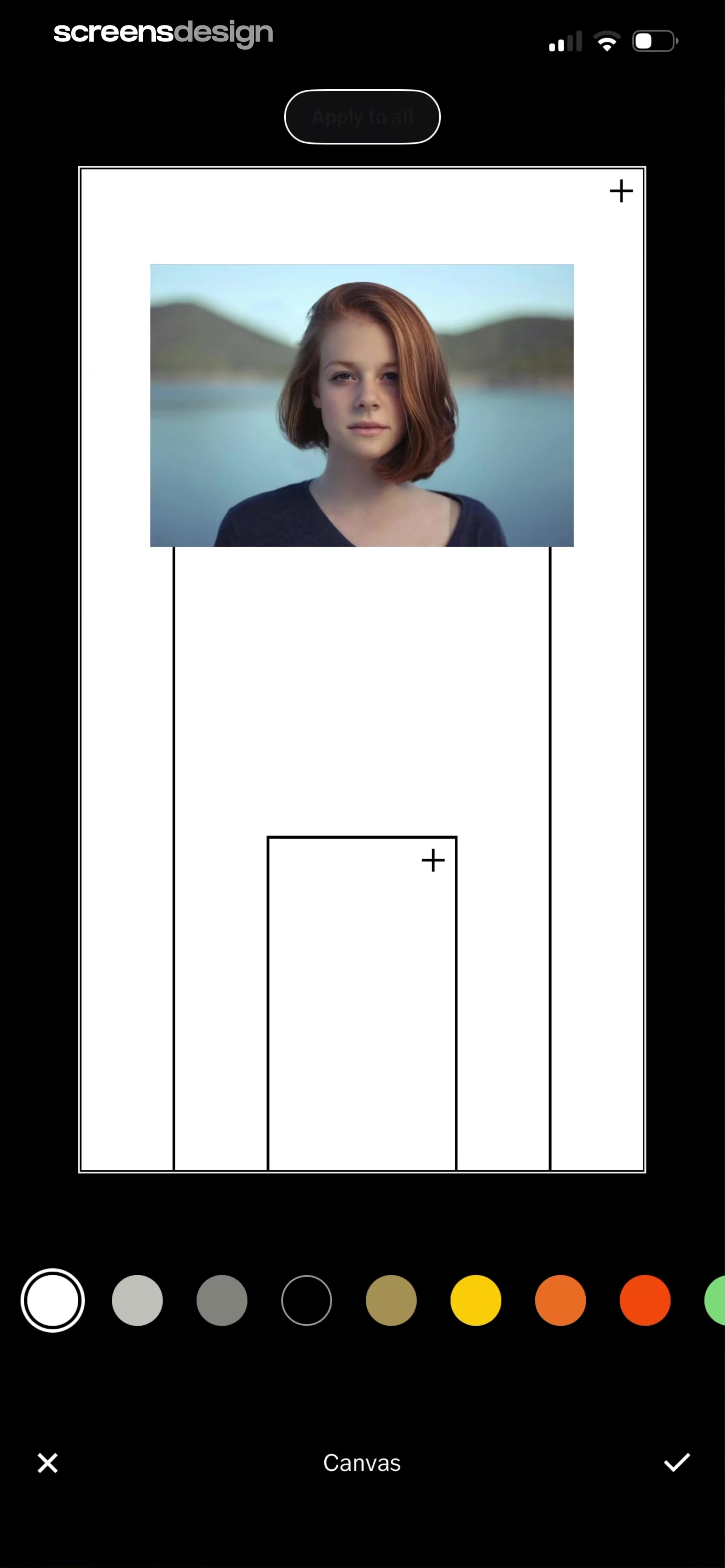
At the bottom of the screen, there is a horizontal color picker carousel with various circular swatches, allowing the user to select a background color for the canvas.
 See the flow
  ThemeKit: Widget & Icon Themes
This screen shows a home screen customization interface for an iPhone, featuring a modal overlay at the bottom for selecting colors and gradients.
 See the flow
  Modyfy: AI Car Designer
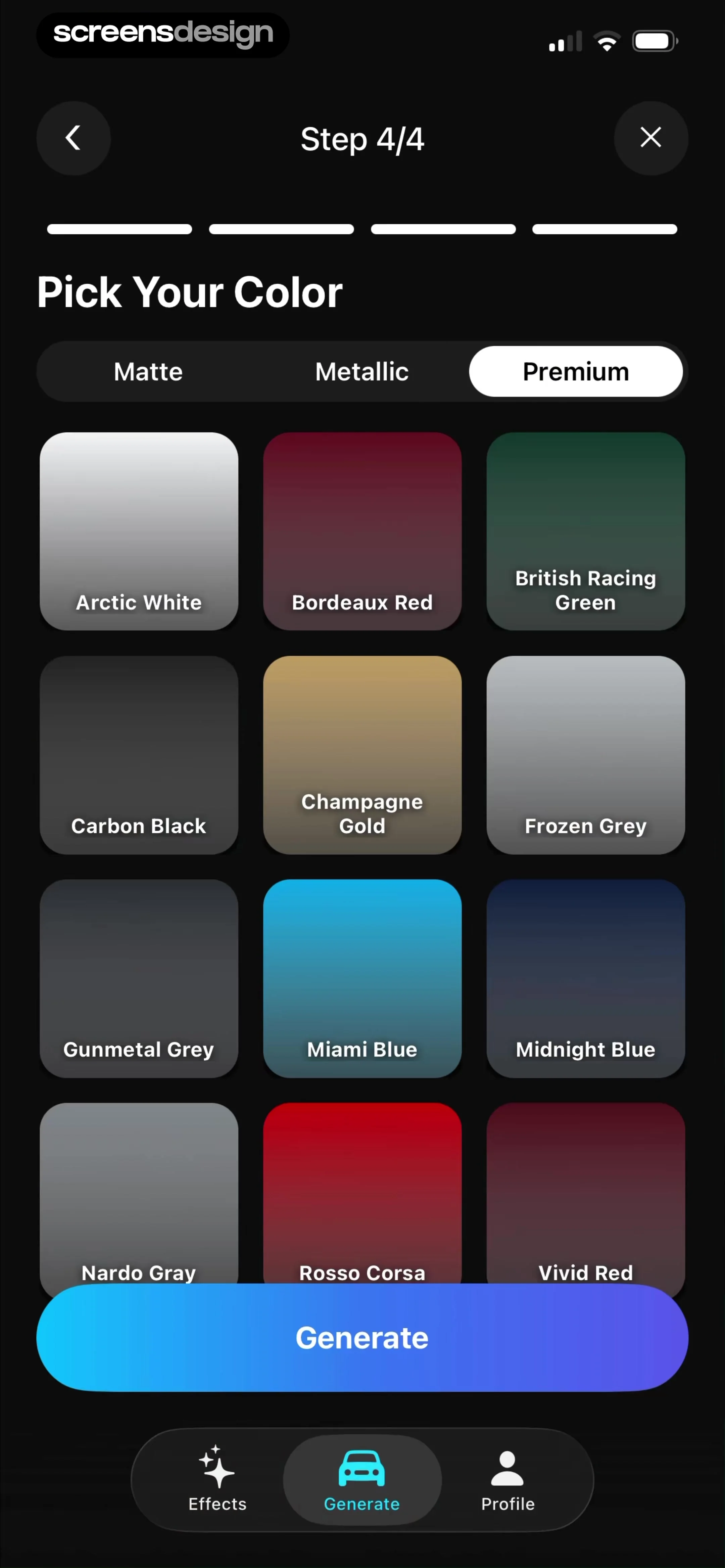
The screen is titled 'Pick Your Color' and features a segmented control at the top to filter paint finishes: 'Matte', 'Metallic', and 'Premium' (currently selected).
 See the flow
  Zalando – Online fashion
Below the image, the color selection section shows two color swatches: 'Demitasse' (brown) and a light grey option.
 See the flow
  Noxogy Sleep Tracker
This is a settings screen for selecting a color theme in a sleep tracking application.
 See the flow Rooms
A large, floating color picker modal occupies the bottom half of the screen, allowing the user to select colors for different room elements.
 See the flow
  CamScanning: AI Measure & Scan
The bottom portion of the screen features a control panel for editing the card, specifically a 'Font Color' selection tool with a row of circular color swatches (black, various shades of gray, white, pink, red, orange, yellow).
 See the flow
  Everlook- Face & Body Editor
On the right side, there is a vertical color palette selector with a rainbow-colored circle at the top, followed by a series of skin-tone circles.
 See the flow
  Tiny Scanner - PDF Scanner App
On the left side, there is a vertical toolbar containing a color selection palette with four circular buttons (black, red, green, blue) and a vertical slider for adjusting the stroke thickness.
 See the flow
  Yik Yak
Below the image, there is a horizontal toolbar containing text formatting options, including alignment, font style toggles, and a color selection row with multiple circular swatches.
 See the flow
  bergfex: Hiking & Tracking
The screen features a clean, light-themed interface with a centered title 'Color' at the top and a back button on the left.
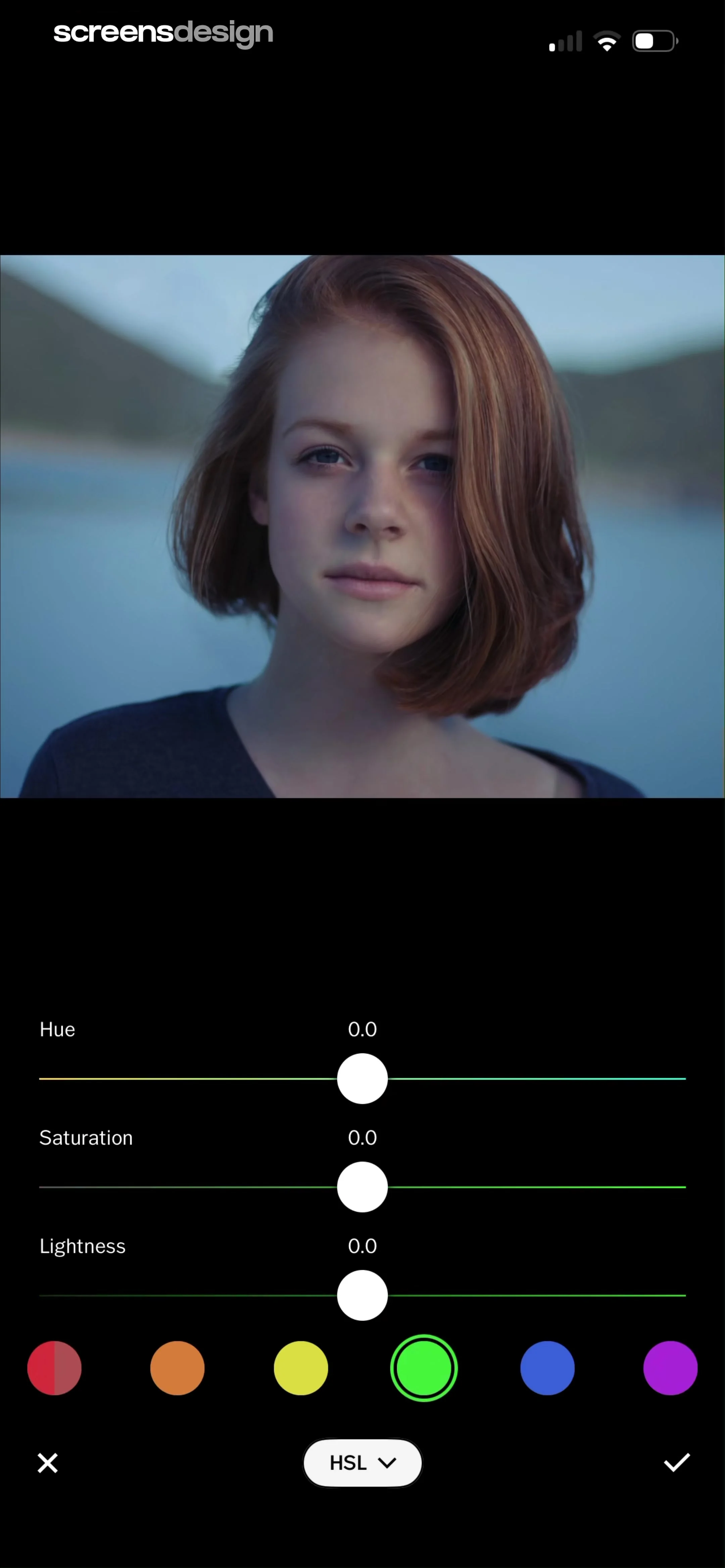 See the flow VSCO: Photo & Video Editor
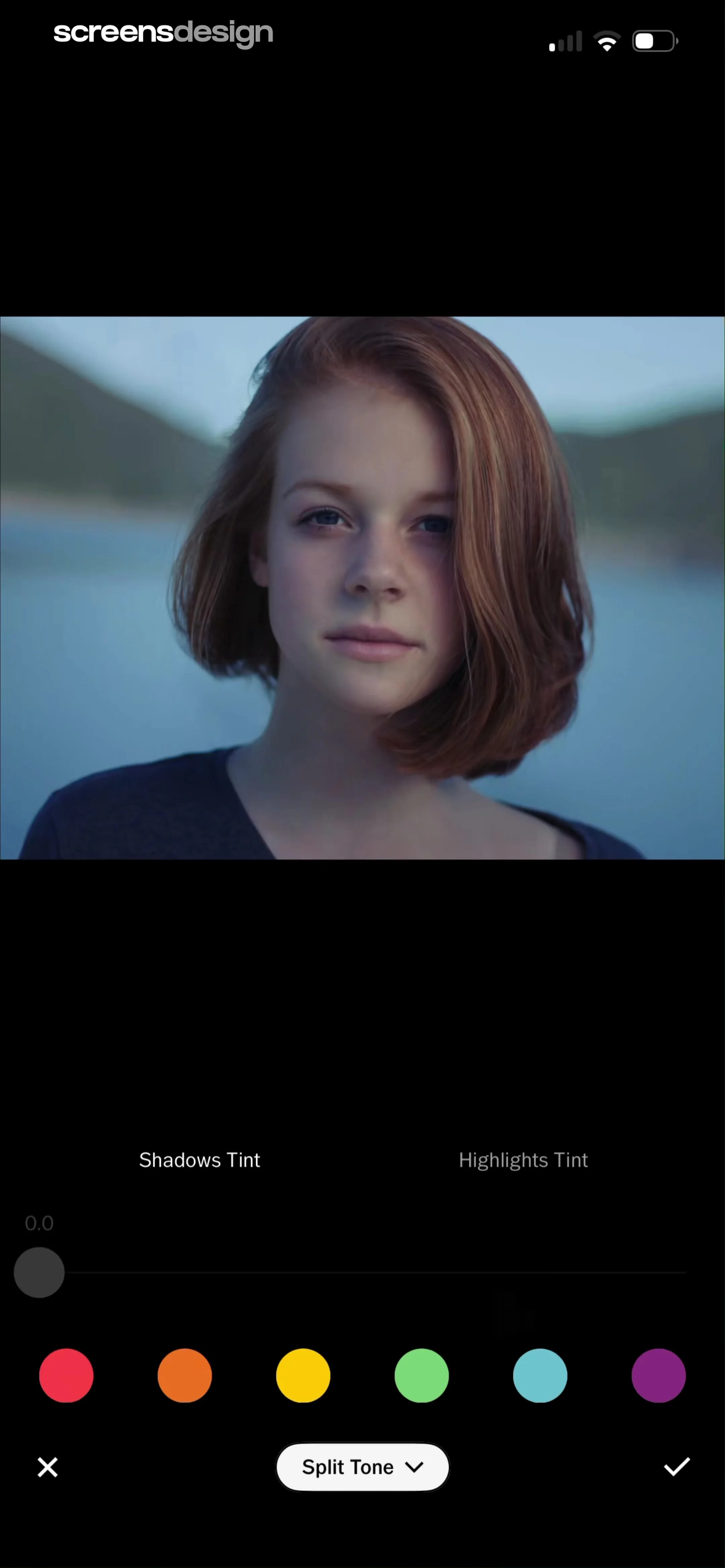
Underneath the sliders is a color selection row with six circular color swatches (red, orange, yellow, green, blue, purple), where the green swatch is currently selected and highlighted with a ring.
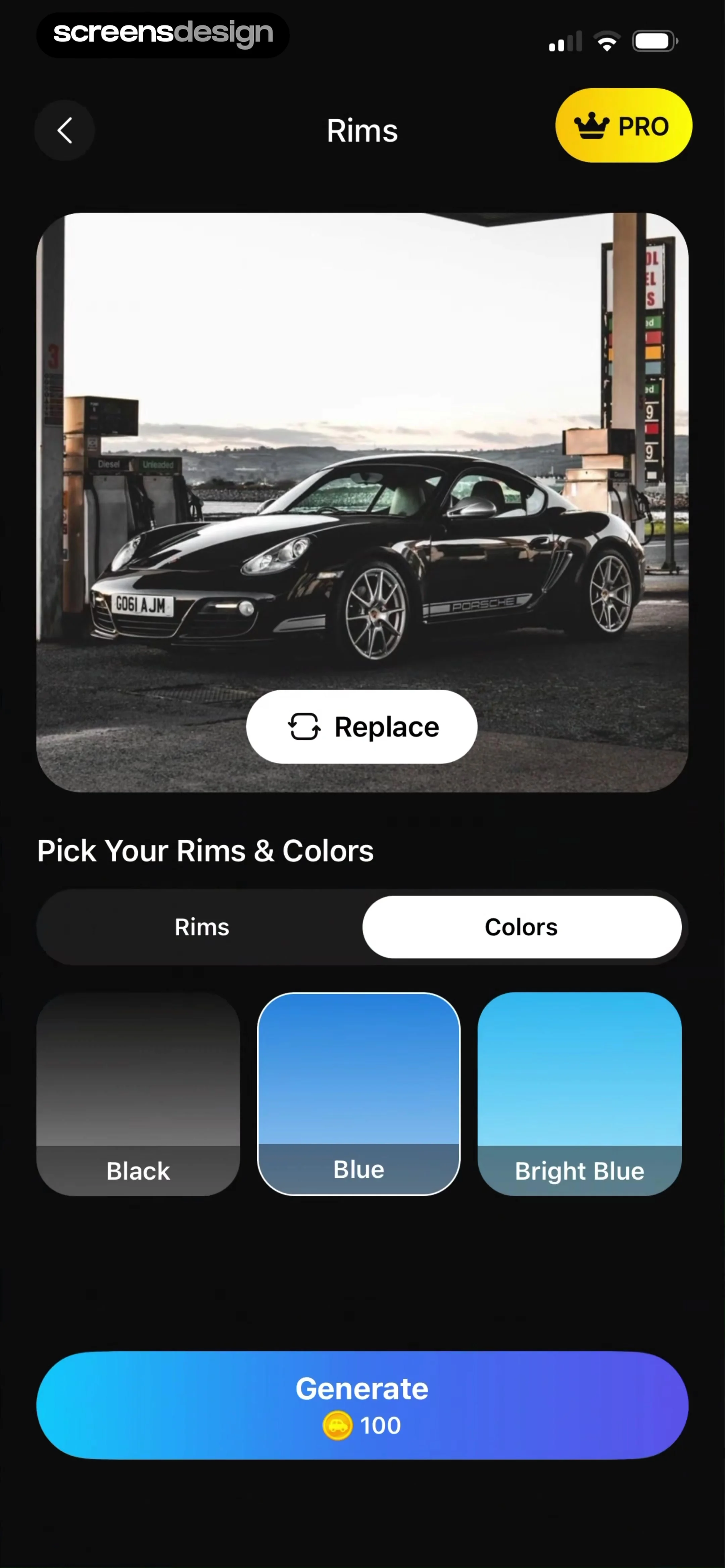 See the flow Modyfy: AI Car Designer
This screen from the Modyfy app allows users to customize a car's appearance, specifically focusing on rim and color selection.
 See the flow
  Ascend: Bible Game
This screen displays a modal overlay titled 'Phoenix Color' within a gamified Bible study app.
 See the flow Calculator₊
At the bottom, a toolbar contains various drawing tools: a pencil, a fine-liner, a highlighter, an eraser, a ruler, and a color picker circle.
 See the flow
  Blinq: Digital Business Card
The screen features a top navigation bar with a color dropper icon on the left, a 'Colors' title in the center, and a close 'X' button on the right.
 See the flow ThemeKit: Widget & Icon Themes
Users can select from various font styles, choose font colors from a palette of swatches, and modify the background image via a 'Change The Photo' button.