

 See the flow
  Calorie Counter by Numify
The bottom section features a text input field labeled 'Describe your meal' with a camera icon for AI-powered food recognition.
 See the flow Calorie Counter by Numify
Below this, there is a text input field labeled 'Describe your meal' with a camera icon for AI food recognition.
 See the flow
  Vivino: Drink The Right Wine
The bottom navigation bar is a dark red color, featuring icons for 'For You', 'Explore', a central camera button for scanning, 'My Wines' (active state), and 'More'.
 See the flow Vivino: Drink The Right Wine
The bottom of the screen features a dark red navigation bar with icons for 'For You', 'Explore', a central camera button, 'My Wines', and a 'More' menu button.
 See the flow
  Meetup: Social Events & Groups
The top section features a large, circular profile photo of a woman, with a 'Change profile photo' camera icon overlay.
 See the flow
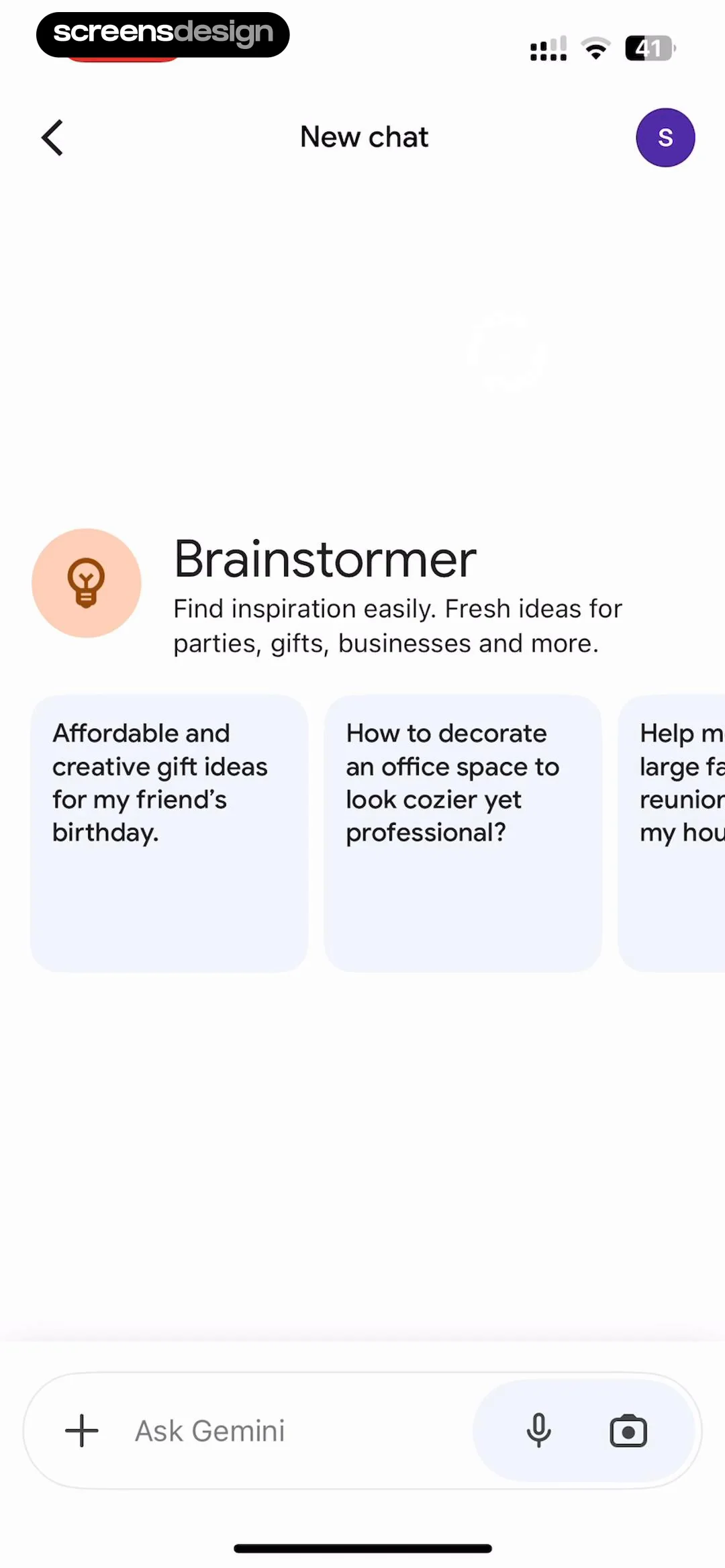
  Google Gemini
At the bottom of the screen, a fixed input bar allows the user to 'Ask Gemini' with a plus icon on the left, and microphone and camera icons on the right for voice and image input.
 See the flow
  Fishbrain - Fishing App
Below this, a header reads 'Recents' with a dropdown arrow and a camera icon button.
 See the flow
  Rork
RorkCentered heading and subtext, followed by two primary action buttons, a segmented control for image quality, and a footer link.
 See the flow
  Gaia GPS: Mobile Trail Maps
At the top, a dashboard displays real-time metrics: 'Total Time' (00:00:00), a camera icon, 'Elevation' (5 m), and 'Speed' (0.0 km/h).
 See the flow
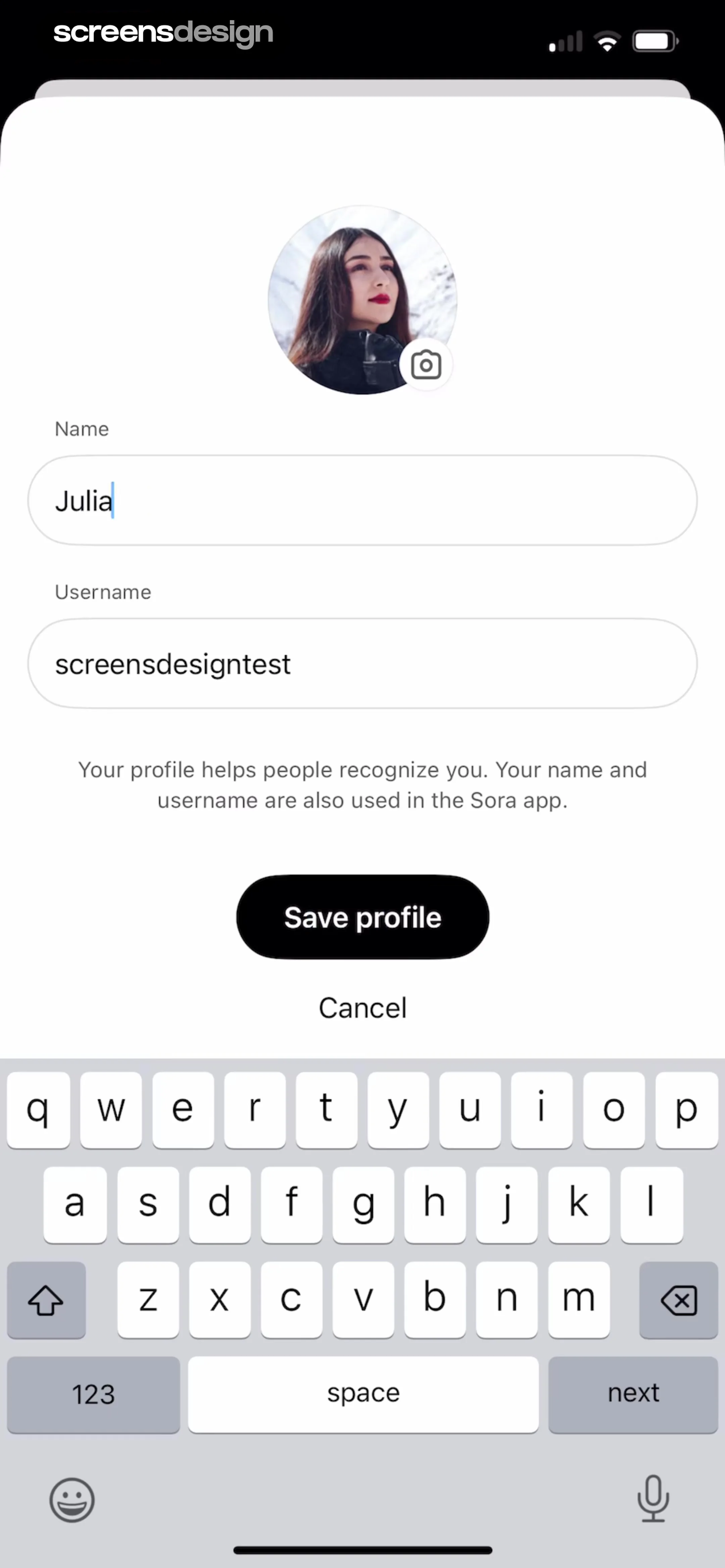
  ChatGPT
At the top, there is a circular user avatar with a camera icon overlay for editing.
 See the flow
  Map My Run GPS Running Tracker
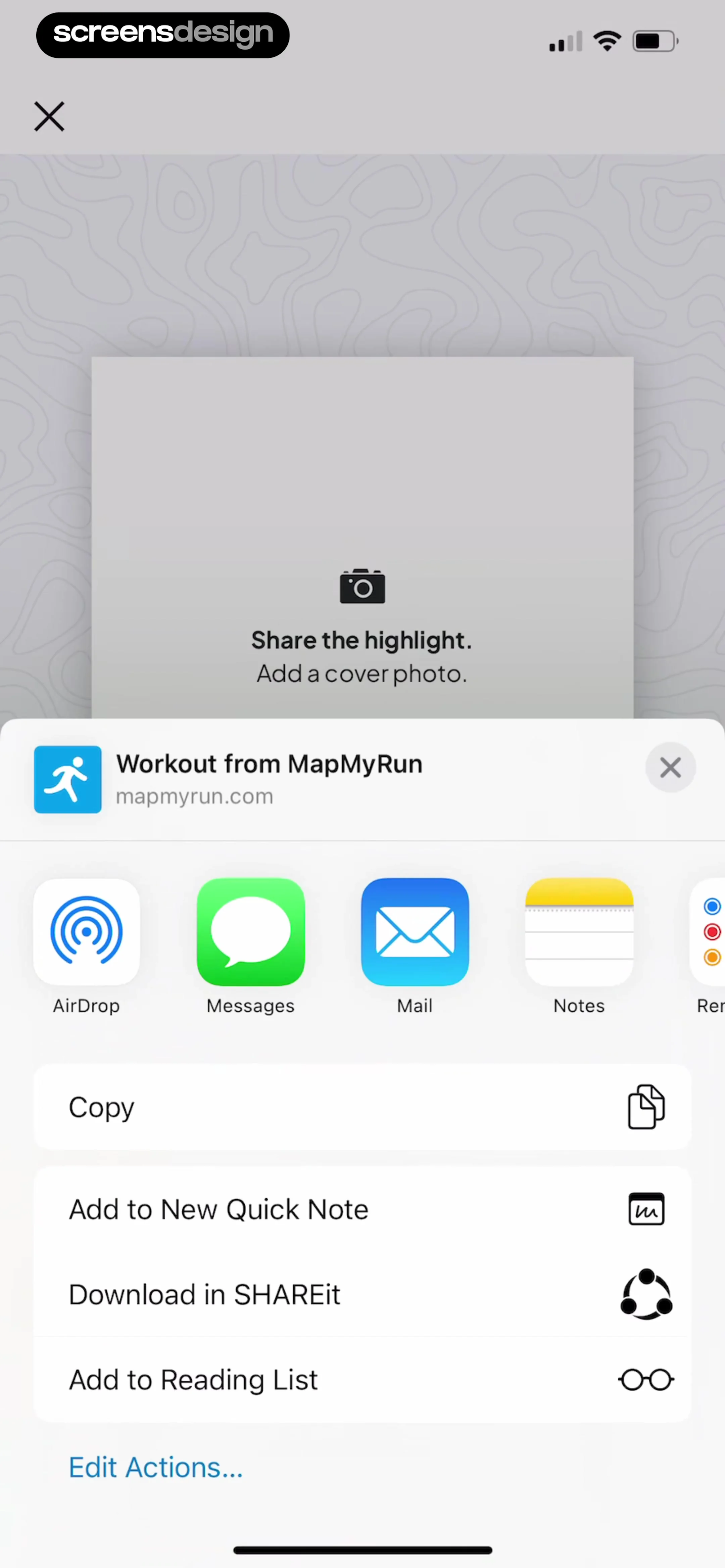
The background shows a blurred, light-gray topographic map pattern with a central card prompting the user to 'Share the highlight' and 'Add a cover photo' featuring a camera icon.
 See the flow
  Plant Identifier, Care: Planty
The top section features a 'Find Your Plant' header with a search bar and a prominent yellow 'Identify' button with a camera icon for visual search.
 See the flow
  Yelp: Food, Services & Reviews
The first grid cell is a dedicated 'Take Photo' button featuring a camera icon.
 See the flow
  WeMoms - Pregnancy & Baby App
At the top, there is a red header with a back button and a circular profile picture of a fox character with a camera icon overlay.
 See the flow Fishbrain - Fishing App
Below this, a header reads 'Select each catch' with a sub-instruction: 'You can add more images to each catch later.' A dropdown menu labeled 'Recents' and a camera icon button are positioned on the right.
 See the flow
  Calculator₊
The top navigation bar includes a menu icon, a camera icon for math solving, and a history icon.
 See the flow
  TCG Card Scanner & Value-Foloy
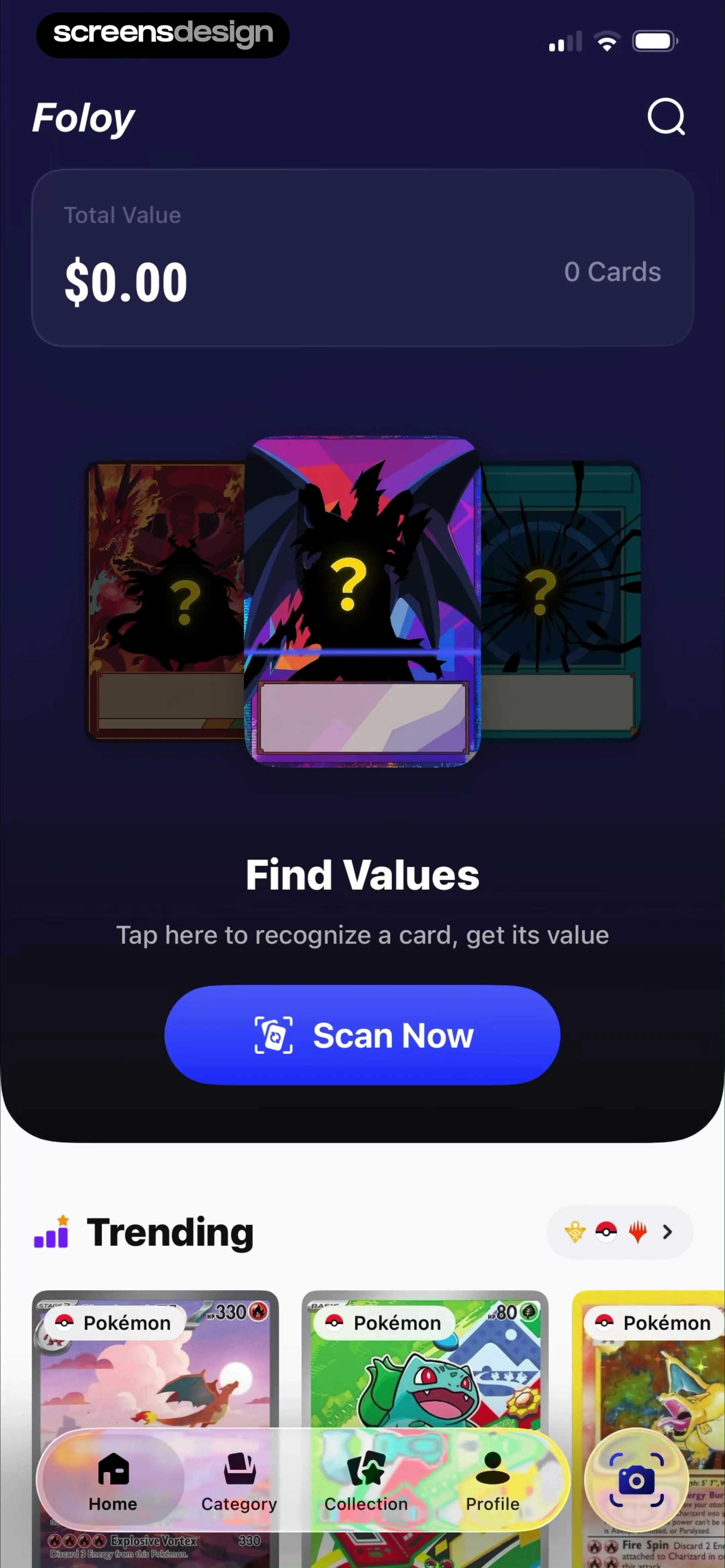
Below this, a central hero section features an illustration of three trading cards with question marks, accompanied by the text 'Find Values' and a prominent blue 'Scan Now' button with a camera icon.
 See the flow
  Nerd AI - Math Problem Solver
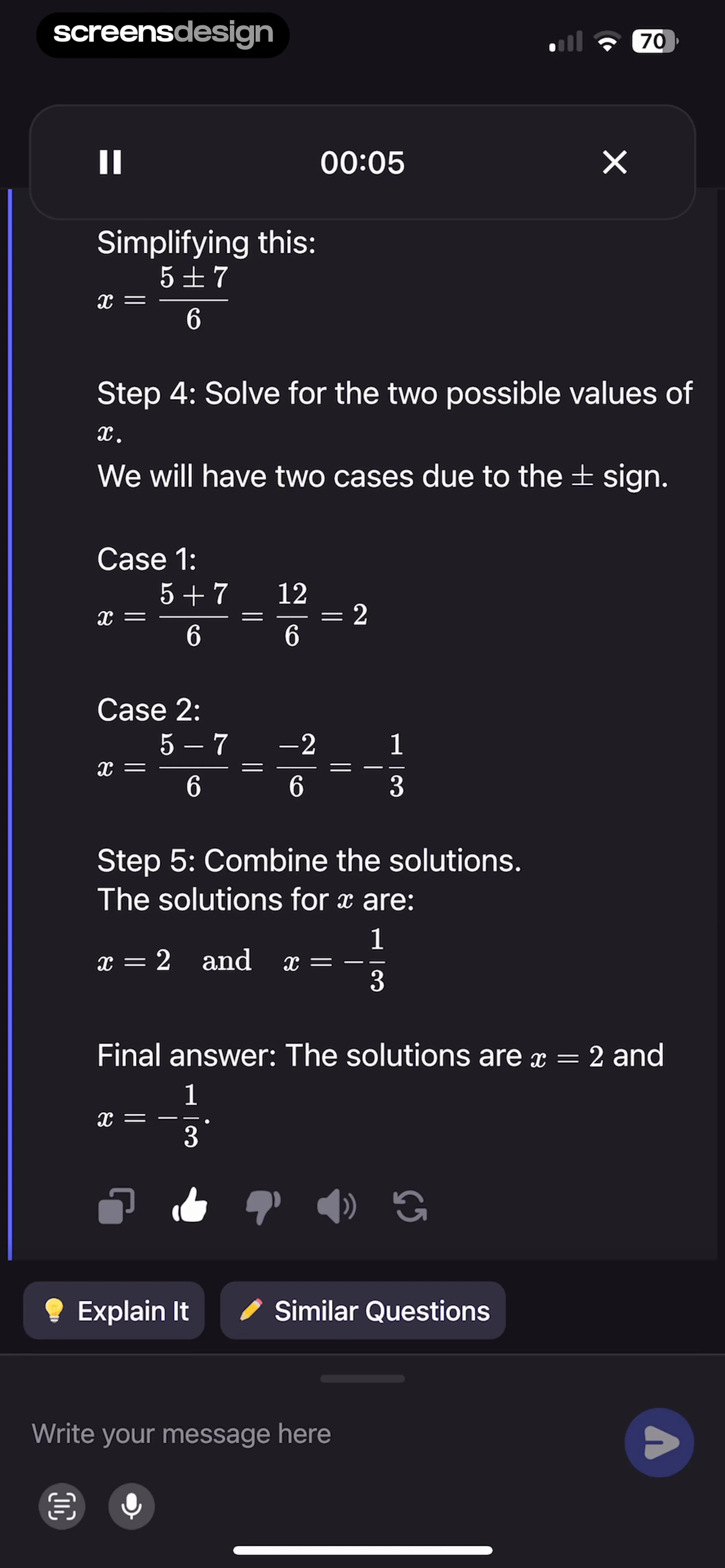
At the very bottom, a text input field labeled 'Write your message here' is accompanied by a send button, a camera icon, and a microphone icon, indicating an interactive chat-based interface for ongoing assistance.
 See the flow Yelp: Food, Services & Reviews
At the bottom, there is a text input field labeled 'Write a message...' accompanied by a camera icon button for attaching media.
 See the flow
  Budget app - spending tracker
Top navigation bar, large numeric display, text input field, action buttons, and bottom keyboard.


