
 See the flow
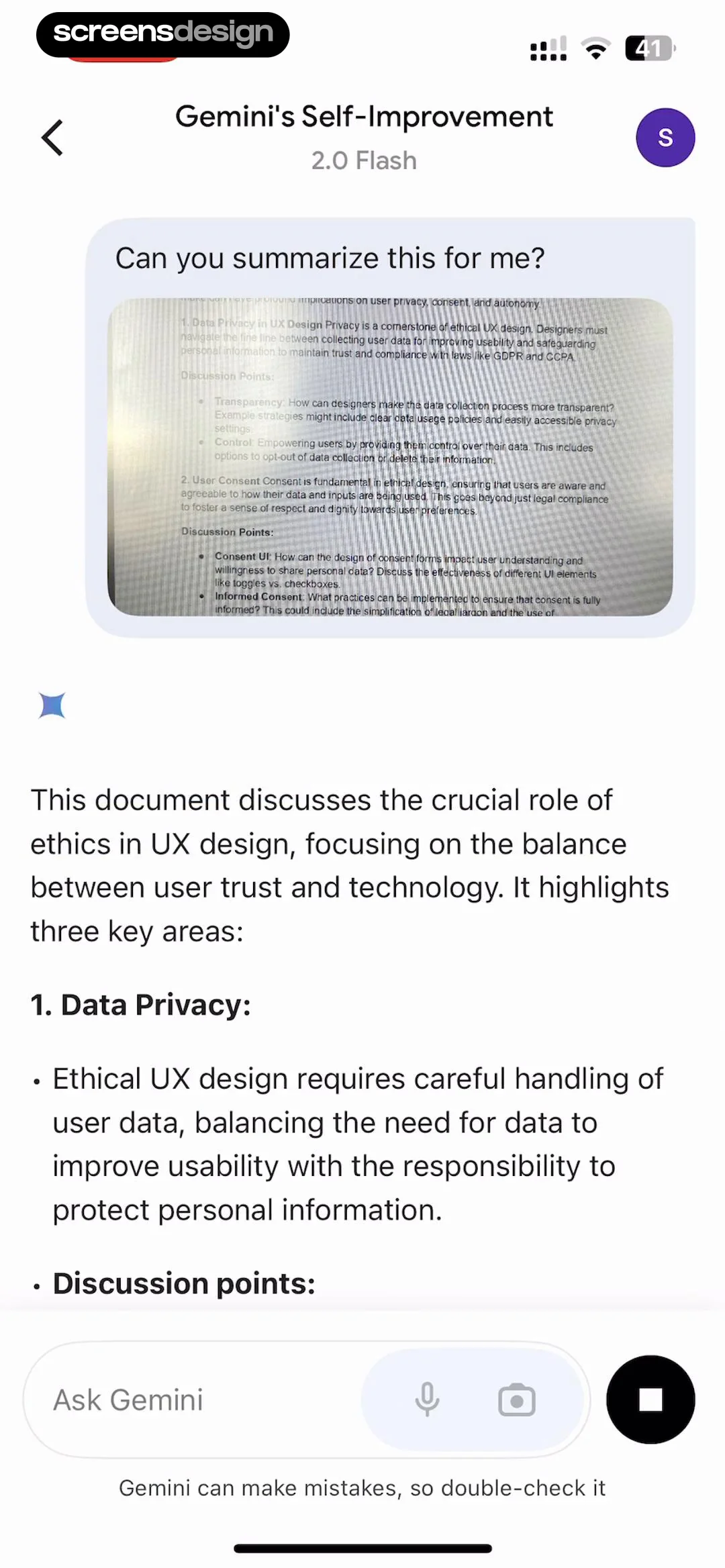
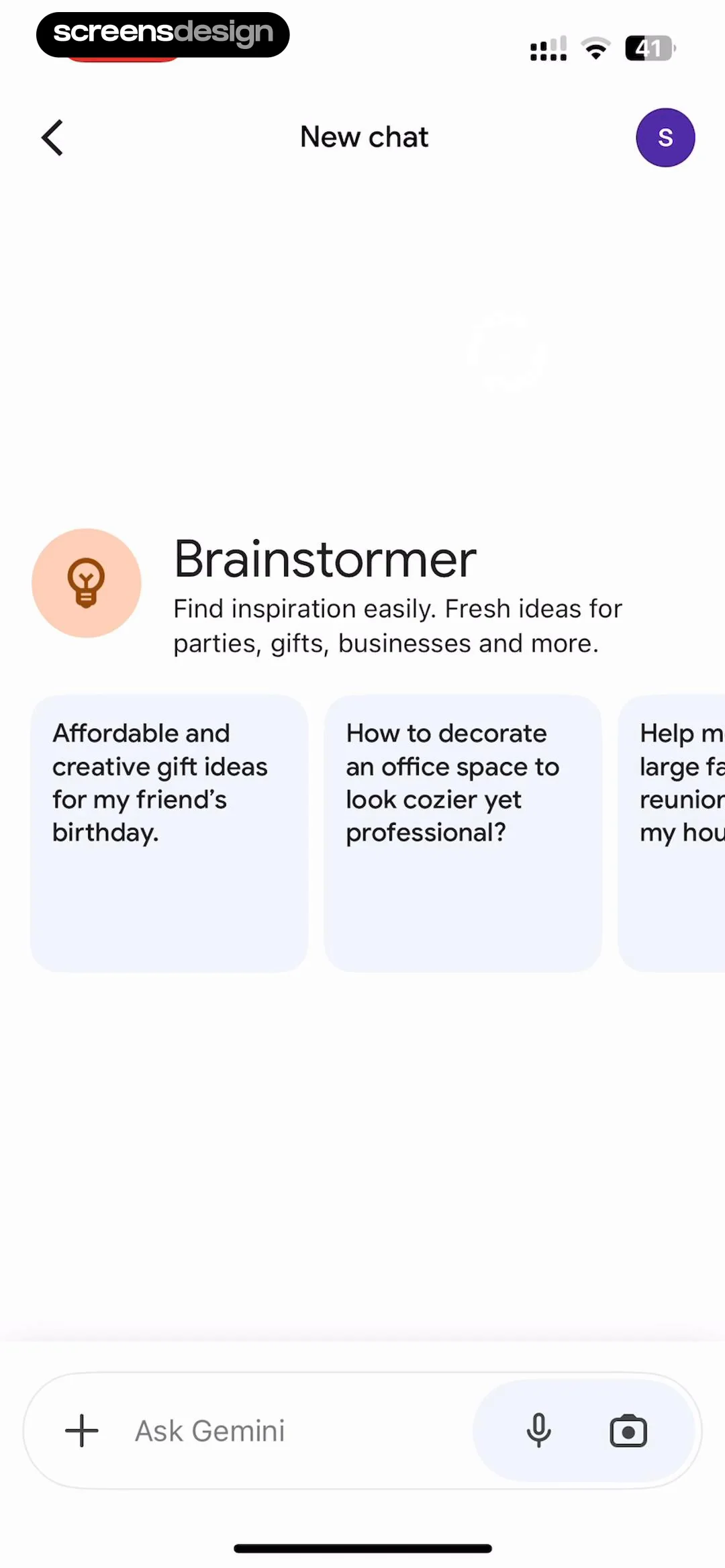
  Google Gemini
Top navigation bar, central content area with icon and prompt cards, bottom fixed input bar.
 See the flow
  Claude by Anthropic
The center of the screen displays three suggested prompts in a bold, serif font: 'Prep for my job interview', 'Analyze my writing style', and 'Plan a trip to Joshua tree'.
 See the flow
  invideo AI: AI Video Generator
Top navigation/close button, text input field, suggested prompt list, and bottom system keyboard.
 See the flow Claude by Anthropic
This screen is a minimalist onboarding or prompt-suggestion interface for an AI assistant.
 See the flow
  Calorie Counter by Numify
Below the chat bubble, there is a section titled 'Suggested questions' with a 'More' button featuring a refresh icon.
 See the flow Calorie Counter by Numify
Top header with app name, central chat history area, bottom section with suggested questions and input field.
 See the flow
  Fishbox - Smart Fishing App
You can ask me about fishing.' The bottom portion of the screen is a white, rounded-corner panel containing a 'Suggested questions' section with a 'More ideas' button featuring a refresh icon.
 See the flow
  Yard AI: Backyard Design
Top header, main content area with quick examples, centered modal overlay, bottom input field, and bottom navigation bar.
 See the flow
  Particle: Personalized News
Beneath the input, there are three suggestion cards containing example questions about political figures like JD Vance, Elon Musk, and Peter Thiel.
 See the flow
  Zalando – Online fashion
Below this, a series of suggested prompt bubbles are displayed, allowing the user to quickly select topics like finding handbags, smart casual looks, trends, or layering advice.
 See the flow Google Gemini
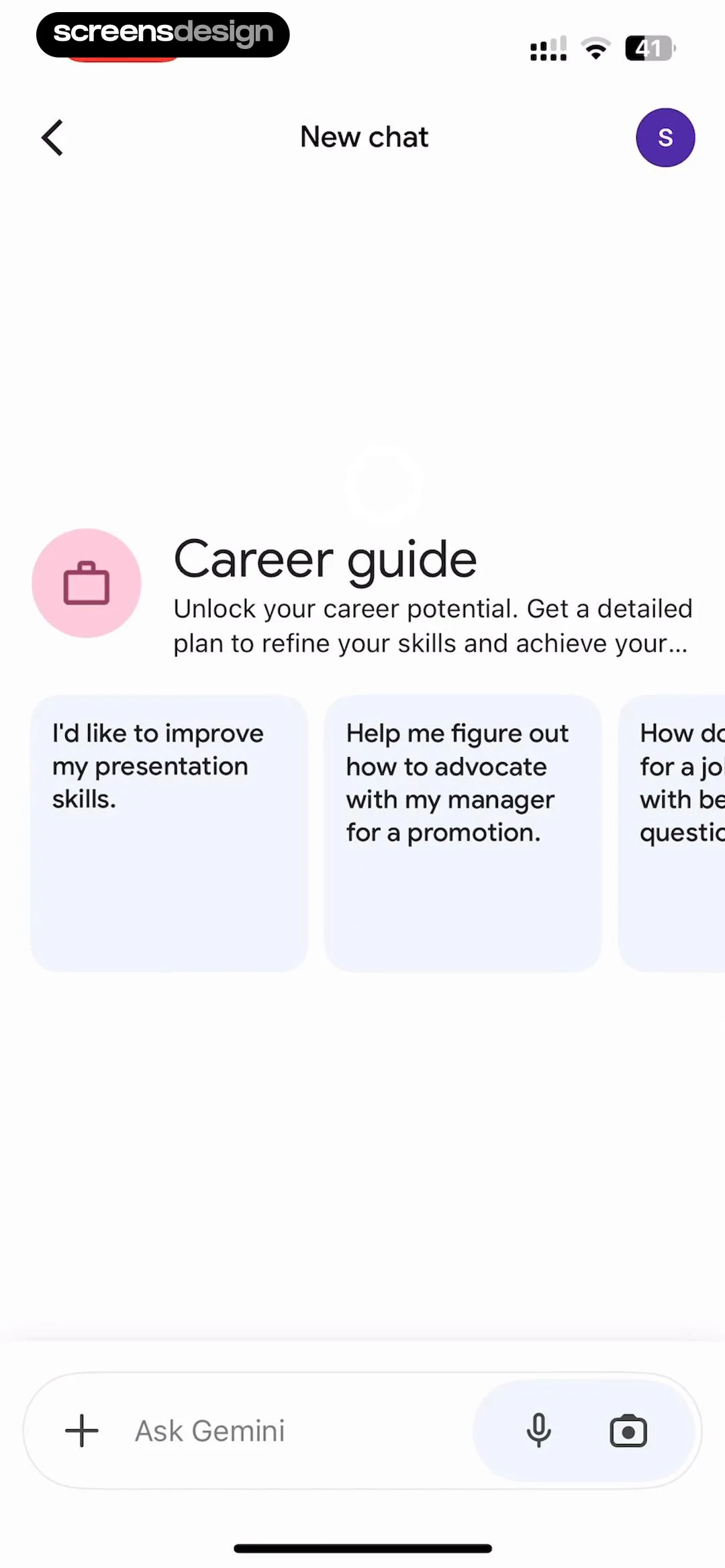
This is a mobile chat interface for Google Gemini, specifically showing a 'New chat' screen with a suggested prompt category titled 'Career guide'.
 See the flow
  ZEDGE™ Ringtones & Wallpapers
Header, prompt input, style carousel, suggestion chips, collapsible section, and bottom action button.
 See the flow Yard AI: Backyard Design
A 'Suggested ideas' section lists three interactive prompts: 'Make it feel more luxurious with layered lighting', 'Add a stronger focal point', and 'Add more flowers and layered planting'.
 See the flow
  FLYP - Fashion Design Studio
The top section features a 'Try...' header followed by a list of suggested prompts like '8 bit arcade classics', 'Nautical', and 'Famous paintings'.
 See the flow
  Bible Chat: Daily Devotional
A horizontal scrollable area above the input field contains suggested prompts, such as 'Can you tell me more about David's life before he faced'.
 See the flow Bible Chat: Daily Devotional
In the middle of the screen, there is a black card containing a suggested prompt: 'How can I live out this Bible teaching in my daily walk with God?' with an arrow icon indicating it is an interactive suggestion.
 See the flow
  Hypelist: Create & Share Lists
Top navigation bar, central logo and descriptive text, horizontal carousel of suggestion cards, and a bottom text input field.
 See the flow
  Tattoo AI - Tattoo Design
Top navigation bar, followed by a large text input area with a floating suggestion bubble, and a system keyboard at the bottom.
 See the flow
  Expedia: Hotels, Flights, Cars
Header text at the top, followed by a chat bubble, a central input field, and a list of suggestion cards at the bottom.
 See the flow Bible Chat: Daily Devotional
Top header with profile and history icon, followed by a horizontal image carousel, and a large bottom modal containing a list of suggested questions and a primary action button.


