

 See the flow
  Meetup: Social Events & Groups
This screen displays a modal action sheet overlaid on a background showing a user profile context for 'zikangzheng'.
 See the flow
  IDAGIO Stream Classical Music
This screen displays a modal action sheet overlaid on a music player interface for the IDAGIO app.
 See the flow
  PDF Scanner AI: Scan Documents
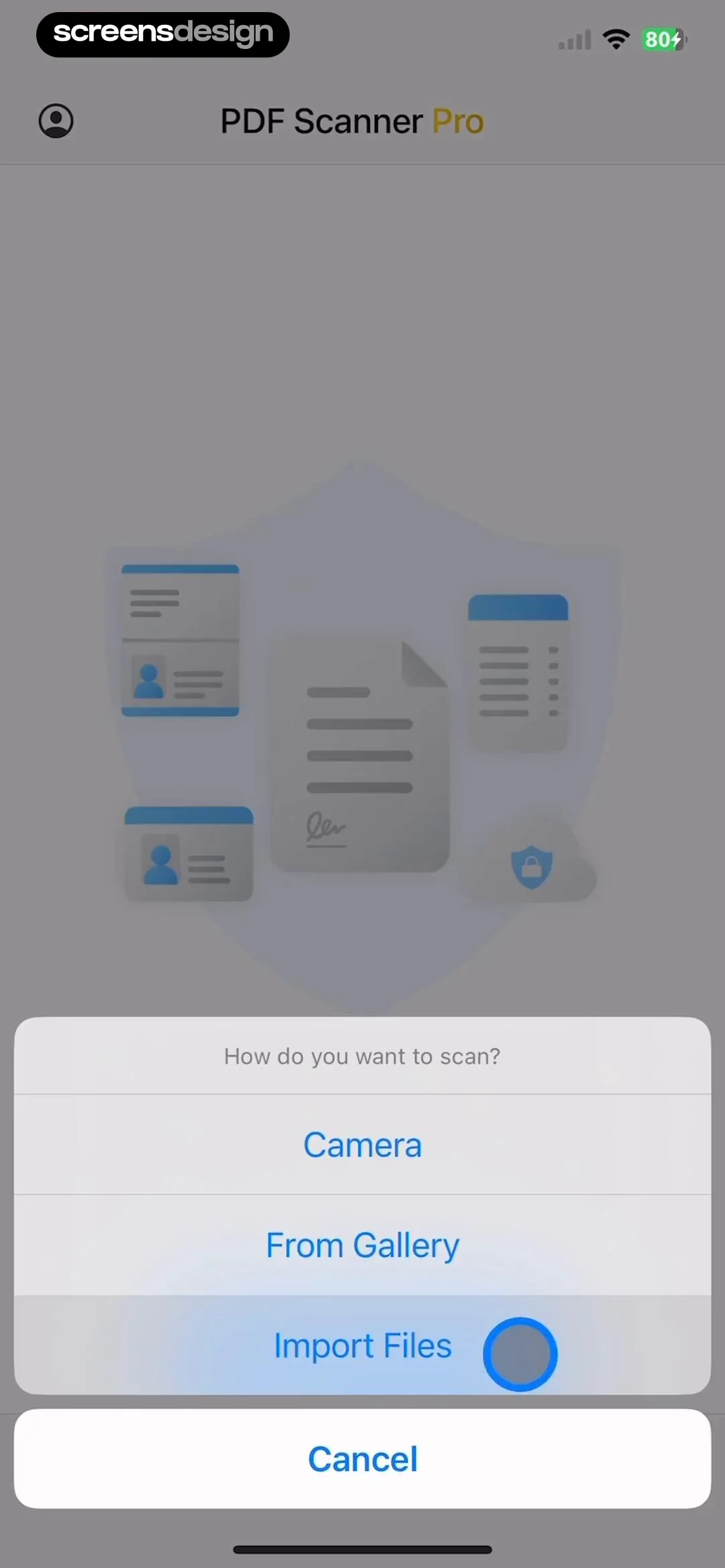
This screen displays a modal action sheet overlaying a background illustration of document scanning concepts.
 See the flow
  Yelp: Food, Services & Reviews
This screen displays a modal action sheet overlaid on a business messaging interface for a business named 'Spasify'.
 See the flow
  Layout for Instagram・Inpreview
This screen displays an Instagram-style profile grid interface with a modal action sheet overlaid on top.
 See the flow
  Yik Yak
This screen displays an action sheet overlay on top of a social media post feed.
 See the flow
  Spoke Route Planner
A modal action sheet is superimposed over the lower half of the screen, providing options to 'Share route copy', 'Copy stops...', 'Skip optimization', and 'Remove stops...', with a 'Cancel' button at the bottom.
 See the flow
  Precip - Rain Totals & Gauge
A modal action sheet is overlaid on the bottom half of the screen, providing options to 'Share', 'Edit', or 'Delete' the location, with a 'Cancel' button at the bottom.
 See the flow
  Vivino: Drink The Right Wine
A semi-transparent overlay covers the background, focusing attention on a white action sheet containing 'Edit' and 'Delete' options, with a separate 'Cancel' button below it.
 See the flow
  Fishbrain - Fishing App
Overlaid at the bottom is a modal action sheet containing three primary options: 'Manage members', 'Edit group', and 'Delete group' (in red), followed by a separate 'Cancel' button at the very bottom of the screen.
 See the flow
  ZARA
ZARAAt the bottom of the screen, a modal action sheet is overlaid, offering options to 'Take photo', 'Select image', or 'Cancel'.
 See the flow PDF Scanner AI: Scan Documents
A modal action sheet is overlaid at the bottom, prompting the user with 'What do you want to do with the document?' and providing a list of actionable options: Share, Rename, Compress PDF, Move to folder, Delete, and a Cancel button.
 See the flow
  Noxogy Sleep Tracker
At the bottom, a modal-style action sheet presents three options: 'Autoplay', 'Delete Report' (in red text), and 'Cancel'.
 See the flow
  Fishbox - Smart Fishing App
A modal action sheet is overlaid at the bottom, providing options to select a photo source: 'Camera', 'Library', or 'Cancel'.
 See the flow
  Tiny Scanner - PDF Scanner App
This screen displays a document management interface for a PDF scanning app, showing a preview of a 'Confidentiality Agreement' document with a 'More' action sheet overlay at the bottom.
 See the flow
  Windy.app — Wind, Tides, Radar
A modal action sheet is currently active, overlaying the bottom half of the screen, offering options to set a profile picture 'From Camera' or 'From Gallery', with a 'Cancel' button at the very bottom.
 See the flow
  AI Song Generator: Mozart
Top navigation bar, central hero image/card, bottom-aligned selection modal sheet.
 See the flow
  Litres: Audio
This screen displays a content discovery feed for audiobooks and podcasts, overlaid with a modal action sheet for a specific item.
 See the flow
  Gaia GPS: Mobile Trail Maps
This screen displays a 'Saved' items list within a navigation app, featuring a modal action sheet overlaid on the main content.
 See the flow
  Map My Run GPS Running Tracker
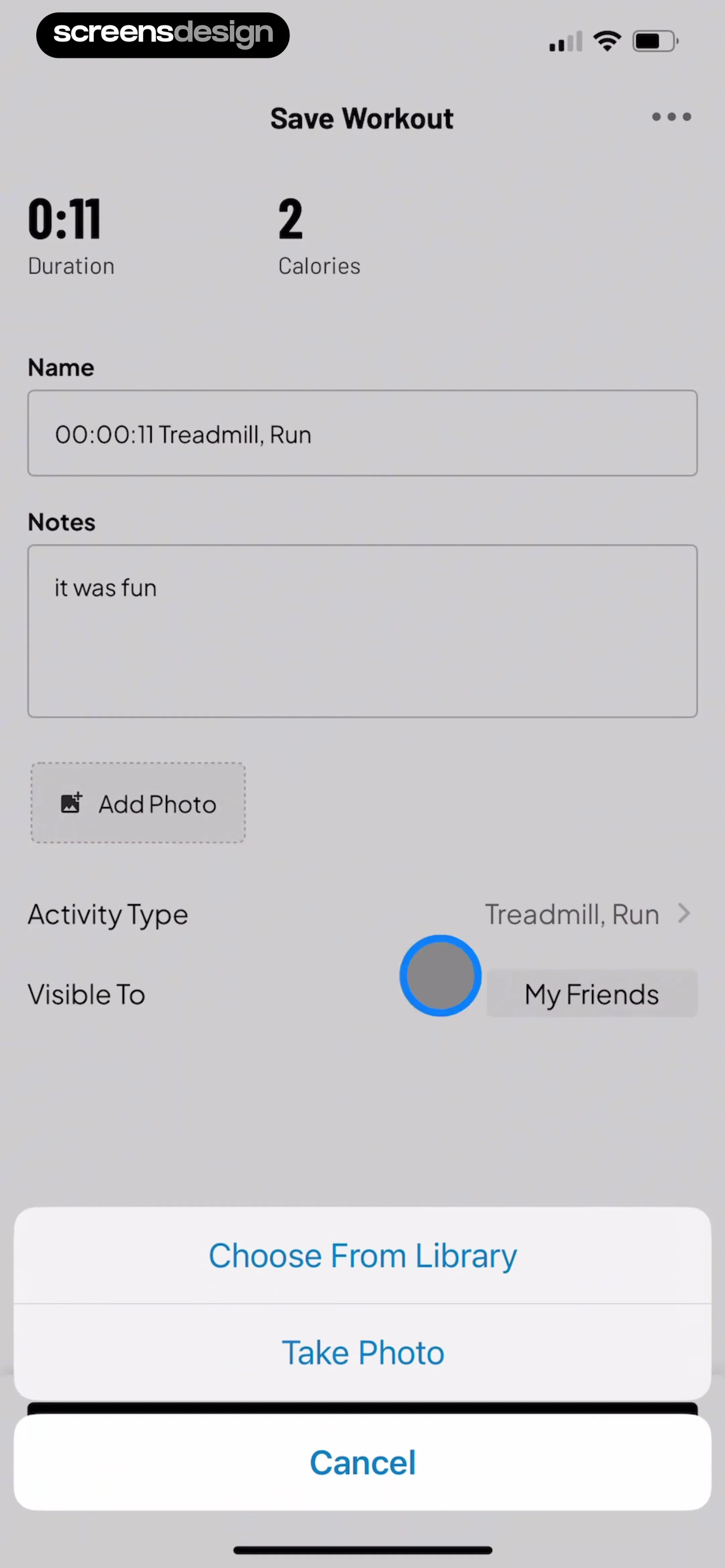
A button labeled 'Add Photo' is present, which has triggered a bottom action sheet overlay.


