
 See the flow
  CamScanning: AI Measure & Scan
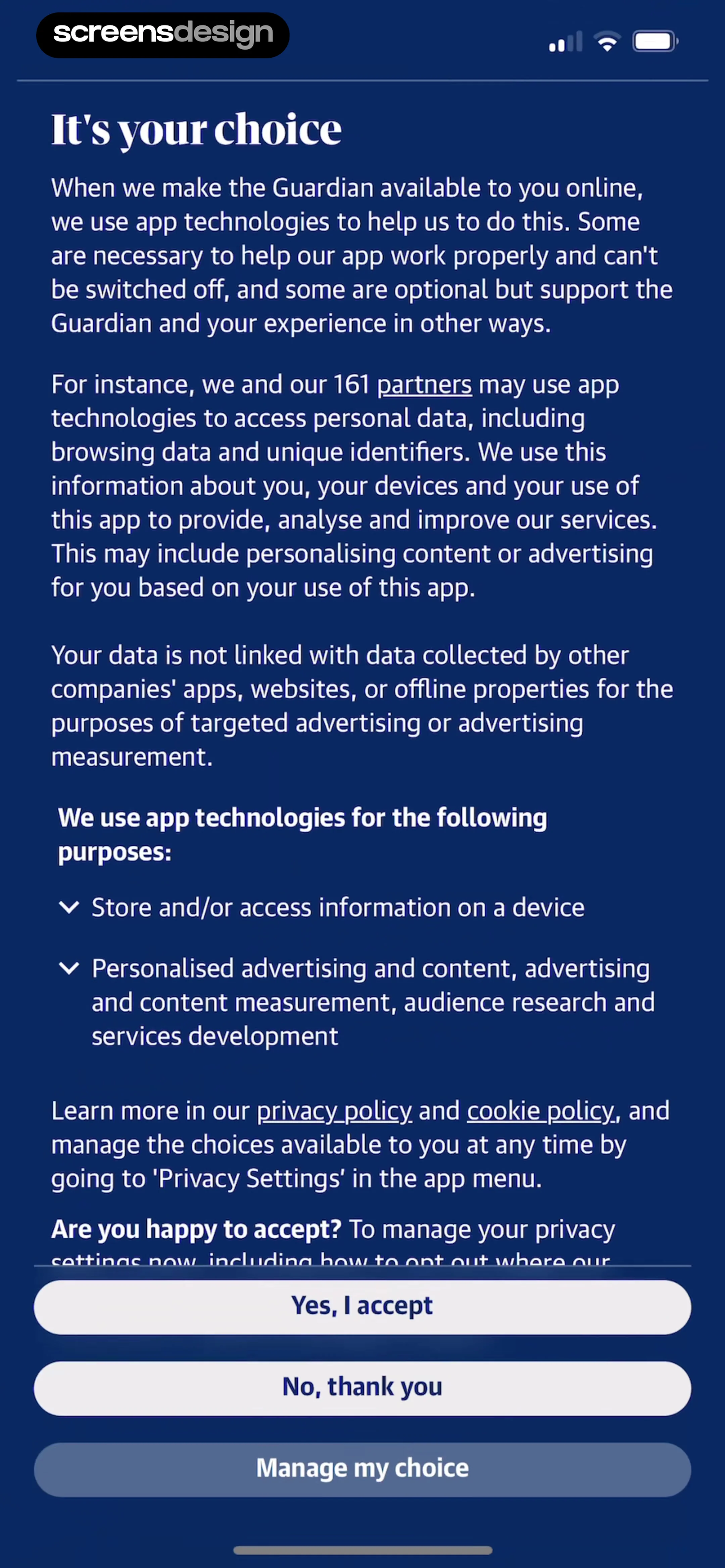
The modal contains two primary action buttons: 'Ask App Not to Track' and 'Allow'.
 See the flow
  South China Morning Post: News
Below the text are two prominent buttons: 'Ask App Not to Track' and 'Allow'.
 See the flow
  Spoke Route Planner
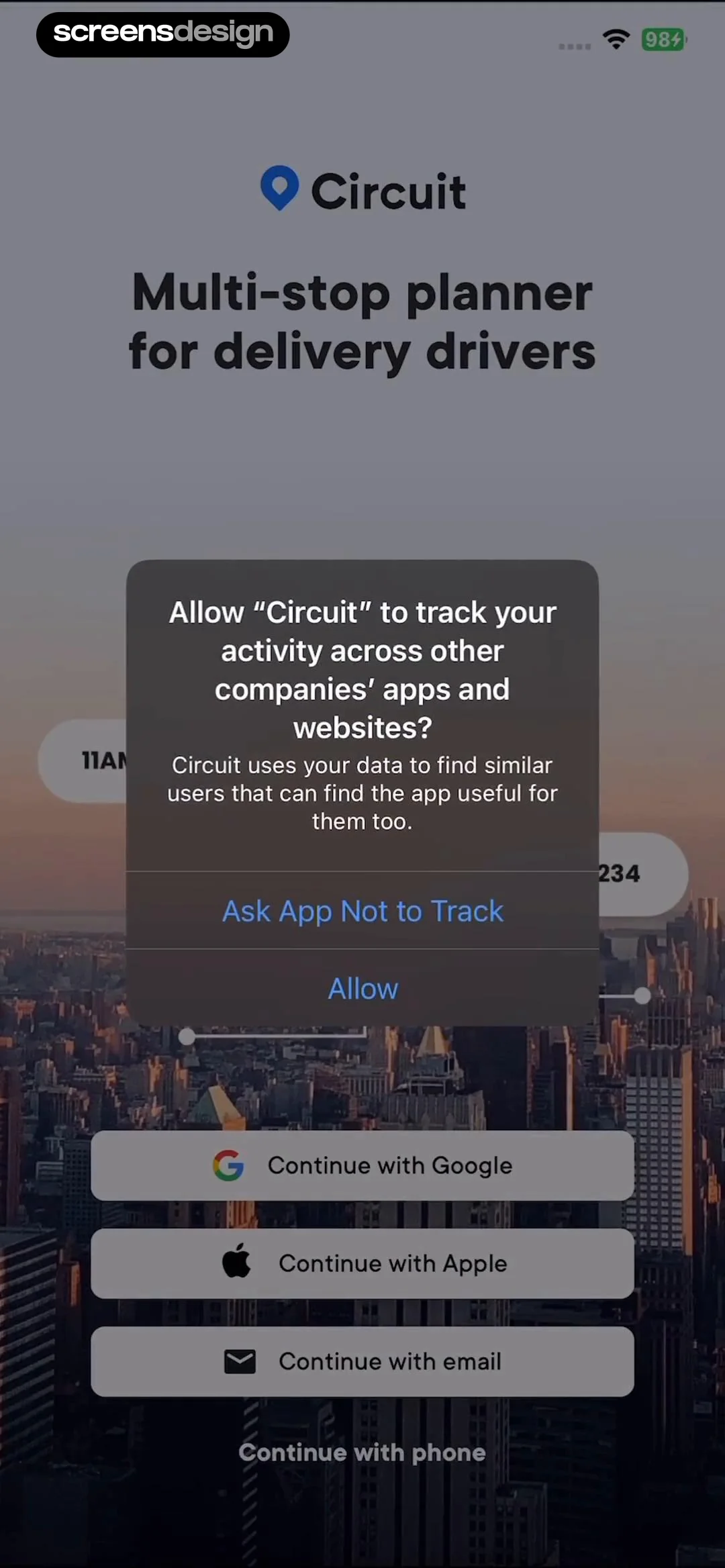
The modal provides two clear choices: 'Ask App Not to Track' and 'Allow'.
 See the flow
  Zutobi: Permit & Driving Prep
Top progress bar, header with flag, vertical list of state options, bottom disabled button, centered modal overlay.
 See the flow
  Filmit AI: AI Cinematic Video
A centered modal dialog box containing an app icon, permission request text, and two action buttons, set against a gradient background with a skip button in the top right.
 See the flow
  Planner 5D: AI Home Design
The modal provides two clear choices: 'Ask App Not to Track' and 'Allow'.
 See the flow
  Expedia: Hotels, Flights, Cars
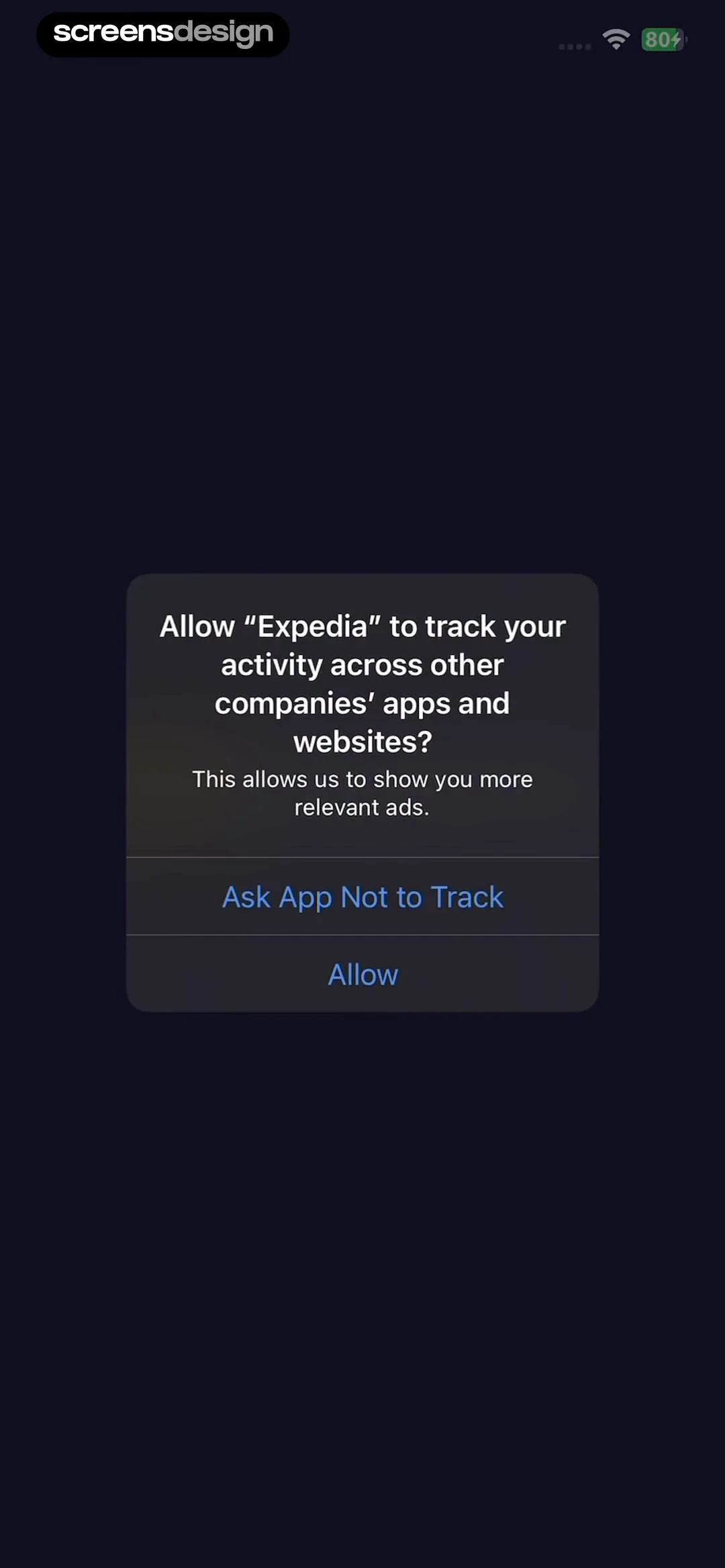
The modal contains two distinct, tappable text buttons: 'Ask App Not to Track' and 'Allow', stacked vertically with a divider line between them.
 See the flow
  Everlook- Face & Body Editor
The modal includes two primary action buttons: 'Ask App Not to Track' and 'Allow'.
 See the flow
  Vrbo Vacation Rentals
The modal contains two primary action buttons: 'Ask App Not to Track' and 'Allow', stacked vertically.
 See the flow
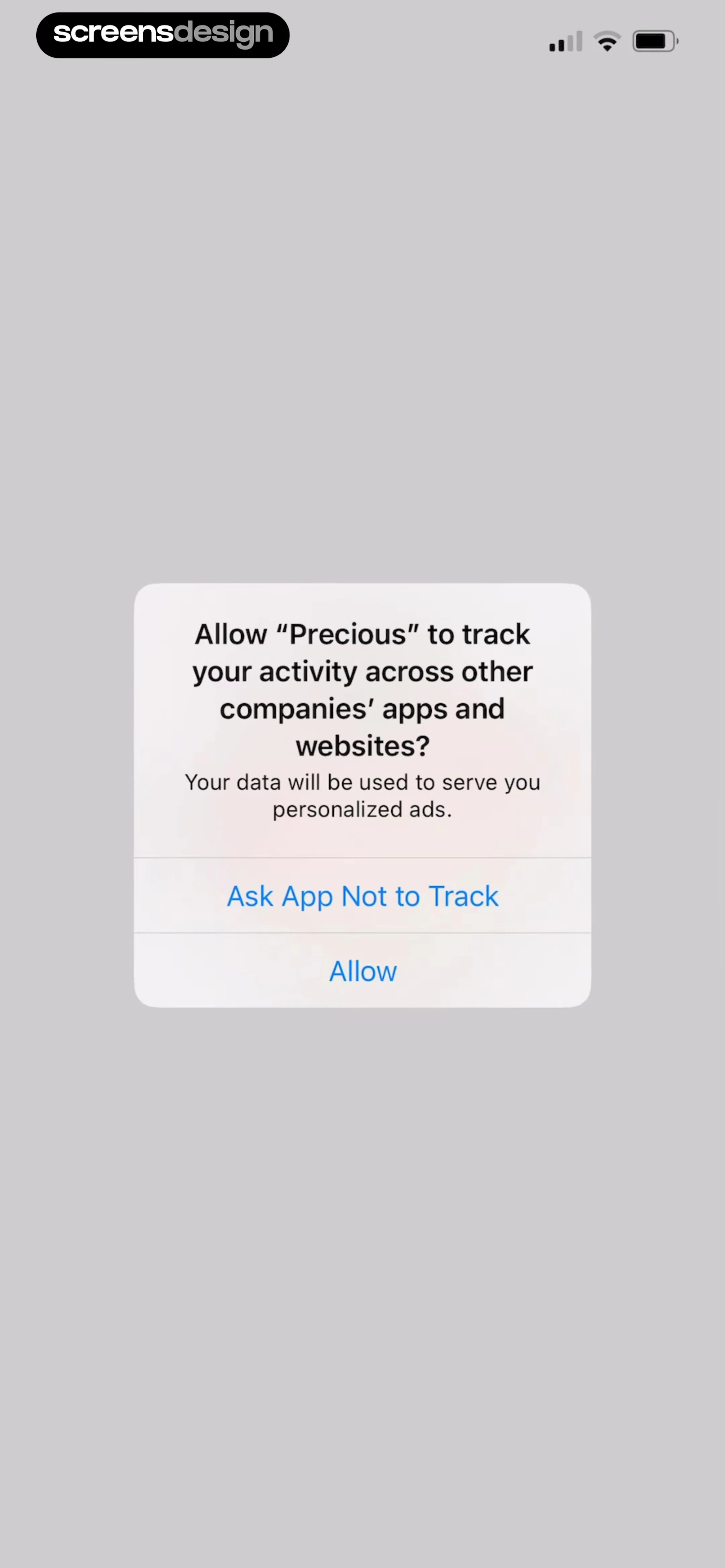
  Precious - Baby Photo Art
The dialog contains a title, a descriptive body text, and two primary action buttons: 'Ask App Not to Track' and 'Allow'.
 See the flow
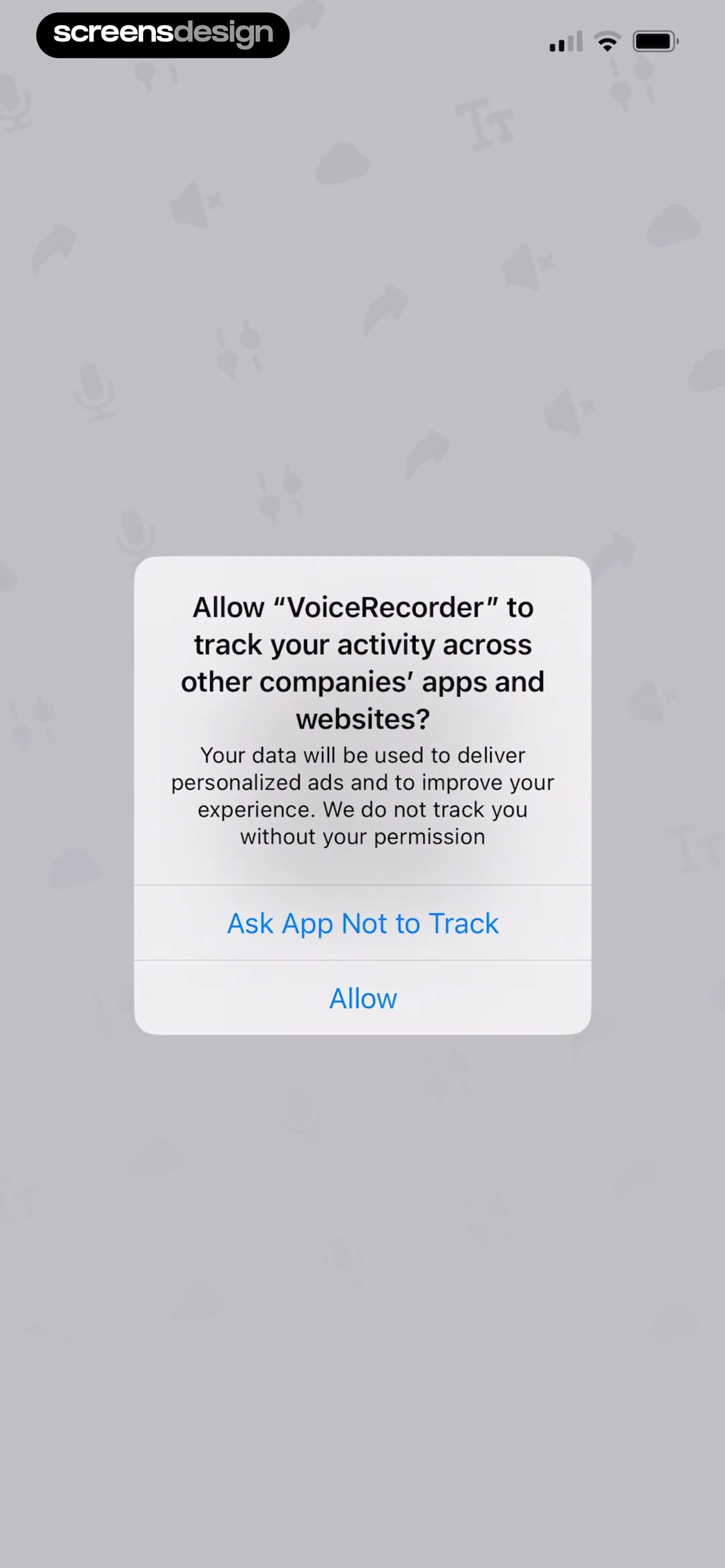
  Voice Recorder-Audio Memos Арр
Below the text, there are two distinct, tappable blue-text buttons: 'Ask App Not to Track' and 'Allow'.
 See the flow
  Hidden Camera Detector - Peek
A centered system modal on a dark background with a small footer logo at the bottom.
 See the flow
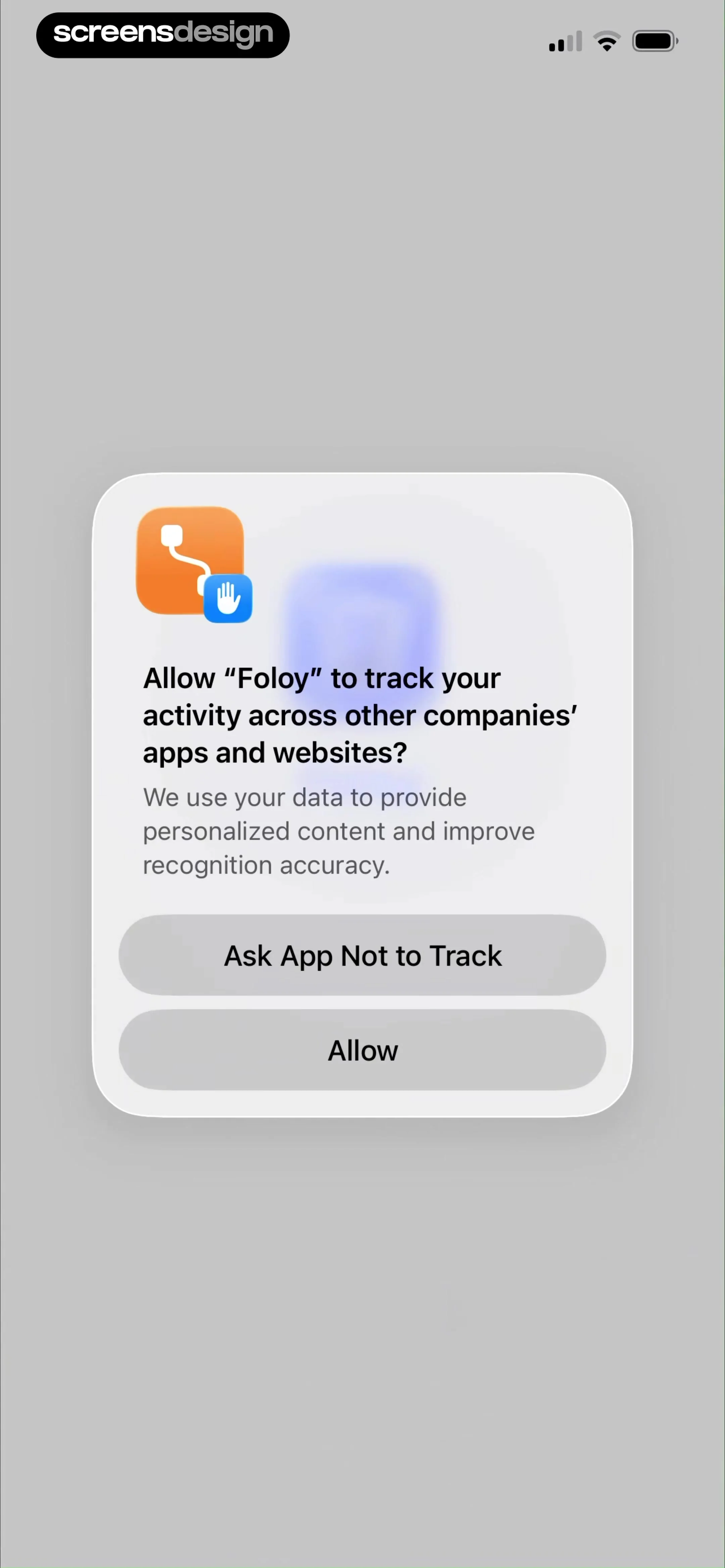
  TCG Card Scanner & Value-Foloy
Below the text are two primary action buttons: 'Ask App Not to Track' and 'Allow'.
 See the flow
  Hotels.com: Book hotels & more
The modal contains two distinct, tappable text buttons: 'Ask App Not to Track' and 'Allow'.
 See the flow
  Plane Finder ⁃ Flight Tracker
The modal provides two clear choices: 'Ask App Not to Track' and 'Allow'.
 See the flow
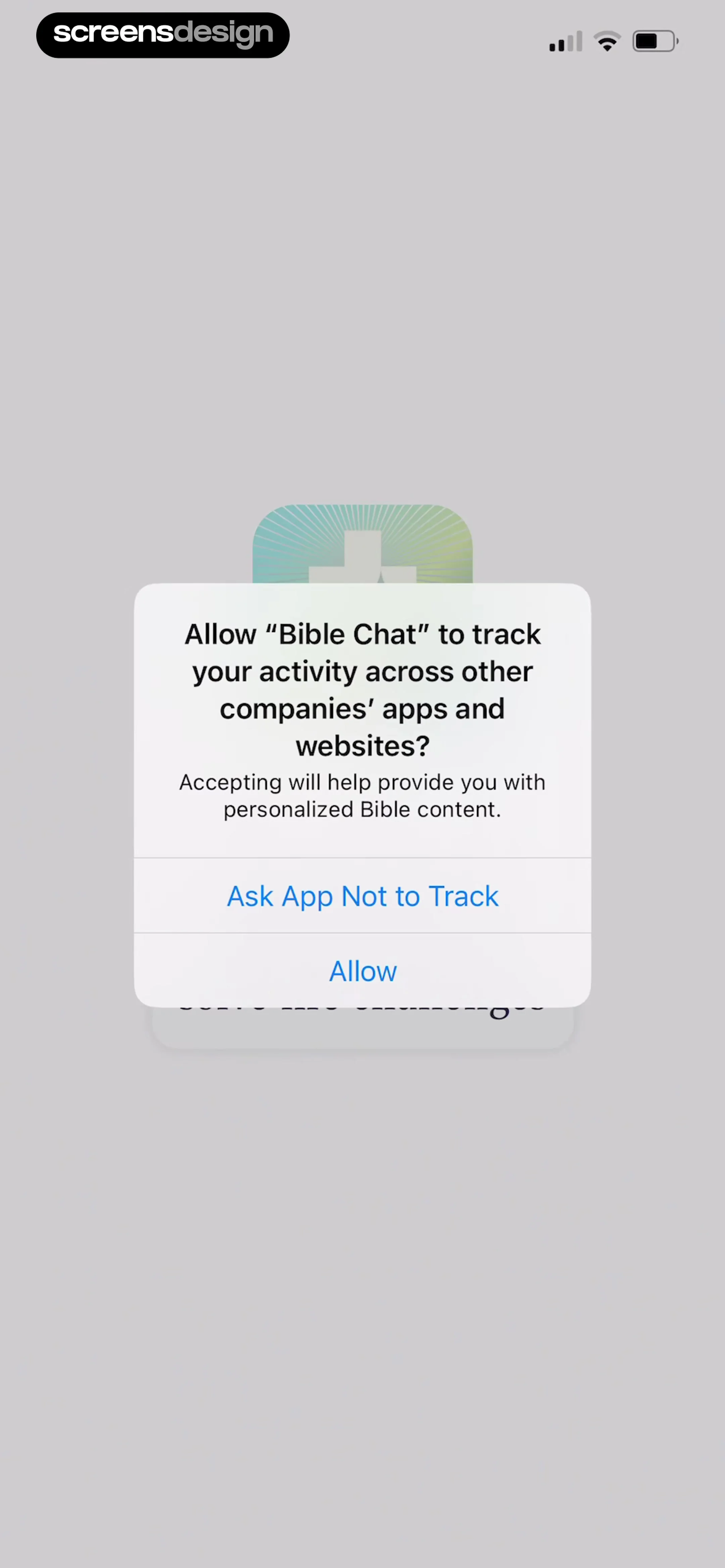
  Bible Chat: Daily Devotional
The modal contains two primary action buttons: 'Ask App Not to Track' and 'Allow'.
 See the flow
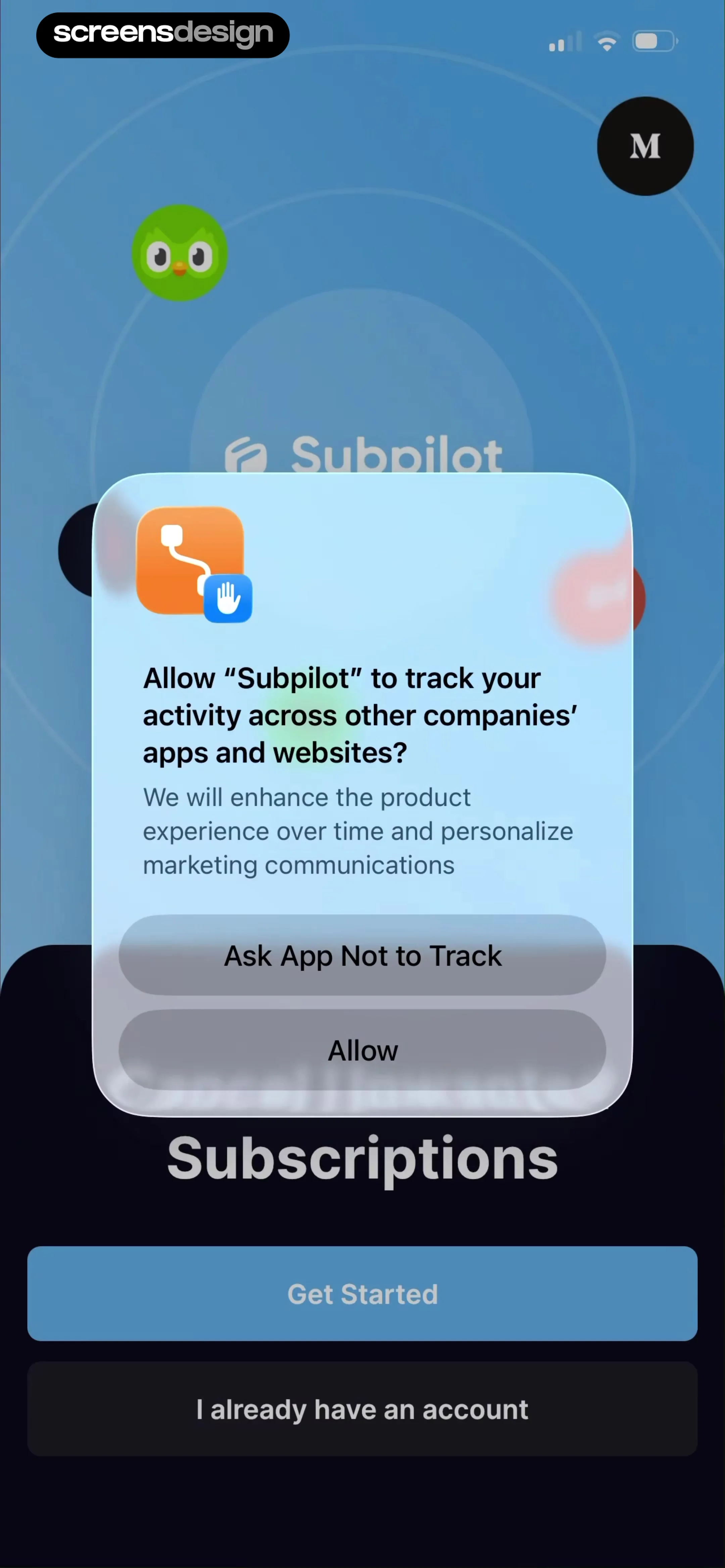
  SubPilot: Cancel Subscriptions
The modal features the app's icon, a clear prompt, and two action buttons: 'Ask App Not to Track' and 'Allow'.
 See the flow
  Calorie Counter by Numify
The dialog contains two primary action buttons: 'Ask App Not to Track' and 'Allow', stacked vertically.
 See the flow
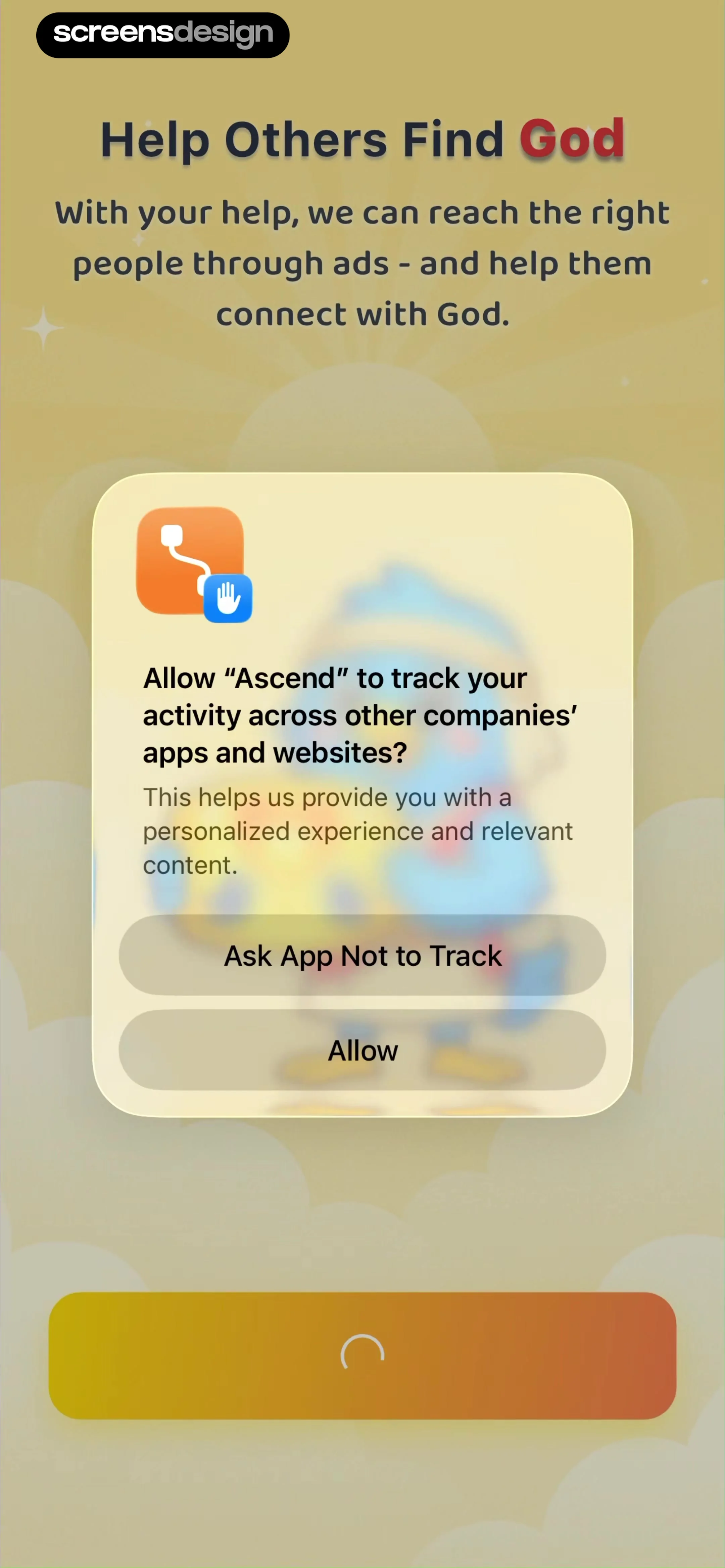
  Ascend: Bible Game
Below the text are two primary action buttons: 'Ask App Not to Track' and 'Allow'.
 See the flow
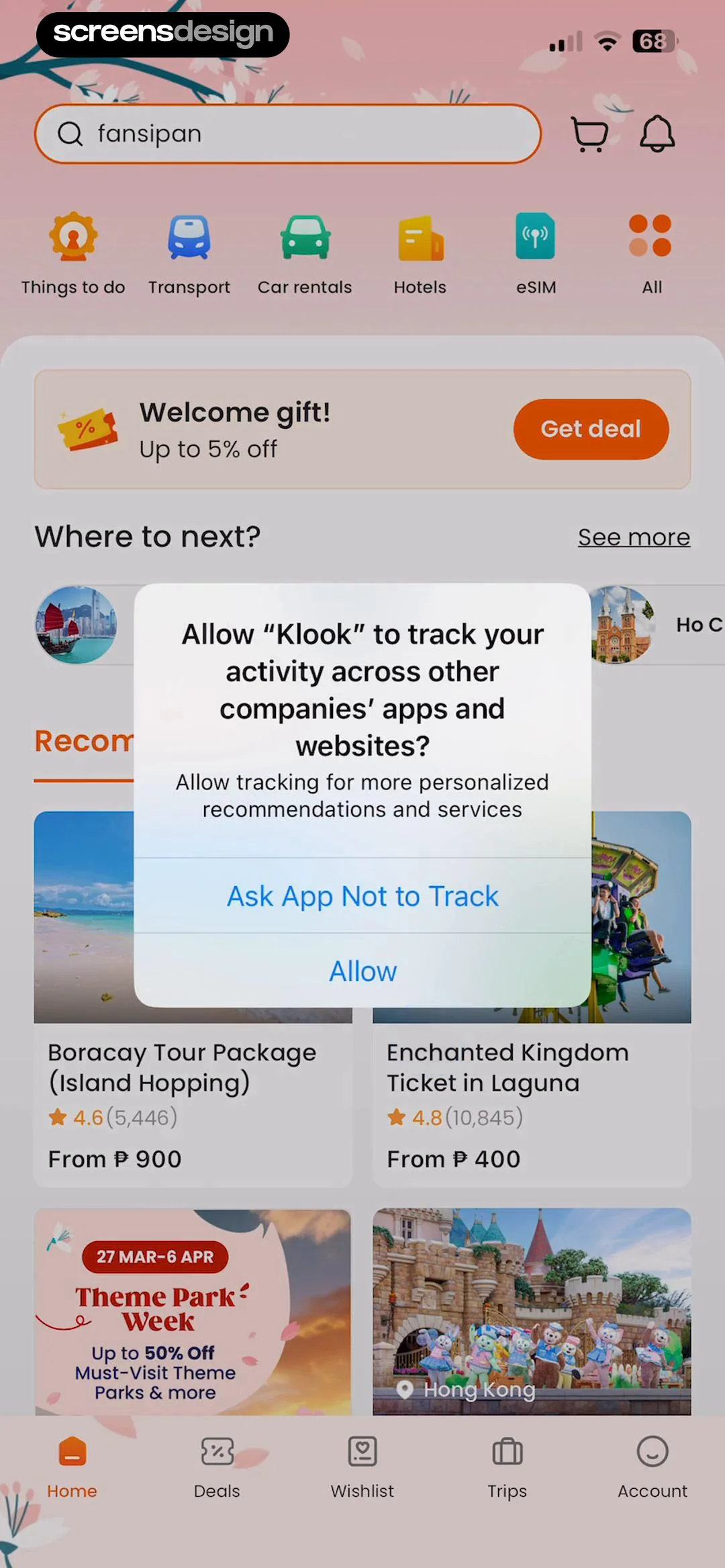
  Klook: Travel & Activities
Top search bar, category icon row, promotional banner, 'Where to next' section, grid of activity cards, and bottom navigation bar, with a central modal overlay.


