

 See the flow
  Quinn - Audio Stories
This screen displays a user-created playlist in the Quinn audio storytelling app.
 See the flow
  Equalizer - Volume Booster EQ
Top navigation bar, search field, list of songs, and a bottom-anchored modal overlay.
 See the flow
  Deezer: Music Player, Podcast
This screen, titled 'Shaker', is a social music feature within the Deezer app designed for collaborative playlist creation.
 See the flow
  AI Song Generator: Mozart
This screen displays a modal overlay titled 'New Playlist' centered over a dark-themed library interface.
 See the flow
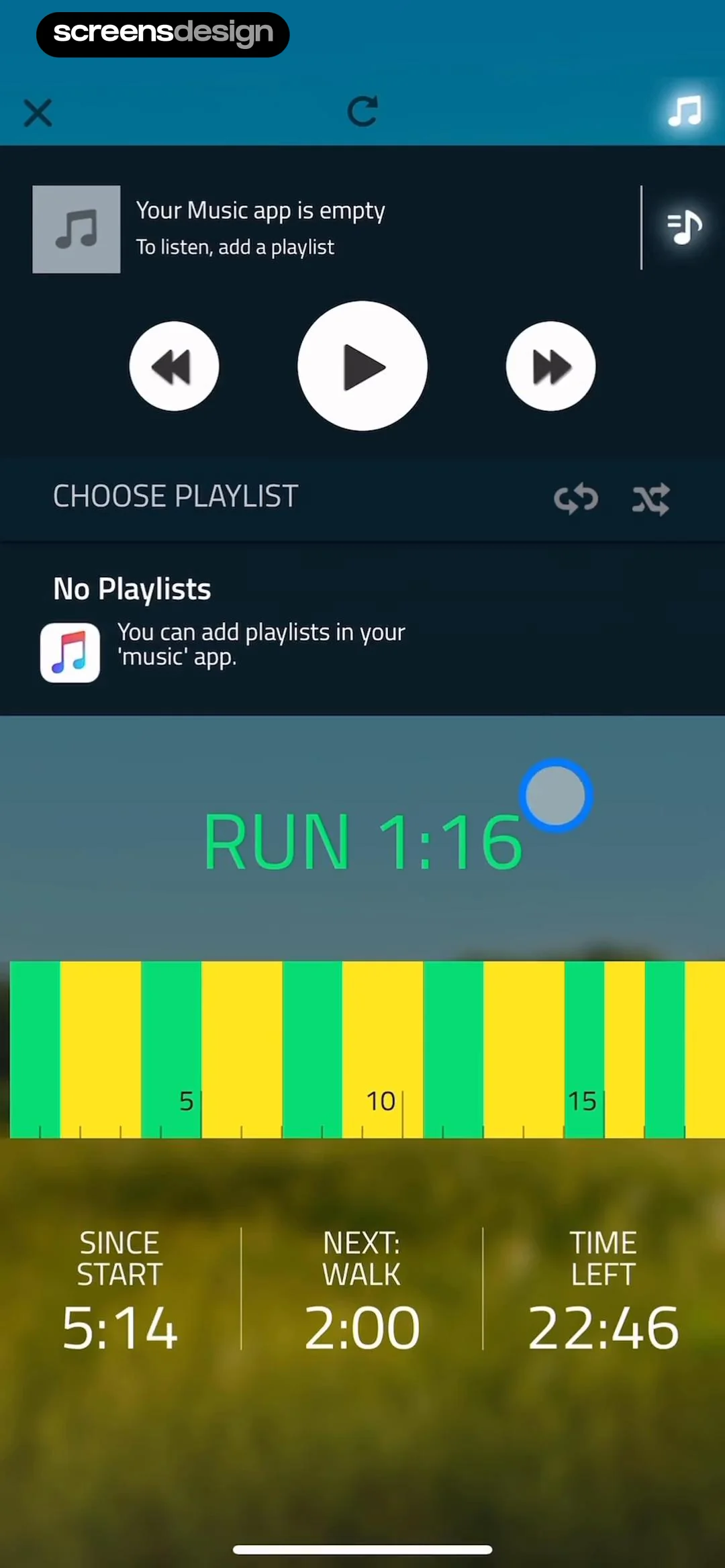
  10K Runner, Couch to 10K Run
The top section provides playback controls (previous, play/pause, next) and indicates that the music app is empty, prompting the user to add a playlist.
 See the flow
  IDAGIO Stream Classical Music
This screen displays a curated classical music playlist titled 'Piano Landscapes' within the IDAGIO app.
 See the flow Deezer: Music Player, Podcast
This screen is a bottom-sheet modal overlaying a music playlist view in the Deezer app.
 See the flow Equalizer - Volume Booster EQ
It includes a close button, an 'Add to playlist' option with a plus icon, and a 'Delete downloaded' option with a trash icon.
 See the flow AI Song Generator: Mozart
This screen displays a dark-themed 'Add to Playlist' modal overlaying a music library interface.
 See the flow Deezer: Music Player, Podcast
This screen displays a music playlist titled 'InVersions 2000s' within the Deezer app.
 See the flow Quinn - Audio Stories
This screen displays a detailed view of a specific audio playlist titled 'Brat Taming WLW' within the Quinn app.
 See the flow Equalizer - Volume Booster EQ
This screen displays a music playlist or album view with a modal overlay confirming that a song has been removed.
 See the flow AI Song Generator: Mozart
This screen displays a modal overlay titled 'Add to Playlist' centered over a dark-themed 'Library' screen.
 See the flow
  Magic Tiles 3™: Piano Game
Below this, a prominent search bar allows users to find songs or artists.
 See the flow IDAGIO Stream Classical Music
The foreground features a white, rounded-corner action sheet containing three primary options: 'Add Album to Queue', 'Add to Playlist', and 'Share Album', each accompanied by a corresponding icon.
 See the flow Equalizer - Volume Booster EQ
This screen displays a music playlist management interface with a modal overlay.
 See the flow
  Hypelist: Create & Share Lists
Top navigation bar, followed by a chat bubble conversation, a vertical list of five music cards, two action buttons, and a bottom text input field.
 See the flow AI Song Generator: Mozart
The rest of the menu is a vertical list of secondary actions including 'Add to Playlist', 'Share', 'Download Song', 'Download Video', 'Set as Ringtone', 'Report Inappropriate', and a destructive 'Delete Song' option.
 See the flow Magic Tiles 3™: Piano Game
This screen is a music discovery and playlist management interface for a rhythm game.
 See the flow Equalizer - Volume Booster EQ
This screen is a modal dialog for creating a new playlist within a music application.


