

 See the flow
  Tattoo AI - Tattoo Design
This screen displays a loading or processing state for an AI tattoo design application.
 See the flow
  Hypelist: Create & Share Lists
A centered graphic element on a blurred background.
 See the flow
  Widgetable: Besties & Couples
This is a loading screen for the Widgetable app, featuring a soft, light-cream background.
 See the flow
  Bible Chat: Daily Devotional
This screen displays a loading state for an audio player within a Christian faith-based app.
 See the flow
  Spoke Route Planner
The modal features a 3D illustration of three golden-yellow cubes, representing packages, and a progress bar below the text 'Analyzing your stops...'.
 See the flow
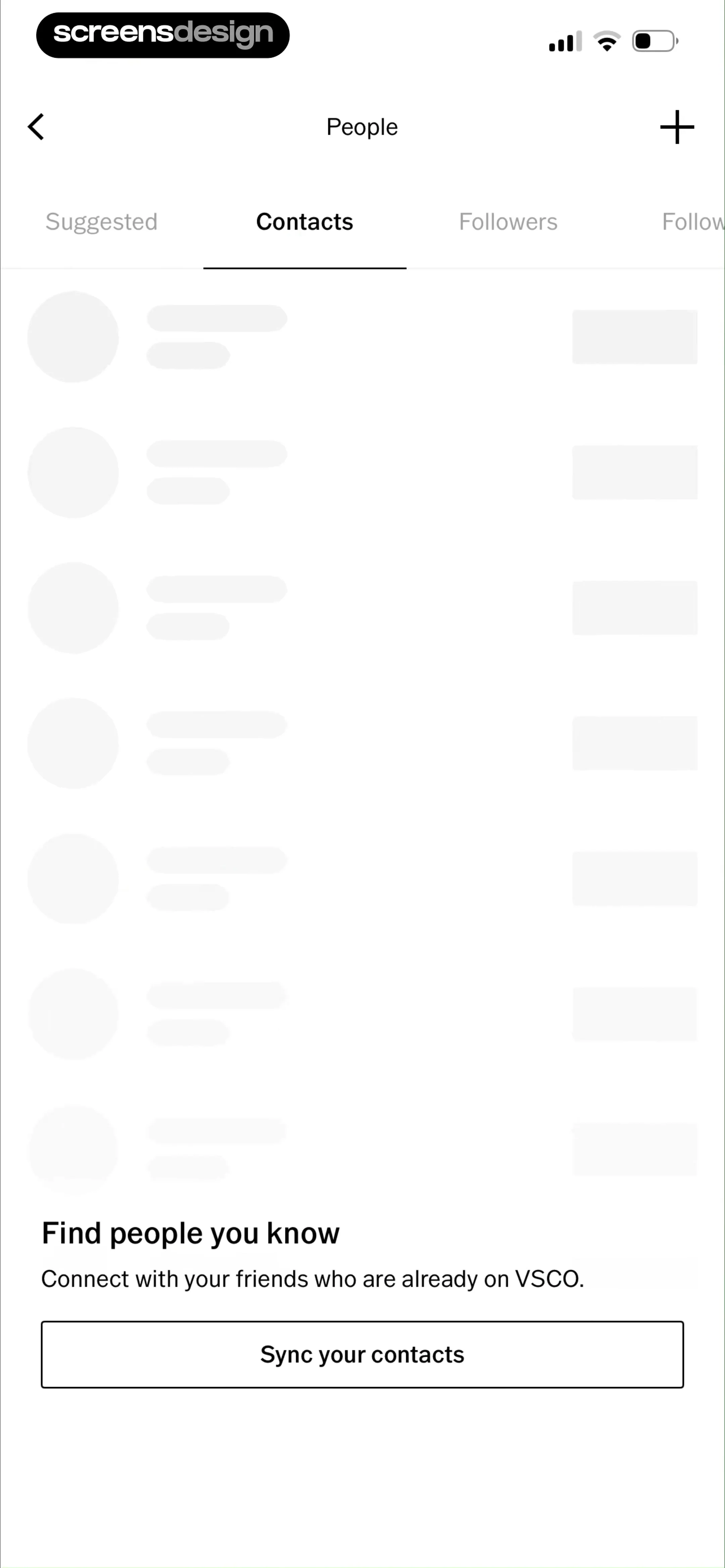
  VSCO: Photo & Video Editor
The main body of the screen displays a list of skeleton-loading placeholders, each consisting of a circular avatar and two horizontal lines representing user names or details, with a rectangular button on the right side.
 See the flow
  The Wall Street Journal. News
This is a simple loading screen within a mobile application.
 See the flow
  PDF Scanner AI: Scan Documents
This is a simple loading or processing screen in a document scanning application.
 See the flow
  HelloBot - Astrology & Tarot
The main body of the screen is entirely blank, indicating an empty chat state or a loading state.
 See the flow
  AI Song Generator: Mozart
This screen displays an 'Analyzing...' loading state for an AI music generation app.
 See the flow
  v0
v0This screen displays a minimal loading state for the v0 application.
 See the flow
  Tiny Scanner - PDF Scanner App
This screen shows a document scanning or processing interface in the Tiny Scanner app.
 See the flow
  Planner 5D: AI Home Design
This screen from the Planner 5D app shows a loading state during an AI-powered 'Furnish' process.
 See the flow
  SubPilot: Cancel Subscriptions
This is a loading screen for the SubPilot app, featuring a dark background with a centered circular progress indicator.
 See the flow
  IDAGIO Stream Classical Music
At the top, a loading indicator accompanies the text 'Loading Mood', followed by the large, centered text 'Angry'.
 See the flow
  FLYP - Fashion Design Studio
This is a minimalist loading screen for the FLYP app.
 See the flow
  CraftBook: Crochet Made Easy
This is a splash or loading screen for the CraftBook app.
 See the flow
  Fishbrain - Fishing App
This is a splash or loading screen for the Fishbrain app.
 See the flow
  AI Summary - Meeting Notes
This screen displays a processing state for an AI-powered note-taking application.
 See the flow
  Claude by Anthropic
This screen displays a loading state within an AI-powered application, specifically for a feature called 'Artifacts'.


