

 See the flow
  WeMoms - Pregnancy & Baby App
Top right login link, centered main heading, and three vertically stacked selection buttons.
 See the flow
  Fishbox - Smart Fishing App
Top section contains a map-based data visualization card, middle section contains text, and bottom section contains a pagination indicator and a large primary button.
 See the flow
  Noxogy Sleep Tracker
Top-aligned title, central graphic, and bottom-aligned action buttons with a small descriptive text.
 See the flow
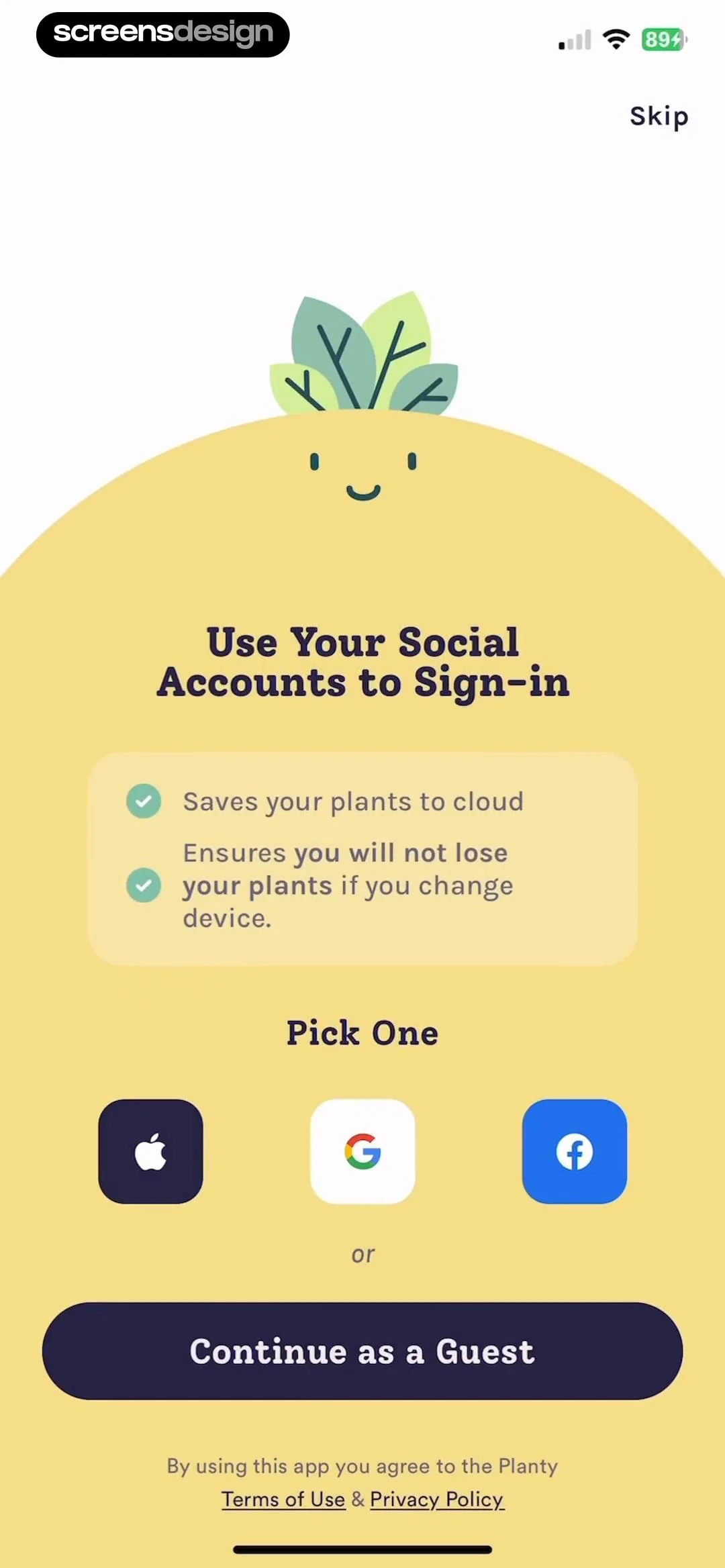
  Plant Identifier, Care: Planty
Top navigation, central character illustration, benefit card, social sign-in row, guest button, and footer legal text.
 See the flow
  Wallcraft – Wallpapers, live
Centered logo and text, followed by a large action button, and a footer link at the bottom.
 See the flow
  Expedia: Hotels, Flights, Cars
The screen is vertically centered with an illustration at the top, text in the middle, and a primary call-to-action button at the bottom.
 See the flow
  Hotels.com: Book hotels & more
Logo at the top, centered illustration in the middle, text block below, and a large primary button at the bottom.
 See the flow
  Rooms
RoomsCentered text greeting followed by creator names and hearts, with primary and secondary actions at the bottom.
 See the flow
  Spoke Route Planner
Logo and headline at the top, floating feature callouts in the middle, and a stack of authentication buttons at the bottom.
 See the flow
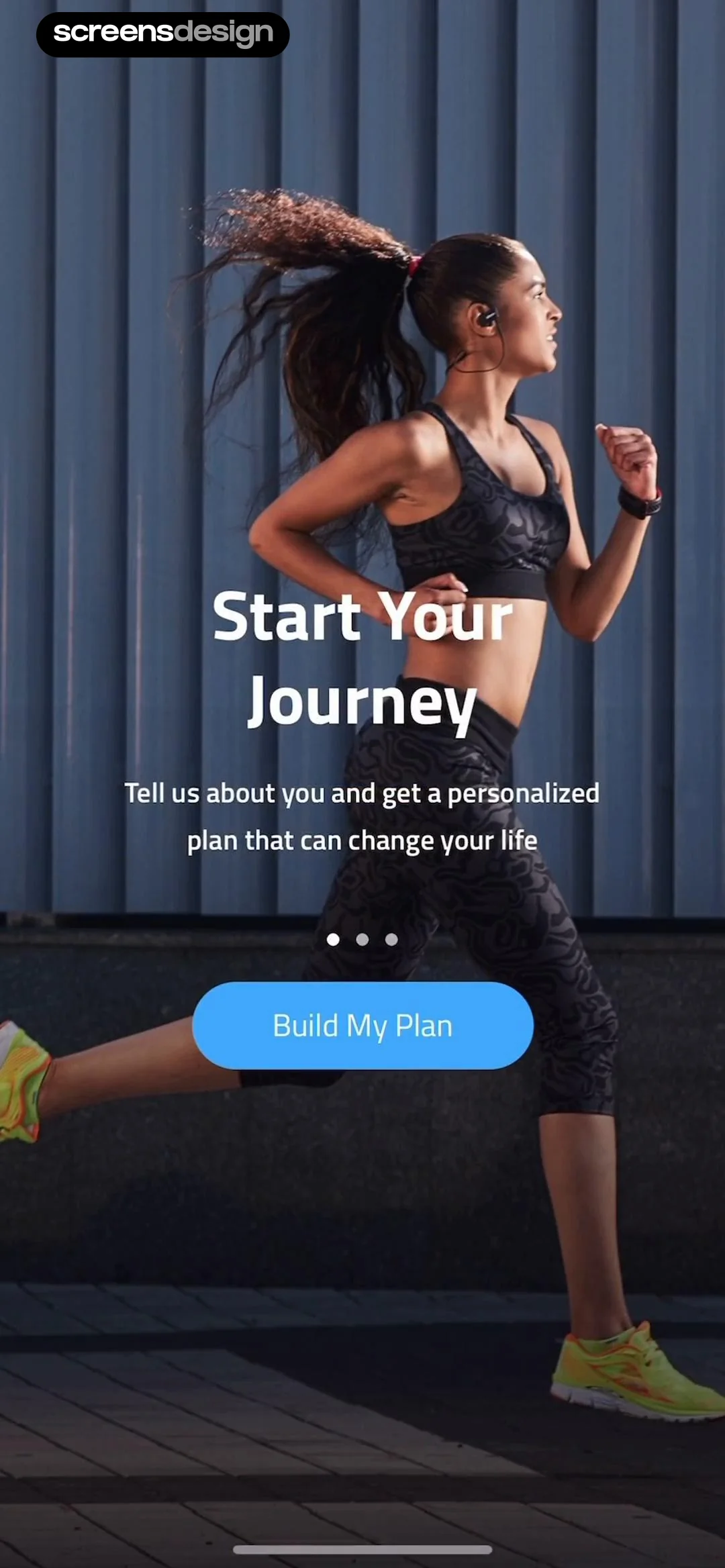
  10K Runner, Couch to 10K Run
Full-screen background image with centered text, pagination dots, and a bottom-aligned call-to-action button.
 See the flow
  ZEDGE™ Ringtones & Wallpapers
Logo at top, centered text block in middle, primary button below, legal disclaimer at bottom.
 See the flow
  WebNovel - Read Novels & Manga
Header with logo, main headline, two large genre selection cards, and a footer with legal links.
 See the flow
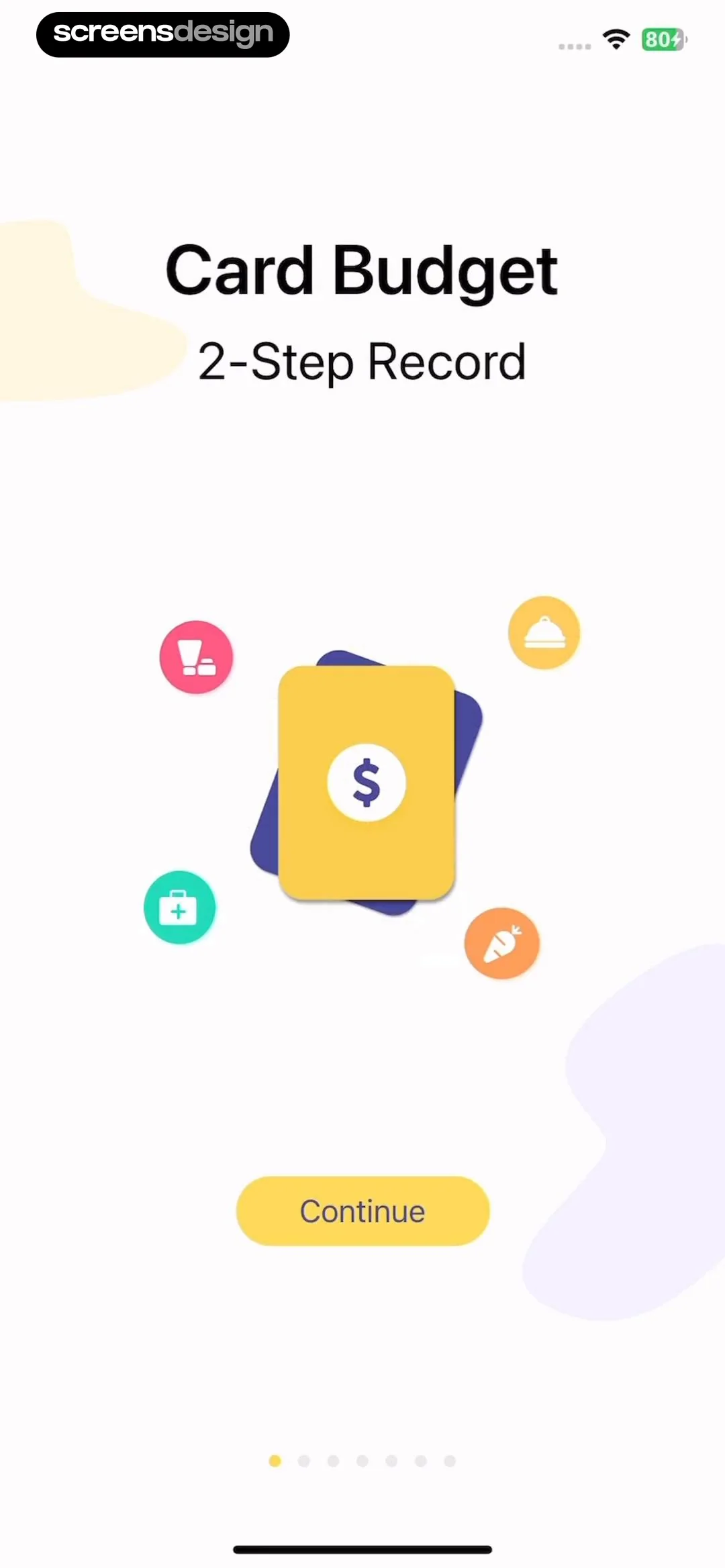
  Budget app - spending tracker
Top-aligned title and subtitle, central graphic illustration, bottom-aligned primary button, and a progress indicator at the very bottom.
See the flow  ScanAny-PDF Scanner App
Top navigation link, central illustration, descriptive text block, primary CTA button, and bottom pagination dots.
 See the flow
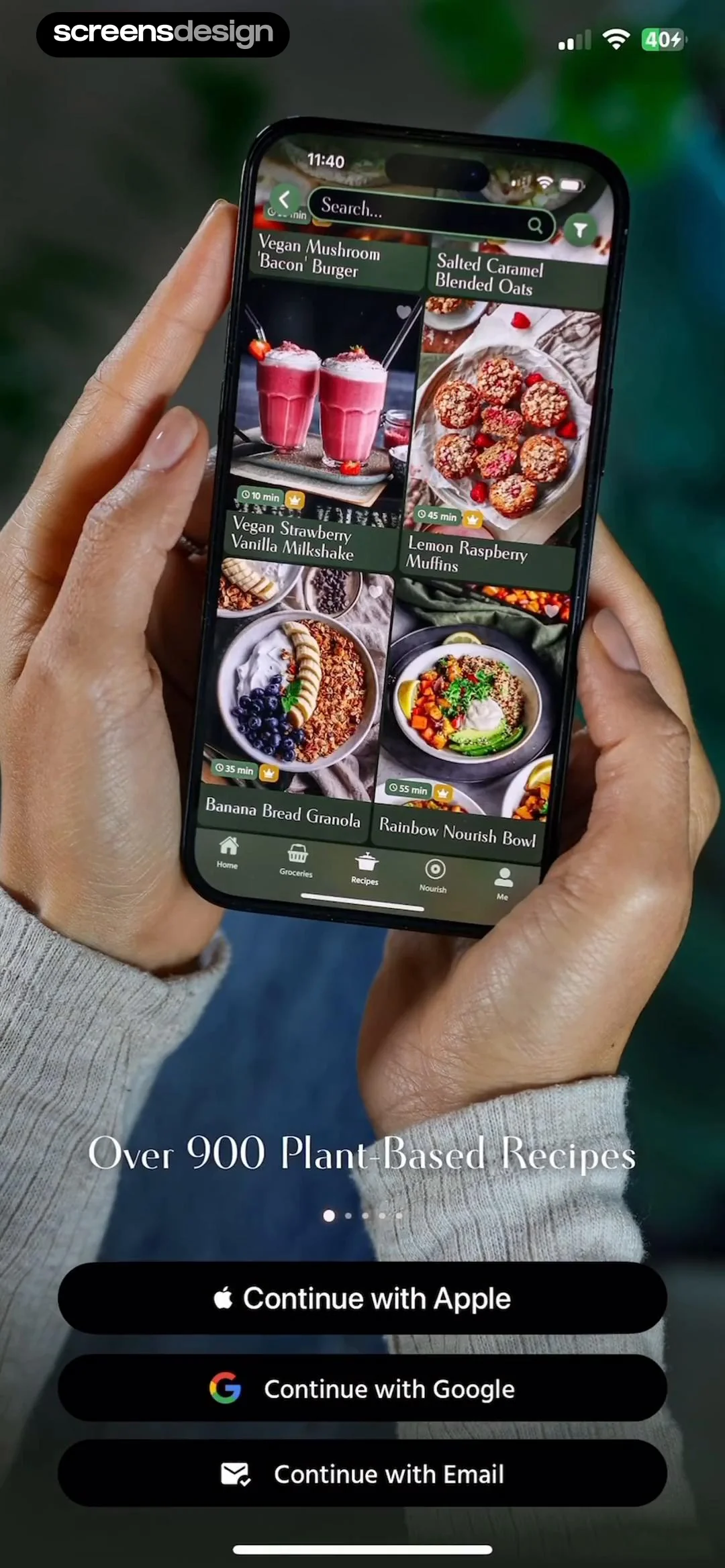
  Pick Up Limes
The screen displays a phone mockup centered in the frame, with a grid of recipe cards inside the phone and authentication buttons below the phone.
 See the flow
  CamScanning: AI Measure & Scan
Header text at the top, central illustration, and a large primary button at the bottom with a page indicator.
 See the flow
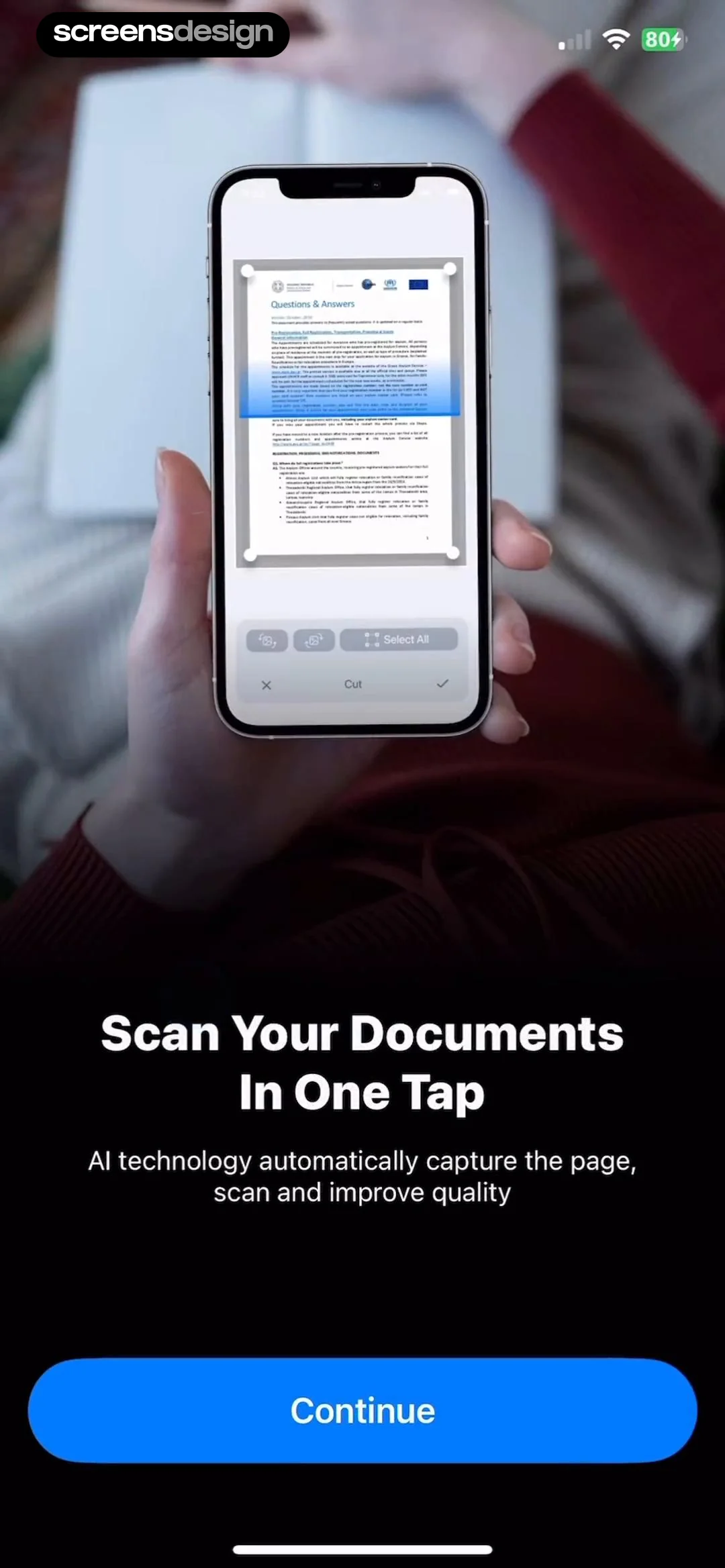
  PDF Scanner AI: Scan Documents
The screen is divided into two main sections: a top section showing a phone mockup with a document scanning interface, and a bottom section with marketing text and a primary call-to-action button.
 See the flow
  Equalizer - Volume Booster EQ
Top navigation icon, followed by a text header and instruction, a central illustration area, a progress indicator, and a bottom primary action button.
 See the flow
  GoodNovel - Booktok, Stories
Top navigation skip button, centered title, two large stacked selection cards.
 See the flow
  SHEIN - Shopping Online
Top graphic, header text, three preference rows, primary CTA button, and footer instructional text.


