

 See the flow
  Refina: AI Plastic Surgery
The screen features a clean, minimalist layout with a centered heading 'Which gender best describes you?' followed by a subtext explanation.
 See the flow
  Heyyyy: Stories that text back
This is an onboarding screen for the Heyyyy app, asking the user to select their gender identity.
 See the flow
  Too Good To Go: Save Good Food
This is a gender selection screen in a mobile application.
 See the flow
  Ascend: Bible Game
A red bird mascot holding a clipboard is positioned to the left of a speech bubble that asks, 'What's your gender?'.
 See the flow
  SmartNews: Now in Spanish
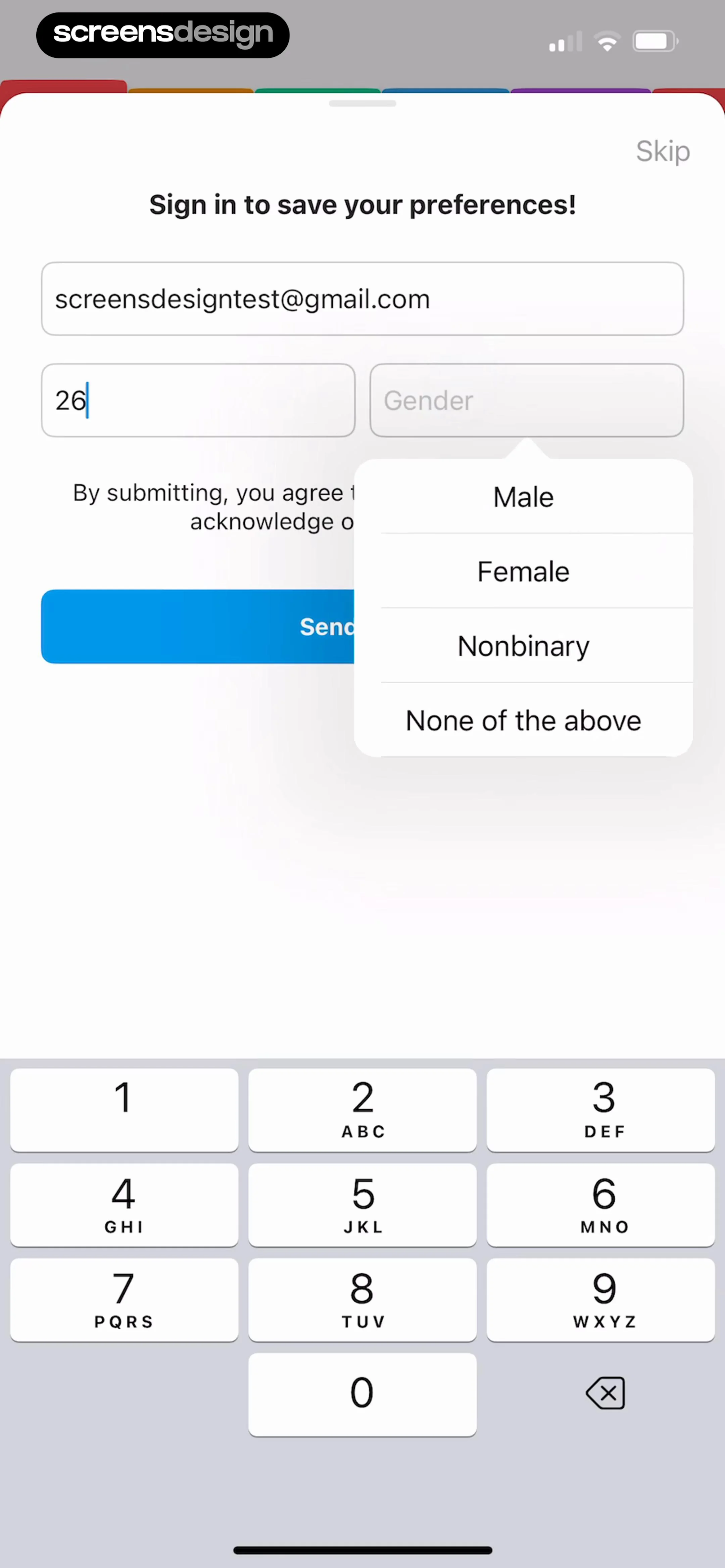
The screen features a form with three input fields: an email address field (pre-filled with '[email protected]'), an age field (currently showing '26'), and a gender selection field.
 See the flow
  Tattoo AI - Tattoo Design
The main content is a prompt asking the user to 'Select your gender'.
 See the flow
  SunSafe: UV Index & Tanning
This is an onboarding screen from the SunSafe app, specifically step 5 of 6, asking the user to select their gender.
 See the flow
  Magic Tiles 3™: Piano Game
This is an onboarding screen for a mobile game, asking the user to select their gender.
 See the flow
  HelloBot - Astrology & Tarot
This is an onboarding screen for an astrology and fortune-telling app, asking the user to select their gender.
 See the flow
  Precious - Baby Photo Art
This is an onboarding screen for the Precious baby photo app, asking the user to select their child's gender.
 See the flow
  10K Runner, Couch to 10K Run
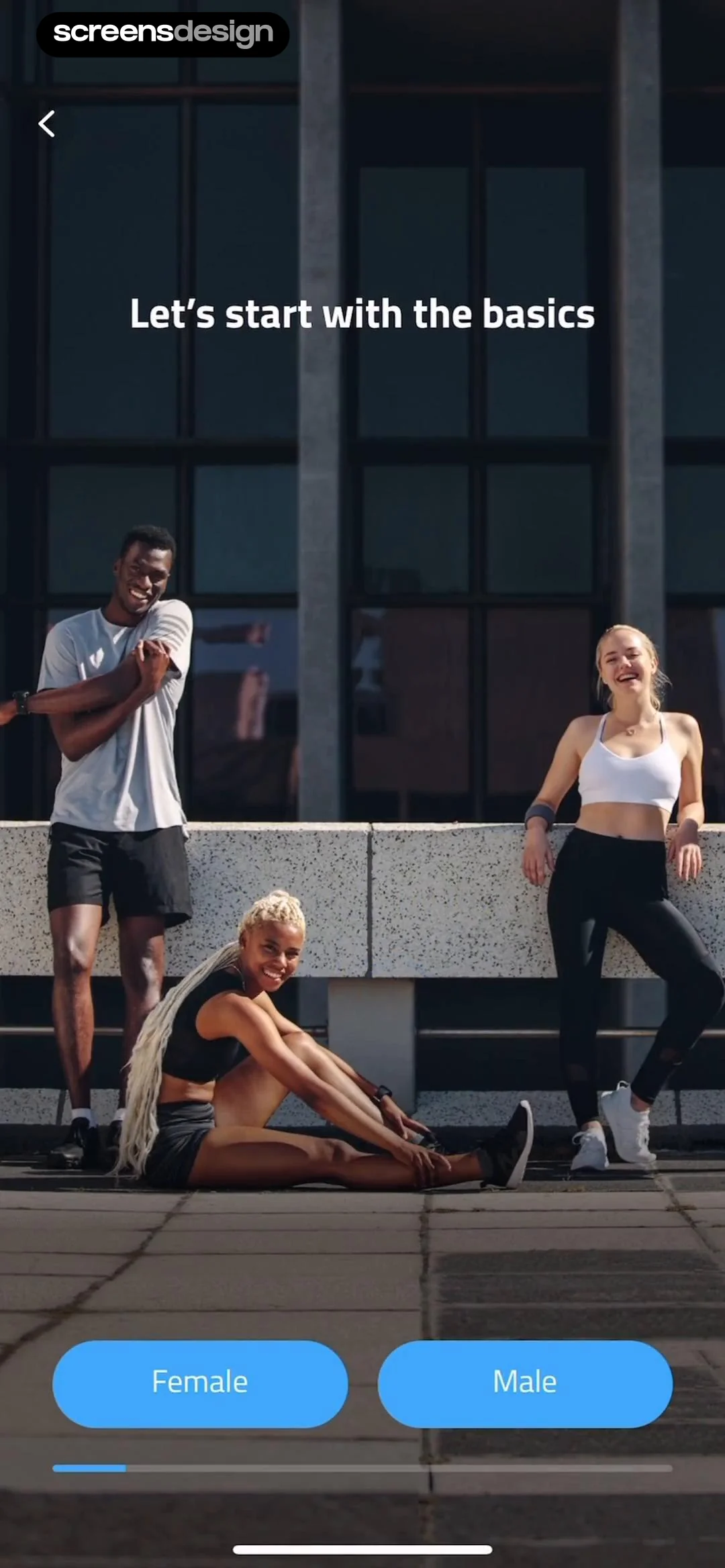
At the bottom, there are two prominent, rounded blue buttons labeled 'Female' and 'Male' for user gender selection.
 See the flow
  Meetup: Social Events & Groups
Top navigation bar followed by a vertical list of labeled input fields and a bottom-aligned primary action button.
 See the flow
  Deezer: Music Player, Podcast
This is a sign-up screen for a music streaming app, specifically asking for the user's gender identity.
 See the flow HelloBot - Astrology & Tarot
This screen displays a 'Birthday List' management interface with a modal overlay for selecting gender.
 See the flow
  HBX | Globally Curated Fashion
The form includes fields for email, display name, first name, last name, country/region, and a gender selection dropdown.
 See the flow
  Premier League - Scores, News
The form requires the user to select a gender (Male, Female, or Unspecified), enter a date of birth using three dropdown selectors, provide a parent or guardian email address, and select a country or region of residence.
 See the flow
  Calorie Counter by Numify
Below the text, there are three selectable options presented as rounded rectangular buttons: 'Male', 'Female', and 'Other'.
 See the flow Too Good To Go: Save Good Food
The 'Personal info' section contains tappable rows for Name, Email (pre-filled with '[email protected]'), Phone number, Country (set to 'United States'), Gender, Dietary preferences, and Birthday.
 See the flow
  Map My Run GPS Running Tracker
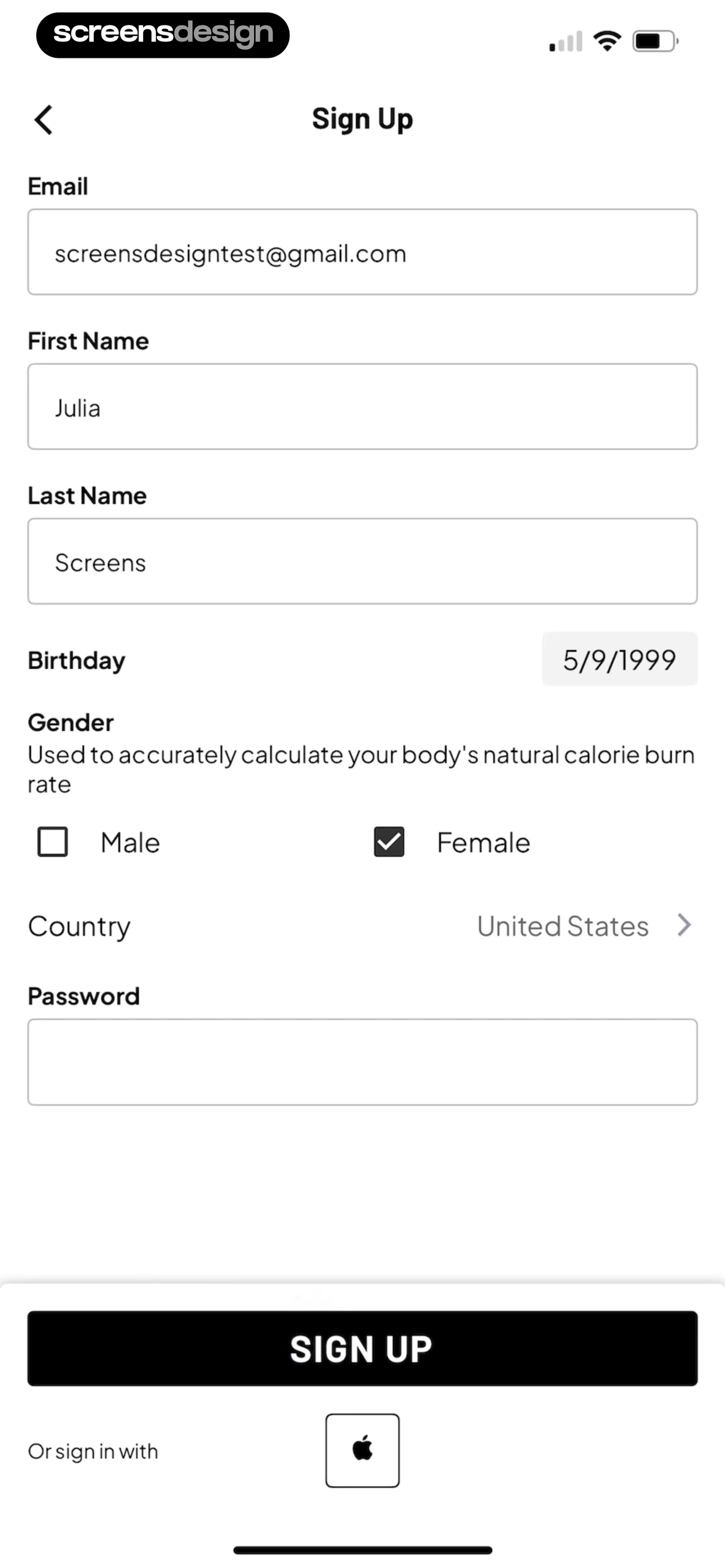
Top navigation bar followed by a vertical list of input fields, gender selection, and a bottom call-to-action button.
 See the flow
  DAZN: Stream Live Sports
The main body consists of a list of profile fields, some of which are pre-filled (Name, Nickname, Email Address) and others that are actionable prompts (Age, Gender, Phone number).


