
 See the flow
  Too Good To Go: Save Good Food
This screen is a modal date picker used for setting a user's birth date.
 See the flow
  HelloBot - Astrology & Tarot
This is an onboarding or profile setup screen for an astrology app, prompting the user to input their date of birth.
 See the flow
  Calorie Counter by Numify
This is an onboarding screen for a calorie tracking app, specifically asking the user for their date of birth.
 See the flow
  Klook: Travel & Activities
This screen displays a 'Personal info' settings page with a modal overlay for selecting a date of birth.
 See the flow
  Heyyyy: Stories that text back
This screen is an onboarding step for an AI character platform, asking the user to input their birthday.
 See the flow
  ZEDGE™ Ringtones & Wallpapers
Below this, the user's email address is shown, followed by three input fields for 'Username', 'Password', and 'Date of birth'.
 See the flow Calorie Counter by Numify
This is an onboarding or profile settings screen in a calorie tracking app asking the user to input their birthday.
 See the flow Klook: Travel & Activities
This screen displays a 'Personal info' settings page with a centered modal overlay asking the user to confirm their birthday.
 See the flow
  EveryDollar: Budget Management
This is an onboarding screen for the EveryDollar app, asking the user to input their birthday.
 See the flow ZEDGE™ Ringtones & Wallpapers
Below the email, there are two input fields: one for 'Username' (currently filled with 'screensdesigns') and one for 'Date of birth' (currently filled with '06/17/1990').
 See the flow
  invideo AI: AI Video Generator
A header with a back button and title, followed by three rows of labeled input fields with associated action buttons.
 See the flow
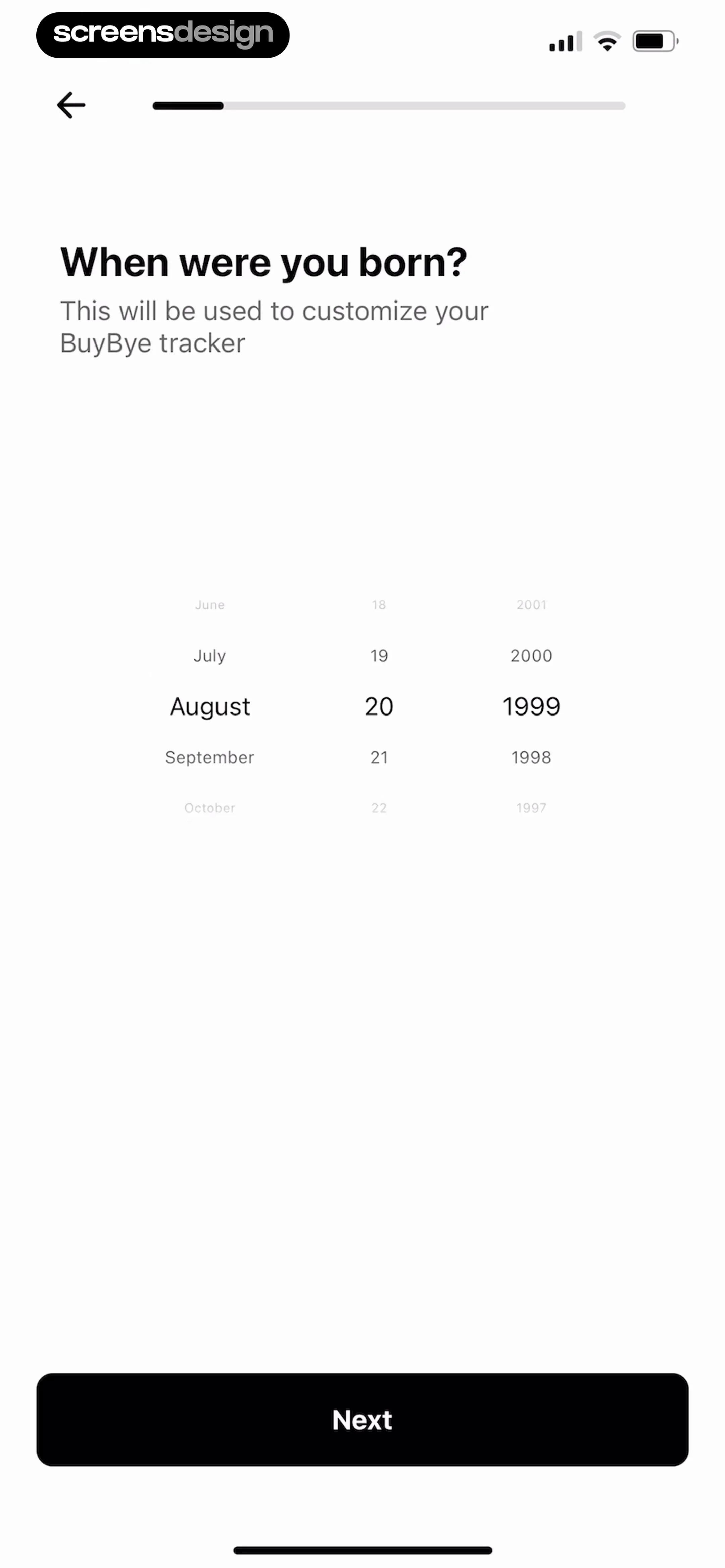
  BuyBye - Budget Planner
Below this, a central date picker component allows the user to scroll through months, days, and years to select their birth date.
 See the flow
  Premier League - Scores, News
Below that is a 'Date of Birth' section with three dropdown menus for day, month, and year.
 See the flow Premier League - Scores, News
The form requires the user to select a gender (Male, Female, or Unspecified), enter a date of birth using three dropdown selectors, provide a parent or guardian email address, and select a country or region of residence.
 See the flow Heyyyy: Stories that text back
Top navigation bar followed by a tabbed header, then a vertical list of profile input fields and selection buttons.
 See the flow
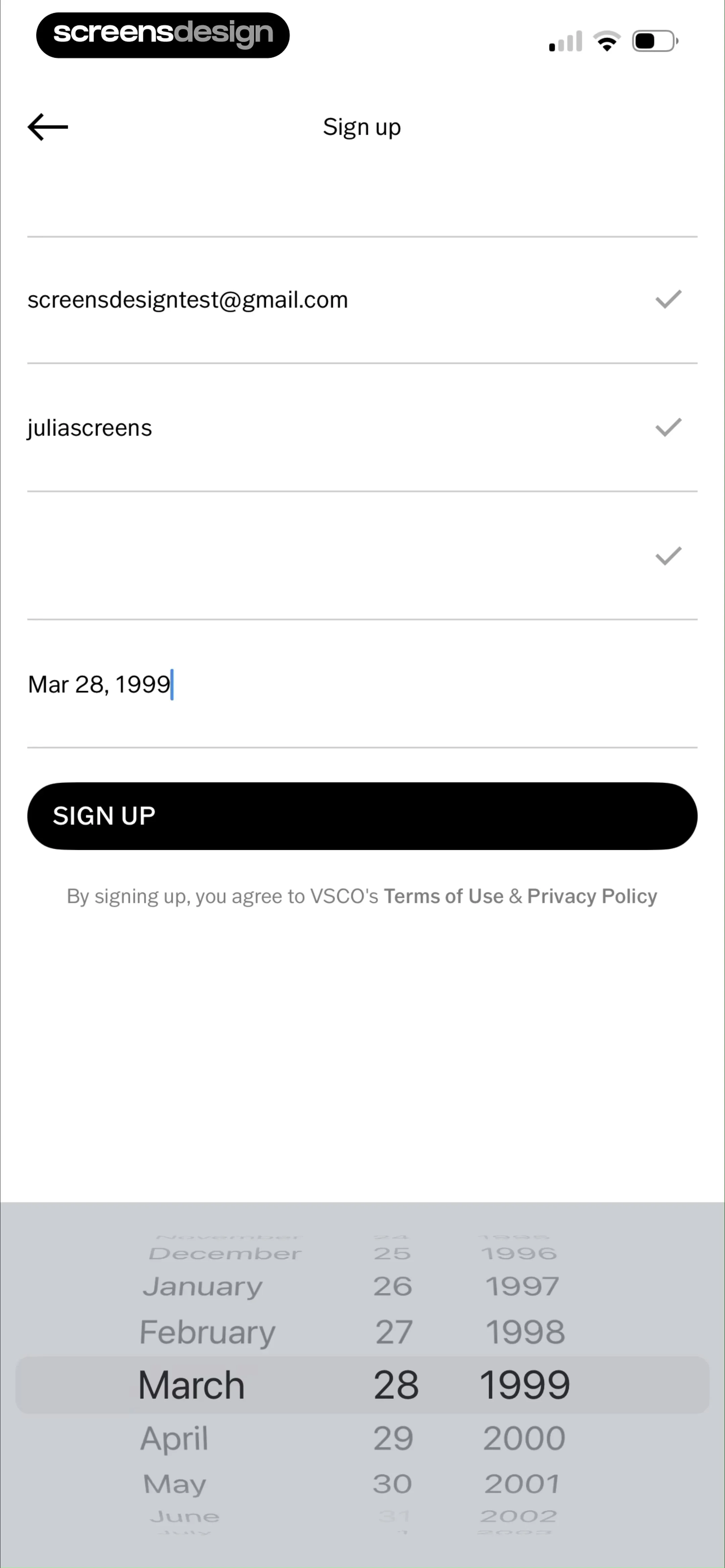
  VSCO: Photo & Video Editor
Below this, there are four input fields: email, username, password, and date of birth.
 See the flow
  Litres: Audio
Header with back button and profile image, followed by a form with input fields, a bio text area, privacy settings, and a bottom navigation bar.
 See the flow Too Good To Go: Save Good Food
The 'Personal info' section contains tappable rows for Name, Email (pre-filled with '[email protected]'), Phone number, Country (set to 'United States'), Gender, Dietary preferences, and Birthday.
 See the flow BuyBye - Budget Planner
A 'BIRTHDAY' field shows a date picker input set to '1999-08-20'.
 See the flow Litres: Audio
The 'BASIC' section contains four input fields for 'Your name' (pre-filled with 'Julia'), 'Your last name', 'Nickname', and 'Date of birth', all with placeholder text.


