

 See the flow
  SnoreLab : Record Your Snoring
The lower half of the screen contains a vertical scrolling picker wheel for selecting different ambient sounds, with 'Rain' currently highlighted in a semi-transparent rounded rectangle.
 See the flow
  10K Runner, Couch to 10K Run
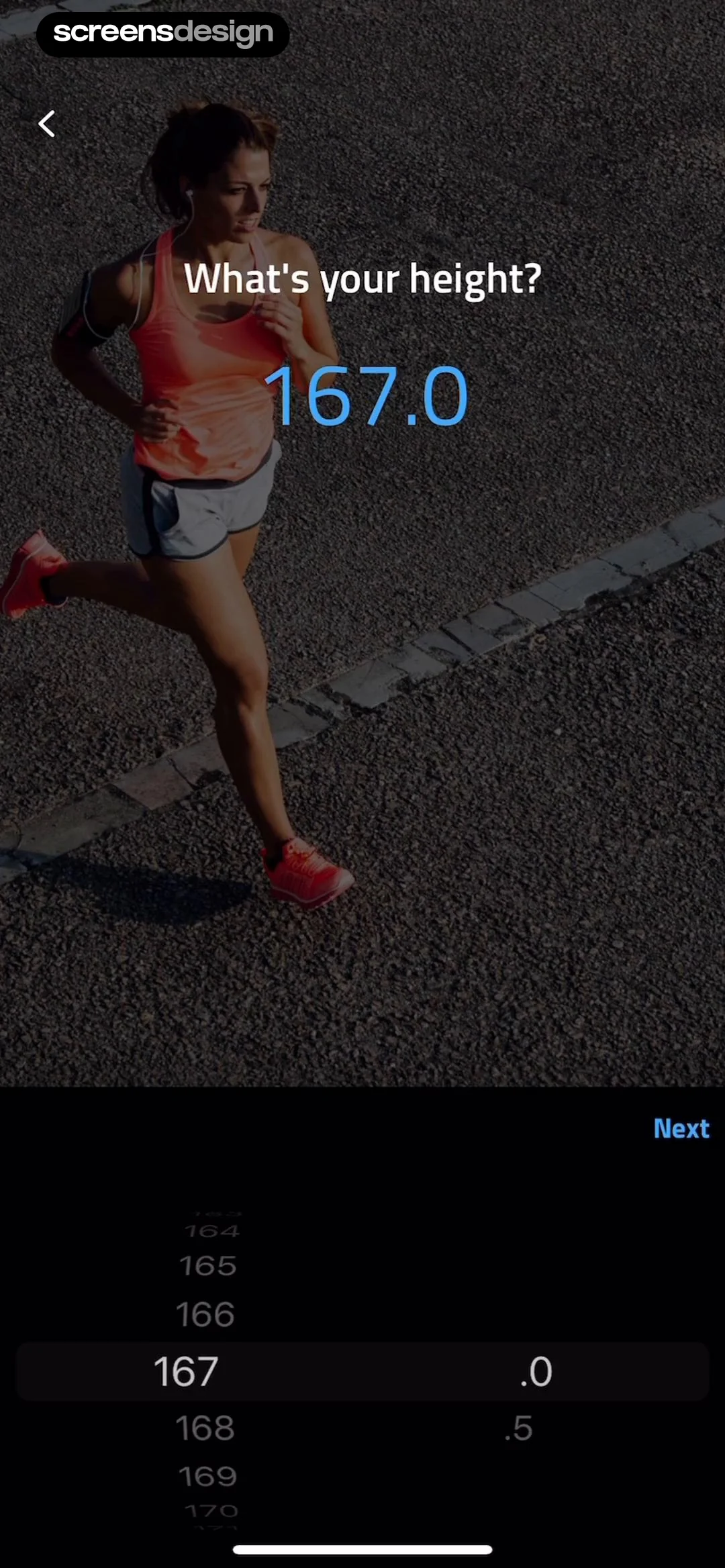
Top navigation bar, central question and value display, bottom scrolling picker interface.
 See the flow SnoreLab : Record Your Snoring
Below this, a vertical scrolling picker allows the user to select a numerical weight value (currently set to 57) and a unit (kg or lbs).
 See the flow
  Zumba - Dance Fitness Workout
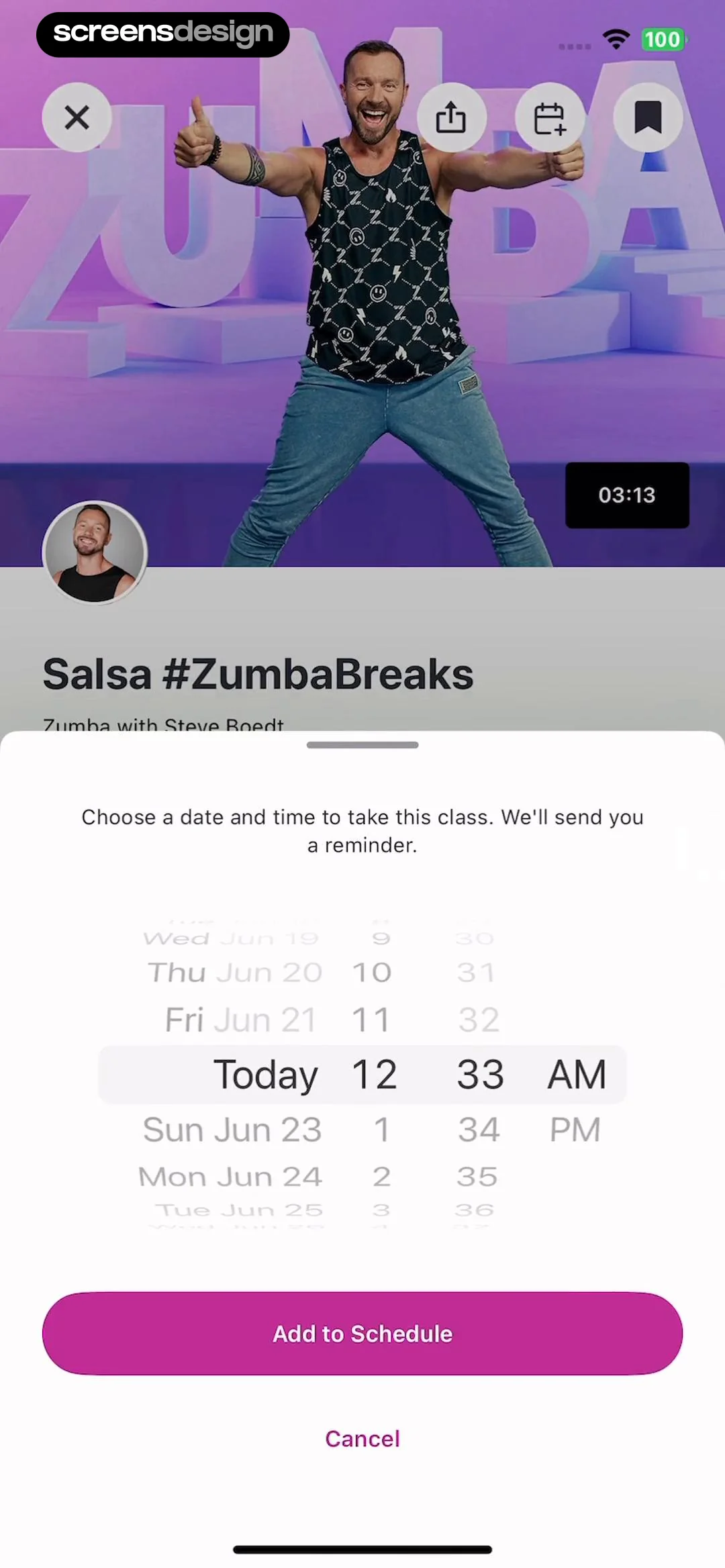
We'll send you a reminder.' followed by a three-column scrolling picker interface for selecting the day, hour, and minute.
 See the flow
  Useless - Screen Time Control
A prominent, centered picker wheel allows the user to select a duration from a list of options including 90, 60, 45, 30, 15, 10, 5, and 1 minute.
 See the flow
  calimoto Motorcycle Navigation
A prominent dark-themed modal is centered on the screen, titled 'Make', containing a vertical scrolling picker list of motorcycle brands.
 See the flow
  Klook: Travel & Activities
A semi-transparent modal titled 'Your birthday' is centered at the bottom, featuring a three-column scrolling picker for month, day, and year.
 See the flow
  HelloBot - Astrology & Tarot
A modal sheet occupies the bottom half of the screen, featuring a vertical scrolling picker for relationship categories such as 'mother', 'spouse', 'son', 'daughter', 'brother', 'sister', and 'etc'.
 See the flow
  VSCO: Photo & Video Editor
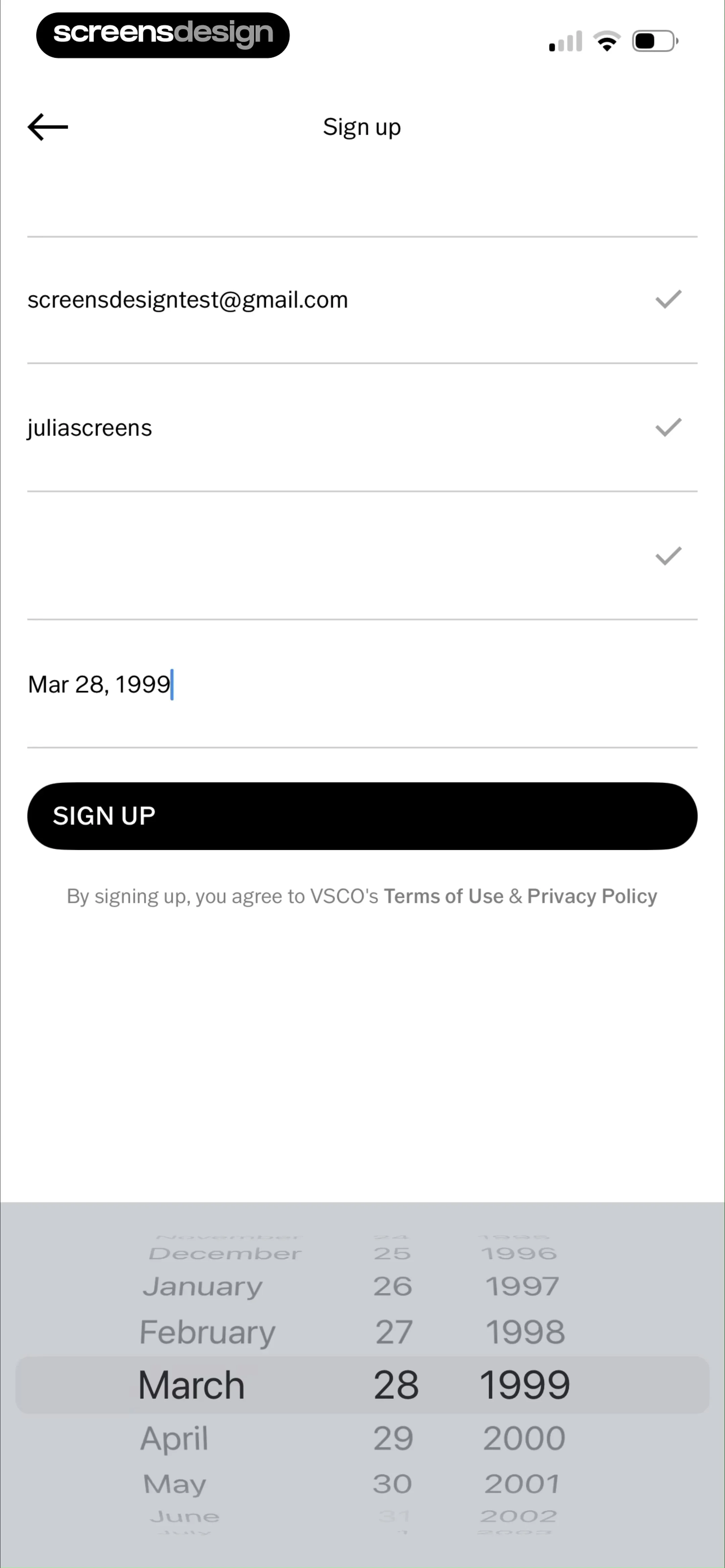
The bottom portion of the screen is occupied by a date picker wheel, which is currently set to March 28, 1999, allowing the user to scroll through months, days, and years.
 See the flow
  Premier League - Scores, News
A date picker wheel is visible at the bottom of the screen, currently set to November 19, 1990.
 See the flow
  Layout for Instagram・Inpreview
Below these, a 'REMINDER' section features a toggle switch and an active date/time picker wheel currently set to 'Today' at '3:04 PM'.
 See the flow
  Too Good To Go: Save Good Food
The main content area is a three-column scrolling picker interface displaying months, days, and years.
 See the flow
  Refina: AI Plastic Surgery
Below the text is a centered, vertical scrolling picker component displaying a range of ages, with '27' currently selected and highlighted in a light gray box.
 See the flow
  Noxogy Sleep Tracker
Top navigation bar followed by a toggle switch, a time label, a scrollable time picker, and a footer instruction text.
 See the flow
  Map My Run GPS Running Tracker
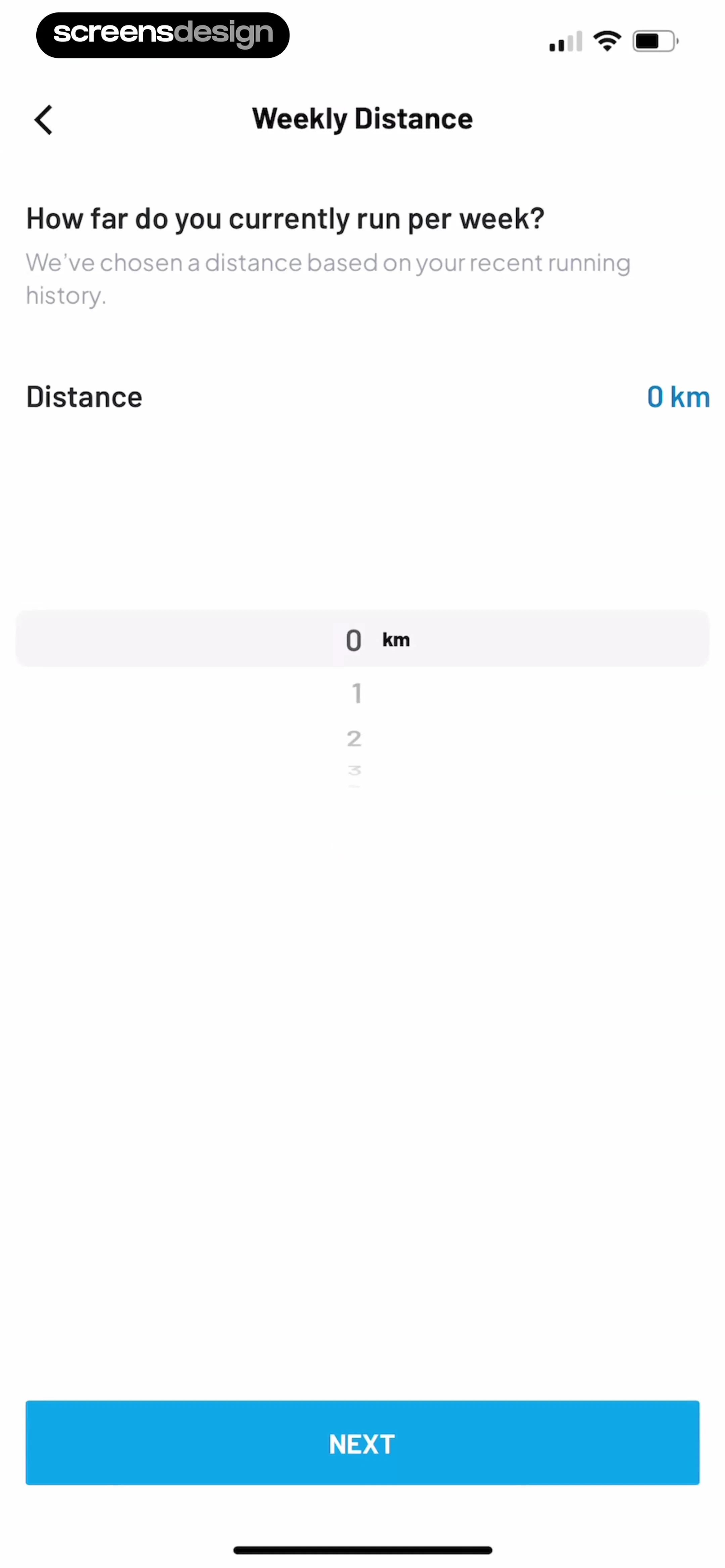
The central interactive element is a vertical scrolling picker (wheel) showing numbers like 0, 1, 2, 3, allowing the user to select their weekly distance in kilometers.
 See the flow
  invideo AI: AI Video Generator
At the bottom of the screen, a date picker wheel is active, currently highlighting the year '1999'.
 See the flow
  Fishbox - Smart Fishing App
A bottom sheet overlay is active, titled 'Weather', which features a vertical scrolling picker for temperature settings, showing values like -40, -39, and -38 degrees Celsius, alongside weather icons like sun and moon.
 See the flow
  WeMoms - Pregnancy & Baby App
Below this, two vertical scrolling pickers are displayed side-by-side, labeled 'Weeks' and 'Days'.
 See the flow calimoto Motorcycle Navigation
A prominent centered modal window titled 'Type' is active, featuring a vertical scrolling picker list of motorcycle categories.
 See the flow
  Plant Identifier, Care: Planty
The user interacts with a vertical scrolling picker to select a number, with '1' currently highlighted in the center of the selection area.


