

 See the flow
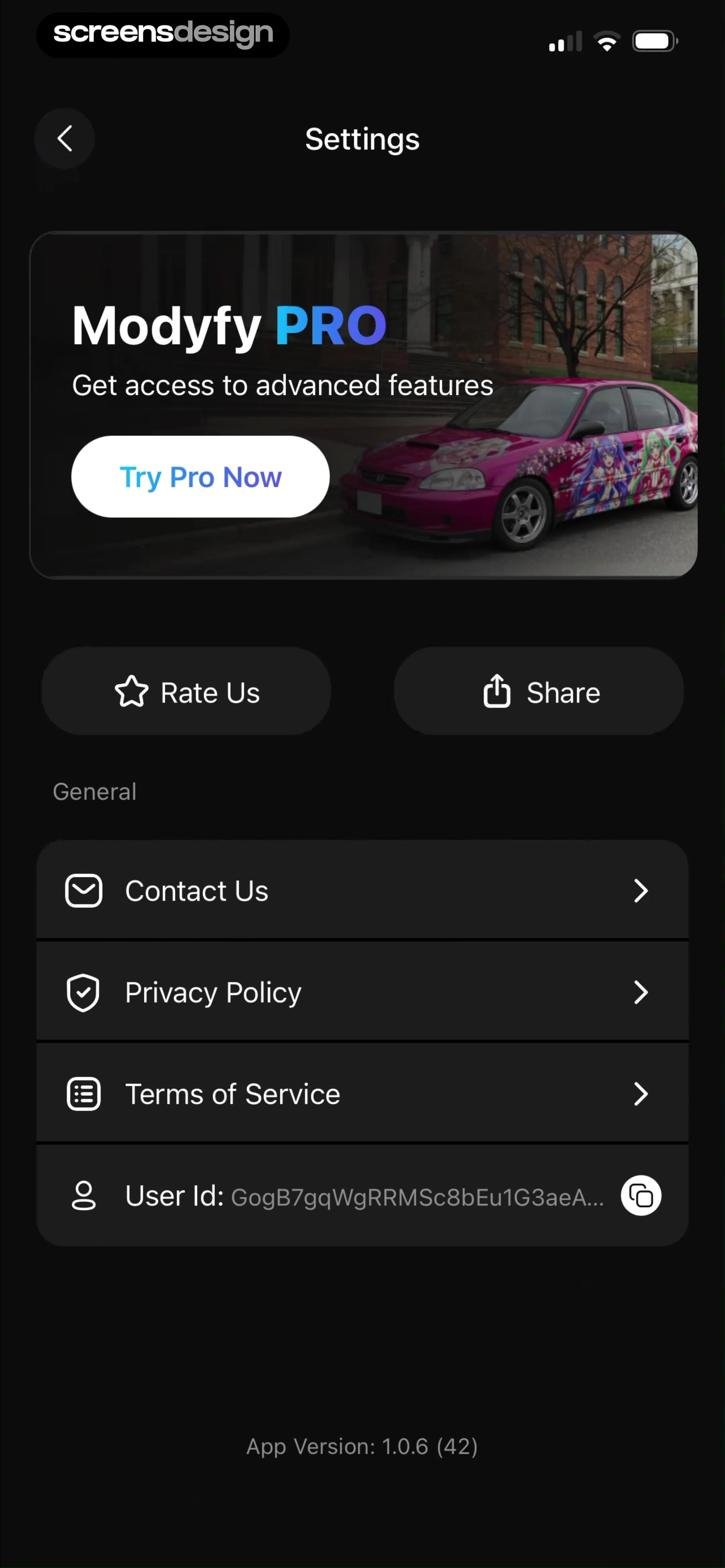
  Modyfy: AI Car Designer
The bottom of the screen displays the app version number.
 See the flow
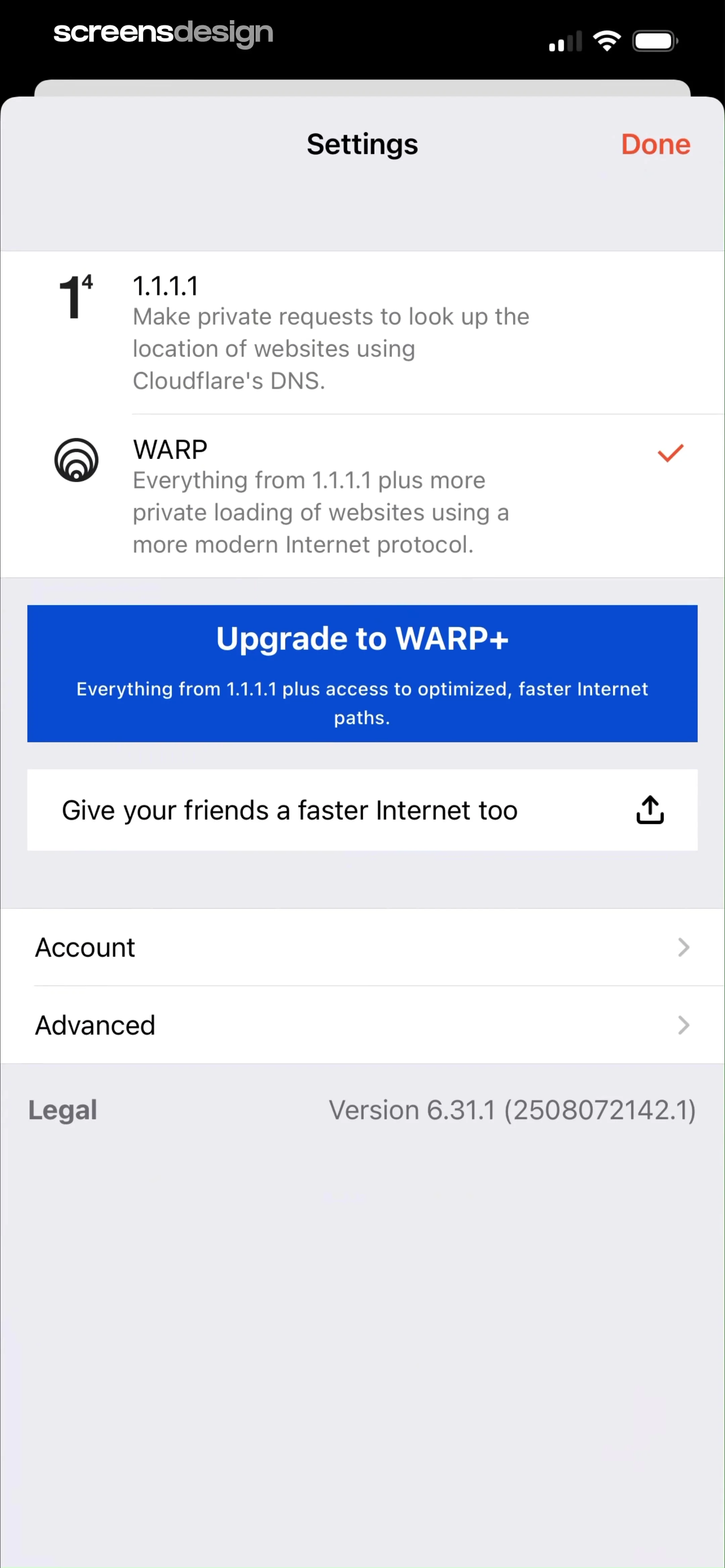
  1.1.1.1: Faster Internet
The bottom section contains list items for 'Account' and 'Advanced' settings, followed by a 'Legal' section that displays the app version number '6.31.1 (2508072142.1)'.
 See the flow
  Widgetable: Besties & Couples
Below this, the screen is divided into two main list-based sections: 'Setting' and 'Support & About'.
 See the flow
  Bible Chat: Daily Devotional
Below the card, small text displays the app version (4.0.14) and a unique user ID (UID).
 See the flow
  Litres: Audio
The top section contains general app utilities like 'Newsletters', 'Recover purchases', and 'About the application'.
 See the flow
  Yelp: Food, Services & Reviews
The lower section of the screen contains legal links ('Terms of Service', 'Privacy Policy', 'Ad Choices', 'Content Guidelines'), copyright information, and the app version (25.26.0).
 See the flow
  Particle: Personalized News
A 'Location' section provides a prompt to enable location permissions for localized news, and the bottom of the screen shows app version information.
 See the flow
  Heyyyy: Stories that text back
The 'Account' section displays user details like email, member since date, last login, account status, free character creations count, and app version, along with a 'Restore Purchases' link.
 See the flow
  Windy.app — Wind, Tides, Radar
At the very bottom of the screen, the app version '15.1.0 (15101)' is displayed in small, centered text.
 See the flow
  HBX | Globally Curated Fashion
At the bottom, there are links for 'Privacy Policy' and 'Privacy Settings', followed by the app version number.
 See the flow
  Scanner App: Genius Scan
The bottom section contains a text area pre-populated with technical device information, including the app version, device model, OS version, subscription plan, and user email.
 See the flow
  calimoto Motorcycle Navigation
The bottom of the screen displays the app version number.
 See the flow
  Meetup: Social Events & Groups
This is an 'About' settings screen for the Meetup app, featuring a clean, list-based layout on a light background.
 See the flow
  Flight Tracker +
At the bottom, the app version is displayed.
 See the flow
  Zalando – Online fashion
This is an 'About Us' settings screen in the Zalando fashion app.
 See the flow
  Rork
RorkThe bottom of the screen displays the app version (V1.0.11) and build hash.
 See the flow
  CamScanning: AI Measure & Scan
Below this, a white, rounded-corner card contains a vertical list of four menu items: 'User Agreement', 'Privacy Agreement', 'Feedback', and 'About Us'.
 See the flow
  invideo AI: AI Video Generator
The second group contains support and legal links: 'FAQ's', 'Terms and Conditions', 'Privacy Policy', and 'Chat with support'.
 See the flow
  ZEDGE™ Ringtones & Wallpapers
The first section includes an 'App Icon' selector with a purple icon preview, the current app version '5.18.1+1475', and a 'Ringtone Guide'.
 See the flow
  EveryDollar: Budget Management
This screen is an 'About' page within the EveryDollar app, featuring a clean, light-themed interface.


