Blinq: Digital Business Card: Editing a Card
Step 1 · 4:12
 See the flow
  Blinq: Digital Business Card
Top navigation bar, followed by a color selection row, a card preview area, action buttons for image customization, and a bottom primary action button.
Step 2 · 4:17
 See the flow Blinq: Digital Business Card
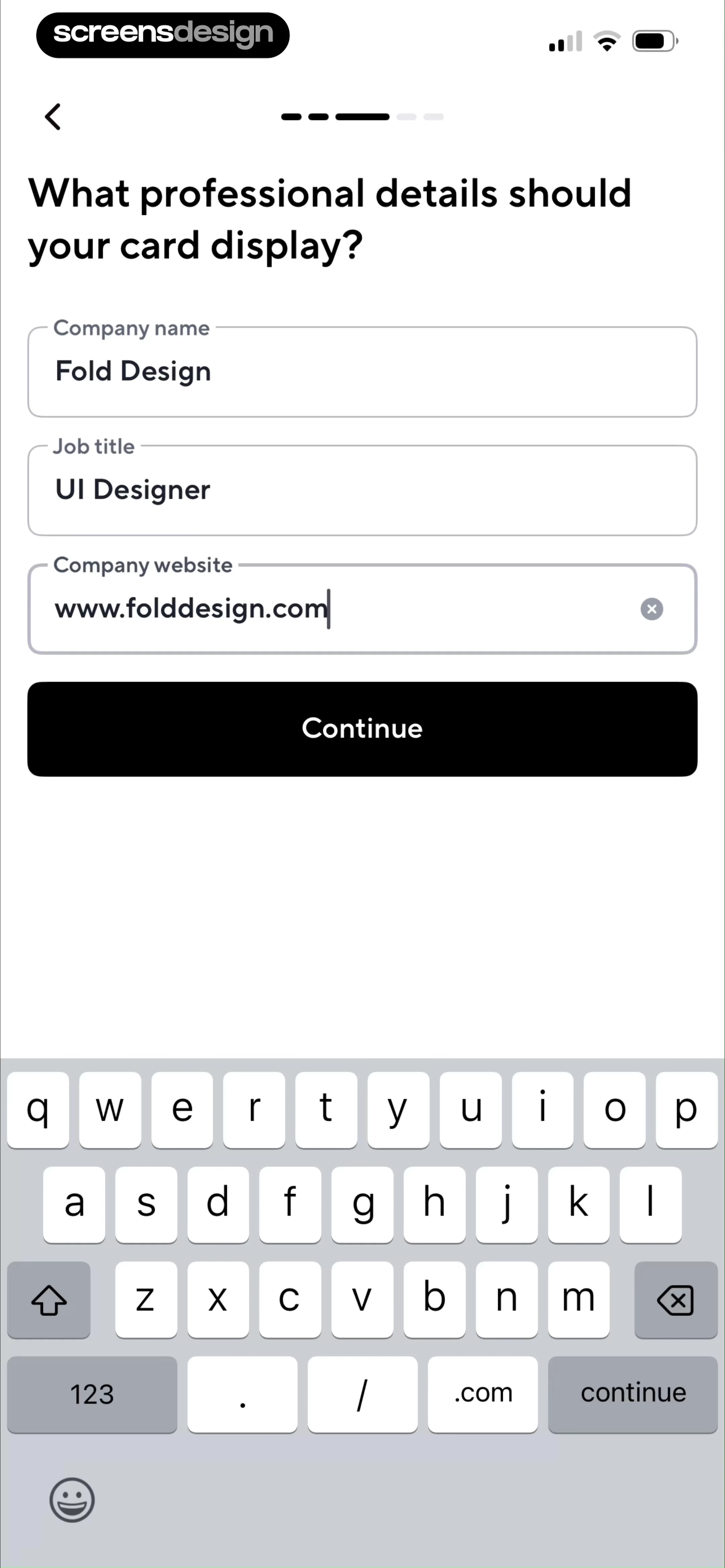
Top navigation bar followed by a vertical list of text input fields for personal details, a reorder instruction, and a list of contact fields with a bottom action button.
Step 3 · 4:19
 See the flow Blinq: Digital Business Card
Top navigation bar, followed by a reorder instruction, a list of editable contact fields, a section for adding new fields, and a fixed bottom preview button.
Step 4 · 4:28
 See the flow Blinq: Digital Business Card
Top navigation bar, instructional header, grid of selectable contact fields, and a large bottom action button.
Step 5 · 4:41
 See the flow Blinq: Digital Business Card
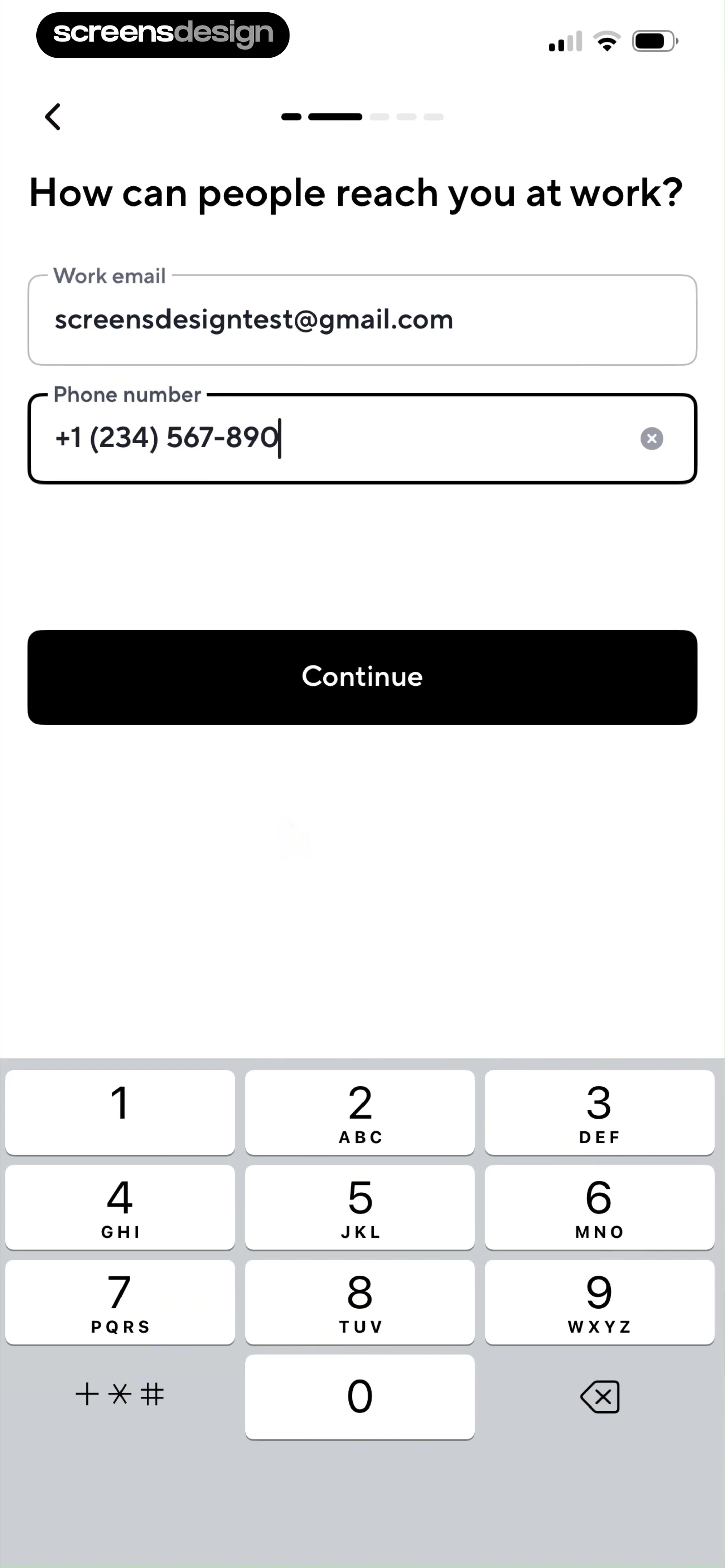
Top navigation bar followed by a header with logo/handle, then two input fields, and finally a suggestion section with two buttons.
Step 6 · 4:49
 See the flow Blinq: Digital Business Card
Top navigation bar, QR code display area, customization options list, and bottom action buttons.
Step 7 · 4:52
 See the flow Blinq: Digital Business Card
Header with logo, profile image, user details, contact list with icons, and a bottom action button.