Motion: Tasks & AI Scheduling

$25k revenue, 4.1 rating

Login & Expectation Setting
0:00 / 10:35

Onboarding flow, Paywall & Inside the App

Watch the full screen-by-screen UX video of Motion: Tasks & AI Scheduling with onboarding, paywall, and every core flow.

Splash screen for the Motion app displaying a centered white lowercase 'm' logo on a light gray background.
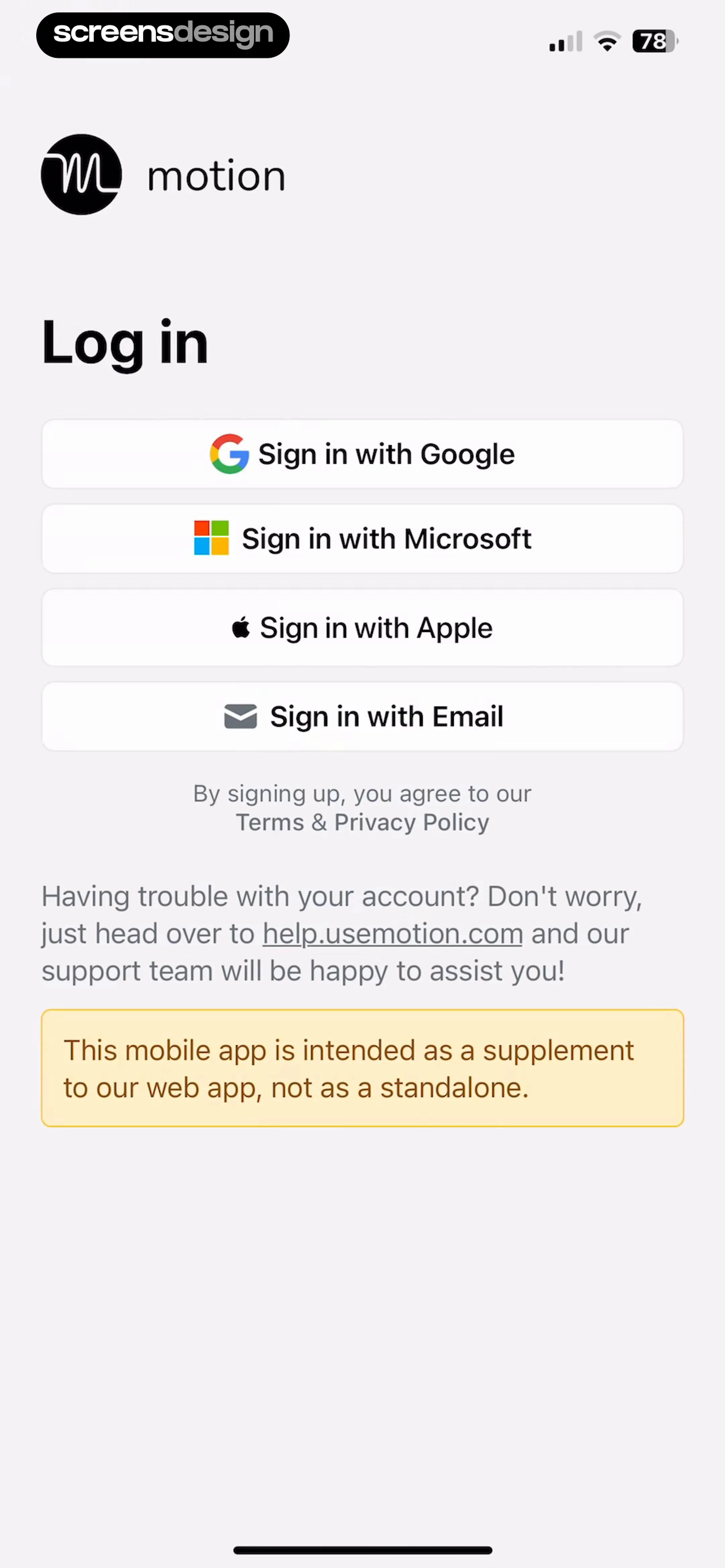
Motion app login screen featuring four social and email sign-in buttons, a terms disclaimer, support information, and a bottom informational banner.
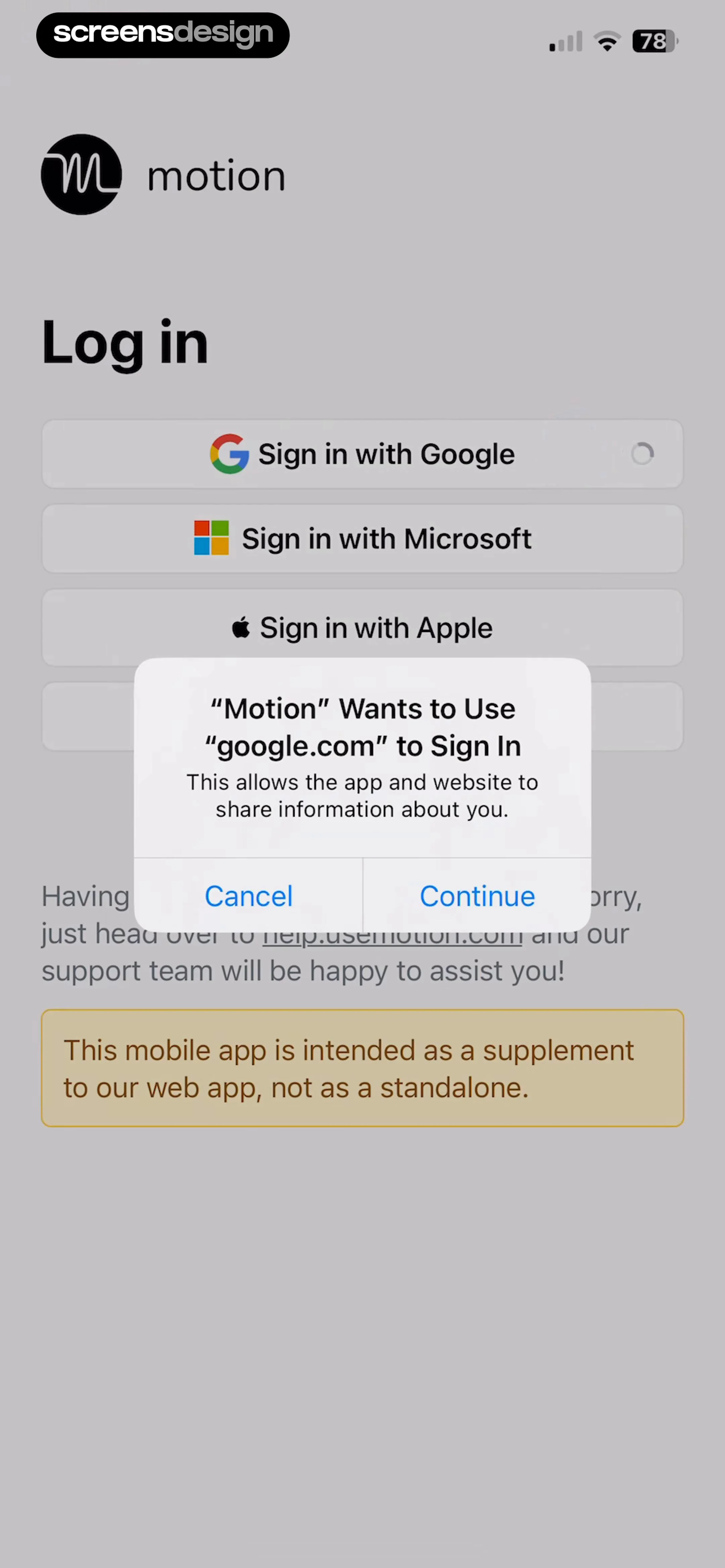
Motion login screen displaying third-party sign-in buttons, a Google sign-in permission modal, and a bottom information banner.
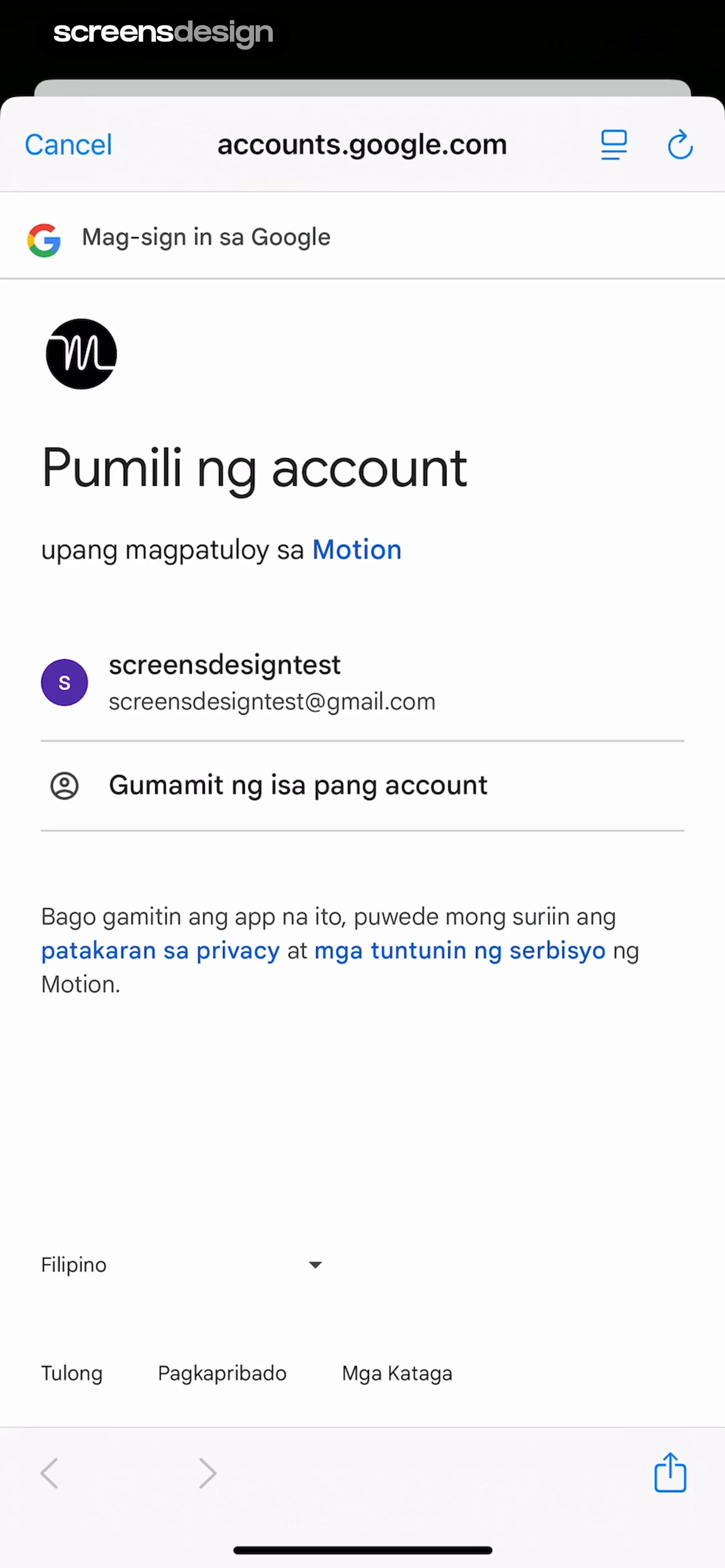
Google account sign-in screen for the Motion app displaying a selectable email address and an option to use another account.
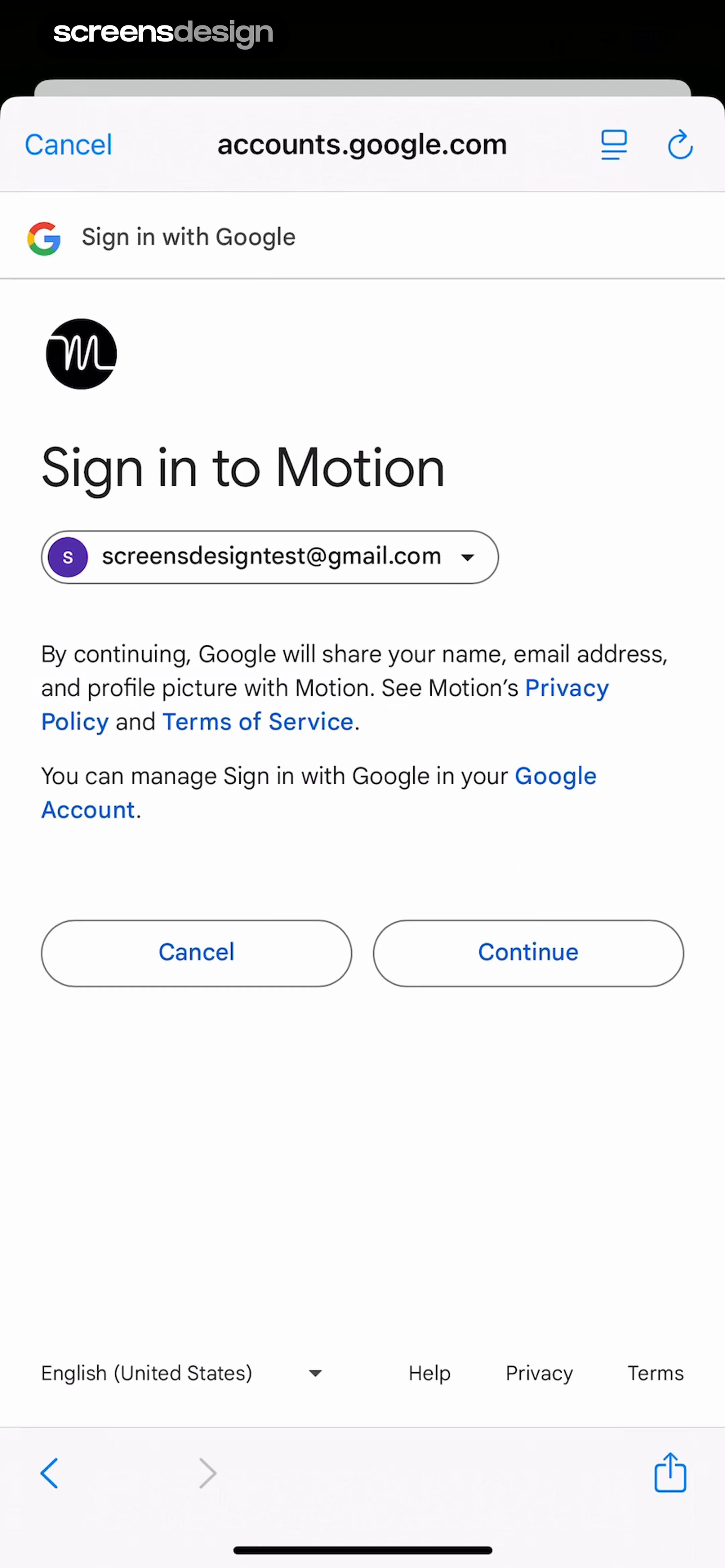
Google Sign-in authorization screen for the Motion app, featuring the user account selector and a Continue button.
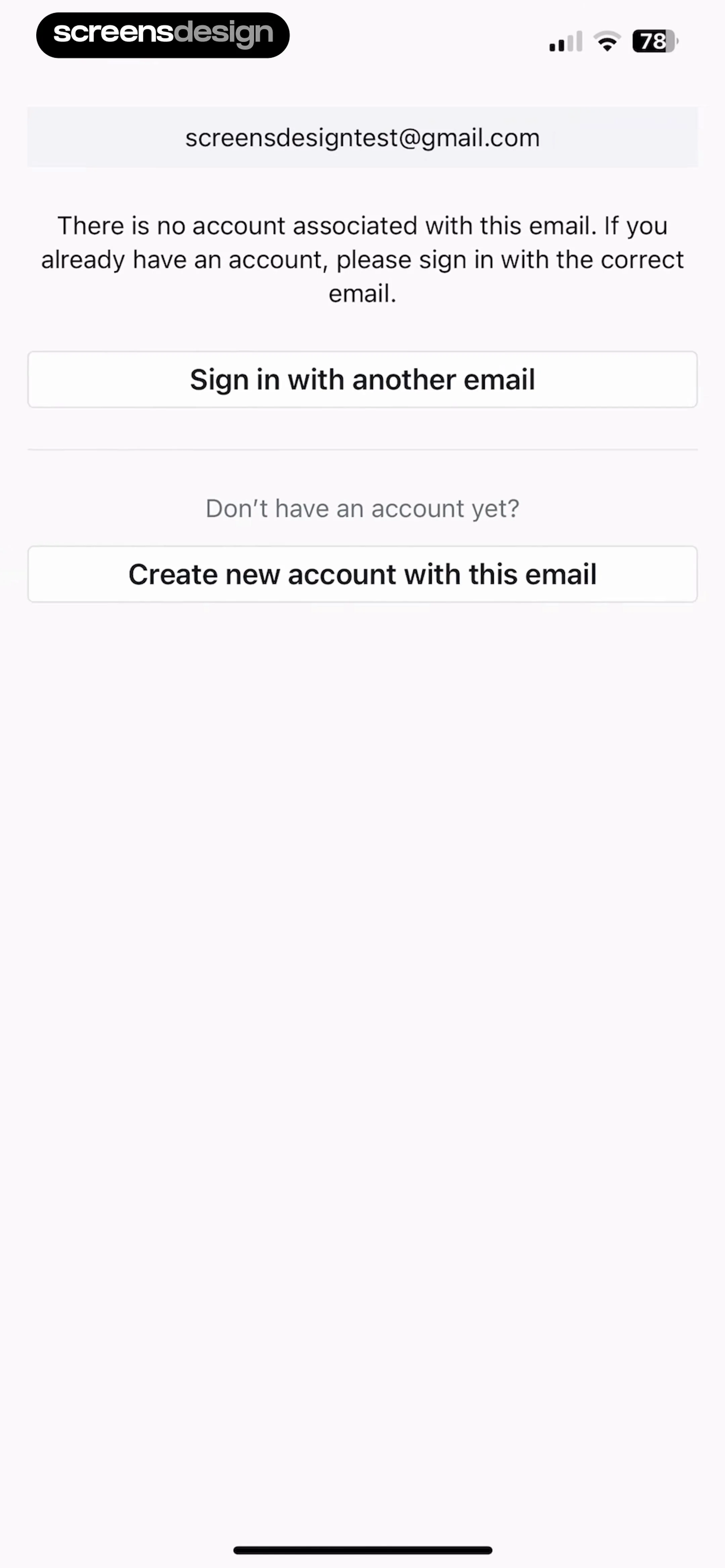
Account authentication error screen displaying an email address with a message that no account is associated with it, plus buttons to sign in with another email or create a new account.
Paywall screen comparing annual and monthly subscription plans, with the annual plan selected and a Start 7 day free trial button.
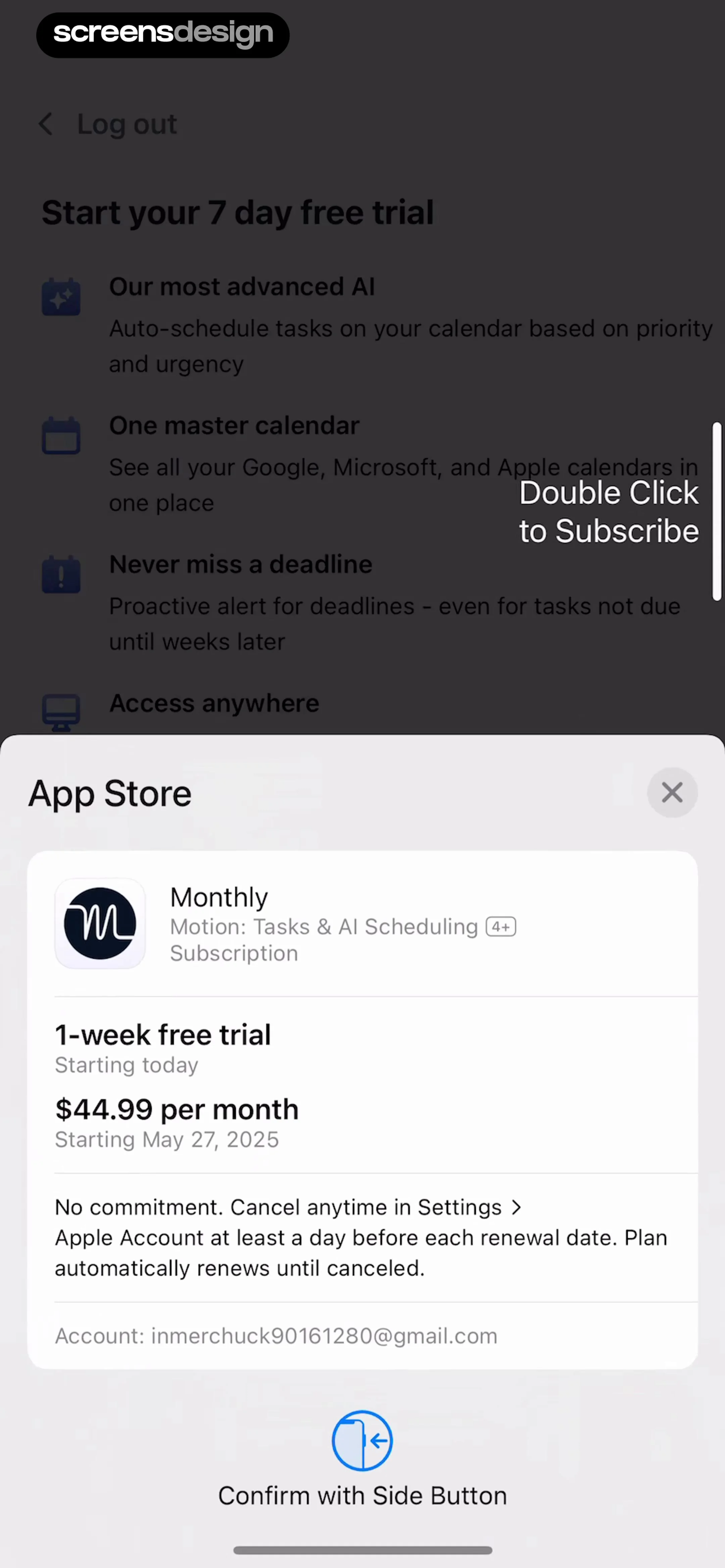
iOS subscription confirmation modal for a monthly plan with a free trial, detailing pricing terms and a side button confirmation.
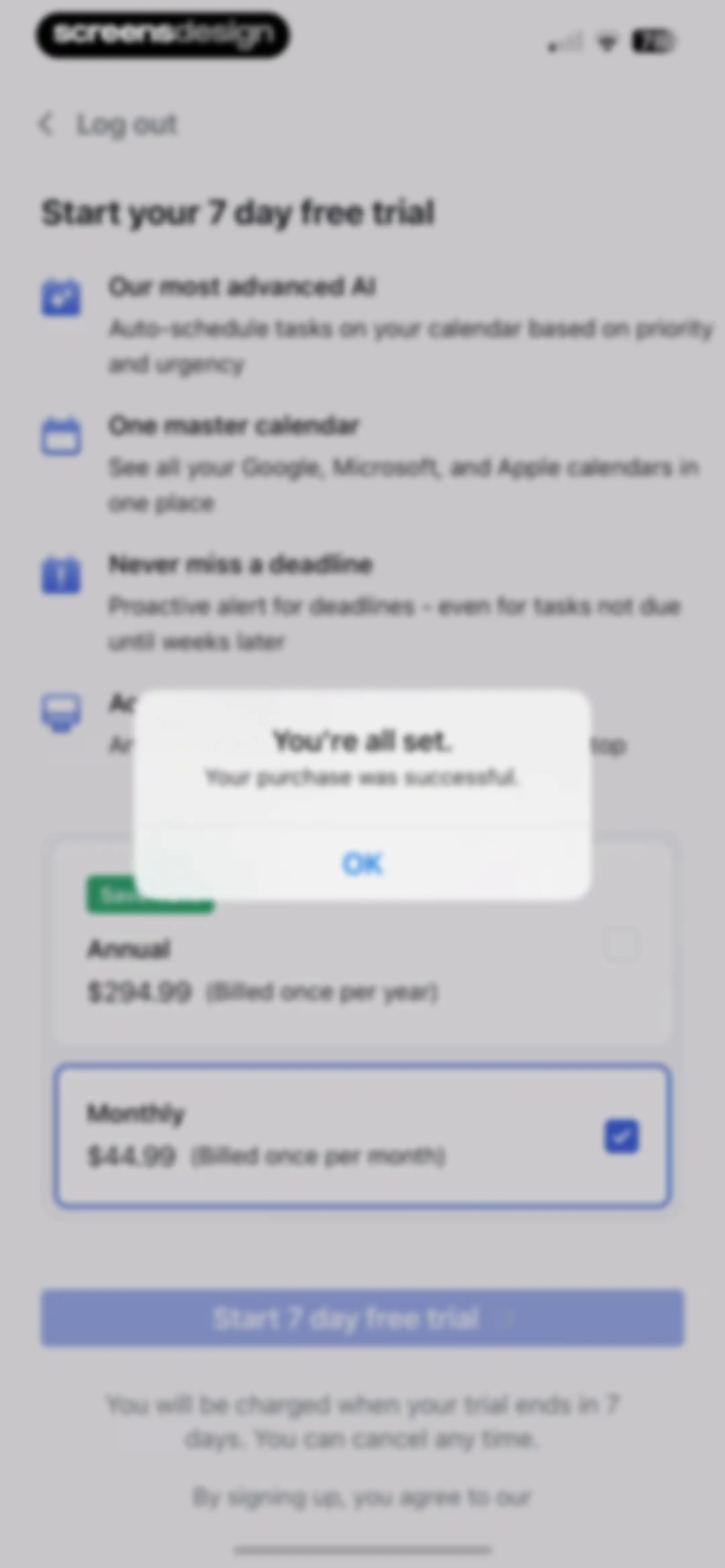
Paywall screen offering annual and monthly subscription plans with a free trial button, featuring a purchase success modal overlay.Unlock Pro
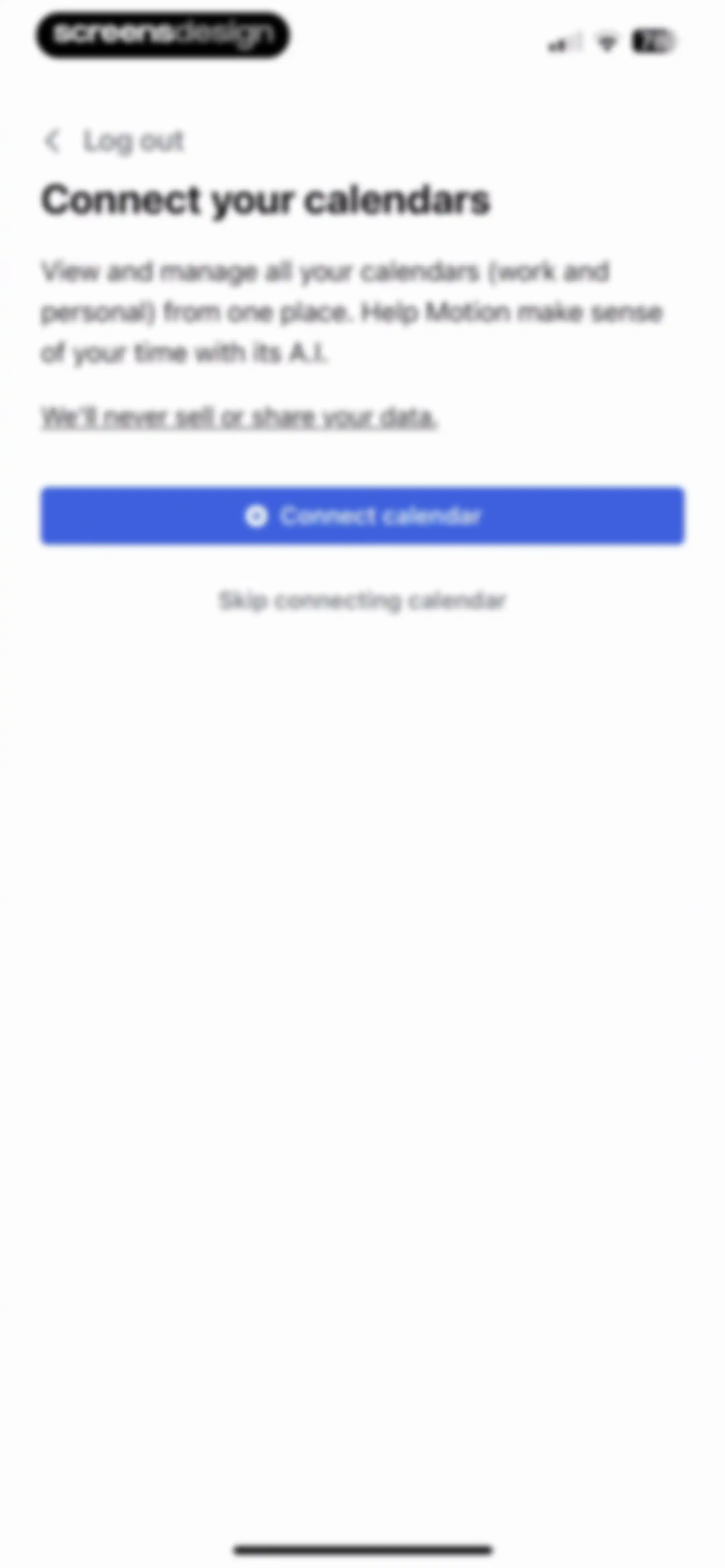
Motion onboarding screen prompting the user to connect work and personal calendars, featuring a privacy assurance, a Connect calendar button, and a skip link.Unlock Pro
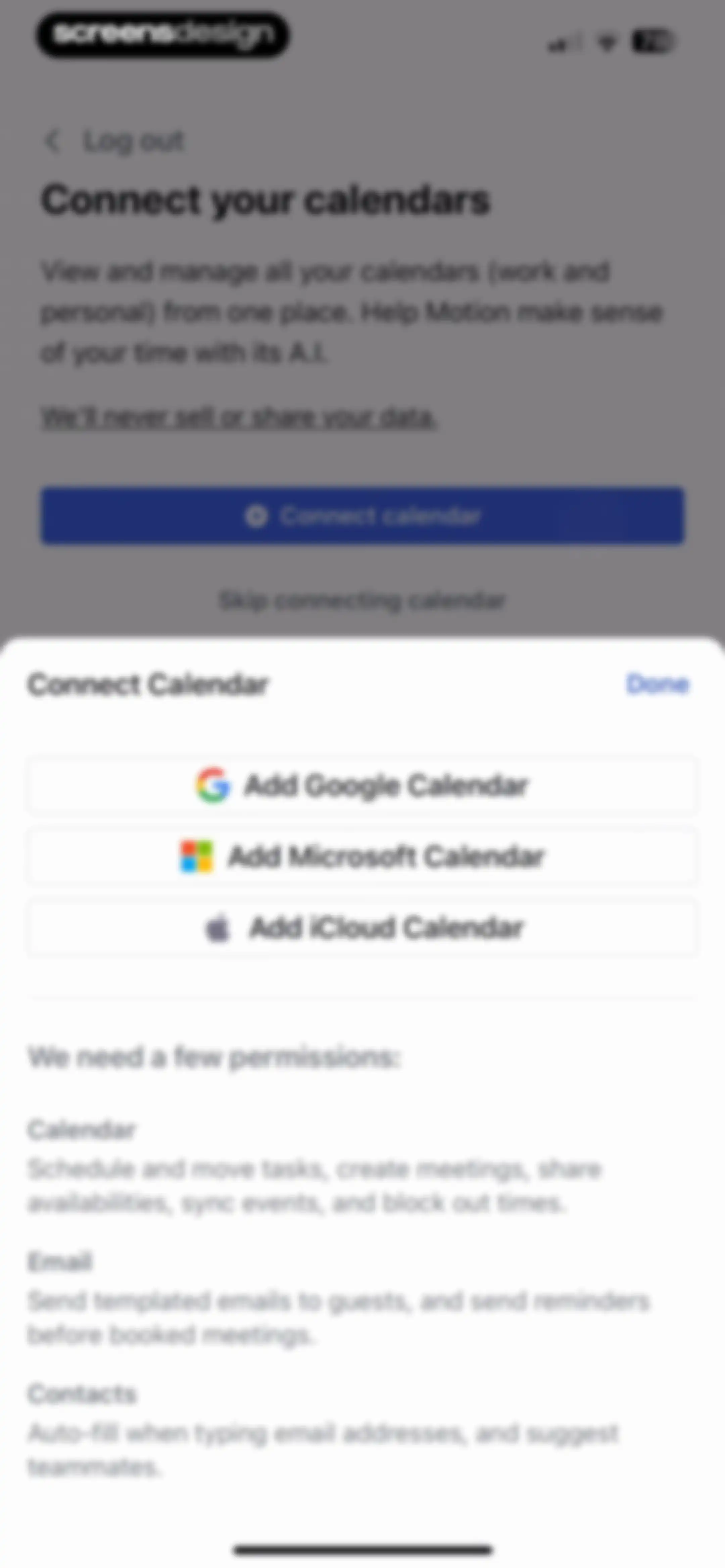
Permissions onboarding modal displaying options to connect Google, Microsoft, or iCloud calendars alongside a list of required app permissions.Unlock Pro
Google sign-in form for the Motion app with a filled email field and Next button.Unlock Pro
Google sign-in form for the Motion app displaying a password entry field and a Next button.Unlock Pro
Google sign-in permission screen for the Motion app, displaying the user account selector and Continue and Cancel buttons.Unlock Pro
Google Account permission request screen showing a list of checkboxes for the Motion app to access calendar and contact data.Unlock Pro
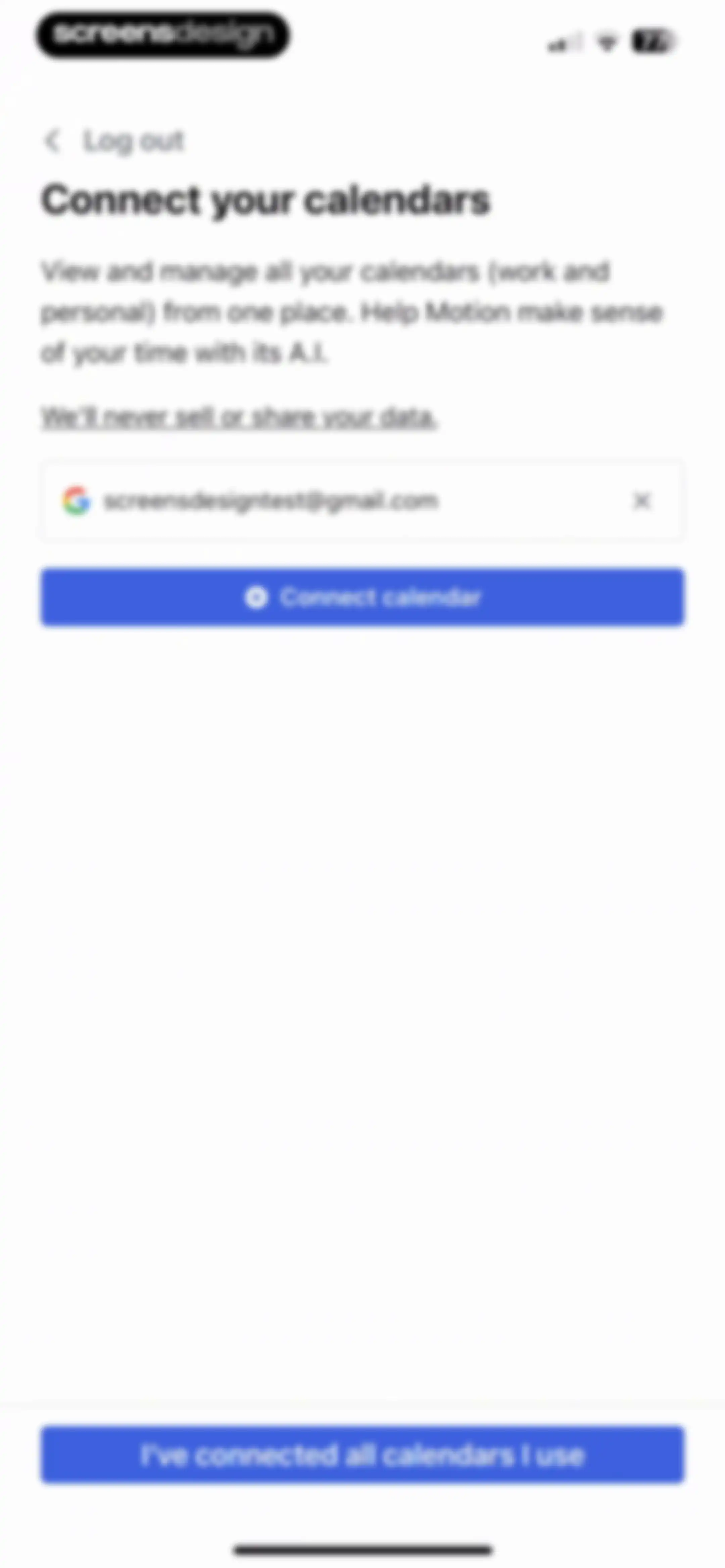
Onboarding screen prompting users to connect their calendars, featuring a connected Google account card, a connect calendar button, and a primary action button at the bottom.Unlock Pro
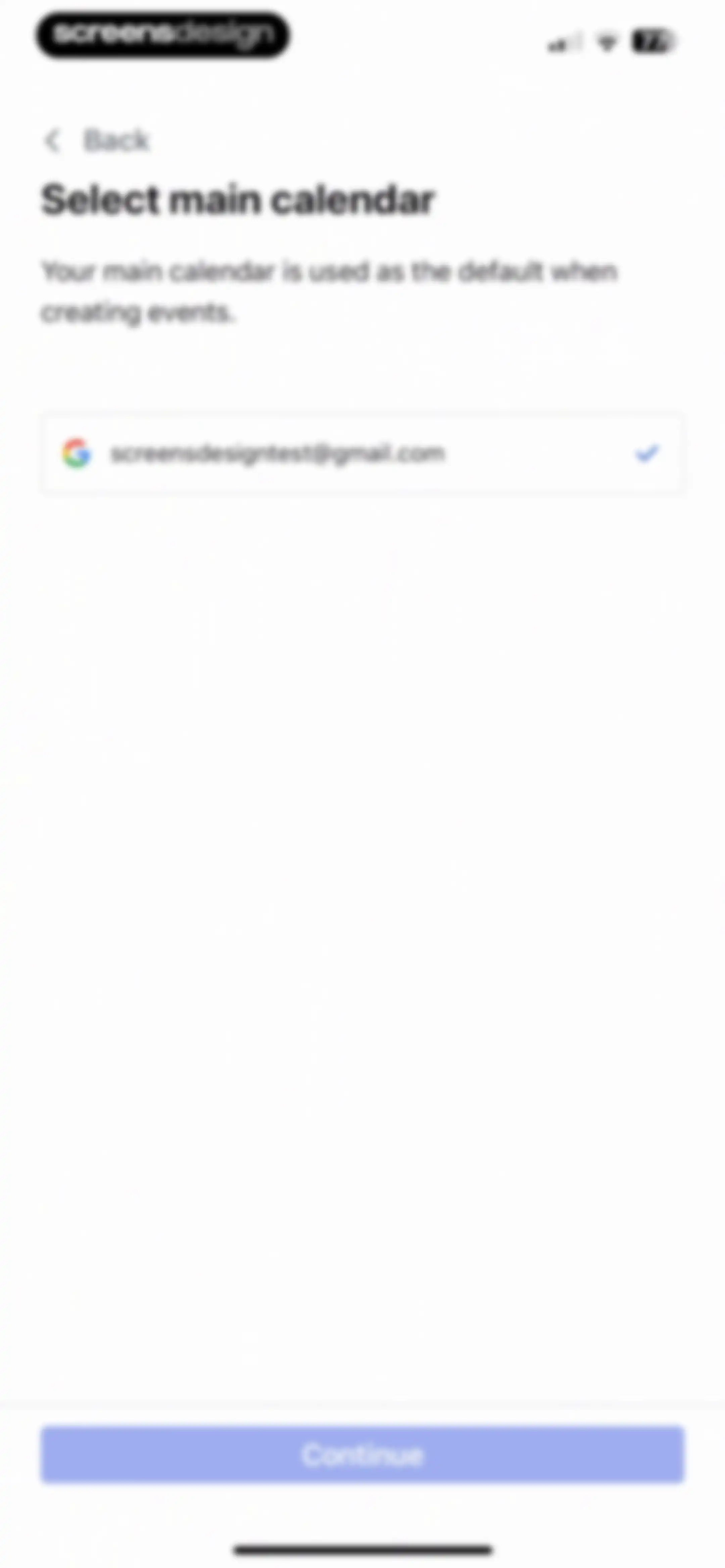
Onboarding screen for selecting a main calendar, showing a selected Google account card and a Continue button.Unlock Pro
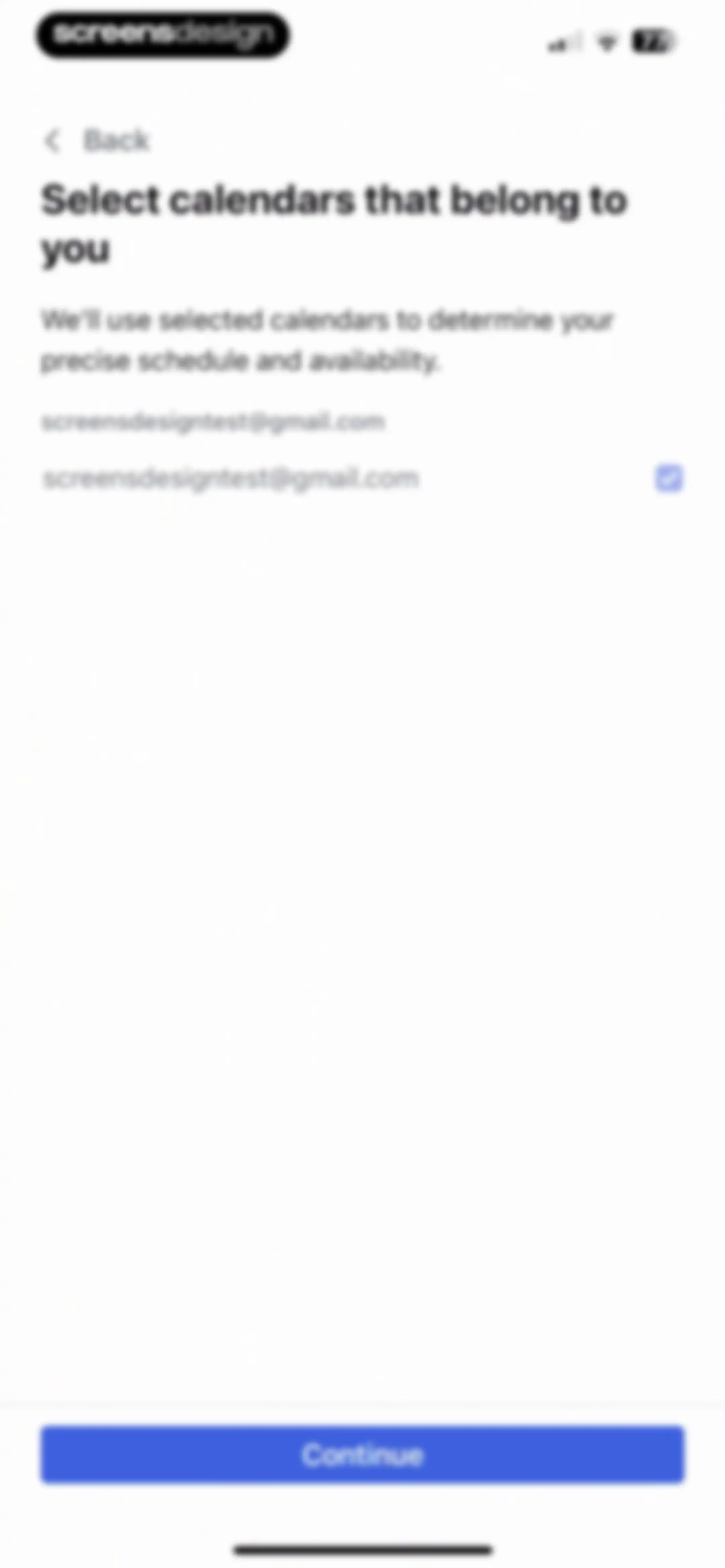
Calendar selection onboarding screen listing a user account with a toggle and a Continue button at the bottom.Unlock Pro
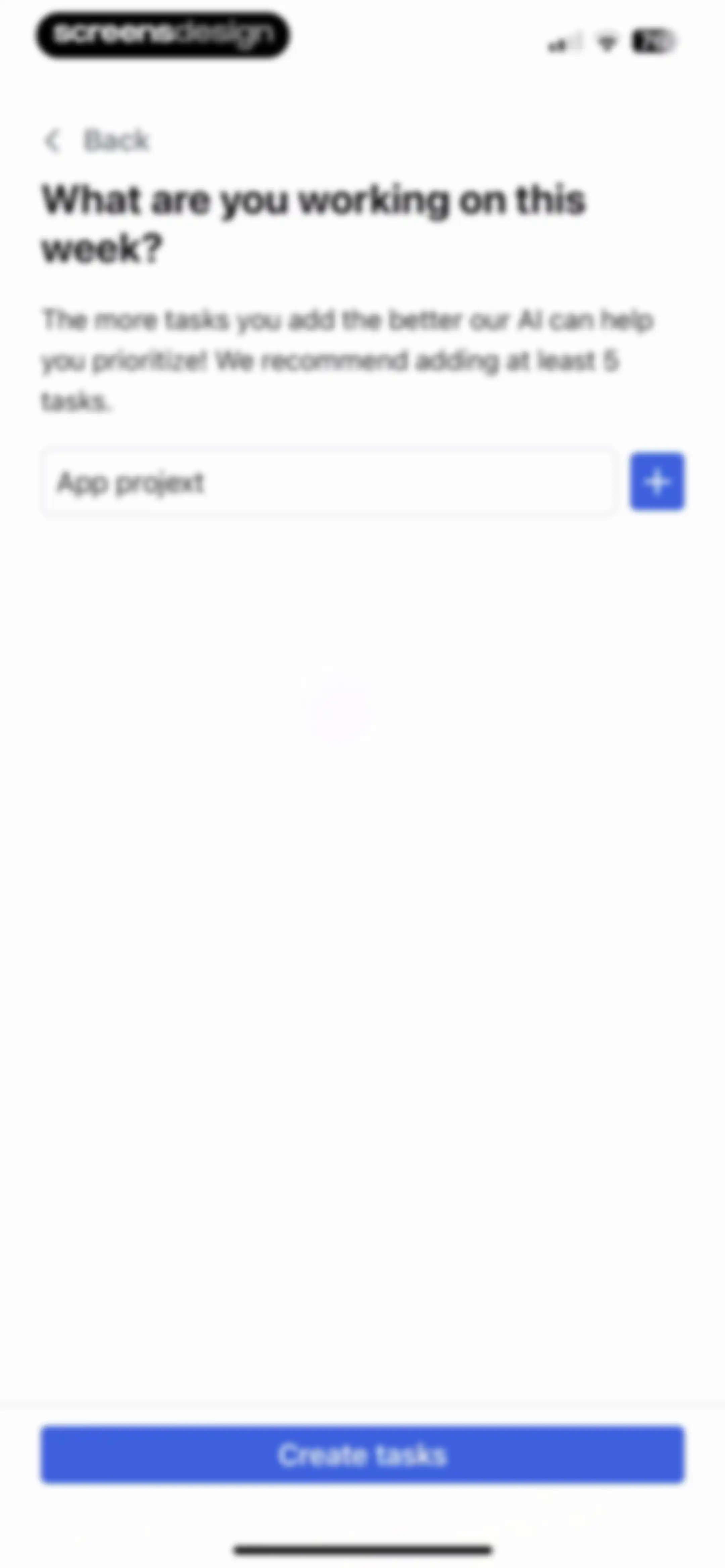
Task input onboarding screen asking what you are working on this week, with a filled task field and a Create tasks button.Unlock Pro
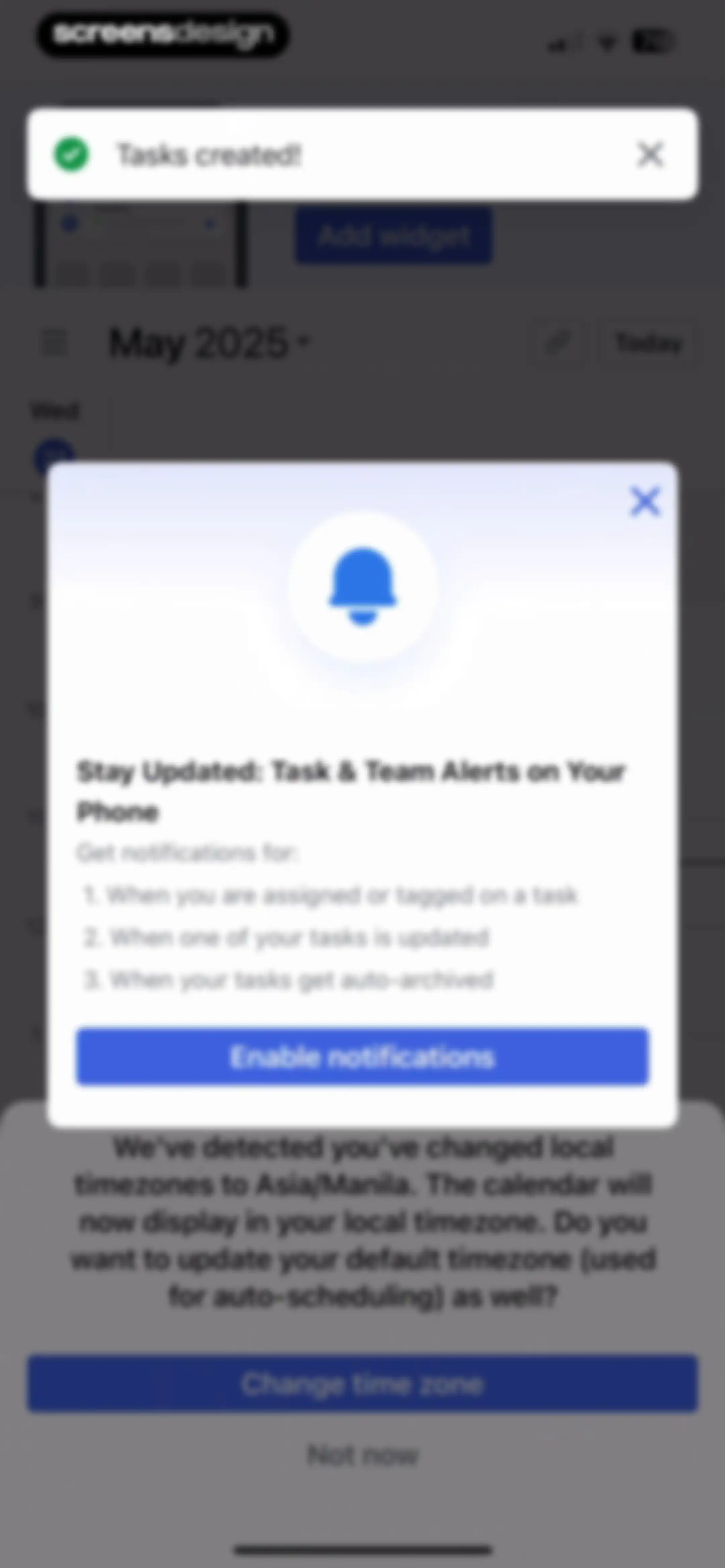
Notification and timezone update prompts overlapping a calendar view, featuring an Enable notifications button and a Change time zone option.Unlock Pro
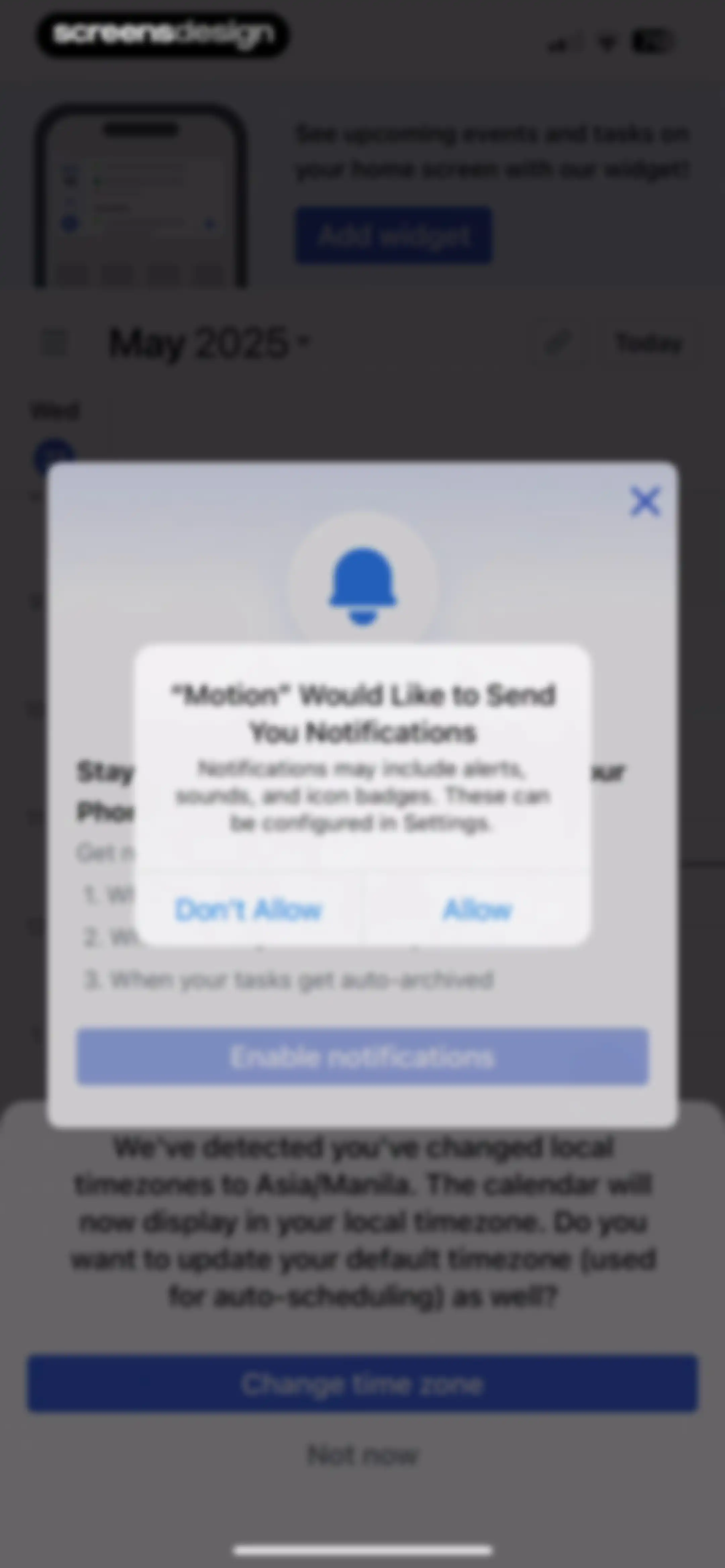
Permission request screen displaying a system notification prompt stacked over a timezone update modal with Allow and Don't Allow buttons.Unlock Pro
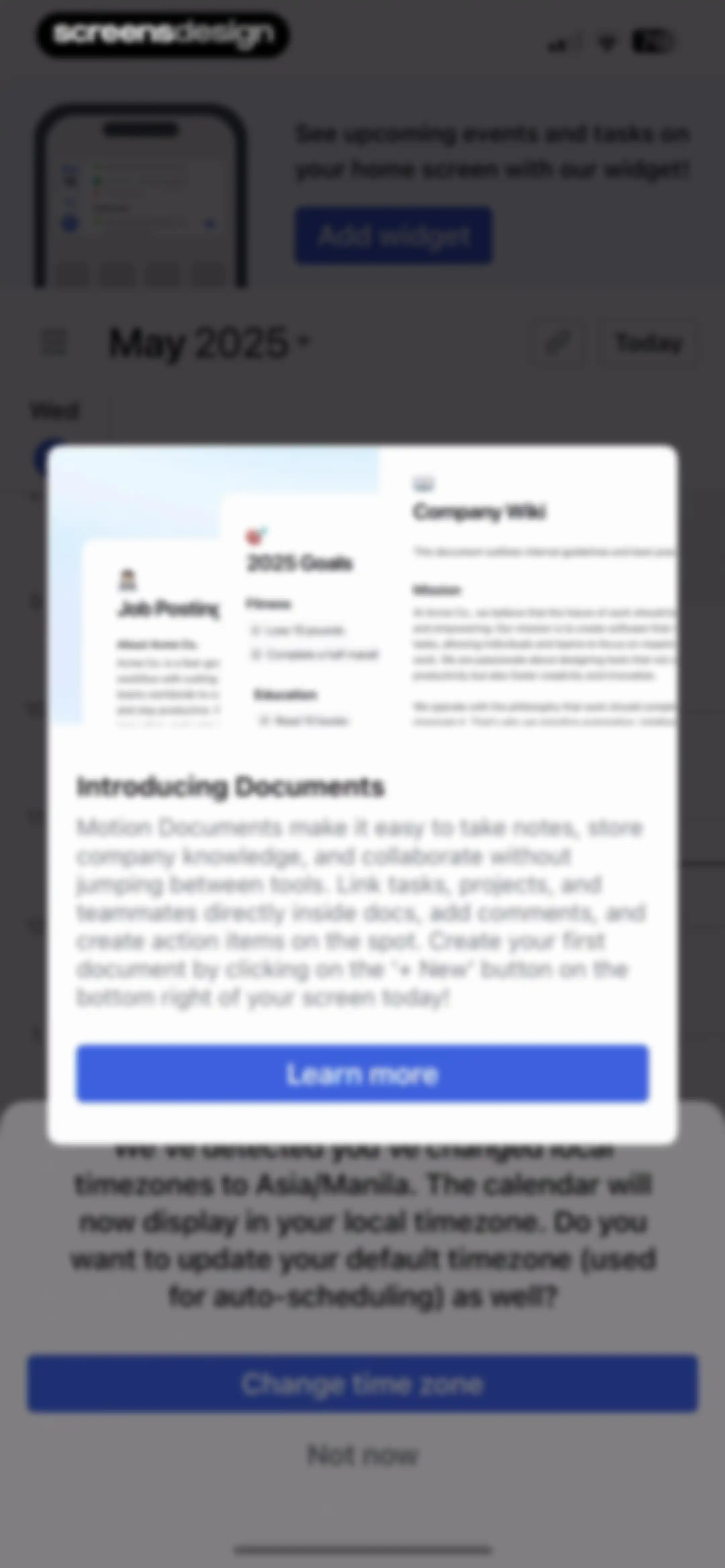
Calendar view with a centered feature announcement modal for Documents and a bottom timezone update confirmation modal.Unlock Pro
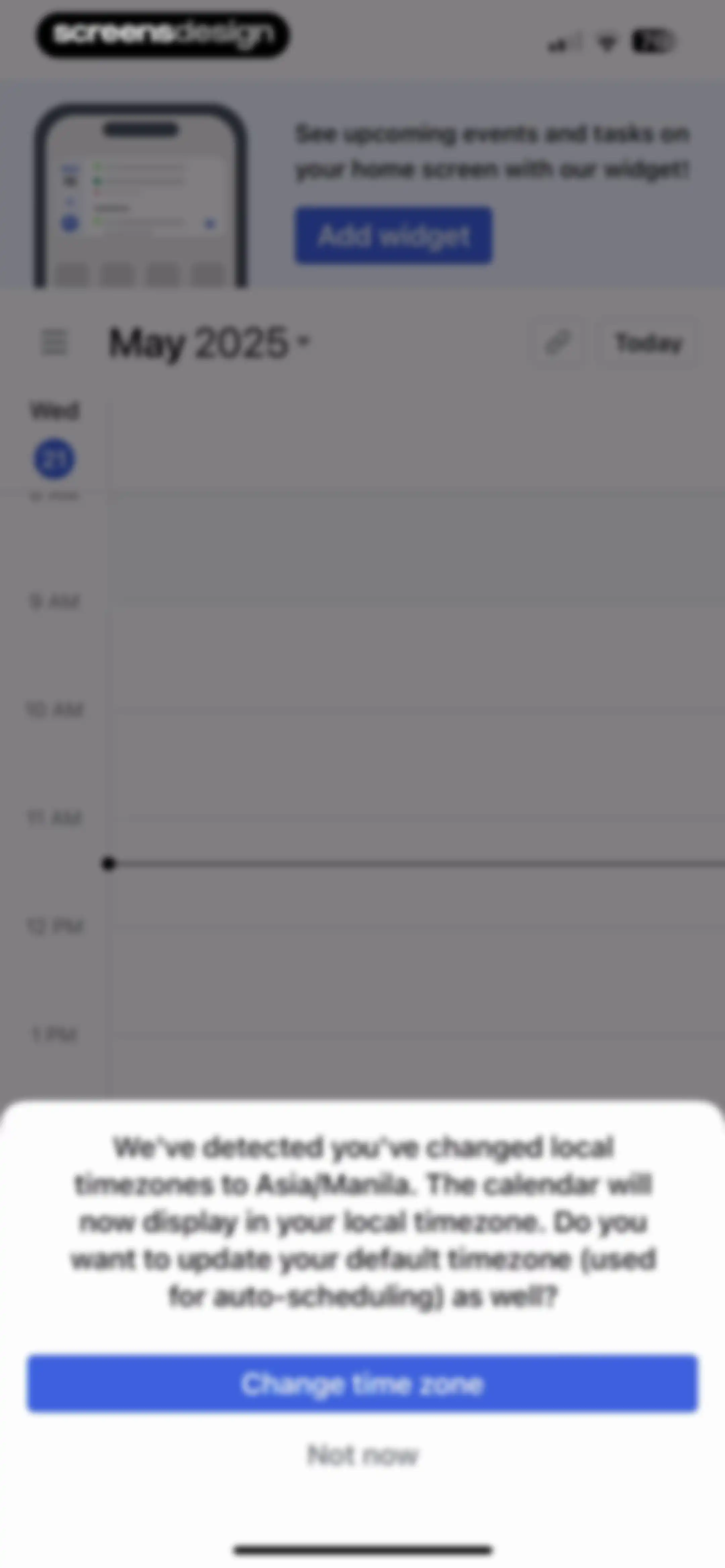
Calendar interface displaying a May 2025 schedule and a modal overlay prompting the user to update their default timezone.Unlock Pro
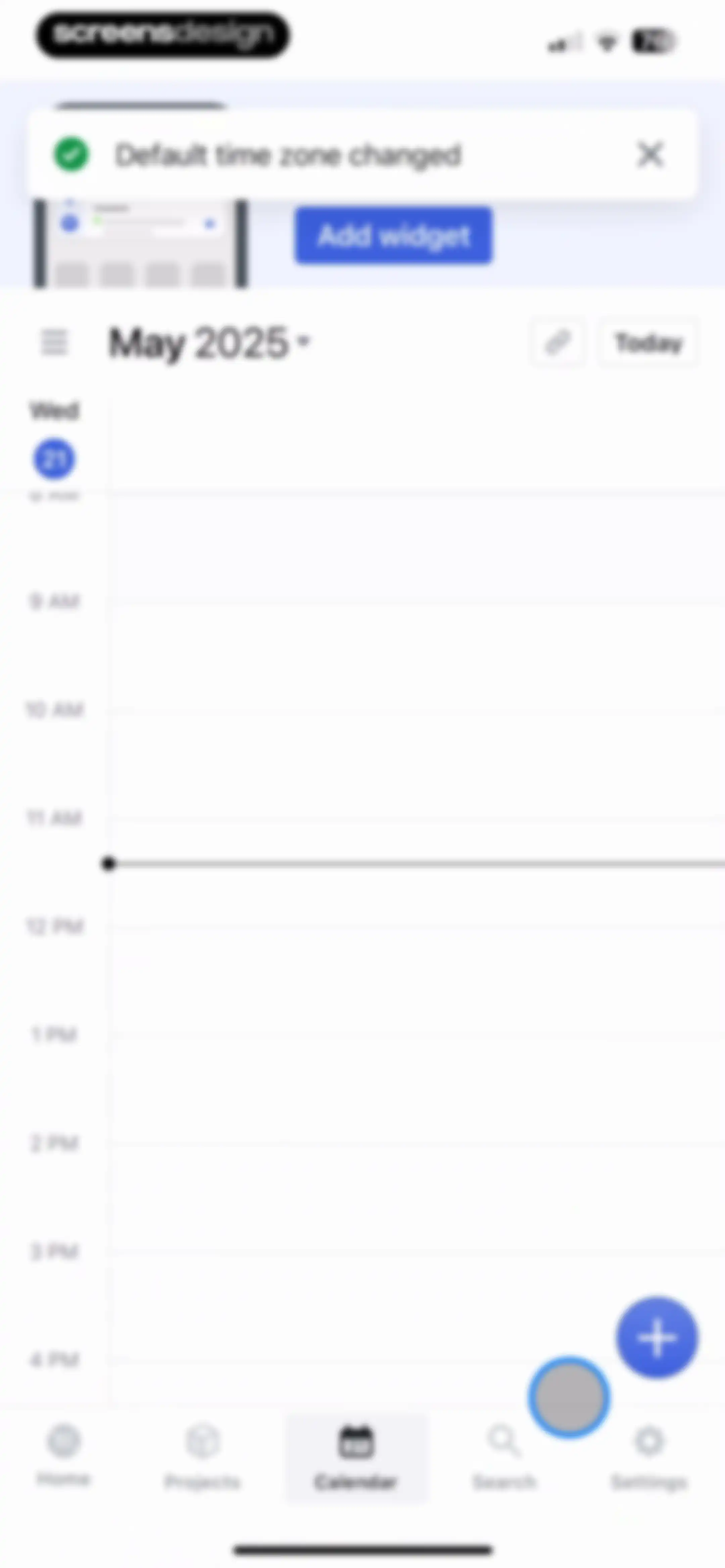
Calendar home screen showing a vertical time grid for May 21, 2025, with a notification about a time zone change and the Calendar tab selected in the bottom navigation.Unlock Pro
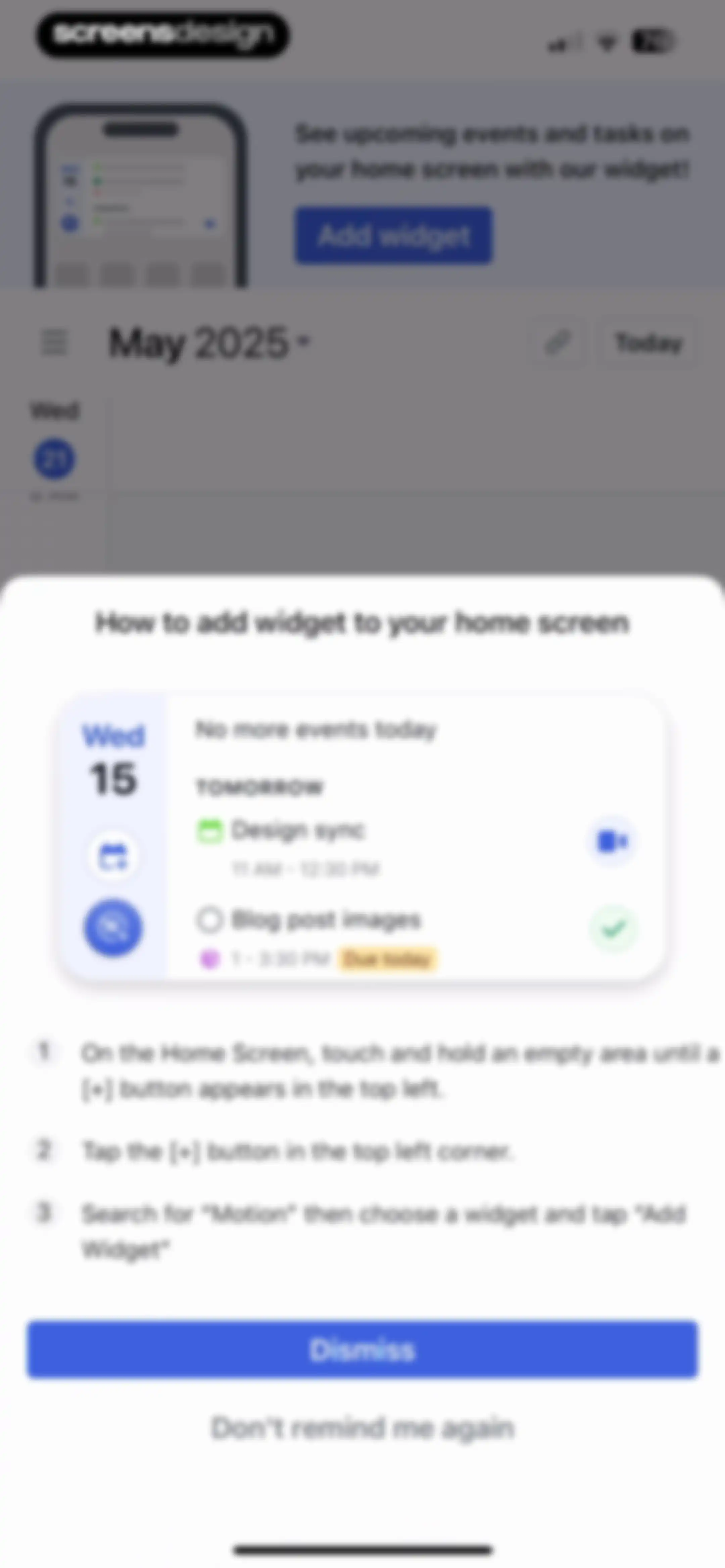
Instructional modal overlay with a widget preview and a three-step guide on adding a home screen widget, featuring Dismiss and Don't remind me again buttons.Unlock Pro
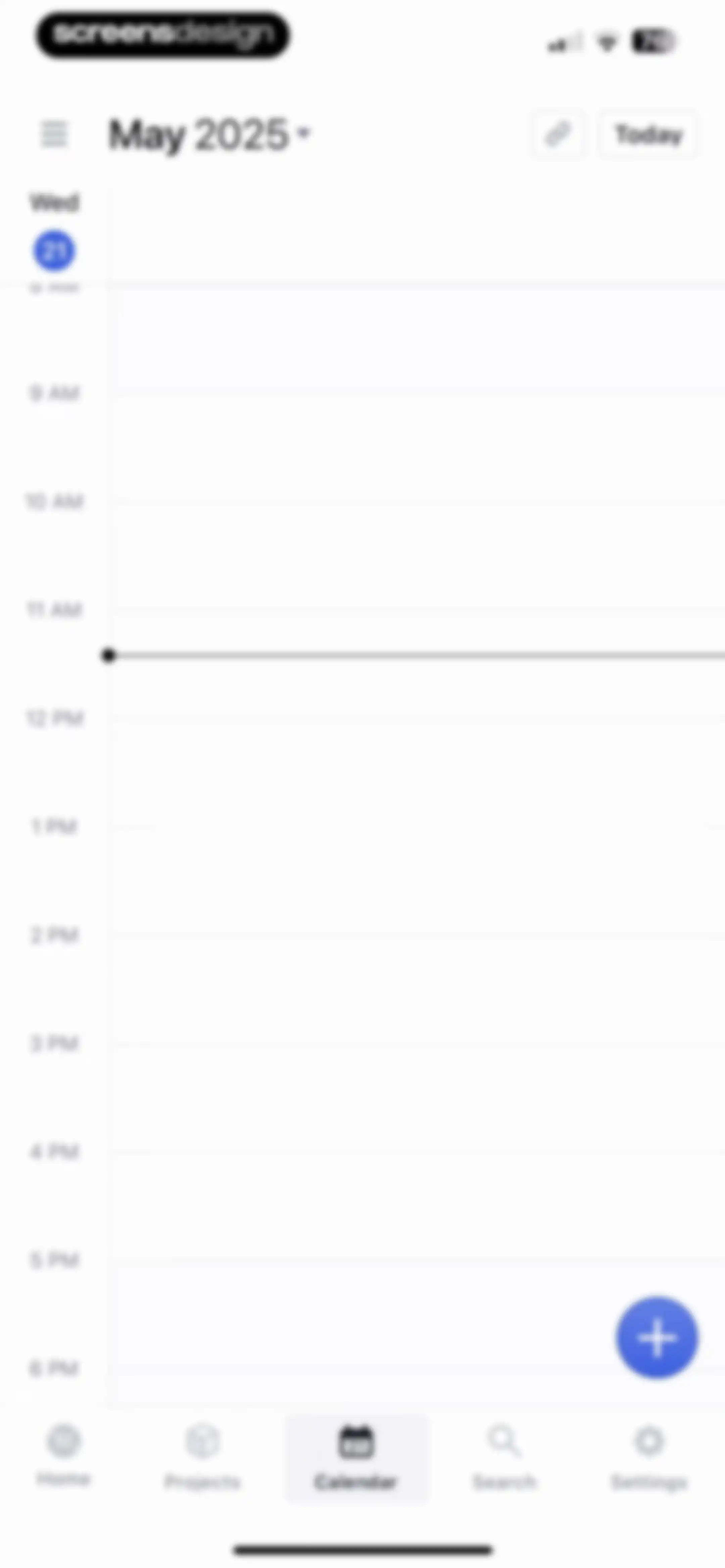
Calendar dashboard with a vertical hourly schedule grid from 8 AM to 6 PM, the Calendar tab selected in the bottom navigation, and a floating add button.Unlock Pro
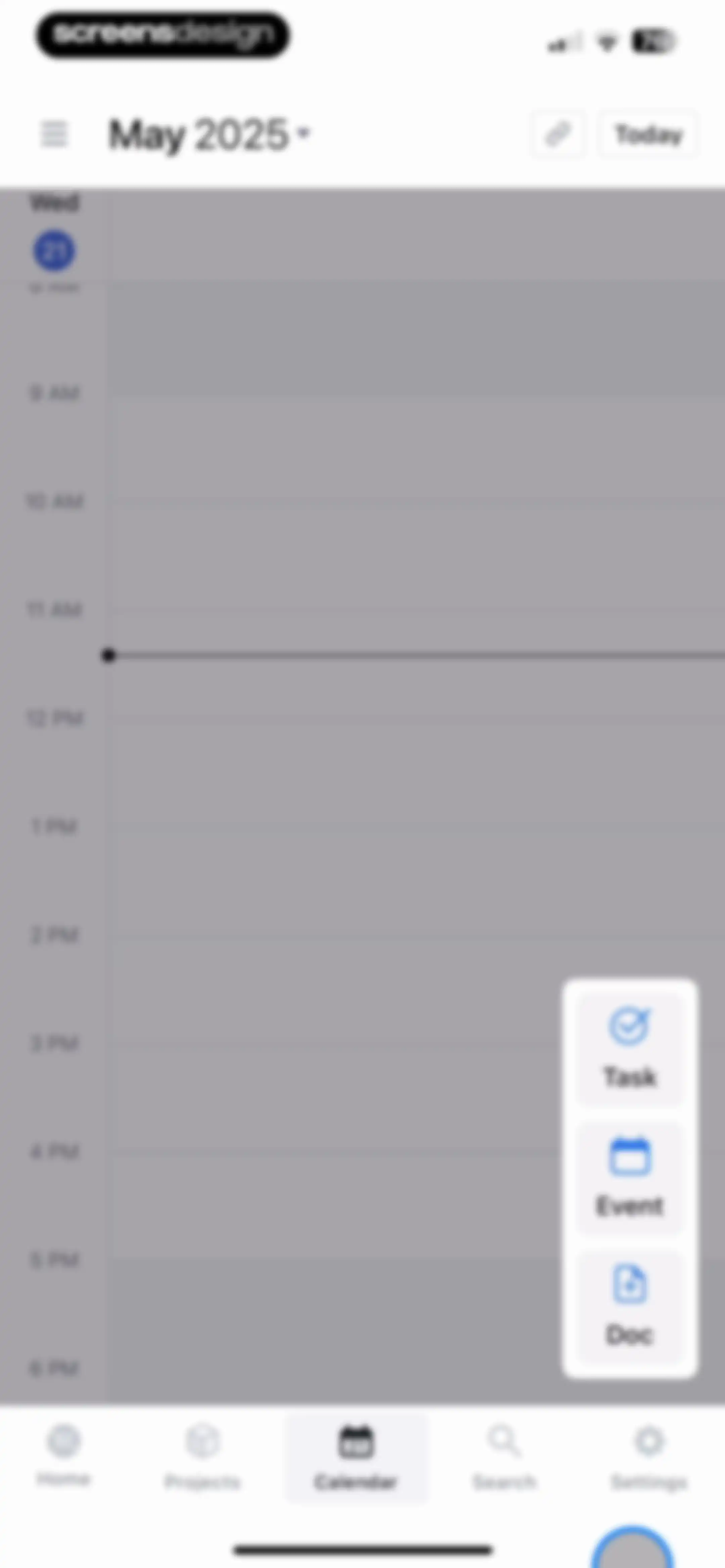
Calendar home screen displaying a vertical hourly schedule for May 21, 2025, with an expanded floating action menu for creating tasks, events, and documents.Unlock Pro
Duration picker modal with preset duration options, 30 minutes selected with a checkmark, and a Done button.Unlock Pro
Date picker modal with a list of relative date options, a May 2025 calendar view with May 21 selected, and a Done button.Unlock Pro
Task priority selection modal displaying options for ASAP, High, Medium, and Low, with Medium selected and a Done button.Unlock Pro
Assignee selection modal with a search bar and a list showing screensdesigntest selected with a checkmark and a Done button.Unlock Pro
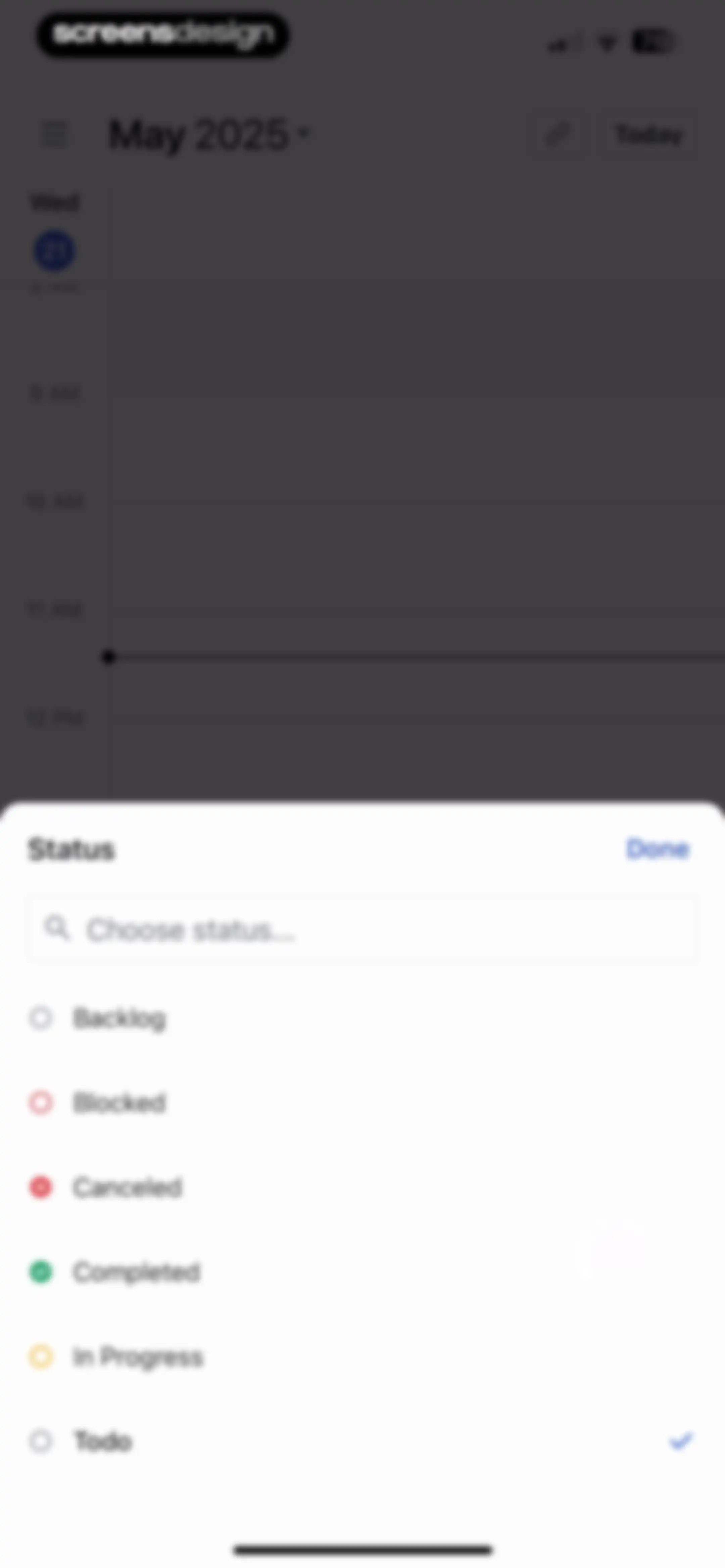
Status selection modal overlaying a calendar view, showing a list of task statuses with Todo selected and a Done button.Unlock Pro
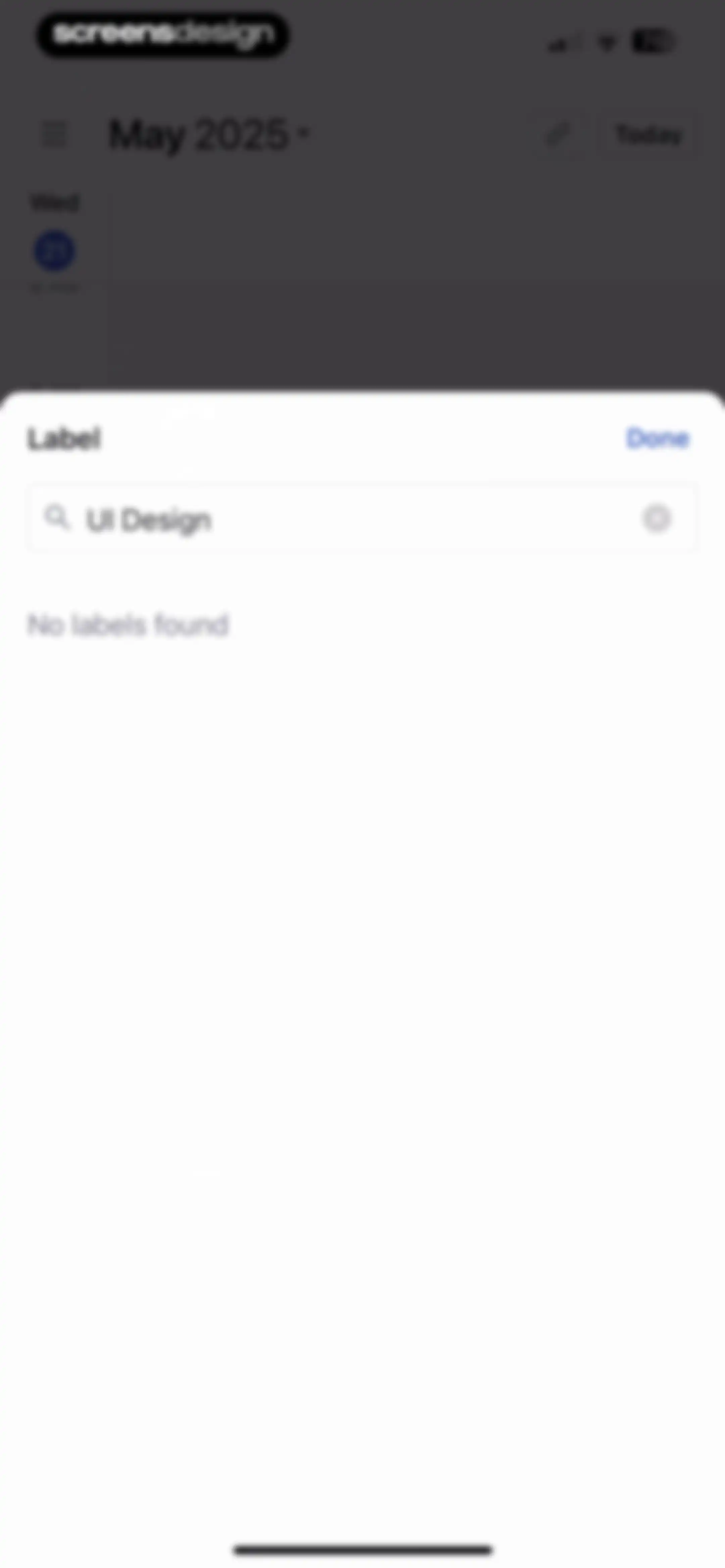
Label selection modal showing a search input with UI Design and a No labels found message, with a Done button.Unlock Pro
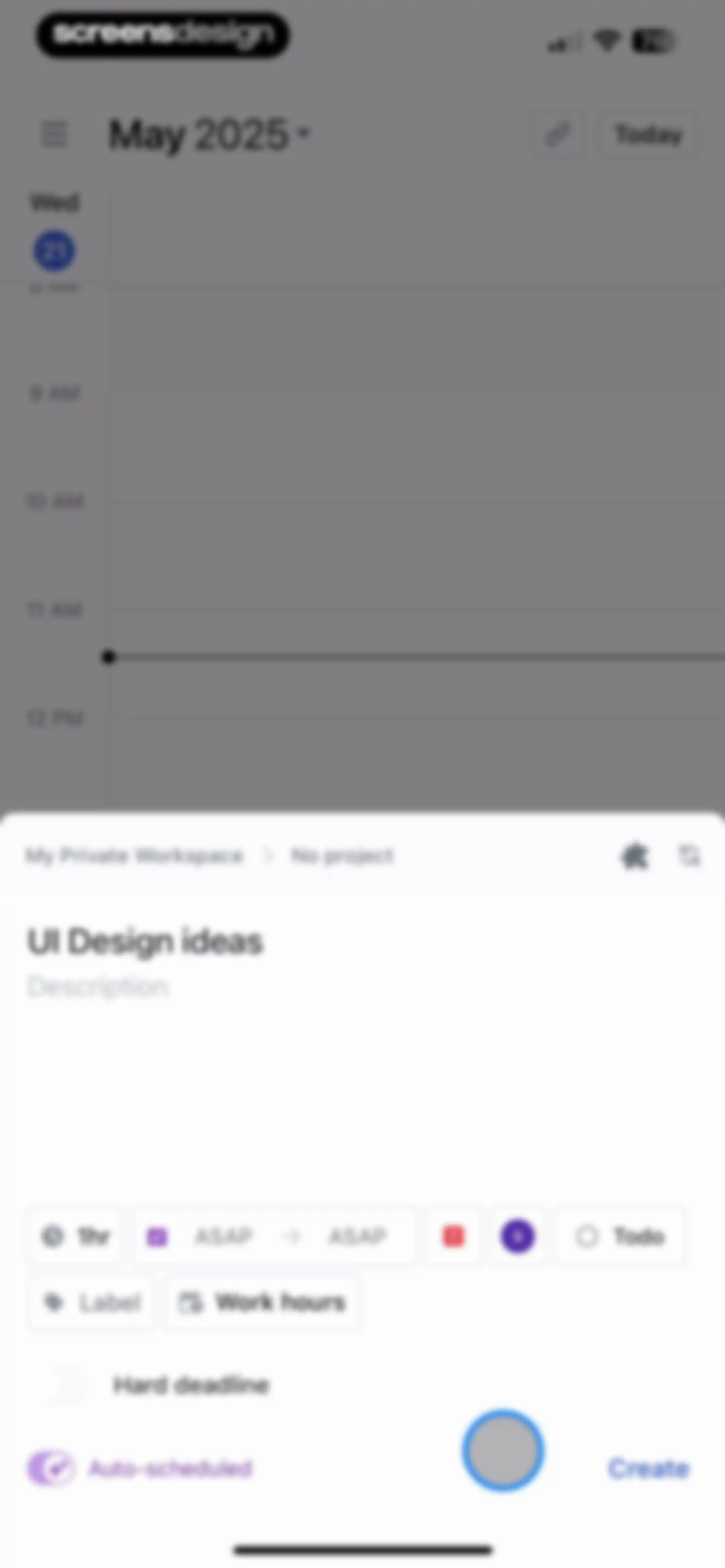
Task creation form overlaying a calendar view with input fields, scheduling parameters, and a Create button.Unlock Pro
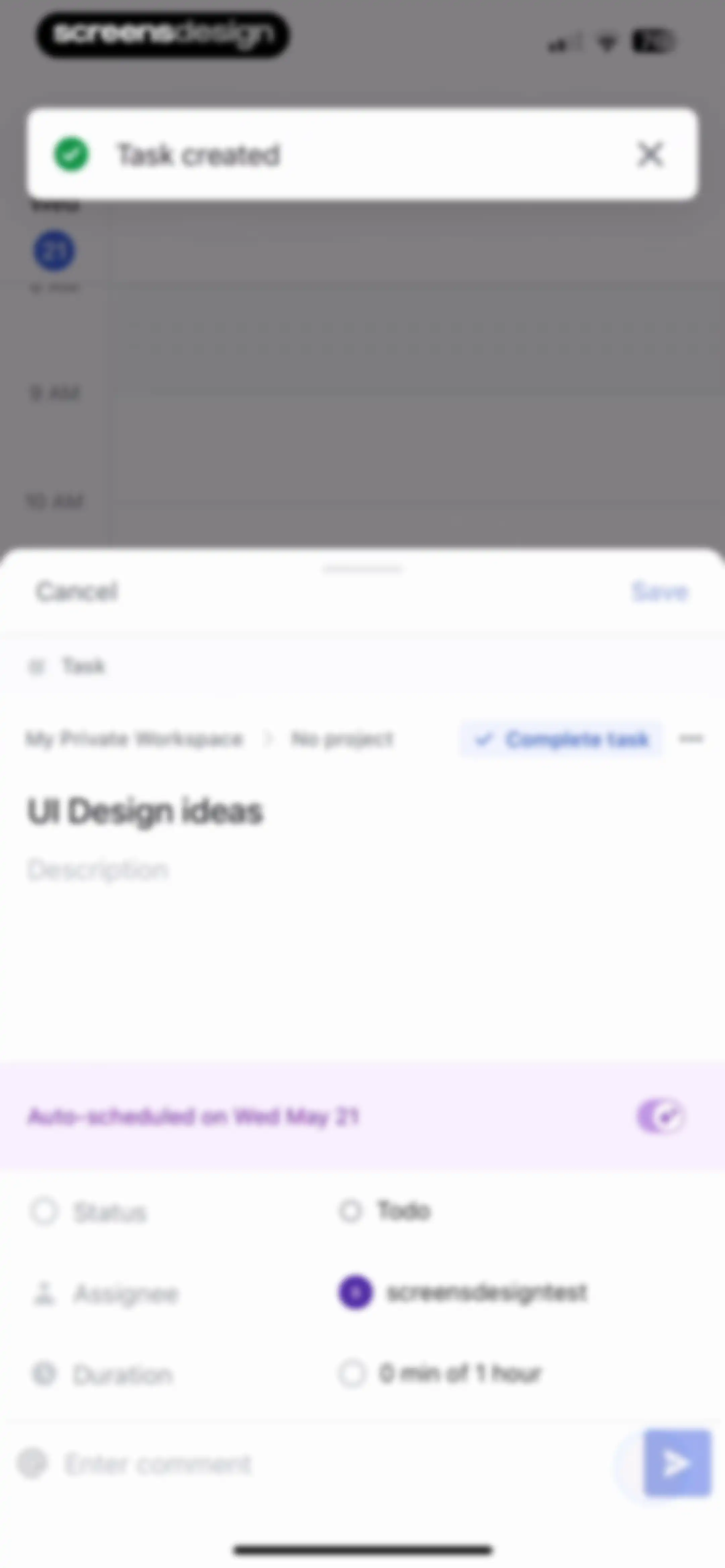
Task detail editor modal displaying the title UI Design ideas, task metadata fields, an auto-schedule toggle, and a Save button.Unlock Pro
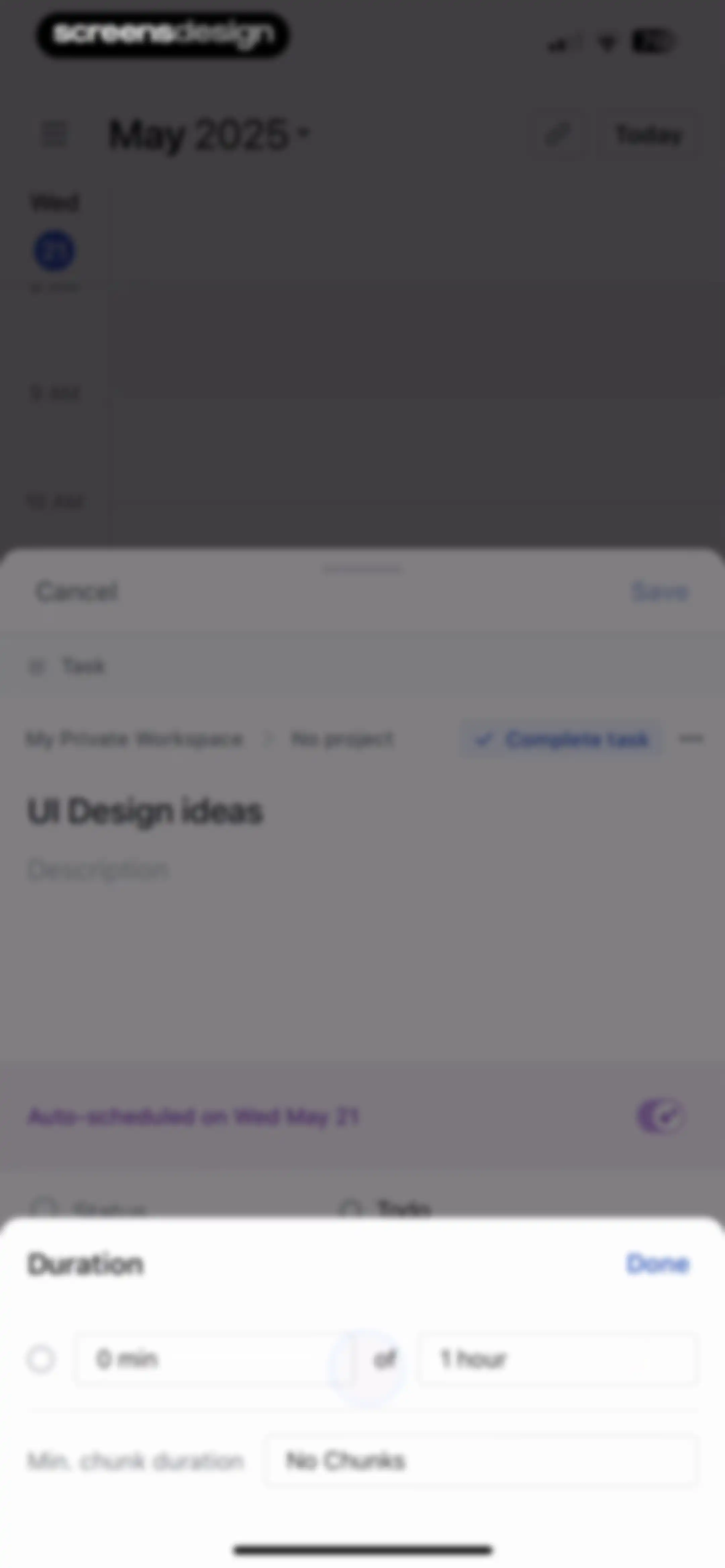
Task editing modal in the Motion app showing details for UI Design ideas with a duration setting of one hour and a Save button.Unlock Pro
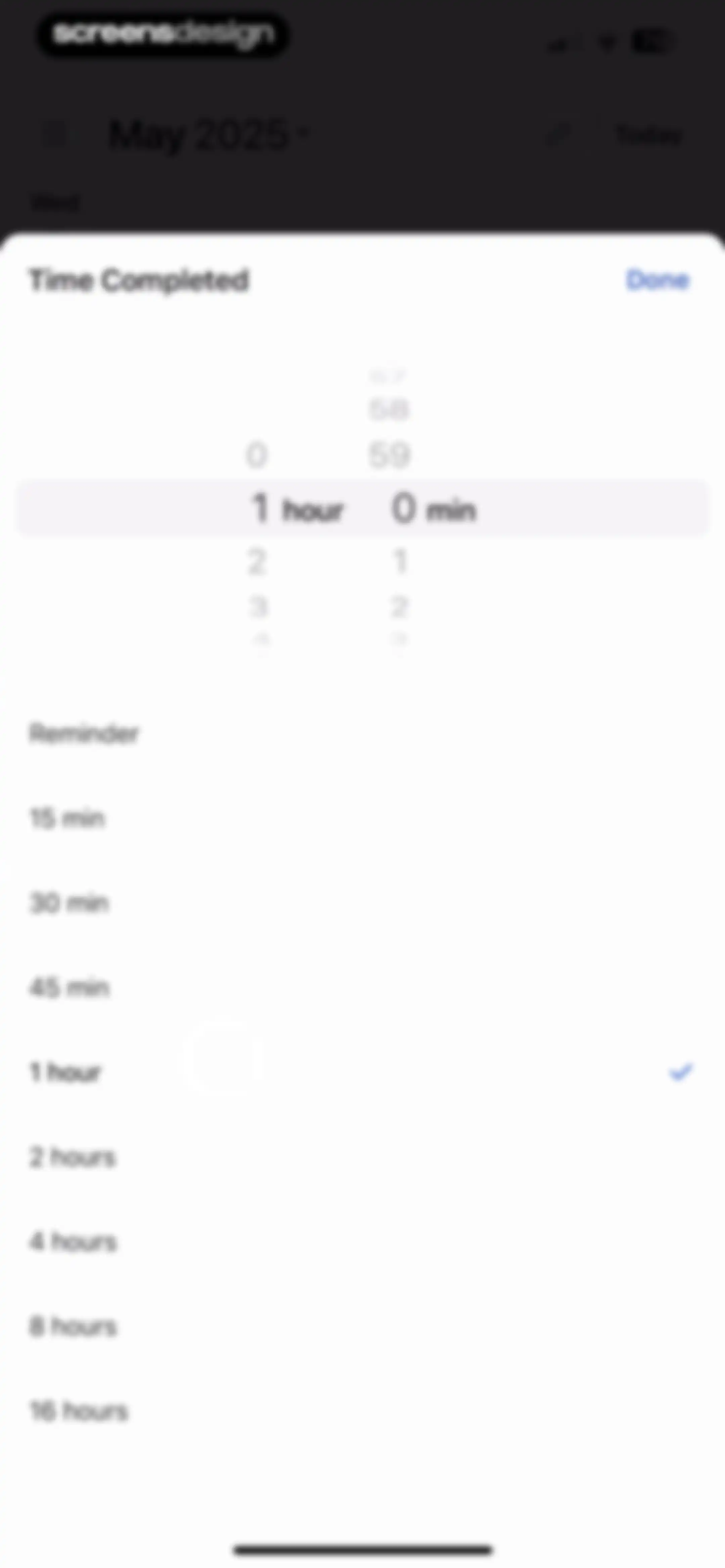
Time duration selection modal with a scrollable time picker, preset options, the 1 hour option selected, and a Done button.Unlock Pro
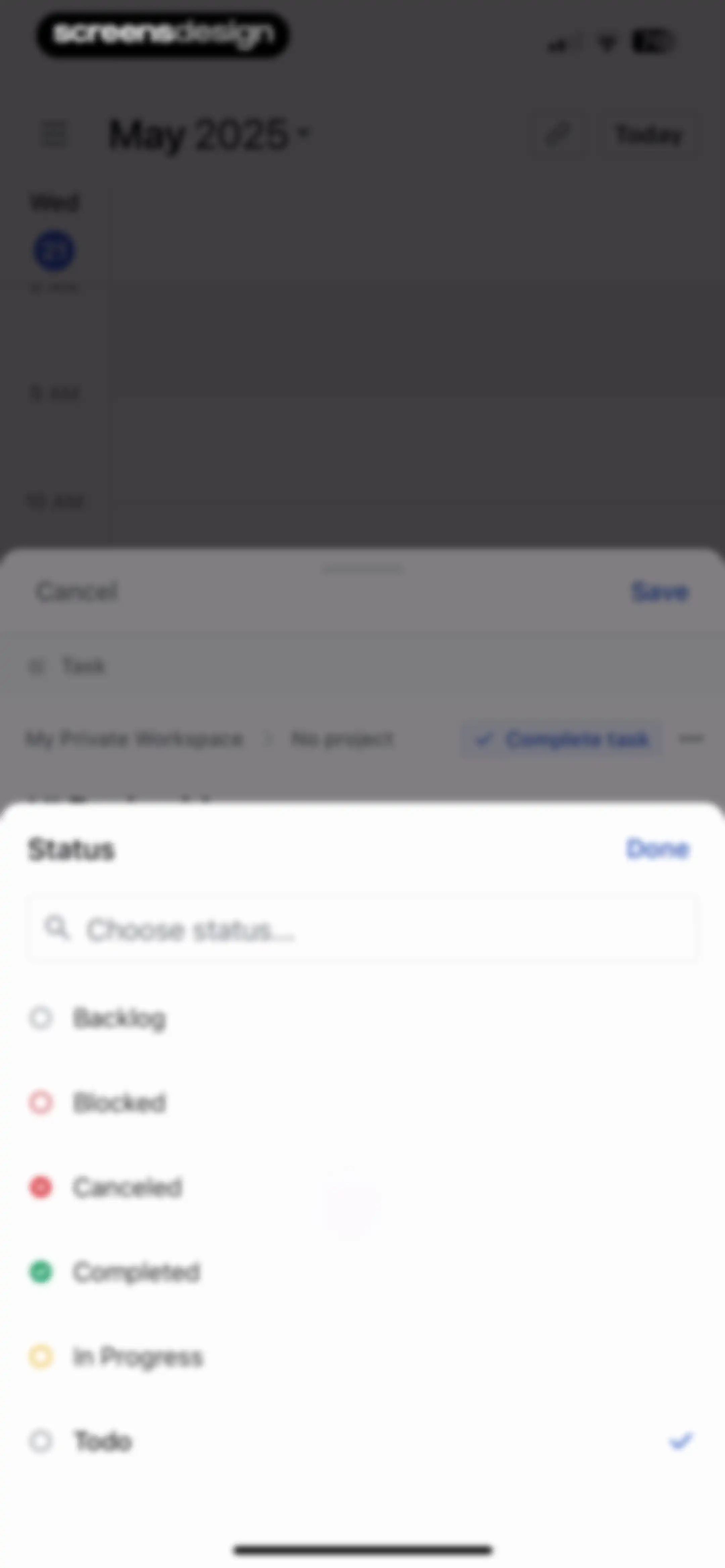
Status selection modal with a search input and a list of options, showing the Todo option selected and a Done button.Unlock Pro
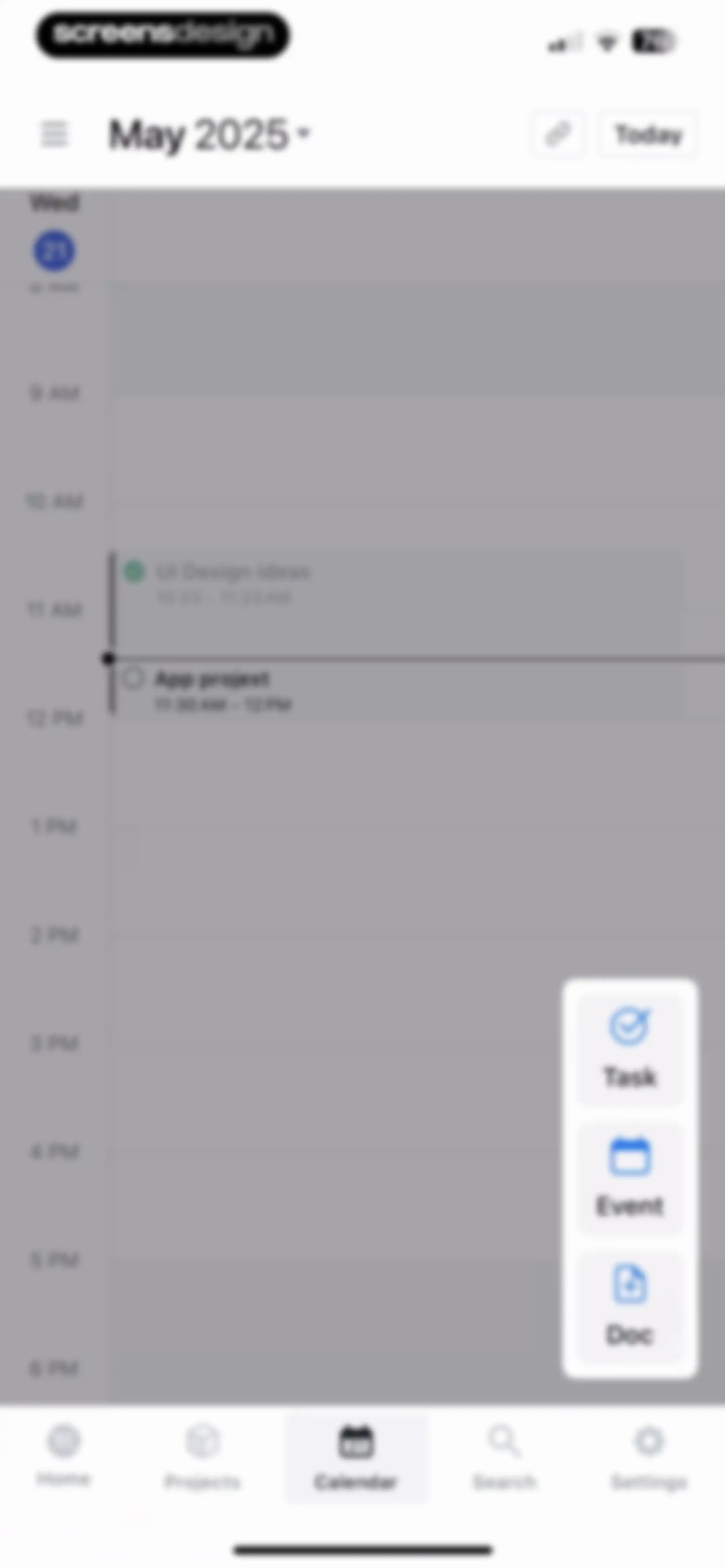
Calendar dashboard showing a daily timeline with scheduled events and an open floating action menu for creating tasks, events, or documents.Unlock Pro
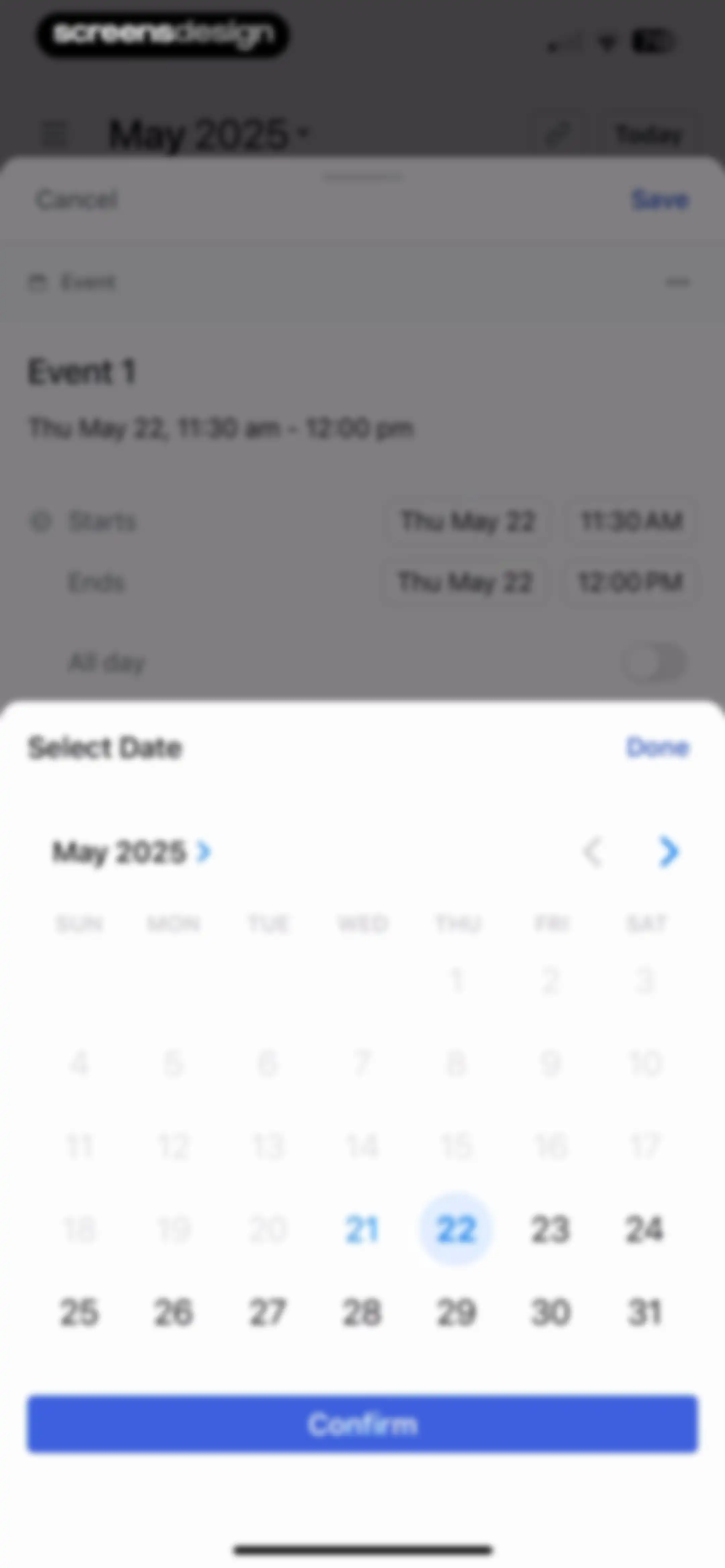
Date picker modal overlaying an event creation form with May 2025 displayed on the calendar and a Confirm button.Unlock Pro
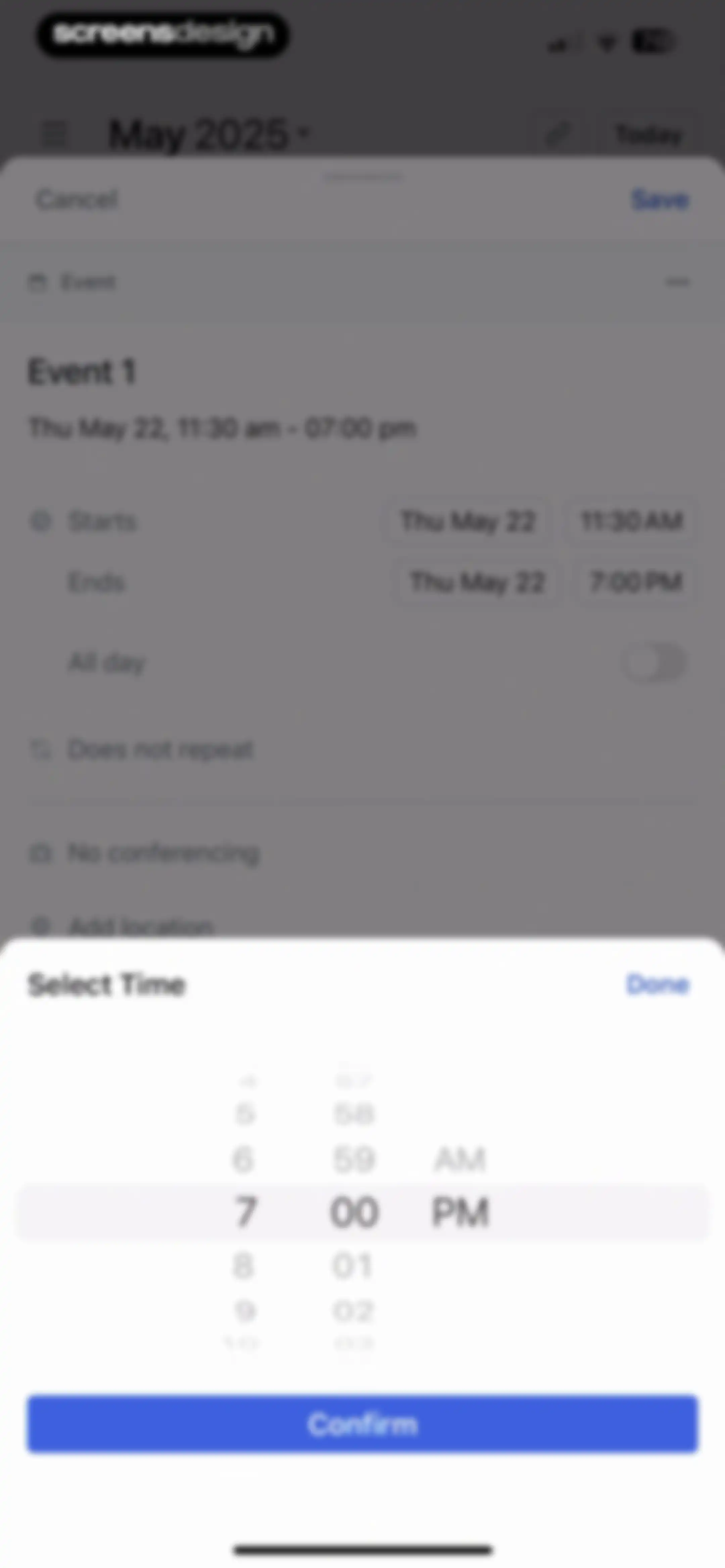
Event creation form overlaid by a time picker modal with a Confirm button and a selected time of 7:00 pm.Unlock Pro
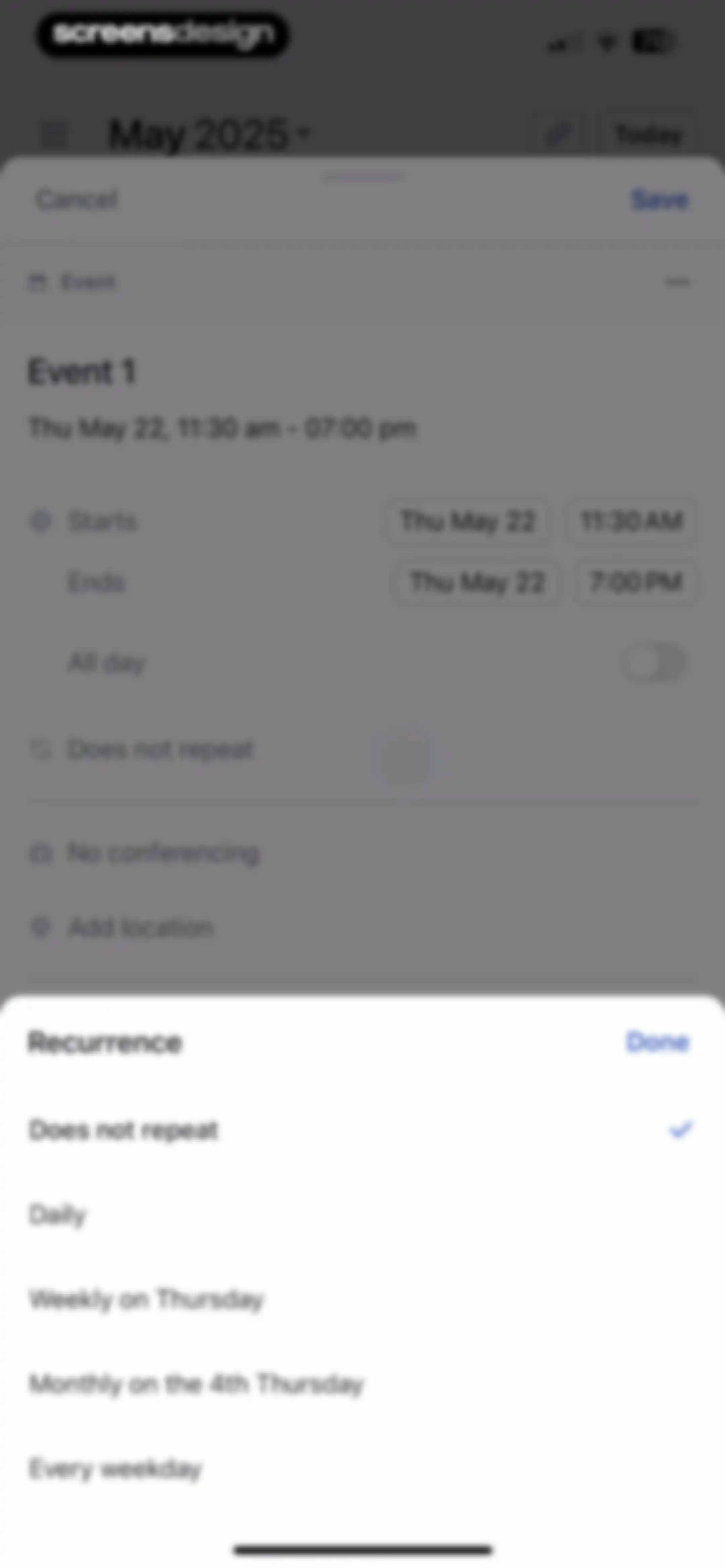
Event creation form overlaid with a recurrence options modal sheet, showing a list of repetition patterns and a Done button.Unlock Pro
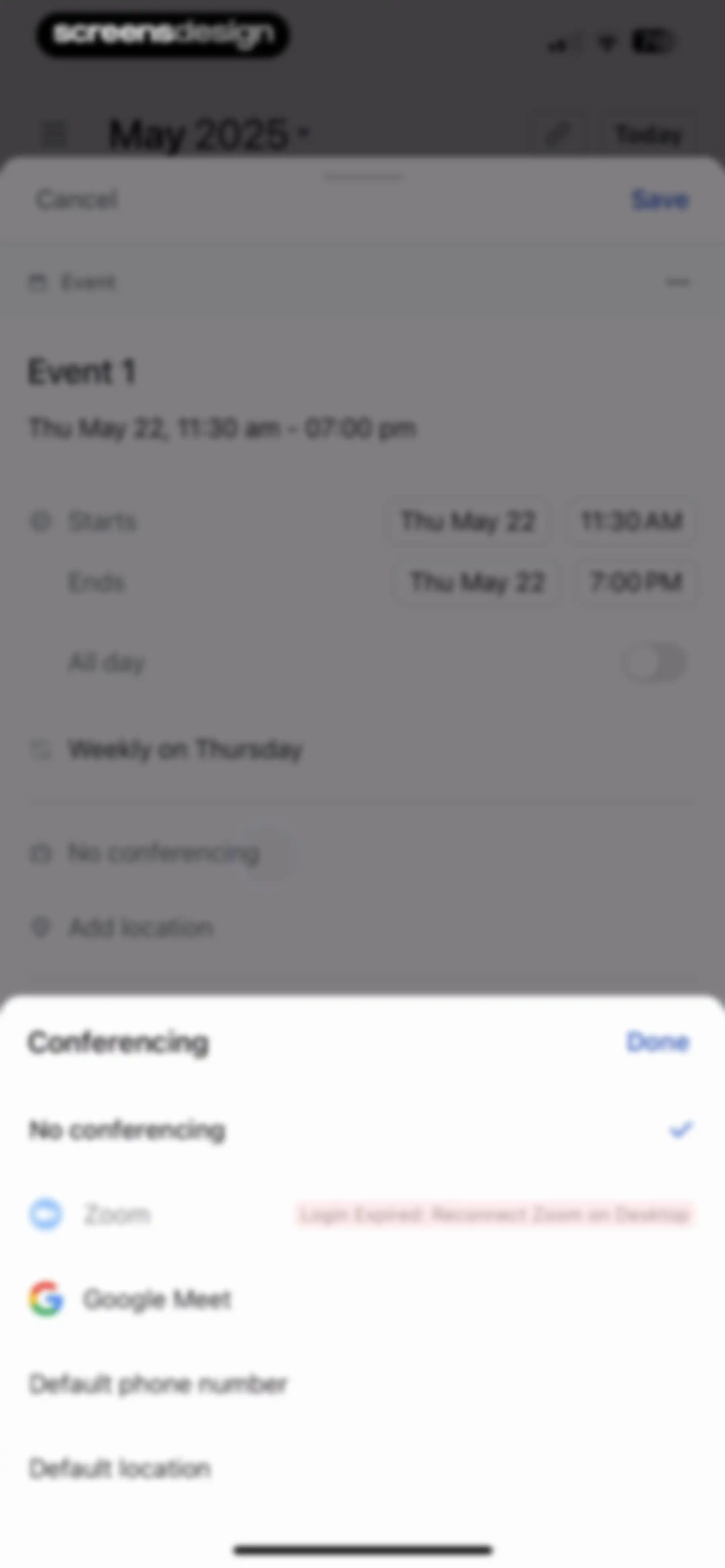
Event editing form with a conferencing selection modal displaying options like Zoom, Google Meet, and a login expired warning.Unlock Pro
Guest selection modal with a search input field and a Done button, overlaying an event creation screen.Unlock Pro
Event creation form in a modal sheet with fields for details, location, guests, and a Save button.Unlock Pro
Calendar event creation form with an overlay status selection modal, with the Busy option selected and a Done button.Unlock Pro
Calendar home screen displaying a daily schedule with a success notification for a created event and the calendar tab selected in the bottom navigation bar.Unlock Pro
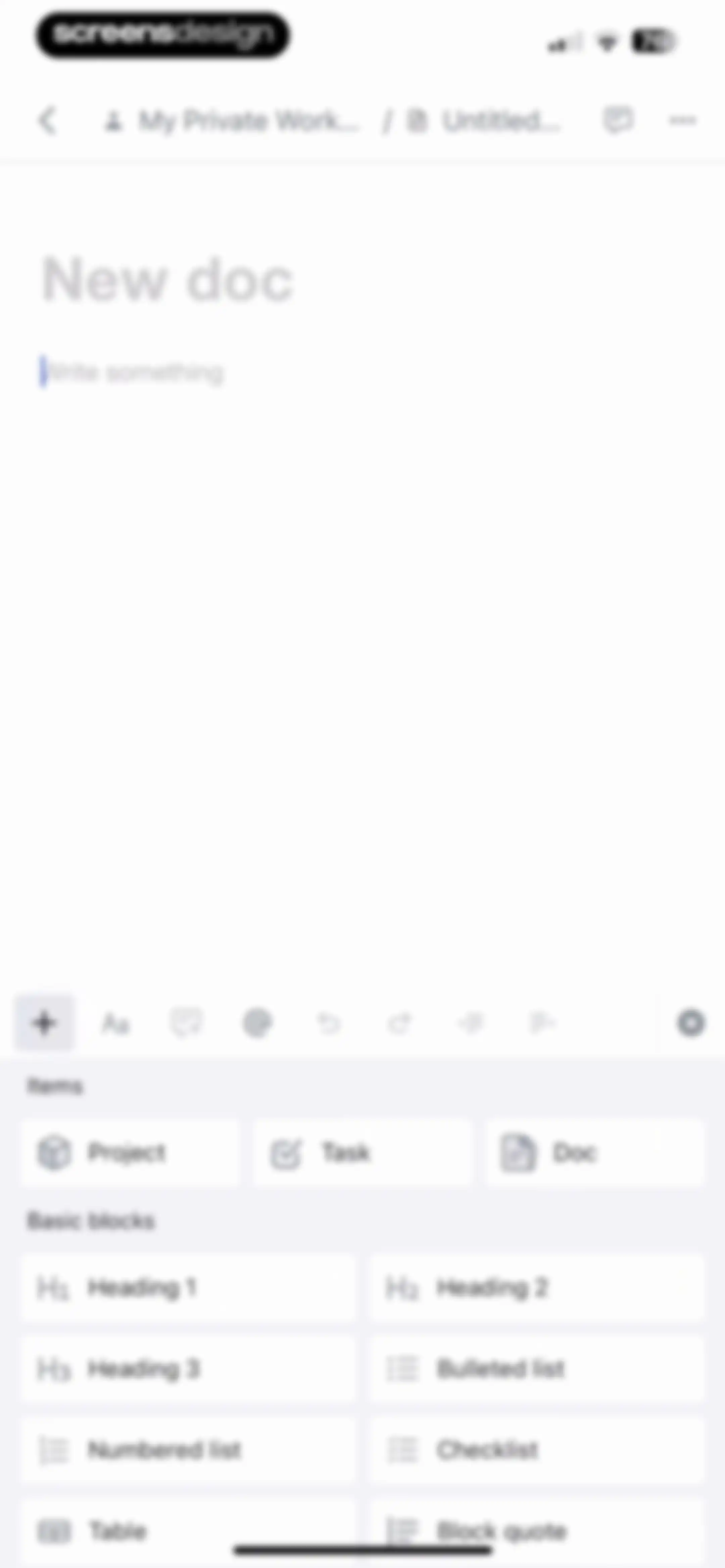
Document editor screen displaying a text editing area and a bottom block insertion menu with cards for projects, tasks, and text formatting.Unlock Pro
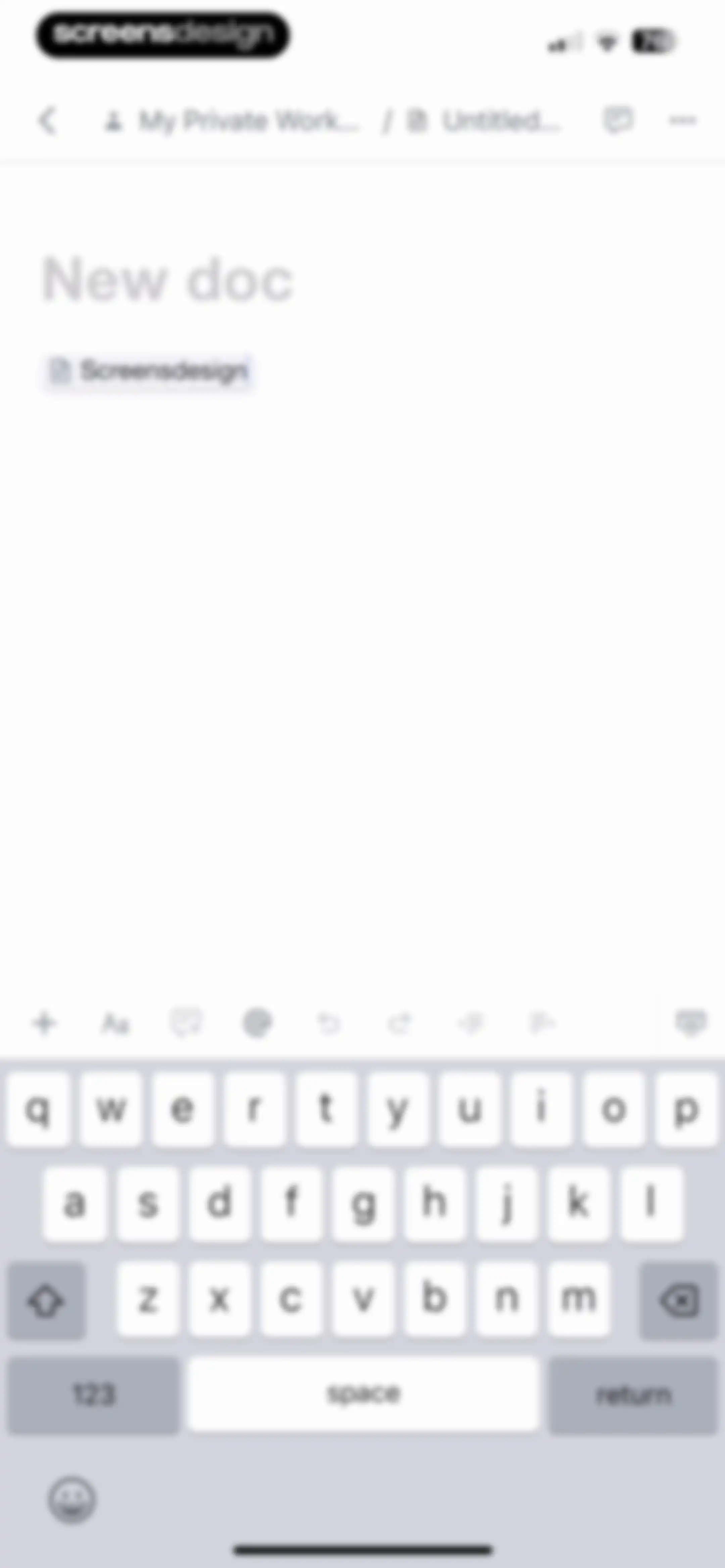
Document editor screen with the workspace navigation bar, a formatting toolbar, and the system keyboard.Unlock Pro
Document editor screen showing a text input area for Doc 1, a rich text formatting toolbar, and the mobile keyboard.Unlock Pro
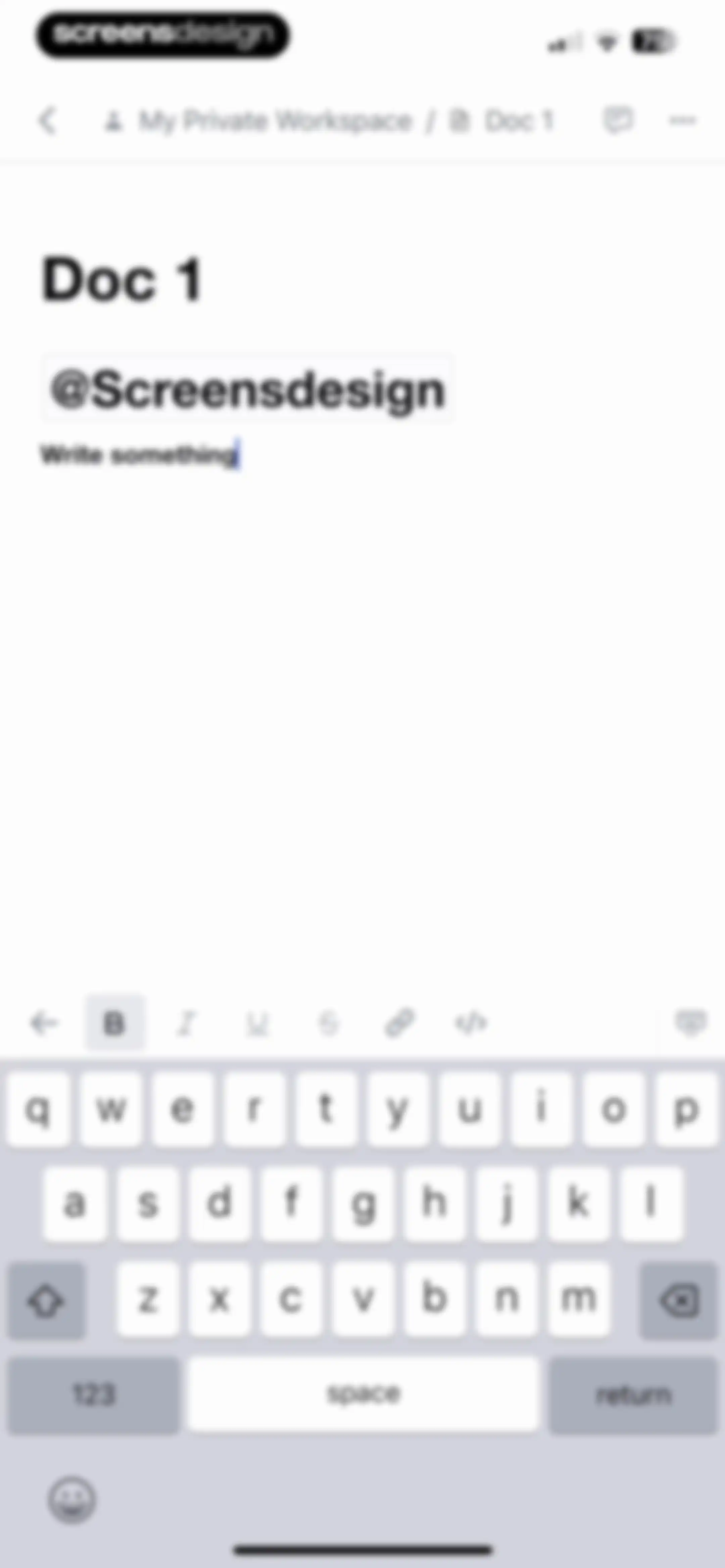
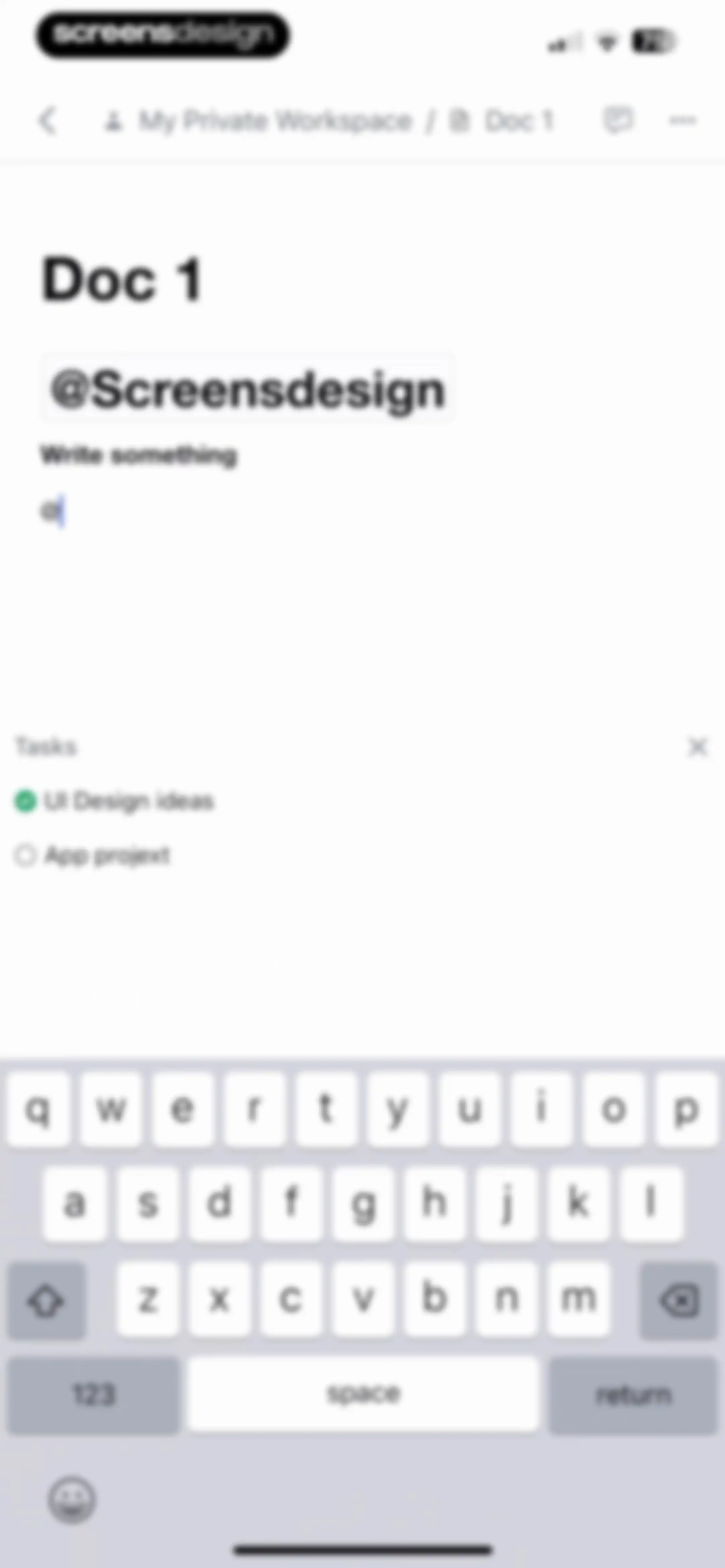
Document editor screen showing the title Doc 1, a mention tag, and a text input area with the prompt Write something.Unlock Pro
Document editor with a text input area, mention, and task list containing completed and incomplete checklist items.Unlock Pro
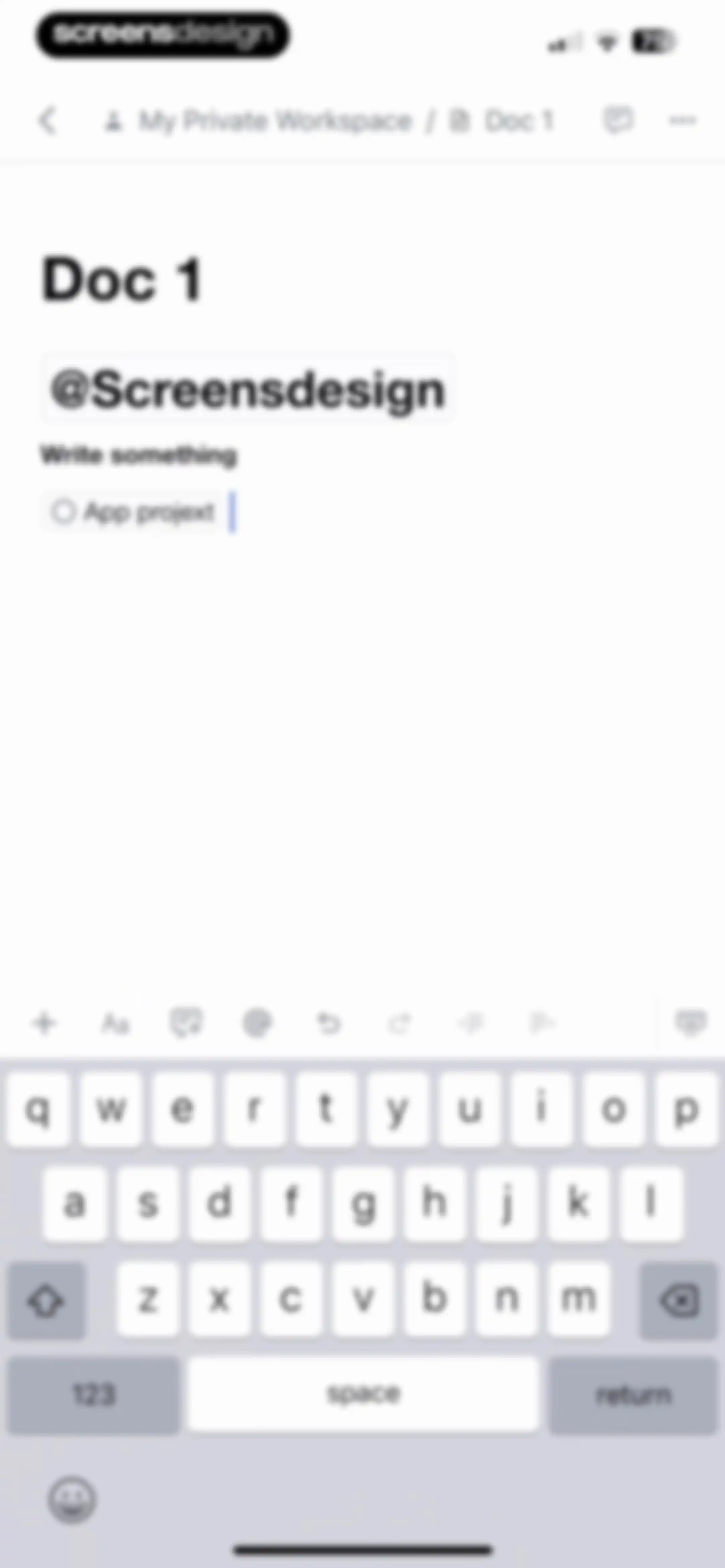
Document editor screen displaying the title Doc 1, a task list, and a keyboard with an integrated formatting toolbar.Unlock Pro
Comments empty state screen with All, Active, and Resolved tabs, with the Active tab selected and no comments displayed.Unlock Pro
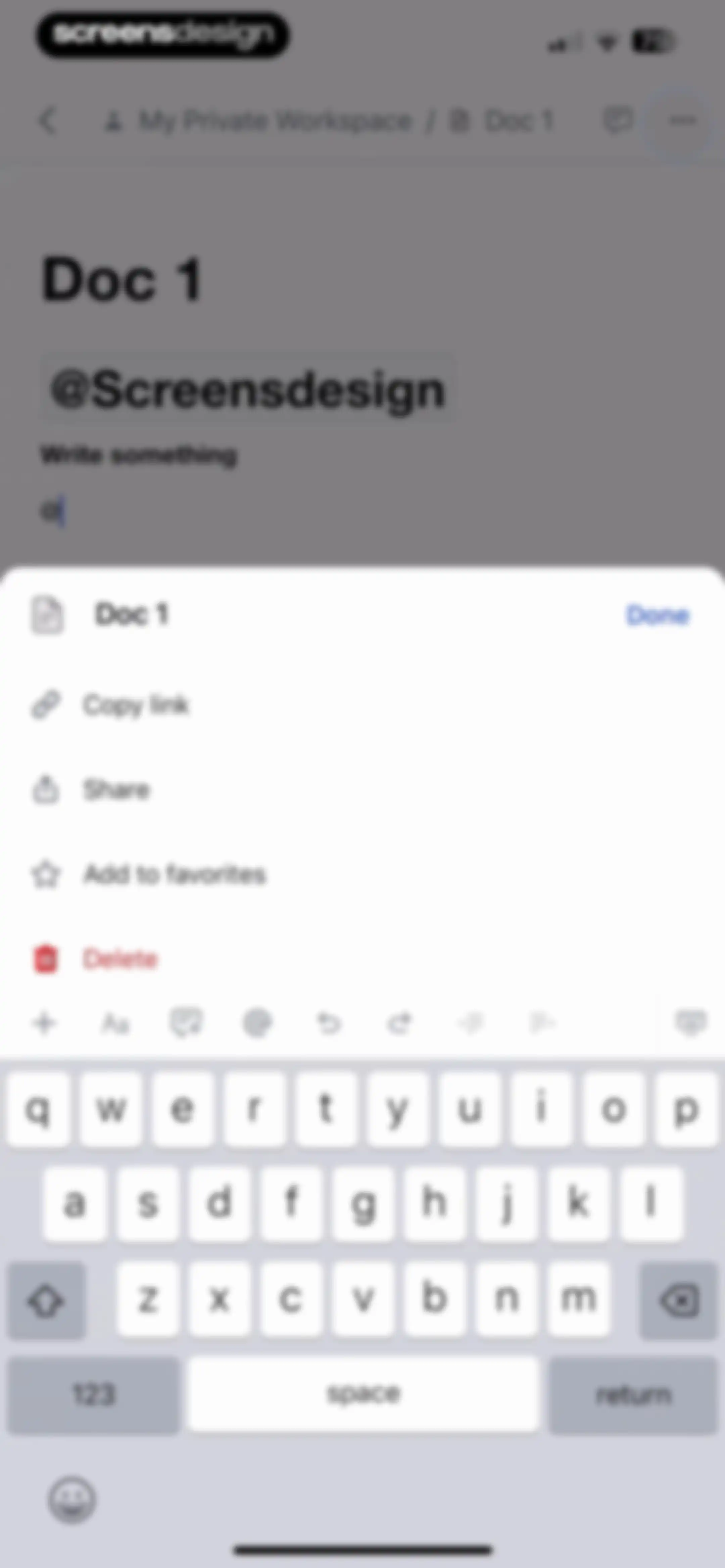
Document editor with an active modal menu displaying options to copy link, share, favorite, and delete Doc 1.Unlock Pro
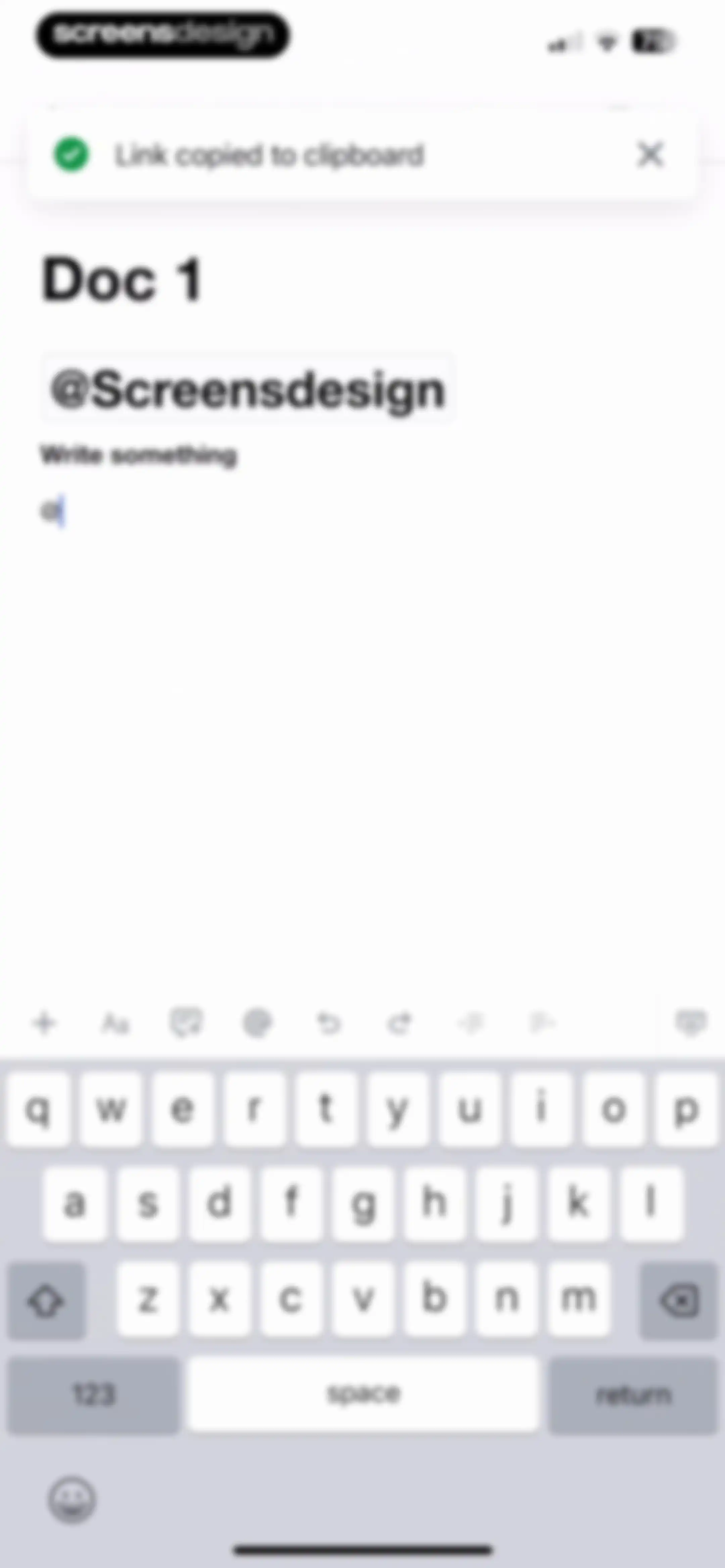
Document editor screen displaying a link copied toast notification, formatting toolbar, and open keyboard.Unlock Pro
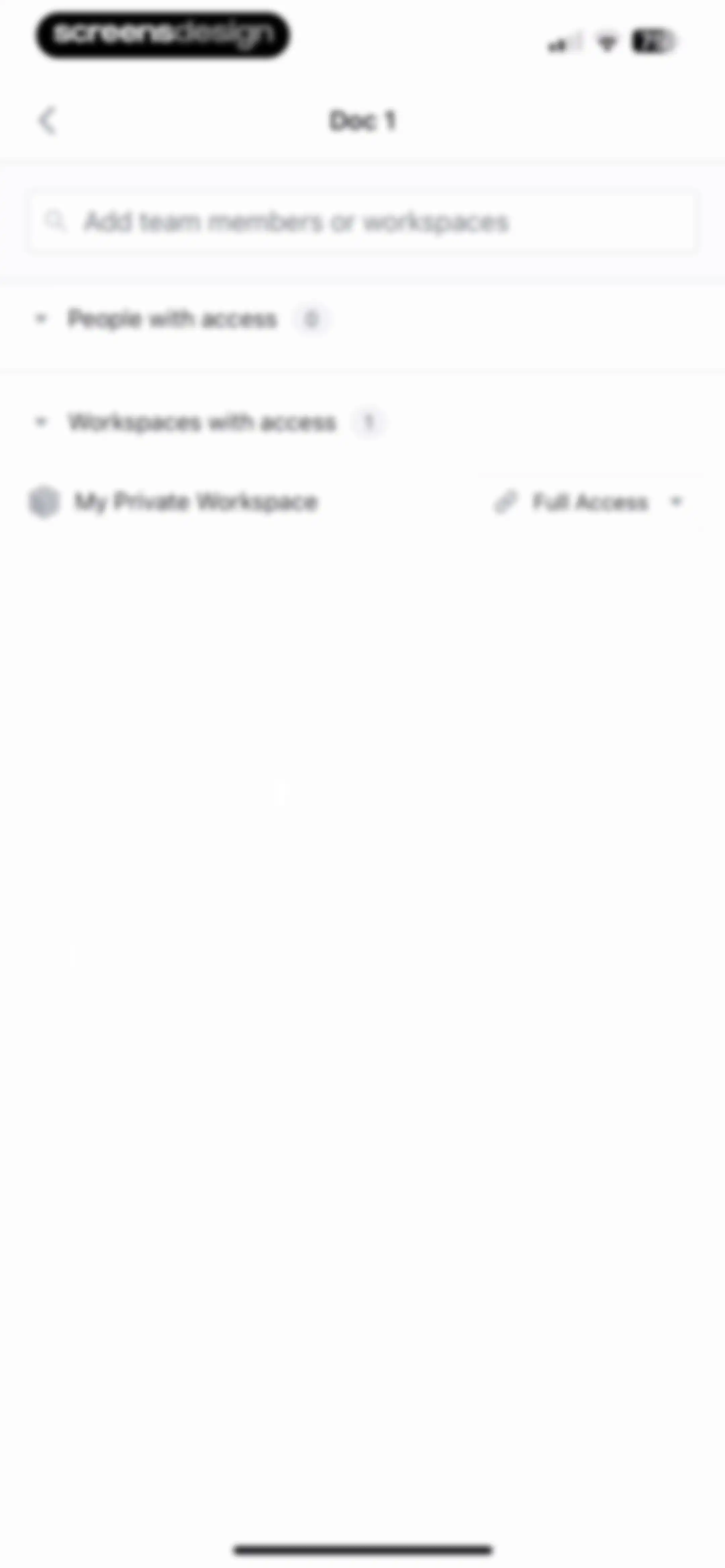
Permissions screen for Doc 1 displaying an option to add team members or workspaces and collapsible lists for people and workspaces with access.Unlock Pro
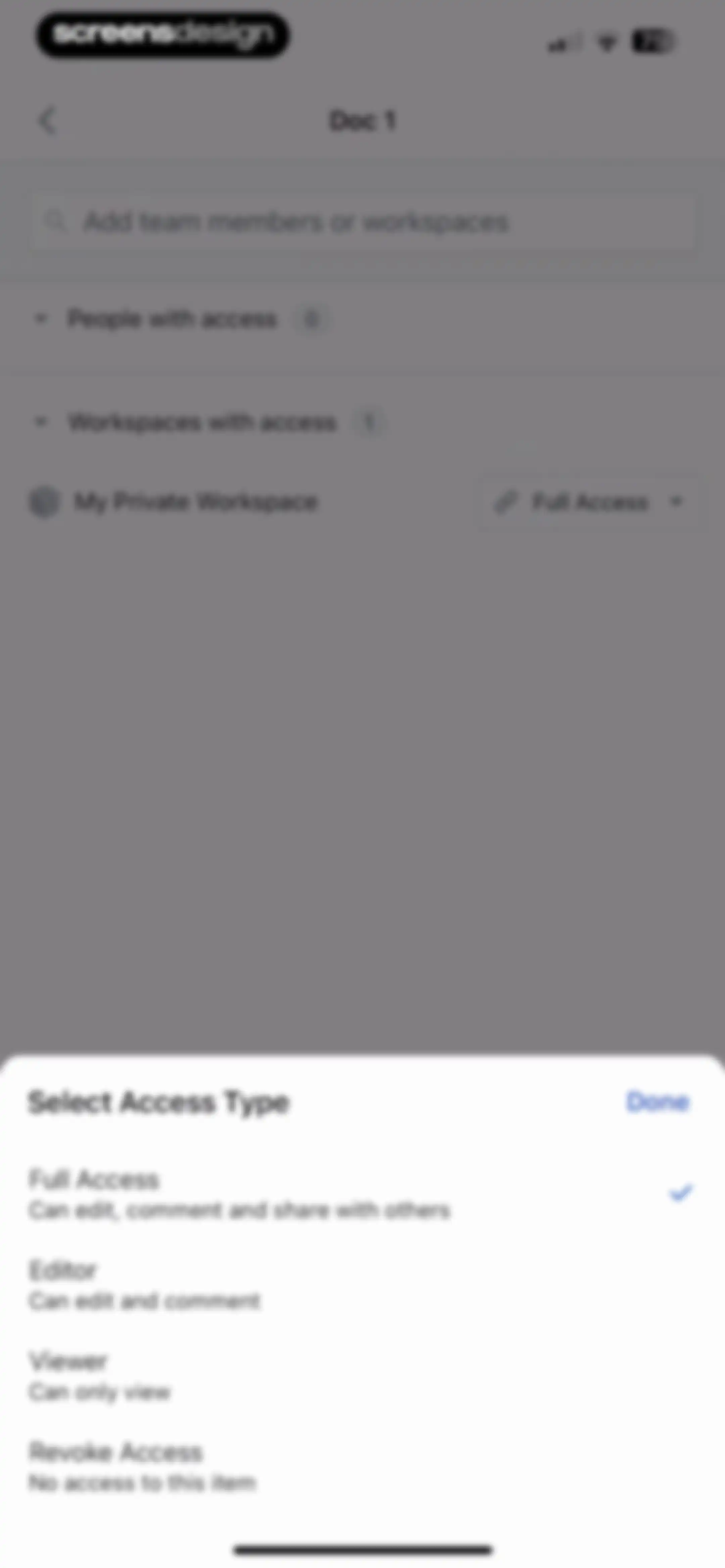
Permission selection modal showing options for Full Access, Editor, Viewer, and Revoke Access, with Full Access selected.Unlock Pro
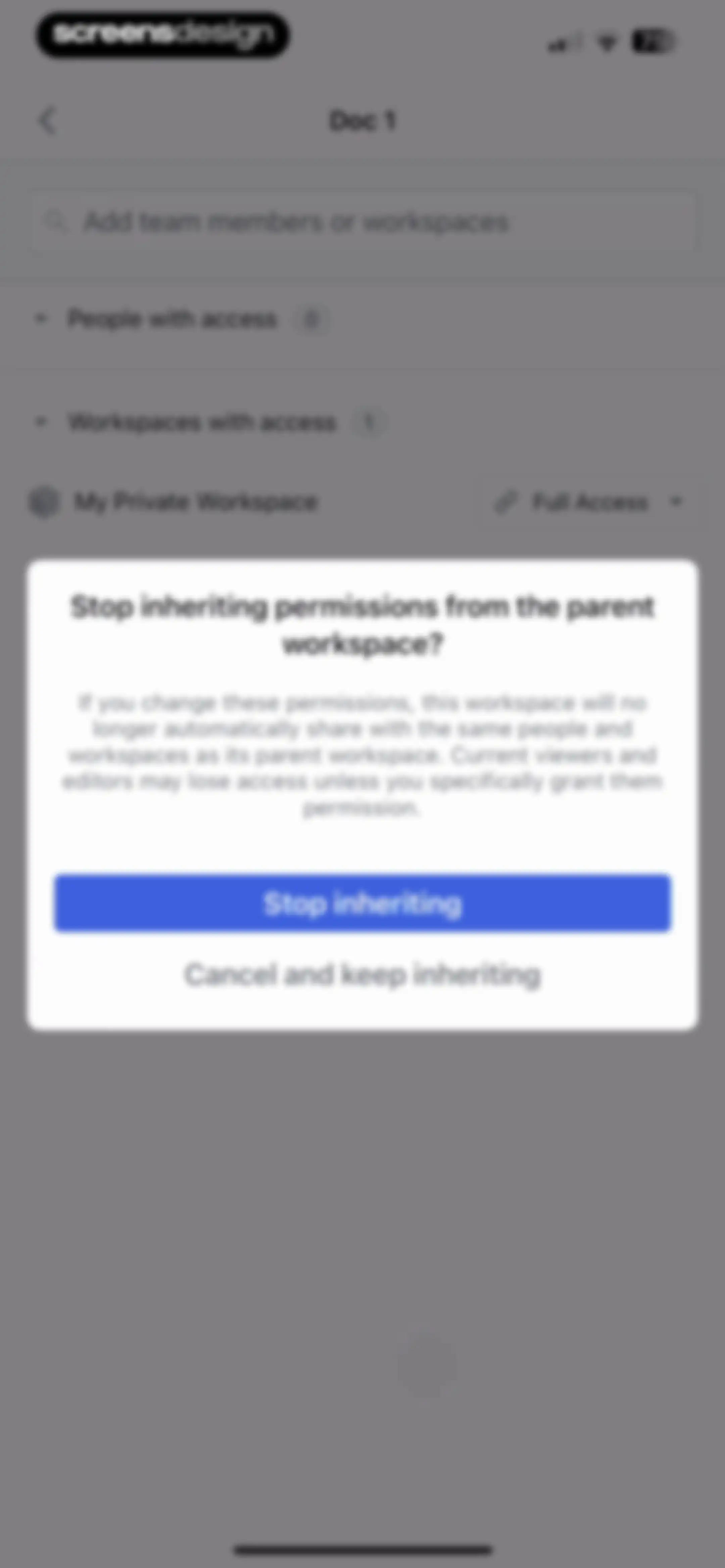
Workspace permission settings screen with a confirmation modal asking whether to stop inheriting permissions from the parent workspace.Unlock Pro
Document editor with a toast notification confirming the document was added to favorites, a document title, a mention tag, and a formatting toolbar above the keyboard.Unlock Pro
Calendar dashboard showing a monthly view for May 2025 with May 21st selected and an empty hourly schedule below.Unlock Pro
Calendar dashboard showing an hourly schedule grid with a date picker modal and the Calendar tab selected on the bottom navigation bar.Unlock Pro
Calendar dashboard showing a daily timeline for May 21 with scheduled tasks, a date header, and a bottom navigation bar.Unlock Pro
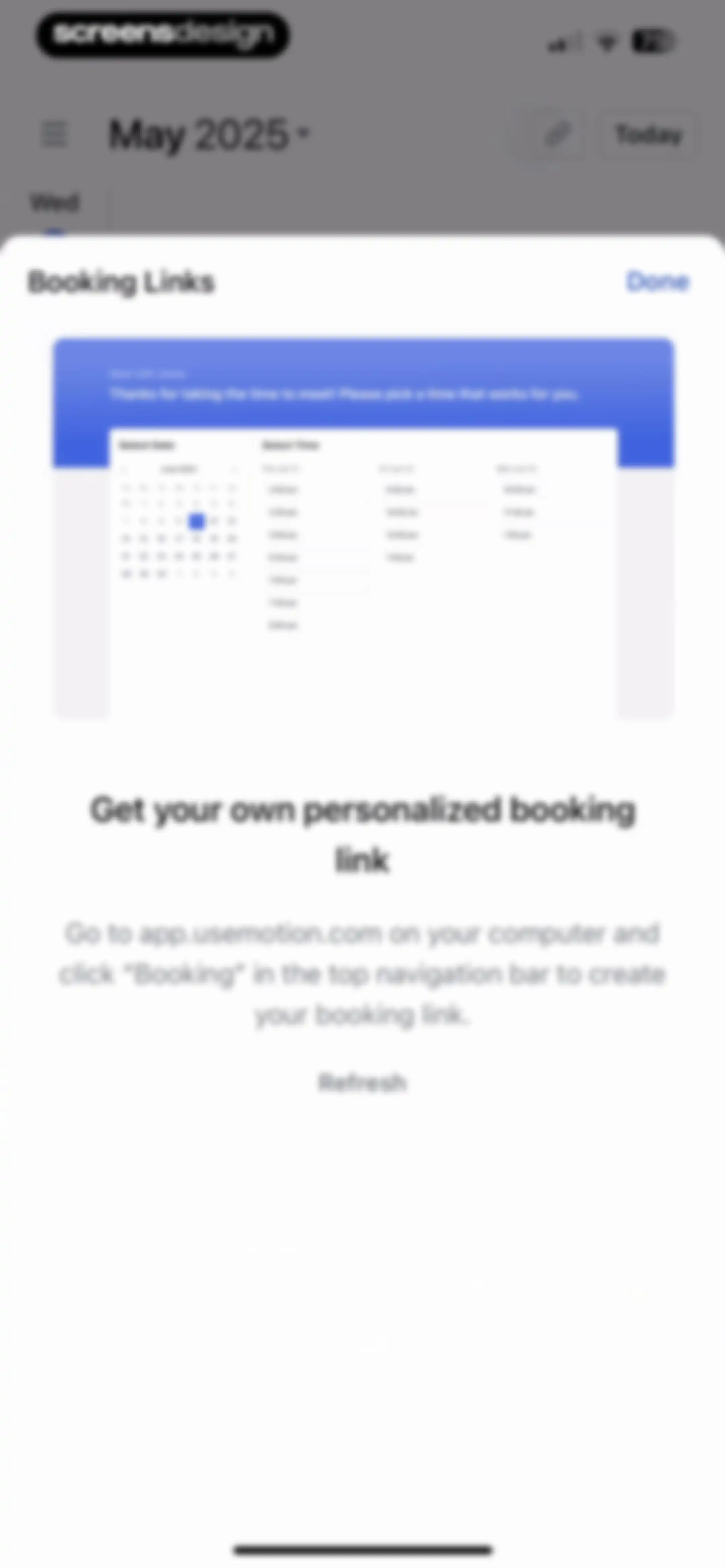
Booking Links modal overlay with instructions for creating a personalized link on the web, featuring a product mockup and a refresh button.Unlock Pro
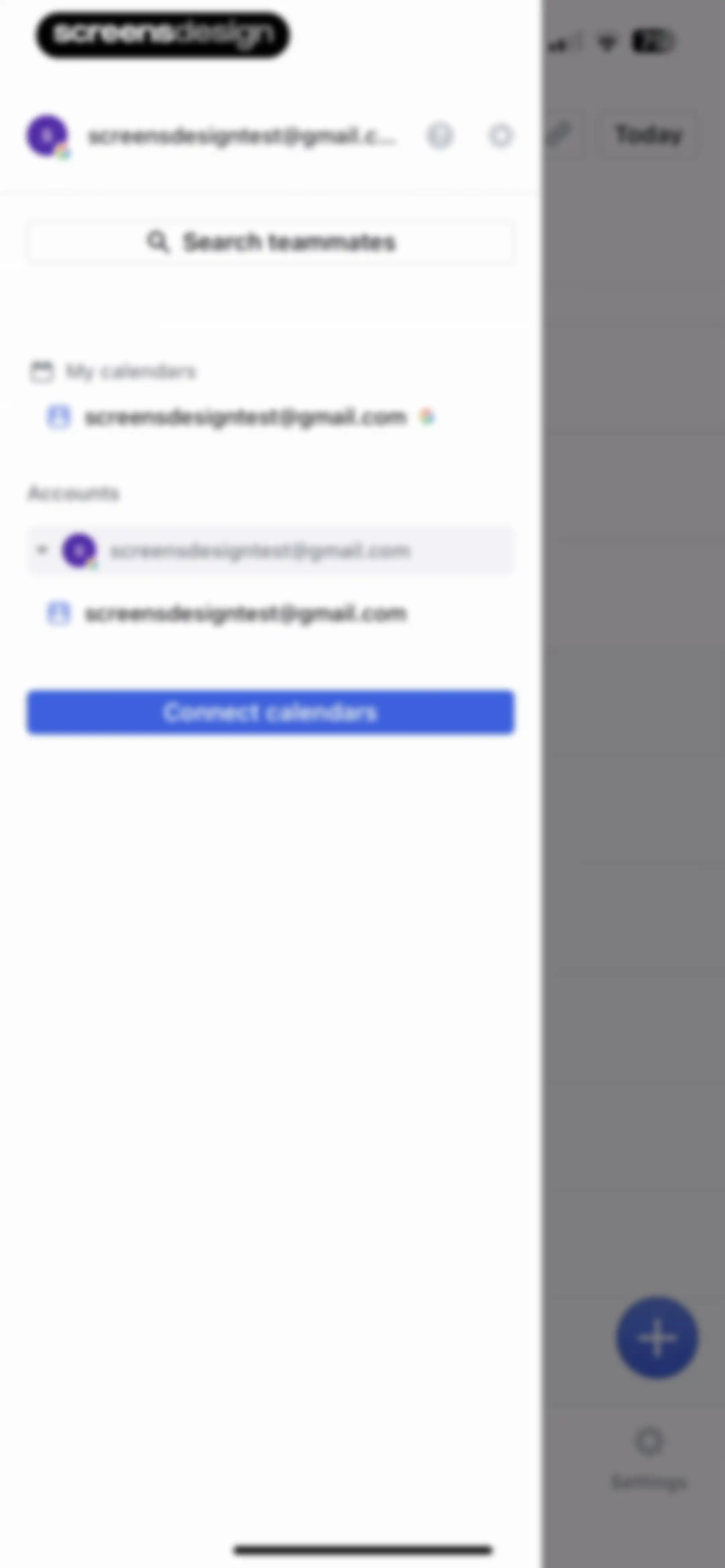
Calendar app navigation drawer displaying an email account, teammate search bar, calendar list, and a Connect calendars button.Unlock Pro
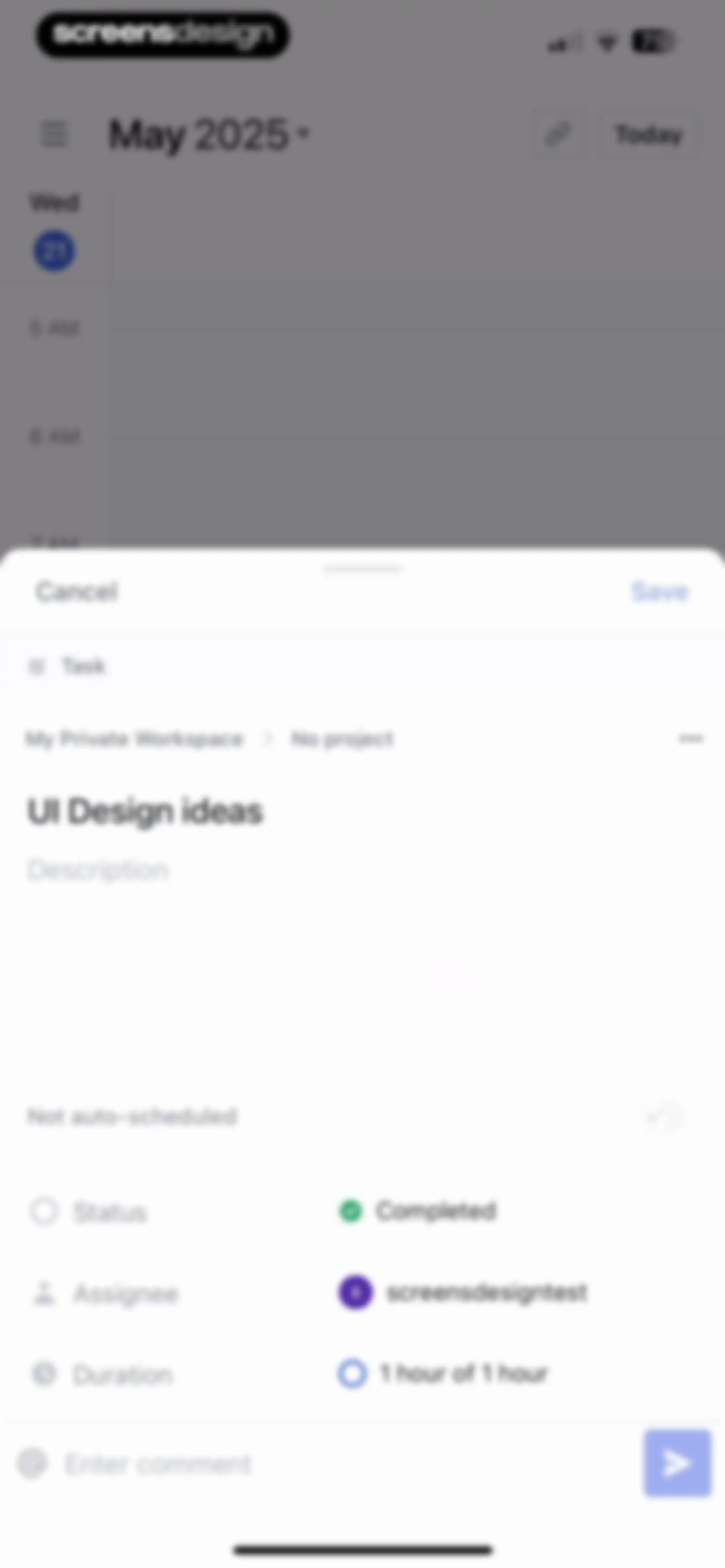
Task detail form displaying the title UI Design ideas with status set to Completed, assignee, duration, and a comment input bar.Unlock Pro
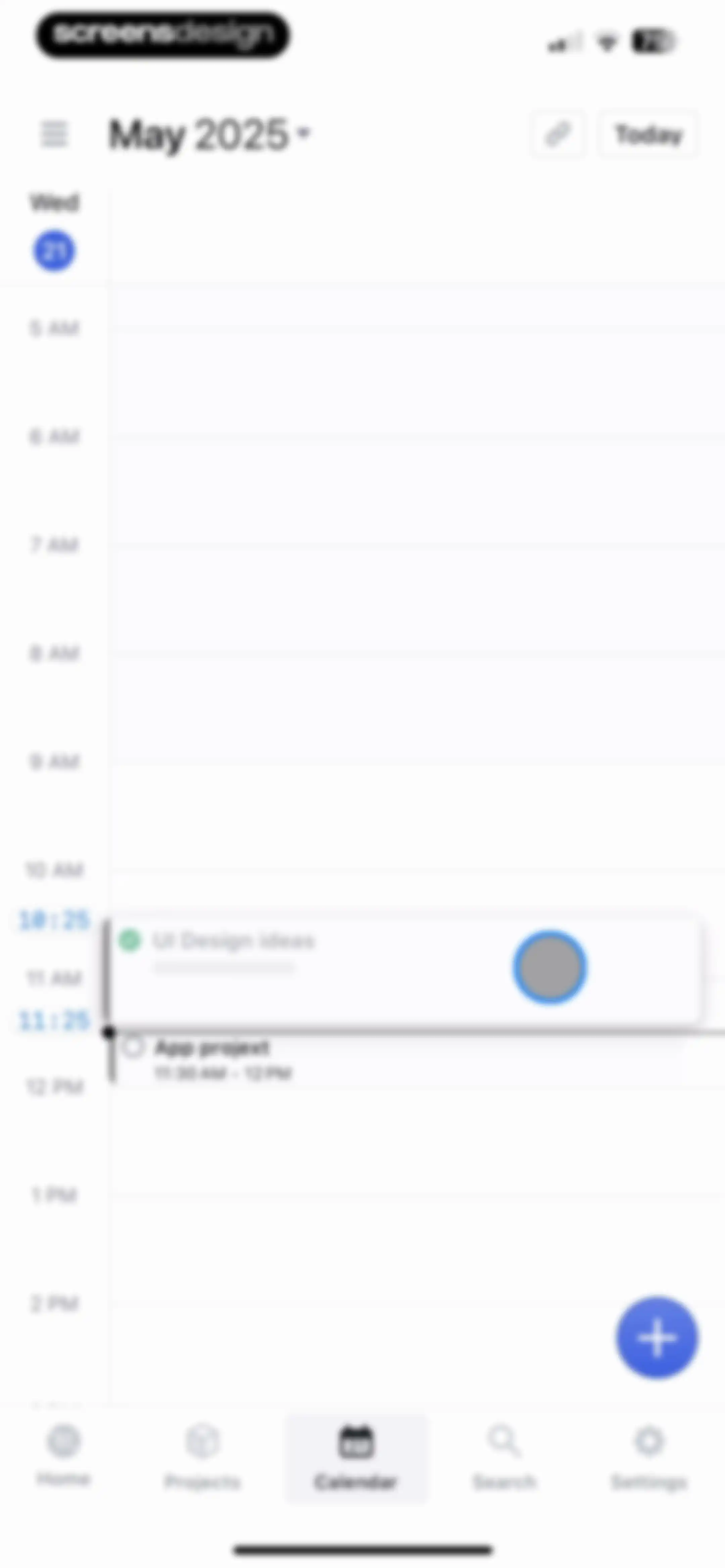
Calendar screen displaying a daily time grid with scheduled tasks for UI Design ideas and App projext, with the Calendar tab selected.Unlock Pro
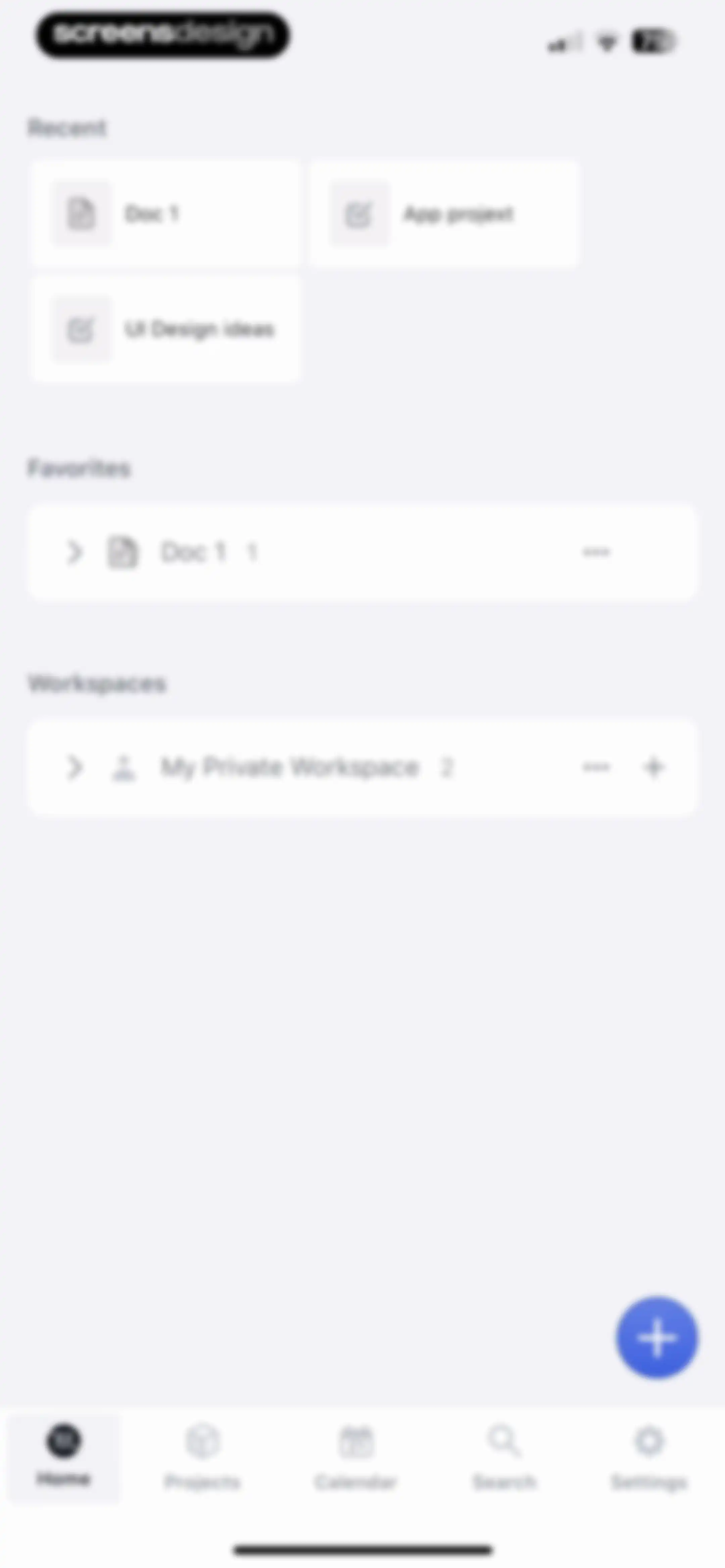
Productivity app home screen displaying recent items, favorites, and workspaces with a floating action button and bottom navigation.Unlock Pro
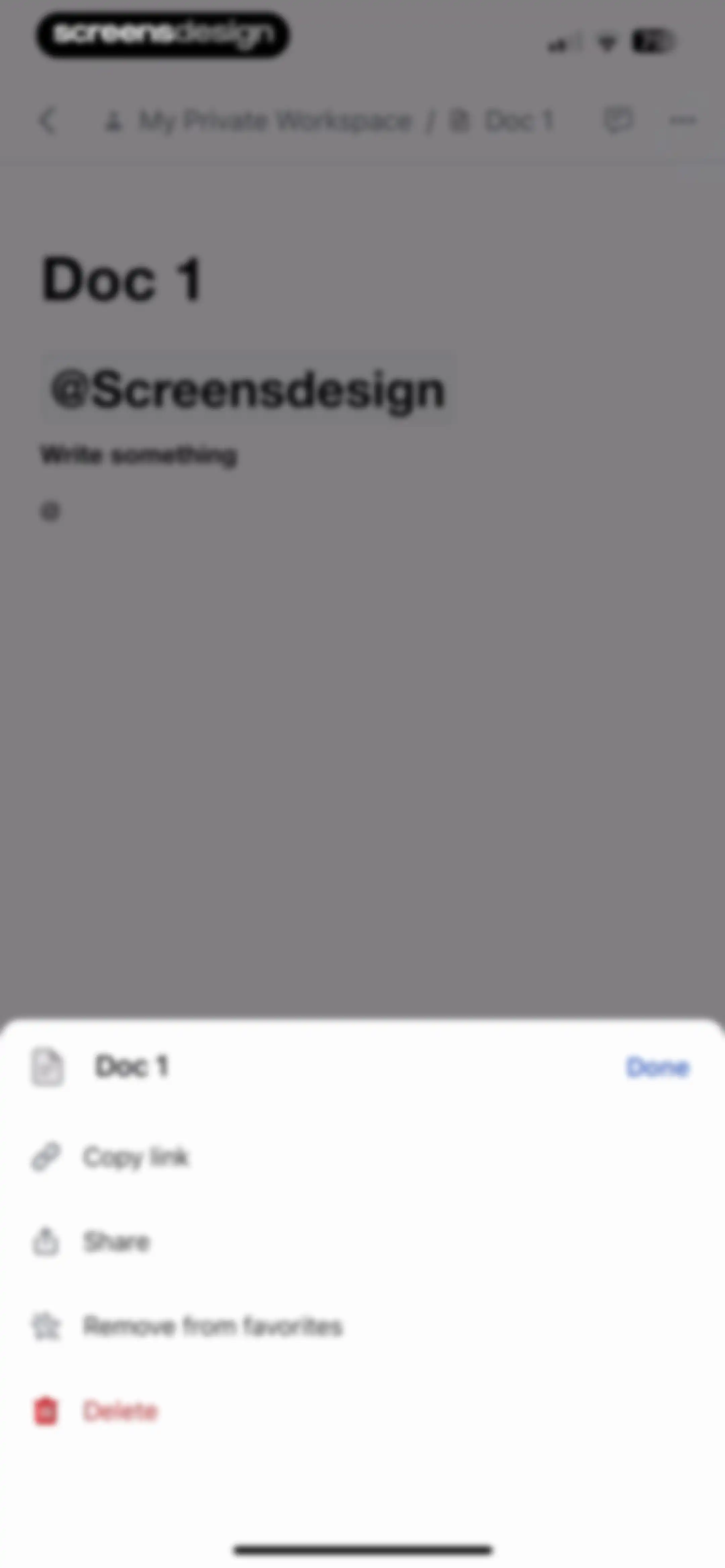
Document editor with an open bottom sheet menu displaying share, favorite management, and delete actions.Unlock Pro
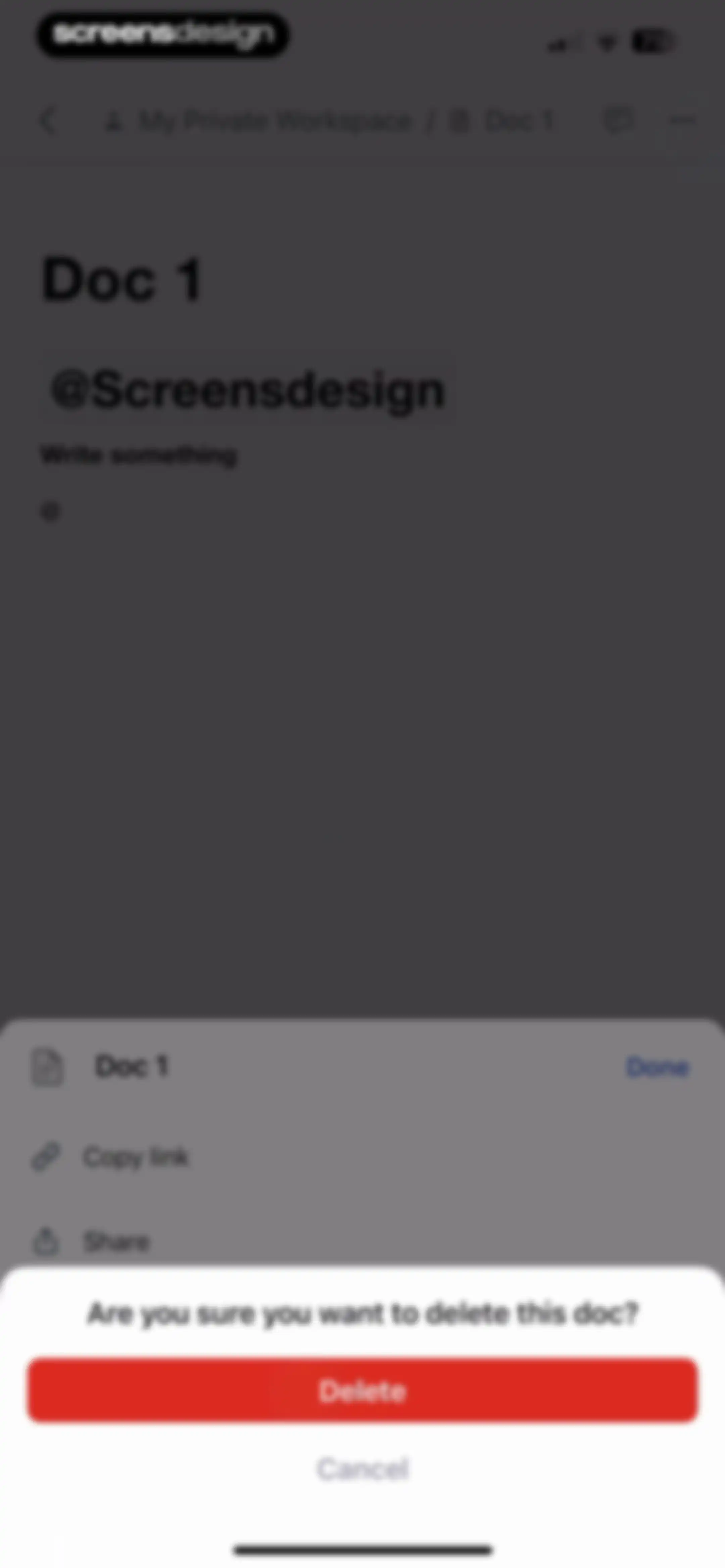
Document editor with a confirmation modal asking if you want to delete the document, featuring Delete and Cancel buttons.Unlock Pro
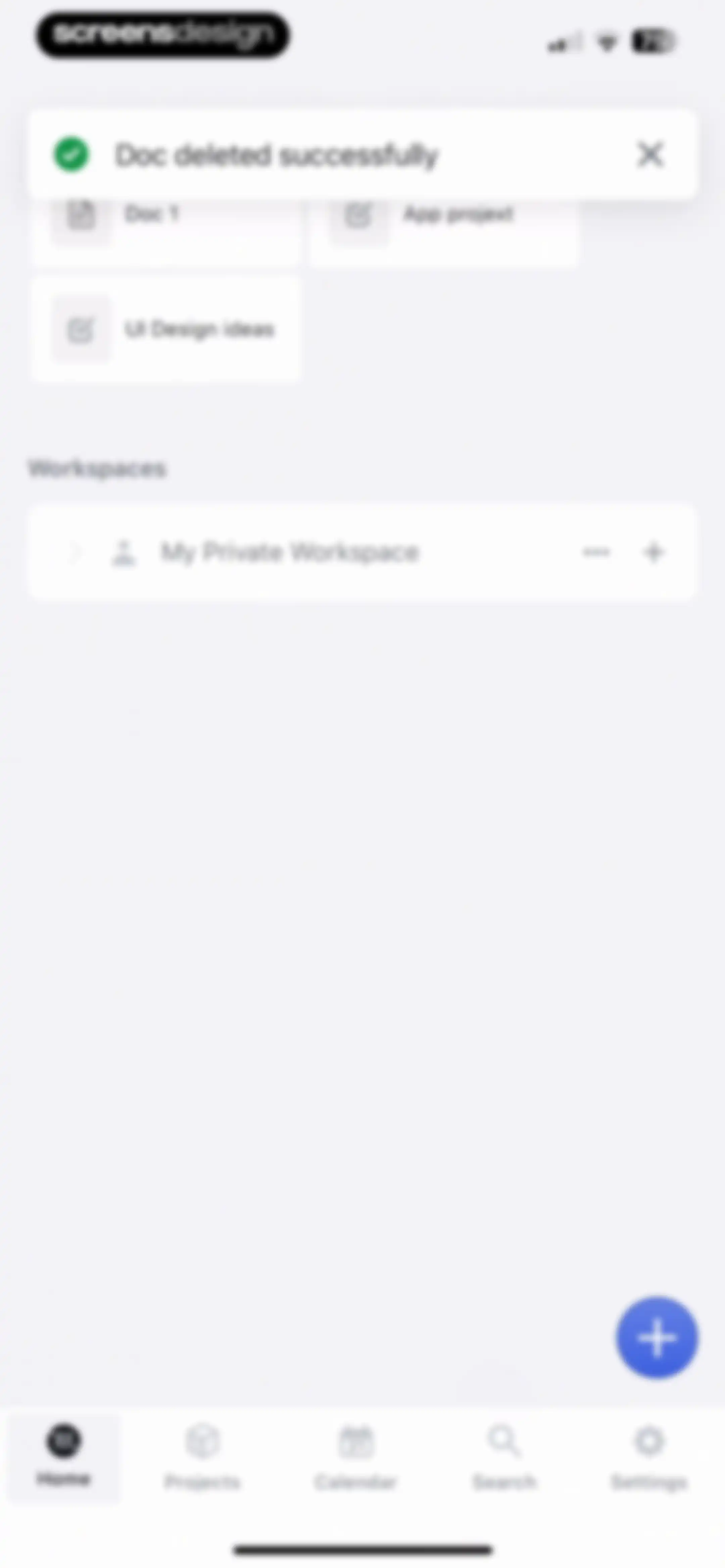
Home screen displaying a success toast notification, document and project cards, a workspace section, and a bottom navigation bar.Unlock Pro
Task management dashboard showing a private workspace with one task and a floating action button for adding new items.Unlock Pro
Home screen featuring a grid of recent items, a workspace list, and an expanded floating action menu with options to create a project, task, or document.Unlock Pro
Project editor screen containing title and description fields, metadata buttons, and an informational banner about desktop-only project creation.Unlock Pro
Empty state screen showing a project created success toast, a no tasks match message, and a bottom navigation bar.Unlock Pro
Empty state project screen displaying a no tasks match filters message with a floating add task button and bottom navigation.Unlock Pro
Modal navigation menu displaying a search bar, task categories, and workspaces with Project 2 selected.Unlock Pro
Task detail modal displaying metadata like status, assignee, and duration, with Cancel and Save buttons.Unlock Pro
Display options modal overlay with view, row, and sort configuration rows and a Done button over a task list.Unlock Pro
Settings screen displaying a display options modal over a task list, featuring a nested view selection modal with none selected and a Done button.Unlock Pro
Task list settings modal overlay displaying row configuration options and a Done button.Unlock Pro
Settings modal for configuring task row display options with a search bar and a list of attributes including Project, Label, and Priority.Unlock Pro
Sort by modal overlay listing criteria including None, Assignee, Status, Project, Priority, and Workspace, with a Done button.Unlock Pro
Task detail editor modal displaying task properties, an auto-scheduled toggle, and a comment input, with Cancel and Save buttons.Unlock Pro
Task edit form modal with metadata fields, auto-schedule settings, and a save action, overlaid with a task completion toast notification.Unlock Pro
Calendar dashboard showing a daily time grid with scheduled task cards for May 21, 2025, and a bottom navigation bar with the Calendar tab selected.Unlock Pro
Search results screen displaying the query 'UI DESIGN', a single task card, and buttons to search archived tasks or events.Unlock Pro
Search screen displaying a no results found message for the query UI DESIGN with a Projects and Tasks filter selected.Unlock Pro
Empty state search screen displaying a no results found message for the text UI DESIGN, along with filter tabs and a bottom navigation bar.Unlock Pro
Search results screen with filter tabs, showing an empty state with no events found for the query UI DESIGN.Unlock Pro
Task editor modal overlaying a search results page, displaying task details such as completed status, assignee, and duration with Cancel and Save actions.Unlock Pro
Search screen displaying a top input bar, filter tabs with Projects & Tasks selected, and a list of matching tasks.Unlock Pro
Task editor modal displaying task details, status set to completed, assignee, duration, and a comment input bar with Cancel and Save buttons.Unlock Pro
Settings screen featuring a user profile card, a vertical list of configuration options, destructive action buttons, and a bottom navigation bar.Unlock Pro
Plan and billing settings screen featuring instructions to manage subscriptions through the iOS App Store and a Take me there link.Unlock Pro
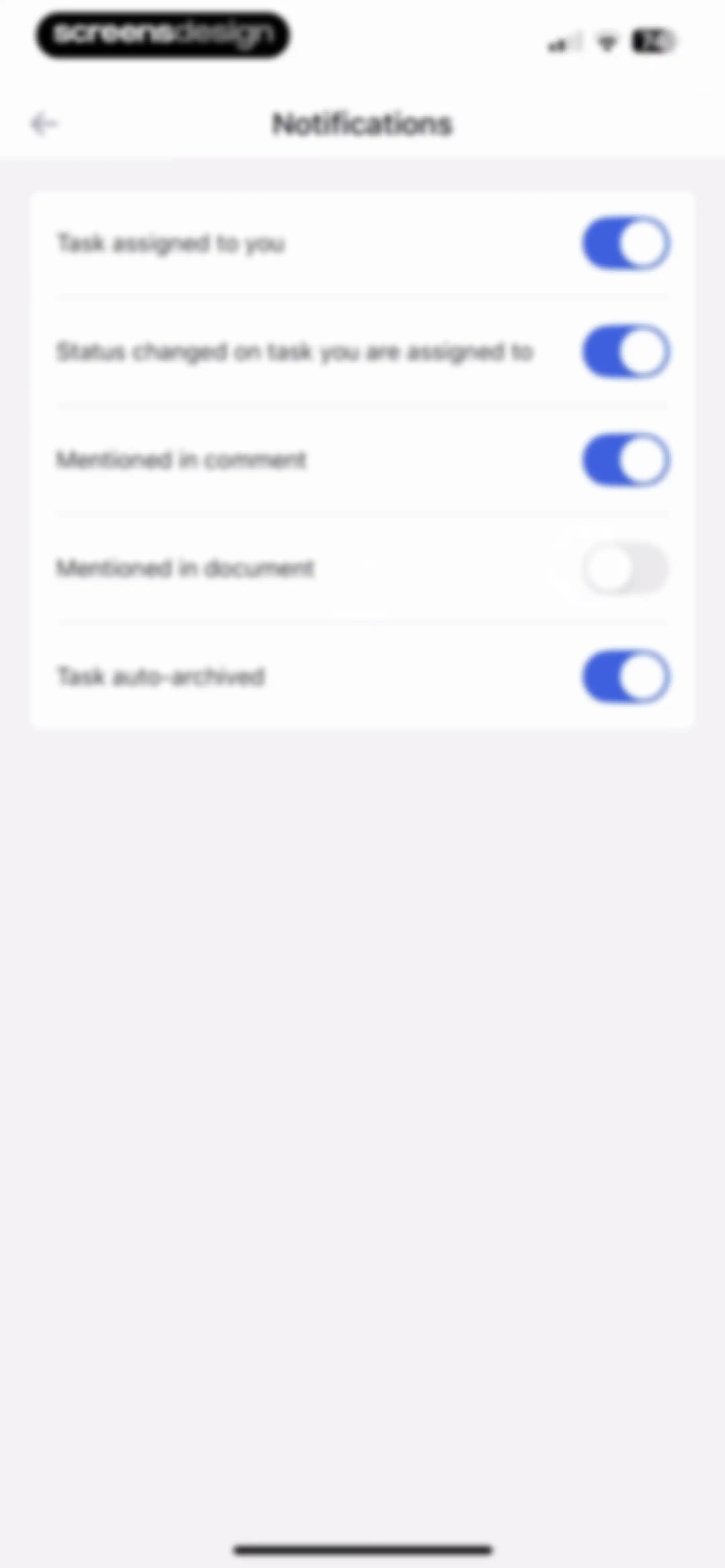
Notification settings screen displaying a list of toggle switches for task and comment alerts, with most options enabled.Unlock Pro
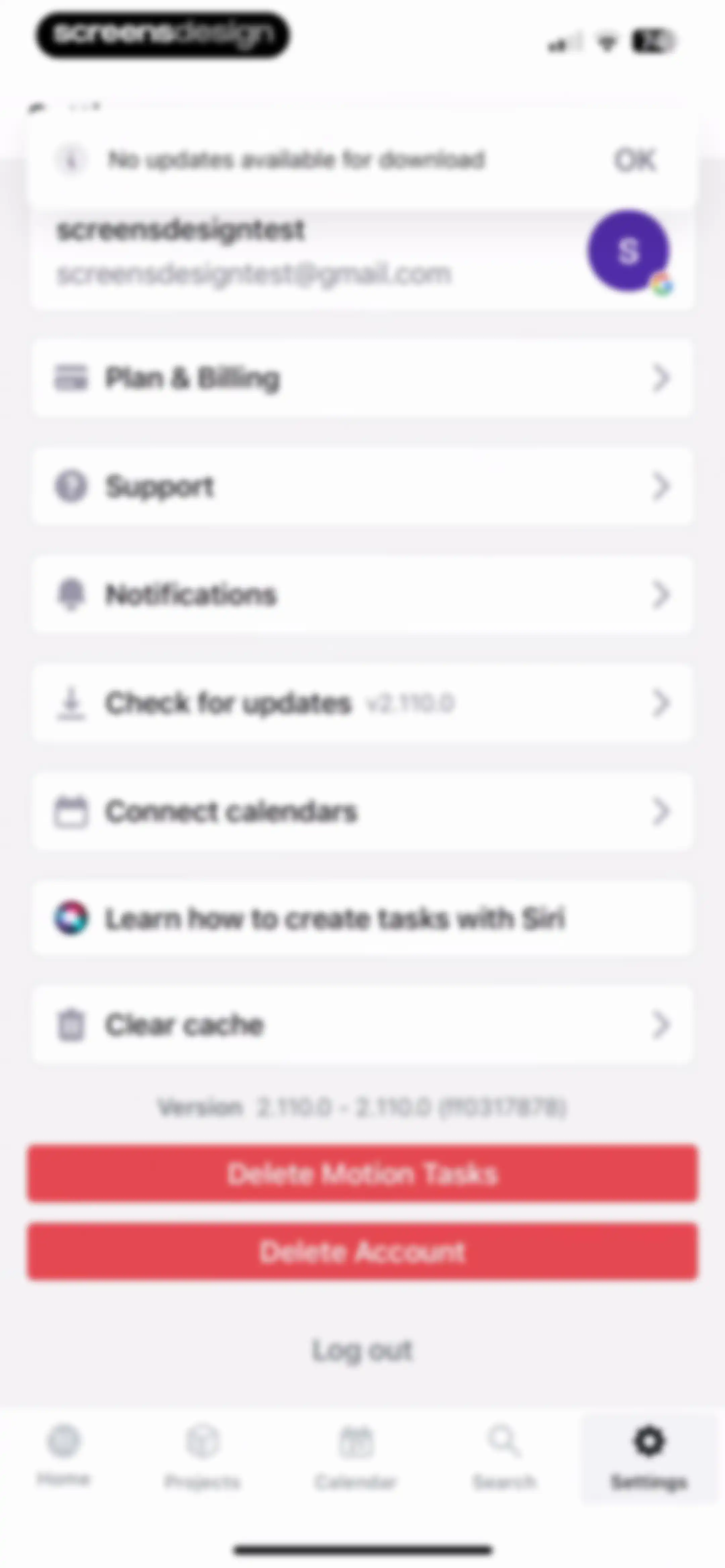
Settings screen featuring a user profile, options list, update notification modal, and two red danger zone buttons for data and account deletion.Unlock Pro
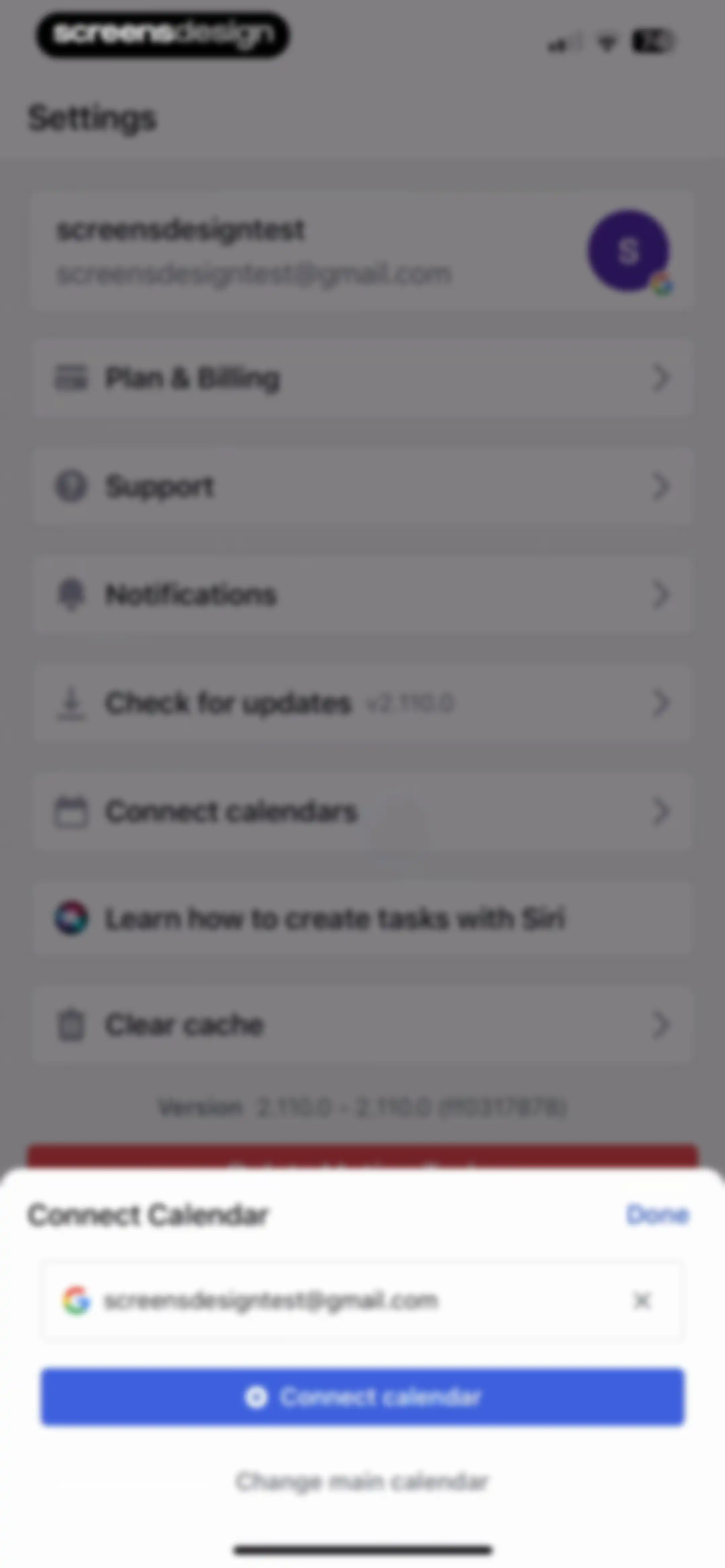
Settings screen with a Connect Calendar modal overlay displaying a Google account email input and a Connect calendar button.Unlock Pro
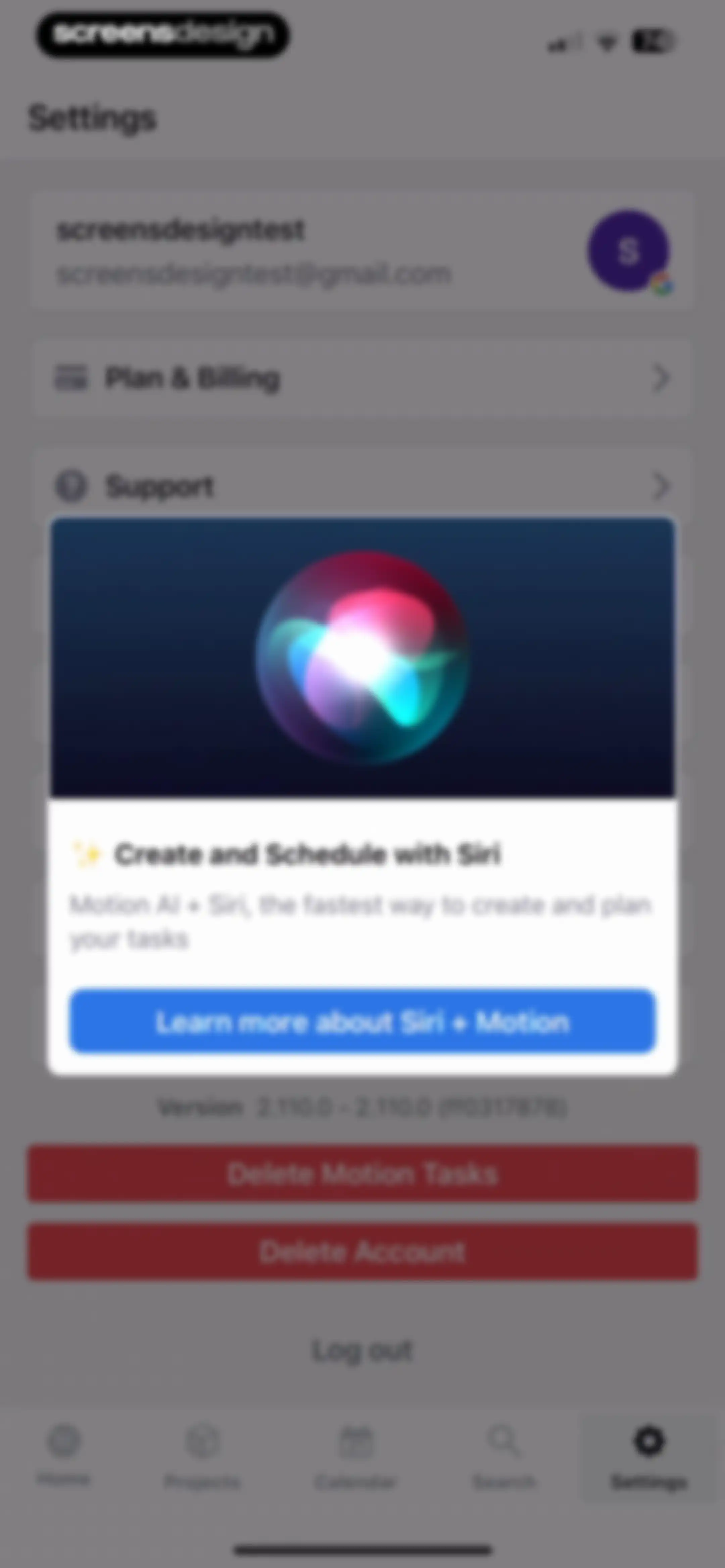
Settings screen with a centered modal promoting Siri integration, account management options, and a bottom navigation bar.Unlock Pro
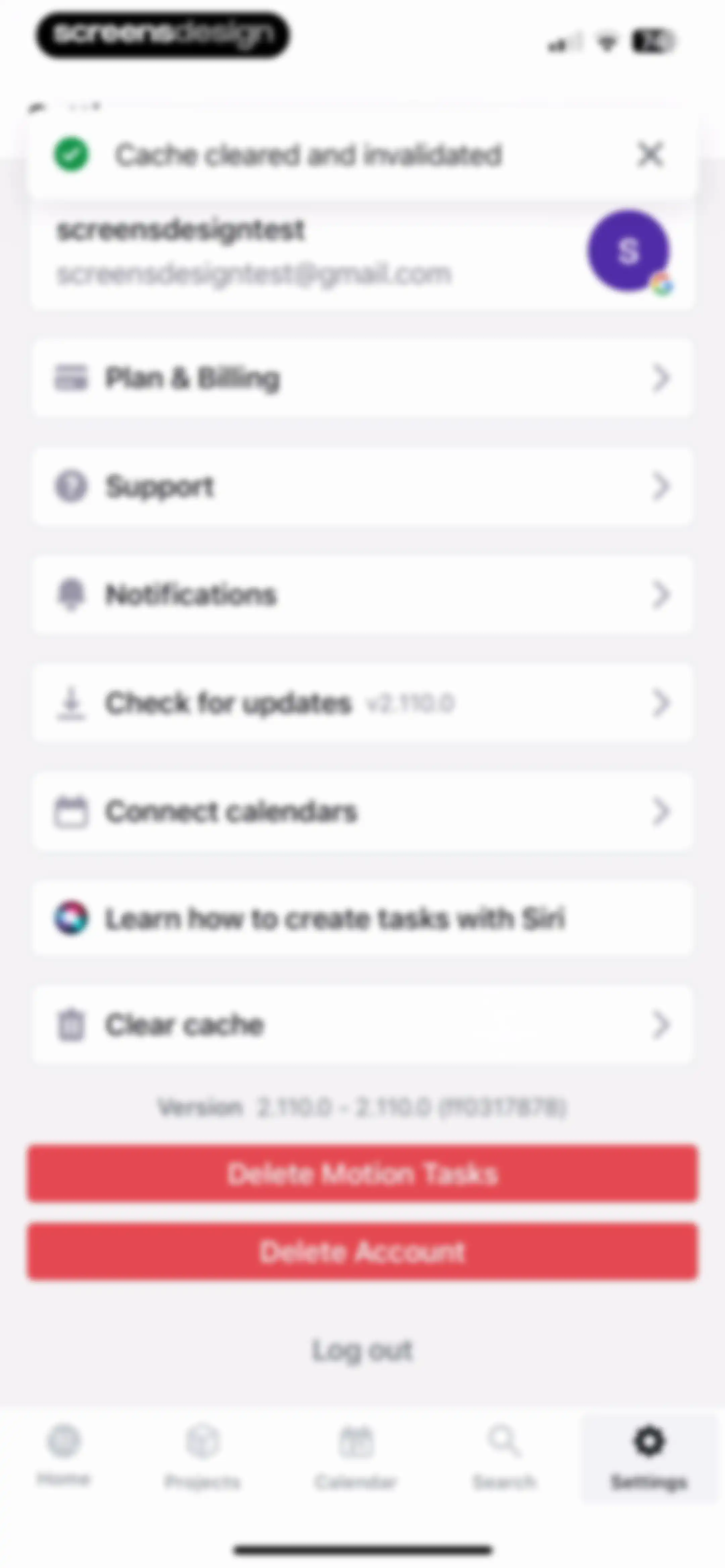
Settings screen featuring a user profile, list of configuration options, red deletion buttons, and a top cache-cleared notification.Unlock Pro
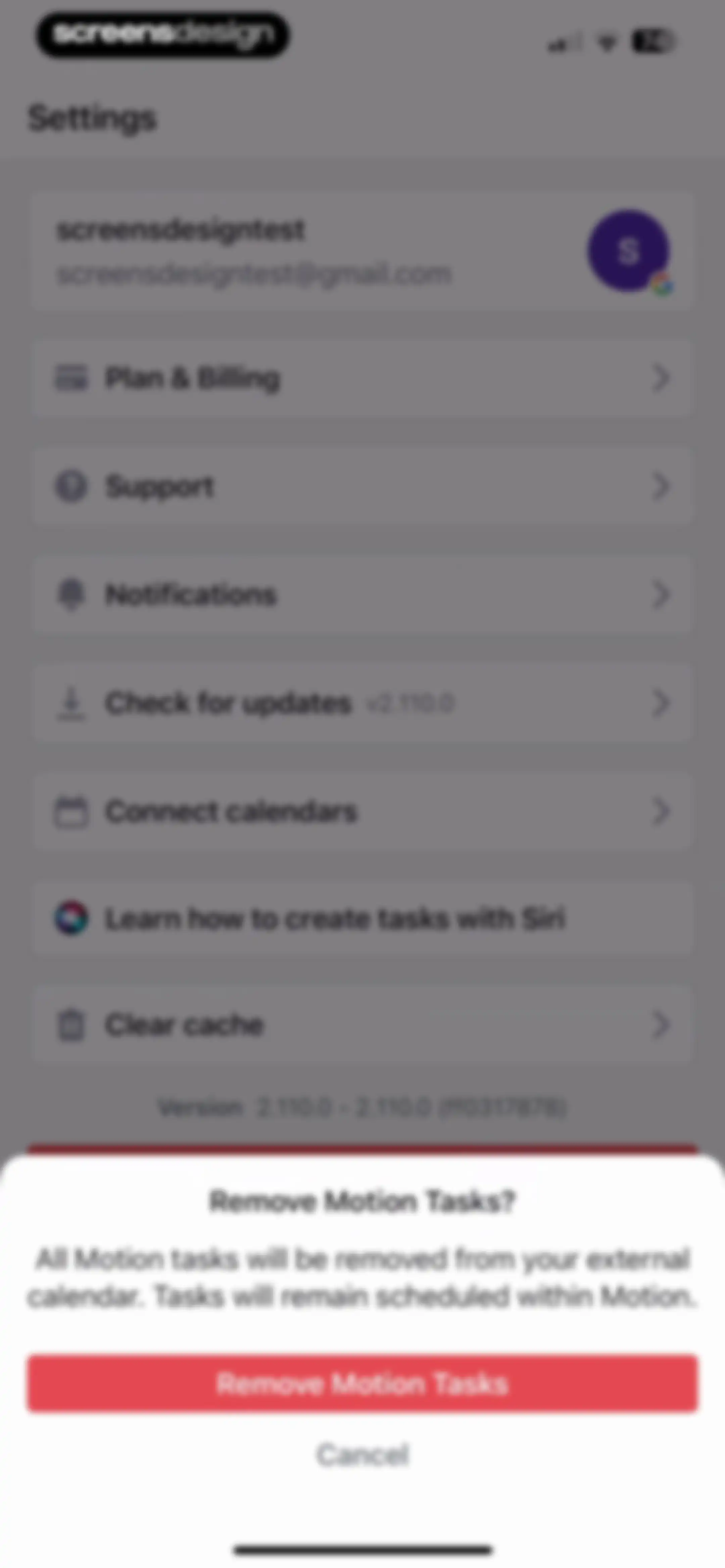
Settings screen with a confirmation modal asking to remove Motion tasks from an external calendar, featuring a red Remove Motion Tasks button and Cancel.Unlock Pro
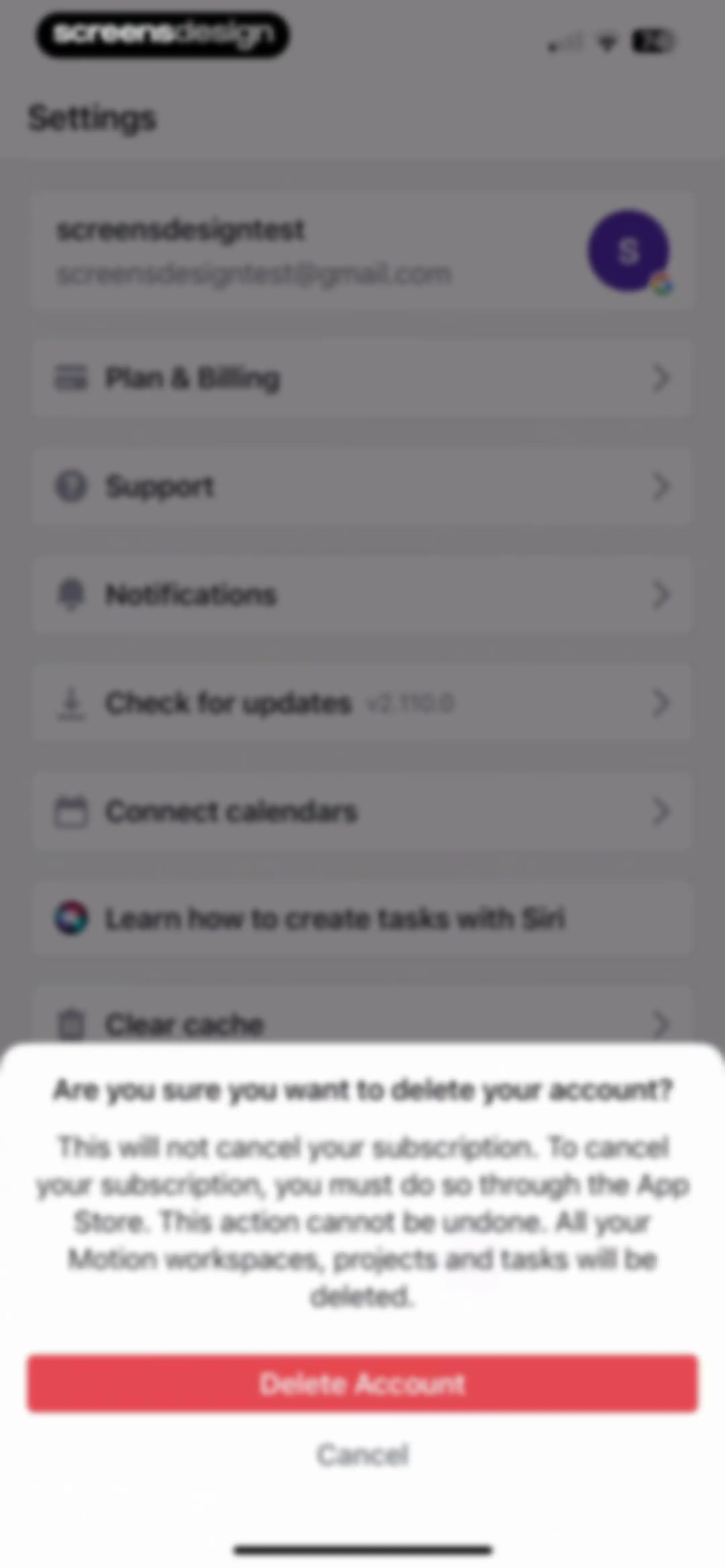
Settings menu featuring a confirmation modal with a warning to delete the user account, including Delete Account and Cancel buttons.Unlock Pro

About Motion: Tasks & AI Scheduling

An AI-powered productivity tool that automatically schedules tasks, manages project timelines, and coordinates meetings for busy professional teams.

Explore Motion: Tasks & AI Scheduling across ScreensDesign

Apps similar to Motion: Tasks & AI Scheduling

Unlock all similar apps

See every comparable app, revenue, installs, and flows.

Unlock Pro
  • Voicenotes AI Notes & Meetings

    4.8
    Coping Hard IncRevenue$200kInstalls<5k
  • Proactor – Note Taking

    4.5
    proactorRevenue$25kInstalls25k
  • Typeless: AI Voice Keyboard

    4.5
    Simply CA LLCRevenue$45kInstalls30k
  • Openchat: AI Chatbot Copilot

    4.7
    JARVISY LTDRevenue$60kInstalls30k
  • Genspark AI Workspace

    4.7
    GENSPARK INCRevenue$800kInstalls45k
  • AI Meeting Note Taker - Jamie

    4.9
    wespond UG (haftungsbeschränkt)Revenue$35kInstalls<5k
  • Cue: AI Note Taker & Recorder

    4.5
    44pixelsRevenue$350kInstalls15k
  • WriteSwift AI - Note Taking

    4.5
    Stilwell LimitedRevenue$150kInstalls35k
  • AI ChatBot Assistant: AskEasy

    4.7
    Zilingial LimitedRevenue$150kInstalls<5k
  • Noteflow: AI Notes Taking

    4.6
    DIGITAL LIONS APPSRevenue$<5kInstalls<5k
  • Google Gemini

    4.7
    GoogleRevenue$200kInstalls12M
  • Spark Mail: AI Email Assistant

    4.6
    Readdle Technologies LimitedRevenue$200kInstalls<5k
  • Ask Assist - AI Chat Bot

    4.5
    GM UniverseApps LimitedRevenue$<5kInstalls<5k
  • Symmetry: AI Gym Workout Log

    4.8
    Symmetry Club LLCRevenue$150kInstalls200k
  • Alight Motion

    4.4
    Bending Spoons Apps ApSRevenue$500kInstalls350k
  • Critique AI: Habit Tracker

    4.7
    With BytesRevenue$10kInstalls45k
  • Minutes: AI Meeting Note Taker

    4.9
    Minutes AIRevenue$300kInstalls<5k
  • Notee: AI Note Taker

    4.8
    GM UniverseApps LimitedRevenue$250kInstalls<5k
  • SpeakApp AI: Voice Notes

    4.6
    VoicePop Inc.Revenue$300kInstalls25k
  • Arise: Level Up In Real Life

    4.8
    STEALTHCOMPANY, LLCRevenue$90kInstalls40k
  • SmartGym: Gym & Home Workouts

    4.7
    Mateus AbrasRevenue$50kInstalls12k
  • Wispr Flow: AI Voice Keyboard

    4.8
    Wispr AI, Inc.Revenue$500kInstalls150k
  • Layla – AI Trip Planner

    4.6
    Beautiful Destinations Booking GmbhRevenue$<5kInstalls<5k
  • My Scanner: Scan to PDF & Edit

    4.7
    Dream App Studio UABRevenue$450kInstalls25k
  • Tiro - AI Meeting Notes

    4.9
    ThePlato Inc.Revenue$20kInstalls<5k
  • My Macros+ | Macro Tracker

    4.7
    My Macros LLCRevenue$30kInstalls<5k
  • Stronger - Gym Workout Planner

    4.8
    Atlas Smart Technologies LTDRevenue$85kInstalls55k
  • Wave AI Note Taker & Recorder

    4.9
    Mohrer Associates LLCRevenue$350kInstalls<5k
  • CraftNote: Smart AI Note Taker

    4.7
    Joyolabs Dijital Hizmetler Anonim SirketiRevenue$200kInstalls35k
  • SnapAI: Scan Anything

    4.2
    亚飞 陕Revenue$15kInstalls<5k
  • Zing AI: Home & Gym Workouts

    4.8
    Zing Coach Inc.Revenue$70kInstalls<5k
  • AI Cleaner: Phone Cleanup

    4.3
    FireAI LtdRevenue$20kInstalls<5k
  • Magic Cleaner-Clean Storage !

    4.2
    LandspectRevenue$20kInstalls<5k
  • Resume Builder⁺

    4.8
    Rounding Squares BVRevenue$45kInstalls40k
  • Photoroom: AI Photo Editor

    4.8
    ARTIZANS OF PHOTO VIDEO BACKGROUND EDITOR APPRevenue$2MInstalls450k
  • Quo (formerly OpenPhone)

    4.4
    OpenPhone Technologies IncRevenue$200kInstalls15k
  • AI CleanKit: Phone Cleaner Pro

    4.3
    STAR LIGHTHOUSE TECHNOLOGY PTE. LTD.Revenue$400kInstalls<5k
  • Perplexity - AI Search & Chat

    4.8
    Perplexity AI, Inc.Revenue$7MInstalls750k
  • Acloset - AI Fashion Assistant

    4.4
    Looko Inc.Revenue$20kInstalls100k
  • AI Chat Bot - My Assistant

    4.5
    Appenvision LtdRevenue$65kInstalls15k
  • NextGen AI Chat Assistant

    3.9
    Belair Mobile, Inc.Revenue$<5kInstalls<5k
  • GammAI: AI Presentation Maker

    4.4
    Denys HodushkoRevenue$20kInstalls5k
  • AI Resume Creator: CV Builder

    4.6
    Nirav AlagiyaRevenue$<5kInstalls<5k
  • Voice Recorder: AI Note Taker

    4.7
    Voice Inc.Revenue$65kInstalls6k
  • Sprout - AI Job Search

    4.6
    MagnifexRevenue$45kInstalls65k
  • AI Chatbot - Ask AI Anything

    4.5
    DIGITALLIFE TECHNOLOGY CO., LIMITEDRevenue$<5kInstalls<5k
  • AI Cleaner Pro: Clean Storage

    4.5
    HOMEX AND AI PTE. LTD.Revenue$<5kInstalls<5k