HEY Email

$<5k revenue, 4.6 rating

Login or Sign Up
0:00 / 21:42

Onboarding flow, Paywall & Inside the App

Watch the full screen-by-screen UX video of HEY Email with onboarding, paywall, and every core flow.
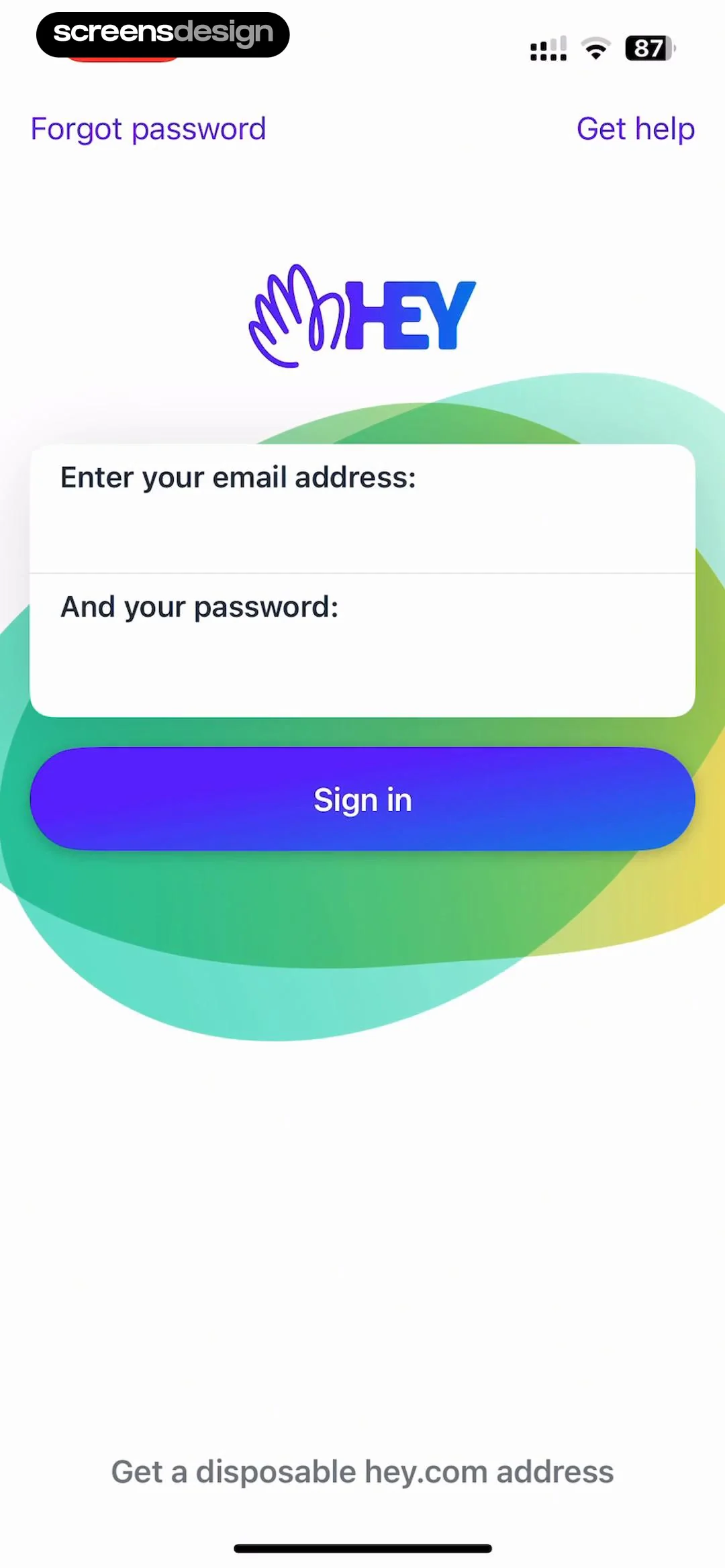
Login screen for the HEY email app with input fields for email and password, a Sign in button, and links for account recovery and support.
HEY email app onboarding screen explaining disposable address limitations with a confirmation button.
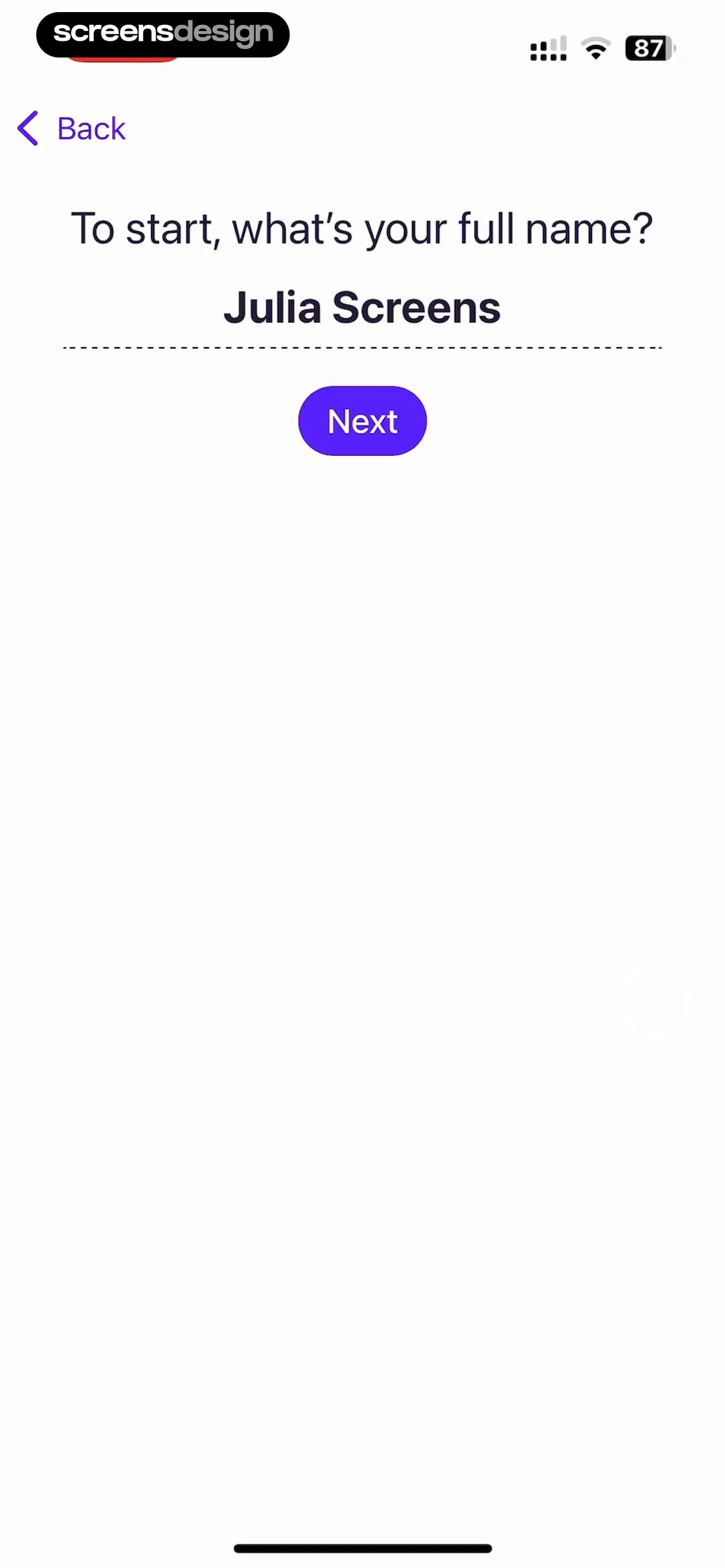
HEY Email onboarding name entry screen with the prompt asking for full name, a pre-filled input field, and a Next button.
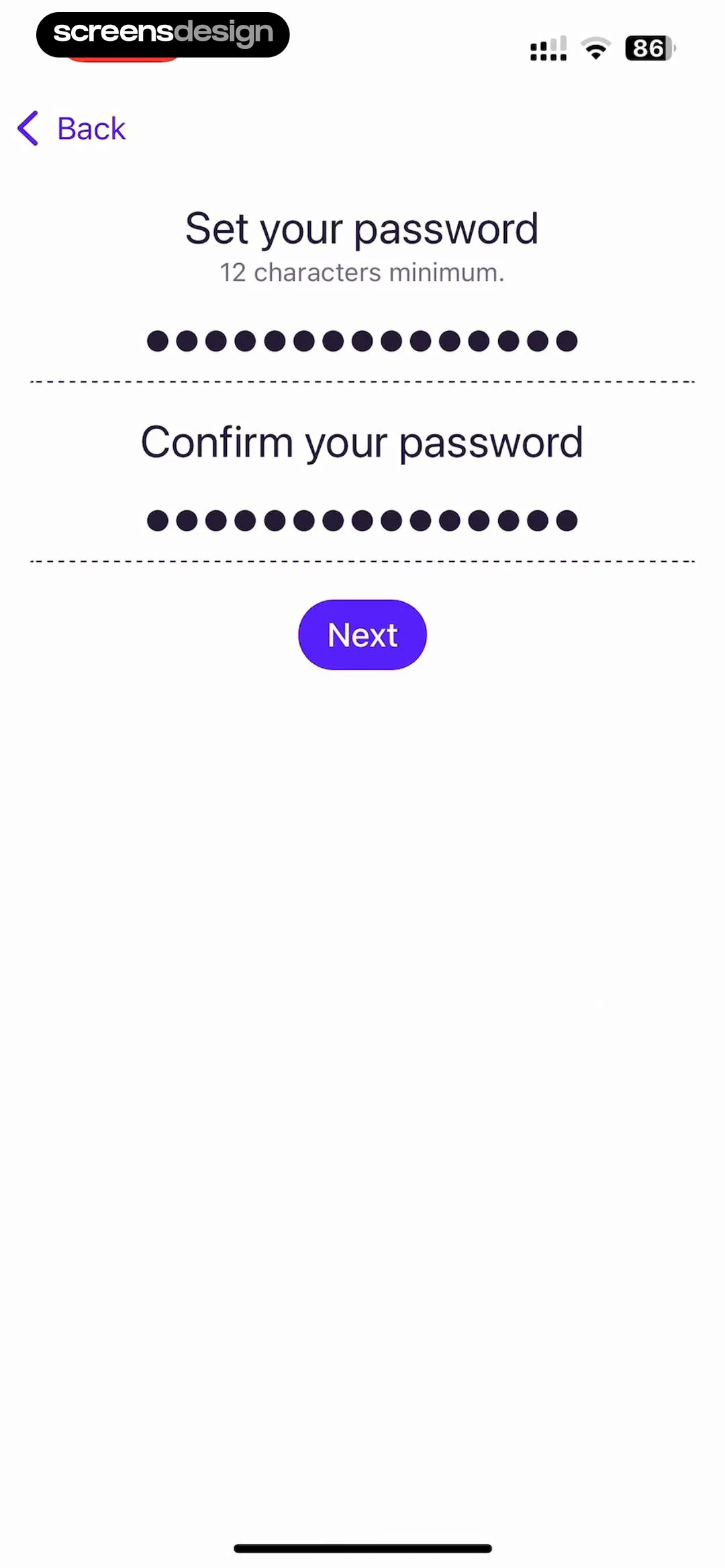
Password creation screen with two input fields for setting and confirming a password, a minimum 12-character requirement, and a Next button.
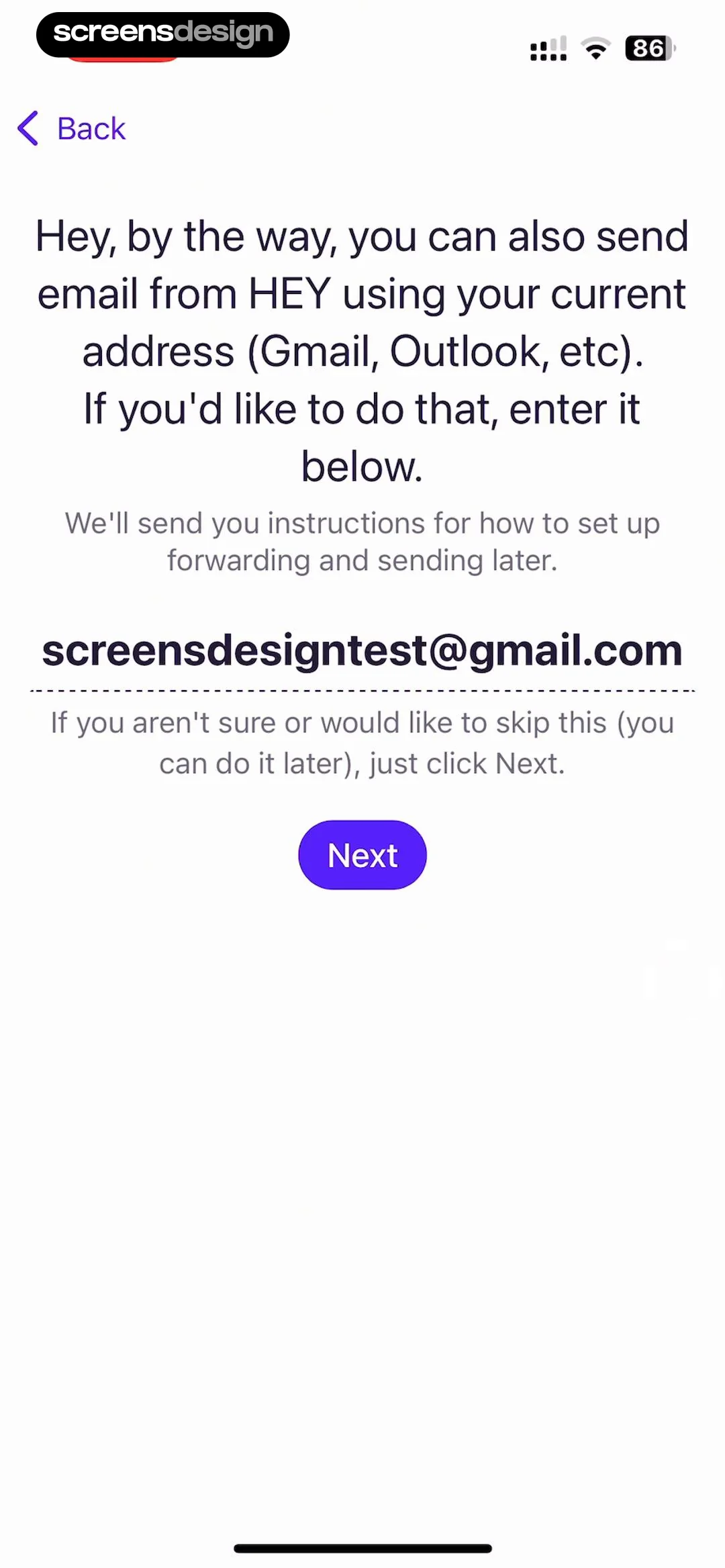
HEY app onboarding screen asking to enter an existing email address for setup, with a filled email field and a Next button.
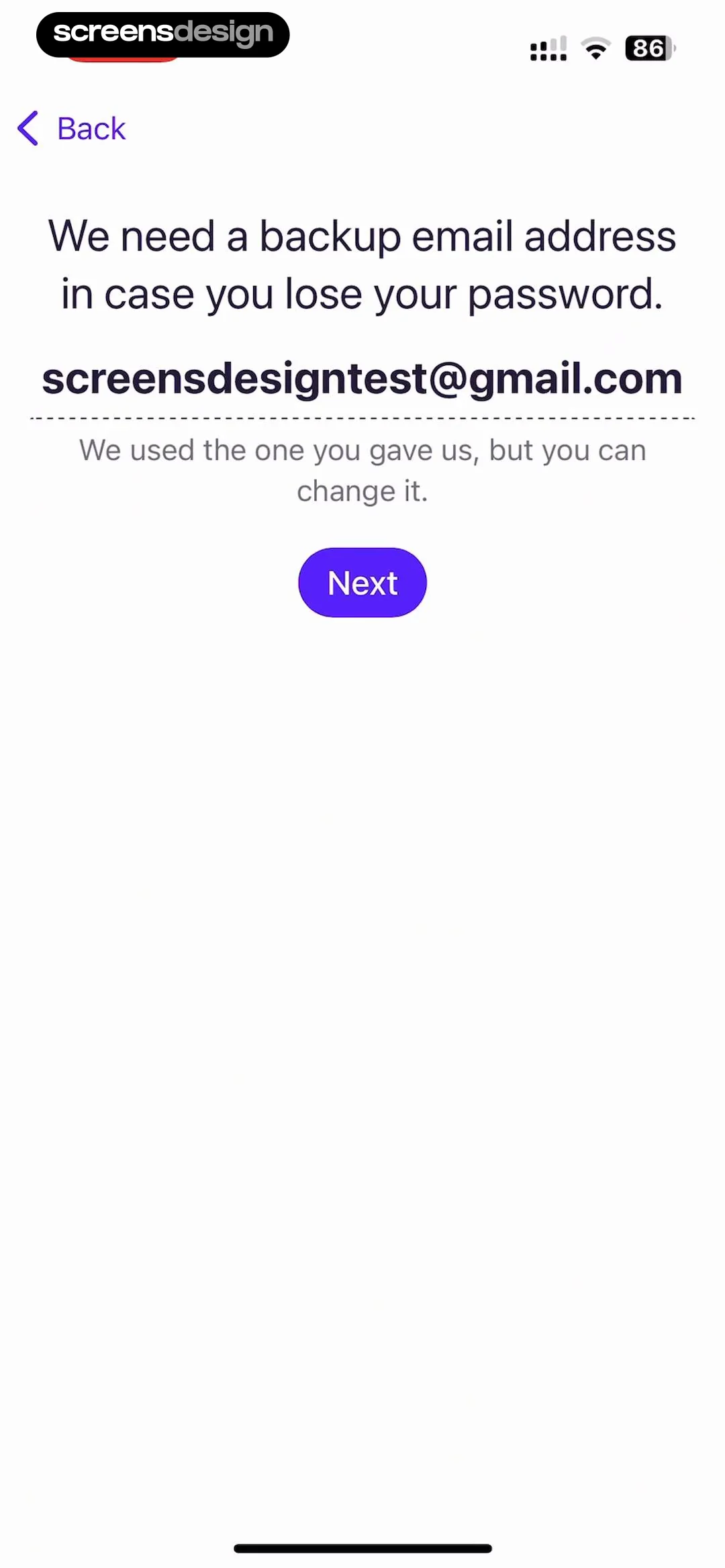
Account recovery screen prompting for a backup email address, featuring a pre-filled email field and a Next button.
Onboarding completion screen confirming account setup with a checklist card and an OK, let's go button.
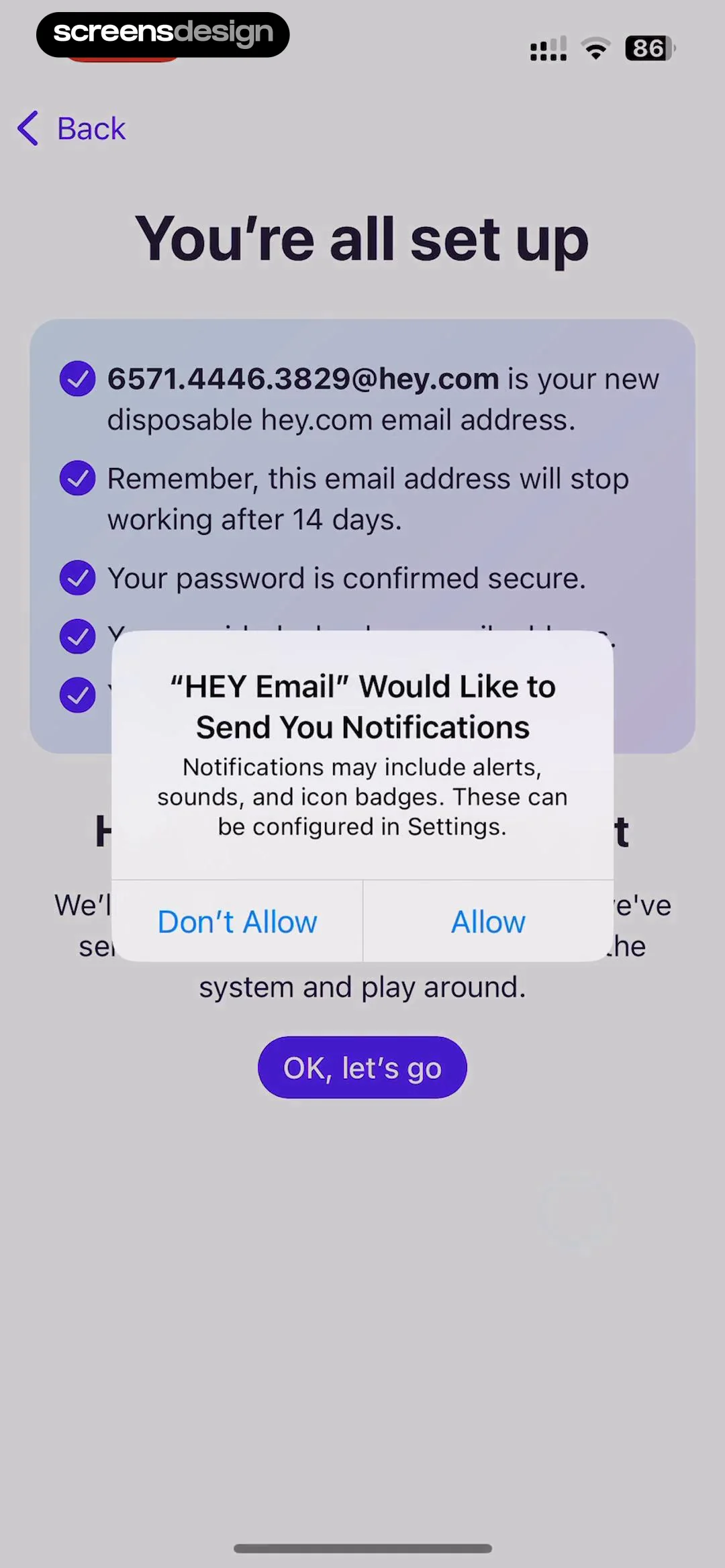
HEY Email onboarding completion screen with an account setup summary and a system notification permission modal.
Home inbox screen displaying a list of unread emails with a search bar, a write button, and a floating HEY logo.Unlock Pro
Onboarding email from The HEY Team explaining how to use The Screener, with a bottom floating action bar.Unlock Pro
Email roster screen displaying two participants in the thread, including The HEY Team and Julia Screens, with a back button.Unlock Pro
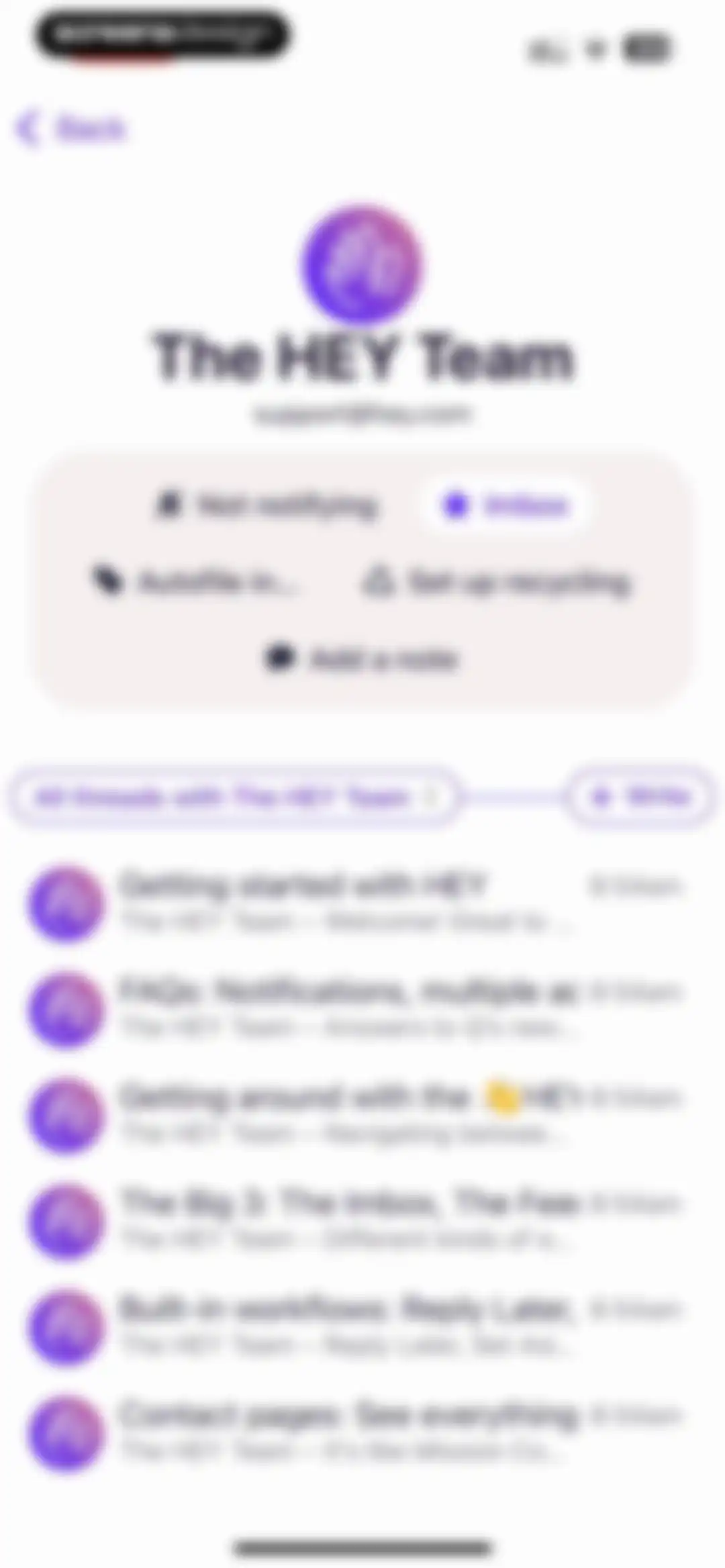
Email contact view displaying action buttons, filter dropdown, and a list of email threads from The HEY Team.Unlock Pro
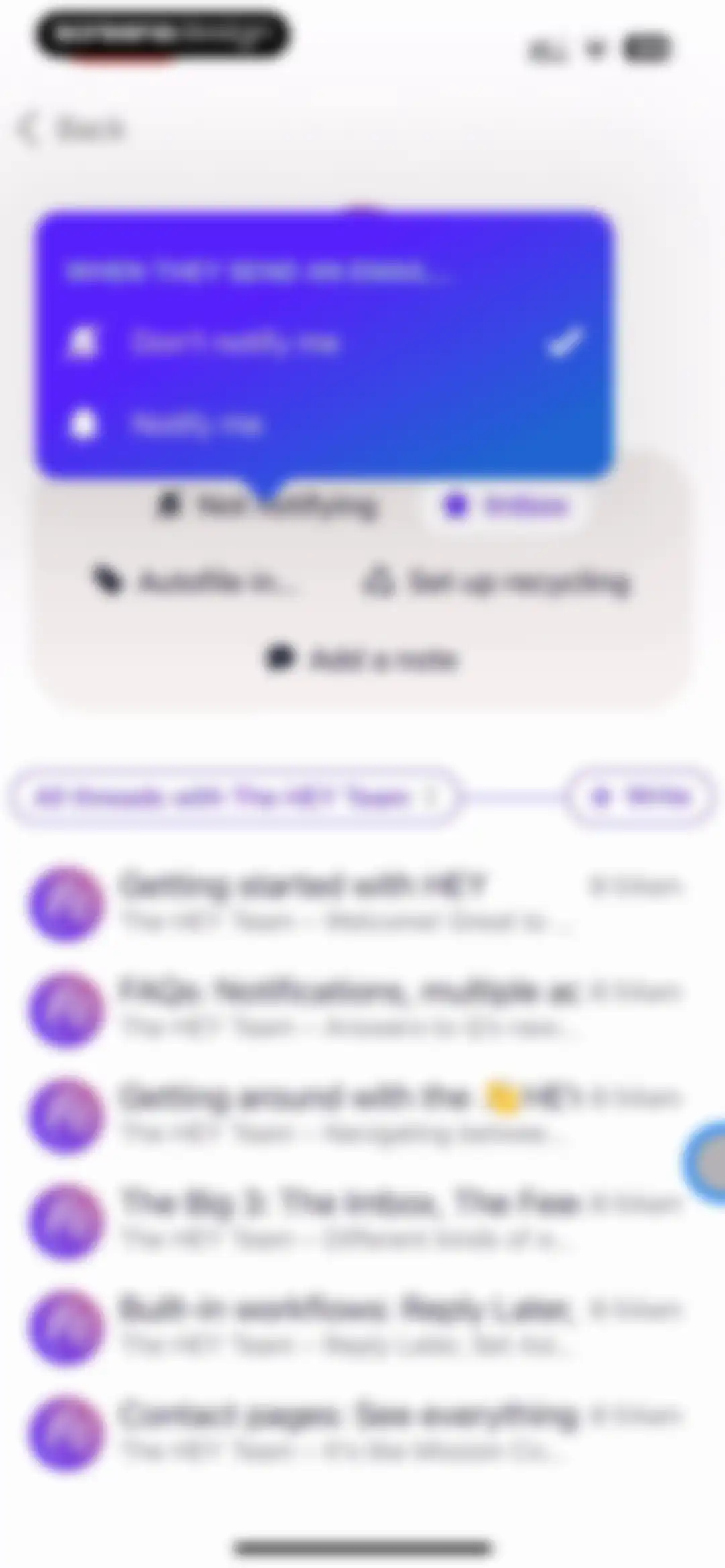
Email notification settings modal overlaying a list of email threads, with the Don't notify me option selected.Unlock Pro
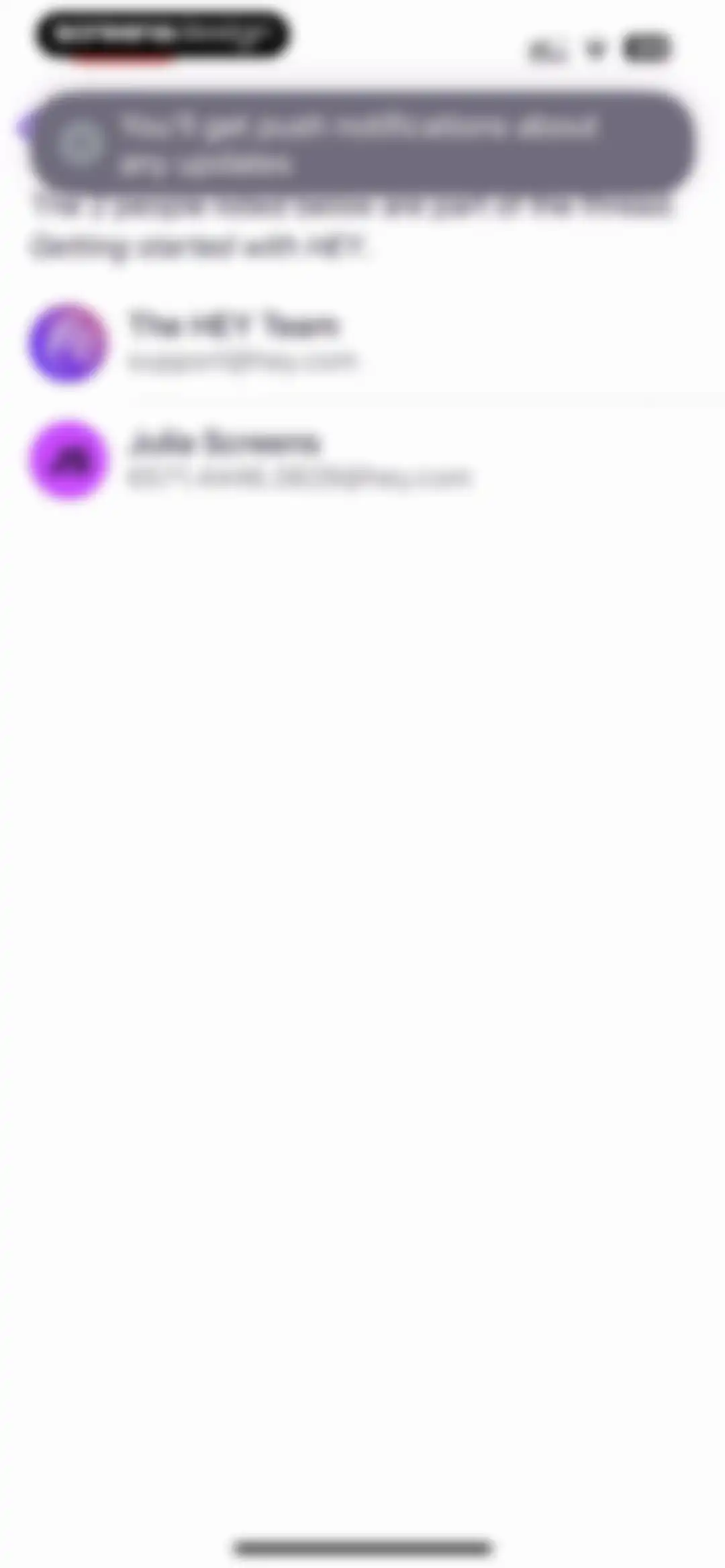
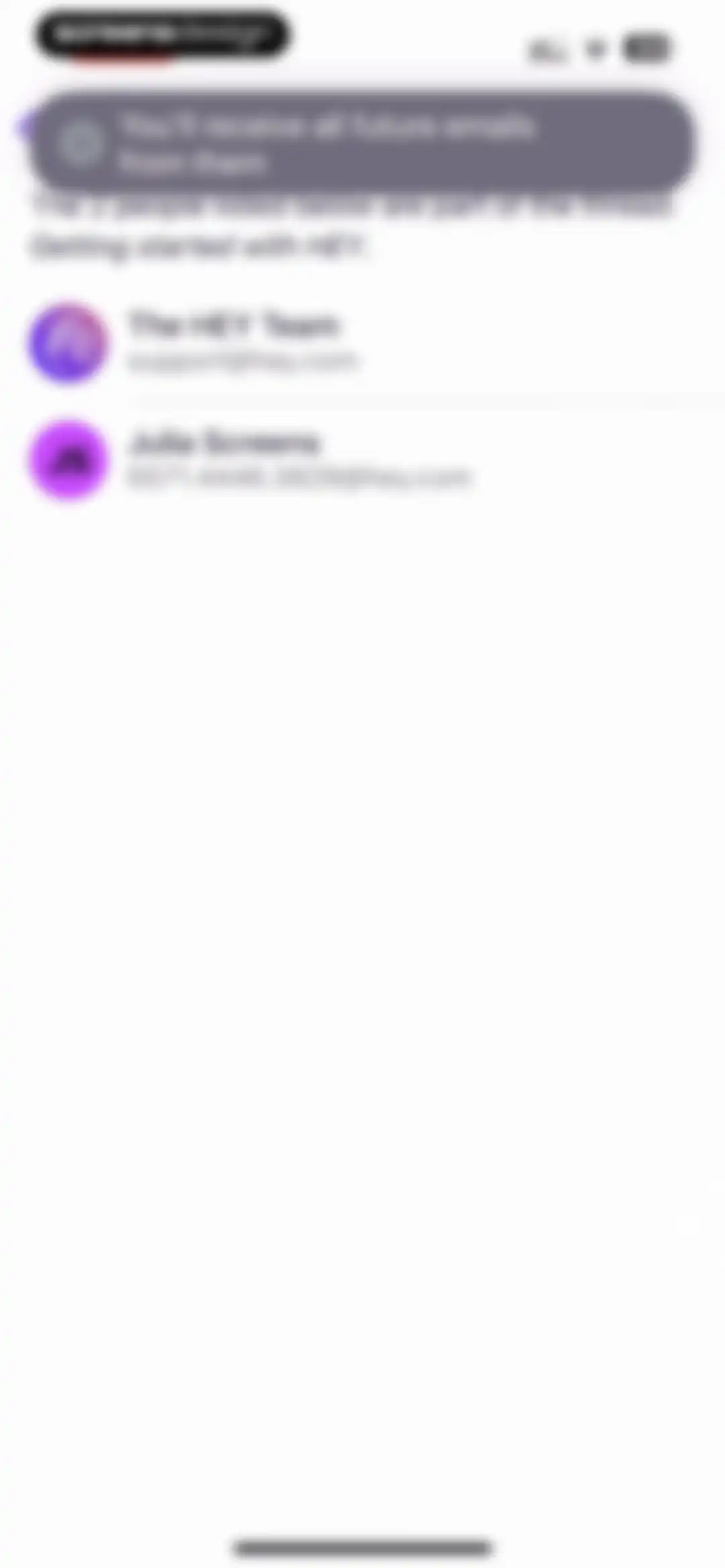
Email thread participants screen in HEY Email displaying a push notification banner and a list of two members with their names and email addresses.Unlock Pro
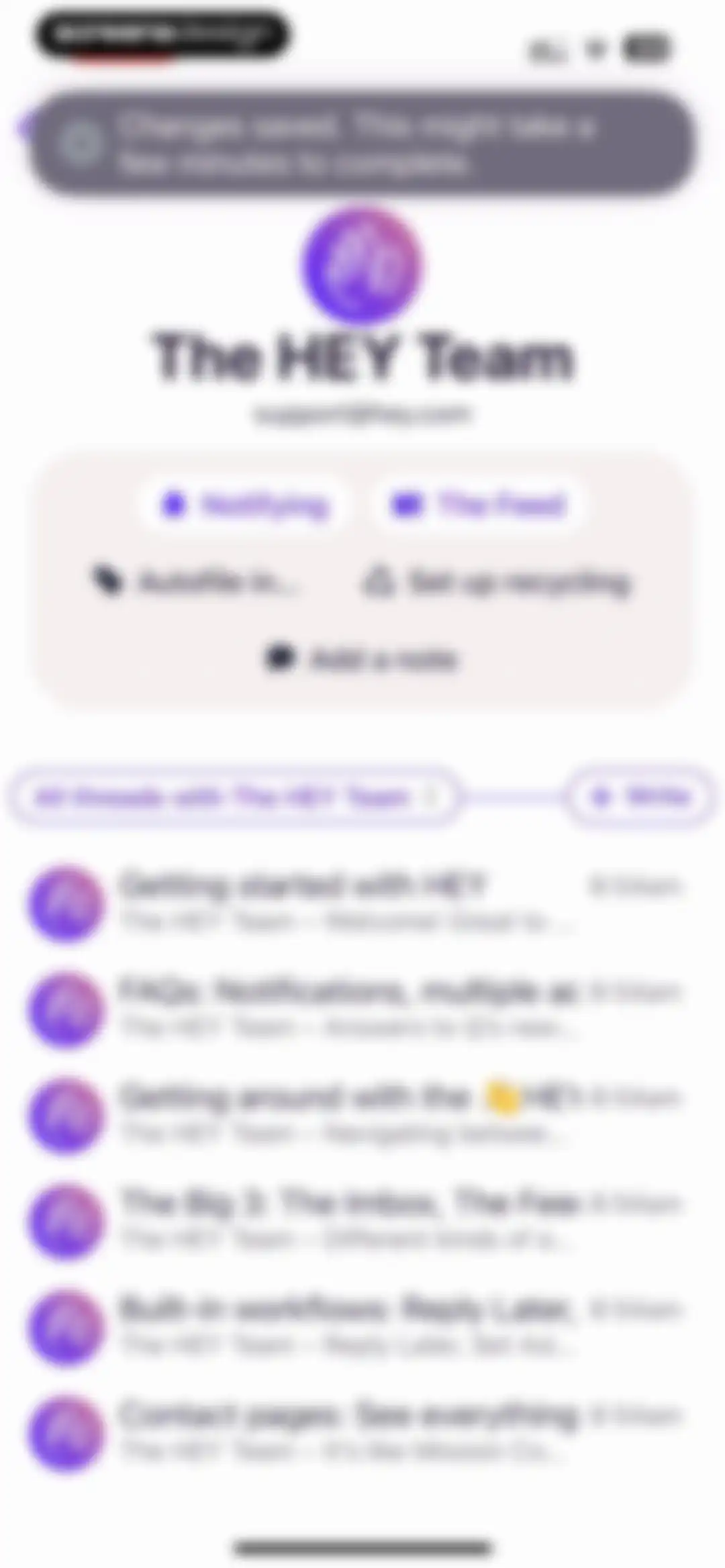
Email contact profile for The HEY Team displaying communication settings, action buttons, and a list of related email threads.Unlock Pro
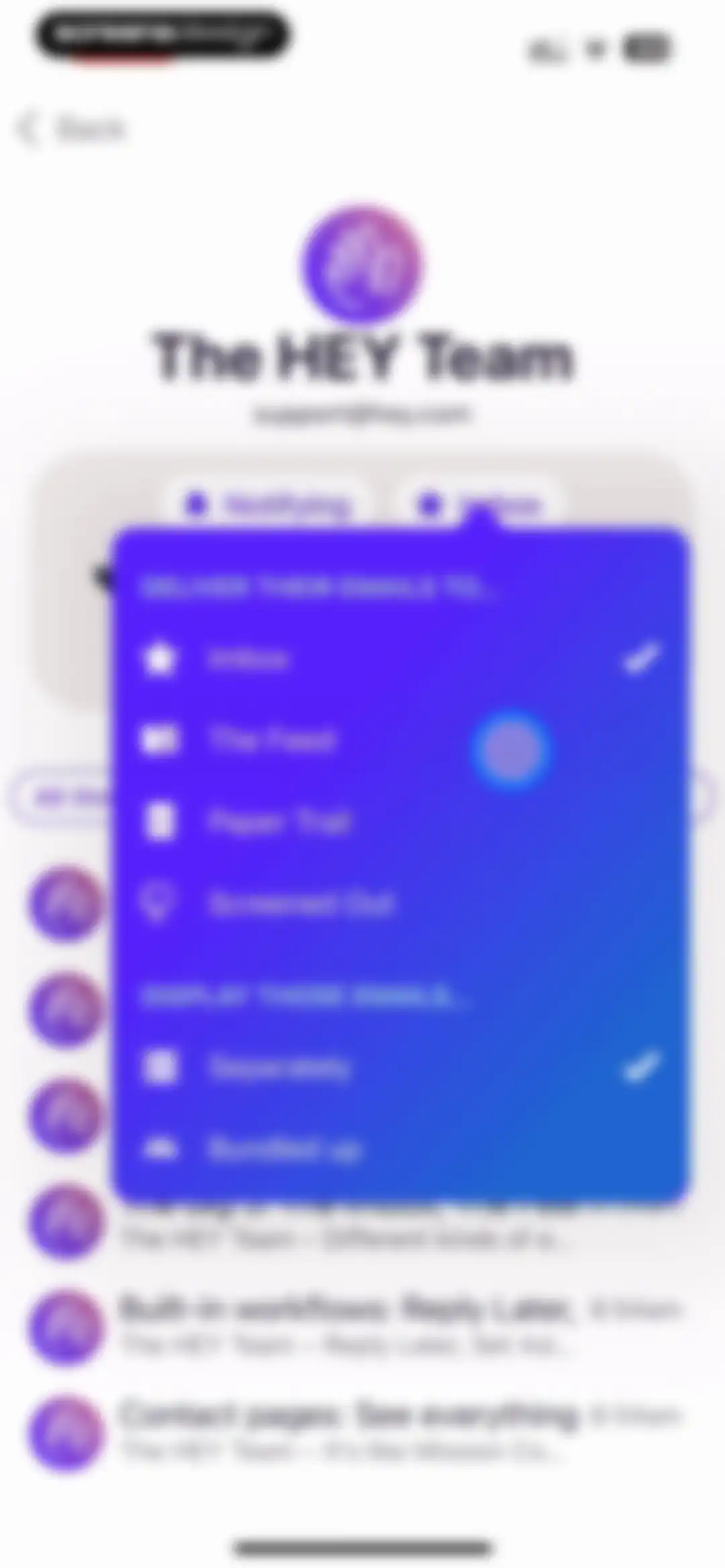
Email settings modal with delivery and display destination options for a specific sender, showing Imbox and Separately selected.Unlock Pro
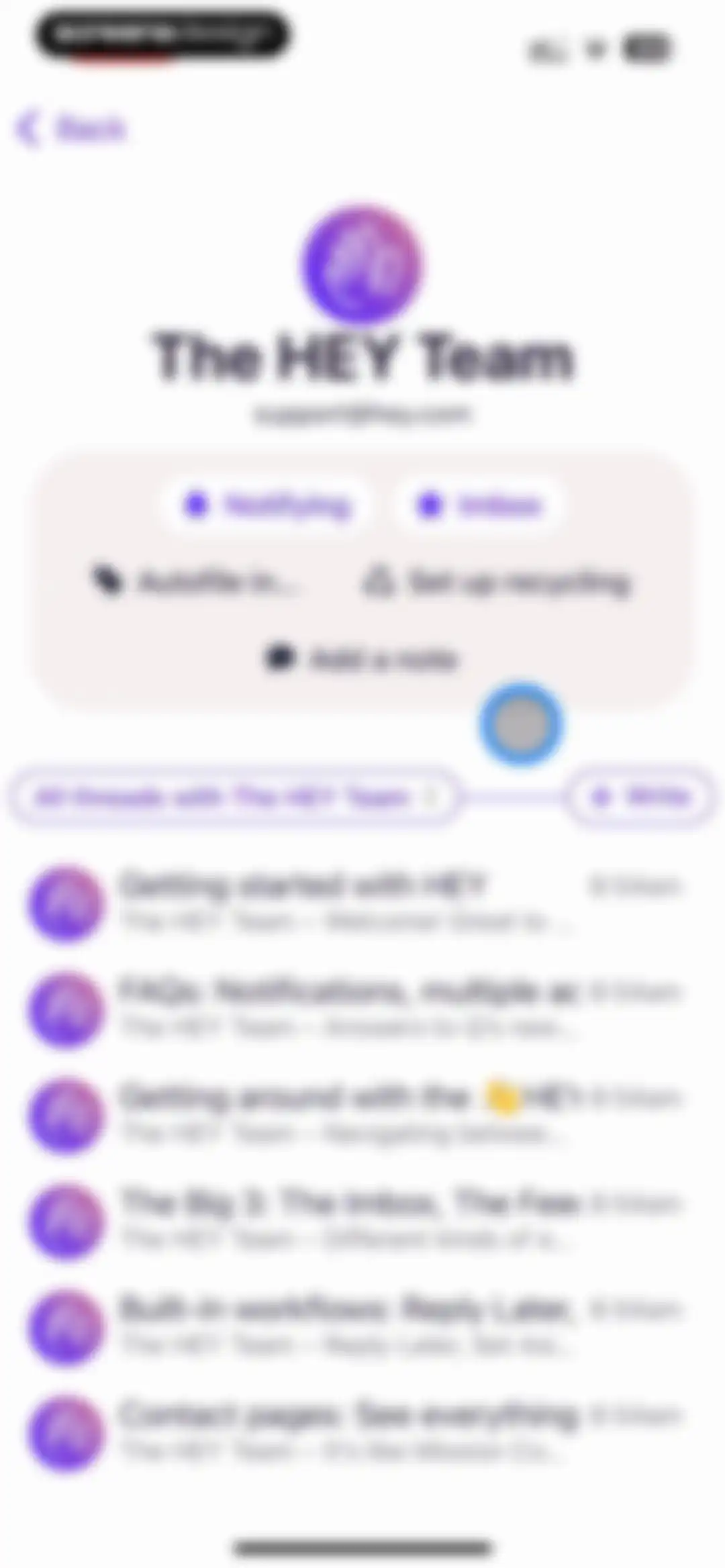
Email contact dashboard showing action buttons, a thread filter, and a list of message threads for The HEY Team.Unlock Pro
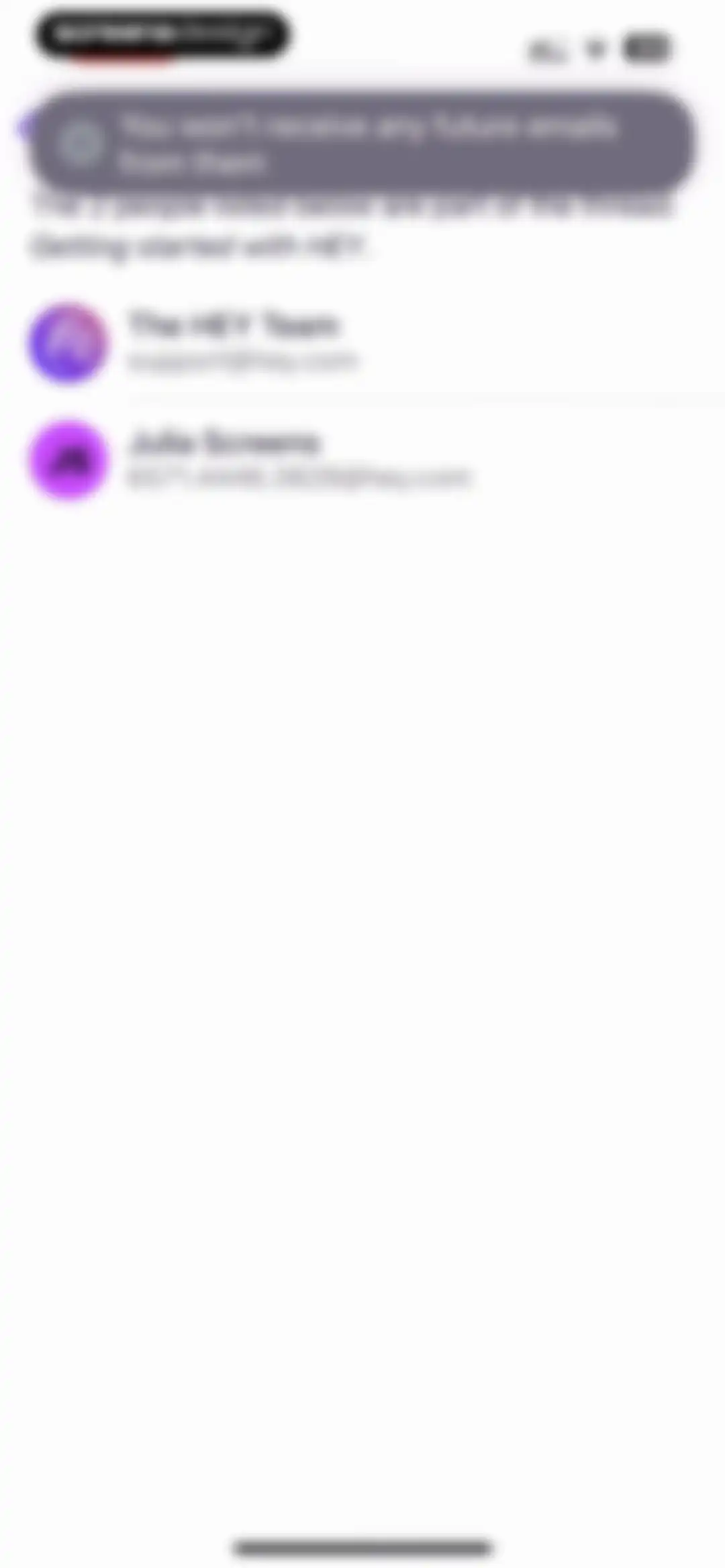
HEY email thread details screen showing a blocking confirmation toast and a list of two participants.Unlock Pro
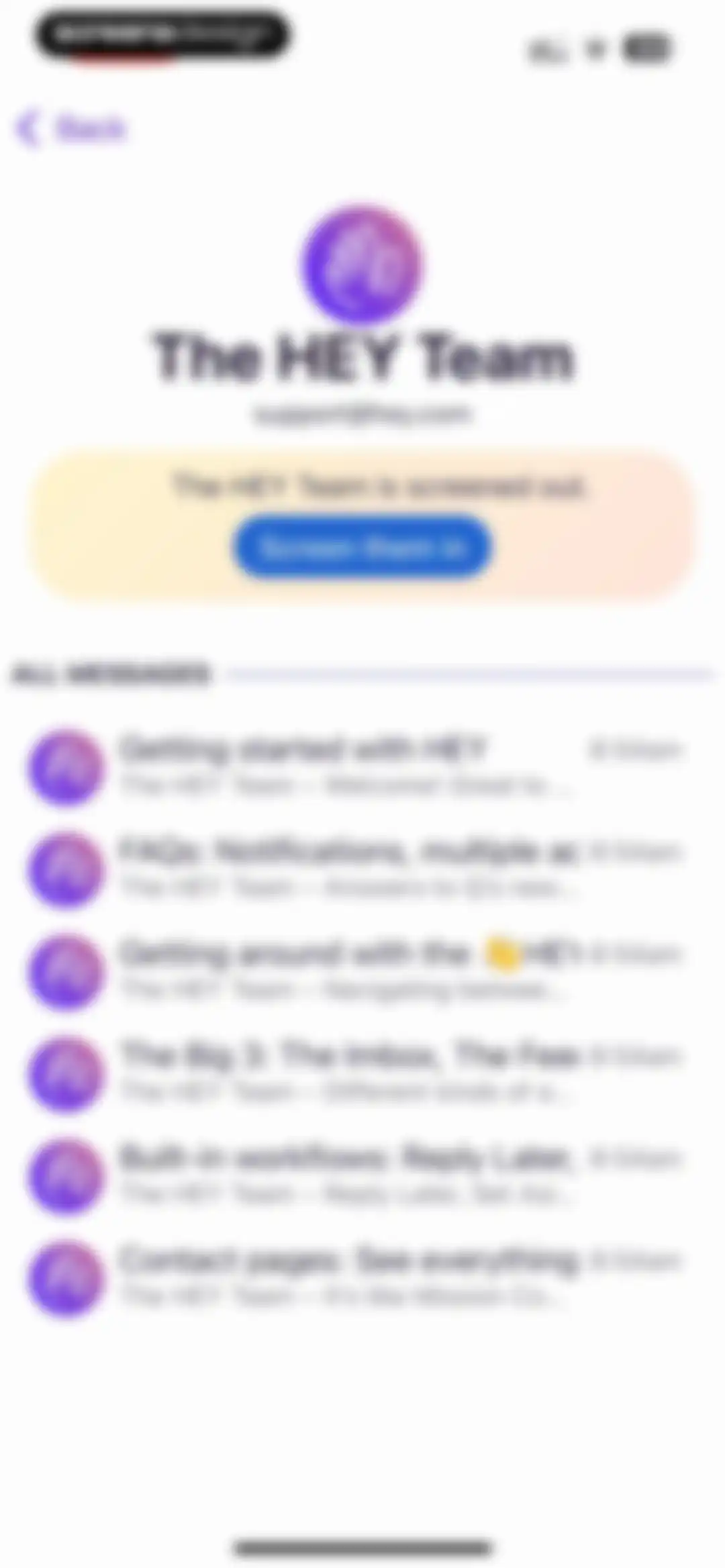
Sender profile screen showing that The HEY Team is screened out, with a Screen them in button and a list of messages.Unlock Pro
HEY email contact screening screen with a confirmation banner and a two-person participant list including The HEY Team and Julia Screens.Unlock Pro
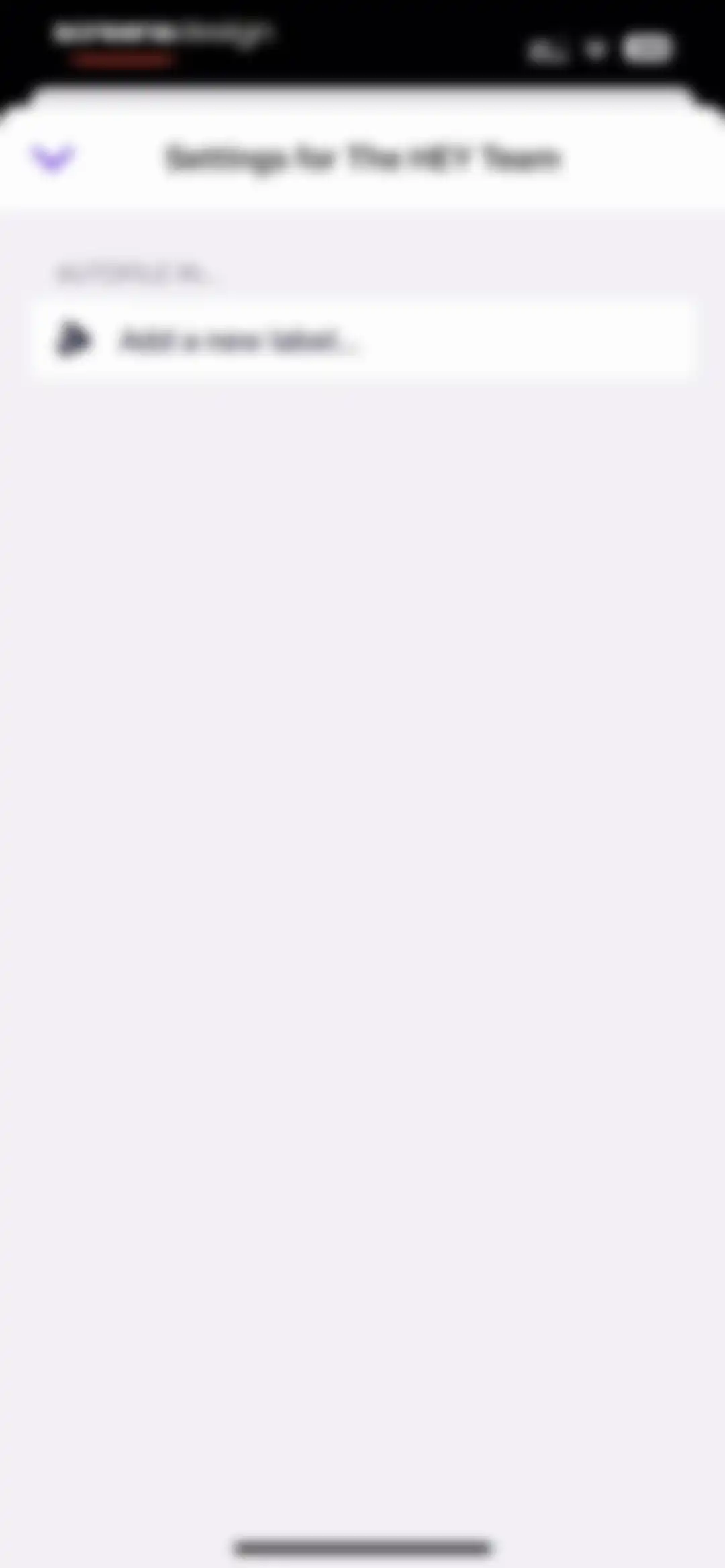
Autofile settings screen for The HEY Team with an option to add a new label.Unlock Pro
Form for creating a new label with an empty name input field and a Save button.Unlock Pro
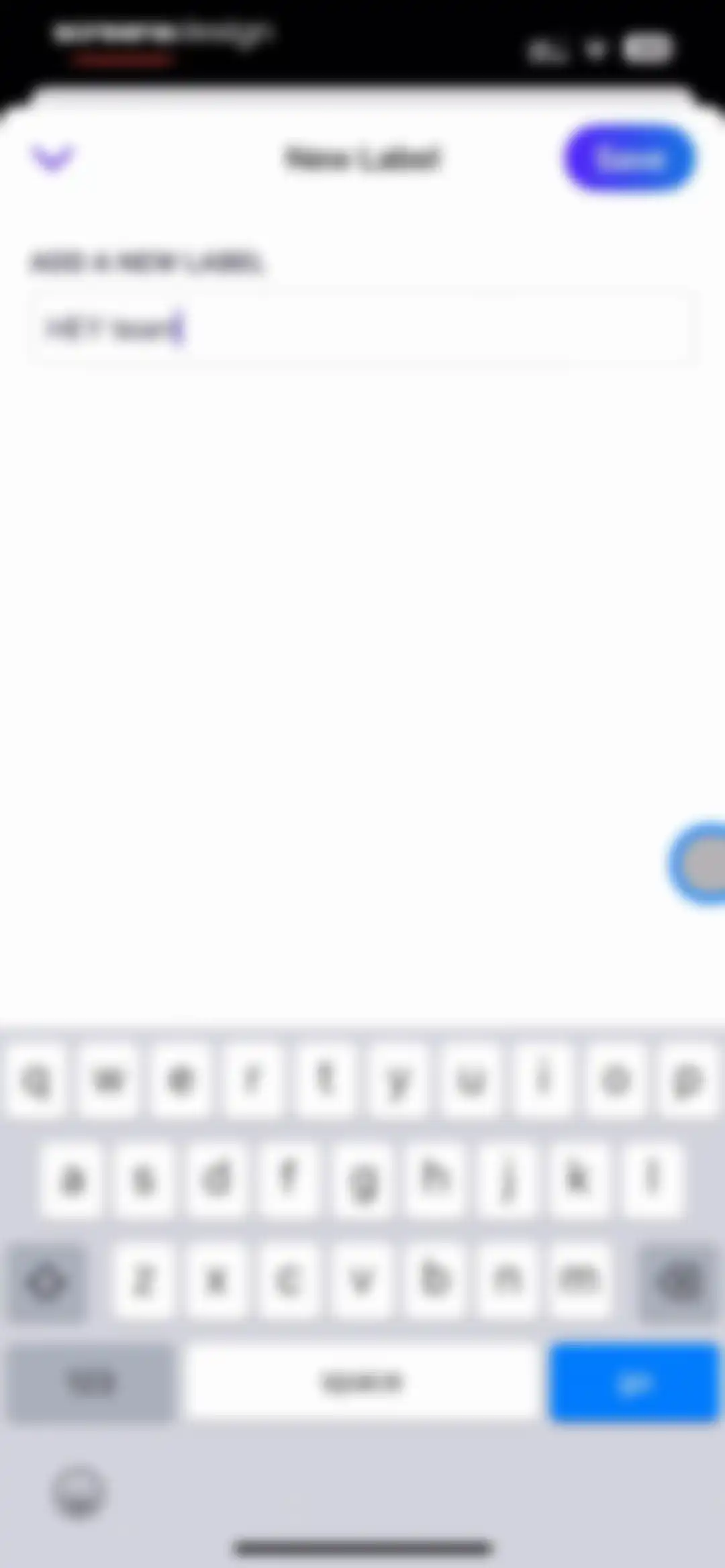
HEY Email app label creation form with an input field containing 'HEY team', a Save button, and the system keyboard.Unlock Pro
Participant list screen in the HEY app showing a label creation confirmation toast and two email thread contacts.Unlock Pro
Email recycling settings screen with a 2x2 grid of duration options, with Don't recycle selected and a footer note.Unlock Pro
Email thread participants list with a recycling settings updated notification toast at the top and two contact entries.Unlock Pro
Contact detail and management screen displaying settings, a notes input area with a save button, and a list of email threads.Unlock Pro
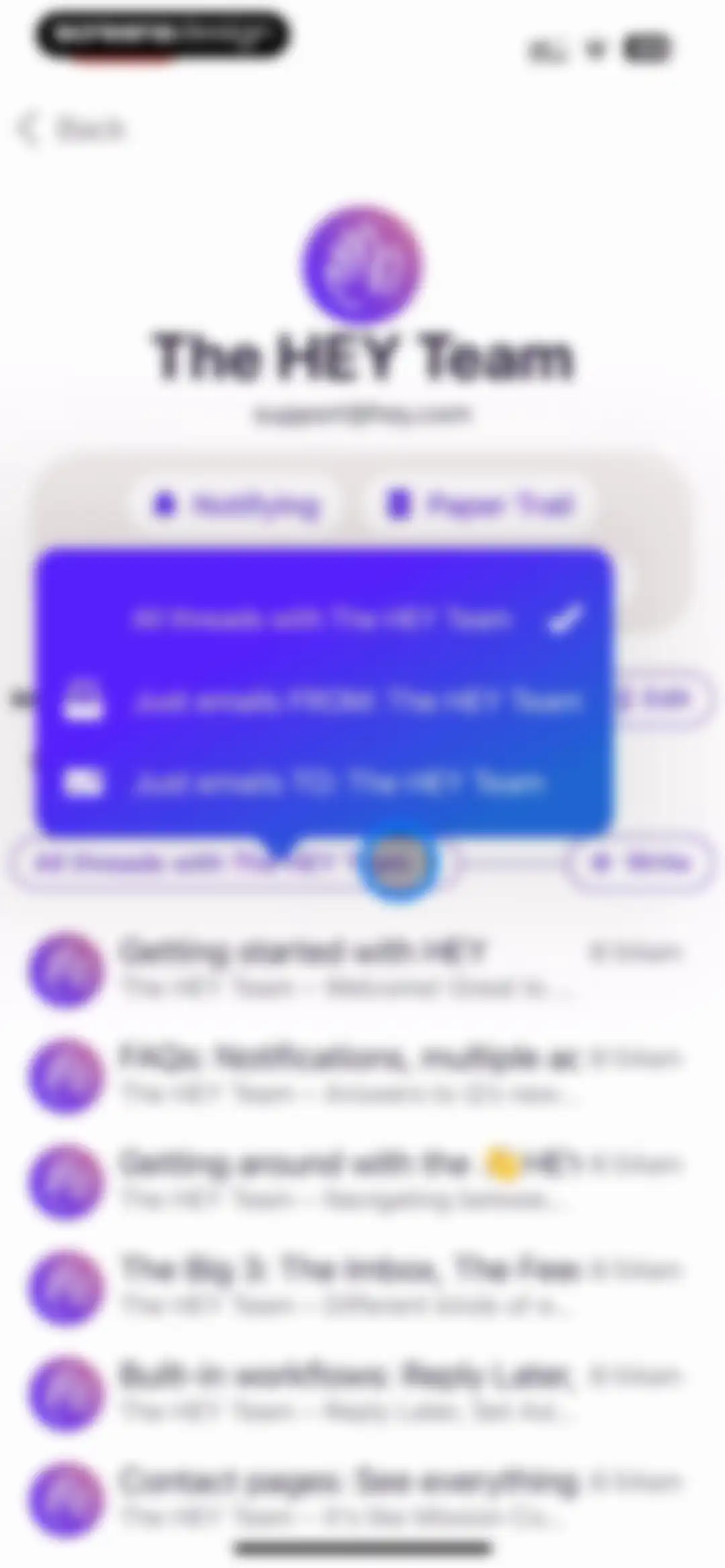
Email contact view displaying a filter modal over a list of threads with The HEY Team, with the All threads option selected.Unlock Pro
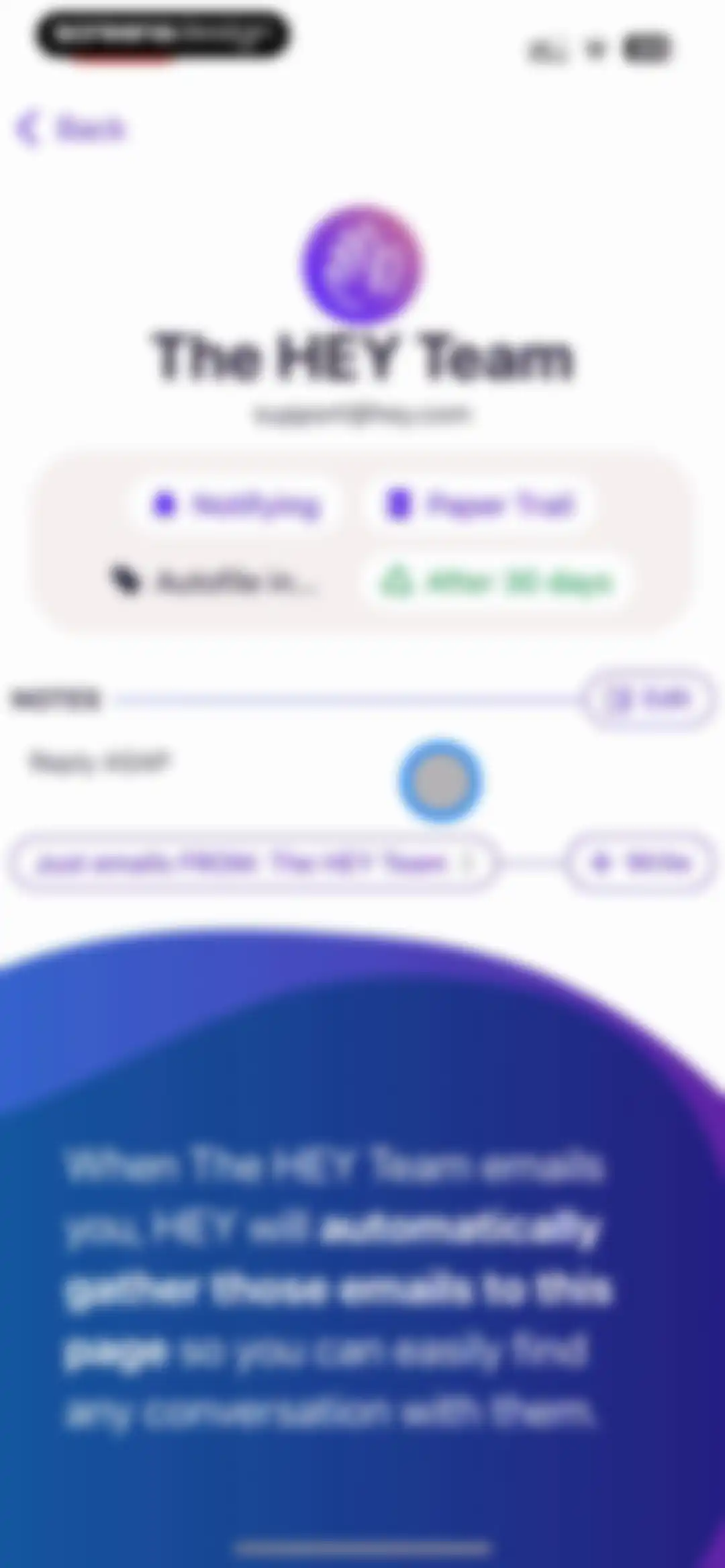
HEY email contact settings page for The HEY Team displaying status indicators, a notes section, and an informational footer.Unlock Pro
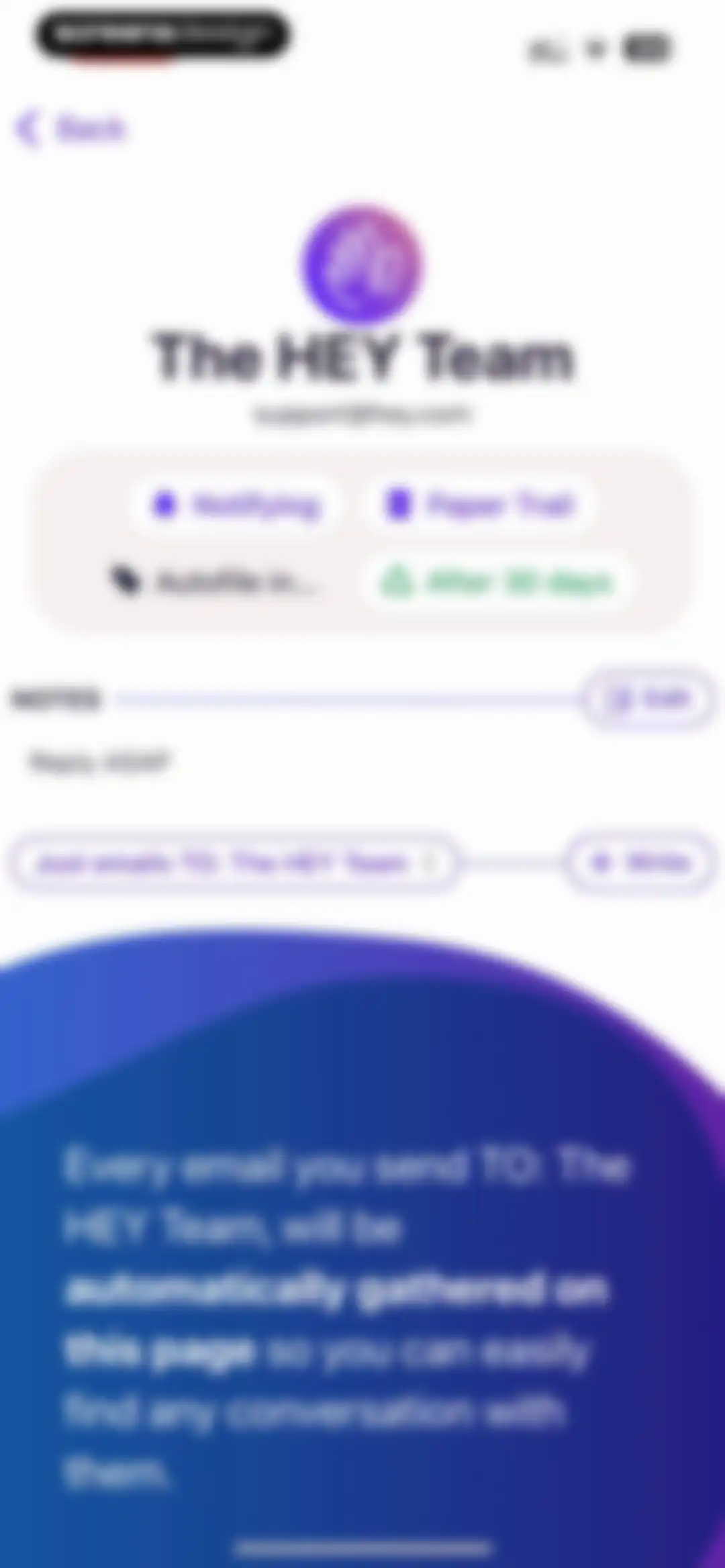
Contact details screen for The HEY Team displaying status settings, a notes section, and an informational footer explaining email gathering.Unlock Pro
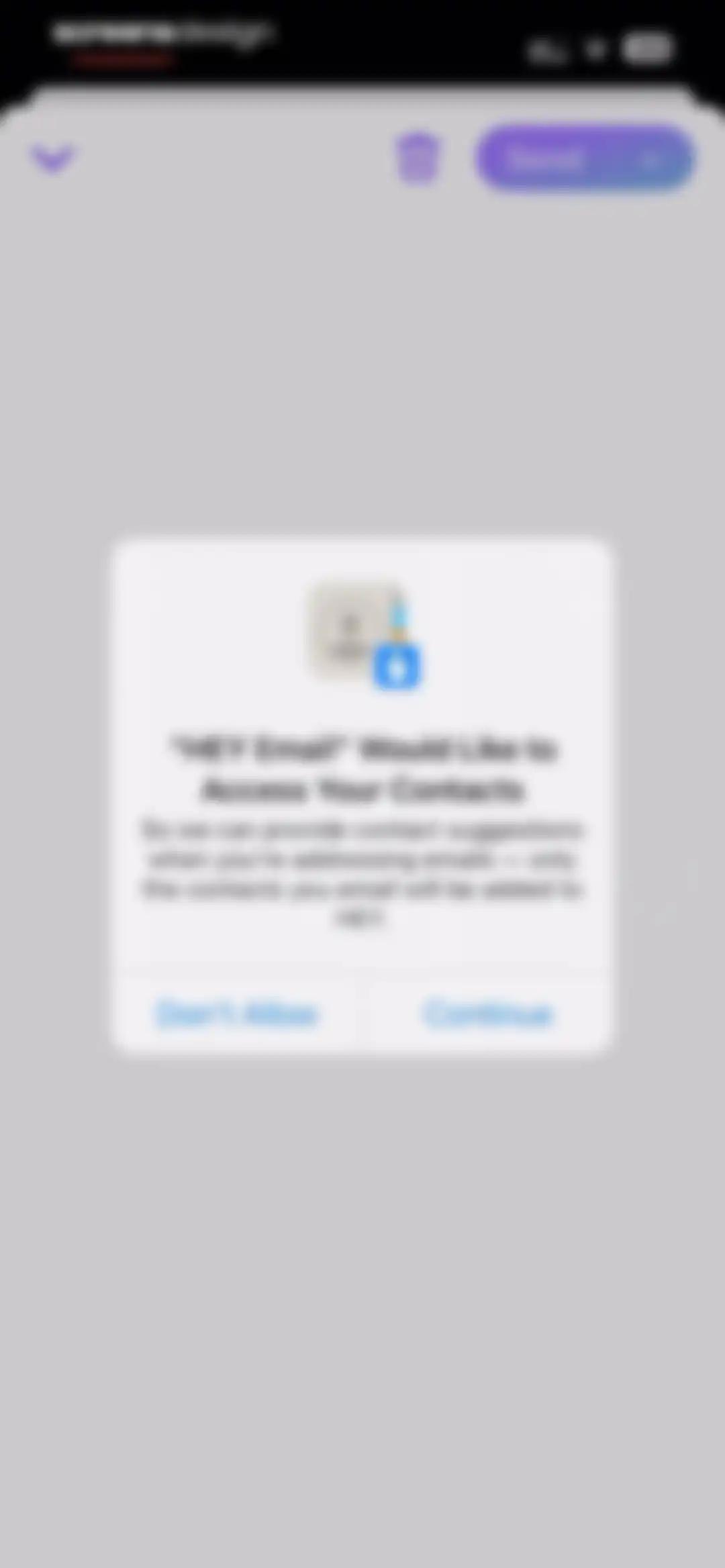
Permission request modal in HEY Email asking to access contacts for suggestions, with Don't Allow and Continue buttons.Unlock Pro
Permission request screen asking how to share contacts with HEY Email, featuring an avatar grid and buttons to select contacts or share all forty-four.Unlock Pro
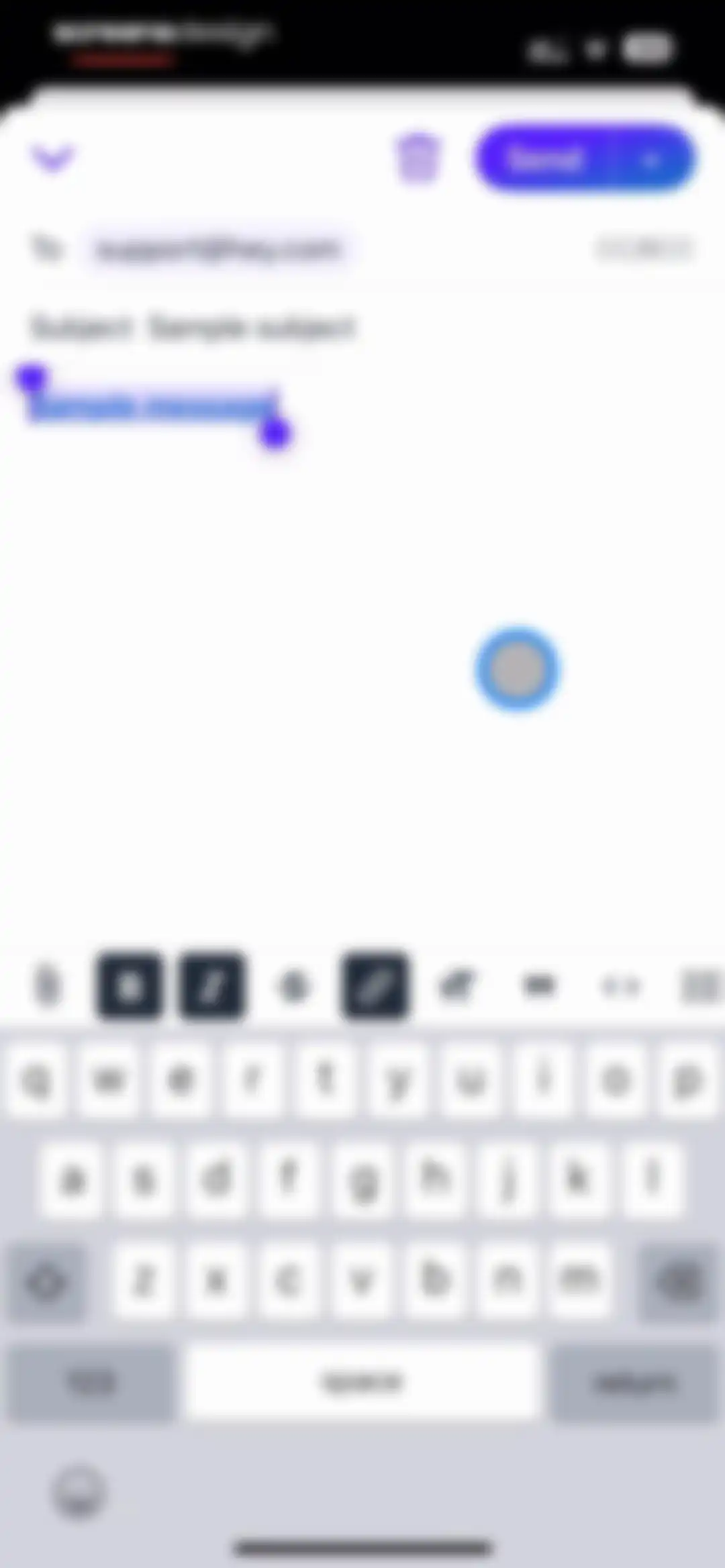
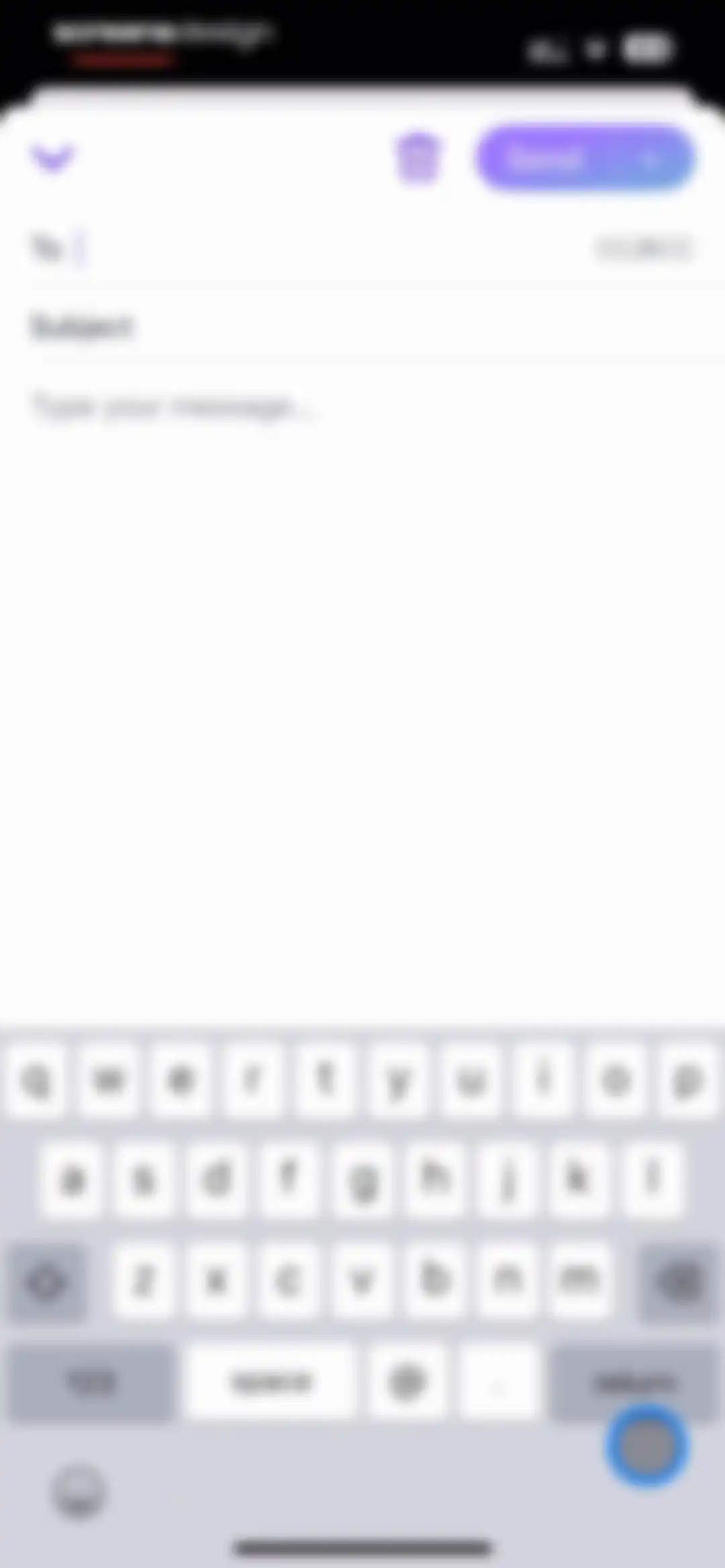
Email composition screen containing recipient and subject fields, a message body with sample text, a formatting toolbar, and a Send button.Unlock Pro
Email composition screen populated with recipient, subject, and message, displaying an open attachment menu and formatting toolbar above the keyboard.Unlock Pro
Email composition screen featuring an open Create a Link modal dialog with a URL input field and Cancel and Link buttons.Unlock Pro
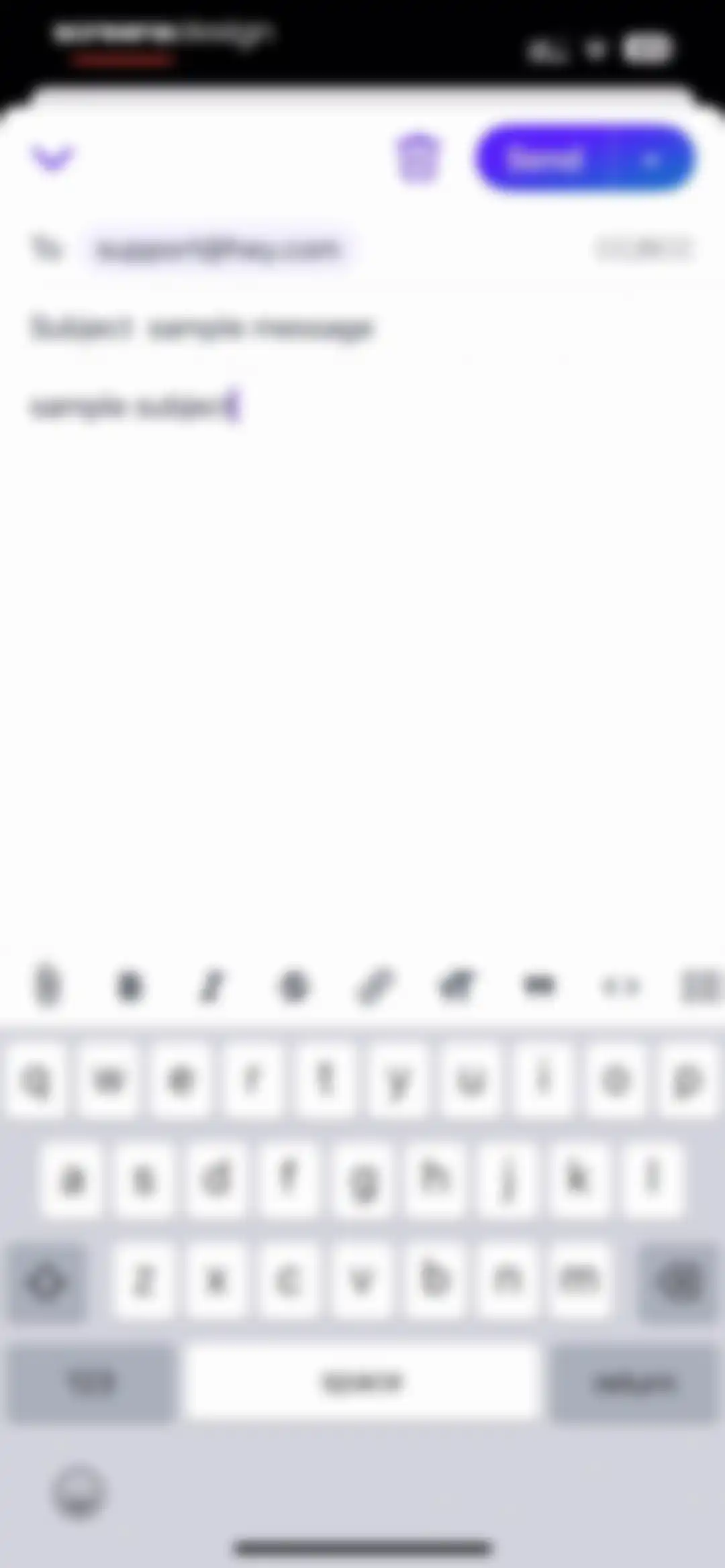
HEY email composition screen with recipient, subject, and message fields, a rich text formatting toolbar, and a Send button.Unlock Pro
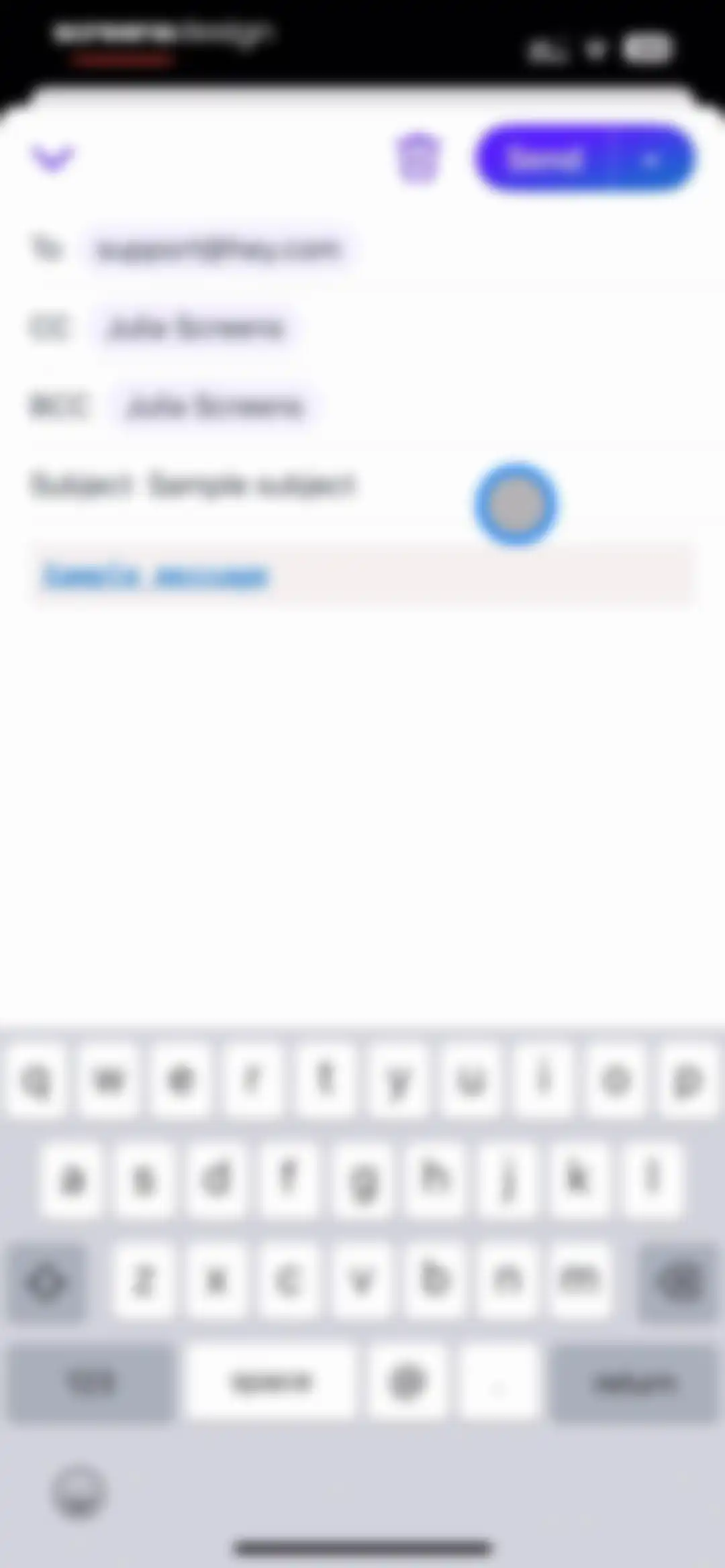
Email composition screen with pre-filled metadata fields, a sample subject, and a Send button.Unlock Pro
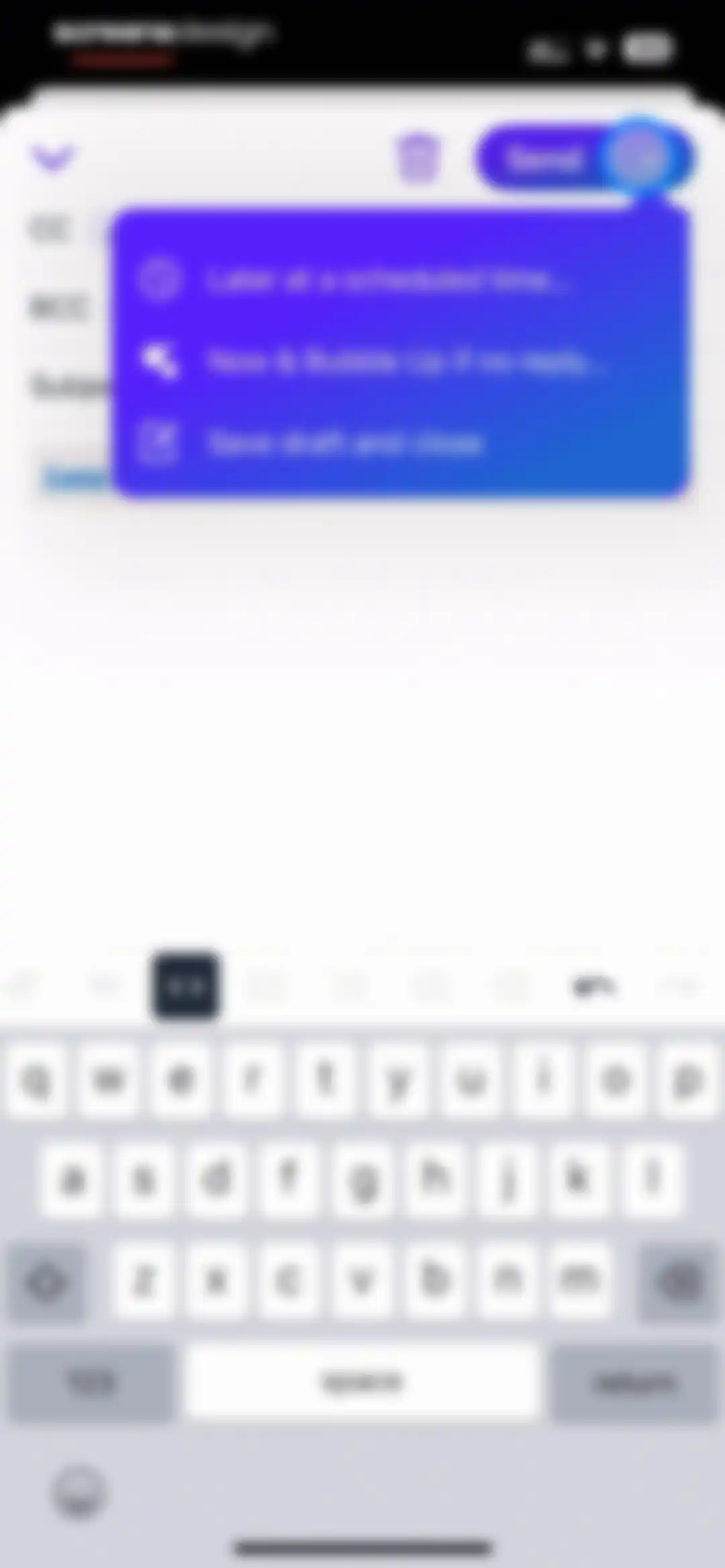
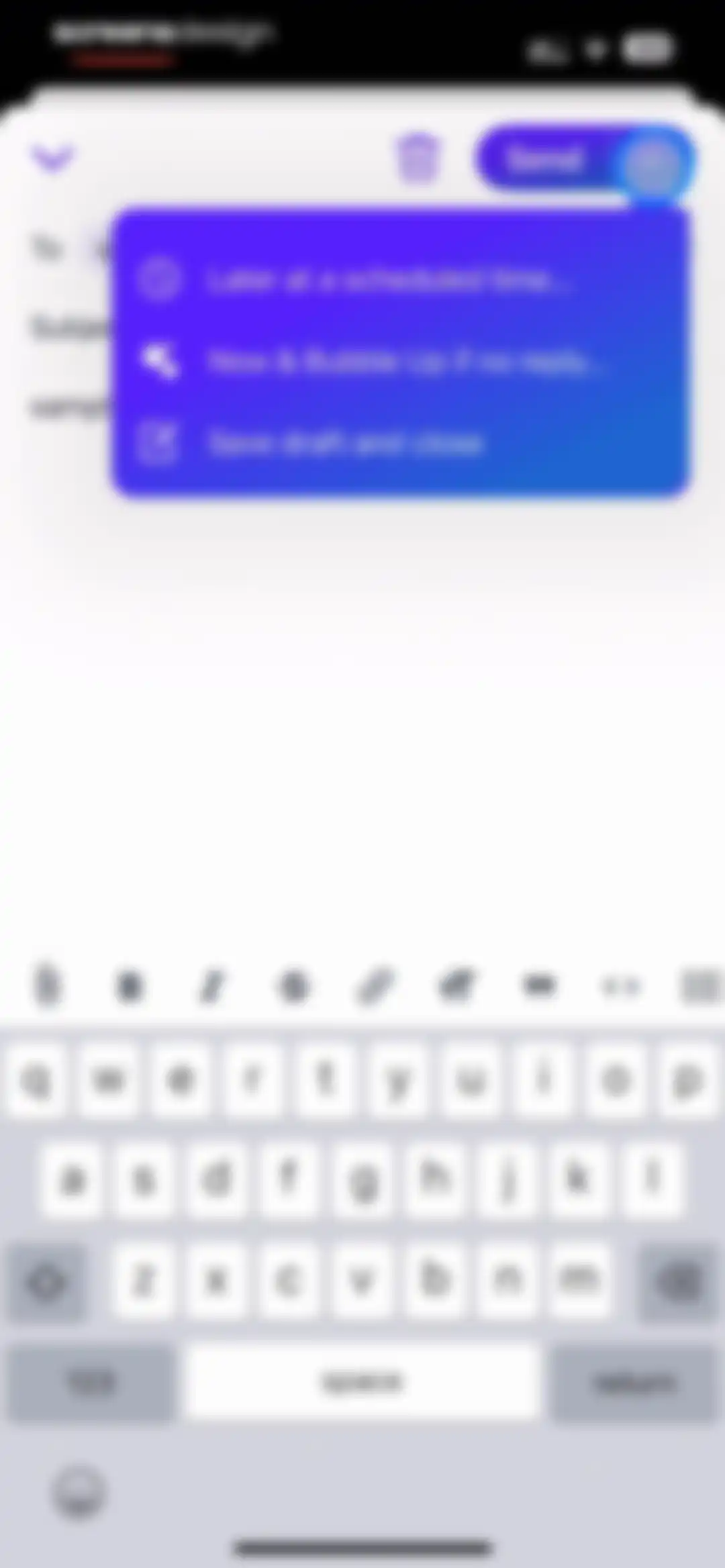
Email composition screen displaying recipient and subject fields, a Send button with an open advanced options menu, and a formatting toolbar above the keyboard.Unlock Pro
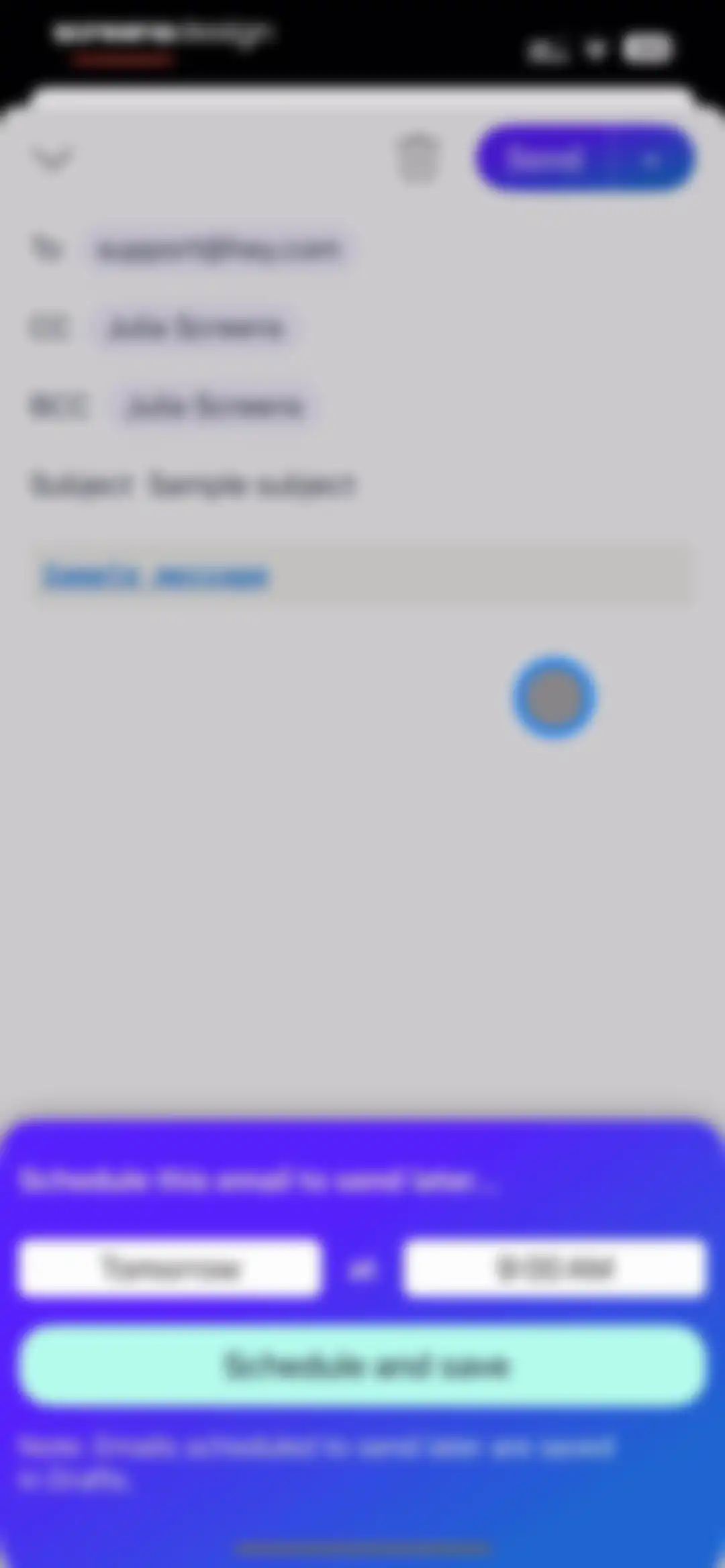
Email composition screen displaying a scheduling modal with date and time options set to tomorrow at 9:00 AM and a Schedule and save button.Unlock Pro
Email composition editor with a scheduling modal overlay set to January 13, 2025 at 9:00 AM and a Schedule and save button.Unlock Pro
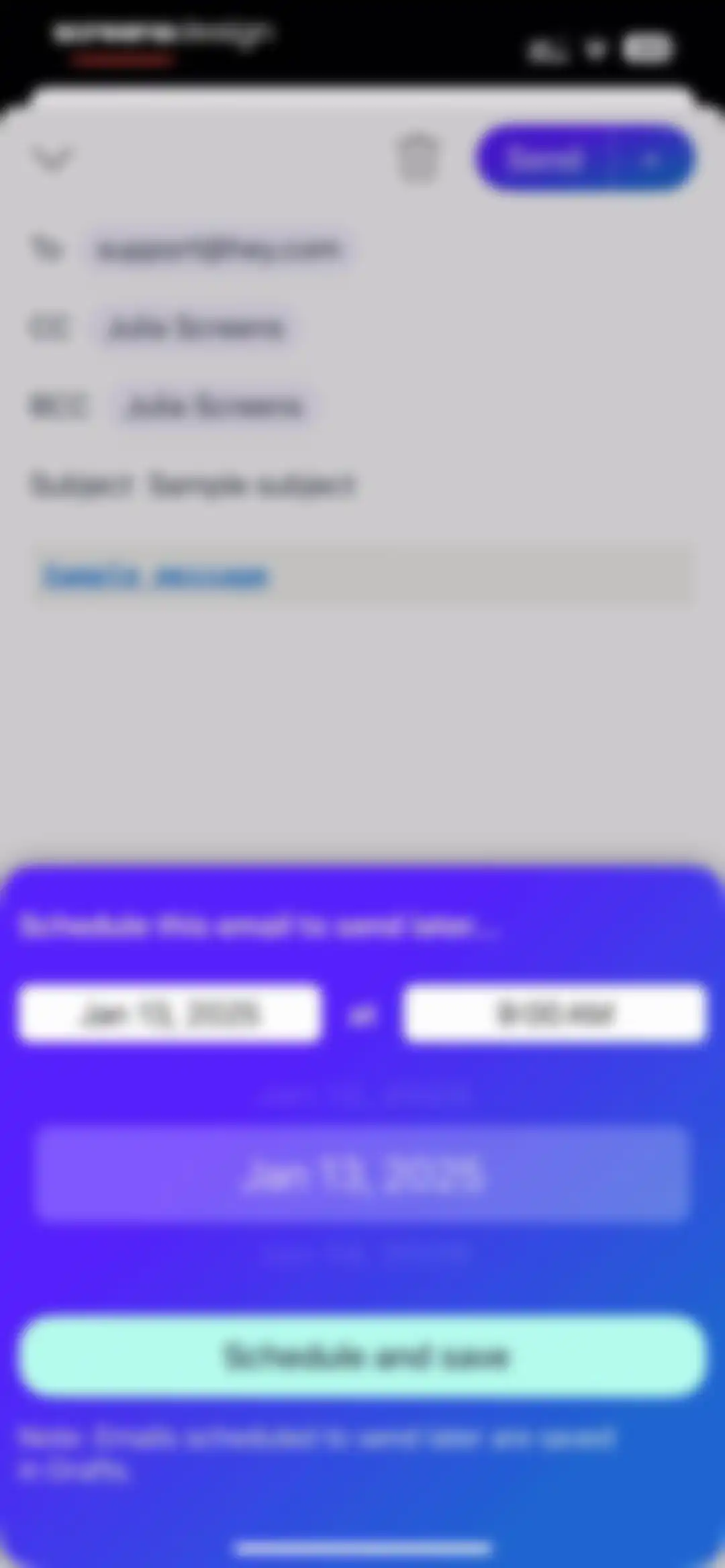
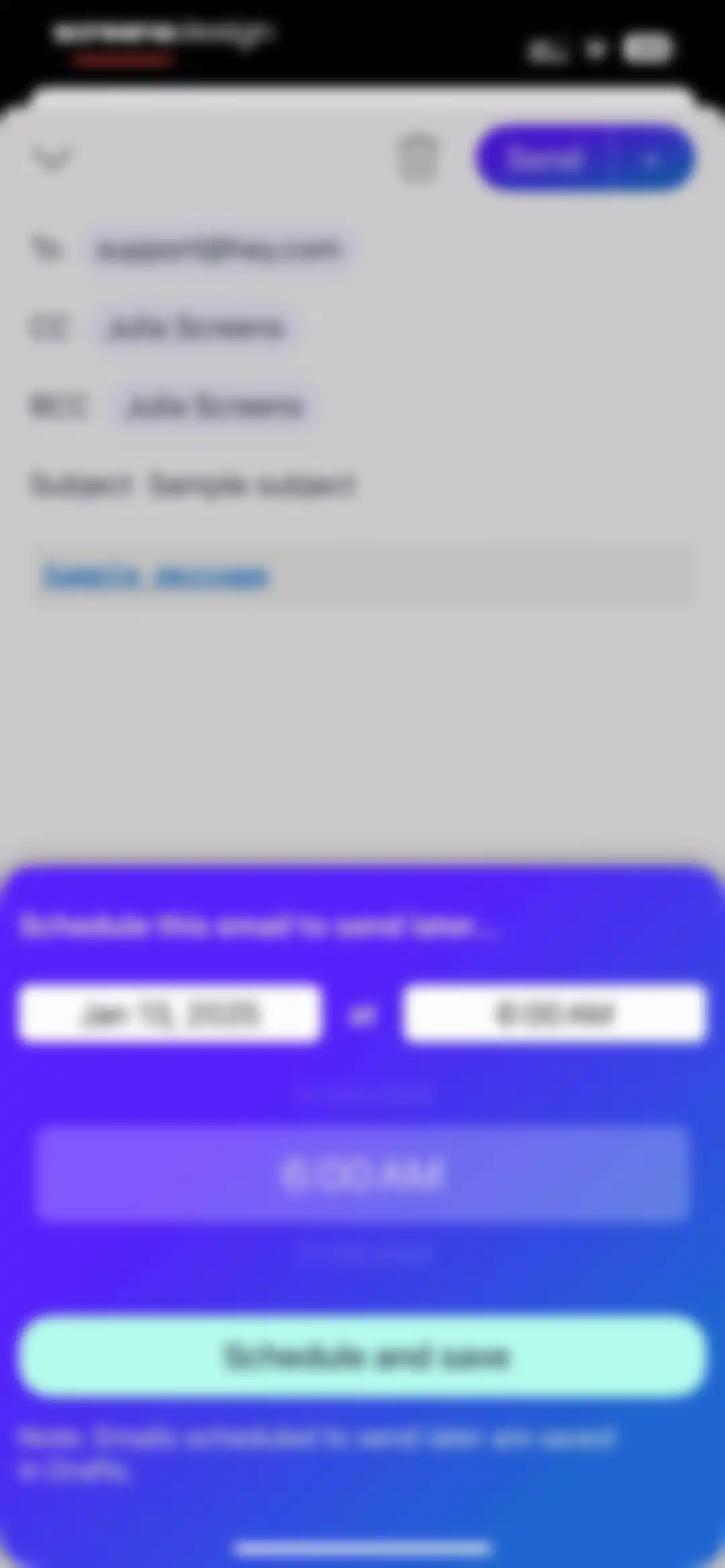
Email composition screen with an open scheduling modal displaying date and time pickers and a Schedule and save button.Unlock Pro
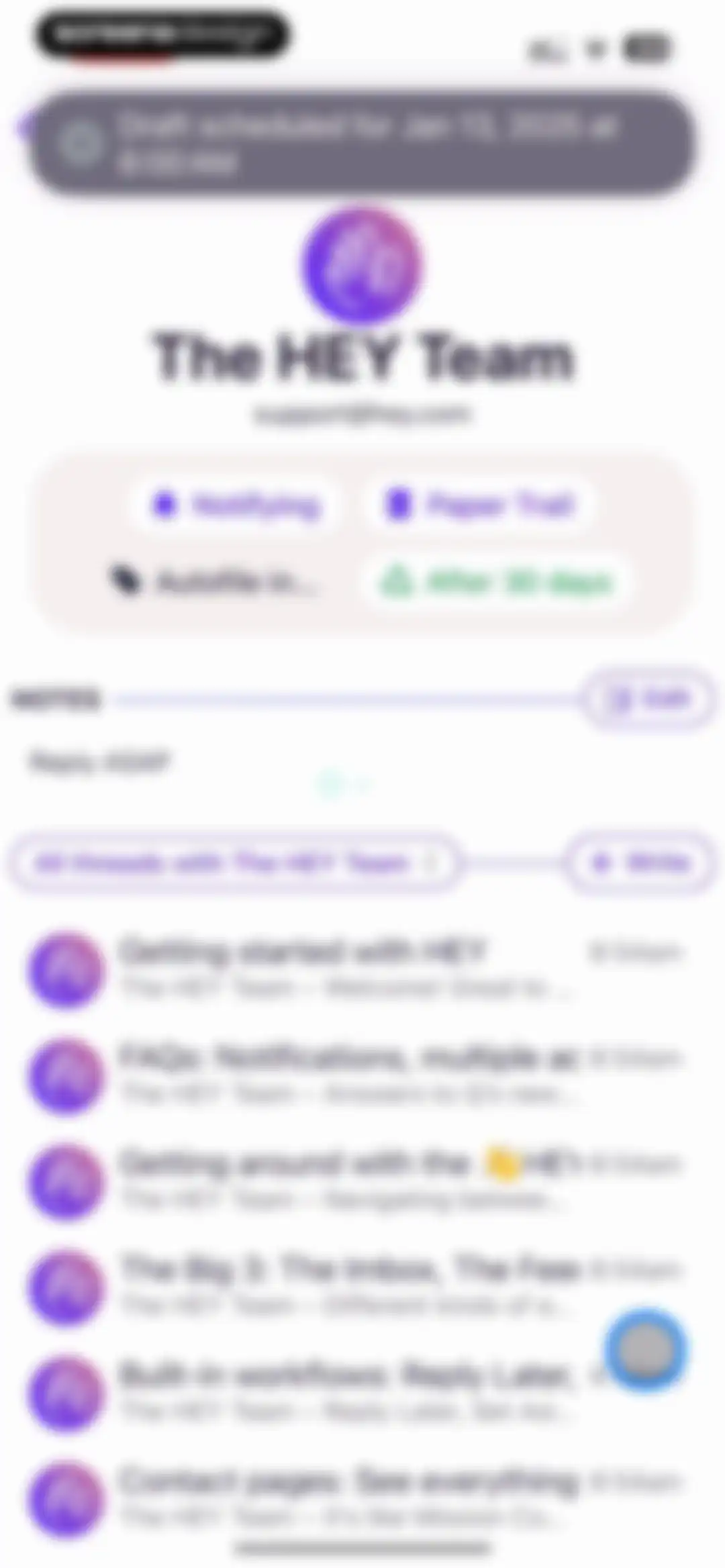
Contact profile screen displaying tags, notes, and a list of email threads for The HEY Team with a scheduled draft banner.Unlock Pro
Email composition editor in the HEY app displaying recipient and subject fields, an open scheduling menu, and a Send button.Unlock Pro
Email composition screen with header fields, message body, and a bottom sheet displaying advanced sending and reminder options.Unlock Pro
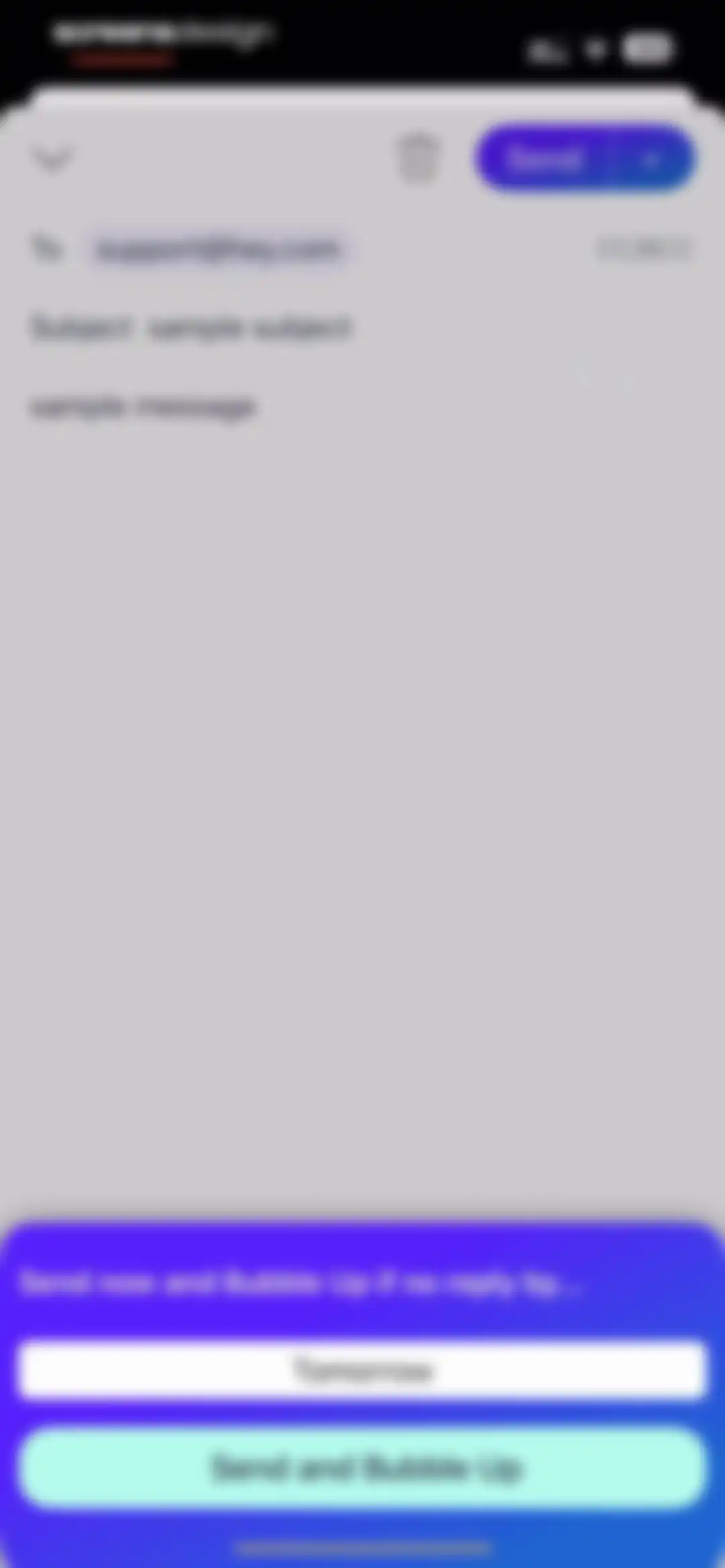
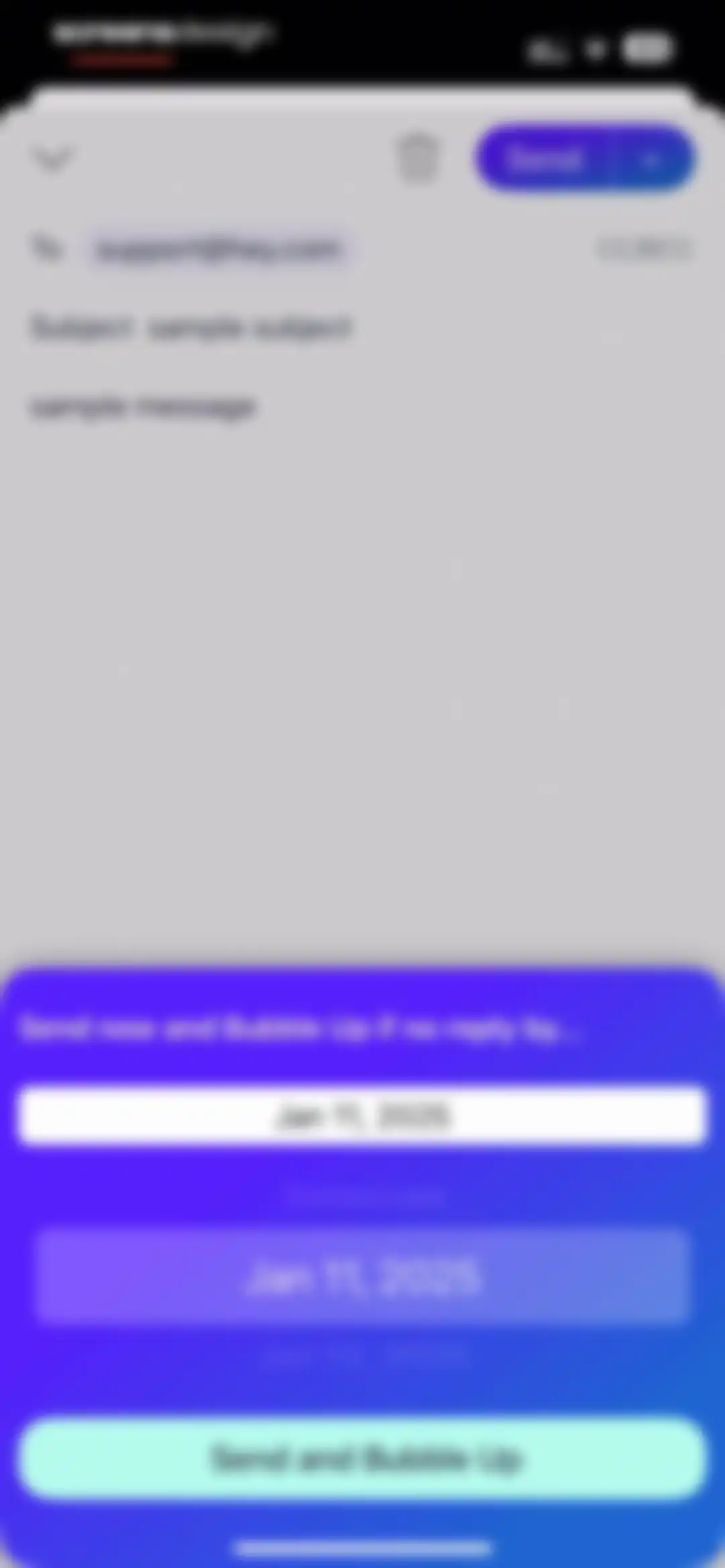
Email composition screen in HEY Email with a Bubble Up scheduling modal overlay, date picker, and a Send and Bubble Up button.Unlock Pro
Contact profile screen for The HEY Team showing status chips, notes, a write button, and a list of email threads.Unlock Pro
Email composition screen with recipient, subject, and message fields populated, a formatting toolbar, and a Send button.Unlock Pro
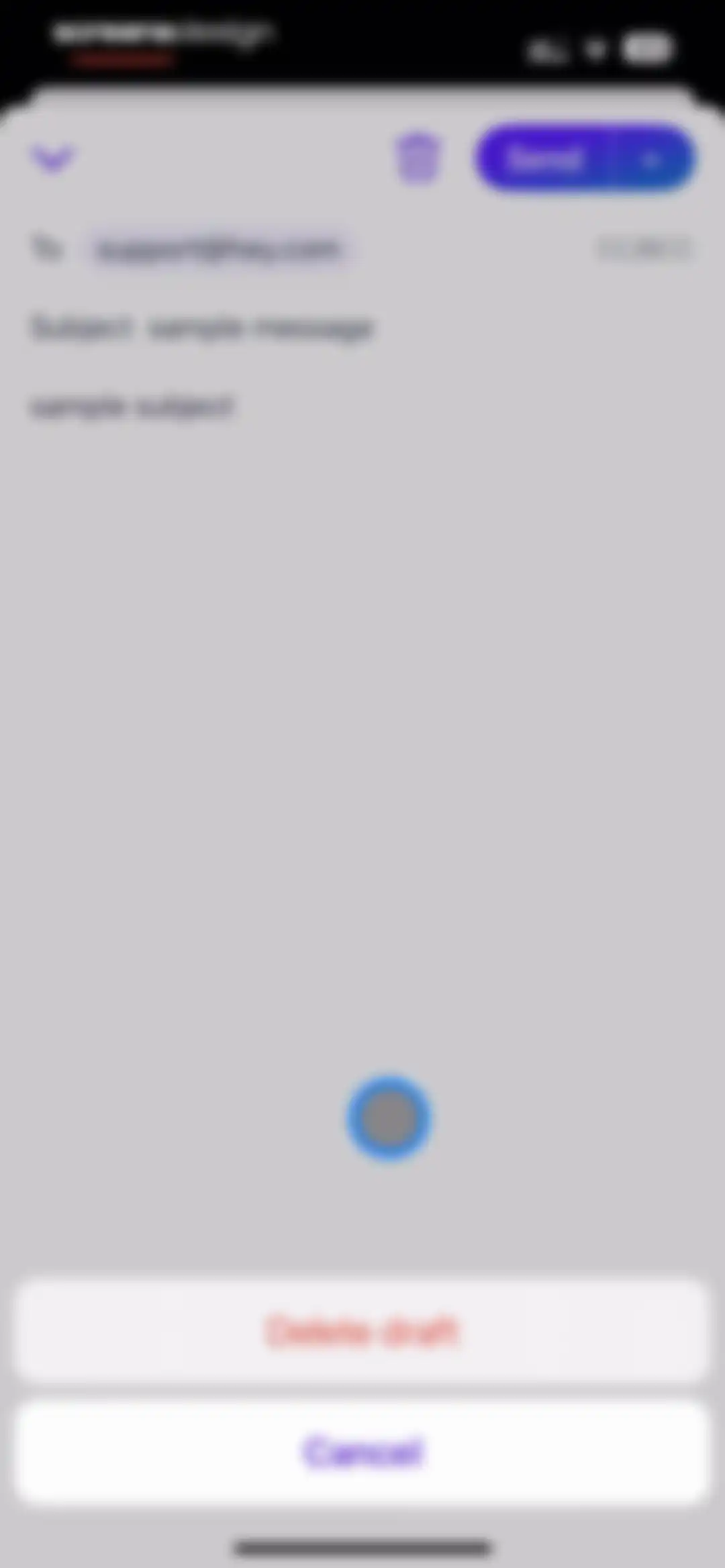
Email composition screen with a sample recipient and subject, displaying a bottom action sheet with Delete draft and Cancel options.Unlock Pro
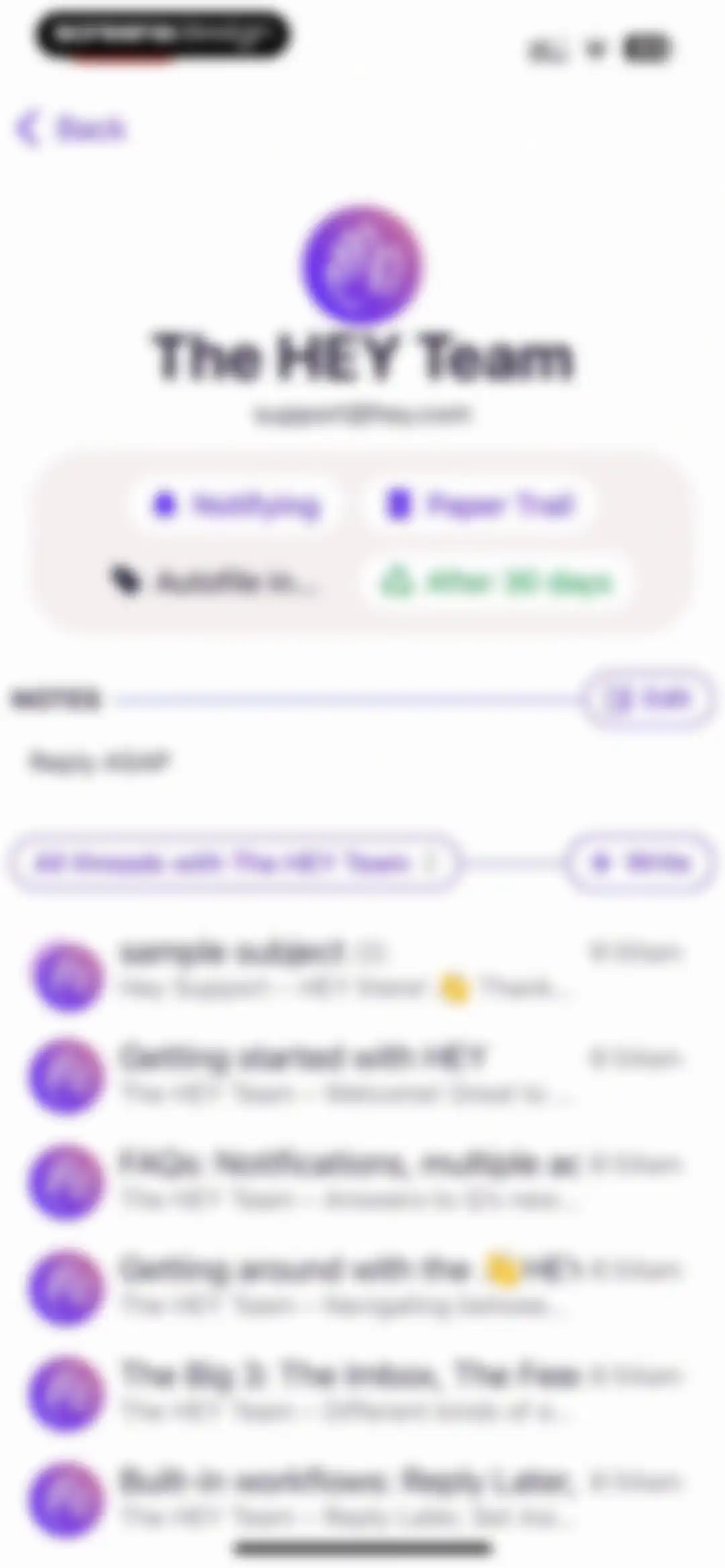
Contact profile dashboard for The HEY Team showing status cards, notes, and a list of email threads.Unlock Pro
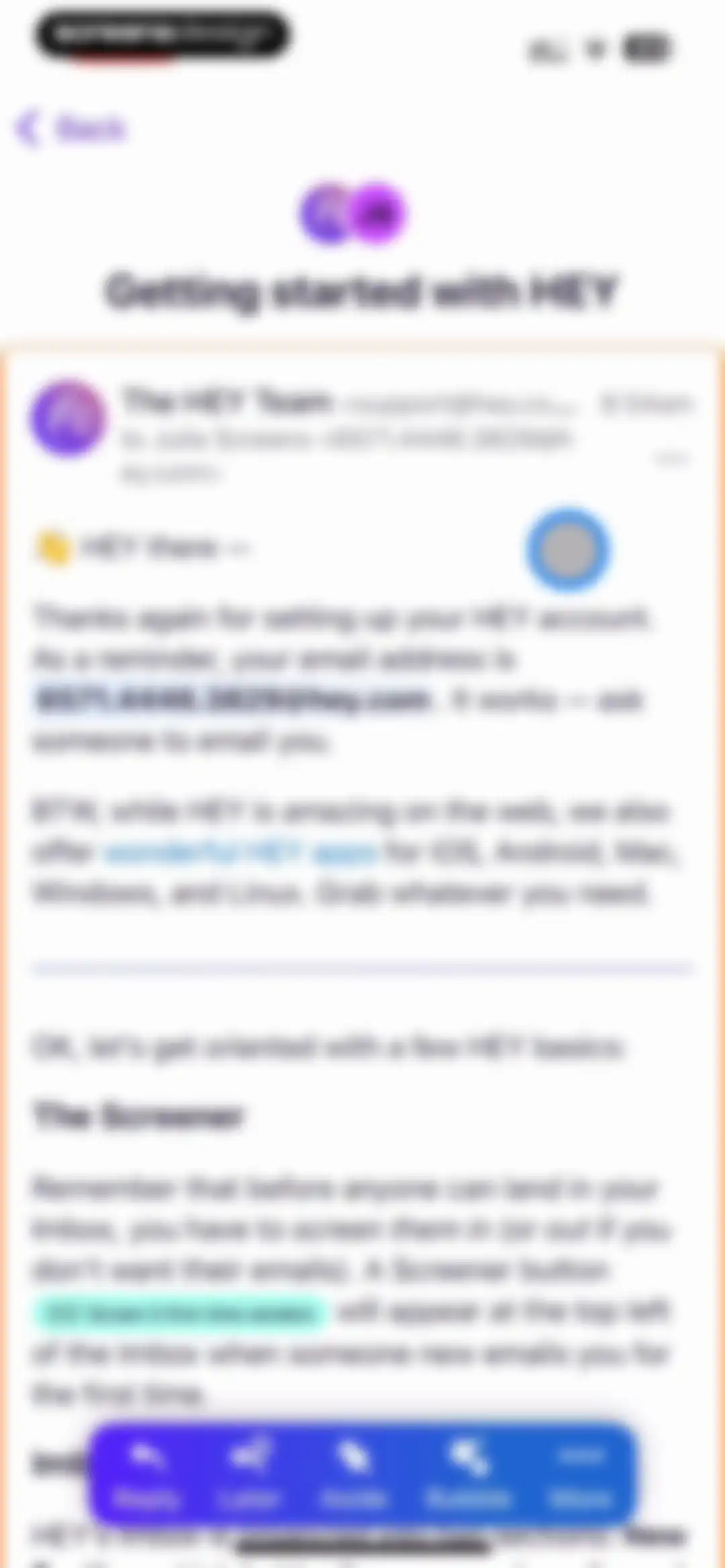
Onboarding email from The HEY Team explaining how to get started, with sender information, instructional text, and a floating action bar at the bottom.Unlock Pro
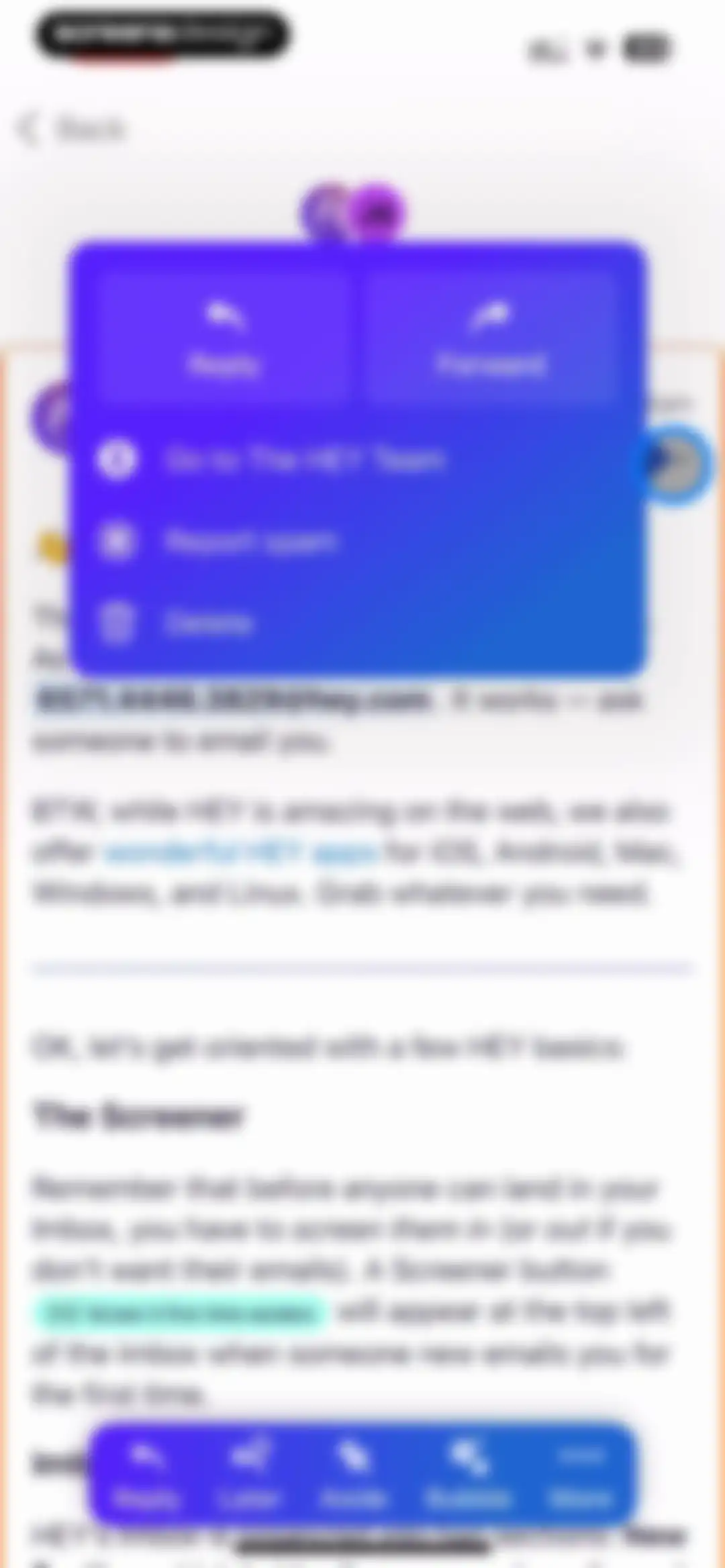
Email action modal displaying reply, forward, sender profile, report spam, and delete options over an email message.Unlock Pro
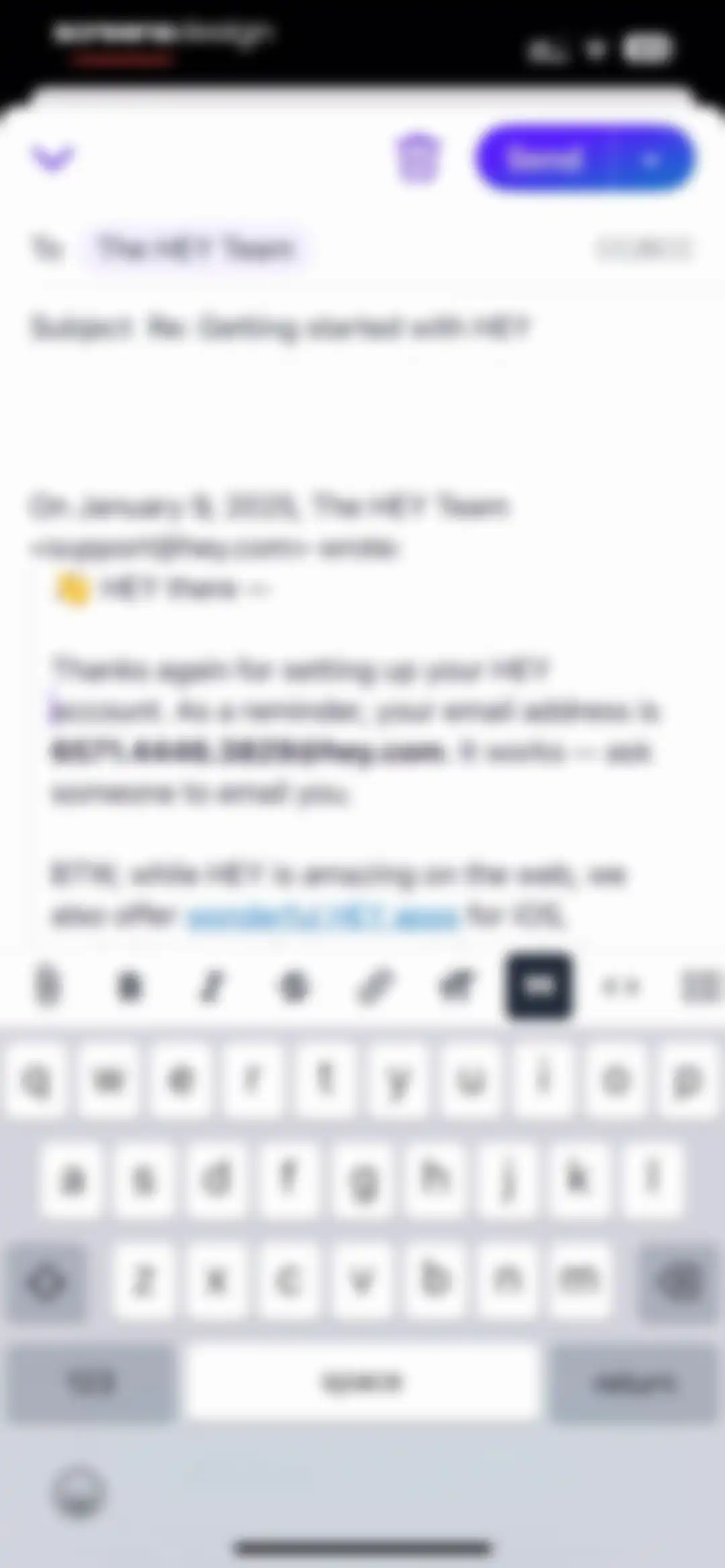
Email reply composer in the HEY app with recipient fields, quoted message text, formatting toolbar, and send button.Unlock Pro
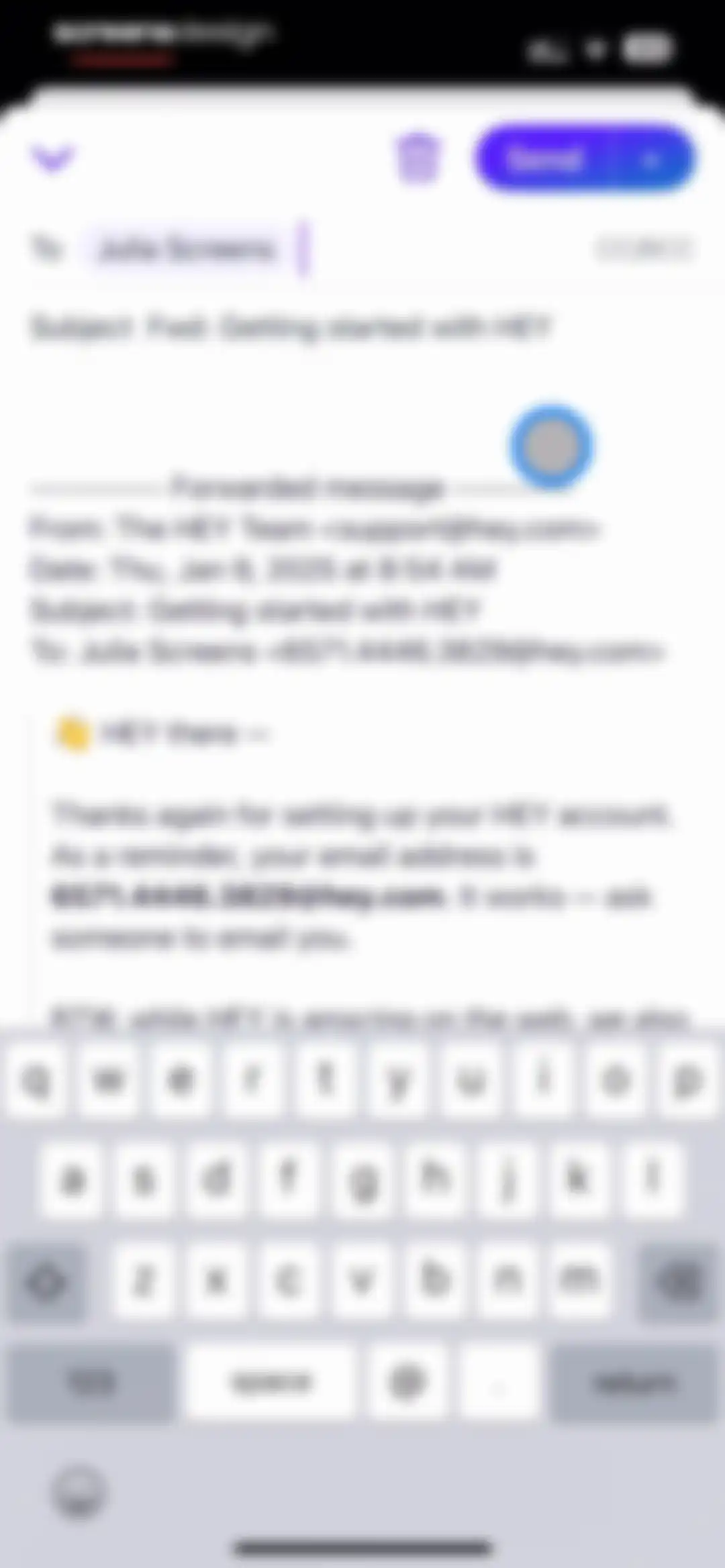
Email forwarding editor with recipient filled, the subject line set to Fwd: Getting started with HEY, and the system keyboard visible at the bottom.Unlock Pro
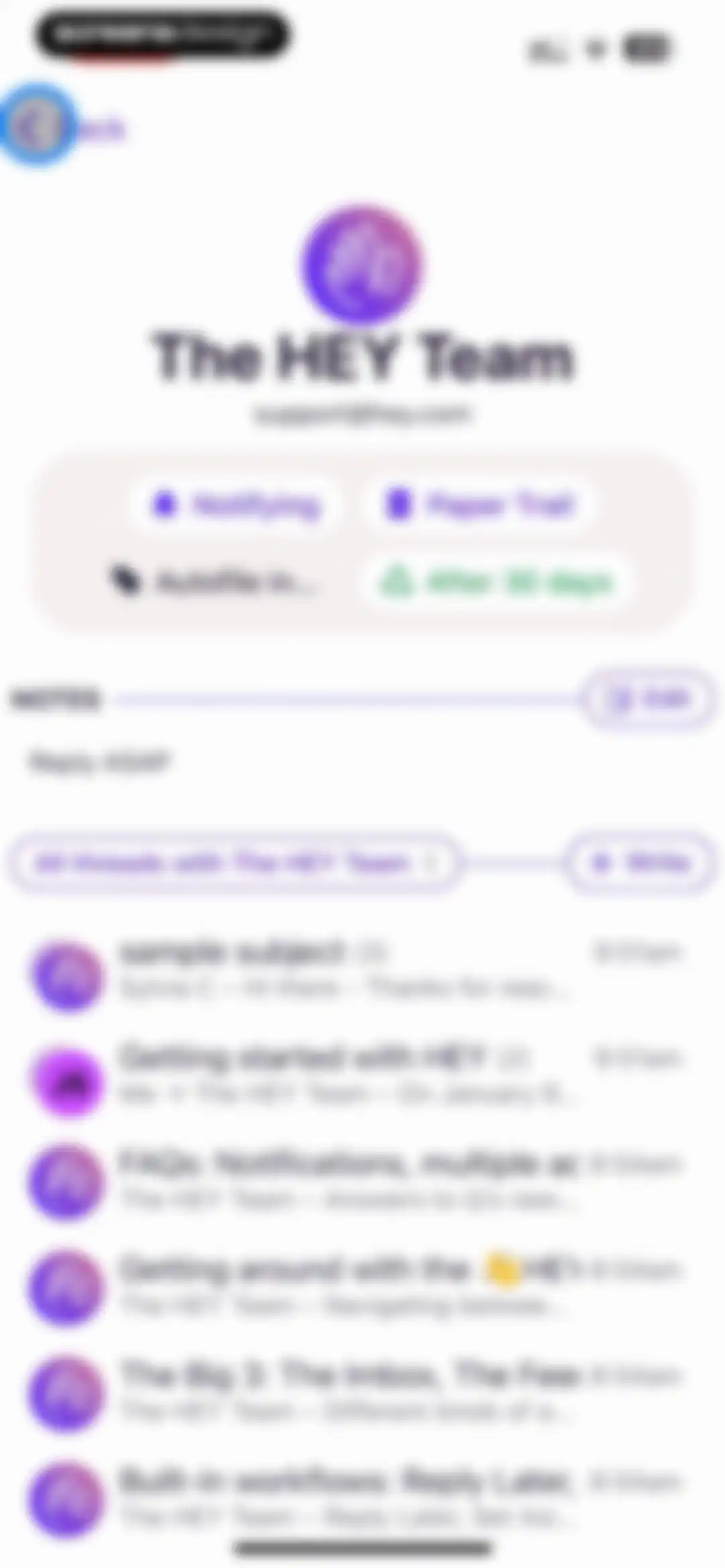
Contact profile for The HEY Team displaying status pills, a notes section, and a scrollable list of email threads.Unlock Pro
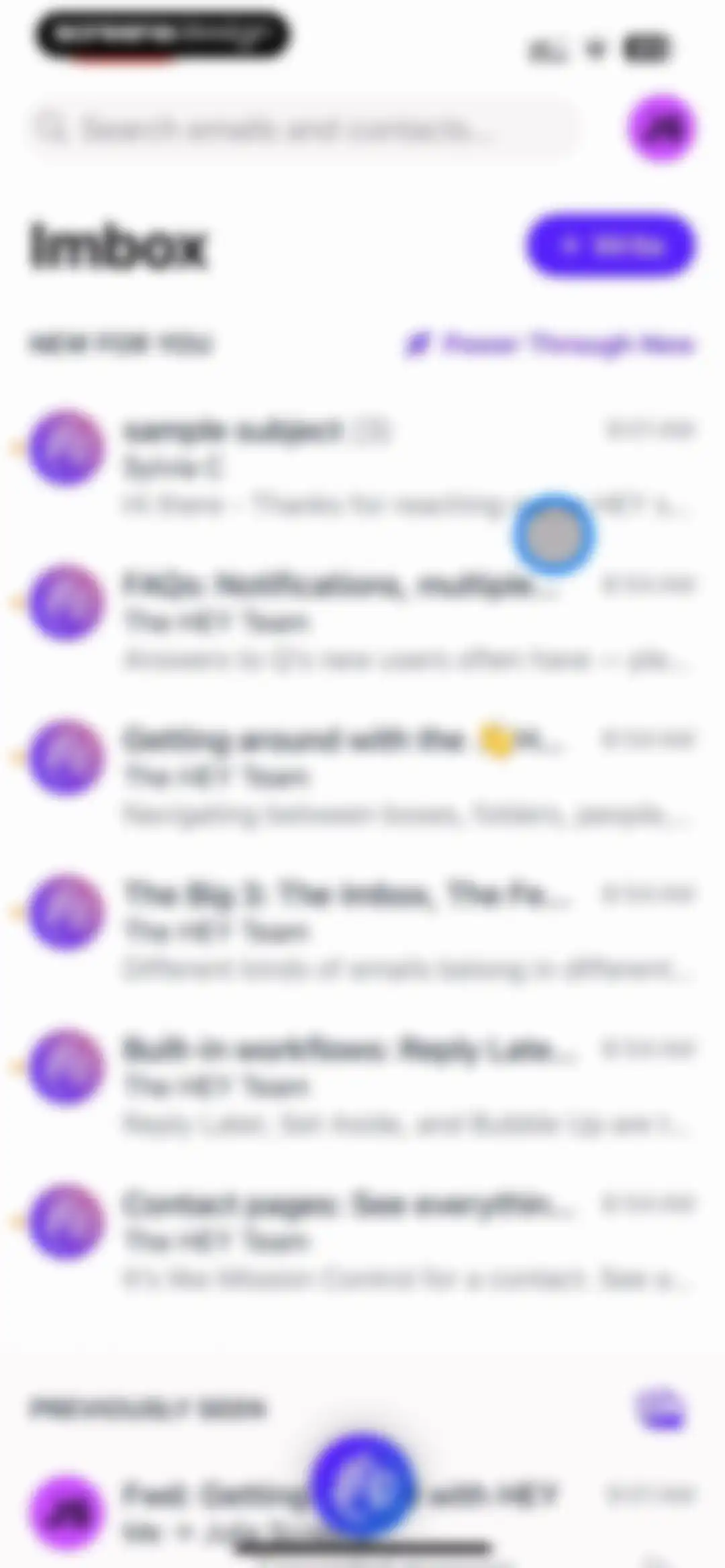
Email app inbox home screen displaying a vertical list of messages divided into new and previously seen sections with a top search bar and compose button.Unlock Pro
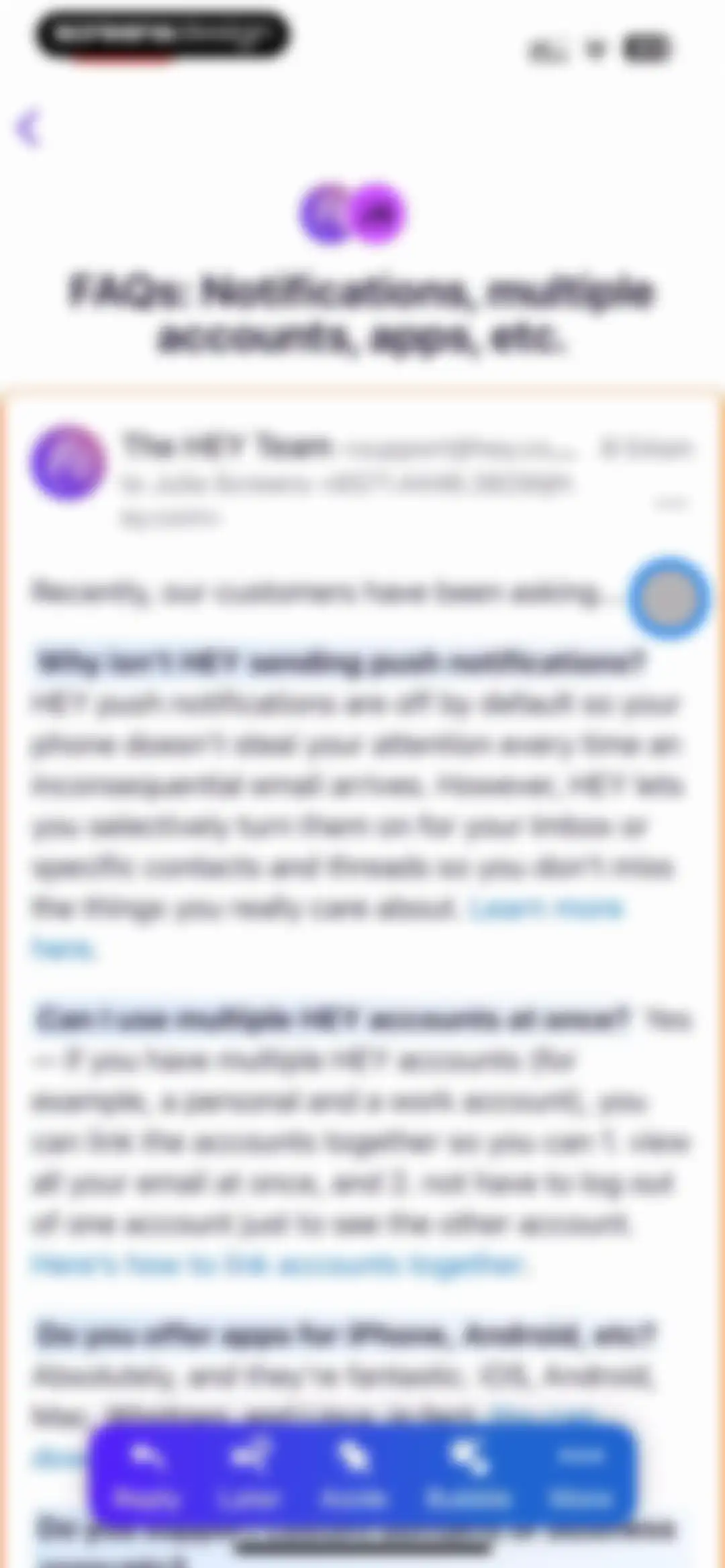
Email reading screen showing an FAQ message from The HEY Team with a floating action bar at the bottom.Unlock Pro
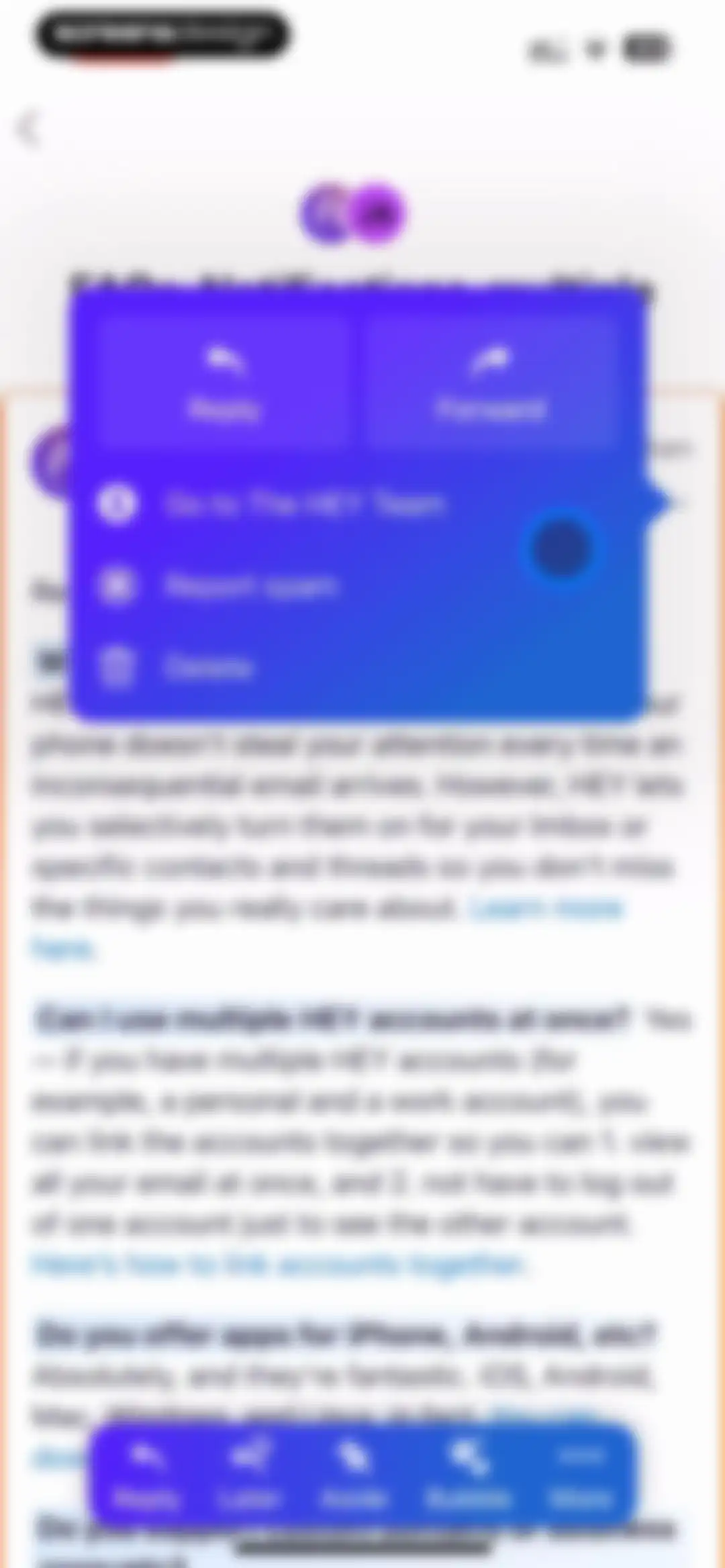
Email app FAQ screen displaying a modal overlay with action options and a floating action toolbar at the bottom.Unlock Pro
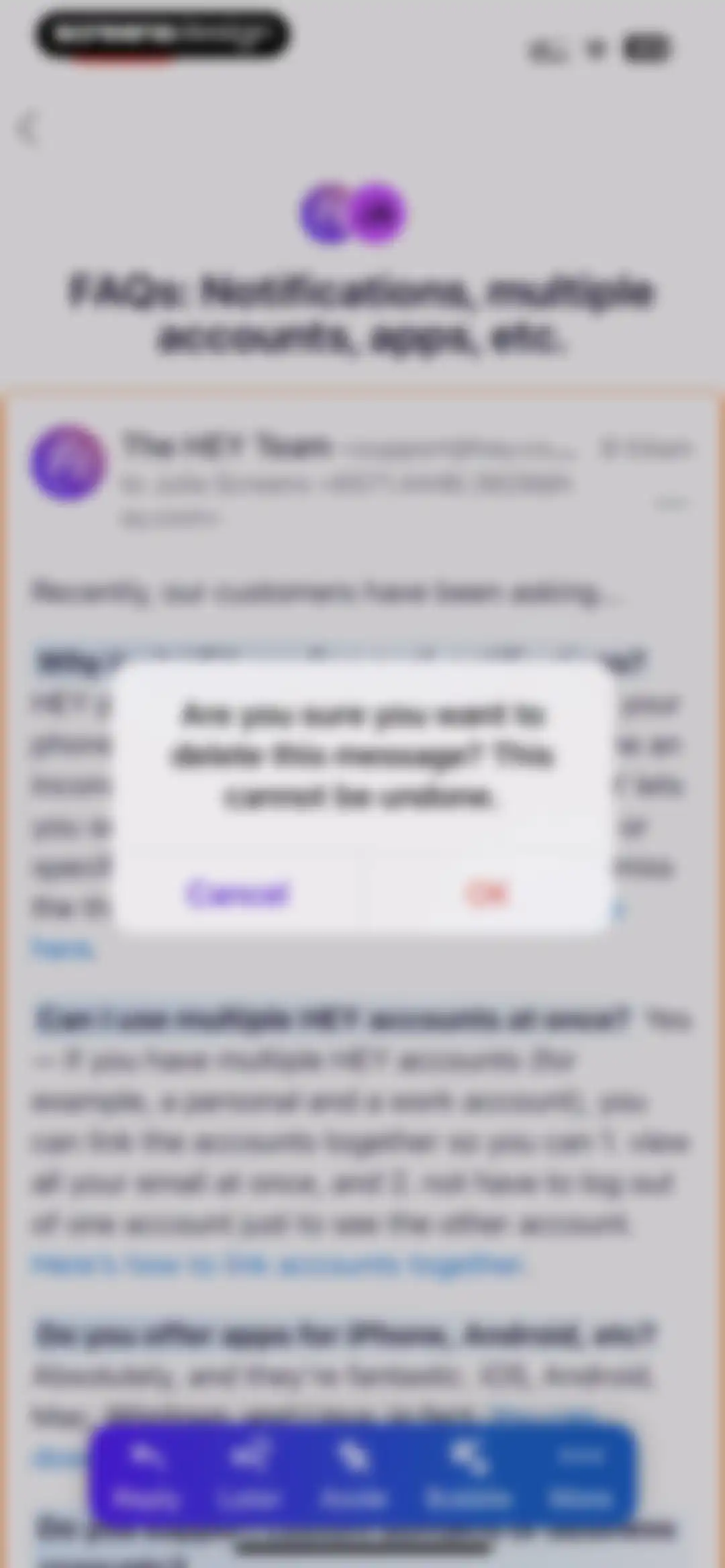
Email delete confirmation modal over an FAQ message with a bottom floating action bar containing reply and option buttons.Unlock Pro
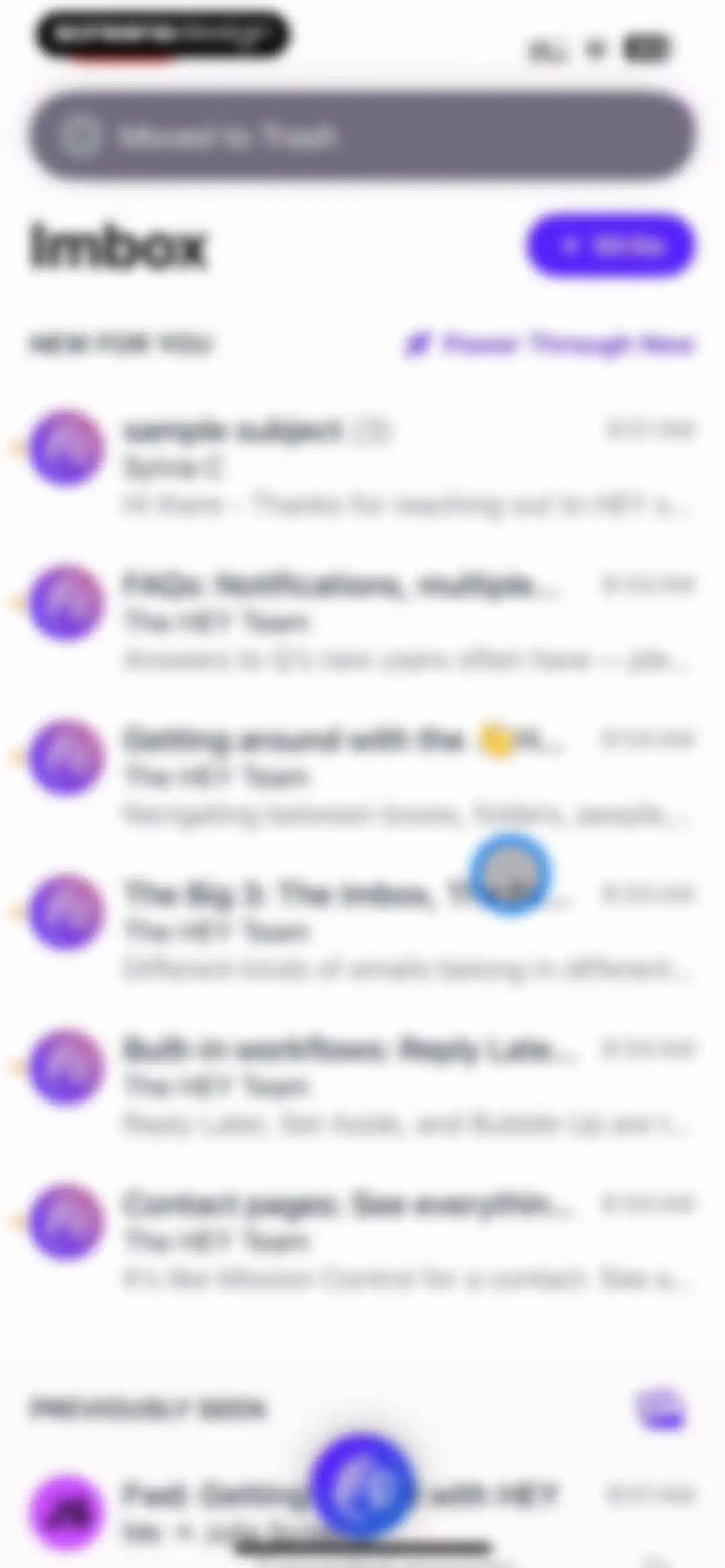
Email app inbox screen with a sectioned list of messages, a top toast notification, a write button, and a bottom floating action button.Unlock Pro
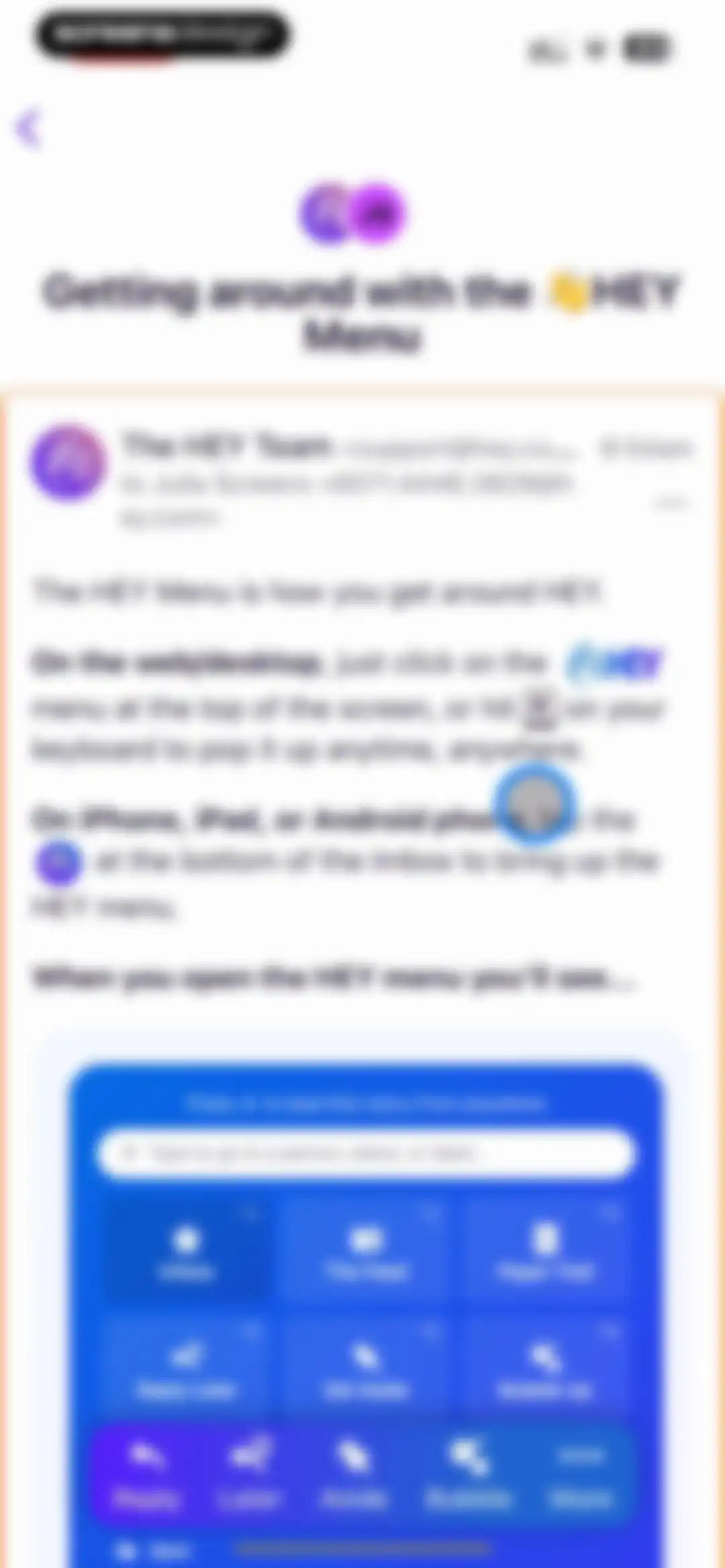
Onboarding screen explaining how to use the HEY menu, featuring instructions and a product mockup card of the menu interface.Unlock Pro
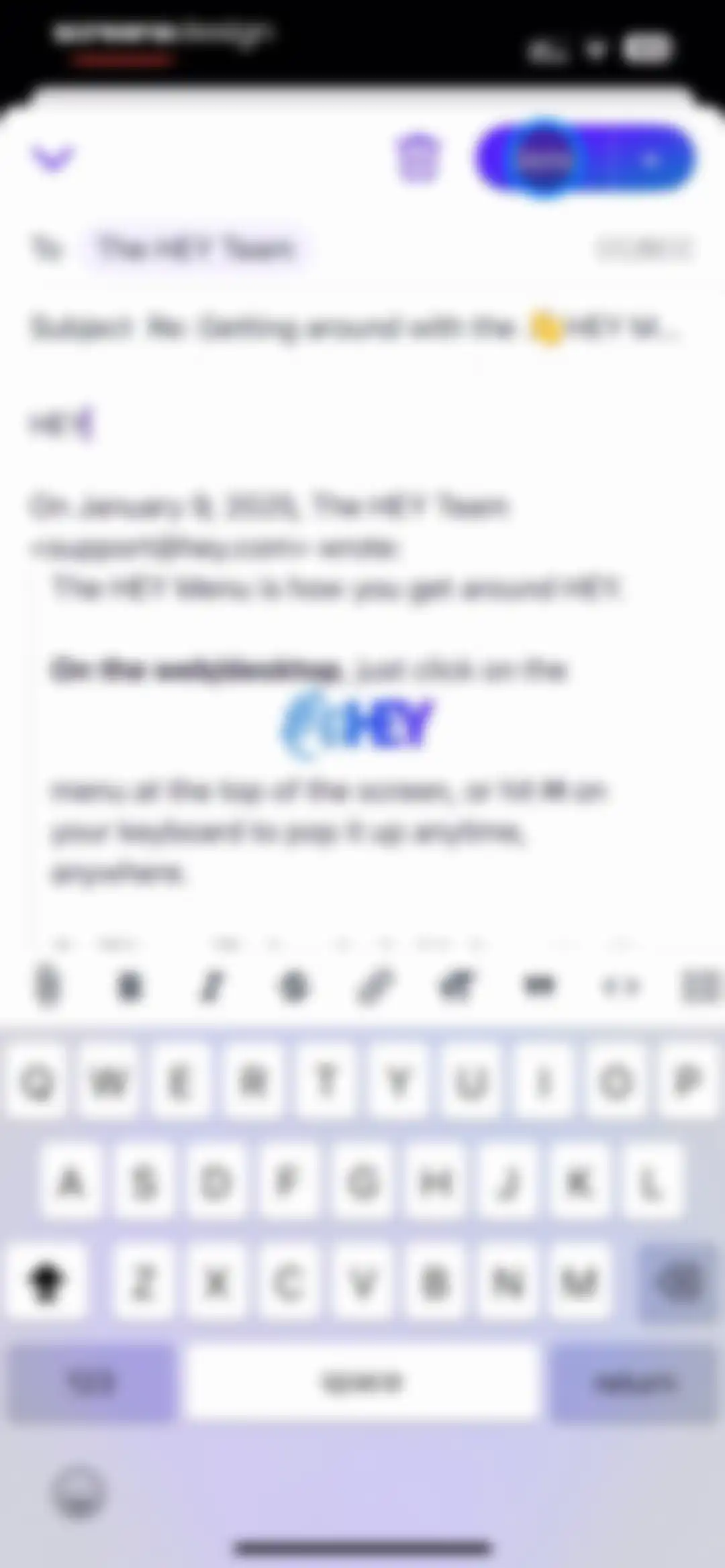
Email reply composer in HEY with recipient fields, quoted text, formatting toolbar, and a Send button.Unlock Pro
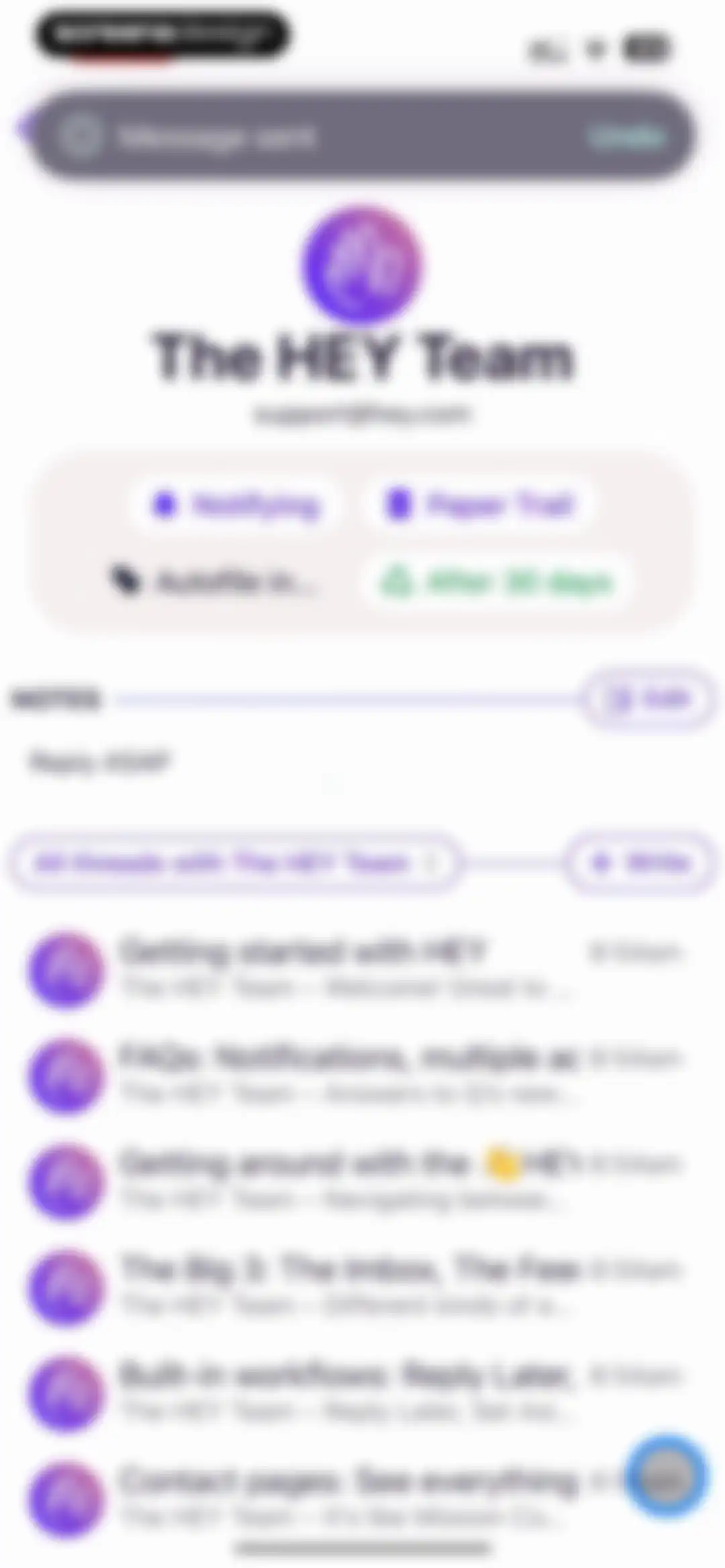
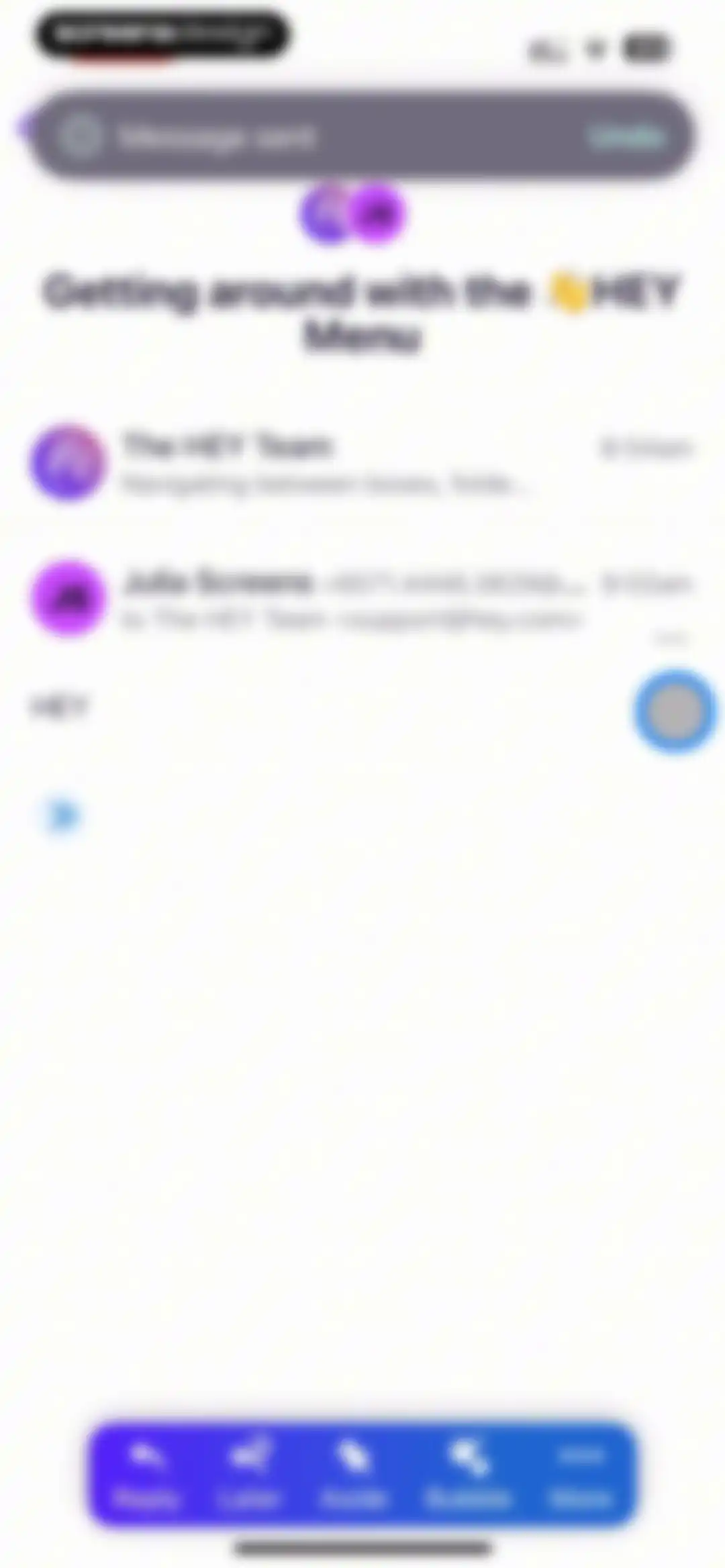
Email thread displaying a message sent notification with an Undo button and a bottom action bar for managing the message.Unlock Pro
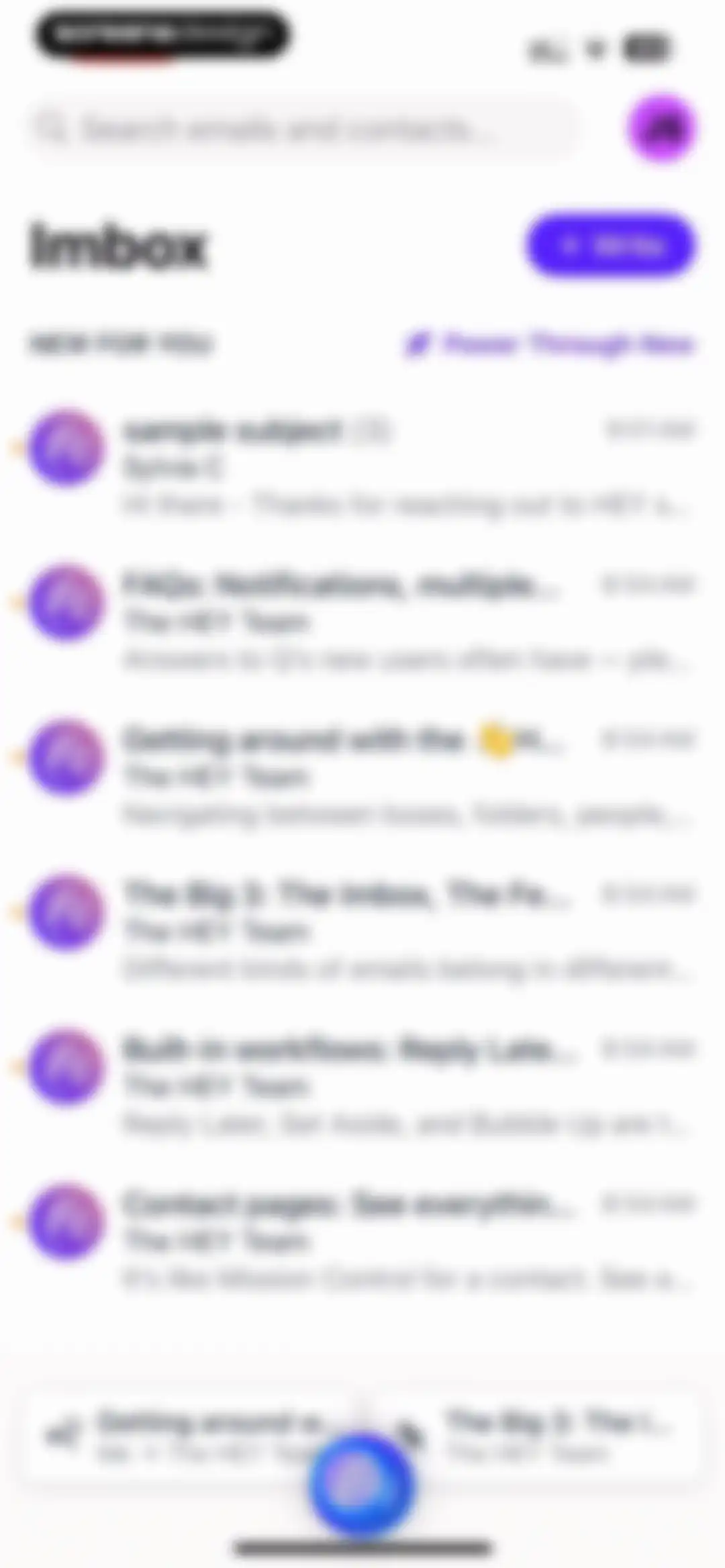
HEY email app inbox screen showing a list of email threads, a search bar, and a write button.Unlock Pro
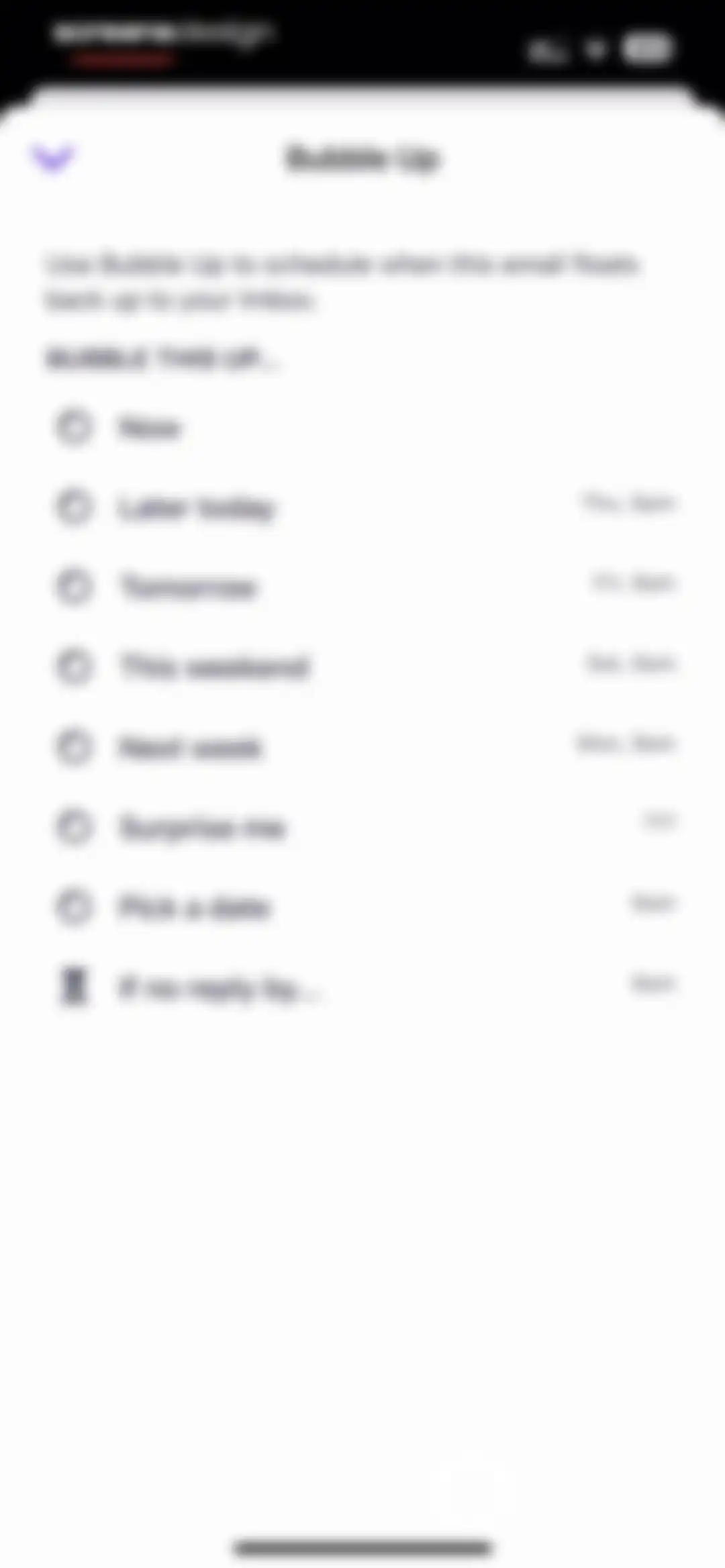
Email scheduling modal with a vertical list of options including Now, Tomorrow, Next week, and a conditional reply reminder.Unlock Pro
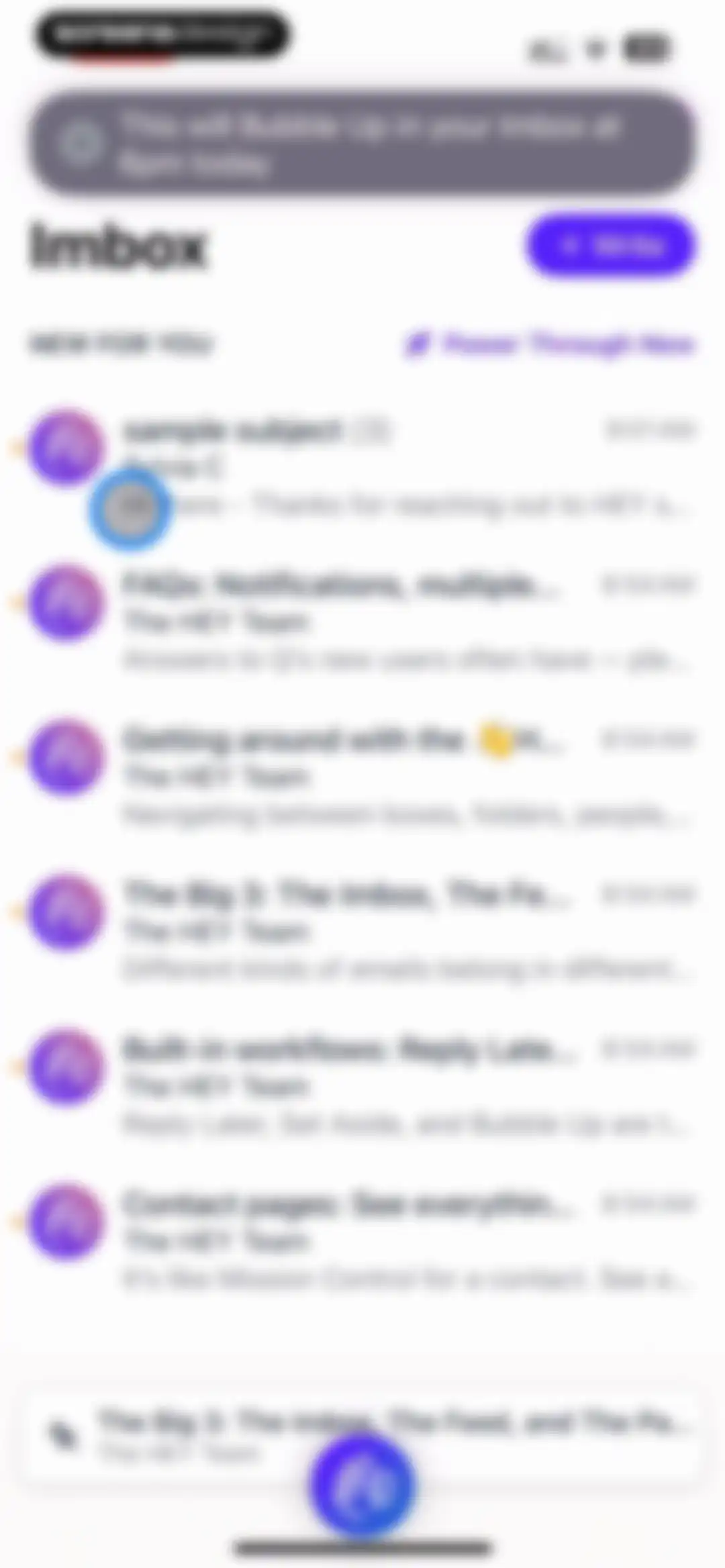
HEY email app inbox showing a list of messages, a top toast notification, and a write button.Unlock Pro
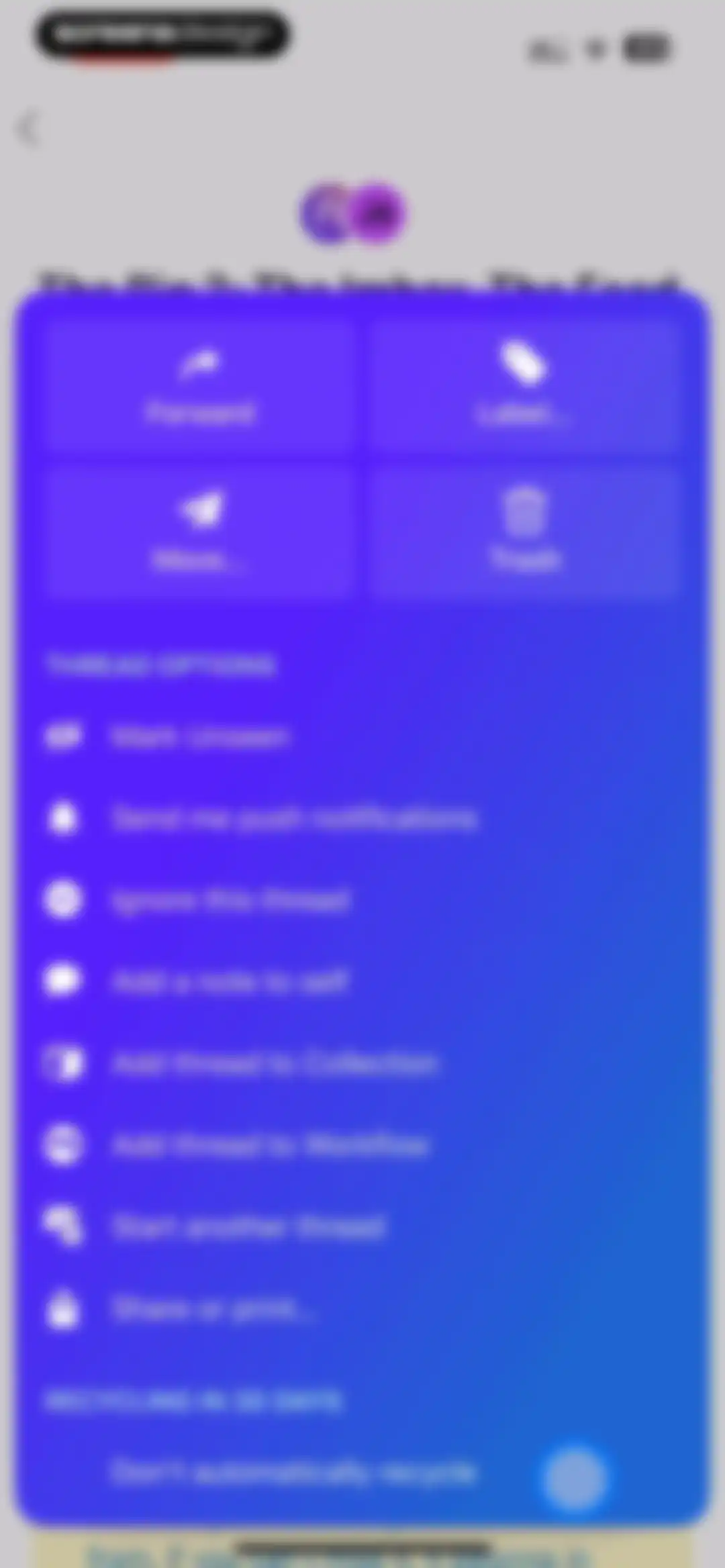
Email thread action menu in HEY Email featuring a top grid of primary action buttons, a list of thread options, and a bottom recycling toggle.Unlock Pro
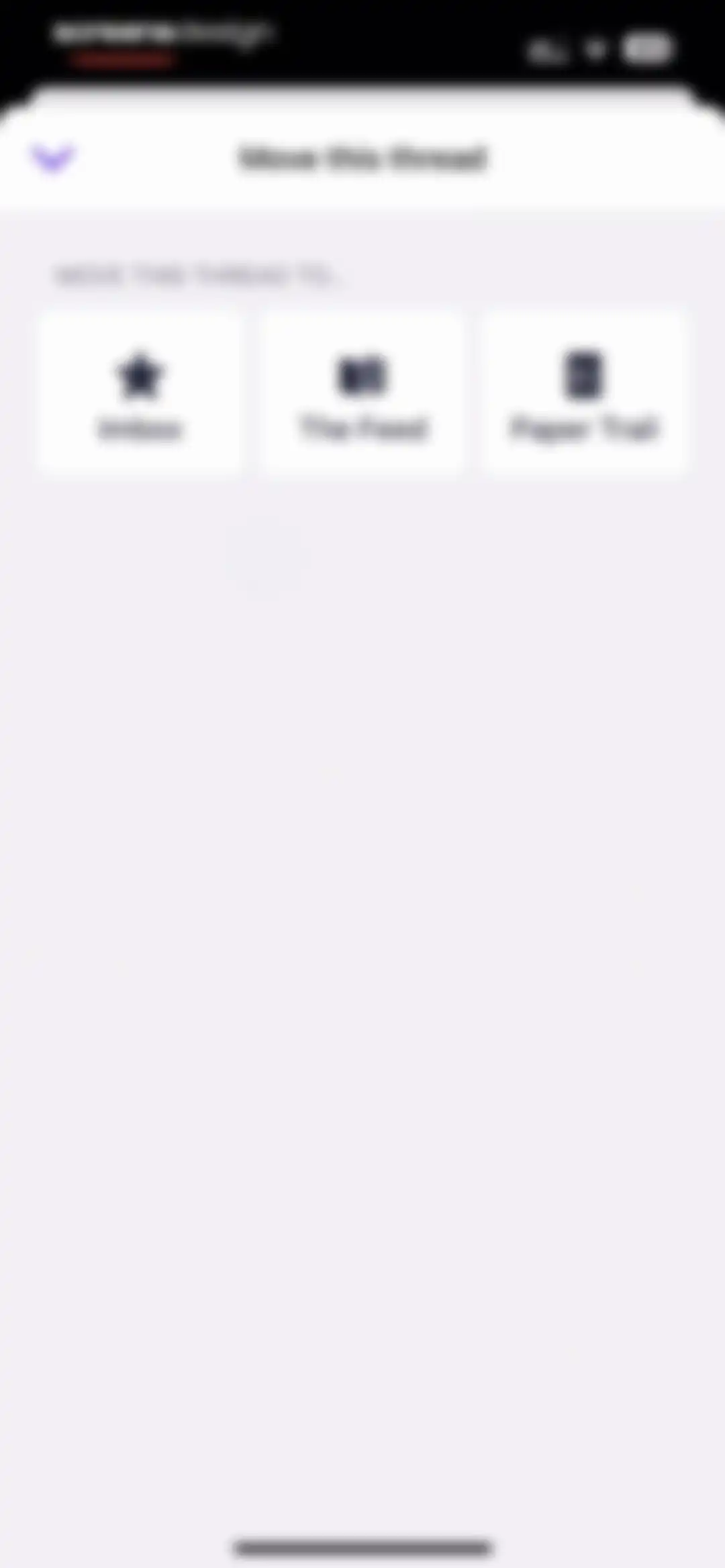
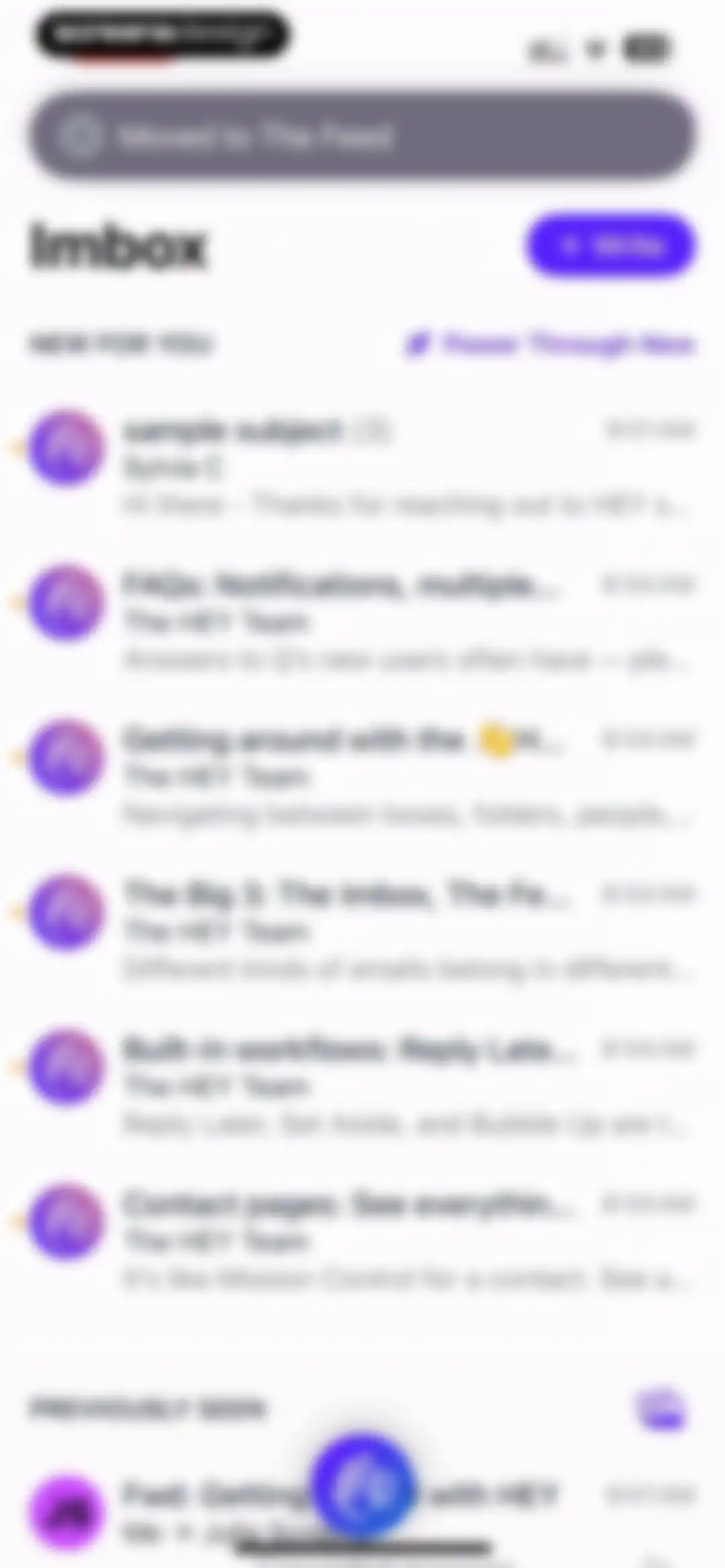
Modal bottom sheet in the HEY email app titled Move this thread, featuring three selectable destination cards for Imbox, The Feed, and Paper Trail.Unlock Pro
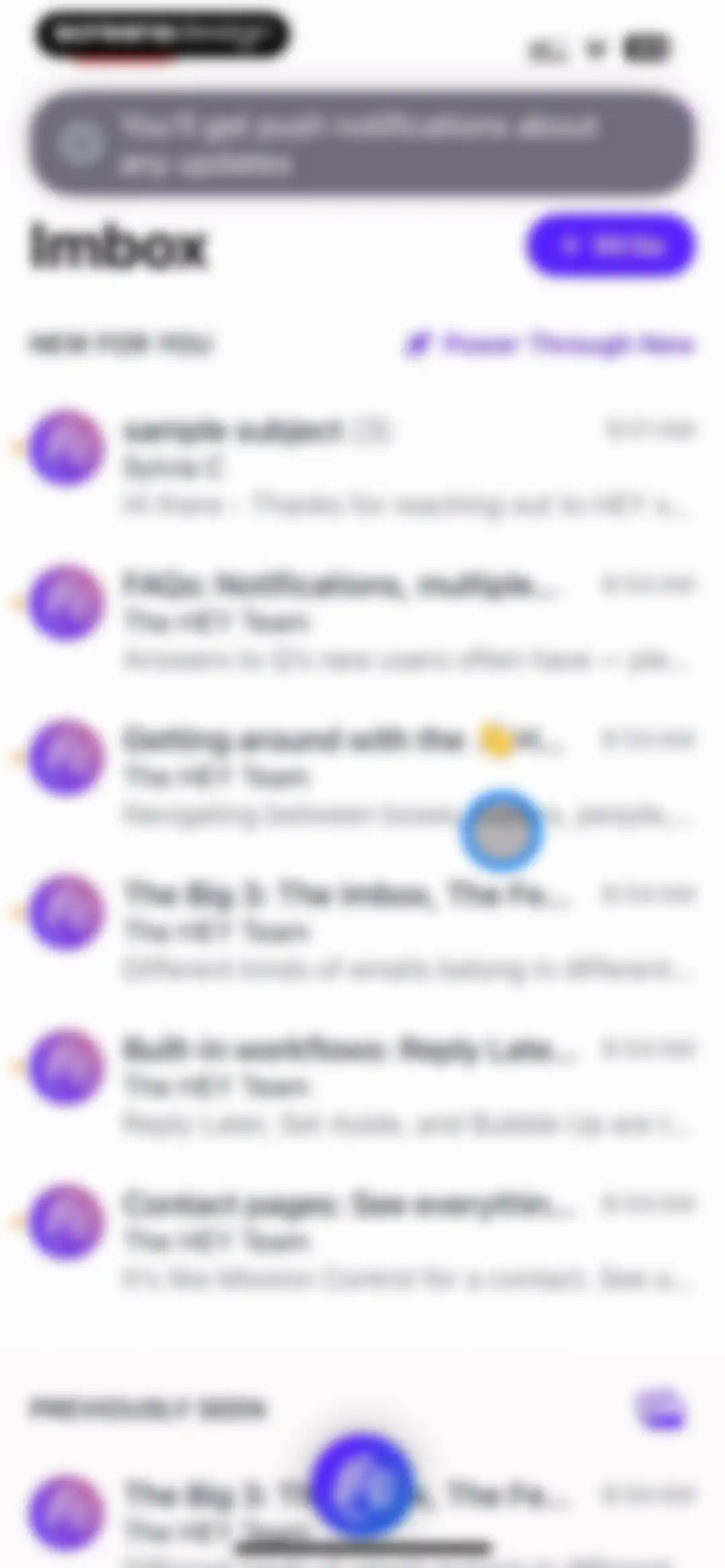
Email app home screen displaying the Imbox message list divided into New For You and Previously Seen sections with a Write button.Unlock Pro
Email app inbox screen displaying New For You and Previously Seen sections, with a Write button and a floating action button at the bottom.Unlock Pro
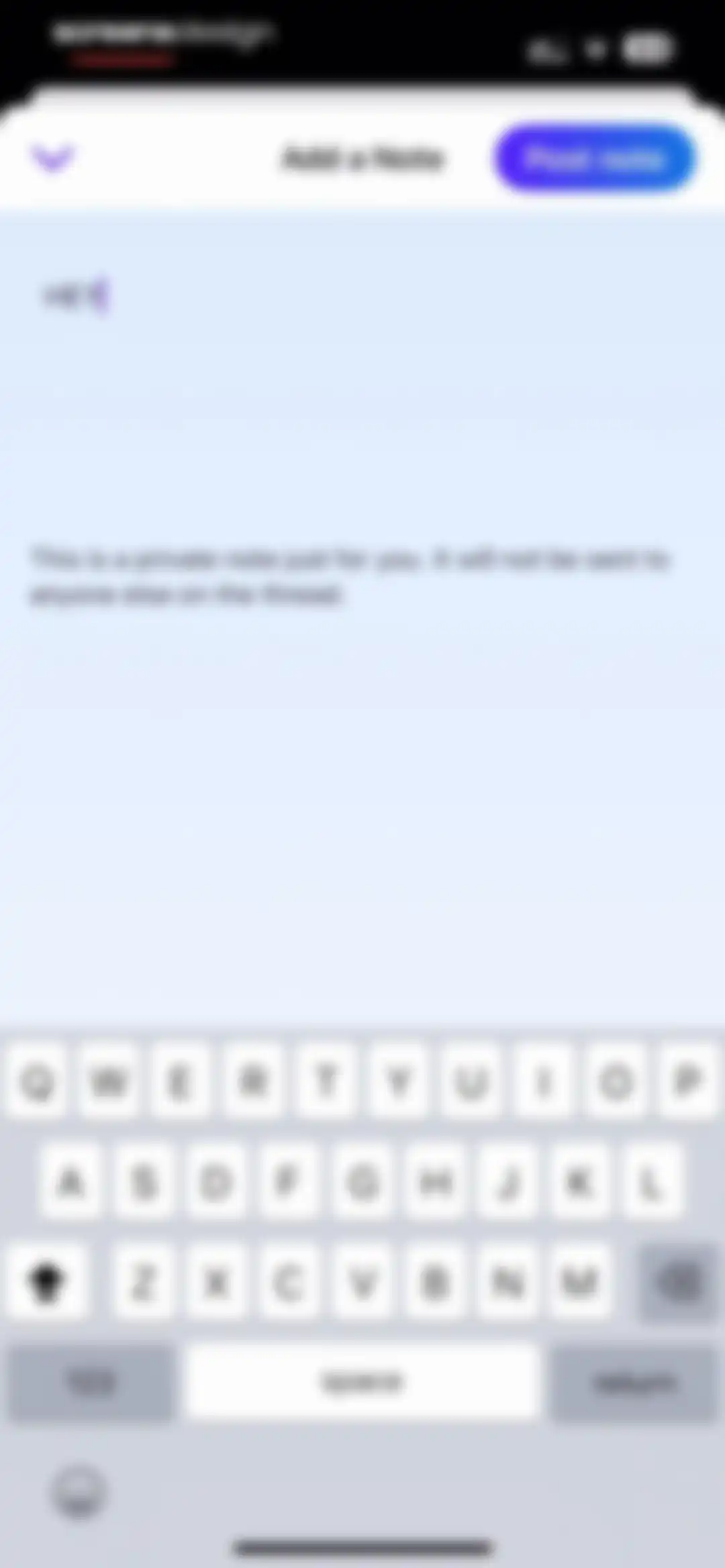
Note editor screen in HEY Email with a text input field containing notes and a Post note button.Unlock Pro
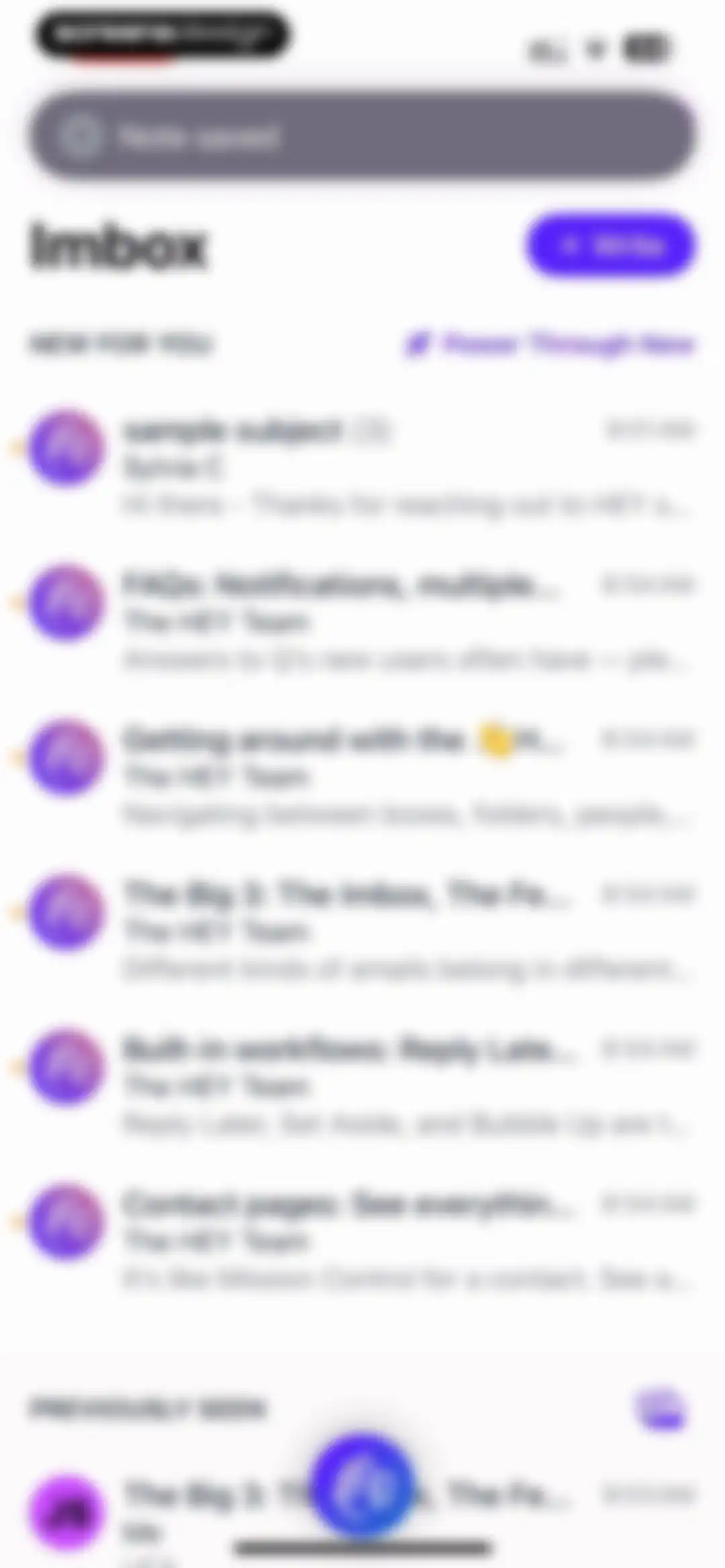
Email inbox home screen with New For You and Previously Seen sections, a Note saved notification, and a Write button.Unlock Pro
Chat screen displaying an email thread with a status banner indicating the thread was ignored and a bottom floating action bar.Unlock Pro
Email thread options menu with a grid of primary action buttons, secondary management options, and recycling settings at the bottom.Unlock Pro
Collection creation form in the HEY Email app with the text HEY Team entered in the input field and a Go button.Unlock Pro
Email thread in the HEY app with a yellow status banner stating the thread is ignored and a bottom floating action bar.Unlock Pro
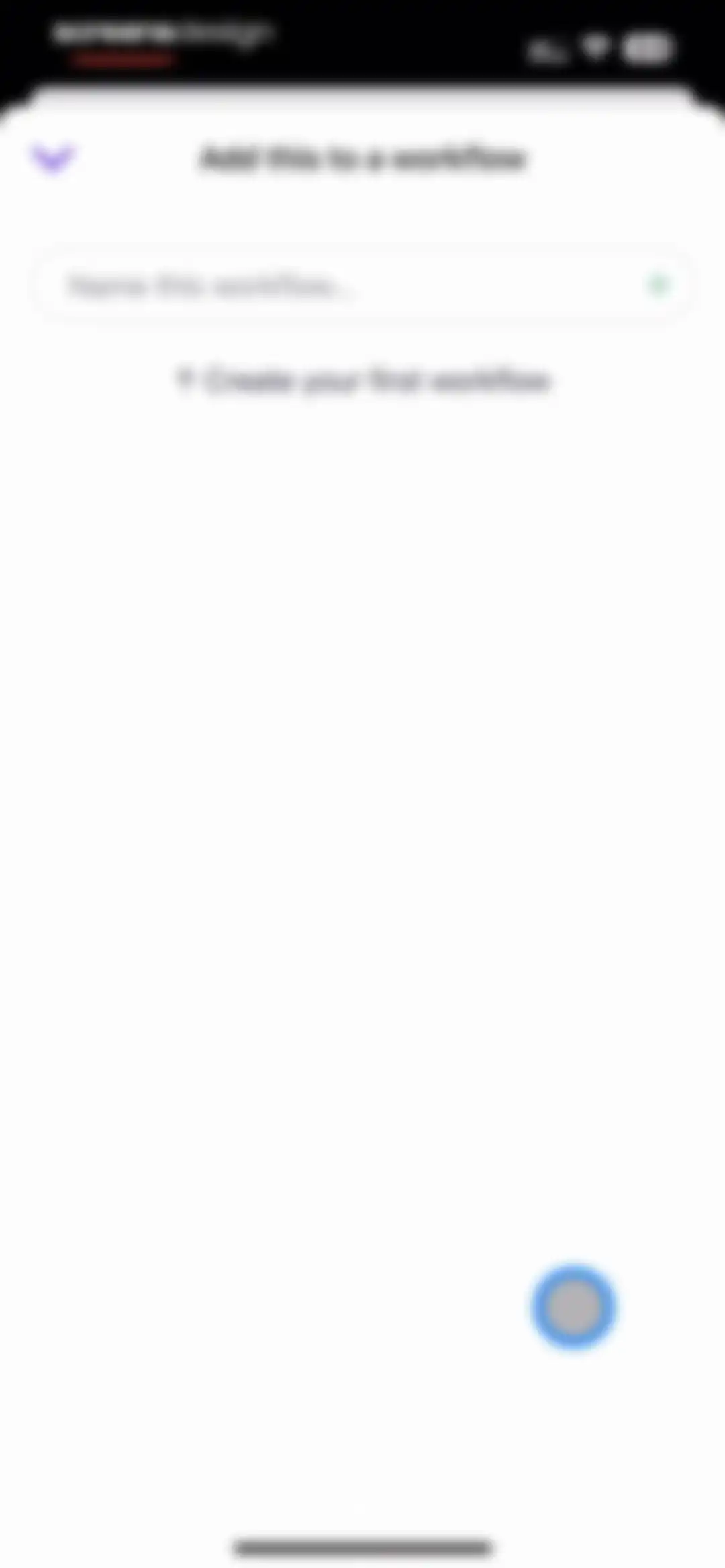
Workflow creation form with a text input field to name the new workflow and an instructional prompt.Unlock Pro
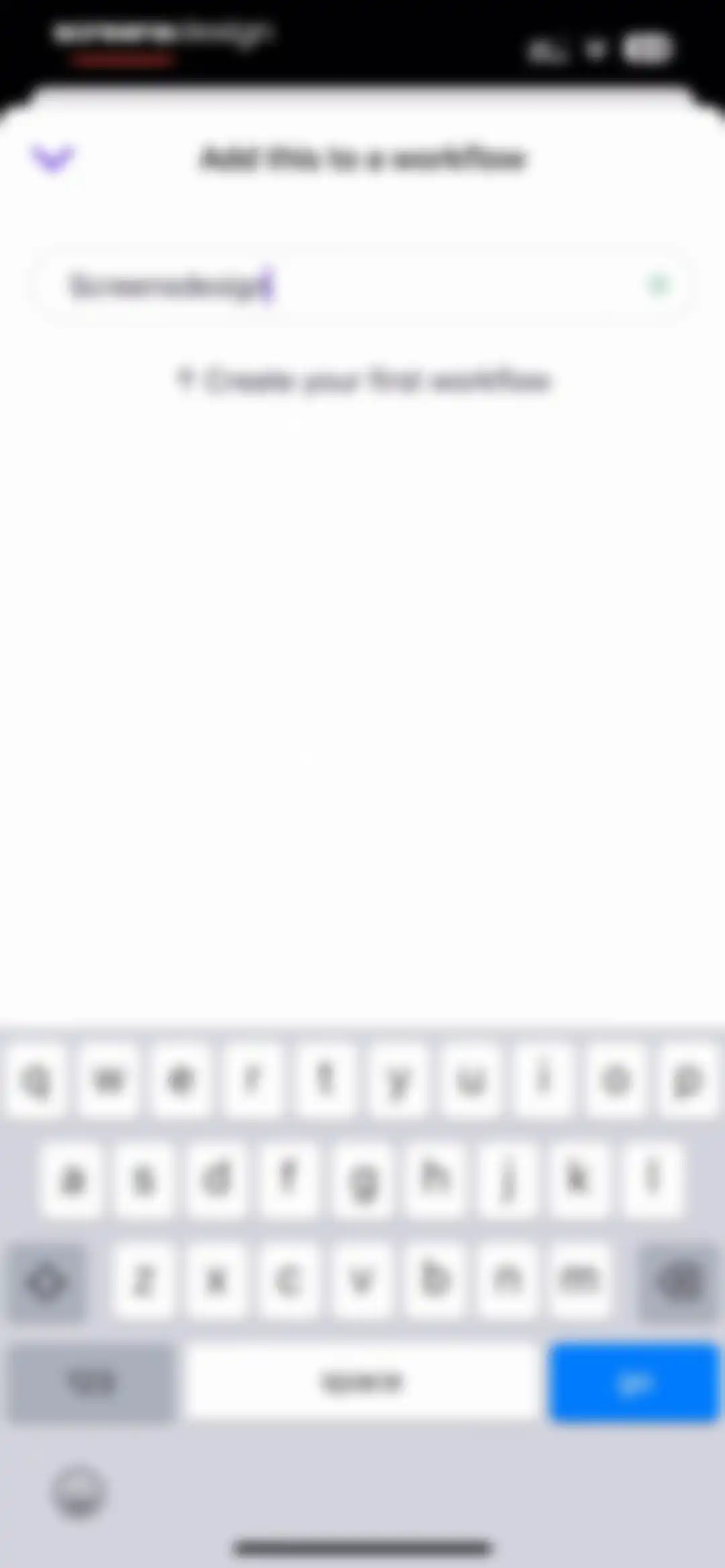
Workflow creation form with a text input field containing validated text and a system keyboard at the bottom.Unlock Pro
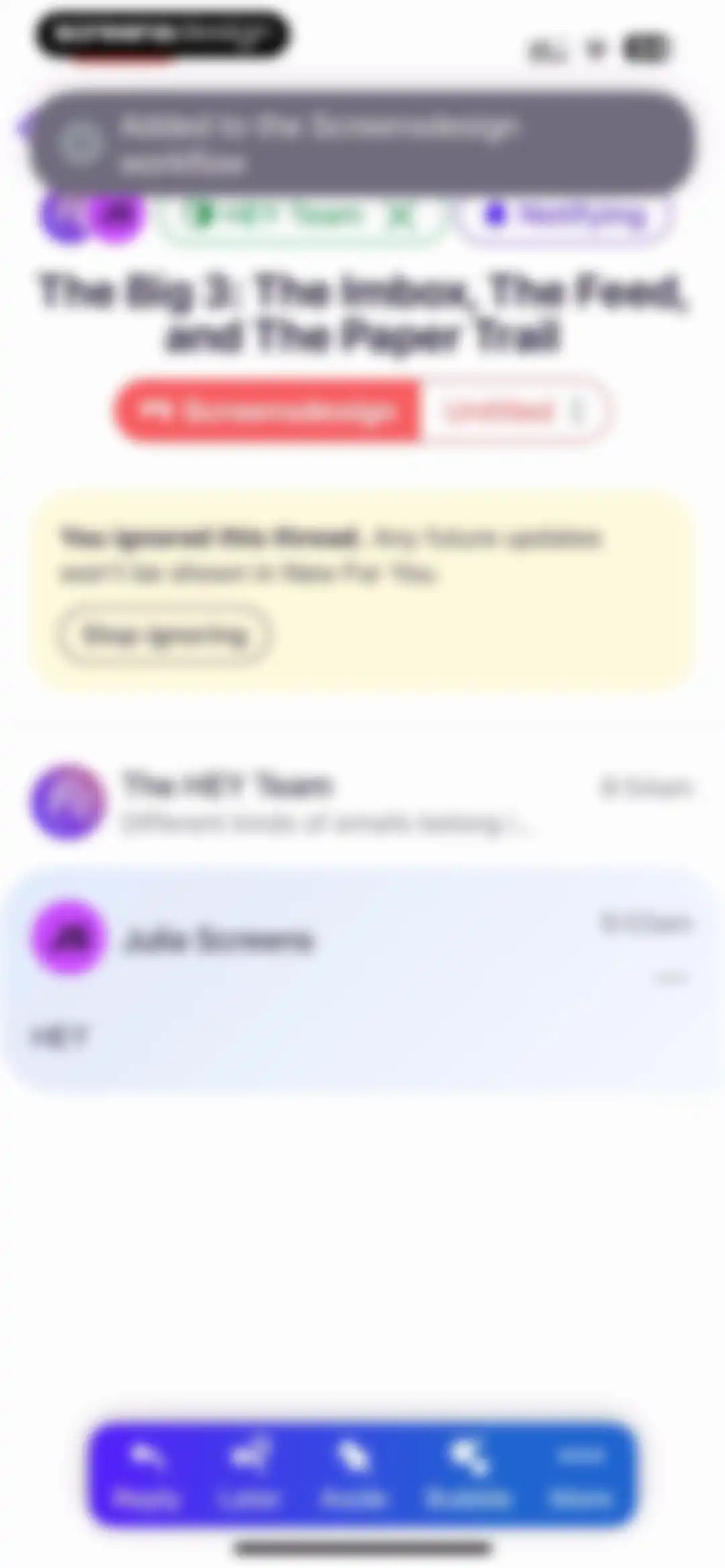
Email thread view in the HEY app with a yellow ignored thread status banner and a bottom action bar containing Reply and Later buttons.Unlock Pro
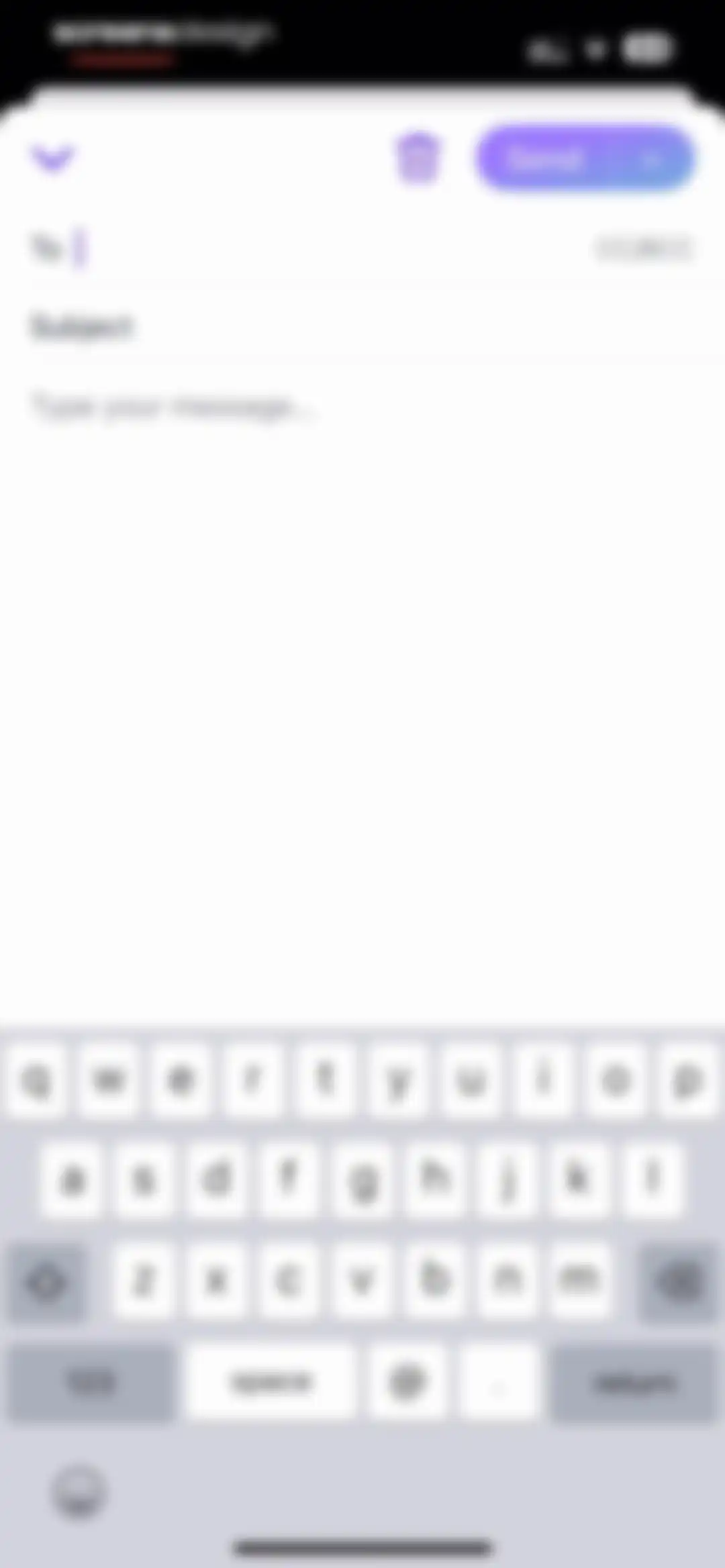
Email composition screen with recipient and subject fields, a large message body area, a Send button, and the system keyboard.Unlock Pro
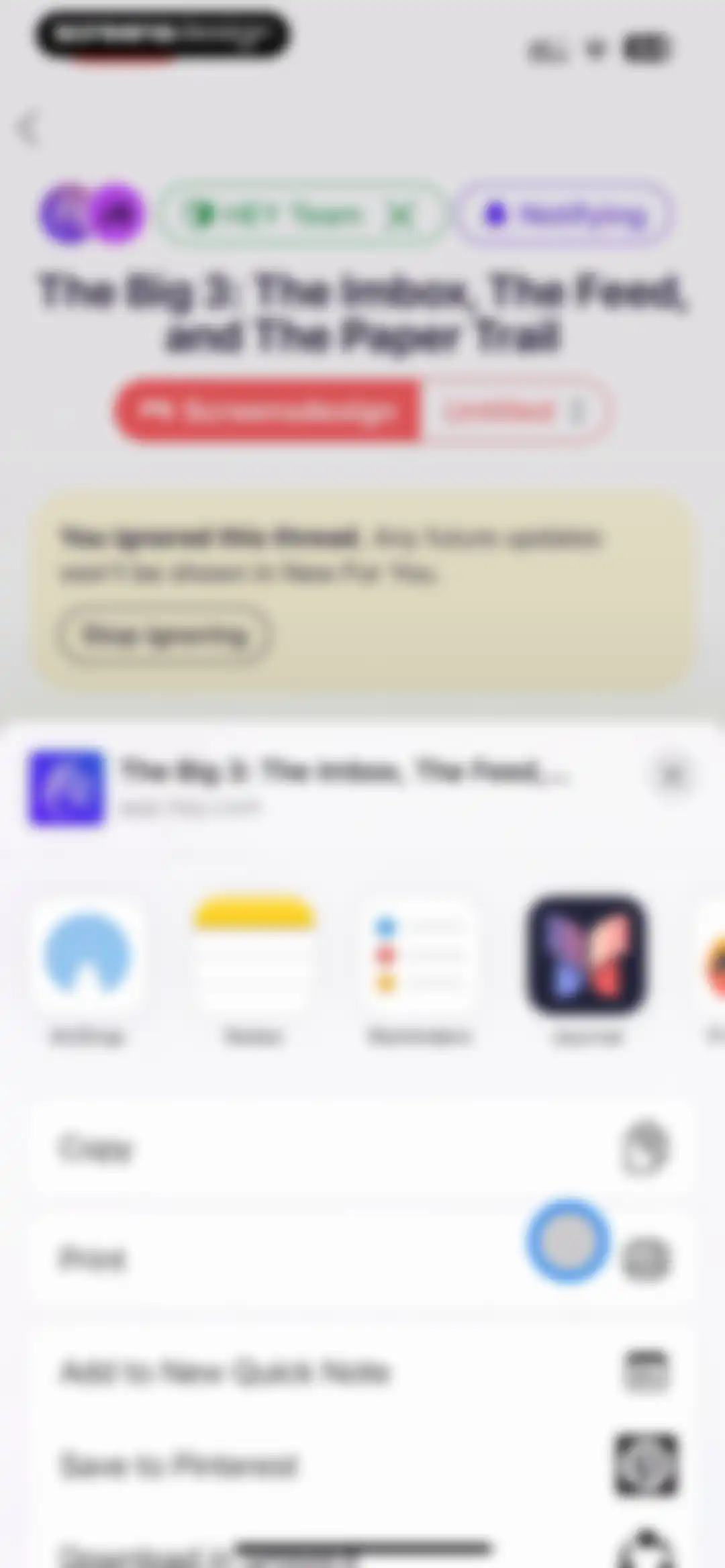
Email view with an ignored status banner and an iOS share sheet displaying a horizontal app carousel and a list of actions.Unlock Pro
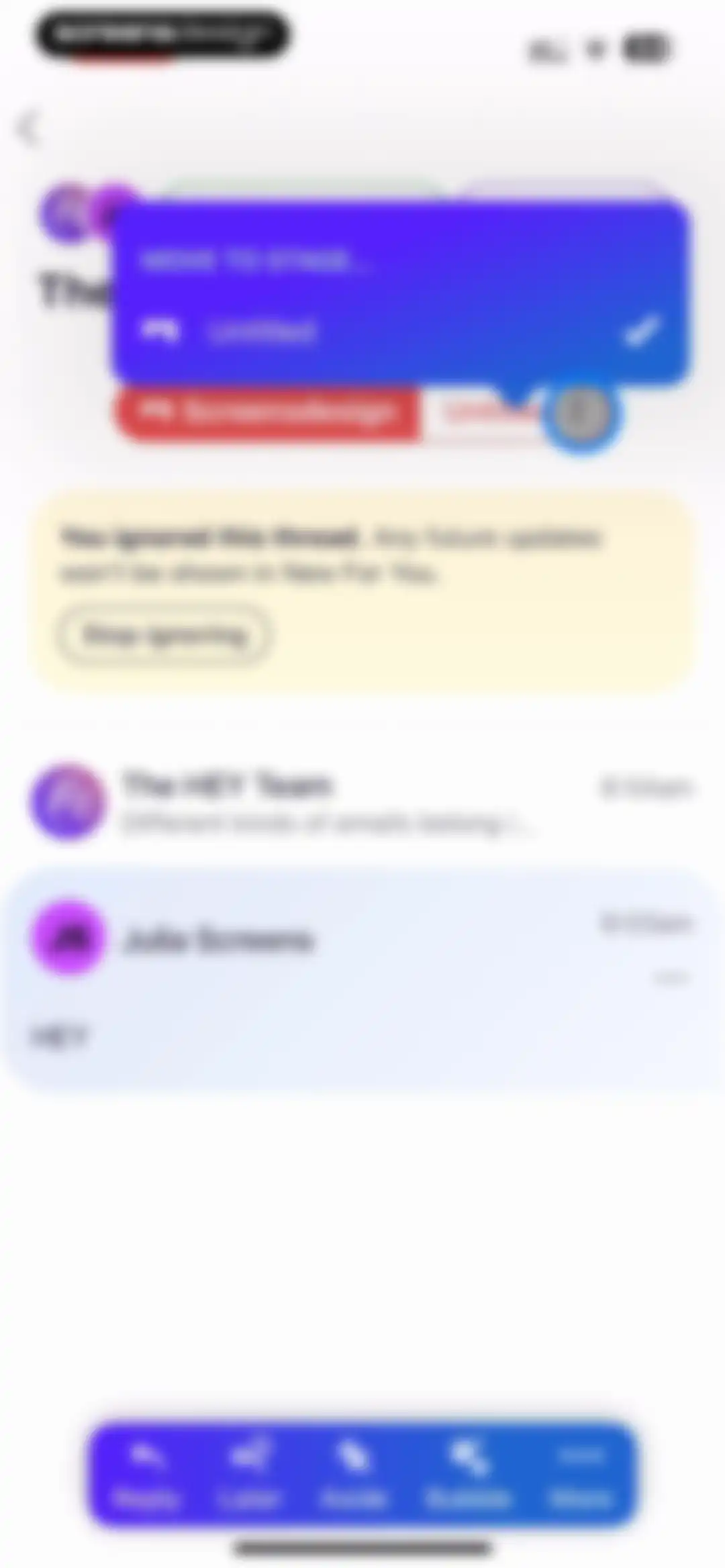
Email thread view with a Move to Stage modal overlay and a bottom action bar containing Reply and Later buttons.Unlock Pro
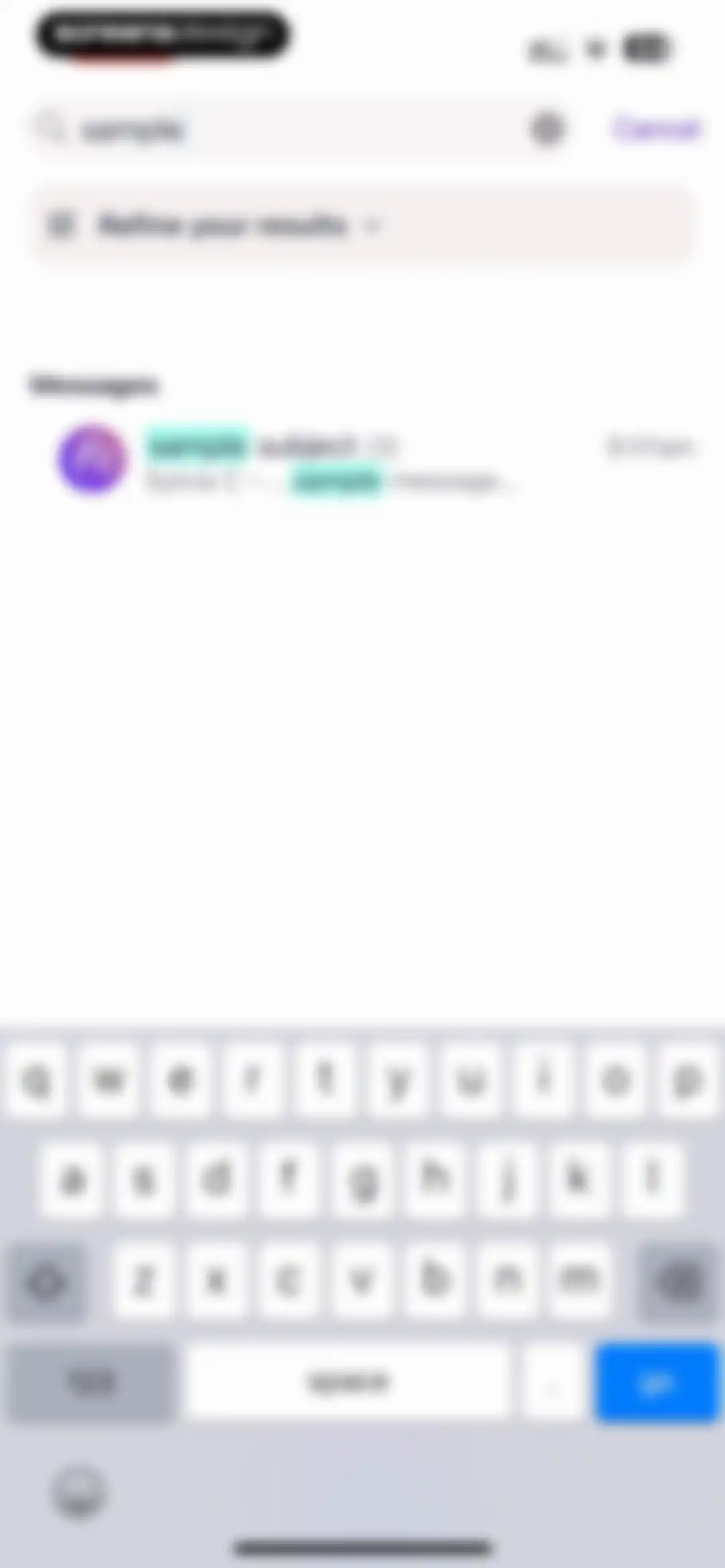
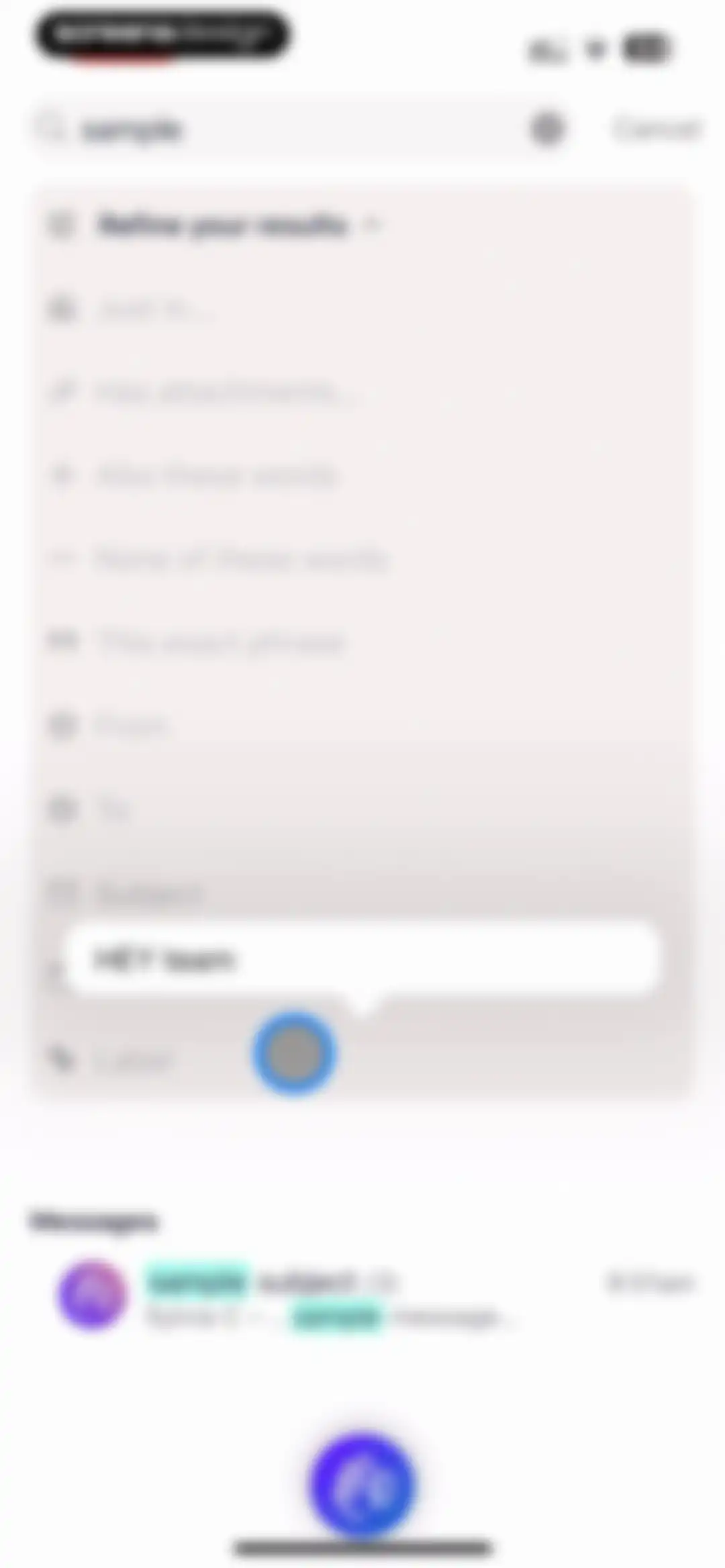
Search screen displaying results for the query sample, a refine results button, and an active system keyboard at the bottom.Unlock Pro
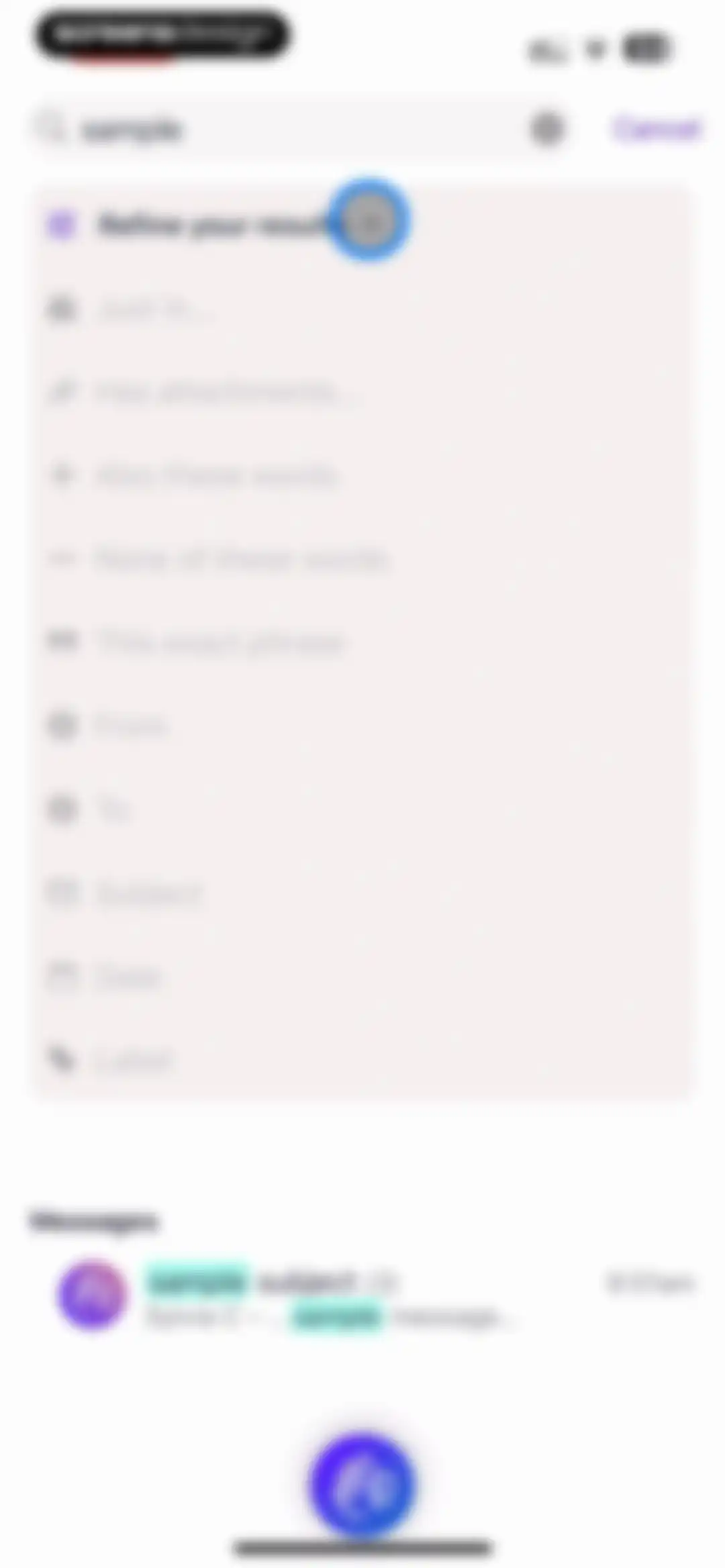
Search screen displaying a query with an expanded filter panel and a list of matching email results.Unlock Pro
Email search results screen displaying an expanded filter menu, a search query for sample, and a matching message list.Unlock Pro
Search screen with an expanded attachment filter menu and a list of message results below.Unlock Pro
Email search results screen displaying the query sample with one applied filter and a matching message from Sylvia C above the system keyboard.Unlock Pro
Email search results interface displaying an expanded date filter menu with options ranging from the last 7 days to specific years.Unlock Pro
Email search results screen with an expanded filter menu showing active criteria and a matching message list below.Unlock Pro
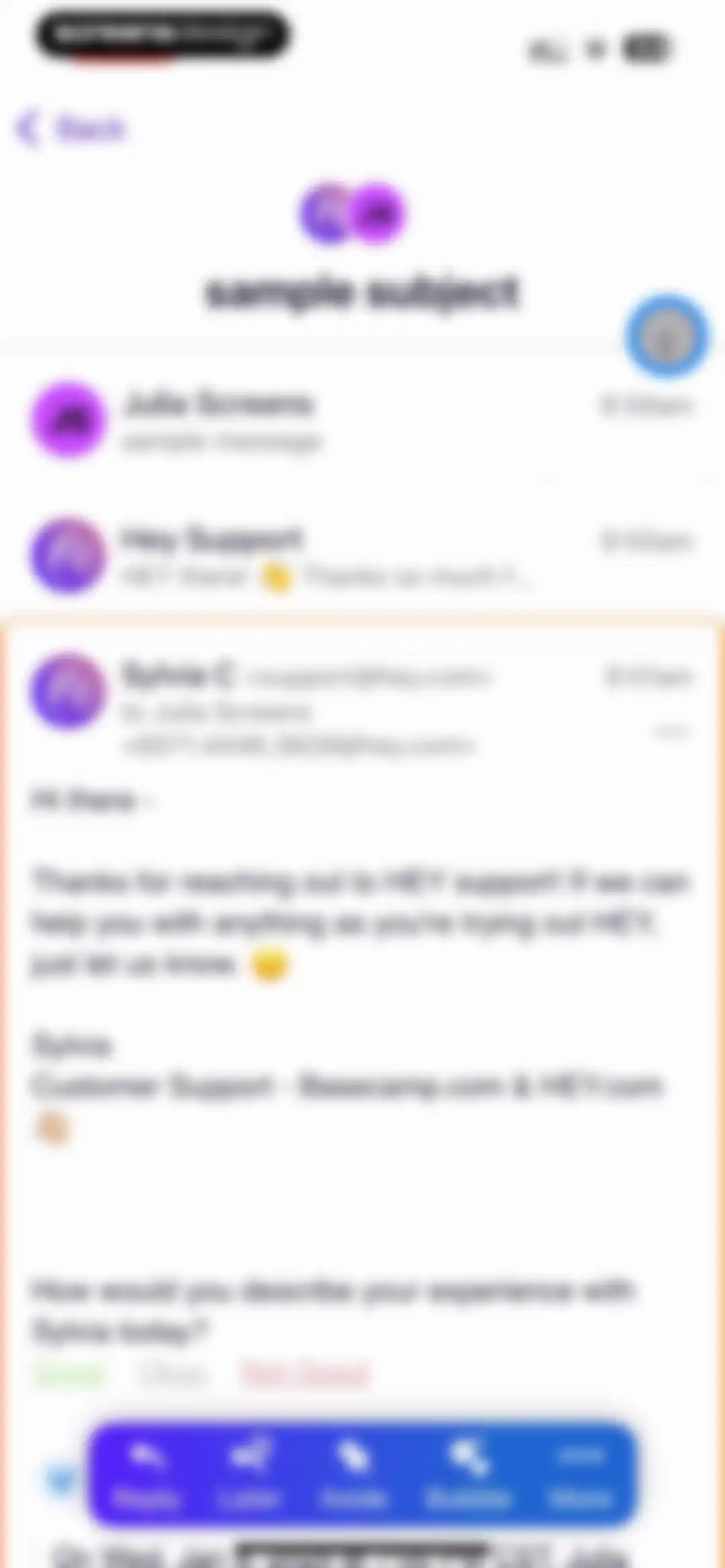
Email thread displaying a customer support conversation, a satisfaction survey, and a floating action bar at the bottom.Unlock Pro
Email composition screen in the HEY app with recipient, subject, and message fields above the system keyboard and a Send button.Unlock Pro
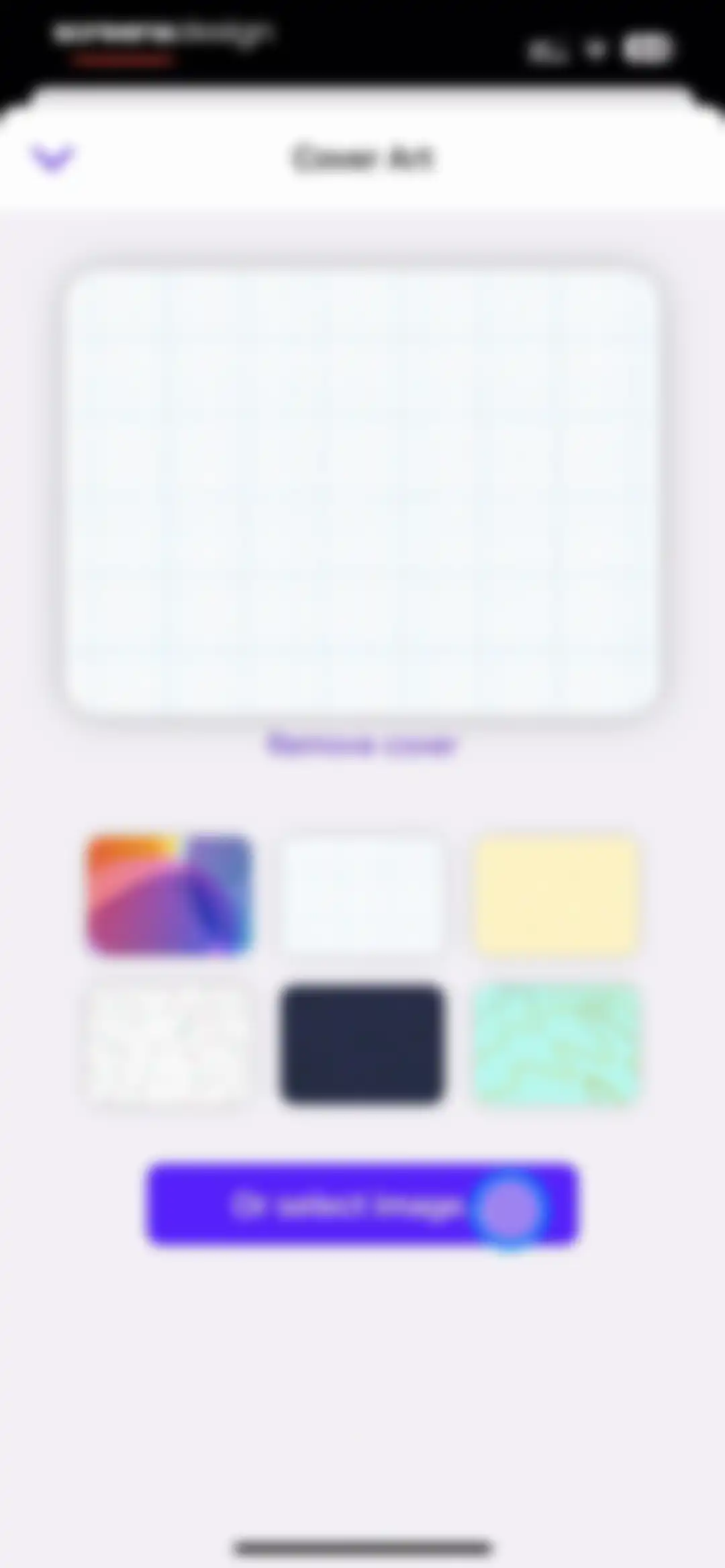
Cover art customization screen displaying a large preview card, a thumbnail selection grid, and a bottom button to upload a custom image.Unlock Pro
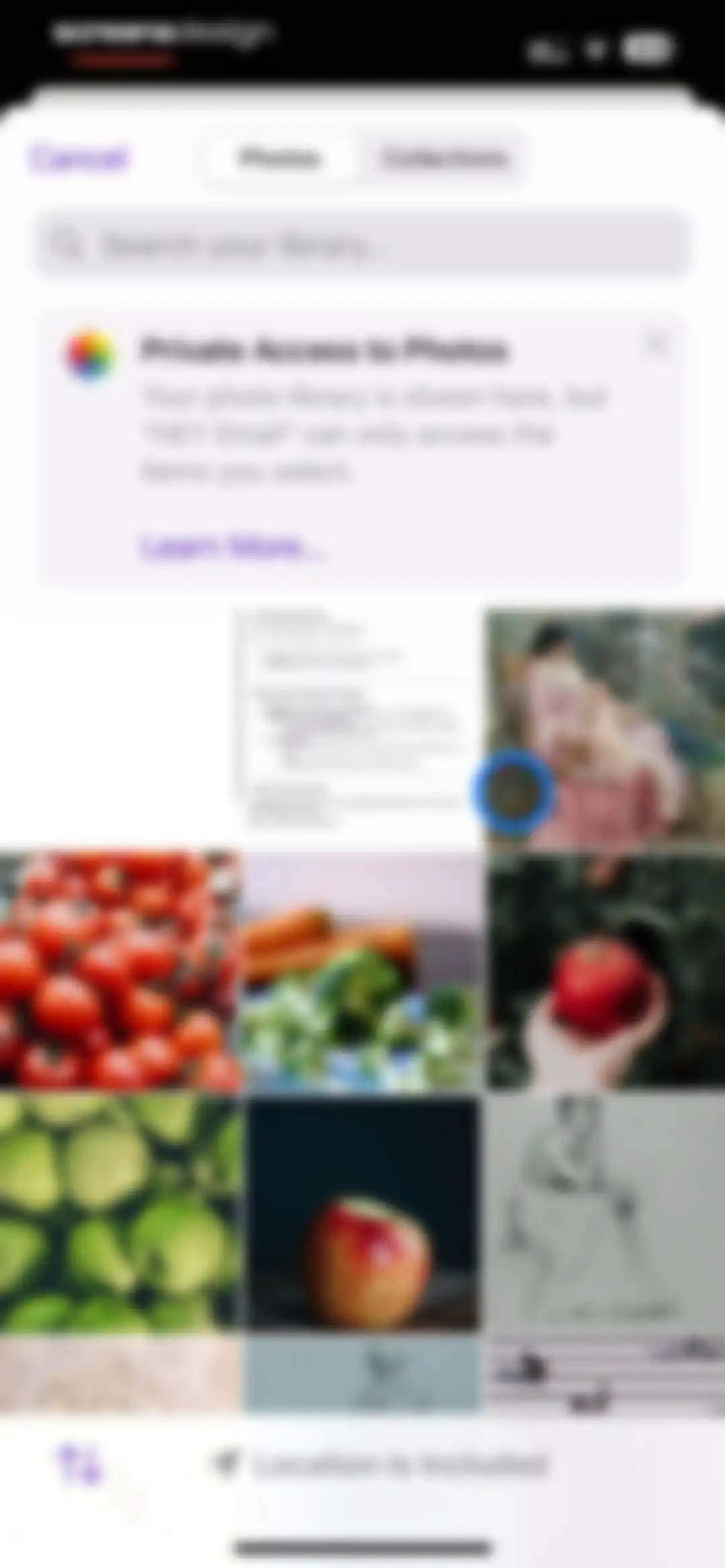
System-level photo picker modal displaying a grid of photo thumbnails, a privacy notice card, and a selected photo with a blue indicator.Unlock Pro
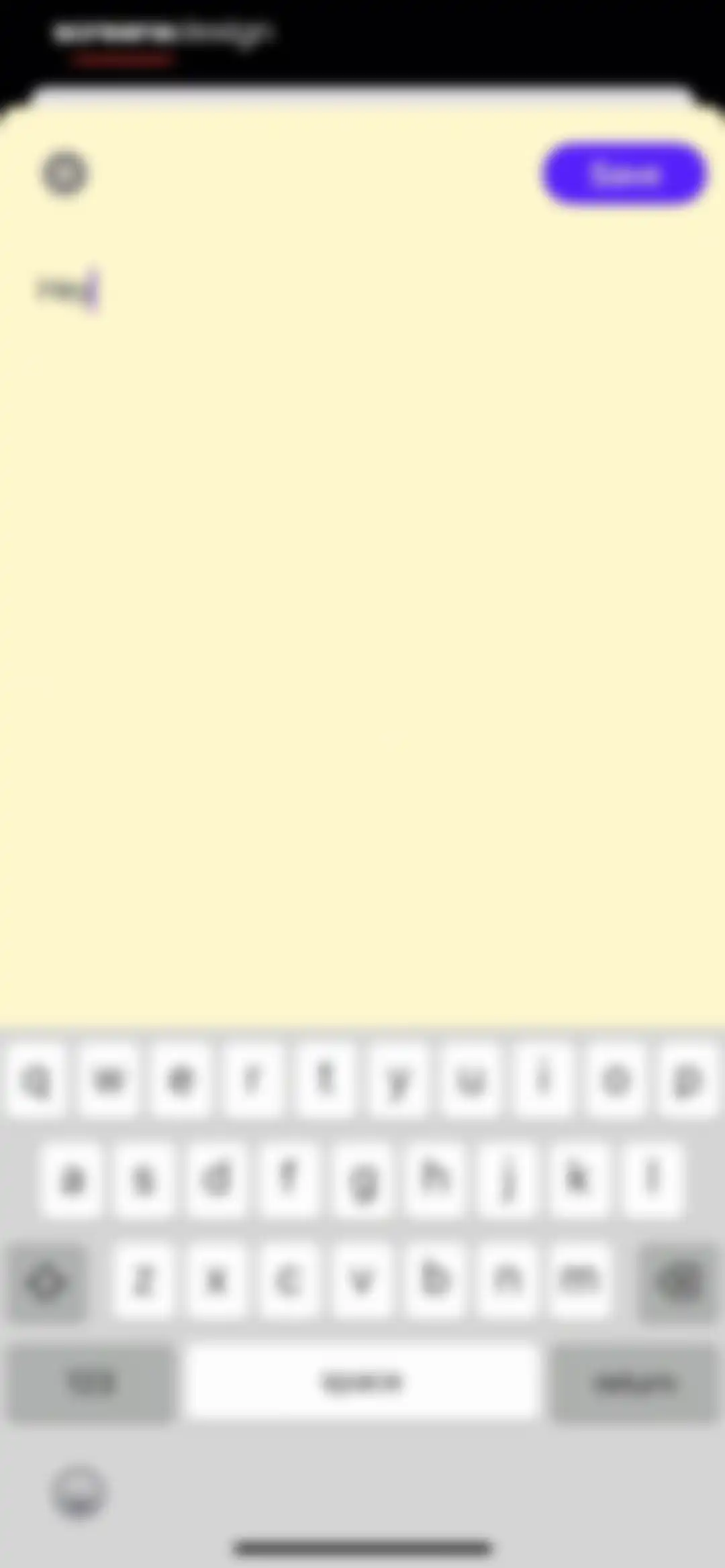
Text editor modal displaying the word Hey in the input field, a Save button, and the system keyboard.Unlock Pro
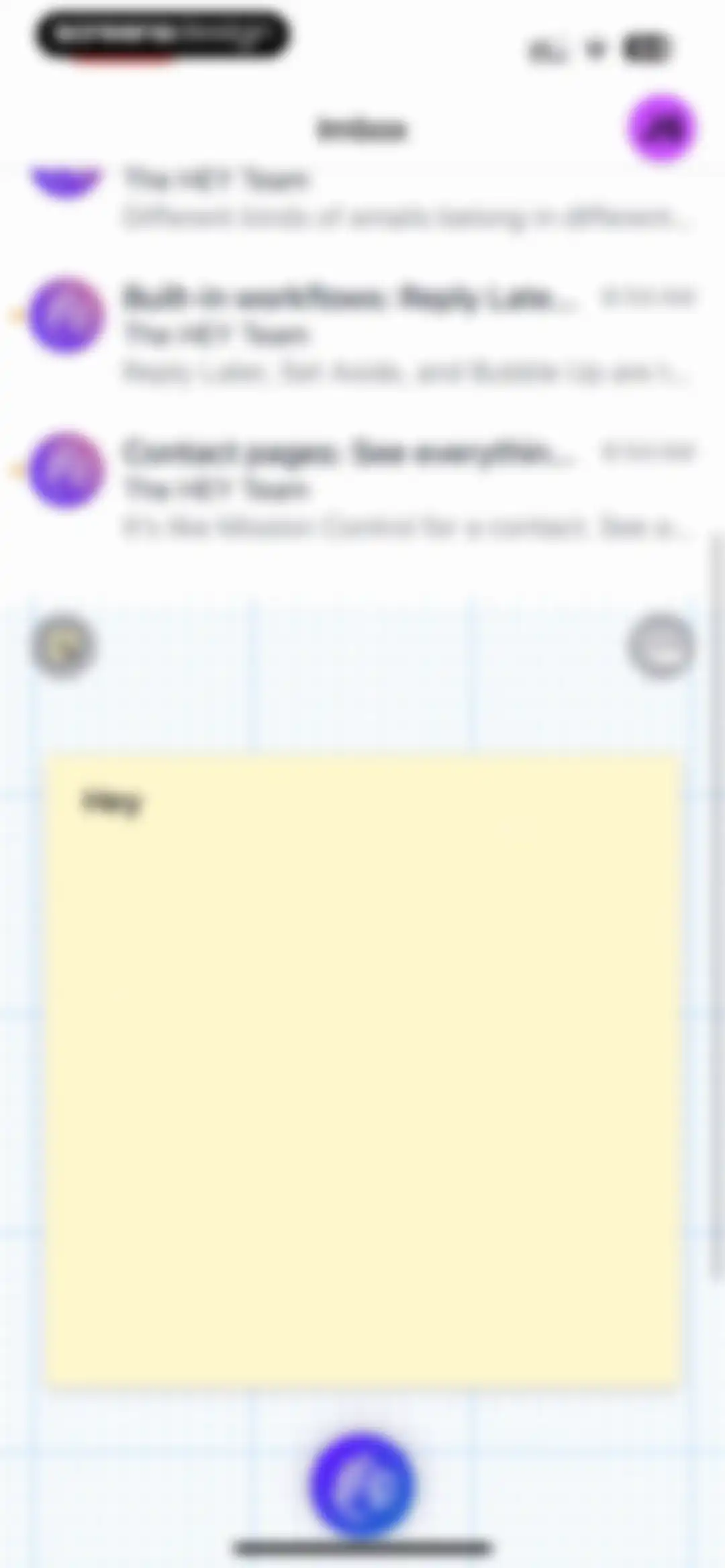
Hey email inbox displaying a vertical list of messages and a central yellow sticky-note card against a grid background.Unlock Pro
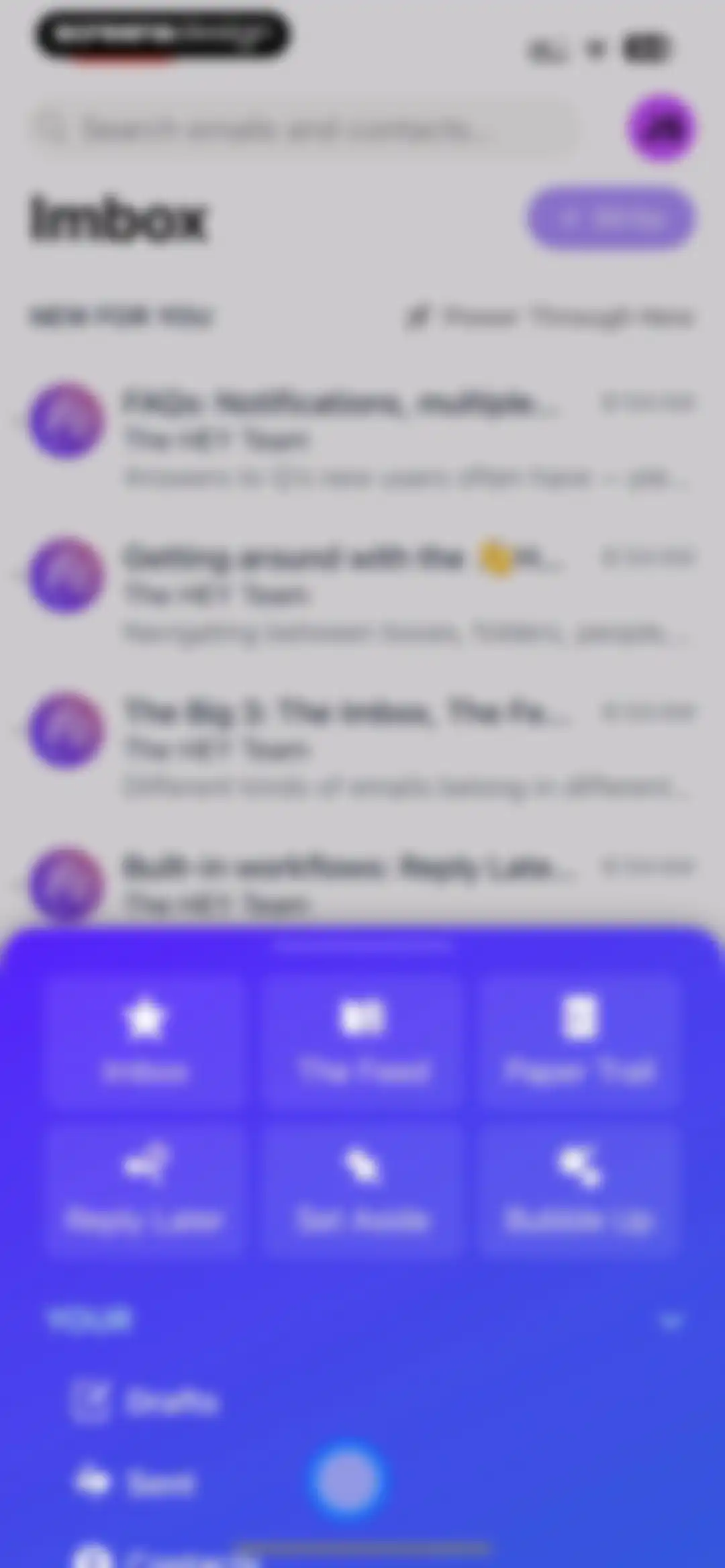
Email app home screen displaying a list of messages under Imbox and a large bottom navigation overlay with six primary category buttons.Unlock Pro
Onboarding screen explaining how the feed works for newsletters, featuring a gradient background card and a bottom floating action button with a hand icon.Unlock Pro
Email list screen titled Paper Trail displaying transactional messages with a back button and floating action button.Unlock Pro
Onboarding screen explaining the Reply Later feature for HEY email with a central descriptive graphic and a bottom action button.Unlock Pro
Email app onboarding screen explaining the Set Aside feature, with an abstract central graphic and a bottom action button.Unlock Pro
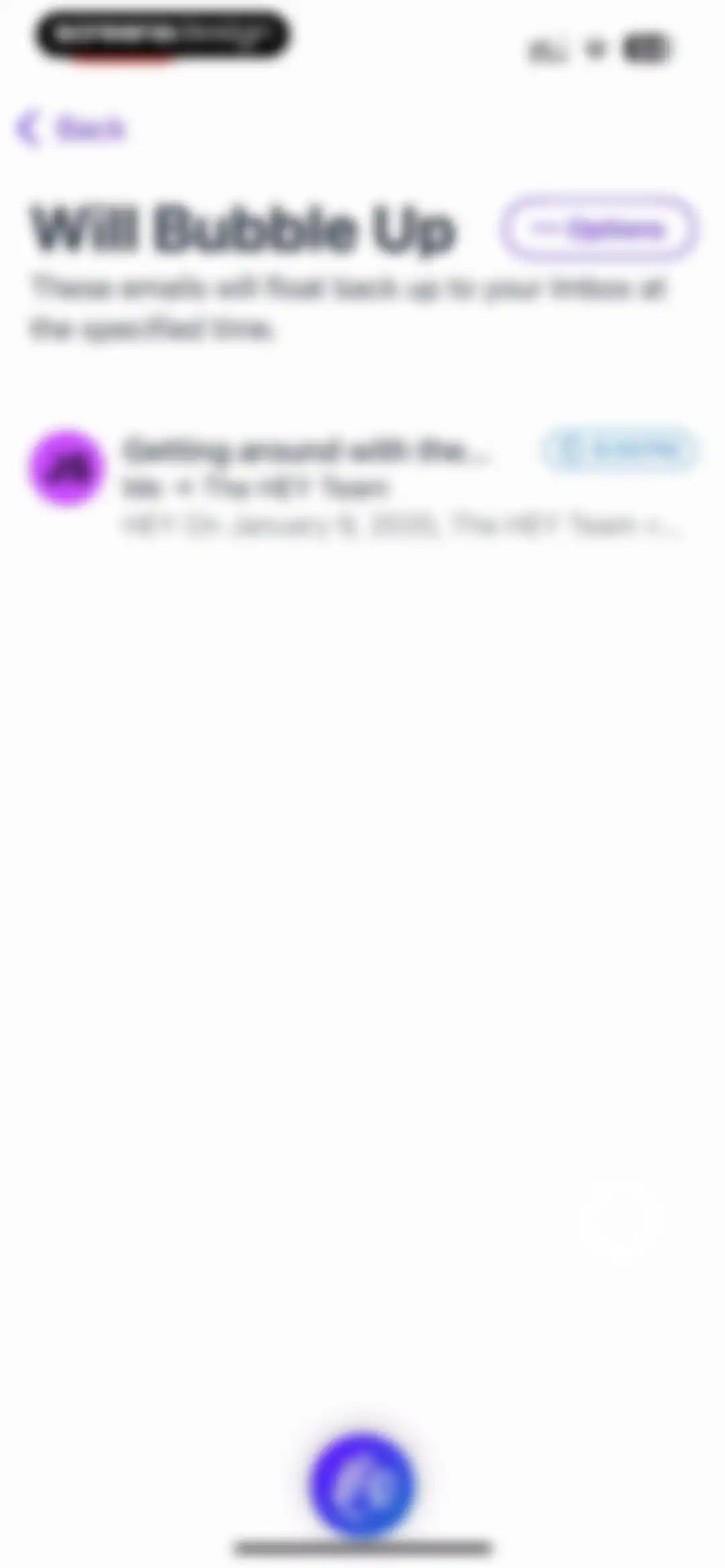
Email list screen titled Will Bubble Up showing a scheduled message set to reappear at 6:00 PM.Unlock Pro
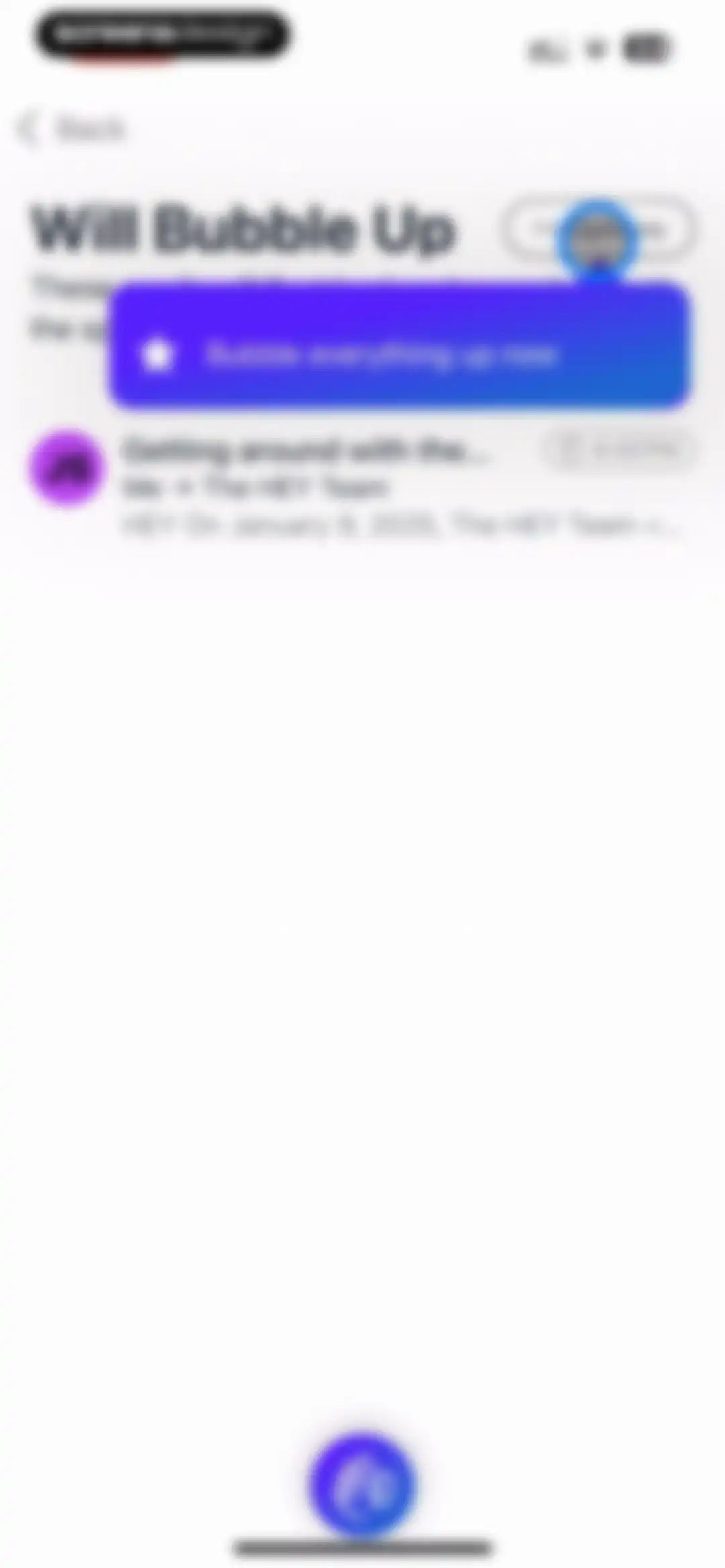
Email list screen displaying the Will Bubble Up feature with a prompt to bubble everything up and a bottom floating action button.Unlock Pro
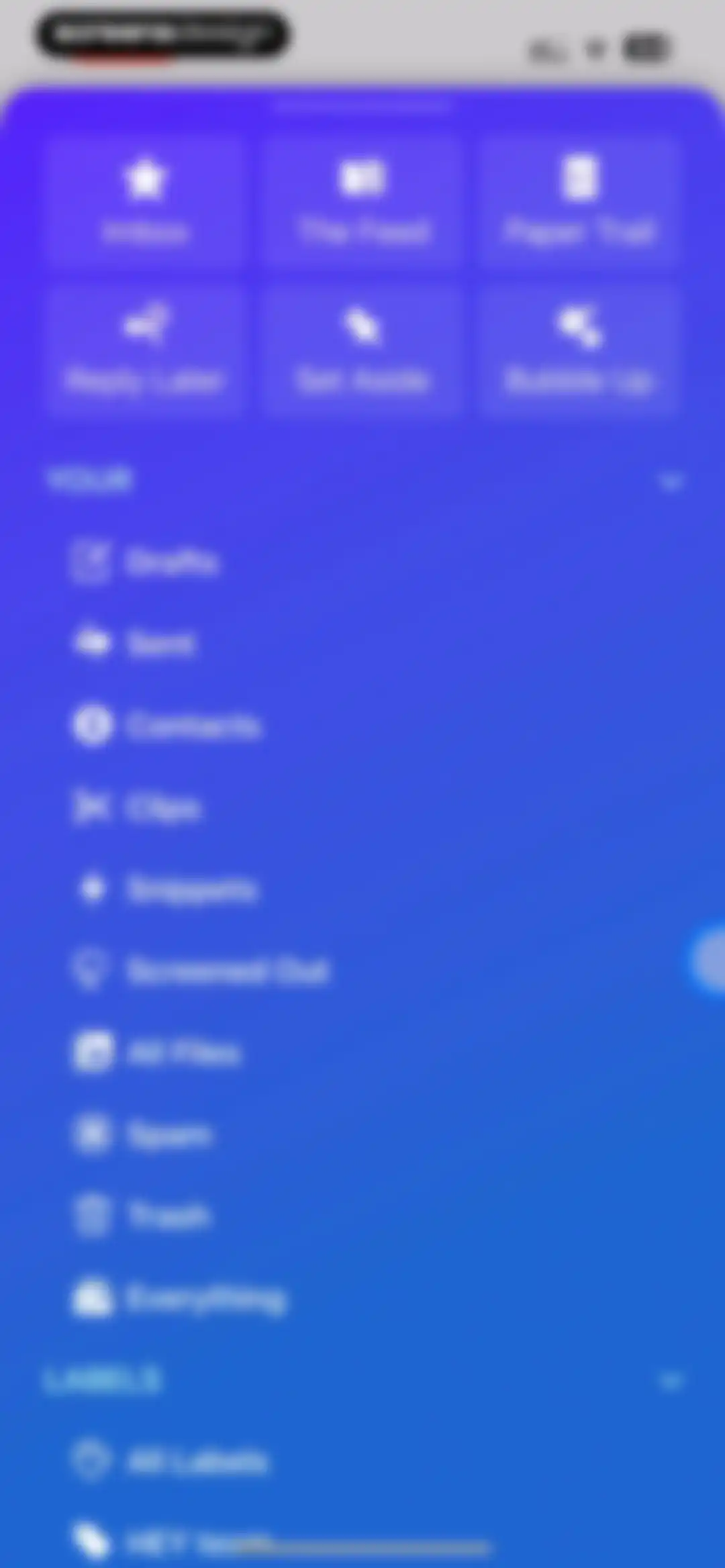
Email navigation menu with a top grid of six workflow buttons and two collapsible lists for folders and labels.Unlock Pro
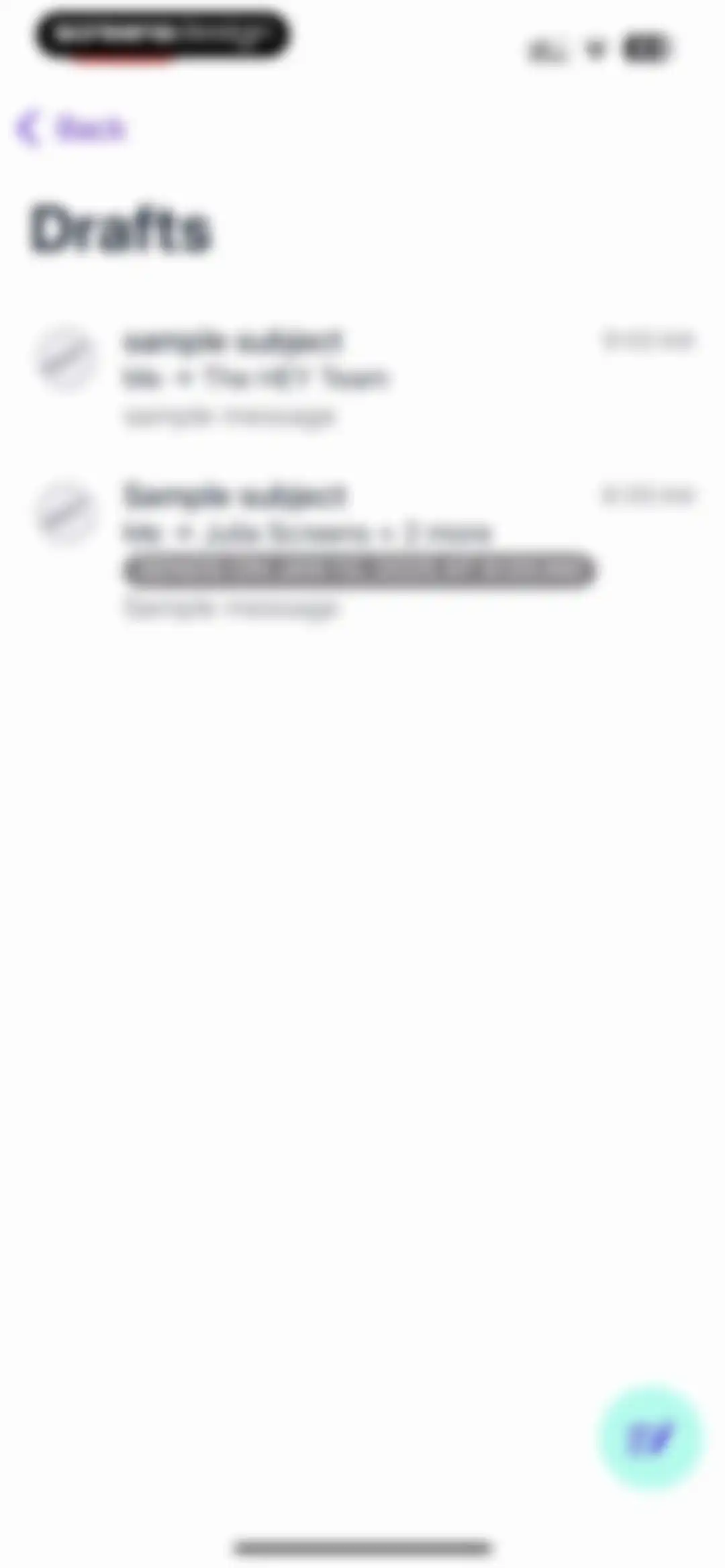
Drafts folder list displaying saved email cards with timestamps and a scheduled send badge, featuring a back button and a compose floating action button.Unlock Pro
Email composition screen with recipient and subject fields, a message text area, and a send button in the top navigation bar.Unlock Pro
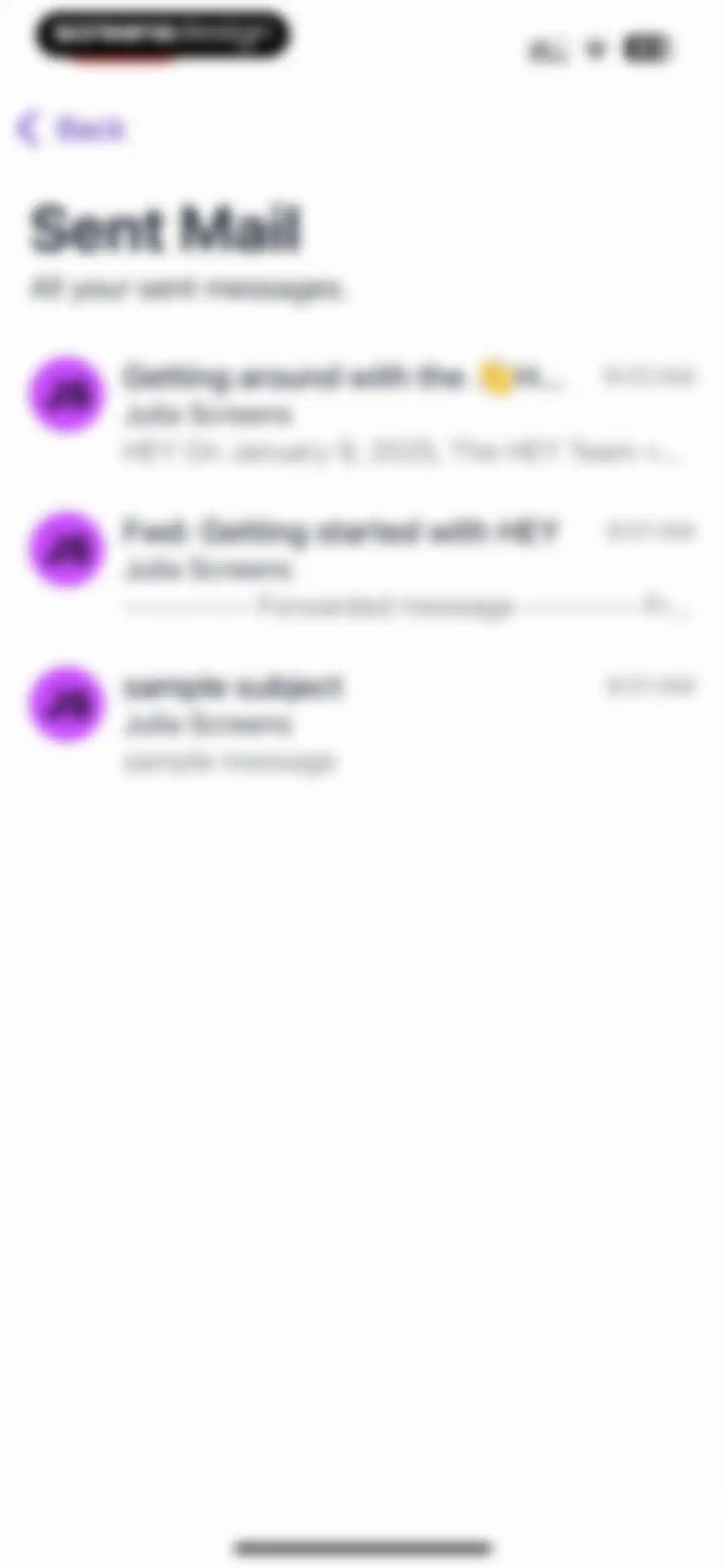
Sent Mail folder displaying a vertical list of previously sent email messages with subjects, snippets, avatars, and timestamps.Unlock Pro
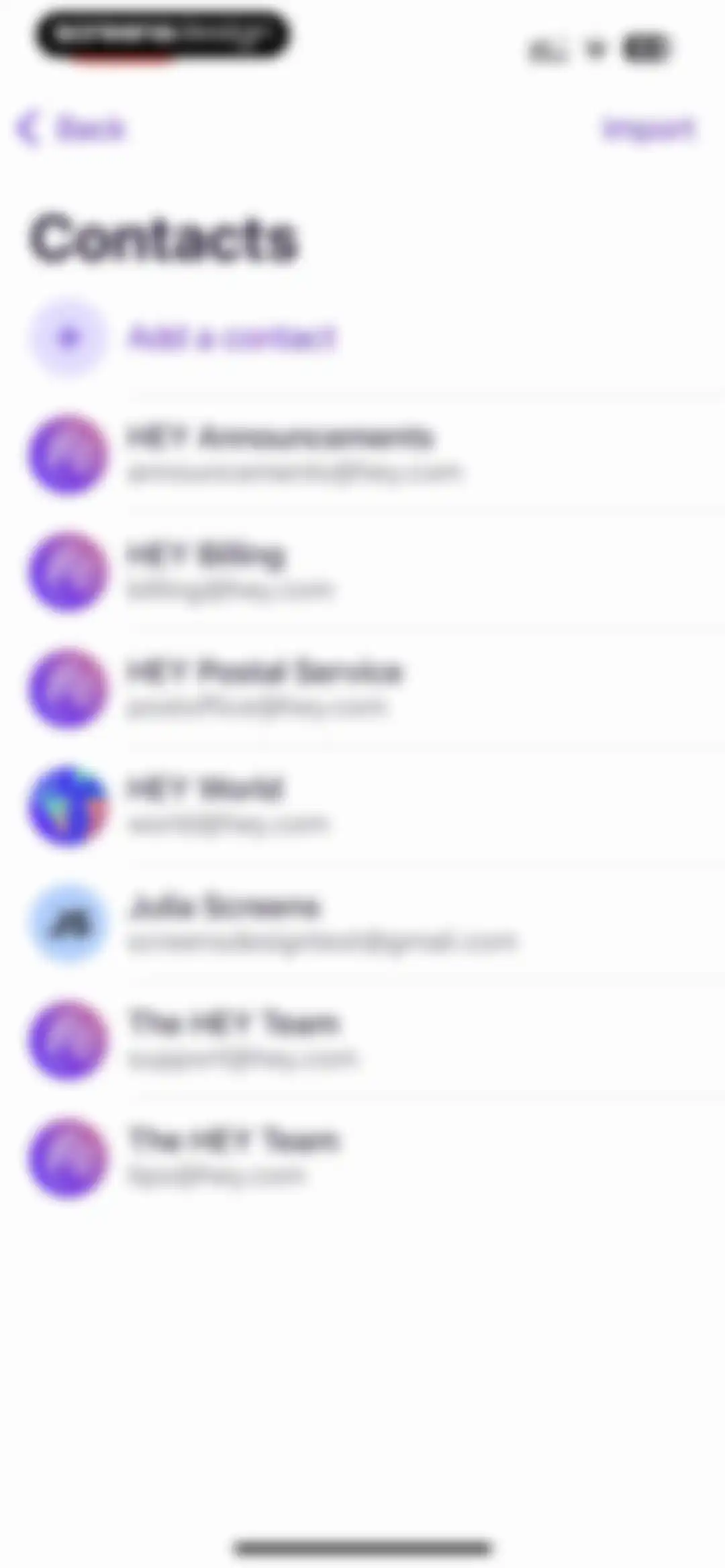
Contacts list screen in the HEY Email app displaying a vertical list of contacts with avatars, an Import option, and an Add a contact button.Unlock Pro
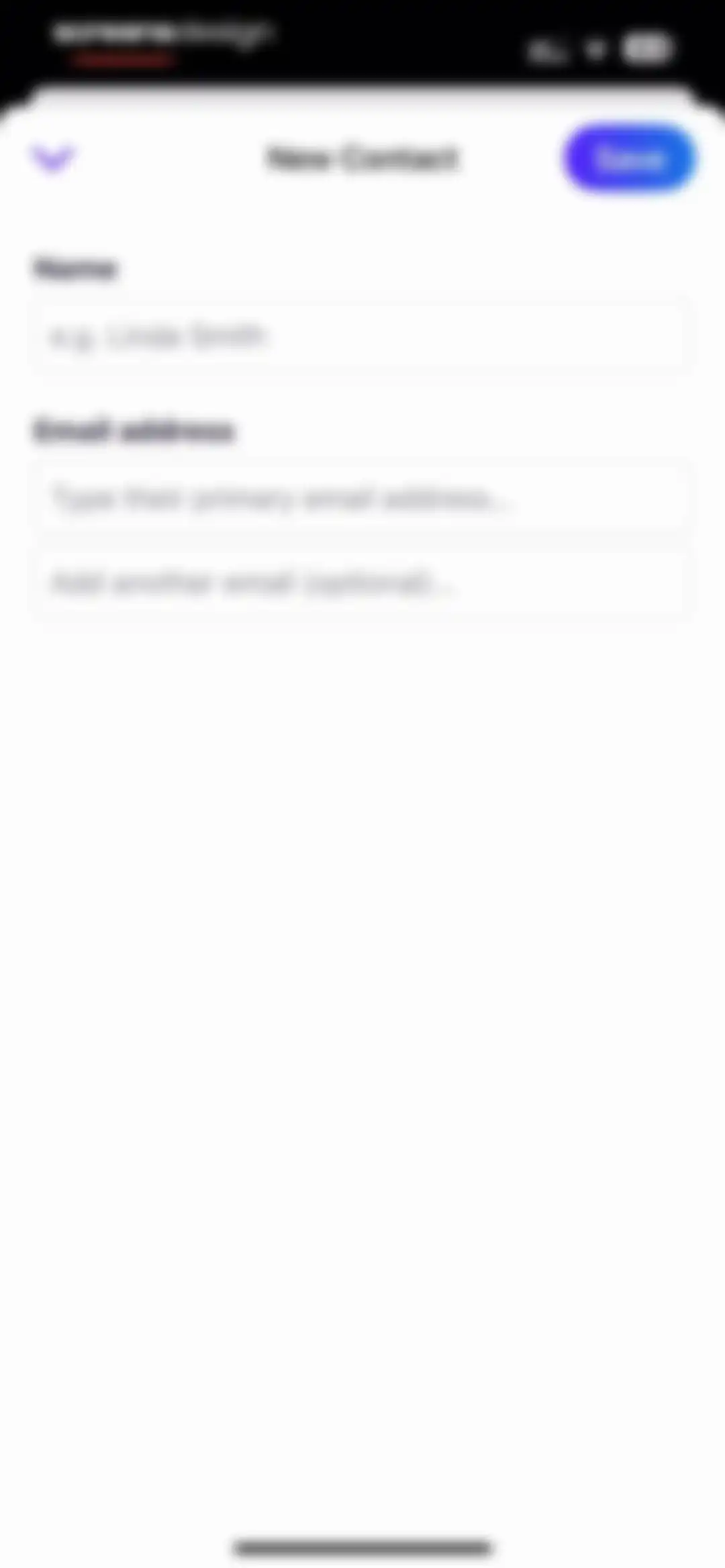
New Contact form with empty input fields for name and email addresses, a top back button, and a Save action.Unlock Pro
Contact selection screen displaying an alphabetical list with empty selection circles, a right-side index, and a Done button in the top navigation bar.Unlock Pro
Onboarding screen explaining the HEY Clips feature for saving highlighted text, set against an abstract orange-to-red gradient background.Unlock Pro
Empty snippets screen in the HEY Email app featuring instructions to save text and a New button to add the first snippet.Unlock Pro
Snippet creation editor with a name field, body input showing a bulleted list, and a formatting toolbar above the keyboard.Unlock Pro
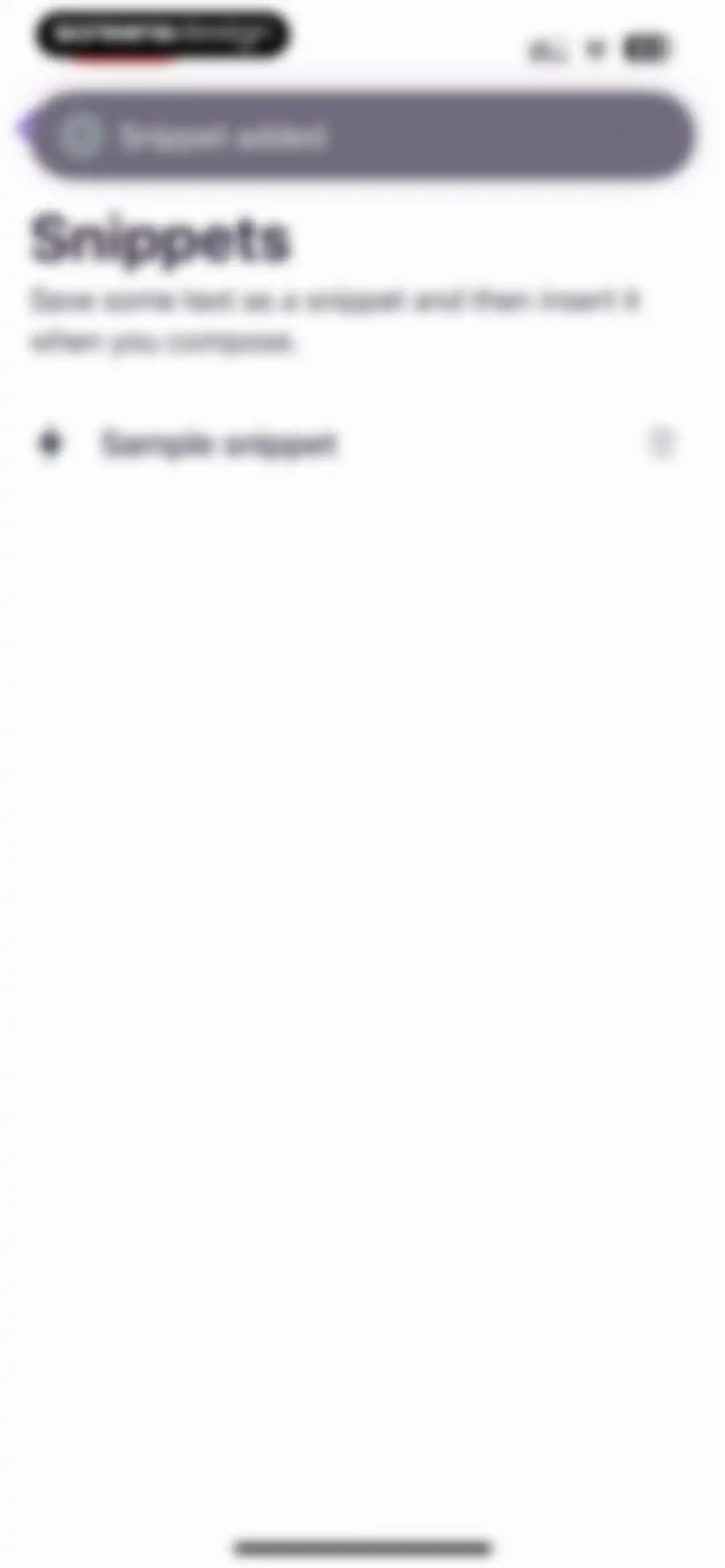
Settings screen displaying a list of text snippets, with a top notification confirming a snippet was added and a sample snippet item.Unlock Pro
Empty state screen for the HEY Email app's Screened Out section featuring a Nothing here yet message and a back button.Unlock Pro
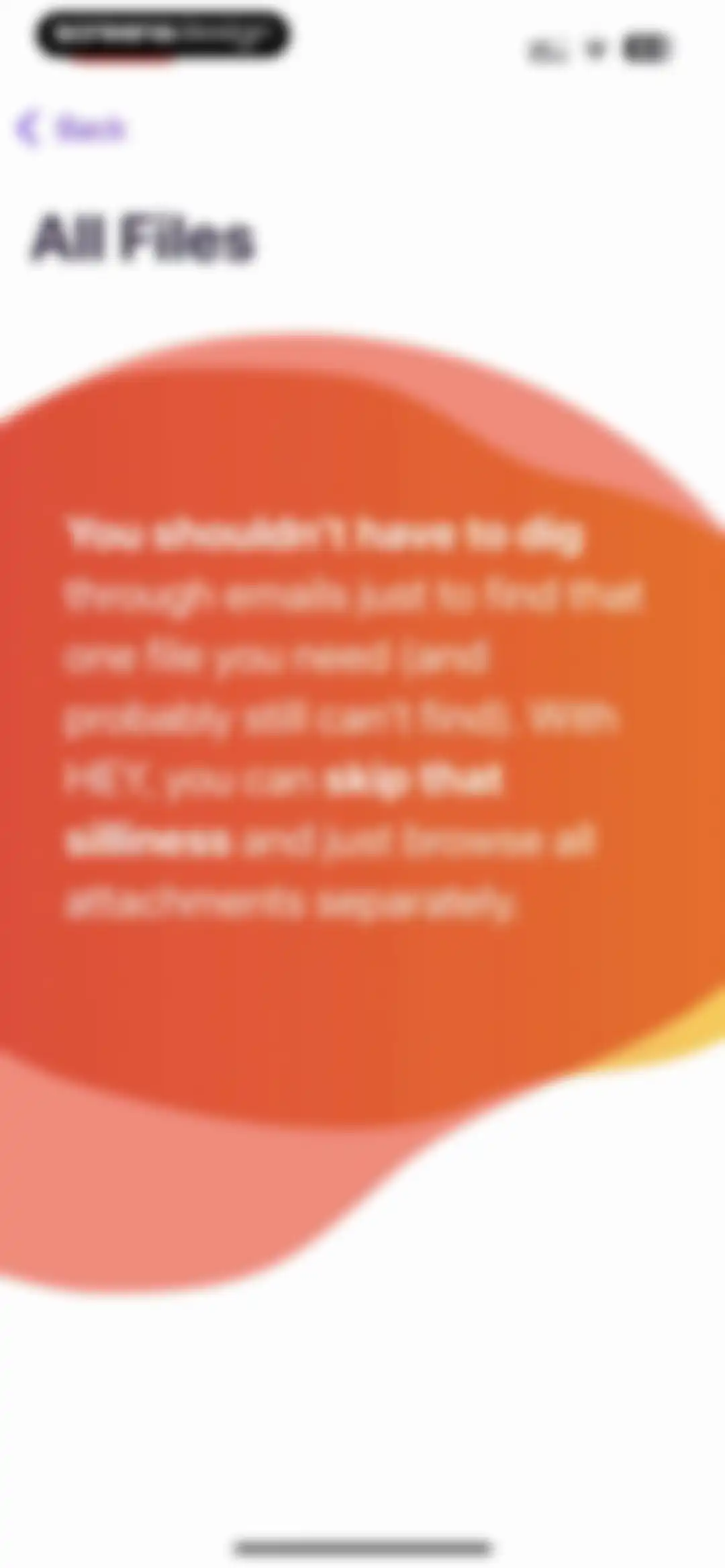
Informational screen titled All Files explaining the feature to browse all email attachments separately, featuring a back button and a warm gradient shape.Unlock Pro
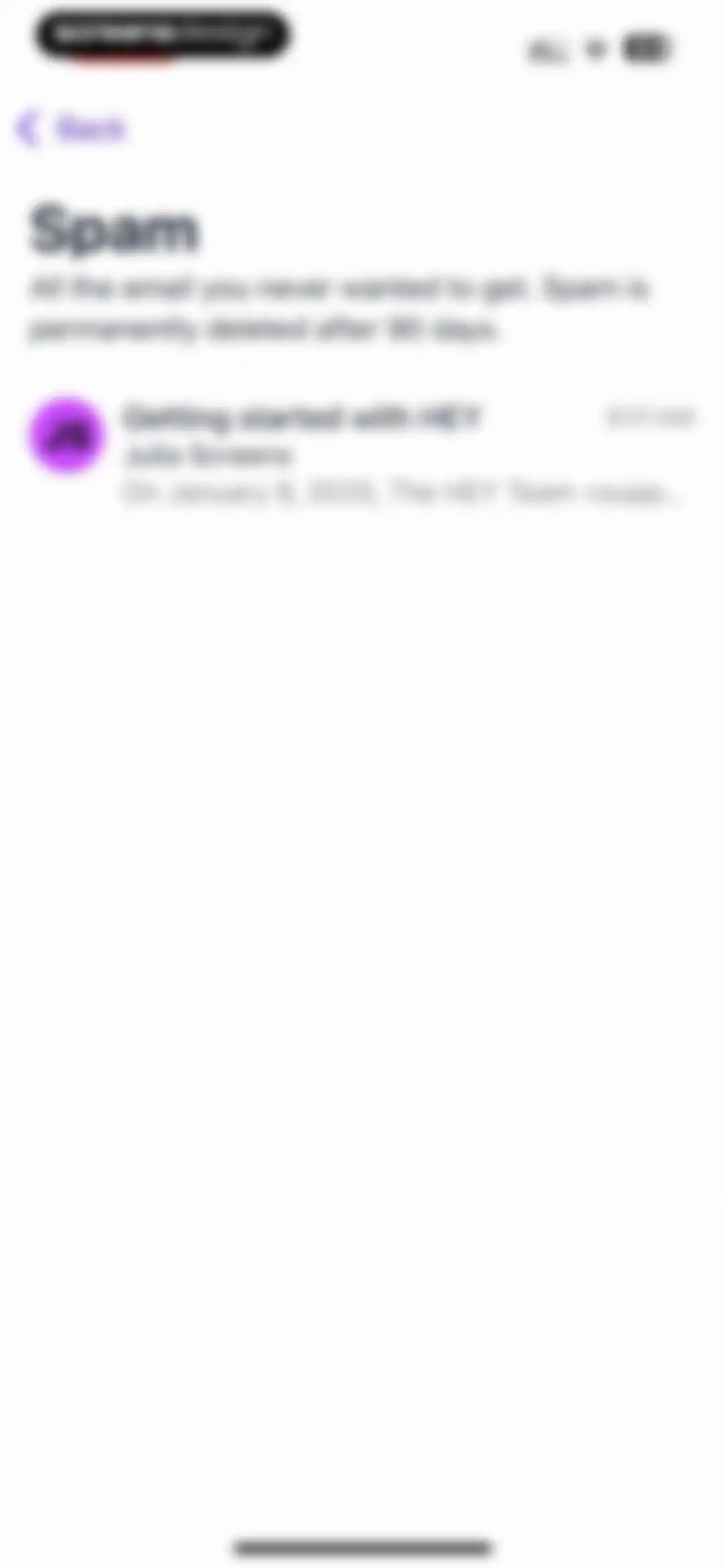
Email app spam folder listing a message from Julia Screens, with a description noting emails are deleted after 90 days.Unlock Pro
Spam folder list in the HEY email application, displaying a single message from Julia Screens with a deletion policy notice.Unlock Pro
Empty state screen for the Spam folder showing a Back button, large Spam header, and an illustration with the text Nothing here yet.Unlock Pro
Trash folder in the HEY email app listing deleted messages with an Empty trash button.Unlock Pro
Trash folder in HEY Email showing deleted messages and an Empty trash button.Unlock Pro
Trash screen showing one selected email message with options to empty the trash or restore the selected item.Unlock Pro
Empty state screen for the HEY Email trash folder showing a centered illustration with the text Nothing here yet and an Empty trash button.Unlock Pro
Email list feed titled Everything displaying all sent and received messages with sender details and timestamps.Unlock Pro
Email thread view featuring an ignored status warning, thread metadata, and a bottom action bar with reply and management options.Unlock Pro
Email label management settings screen displaying the All Labels list with a HEY team entry and a New button.Unlock Pro
Email app onboarding screen explaining how to label and group certain emails together with a back button at the top left.Unlock Pro
Collections list in the HEY email app, featuring a heading, the HEY Team collection item, and a new collection button.Unlock Pro
Workflow management dashboard showing a list of user-created workflows and a New button.Unlock Pro
Workflow creation form featuring a text input field pre-filled with Sample workflow and a Save button.Unlock Pro
Workflow list with a centered confirmation modal asking if you are sure you want to delete this workflow.Unlock Pro
Dashboard screen titled All Workflows with a Workflow deleted toast notification and a single sample workflow list item.Unlock Pro
HEY email app inbox screen showing a list of emails with a search bar at the top, a Write button, and a bottom navigation bar.Unlock Pro
HEY Email inbox list with one item selected and a bottom floating action toolbar for managing emails.Unlock Pro
Email app home screen titled Imbox displaying an email list, a sticky note card, and a top search bar.Unlock Pro
Email list screen for the HEY app Reply Later feature, showing one email item and a floating action button at the bottom.Unlock Pro
Settings screen featuring a user profile card, customization options, and support links in a light theme.Unlock Pro
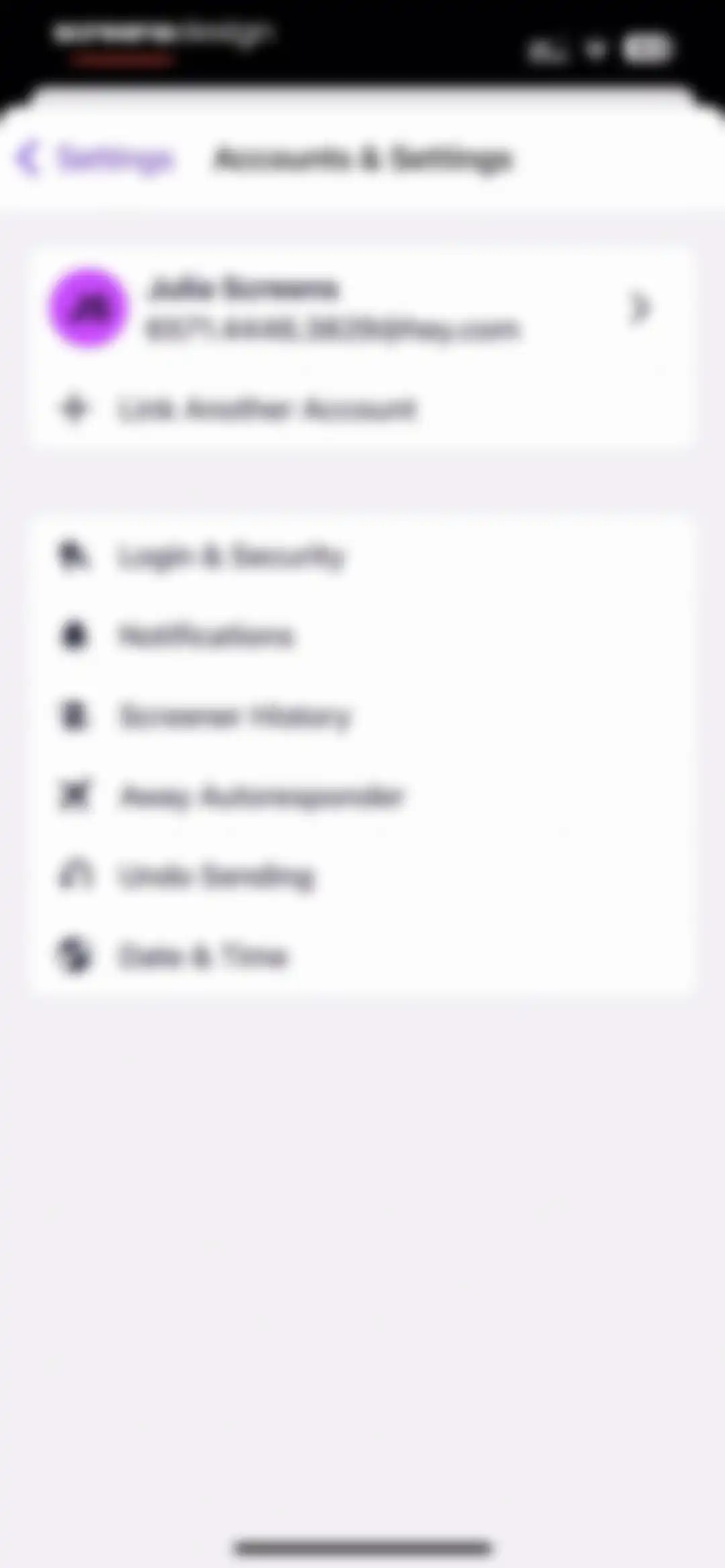
Accounts and settings screen displaying the user profile card for Julia Screens alongside options like Login and Security, Notifications, and Date and Time.Unlock Pro
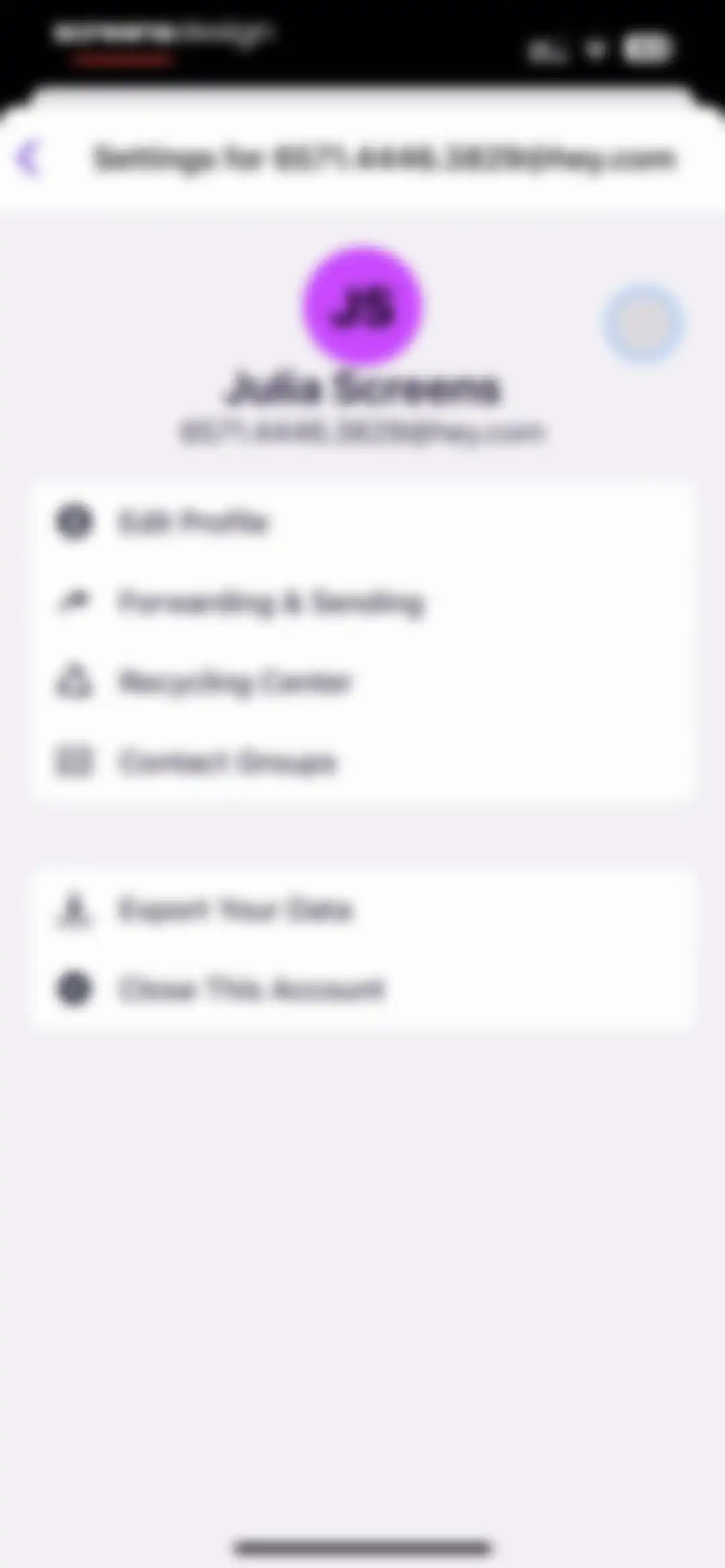
Account settings screen displaying profile information for Julia Screens and grouped lists of options including Edit Profile, Forwarding, and Close This Account.Unlock Pro
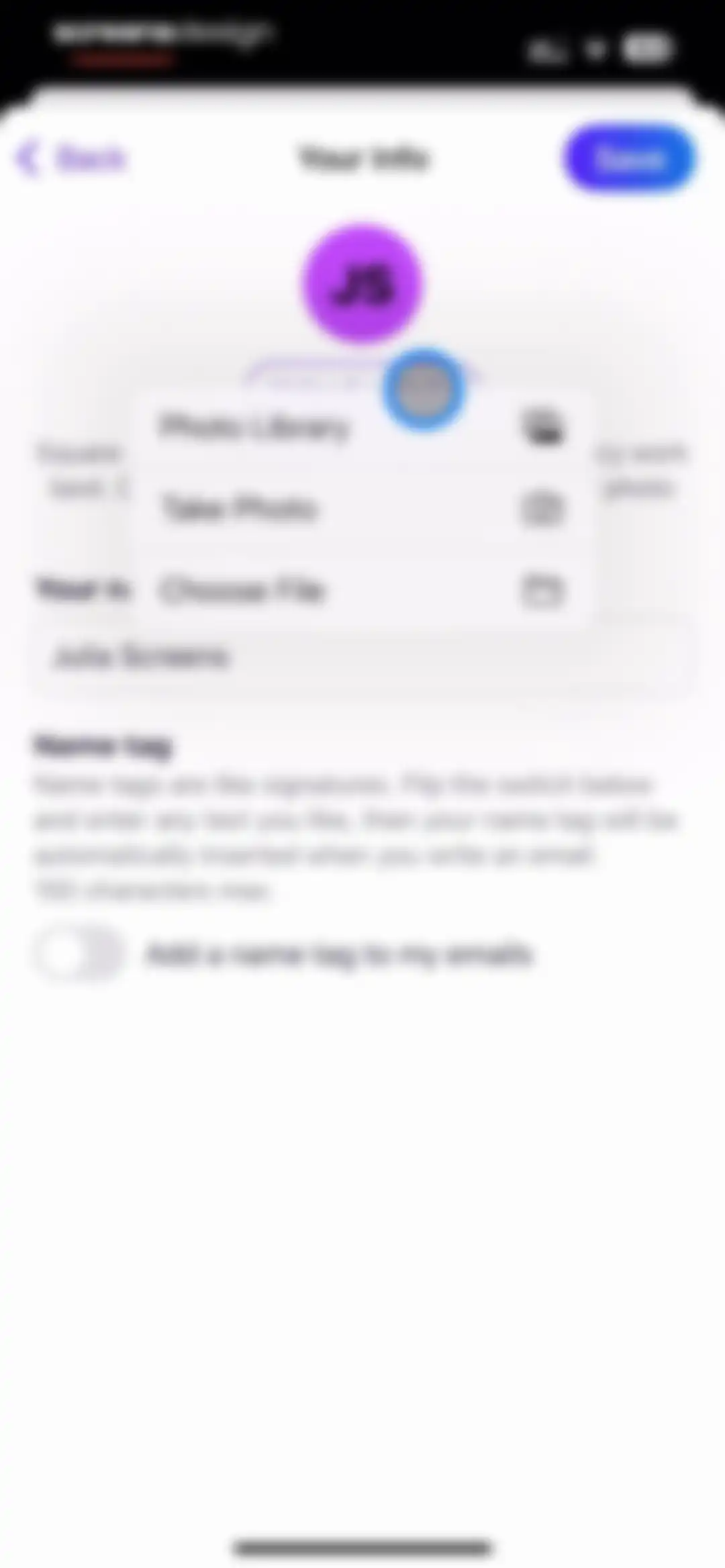
Profile information editor with an active photo selection modal displaying options to choose a photo library, take a photo, or choose a file.Unlock Pro
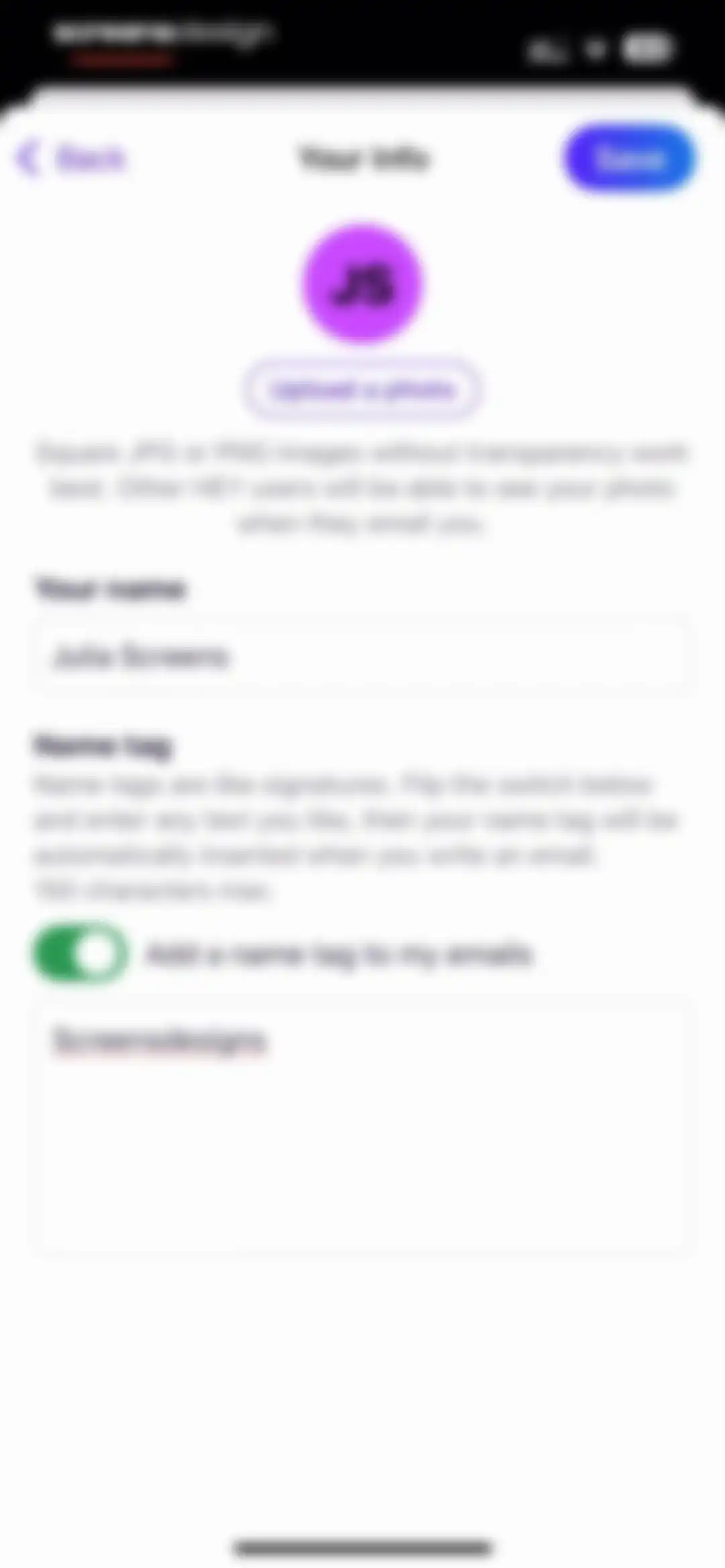
User profile settings form titled Your Info with a name input field and an enabled name tag configuration section.Unlock Pro
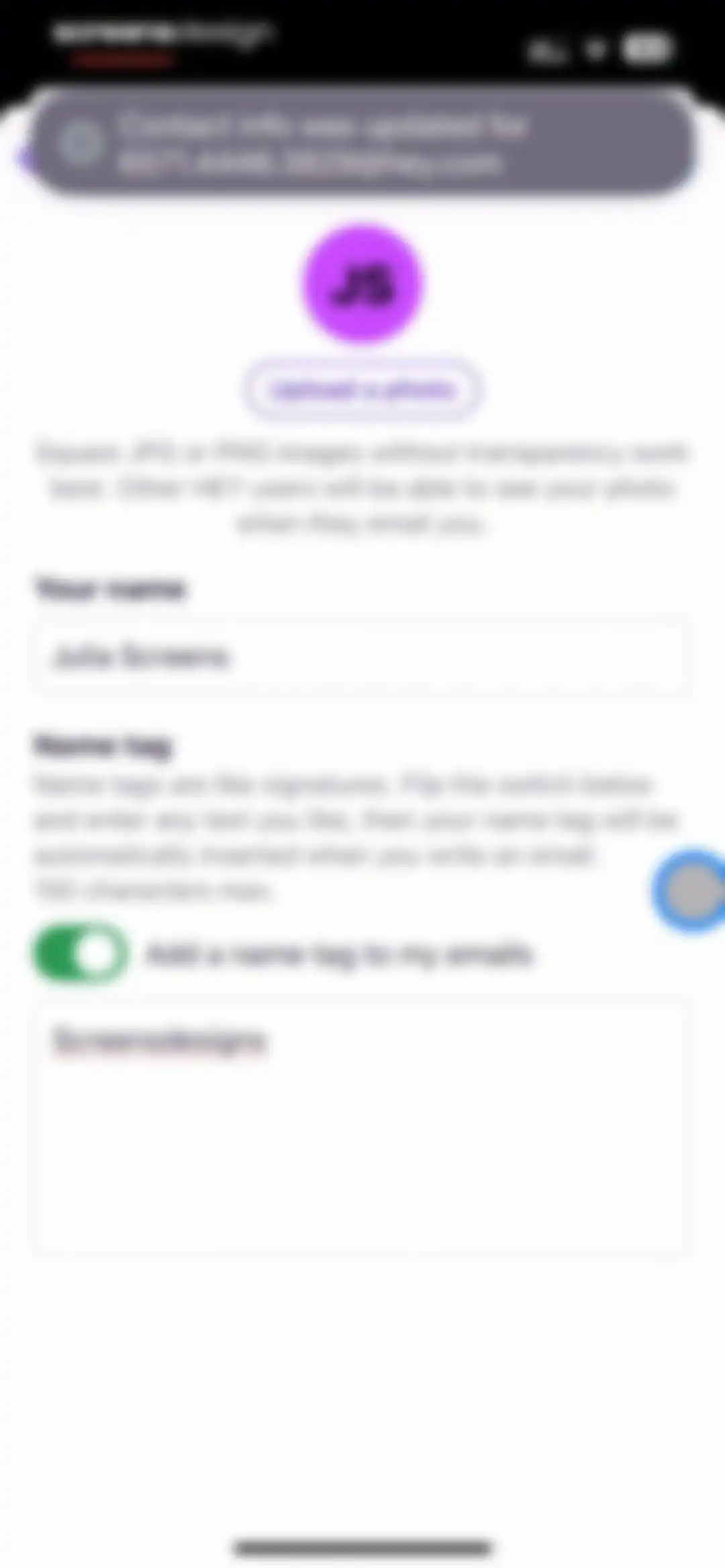
Settings screen for updating profile details and email name tag, featuring a success notification toast at the top and filled input fields.Unlock Pro
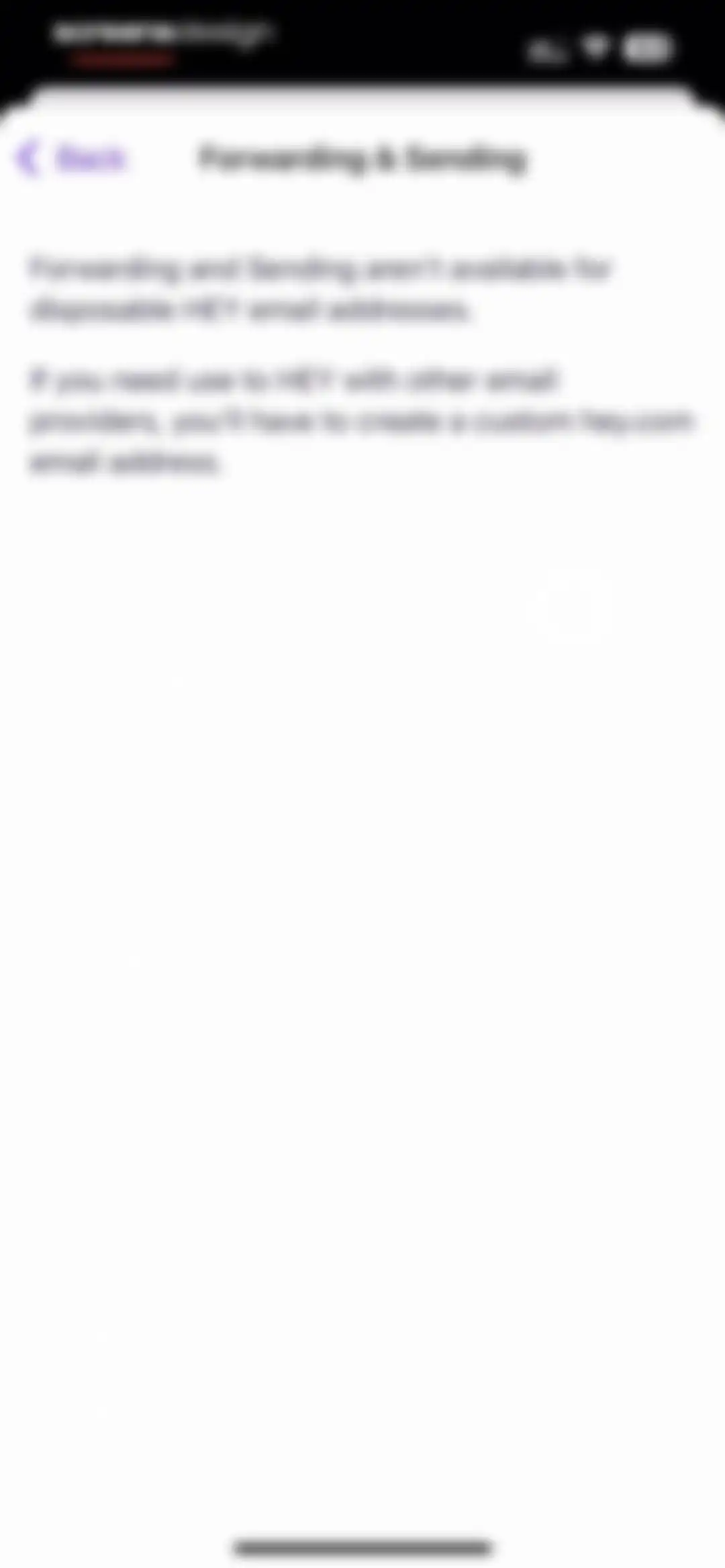
HEY email settings screen explaining that forwarding and sending are unavailable for disposable addresses.Unlock Pro
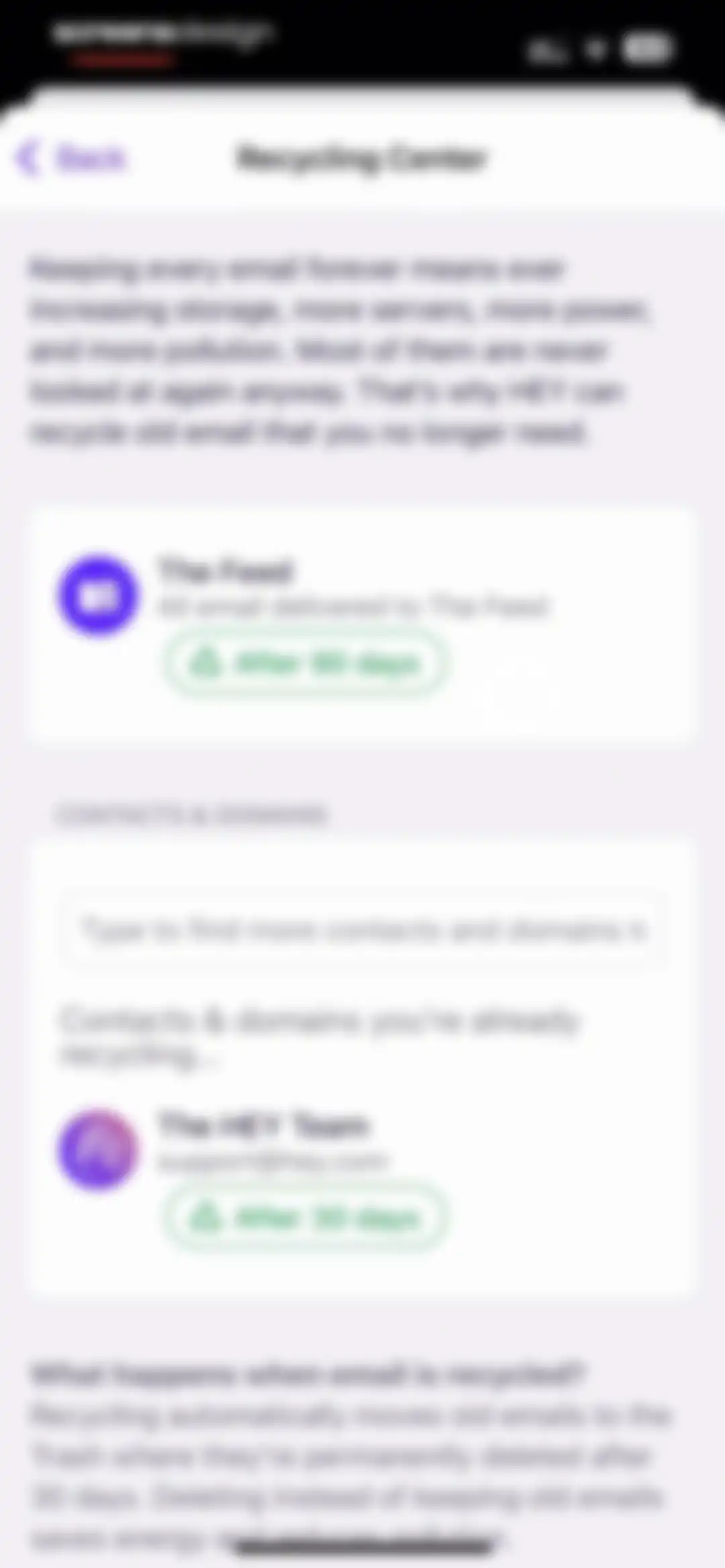
Recycling Center settings screen in HEY Email with rules for The Feed and contacts, search input, and timeframe adjustment buttons.Unlock Pro
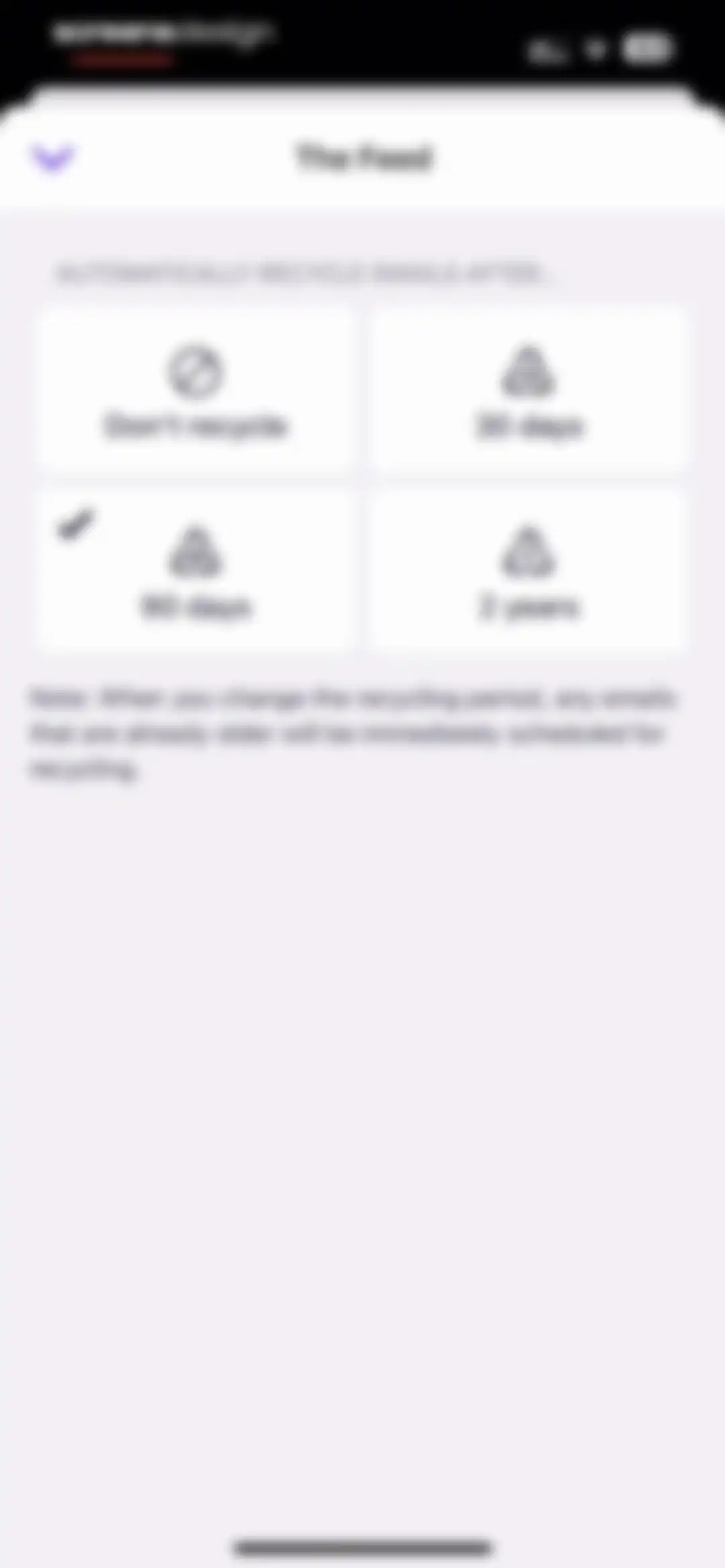
Email settings screen for The Feed with a 2x2 grid of recycling duration options, showing the 90 days option selected with a checkmark.Unlock Pro
Email app inbox displaying a list of unread messages, a top notification banner, and a bottom sticky note card.Unlock Pro
HEY email contact groups feature introduction with an explanation card and a Make a new group button.Unlock Pro
Form for creating a new contact group with a group name field, a member list containing Julia Screens, and an Add this group button.Unlock Pro
Contact group dashboard showing a toast notification, a button to make a new group, and a list containing the Screensdesigns team group.Unlock Pro
Data export settings screen with options to download emails, contacts, and calendars as backup files.Unlock Pro
Data export settings screen with options to download emails, contacts, and calendars, plus export history and backup notes.Unlock Pro
Error state screen displaying a network error message, a warning icon, and a Retry button.Unlock Pro
FAQ screen explaining how to link multiple HEY email accounts with a card-based layout and introductory text.Unlock Pro
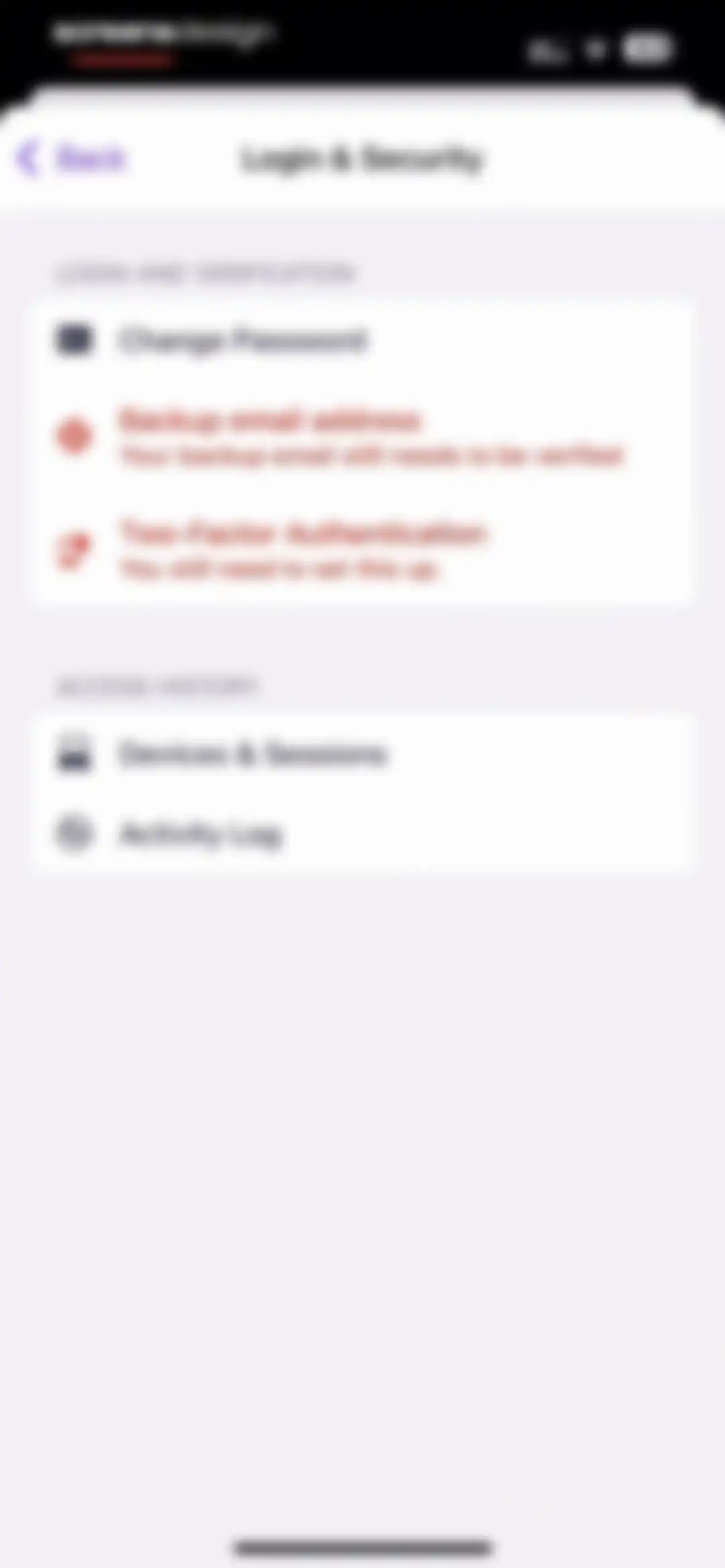
Login and security settings screen featuring password, verification, and access history options with status warnings.Unlock Pro
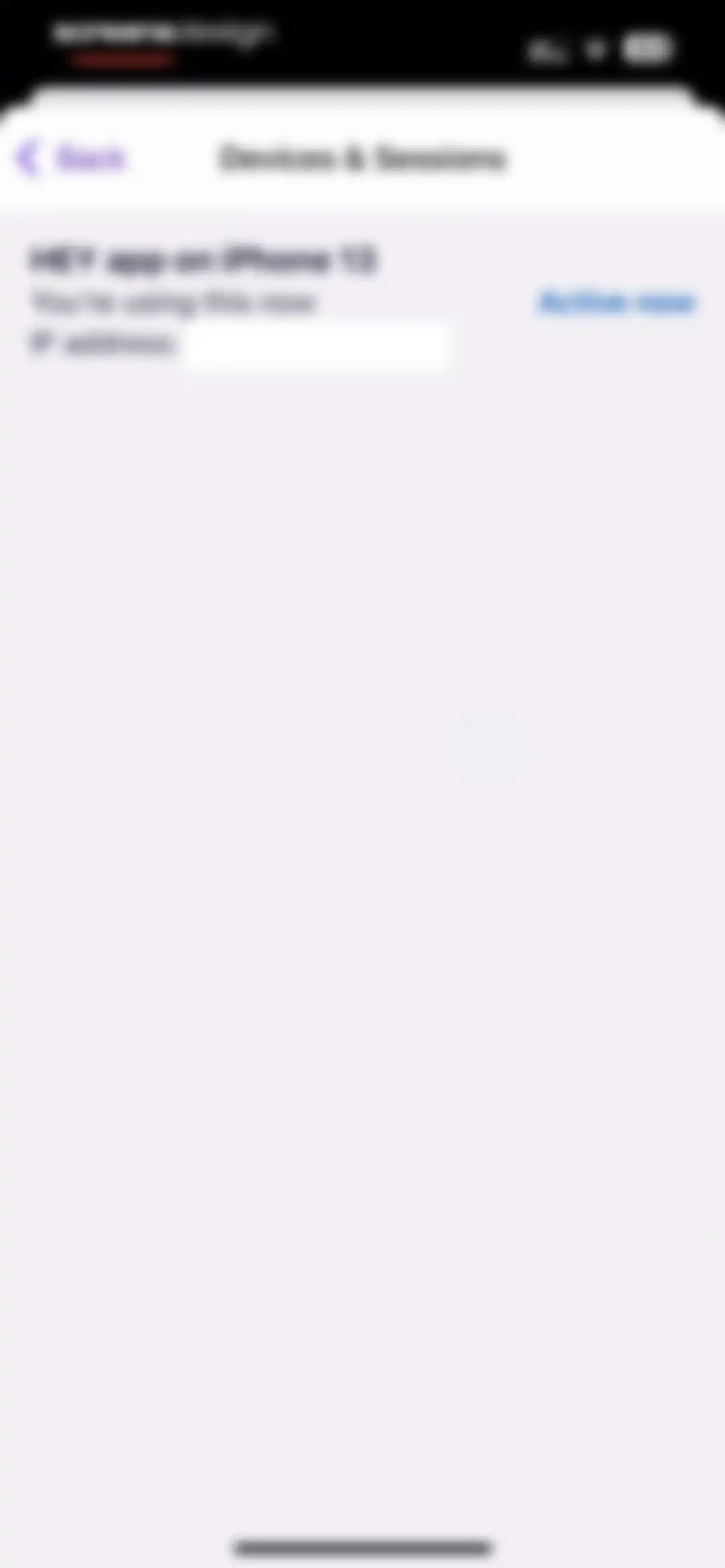
Devices and sessions settings screen displaying the current active session for the HEY app on an iPhone 13.Unlock Pro
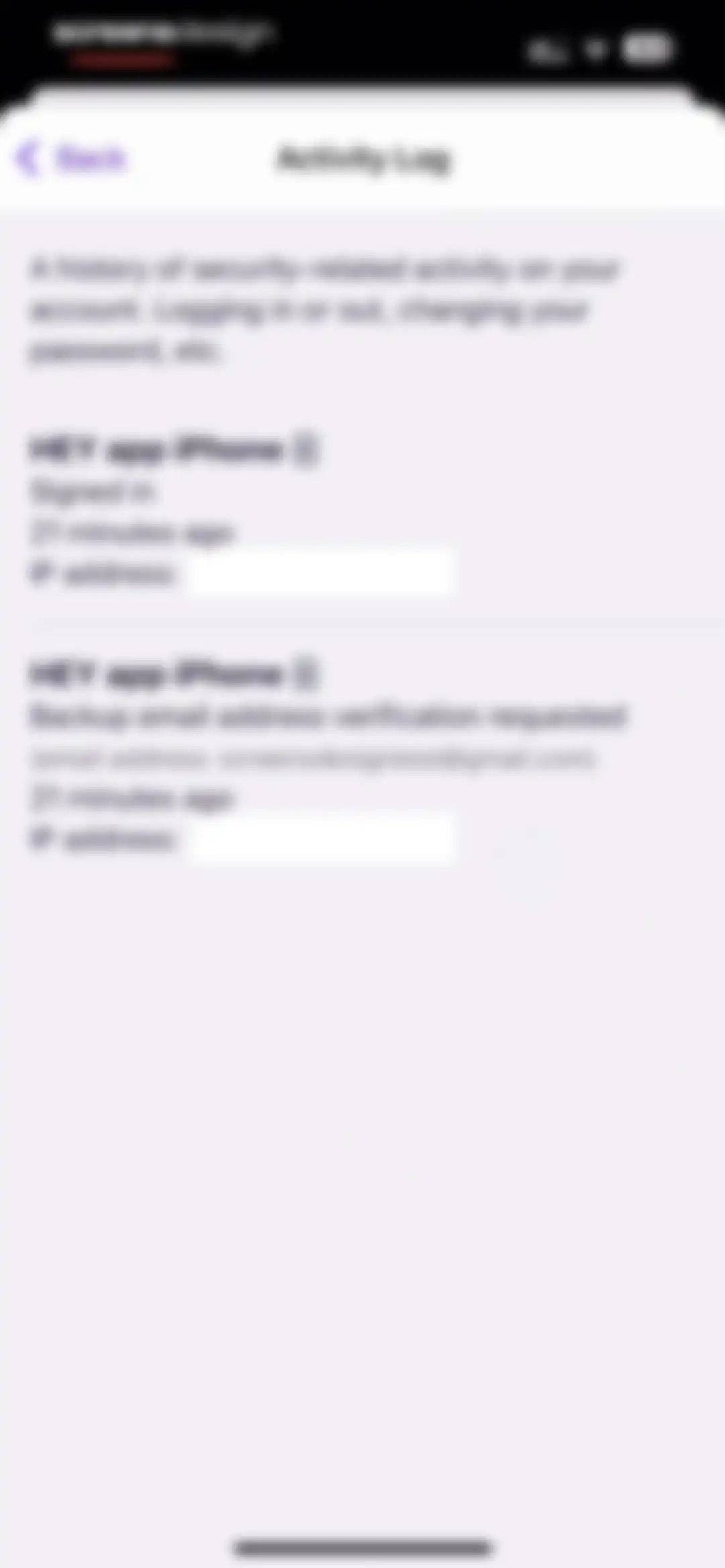
Settings screen displaying an activity log with a chronological list of recent security events and account actions.Unlock Pro
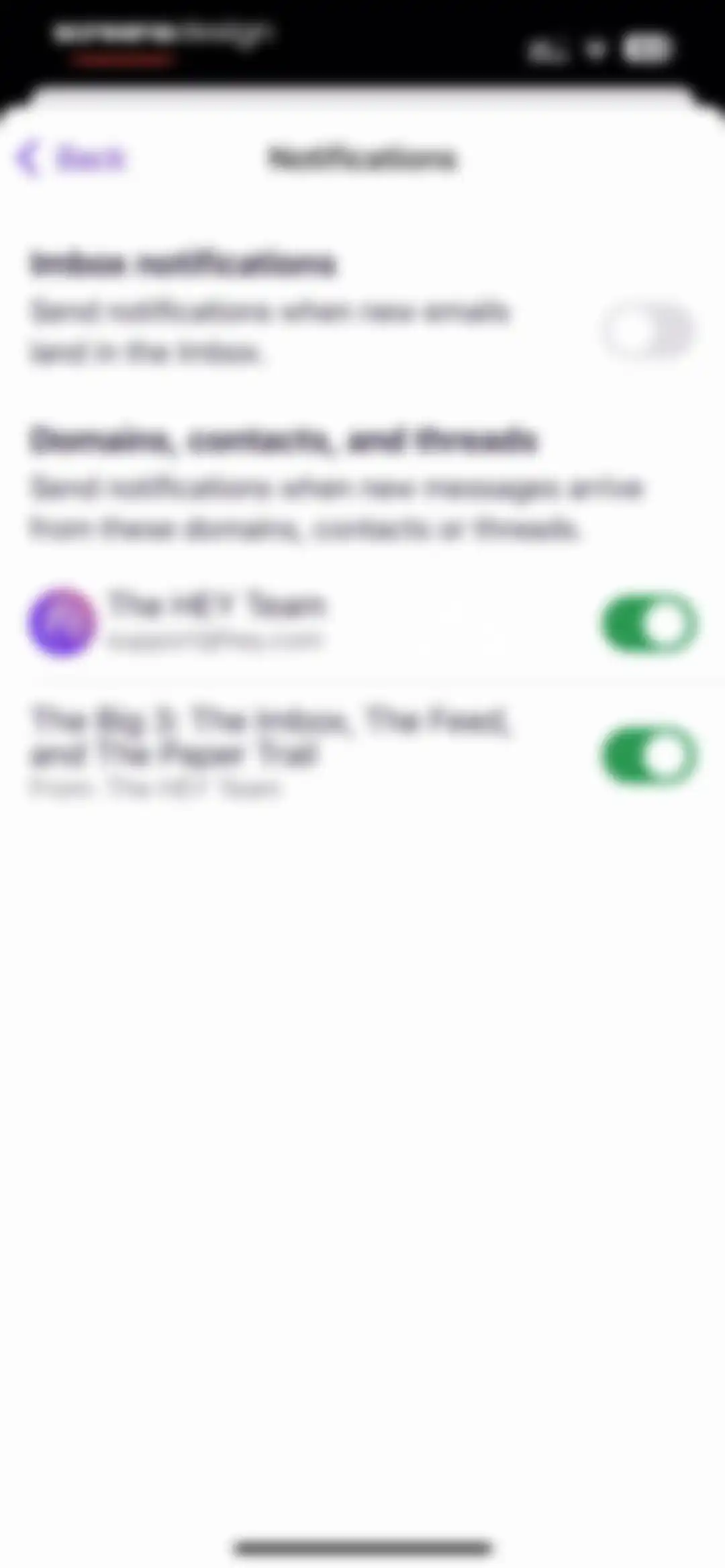
Notifications settings screen with toggle switches for inbox activity and specific domains, contacts, or threads.Unlock Pro
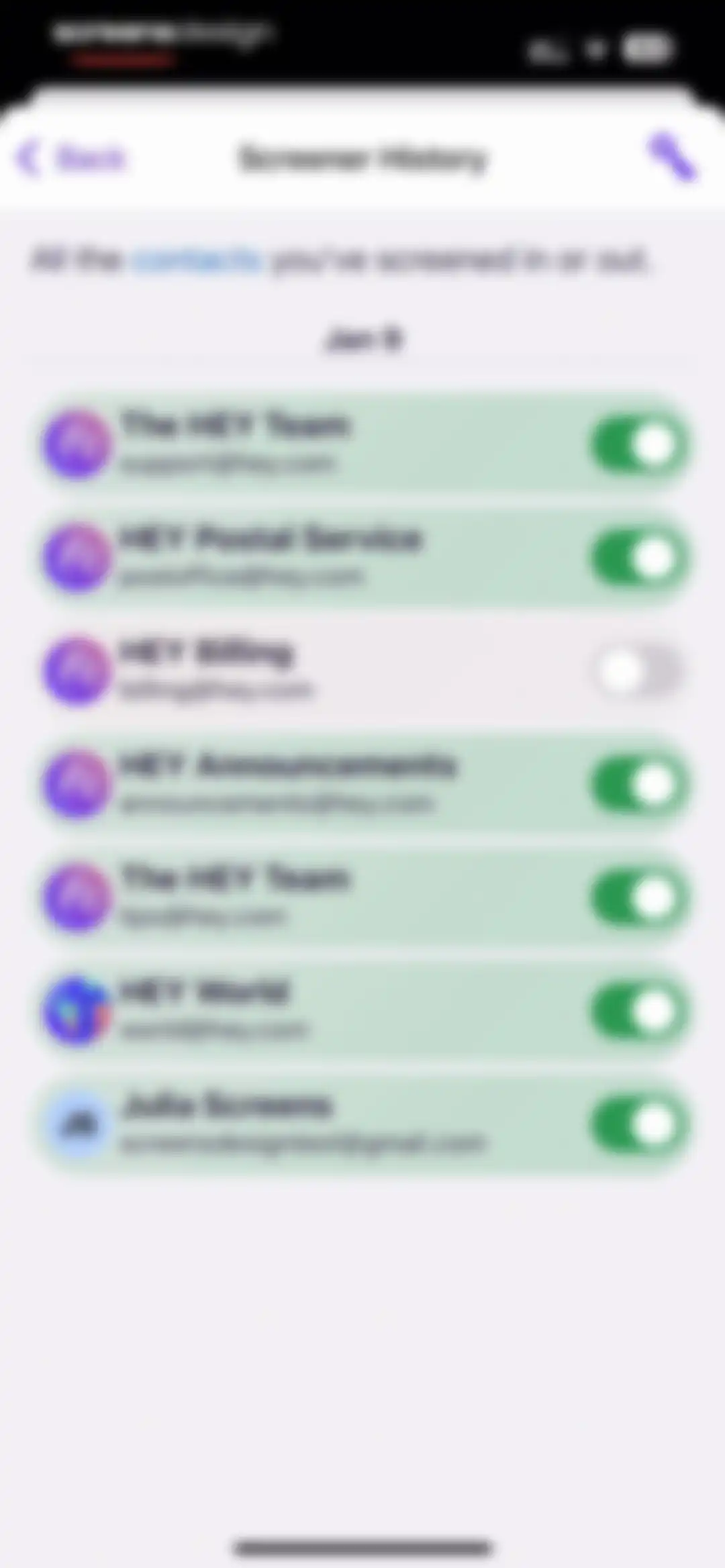
Screener history settings in the HEY Email app displaying a vertical list of contact cards with names, email addresses, and active toggle switches.Unlock Pro
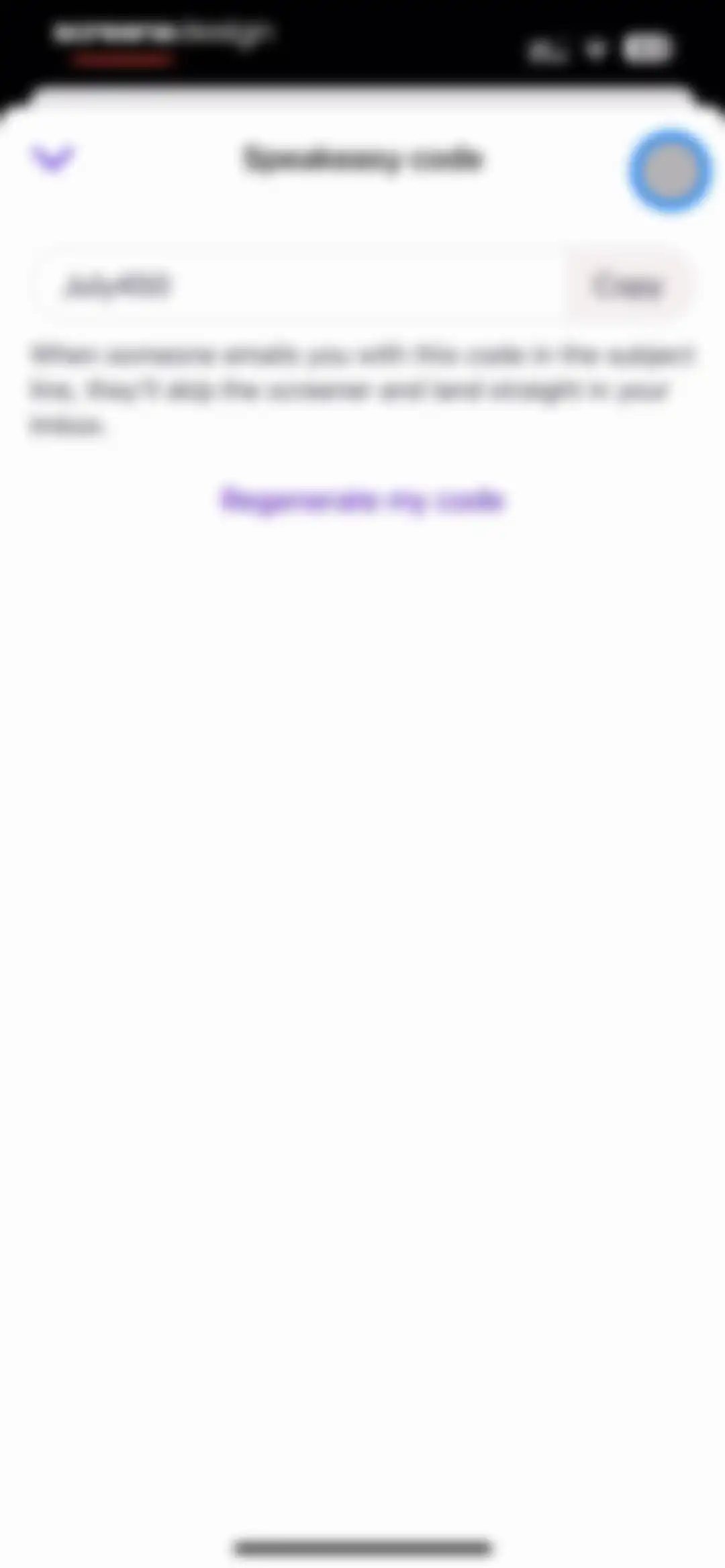
Speakeasy code settings screen displaying the code July450 with a Copy button and a link to regenerate the code.Unlock Pro
Speakeasy code settings screen displaying a clipboard confirmation pill and a Regenerate my code link.Unlock Pro
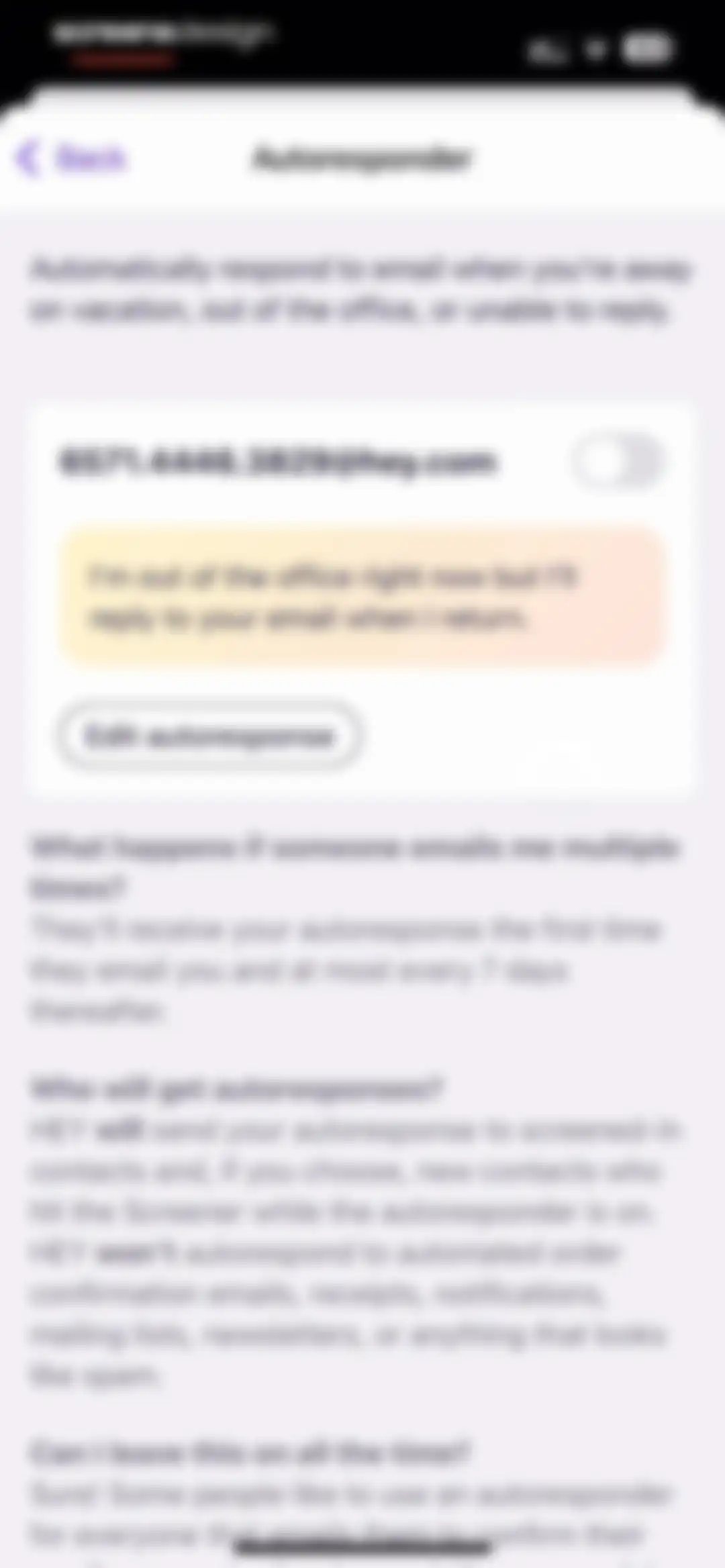
Autoresponder settings screen displaying a central configuration card with an email address, message preview, edit button, and an FAQ section below.Unlock Pro
Autoresponder settings screen in HEY Email with an out-of-office message input, recipient selection options, and a Save autoresponse button.Unlock Pro
Settings screen for Undo Sending with a description of the email delay feature and an active toggle switch.Unlock Pro
Date and Time settings screen with toggles for 24-hour time and automatic time zone detection, displaying the Asia/Manila zone.Unlock Pro
HEY Email time settings screen with toggles for 24-hour time and automatic time zone selection.Unlock Pro
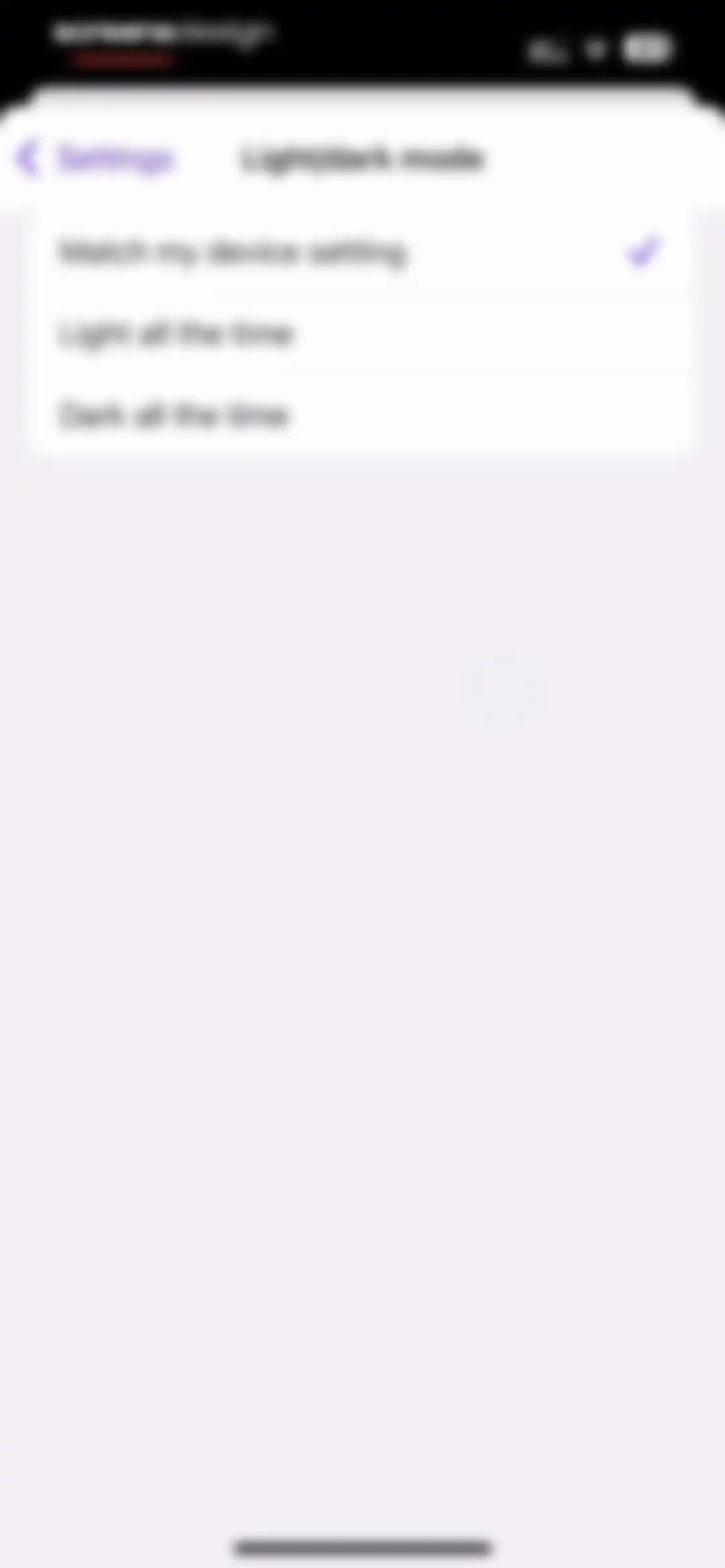
Theme settings screen listing appearance options, with Match my device setting selected and a checkmark.Unlock Pro
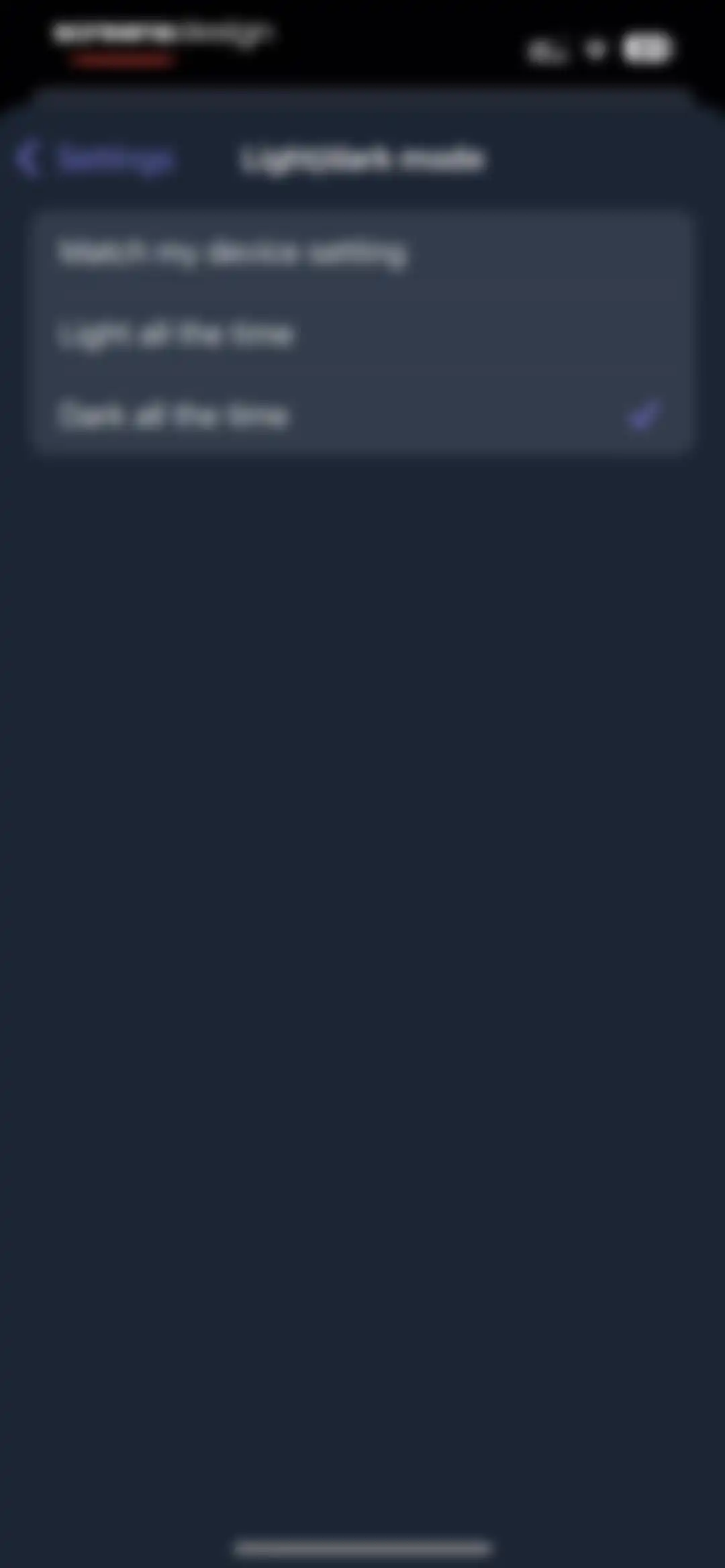
Theme settings screen with three appearance options, featuring Dark all the time selected with a checkmark.Unlock Pro
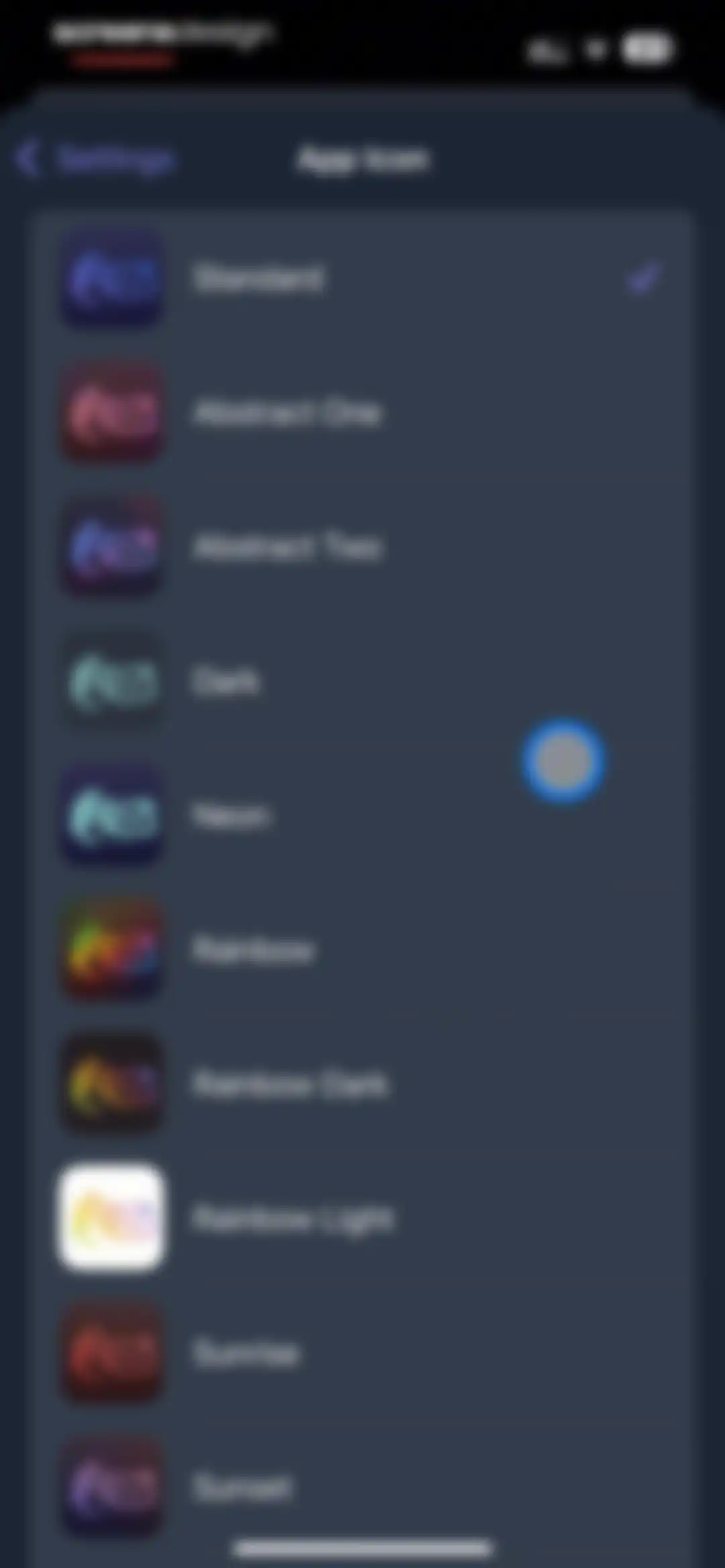
App icon settings screen listing various icon styles with the Standard option selected and a checkmark.Unlock Pro
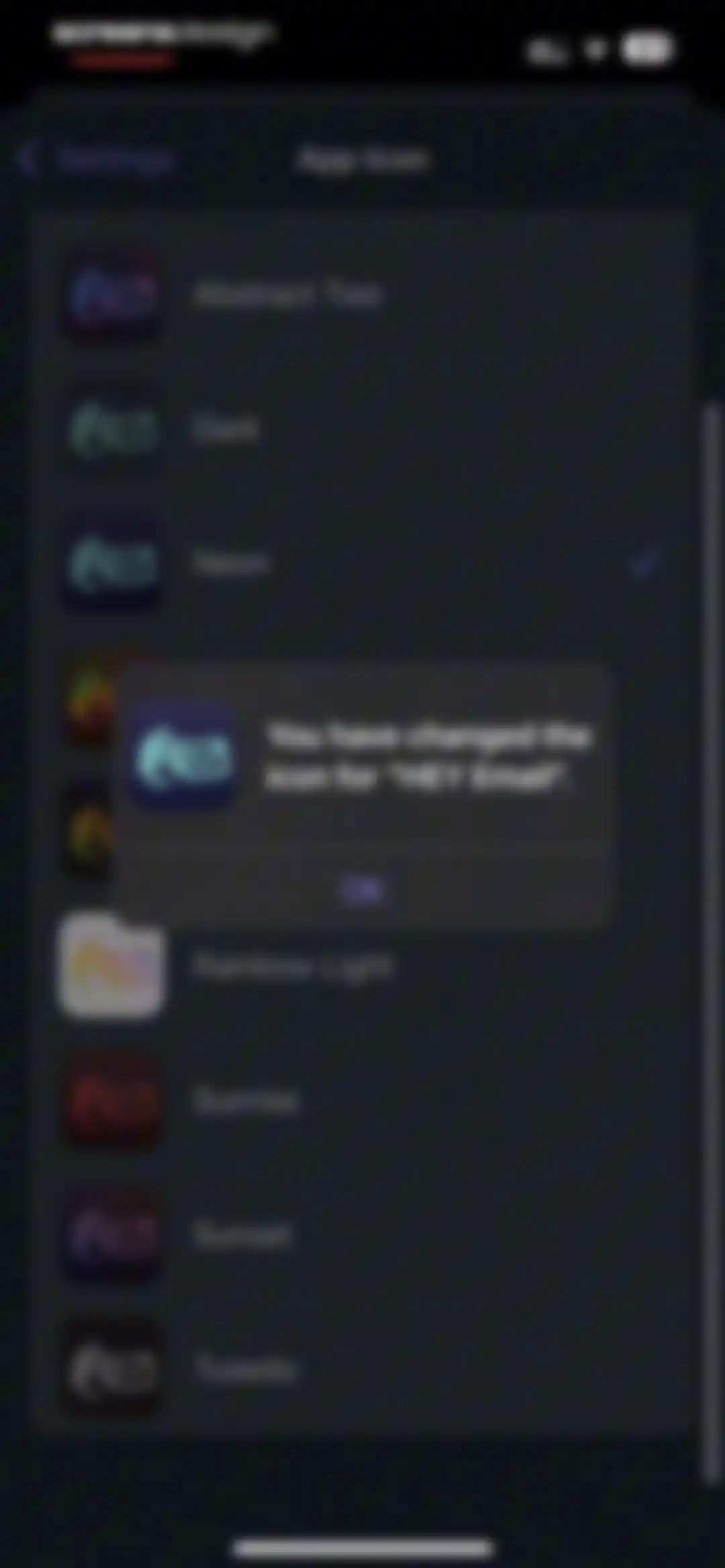
App icon settings screen with a confirmation modal stating You have changed the icon for HEY Email and an OK button.Unlock Pro
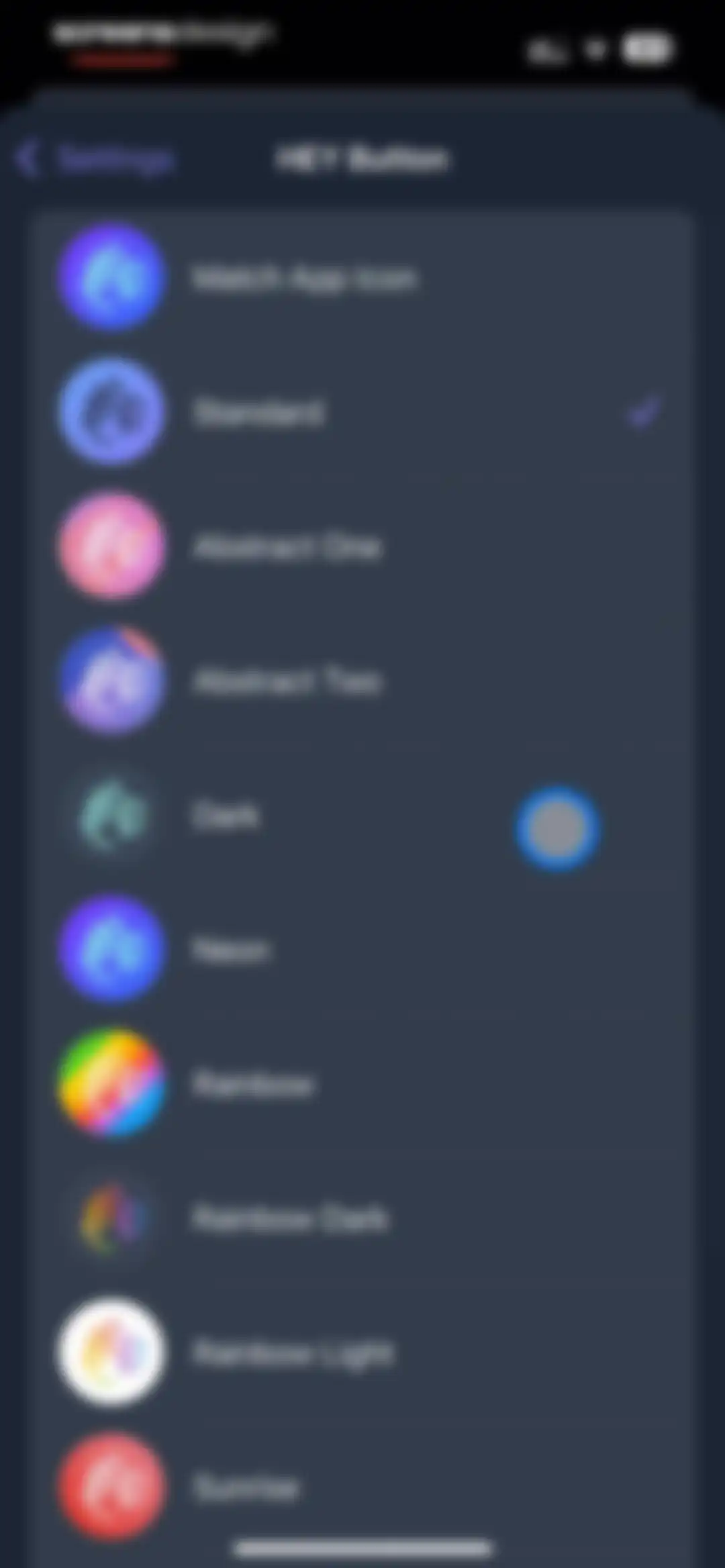
Settings screen listing HEY Button icon options with the Standard style selected and a checkmark indicator.Unlock Pro
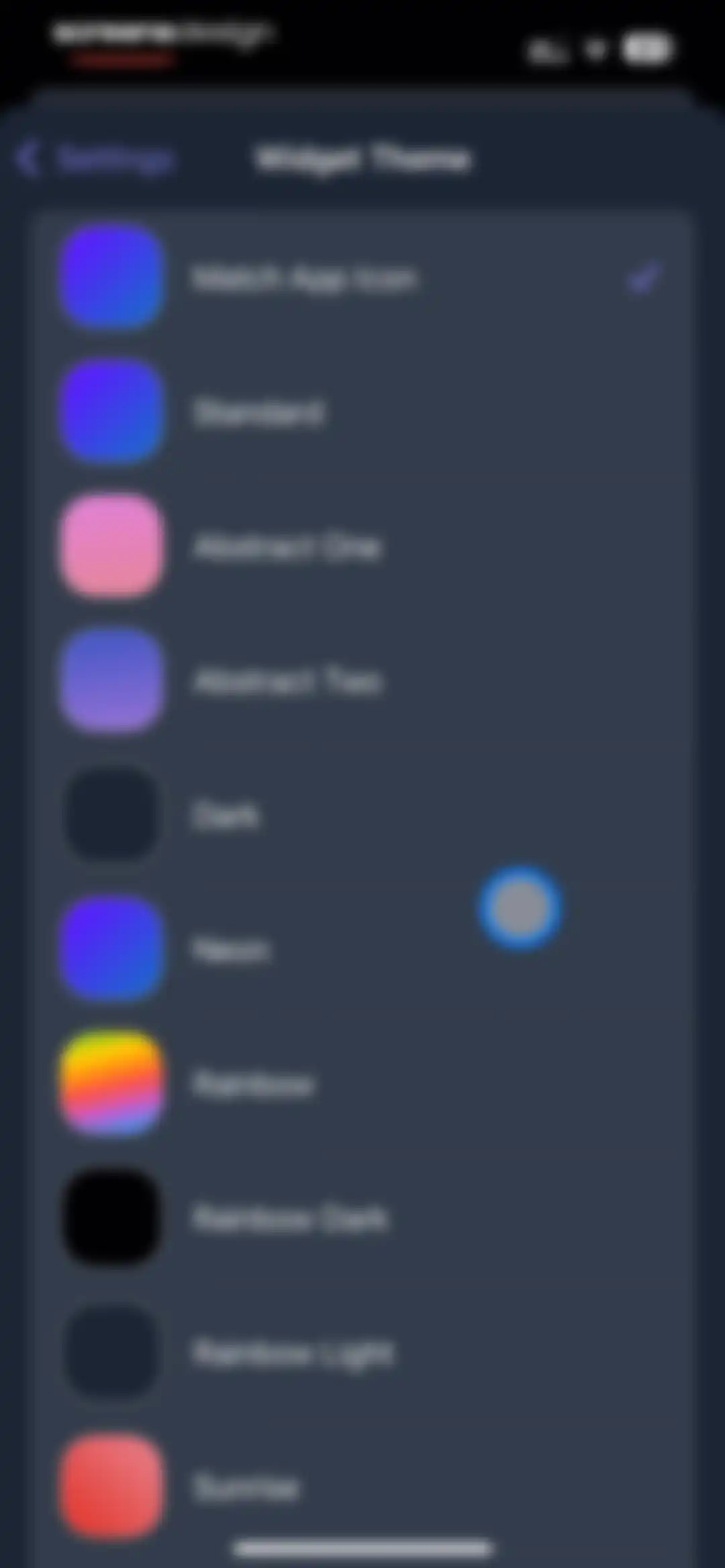
Widget theme settings screen in the HEY Email app featuring a vertical list of theme options with color swatches and Match App Icon selected.Unlock Pro
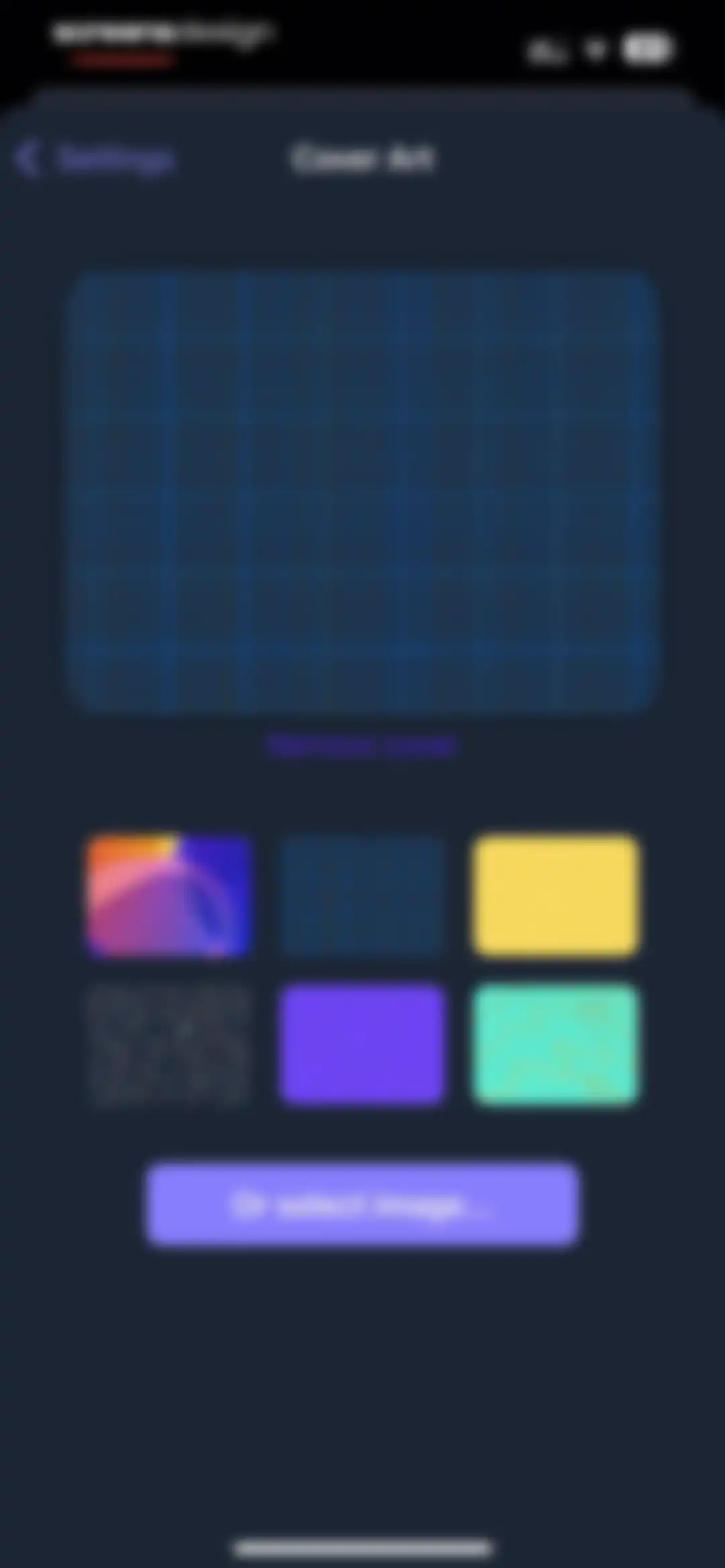
Cover Art settings screen with a preview area, a grid of selectable thumbnail options, and an Or select image button.Unlock Pro
HEY app settings screen for choosing how links open, with the HEY option selected and a checkmark.Unlock Pro
Offline email settings screen with descriptive text and an active toggle to save recent emails for offline viewing.Unlock Pro
Settings screen for inbox swipe options with configuration cards for swiping right and left, showing current actions and an informational footer.Unlock Pro
Settings screen featuring a modal list of swipe action options with icons like trash, tag, and reply later over a dark theme.Unlock Pro
Support and diagnostic information screen featuring a Get Help button and a list of user and device details.Unlock Pro

About HEY Email

A premium email service that reimagines inbox management with built-in screening, attachment libraries, and focused, distraction-free reading workflows.

Explore HEY Email across ScreensDesign

Apps similar to HEY Email

Unlock all similar apps

See every comparable app, revenue, installs, and flows.

Unlock Pro
  • HelloHabit - Habit Tracker

    4.9
    RightLife, Inc.Revenue$30kInstalls20k
  • Inoreader: News & RSS reader

    4.7
    InnologicaRevenue$15kInstalls7k
  • Habitify: Habit Tracker

    4.6
    Unstatic Ltd CoRevenue$20kInstalls<5k
  • Evernote: AI Notes & Notebook

    4.4
    Evernote CorporationRevenue$750kInstalls25k
  • Heyyyy: Stories that text back

    4.7
    heyyyyAI Inc.Revenue$950kInstalls200k
  • Ultra Cleaner-Storage Cleaner

    4.4
    ZylicaRevenue$11kInstalls<5k
  • ClickUp: Tasks, Chat, Docs, AI

    4.7
    Mango Technologies, Inc.Revenue$<5kInstalls60k
  • Freedom: Screen Time Control

    4.4
    Eighty Percent SolutionsRevenue$100kInstalls13k
  • Dashlane Password Manager

    4.8
    DashlaneRevenue$550kInstalls<5k
  • Trello: Daily Task Tracker

    4.3
    Trello, Inc.Revenue$<5kInstalls150k
  • Cleaner AI: Photo Cleanup

    4.6
    Codespace Dijital Hizmetler Anonim ŞirketiRevenue$250kInstalls11k
  • Photo Organizer: Picnic

    4.8
    Picnic Ventures LtdRevenue$250kInstalls45k
  • [untitled]

    4.9
    sin titulo, incRevenue$200kInstalls60k
  • Any.do: To do list & Planner

    4.6
    Any.DORevenue$30kInstalls<5k
  • Swipe Cleaner - Clean Storage

    4.3
    EvaspireRevenue$15kInstalls<5k
  • Queue - Find Movies & Shows

    4.7
    Watch Queue, Inc.Revenue$<5kInstalls<5k
  • Brainrot: Screen Time Control

    4.5
    Yonatan SmolyarRevenue$55kInstalls150k
  • 1Password: Password Manager

    4.7
    AgileBits Inc.Revenue$750kInstalls50k
  • Documents - File Manager

    4.8
    Readdle Technologies LimitedRevenue$600kInstalls250k
  • Today Habit tracker

    4.7
    Neybox Digital Ltd.
  • Todoist: To Do List & Calendar

    4.8
    Doist Inc.Revenue$300kInstalls50k
  • Echo – AI Meeting Note Taker

    4.5
    Tappz LabsRevenue$100kInstalls<5k
  • Expensify - Travel & Expense

    4.6
    Expensify, Inc.Revenue$35kInstalls10k
  • Anotar: Work Meeting Recorder

    4.8
    Genio Tech, LLCRevenue$50kInstalls<5k
  • Zazzle Events

    4.8
    Hobnob EventsRevenue$55kInstalls5k
  • TimeBloc - Daily Planner

    4.3
    Reflective Technologies ApSRevenue$<5kInstalls<5k
  • Paper: Sketch, Draw & Create

    4.6
    WeTransfer BVRevenue$150kInstalls100k
  • AppBlock: Block Apps & Website

    4.6
    MobileSoft s.r.o.Revenue$100kInstalls35k
  • Countdown

    4.8
    Find Appiness LLCRevenue$15kInstalls300k
  • minimalist phone ® Block Apps

    4.6
    Focus ExpertsRevenue$50kInstalls70k
  • Clean Up Now: AI Cleaner

    4.6
    ST PURRFECT APPS DEVELOPMENT LIMITEDRevenue$<5kInstalls<5k
  • Reset - Reset Your Life

    3.5
    Alex Slater
  • Mindway: Daily Routine Planner

    4.6
    Codespace Dijital Hizmetler Anonim ŞirketiRevenue$<5kInstalls<5k
  • Planner Pro - Daily Planner

    4.5
    Beesoft AppsRevenue$10kInstalls<5k
  • Money Lover: Money Manager

    4.6
    Finsify Technology Company LimitedRevenue$15kInstalls30k
  • Smart Cleaner: Free Up Storage

    4.6
    NAICOO PTE. LTD.Revenue$250kInstalls25k
  • Tiny Fax: Send Fax From iPhone

    4.7
    TinyWork AppsRevenue$50kInstalls<5k
  • Bear - Markdown Notes

    4.7
    Shiny Frog Ltd.Revenue$45kInstalls<5k
  • Cleaner PRO:photos cleaner

    4.5
    IntelliChain Tech LimitedRevenue$<5kInstalls<5k
  • Easlo Experiments

    4.6
    Easlo Pte. Ltd.Revenue$<5kInstalls<5k
  • Subscription Manager: Orbit

    4.7
    Flooben LtdRevenue$12kInstalls<5k
  • Collect by WeTransfer

    4.4
    WeTransfer BVRevenue$200kInstalls<5k
  • Cleaner Master:ai cleaner

    4.7
    APPFORGE TECHNOLOGIES PTE. LTD.Revenue$75kInstalls<5k
  • Scenara: AI Editing Tools

    4.7
    Hanna MolenaarRevenue$<5kInstalls<5k
  • TickTick:To-Do List & Calendar

    4.9
    Appest LimitedRevenue$450kInstalls200k
  • AI Chat Assistant – ChatNow

    4.8
    tappzRevenue$550kInstalls150k
  • Habit Tracker

    4.8
    Davetech Co., Ltd.Revenue$150kInstalls250k