BetterMe Well-Being Coach

$1M revenue, 4.7 rating

App walkthrough
0:00 / 18:57

Onboarding flow, Paywall & Inside the App

Watch the full screen-by-screen UX video of BetterMe Well-Being Coach with onboarding, paywall, and every core flow.
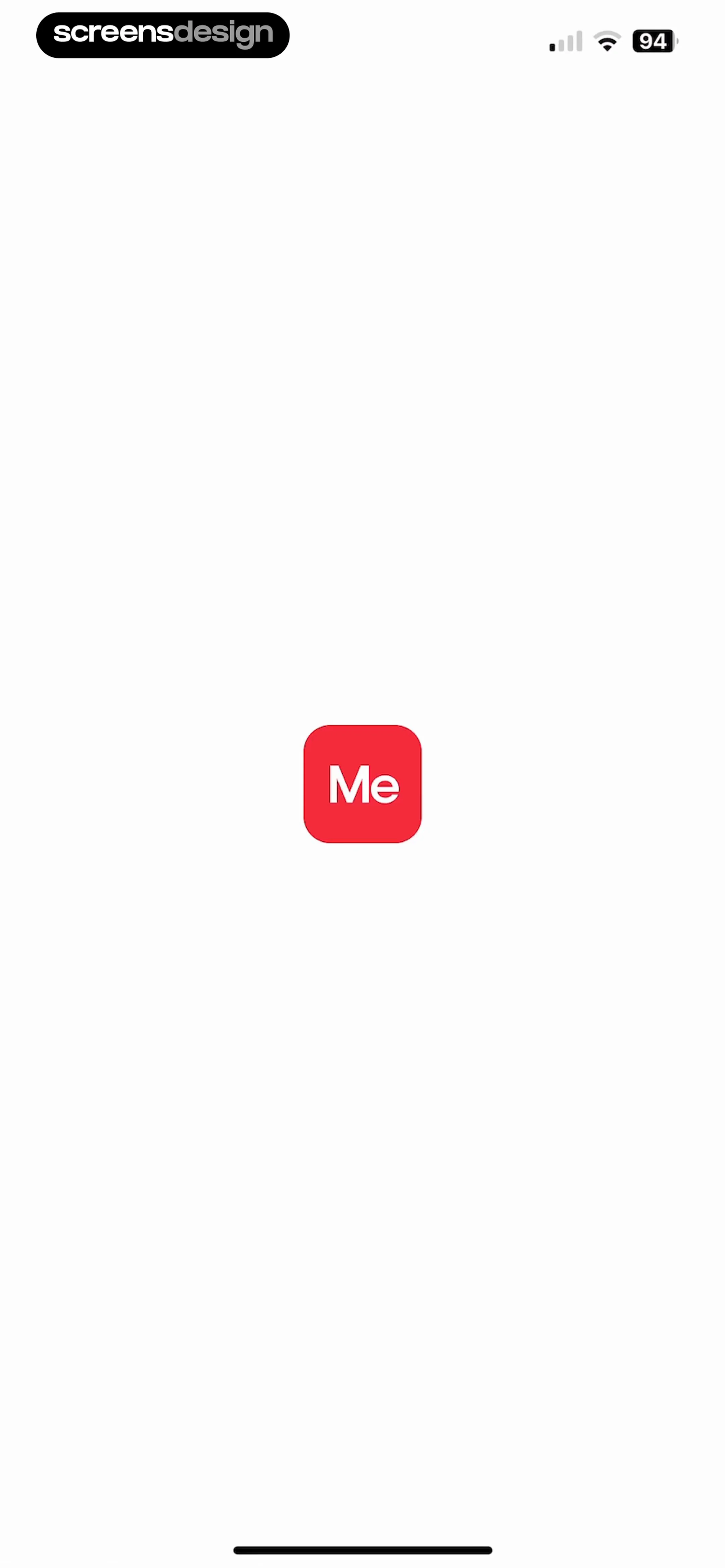
App splash screen with a centered red logo containing the text Me on a white background.
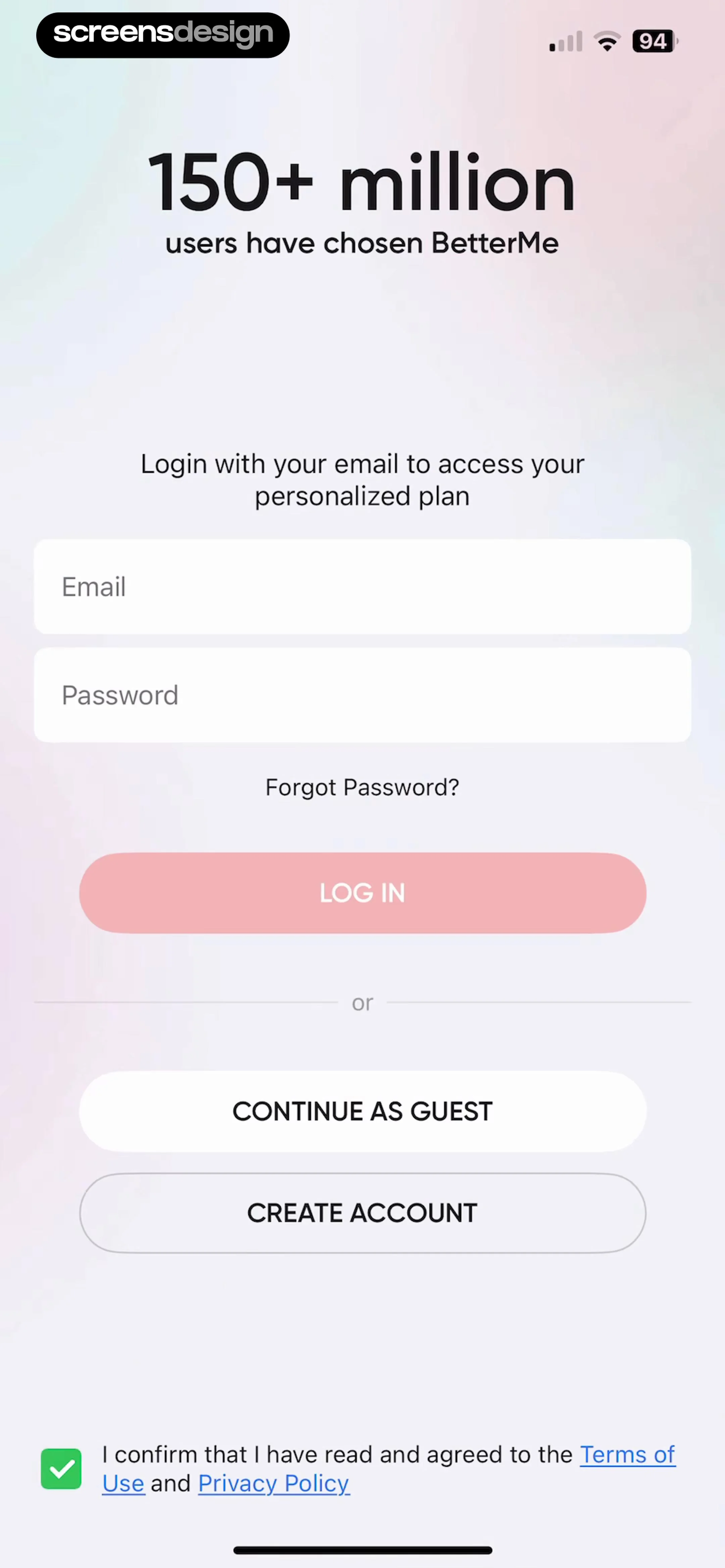
BetterMe login screen with email and password fields, social proof header, and options to log in, continue as guest, or create an account.
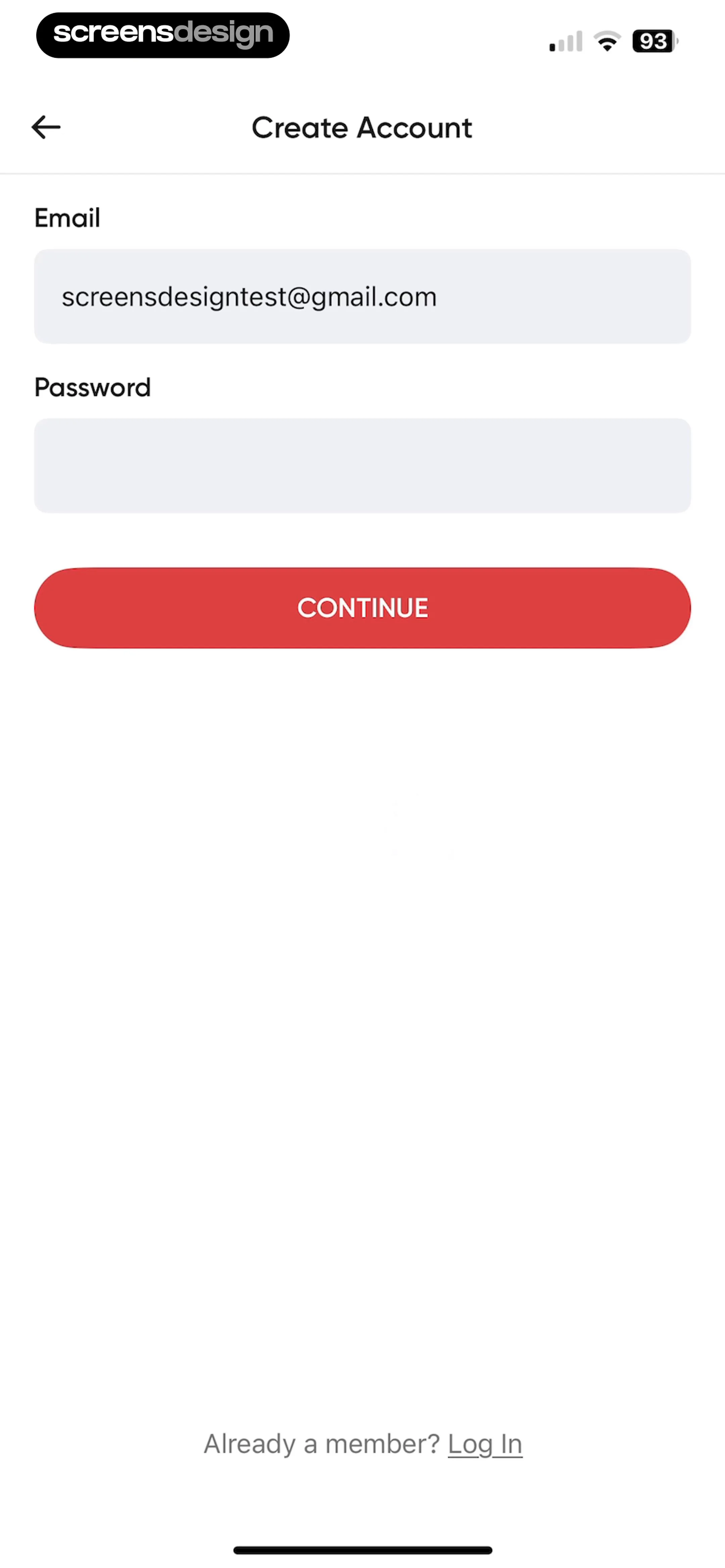
Account creation form with an email input field containing a sample address, an empty password field, a red Continue button, and a Log In link at the bottom.
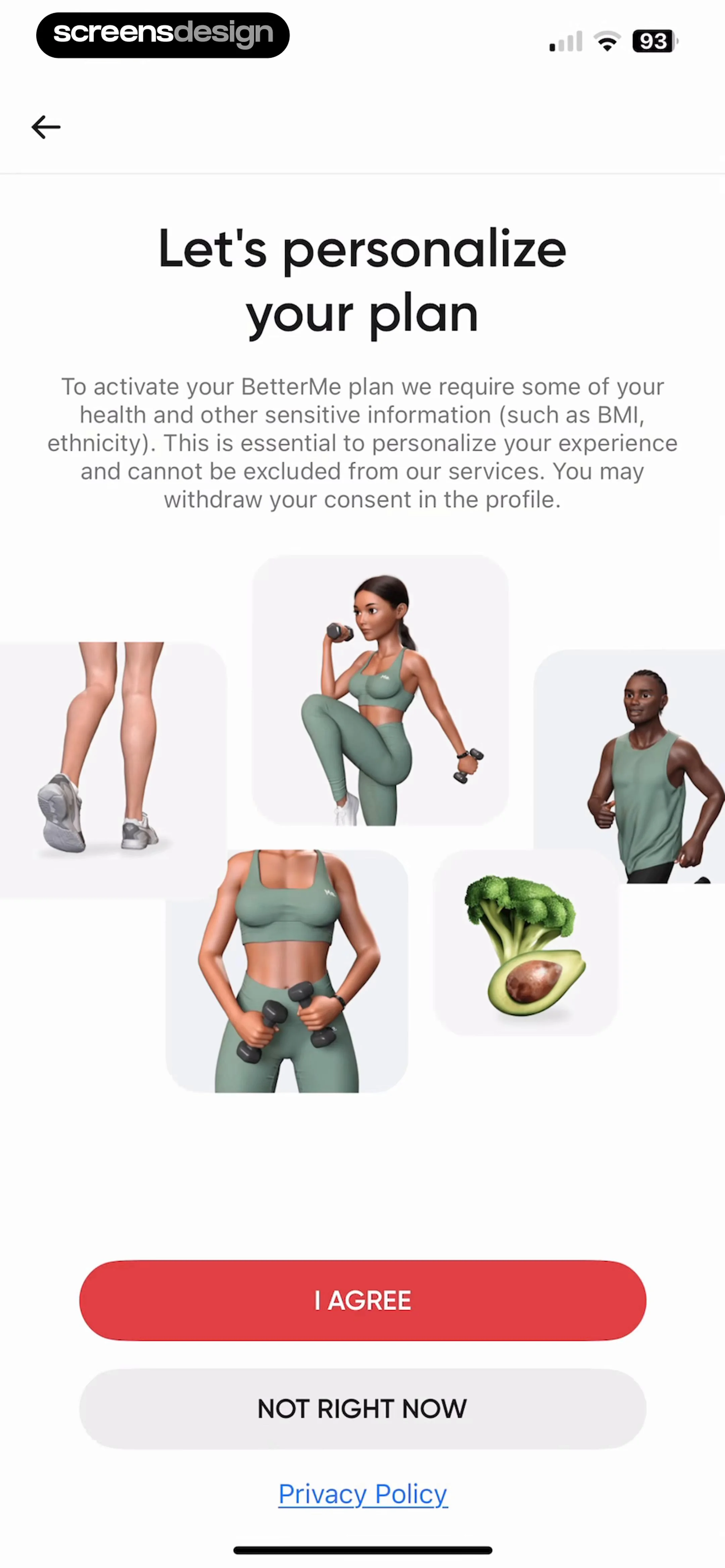
BetterMe onboarding consent screen explaining health data collection, featuring fitness illustrations, an I AGREE button, and a Privacy Policy link.
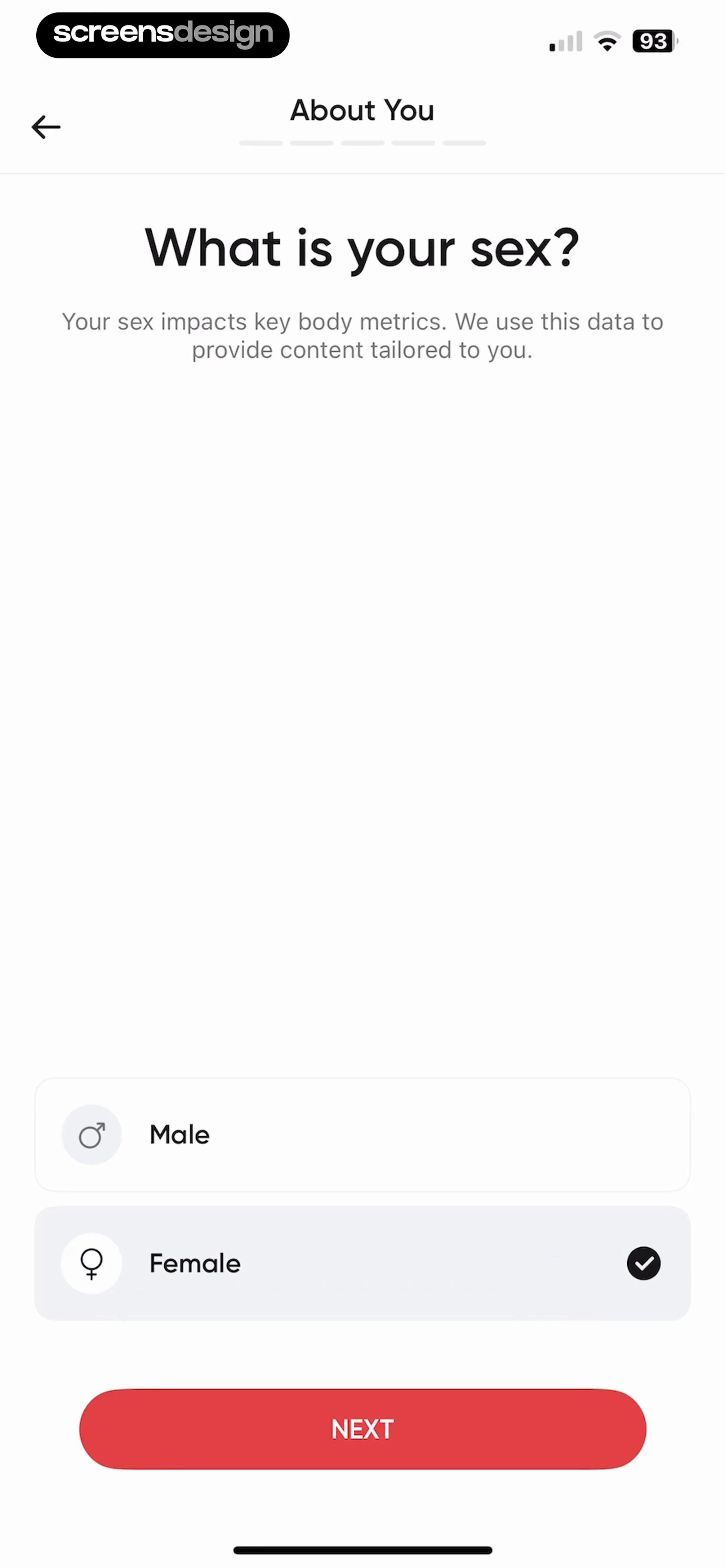
Onboarding screen asking for sex with Male and Female selection cards, with Female selected and a red Next button.
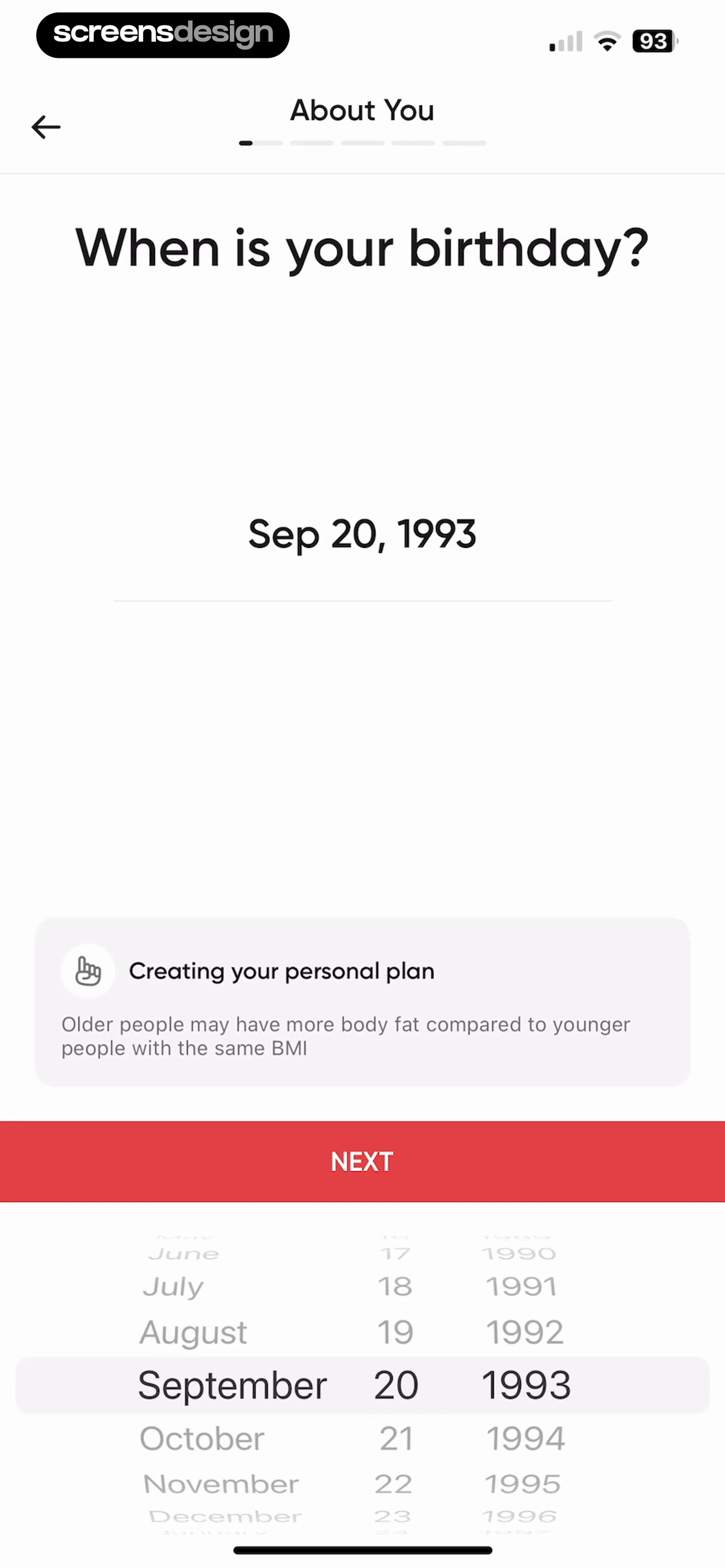
Onboarding birthday input screen with a date picker wheel set to September 20, 1993, an informational card, and a Next button.
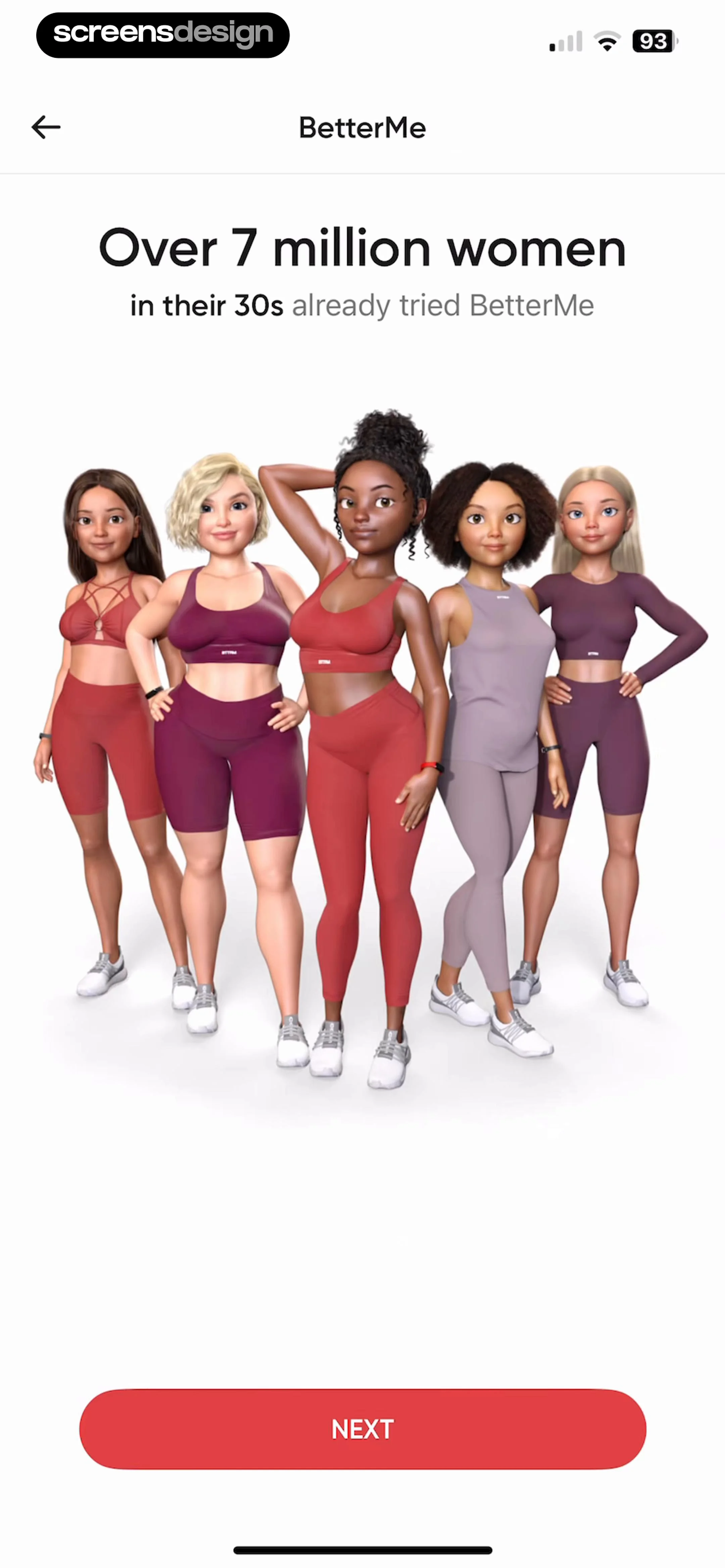
BetterMe onboarding screen featuring social proof for women in their 30s, a 3D character illustration, and a Next button.
Fitness app onboarding goal selection screen with four options, Lose Weight selected with a checkmark, and a Next button.
Onboarding screen asking about weight history, with the option Less Than a Year Ago selected and a Next button.Unlock Pro
Onboarding screen asking What are you interested in? with a list of health and fitness goals and a Next button.Unlock Pro
Notification permission request screen in the BetterMe app displaying a system modal with Allow and Don't Allow buttons over fitness onboarding text.Unlock Pro
BetterMe onboarding screen featuring fitness motivation text and a red Next button at the bottom.Unlock Pro
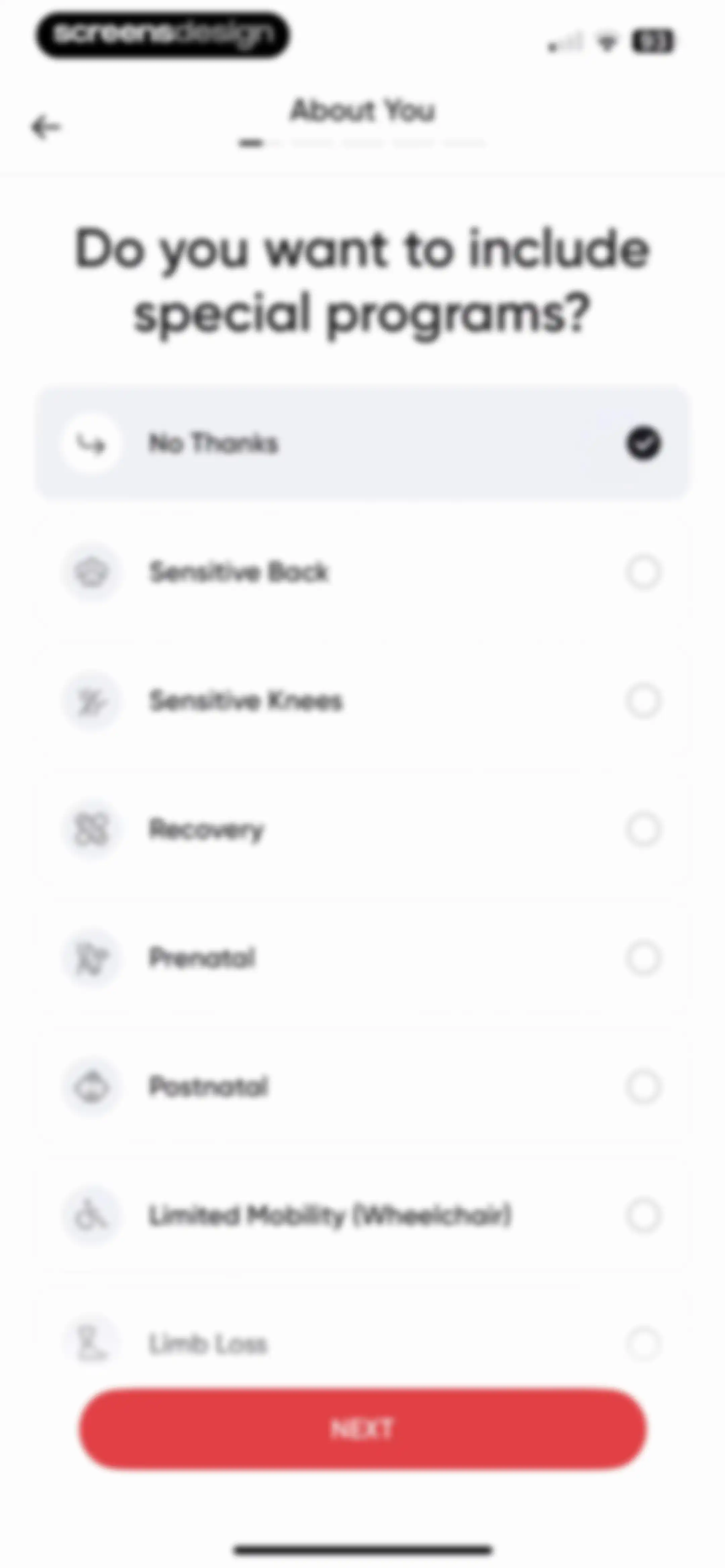
Onboarding screen asking whether to include special programs, with No Thanks selected and a Next button.Unlock Pro
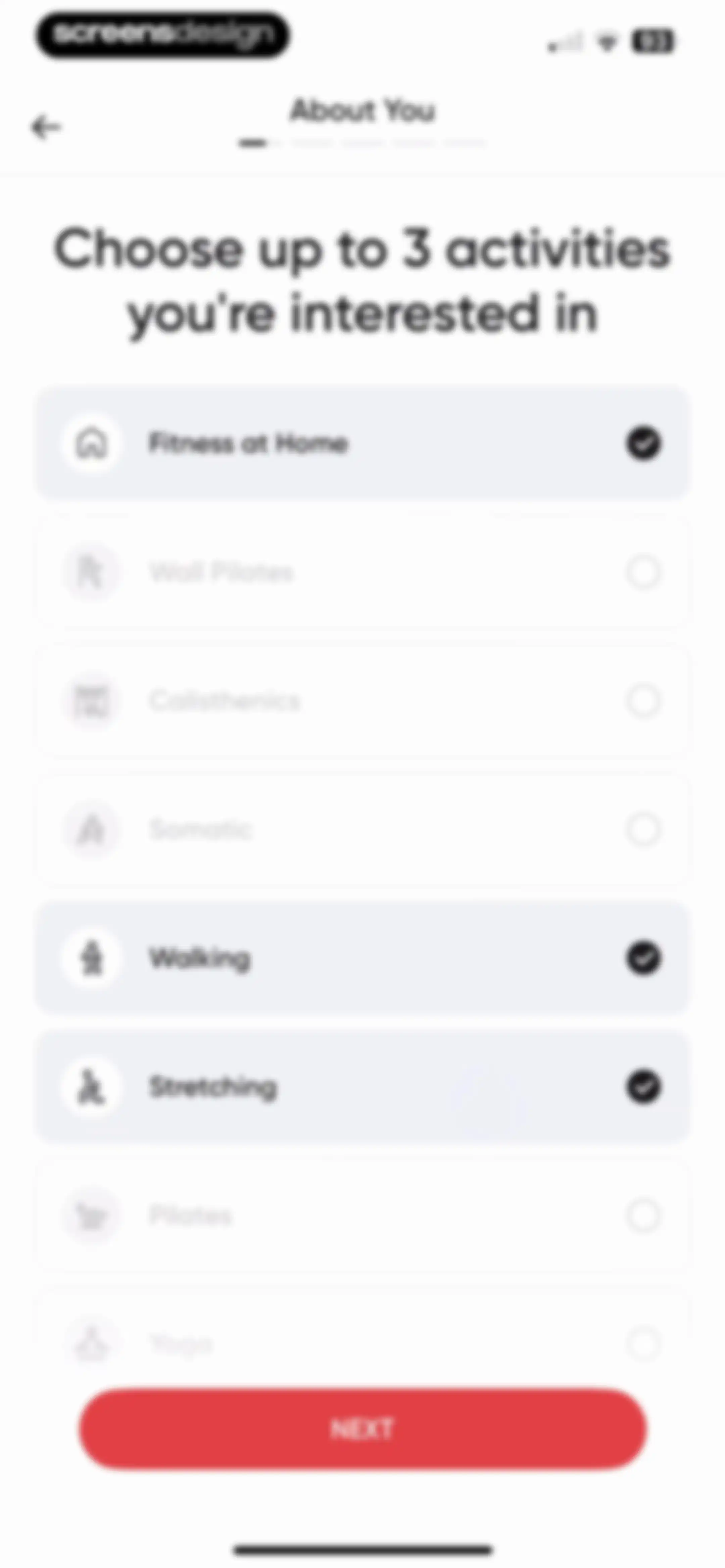
Onboarding activity selection screen with Fitness at Home, Walking, and Stretching selected from a list and a Next button.Unlock Pro
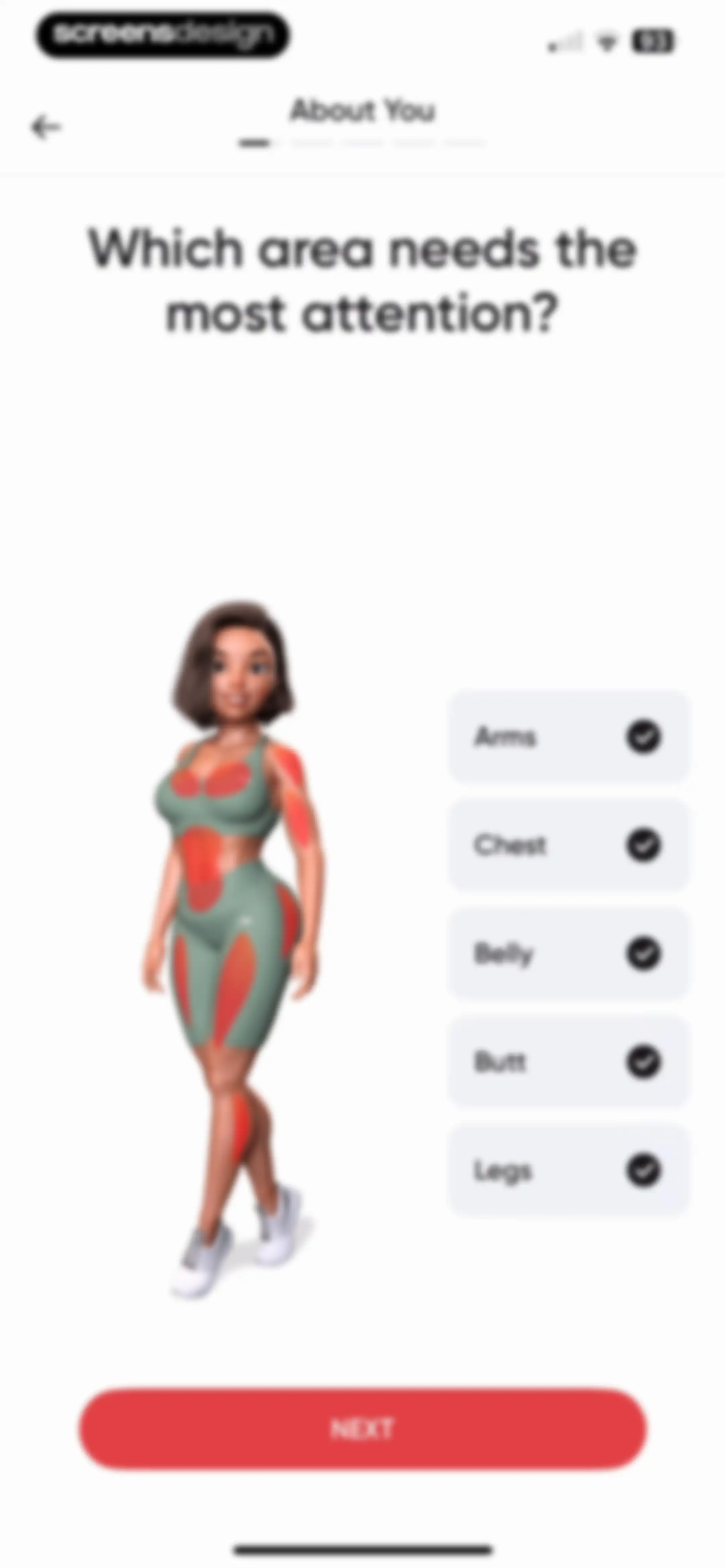
Fitness app onboarding screen asking which area needs attention, featuring a 3D character model, selectable body part cards, and a Next button.Unlock Pro
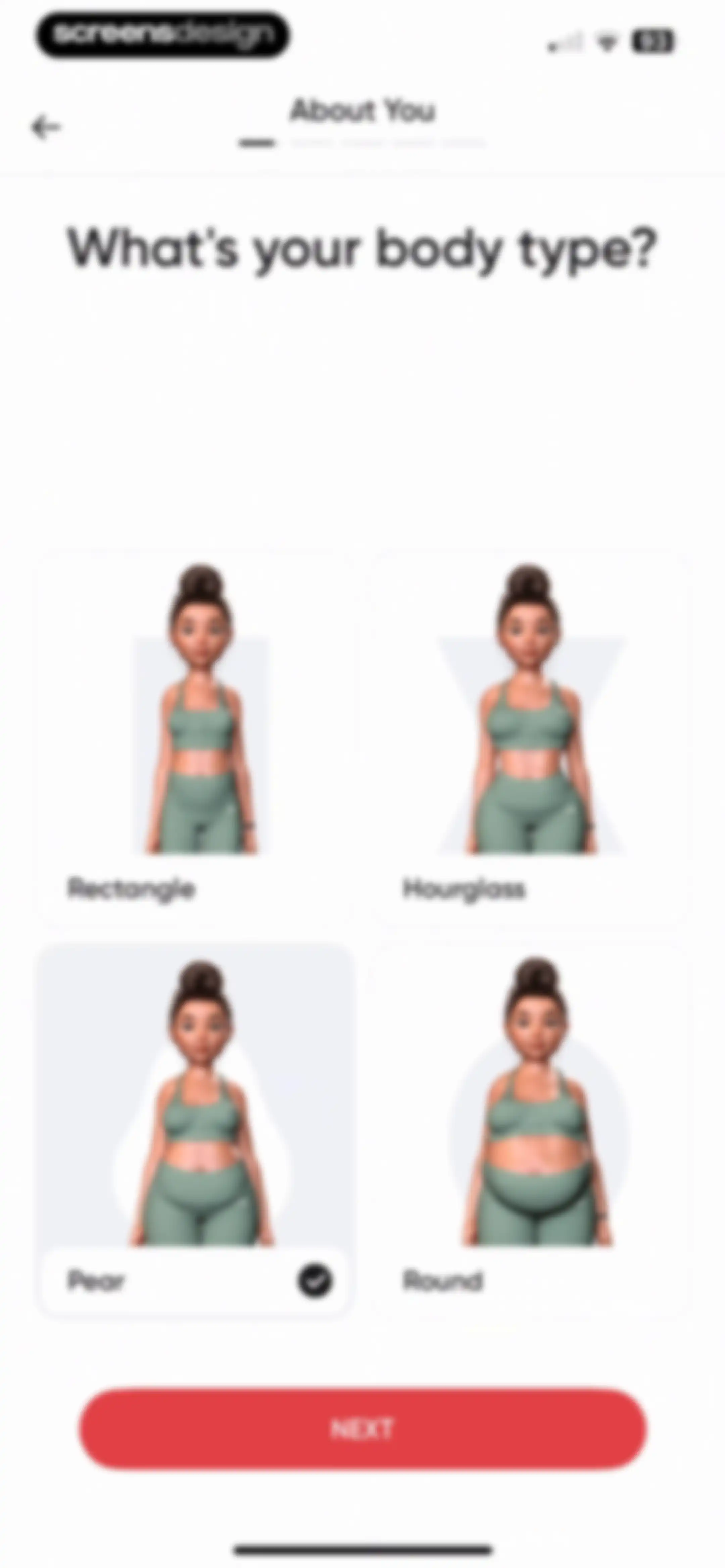
Onboarding screen asking for body type with a 2x2 grid of 3D avatar cards, the Pear option selected, and a red NEXT button.Unlock Pro
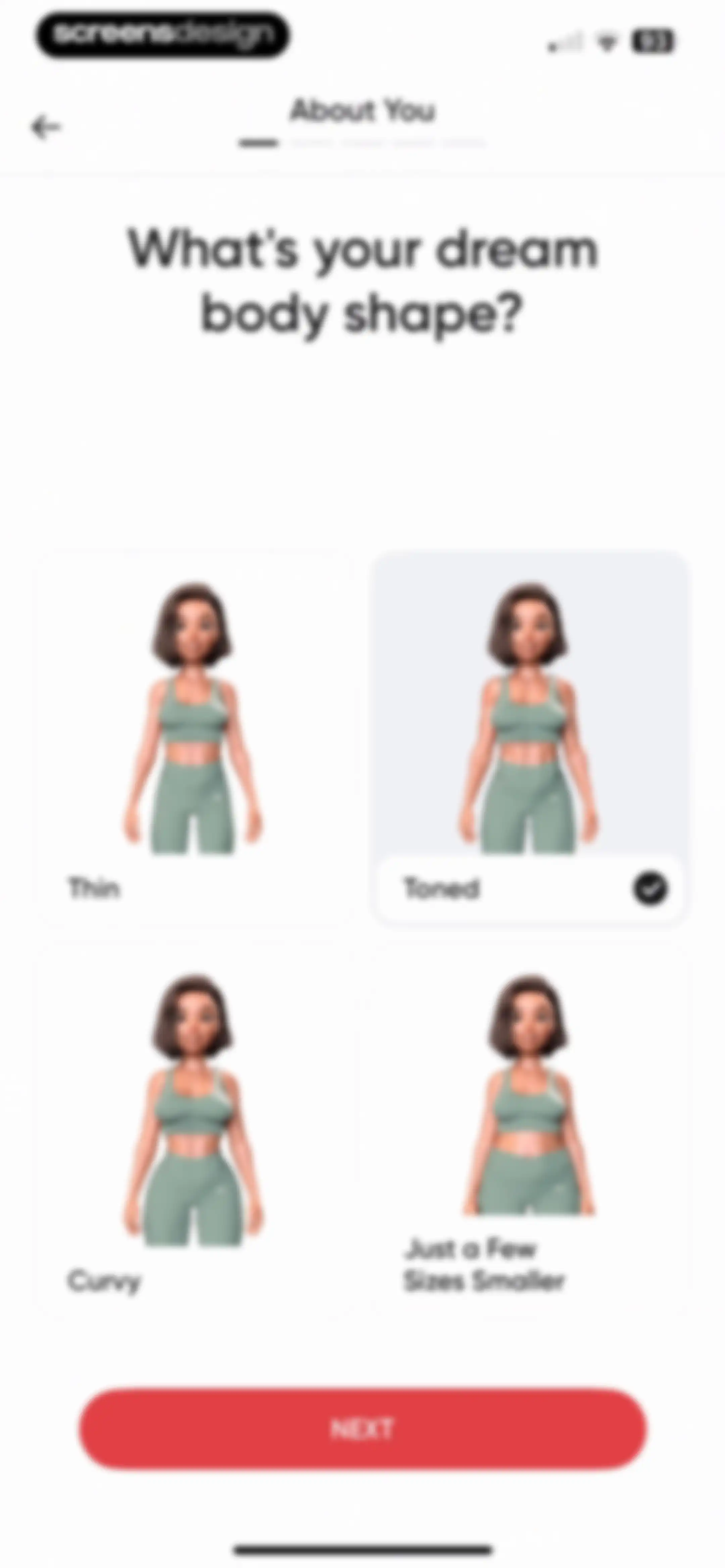
Onboarding screen asking for dream body shape with a 2x2 selection grid, the Toned option selected, and a red Next button.Unlock Pro
Onboarding questionnaire asking about daily routine, with the At the Office option selected and a Next button.Unlock Pro
Onboarding screen asking about daily energy levels, with three selectable habit cards, the first card selected, and a Next button.Unlock Pro
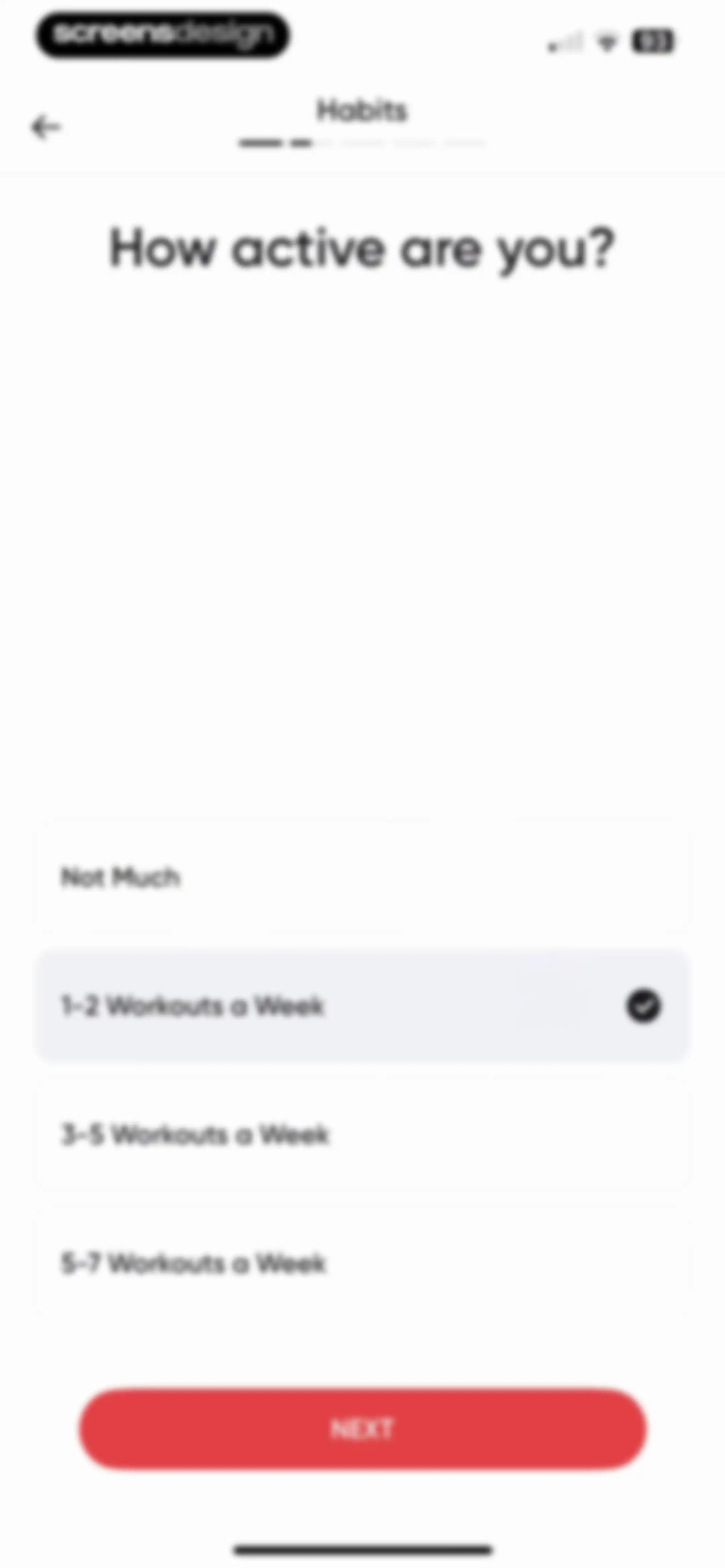
Fitness app onboarding screen asking about activity level, with 1-2 Workouts a Week selected and a red Next button.Unlock Pro
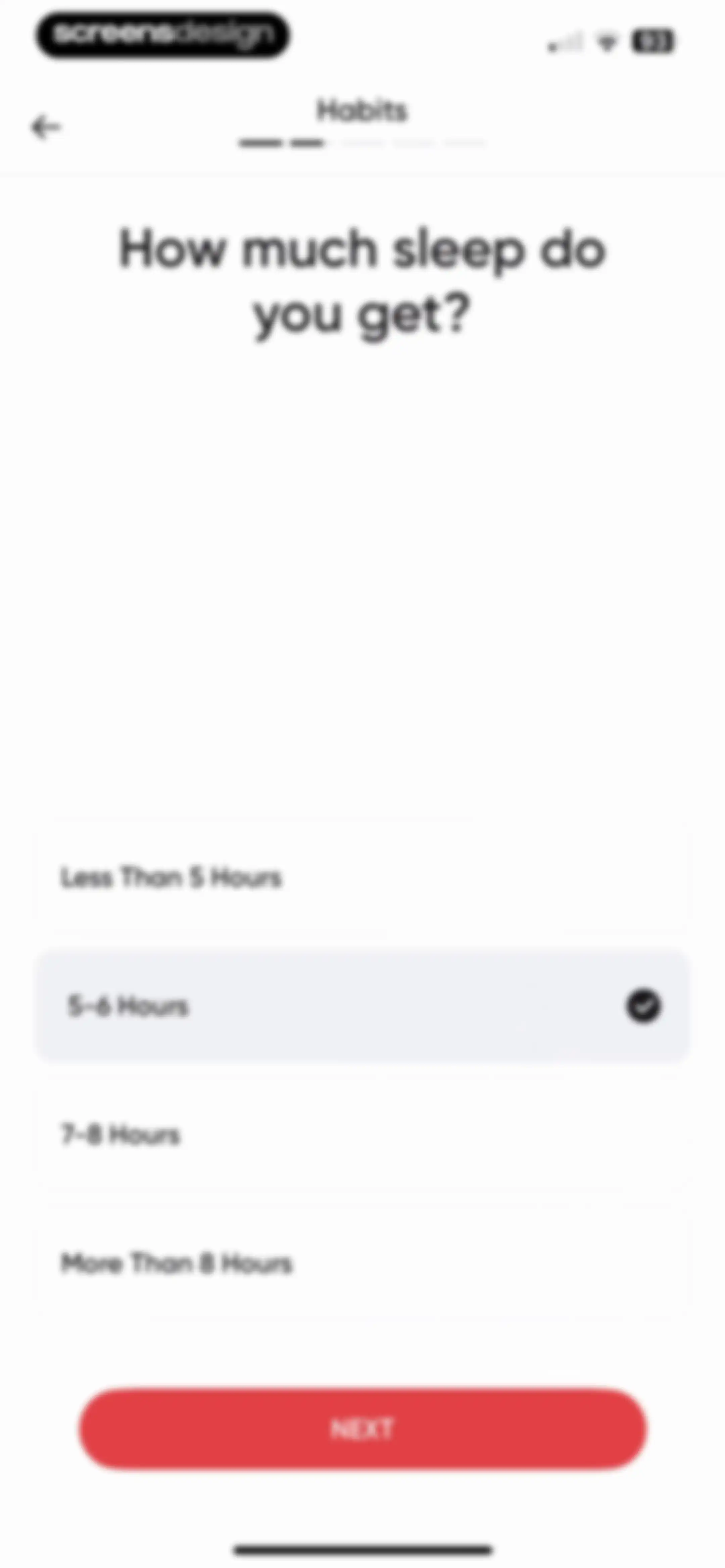
Onboarding screen asking about sleep duration, with the 5-6 Hours option selected and a Next button.Unlock Pro
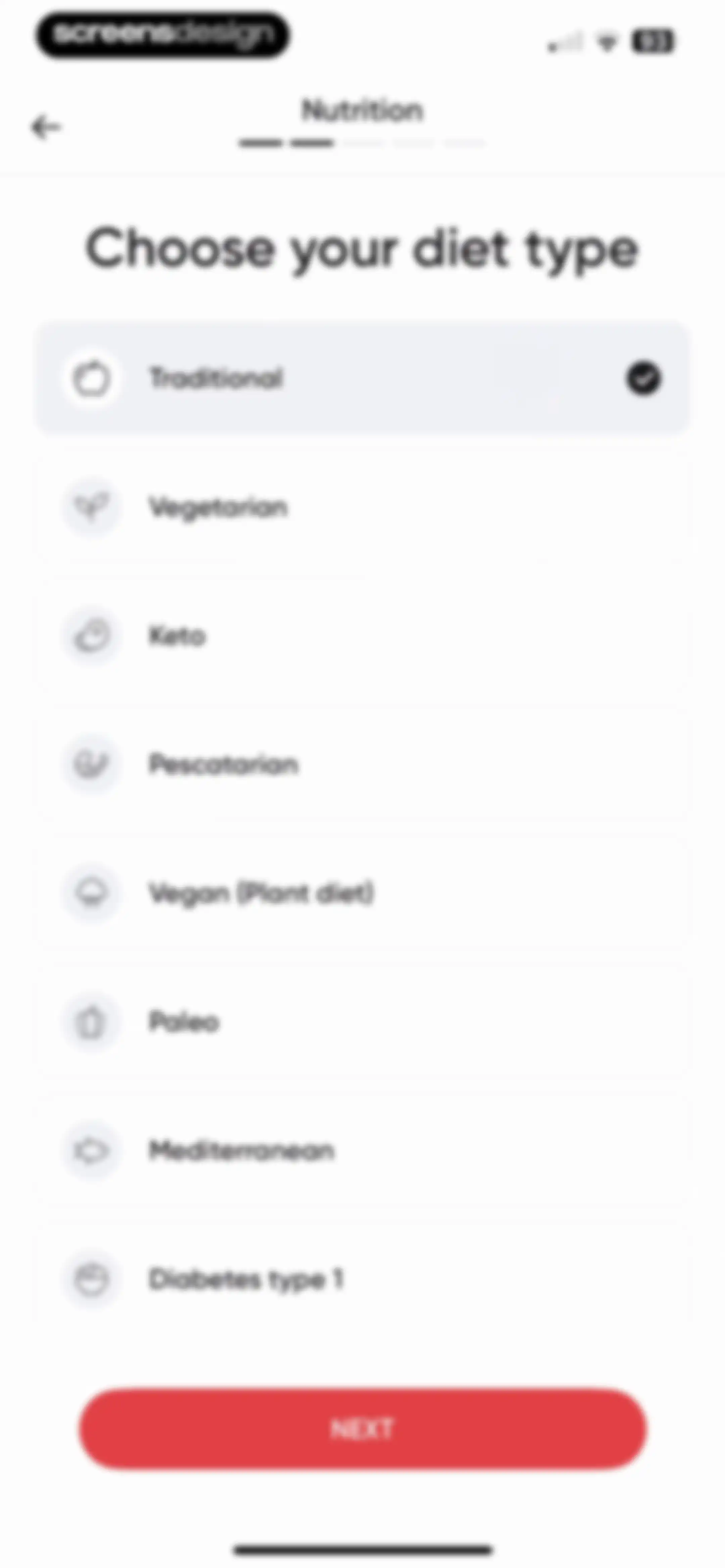
Diet selection onboarding screen listing various diet types with the Traditional option selected and a Next button.Unlock Pro
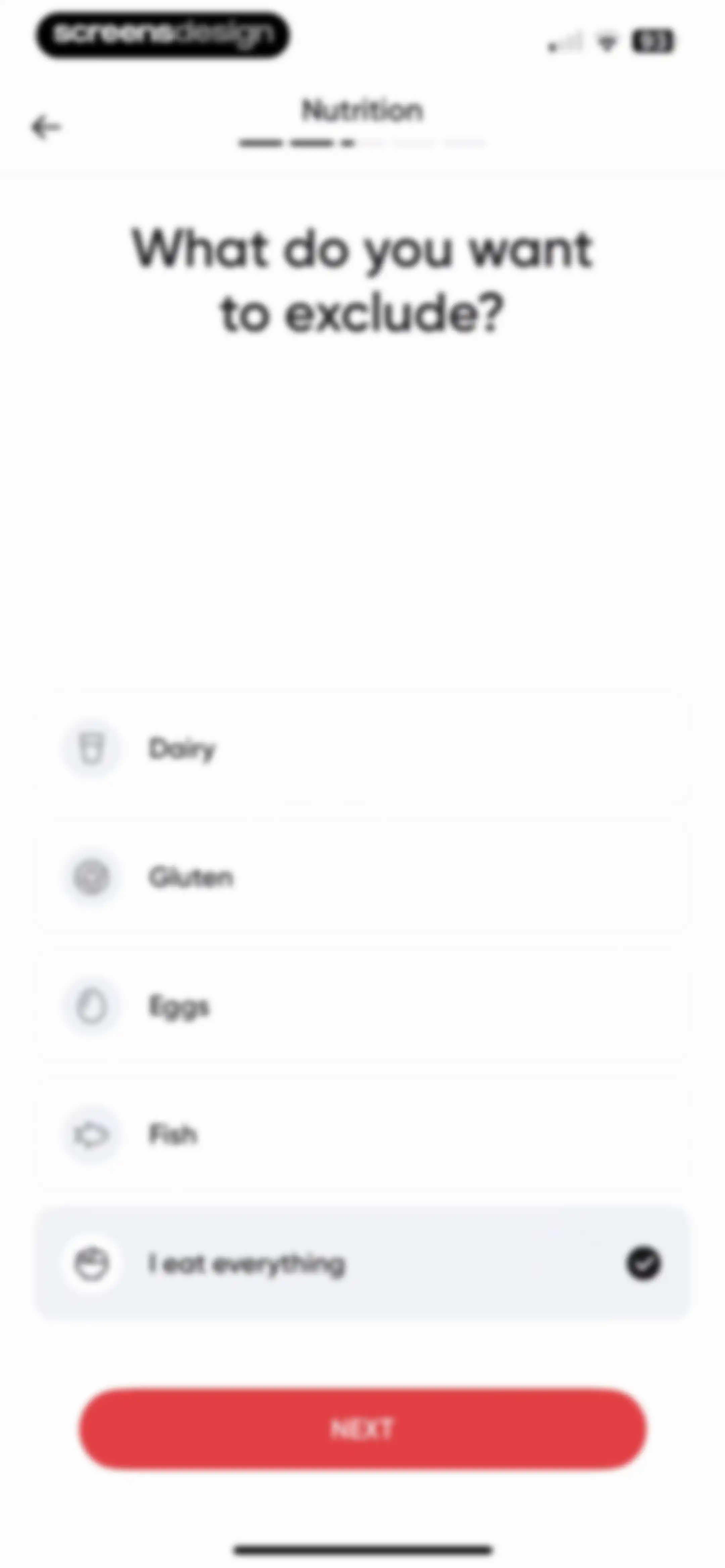
BetterMe nutrition onboarding screen asking what to exclude, with the I eat everything option selected and a Next button.Unlock Pro
Onboarding screen asking about bad nutrition habits with a vertical list of selectable habit cards, with the salty foods option selected and a Next button.Unlock Pro
Onboarding screen asking for daily water intake, with four selection cards and a Next button.Unlock Pro
Onboarding question about user motivation with Yes and No selection cards and a Next button.Unlock Pro
BetterMe onboarding questionnaire screen presenting a motivation statement, with the No card selected and a Next button.Unlock Pro
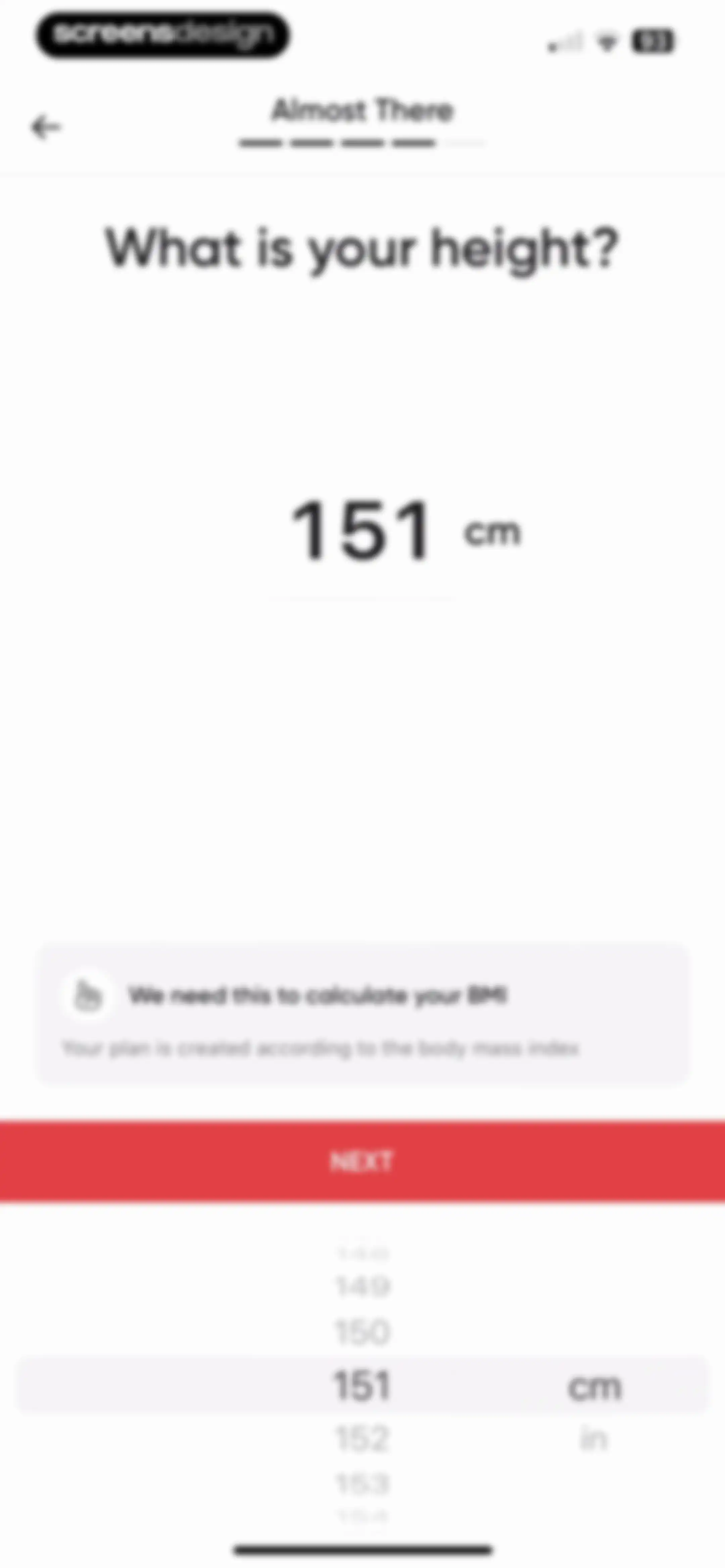
Fitness onboarding height selection screen displaying a height picker set to 151 cm, a BMI explanation card, and a Next button.Unlock Pro
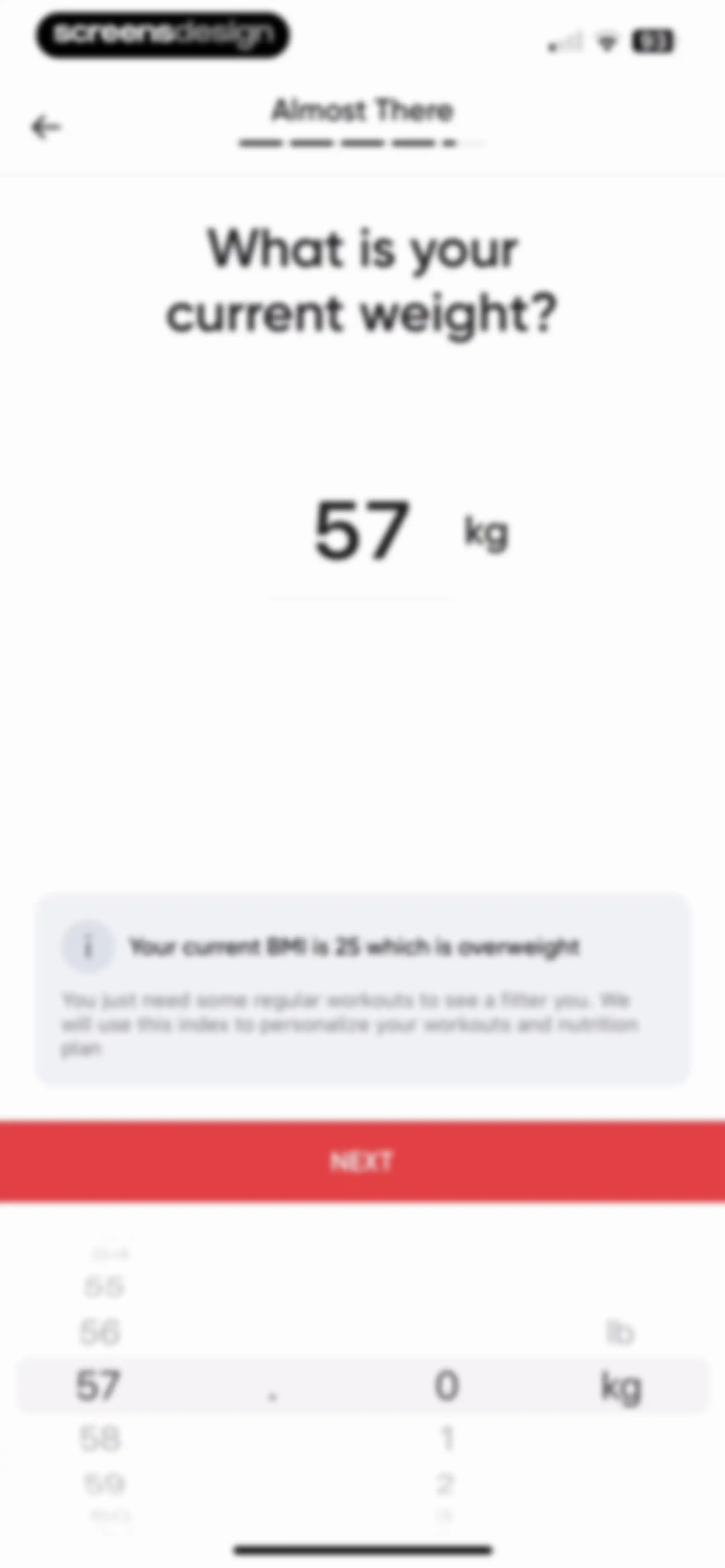
BetterMe onboarding weight input screen displaying a BMI feedback card and a weight picker with a Next button.Unlock Pro
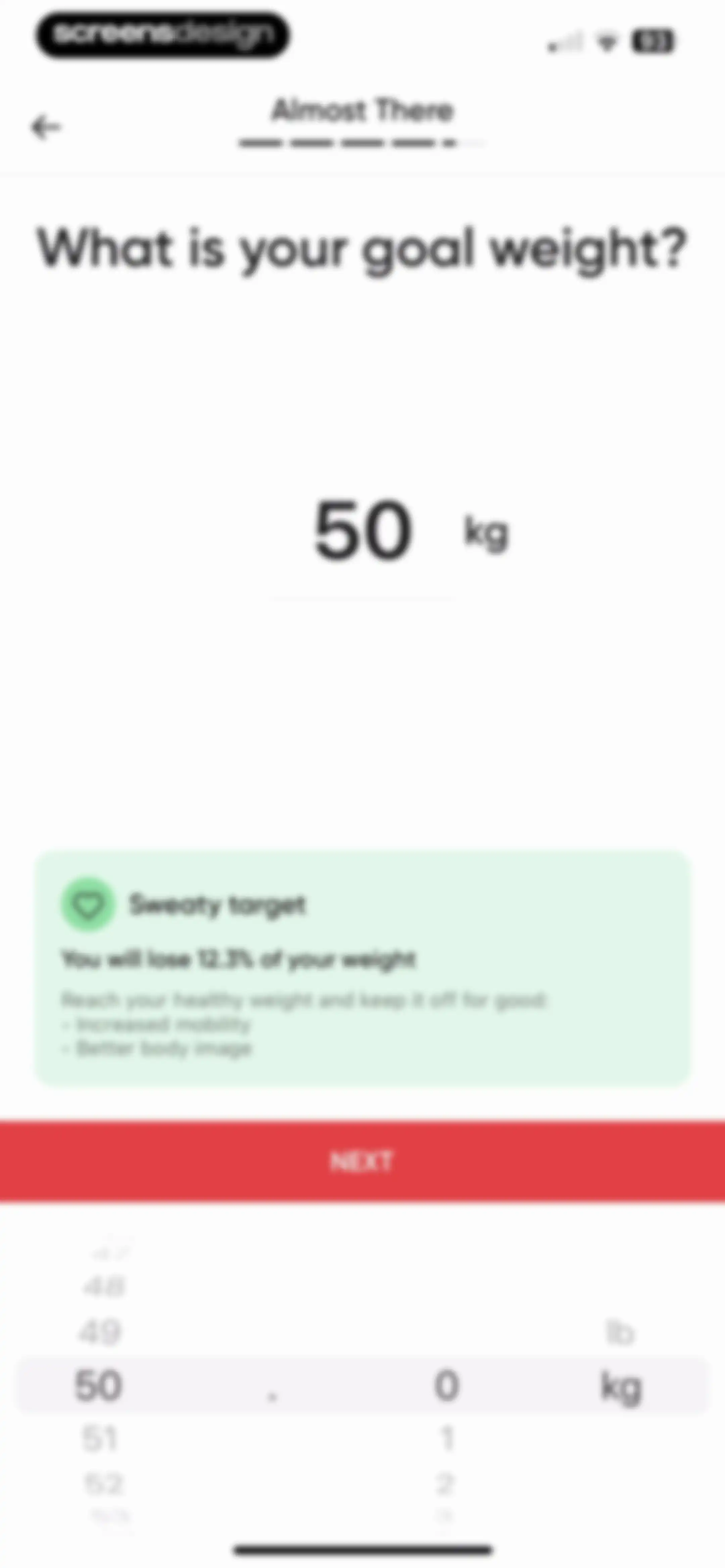
Fitness app onboarding screen asking for goal weight, displaying a central 50 kg weight display, an informational benefits card, a weight picker, and a red Next button.Unlock Pro
Onboarding name entry screen with a filled text field for julia and a red Next button.Unlock Pro
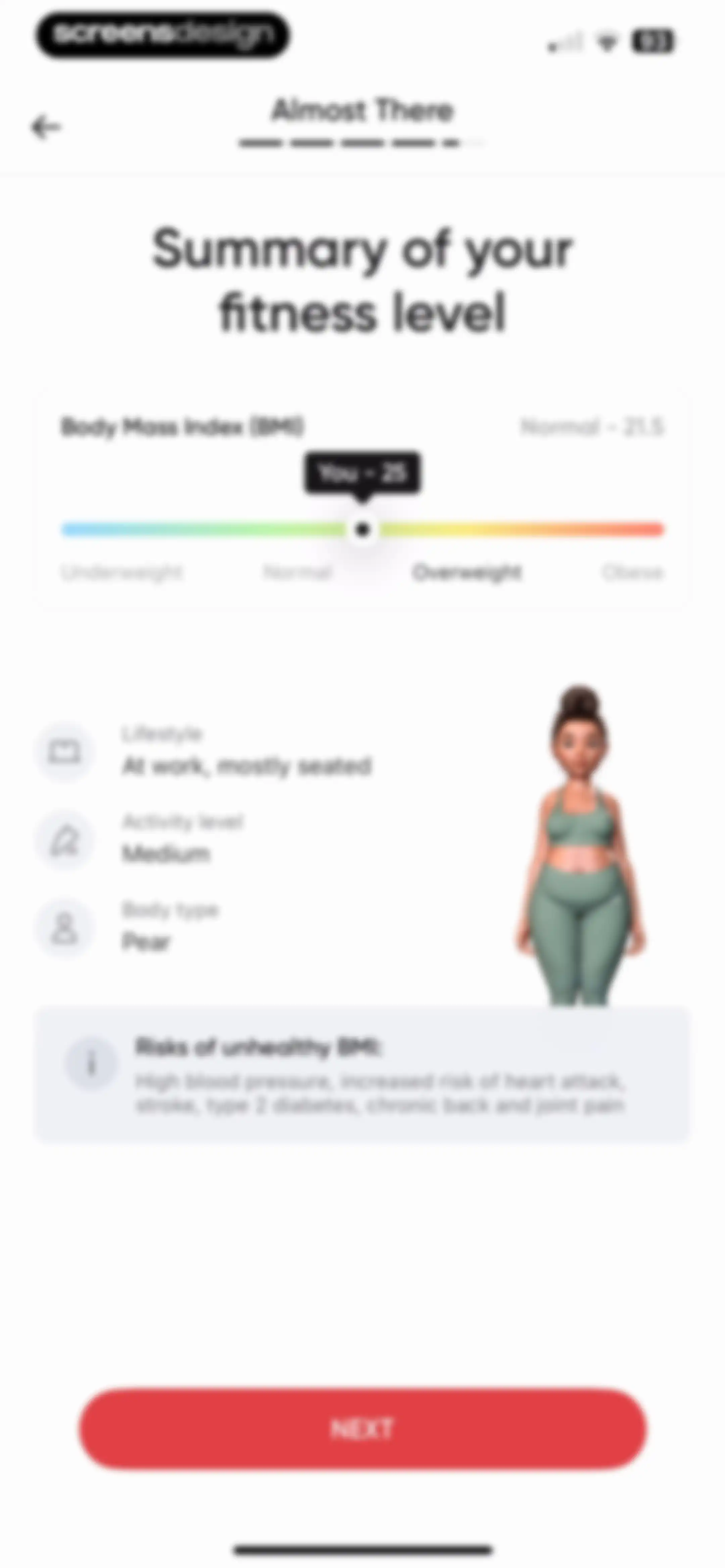
Fitness app onboarding summary screen displaying a BMI slider, profile attributes, and a health risks info card with a NEXT button.Unlock Pro
Onboarding pace selection screen with three options, the Slow and Steady card selected, and a red Next button.Unlock Pro
Onboarding goal selection screen with a vertical list of health goals, with Feel Healthier selected and a Next button.Unlock Pro
Onboarding screen asking about a special event for weight loss, with No Special Event selected and a Next button.Unlock Pro
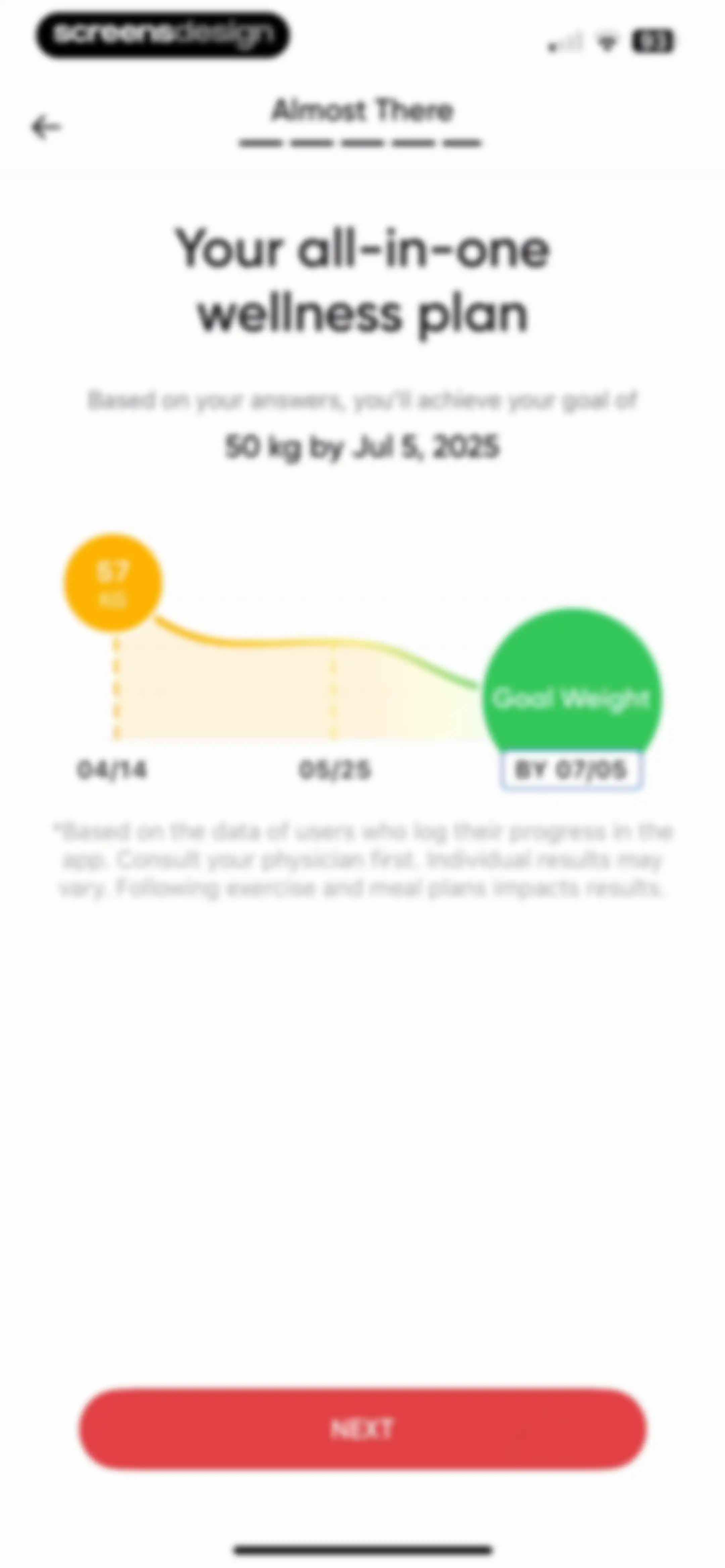
Wellness plan onboarding screen displaying a weight loss projection chart, a goal of 50 kg by Jul 5, 2025, and a Next button.Unlock Pro
Onboarding loading screen showing a 100% circular progress indicator and a vertical list of completed plan creation steps.Unlock Pro
Permissions modal on a personalized fitness plan onboarding screen, asking to track activity with options to allow or ask app not to track.Unlock Pro
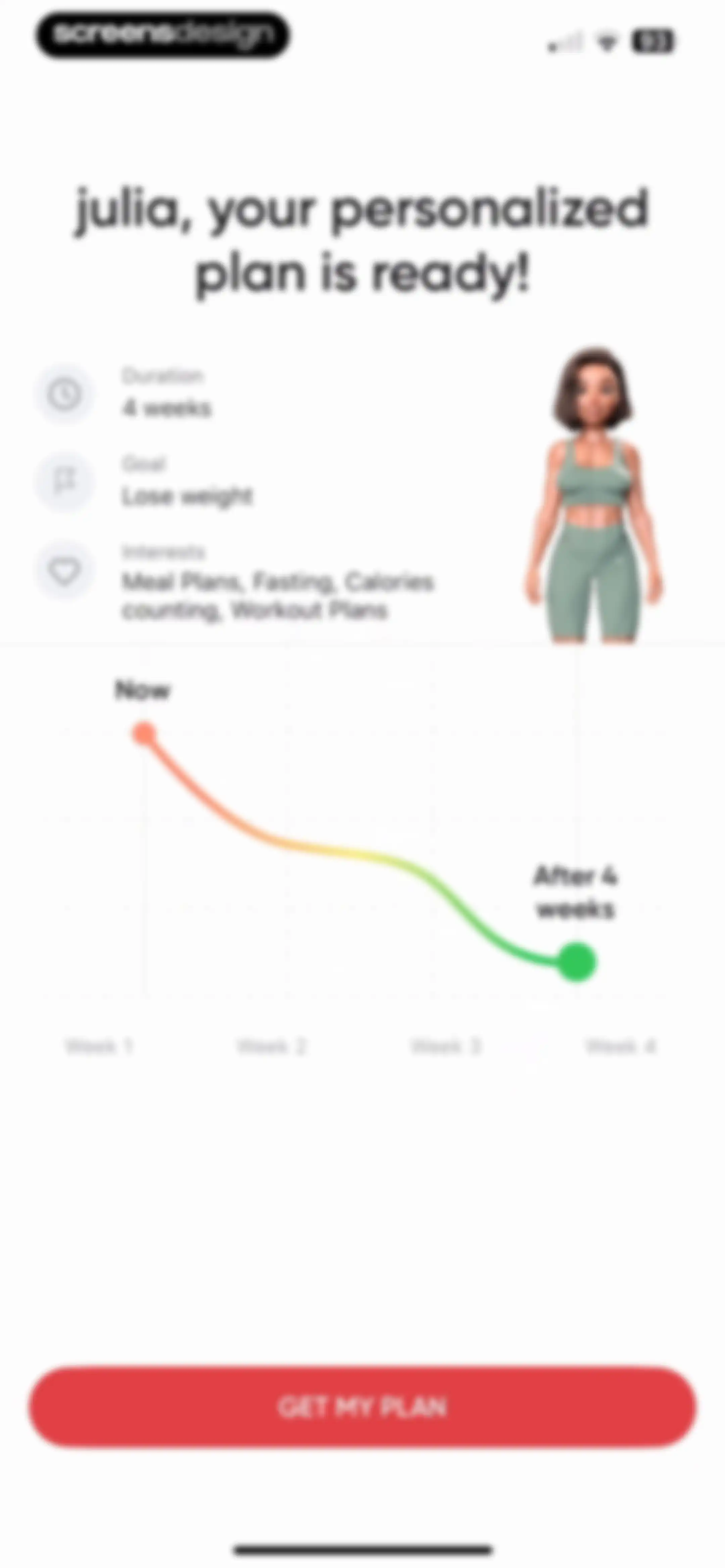
Onboarding summary screen displaying a personalized four-week weight loss plan, a progress trend chart, and a Get My Plan button.Unlock Pro
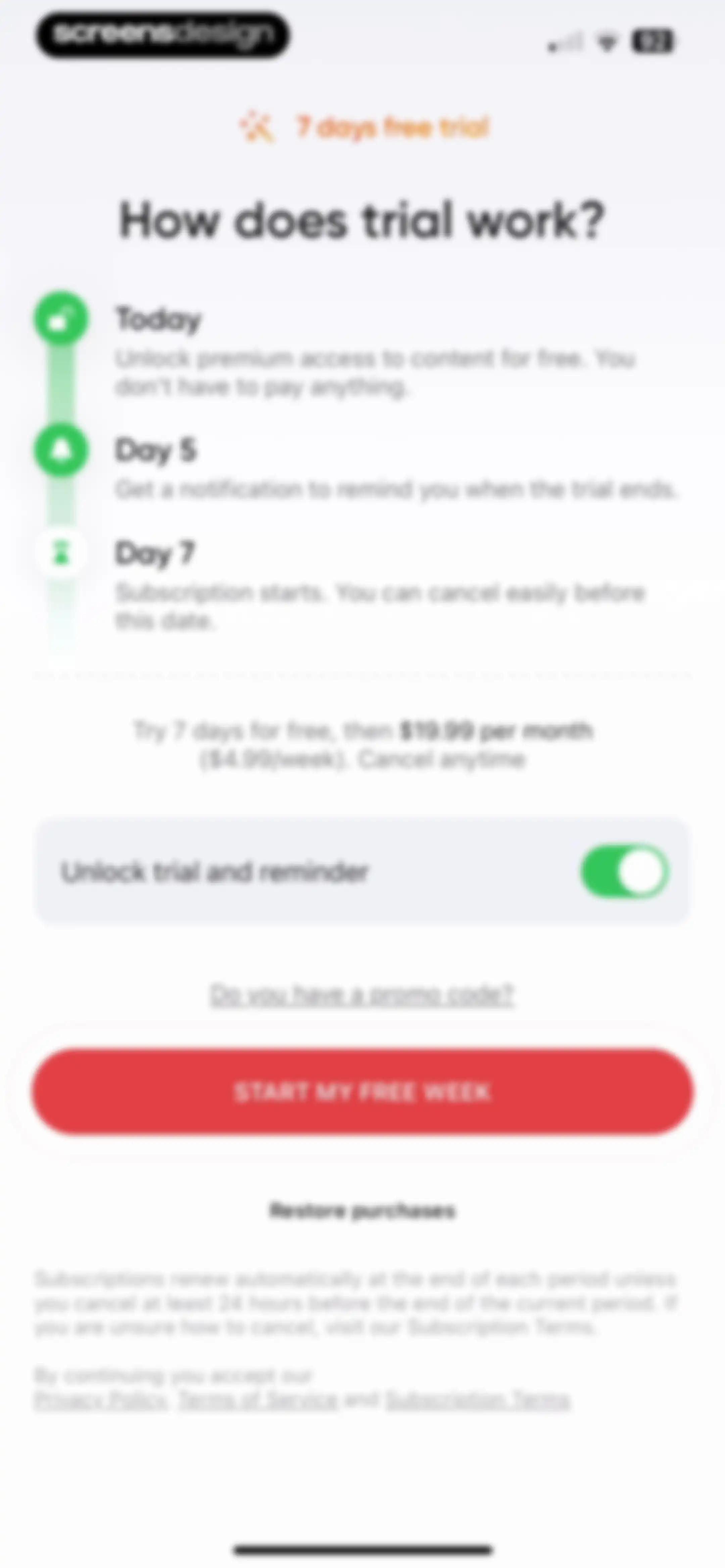
Subscription paywall screen detailing a seven-day free trial timeline, pricing, and a prominent start free week button.Unlock Pro
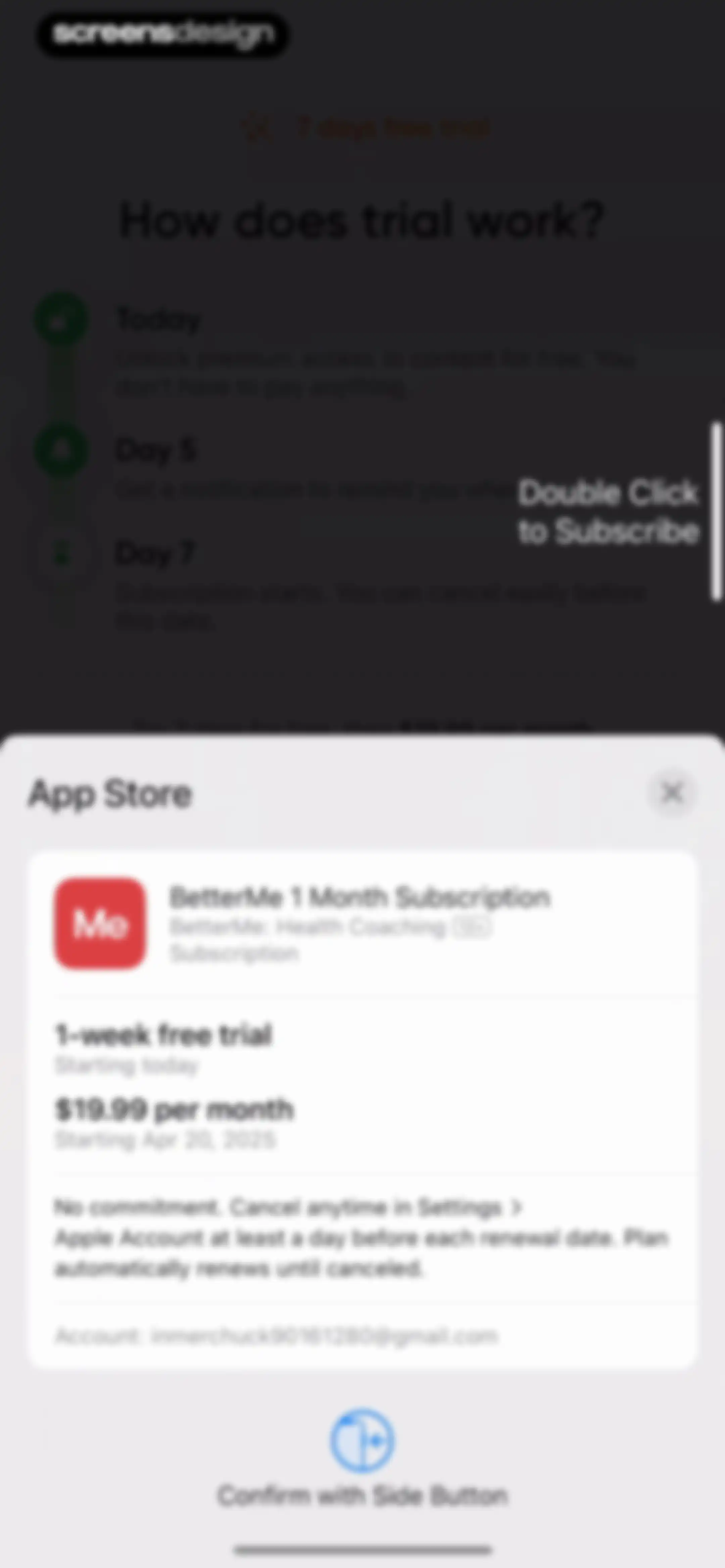
App Store subscription confirmation modal for BetterMe displaying a one-week free trial followed by a monthly plan and a subscribe action.Unlock Pro
Paywall success confirmation modal overlaying a trial timeline with an OK button.Unlock Pro
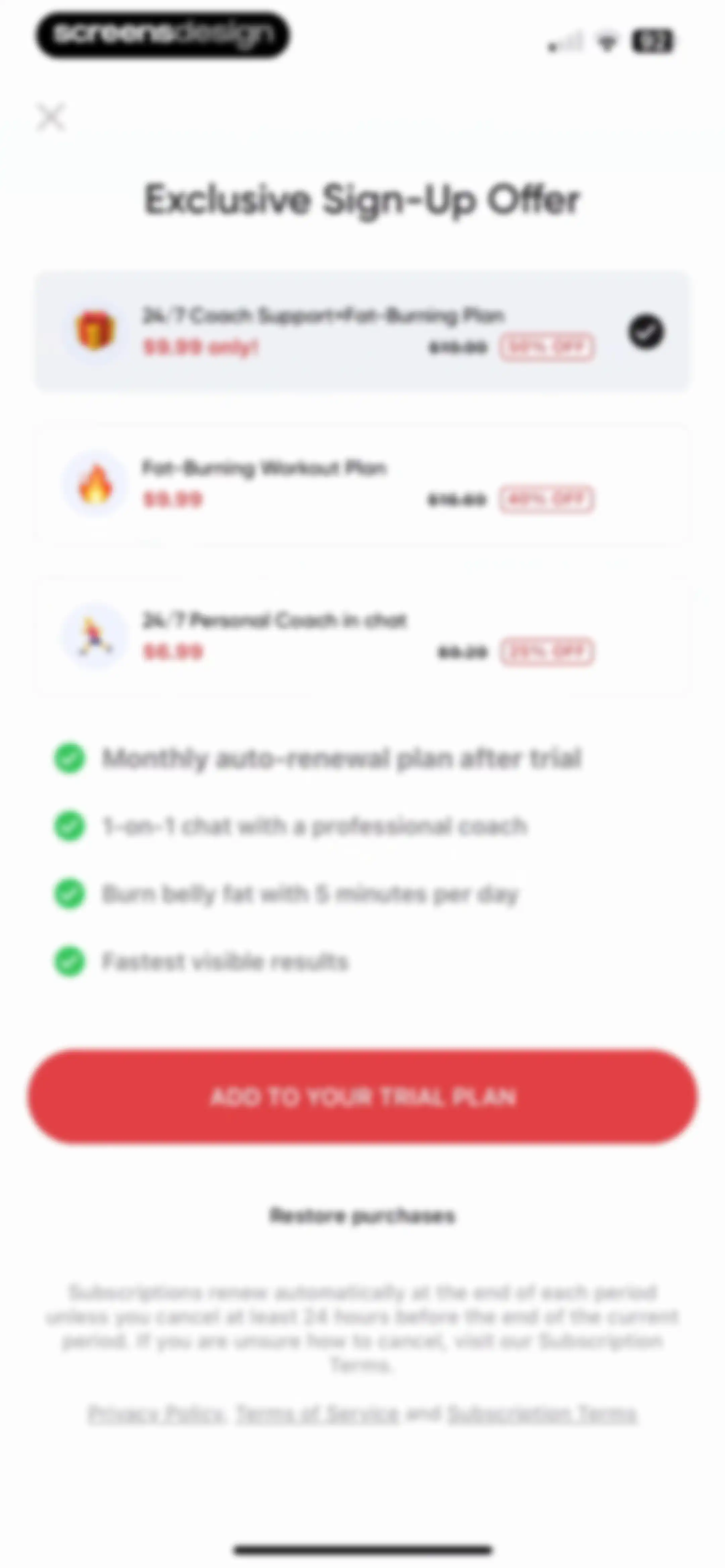
Paywall screen presenting three subscription plan options with discount badges, a list of benefits with checkmarks, and an add to trial plan button.Unlock Pro
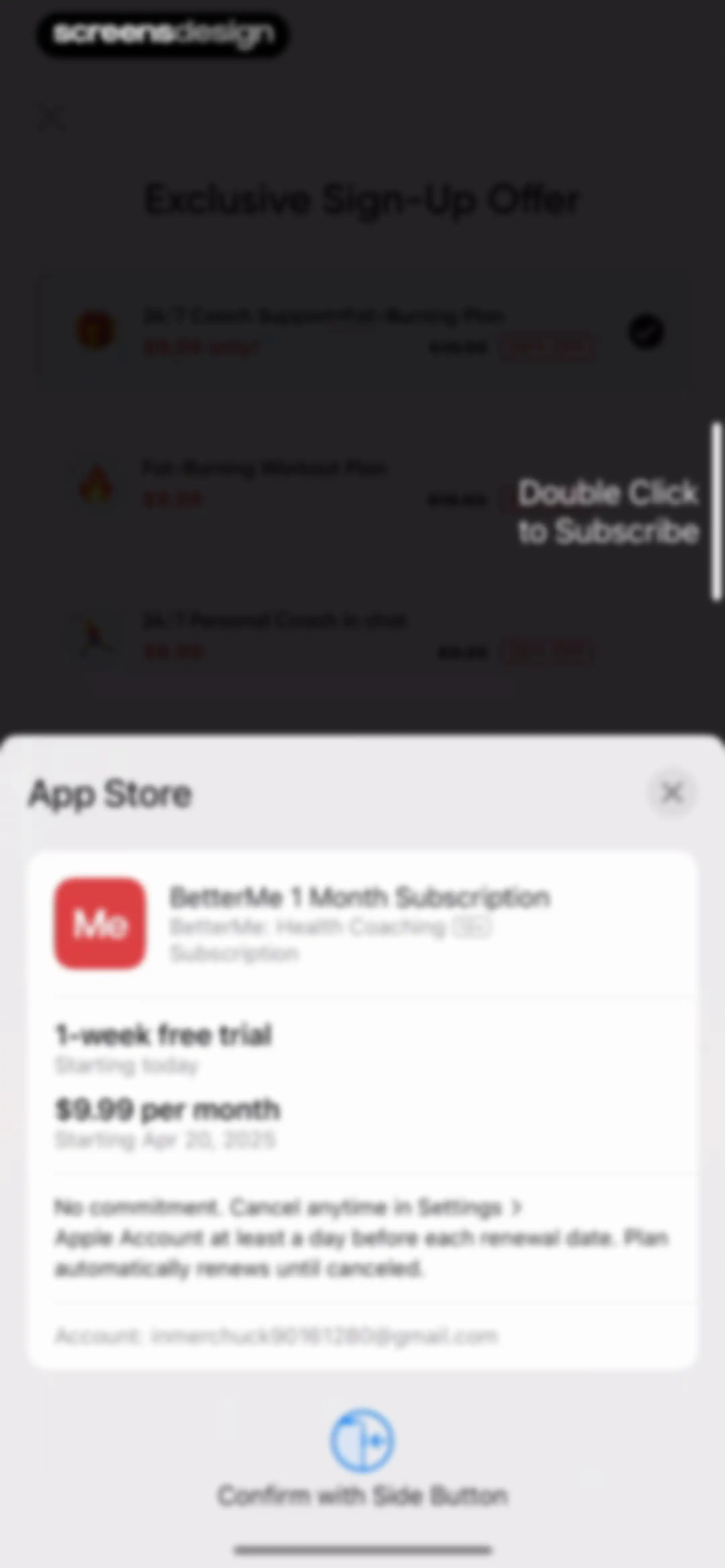
iOS system payment modal over a BetterMe subscription paywall, detailing a 1-week free trial and a confirm with side button action.Unlock Pro
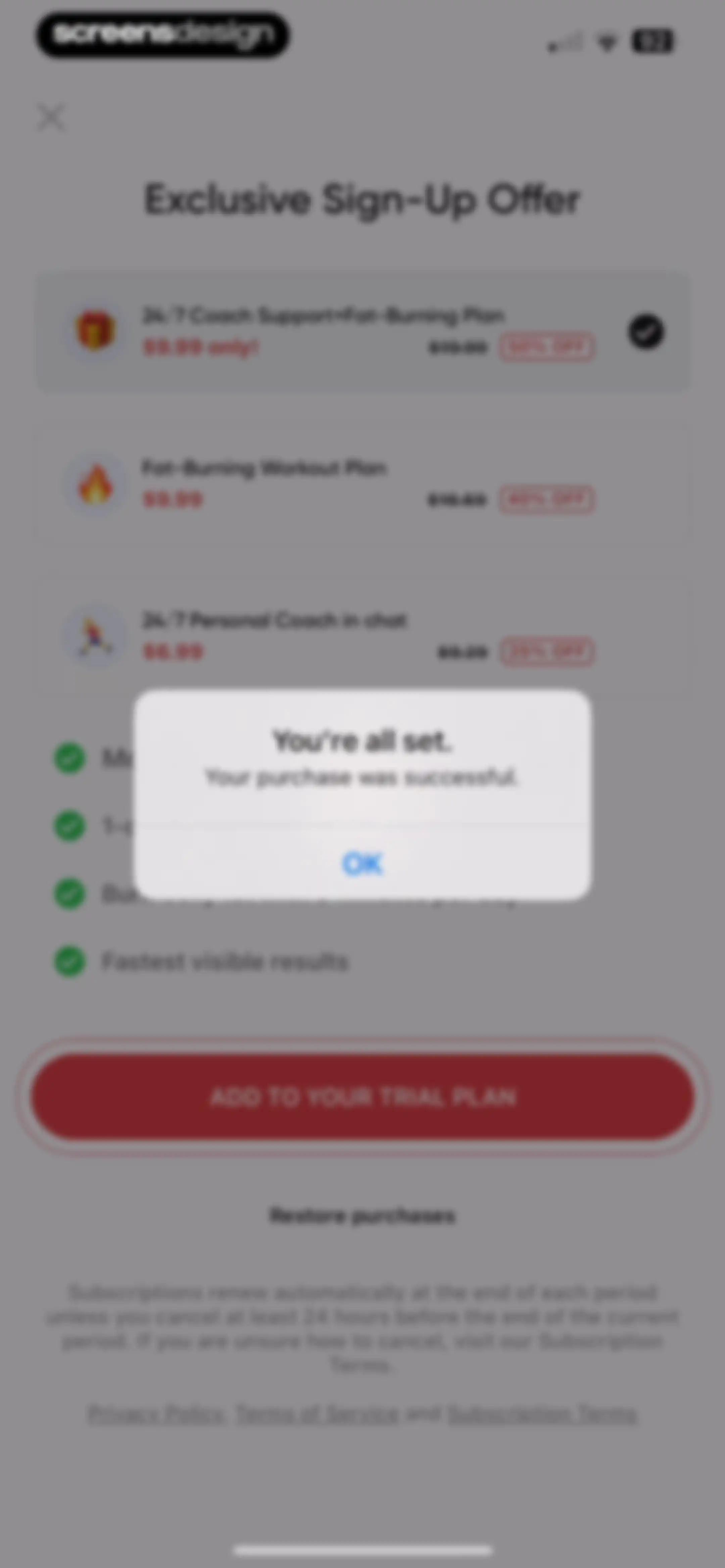
Paywall screen displaying subscription plans and an overlay modal indicating a successful purchase with an OK button.Unlock Pro
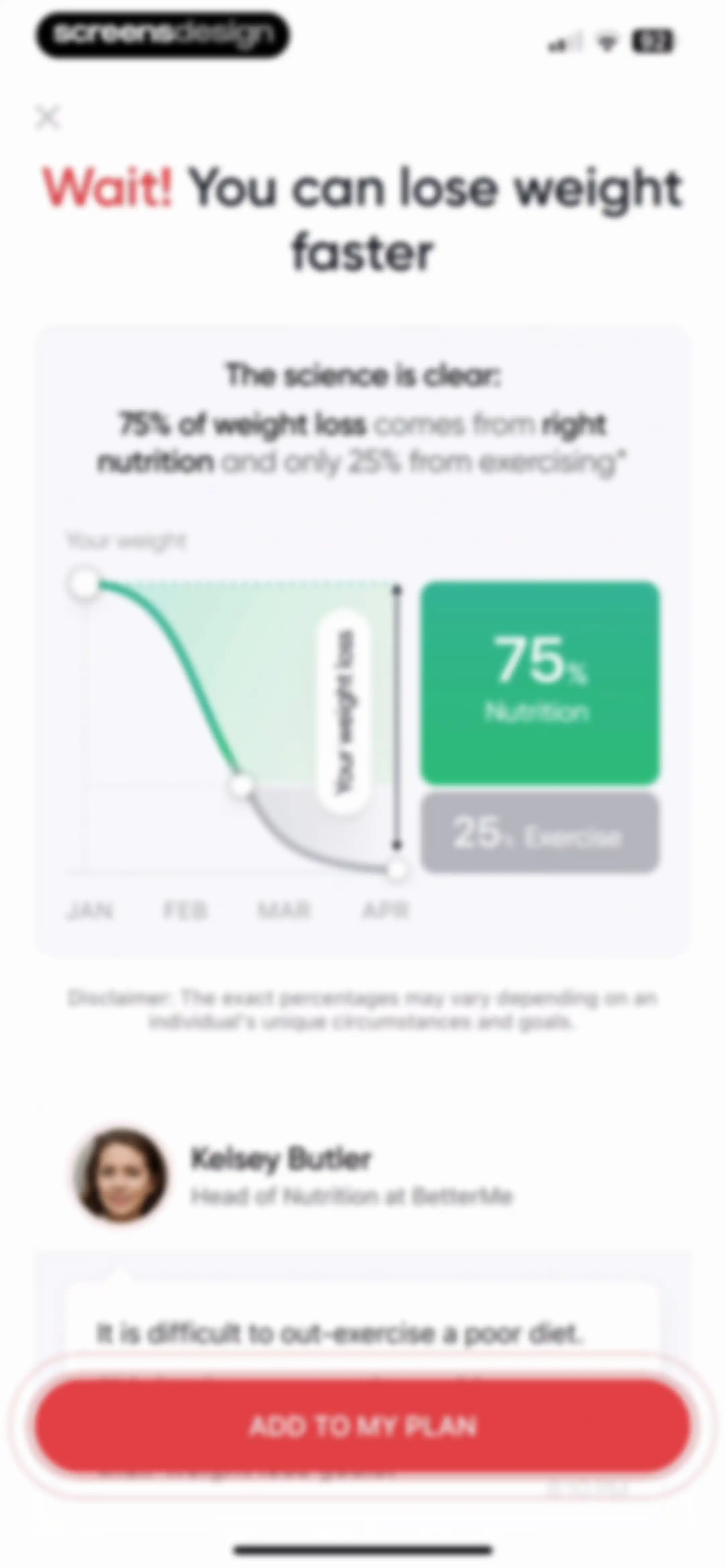
Paywall screen emphasizing the importance of nutrition over exercise for weight loss, featuring a data visualization and an Add To My Plan button.Unlock Pro
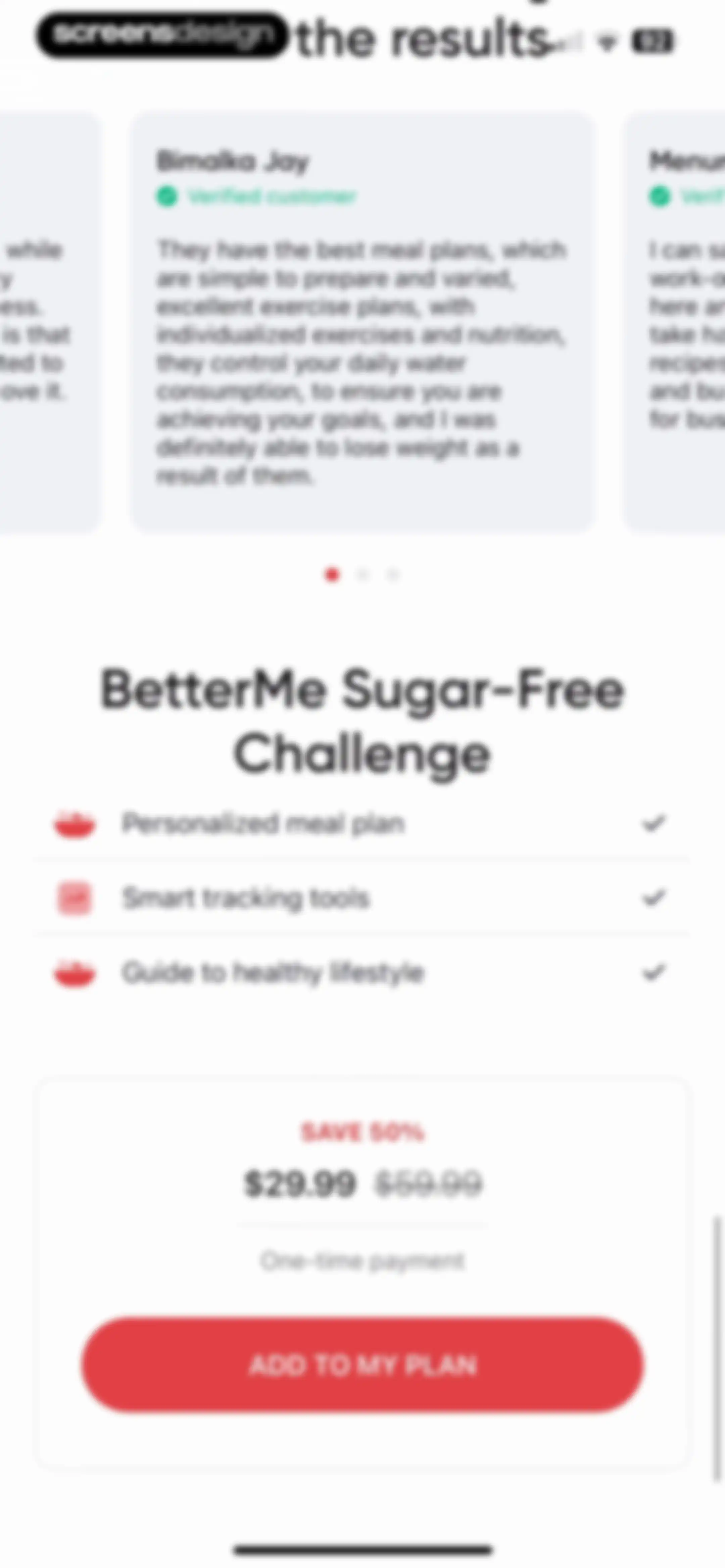
Paywall offering a 50 percent discount on the BetterMe Sugar-Free Challenge, with a customer testimonial, feature list, and an Add to My Plan button.Unlock Pro
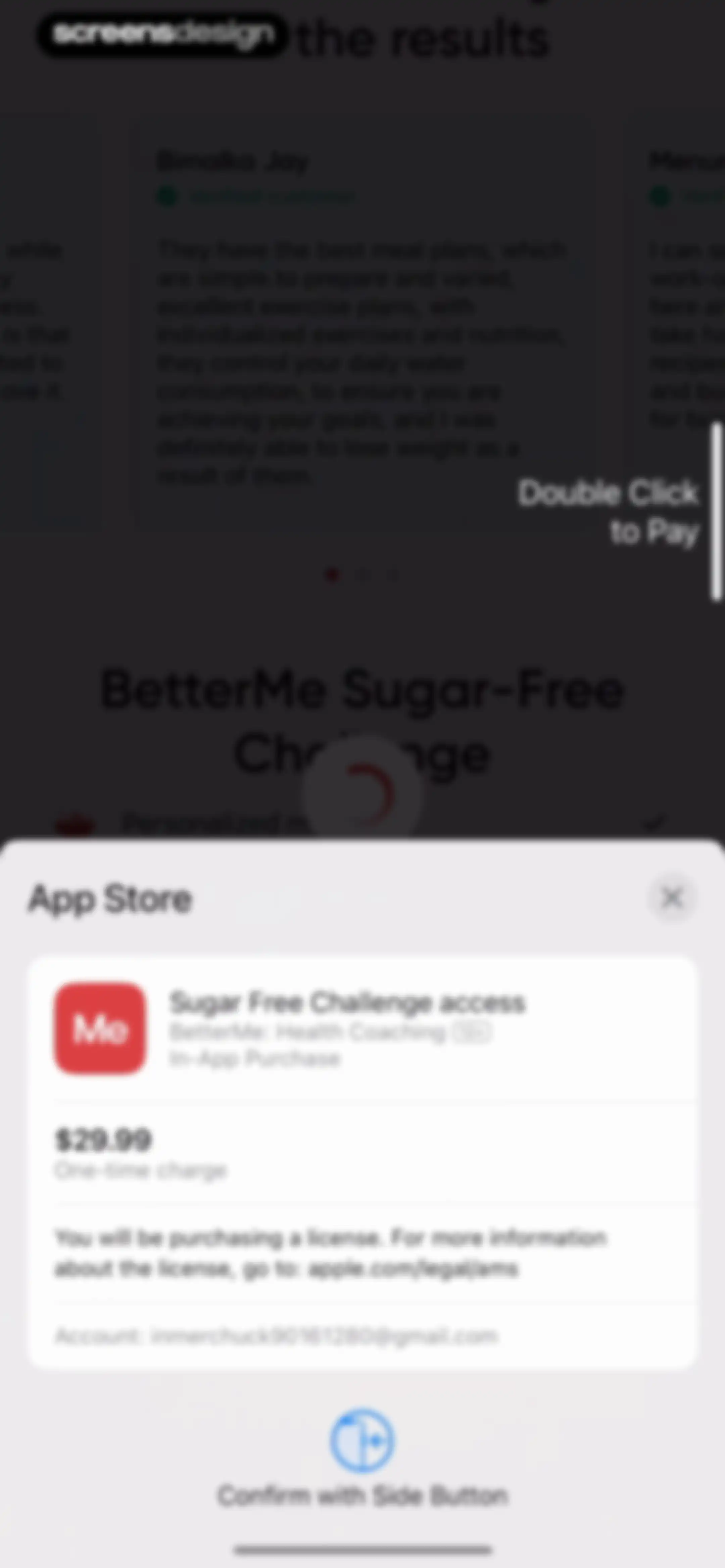
Checkout screen displaying an in-app purchase modal for a BetterMe challenge priced at $29.99 with a side button confirmation prompt.Unlock Pro
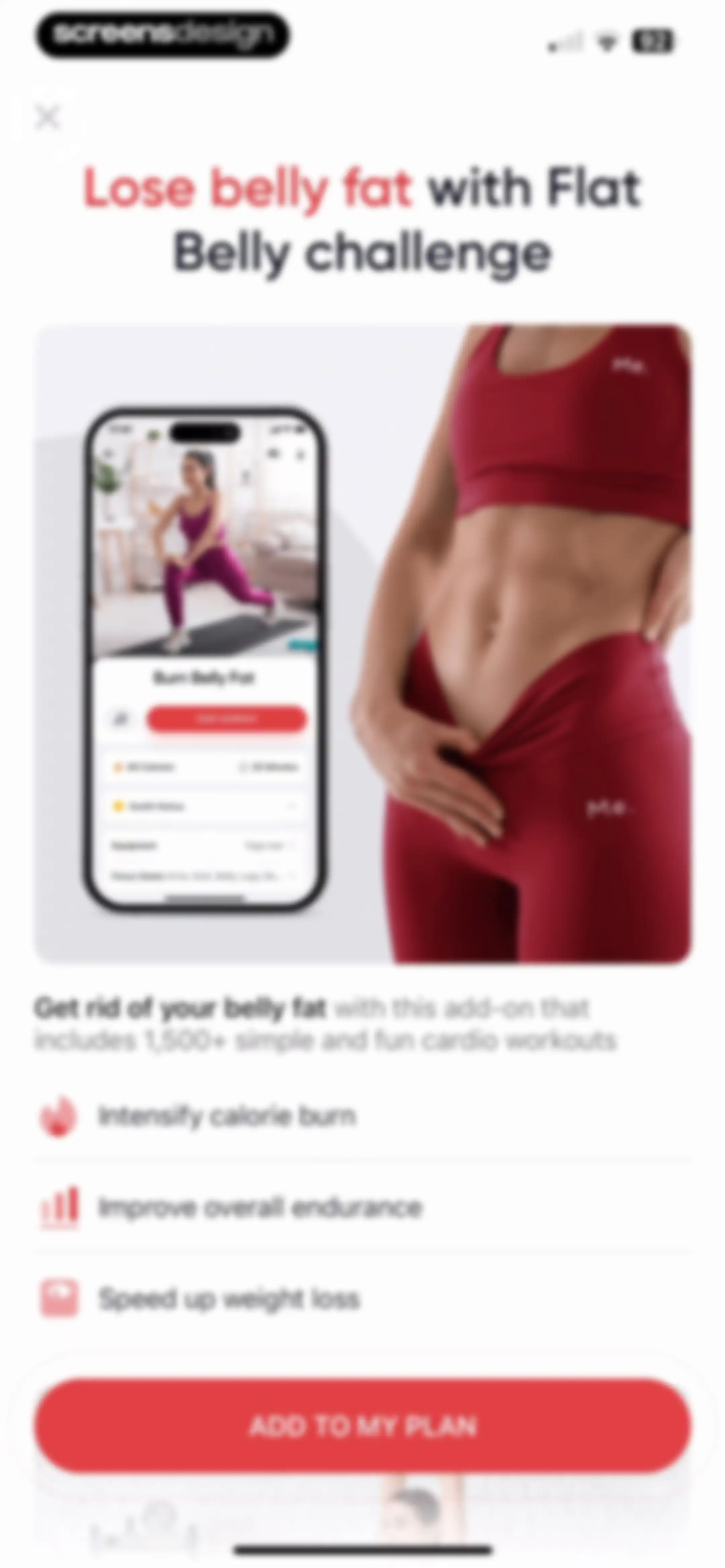
Paywall screen promoting a flat belly challenge add-on with benefit bullets and an Add to My Plan button.Unlock Pro
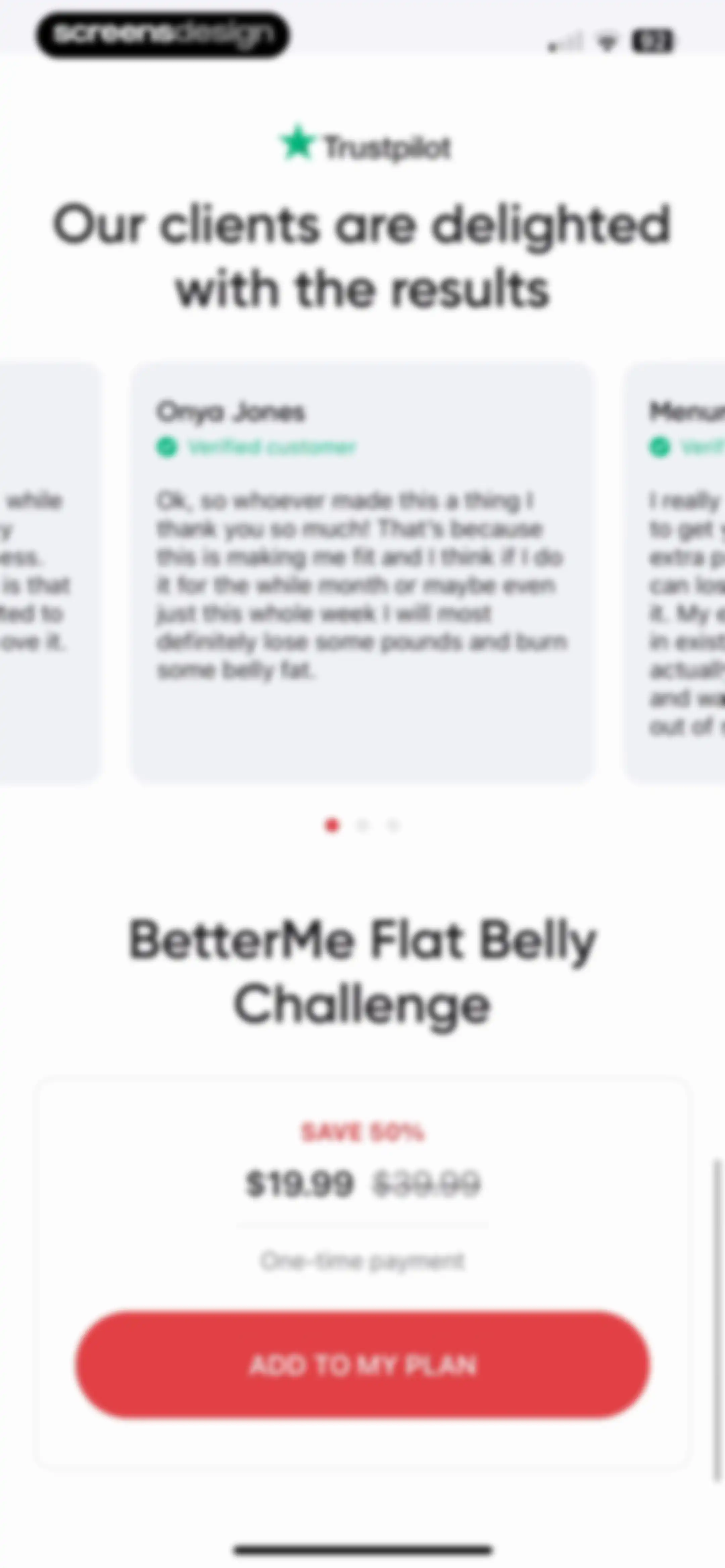
Paywall screen for the BetterMe Flat Belly Challenge featuring a Trustpilot testimonial carousel, a 50% discount offer, and an Add to My Plan button.Unlock Pro
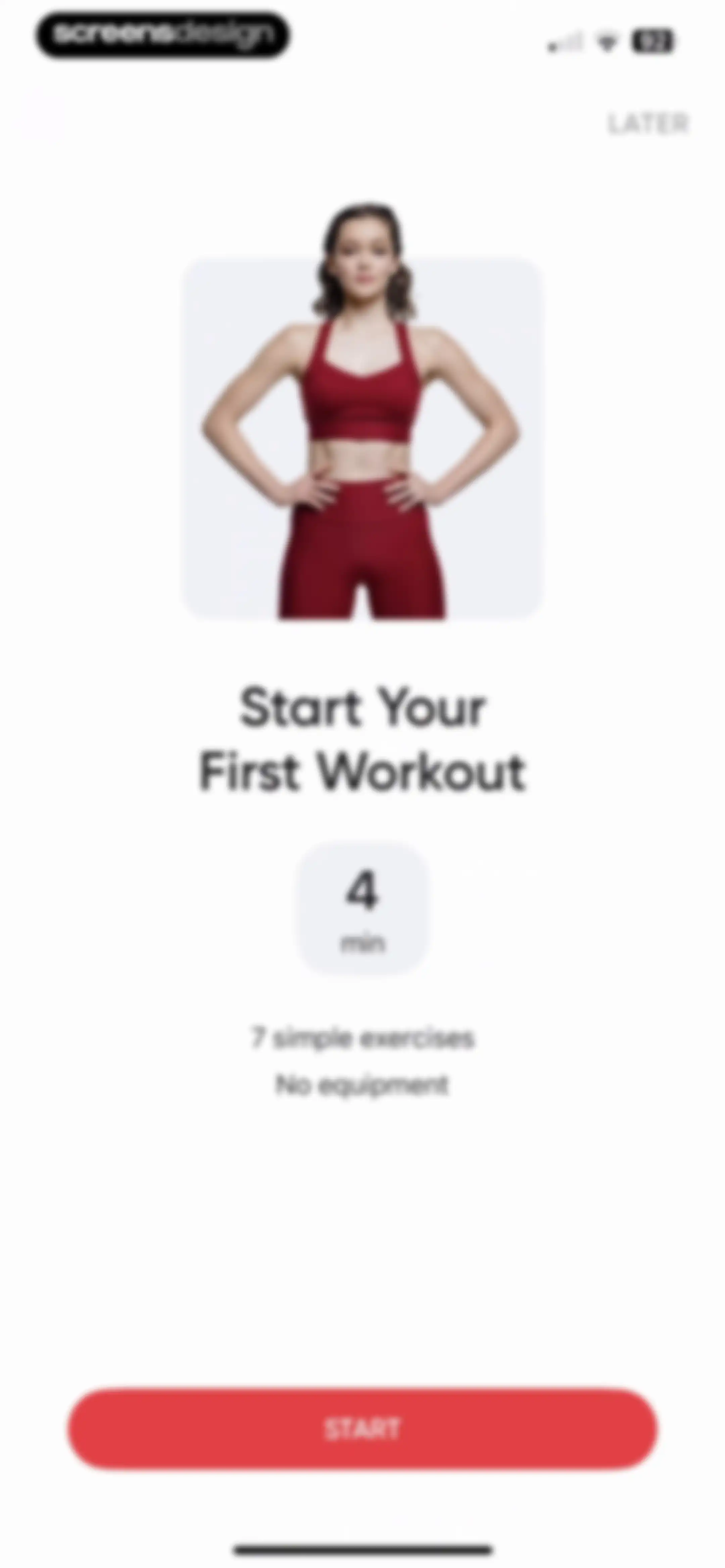
Fitness onboarding screen with a photo of a woman, a four-minute workout duration card, and a bottom Start button.Unlock Pro
Loading screen displaying a workout download progress bar over a blurred fitness background with a skip button in the top right corner.Unlock Pro
Workout session screen displaying an exercise video with a countdown timer, stats row, navigation buttons, and an exercise info card.Unlock Pro
Workout session screen displaying a live exercise timer, progress bar, and a card for the Plie Squat with Alternating Calf Raise.Unlock Pro
Workout player screen showing a video exercise with elapsed time, calorie count, and a preview card for the next exercise.Unlock Pro
Workout player interface showing an exercise video, progress bar, stats, navigation buttons, and an Angel Arms exercise card.Unlock Pro
Workout player screen with a video demonstration, elapsed time and calorie stats, exercise navigation buttons, and a bottom card previewing the next exercise.Unlock Pro
Workout player interface displaying an exercise video, elapsed time and calorie metrics, navigation buttons, and a card for the current exercise.Unlock Pro
Workout player screen showing an exercise video, elapsed time metrics, navigation buttons, and a bottom card for Glute Bridge Calf Raise.Unlock Pro
Workout tracking screen showing an exercise video player, elapsed time and calorie metrics, navigation buttons, and a Finish Workout summary card.Unlock Pro
Success confirmation screen featuring a central checkmark icon over a vibrant red background patterned with 3D emojis and stars.Unlock Pro
Workout completion summary in the BetterMe app, showing stats like duration and calories burned, with a CONTINUE button.Unlock Pro
Workout completion summary in the BetterMe app featuring a completed status, metrics list, and a Continue button.Unlock Pro
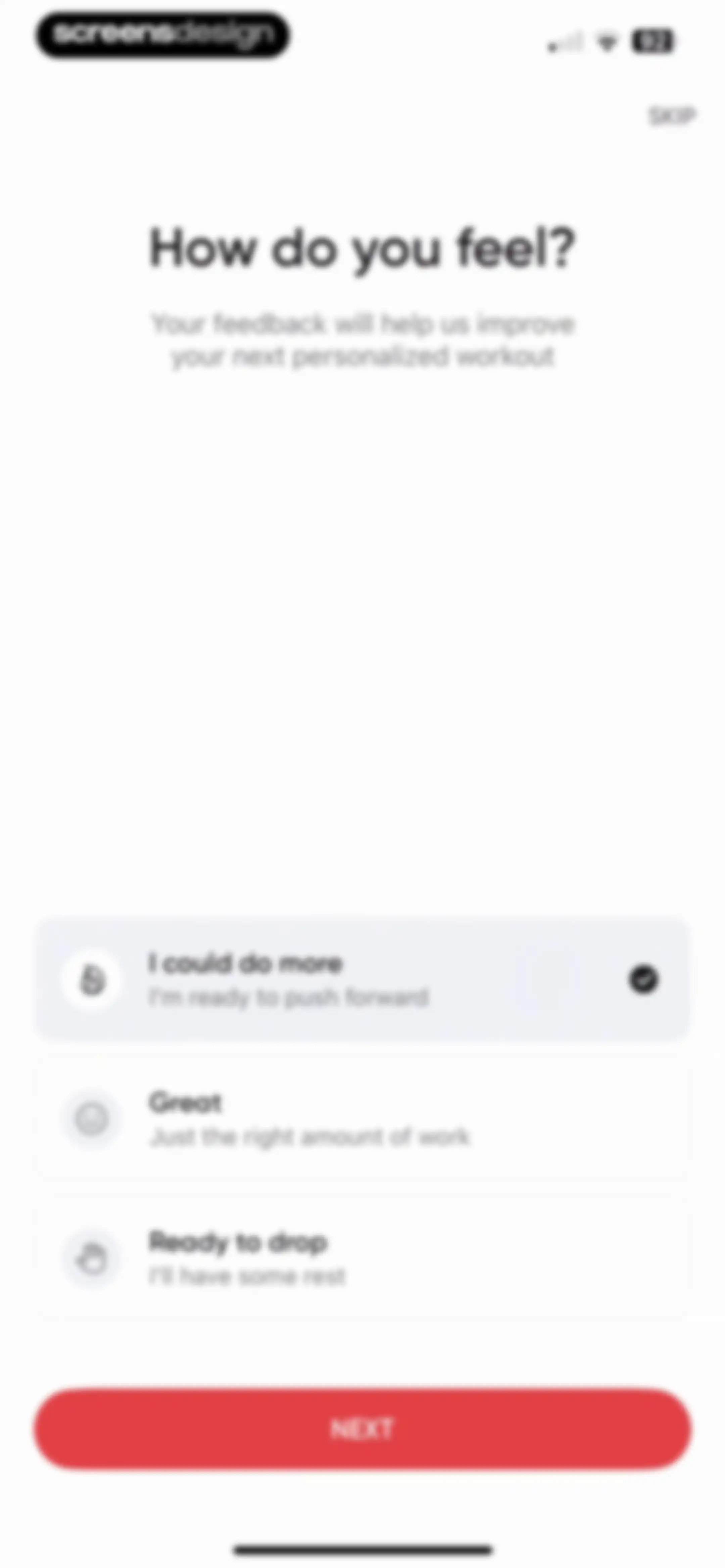
Fitness feedback form asking how the user feels with three selectable cards, the first card selected, a Skip button, and a Next button.Unlock Pro
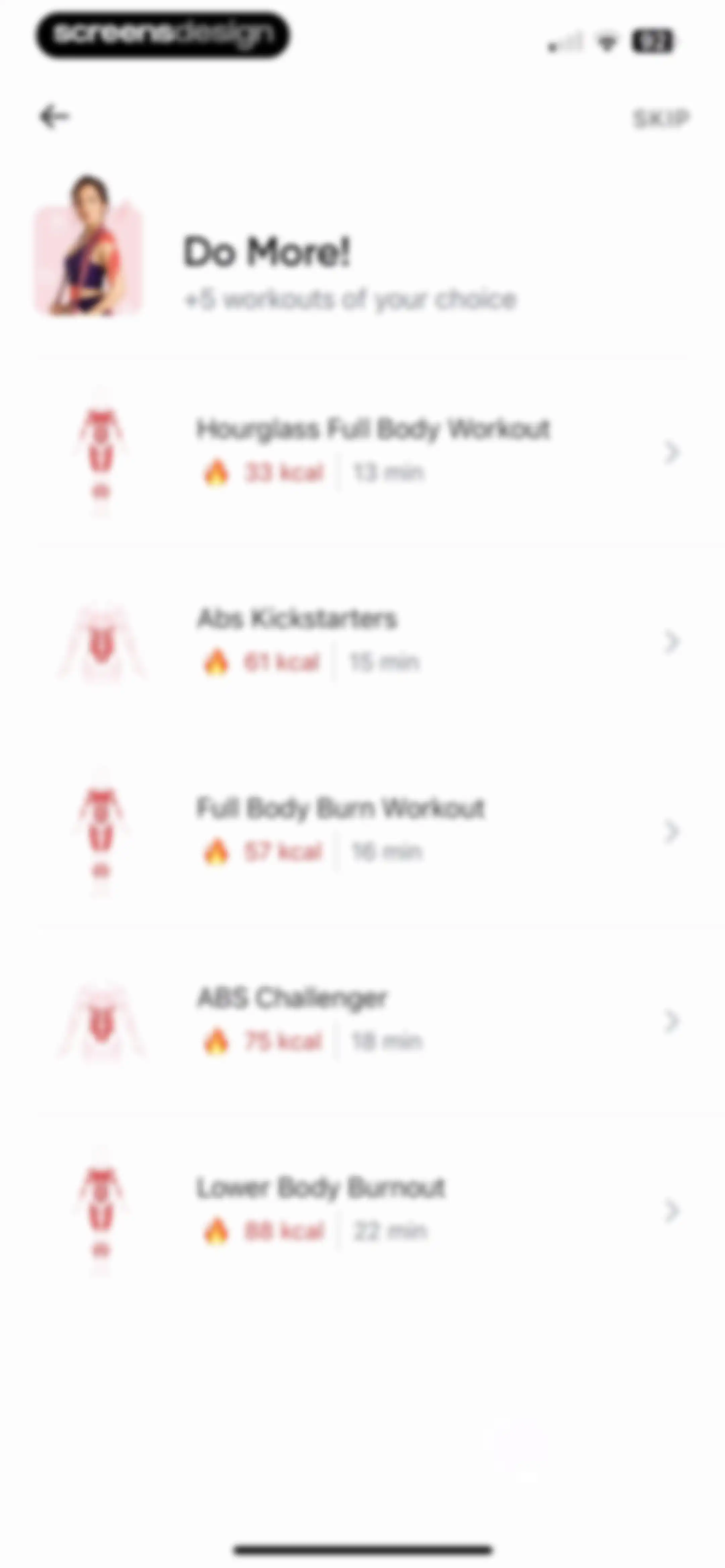
Fitness onboarding workout selection screen with a vertical list of selectable workout cards and a skip button at the top right.Unlock Pro
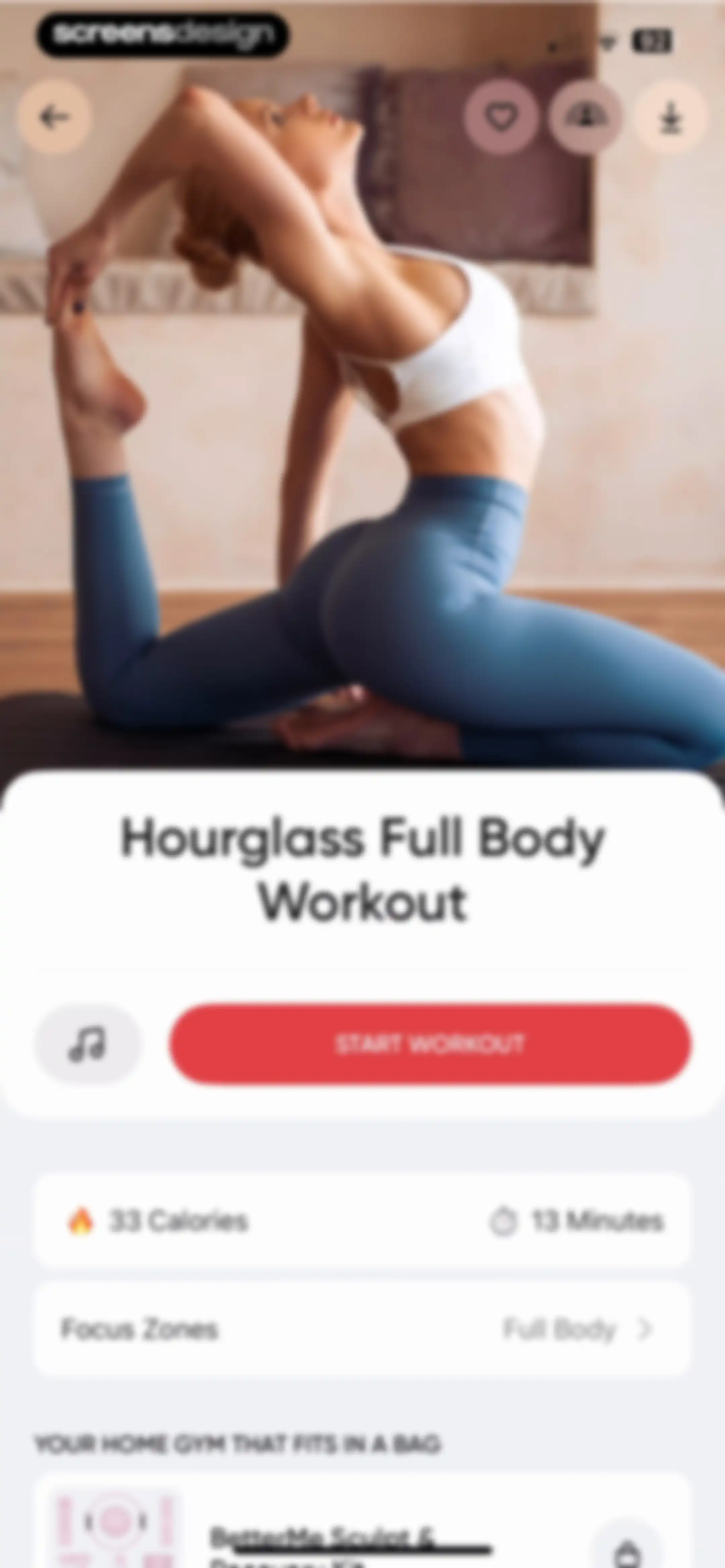
Workout details screen for Hourglass Full Body Workout showing a start button, stats, focus zones, and a promotional product card.Unlock Pro
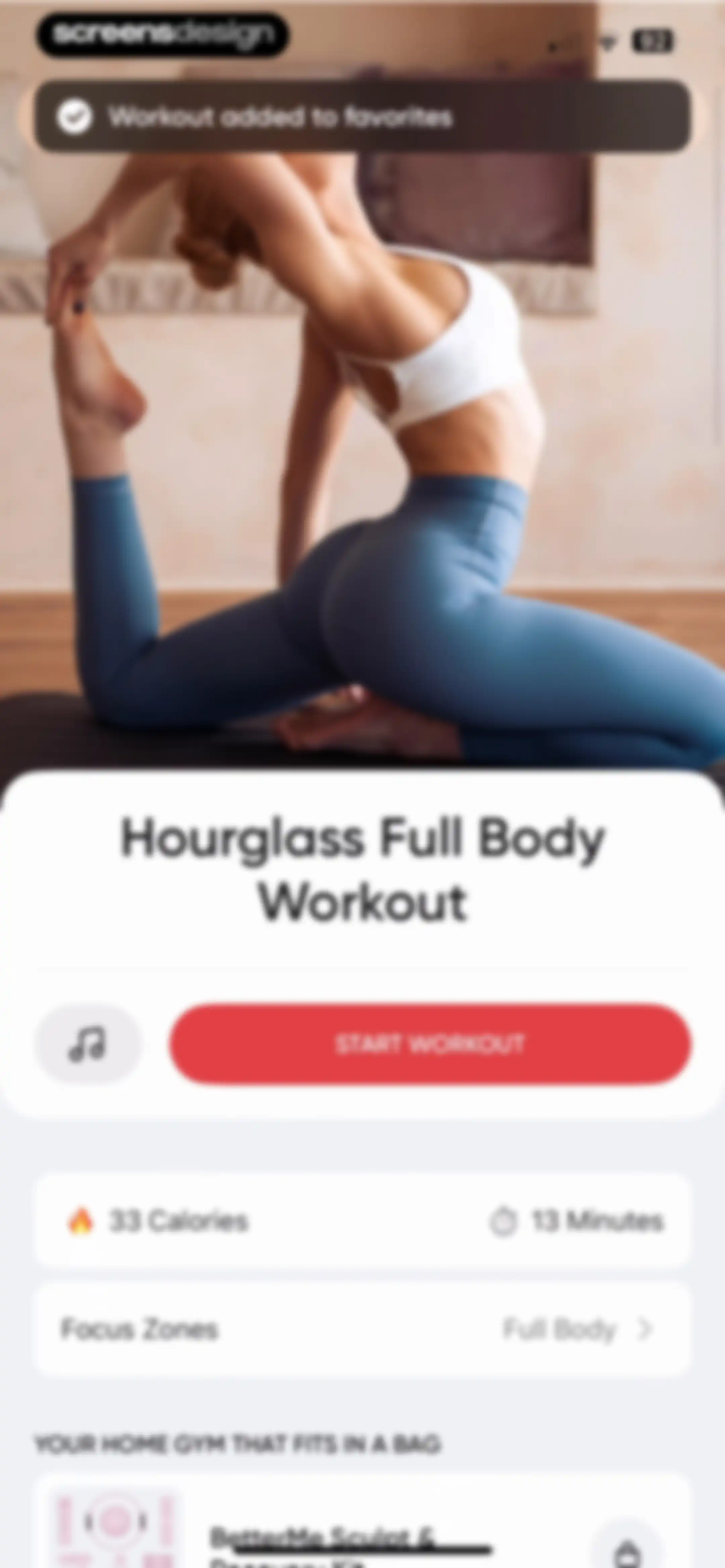
Workout detail screen in the BetterMe app displaying the Hourglass Full Body Workout title, metrics, a start button, and a promotional product card.Unlock Pro
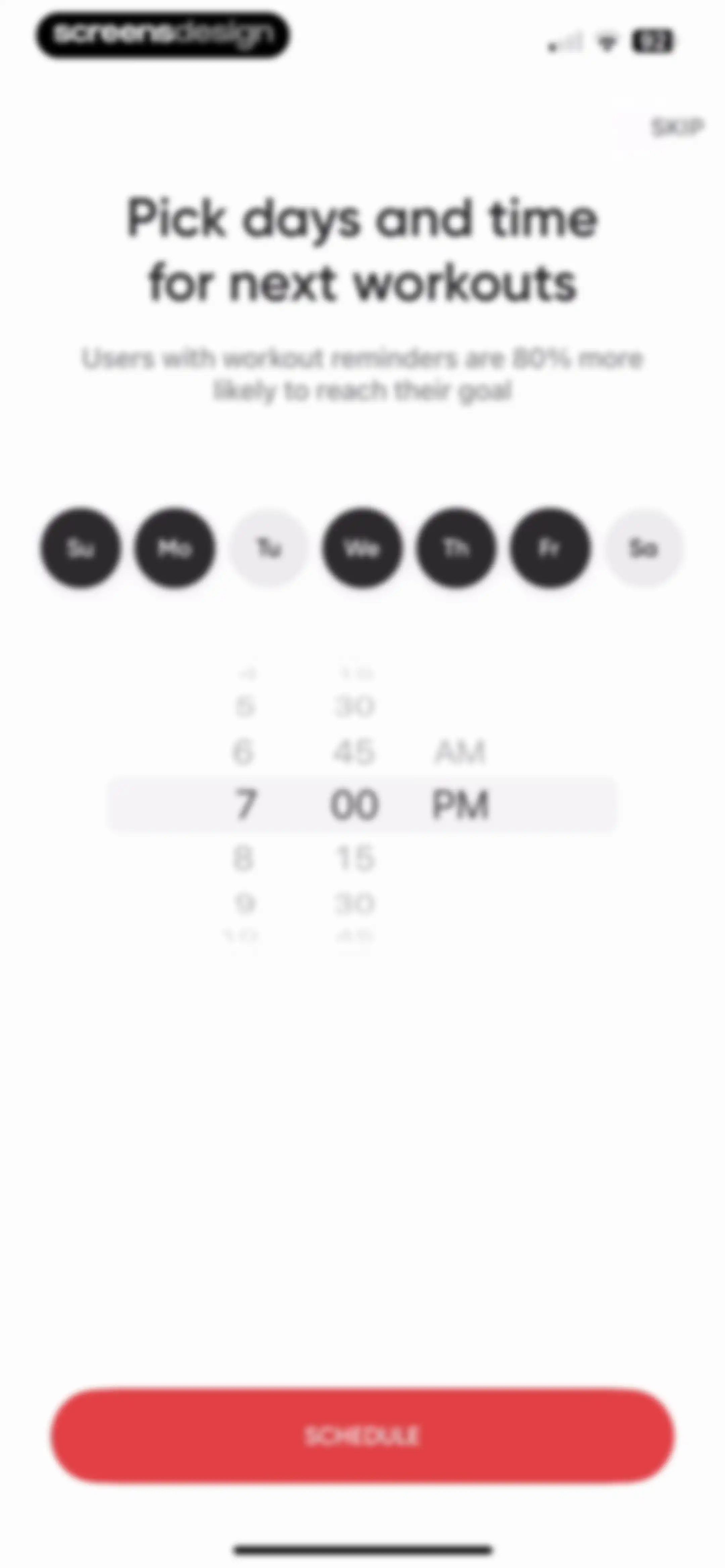
Workout reminder setup screen with a day selector, a time picker, a skip button, and a schedule button.Unlock Pro
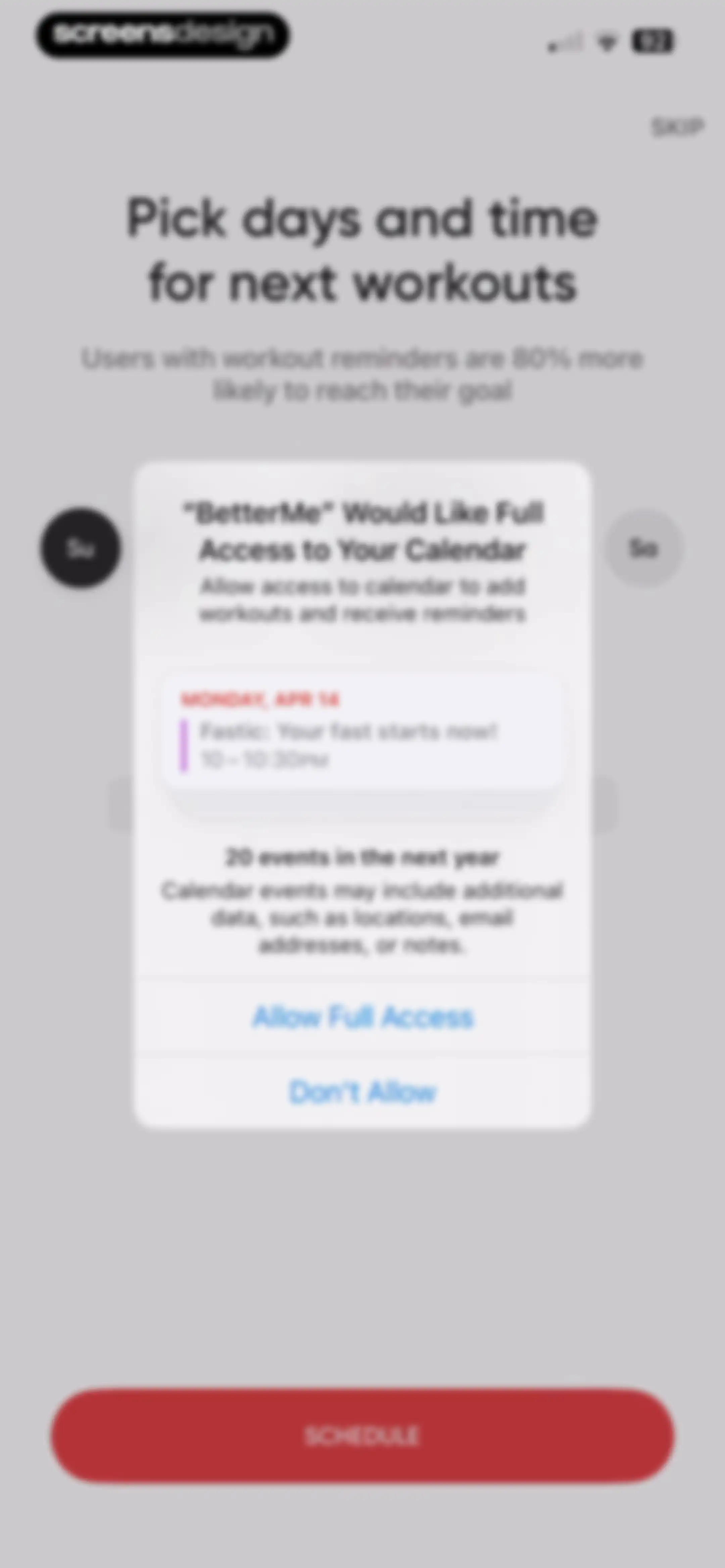
Permission request screen asking for calendar access to add workouts and receive reminders, with allow and don't allow buttons.Unlock Pro
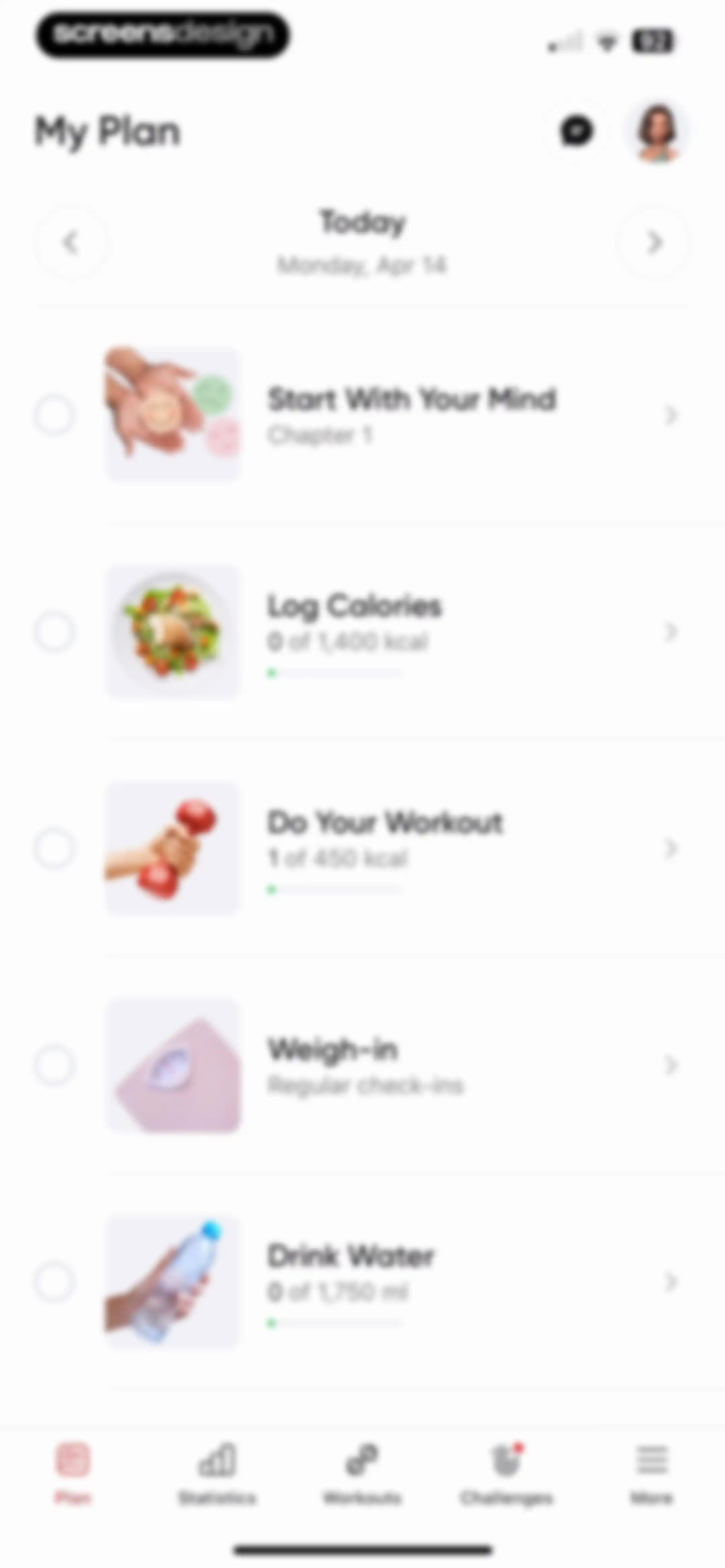
Dashboard featuring a daily health and fitness checklist with tasks like log calories, workouts, and water intake.Unlock Pro
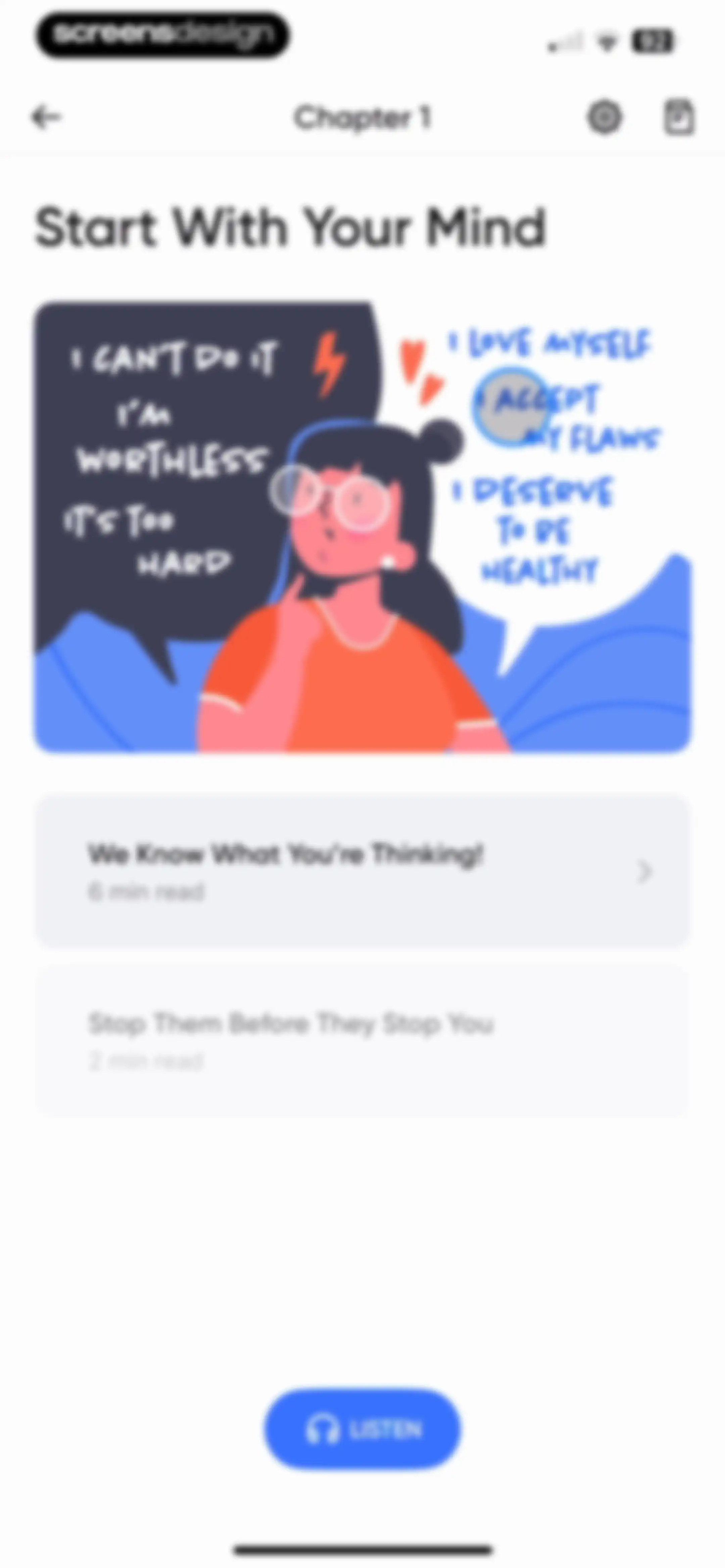
Content feed featuring a mindset illustration, two reading cards, and a bottom listen button for audio playback.Unlock Pro
BetterMe onboarding screen explaining stimulus-response psychology with an illustration, page indicator, and bottom buttons for stimulus and response.Unlock Pro
Onboarding educational screen about negative thoughts with a central illustration and a Next button.Unlock Pro
Onboarding educational screen about negative thoughts and weight loss, featuring an example list and a Next button.Unlock Pro
Educational onboarding screen explaining cognitive reframing of negative thoughts with examples of automatic thoughts, inaccuracies, and realities.Unlock Pro
Onboarding educational screen explaining how core beliefs fuel automatic thoughts, with explanatory text, two diagrams, and page progress indicator 5/7.Unlock Pro
Onboarding educational screen explaining core beliefs with a step-by-step example and a Next button.Unlock Pro
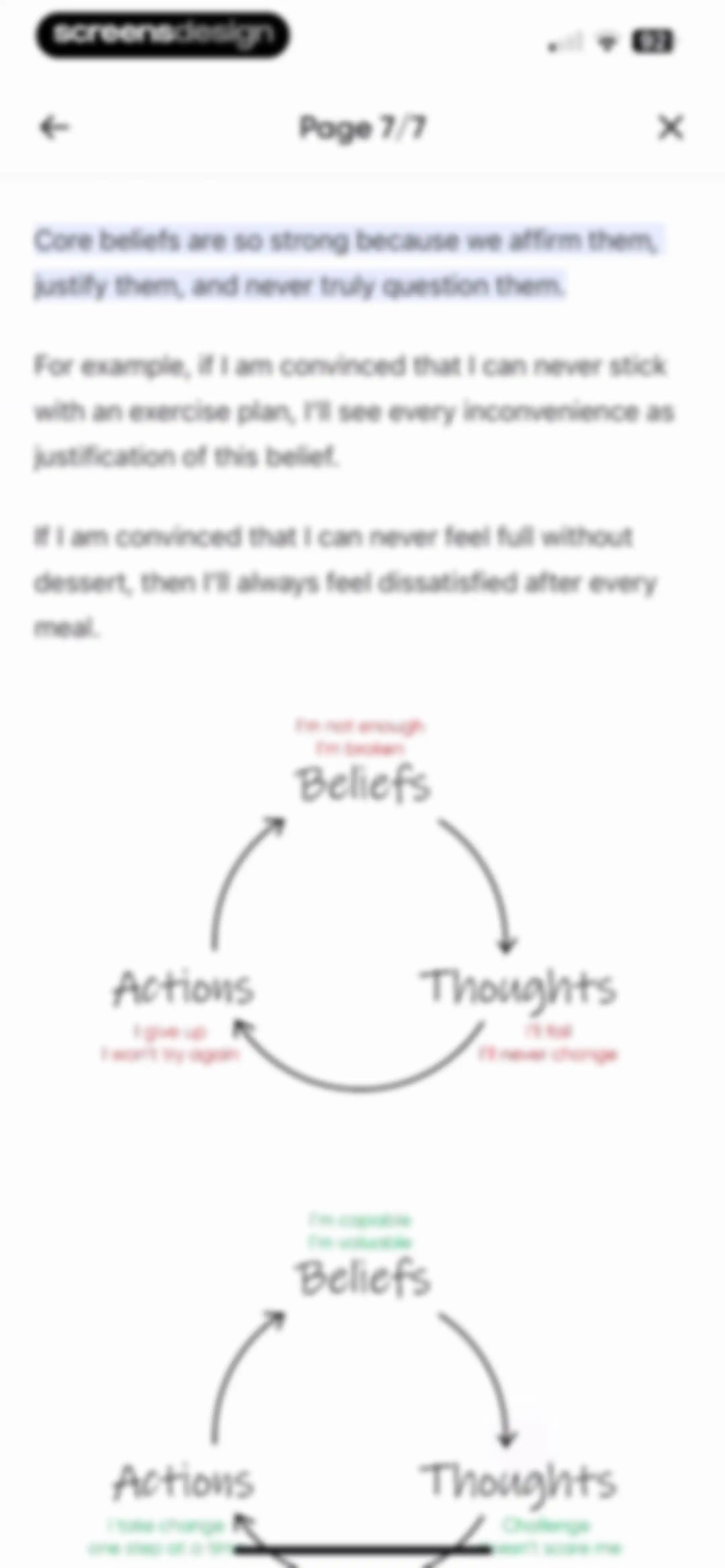
Onboarding educational screen explaining core beliefs with stacked negative and positive feedback loop diagrams.Unlock Pro
Task completion screen featuring a congratulatory message, a thumbs-up illustration, and a next content recommendation card with a Read Now button.Unlock Pro
BetterMe onboarding screen explaining how to identify automatic thoughts, featuring a title and instructional steps with a page indicator.Unlock Pro
BetterMe onboarding questionnaire screen with selectable trigger options and a Next button to proceed.Unlock Pro
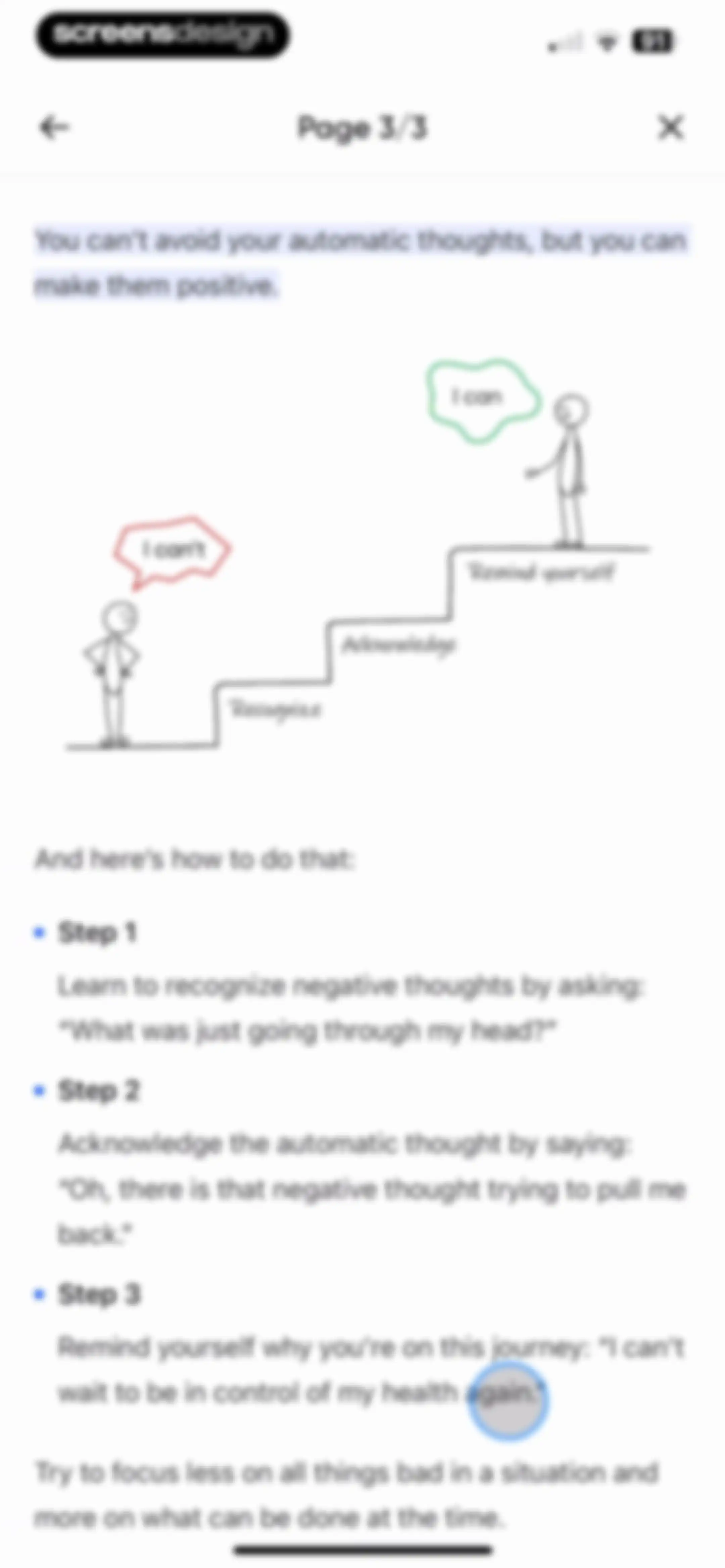
BetterMe onboarding educational screen detailing three steps to recognize, acknowledge, and manage negative thoughts, accompanied by a mindset illustration.Unlock Pro
Daily lesson completion modal with a congratulatory message, a thumbs-up illustration, and a See Ya button.Unlock Pro
Feedback prompt modal asking how the journey is going with BetterMe, with Great and Could Be Better response buttons.Unlock Pro
Chapter educational module featuring a mindset illustration, completed content cards, and a bottom listen action button.Unlock Pro
Audio player screen for mindfulness track We Know What You're Thinking!, featuring a progress bar, playback controls, and a chapter list at the bottom.Unlock Pro
Settings menu listing Appearance and Reminders options with a close button at the top.Unlock Pro
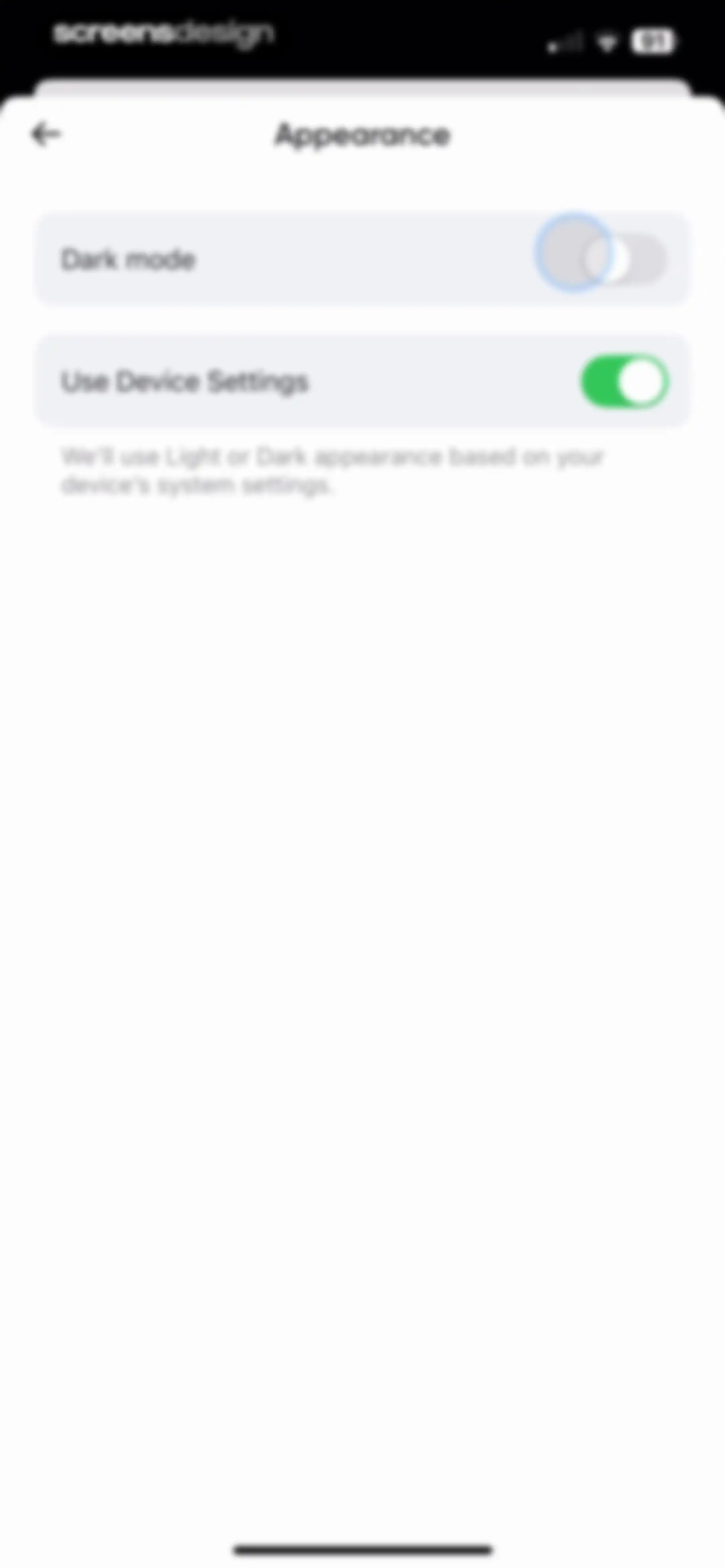
Appearance settings screen with toggles for dark mode and device settings sync.Unlock Pro
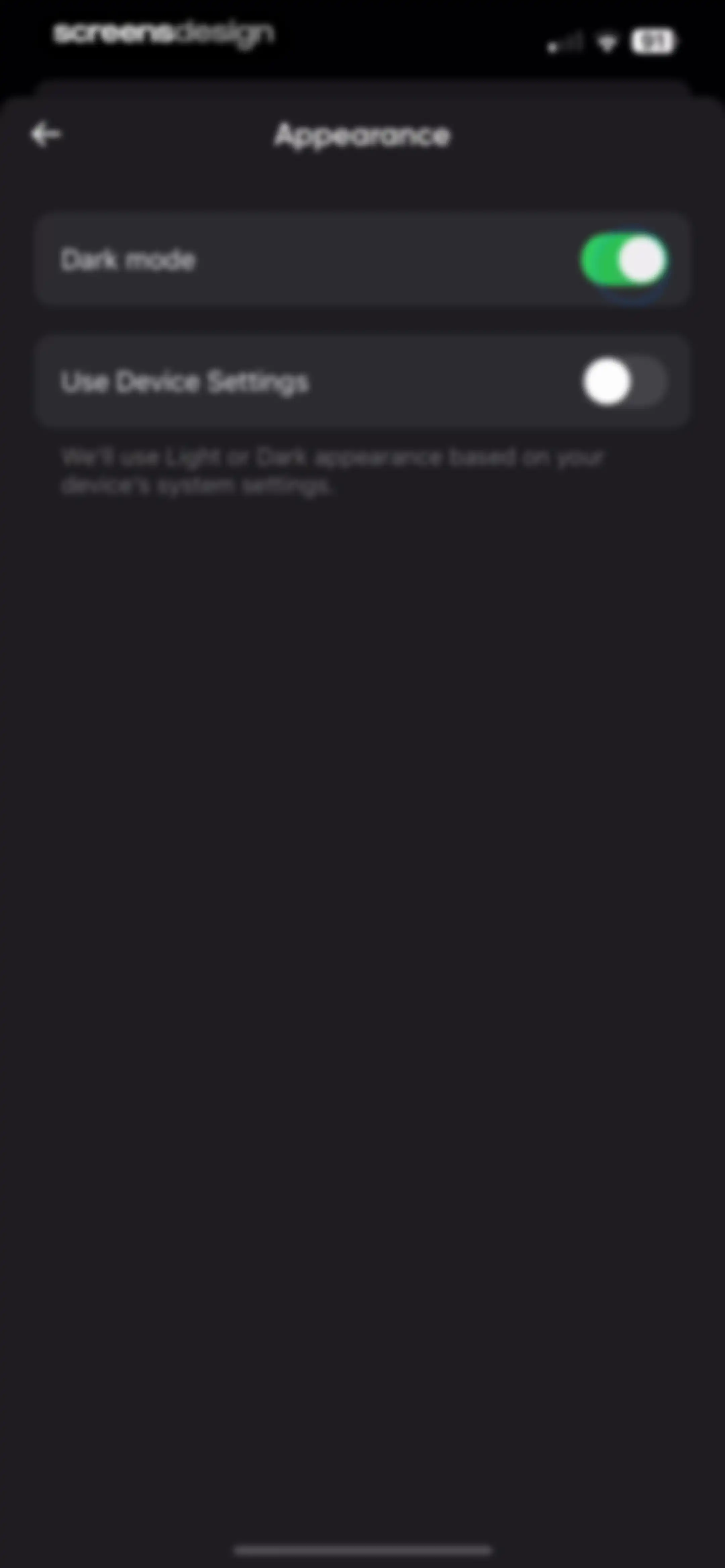
Appearance settings screen with dark mode enabled and a toggle for using device system settings.Unlock Pro
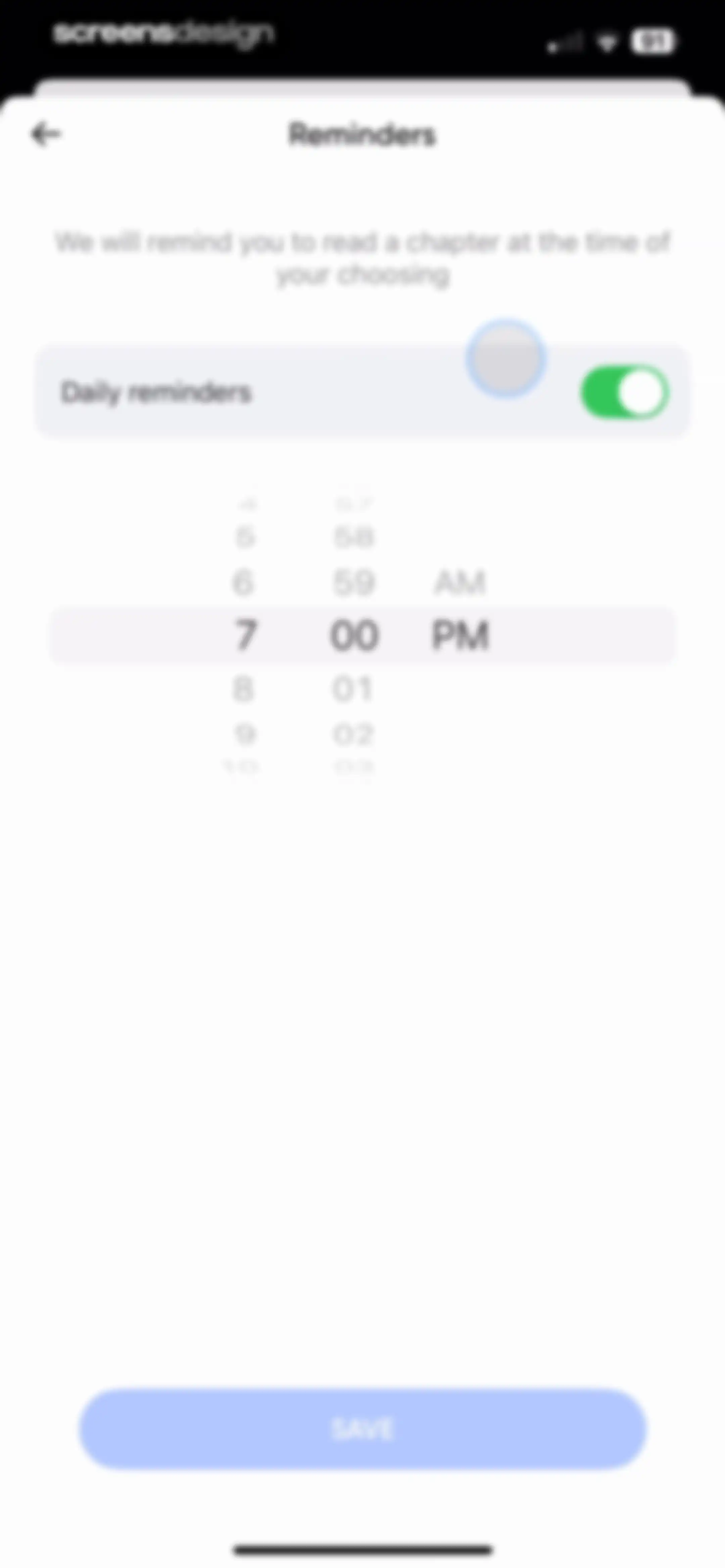
BetterMe reminder settings screen with a daily reminders toggle, time picker wheel set to 7:00 PM, and a Save button.Unlock Pro
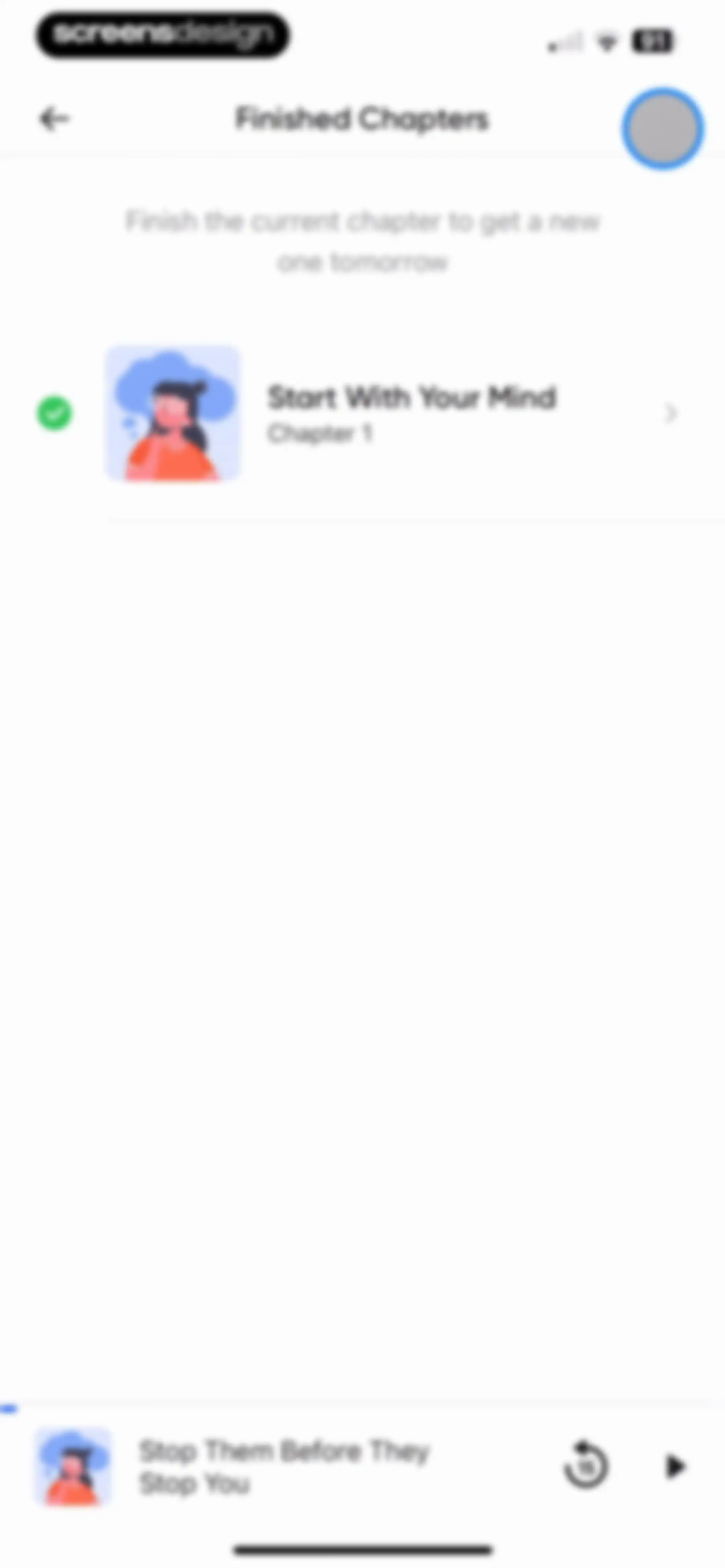
Content feed listing finished chapters with a completion checkmark and a persistent audio player bar at the bottom.Unlock Pro
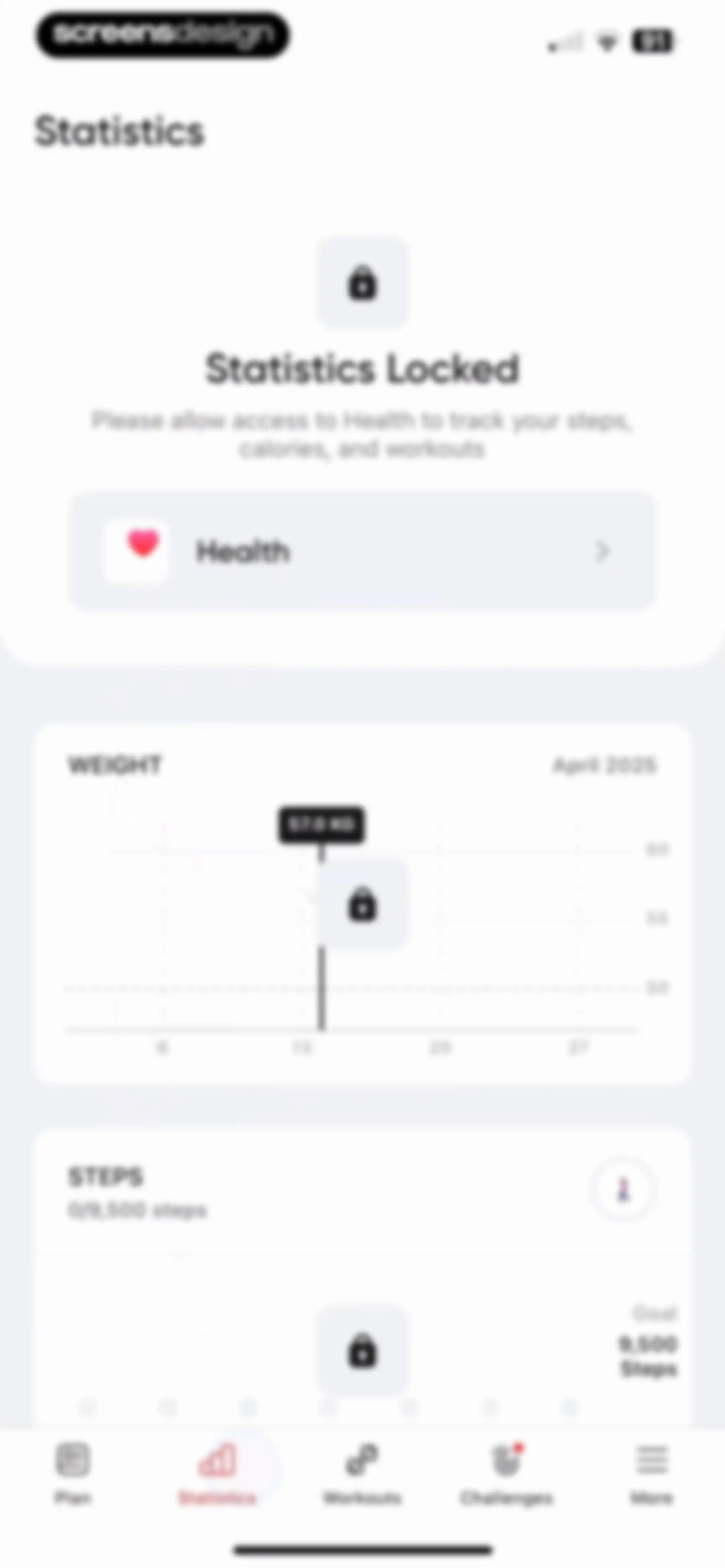
Statistics dashboard showing locked weight and steps tracking features with a prompt to allow access to Health data.Unlock Pro
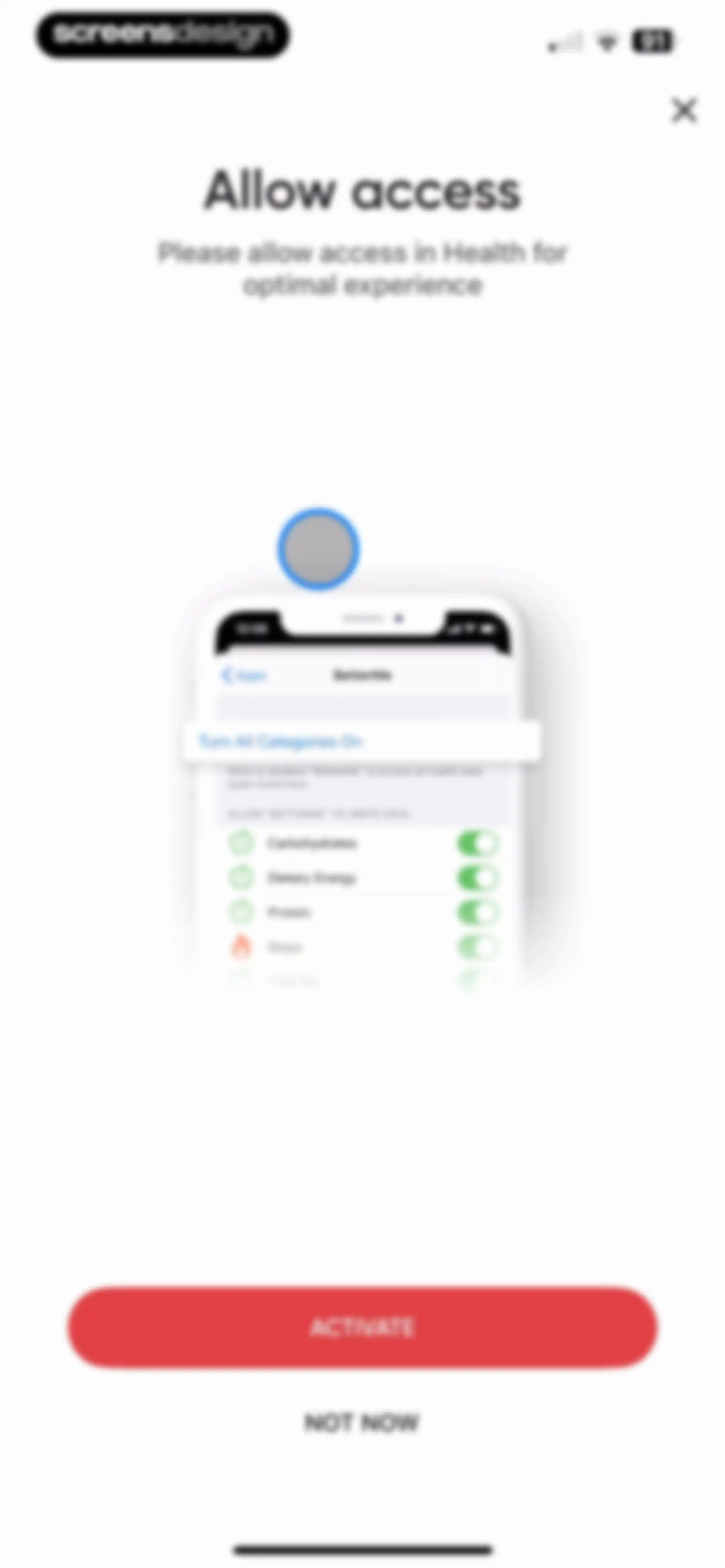
Permission request screen asking the user to allow the BetterMe app access to health data, featuring an Activate button and a Not Now link.Unlock Pro
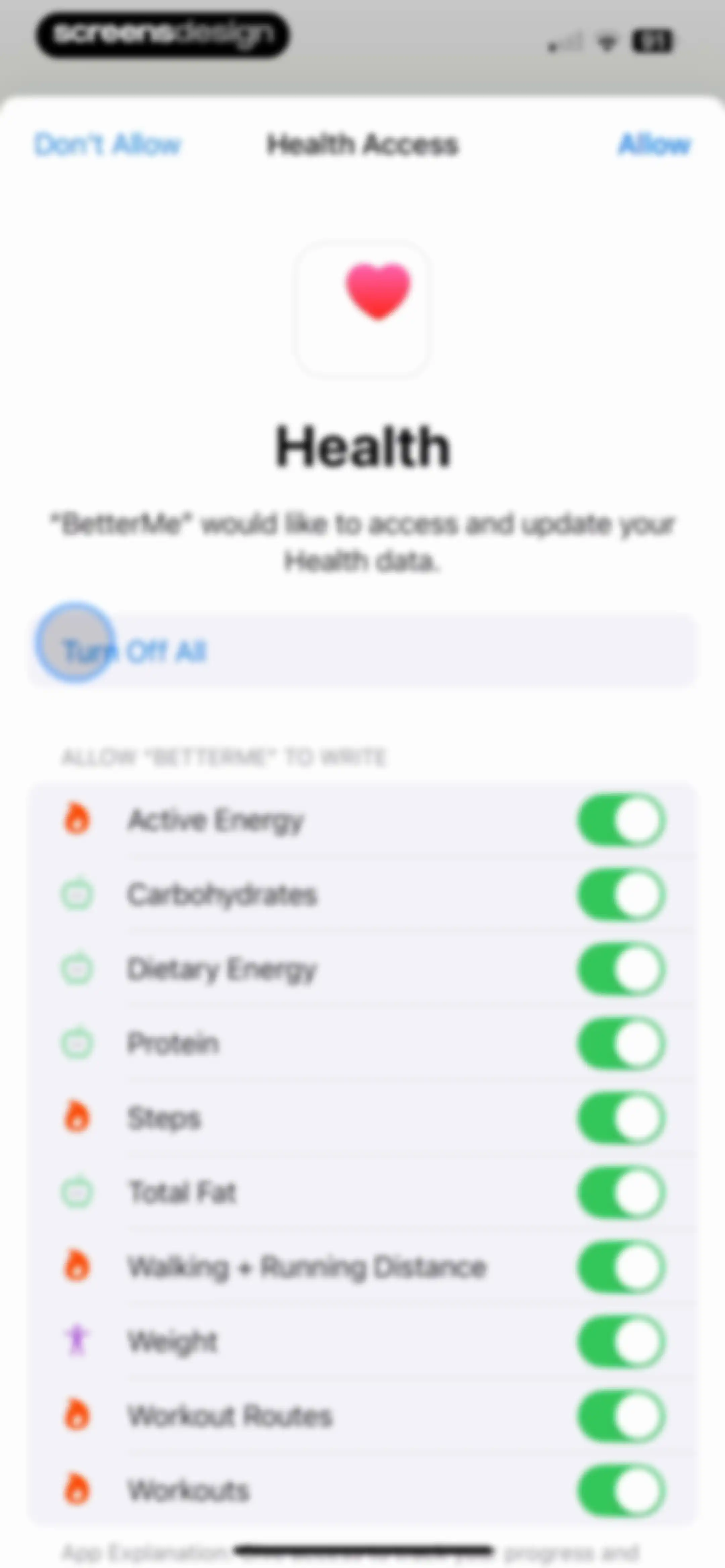
Permissions screen requesting health data access for BetterMe, featuring a master Turn Off All toggle and a list of specific health categories.Unlock Pro
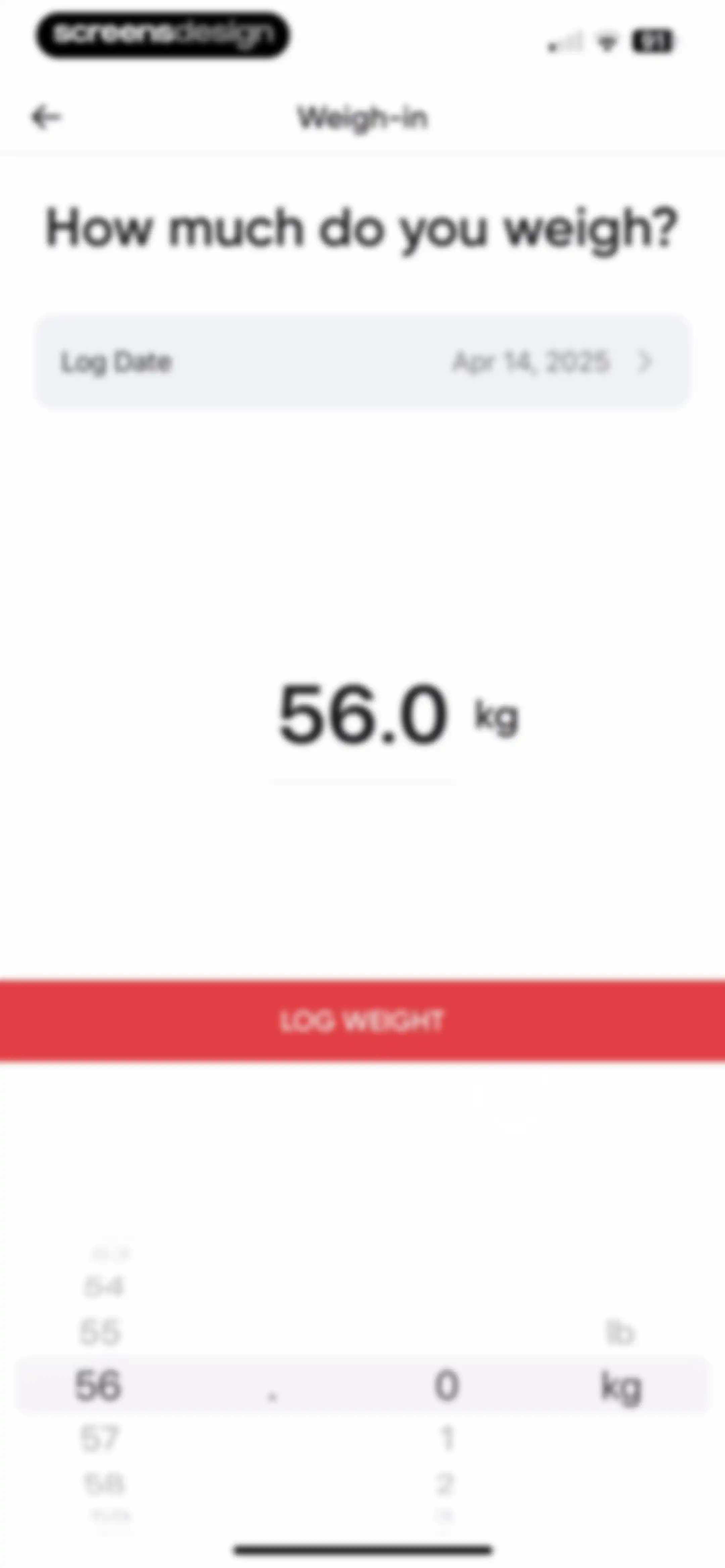
Weight-logging form displaying current weight as 56.0 kg, a date selector, a weight picker wheel, and a red Log Weight button.Unlock Pro
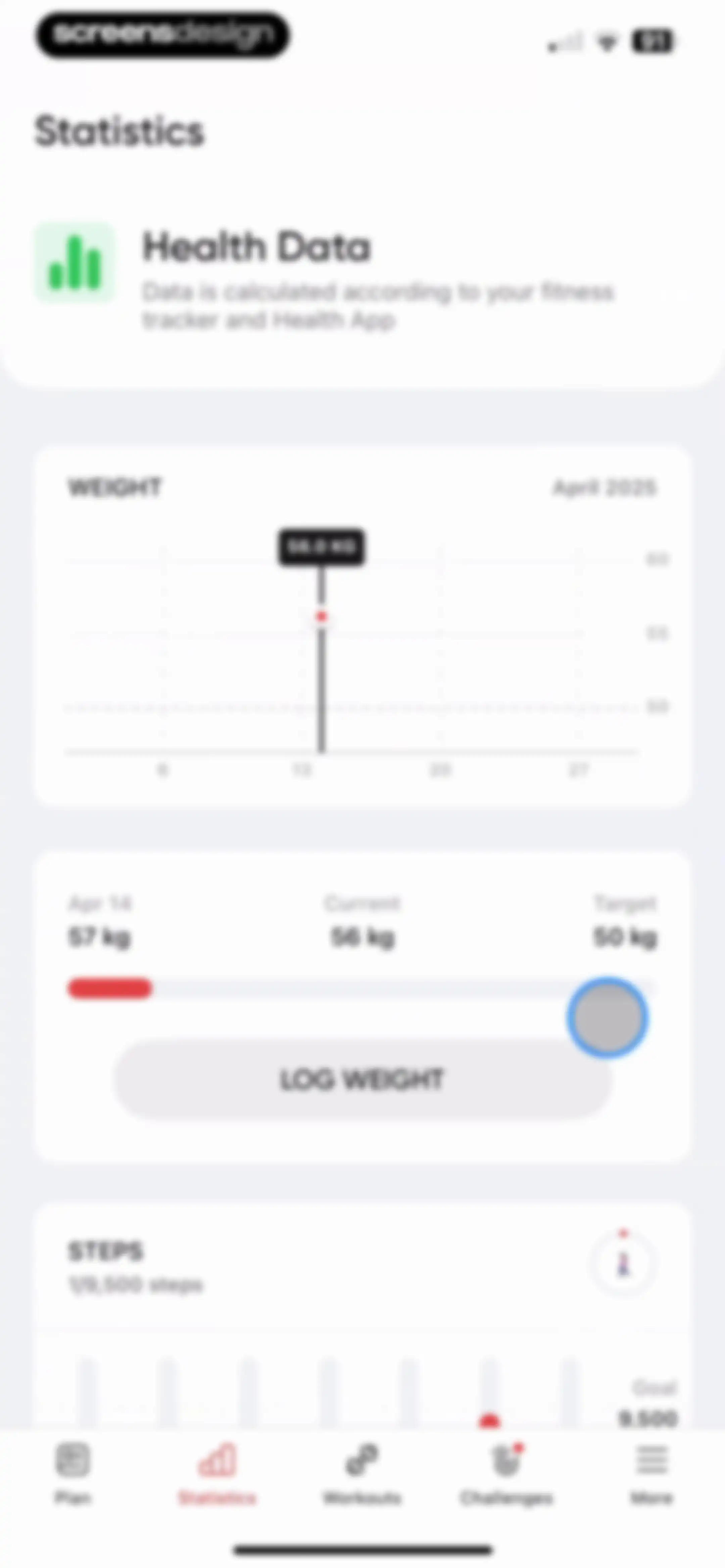
Statistics dashboard showing weight tracking with a chart and log weight button, plus a daily steps progress section.Unlock Pro
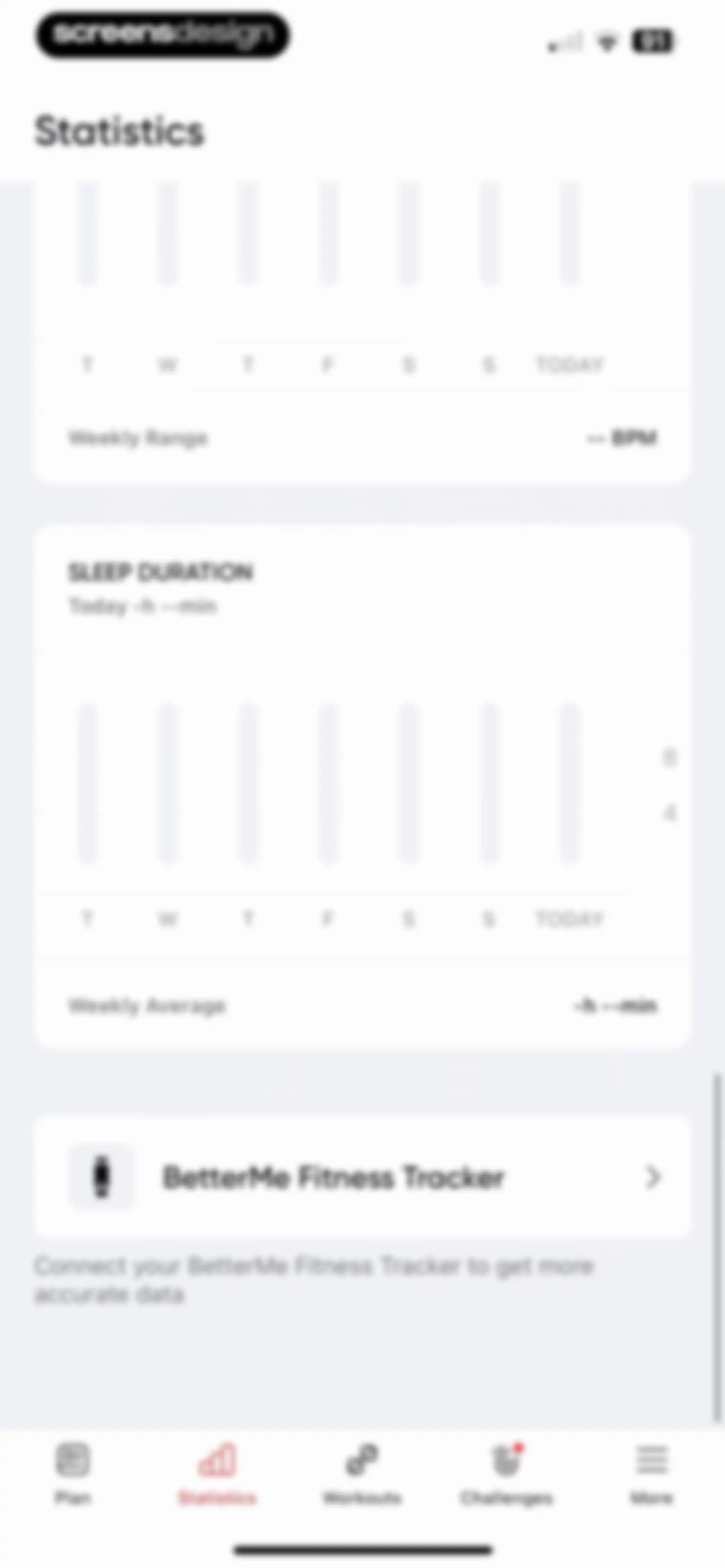
Statistics dashboard displaying empty heart rate and sleep duration metrics with a prompt to connect a fitness tracker.Unlock Pro
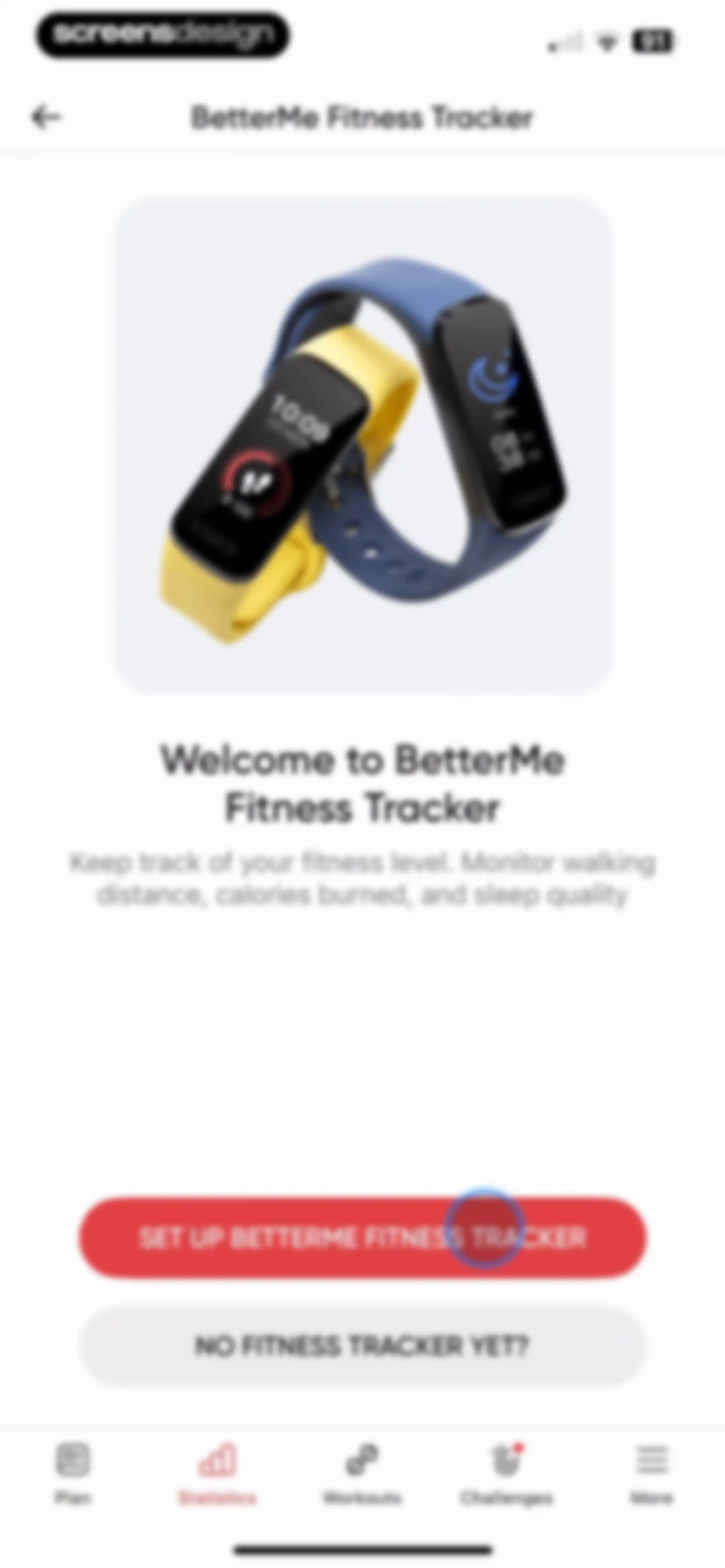
Fitness tracker setup screen with a product illustration, descriptive text, and setup action buttons.Unlock Pro
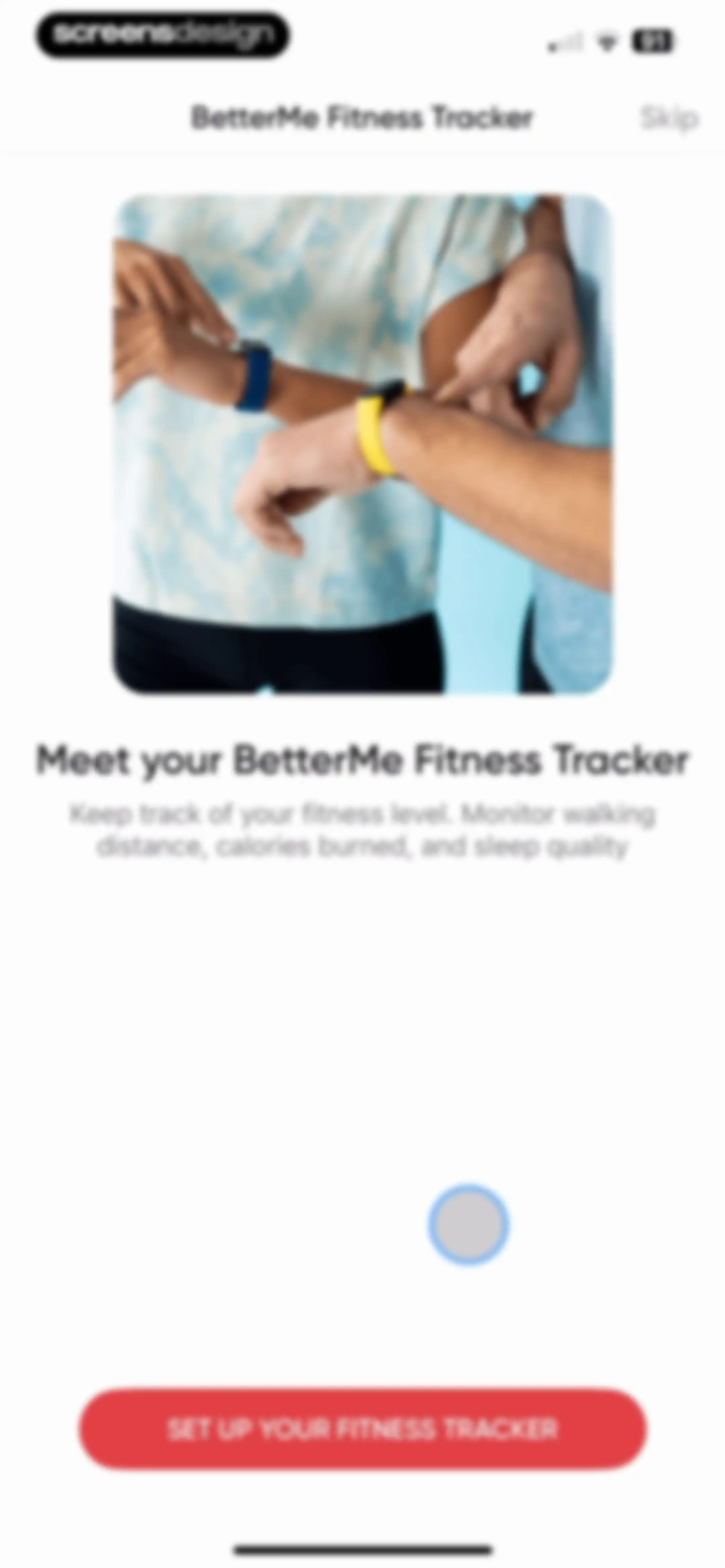
BetterMe Fitness Tracker onboarding screen introducing the wearable device with a lifestyle photo and a Set Up Your Fitness Tracker button.Unlock Pro
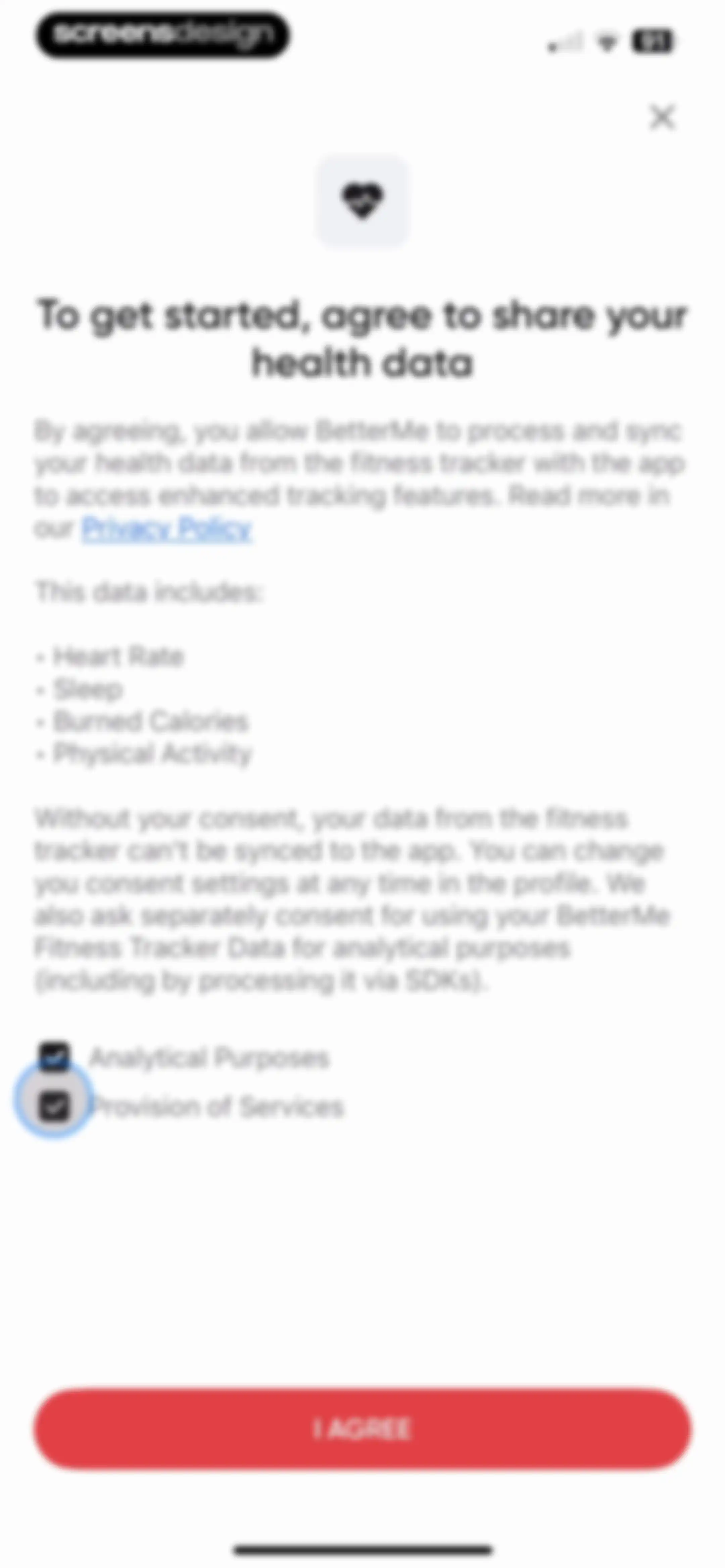
Health data permission request modal for BetterMe with a list of synced metrics, two checked consent options, and an I AGREE button.Unlock Pro
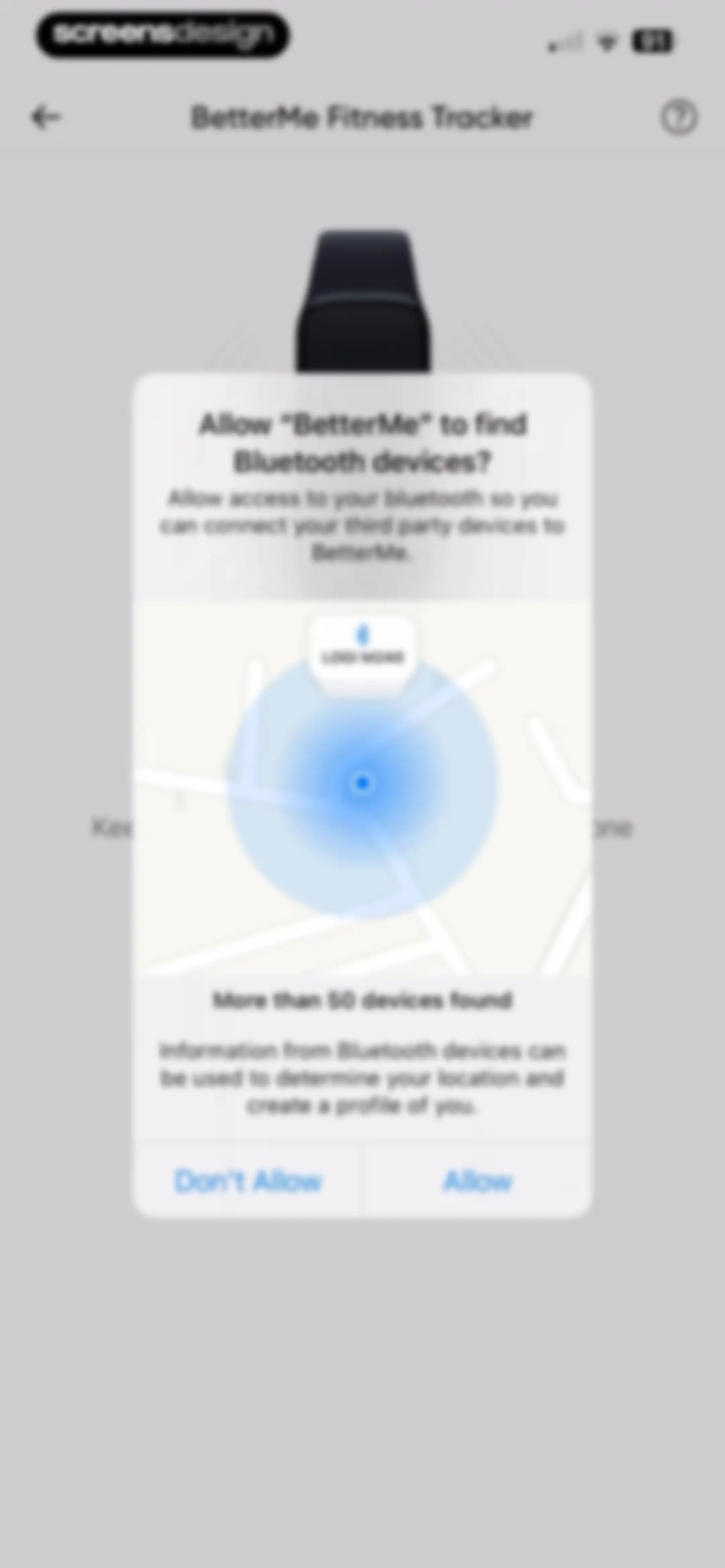
Permission request modal asking to allow BetterMe to find Bluetooth devices, with Allow and Don't Allow buttons.Unlock Pro
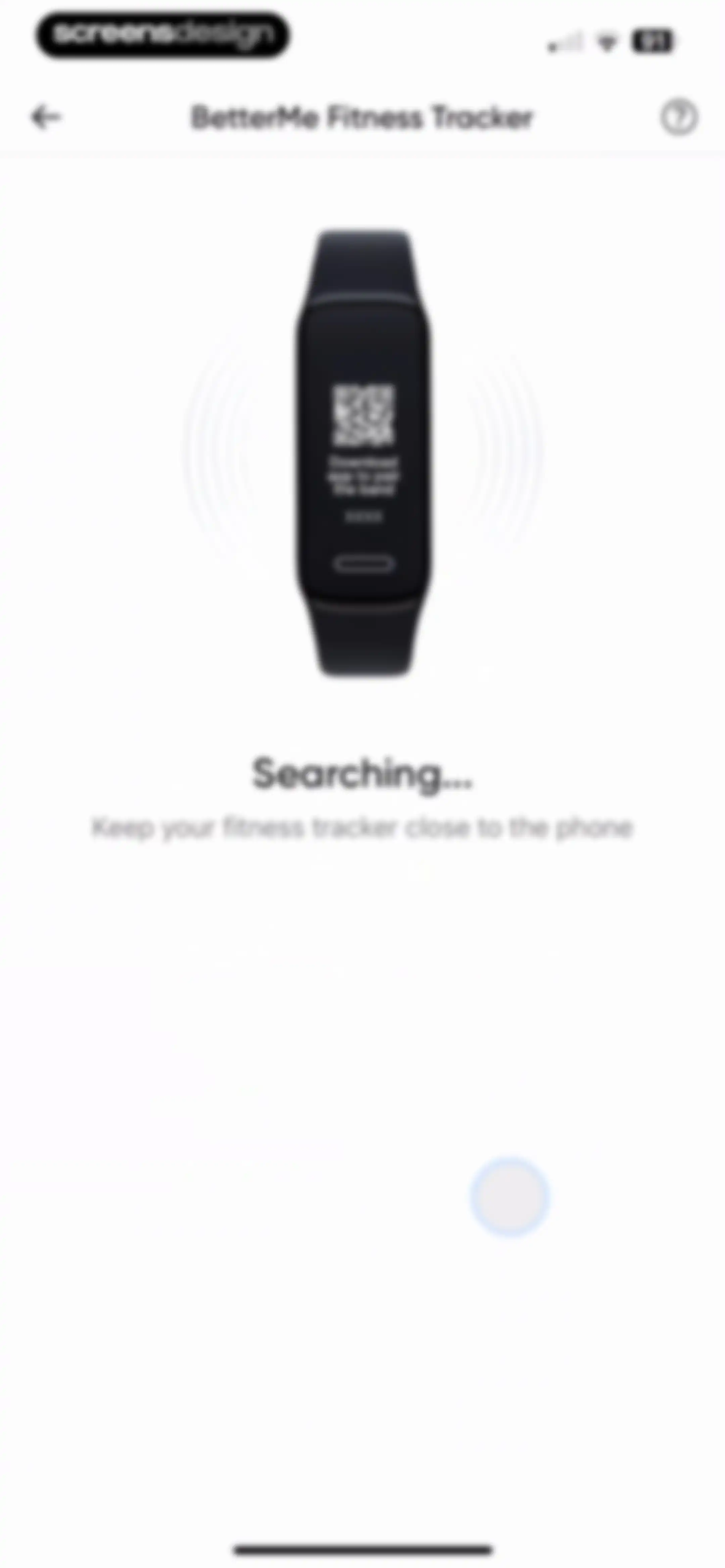
BetterMe device pairing screen displaying a searching state with a central fitness tracker illustration and instructional text to keep the tracker close.Unlock Pro
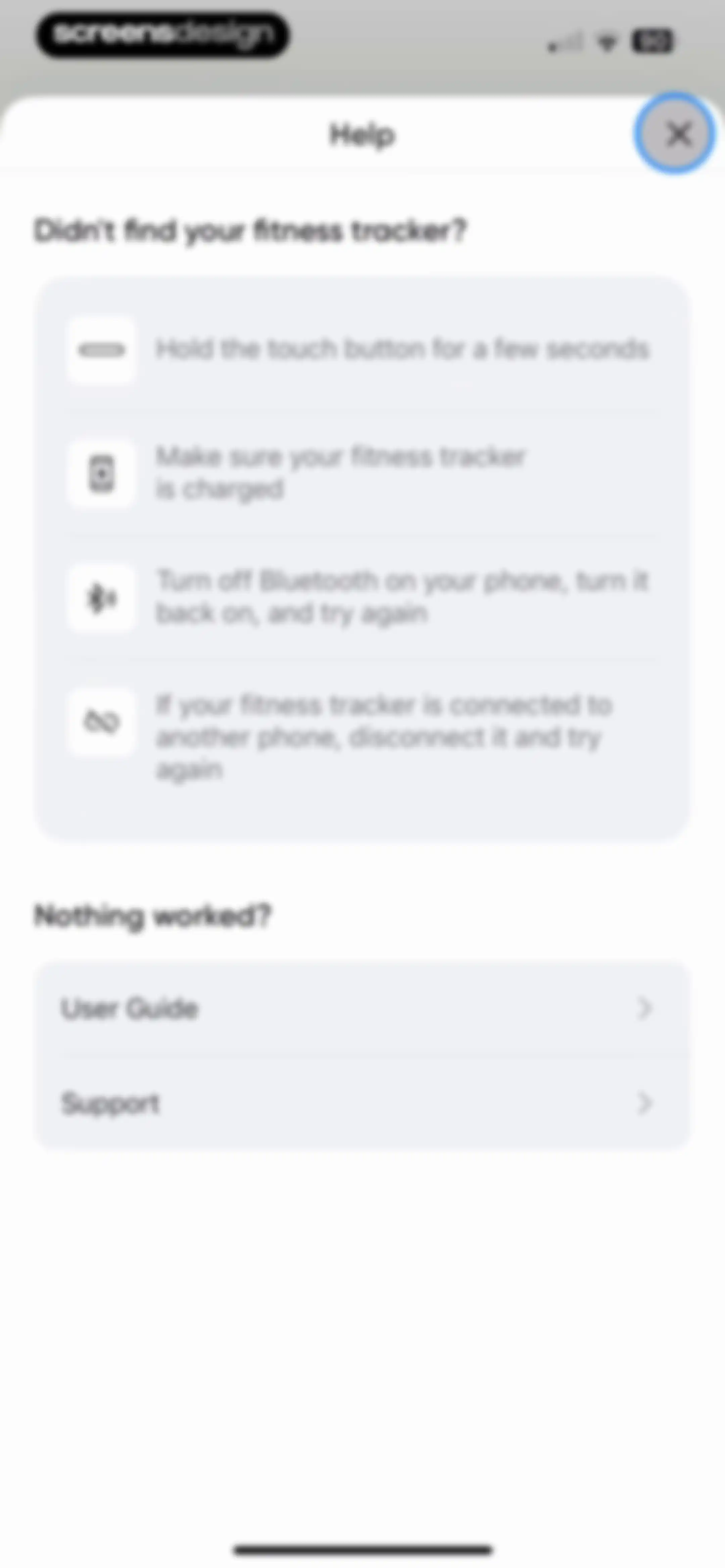
Help screen listing troubleshooting steps for connecting a fitness tracker, with options for the User Guide and Support.Unlock Pro
BetterMe fitness tracker onboarding screen introducing the device with a central photo and a Set Up Your Fitness Tracker button.Unlock Pro
BetterMe fitness tracker onboarding screen explaining how to connect a device later, with a central phone mockup and an OK button.Unlock Pro
BetterMe fitness tracker onboarding screen with a central product illustration and buttons to set up a tracker or skip.Unlock Pro
Workout home screen with a list of categories and a modal overlay explaining how to save favorite routines, featuring a red Got It button.Unlock Pro
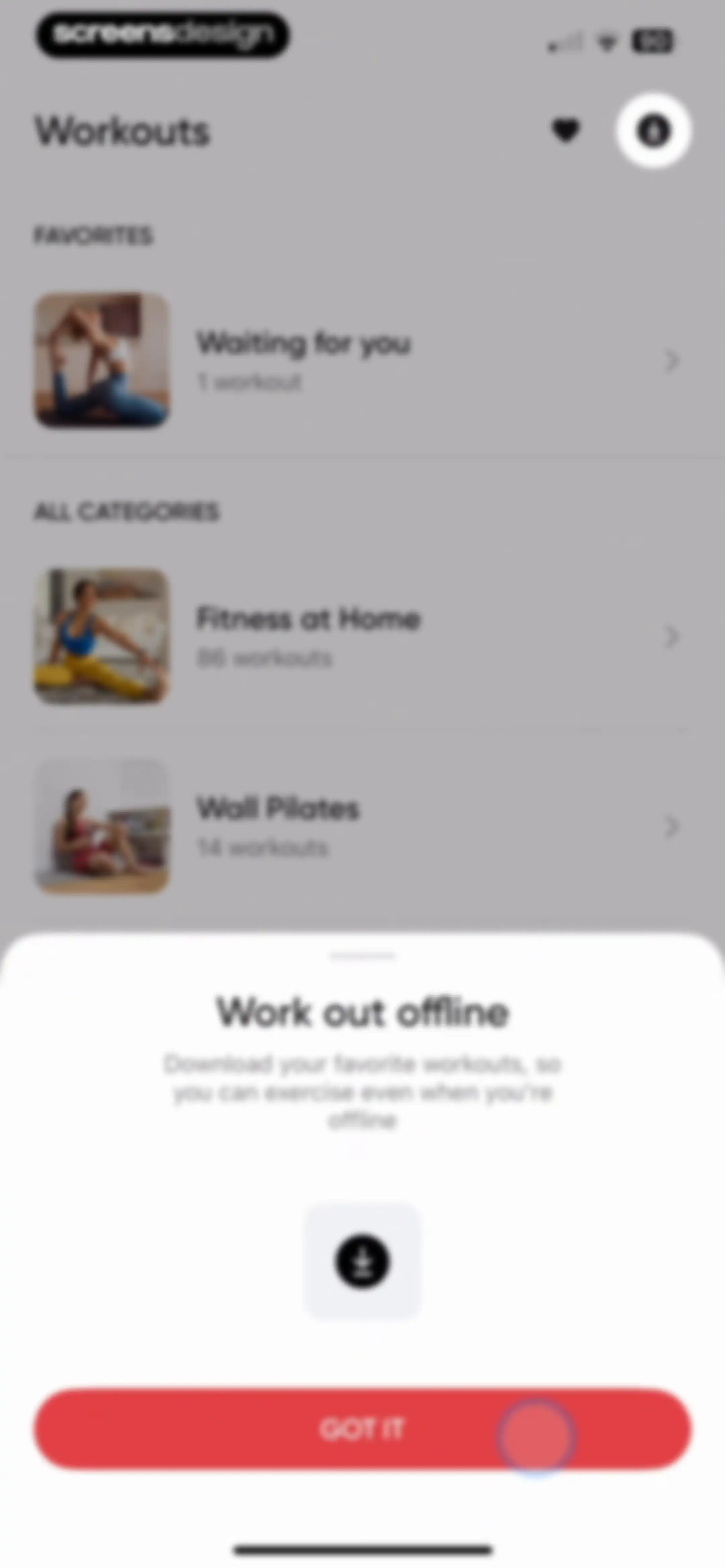
Workout library listing categories with a modal explaining offline downloads and a Got It button.Unlock Pro
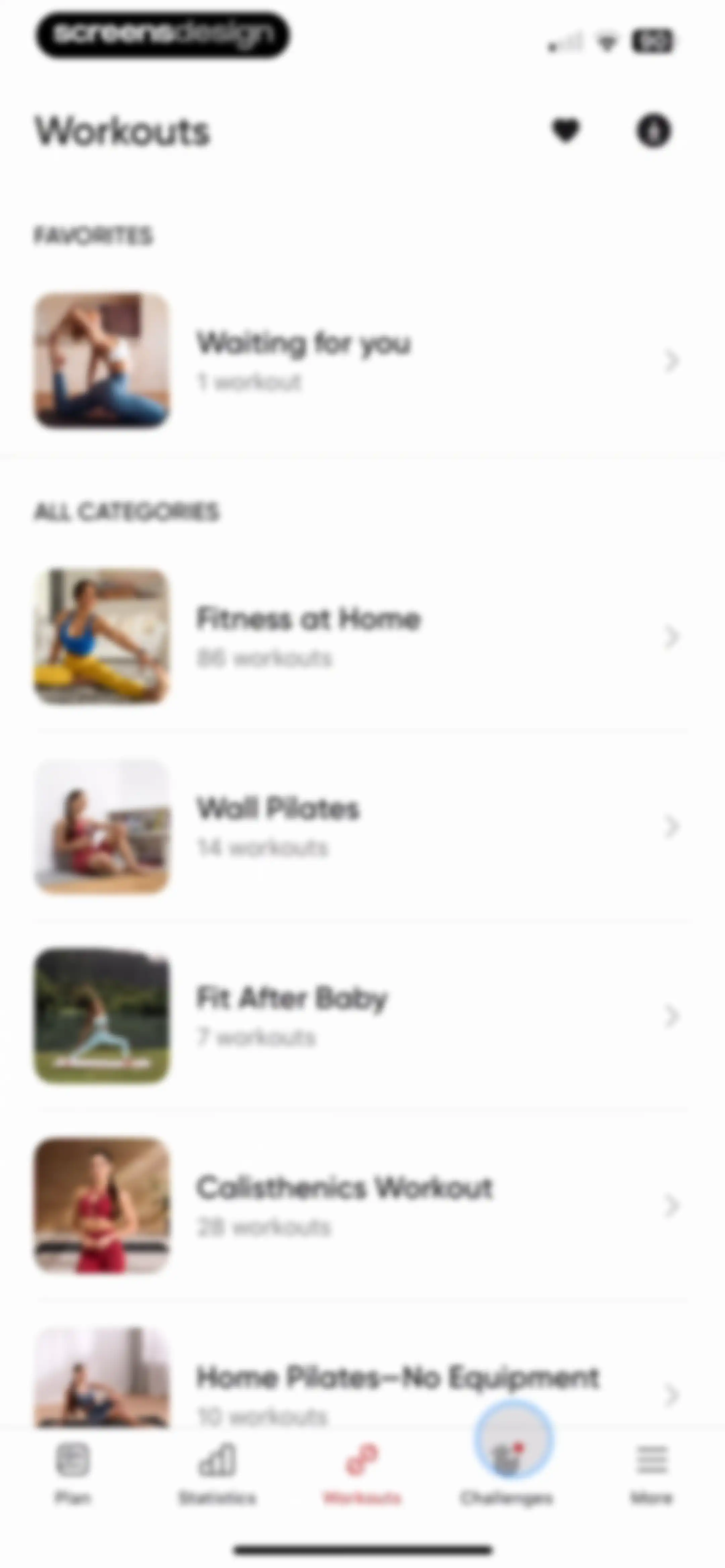
Workout library screen displaying a favorites section and category cards with workout counts, with the Workouts tab selected in the bottom navigation.Unlock Pro
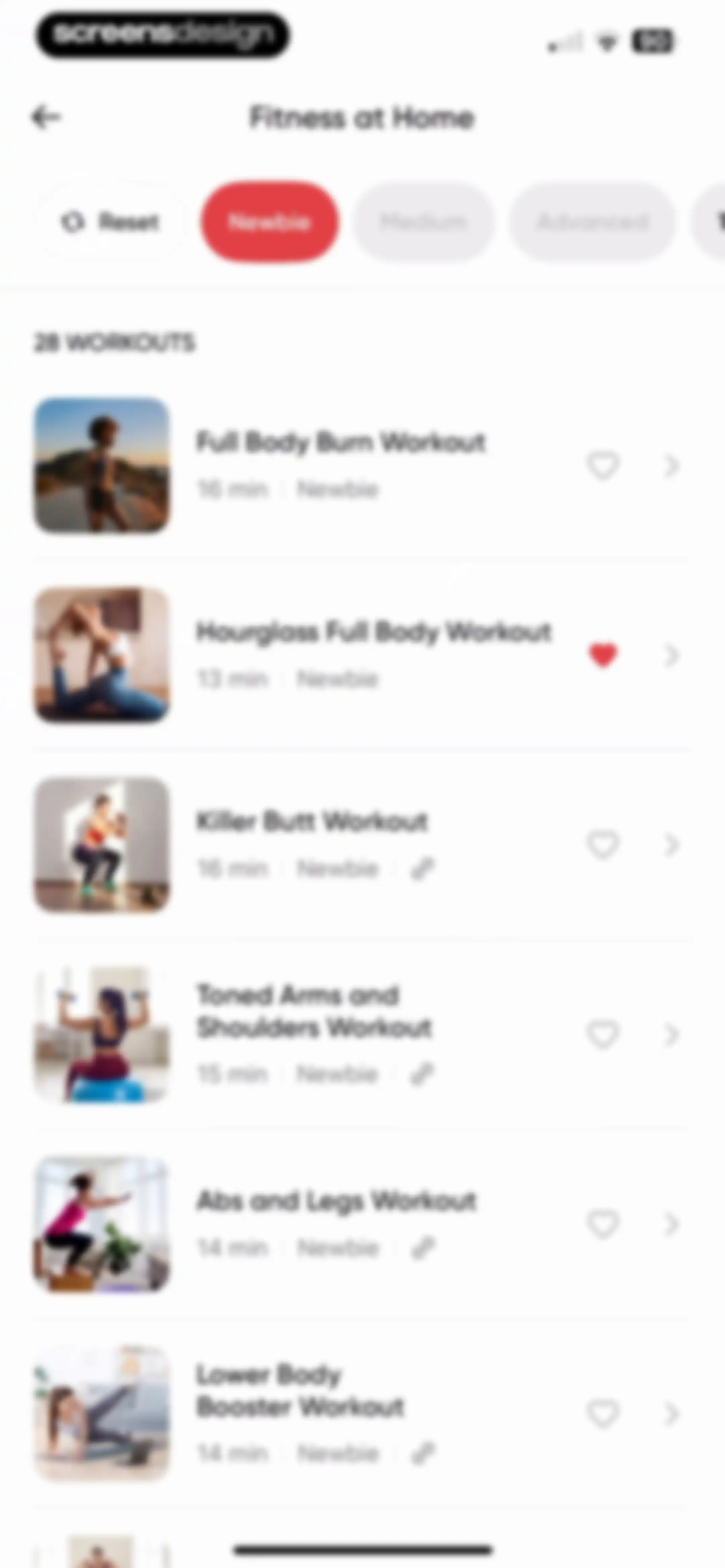
Fitness workout list with a horizontal difficulty filter showing the Newbie filter selected and twenty-eight workout cards below.Unlock Pro
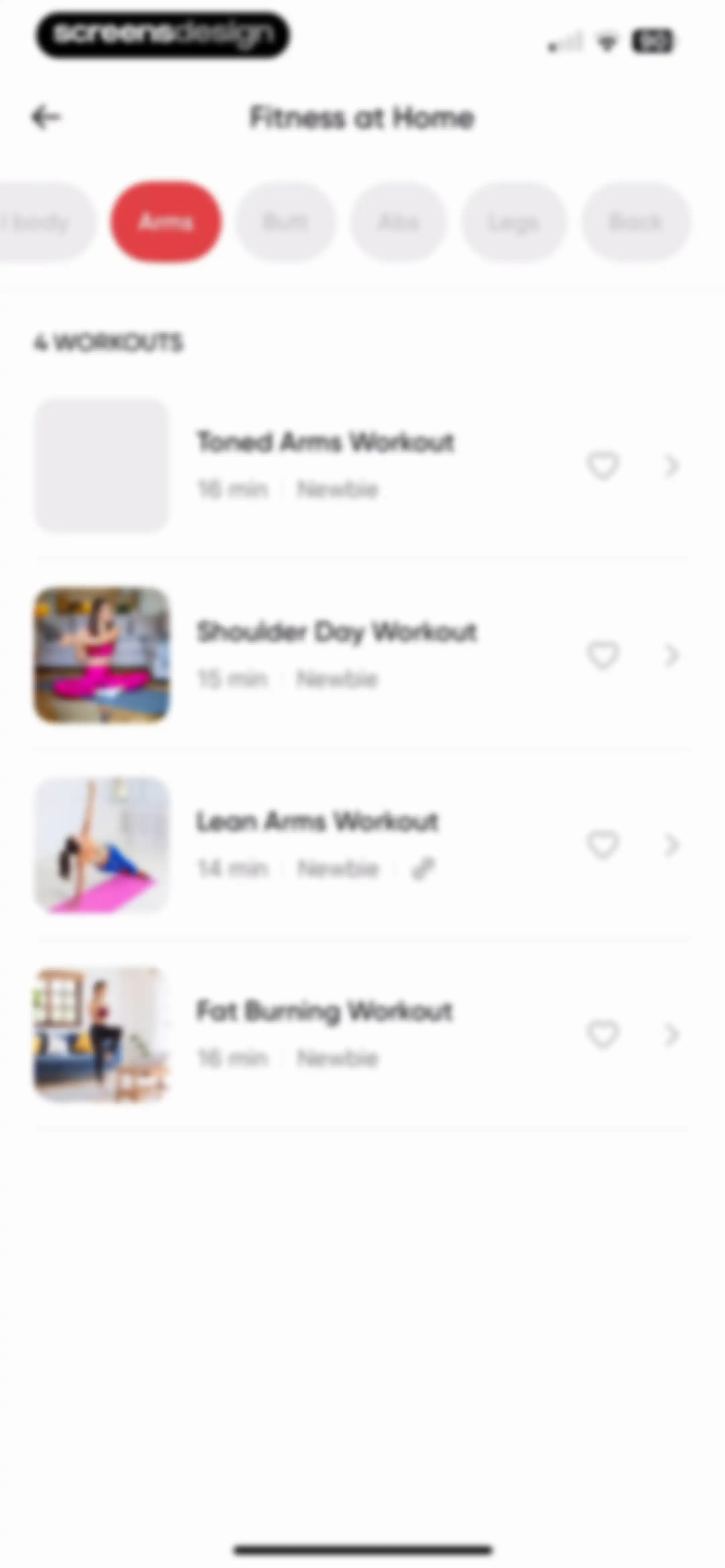
Fitness workout list with horizontal body part filter tabs, with the Arms tab selected and four workout cards displayed below.Unlock Pro
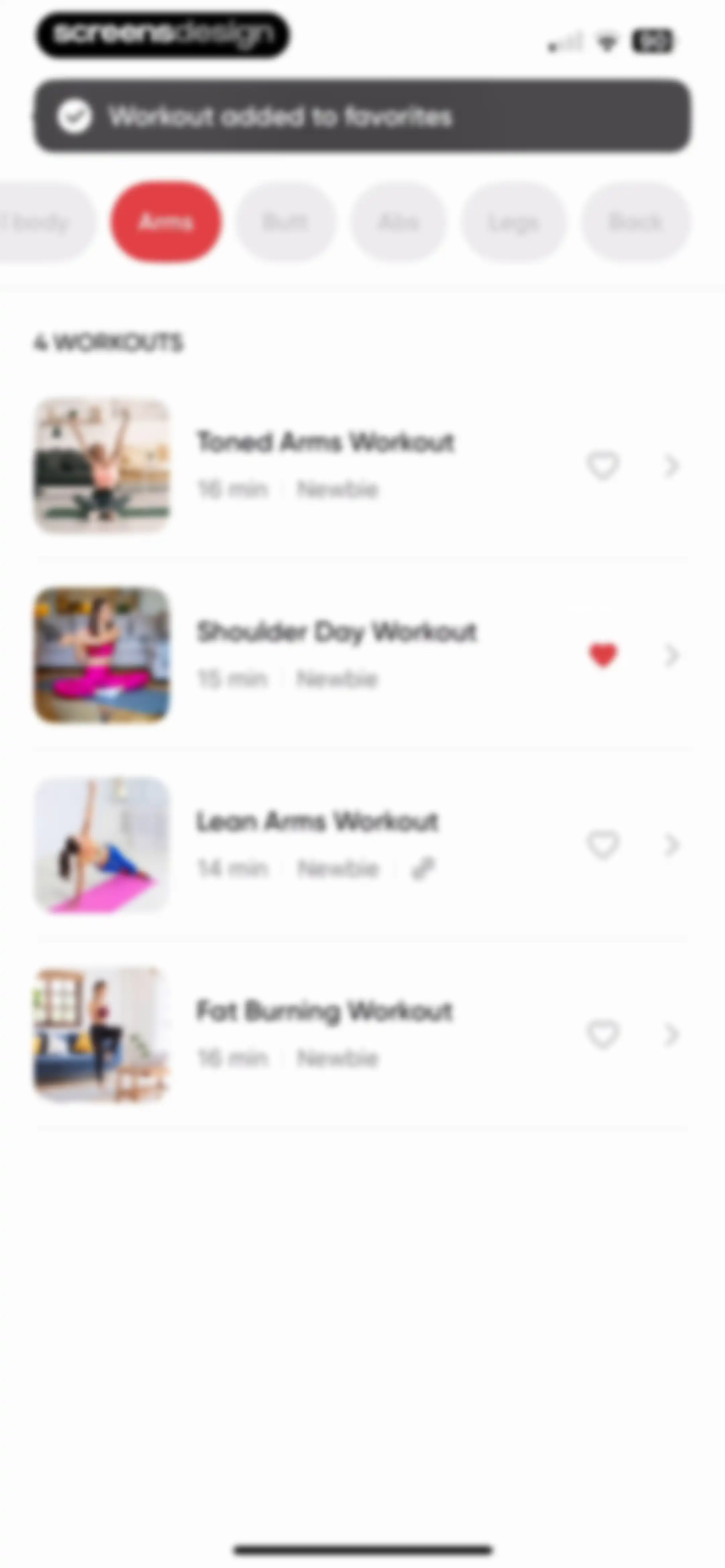
Workout feed displaying a success toast notification, horizontal filter tabs with Arms selected, and a vertical list of arm workout cards.Unlock Pro
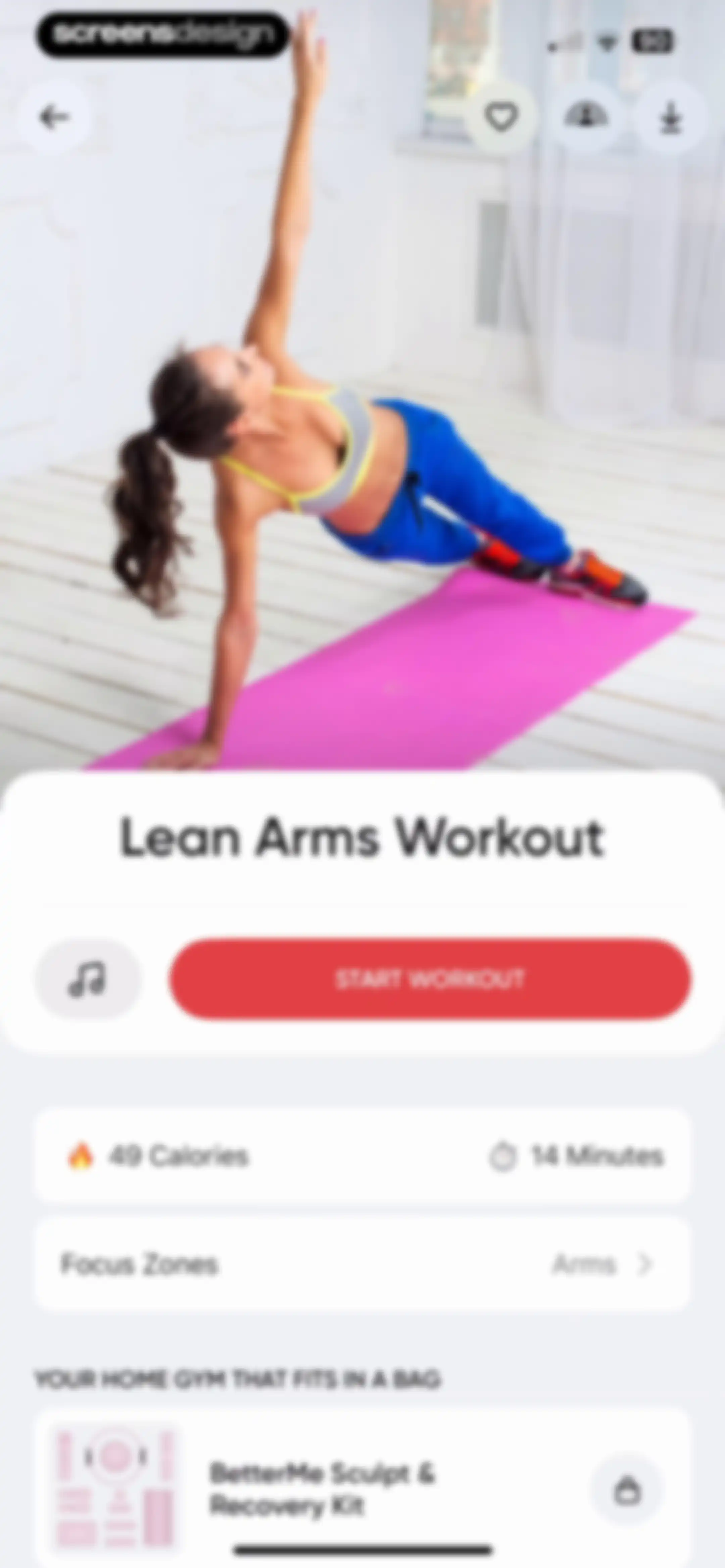
Workout detail screen for Lean Arms Workout with a start button, stats, and a product promotion at the bottom.Unlock Pro
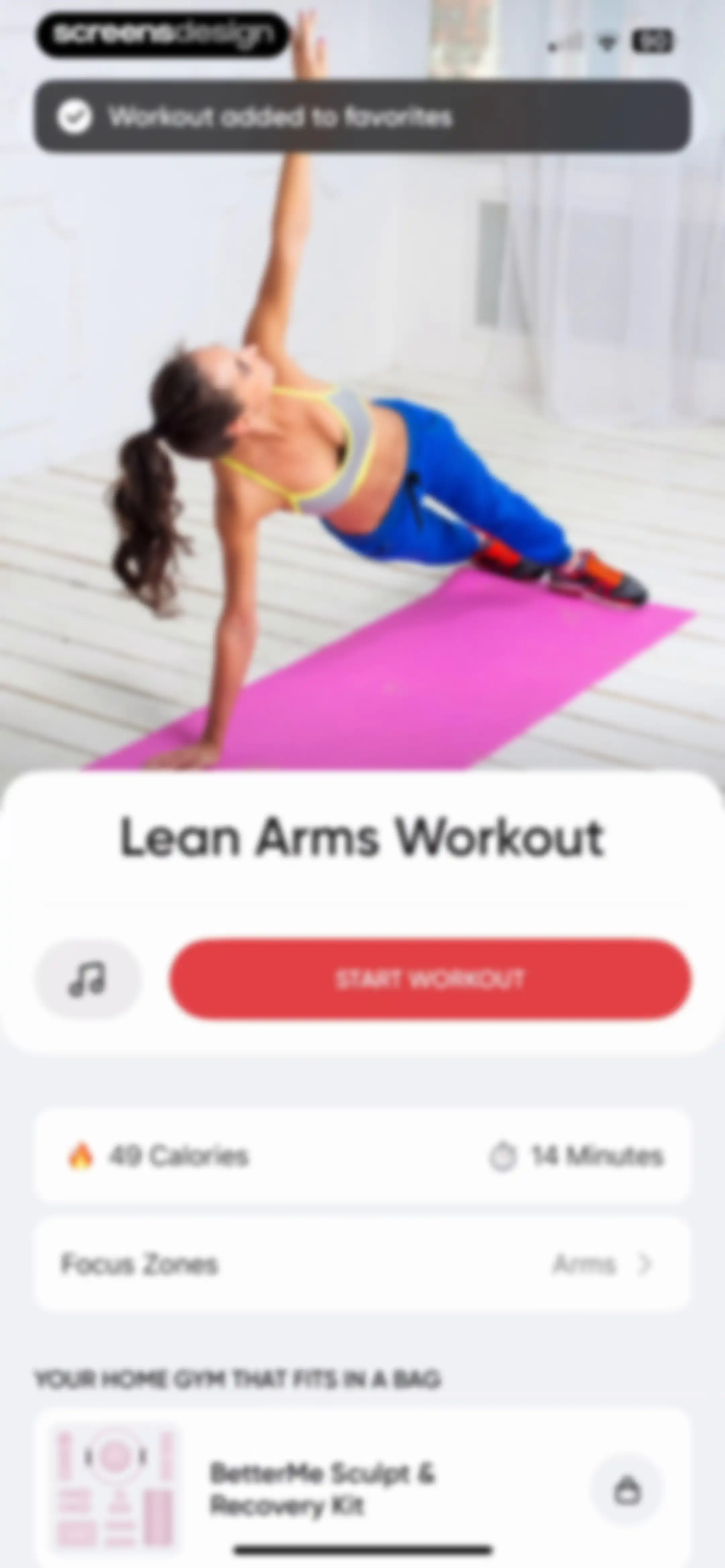
Workout detail screen for Lean Arms Workout, displaying a Start Workout button, duration, calories, and a promotional product card at the bottom.Unlock Pro
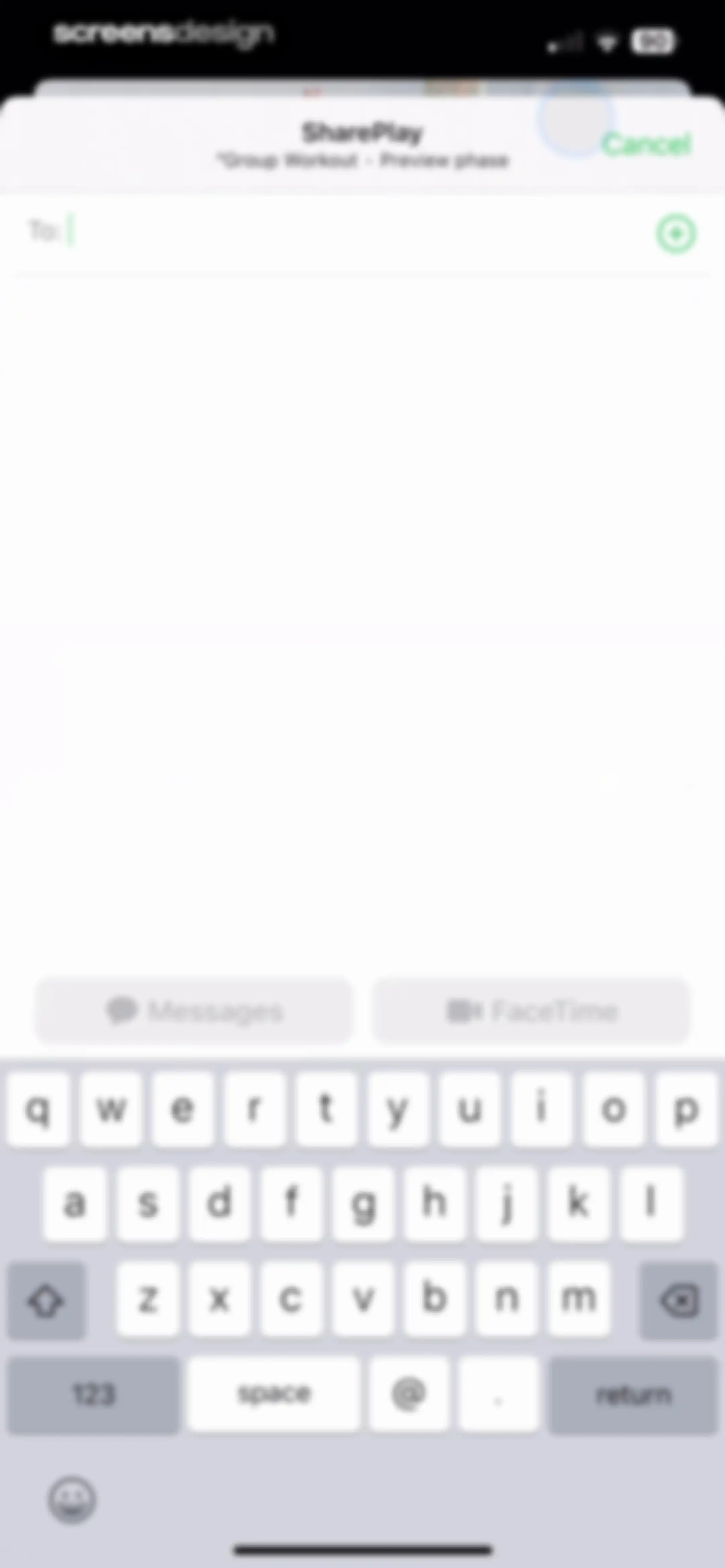
SharePlay modal overlay for a group workout featuring a recipient input field, Messages and FaceTime action buttons, and a system keyboard.Unlock Pro
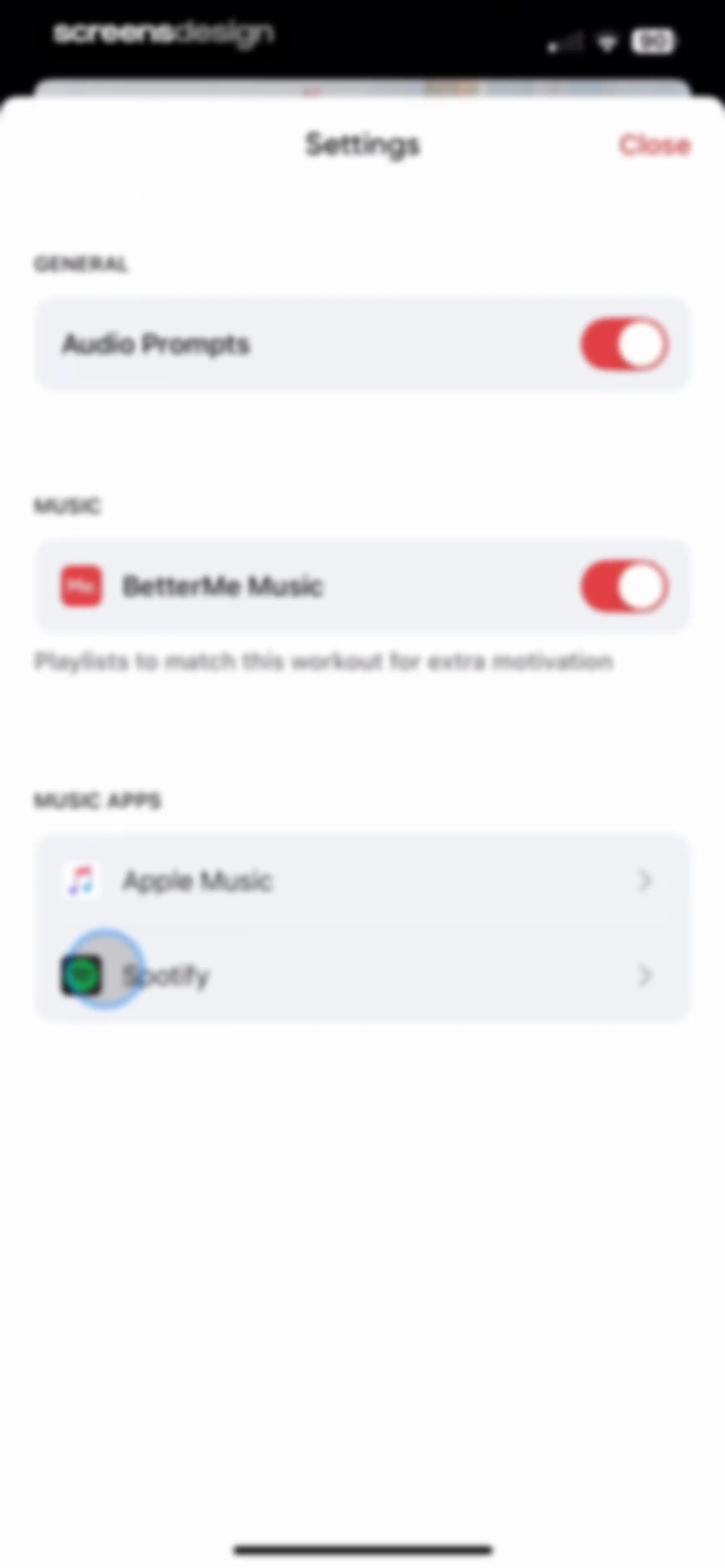
BetterMe app settings screen for audio and music integration, featuring toggles for audio prompts and music alongside links for Apple Music and Spotify.Unlock Pro
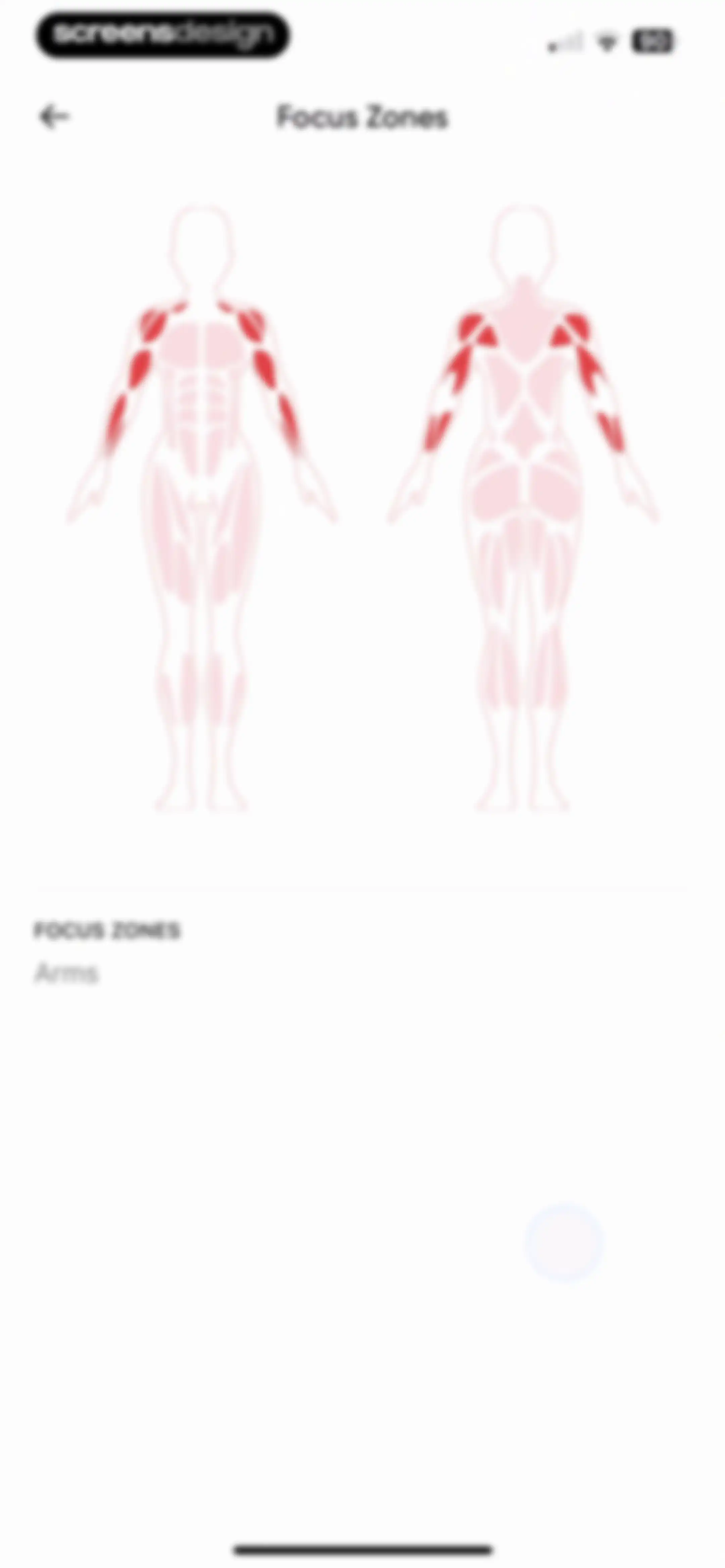
Fitness focus zones screen featuring an anatomical illustration with highlighted arms and shoulders, and a back button.Unlock Pro
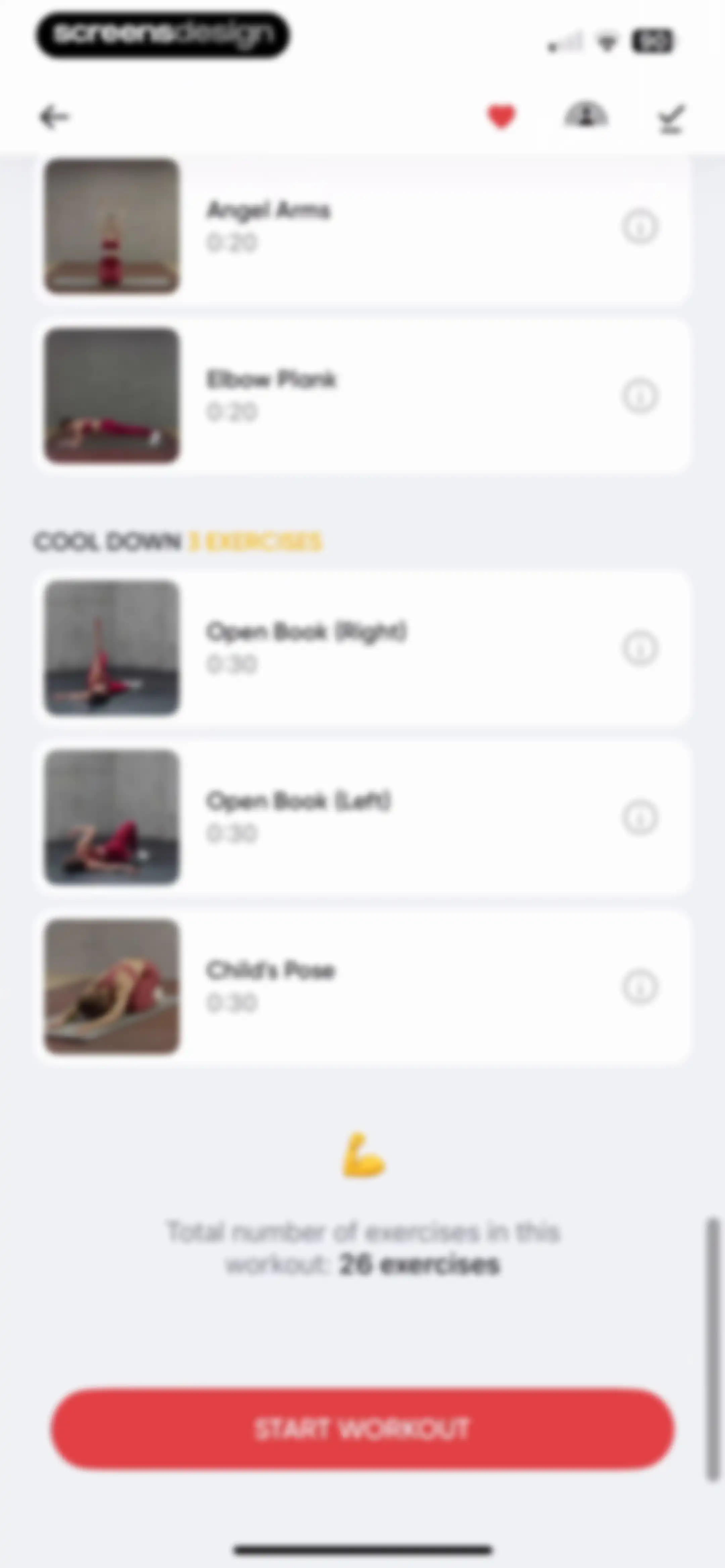
Workout routine overview with a list of 26 exercises, a cool down section, and a Start Workout button.Unlock Pro
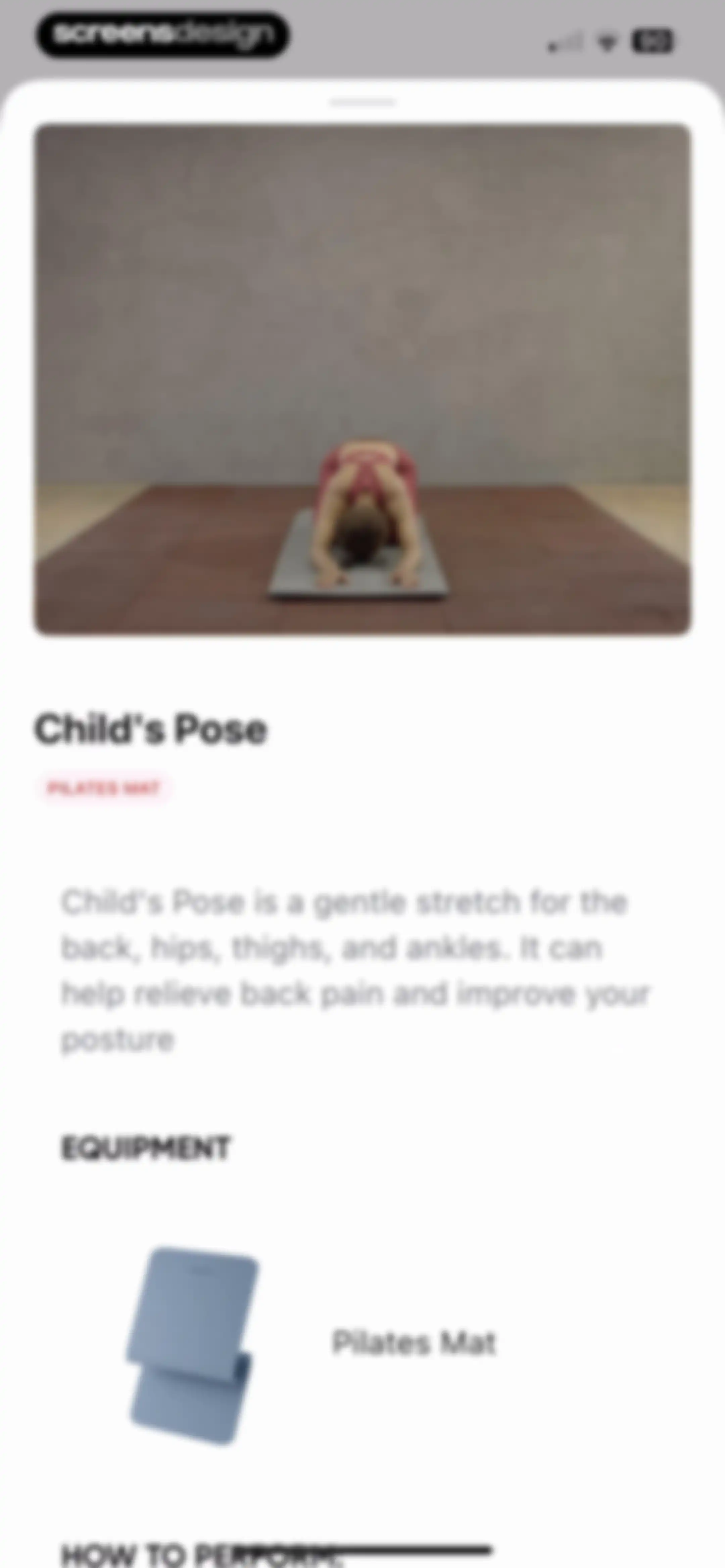
Exercise detail page for Child's Pose with a hero photo, description, and required equipment section for a Pilates Mat.Unlock Pro
Modal overlay announcing landscape mode availability for workout videos, featuring a device rotation illustration and a close button.Unlock Pro
Loading screen in BetterMe featuring a blurred workout background, centered text reading Downloading workout with a progress bar, and a skip button in the top right corner.Unlock Pro
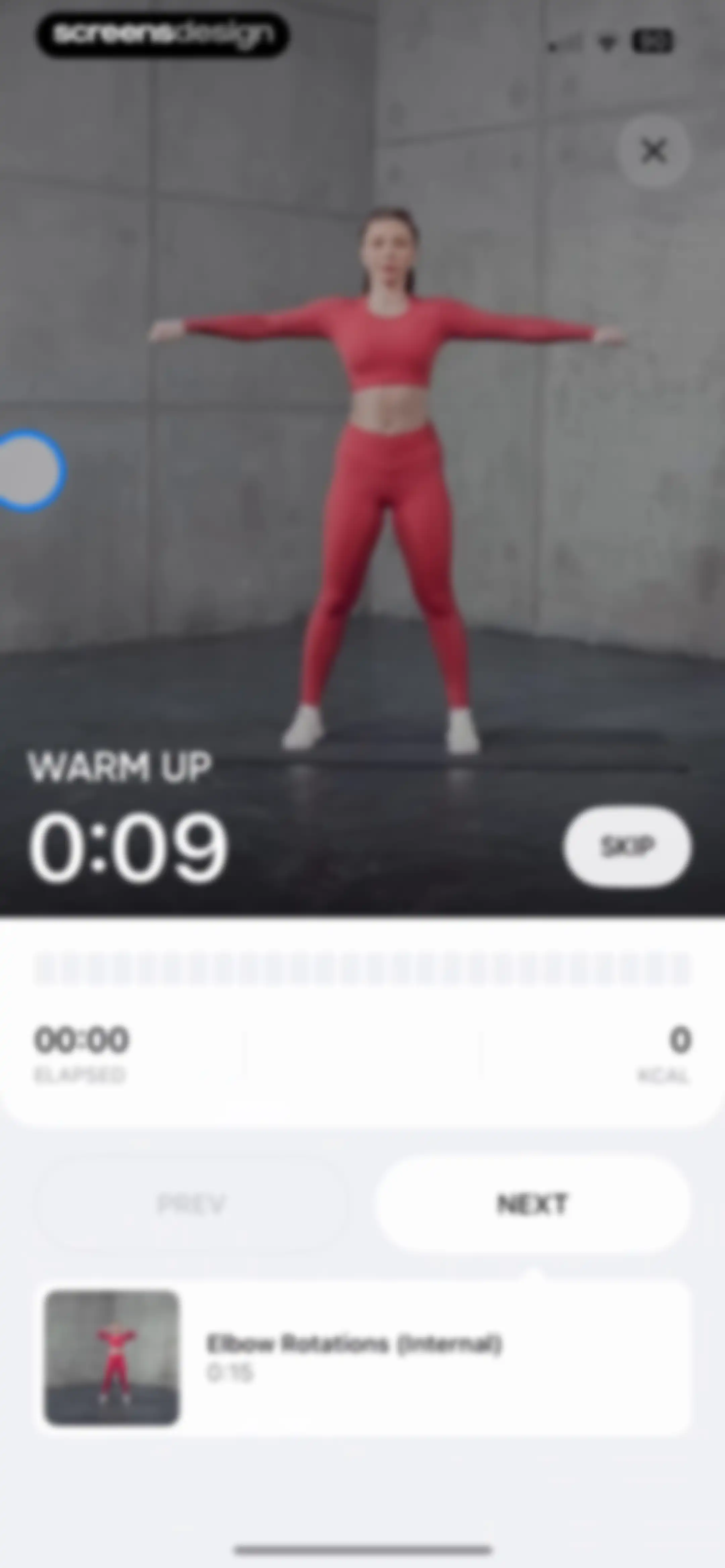
Workout session screen displaying an exercise video, timer, elapsed stats, and a bottom card for Elbow Rotations with next and previous controls.Unlock Pro
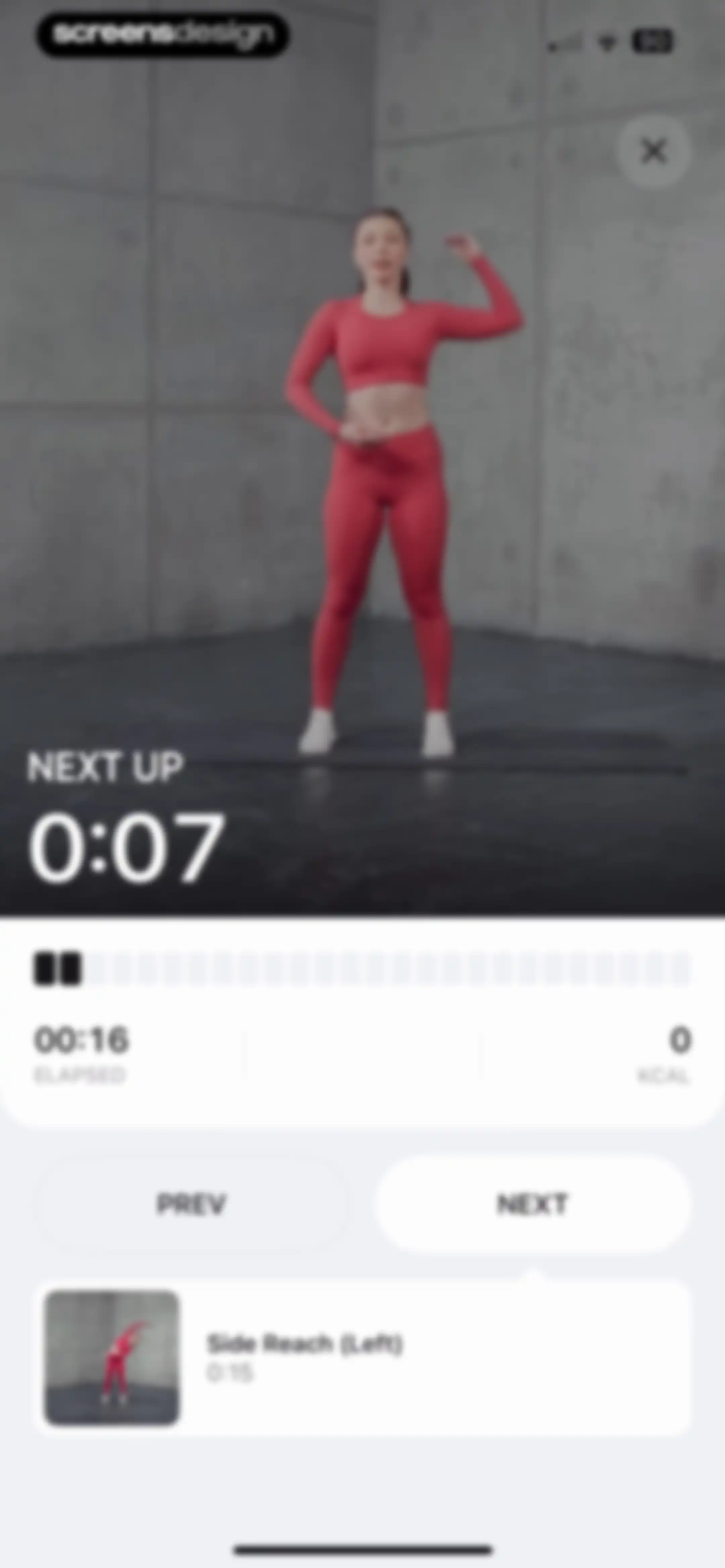
Workout player screen displaying a video instructor, timer stats, navigation buttons, and a bottom card for the Side Reach exercise.Unlock Pro
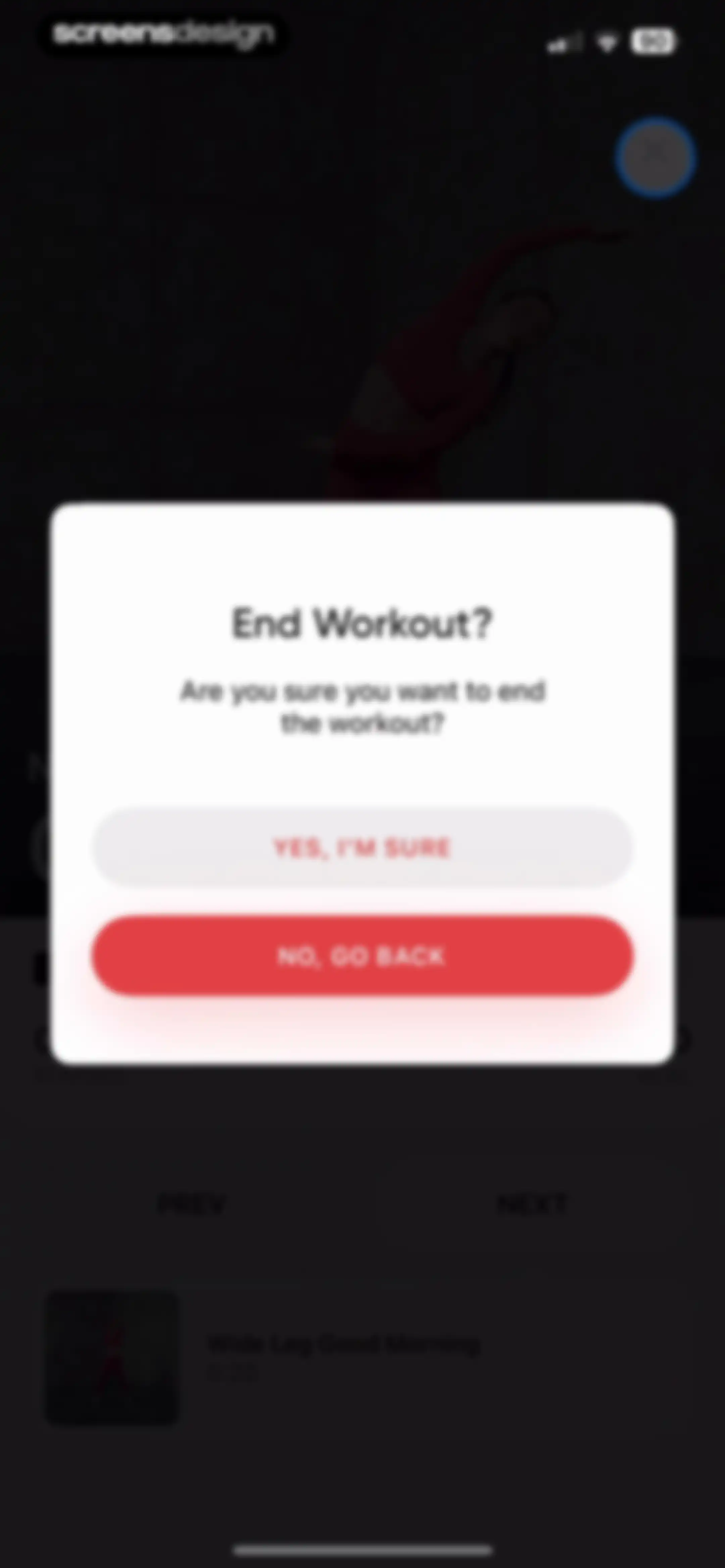
Workout end confirmation modal overlaying an active fitness session, with a red No, Go Back button and a Yes, I'm Sure button.Unlock Pro
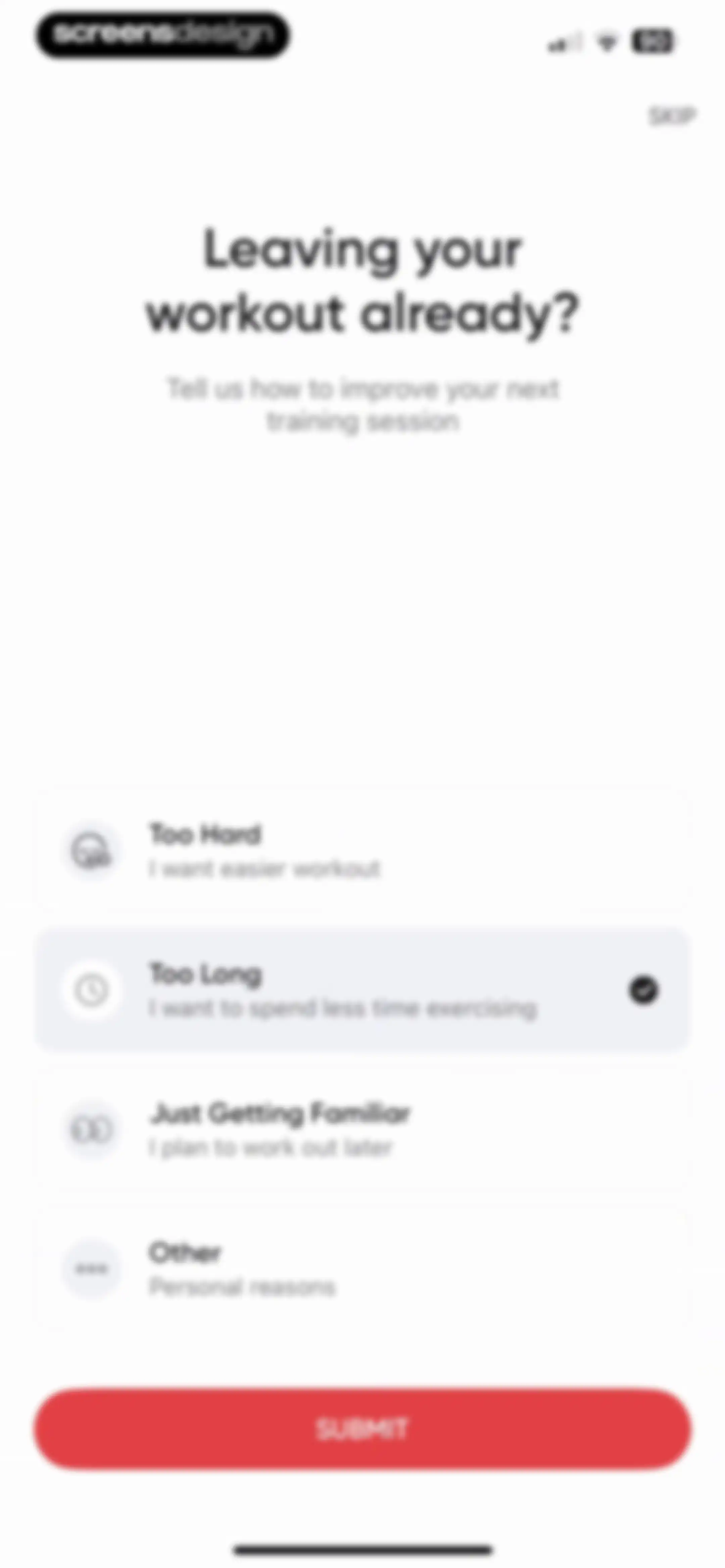
Fitness app workout exit feedback form with the Too Long option selected and a Submit button.Unlock Pro
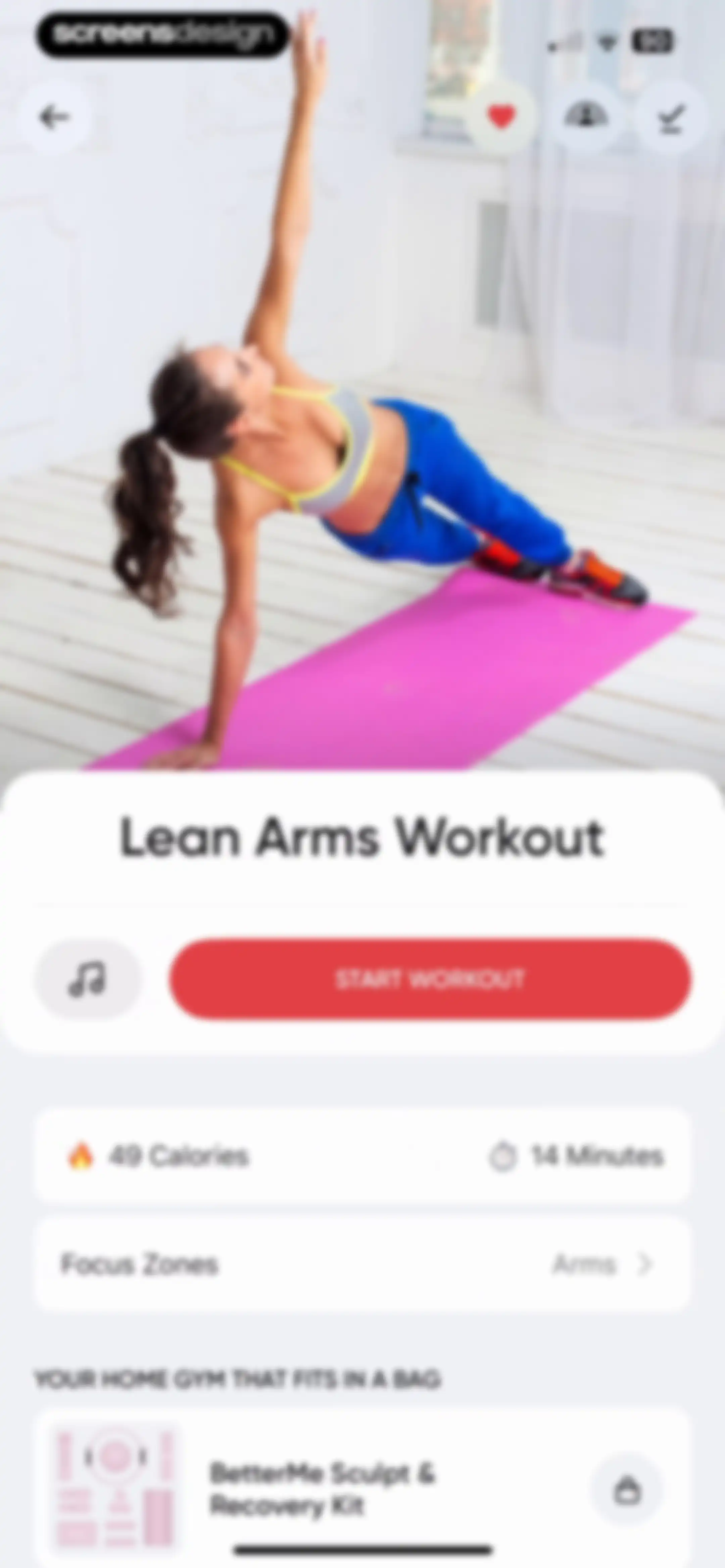
Workout preview screen for Lean Arms Workout featuring metrics, a Start Workout button, and a promotional product card at the bottom.Unlock Pro
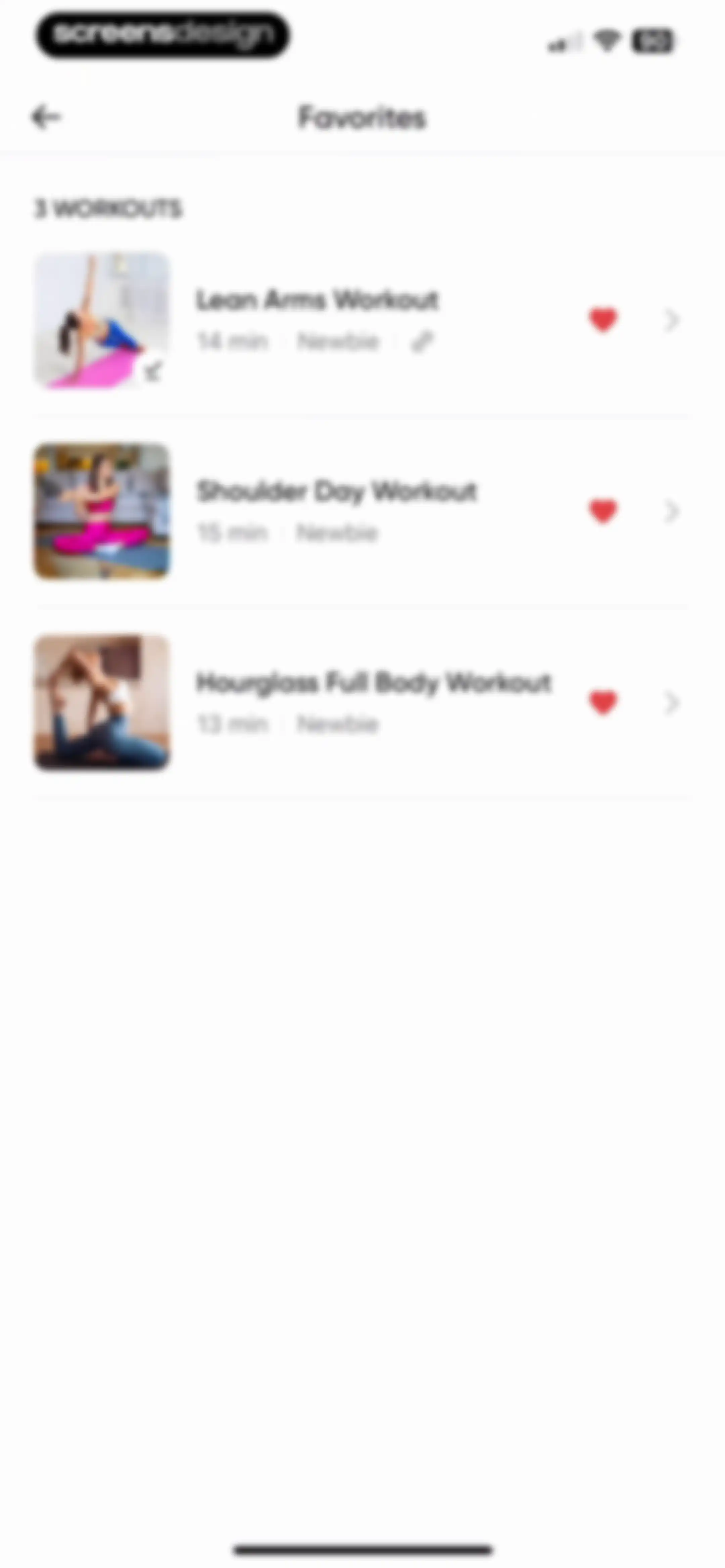
Favorites screen displaying a list of three saved workout routines with durations and favorited heart icons.Unlock Pro
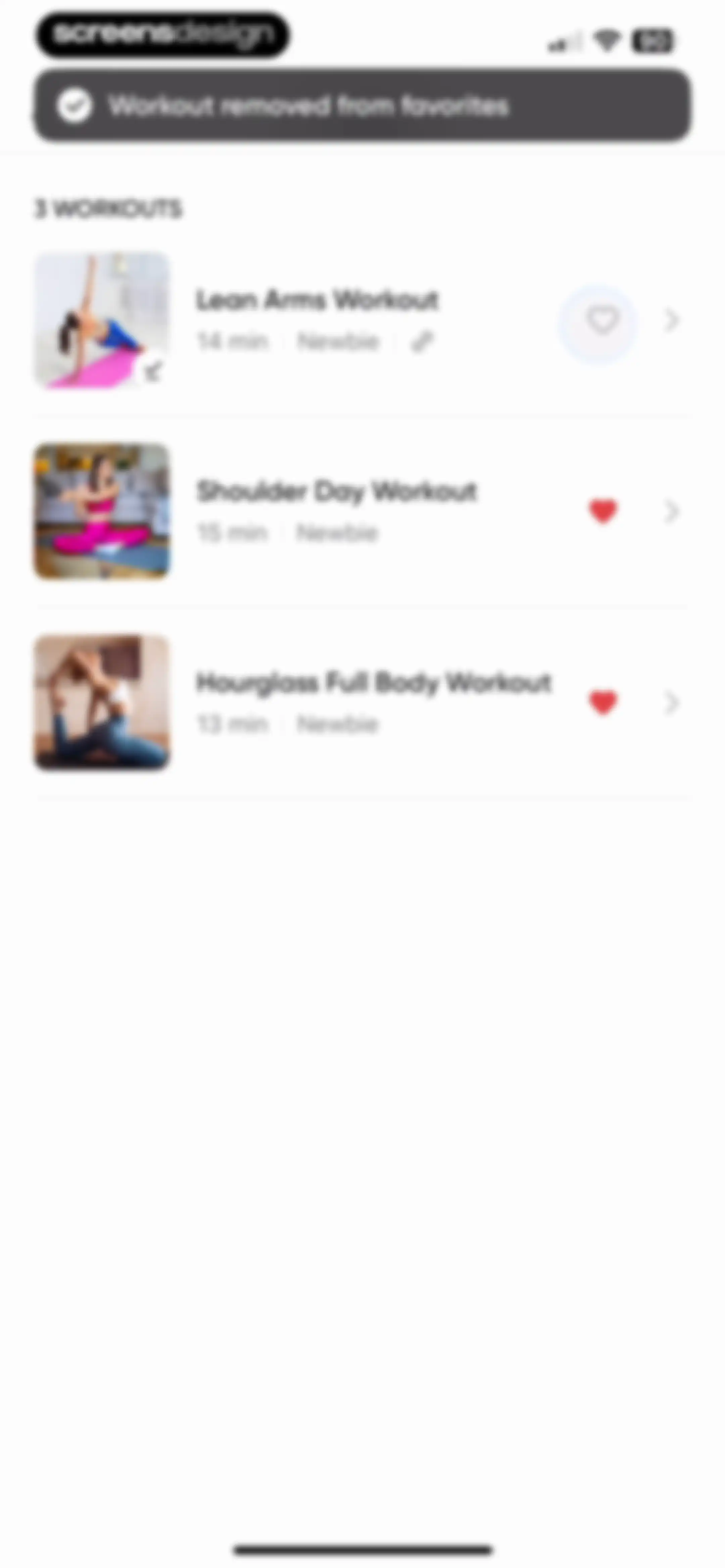
Workout list displaying three fitness routines with a toast notification confirming a workout was removed from favorites.Unlock Pro
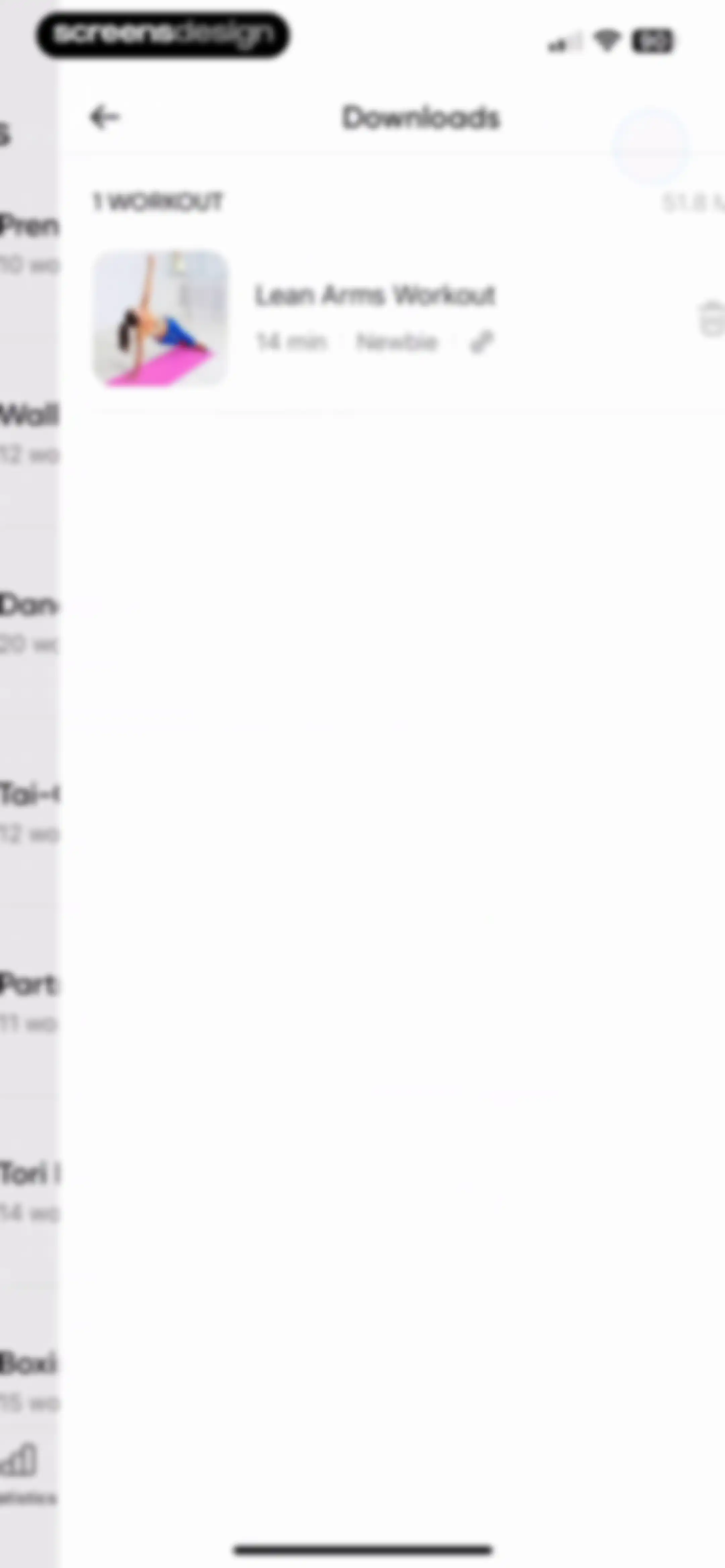
Downloads management screen listing one downloaded Lean Arms Workout item with a trash can icon to delete the file.Unlock Pro
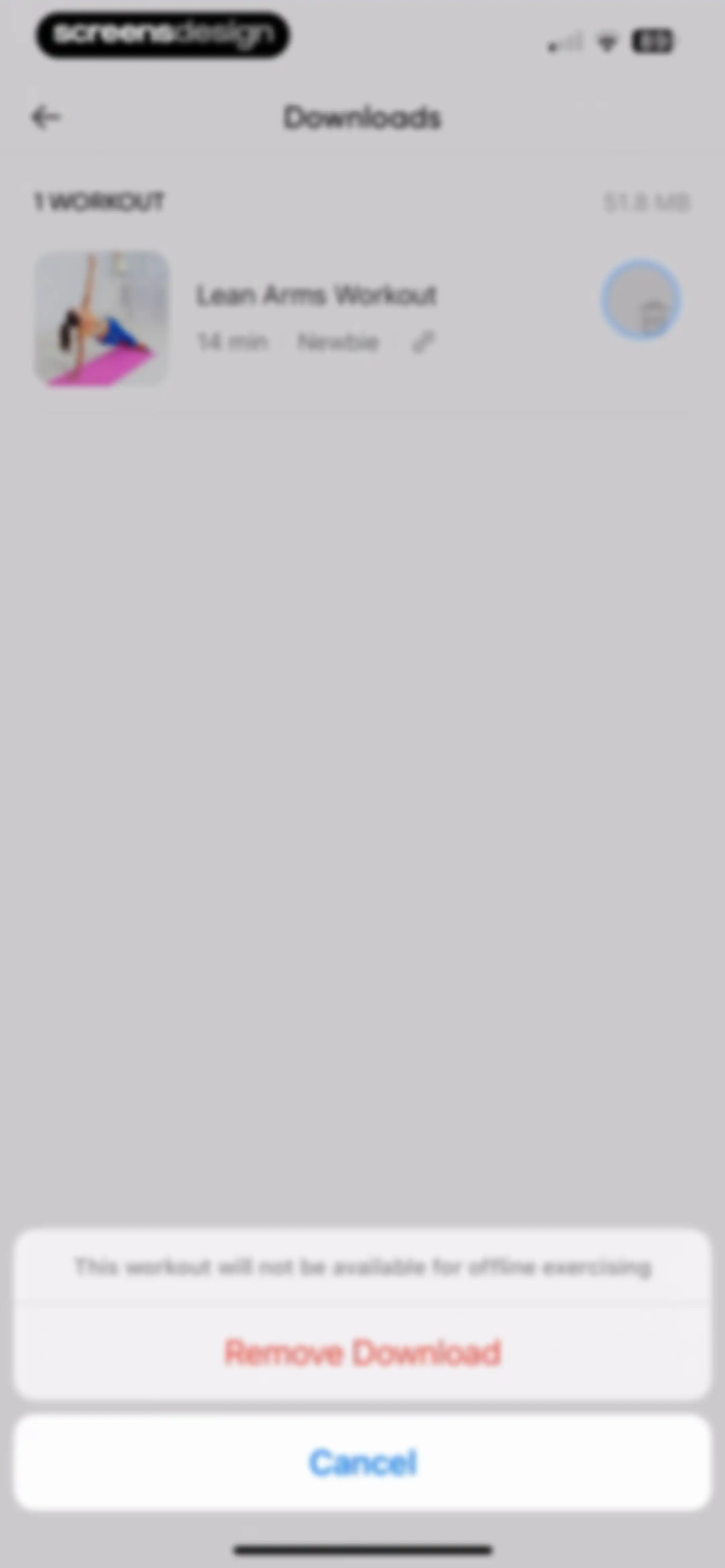
Downloads settings screen with a list of downloaded workouts and a bottom confirmation modal to remove a download.Unlock Pro
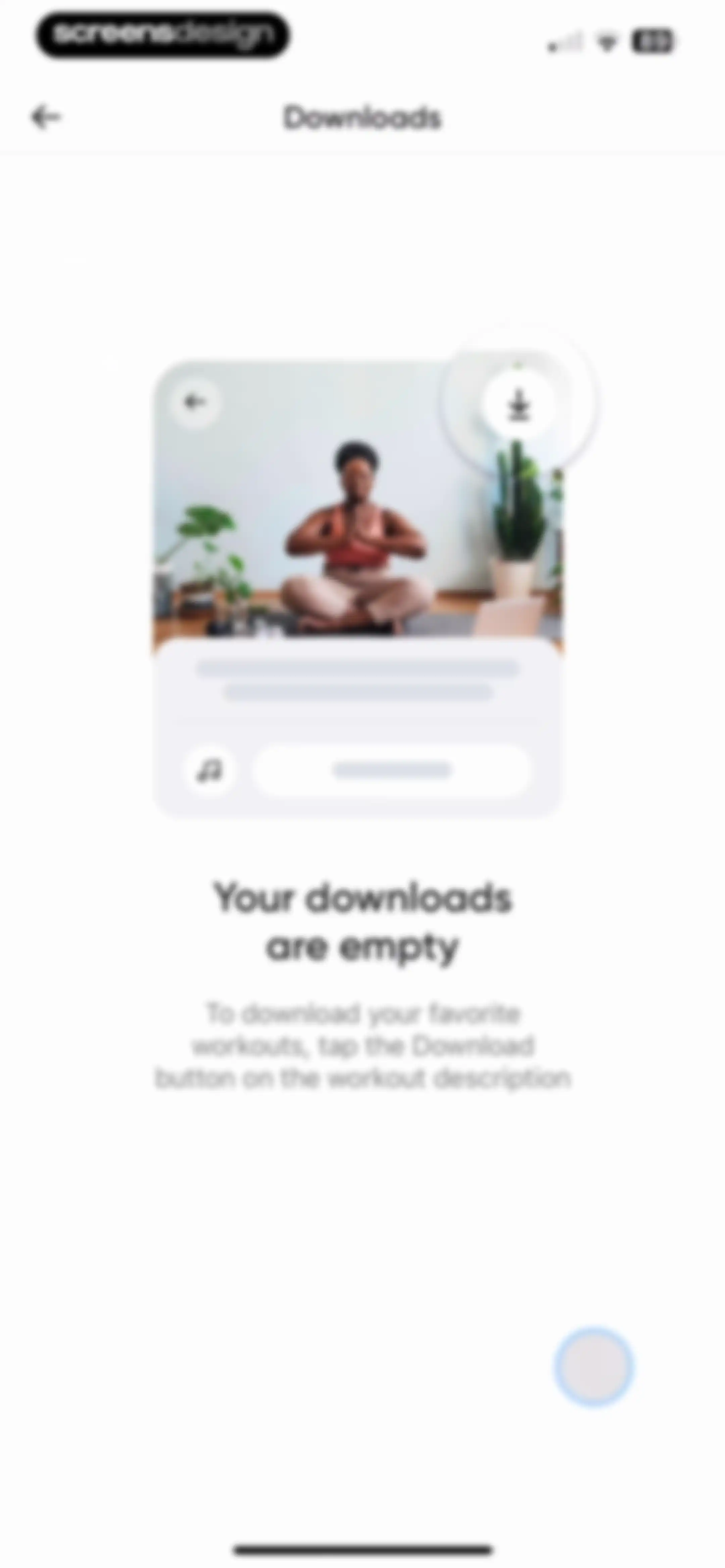
Downloads empty state screen showing an illustration and instructions on how to download favorite workouts.Unlock Pro
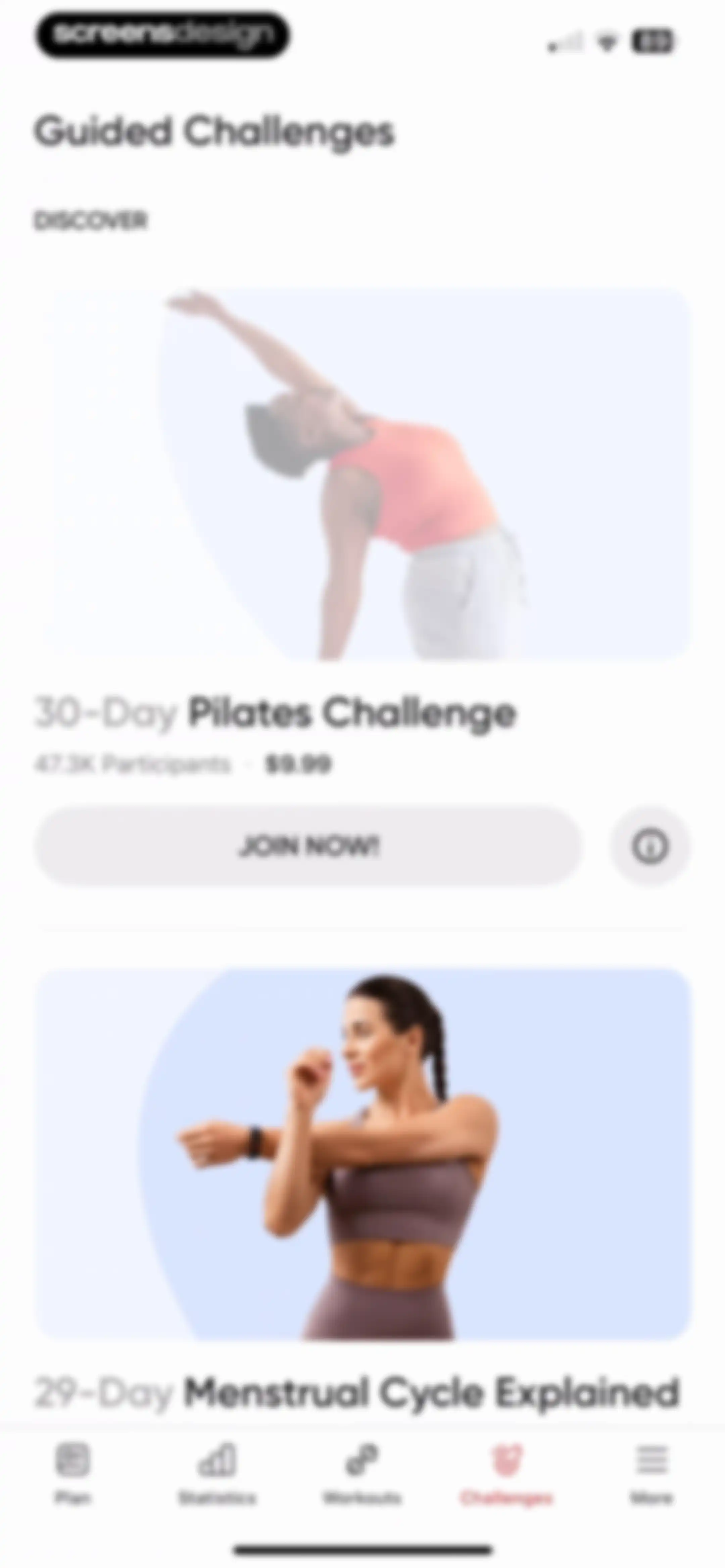
Guided challenges feed featuring the 30-Day Pilates Challenge card with a participant count, price tag, and Join Now button.Unlock Pro
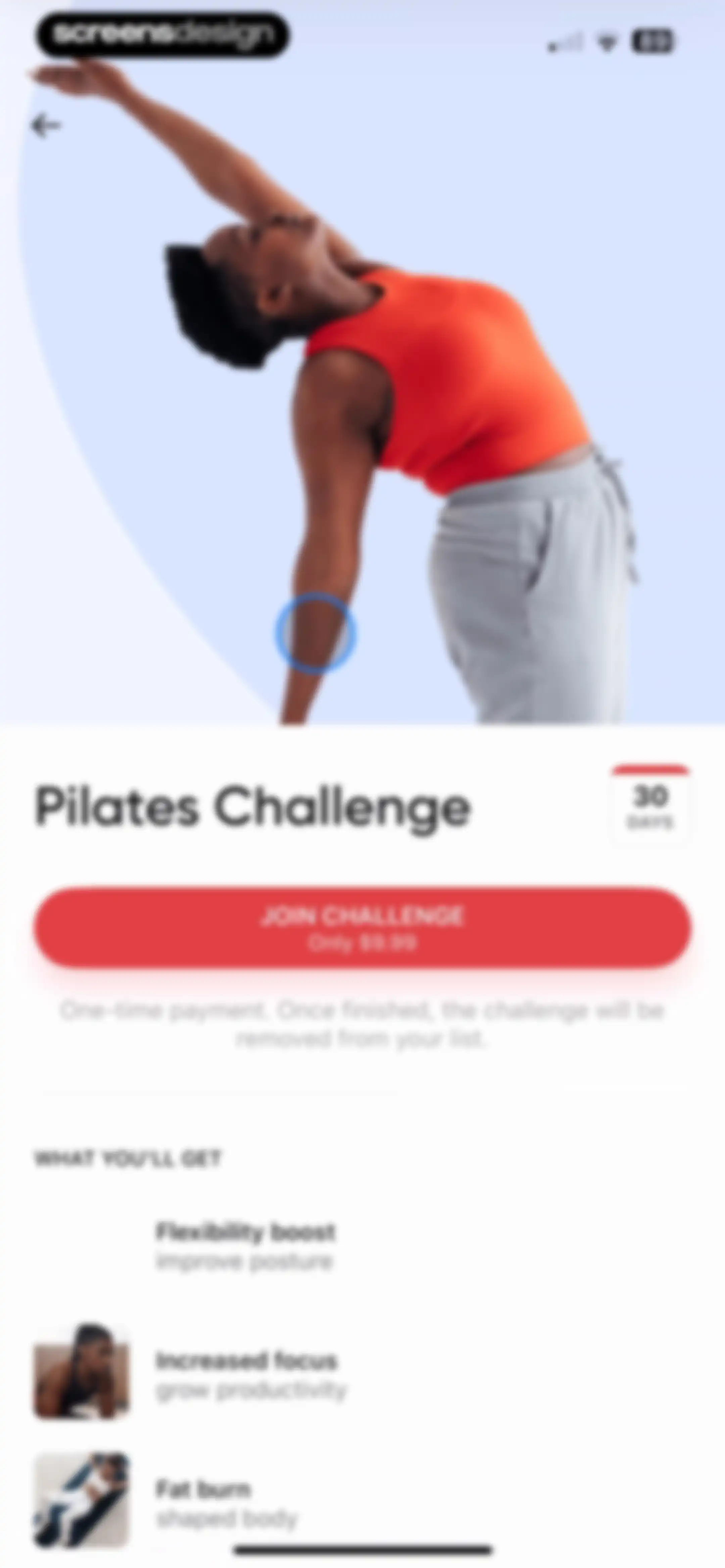
Paywall for a 30-day Pilates challenge featuring a top photo, pricing of $9.99 for a one-time payment, a Join Challenge button, and a list of benefits.Unlock Pro
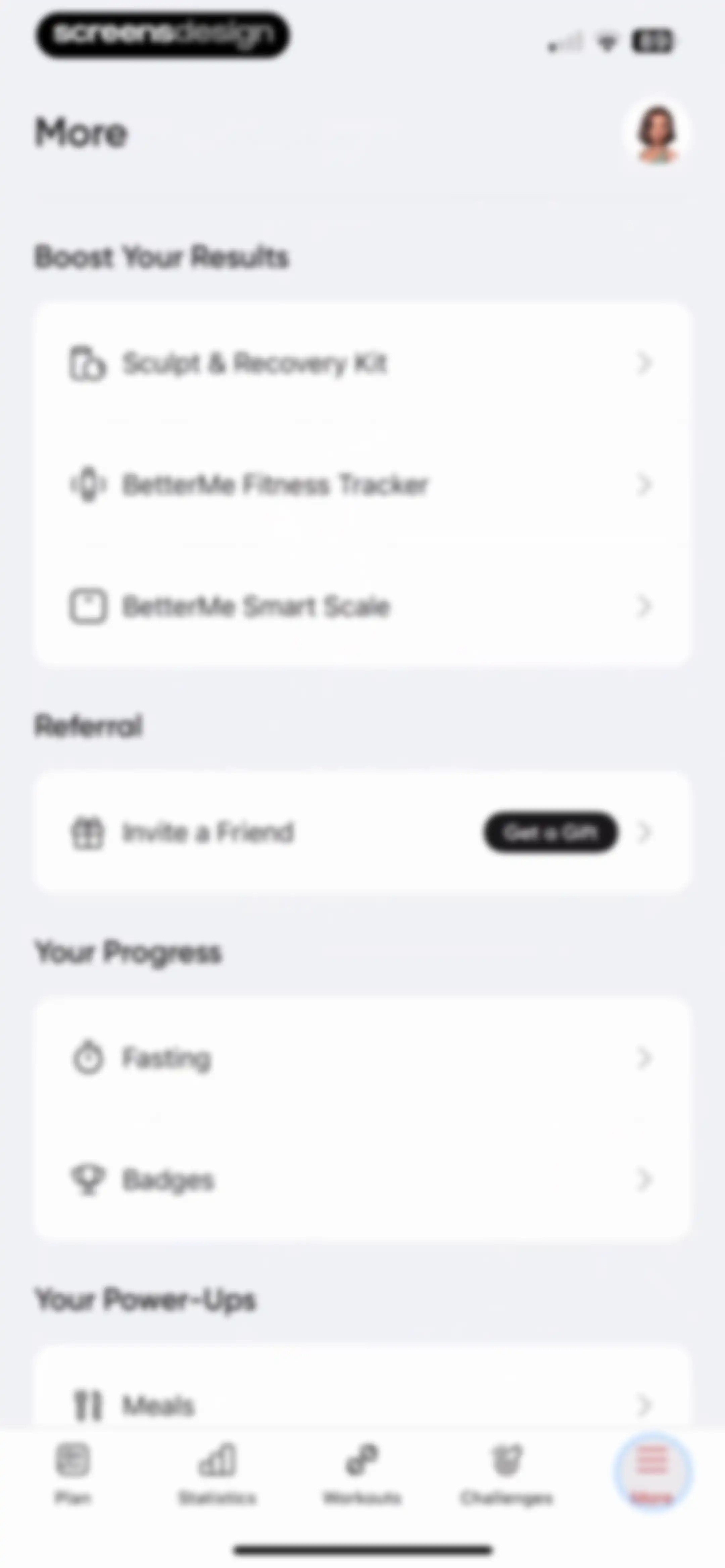
BetterMe app settings menu displaying grouped lists for product boosts, referrals, progress tracking, and power-ups, with the More tab selected in the bottom navigation bar.Unlock Pro
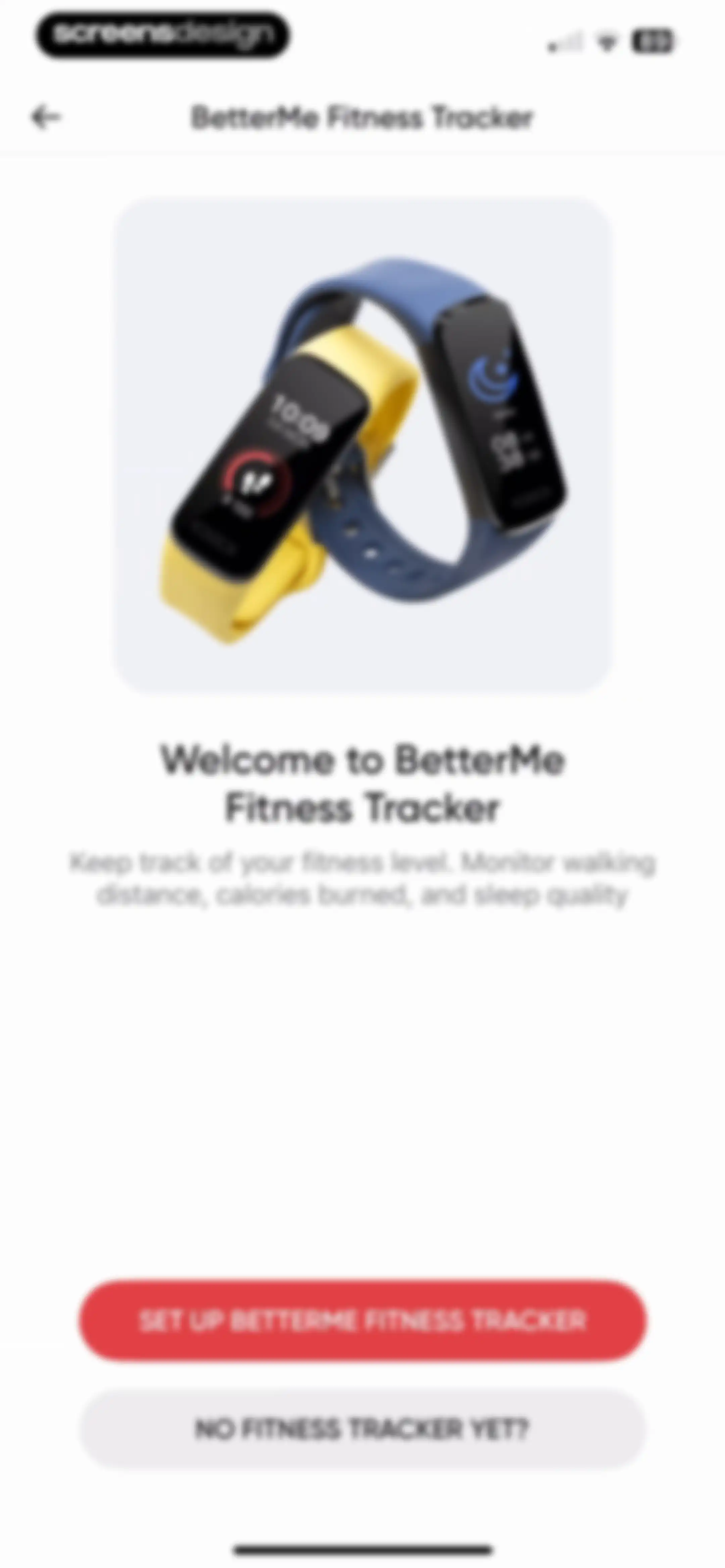
Fitness tracker onboarding screen prompting the user to set up a BetterMe device, with a product illustration and two action buttons at the bottom.Unlock Pro
Smart scale setup onboarding screen featuring a product illustration and buttons to set up now or skip.Unlock Pro
Referral program screen detailing a three-step process to earn a store discount, with a share referral link button at the bottom.Unlock Pro
Referral screen featuring a BetterMe Store gift card promotion overlaid with an iOS system share sheet.Unlock Pro
Onboarding welcome screen for fasting with a hero photo of a woman, introductory text, progress bar, and a Get Started button.Unlock Pro
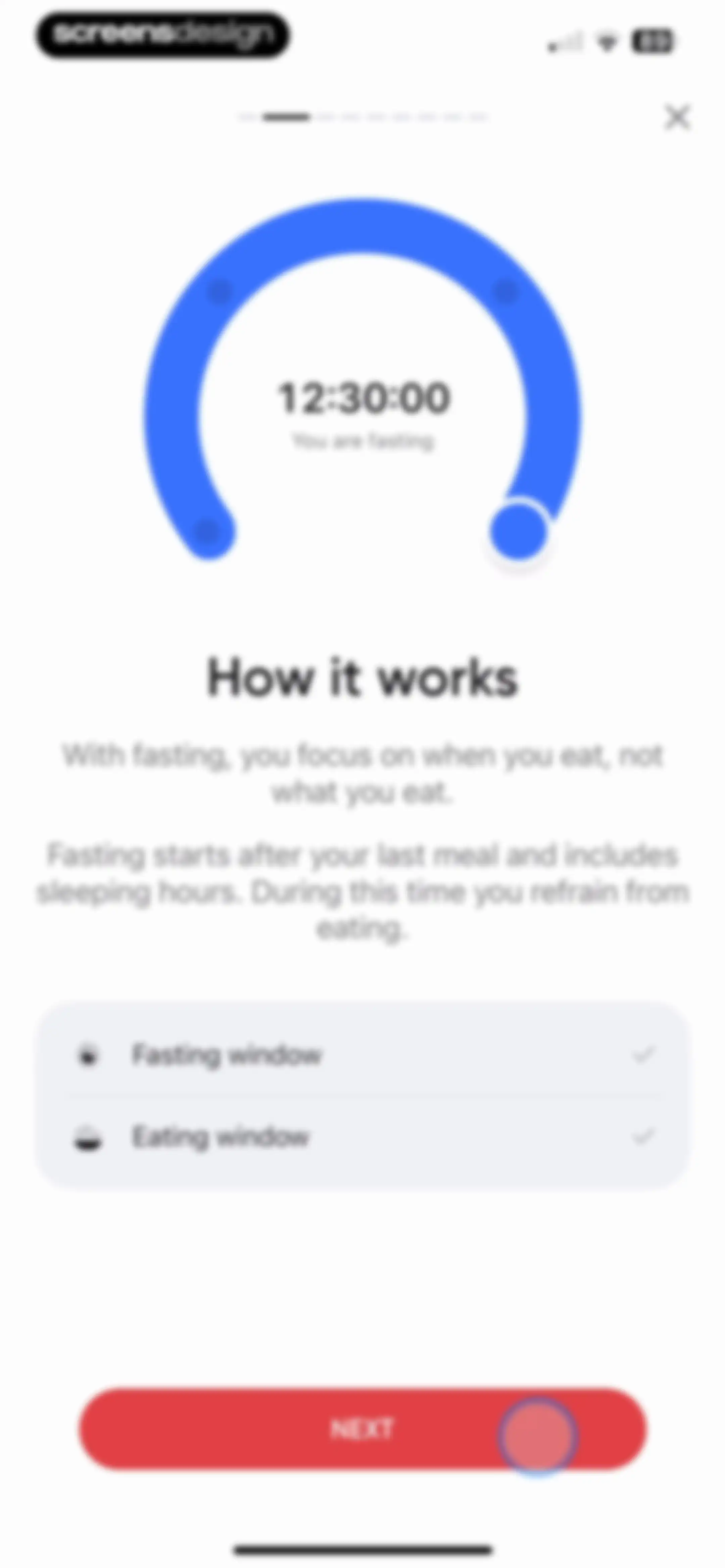
Onboarding screen explaining how fasting works with a circular timer graphic, a list of fasting and eating windows, and a Next button.Unlock Pro
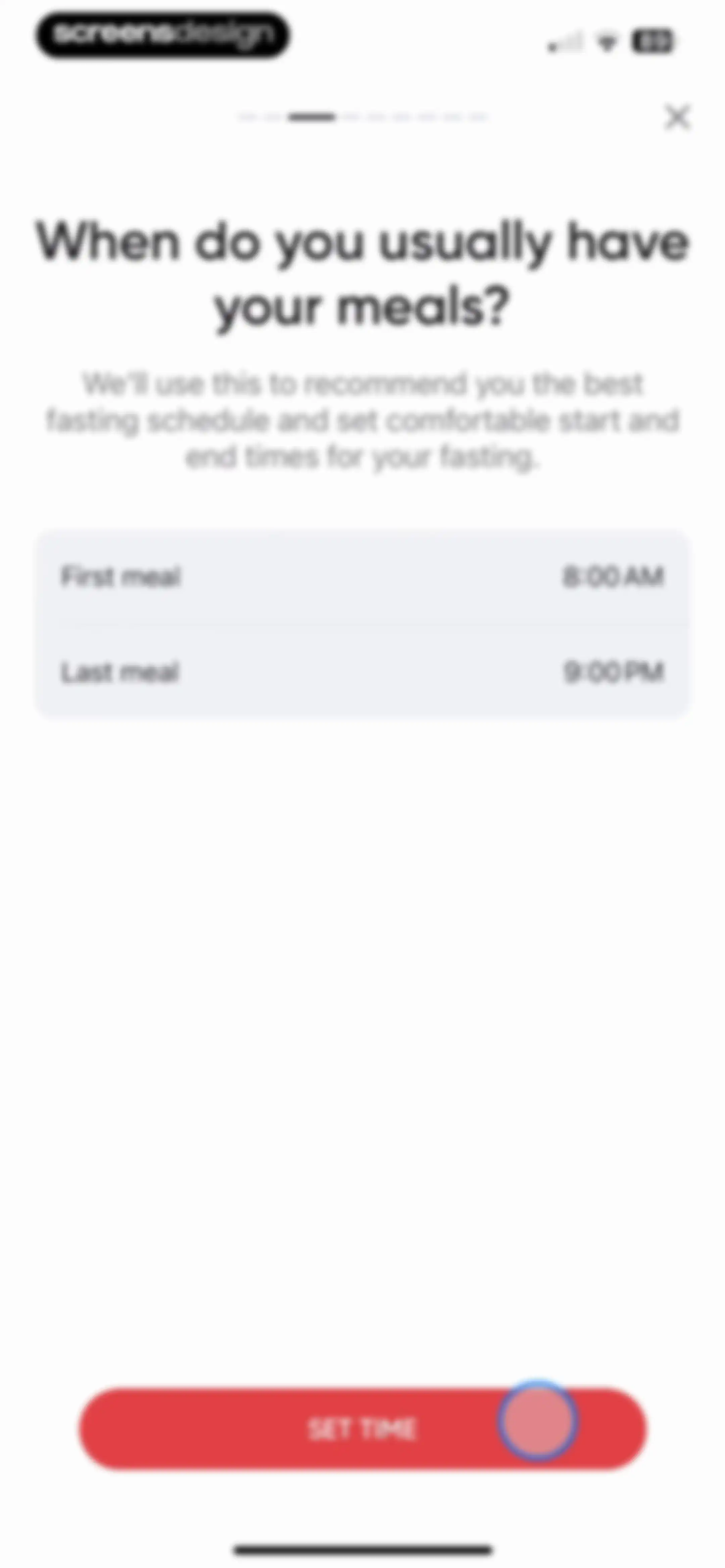
Onboarding screen asking for typical meal times, featuring default times of 8:00 AM and 9:00 PM with a Set Time button.Unlock Pro
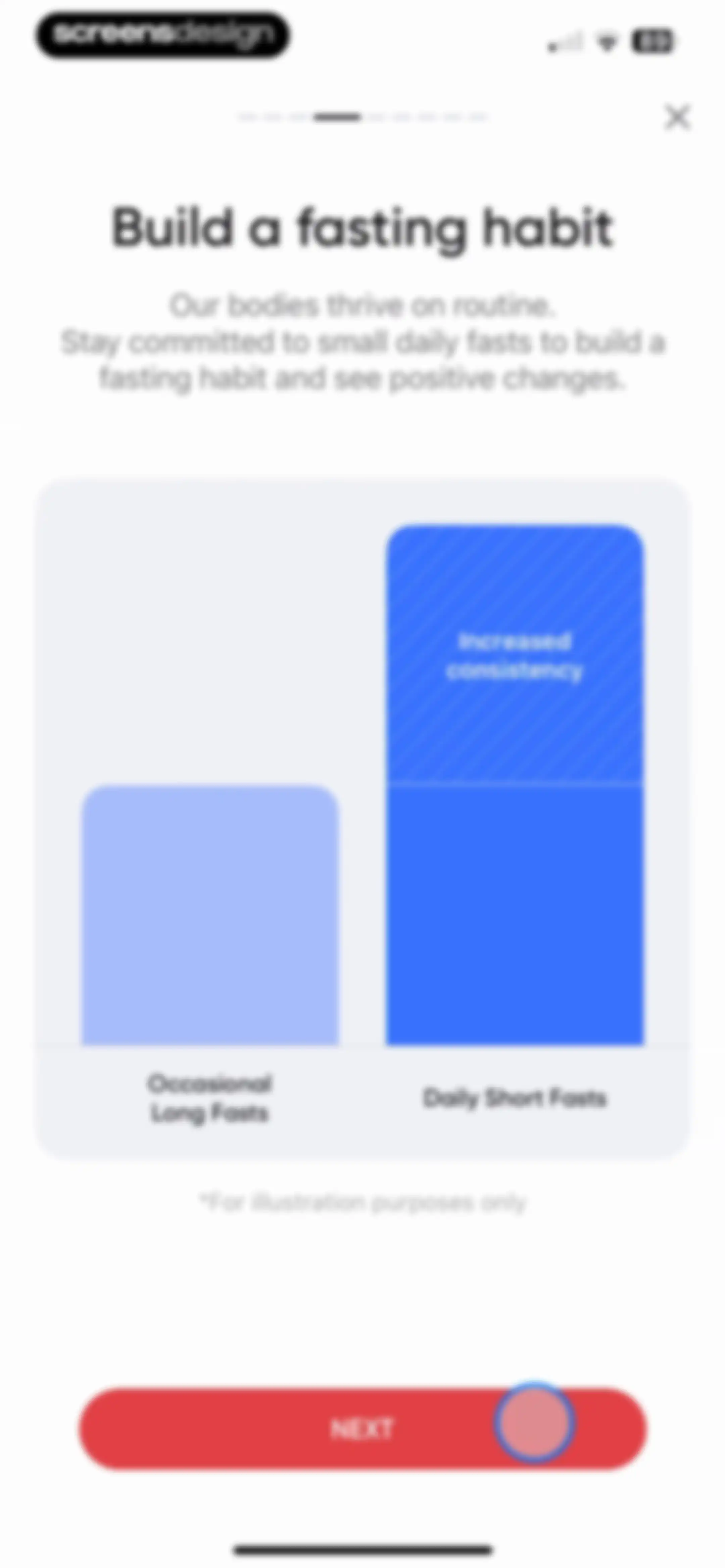
Onboarding screen explaining the benefits of daily short fasts with a comparison bar chart and a Next button.Unlock Pro
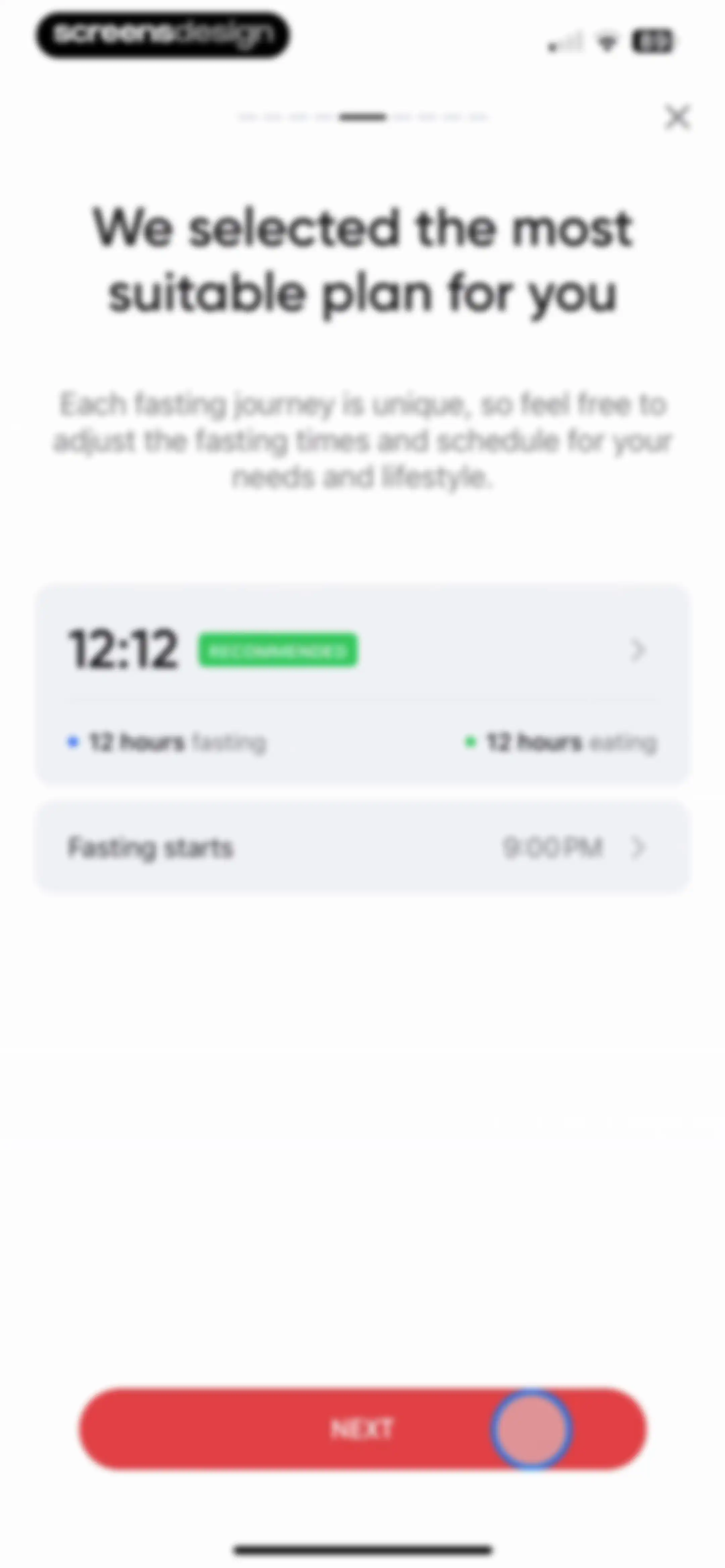
Fasting plan onboarding screen displaying a recommended 12:12 schedule, start time settings, and a Next button.Unlock Pro
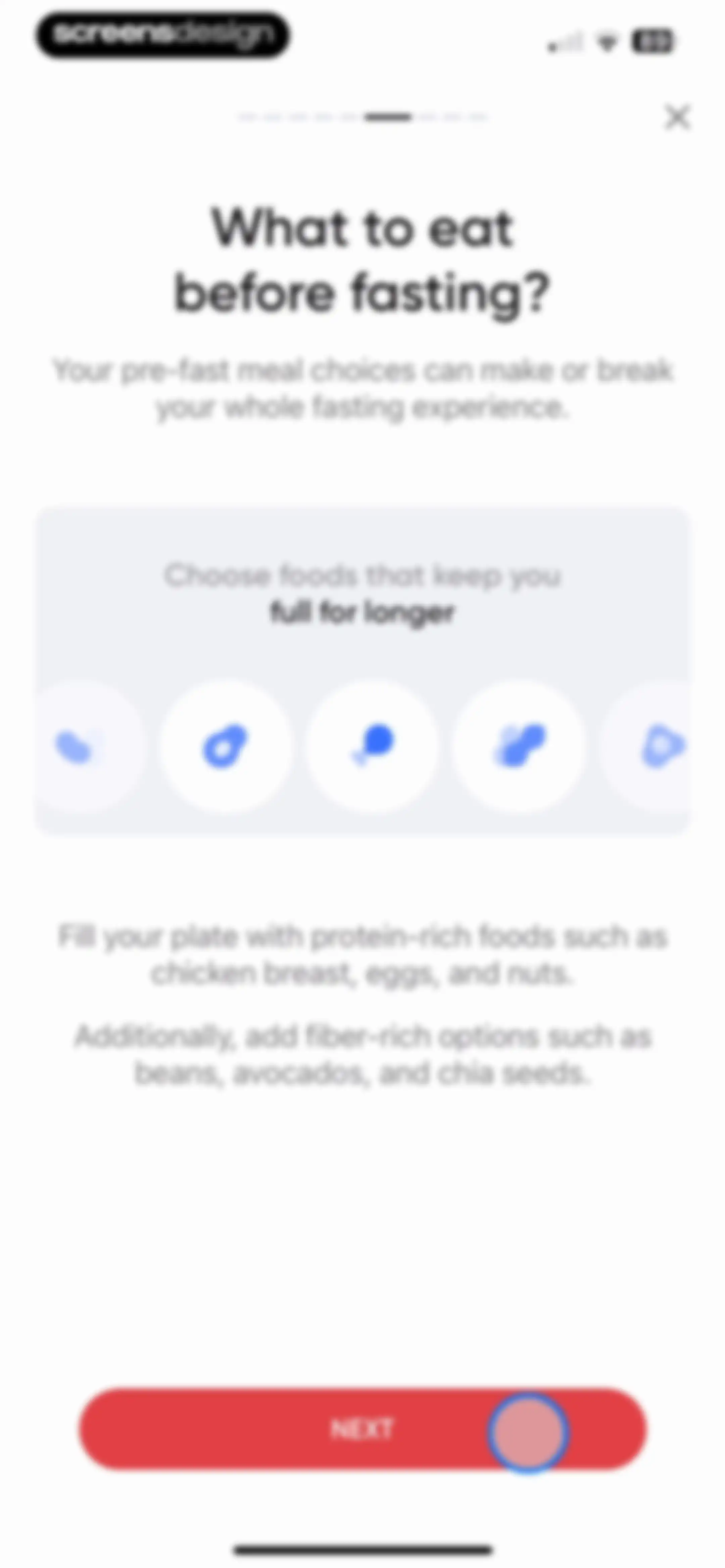
Onboarding educational screen about pre-fasting nutrition with food icons, protein and fiber tips, and a Next button.Unlock Pro
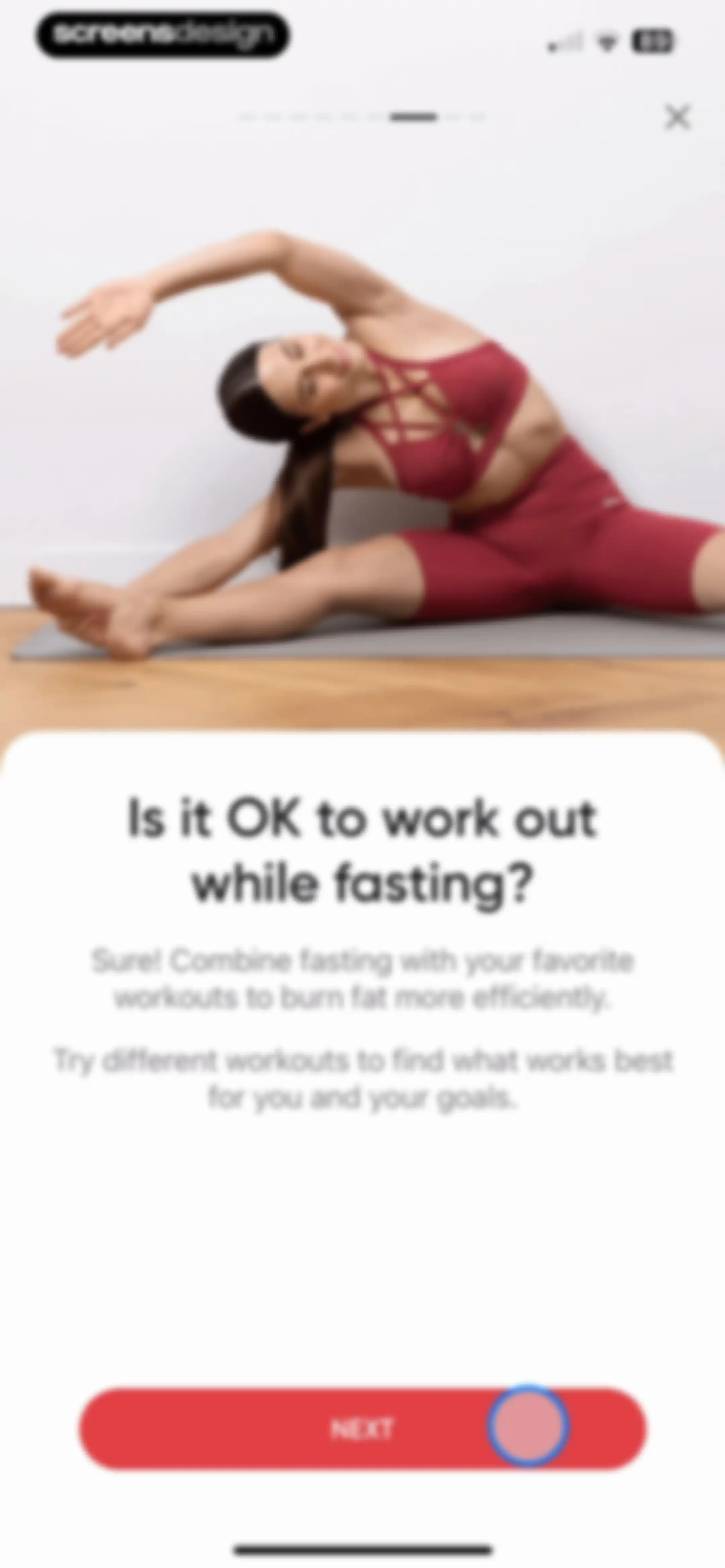
Fitness onboarding educational screen asking if it is okay to work out while fasting, featuring a hero image and a Next button.Unlock Pro
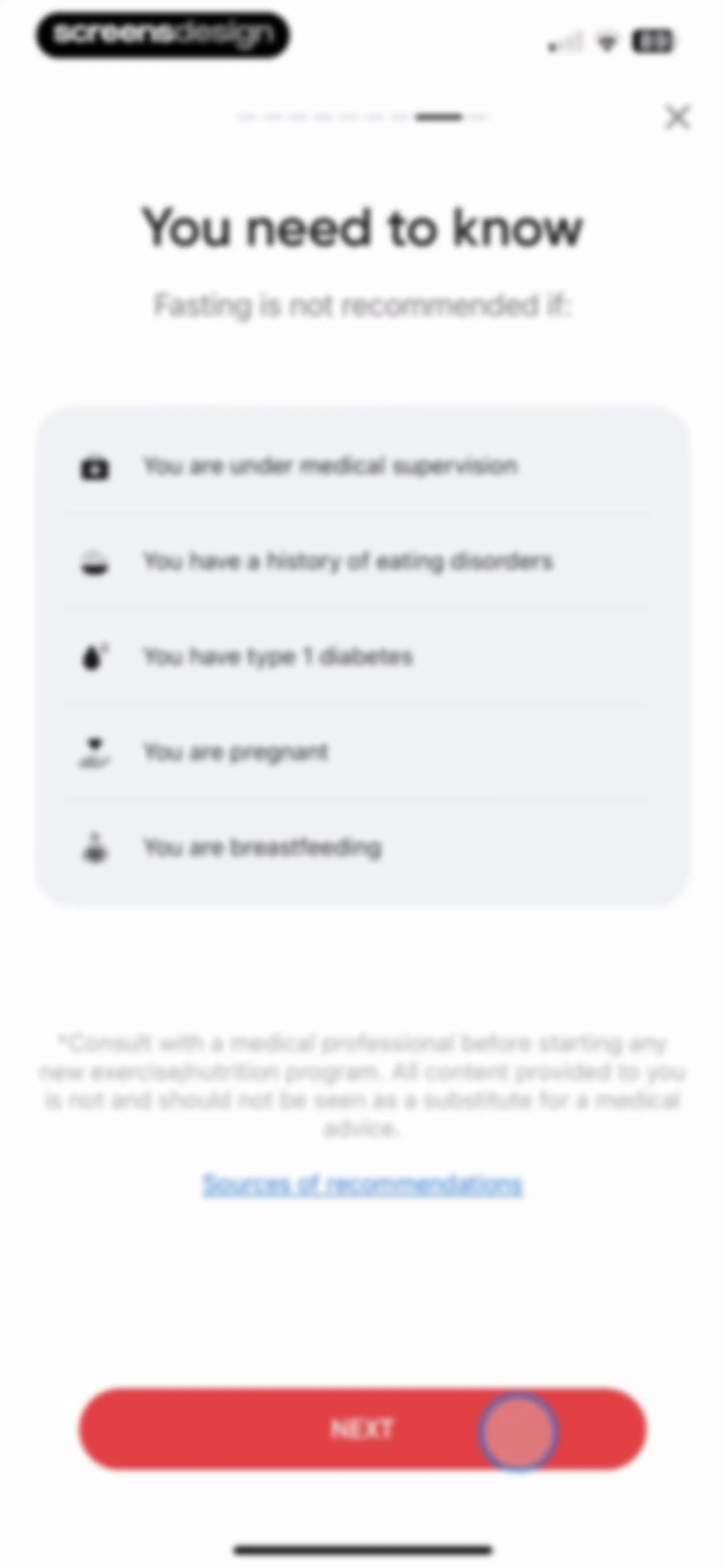
Health onboarding screen listing fasting contraindications with a medical disclaimer and a Next button.Unlock Pro
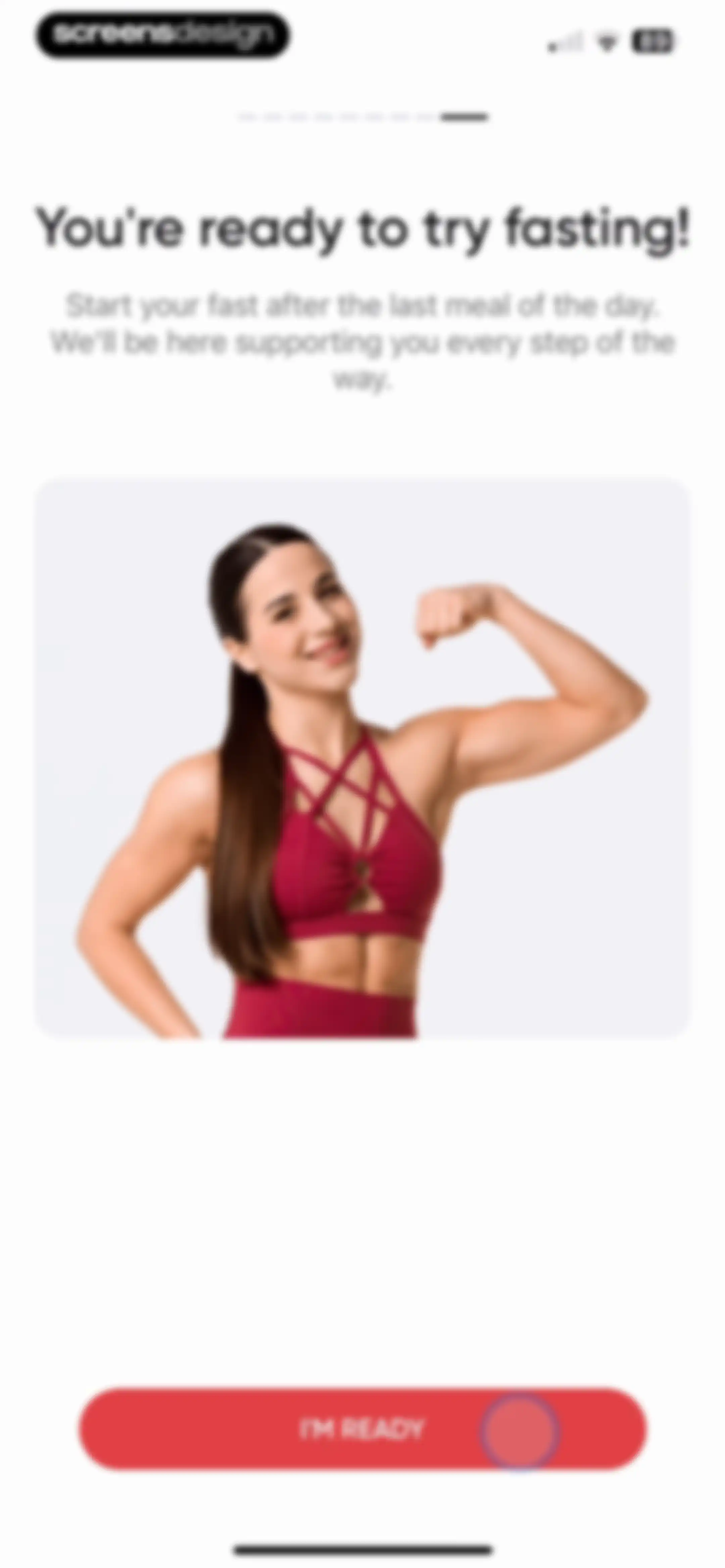
Fasting onboarding screen featuring a photo of a fit woman flexing, a supportive message, and an I'M READY button at the bottom.Unlock Pro
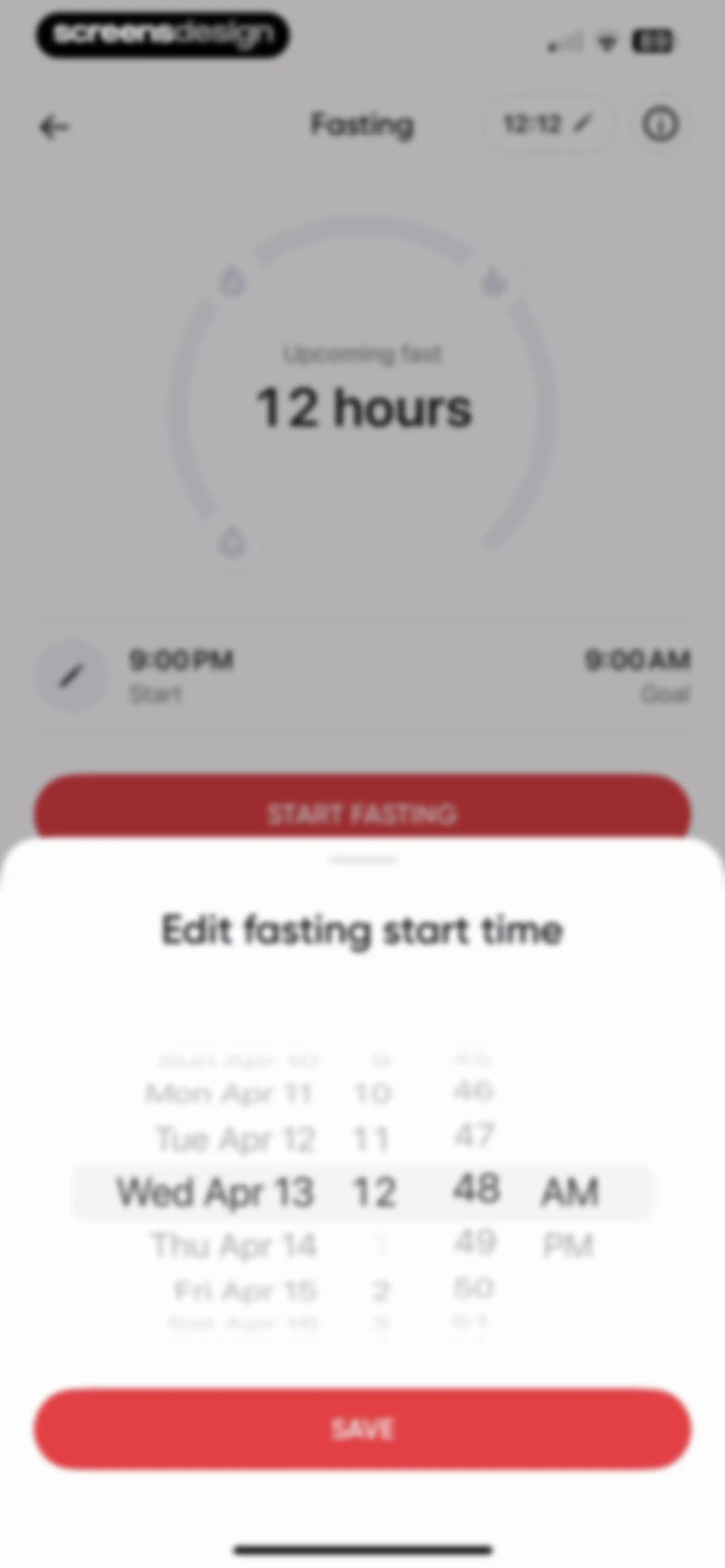
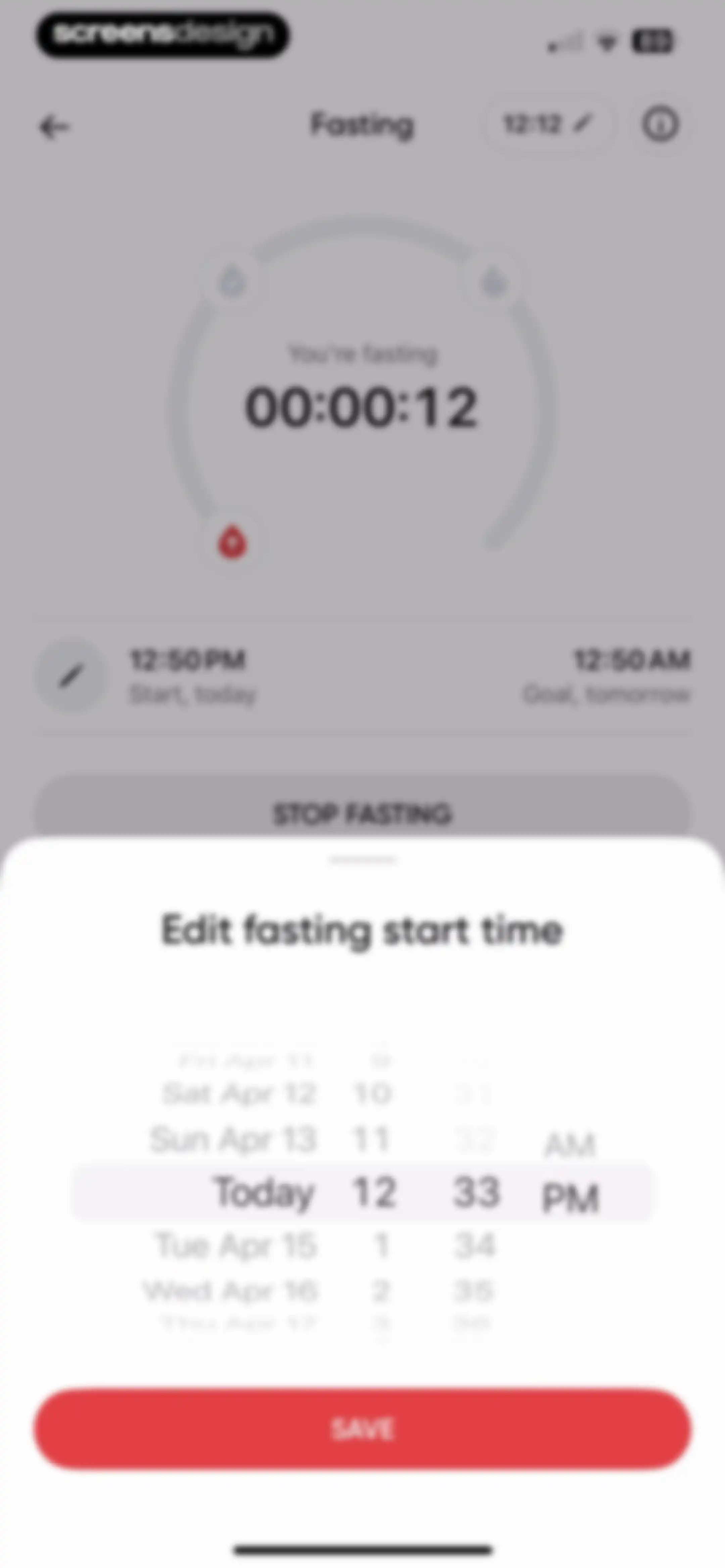
Fasting tracker form featuring a central circular progress indicator and an open bottom sheet modal with a date and time picker and a Save button.Unlock Pro
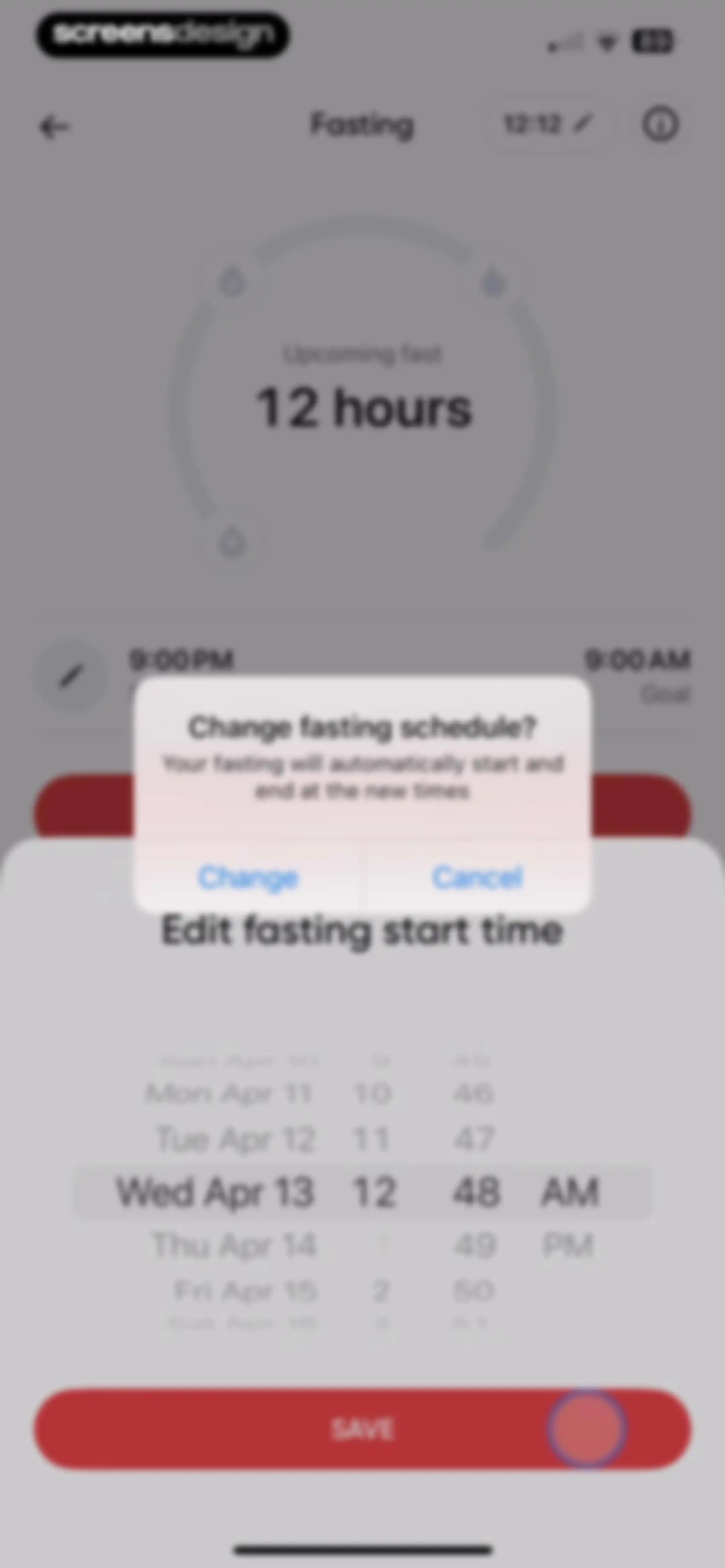
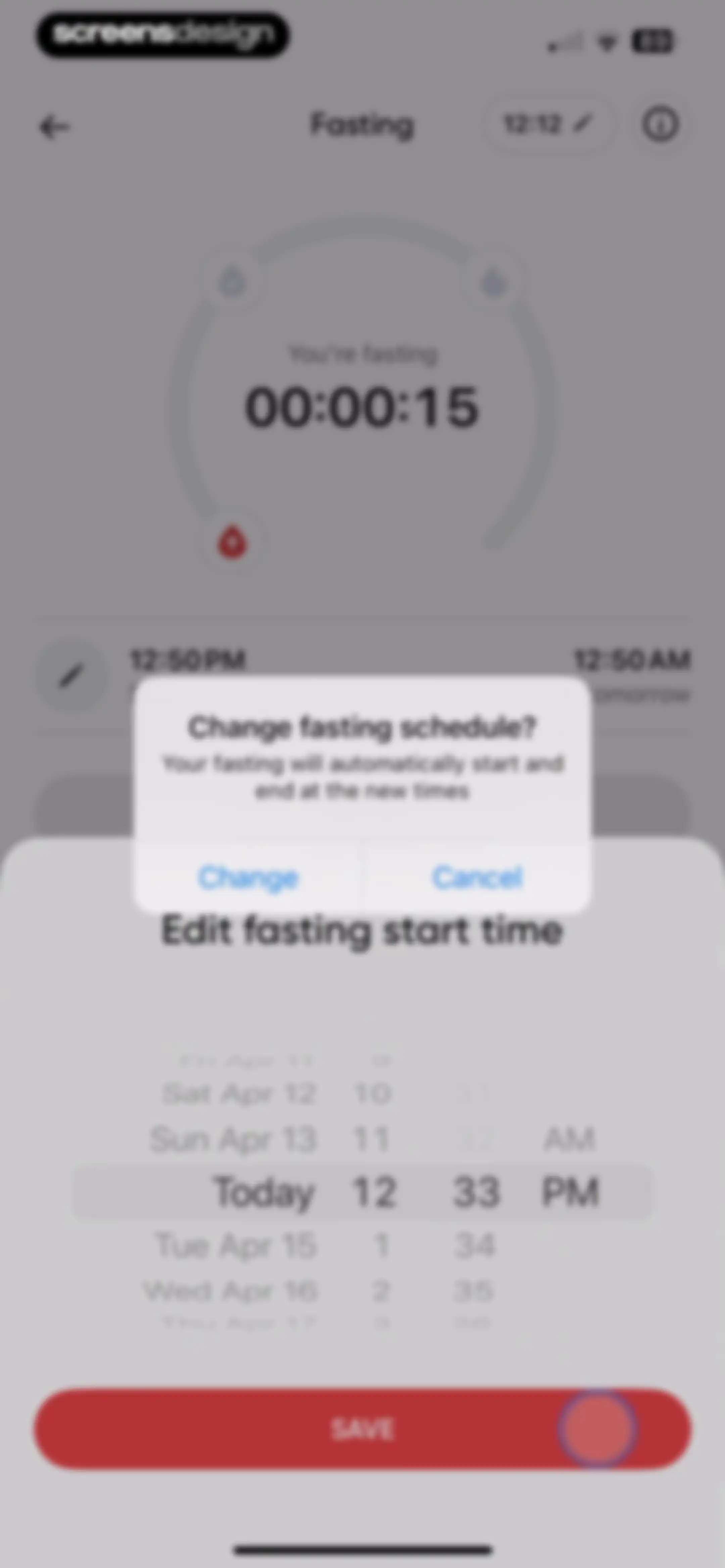
Fasting schedule screen with a date and time picker wheel, a schedule change confirmation modal, and a Save button.Unlock Pro
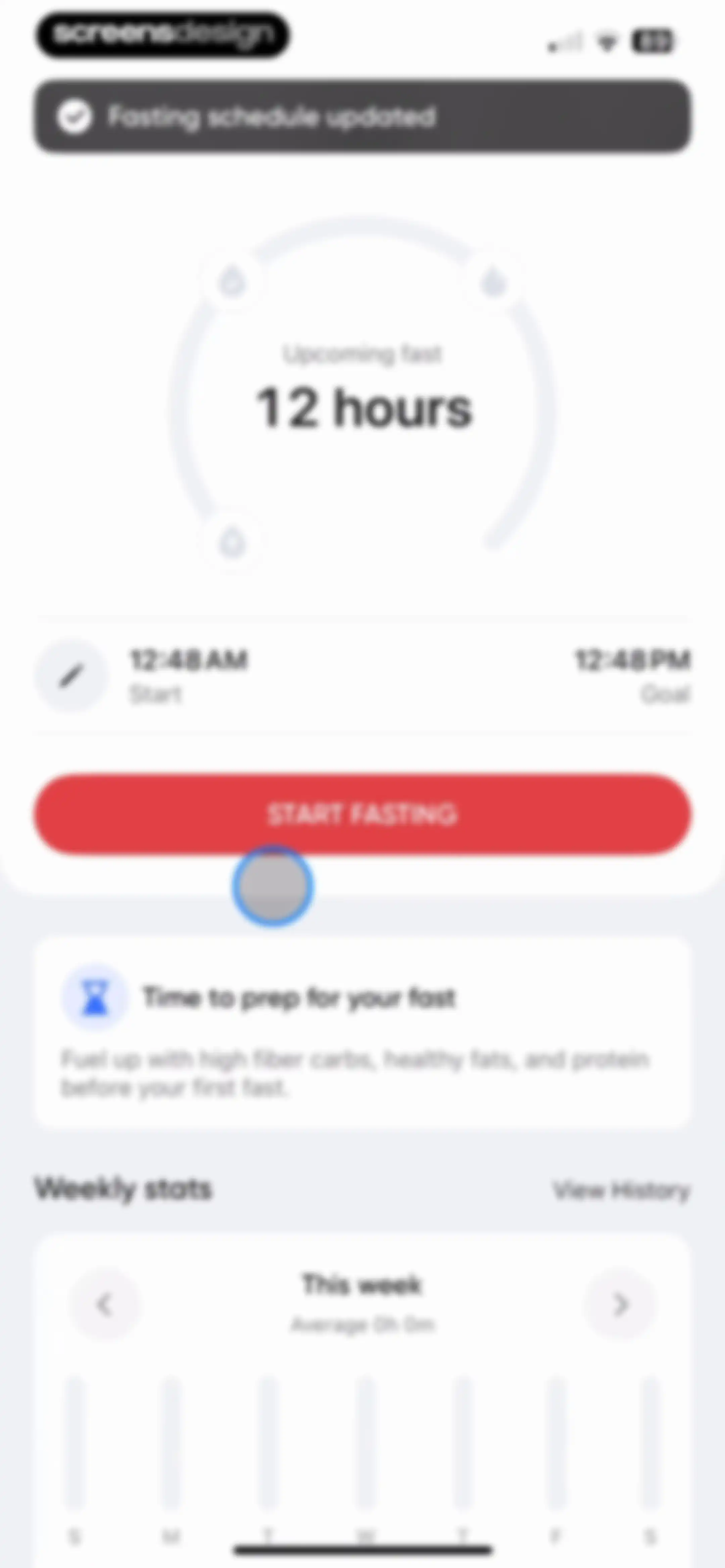
Fasting dashboard with a timer for an upcoming twelve-hour fast, a start fast button, a preparation tip card, and weekly statistics.Unlock Pro
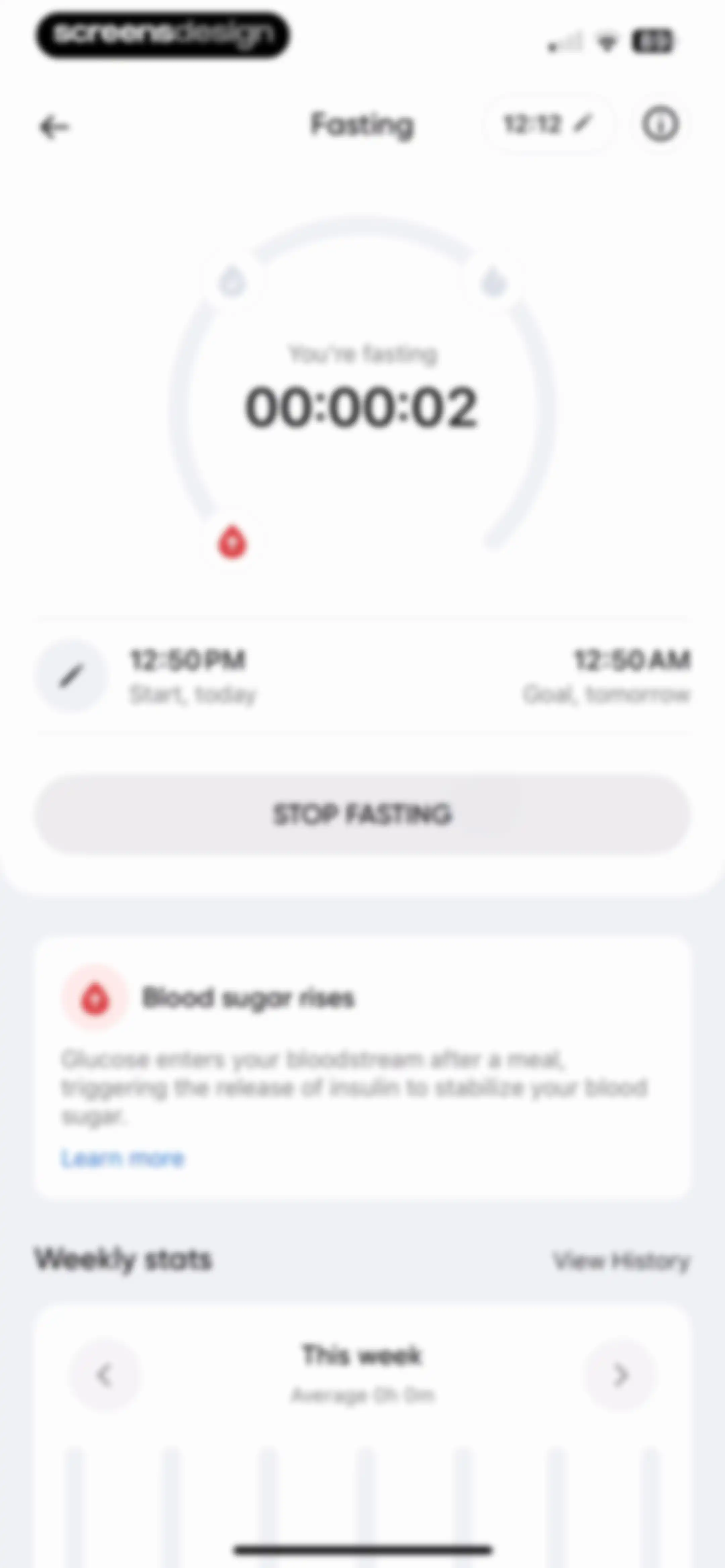
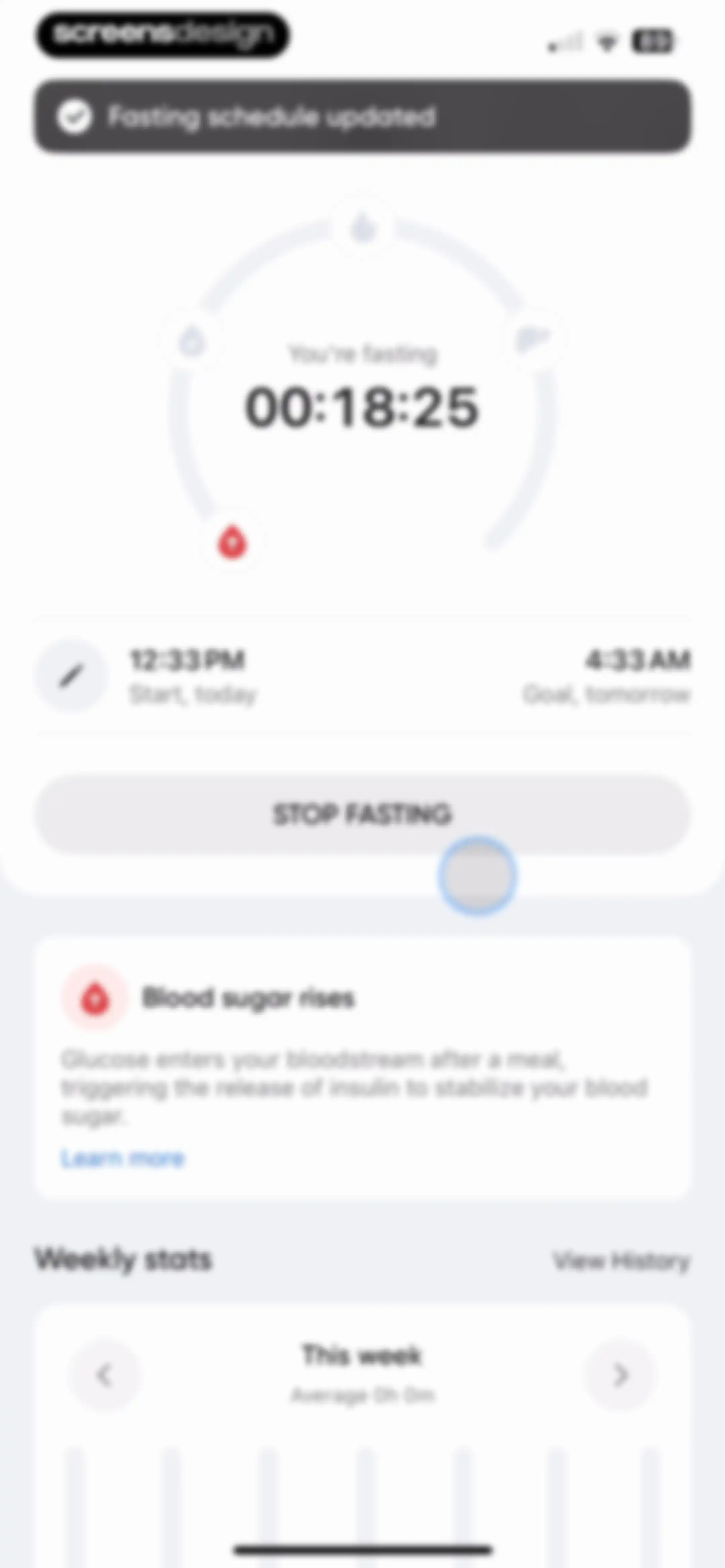
Fasting dashboard with an active timer showing a stop fast button, an educational card about blood sugar, and weekly statistics.Unlock Pro
Fasting dashboard with an active circular timer and a bottom sheet modal to edit the fasting start time, including a Save button.Unlock Pro
Fasting timer interface with an active confirmation modal overlay and a date and time picker at the bottom, featuring a Save button.Unlock Pro
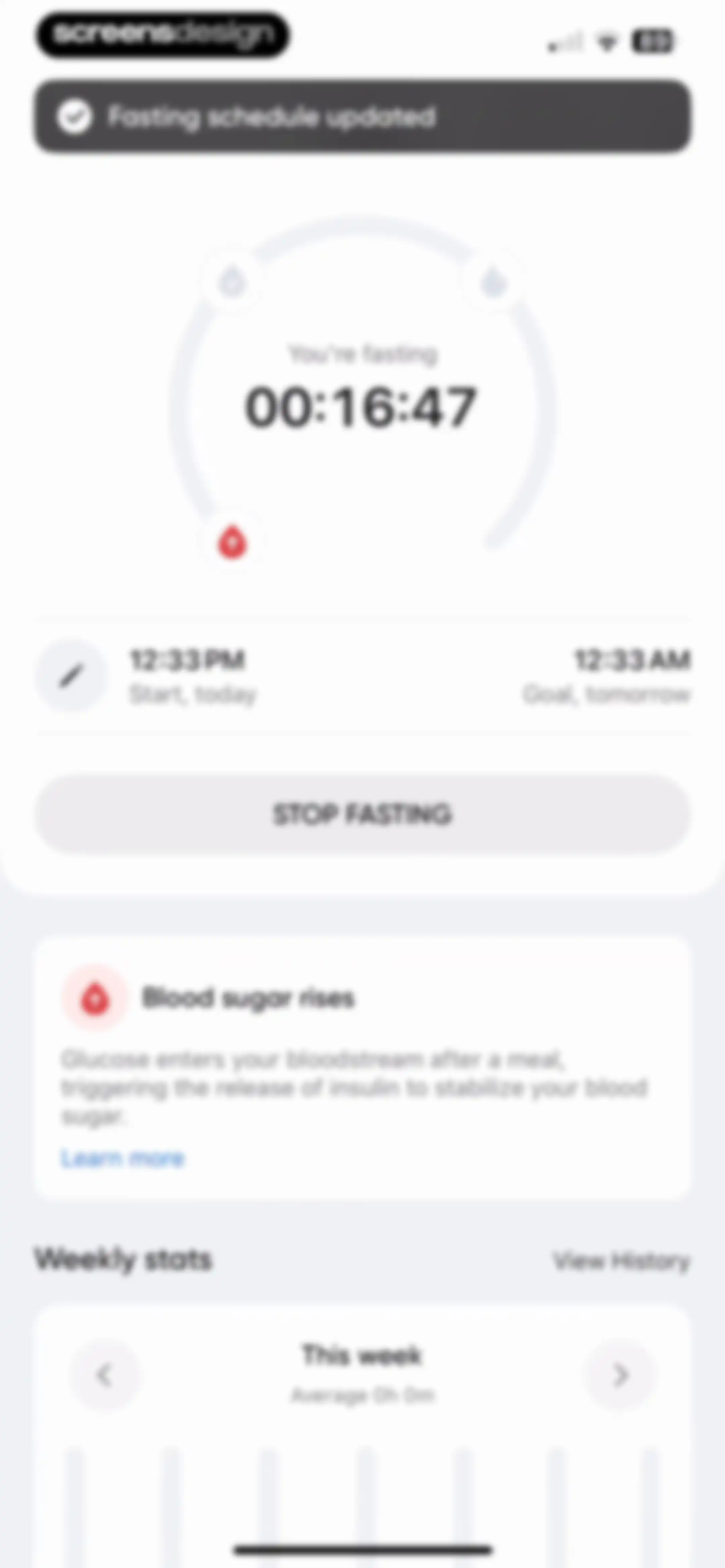
Fasting dashboard with an active circular timer showing 00:16:47, a Stop Fasting button, an educational card about blood sugar, and weekly stats.Unlock Pro
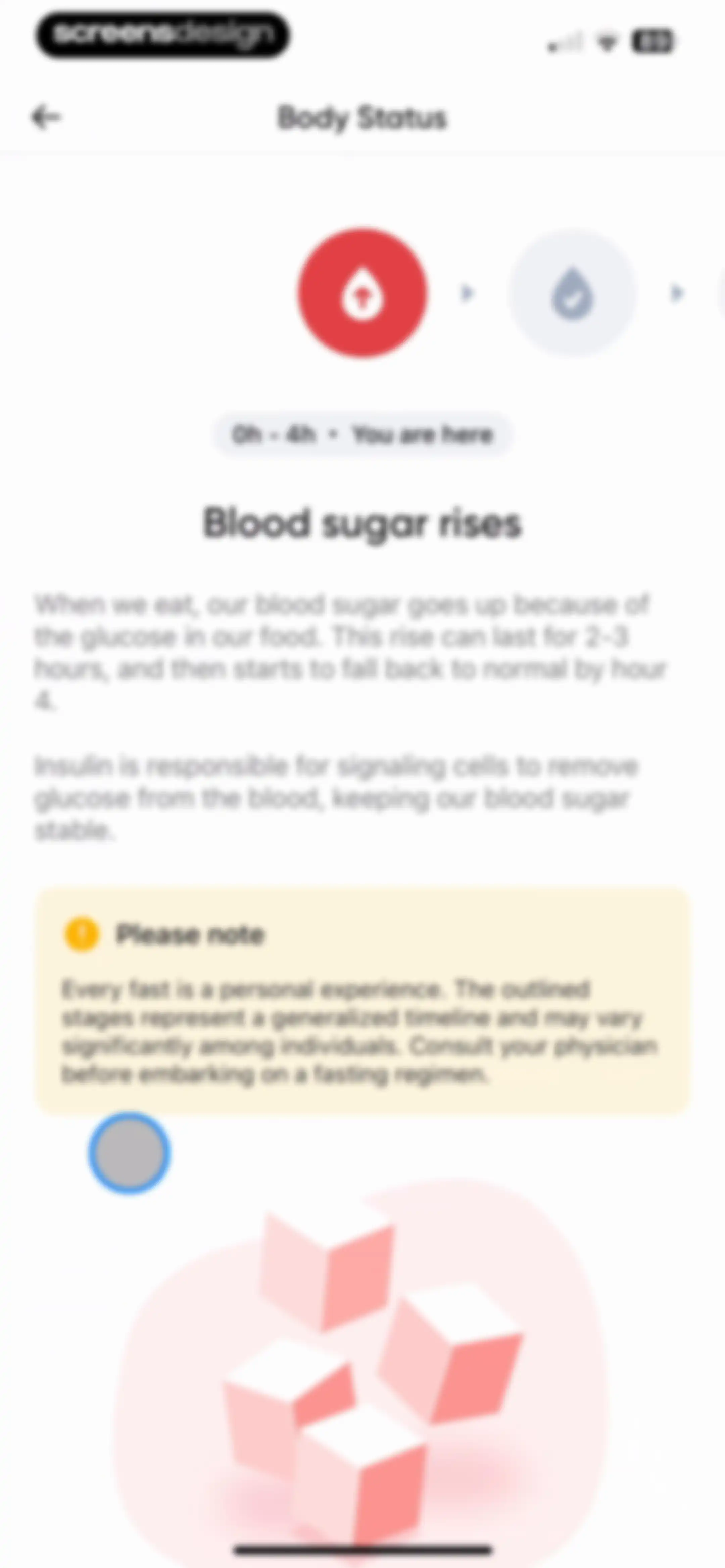
Educational body status screen detailing blood sugar changes during the initial fasting stage, featuring a progress timeline and a medical disclaimer.Unlock Pro
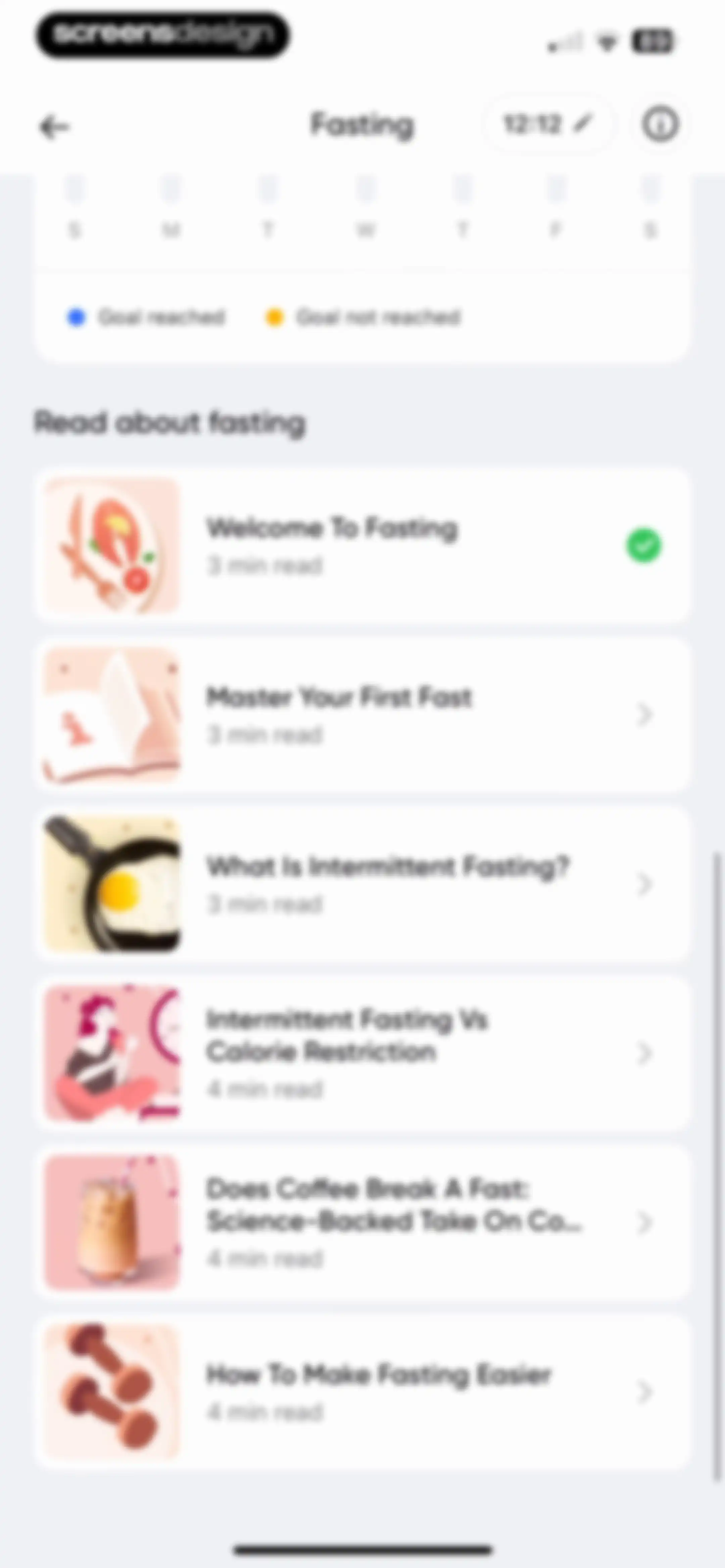
Fasting educational hub featuring a weekly calendar progress tracker and a vertical list of article cards about intermittent fasting.Unlock Pro
Onboarding success screen celebrating the start of a fast with a photo of a smiling woman, a motivational message, and an I'M EXCITED button.Unlock Pro
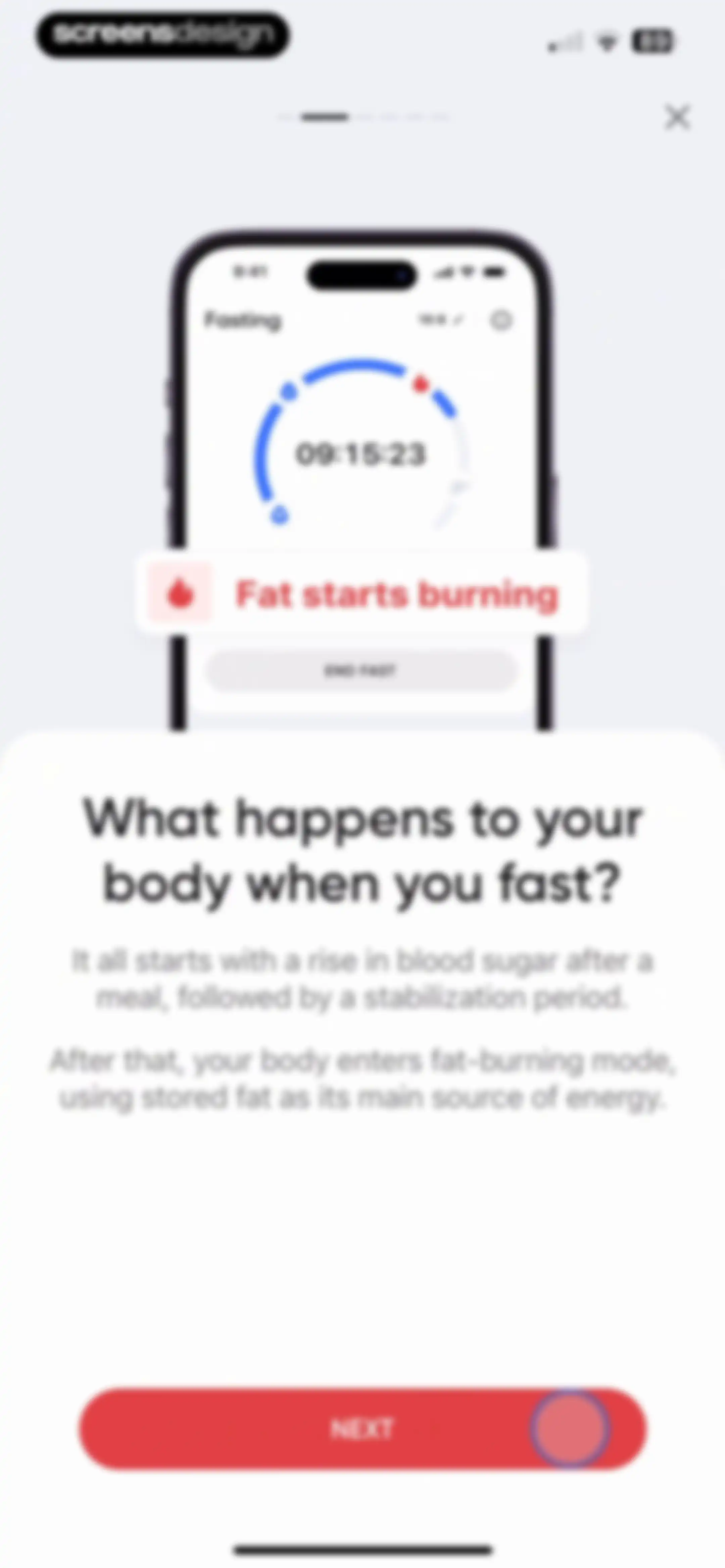
Onboarding screen explaining the physiological effects of fasting, featuring a central product mockup and a red Next button.Unlock Pro
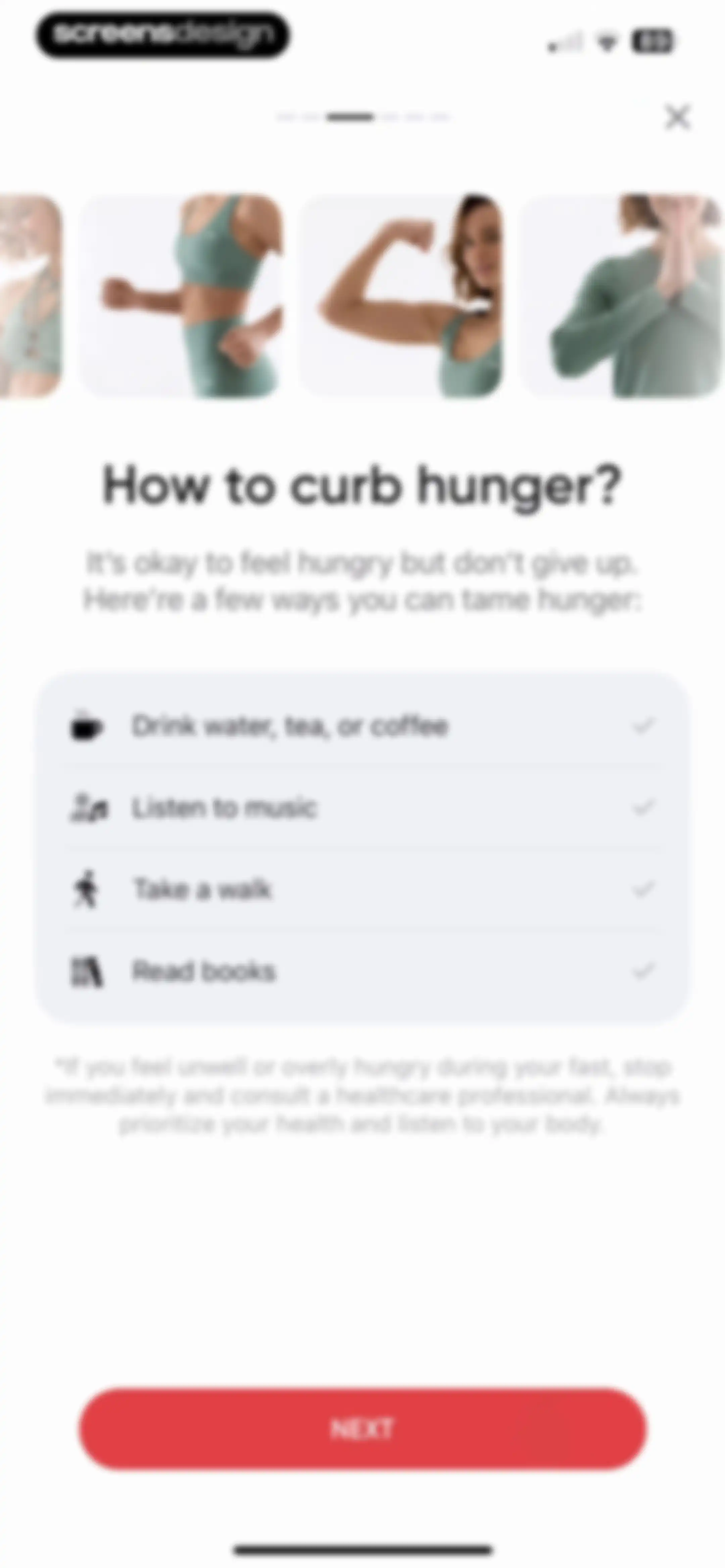
BetterMe app onboarding screen listing tips for curbing hunger with a photo carousel, a health disclaimer, and a Next button.Unlock Pro
Onboarding screen explaining what to drink while fasting, featuring a photo of a woman drinking water and a Next button.Unlock Pro
Fasting onboarding screen featuring a circular timer set to 16:00:00 and a red Next button.Unlock Pro
Onboarding screen advising on post-fasting nutrition with a central food icon card and a bottom call-to-action button.Unlock Pro
BetterMe intermittent fasting web view showing a salmon and salad food photo with a slide indicator of 1 of 14 and a top Done button.Unlock Pro
Educational content page comparing intermittent fasting and calorie restriction, marked as page one of three with back and close buttons.Unlock Pro
Educational content page in the BetterMe app summarizing a University of Illinois fasting study, featuring methodology details and study groups across a bulleted list.Unlock Pro
Onboarding educational screen detailing research results on weight loss studies, featuring a highlighted summary and a finish button.Unlock Pro
Educational article about coffee and intermittent fasting featuring a central illustration and explanatory text on page one of three.Unlock Pro
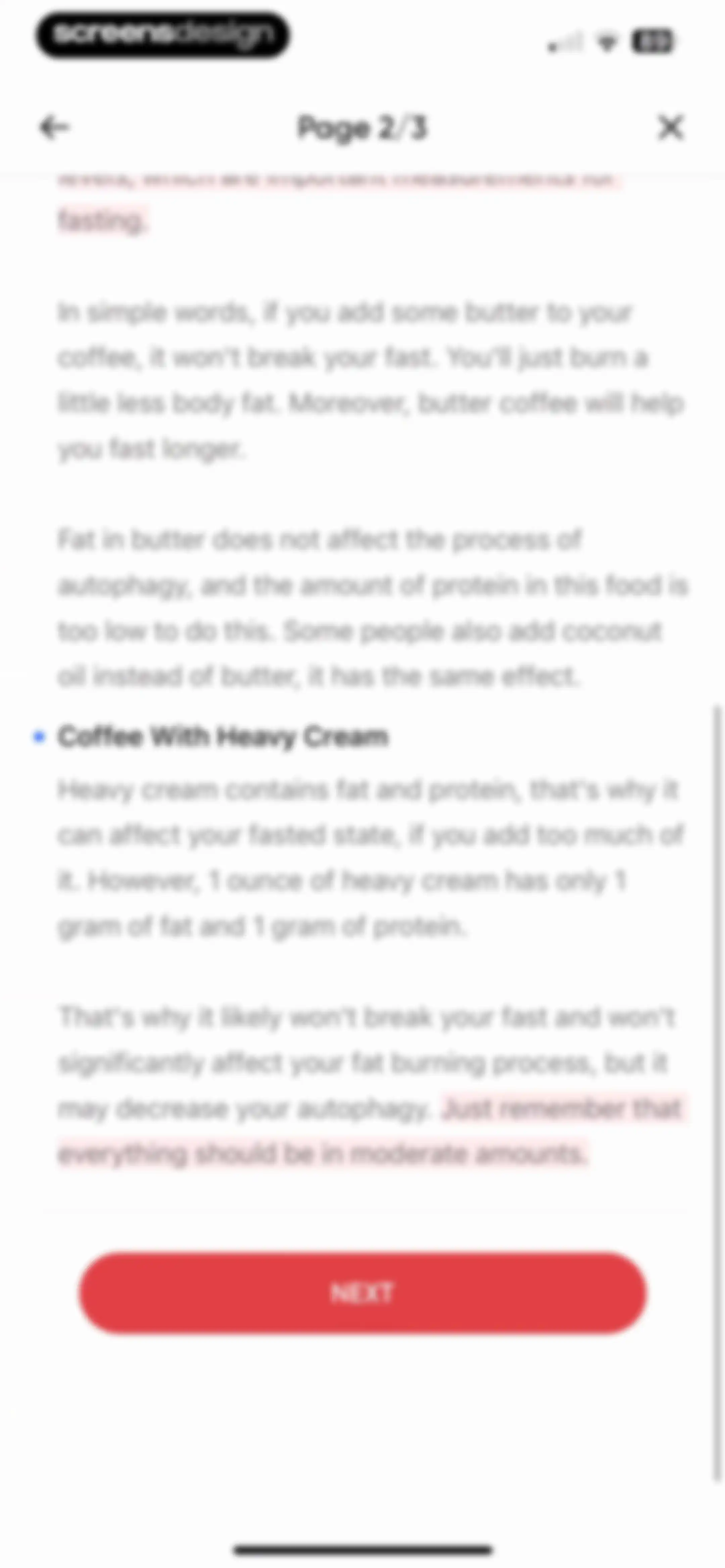
Fasting educational onboarding screen explaining coffee additives, showing page 2 of 3 and a red Next button.Unlock Pro
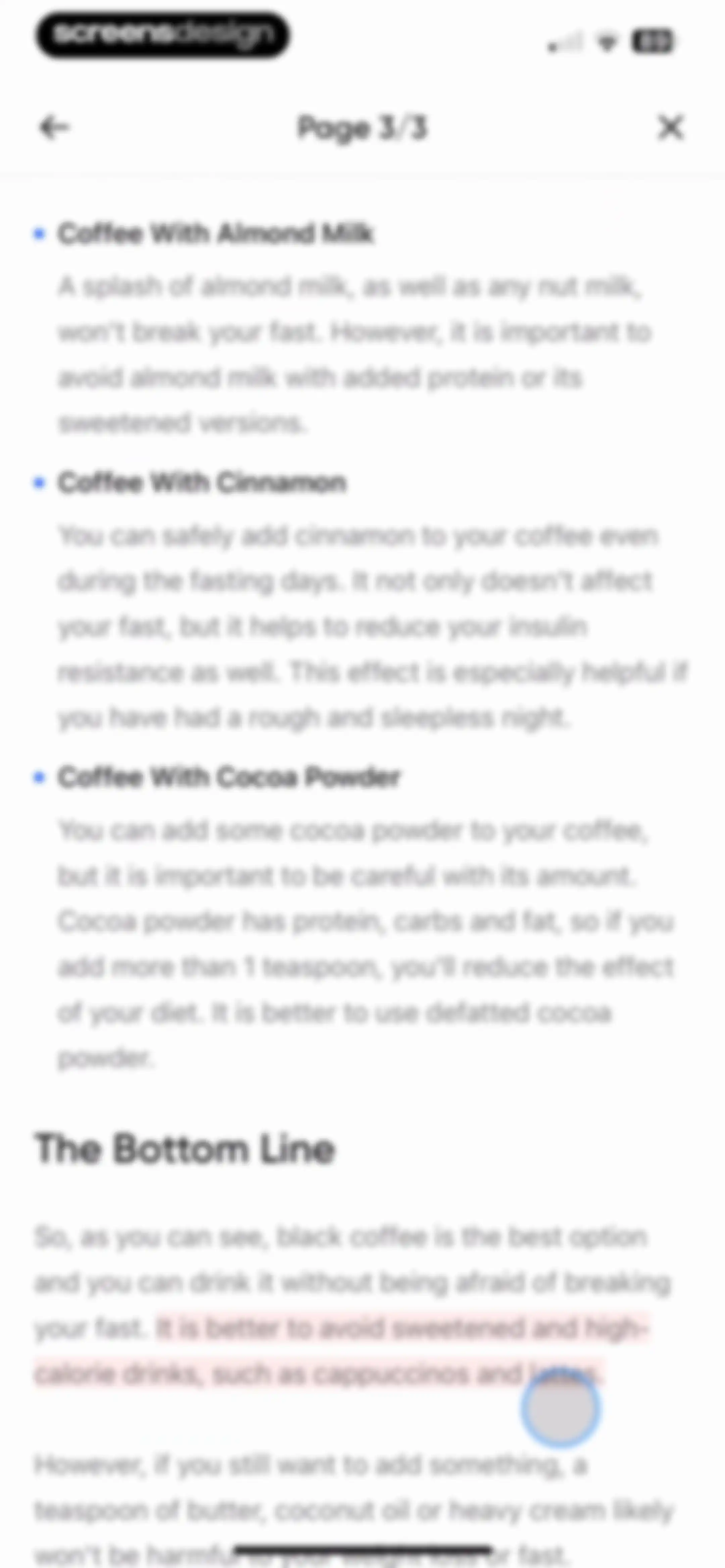
Educational content page from the BetterMe app, showing Page 3 of 3 with guidelines on coffee additives during fasting and a bottom summary.Unlock Pro
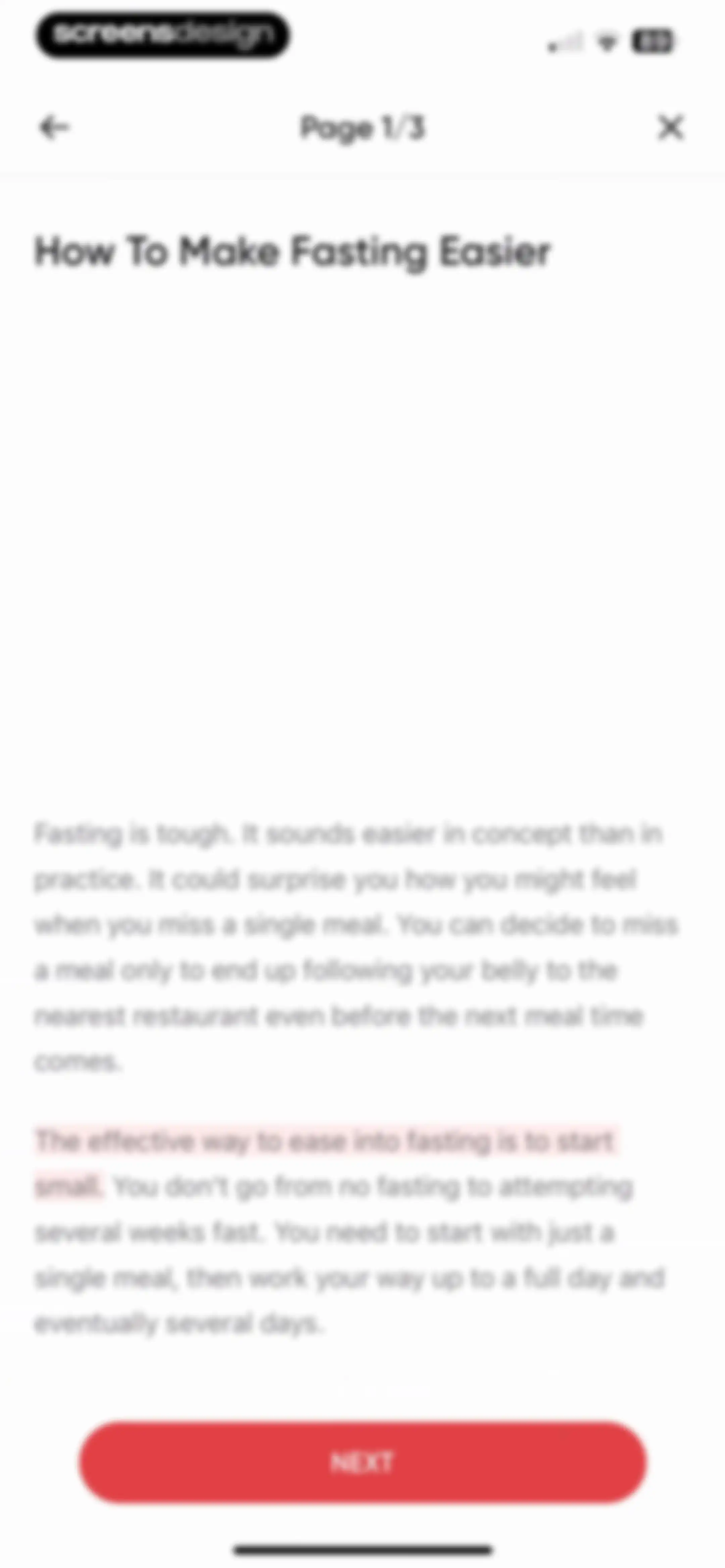
Onboarding educational screen about easing into fasting, showing page one of three with a Next button.Unlock Pro
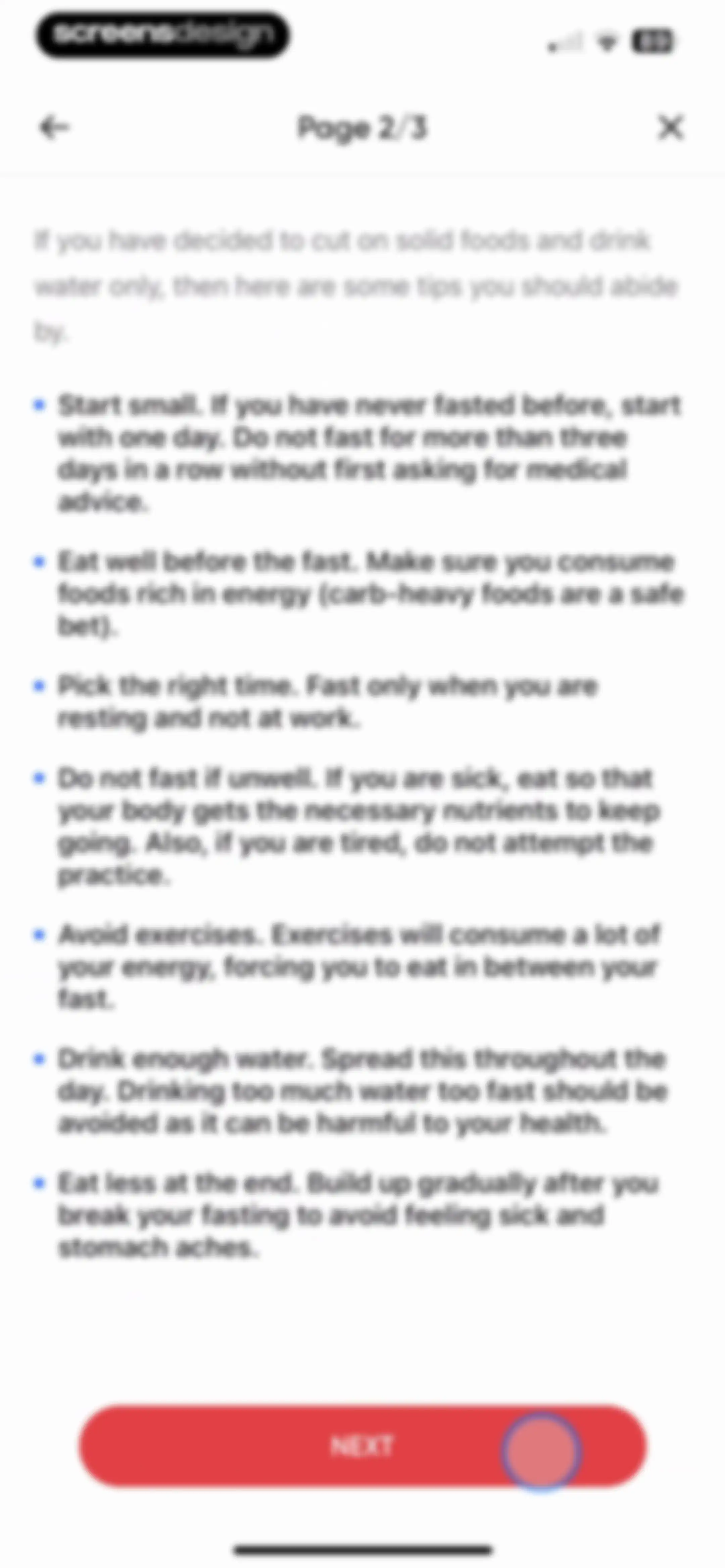
Onboarding screen displaying a bulleted list of fasting tips and a Next button on page two of three.Unlock Pro
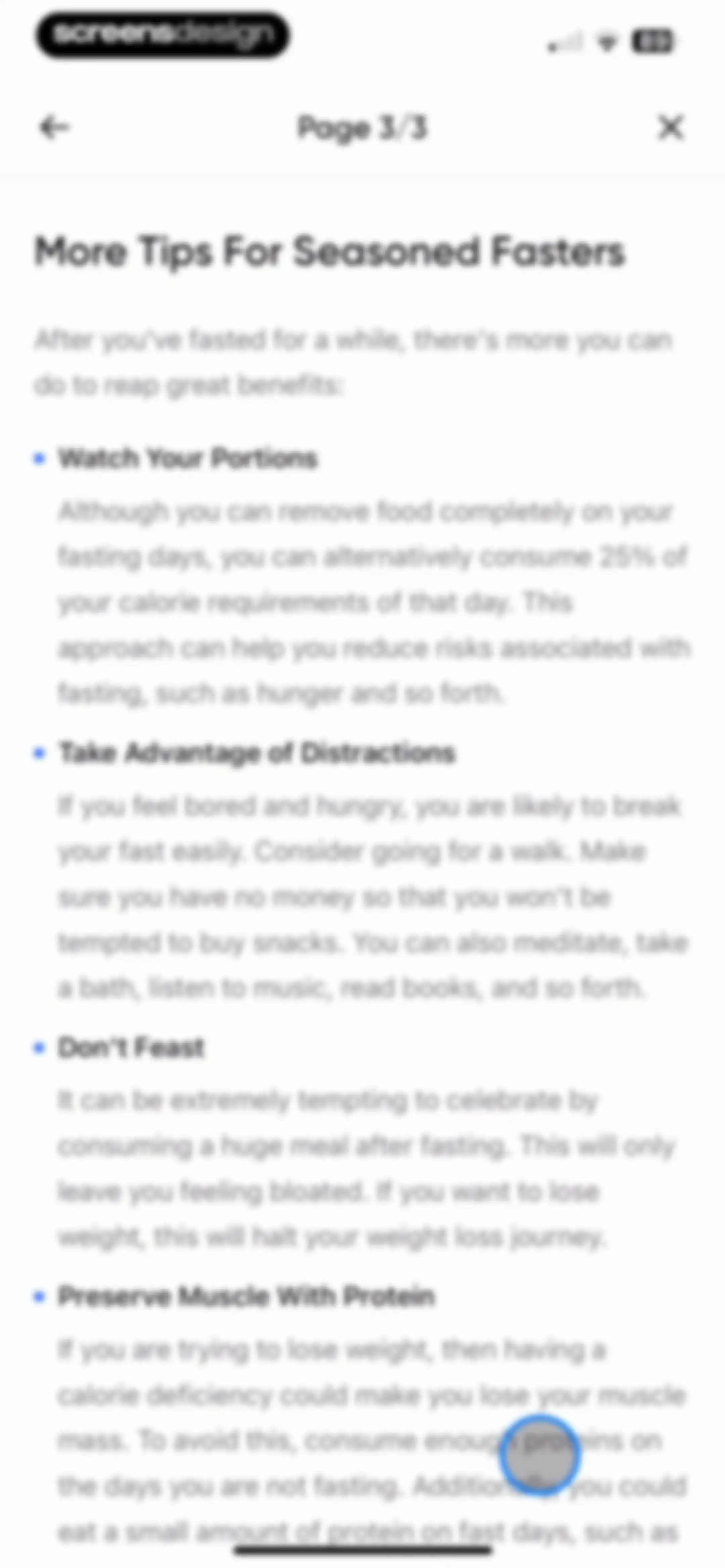
Onboarding screen titled More Tips For Seasoned Fasters, displaying a list of four educational nutrition tips on page three of three.Unlock Pro
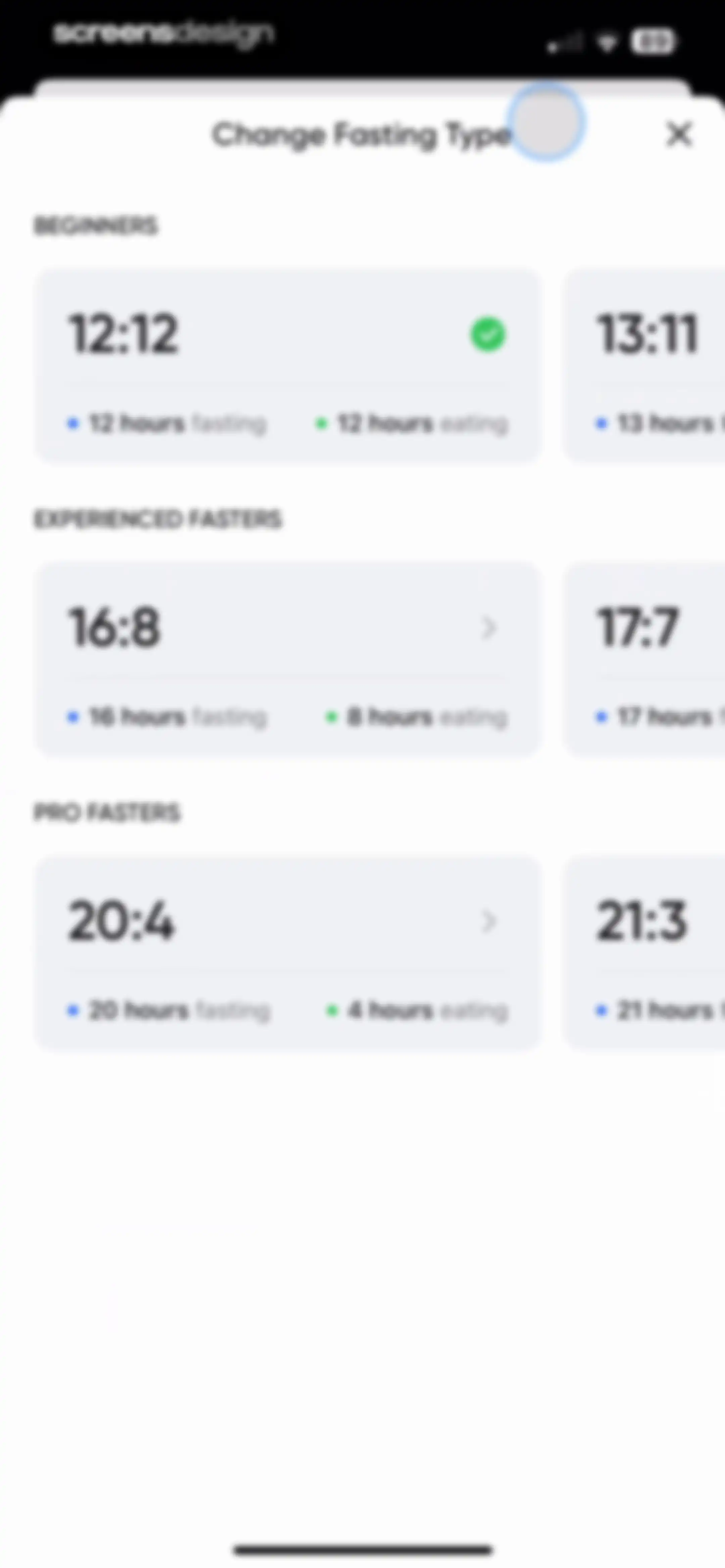
Fasting plan selection modal with categorized schedule cards, with the 12:12 plan selected and a close button.Unlock Pro
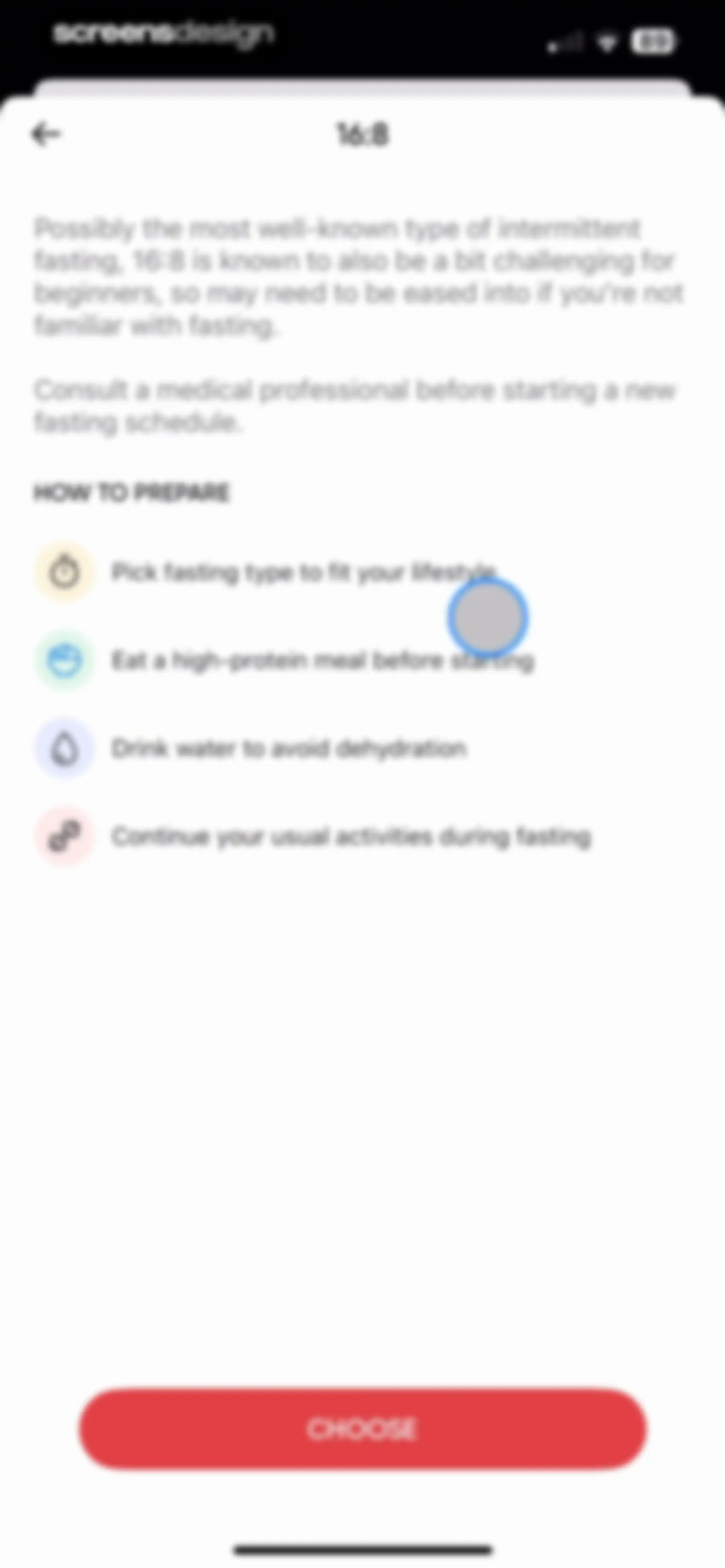
Fasting plan educational screen for 16:8 intermittent fasting with preparation tips and a Choose button.Unlock Pro
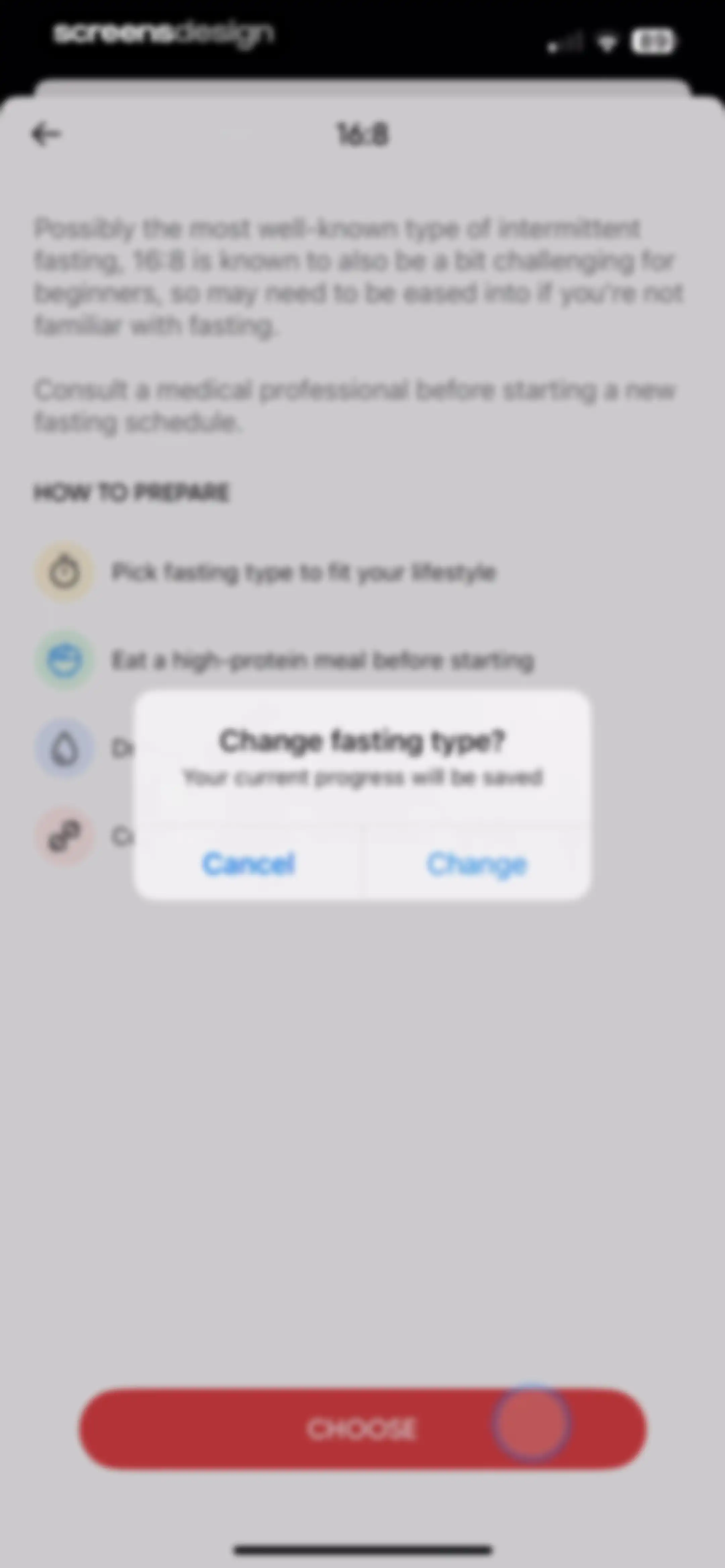
Fasting preparation screen with a centered confirmation modal asking to change fasting type, including Cancel and Change buttons.Unlock Pro
Fasting dashboard showing an active timer at 00:18:25, a stop fasting button, an educational card about blood sugar, and weekly statistics.Unlock Pro
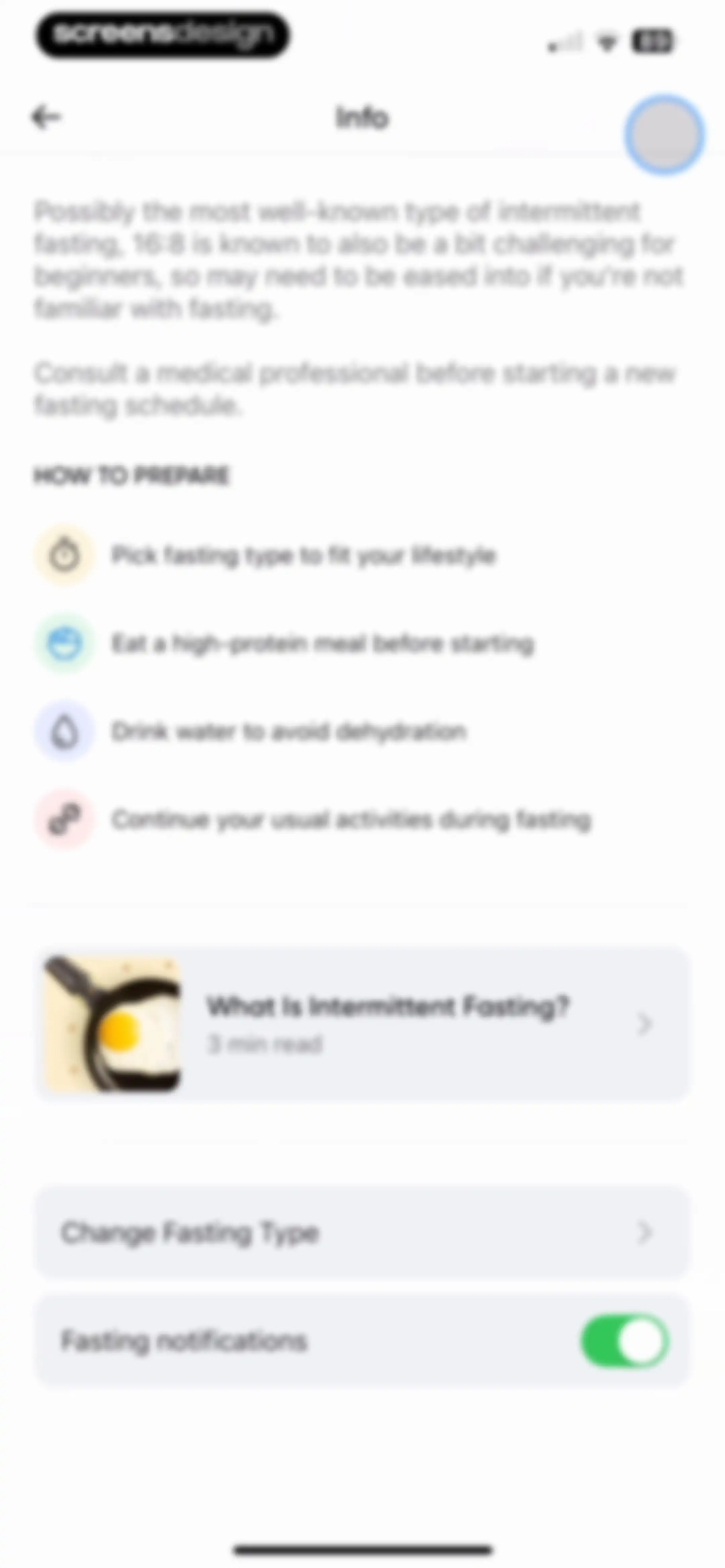
Informational screen about intermittent fasting with preparation tips, an educational article card, and a fasting settings toggle.Unlock Pro
BetterMe onboarding screen showing a food photo of a salmon dish labeled 1 of 14 with a browser navigation bar.Unlock Pro
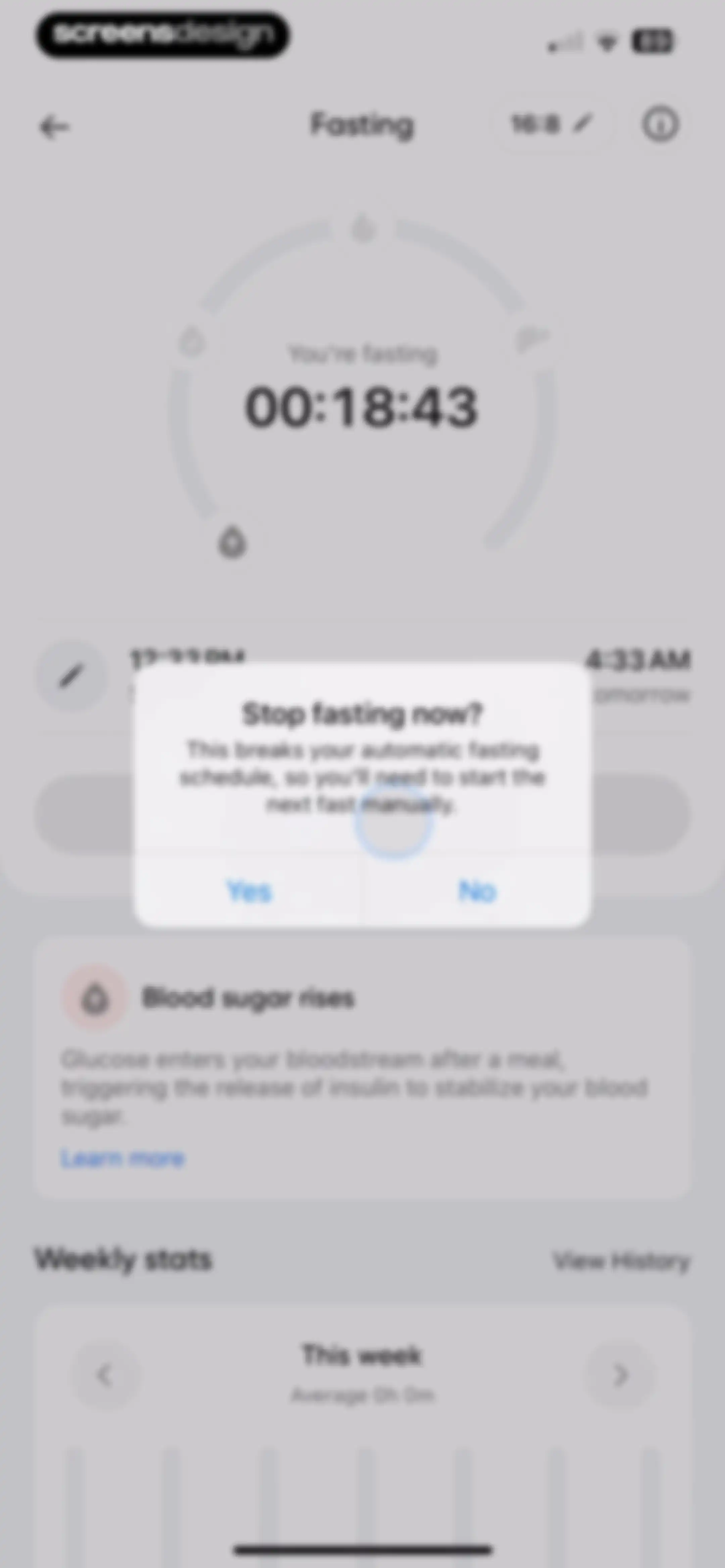
Fasting dashboard with a confirmation modal asking to stop the current fasting session, accompanied by a timer and weekly stats.Unlock Pro
Fasting dashboard with a circular upcoming fast indicator, a START FASTING button, and a weekly statistics card.Unlock Pro
Fitness achievement screen with a streak tracker and badge categories, covered by a Welcome to Badges modal overlay and an Explore All button.Unlock Pro
Badge collection screen with an achievement modal overlay announcing the completion of a first workout and a Done button.Unlock Pro
Fitness app badge screen featuring a daily streaks progress tracker and an achievement modal with a Done button.Unlock Pro
Achievement badges screen with a modal notification celebrating the completion of an article, featuring a Done button.Unlock Pro
Achievement badges dashboard with a daily streak tracker and categorized badge sections showing earned and locked milestones.Unlock Pro
Badge collection screen with an achievement modal overlay announcing a completed first workout and a Done button.Unlock Pro
Badges and daily streak screen with a modal overlay announcing upcoming new badges and a Can't Wait button.Unlock Pro
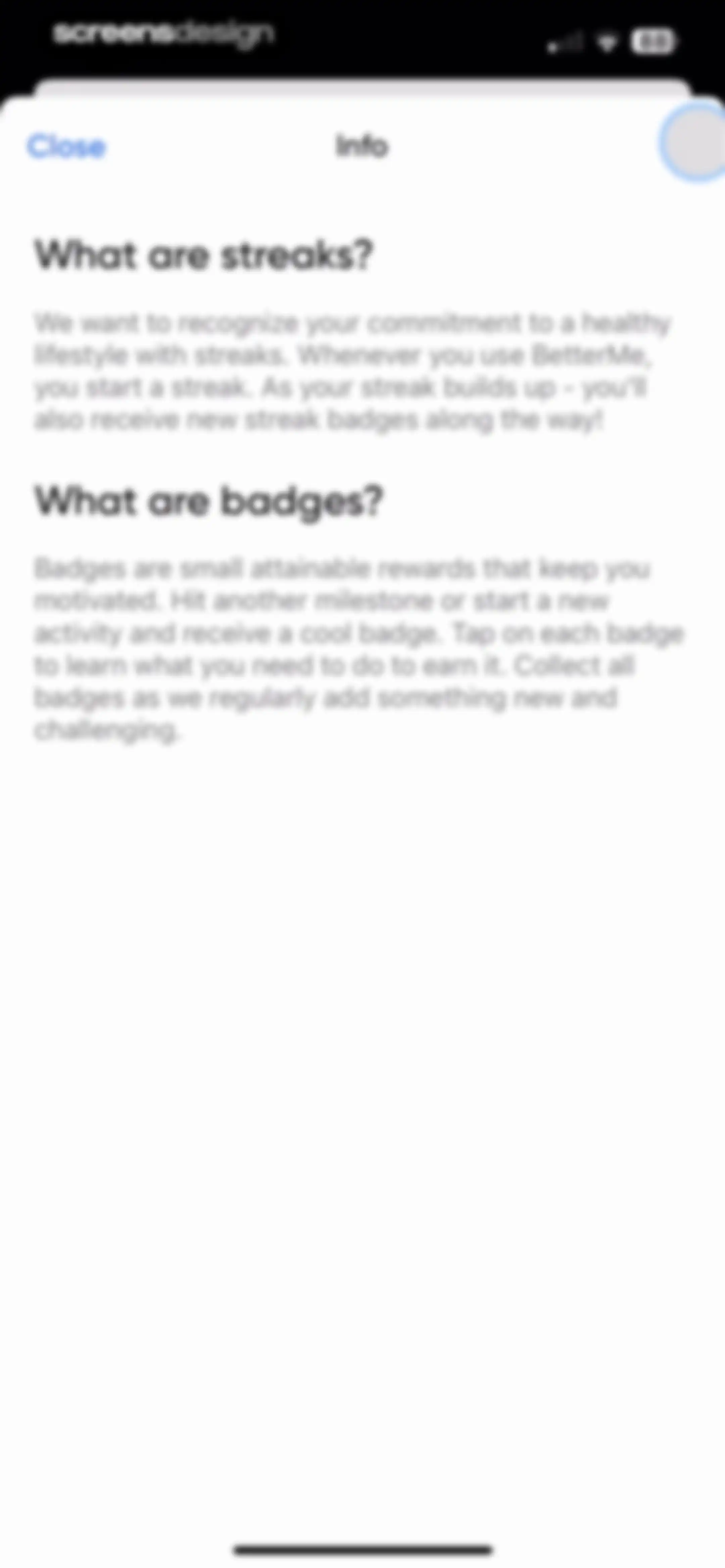
Informational modal explaining streaks and badges with a Close button in the top header.Unlock Pro
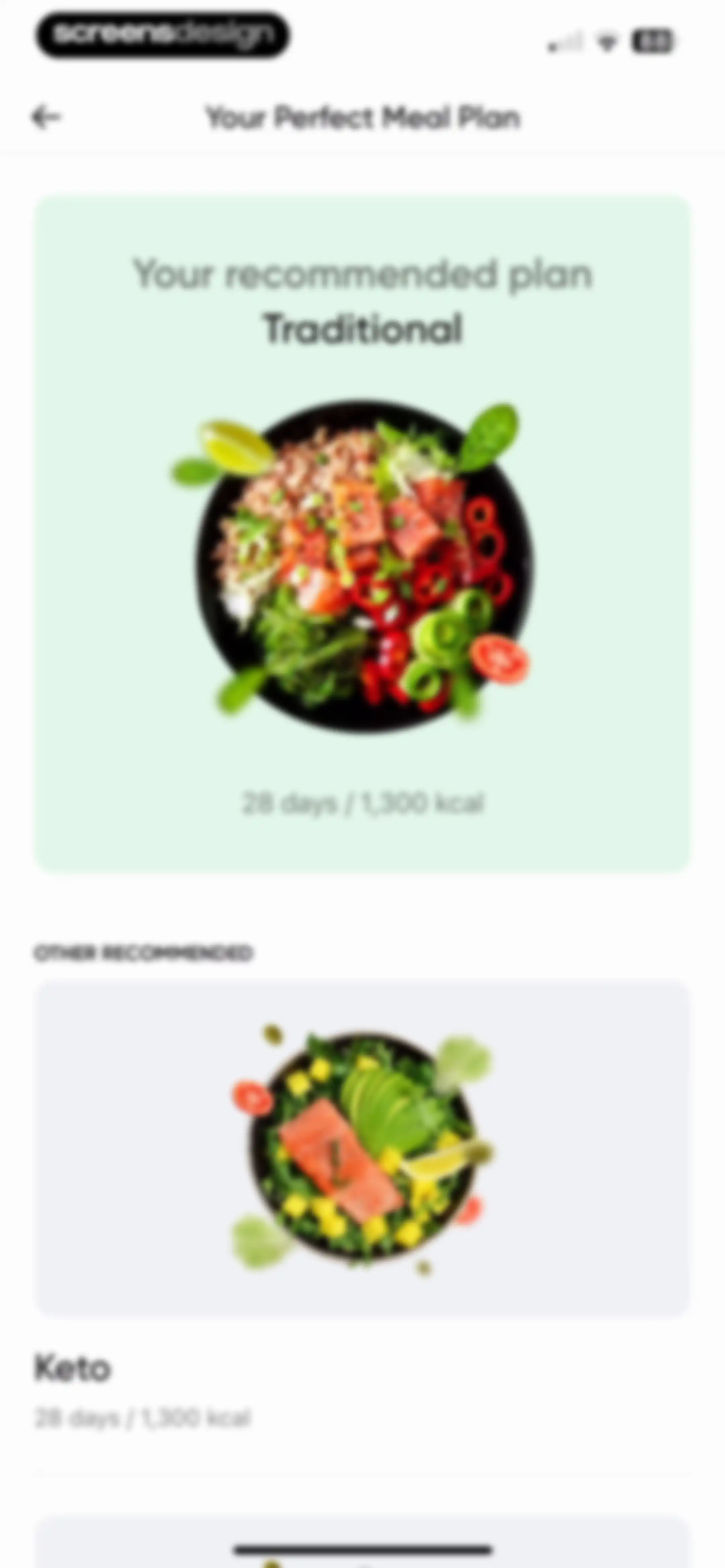
Meal plan selection screen showing a recommended Traditional plan card and other recommended options like Keto.Unlock Pro
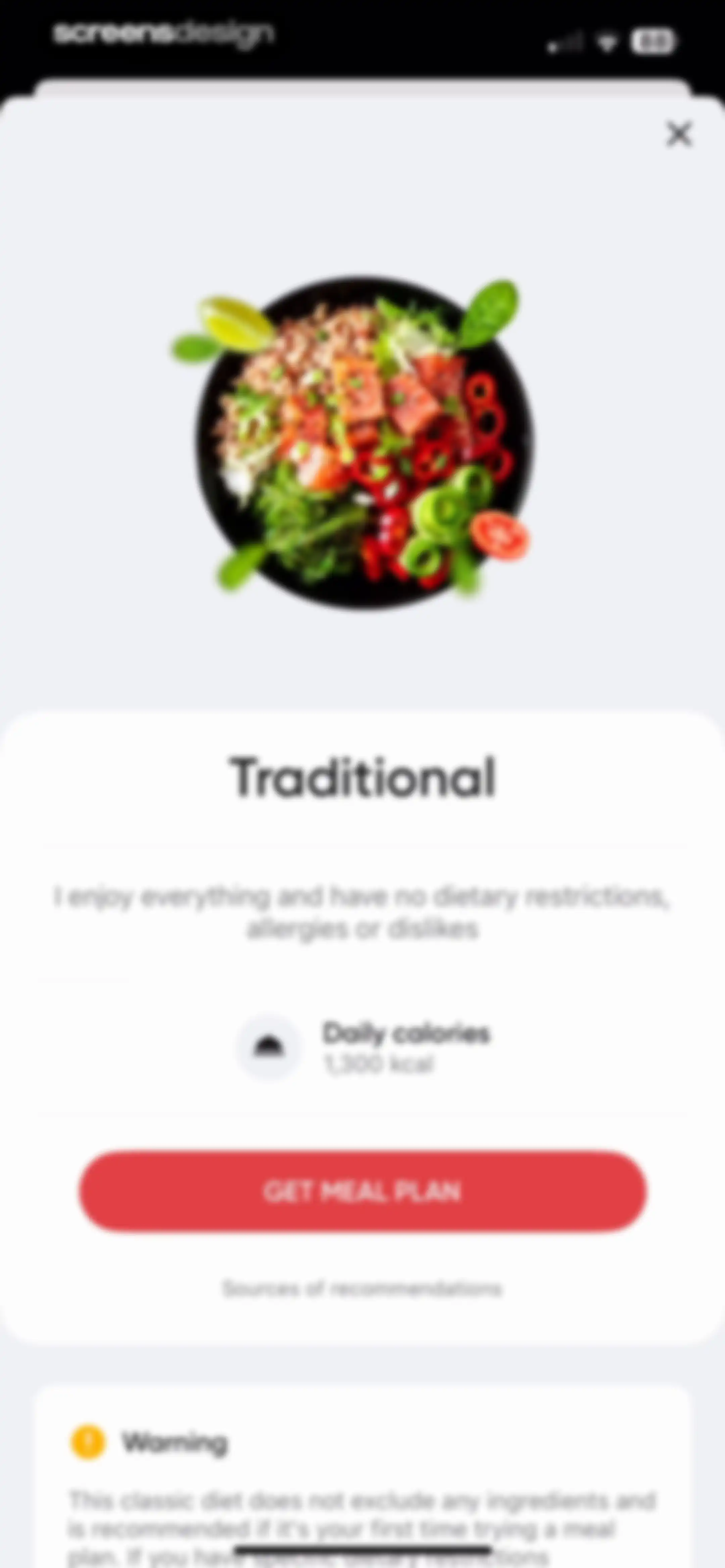
Meal plan selection modal featuring a Traditional diet description, daily calorie information, a warning card, and a Get Meal Plan button.Unlock Pro
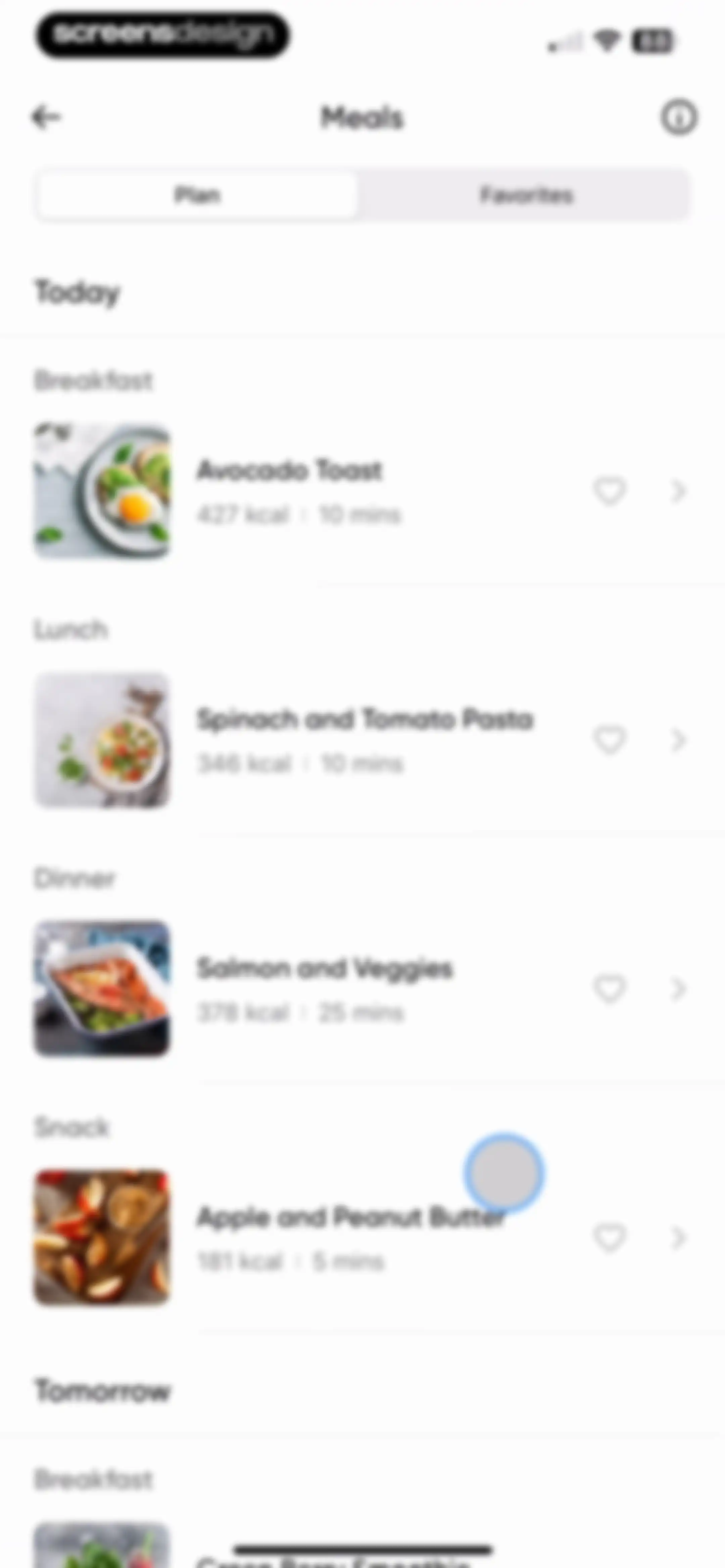
Daily meal plan screen displaying categorized meals with calories and prep times under a Plan and Favorites segmented control.Unlock Pro
Favorites dashboard displaying a daily meal plan with categorized recipes, calorie counts, and a success notification banner at the top.Unlock Pro
Meal details screen for Apple and Peanut Butter with nutritional stats, a five-minute cooking time, and a Log Meal button.Unlock Pro
Recipe detail screen for Apple and Peanut Butter with nutritional stats, tags, and a Log Meal button.Unlock Pro
Meal details screen for Apple and Peanut Butter with nutritional stats, cooking time, and a log meal action button.Unlock Pro
Meal list screen with the Favorites tab selected, displaying a vertical list of meal cards with images, calorie counts, and preparation times.Unlock Pro
Plan details screen showing Traditional diet information with a daily calorie target of 1,300 kcal, a safety disclaimer, and a Change Meal Plan button.Unlock Pro
Help support menu listing categories including Fitness advice and Billing inquiries, with a notification banner showing the confirmation email address.Unlock Pro
Support ticket empty state screen titled My Tickets with a chat bubble illustration and a Start A Conversation link.Unlock Pro
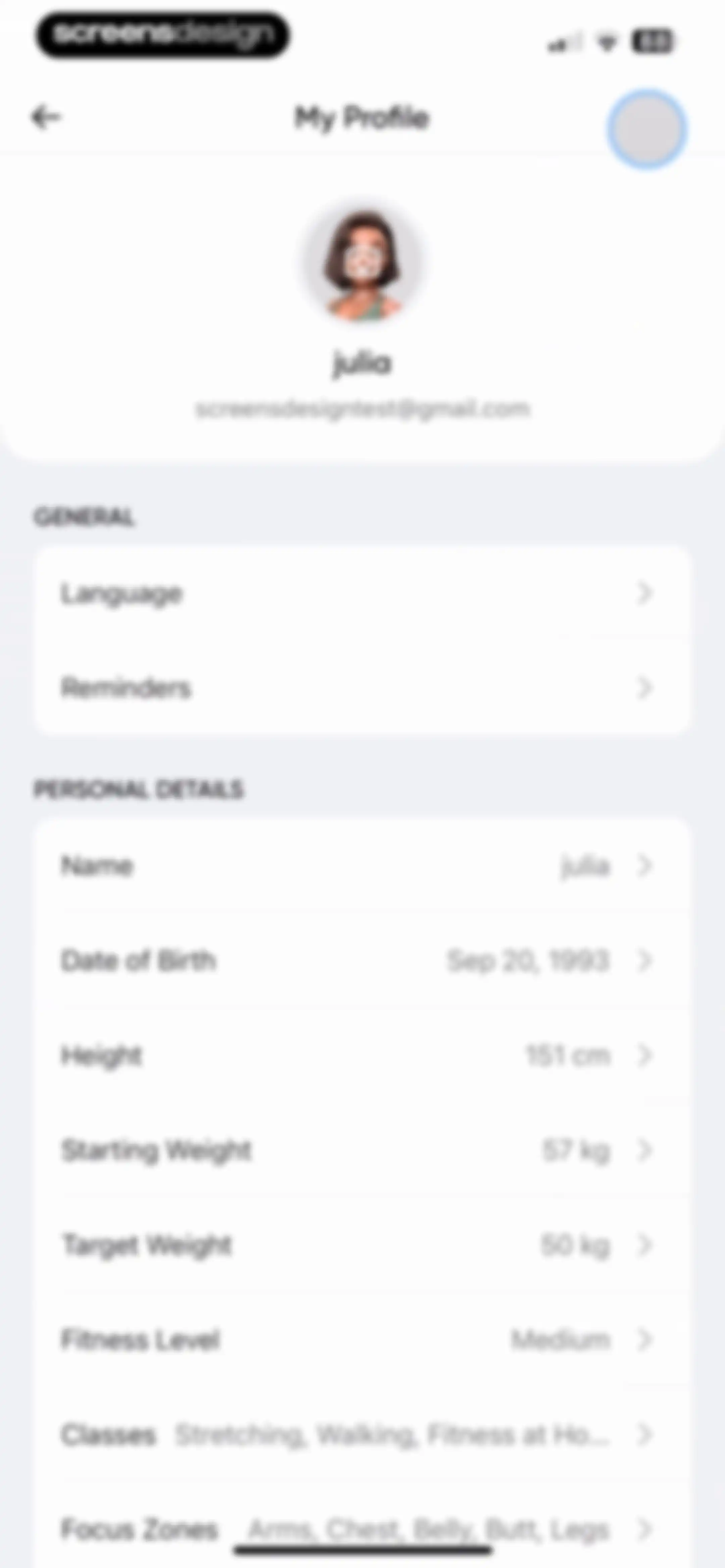
Profile settings screen displaying user account details, general settings, and personal fitness information lists with editable fields.Unlock Pro
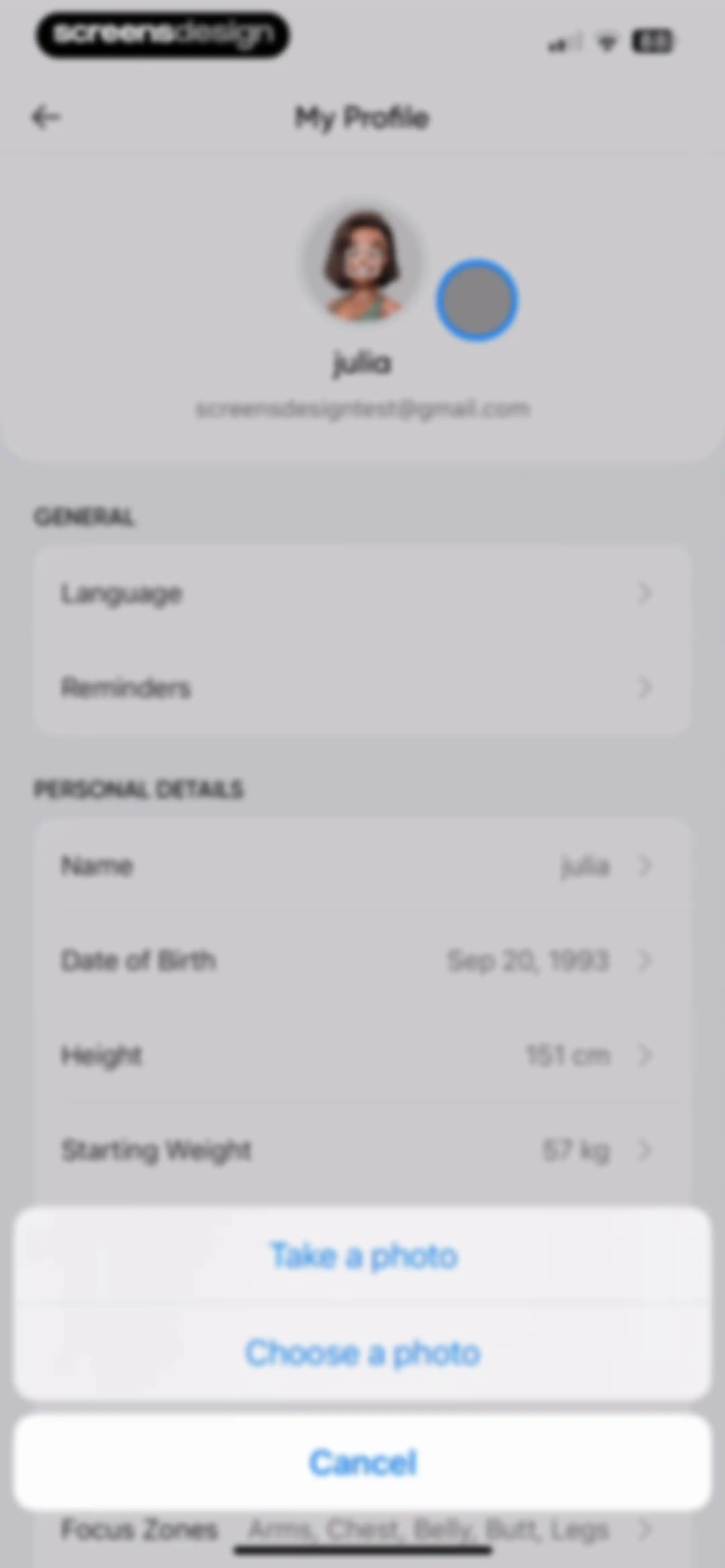
User profile settings screen displaying personal details, general options, and an active photo selection modal at the bottom.Unlock Pro
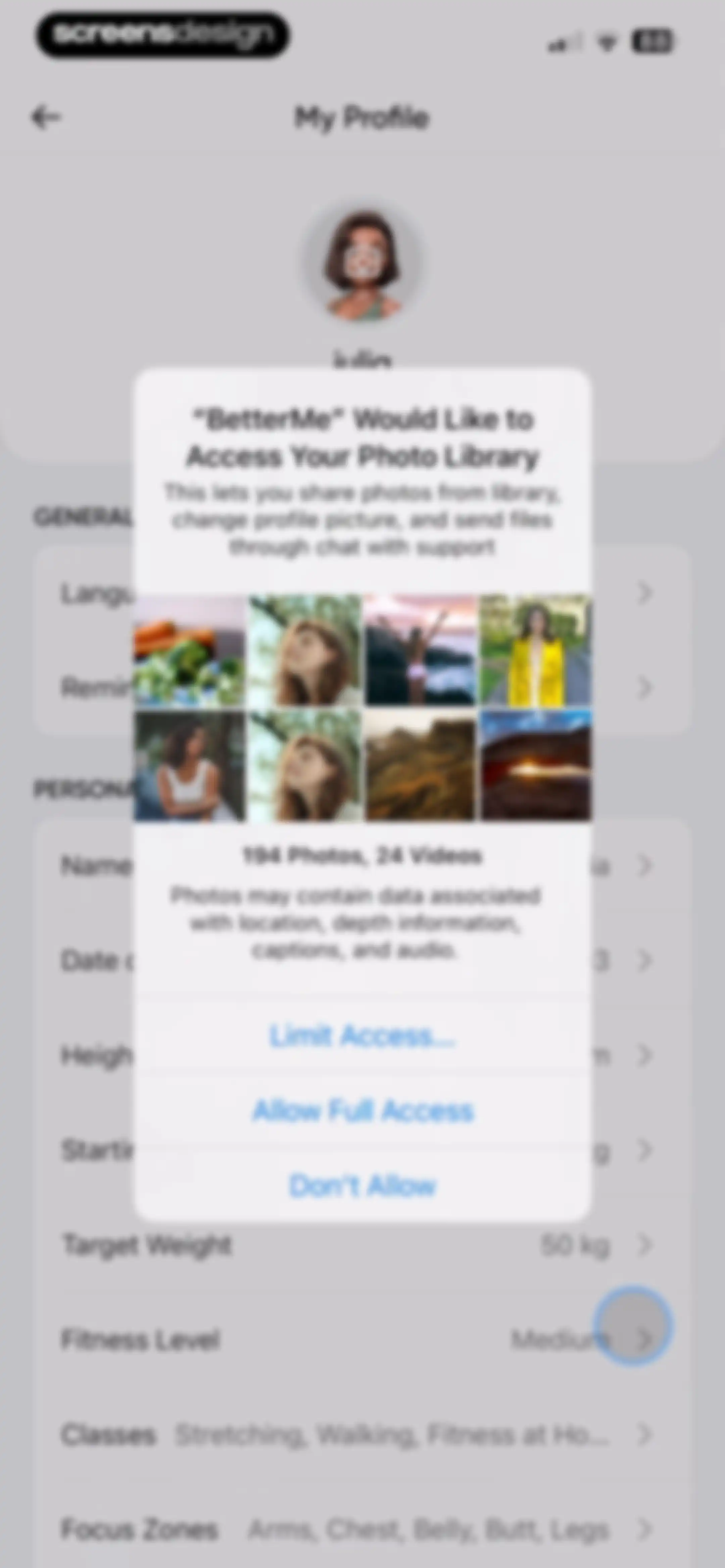
Permission request modal overlaid on the BetterMe profile settings page with options to allow full access, limit access, or deny access to the photo library.Unlock Pro
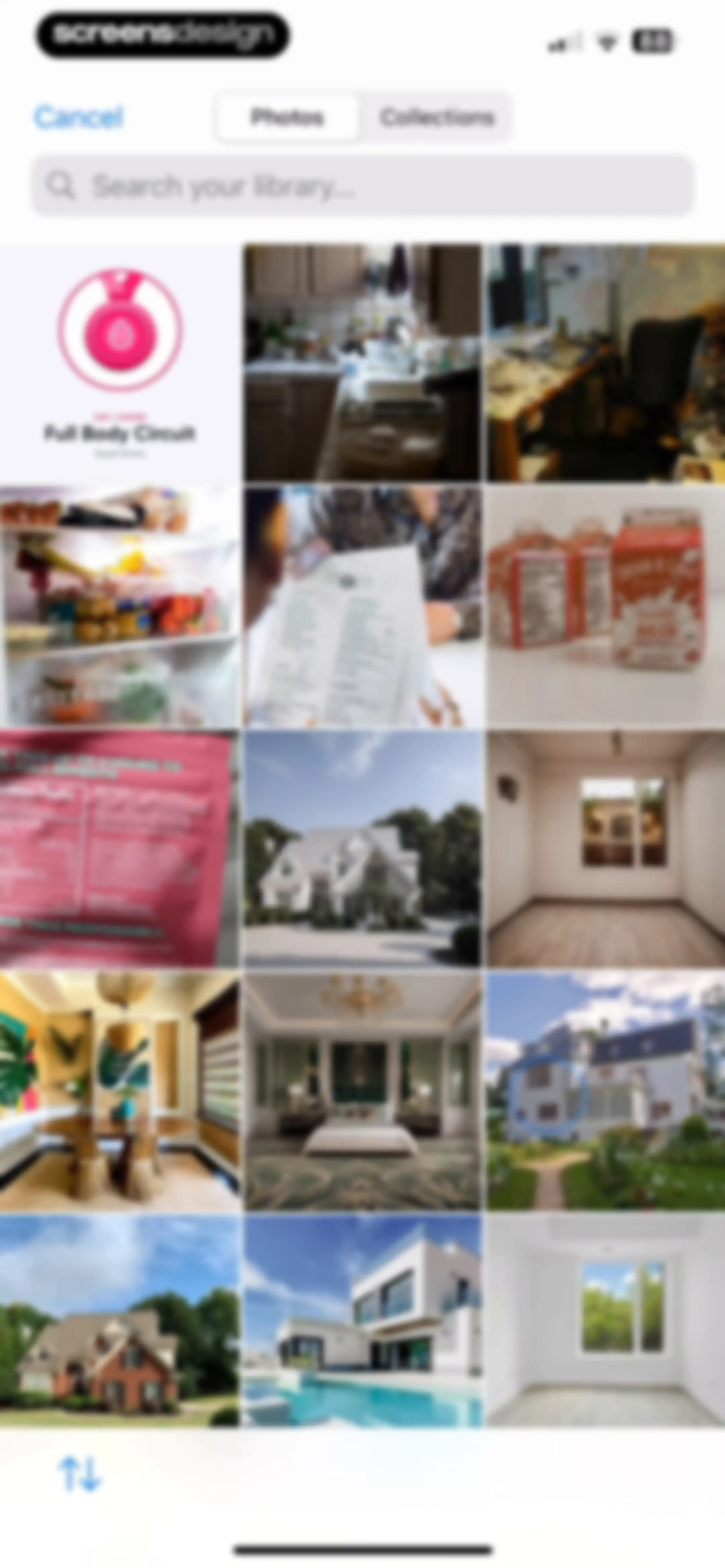
Photo picker interface in the BetterMe app displaying a search bar, segmented control for photos and collections, and a grid of images.Unlock Pro
Photo selection modal displaying a portrait preview with Choose and Cancel buttons.Unlock Pro
Permissions screen providing instructions to change the BetterMe app language in phone settings, featuring a central illustration and a Go to Settings button.Unlock Pro
Reminders settings screen displaying global, workout, fasting, and meal notification controls with an expanded workout reminder time-picker.Unlock Pro
Profile settings screen displaying user preferences like daily step goal, legal links, and a log out button.Unlock Pro
BetterMe terms and conditions screen with a language dropdown, policy links, and auto-renewal subscription details.Unlock Pro
BetterMe privacy policy screen listing legal links, a language dropdown, and a data collection text block.Unlock Pro
BetterMe subscription terms page displaying policy links and a numbered table of contents.Unlock Pro
Manage personal data and fitness tracker settings screen with options to request or remove data and stop syncing tracker information.Unlock Pro
Privacy preference center modal featuring data processing details, allow and reject options, a targeting consent toggle, and a confirm choices button.Unlock Pro
Settings screen with a success notification at the top, a list of fitness preferences, legal links, and a log out button at the bottom.Unlock Pro
Unit settings screen comparing Meters and grams with Pounds and feet, showing the metric option selected with a checkmark.Unlock Pro
Daily step goal settings screen with a vertical picker wheel and a red SAVE button.Unlock Pro

About BetterMe Well-Being Coach

A comprehensive health and fitness platform offering personalized workout plans, meal tracking, and professional coaching for weight management goals.

Explore BetterMe Well-Being Coach across ScreensDesign

Apps similar to BetterMe Well-Being Coach

Unlock all similar apps

See every comparable app, revenue, installs, and flows.

Unlock Pro
  • Diet & Training by Ann

    4.6
    activerse.app sp. z o.o.Revenue$55kInstalls<5k
  • BodyFast: Intermittent Fasting

    4.7
    BodyFast GmbHRevenue$150kInstalls30k
  • Unimeal: Fasting and Diet

    4.4
    Amoapps LimitedRevenue$<5kInstalls<5k
  • 8fit Workouts & Meal Planner

    4.7
    Urbanite Inc.Revenue$<5kInstalls<5k
  • Bodybuilding.com - Fitness App

    4.6
    Bodybuilding.comRevenue$60kInstalls<5k
  • Home Workout - No Equipments

    4.9
    Leap HealthRevenue$450kInstalls300k
  • FitMe - Lazy Workout at Home

    4.8
    EXTRAMILE LIMITEDRevenue$55kInstalls5k
  • MyFitCoach - Workout Planner

    4.6
    MyFitCoach GmbHRevenue$200kInstalls25k
  • MyFitnessPal: Calorie Counter

    4.7
    MyFitnessPal, Inc.Revenue$12MInstalls550k
  • Home Fitness Coach: FitCoach

    4.7
    WELLTECH APPS LIMITEDRevenue$50kInstalls<5k
  • EatBetter: AI Food Journal

    4.5
    AI SPARKS LABSRevenue$60kInstalls20k
  • Organic Fit: Workout for Women

    4.5
    OrganicAppsRevenue$10kInstalls<5k
  • Stronger - Gym Workout Planner

    4.8
    Atlas Smart Technologies LTDRevenue$85kInstalls55k
  • Befit: Gym Workout Tracker

    4.8
    3Apps SolutionsRevenue$250kInstalls50k
  • Planfit AI Gym Workout Planner

    4.8
    Planfit Inc.Revenue$250kInstalls35k
  • Home Fitness for Weight Loss

    4.6
    MONTIBUS LTDRevenue$8kInstalls<5k
  • SnapCal: AI Calorie Counter

    4.8
    Scan AppRevenue$150kInstalls60k
  • Freeletics: Workouts & Fitness

    4.6
    Freeletics GmbHRevenue$450kInstalls35k
  • Omo: Healthy Weight Loss App

    4.5
    WELLTECH APPS LIMITEDRevenue$7kInstalls<5k
  • WeGLOW: Home Workout for Women

    4.8
    WEGLOW APP LTDRevenue$55kInstalls<5k
  • Headspace: Sleep & Meditation

    4.8
    Headspace Inc.Revenue$2MInstalls85k
  • Workout for Women: Home & Gym

    4.8
    Fast Builder LimitedRevenue$200kInstalls55k
  • Gymondo: Fitness Workout Plans

    4.7
    GymondoRevenue$45kInstalls7k
  • Joggo - Run Tracker & Coach

    4.4
    JOGGO UABRevenue$<5kInstalls<5k
  • RP Diet Coach & Planner

    4.4
    RP Strength, LLCRevenue$50kInstalls<5k
  • 75Me: 75 Day Reset Challenge

    4.8
    75Me LLCRevenue$90kInstalls60k
  • Fitia: Calorie Counter & Diet

    4.9
    Nutrition TechnologiesRevenue$400kInstalls250k
  • Fastin: Intermittent Fasting

    4.8
    Bongmi Global GroupRevenue$<5kInstalls<5k
  • Muscle Booster Workout Tracker

    4.5
    WELLTECH APPS LIMITEDRevenue$400kInstalls55k
  • Sesh: Women Fitness & Workouts

    4.8
    Undefined LLCRevenue$<5kInstalls<5k
  • Muscle Monster Workout Planner

    4.7
    TechPioneers LimitedRevenue$400kInstalls90k
  • Fasting Coach-Fasting Tracker

    5.0
    HONG KONG AIO SOFTWARE TECHNOLOGY CO., LIMITEDRevenue$<5kInstalls<5k
  • Jillian Michaels | Fitness App

    4.7
    EM DigitalRevenue$20kInstalls<5k
  • Nike Training Club

    4.8
    Nike, IncRevenue$<5kInstalls200k
  • SmartGym: Gym & Home Workouts

    4.7
    Mateus AbrasRevenue$50kInstalls12k
  • Eato®: Calorie Tracker

    4.8
    Enerjoy Pte. Ltd.Revenue$85kInstalls<5k
  • THRST

    4.8
    MIKE THURSTON LTDRevenue$15kInstalls<5k
  • 1st Phorm

    4.6
    First PhormRevenue$200kInstalls<5k
  • Fitplan®: Gym & Home Workouts

    4.8
    Fitplan Technologies IncRevenue$<5kInstalls<5k
  • HabitMinder • Habit Tracker

    4.6
    Reflective Technologies ApSRevenue$<5kInstalls20k
  • MadFit: Home Fitness Workouts

    4.7
    Maddie Lymburner Wholesome Influence Inc.Revenue$30kInstalls<5k
  • Sworkit Fitness & Wellness App

    4.7
    NexerciseRevenue$14kInstalls<5k
  • AI Calorie Tracker by Eatwise

    4.7
    Vision WizardRevenue$15kInstalls<5k
  • MySwimPro: #1 Swim Workout App

    4.5
    MySwimPro, Inc.Revenue$90kInstalls<5k
  • Pacer Pedometer Step Counter

    4.9
    Pacer Health, IncRevenue$250kInstalls150k
  • Simple Habit Sleep, Meditation

    4.8
    INGENIO, LLCRevenue$<5kInstalls<5k
  • Welmi - Calorie Counter & Diet

    4.8
    T-SHAPED APPS LTDRevenue$250kInstalls300k