

 See the flow
  Bible Chat: Daily Devotional
The card lists five distinct items: 'Membership' (currently showing 'Trial' status), 'Change Premium Plan', 'Redeem Promotional Code', 'Restore purchases', and 'Gift Bible Chat'.
 See the flow
  Heyyyy: Stories that text back
A 'Restore Purchases' link is also present.
 See the flow
  Claude by Anthropic
Further down, there is a 'Restore purchases' option accompanied by a circular refresh icon.
 See the flow Heyyyy: Stories that text back
The 'Account' section displays user details like email, member since date, last login, account status, free character creations count, and app version, along with a 'Restore Purchases' link.
 See the flow
  Meetup: Social Events & Groups
Below the header, there is a single prominent button labeled 'Restore iTunes Subscription' centered horizontally.
 See the flow
  Tattoo AI - Tattoo Design
The second group includes 'Restore Purchases', a 'User ID' field with a copy-to-clipboard icon, and a 'Logout' button.
 See the flow
  Precious - Baby Photo Art
Customer Support', 'Restore Purchase', 'Subscription Information', and a promotional link to 'Save and Upgrade to Year Subscription'.
 See the flow
  calimoto Motorcycle Navigation
The main body is divided into two sections: 'APP SETTINGS' (containing General, Display, Audio, and Restore Purchases options) and 'CALIMOTO' (containing Blog, Help, and More).
 See the flow
  Hidden Camera Detector - Peek
The 'SUPPORT' section includes 'Help', 'Restore Purchases', and 'Request a Feature'.
 See the flow
  Layout for Instagram・Inpreview
Further down, there are static list items for 'Privacy policy' and 'Terms of use', followed by a 'Restore Purchases' button.
 See the flow
  Scanner App: Genius Scan
At the bottom, there is a prominent 'Restore purchases' button.
 See the flow
  Tiny Scanner - PDF Scanner App
The main body contains a list of settings options including 'Cloud Sync', 'Account' status (Premium), 'Current Subscriptions', 'Restore Purchased', 'Mail Me Address', and 'Sort By'.
 See the flow
  Gaia GPS: Mobile Trail Maps
The 'SUBSCRIPTION' section displays the current plan 'Outside+' with renewal information, followed by links to 'Manage Subscription' and 'Restore Purchases'.
 See the flow
  Everlook- Face & Body Editor
The 'General' section includes items for 'Everlook VIP', 'Version & Planning', 'Restore Purchased', and 'Clear Data'.
 See the flow
  Ascend: Bible Game
The bottom of the modal includes 'FAQ' and 'Restore Purchase' links.
 See the flow
  AI Song Generator: Mozart
Top navigation bar followed by a vertical list of tappable menu items.
 See the flow
  Flight Tracker +
The 'Help' section contains links to privacy settings, support/FAQs, and a restore purchases option.
 See the flow
  PDF Scanner AI: Scan Documents
The middle section contains two list items: 'Support' and 'Restore Purchases', both with chevron icons.
 See the flow
  1.1.1.1: Faster Internet
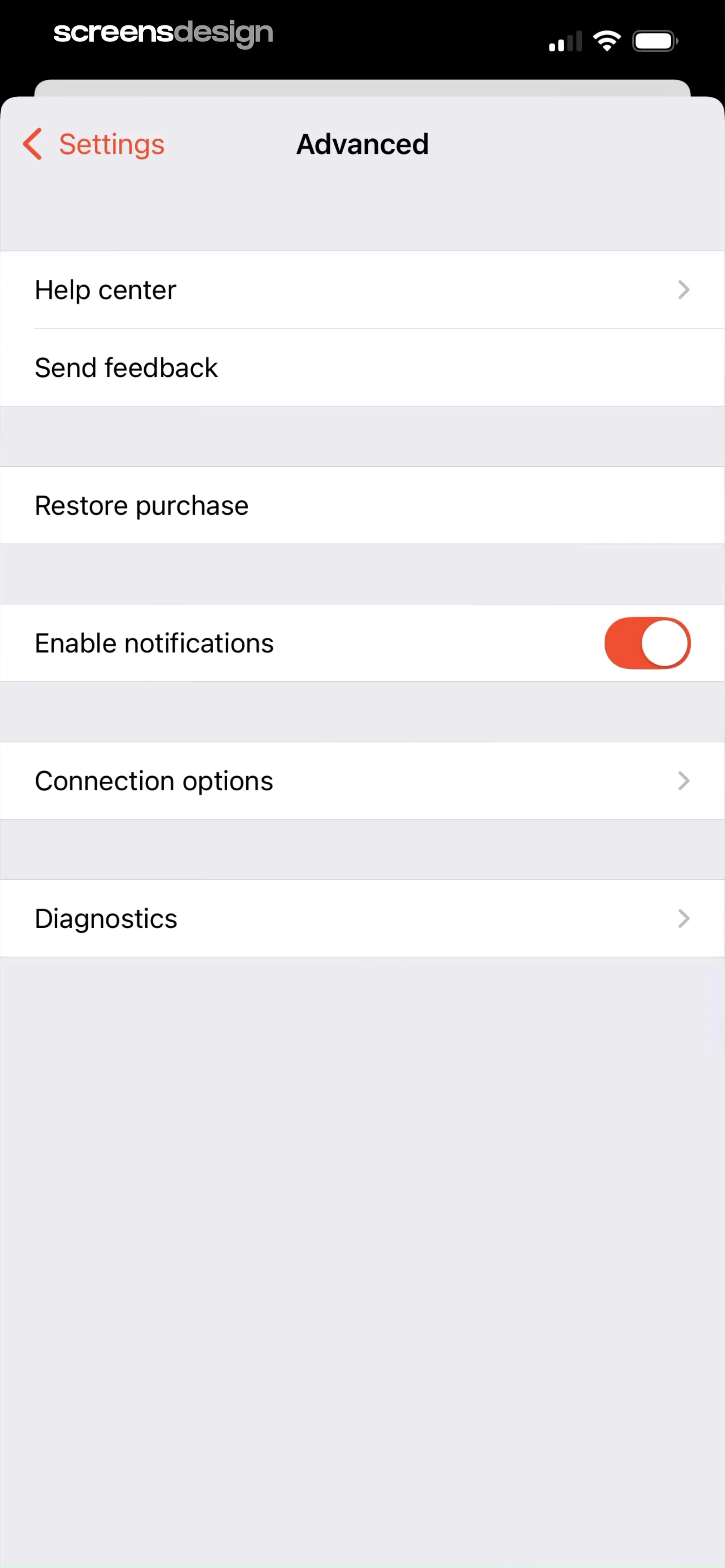
The items include 'Help center' (with a chevron), 'Send feedback', 'Restore purchase', 'Enable notifications' (with an active toggle switch), 'Connection options' (with a chevron), and 'Diagnostics' (with a chevron).
 See the flow
  ThemeKit: Widget & Icon Themes
A third grouped list contains system and legal settings: 'Reduce Motion', 'Authority Management', 'Privacy Policy', 'Terms of Use', and 'Restore Purchase'.


